FORMATTING
DOCUMENT
MS Word
Lecture #12
Created By: Shafaq Ahmreen
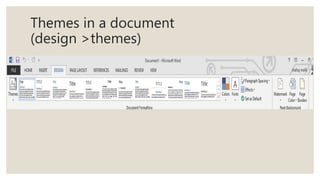
Themes in a document
(design >themes)
WHY WE USED THEMES?
Themes allows you to quickly improve the appearance
of your document. Styles can give your document a
more sophisticated look, while themes are a great way
to change the tone of your entire document quickly
and easily.
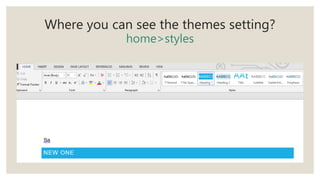
Where you can see the themes setting?
home>styles
ADDING PAGE ELEMENTS
•Headers
•Footers
•Page numbers
WHAT IS HEADER?
A header is the top margin of each page
Headers useful if you want something appear on every
page of a document such as your name, the title of the
document, or page numbers
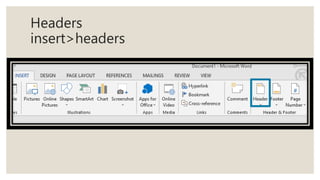
Headers
insert>headers
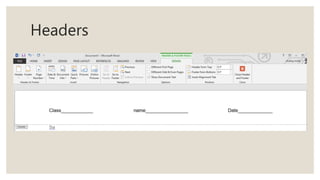
Headers
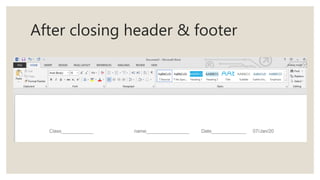
After closing header & footer
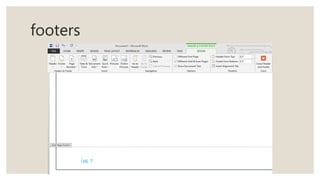
FOOTERS
A footer is the bottom margin of each page
Footer useful if you want something appear on every
page of a document such as author name, or page
numbers
footers
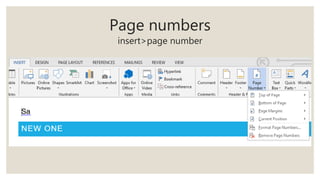
Page numbers
insert>page number
FORMATTING PAGE BACKGROUNDS
• Backgrounds
• watermarks
Backgrounds
BACKGROUNDS
• Colors
• more colors
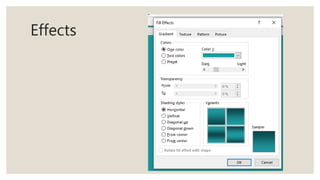
• effects
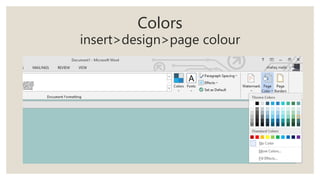
Colors
insert>design>page colour
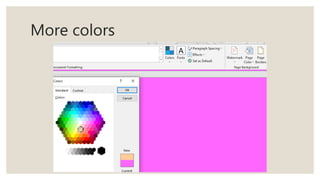
More colors
Effects
WATER MARKS
It is apply on the background with a
light effect without disturbing
original text
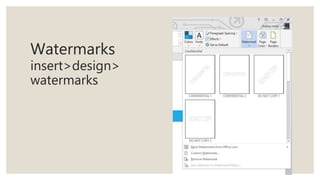
Watermarks
insert>design>
watermarks
PAGE SETUPS
Lecture # 13
MANAGING PAGE-SETUP
• Margins
• Orientation
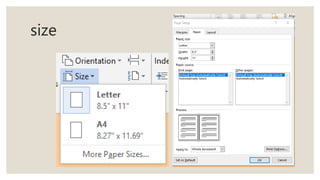
• Size
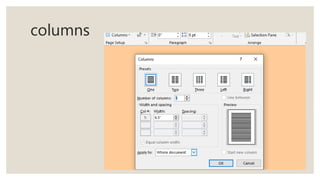
• Columns
• Page breaks
• Line number
• hyper nation
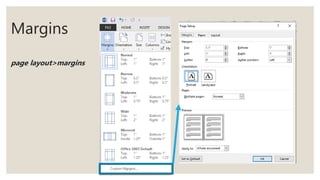
Margins
page layout>margins
GUTTER POSITION
It is used for the part of the paper made unusable by the
binding process
the gutter margin is typically the area where you might three-
hole punch your paper
paper
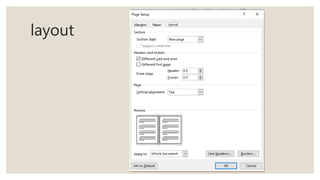
layout
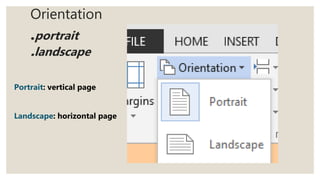
Orientation
.portrait
.landscape
Portrait: vertical page
Landscape: horizontal page
size
columns
BREAKS
There are 2 types of breaks
• Page break
• Section break
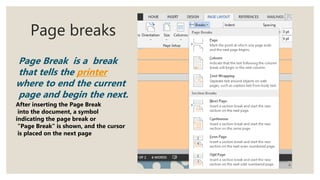
Page breaks
Page Break is a break
that tells the printer
where to end the current
page and begin the next.
After inserting the Page Break
into the document, a symbol
indicating the page break or
"Page Break" is shown, and the cursor
is placed on the next page
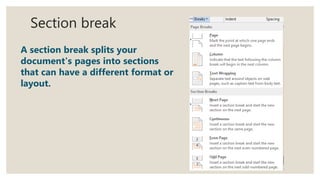
Section break
A section break splits your
document's pages into sections
that can have a different format or
layout.
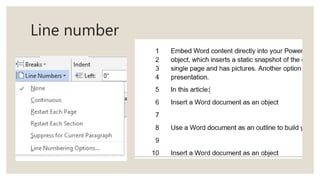
Line number
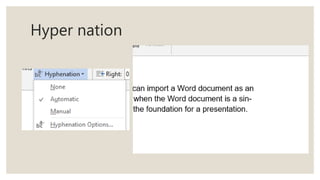
Hyper nation

formatting document in ms word