


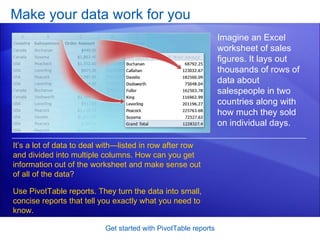
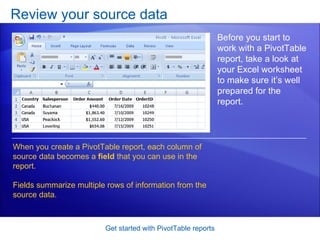
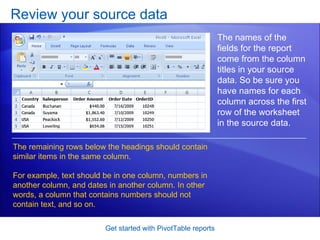
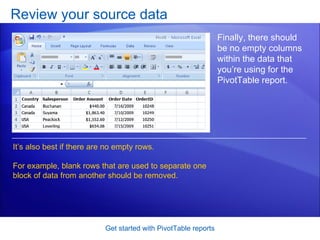
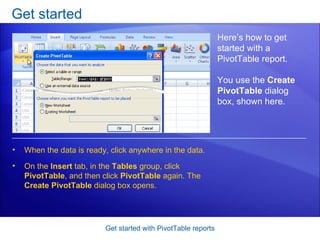
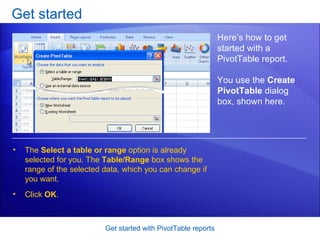
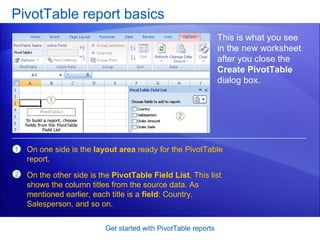
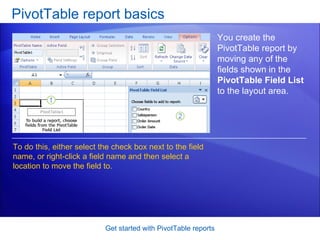
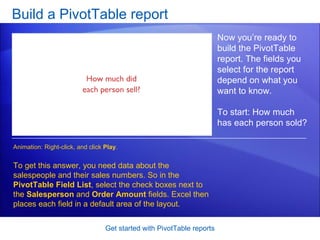
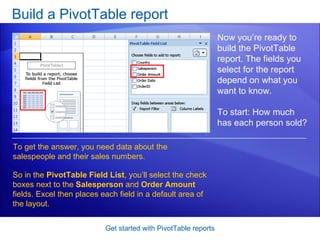
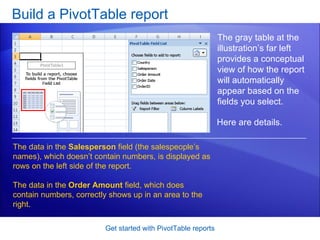
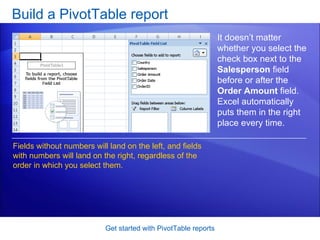
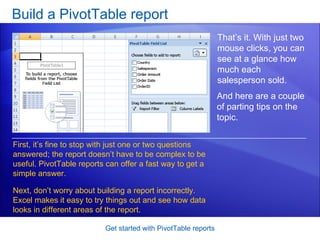
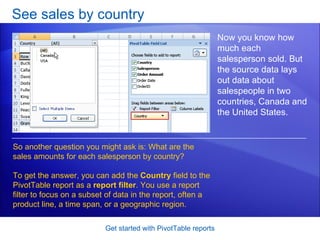
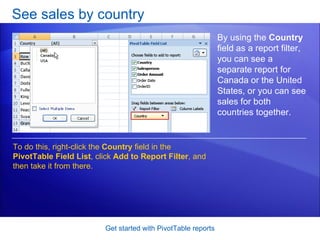
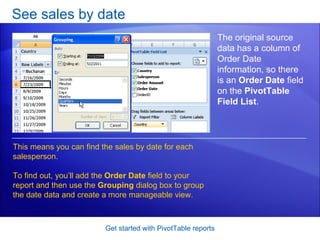
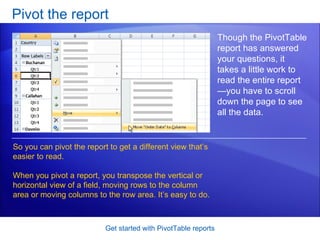
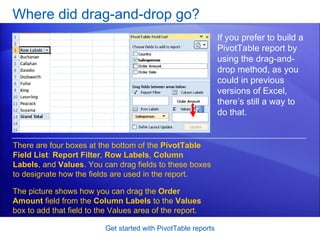

This document provides a tutorial on creating and customizing PivotTable reports in Microsoft Excel 2007. It explains how to select data fields to analyze, build the initial report layout, add filters and grouping, pivot the data orientation, and more. Screenshots demonstrate each step, such as selecting data fields, adding fields to the report layout, and using filters to focus on subsets of data. The goal is to teach users how to use PivotTable reports to efficiently analyze and summarize their data.


