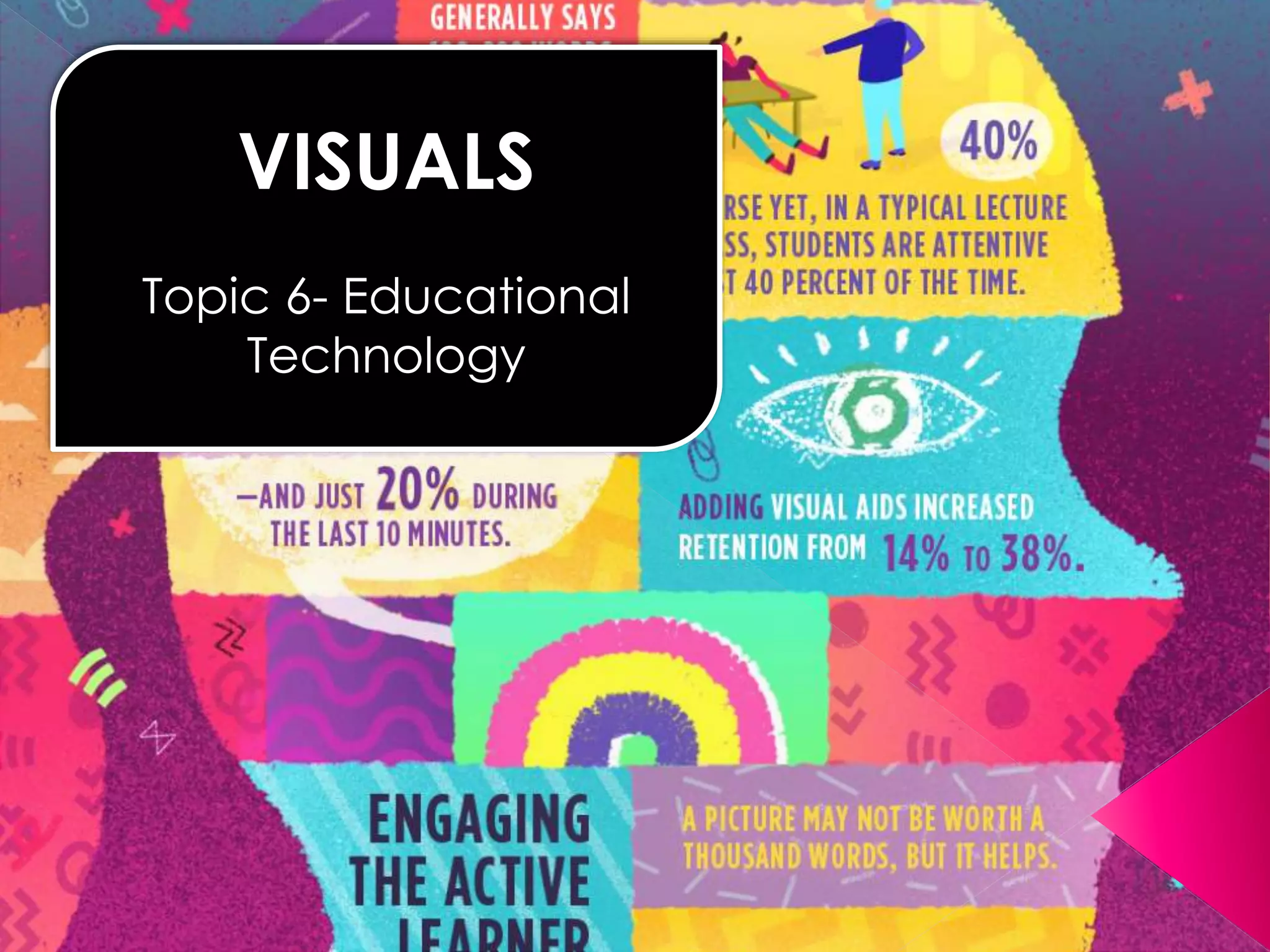
VISUALS 
Topic 6- Educational 
Technology
Definition of Visual Aid 
A visual aid is a material that can be seen 
that aids learning. 
Function 
Visual aids function as a learning tool for 
children and educators. They function by 
providing a visual representation of the 
subject that is being learned. This is something 
that regular text or oral presentation cannot 
do.
 Non projected visuals are those aids which are used 
without any projection. 
 Non-Projected Visuals can translate abstract ideas 
into a more realistic format. They allow instruction to 
move down from the level of verbal symbols into a 
more concrete level. 
 Non-projected visuals are easy to use because they 
do not require any equipment. 
 Inexpensive.
 It can be used in many ways at all levels 
of instruction and disciplines. 
 It is use to stimulate creative expression 
such as telling or writing stories or 
composing poetry. 
 It is use in testing and evaluation.
A. GRAPHIC MATERIALS 
The term graphics comes from the Greek word 
graphein which means “to write” “to draw” or “to 
represent by lines”. Graphics are instructional 
materials which present summarized information 
and ideas through drawings, words, pictures and 
symbols. Graphics are generally abstract.
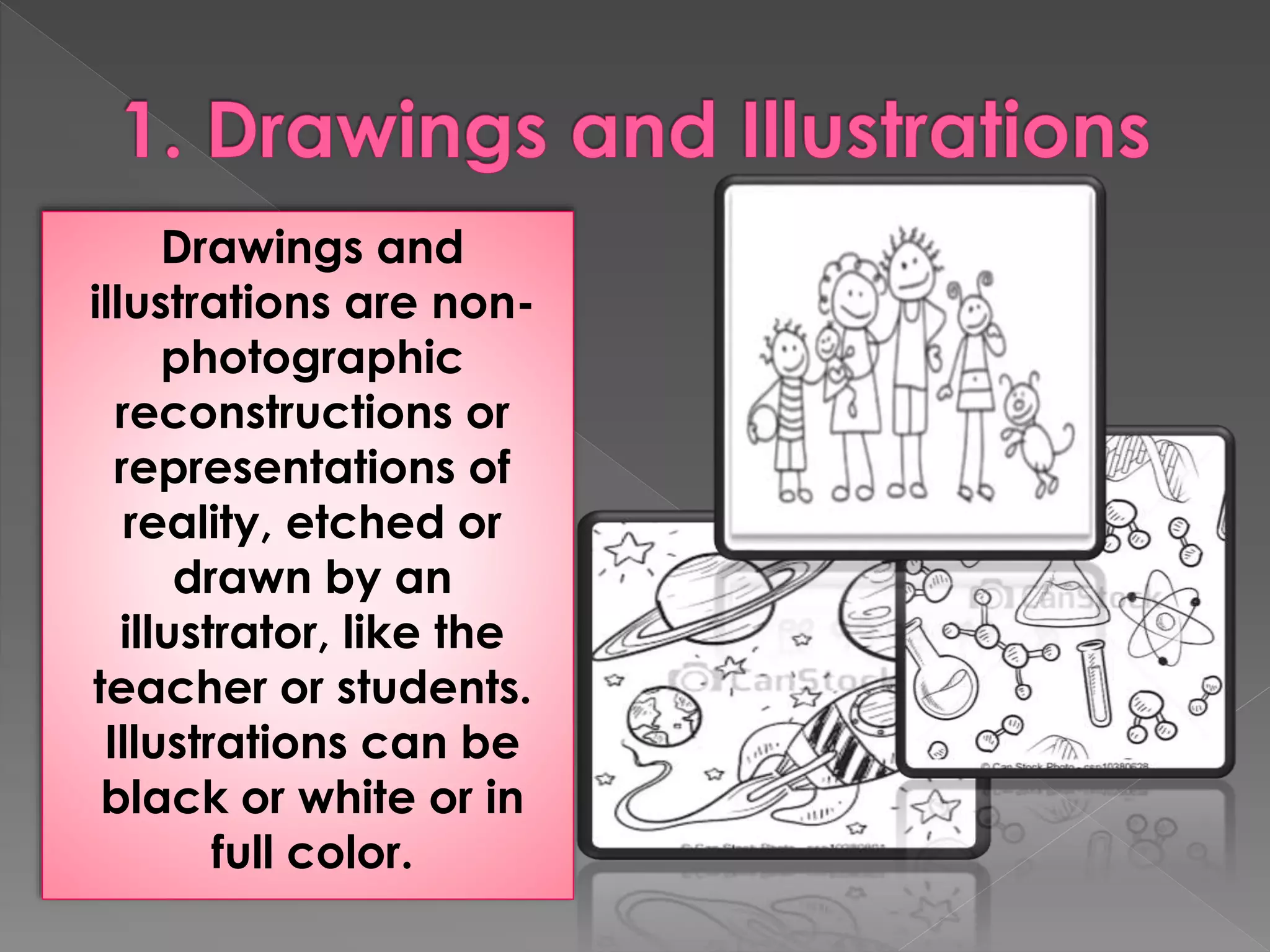
Drawings and 
illustrations are non-photographic 
reconstructions or 
representations of 
reality, etched or 
drawn by an 
illustrator, like the 
teacher or students. 
Illustrations can be 
black or white or in 
full color.
1. Giving faces to characters in a story. 
2. Displaying a number of examples of an 
item described in a textbook. 
3. Visualizing stepwise sets of instructions in a 
technical manual. 
4. Communicating subtle thematic tone in a 
narrative. 
5. Making a reader laugh or smile.
Advantages 
1. Drawings and illustrations could be prepared ahead of 
time by having it drawn on the board and covered until 
the class starts. 
2. Drawings and illustrations can be easily prepared once 
materials are available. They are also easy to utilize 
because they do not require special equipment. 
3. They are less detailed; hence, learners can easily 
understand their message. 
Limitations 
1. Drawings could be subject to misinterpretations. 
2. Technical expertise in drawing could be needed to 
produce good drawings and illustrations.
Charts are instructional materials which 
present relationship such as chronologies, 
quantities, and hierarchies. They usually 
appear as tables and flowcharts, and 
present a combination of pictorial, 
graphic, numerical or verbal materials.
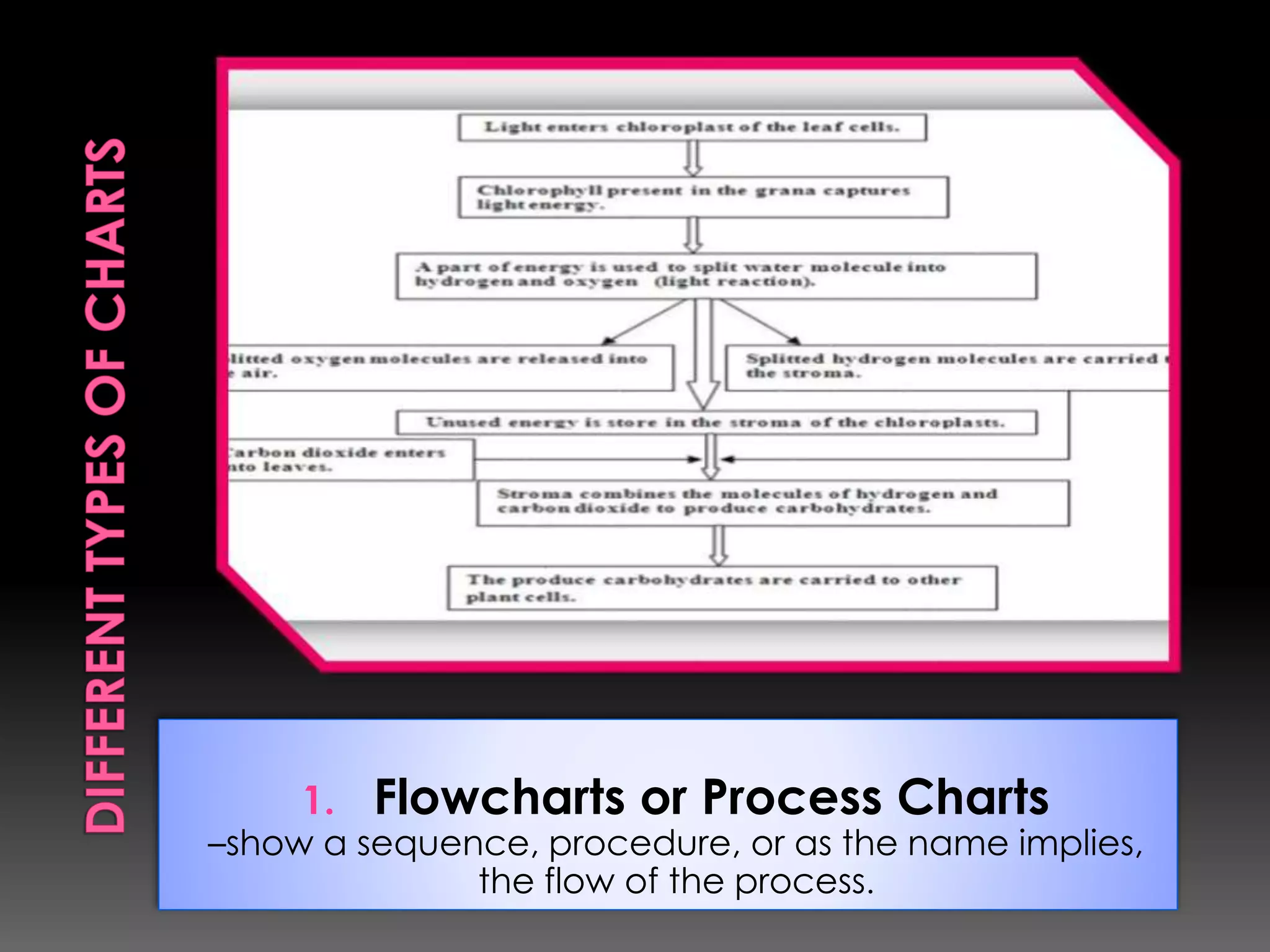
1. Flowcharts or Process Charts 
–show a sequence, procedure, or as the name implies, 
the flow of the process.
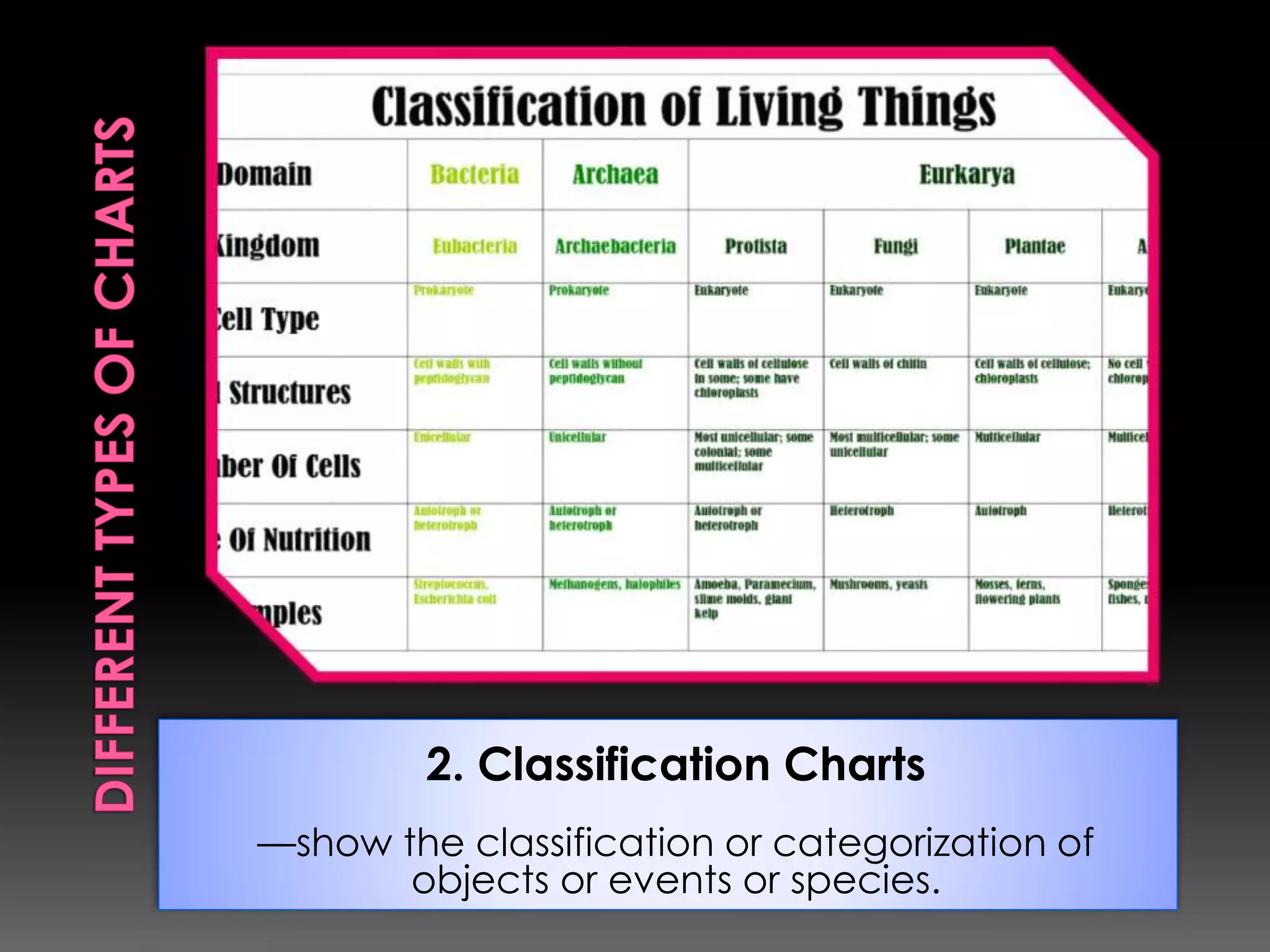
2. Classification Charts 
––show the classification or categorization of 
objects or events or species.
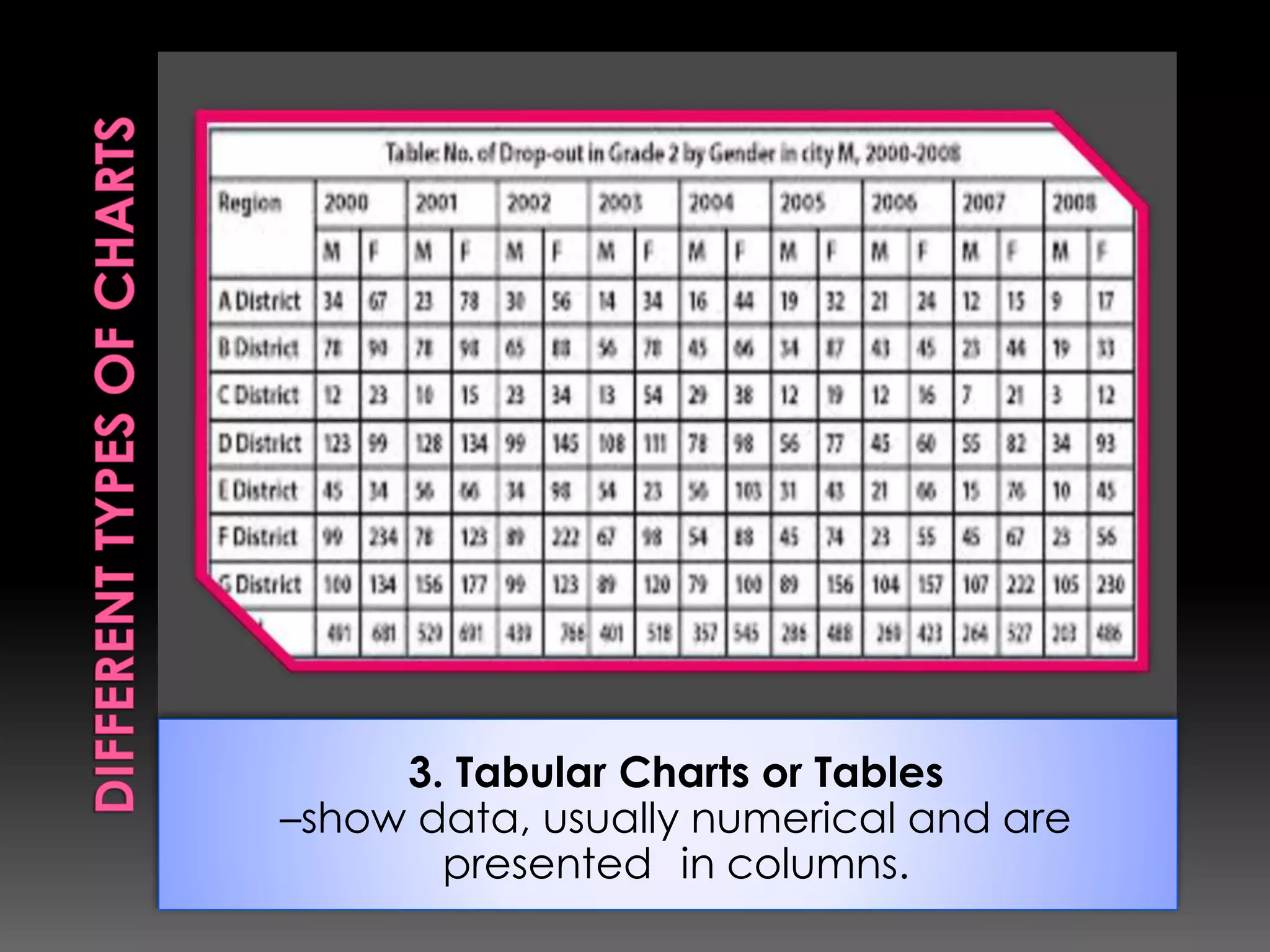
3. Tabular Charts or Tables 
–show data, usually numerical and are 
presented in columns.
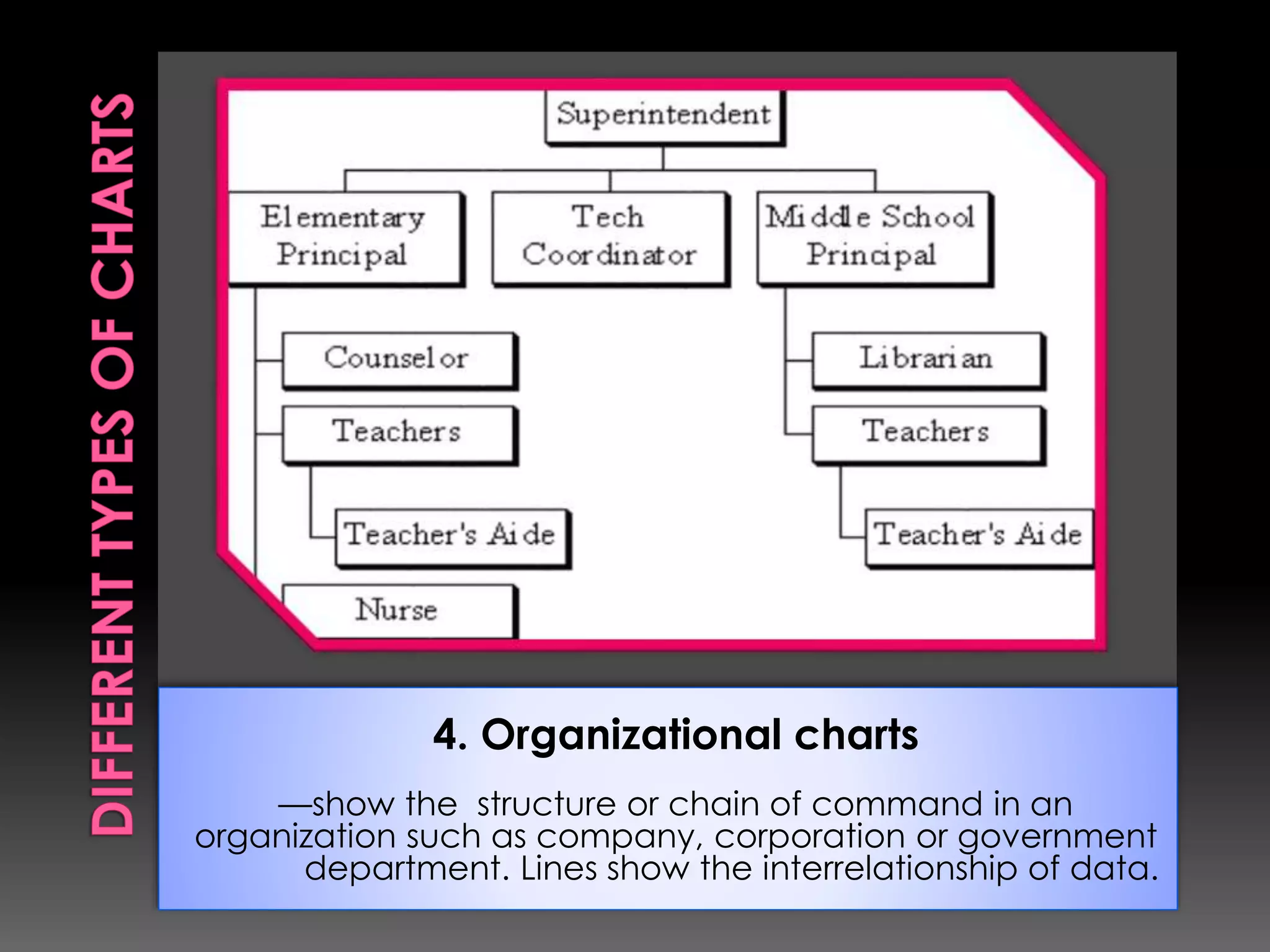
4. Organizational charts 
––show the structure or chain of command in an 
organization such as company, corporation or government 
department. Lines show the interrelationship of data.
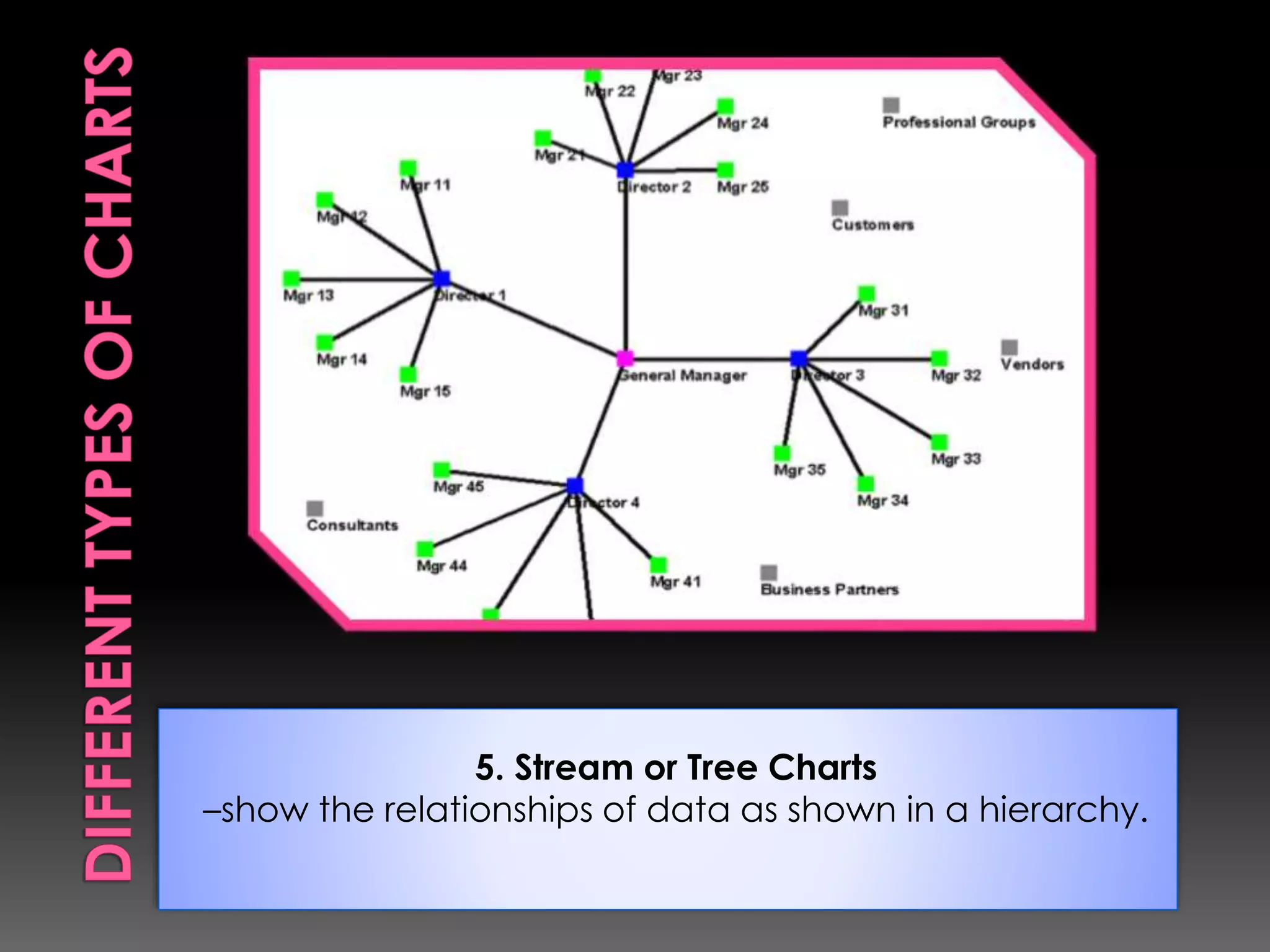
5. Stream or Tree Charts 
–show the relationships of data as shown in a hierarchy.
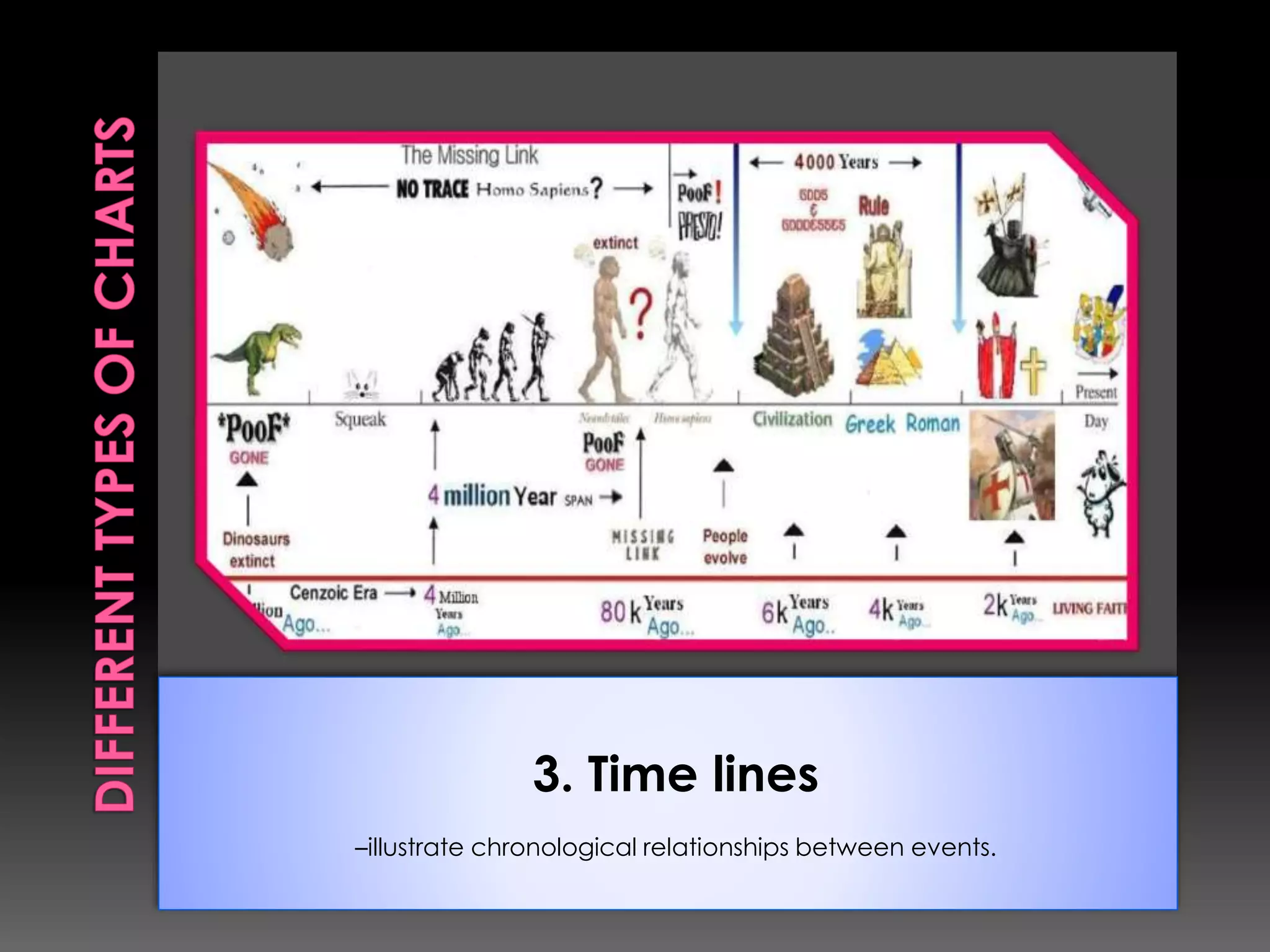
3. Time lines 
–illustrate chronological relationships between events.
Advantages 
1. Charts can present summaries of information. 
2. Charts can be easily made by students. These can 
be easily used because they do not require special 
equipment. 
3. Charts can be moved with ease from one place to 
another. 
Limitations 
1. Charts cannot show motion. 
2. Big charts can be cumbersome to handle. 
3. Charts can be outdated.
Although considered as charts, these 
consist of lines and symbols that show the 
relationships or key features of a process, 
an object or an area. It could be very 
abstract such as construction blueprints or 
very simple such as diagrams showing 
relationships of verbs, subject or other parts 
of speech in English grammar classes.
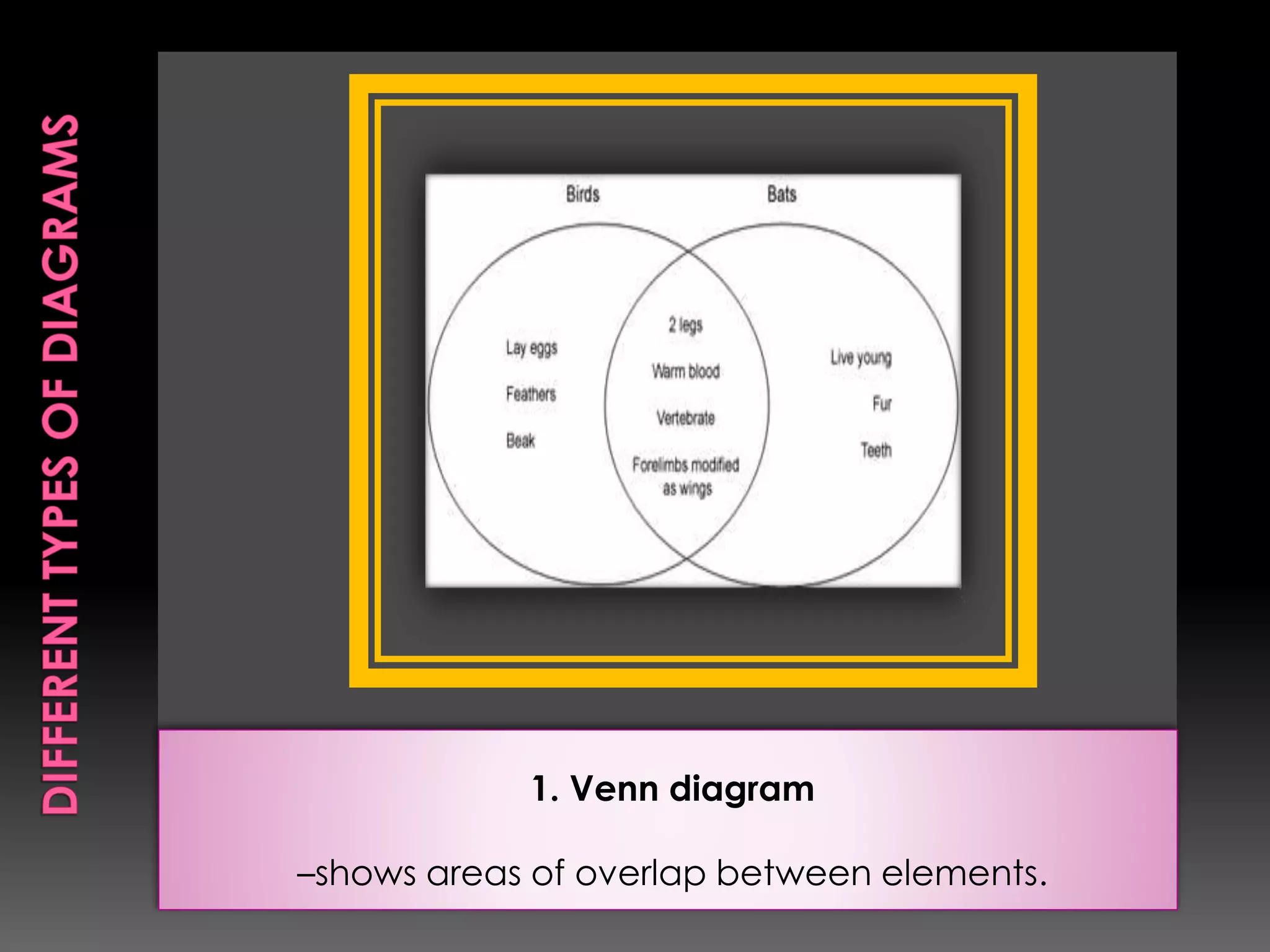
1. Venn diagram 
–shows areas of overlap between elements.
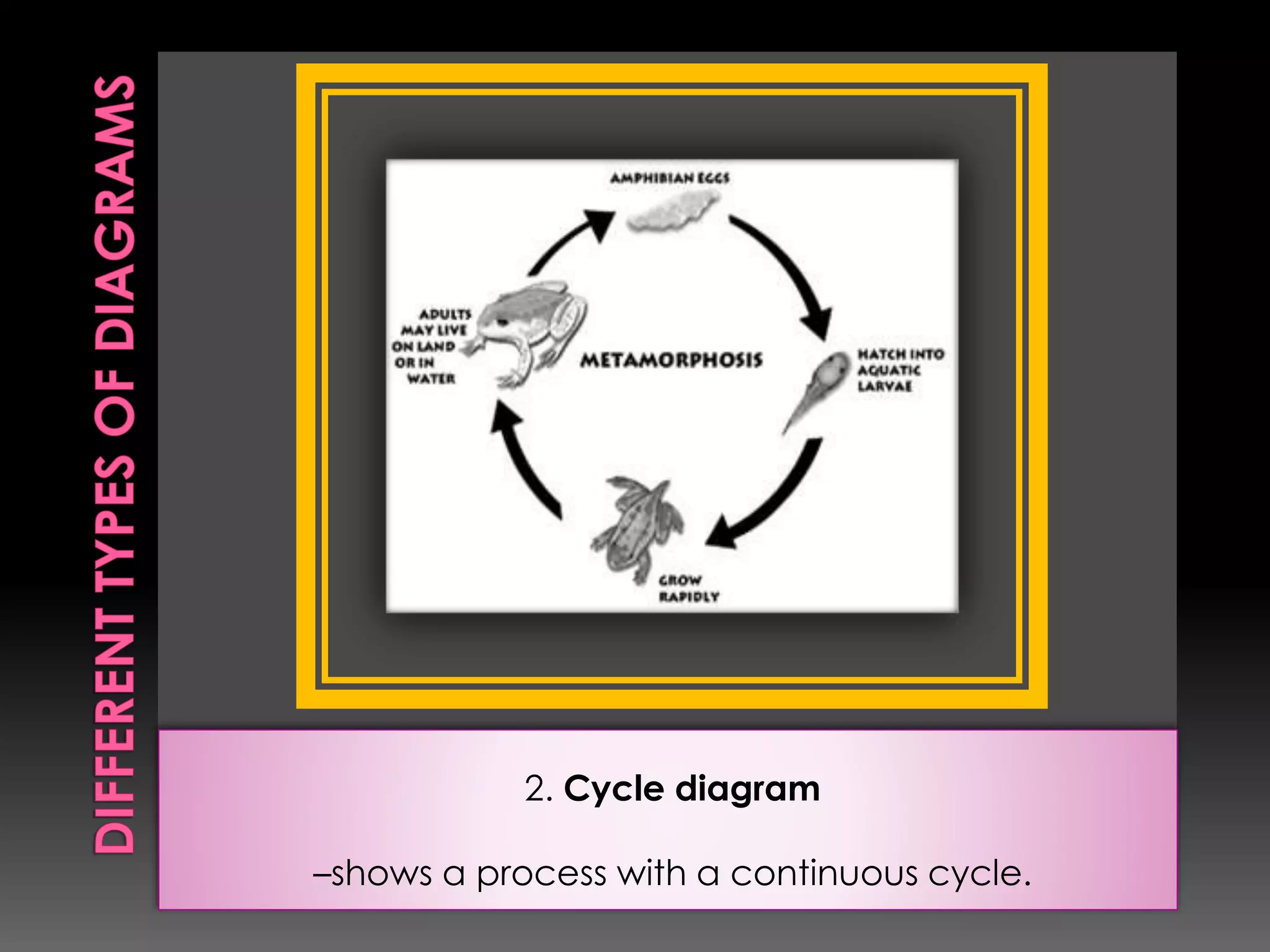
2. Cycle diagram 
–shows a process with a continuous cycle.
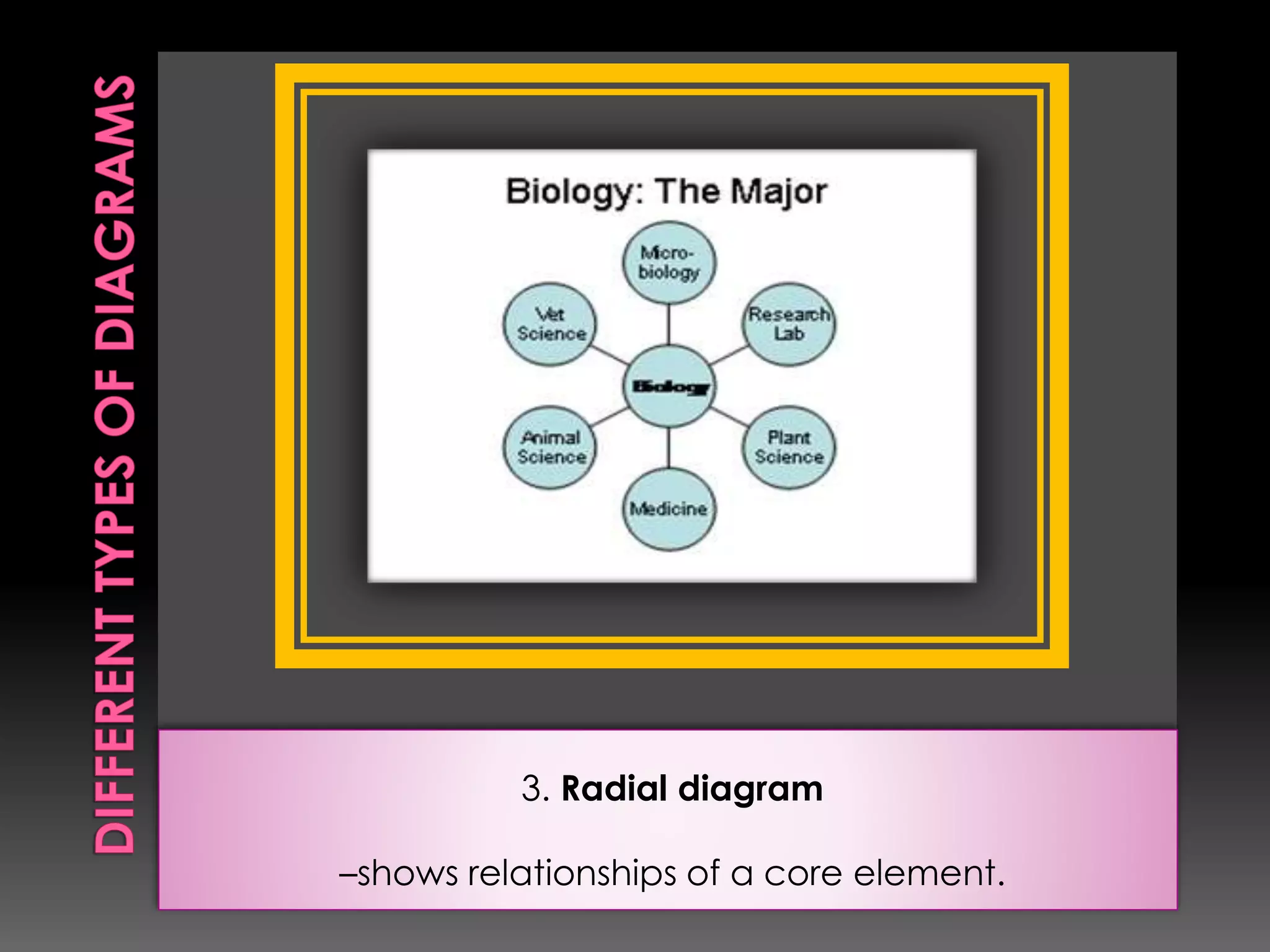
3. Radial diagram 
–shows relationships of a core element.
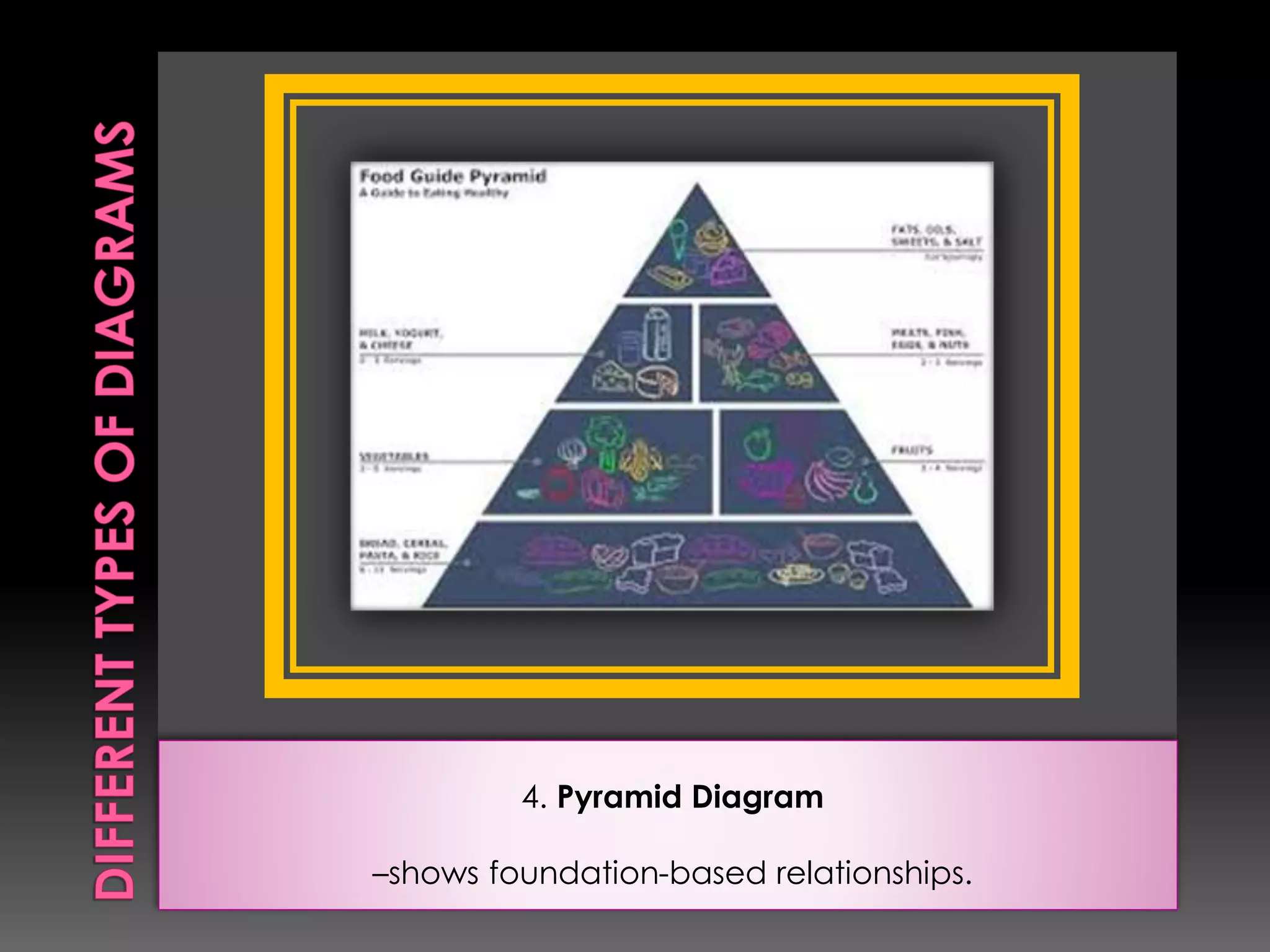
4. Pyramid Diagram 
–shows foundation-based relationships.
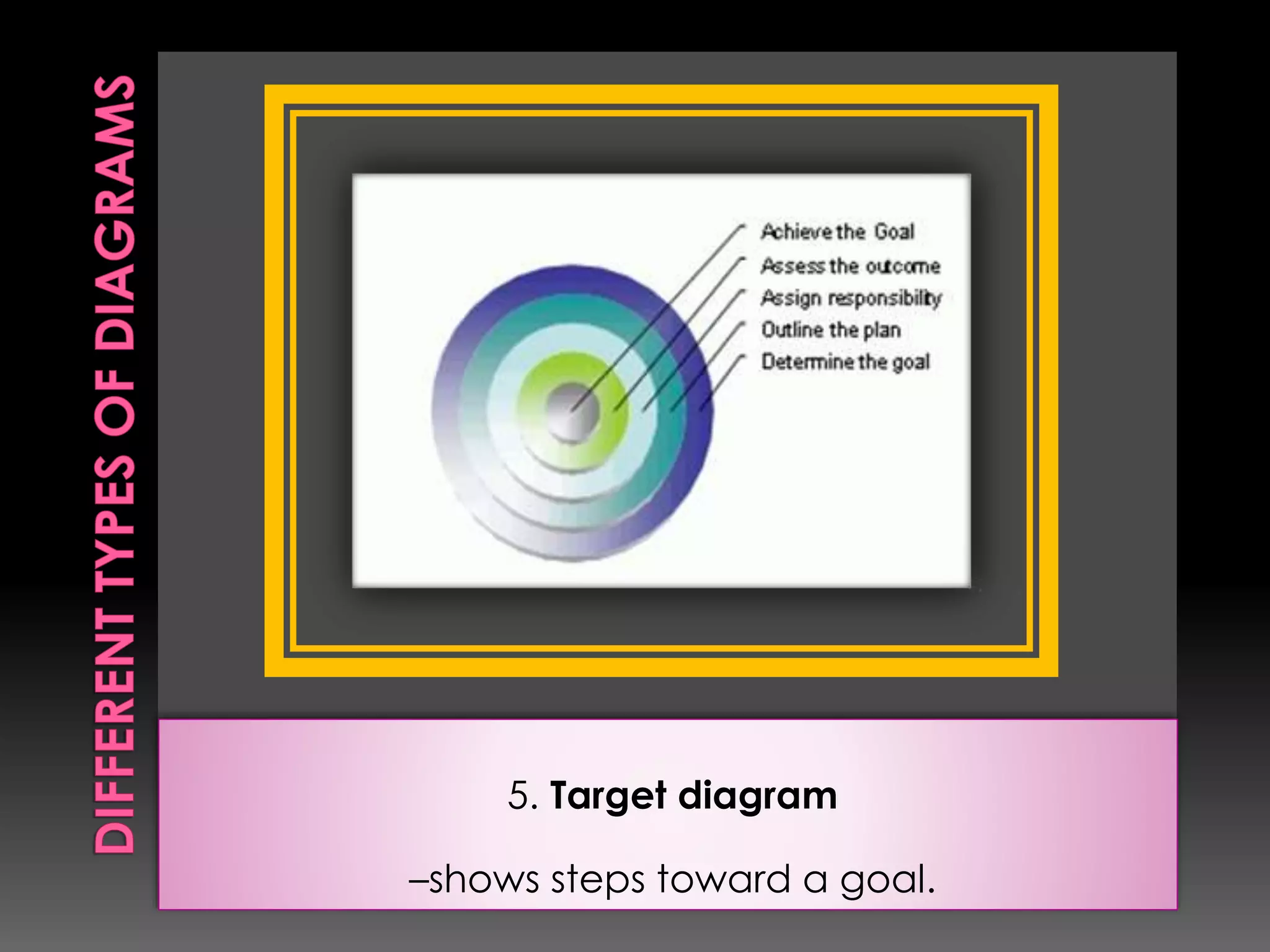
5. Target diagram 
–shows steps toward a goal.
Advantages 
1. Like charts, diagrams show relationships of 
a large amount of data in a condensed 
form. 
2. Diagrams are easy to use because they do 
not require special equipment. 
Limitation 
1. Ideas rely heavily on symbolic means, 
hence, could be difficult to understand.
Graphs are instructional materials which 
represent numerical data. Graphs also 
illustrate relationships among units of data 
and trends in the data. Graphs could be 
produced from tabular charts, or could be 
easily made through computer 
spreadsheet applications, such as 
Microsoft Excel.
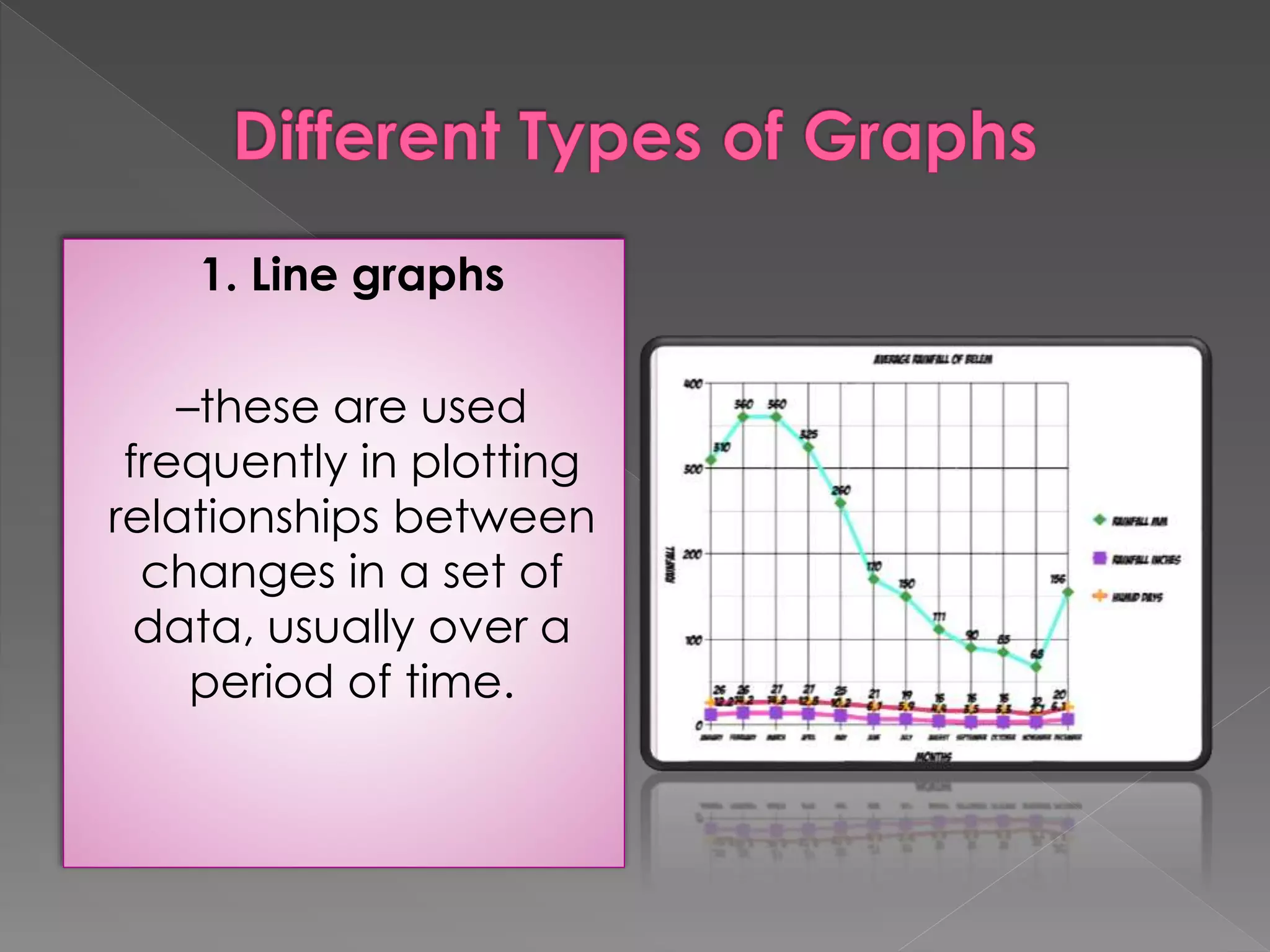
1. Line graphs 
–these are used 
frequently in plotting 
relationships between 
changes in a set of 
data, usually over a 
period of time.
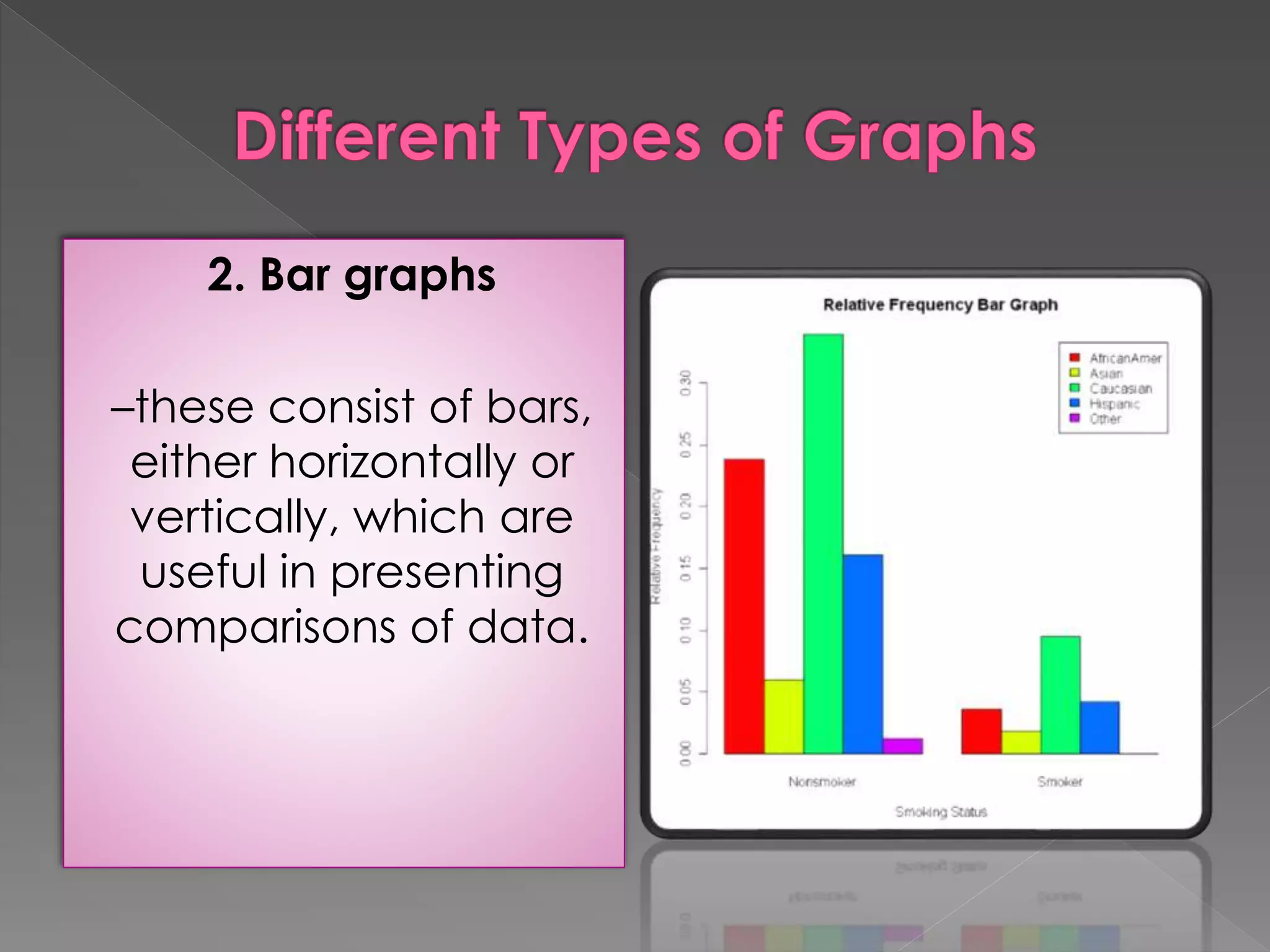
2. Bar graphs 
–these consist of bars, 
either horizontally or 
vertically, which are 
useful in presenting 
comparisons of data.
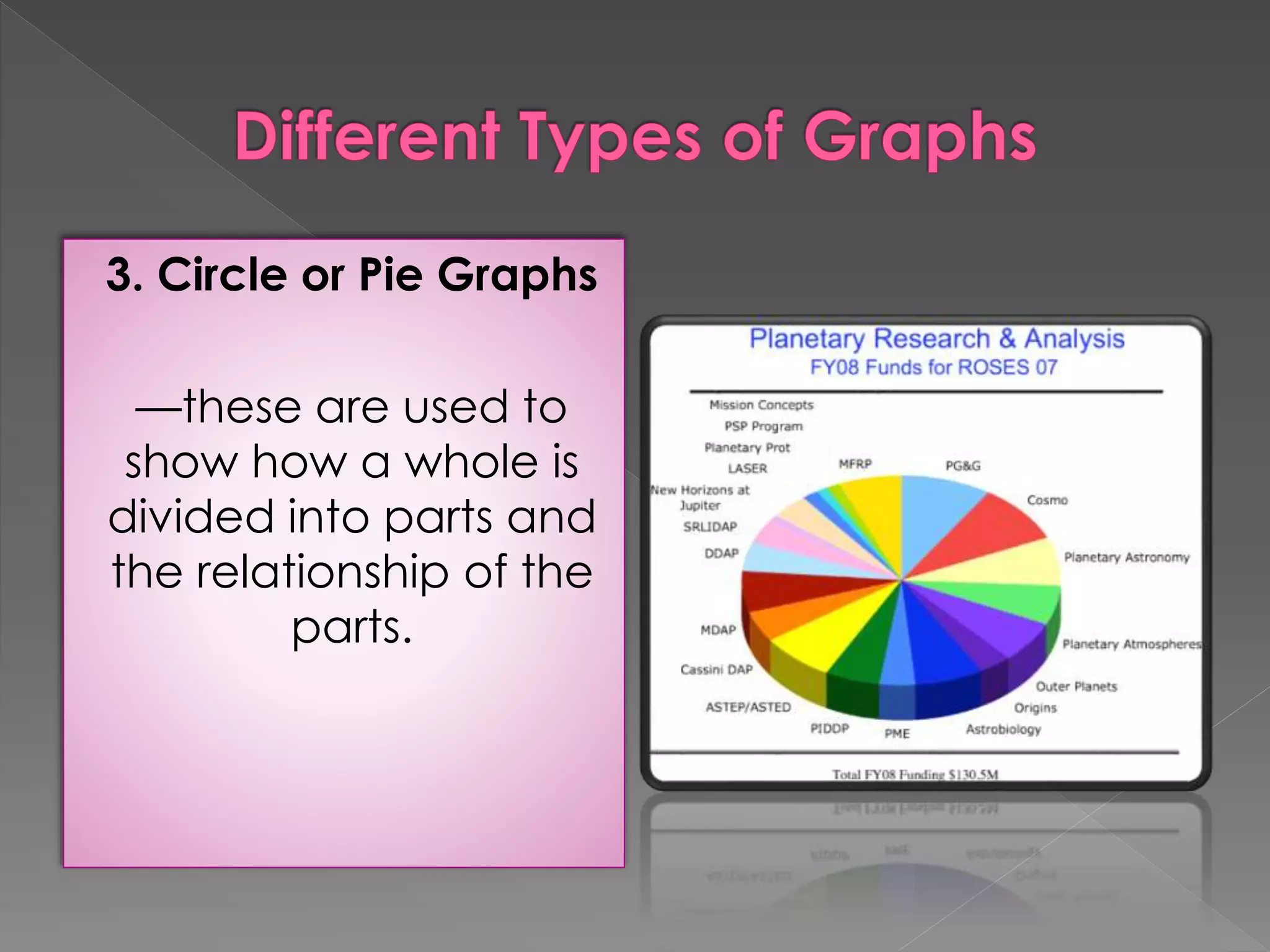
3. Circle or Pie Graphs 
––these are used to 
show how a whole is 
divided into parts and 
the relationship of the 
parts.
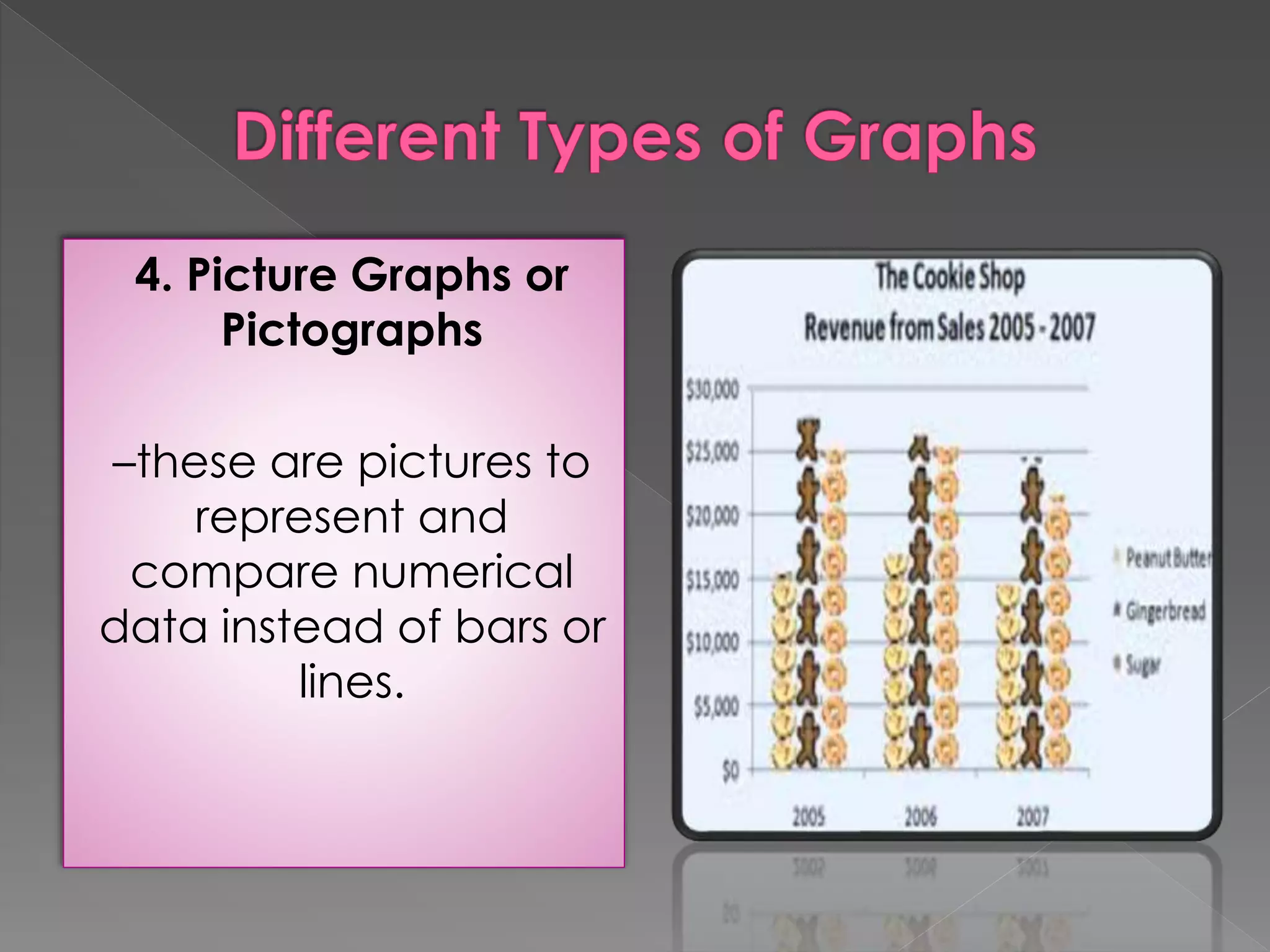
4. Picture Graphs or 
Pictographs 
–these are pictures to 
represent and 
compare numerical 
data instead of bars or 
lines.
Advantages 
1. Graphs are made to summarize data, hence, 
facilitate understanding. 
2. Graphs which are colorful are more appealing 
than tables. 
Limitations 
1. Graphs can be easily misinterpreted. 
2. Because these employ numerical data, 
graphs could be uninteresting for some 
students.
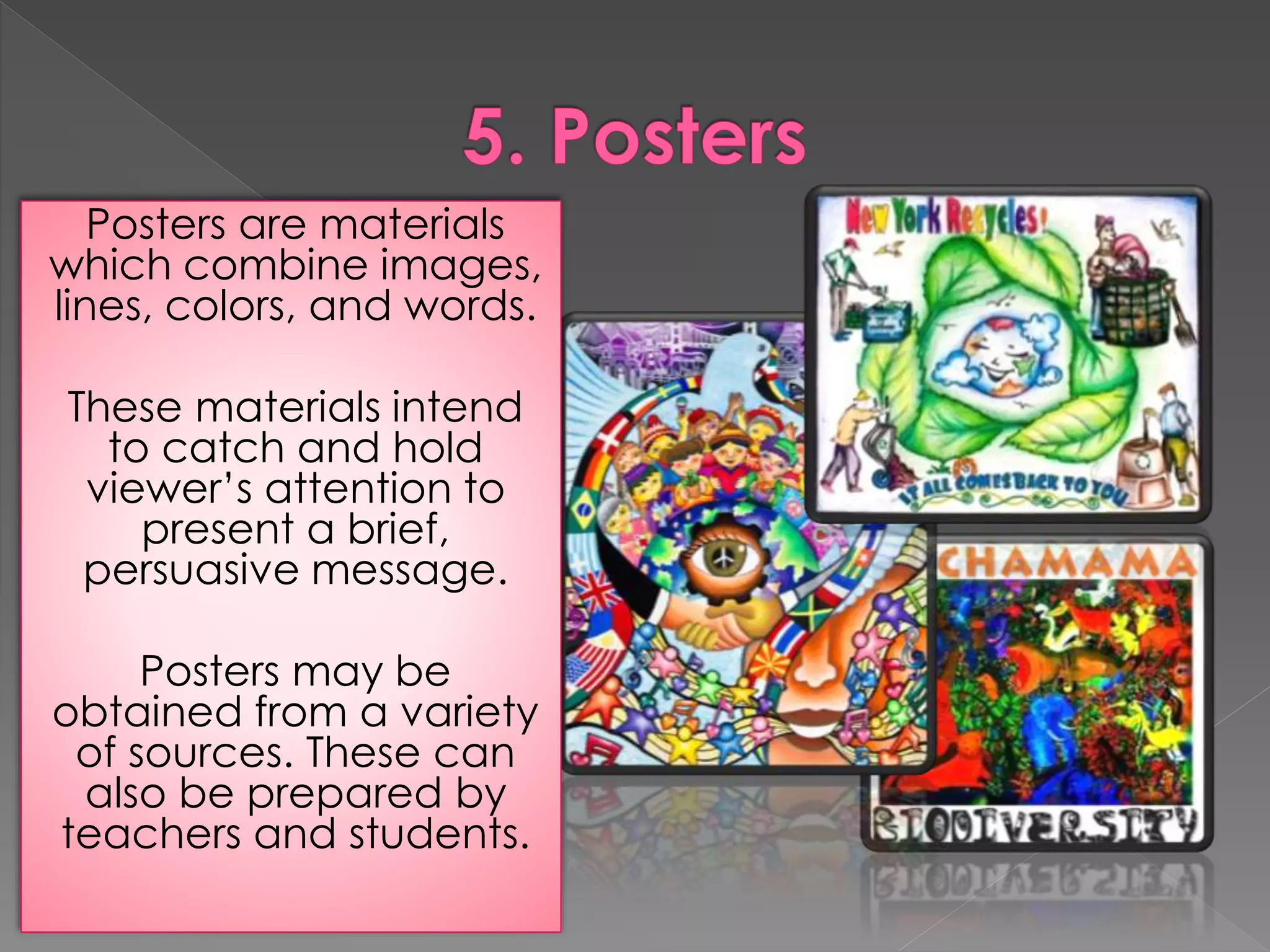
Posters are materials 
which combine images, 
lines, colors, and words. 
These materials intend 
to catch and hold 
viewer’s attention to 
present a brief, 
persuasive message. 
Posters may be 
obtained from a variety 
of sources. These can 
also be prepared by 
teachers and students.
Advantages 
1. Posters can be easily prepared by 
teachers and students. 
2. Posters can easily convey message. 
3. Because of its color, posters can easily 
catch attention. 
Limitations 
1. Posters can portray different 
interpretations.
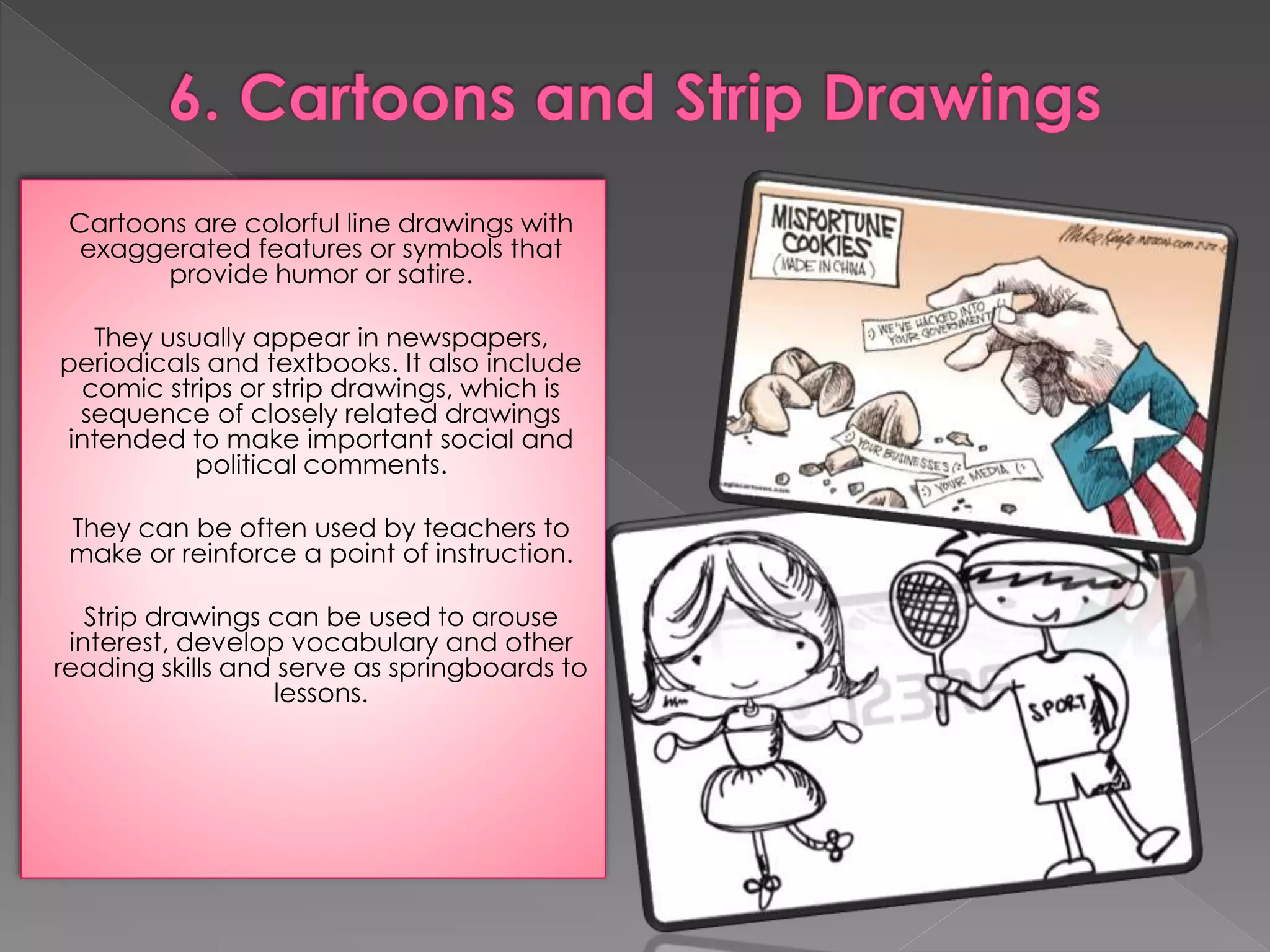
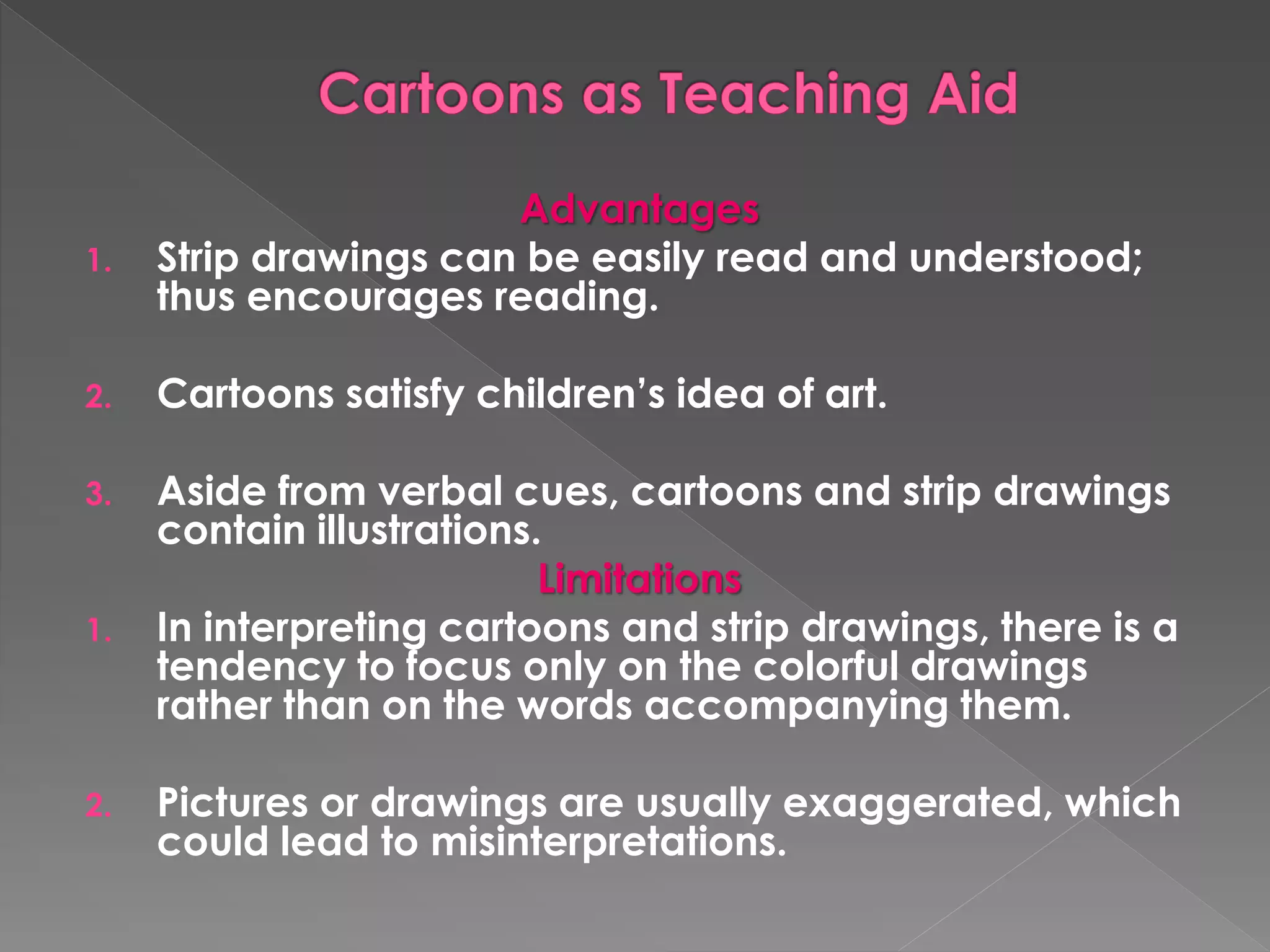
Cartoons are colorful line drawings with 
exaggerated features or symbols that 
provide humor or satire. 
They usually appear in newspapers, 
periodicals and textbooks. It also include 
comic strips or strip drawings, which is 
sequence of closely related drawings 
intended to make important social and 
political comments. 
They can be often used by teachers to 
make or reinforce a point of instruction. 
Strip drawings can be used to arouse 
interest, develop vocabulary and other 
reading skills and serve as springboards to 
lessons.
Advantages 
1. Strip drawings can be easily read and understood; 
thus encourages reading. 
2. Cartoons satisfy children’s idea of art. 
3. Aside from verbal cues, cartoons and strip drawings 
contain illustrations. 
Limitations 
1. In interpreting cartoons and strip drawings, there is a 
tendency to focus only on the colorful drawings 
rather than on the words accompanying them. 
2. Pictures or drawings are usually exaggerated, which 
could lead to misinterpretations.
B. PICTORIAL MEDIA 
The visual or pictorial media are often 
considered the “universal language”. 
Moreover, pictures are said to be “worth a 
thousand words.” This attests to the power of 
pictorial media as a communication device.
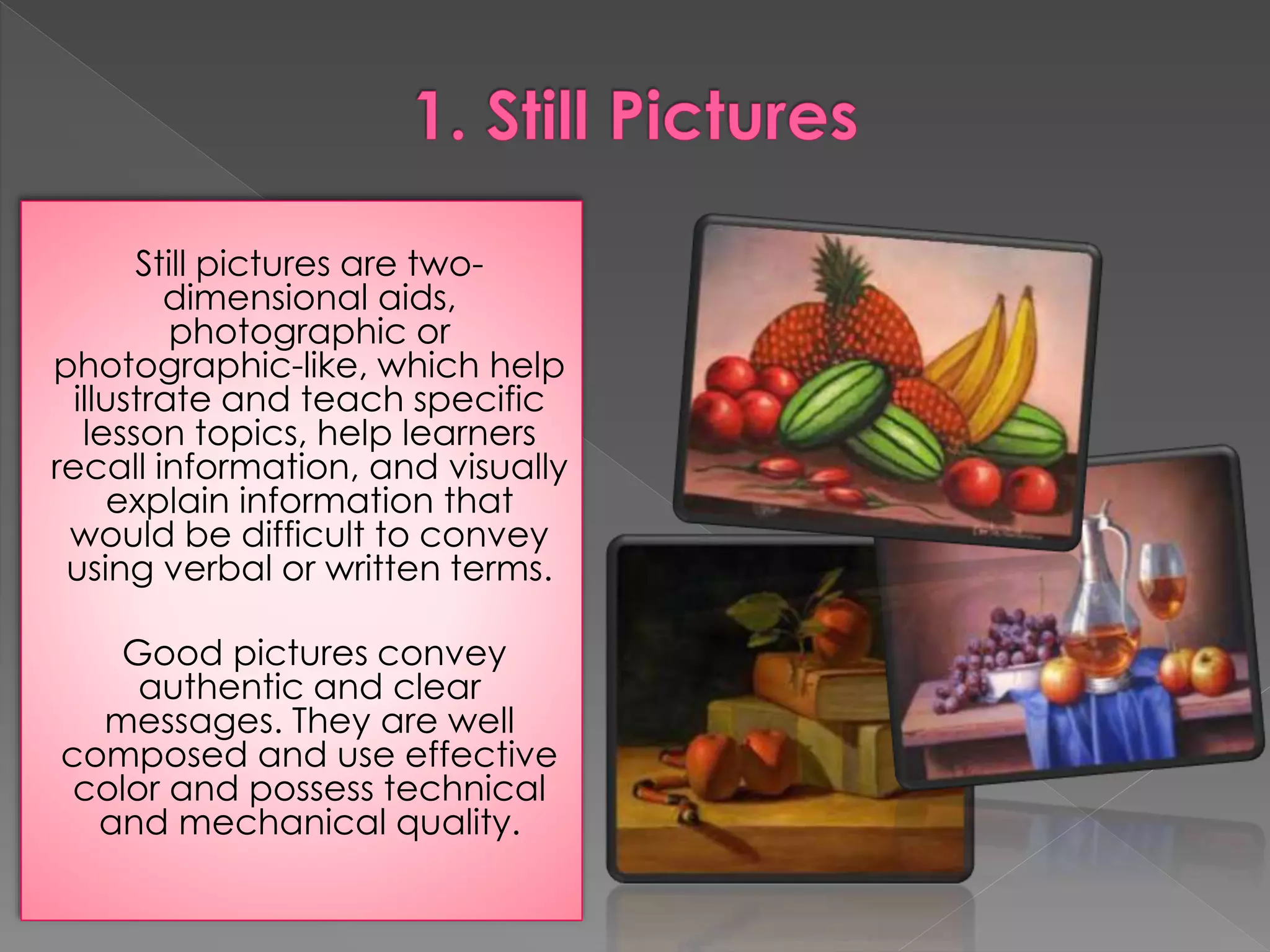
Still pictures are two-dimensional 
aids, 
photographic or 
photographic-like, which help 
illustrate and teach specific 
lesson topics, help learners 
recall information, and visually 
explain information that 
would be difficult to convey 
using verbal or written terms. 
Good pictures convey 
authentic and clear 
messages. They are well 
composed and use effective 
color and possess technical 
and mechanical quality.
Advantages 
1. Still pictures abound in various materials such as books, 
magazines, newspapers, catalogs, and calendars. 
2. Pictures provide a more realistic interpretation of verbal 
symbols. 
3. Pictures, especially those which are large and colorful, 
motivate students and relate an action or depict a story. 
4. Still pictures are easy to use and can be easily carried 
from place to place and do not require any equipment or 
electricity. 
5. Still pictures are relatively inexpensive to produce or 
purchase and can be reused.
Limitations 
1. Since pictures are two-dimensional, they 
often fail to present scale size or perspective 
2. Unless proper care is taken, pictures can 
easily get torn, disordered or lost. 
3. Choosing the right picture could be a problem 
for some teachers. Some pictures cannot 
depict the totality of the message intended to 
be presented by the teacher.
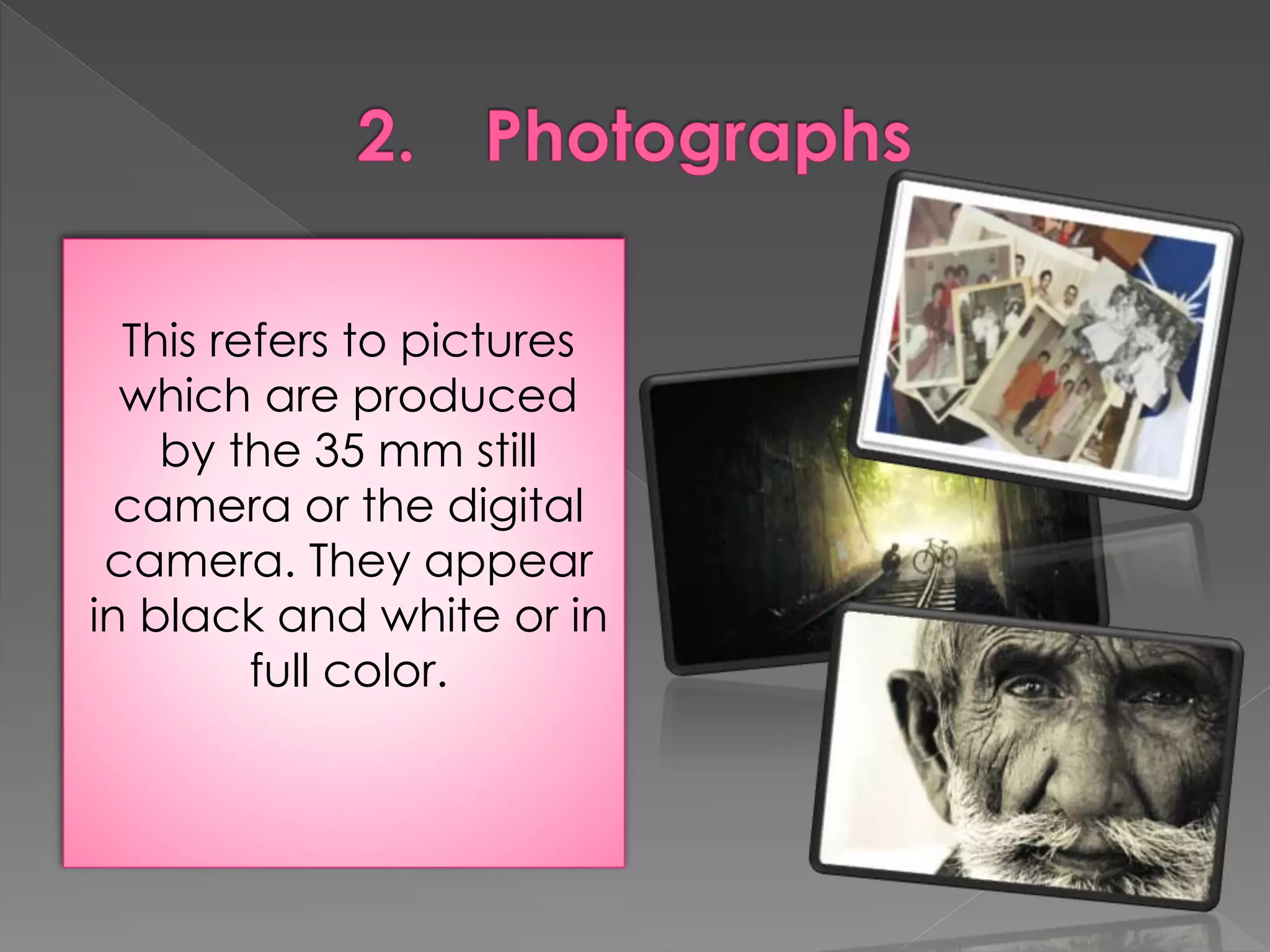
This refers to pictures 
which are produced 
by the 35 mm still 
camera or the digital 
camera. They appear 
in black and white or in 
full color.
Advantages 
1. The material could easily capture the subject as deemed 
important for instruction. 
2. Photographs could be easily taken and produced as in 
the case of those taken from digital cameras. 
Limitations 
1. Like pictures, photographs fail to present scale size or 
perspective. However, providing series of photographs of 
the same object or scene from several different angles 
can address this limitation. A series of sequential 
photographs can suggest motion. 
2. Carelessness in getting pictures may lead to distortion of 
images.
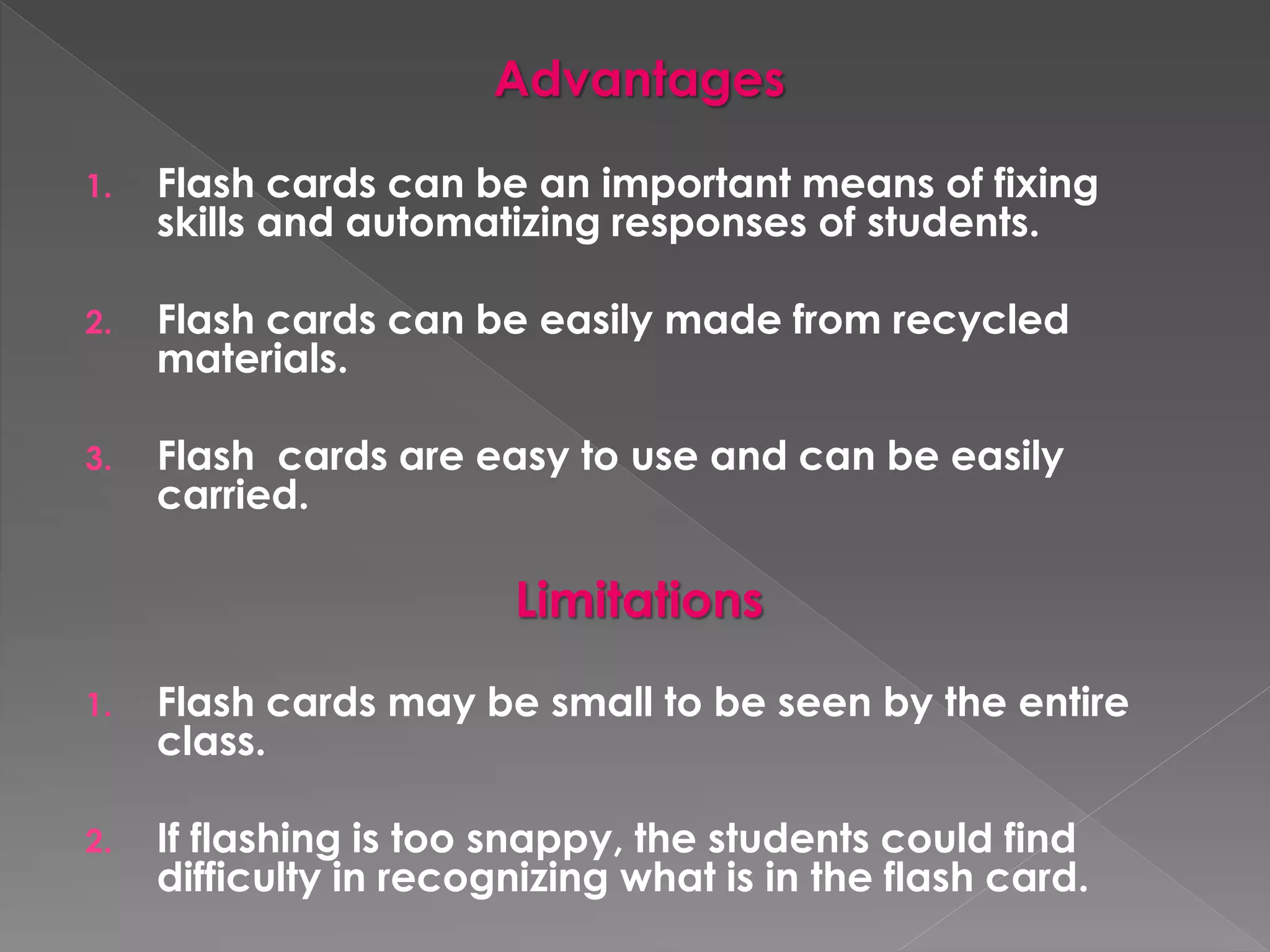
Flash cards are 
valuable materials for 
drill activities 
particularly in the 
teaching of 
Mathematics, English, 
and Filipino. It comes in 
the form of picture 
cards, word cards, 
phrase cards, sentence 
cards or mathematical 
cards.
Advantages 
1. Flash cards can be an important means of fixing 
skills and automatizing responses of students. 
2. Flash cards can be easily made from recycled 
materials. 
3. Flash cards are easy to use and can be easily 
carried. 
Limitations 
1. Flash cards may be small to be seen by the entire 
class. 
2. If flashing is too snappy, the students could find 
difficulty in recognizing what is in the flash card.
Projected visuals have long been popular as a 
medium of instruction as well as entertainment. 
Projected media refers to media formats in which 
visual and verbal images are projected or enlarged 
and displayed on a screen by passing strong light 
through a transparent material (transparencies, slides, 
filmstrips) or through opaque materials. 
Integration 
Projected visuals are suitable for all use at 
all grade levels and for instruction in all 
curriculum areas.
 Provide a tour for new employees of a local business 
without walking through the plant. 
 Make a visual history of your community, schools or 
organizations. 
 Illustrates lectures about art history or art technique. 
 Document student activities, products and student work, 
and community problems (e.g. crime and pollution) 
 Present a preoperative explanation of surgical tailored to 
a specific surgeon’s patient.
 Show people at work in various jobs, for career awareness. 
 Illustrates the uses of company’s product throughout the 
world. 
 Teach a step-by-step process with close-ups of each 
operation. 
 Simulate a field trip. 
 Promote public understanding of your school of your 
organization.
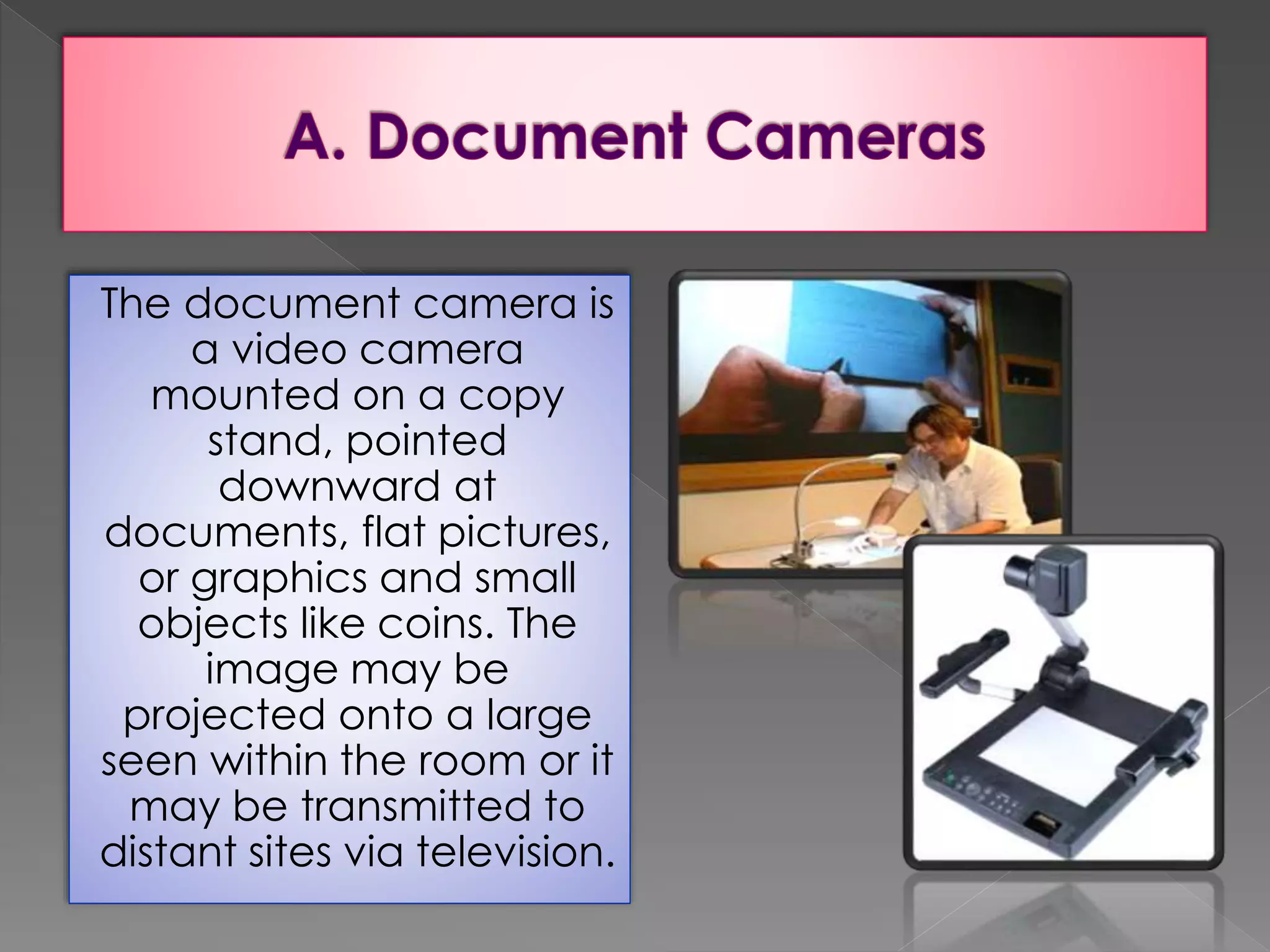
The document camera is 
a video camera 
mounted on a copy 
stand, pointed 
downward at 
documents, flat pictures, 
or graphics and small 
objects like coins. The 
image may be 
projected onto a large 
seen within the room or it 
may be transmitted to 
distant sites via television.
 No projected required. 
A document camera allows on-the-spot 
projection of readily available classroom materials. 
 All students have equal view. 
Permits everyone to have an equal opportunity 
to view the same materials easily. 
 Allows group viewing of student work. 
Permits group viewing and discussions of 
student work, such as drawings, student 
compositions, solutions to math problems and the 
like.
 Bulky hardware. It requires monitor or 
video projector, which is bulky, heavy, 
and cumbersome to move without cart. 
 Monitor or projection required. You 
cannot use it without a monitor or video 
projector. 
 Additional lighting. Document cameras 
need additional lights for good image.
 All subjects –group critique of student work and 
review the test items. 
 Art –group discussion of reproductions of paintings, etc. 
 Business –group work on business and accounting forms. 
 Home Economics –group viewing of sewing pattern, 
recipes, etc. 
 Industry –projection of blueprints for group study. 
 Language Arts –group critique of student composition.
 Medicine –group study of anatomical drawing . 
 Military –review of maps and official documents 
 Music –group reading of musical colors. 
 Religion –religious story illustrations. 
 Science –magnification of specimens ; group study 
of maps and tables. 
 Social Studies –viewing of artifacts from other 
cultures, etc.
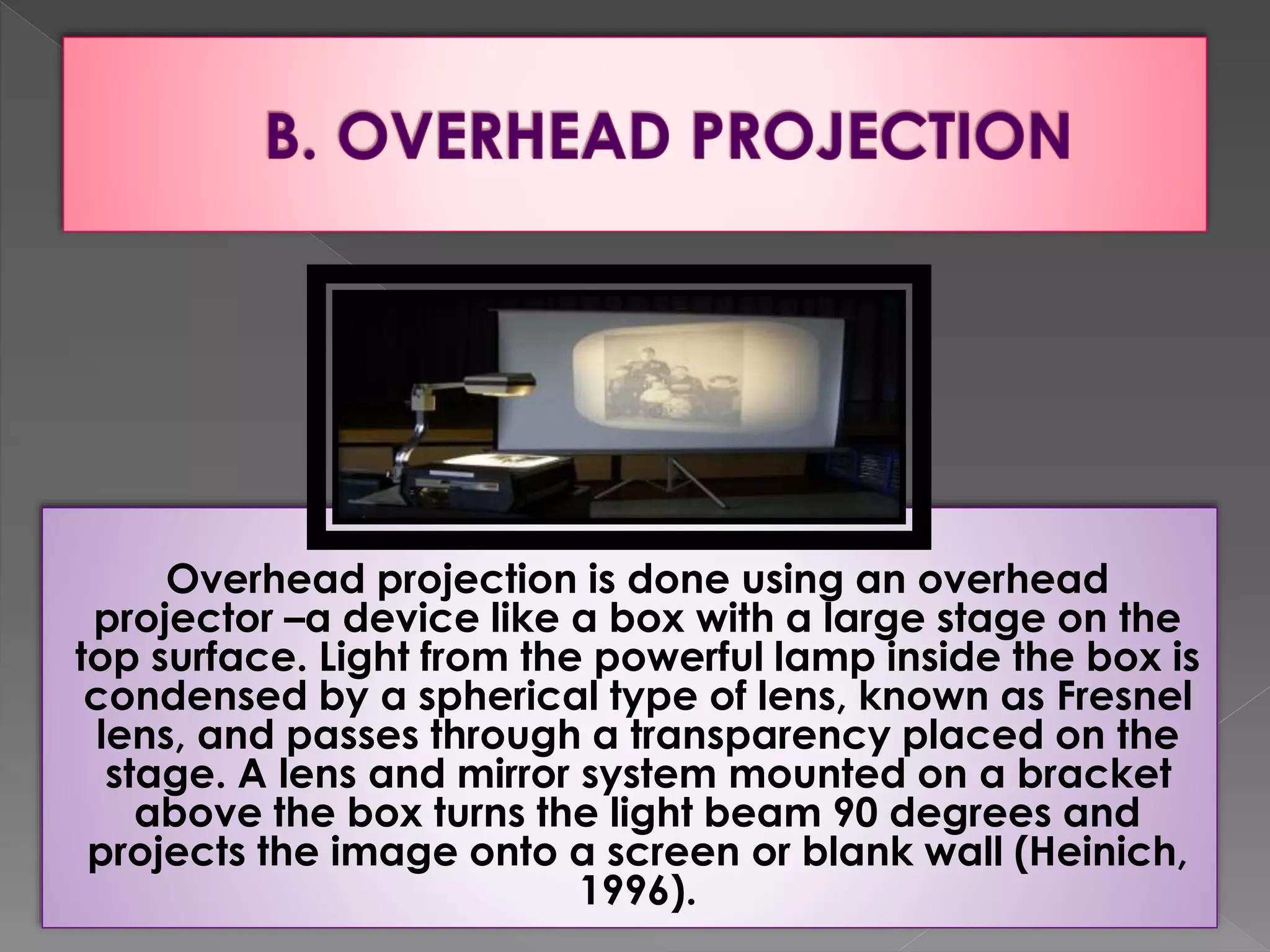
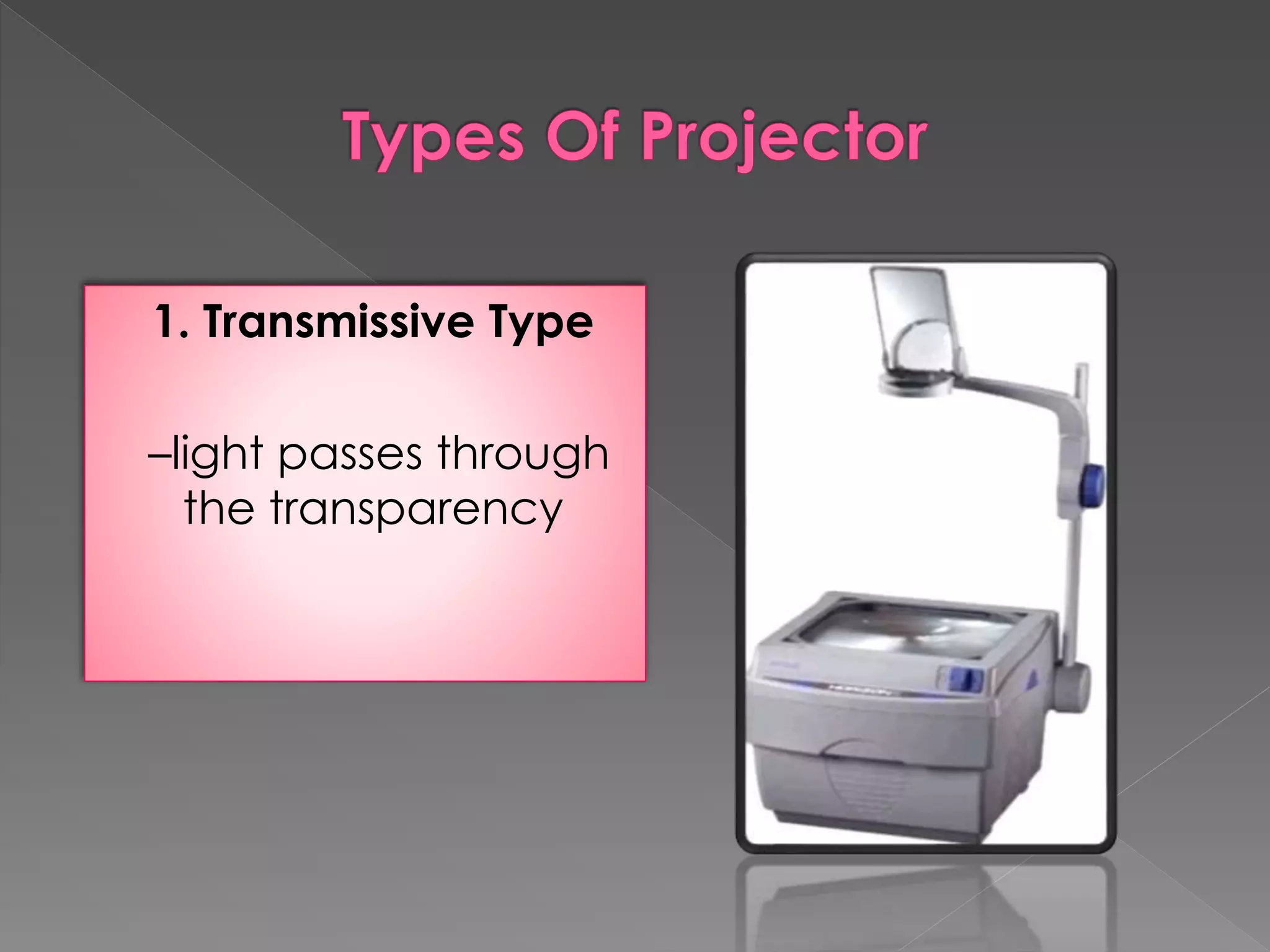
Overhead projection is done using an overhead 
projector –a device like a box with a large stage on the 
top surface. Light from the powerful lamp inside the box is 
condensed by a spherical type of lens, known as Fresnel 
lens, and passes through a transparency placed on the 
stage. A lens and mirror system mounted on a bracket 
above the box turns the light beam 90 degrees and 
projects the image onto a screen or blank wall (Heinich, 
1996).
Overhead projection has become the 
most widely used audiovisual device in 
North America classrooms and training 
sites. 
A projector capable of projecting 
enlarged images of written or pictorial 
material onto a screen or wall from a 
transparency placed horizontally below 
the projector and lighted from underneath.
1. Transmissive Type 
–light passes through 
the transparency
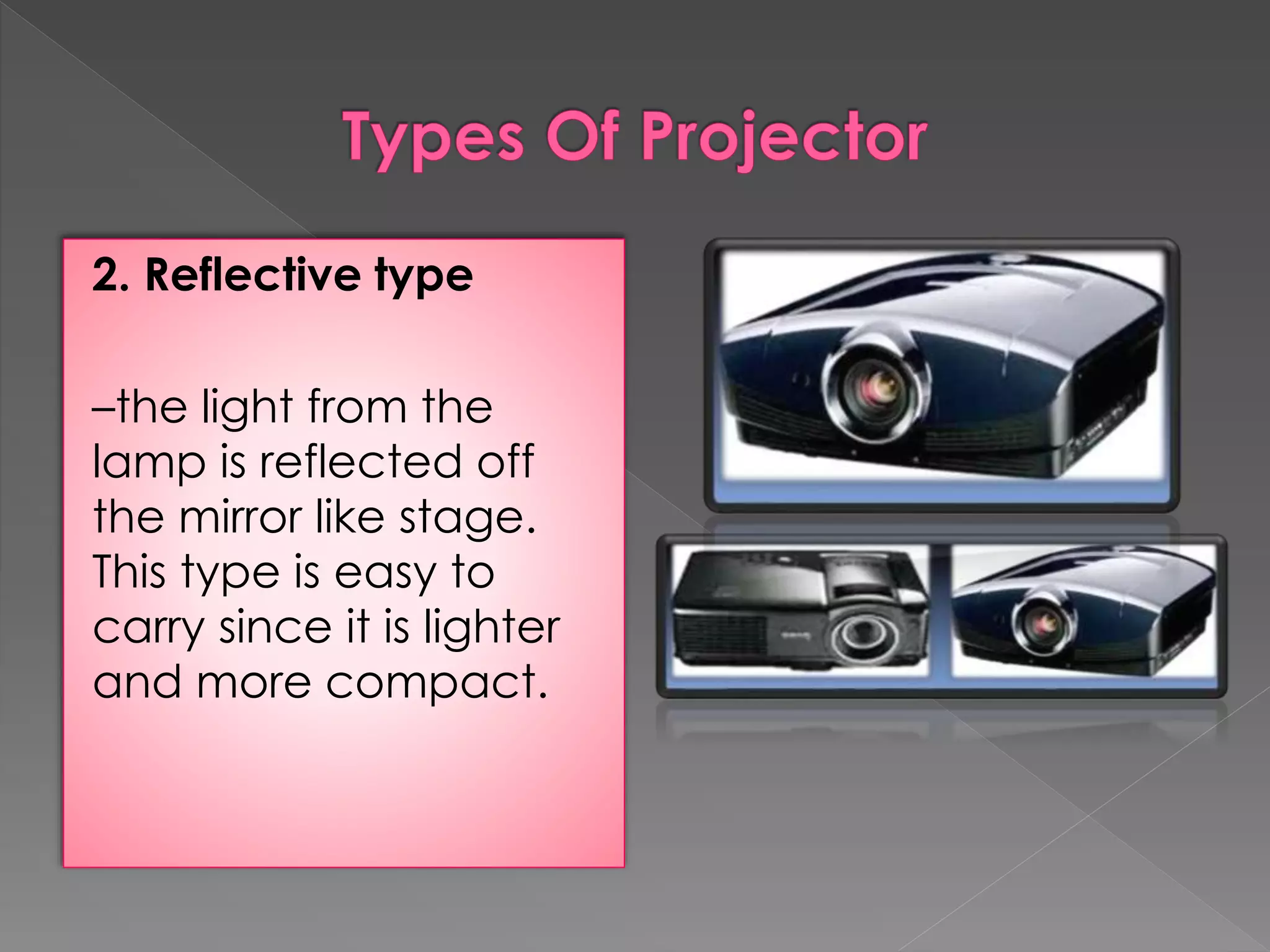
2. Reflective type 
–the light from the 
lamp is reflected off 
the mirror like stage. 
This type is easy to 
carry since it is lighter 
and more compact.
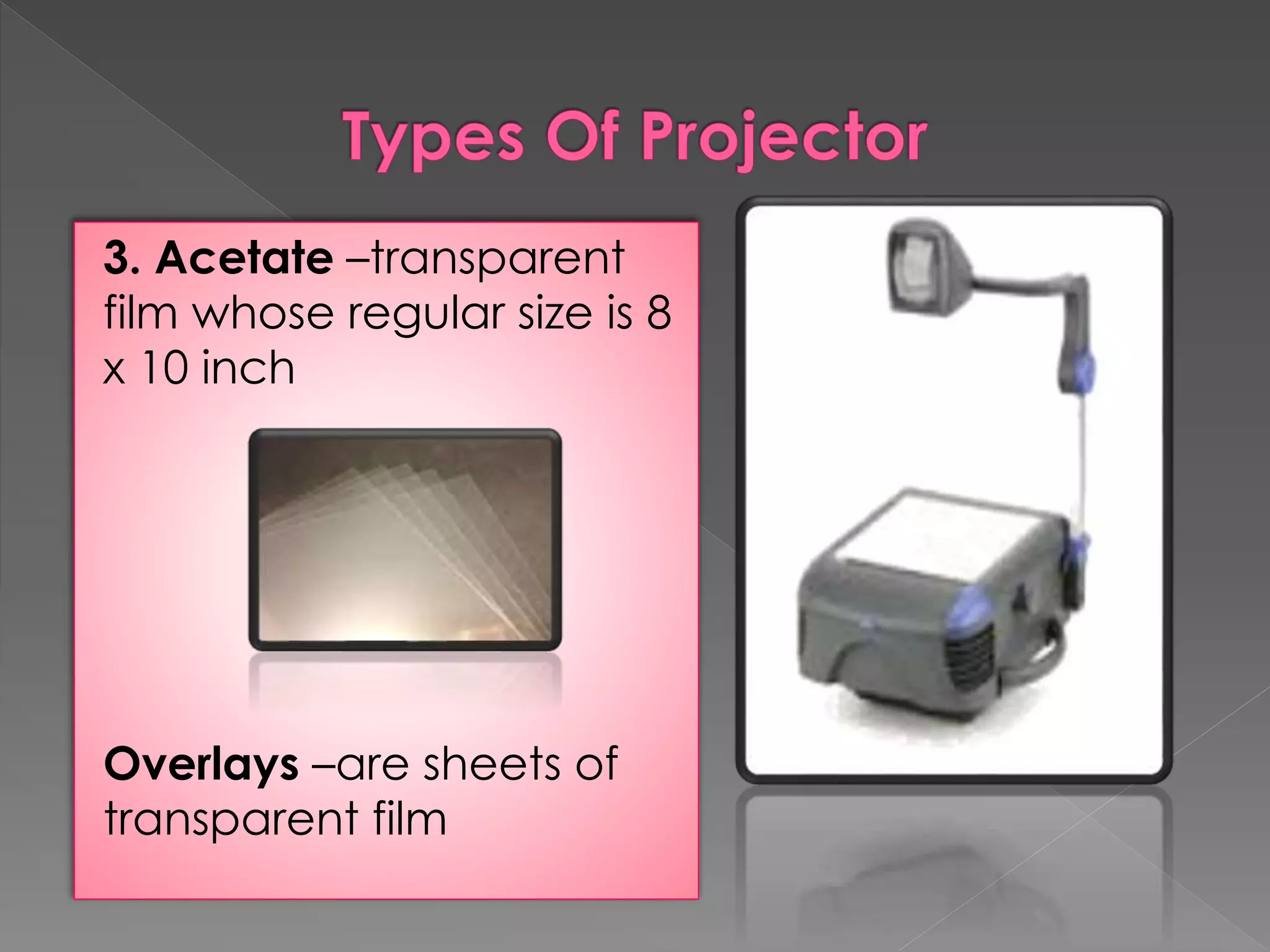
3. Acetate –transparent 
film whose regular size is 8 
x 10 inch 
Overlays –are sheets of 
transparent film
Brightness 
Eye contact 
Ease of use 
Abundance of materials 
Manipulable 
Availability of materials 
Self-prepared materials 
Advance preparation 
Impact attitudes 
Organization and discussion
 Not programmed –overhead projector cannot 
be programmed to display visual sequences 
by itself, nor is an audio accompaniment 
provided. 
 Not self-instructional –it is designed for large-group 
study. 
 Production process required –materials have to 
be made into transparencies by means of 
some production process. 
 Keystone effect –distortion
Art 
Consumer Science 
Drama 
Geography 
Language Arts 
Laboratory Skills 
Literature 
Music 
Science
Overhead transparencies may be created from 
clear acetate, photographic film, or any other 
transparent material such as plastics used to 
cover books. These are usually 10” x 10” in size to 
fit the size of most overhead projectors. 
Transparencies may contain images or letters to 
be projected or may be left blank for teachers to 
write on them. One can also have materials 
photocopied to the acetate using photocopier 
or could be printed directly from computers. 
Transparencies may be used individually or with 
one or more overlays.
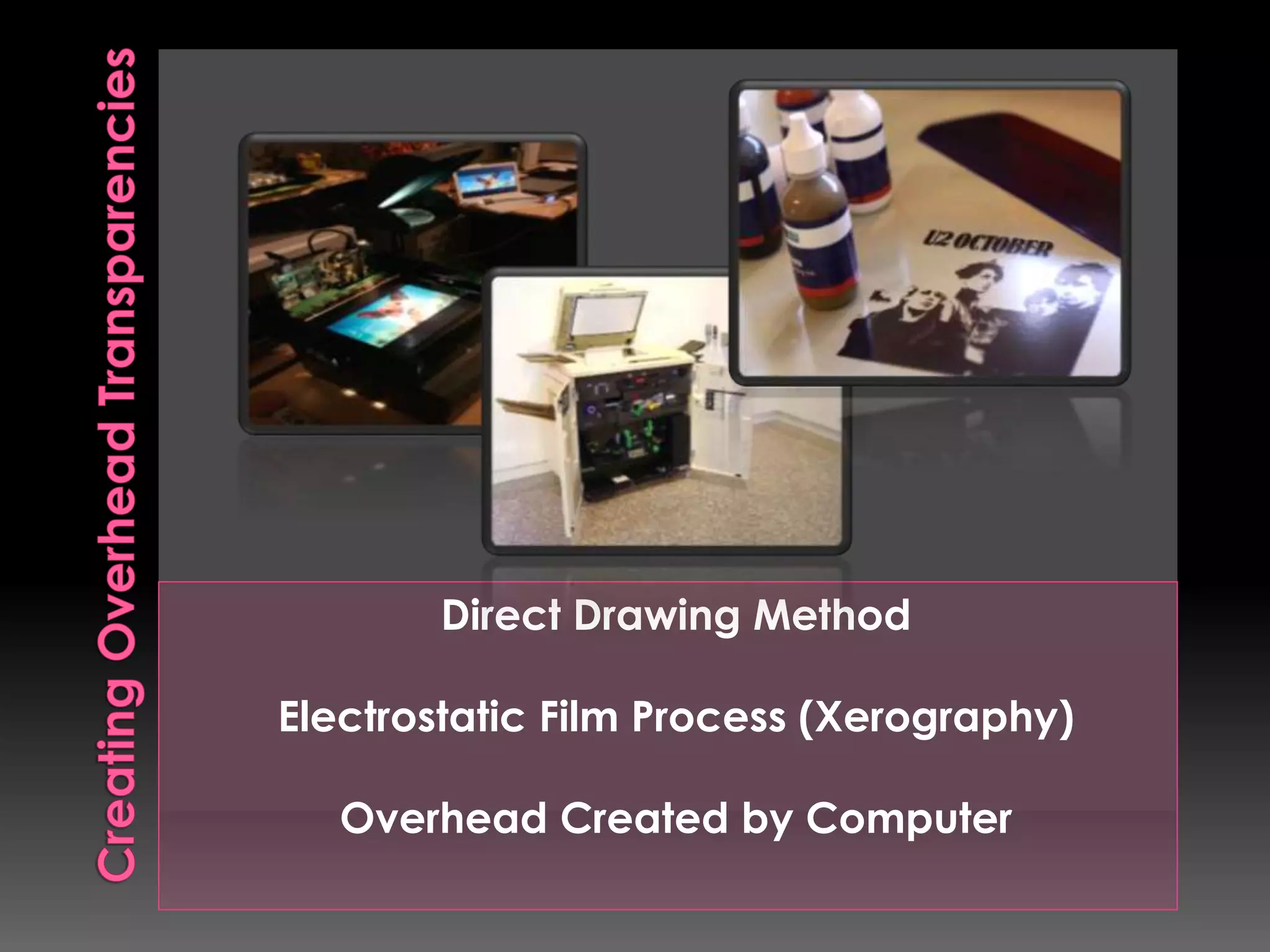
Direct Drawing Method 
Electrostatic Film Process (Xerography) 
Overhead Created by Computer
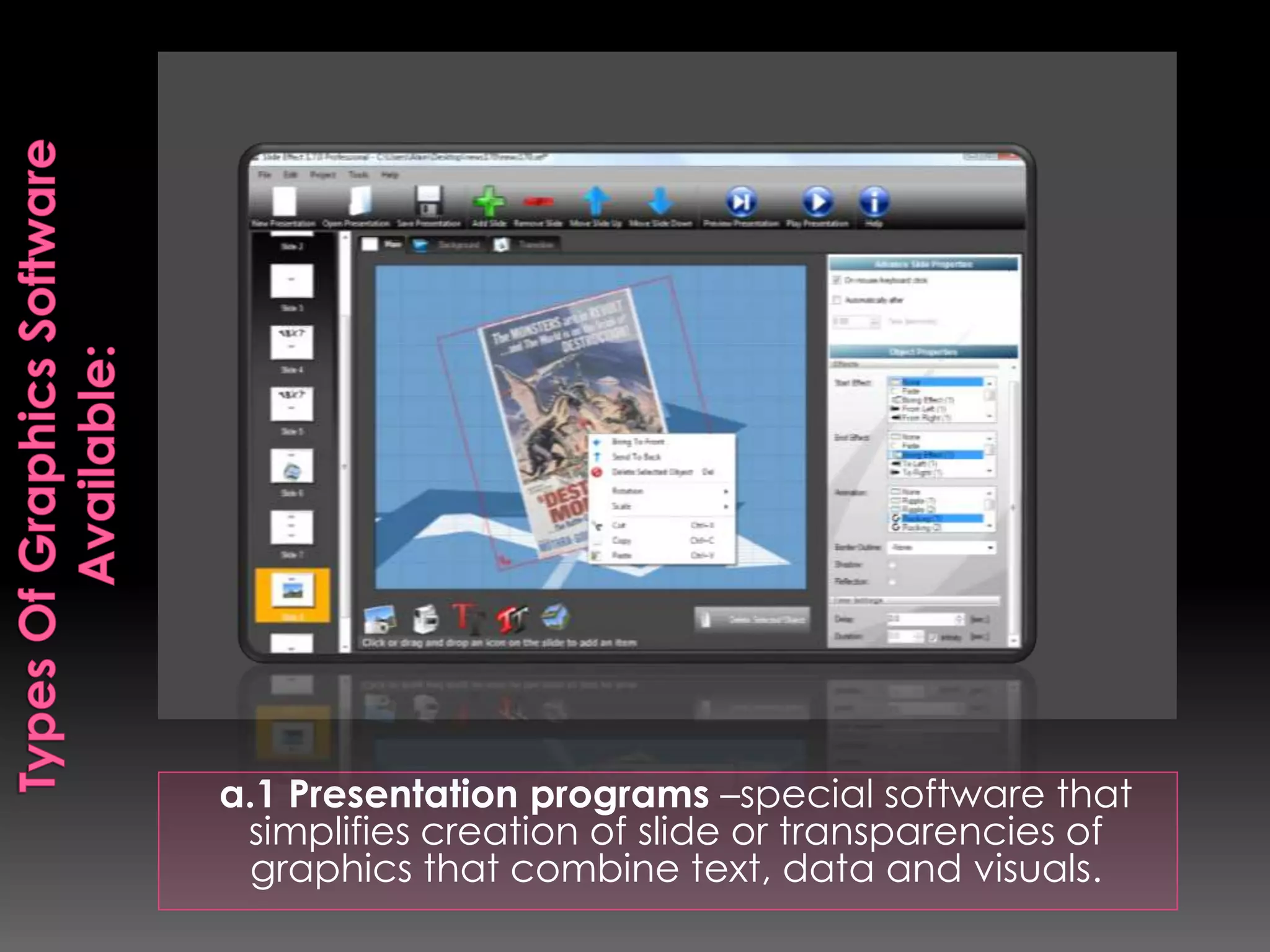
a.1 Presentation programs –special software that 
simplifies creation of slide or transparencies of 
graphics that combine text, data and visuals.
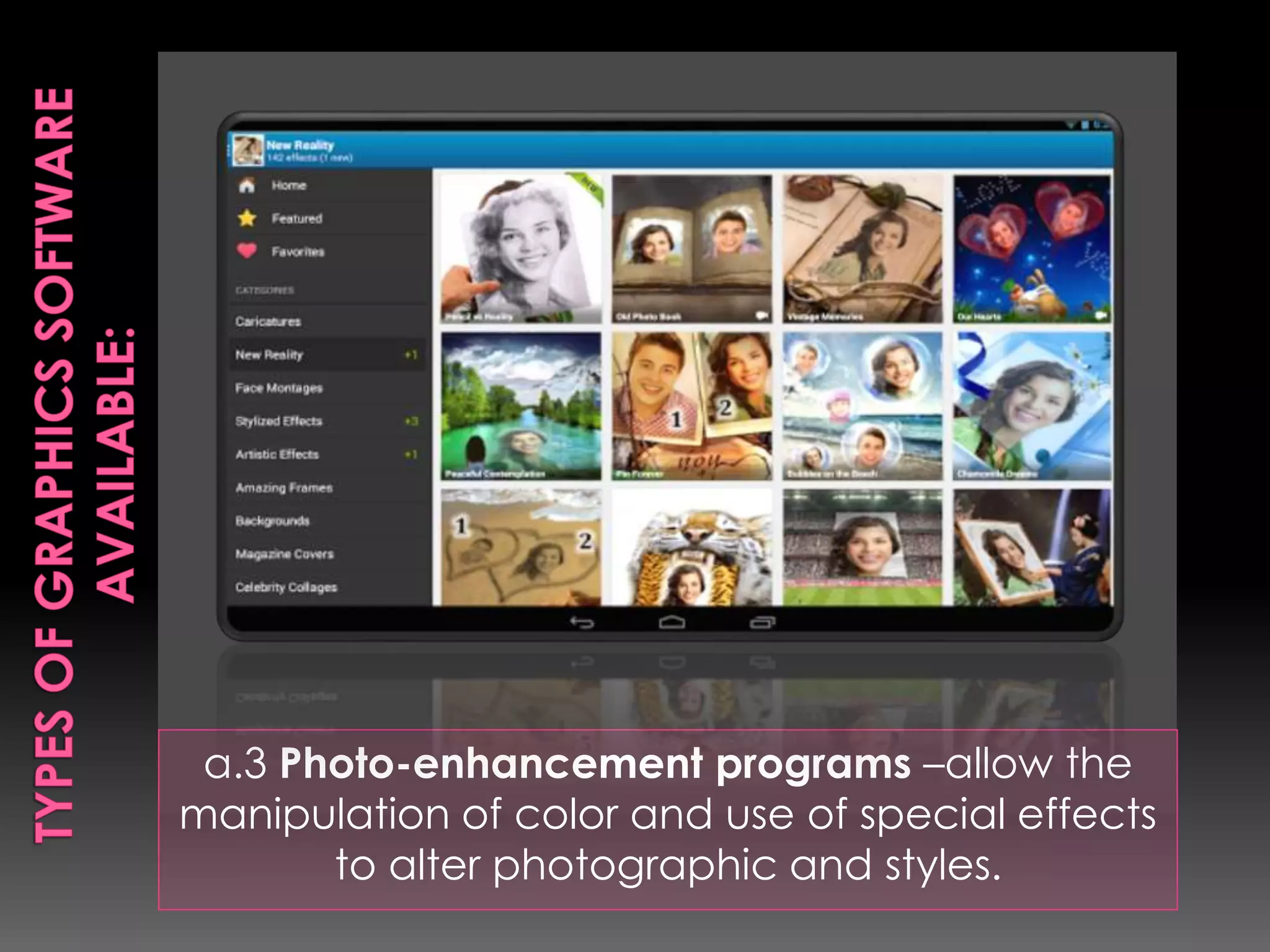
a.3 Photo-enhancement programs –allow the 
manipulation of color and use of special effects 
to alter photographic and styles.
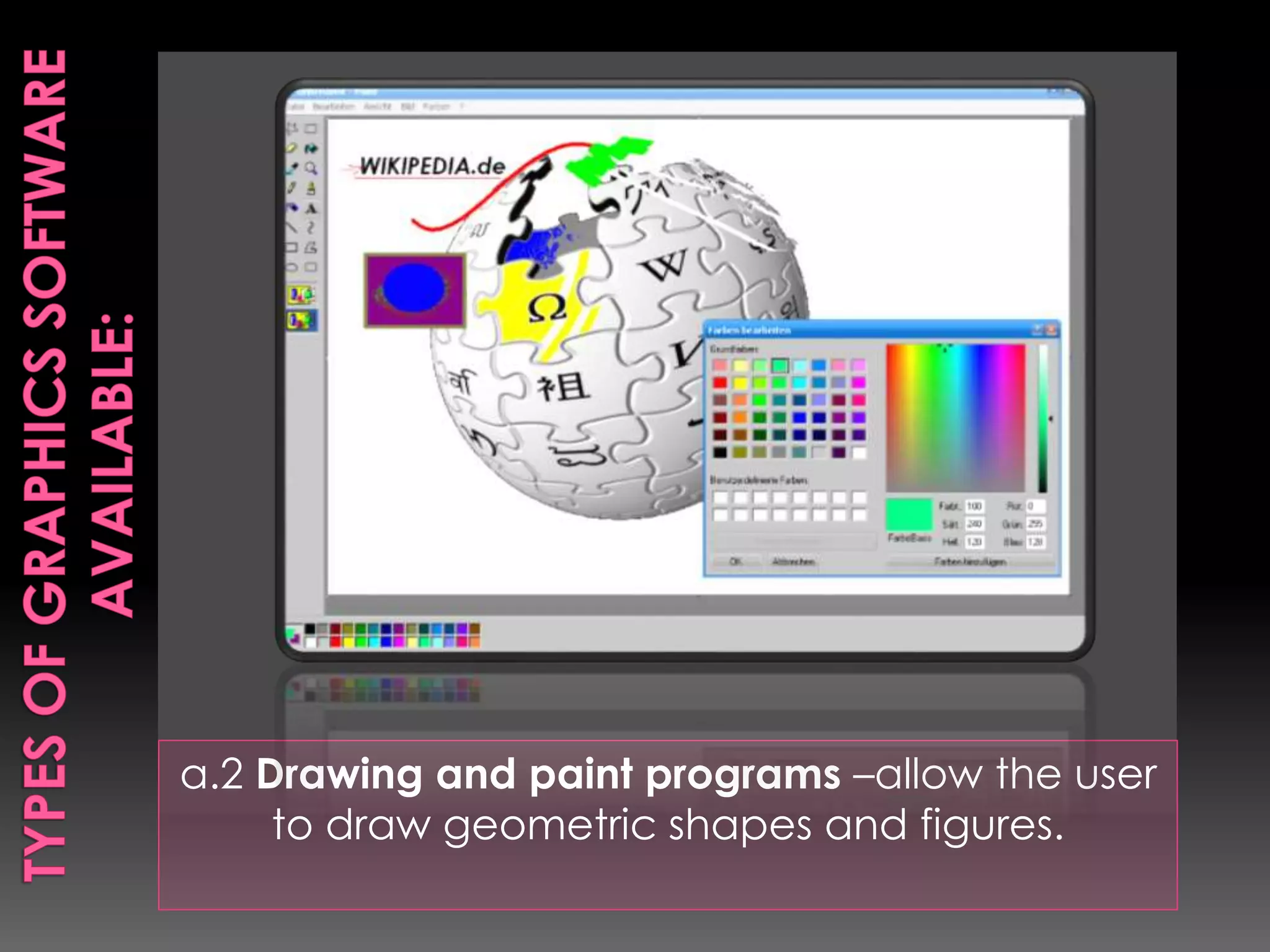
a.2 Drawing and paint programs –allow the user 
to draw geometric shapes and figures.
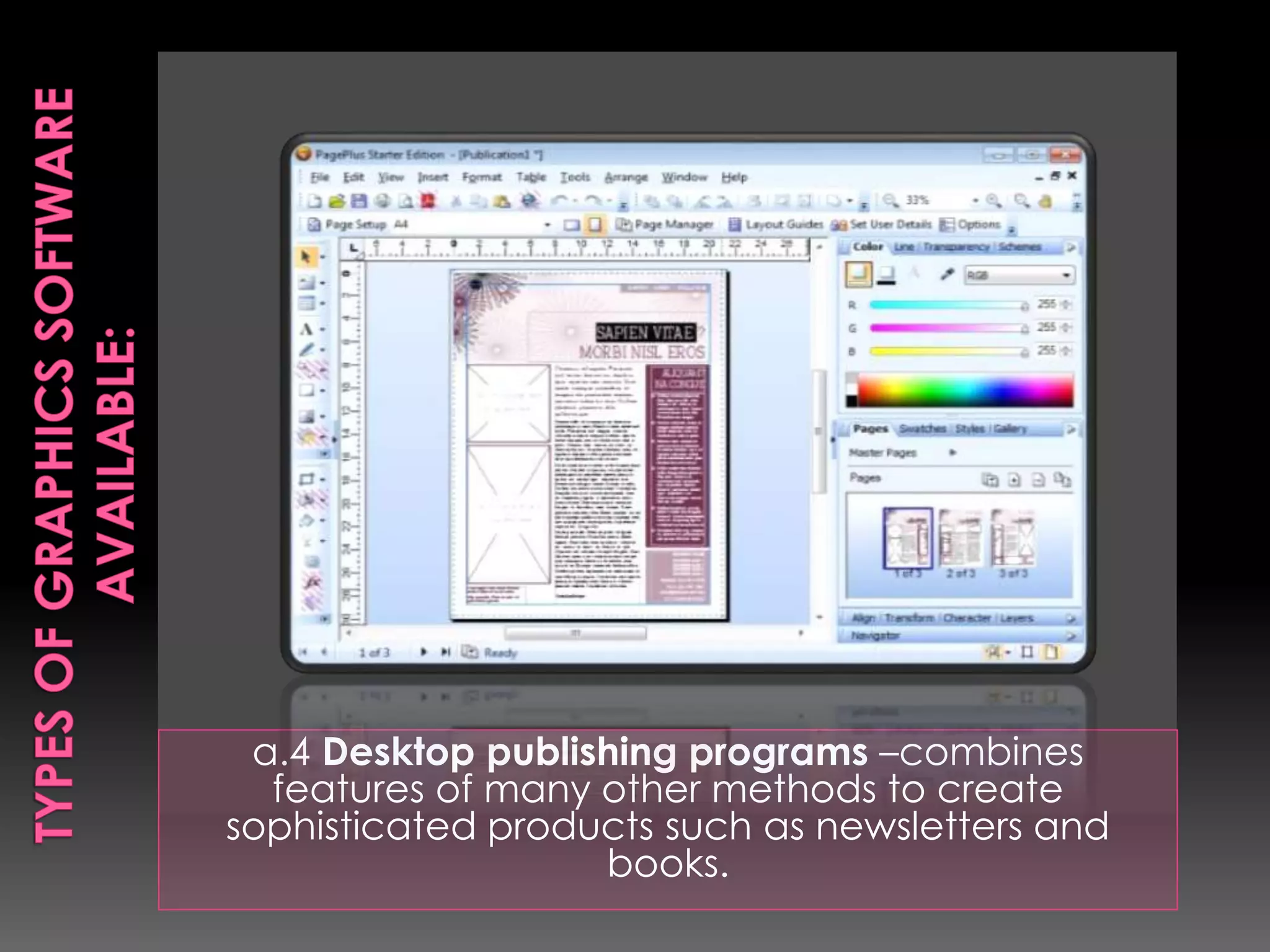
a.4 Desktop publishing programs –combines 
features of many other methods to create 
sophisticated products such as newsletters and 
books.
 Laser printers print images directly onto special film 
 Ink-jet printers spray droplets of ink onto specially 
coated ink-jet film. 
 Thermal transfer printers use heat to imprint images 
onto thermal film 
 Pen plotters draw with pens directly onto specially 
coated film 
 Impact printers press the ink from ribbons onto impact 
film
 Sequencing –arrange slodes into many different 
sequence 
 Automatic cameras –automatic exposure control, 
easy focusing, and high-speed color film have 
contributed to this trend. 
 Automatic projection –offers convenience use of 
remote control 
 Collection building –easy to build up permanent 
collections 
 Individualized instruction-feasible for small-group and 
independent study
 Disorganization –since slides comes as 
individual units, they can easily becomes 
disorganized. 
 Jamming –they are made of cardboard, 
plastic and glass varying thickness 
 Susceptible to damage –slides can easily 
accommodate dusts and fingerprints; 
careless storage or handling can be lead to 
permanent damage.
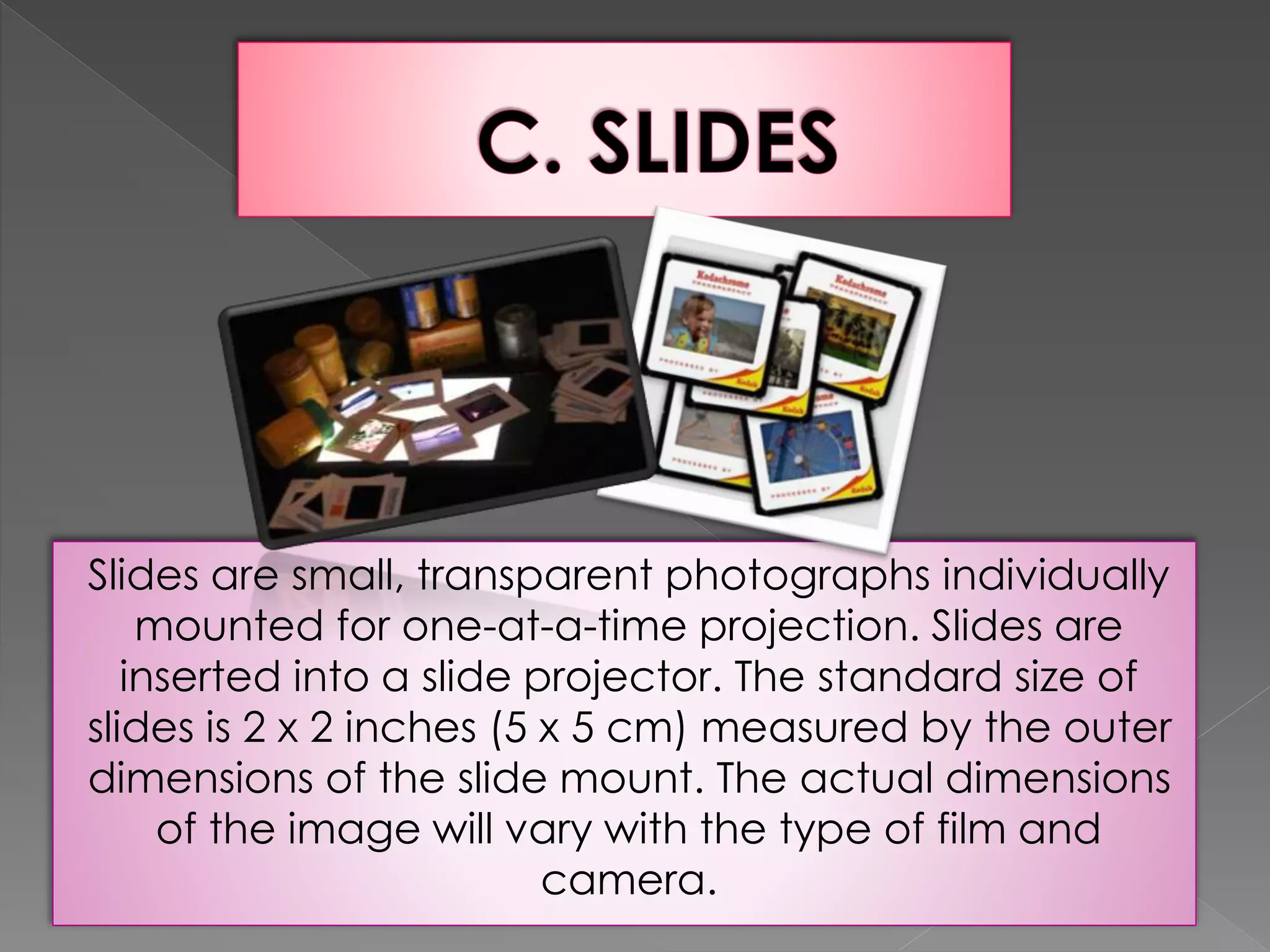
Slides are small, transparent photographs individually 
mounted for one-at-a-time projection. Slides are 
inserted into a slide projector. The standard size of 
slides is 2 x 2 inches (5 x 5 cm) measured by the outer 
dimensions of the slide mount. The actual dimensions 
of the image will vary with the type of film and 
camera.
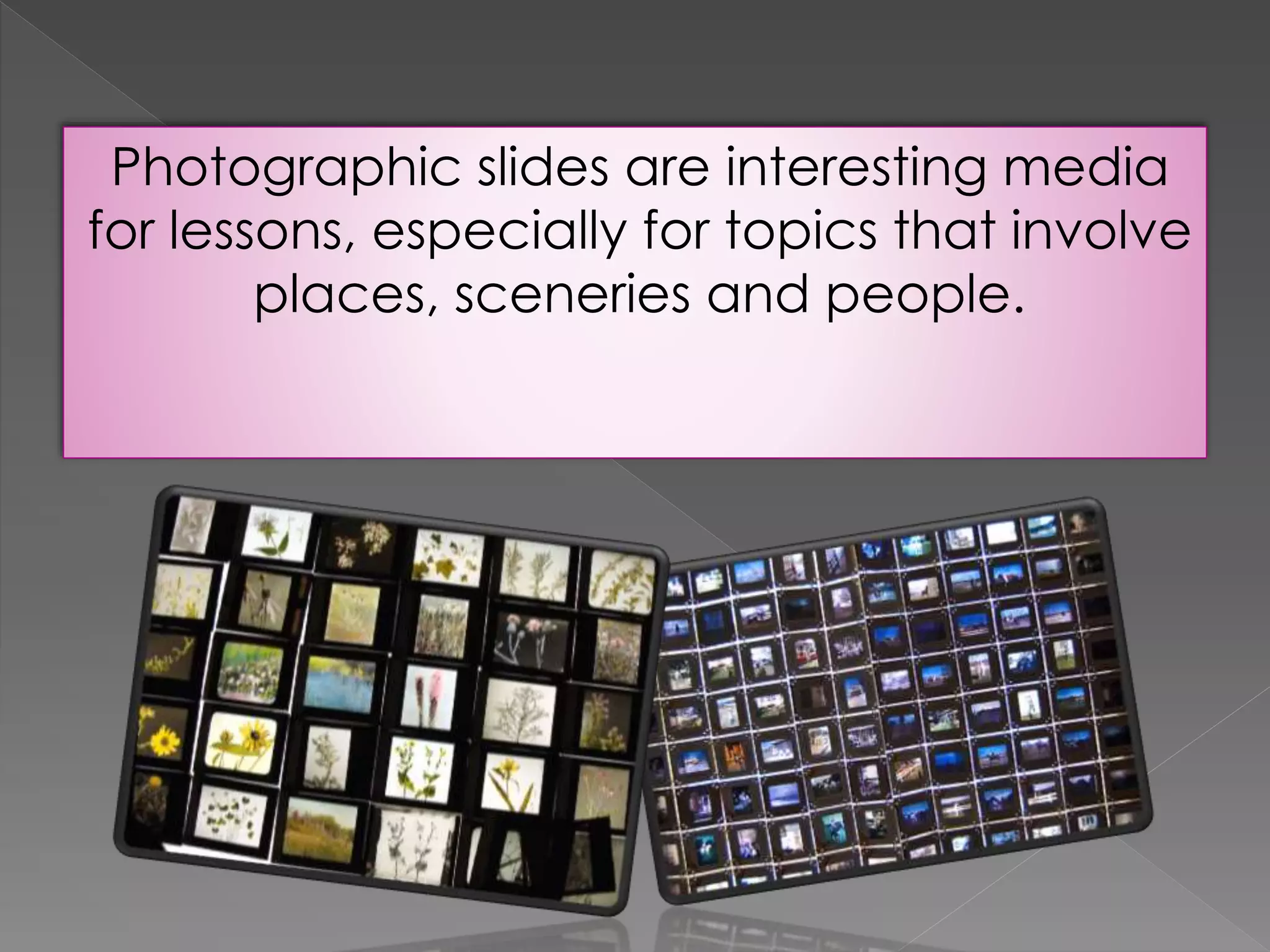
Photographic slides are interesting media 
for lessons, especially for topics that involve 
places, sceneries and people.
Advantages 
1. Slides are portable and can be easily stored. 
2. Most slide projectors offer the convenience of remotely 
controlling the presentation of slides. They also allow 
the presenter to remain in front of the room. 
3. It is easy to build collections of slides due to the 
general availability and ease of handling slides. 
4. Slides can be used in individualized instruction 
programs. 
5. Viewing slides can be controlled by users.
Limitations 
1. There is a tendency for slides to become easily 
disorganized. 
2. Use of slide projection is not effective in a fully-lighted 
environment. Face-to-face contact could not be possible 
since the room is darkened. 
3. The lack of a standard way of mounting slides may lead 
to jamming of slides. 
4. Slides may be costly. 
5. Slides are becoming outdated. They are already 
replaced by CDs. 
6. Careless storage or handling of slides can lead to 
permanent damages.
It is possible to store images in a digital 
form and show them on a computer or 
television monitor or project them before a 
group. Available digital storage media 
includes CD-ROM. Photo CD, DVD-ROM, 
and computer disks.
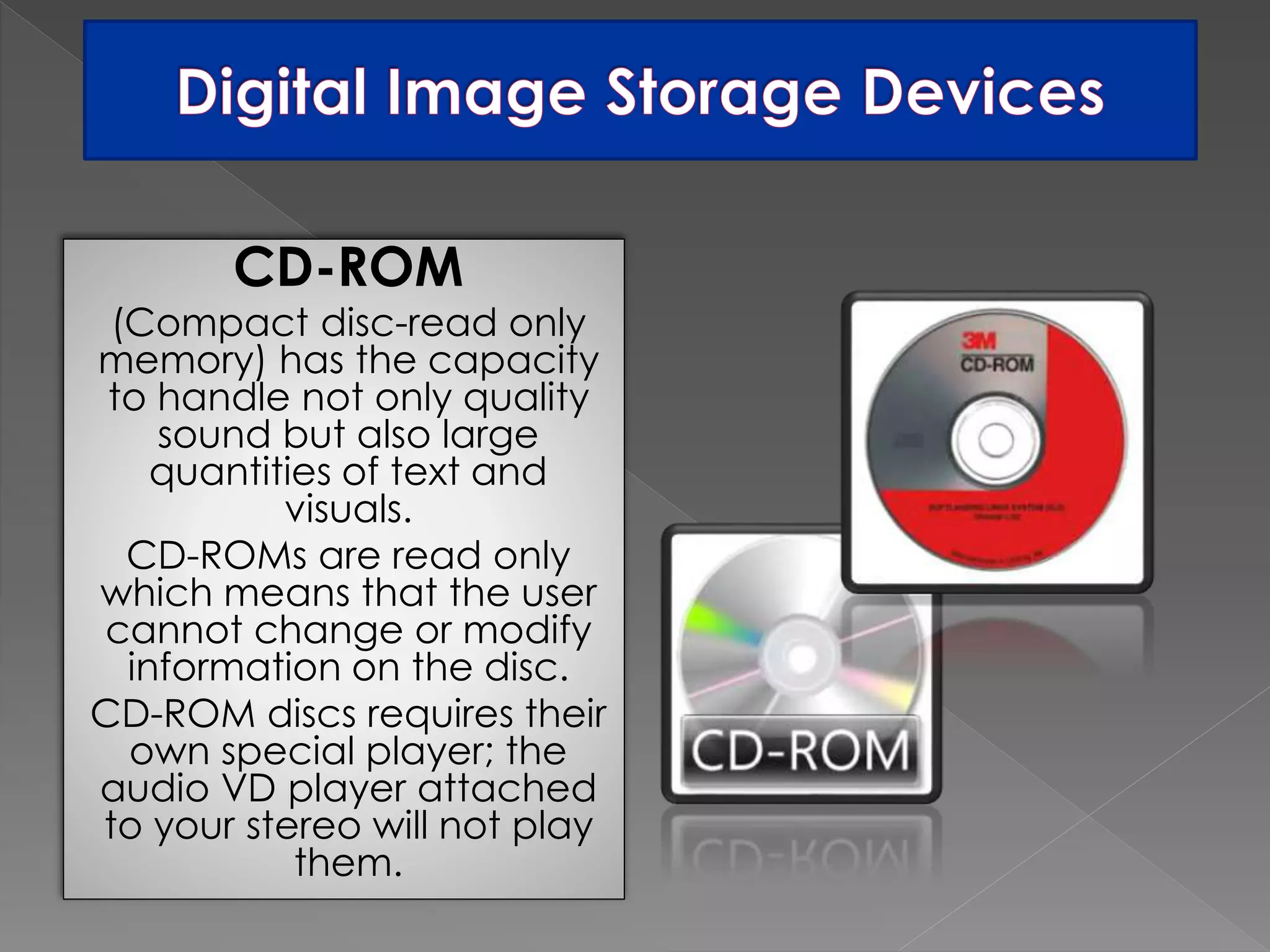
CD-ROM 
(Compact disc-read only 
memory) has the capacity 
to handle not only quality 
sound but also large 
quantities of text and 
visuals. 
CD-ROMs are read only 
which means that the user 
cannot change or modify 
information on the disc. 
CD-ROM discs requires their 
own special player; the 
audio VD player attached 
to your stereo will not play 
them.
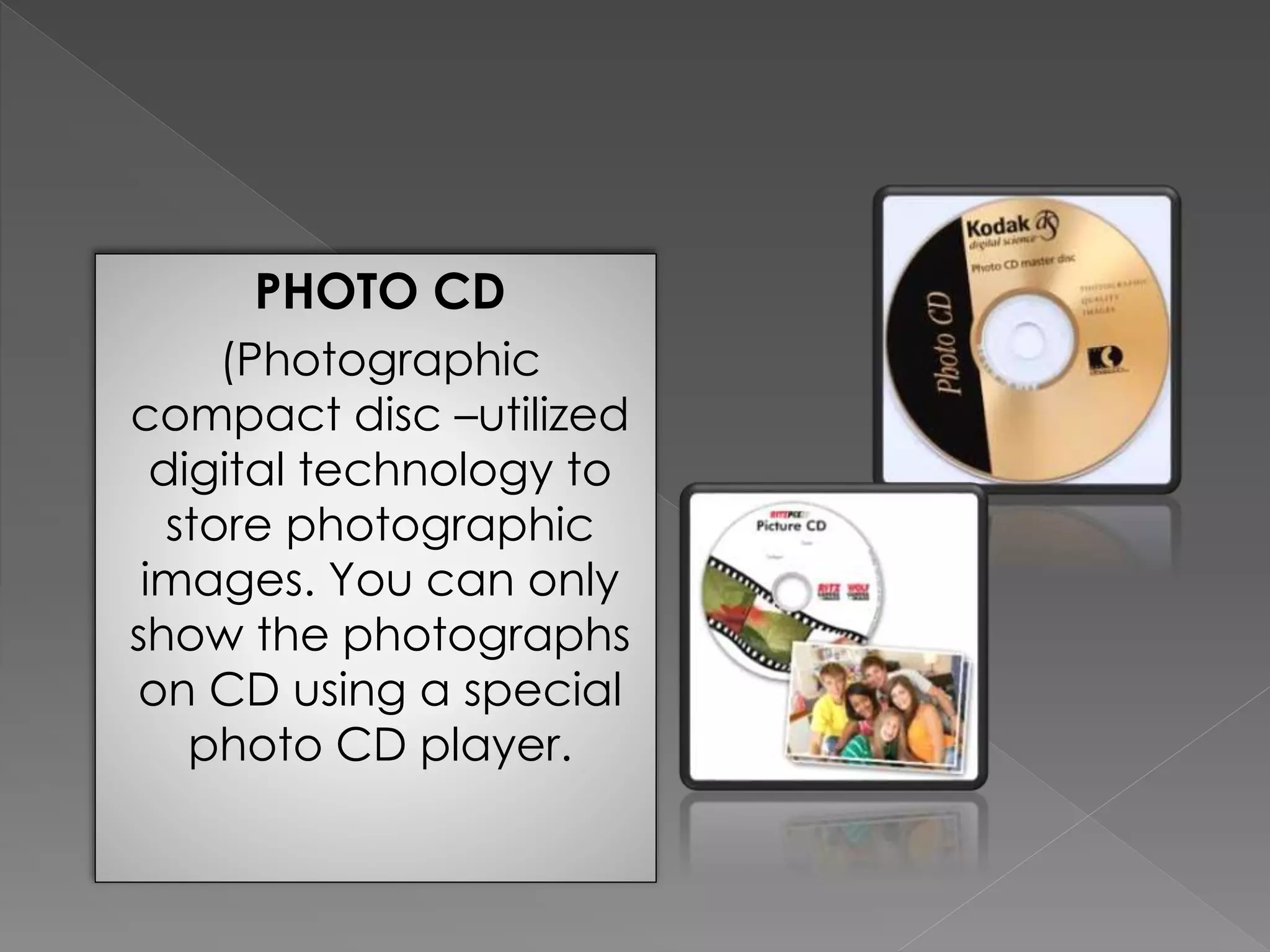
PHOTO CD 
(Photographic 
compact disc –utilized 
digital technology to 
store photographic 
images. You can only 
show the photographs 
on CD using a special 
photo CD player.
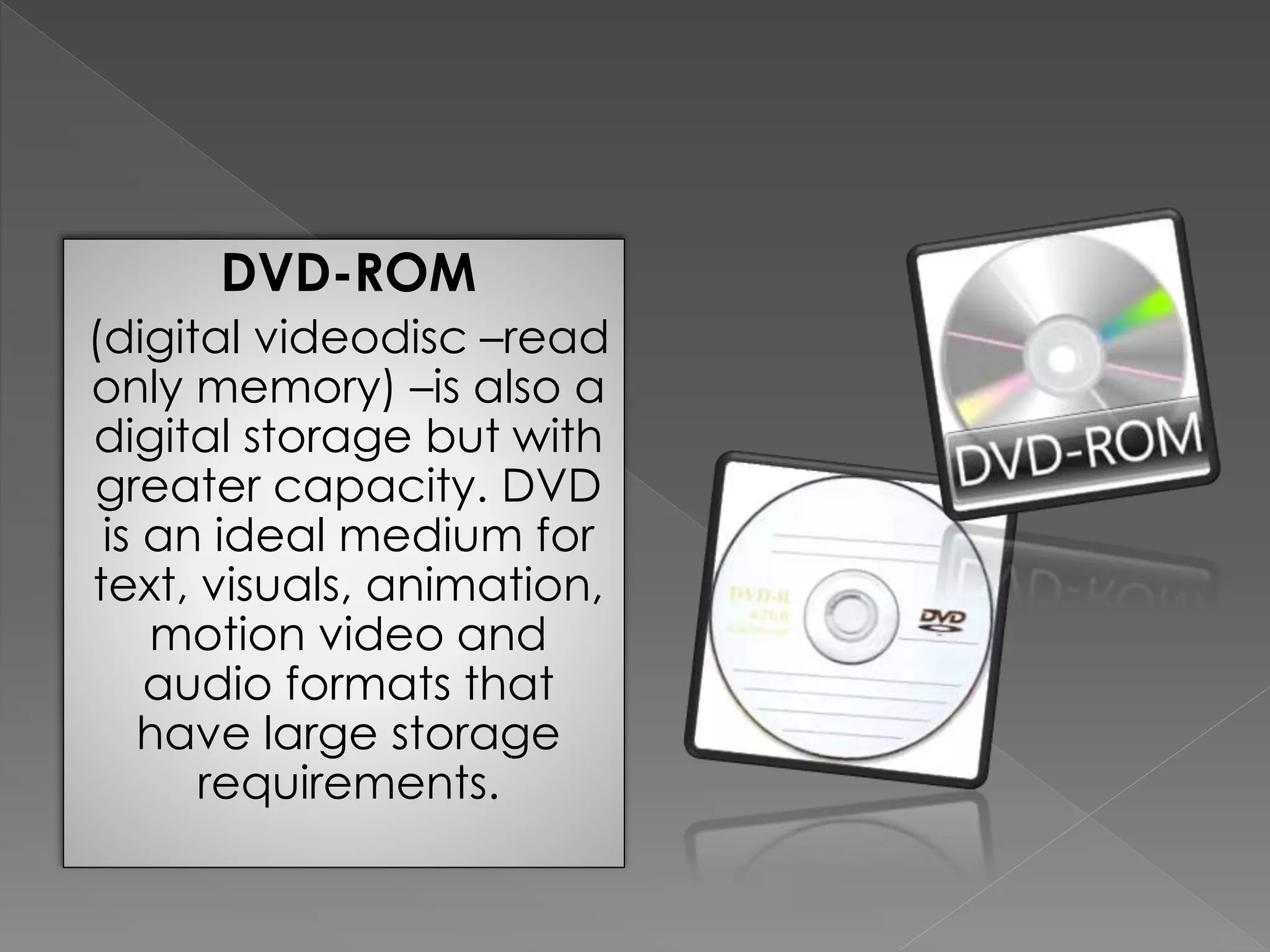
DVD-ROM 
(digital videodisc –read 
only memory) –is also a 
digital storage but with 
greater capacity. DVD 
is an ideal medium for 
text, visuals, animation, 
motion video and 
audio formats that 
have large storage 
requirements.
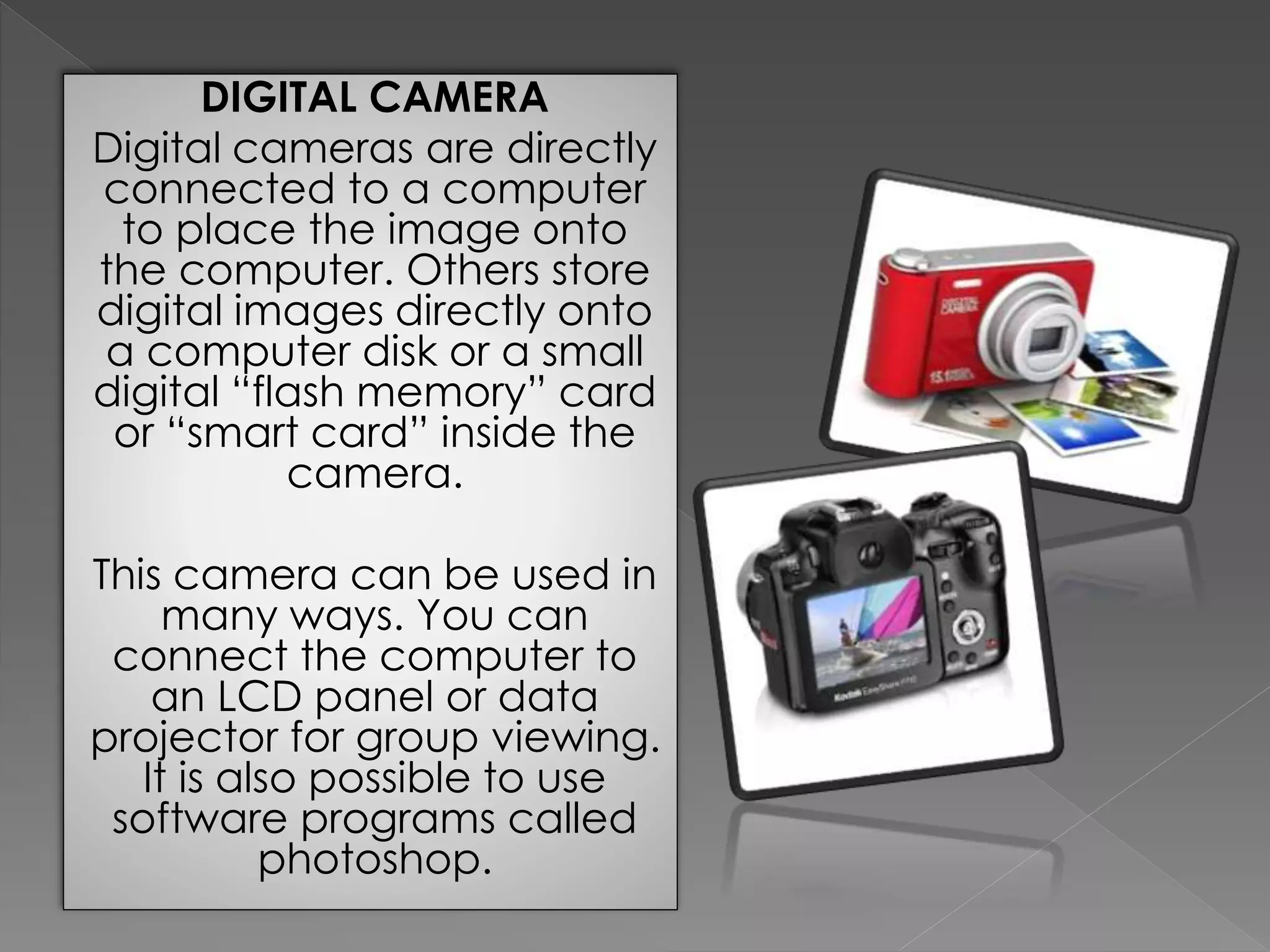
DIGITAL CAMERA 
Digital cameras are directly 
connected to a computer 
to place the image onto 
the computer. Others store 
digital images directly onto 
a computer disk or a small 
digital “flash memory” card 
or “smart card” inside the 
camera. 
This camera can be used in 
many ways. You can 
connect the computer to 
an LCD panel or data 
projector for group viewing. 
It is also possible to use 
software programs called 
photoshop.
 Random access. Digital images stored on discs can be 
rapidly and randomly access. 
 Durability. The discs are very durable. Fingerprints do not 
interfere with the quality of the projected visual, as is the 
case of slides and filmstrips. 
 Storage capacity. All the discs store thousands of colorful 
images at your fingertips. 
 High quality visuals. The quality of digital still images is 
better than the photographic images on slides and does 
fade with time as photographic images do. 
 Portable. Digital discs are extremely portable. 
 Less storage space. It would require 67580 slide trays to 
store the 54000 still images on a single videodisc.
 Expensive to produce –time consuming and 
expensive to produce 
 Requires player and projection –more complex 
and more difficult to operate 
 Format becoming outdated – the laser disc format 
is rapidly being placed by CD-ROM and DVD, and 
fewer new titles are available.
Projected digital visuals are suitable for 
most of the same applications where you 
would use overhead transparencies or 
slides.
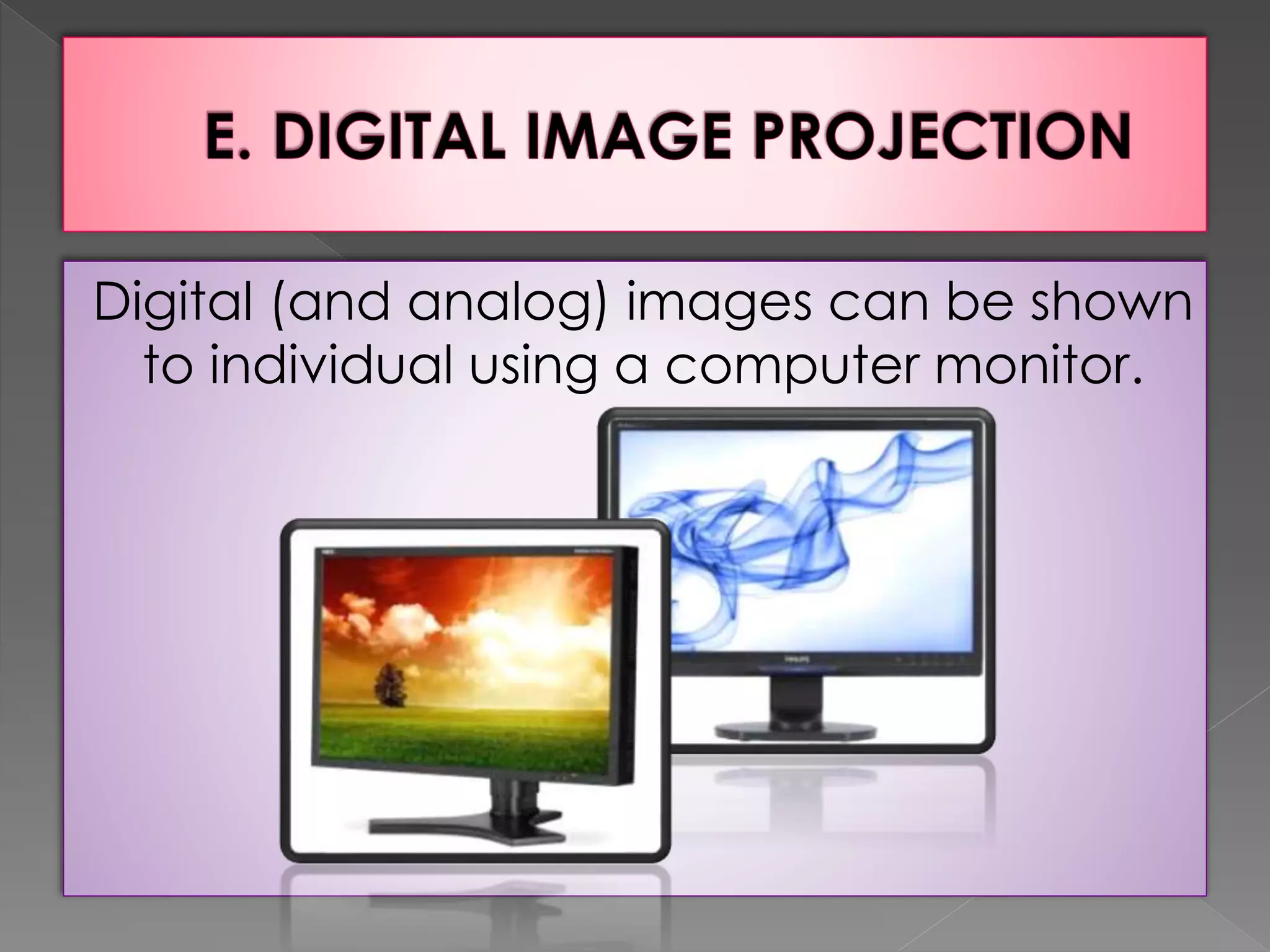
Digital (and analog) images can be shown 
to individual using a computer monitor.
Designed for use with presentation 
graphics software, liquid crystal display 
(LCD) projection panels project computer 
images on screen. Power point is also 
presentation package that has become 
very popular. You can include sound and 
animation in your presentation.
Advantages 
 Image choices 
 Vast capacity 
 Interactivity 
Limitations 
 Lack of brightness 
 Legibility 
 Expense
The extra expense and logistical 
arrangements required by LCD projection 
would be difficult to justify for simple, static 
presentations. Where it yields real benefits in 
providing dynamic or interactive presentation. 
-THE END-
THANK YOU PHY.SCI!! 
  
THANK YOU!!!   PHY.SCI 
Reported By: 
Cortez, Mary Jo 
Cristal, Frinces Mae 
Cuachon, Rona Mae 
Dela Pena, Jonnel 
Despi, Leizel 
Edollantes, Mary Joy 
Group 1 
BSED 3C

Visuals- Educational Technology 9

  • 1.
    VISUALS Topic 6-Educational Technology
  • 2.
    Definition of VisualAid A visual aid is a material that can be seen that aids learning. Function Visual aids function as a learning tool for children and educators. They function by providing a visual representation of the subject that is being learned. This is something that regular text or oral presentation cannot do.
  • 3.
     Non projectedvisuals are those aids which are used without any projection.  Non-Projected Visuals can translate abstract ideas into a more realistic format. They allow instruction to move down from the level of verbal symbols into a more concrete level.  Non-projected visuals are easy to use because they do not require any equipment.  Inexpensive.
  • 4.
     It canbe used in many ways at all levels of instruction and disciplines.  It is use to stimulate creative expression such as telling or writing stories or composing poetry.  It is use in testing and evaluation.
  • 6.
    A. GRAPHIC MATERIALS The term graphics comes from the Greek word graphein which means “to write” “to draw” or “to represent by lines”. Graphics are instructional materials which present summarized information and ideas through drawings, words, pictures and symbols. Graphics are generally abstract.
  • 7.
    Drawings and illustrationsare non-photographic reconstructions or representations of reality, etched or drawn by an illustrator, like the teacher or students. Illustrations can be black or white or in full color.
  • 8.
    1. Giving facesto characters in a story. 2. Displaying a number of examples of an item described in a textbook. 3. Visualizing stepwise sets of instructions in a technical manual. 4. Communicating subtle thematic tone in a narrative. 5. Making a reader laugh or smile.
  • 9.
    Advantages 1. Drawingsand illustrations could be prepared ahead of time by having it drawn on the board and covered until the class starts. 2. Drawings and illustrations can be easily prepared once materials are available. They are also easy to utilize because they do not require special equipment. 3. They are less detailed; hence, learners can easily understand their message. Limitations 1. Drawings could be subject to misinterpretations. 2. Technical expertise in drawing could be needed to produce good drawings and illustrations.
  • 10.
    Charts are instructionalmaterials which present relationship such as chronologies, quantities, and hierarchies. They usually appear as tables and flowcharts, and present a combination of pictorial, graphic, numerical or verbal materials.
  • 11.
    1. Flowcharts orProcess Charts –show a sequence, procedure, or as the name implies, the flow of the process.
  • 12.
    2. Classification Charts ––show the classification or categorization of objects or events or species.
  • 13.
    3. Tabular Chartsor Tables –show data, usually numerical and are presented in columns.
  • 14.
    4. Organizational charts ––show the structure or chain of command in an organization such as company, corporation or government department. Lines show the interrelationship of data.
  • 15.
    5. Stream orTree Charts –show the relationships of data as shown in a hierarchy.
  • 16.
    3. Time lines –illustrate chronological relationships between events.
  • 17.
    Advantages 1. Chartscan present summaries of information. 2. Charts can be easily made by students. These can be easily used because they do not require special equipment. 3. Charts can be moved with ease from one place to another. Limitations 1. Charts cannot show motion. 2. Big charts can be cumbersome to handle. 3. Charts can be outdated.
  • 18.
    Although considered ascharts, these consist of lines and symbols that show the relationships or key features of a process, an object or an area. It could be very abstract such as construction blueprints or very simple such as diagrams showing relationships of verbs, subject or other parts of speech in English grammar classes.
  • 19.
    1. Venn diagram –shows areas of overlap between elements.
  • 20.
    2. Cycle diagram –shows a process with a continuous cycle.
  • 21.
    3. Radial diagram –shows relationships of a core element.
  • 22.
    4. Pyramid Diagram –shows foundation-based relationships.
  • 23.
    5. Target diagram –shows steps toward a goal.
  • 24.
    Advantages 1. Likecharts, diagrams show relationships of a large amount of data in a condensed form. 2. Diagrams are easy to use because they do not require special equipment. Limitation 1. Ideas rely heavily on symbolic means, hence, could be difficult to understand.
  • 25.
    Graphs are instructionalmaterials which represent numerical data. Graphs also illustrate relationships among units of data and trends in the data. Graphs could be produced from tabular charts, or could be easily made through computer spreadsheet applications, such as Microsoft Excel.
  • 26.
    1. Line graphs –these are used frequently in plotting relationships between changes in a set of data, usually over a period of time.
  • 27.
    2. Bar graphs –these consist of bars, either horizontally or vertically, which are useful in presenting comparisons of data.
  • 28.
    3. Circle orPie Graphs ––these are used to show how a whole is divided into parts and the relationship of the parts.
  • 29.
    4. Picture Graphsor Pictographs –these are pictures to represent and compare numerical data instead of bars or lines.
  • 30.
    Advantages 1. Graphsare made to summarize data, hence, facilitate understanding. 2. Graphs which are colorful are more appealing than tables. Limitations 1. Graphs can be easily misinterpreted. 2. Because these employ numerical data, graphs could be uninteresting for some students.
  • 31.
    Posters are materials which combine images, lines, colors, and words. These materials intend to catch and hold viewer’s attention to present a brief, persuasive message. Posters may be obtained from a variety of sources. These can also be prepared by teachers and students.
  • 32.
    Advantages 1. Posterscan be easily prepared by teachers and students. 2. Posters can easily convey message. 3. Because of its color, posters can easily catch attention. Limitations 1. Posters can portray different interpretations.
  • 33.
    Cartoons are colorfulline drawings with exaggerated features or symbols that provide humor or satire. They usually appear in newspapers, periodicals and textbooks. It also include comic strips or strip drawings, which is sequence of closely related drawings intended to make important social and political comments. They can be often used by teachers to make or reinforce a point of instruction. Strip drawings can be used to arouse interest, develop vocabulary and other reading skills and serve as springboards to lessons.
  • 34.
    Advantages 1. Stripdrawings can be easily read and understood; thus encourages reading. 2. Cartoons satisfy children’s idea of art. 3. Aside from verbal cues, cartoons and strip drawings contain illustrations. Limitations 1. In interpreting cartoons and strip drawings, there is a tendency to focus only on the colorful drawings rather than on the words accompanying them. 2. Pictures or drawings are usually exaggerated, which could lead to misinterpretations.
  • 35.
    B. PICTORIAL MEDIA The visual or pictorial media are often considered the “universal language”. Moreover, pictures are said to be “worth a thousand words.” This attests to the power of pictorial media as a communication device.
  • 36.
    Still pictures aretwo-dimensional aids, photographic or photographic-like, which help illustrate and teach specific lesson topics, help learners recall information, and visually explain information that would be difficult to convey using verbal or written terms. Good pictures convey authentic and clear messages. They are well composed and use effective color and possess technical and mechanical quality.
  • 37.
    Advantages 1. Stillpictures abound in various materials such as books, magazines, newspapers, catalogs, and calendars. 2. Pictures provide a more realistic interpretation of verbal symbols. 3. Pictures, especially those which are large and colorful, motivate students and relate an action or depict a story. 4. Still pictures are easy to use and can be easily carried from place to place and do not require any equipment or electricity. 5. Still pictures are relatively inexpensive to produce or purchase and can be reused.
  • 38.
    Limitations 1. Sincepictures are two-dimensional, they often fail to present scale size or perspective 2. Unless proper care is taken, pictures can easily get torn, disordered or lost. 3. Choosing the right picture could be a problem for some teachers. Some pictures cannot depict the totality of the message intended to be presented by the teacher.
  • 39.
    This refers topictures which are produced by the 35 mm still camera or the digital camera. They appear in black and white or in full color.
  • 40.
    Advantages 1. Thematerial could easily capture the subject as deemed important for instruction. 2. Photographs could be easily taken and produced as in the case of those taken from digital cameras. Limitations 1. Like pictures, photographs fail to present scale size or perspective. However, providing series of photographs of the same object or scene from several different angles can address this limitation. A series of sequential photographs can suggest motion. 2. Carelessness in getting pictures may lead to distortion of images.
  • 41.
    Flash cards are valuable materials for drill activities particularly in the teaching of Mathematics, English, and Filipino. It comes in the form of picture cards, word cards, phrase cards, sentence cards or mathematical cards.
  • 42.
    Advantages 1. Flashcards can be an important means of fixing skills and automatizing responses of students. 2. Flash cards can be easily made from recycled materials. 3. Flash cards are easy to use and can be easily carried. Limitations 1. Flash cards may be small to be seen by the entire class. 2. If flashing is too snappy, the students could find difficulty in recognizing what is in the flash card.
  • 43.
    Projected visuals havelong been popular as a medium of instruction as well as entertainment. Projected media refers to media formats in which visual and verbal images are projected or enlarged and displayed on a screen by passing strong light through a transparent material (transparencies, slides, filmstrips) or through opaque materials. Integration Projected visuals are suitable for all use at all grade levels and for instruction in all curriculum areas.
  • 44.
     Provide atour for new employees of a local business without walking through the plant.  Make a visual history of your community, schools or organizations.  Illustrates lectures about art history or art technique.  Document student activities, products and student work, and community problems (e.g. crime and pollution)  Present a preoperative explanation of surgical tailored to a specific surgeon’s patient.
  • 45.
     Show peopleat work in various jobs, for career awareness.  Illustrates the uses of company’s product throughout the world.  Teach a step-by-step process with close-ups of each operation.  Simulate a field trip.  Promote public understanding of your school of your organization.
  • 46.
    The document camerais a video camera mounted on a copy stand, pointed downward at documents, flat pictures, or graphics and small objects like coins. The image may be projected onto a large seen within the room or it may be transmitted to distant sites via television.
  • 47.
     No projectedrequired. A document camera allows on-the-spot projection of readily available classroom materials.  All students have equal view. Permits everyone to have an equal opportunity to view the same materials easily.  Allows group viewing of student work. Permits group viewing and discussions of student work, such as drawings, student compositions, solutions to math problems and the like.
  • 48.
     Bulky hardware.It requires monitor or video projector, which is bulky, heavy, and cumbersome to move without cart.  Monitor or projection required. You cannot use it without a monitor or video projector.  Additional lighting. Document cameras need additional lights for good image.
  • 49.
     All subjects–group critique of student work and review the test items.  Art –group discussion of reproductions of paintings, etc.  Business –group work on business and accounting forms.  Home Economics –group viewing of sewing pattern, recipes, etc.  Industry –projection of blueprints for group study.  Language Arts –group critique of student composition.
  • 50.
     Medicine –groupstudy of anatomical drawing .  Military –review of maps and official documents  Music –group reading of musical colors.  Religion –religious story illustrations.  Science –magnification of specimens ; group study of maps and tables.  Social Studies –viewing of artifacts from other cultures, etc.
  • 51.
    Overhead projection isdone using an overhead projector –a device like a box with a large stage on the top surface. Light from the powerful lamp inside the box is condensed by a spherical type of lens, known as Fresnel lens, and passes through a transparency placed on the stage. A lens and mirror system mounted on a bracket above the box turns the light beam 90 degrees and projects the image onto a screen or blank wall (Heinich, 1996).
  • 52.
    Overhead projection hasbecome the most widely used audiovisual device in North America classrooms and training sites. A projector capable of projecting enlarged images of written or pictorial material onto a screen or wall from a transparency placed horizontally below the projector and lighted from underneath.
  • 53.
    1. Transmissive Type –light passes through the transparency
  • 54.
    2. Reflective type –the light from the lamp is reflected off the mirror like stage. This type is easy to carry since it is lighter and more compact.
  • 55.
    3. Acetate –transparent film whose regular size is 8 x 10 inch Overlays –are sheets of transparent film
  • 56.
    Brightness Eye contact Ease of use Abundance of materials Manipulable Availability of materials Self-prepared materials Advance preparation Impact attitudes Organization and discussion
  • 57.
     Not programmed–overhead projector cannot be programmed to display visual sequences by itself, nor is an audio accompaniment provided.  Not self-instructional –it is designed for large-group study.  Production process required –materials have to be made into transparencies by means of some production process.  Keystone effect –distortion
  • 58.
    Art Consumer Science Drama Geography Language Arts Laboratory Skills Literature Music Science
  • 59.
    Overhead transparencies maybe created from clear acetate, photographic film, or any other transparent material such as plastics used to cover books. These are usually 10” x 10” in size to fit the size of most overhead projectors. Transparencies may contain images or letters to be projected or may be left blank for teachers to write on them. One can also have materials photocopied to the acetate using photocopier or could be printed directly from computers. Transparencies may be used individually or with one or more overlays.
  • 60.
    Direct Drawing Method Electrostatic Film Process (Xerography) Overhead Created by Computer
  • 61.
    a.1 Presentation programs–special software that simplifies creation of slide or transparencies of graphics that combine text, data and visuals.
  • 62.
    a.3 Photo-enhancement programs–allow the manipulation of color and use of special effects to alter photographic and styles.
  • 63.
    a.2 Drawing andpaint programs –allow the user to draw geometric shapes and figures.
  • 64.
    a.4 Desktop publishingprograms –combines features of many other methods to create sophisticated products such as newsletters and books.
  • 65.
     Laser printersprint images directly onto special film  Ink-jet printers spray droplets of ink onto specially coated ink-jet film.  Thermal transfer printers use heat to imprint images onto thermal film  Pen plotters draw with pens directly onto specially coated film  Impact printers press the ink from ribbons onto impact film
  • 66.
     Sequencing –arrangeslodes into many different sequence  Automatic cameras –automatic exposure control, easy focusing, and high-speed color film have contributed to this trend.  Automatic projection –offers convenience use of remote control  Collection building –easy to build up permanent collections  Individualized instruction-feasible for small-group and independent study
  • 67.
     Disorganization –sinceslides comes as individual units, they can easily becomes disorganized.  Jamming –they are made of cardboard, plastic and glass varying thickness  Susceptible to damage –slides can easily accommodate dusts and fingerprints; careless storage or handling can be lead to permanent damage.
  • 68.
    Slides are small,transparent photographs individually mounted for one-at-a-time projection. Slides are inserted into a slide projector. The standard size of slides is 2 x 2 inches (5 x 5 cm) measured by the outer dimensions of the slide mount. The actual dimensions of the image will vary with the type of film and camera.
  • 69.
    Photographic slides areinteresting media for lessons, especially for topics that involve places, sceneries and people.
  • 70.
    Advantages 1. Slidesare portable and can be easily stored. 2. Most slide projectors offer the convenience of remotely controlling the presentation of slides. They also allow the presenter to remain in front of the room. 3. It is easy to build collections of slides due to the general availability and ease of handling slides. 4. Slides can be used in individualized instruction programs. 5. Viewing slides can be controlled by users.
  • 71.
    Limitations 1. Thereis a tendency for slides to become easily disorganized. 2. Use of slide projection is not effective in a fully-lighted environment. Face-to-face contact could not be possible since the room is darkened. 3. The lack of a standard way of mounting slides may lead to jamming of slides. 4. Slides may be costly. 5. Slides are becoming outdated. They are already replaced by CDs. 6. Careless storage or handling of slides can lead to permanent damages.
  • 72.
    It is possibleto store images in a digital form and show them on a computer or television monitor or project them before a group. Available digital storage media includes CD-ROM. Photo CD, DVD-ROM, and computer disks.
  • 73.
    CD-ROM (Compact disc-readonly memory) has the capacity to handle not only quality sound but also large quantities of text and visuals. CD-ROMs are read only which means that the user cannot change or modify information on the disc. CD-ROM discs requires their own special player; the audio VD player attached to your stereo will not play them.
  • 74.
    PHOTO CD (Photographic compact disc –utilized digital technology to store photographic images. You can only show the photographs on CD using a special photo CD player.
  • 75.
    DVD-ROM (digital videodisc–read only memory) –is also a digital storage but with greater capacity. DVD is an ideal medium for text, visuals, animation, motion video and audio formats that have large storage requirements.
  • 76.
    DIGITAL CAMERA Digitalcameras are directly connected to a computer to place the image onto the computer. Others store digital images directly onto a computer disk or a small digital “flash memory” card or “smart card” inside the camera. This camera can be used in many ways. You can connect the computer to an LCD panel or data projector for group viewing. It is also possible to use software programs called photoshop.
  • 77.
     Random access.Digital images stored on discs can be rapidly and randomly access.  Durability. The discs are very durable. Fingerprints do not interfere with the quality of the projected visual, as is the case of slides and filmstrips.  Storage capacity. All the discs store thousands of colorful images at your fingertips.  High quality visuals. The quality of digital still images is better than the photographic images on slides and does fade with time as photographic images do.  Portable. Digital discs are extremely portable.  Less storage space. It would require 67580 slide trays to store the 54000 still images on a single videodisc.
  • 78.
     Expensive toproduce –time consuming and expensive to produce  Requires player and projection –more complex and more difficult to operate  Format becoming outdated – the laser disc format is rapidly being placed by CD-ROM and DVD, and fewer new titles are available.
  • 79.
    Projected digital visualsare suitable for most of the same applications where you would use overhead transparencies or slides.
  • 80.
    Digital (and analog)images can be shown to individual using a computer monitor.
  • 81.
    Designed for usewith presentation graphics software, liquid crystal display (LCD) projection panels project computer images on screen. Power point is also presentation package that has become very popular. You can include sound and animation in your presentation.
  • 82.
    Advantages  Imagechoices  Vast capacity  Interactivity Limitations  Lack of brightness  Legibility  Expense
  • 83.
    The extra expenseand logistical arrangements required by LCD projection would be difficult to justify for simple, static presentations. Where it yields real benefits in providing dynamic or interactive presentation. -THE END-
  • 84.
    THANK YOU PHY.SCI!!   
  • 85.
    THANK YOU!!!  PHY.SCI Reported By: Cortez, Mary Jo Cristal, Frinces Mae Cuachon, Rona Mae Dela Pena, Jonnel Despi, Leizel Edollantes, Mary Joy Group 1 BSED 3C