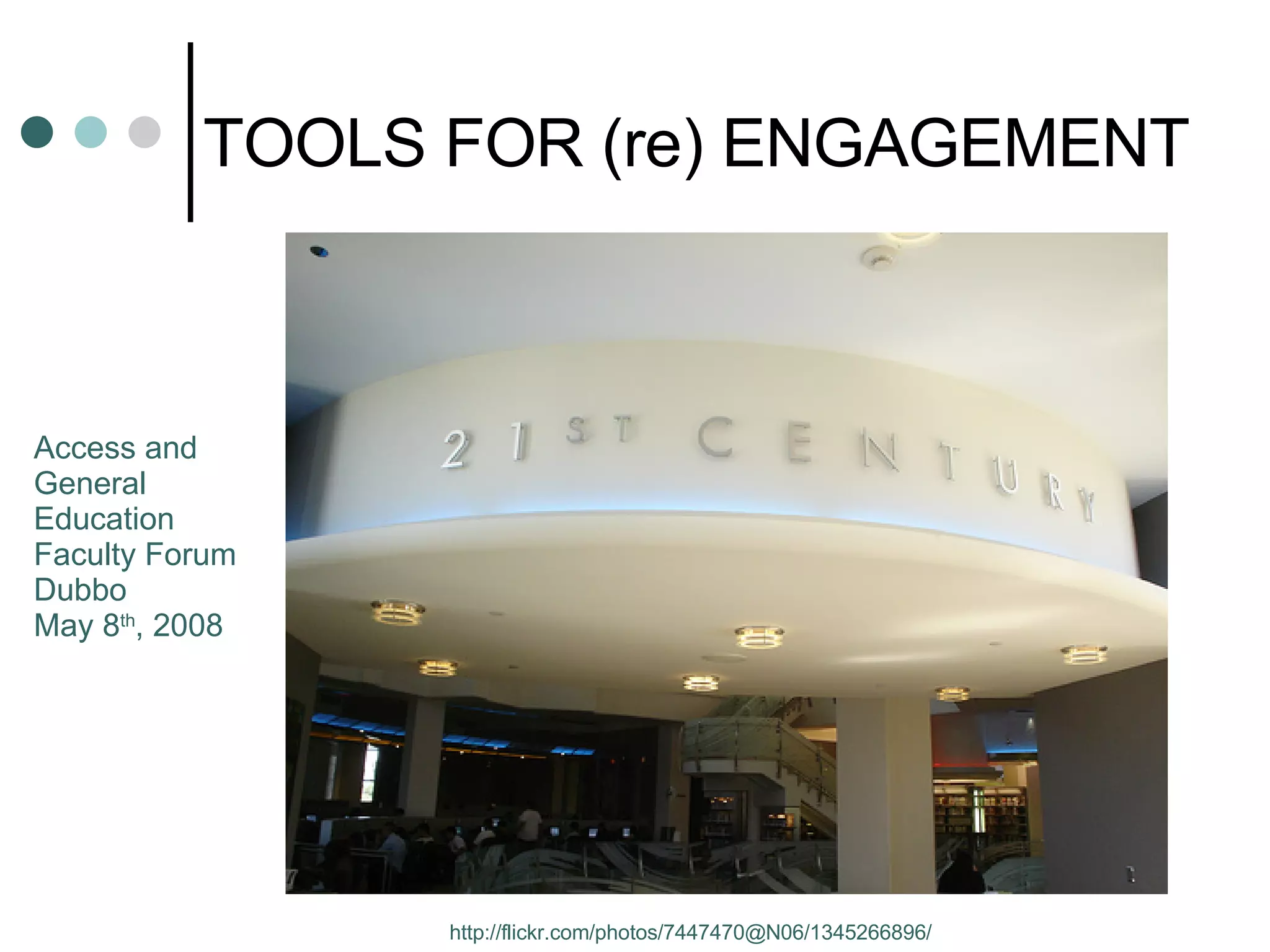
TOOLS FOR (re) ENGAGEMENT http://flickr.com/photos/7447470@N06/1345266896/ Access and  General  Education  Faculty Forum Dubbo May 8 th , 2008
 
A GLOBAL AUDIENCE? YouTube -  http:// www.youtube.com/watch?v =QjA5faZF1A8 Performance by a 13 yr old Korean boy May 6 th , 2008:  42,531,468  views;  180,657  comments That’s more than the populations of  Australia 20.1 m Israel 5.7m Denmark 5.3m Finland 5.1m New Zealand 3.6m Ireland 3.6m, etc
 
ARE YOU ENGAGED  RIGHT NOW?
The Primary Tool of Engagement is: YOU
The Primary Tool of Engagement is: YOU LOOK AFTER THE  AFFECTIVE DOMAIN
Digital Natives   (Marc Prensky) http://www.flickr.com/photos/30864080@N00/347520047
Digital Natives are: Communicating  (Instant Messaging, SMS) Sharing and collaborating  (blogs, wikis, MySpace, Facebook) Buying and selling  (eBay) Exchanging  (peer to peer technology; phone to phone file transfer) Meeting  (3D worlds) Reporting and documenting  (camera phones) Evaluating  (comments on blogs, photo and video sites) Searching  (Google) They are  CONTENT PRODUCERS  and  CONTENT RANKERS Many have an online presence. And…they don’t use email!
DIGITAL IMMIGRANTS ISSUE: are teaching DIGITAL  NATIVES
Not all Digital Natives are Generation Y http://flickr.com/photos/stephanridgway/1460848008/
Some Stories (1) eLearning for Youth (2005)
Some Stories (1) eLearning for Youth (2005) Moral: get students out of the classroom and engaged in real world tasks
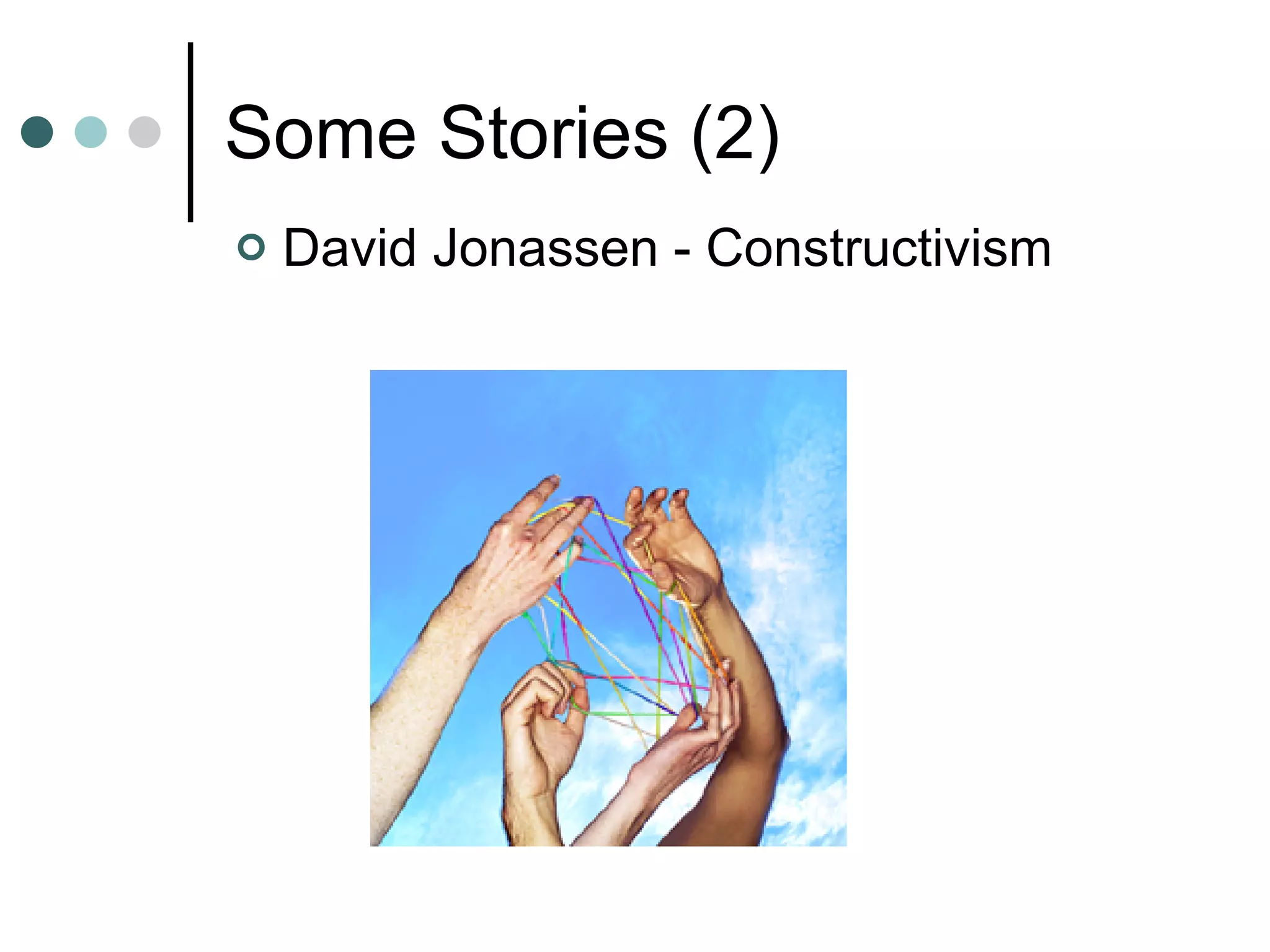
Some Stories (2) David Jonassen - Constructivism
Some Stories (2) David  Jonassen   - Constructivism Moral: get students working on real problems; They can and will  collaborate  on tasks that are relevant to them.
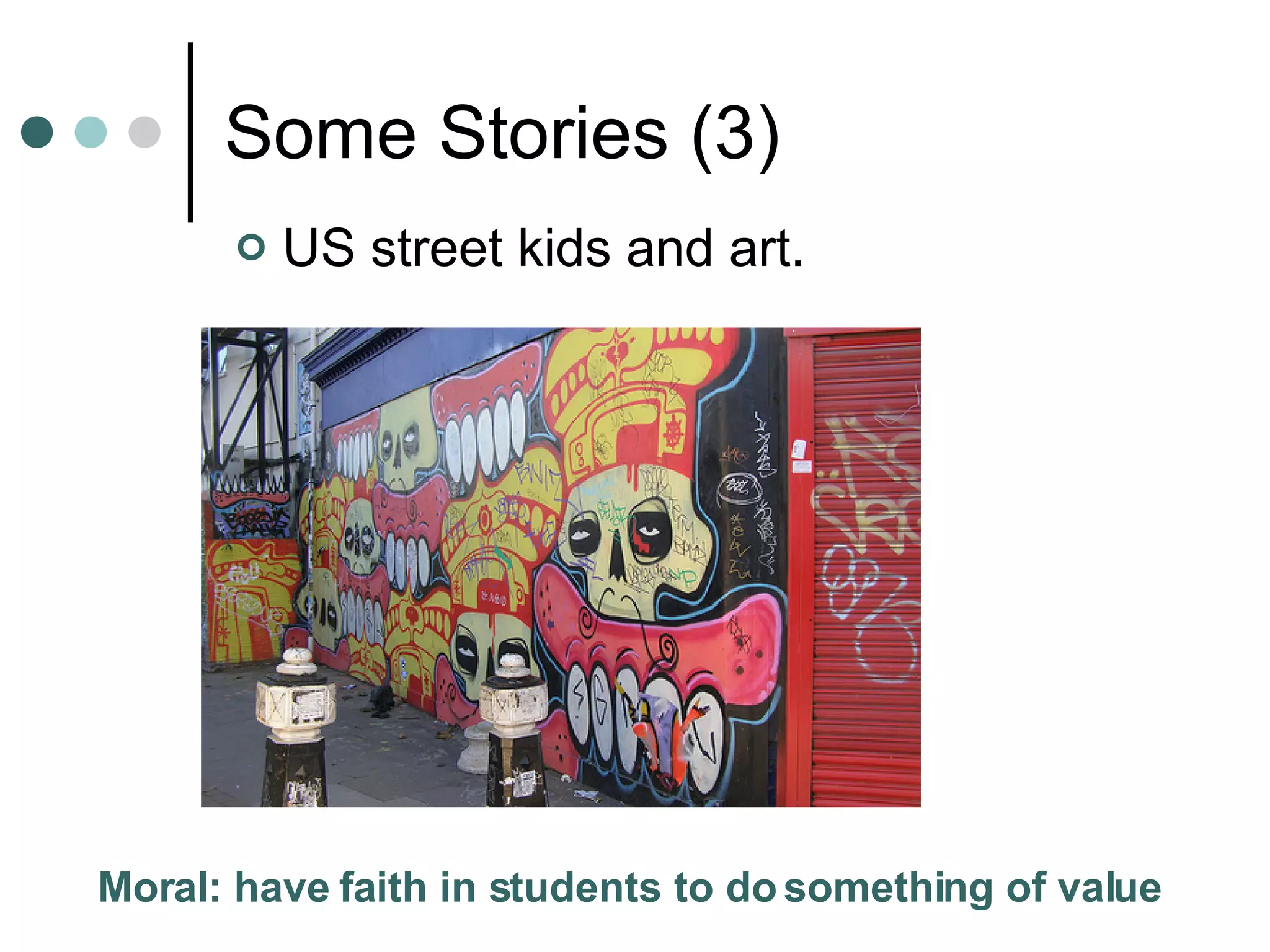
Some Stories (3) US street kids and art.
Some Stories (3) US street kids and art. Moral: have faith in students to do something of value
Some Stories (4) LeFevre High School Student: “ For years I was asked to do stuff I wasn’t interested in and wasn’t good at.”
Some Stories (4) LeFevre High School Student. “ For years I was asked to do stuff I wasn’t interested in and wasn’t good at.”  Moral: get students working on stuff they are interested in
Some Stories (5) Low level ESL students and Current Affairs.
Some Stories (5) Low level ESL students and Current Affairs. Moral: assume ALL students have something to  say about the bigger issues (politics, society, morality, etc)
Some stories (6) Moral: banning access to technology is not a viable option. Tom Wood (15) “The only Internet filter that needs to be installed is between the ears of the user.” Banning Internet sites/using Internet filters
 
Audacity
Why Media? Adrian Miles (RMIT): “  make our institution…more porous to the students’ private technologies – their mobile phones, their laptops and their cameras.” Innate human desire/need to create Ubiquity and ease of  participatory media  enables creation of art, film, documents, course content, assessments, etc
Media Creation Tools Audacity ccMixter  (collaborative music making online)  PhotoStory MovieMaker -  example Animoto -  example The mobile phone: Photos and/or movies to FlickR Movies to moblog.co.uk Voice Thread FlickR Tools (bighugelabs.com)  HERE Mosaic Business cards Billboards, etc Blogs, Wikis, Podcast sites (Podomatic, Odeo) Blogs/webpages annotated with media – Apture (apture.com);  example
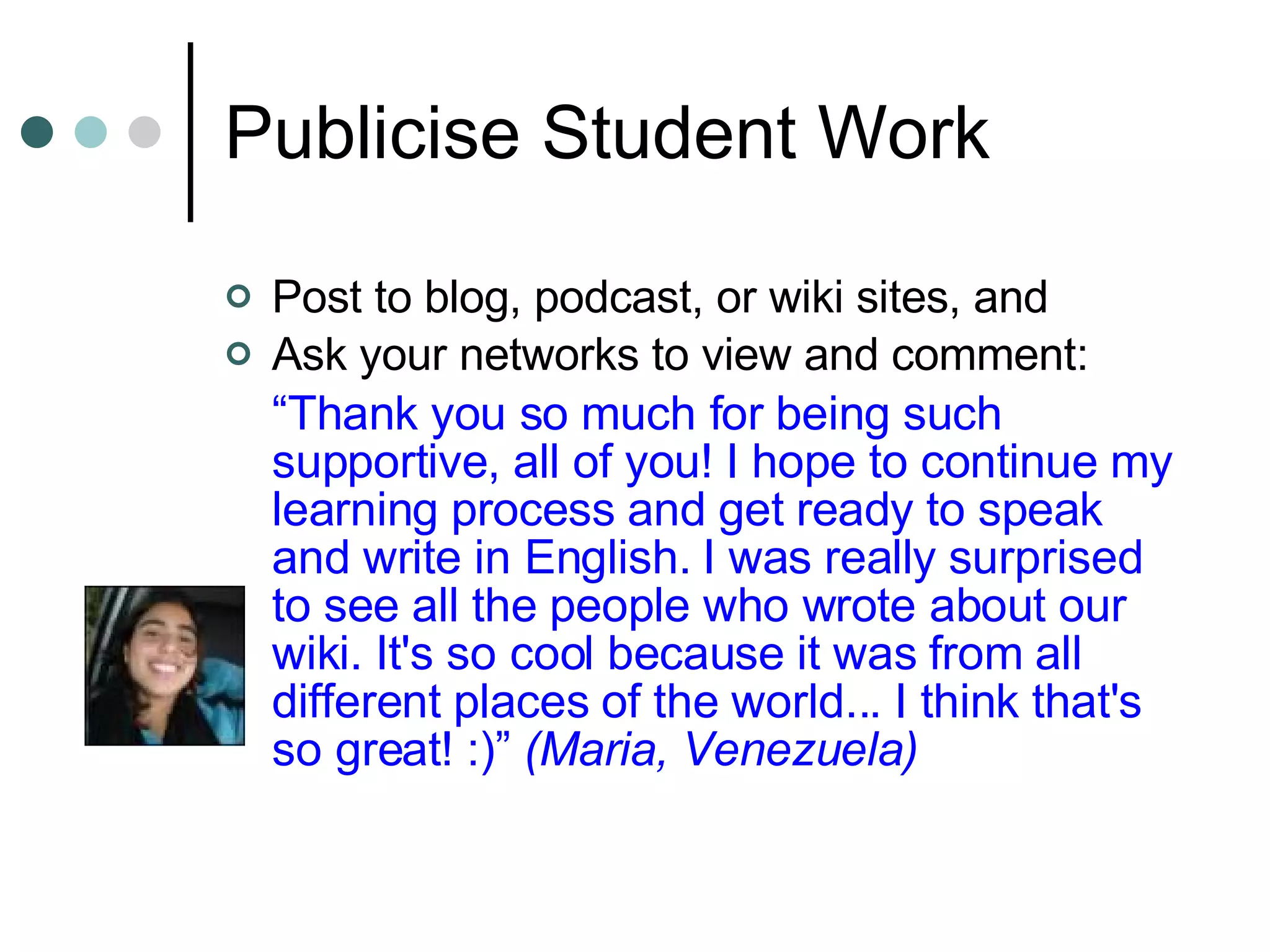
Publicise Student Work Post to blog, podcast, or wiki sites, and Ask your networks to view and comment: “ Thank you so much for being such supportive, all of you! I hope to continue my learning process and get ready to speak and write in English. I was really surprised to see all the people who wrote about our wiki. It's so cool because it was from all different places of the world... I think that's so great! :)”  (Maria, Venezuela)
Virtual Classrooms Games (Ken Gooding) Invited Speakers;  ‘chatting with heroes’  (AFL Footballers, Philip Nietzsche for Mature Age students   , Tom Dawkins [Vibewire] –  may engage Gen Y)
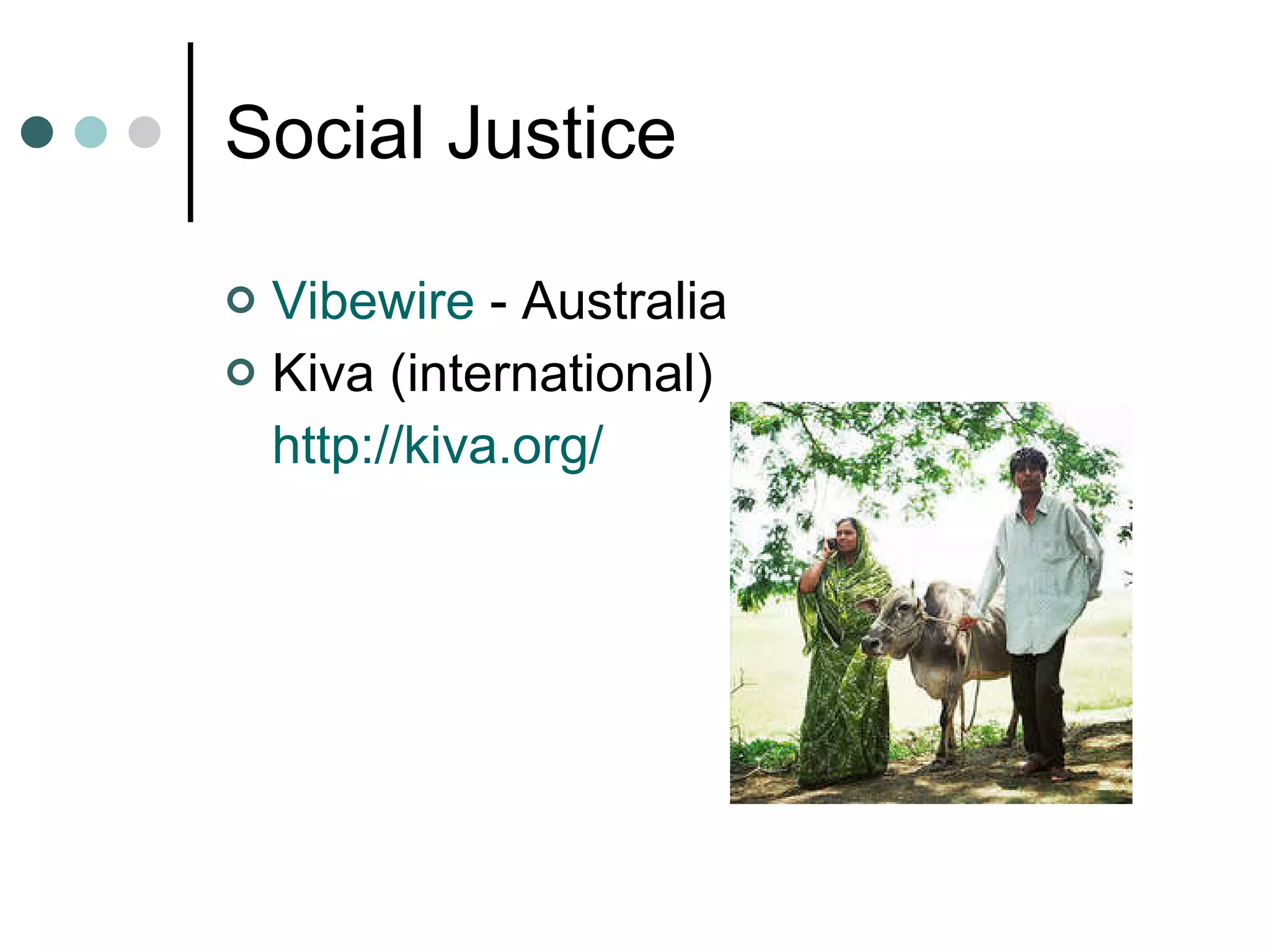
Social Justice Vibewire  - Australia Kiva (international) http:// kiva.org /
Course Content Toolboxes Audio Surveys! Click pic above for Audio from Glenda  McPherson
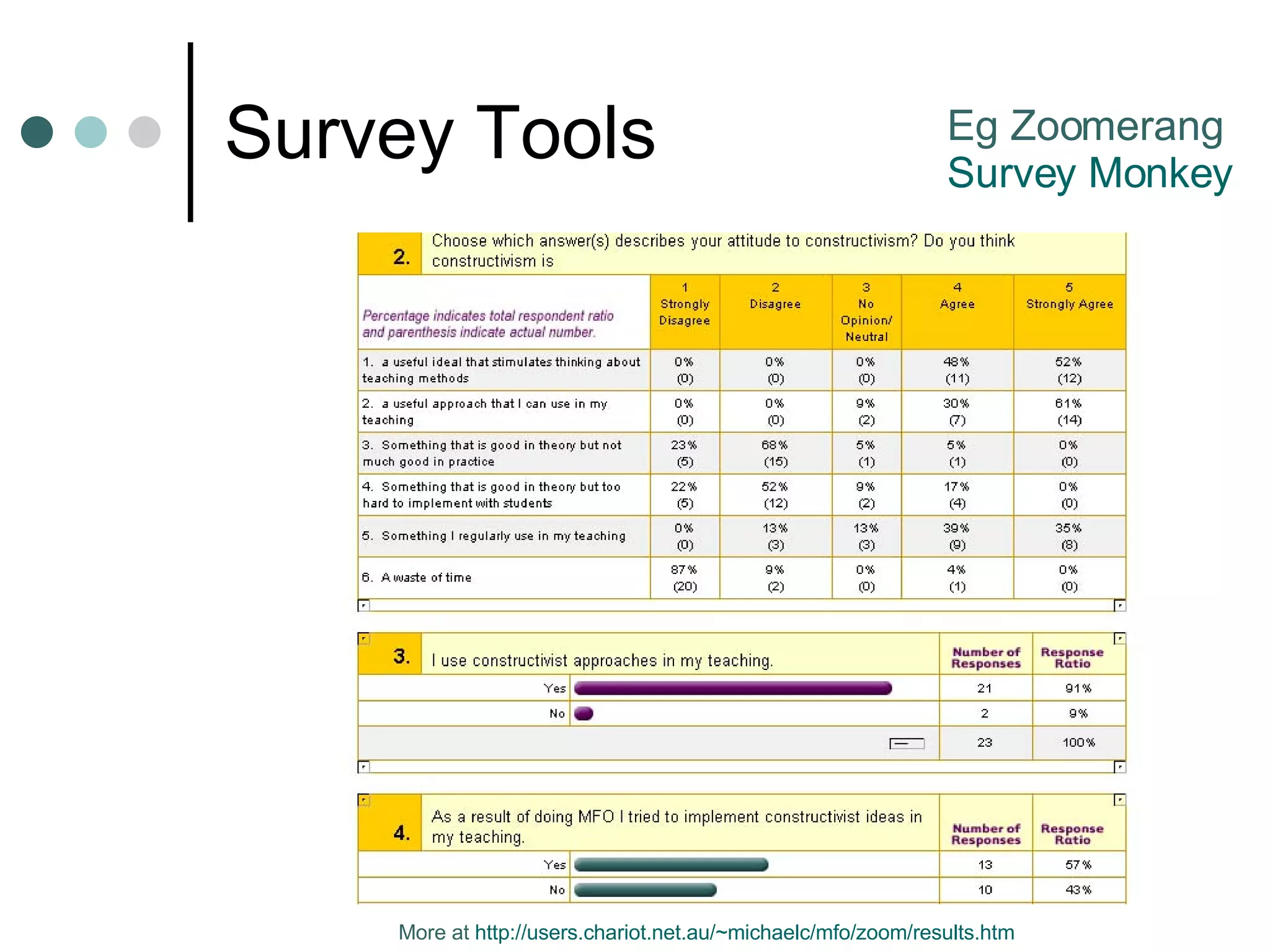
Survey Tools Eg Zoomerang Survey Monkey More at  http:// users.chariot.net.au/~michaelc/mfo/zoom/results.htm
Course Content Toolboxes Audio Surveys! Second Life Click pic above for Audio from Glenda  McPherson
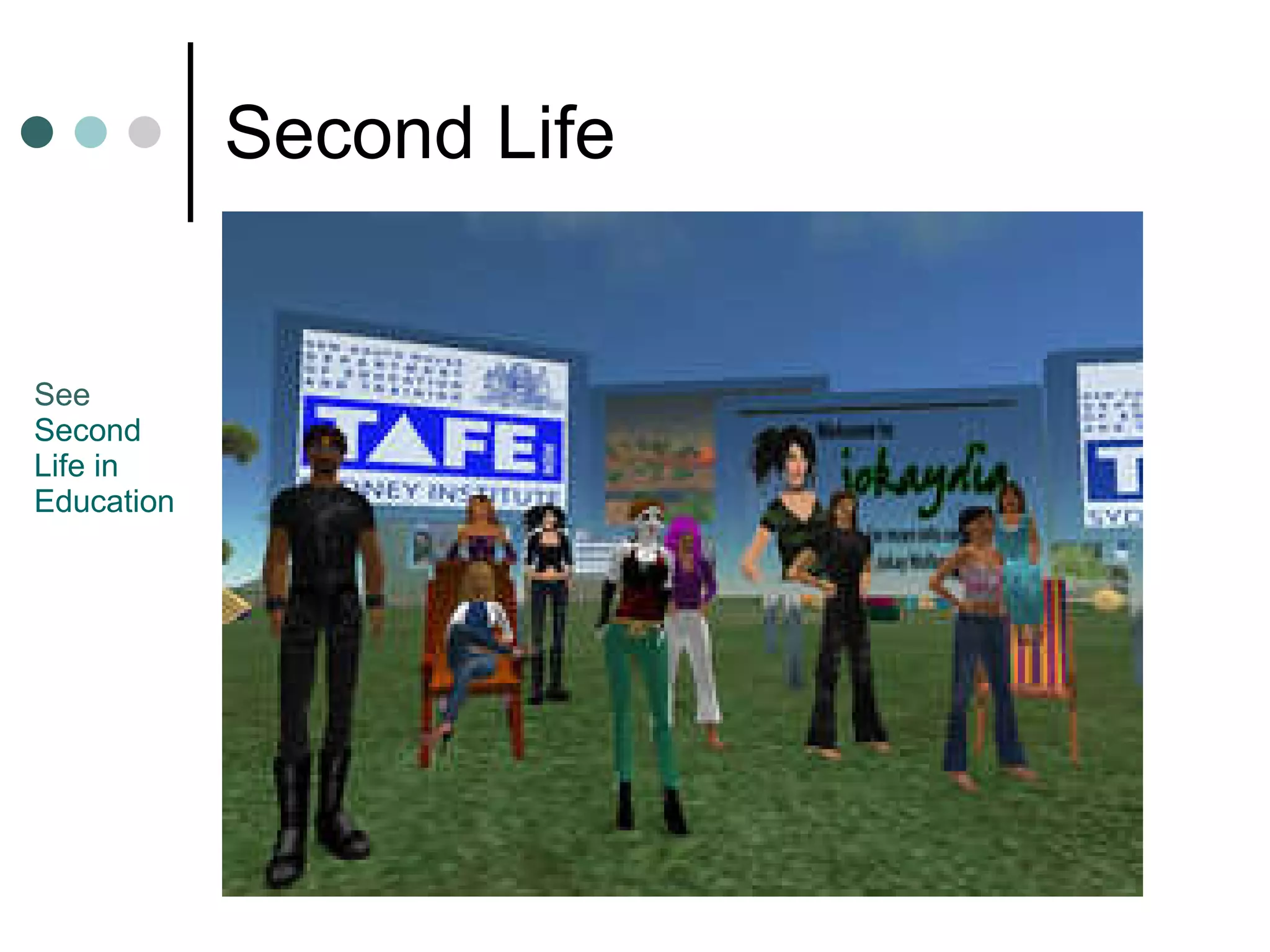
Second Life See  Second  Life in  Education
A Lesson with Show an image Brainstorm possible tags Distinguish between literal and figurative See what other images have the same tag Have students find or create images on assigned tag(s)  Review images and use as starting point for discussion  (critical thinking)  and or creative writing Have students comment on each others’ images
F.U.N  (frivolous unanticipated nonsense!) Jigsaw  ( http://www.jigzone.com/ ) Chat with  Alice the Robot Other bots at  http://www.sitepal.com/ ,  http://oddcast.com/home/ , Codebaby ( http:// www.codebaby.com/solutions/elearning.html )  (not free) Google Fights  (eg. ‘what will you do’ v ‘what are you going to do’; people) Scrabulous Drawing software (isketch.com) Timelines (eg  http://www.dipity.com/ ;  example )
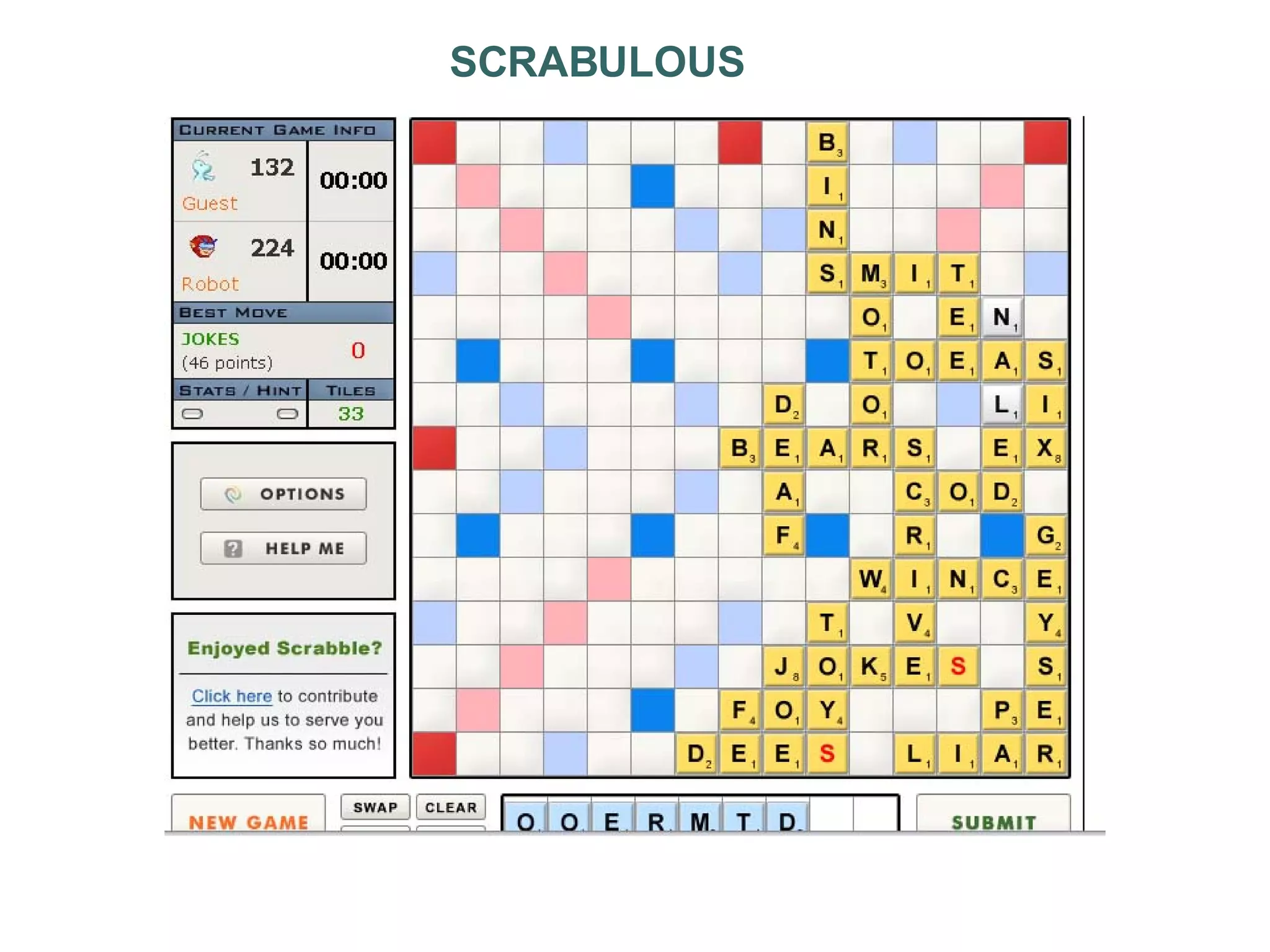
SCRABULOUS
Engagement for what?
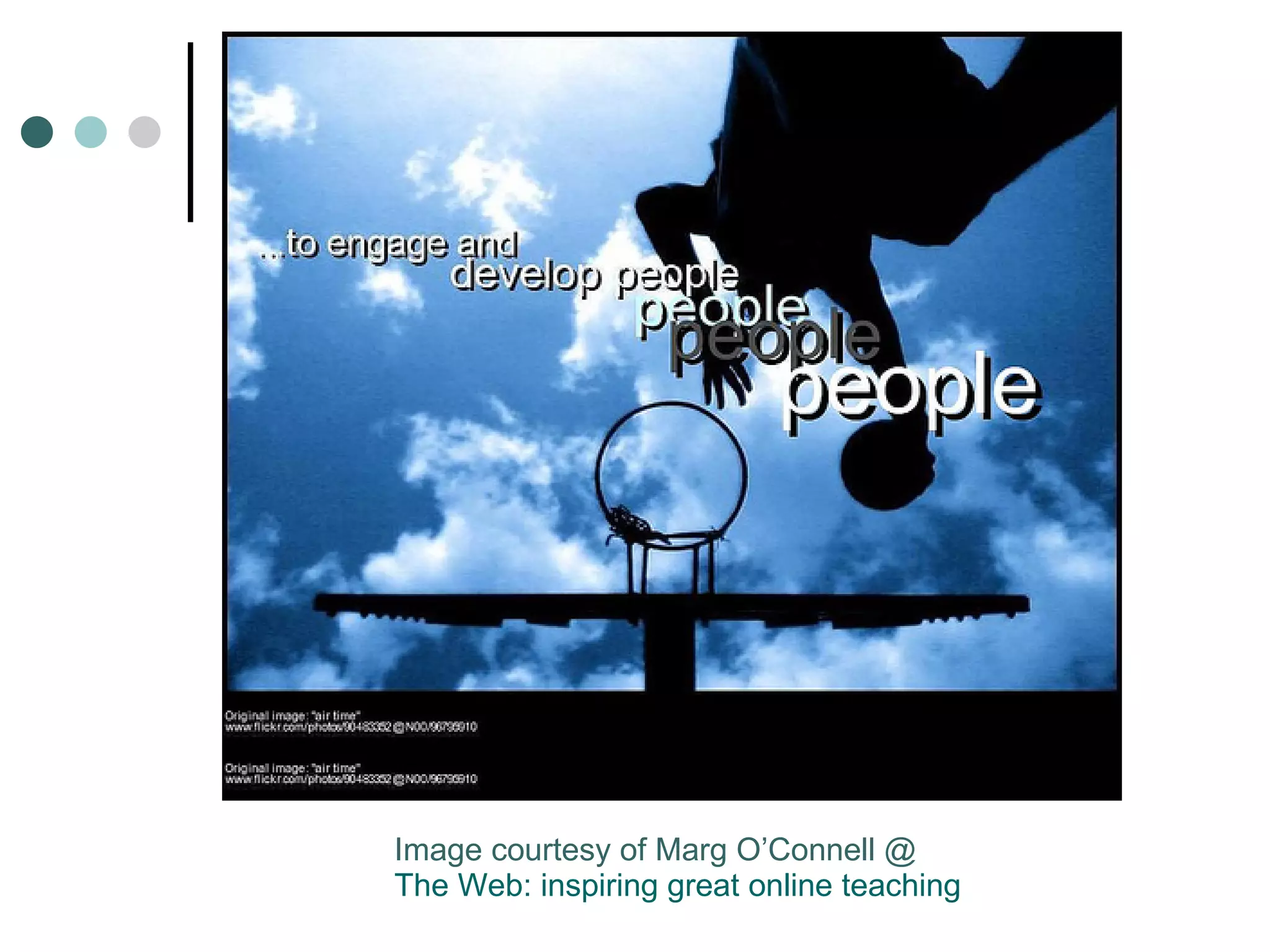
Image courtesy of Marg O’Connell @ The Web: inspiring great online teaching
How hard do you push?
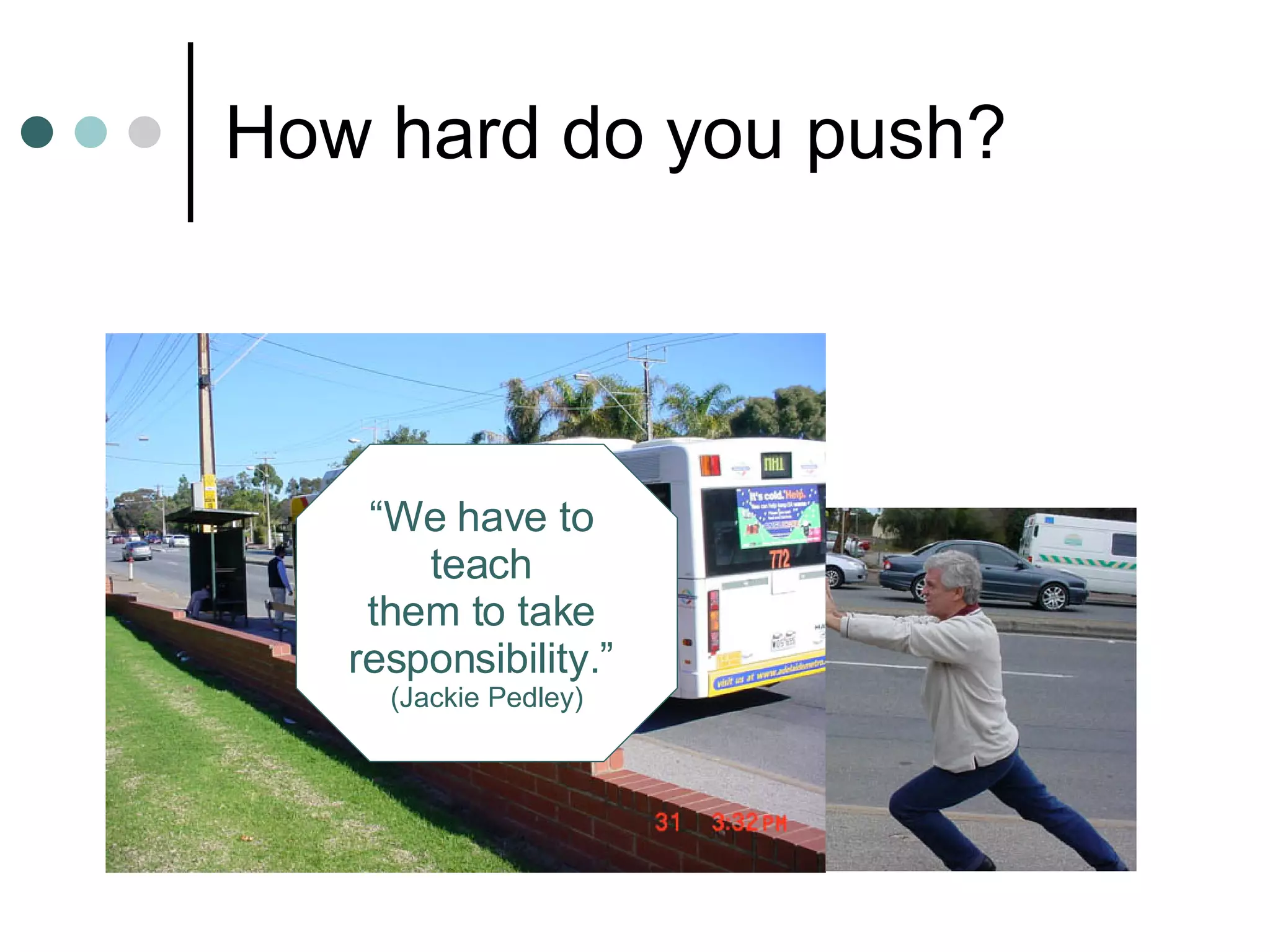
How hard do you push? “ We have to  teach  them to take  responsibility.”  (Jackie Pedley)
Goal Setting Present Goal What are the steps to  get from HERE, to HERE?
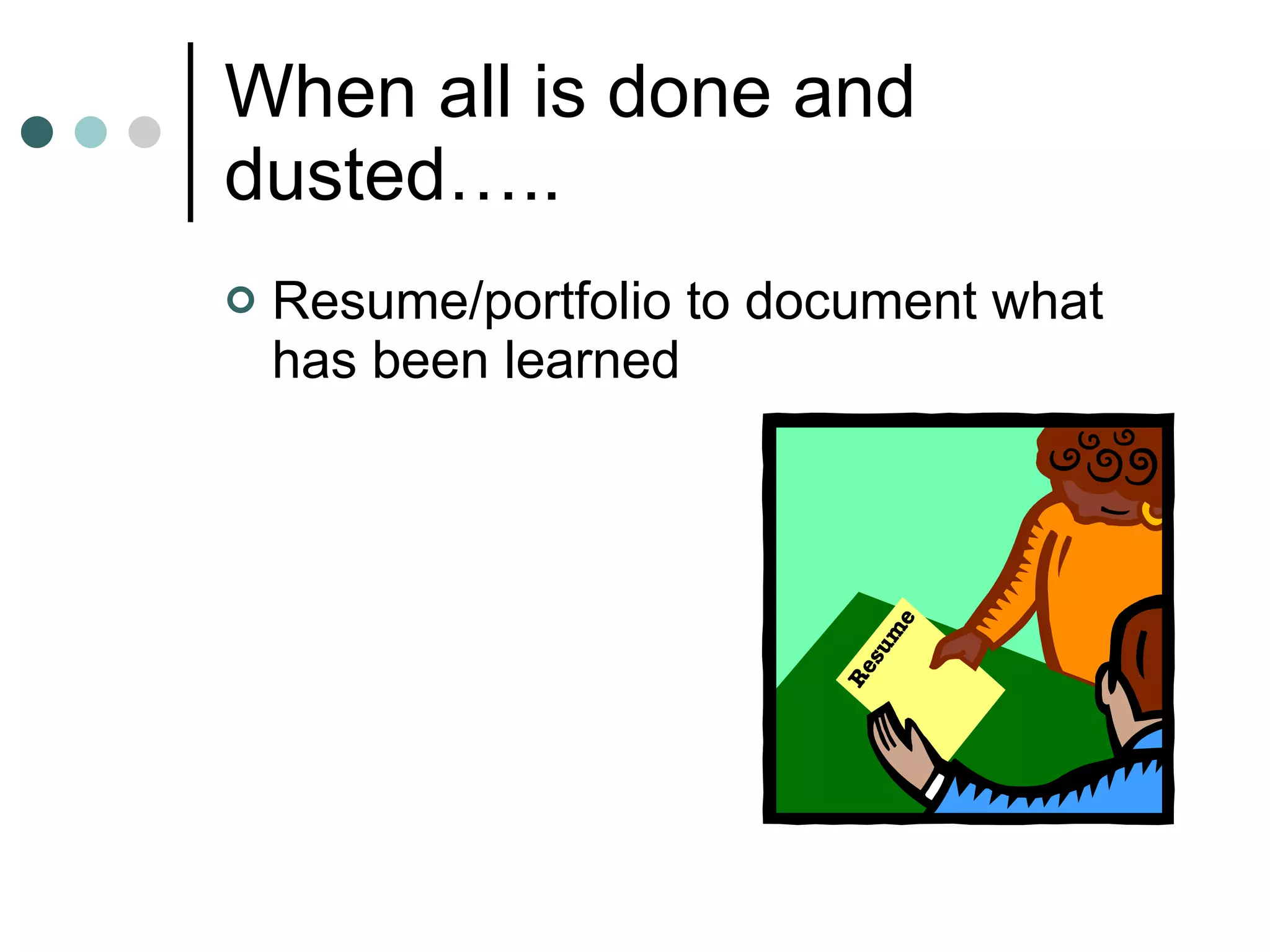
When all is done and dusted….. Resume/portfolio to document what has been learned
 
The excellent eteacher:  has an online presence/website (eg course homepage on LMS, or own website, blog, etc)  Knows how to use technology for delivery and assessment and therefore has a blog, a wiki, or podcast site Includes media in delivery and production of teaching materials and student assessment Models and teaches digital literacy  Creates and provides digital resources Teaches search, validation, and verification skills Employs and models RSS as a means of aggregating and distributing content
The excellent eteacher: Teaches about, and employs collaborative approaches Acknowledges the nature and influence of  horizontal learning  (multitasking) Knows when to encourage  vertical learning Switches between sage and guide as appropriate
The excellent eteacher: Knows when to call in the wisdom of the experts to balance the wisdom of the crowd Acknowledges the value of informal learning Accepts that engaging learners is necessary  (and that probably means using technology)
The excellent eteacher: Acknowledges that students may assess the value of a resource via their networks rather than accept the word of the expert  (teacher/lecturer) Uses social bookmarking for collective mining and sharing of resources Is a good (and frequent) online communicator Knows how to effectively combine synchronous and asynchronous modes of delivery Is able to teach in a virtual classroom/web conferencing environment (eg Centra, Elluminate, etc) Must be e-connected and draw on the resources of their networks to remain current (and demonstrate to students)
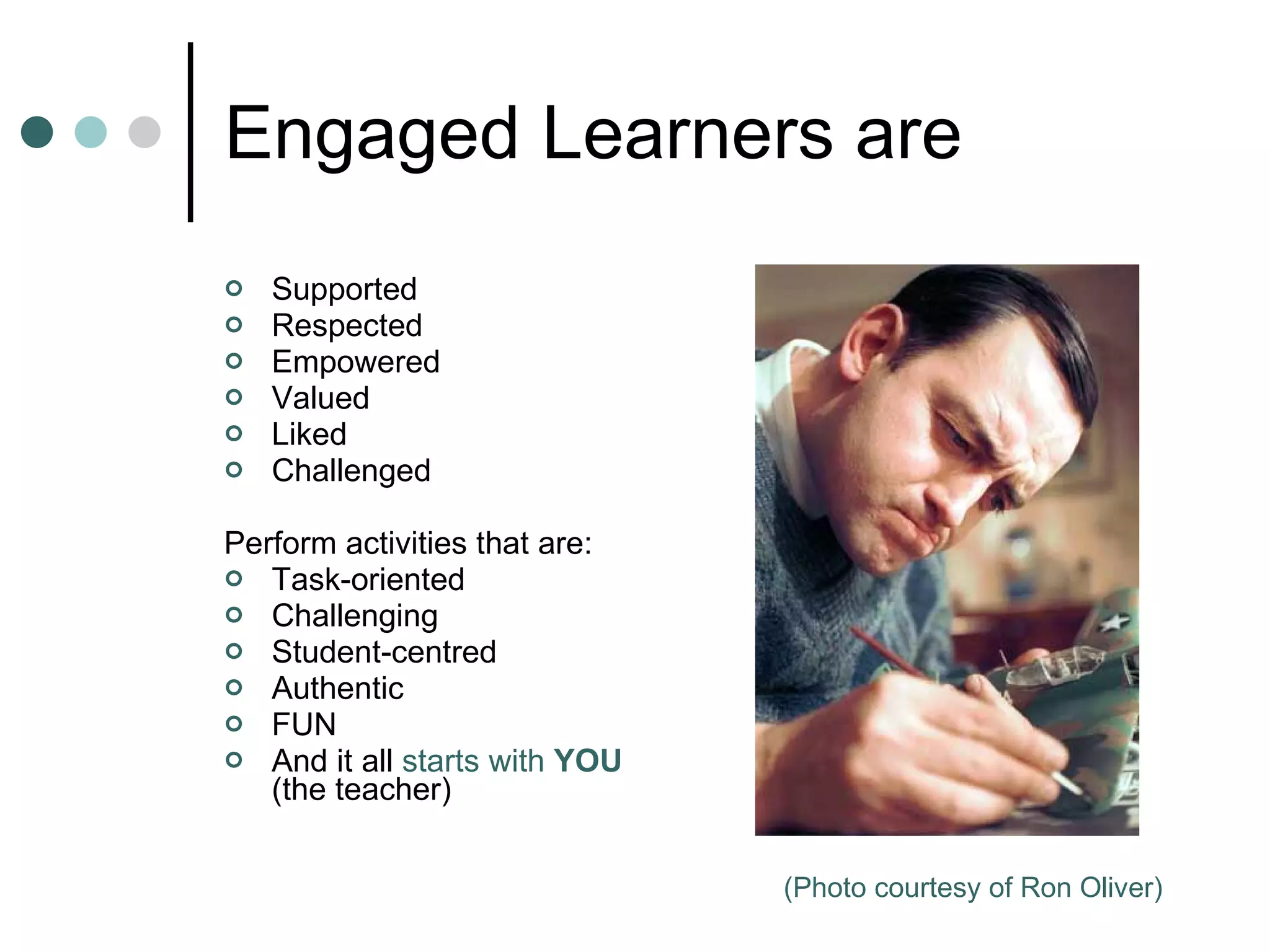
Engaged Learners are Supported Respected Empowered Valued Liked Challenged Perform activities that are: Task-oriented Challenging Student-centred Authentic FUN And it all  starts with  YOU  (the teacher) (Photo courtesy of Ron Oliver)
The teacher of engaged students does not need to be proficient with technology, but should know what available technologies are capable of, and give students the choice of using these technologies for tasks and assignments. A final word: http://flickr.com/photos/teachandlearn/250059730/
thank   you [email_address]

Tools For Re Engagement

  • 1.
    TOOLS FOR (re)ENGAGEMENT http://flickr.com/photos/7447470@N06/1345266896/ Access and General Education Faculty Forum Dubbo May 8 th , 2008
  • 2.
  • 3.
    A GLOBAL AUDIENCE?YouTube - http:// www.youtube.com/watch?v =QjA5faZF1A8 Performance by a 13 yr old Korean boy May 6 th , 2008: 42,531,468 views; 180,657 comments That’s more than the populations of Australia 20.1 m Israel 5.7m Denmark 5.3m Finland 5.1m New Zealand 3.6m Ireland 3.6m, etc
  • 4.
  • 5.
    ARE YOU ENGAGED RIGHT NOW?
  • 6.
    The Primary Toolof Engagement is: YOU
  • 7.
    The Primary Toolof Engagement is: YOU LOOK AFTER THE AFFECTIVE DOMAIN
  • 8.
    Digital Natives (Marc Prensky) http://www.flickr.com/photos/30864080@N00/347520047
  • 9.
    Digital Natives are:Communicating (Instant Messaging, SMS) Sharing and collaborating (blogs, wikis, MySpace, Facebook) Buying and selling (eBay) Exchanging (peer to peer technology; phone to phone file transfer) Meeting (3D worlds) Reporting and documenting (camera phones) Evaluating (comments on blogs, photo and video sites) Searching (Google) They are CONTENT PRODUCERS and CONTENT RANKERS Many have an online presence. And…they don’t use email!
  • 10.
    DIGITAL IMMIGRANTS ISSUE:are teaching DIGITAL NATIVES
  • 11.
    Not all DigitalNatives are Generation Y http://flickr.com/photos/stephanridgway/1460848008/
  • 12.
    Some Stories (1)eLearning for Youth (2005)
  • 13.
    Some Stories (1)eLearning for Youth (2005) Moral: get students out of the classroom and engaged in real world tasks
  • 14.
    Some Stories (2)David Jonassen - Constructivism
  • 15.
    Some Stories (2)David Jonassen - Constructivism Moral: get students working on real problems; They can and will collaborate on tasks that are relevant to them.
  • 16.
    Some Stories (3)US street kids and art.
  • 17.
    Some Stories (3)US street kids and art. Moral: have faith in students to do something of value
  • 18.
    Some Stories (4)LeFevre High School Student: “ For years I was asked to do stuff I wasn’t interested in and wasn’t good at.”
  • 19.
    Some Stories (4)LeFevre High School Student. “ For years I was asked to do stuff I wasn’t interested in and wasn’t good at.” Moral: get students working on stuff they are interested in
  • 20.
    Some Stories (5)Low level ESL students and Current Affairs.
  • 21.
    Some Stories (5)Low level ESL students and Current Affairs. Moral: assume ALL students have something to say about the bigger issues (politics, society, morality, etc)
  • 22.
    Some stories (6)Moral: banning access to technology is not a viable option. Tom Wood (15) “The only Internet filter that needs to be installed is between the ears of the user.” Banning Internet sites/using Internet filters
  • 23.
  • 24.
  • 25.
    Why Media? AdrianMiles (RMIT): “ make our institution…more porous to the students’ private technologies – their mobile phones, their laptops and their cameras.” Innate human desire/need to create Ubiquity and ease of participatory media enables creation of art, film, documents, course content, assessments, etc
  • 26.
    Media Creation ToolsAudacity ccMixter (collaborative music making online) PhotoStory MovieMaker - example Animoto - example The mobile phone: Photos and/or movies to FlickR Movies to moblog.co.uk Voice Thread FlickR Tools (bighugelabs.com) HERE Mosaic Business cards Billboards, etc Blogs, Wikis, Podcast sites (Podomatic, Odeo) Blogs/webpages annotated with media – Apture (apture.com); example
  • 27.
    Publicise Student WorkPost to blog, podcast, or wiki sites, and Ask your networks to view and comment: “ Thank you so much for being such supportive, all of you! I hope to continue my learning process and get ready to speak and write in English. I was really surprised to see all the people who wrote about our wiki. It's so cool because it was from all different places of the world... I think that's so great! :)” (Maria, Venezuela)
  • 28.
    Virtual Classrooms Games(Ken Gooding) Invited Speakers; ‘chatting with heroes’ (AFL Footballers, Philip Nietzsche for Mature Age students  , Tom Dawkins [Vibewire] – may engage Gen Y)
  • 29.
    Social Justice Vibewire - Australia Kiva (international) http:// kiva.org /
  • 30.
    Course Content ToolboxesAudio Surveys! Click pic above for Audio from Glenda McPherson
  • 31.
    Survey Tools EgZoomerang Survey Monkey More at http:// users.chariot.net.au/~michaelc/mfo/zoom/results.htm
  • 32.
    Course Content ToolboxesAudio Surveys! Second Life Click pic above for Audio from Glenda McPherson
  • 33.
    Second Life See Second Life in Education
  • 34.
    A Lesson withShow an image Brainstorm possible tags Distinguish between literal and figurative See what other images have the same tag Have students find or create images on assigned tag(s) Review images and use as starting point for discussion (critical thinking) and or creative writing Have students comment on each others’ images
  • 35.
    F.U.N (frivolousunanticipated nonsense!) Jigsaw ( http://www.jigzone.com/ ) Chat with Alice the Robot Other bots at http://www.sitepal.com/ , http://oddcast.com/home/ , Codebaby ( http:// www.codebaby.com/solutions/elearning.html ) (not free) Google Fights (eg. ‘what will you do’ v ‘what are you going to do’; people) Scrabulous Drawing software (isketch.com) Timelines (eg http://www.dipity.com/ ; example )
  • 36.
  • 37.
  • 38.
    Image courtesy ofMarg O’Connell @ The Web: inspiring great online teaching
  • 39.
    How hard doyou push?
  • 40.
    How hard doyou push? “ We have to teach them to take responsibility.” (Jackie Pedley)
  • 41.
    Goal Setting PresentGoal What are the steps to get from HERE, to HERE?
  • 42.
    When all isdone and dusted….. Resume/portfolio to document what has been learned
  • 43.
  • 44.
    The excellent eteacher: has an online presence/website (eg course homepage on LMS, or own website, blog, etc) Knows how to use technology for delivery and assessment and therefore has a blog, a wiki, or podcast site Includes media in delivery and production of teaching materials and student assessment Models and teaches digital literacy Creates and provides digital resources Teaches search, validation, and verification skills Employs and models RSS as a means of aggregating and distributing content
  • 45.
    The excellent eteacher:Teaches about, and employs collaborative approaches Acknowledges the nature and influence of horizontal learning (multitasking) Knows when to encourage vertical learning Switches between sage and guide as appropriate
  • 46.
    The excellent eteacher:Knows when to call in the wisdom of the experts to balance the wisdom of the crowd Acknowledges the value of informal learning Accepts that engaging learners is necessary (and that probably means using technology)
  • 47.
    The excellent eteacher:Acknowledges that students may assess the value of a resource via their networks rather than accept the word of the expert (teacher/lecturer) Uses social bookmarking for collective mining and sharing of resources Is a good (and frequent) online communicator Knows how to effectively combine synchronous and asynchronous modes of delivery Is able to teach in a virtual classroom/web conferencing environment (eg Centra, Elluminate, etc) Must be e-connected and draw on the resources of their networks to remain current (and demonstrate to students)
  • 48.
    Engaged Learners areSupported Respected Empowered Valued Liked Challenged Perform activities that are: Task-oriented Challenging Student-centred Authentic FUN And it all starts with YOU (the teacher) (Photo courtesy of Ron Oliver)
  • 49.
    The teacher ofengaged students does not need to be proficient with technology, but should know what available technologies are capable of, and give students the choice of using these technologies for tasks and assignments. A final word: http://flickr.com/photos/teachandlearn/250059730/
  • 50.
    thank you [email_address]