Incorporating National Educational Technology Standards 
(NETS) in Our Lessons 
Susan Labadi 
Genius School 
Education 
Geniusschoolonline.com 
suelabadi@gmail.com 
for a 
Better World
What do we mean by NETS?
Objectives for Today 
 Get Familiar With Tech Standards 
 See Examples of What’s Out 
There 
 Be Inspired 
 Have Fun 
 Get Over Resistance 
 Just Do It! 
 Expect a Follow -Up
National Educational 
Technology Standards (NETS) 
 Facilitate Student Learning and Creativity 
Exploring Real World Issues, Authentic Problem 
Solving using Digital Tools and Resources 
 Design and Develop Digital-Age Learning Experiences 
and Assessments 
Teachers Use Contemporary Tools to Maximize 
Content Learning, Create Students as Active Participants, 
and Develop Them to Pursue their Curiosities
National Educational 
Technology Standards (NETS) 
 Model Digital Age Work and Learning 
Exhibit knowledge, skills, and work processes as an 
innovative professional in a global and digital society 
 Collaborate with Students, Peers, Parents, and 
Community Members Using Digital Tools and Resources 
 Promote and Model Digital Citizenship/Responsibility 
Teachers Understand Societal Issues and They Engage 
Globally with Students and Colleagues of other Cultures
National Educational 
Technology Standards (NETS) 
 Engage in Professional Growth and Leadership 
Participate in Local and Global Learning 
Communities for Creative Applications to 
Improve Student Learning 
Computers Twitter or Facebook Cameras & Video Cameras 
Photo editing software Cell phones (some school districts may allow, 
others may not) Printers/Scanners Clickers Tablet/ipad 
Headphones Microphones Google Docs Wikis
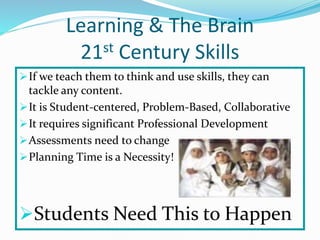
Learning & The Brain 
21st Century Skills 
If we teach them to think and use skills, they can 
tackle any content. 
It is Student-centered, Problem-Based, Collaborative 
It requires significant Professional Development 
Assessments need to change 
Planning Time is a Necessity! 
Students Need This to Happen
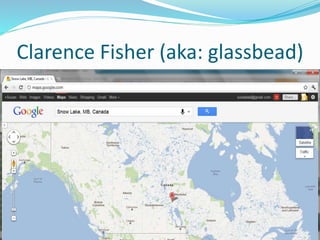
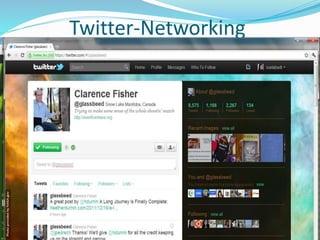
Clarence Fisher (aka: glassbead)
Twitter-Networking
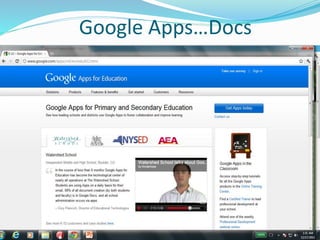
Google Apps…Docs
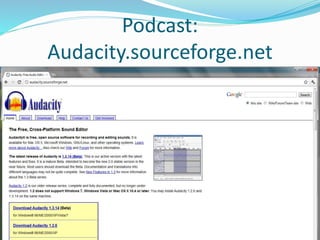
Podcast: 
Audacity.sourceforge.net
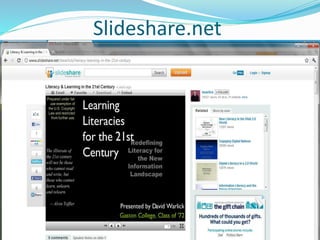
Slideshare.net
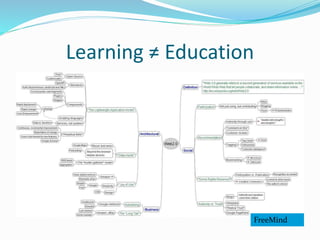
Learning ≠ Education 
FreeMind
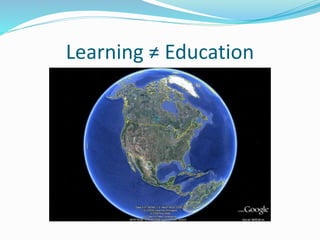
Learning ≠ Education
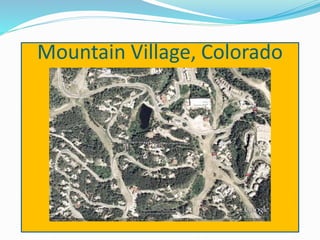
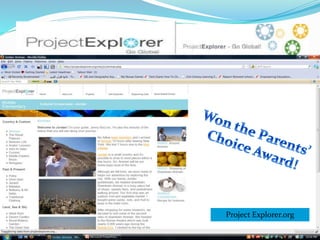
Mountain Village, Colorado
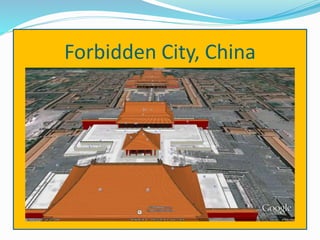
Forbidden City, China
Project Explorer.org
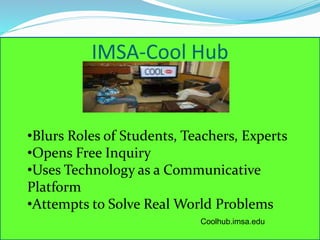
IMSA-Cool Hub 
•Blurs Roles of Students, Teachers, Experts 
•Opens Free Inquiry 
•Uses Technology as a Communicative 
Platform 
•Attempts to Solve Real World Problems 
Coolhub.imsa.edu
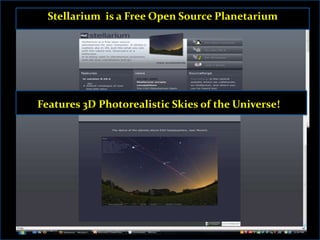
Stellarium is a Free Open Source Planetarium 
Features 3D Photorealistic Skies of the Universe!
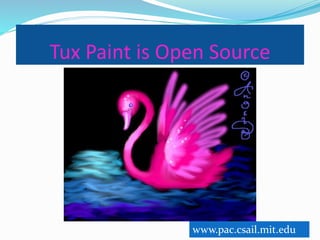
Tux Paint is Open Source 
www.pac.csail.mit.edu
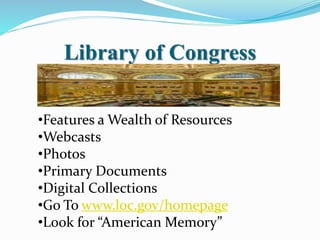
Library of Congress 
•Features a Wealth of Resources 
•Webcasts 
•Photos 
•Primary Documents 
•Digital Collections 
•Go To www.loc.gov/homepage 
•Look for “American Memory”
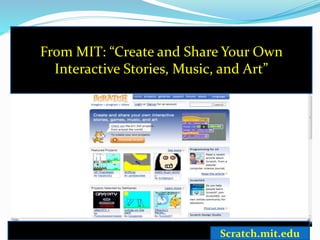
From MIT: “Create and Share Your Own 
Interactive Stories, Music, and Art” 
Scratch.mit.edu
Digital Storytelling Tools 
Microsoft Photo Story 
Comic Life 
Animoto 
Xtranormal 
PowerPoint
Comic Creators & Resources 
 Makebeliefscomix.com 
 Garfield.com 
 Howtoons.com 
 Bitstrips.com 
 Toondoo.com 
 Comicbrush.com 
 Zamsquest.com 
 BAM.gov
What Kids Can Do… 
 Make an Instructional Manual 
 Use Games for their Screenshots 
 Research Assignments 
 Interviews 
 Summarize an Article or Story (See 
ClassicalComics.com or StickFigureHamlet.com) 
 Write a Story 
 Cover Current Event 
 Foreign Language Practice
What Kids Can Do… 
 Use Vocabulary Terms 
 Teachers Can Use Comics as “Hooks” 
 Give Life to a Poem 
 Demonstrating Comprehension 
 Travel in Time for History or Literature 
 Teacher Designed Materials Look “Cool”
Teacher Resources 
 Snagfilms.com—850 free films including NOVA 
and National Geographic 
 ReadWriteThink.org—Web Resources Gallery 
 Meedan.net—Foreign Language Resource 
 Dotsub.com—Foreign Language Resource 
 ePals.com—Connect with Other Classes 
 Swivel.com—”Wikipedia” for Data/Graphs 
WolframAlpha—You’ve Got to Check it Out!
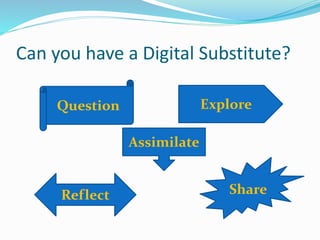
Can you have a Digital Substitute? 
Question Explore 
Assimilate 
Reflect Share
Remember that YOU Touch the 
Future; You’re a Teacher! 
suelabadi@ 
gmail.com

NETS Reloaded: National Education Technology Standards

  • 1.
    Incorporating National EducationalTechnology Standards (NETS) in Our Lessons Susan Labadi Genius School Education Geniusschoolonline.com suelabadi@gmail.com for a Better World
  • 2.
    What do wemean by NETS?
  • 3.
    Objectives for Today  Get Familiar With Tech Standards  See Examples of What’s Out There  Be Inspired  Have Fun  Get Over Resistance  Just Do It!  Expect a Follow -Up
  • 4.
    National Educational TechnologyStandards (NETS)  Facilitate Student Learning and Creativity Exploring Real World Issues, Authentic Problem Solving using Digital Tools and Resources  Design and Develop Digital-Age Learning Experiences and Assessments Teachers Use Contemporary Tools to Maximize Content Learning, Create Students as Active Participants, and Develop Them to Pursue their Curiosities
  • 5.
    National Educational TechnologyStandards (NETS)  Model Digital Age Work and Learning Exhibit knowledge, skills, and work processes as an innovative professional in a global and digital society  Collaborate with Students, Peers, Parents, and Community Members Using Digital Tools and Resources  Promote and Model Digital Citizenship/Responsibility Teachers Understand Societal Issues and They Engage Globally with Students and Colleagues of other Cultures
  • 6.
    National Educational TechnologyStandards (NETS)  Engage in Professional Growth and Leadership Participate in Local and Global Learning Communities for Creative Applications to Improve Student Learning Computers Twitter or Facebook Cameras & Video Cameras Photo editing software Cell phones (some school districts may allow, others may not) Printers/Scanners Clickers Tablet/ipad Headphones Microphones Google Docs Wikis
  • 7.
    Learning & TheBrain 21st Century Skills If we teach them to think and use skills, they can tackle any content. It is Student-centered, Problem-Based, Collaborative It requires significant Professional Development Assessments need to change Planning Time is a Necessity! Students Need This to Happen
  • 8.
  • 9.
  • 10.
  • 11.
  • 12.
  • 13.
  • 14.
  • 15.
  • 16.
  • 17.
  • 18.
    IMSA-Cool Hub •BlursRoles of Students, Teachers, Experts •Opens Free Inquiry •Uses Technology as a Communicative Platform •Attempts to Solve Real World Problems Coolhub.imsa.edu
  • 19.
    Stellarium is aFree Open Source Planetarium Features 3D Photorealistic Skies of the Universe!
  • 20.
    Tux Paint isOpen Source www.pac.csail.mit.edu
  • 21.
    Library of Congress •Features a Wealth of Resources •Webcasts •Photos •Primary Documents •Digital Collections •Go To www.loc.gov/homepage •Look for “American Memory”
  • 22.
    From MIT: “Createand Share Your Own Interactive Stories, Music, and Art” Scratch.mit.edu
  • 23.
    Digital Storytelling Tools Microsoft Photo Story Comic Life Animoto Xtranormal PowerPoint
  • 24.
    Comic Creators &Resources  Makebeliefscomix.com  Garfield.com  Howtoons.com  Bitstrips.com  Toondoo.com  Comicbrush.com  Zamsquest.com  BAM.gov
  • 25.
    What Kids CanDo…  Make an Instructional Manual  Use Games for their Screenshots  Research Assignments  Interviews  Summarize an Article or Story (See ClassicalComics.com or StickFigureHamlet.com)  Write a Story  Cover Current Event  Foreign Language Practice
  • 26.
    What Kids CanDo…  Use Vocabulary Terms  Teachers Can Use Comics as “Hooks”  Give Life to a Poem  Demonstrating Comprehension  Travel in Time for History or Literature  Teacher Designed Materials Look “Cool”
  • 27.
    Teacher Resources Snagfilms.com—850 free films including NOVA and National Geographic  ReadWriteThink.org—Web Resources Gallery  Meedan.net—Foreign Language Resource  Dotsub.com—Foreign Language Resource  ePals.com—Connect with Other Classes  Swivel.com—”Wikipedia” for Data/Graphs WolframAlpha—You’ve Got to Check it Out!
  • 28.
    Can you havea Digital Substitute? Question Explore Assimilate Reflect Share
  • 29.
    Remember that YOUTouch the Future; You’re a Teacher! suelabadi@ gmail.com