The Cloud Beckons, But is it Safe?

 You should hear voices. If you can’t hear anything, check that
your computer volume is turned up and un-muted, and the “Use
                Mic” radio button is selected.

 Or you can use a phone to listen to the same audio by calling
          (914) 339-0030, Access Code: 742-024-148
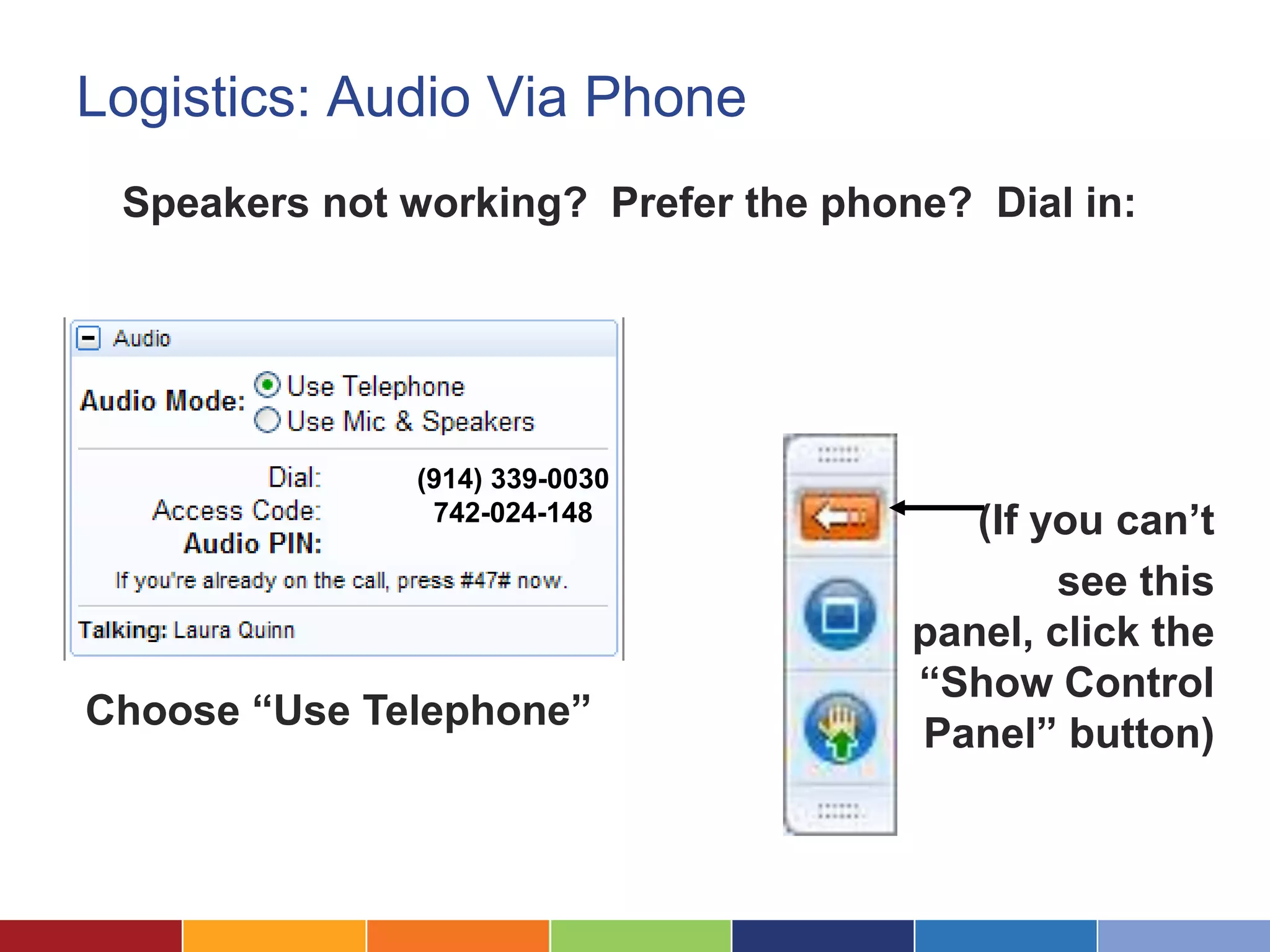
Logistics: Audio Via Phone
 Speakers not working? Prefer the phone? Dial in:


              (914) 339-0030
               742-024-148               (If you can’t
                                              see this
                                      panel, click the
                                      “Show Control
Choose “Use Telephone”
                                      Panel” button)
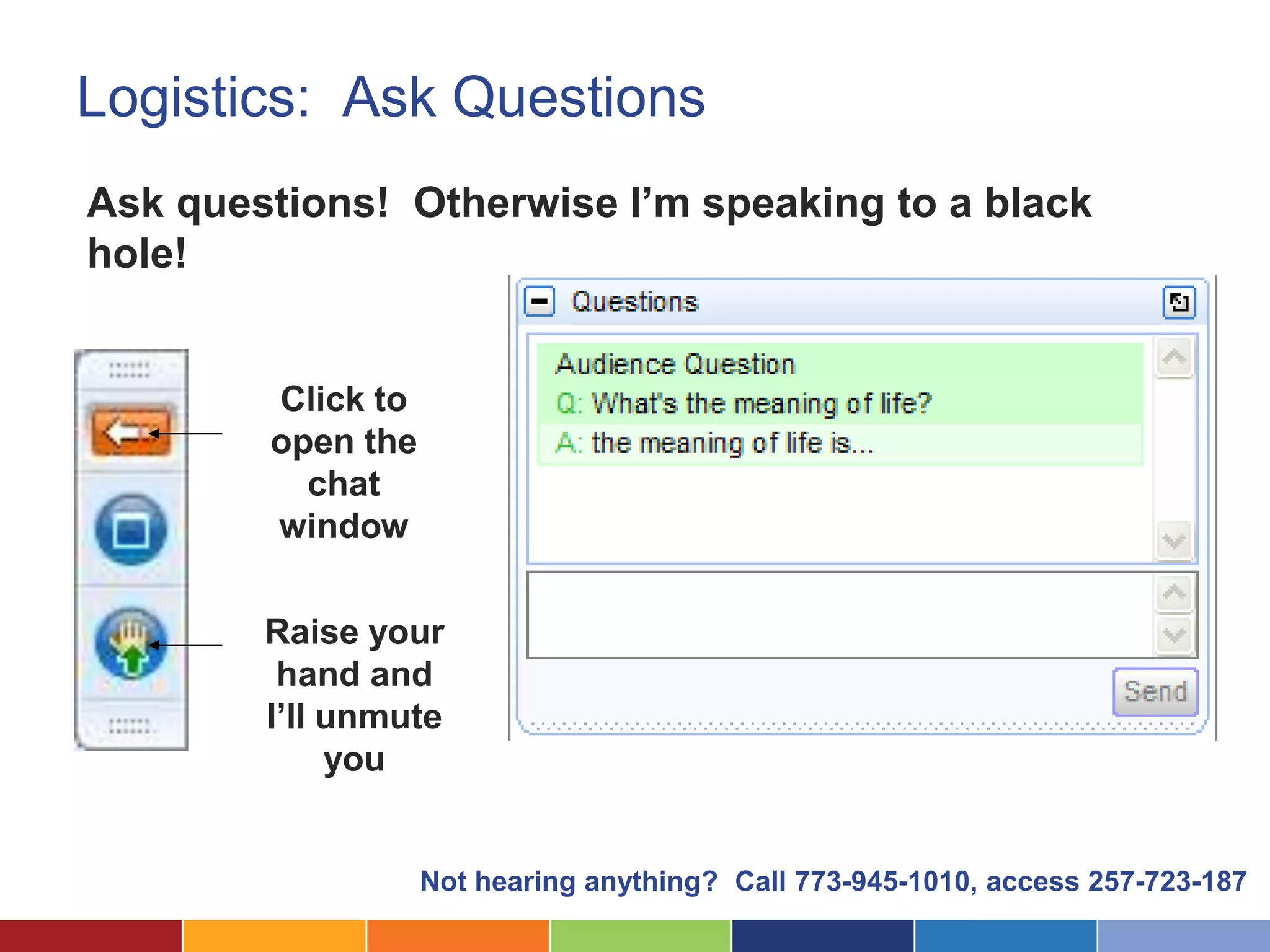
Logistics: Ask Questions
Ask questions! Otherwise I’m speaking to a black
hole!


        Click to
        open the
          chat
        window

        Raise your
         hand and
        I’ll unmute
             you


                   Not hearing anything? Call 773-945-1010, access 257-723-187
Having Trouble?

You should hear voices. If you can’t hear
anything, check that your computer volume is
turned up and un-muted, and the “Use Mic” radio
button is selected.


Or you can use a phone to listen to the same audio
by calling (914) 339-0030, Access Code: 742-024-148
The Cloud Beckons, But is it Safe?

             July 2012
Introductions


                 Laura Quinn
                 Executive Director
                 Idealware


                 Jeff Hogue
                 Legal Assistance of Western New York


        What are you hoping to get out of this session?
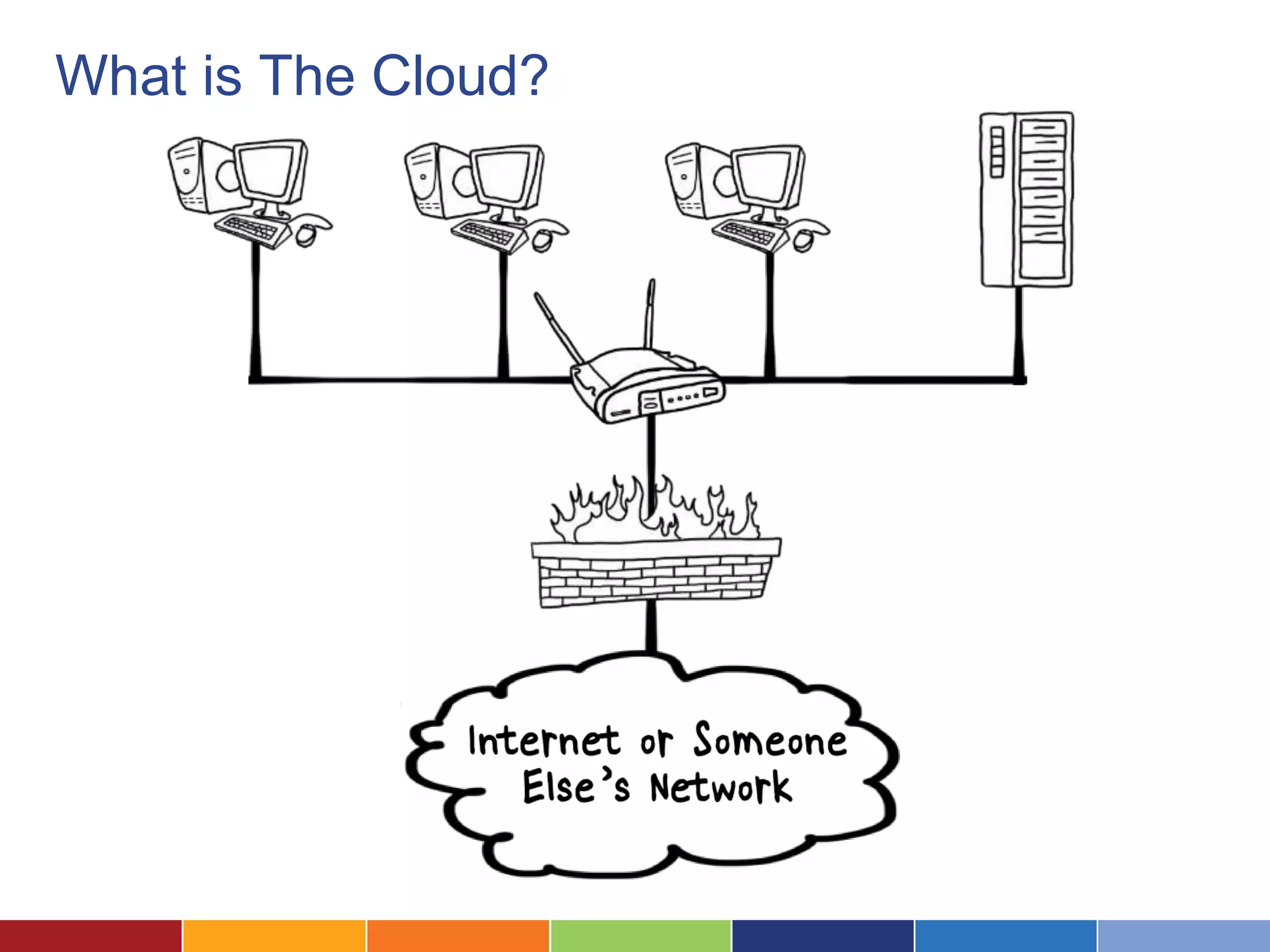
What is The Cloud?
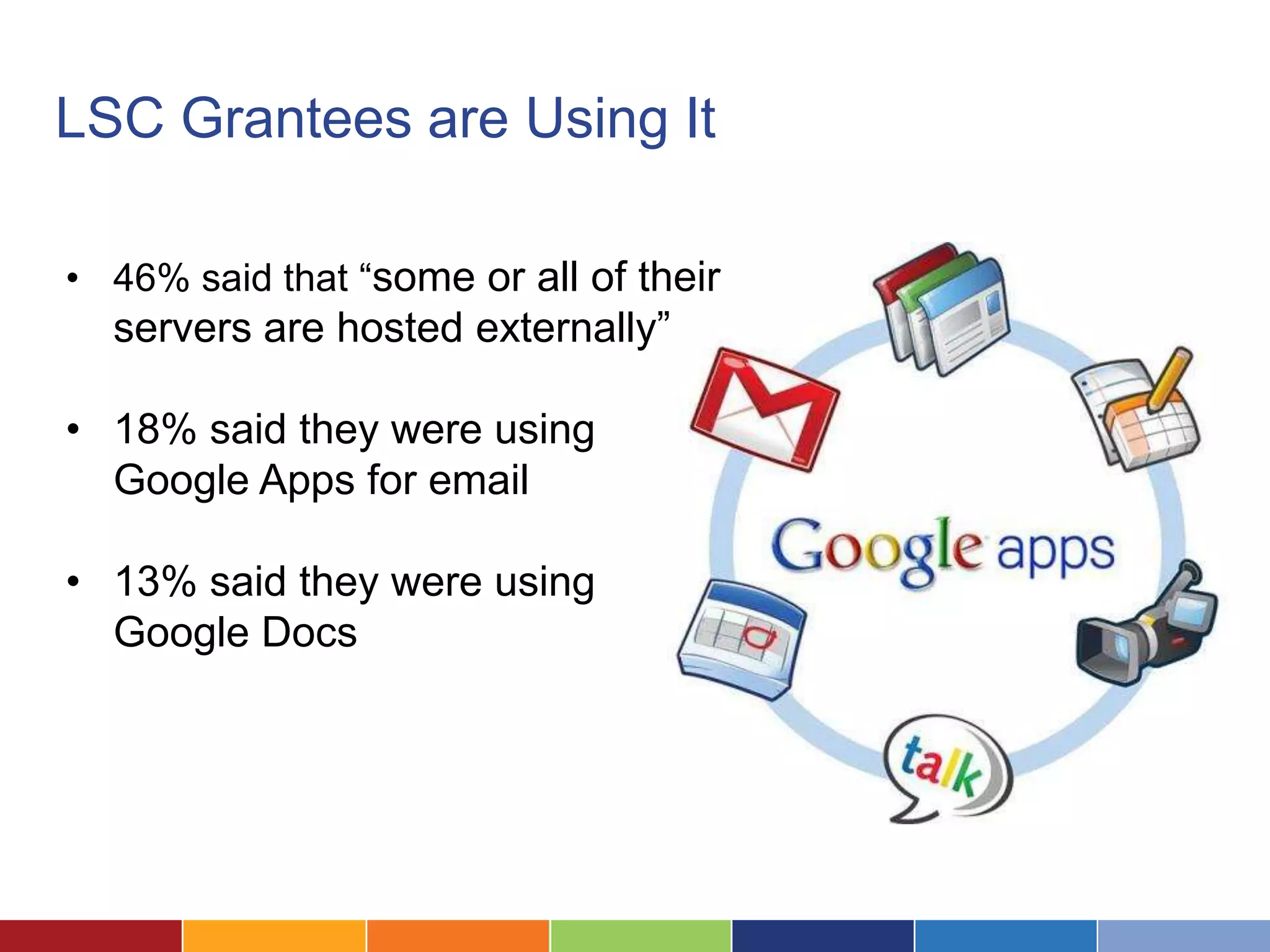
LSC Grantees are Using It

• 46% said that “some or all of their
  servers are hosted externally”

• 18% said they were using
  Google Apps for email

• 13% said they were using
  Google Docs
The Lure of the Cloud

Low cost of entry

Easy remote access

No complex infrastructure
But What About Security?
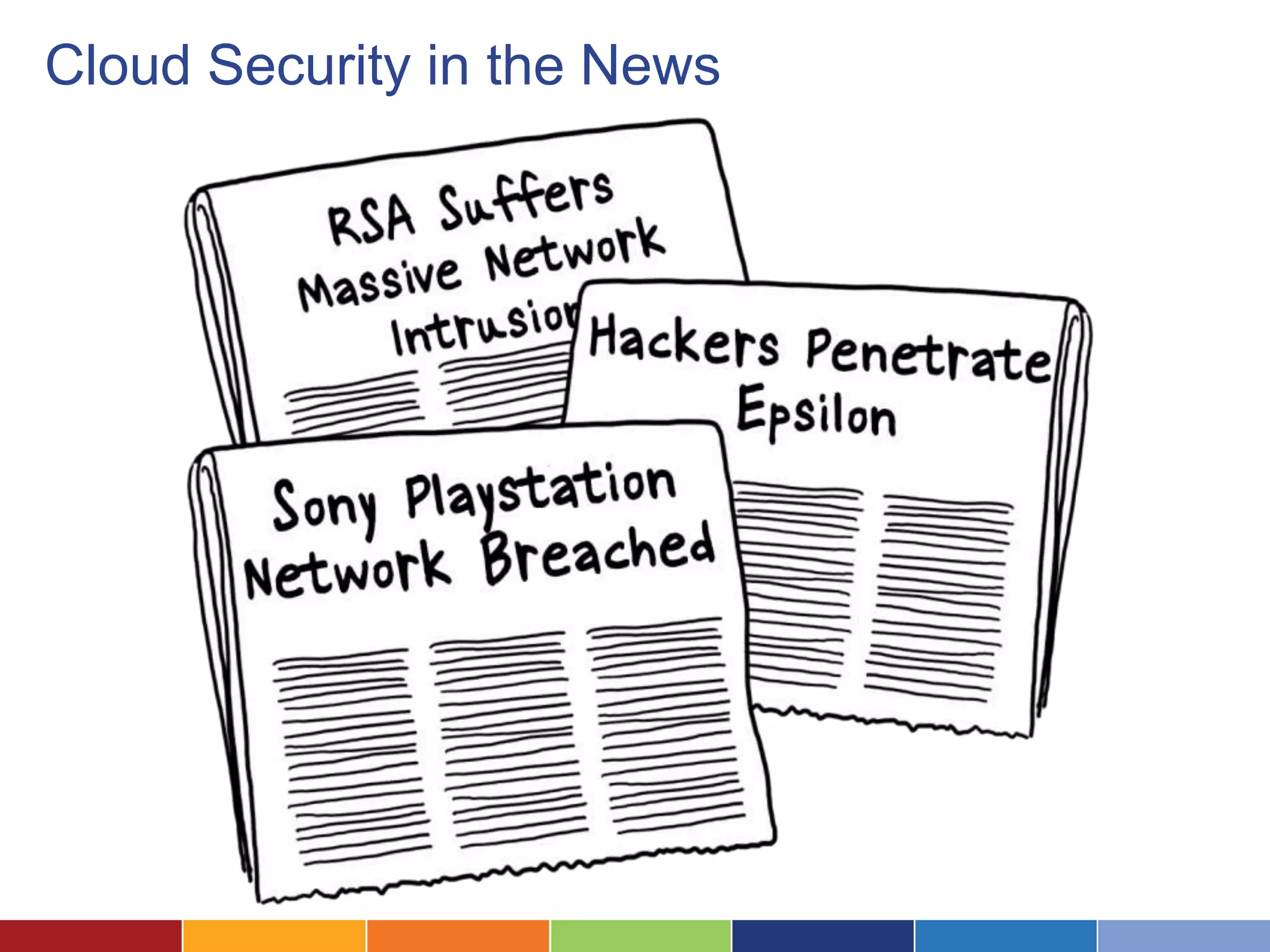
Cloud Security in the News
Technology and Legal Ethics

The ABA is prepared to vote in new
model rules requiring lawyers to
"make reasonable efforts" to prevent
"inadvertent or unauthorized
disclosure of, or unauthorized access
to" confidential client information.

This doesn’t preclude the cloud, but it
requires you to think through it’s use.
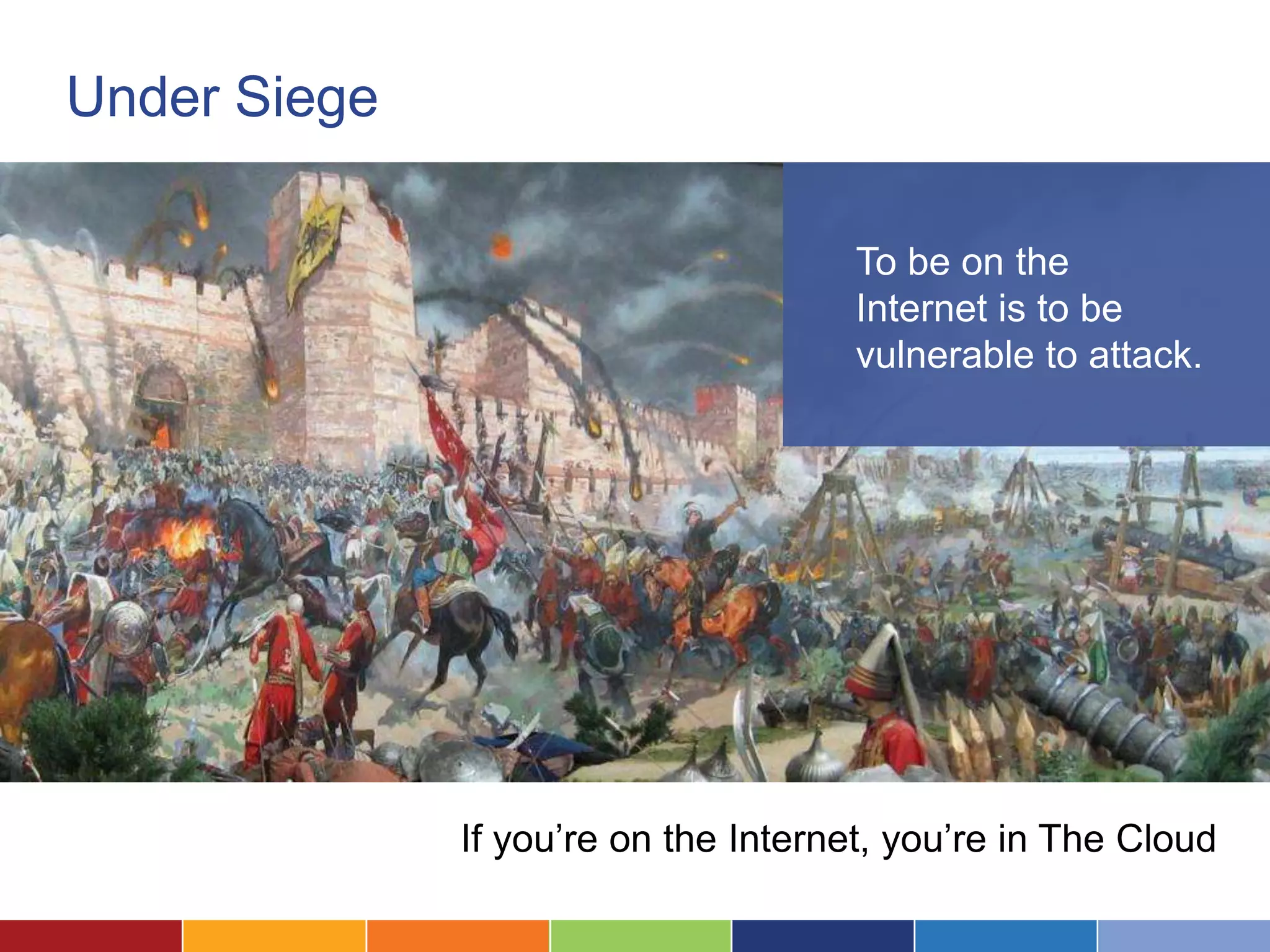
Under Siege

                                      To be on the
                                      Internet is to be
                                      vulnerable to attack.


              If you’re on the Internet, you’re in The Cloud
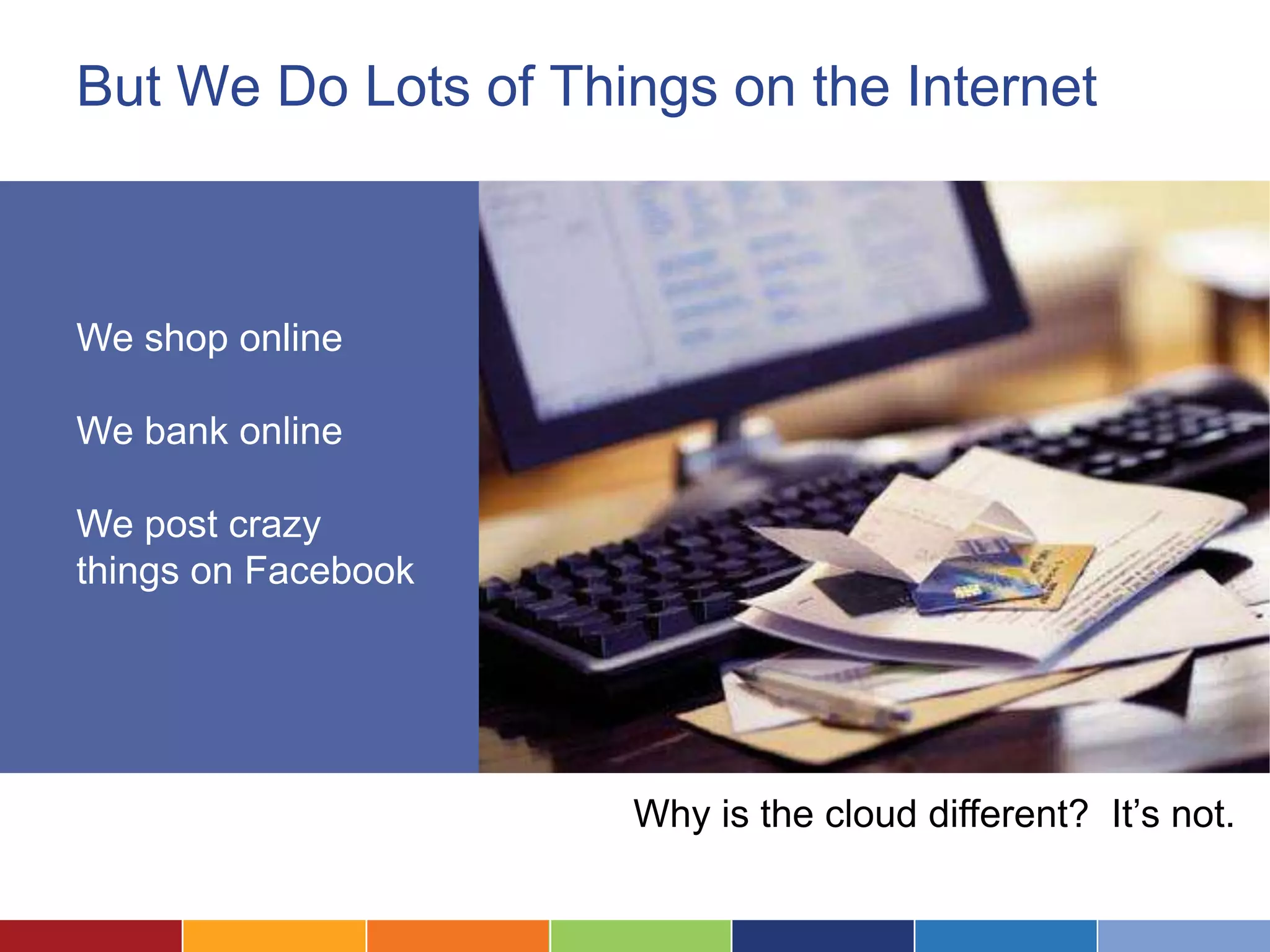
But We Do Lots of Things on the Internet


We shop online
We bank online
We post crazy
things on Facebook


                     Why is the cloud different? It’s not.
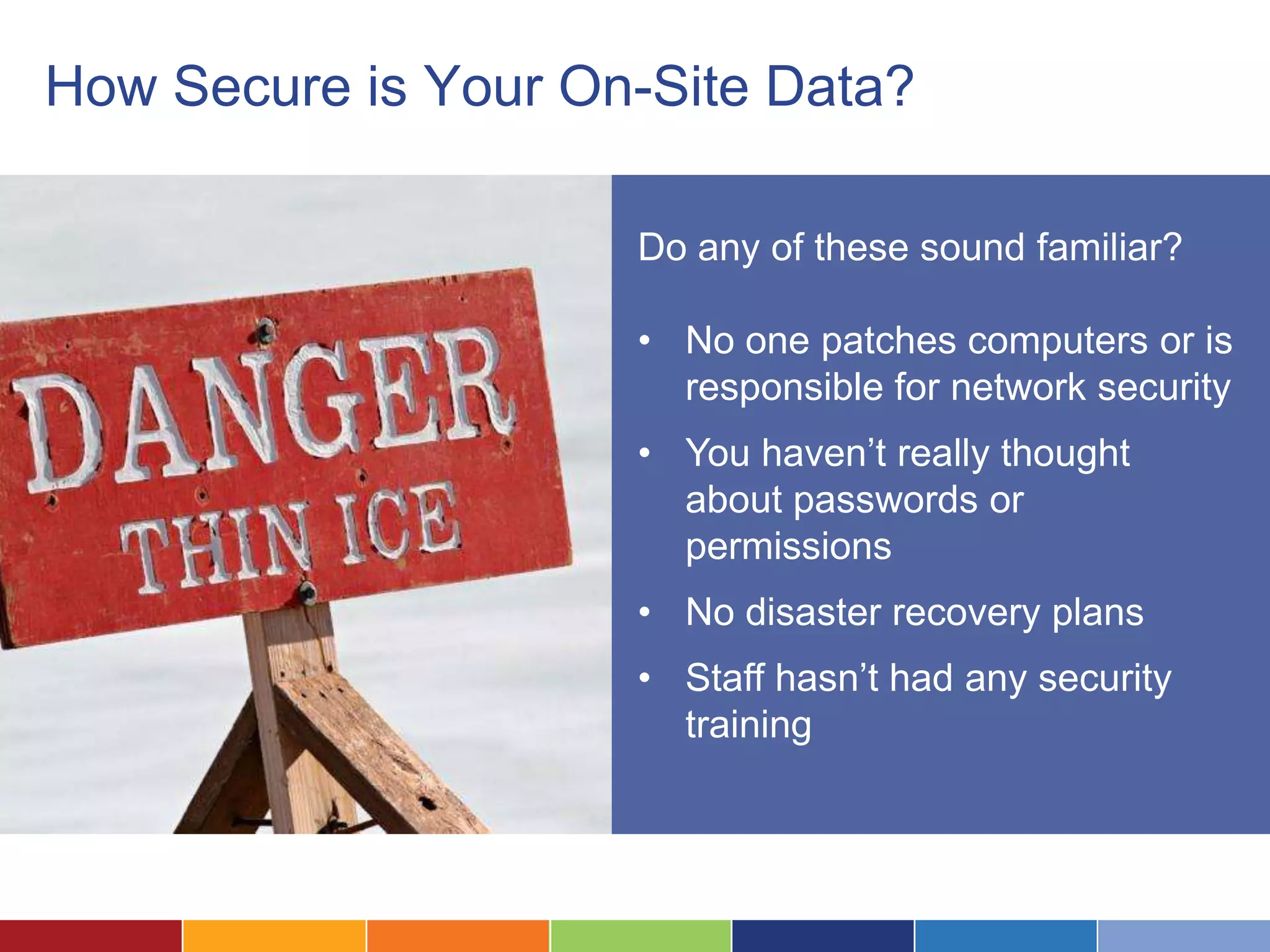
How Secure is Your On-Site Data?

                     Do any of these sound familiar?

                     • No one patches computers or is
                       responsible for network security
                     • You haven’t really thought
                       about passwords or
                       permissions
                     • No disaster recovery plans
                     • Staff hasn’t had any security
                       training
Myth
       “We’re a small
       nonprofit. We’re safe
       because no one would
       target us for cyber
       attack.”
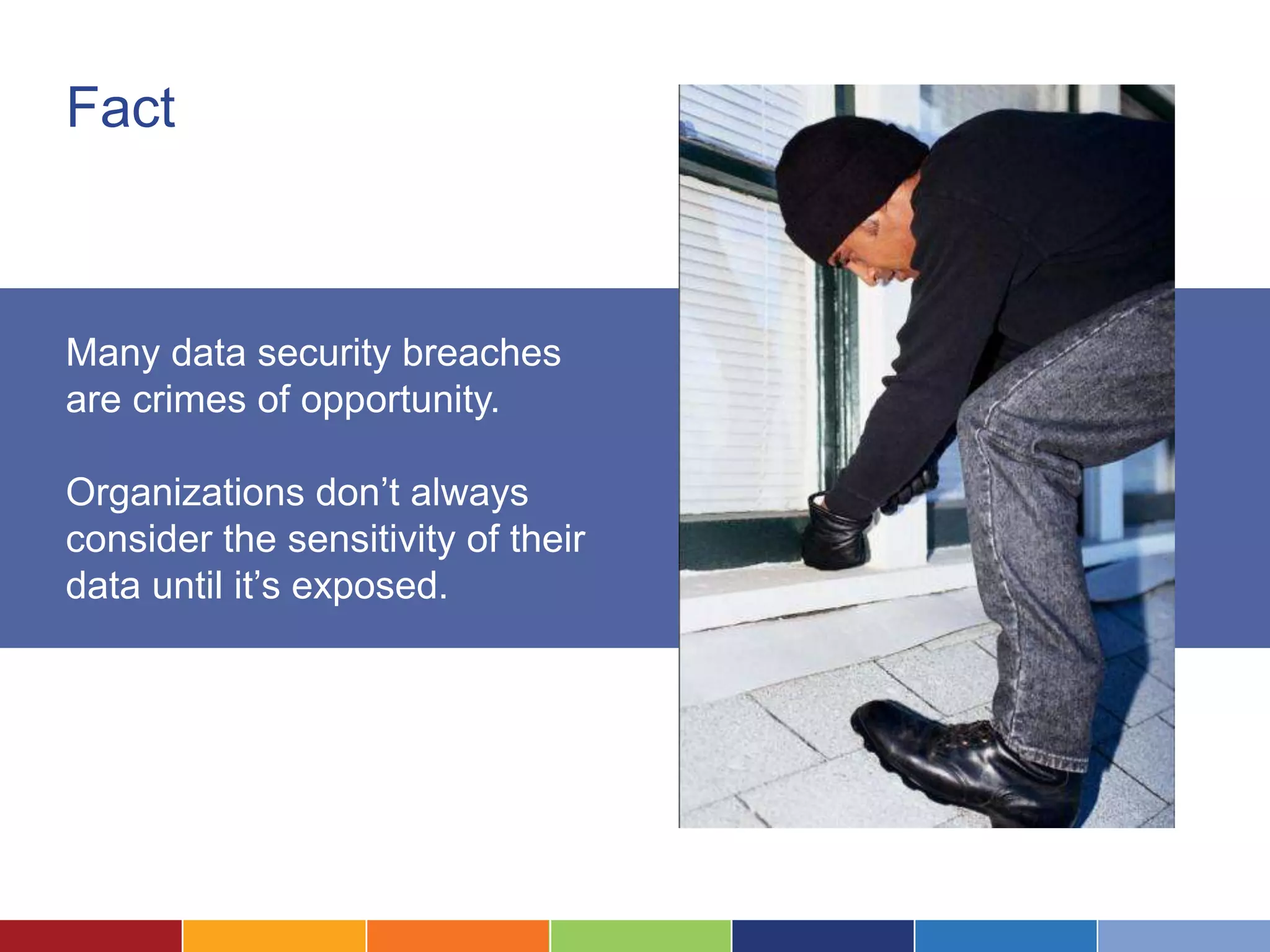
Fact


Many data security breaches
are crimes of opportunity.

Organizations don’t always
consider the sensitivity of their
data until it’s exposed.
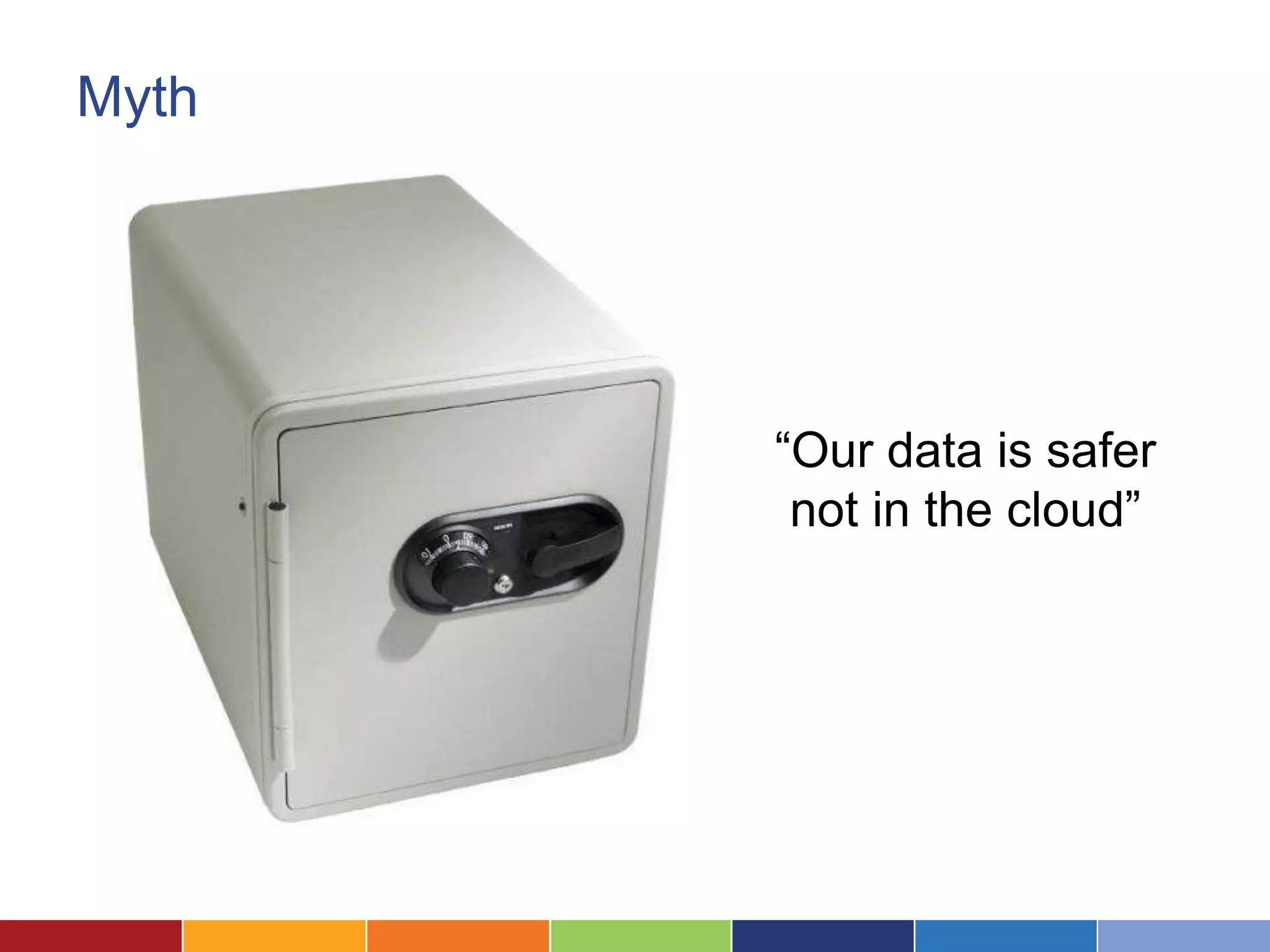
Myth


       “Our data is safer
        not in the cloud”
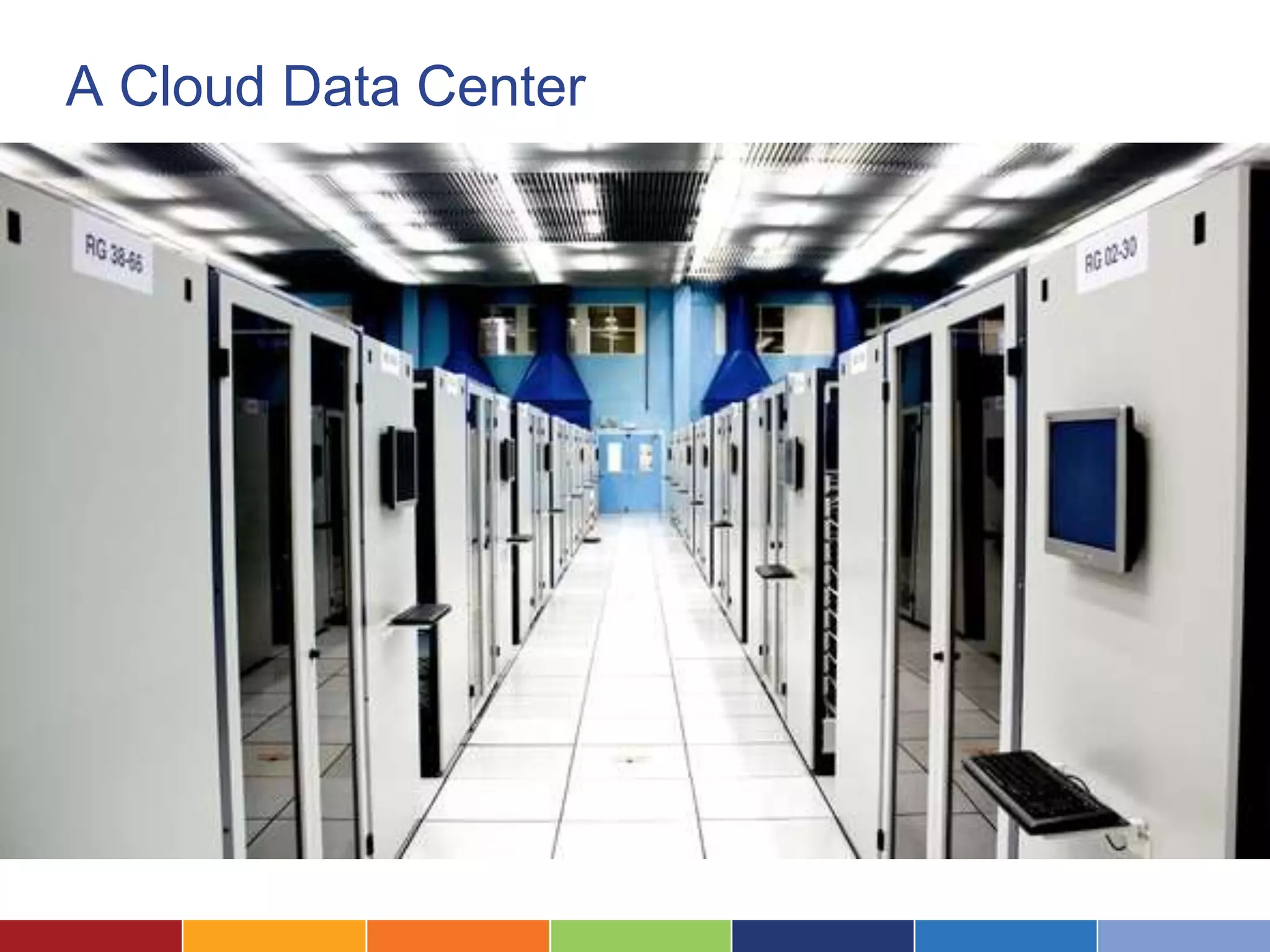
A Cloud Data Center
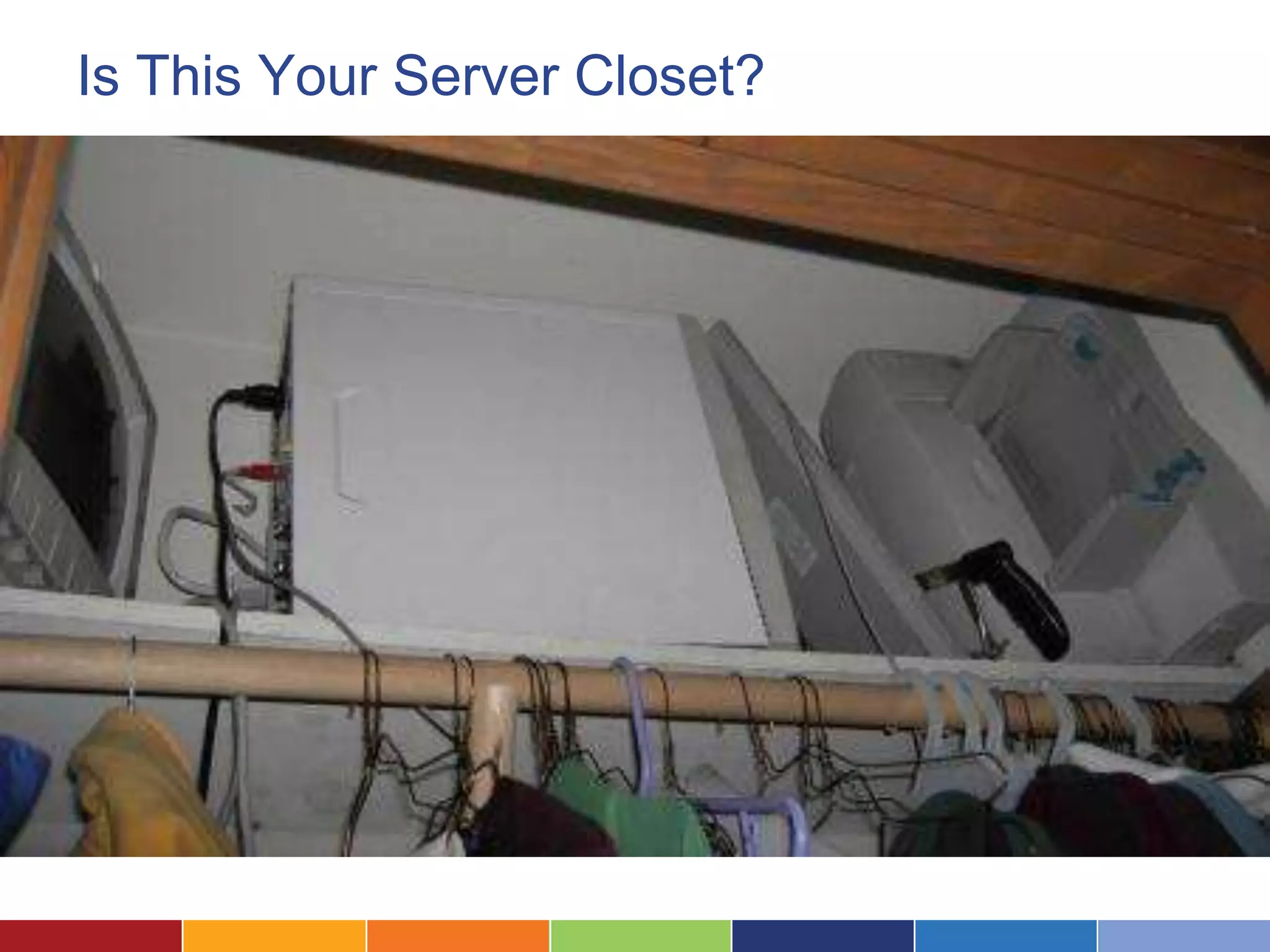
Is This Your Server Closet?
What Does Security Mean?
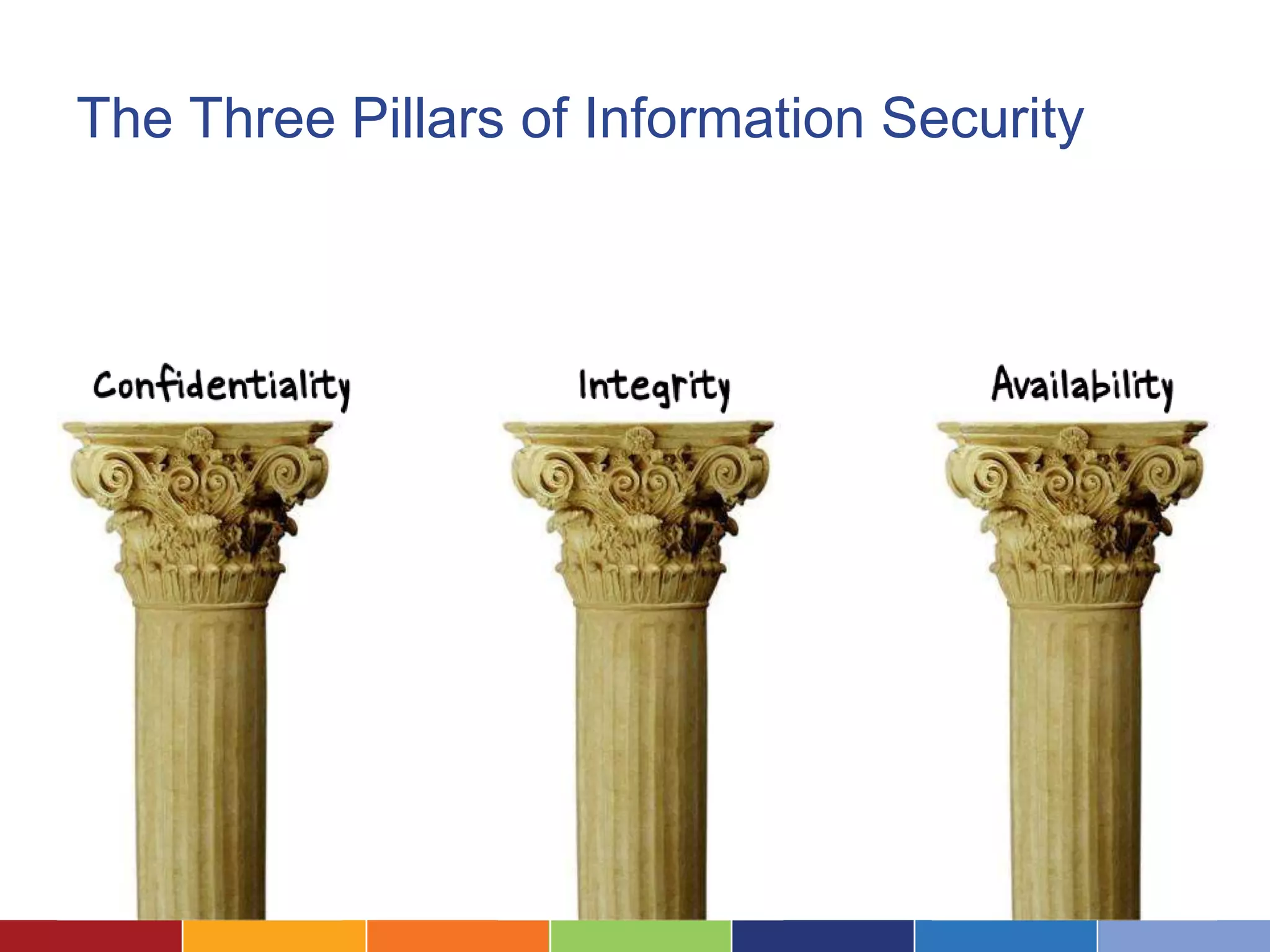
The Three Pillars of Information Security
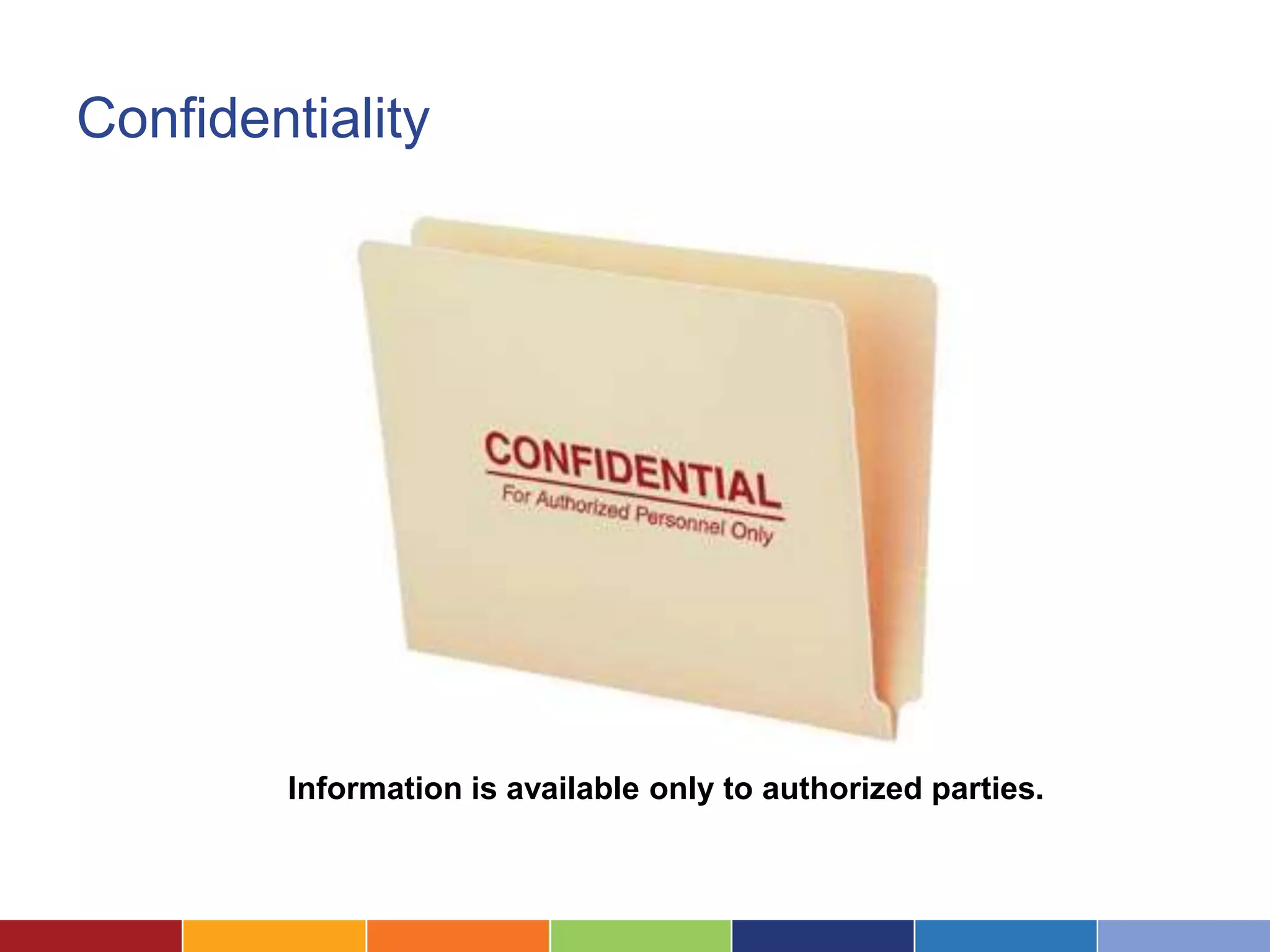
Confidentiality


        Information is available only to authorized parties.
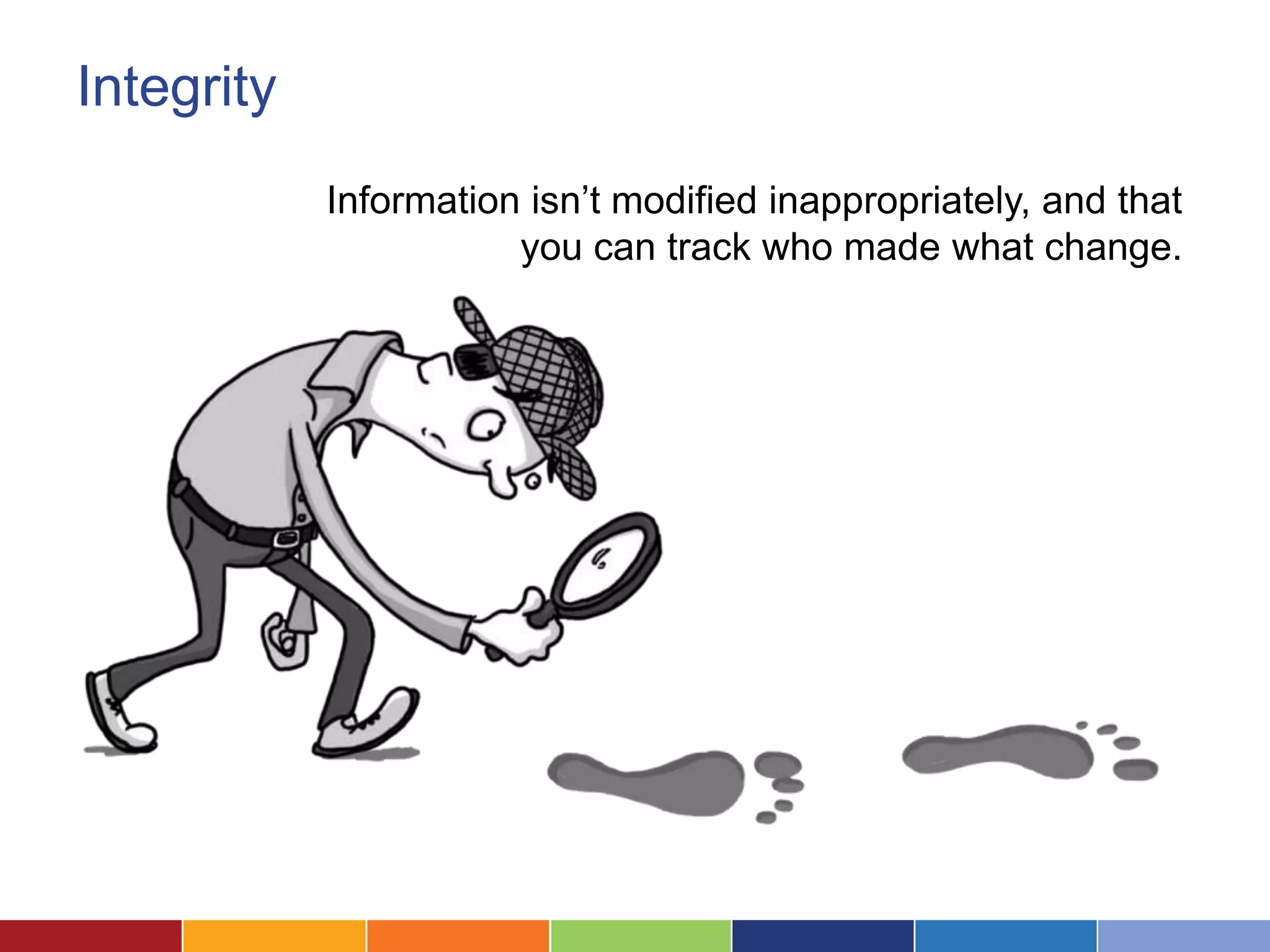
Integrity
            Information isn’t modified inappropriately, and that
                       you can track who made what change.
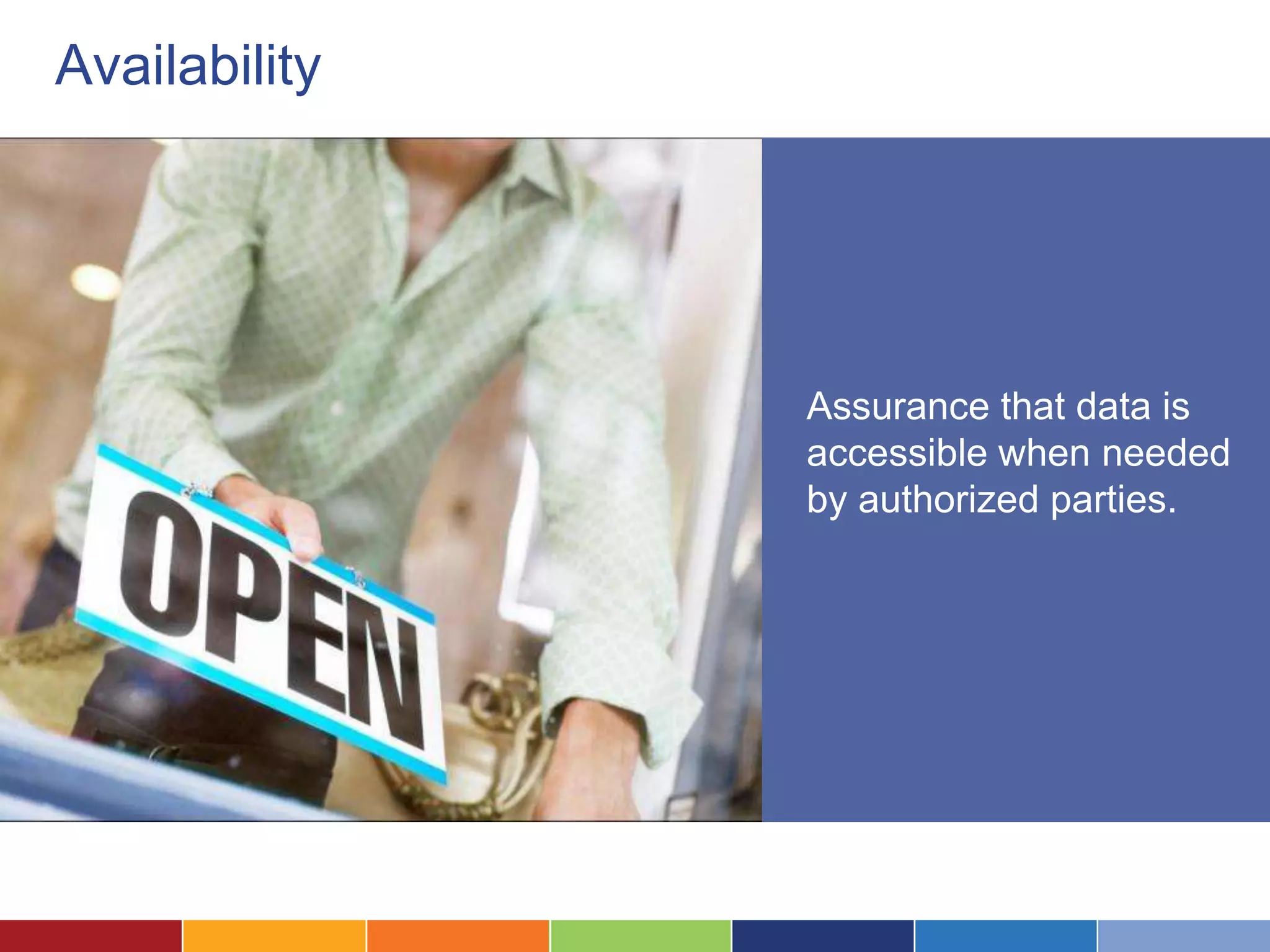
Availability


               Assurance that data is
               accessible when needed
               by authorized parties.
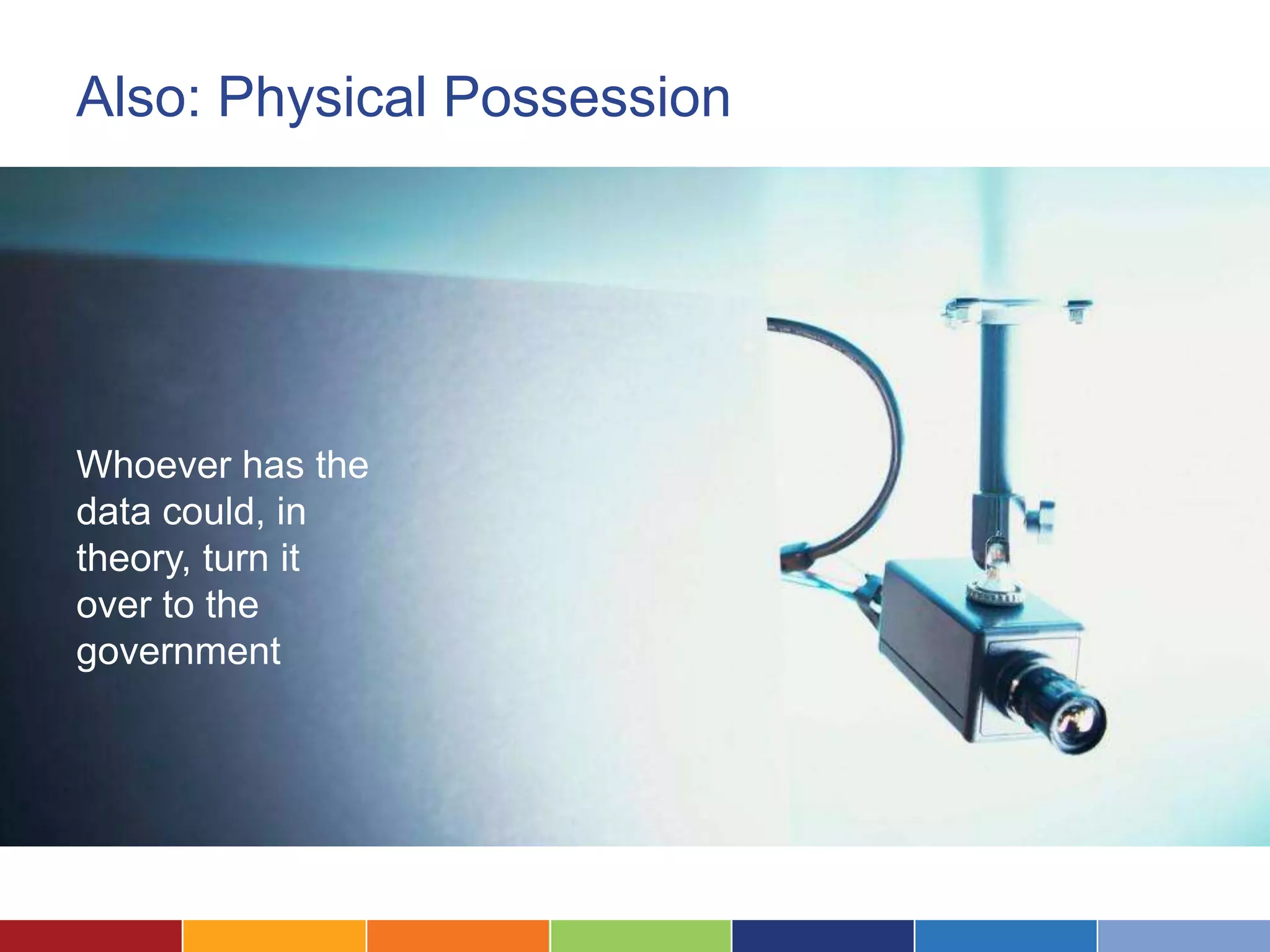
Also: Physical Possession


Whoever has the
data could, in
theory, turn it
over to the
government
What Does Security Mean For You?
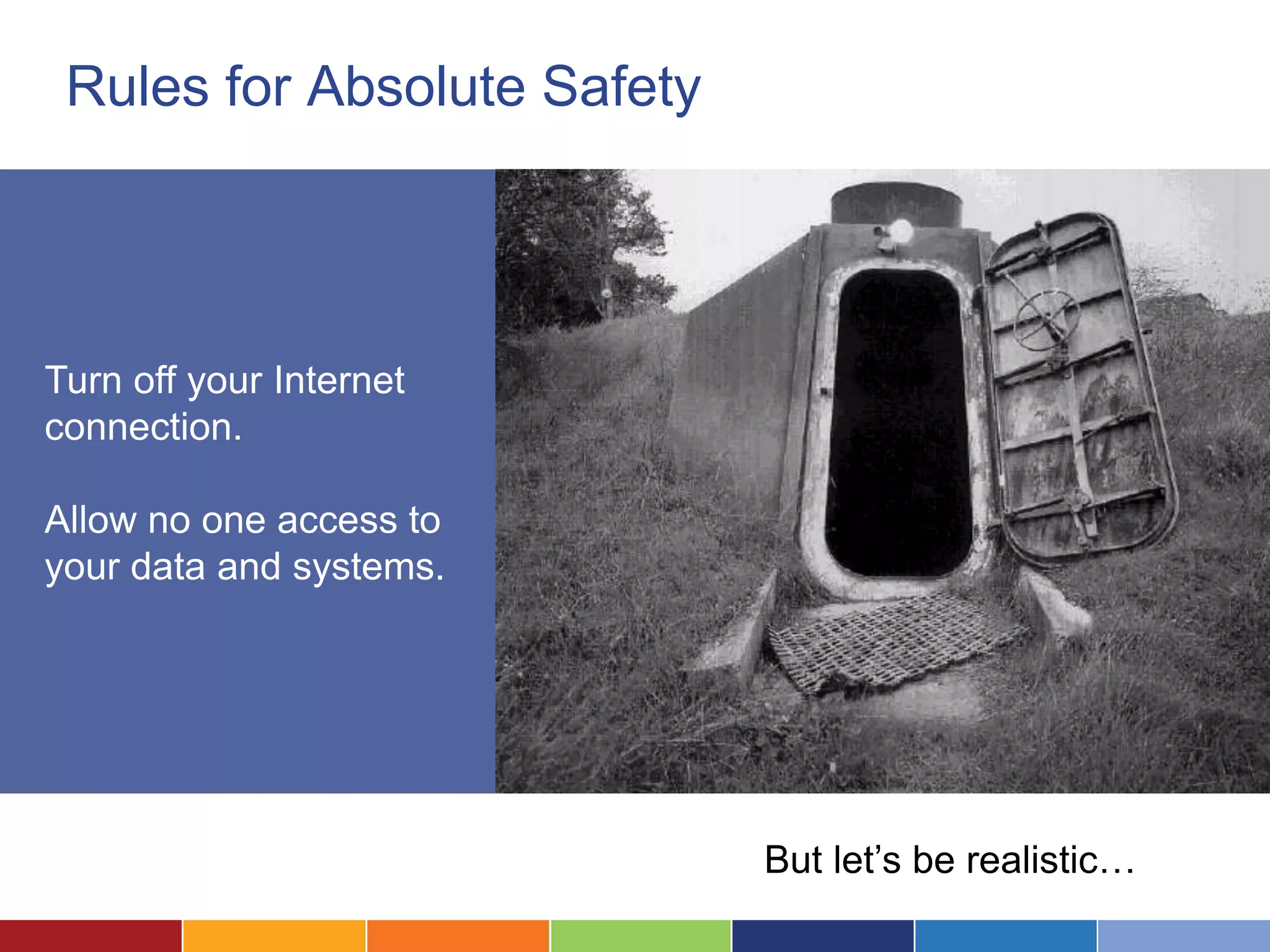
Rules for Absolute Safety


Turn off your Internet
connection.

Allow no one access to
your data and systems.


                             But let’s be realistic…
Know What You’re Protecting
                     What kinds of data are you
                     storing, and how sensitive are they?

                     Think about its value on the open
                     market.
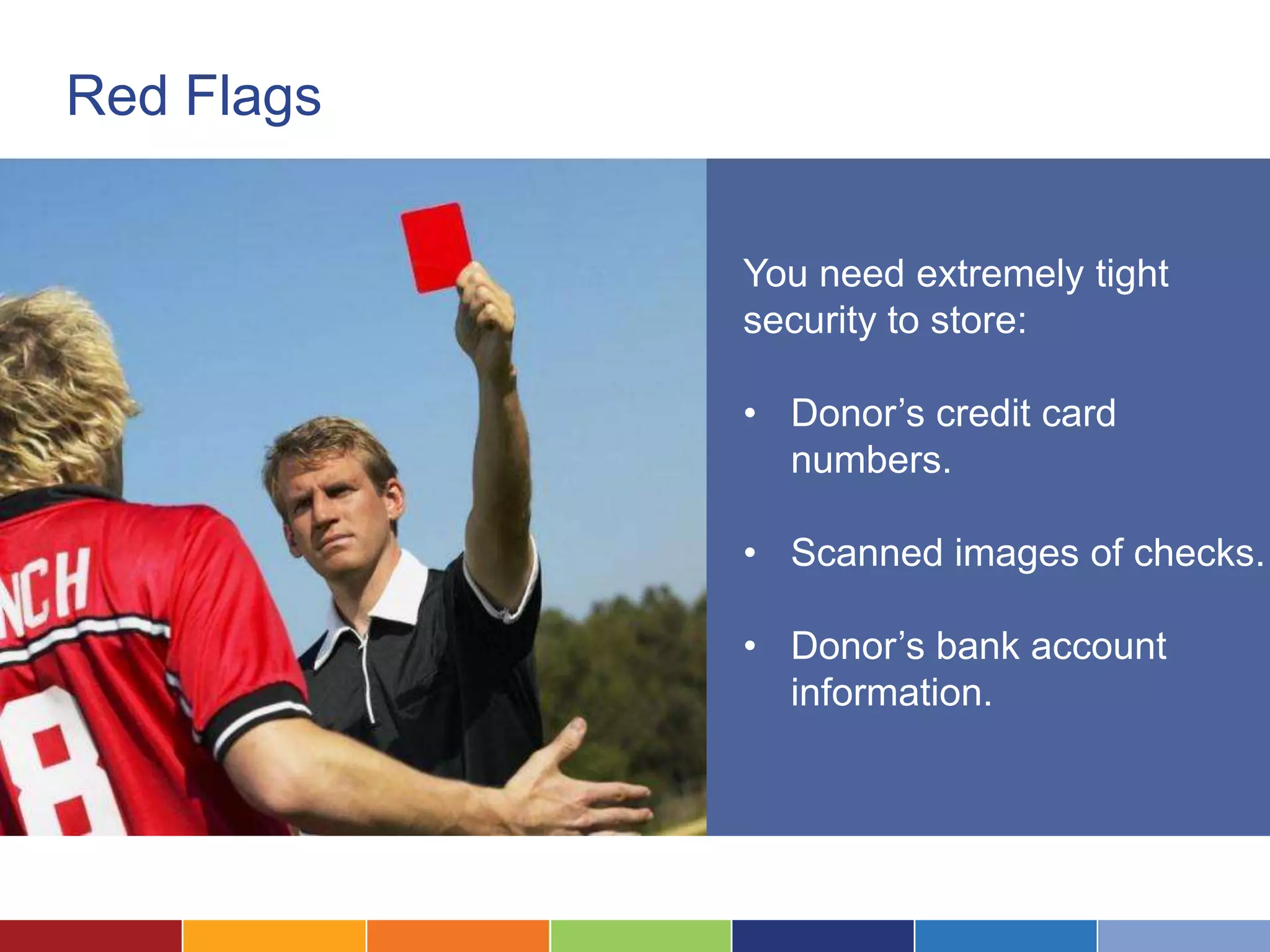
Red Flags


            You need extremely tight
            security to store:

            • Donor’s credit card
              numbers.

            • Scanned images of checks.

            • Donor’s bank account
              information.
Privilege and Waiver

Is storing data in the cloud
disclosure that destroys the
privileged nature of data?

No, but you have to spend time
thinking through the problem.
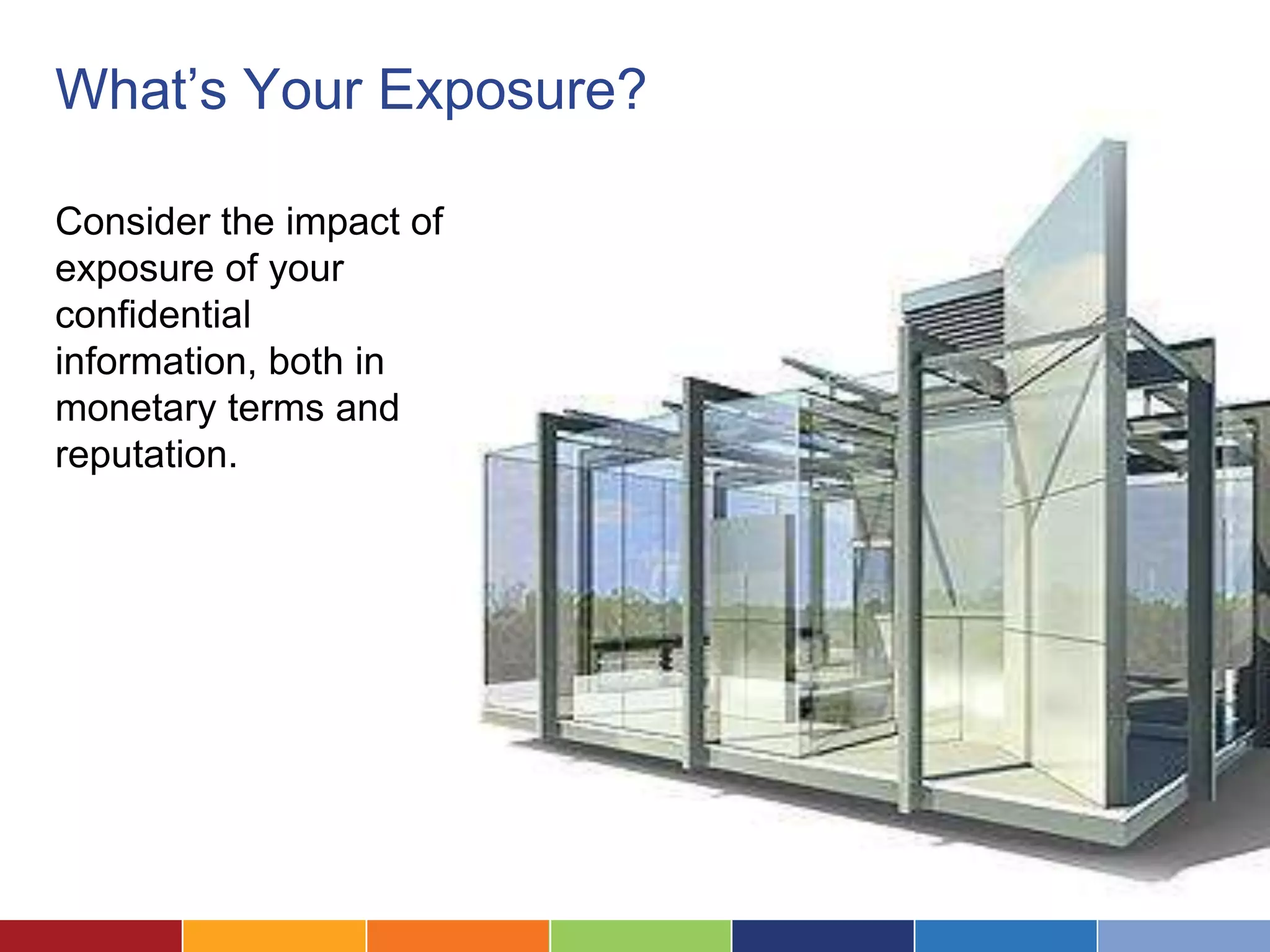
What’s Your Exposure?

Consider the impact of
exposure of your
confidential
information, both in
monetary terms and
reputation.
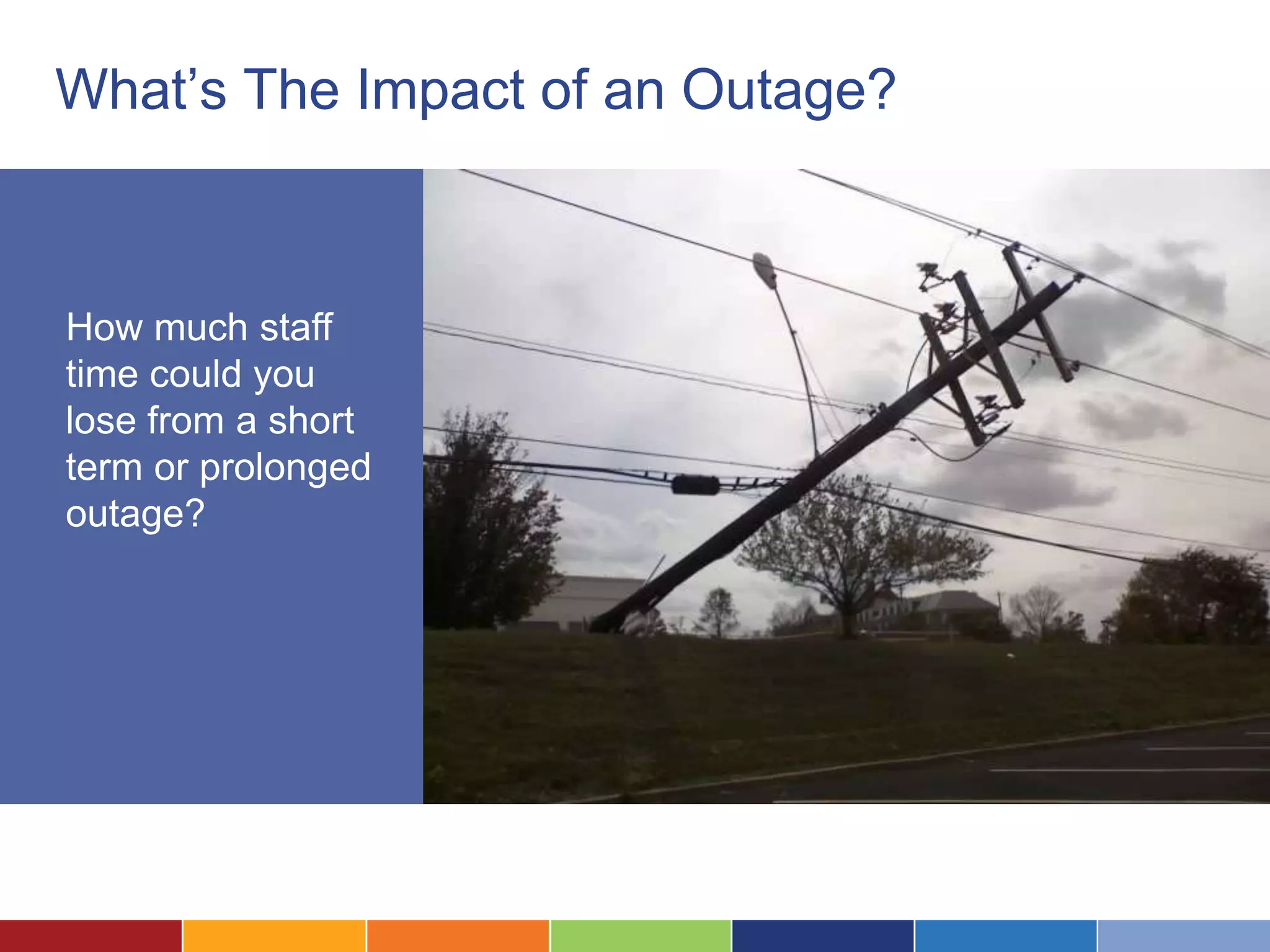
What’s The Impact of an Outage?


How much staff
time could you
lose from a short
term or prolonged
outage?
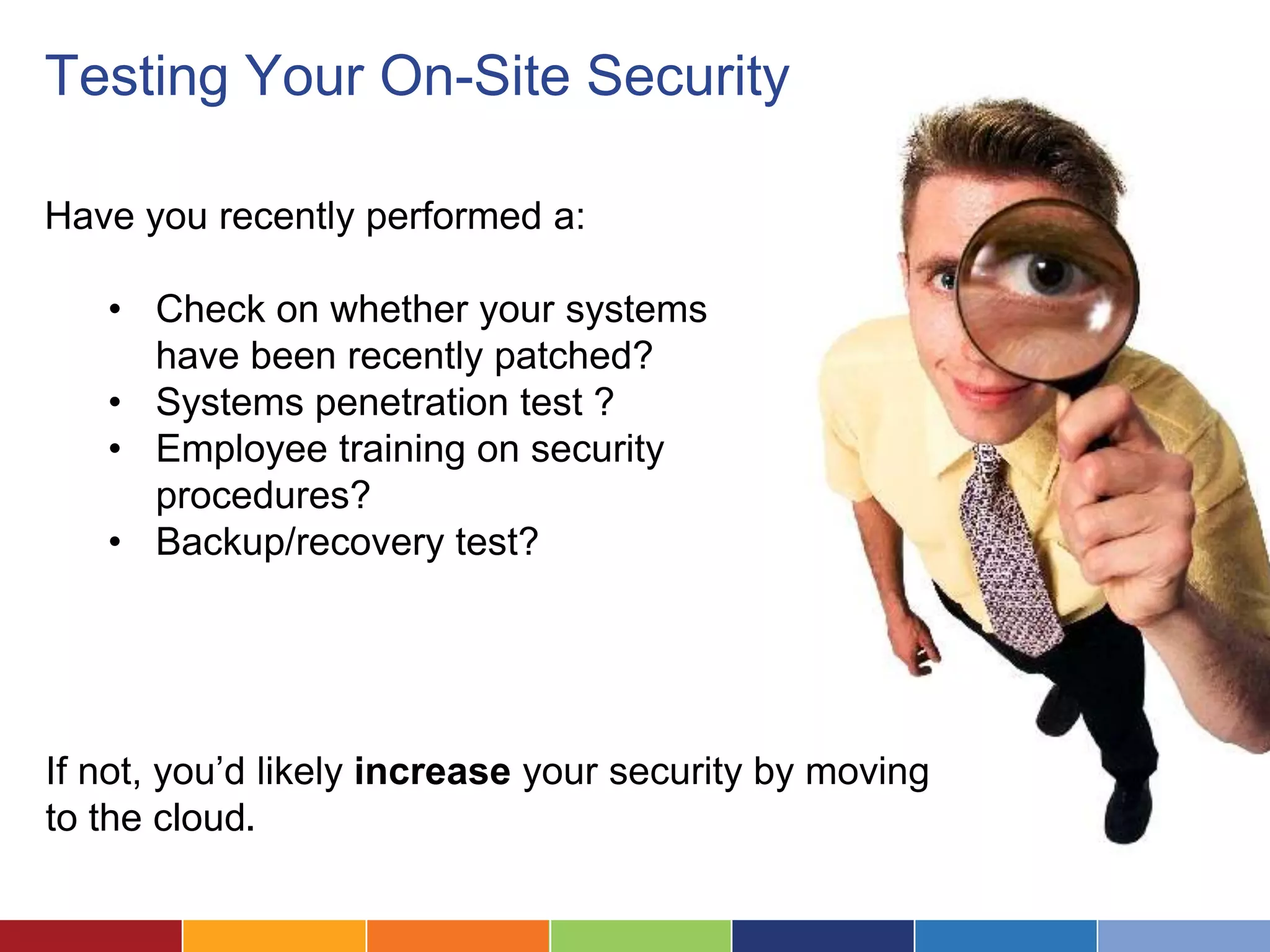
Testing Your On-Site Security

Have you recently performed a:

   • Check on whether your systems
     have been recently patched?
   • Systems penetration test ?
   • Employee training on security
     procedures?
   • Backup/recovery test?


If not, you’d likely increase your security by moving
to the cloud.
A Multi-Level Security Model
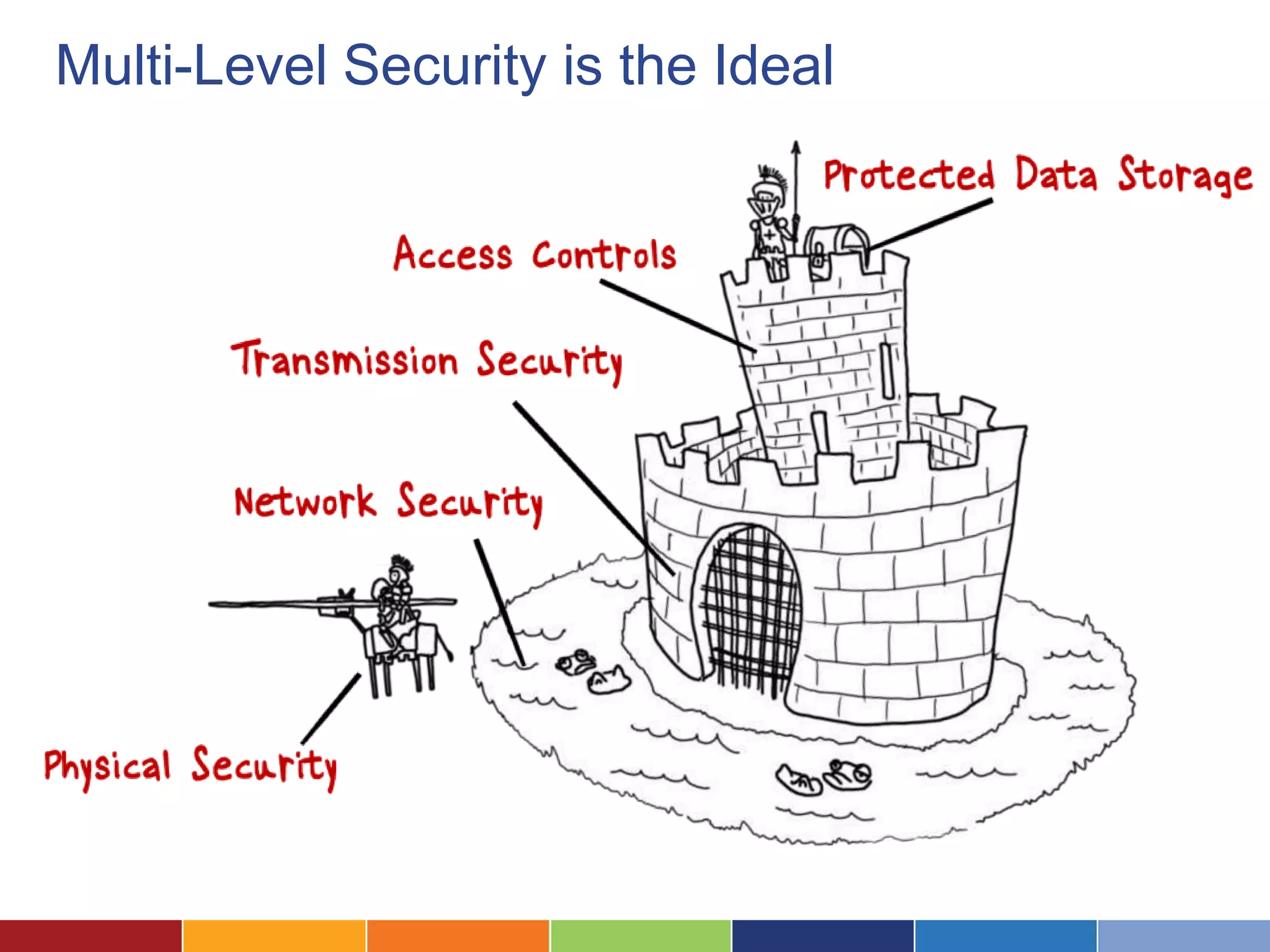
Multi-Level Security is the Ideal
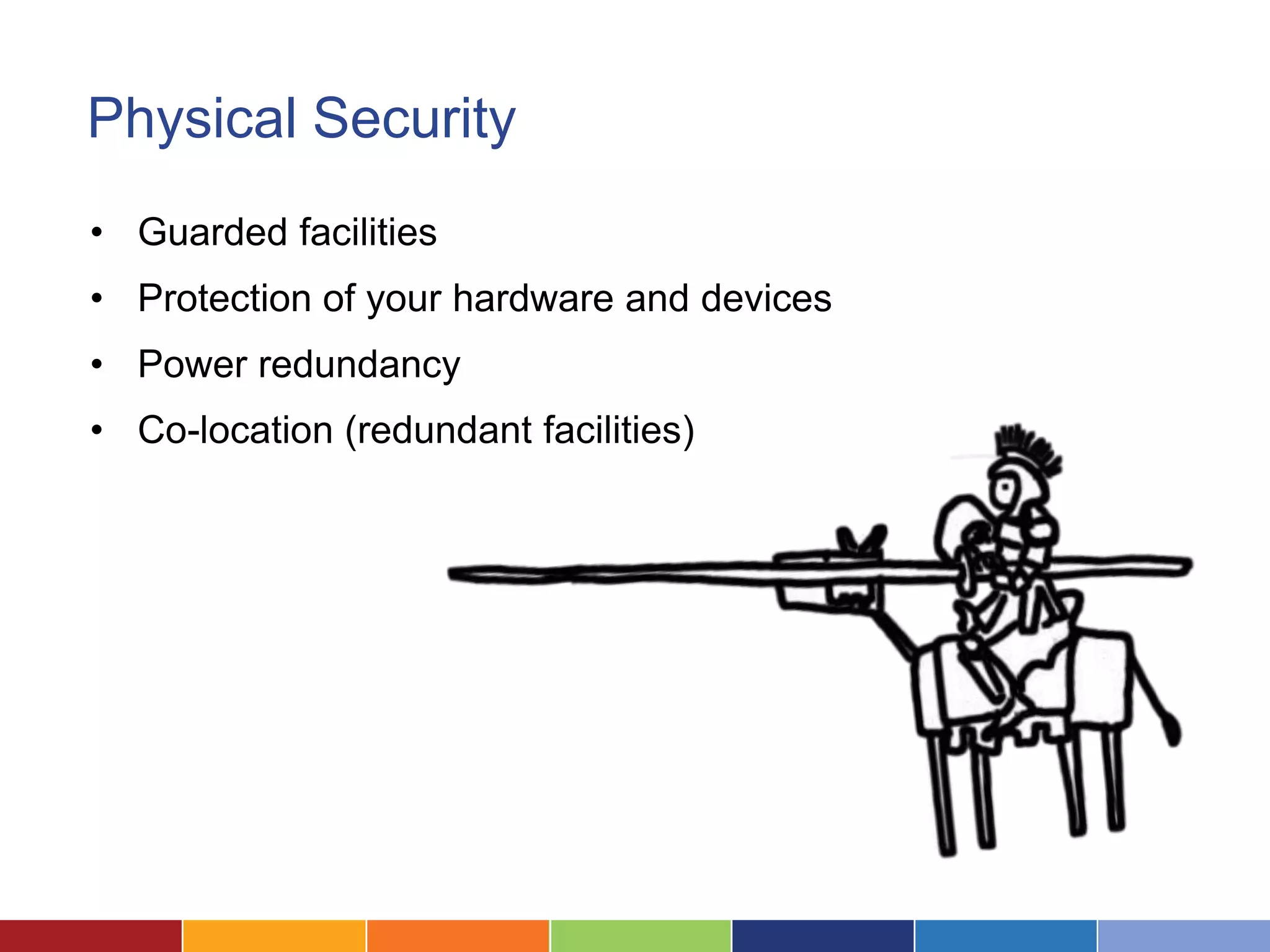
Physical Security
• Guarded facilities
• Protection of your hardware and devices
• Power redundancy
• Co-location (redundant facilities)
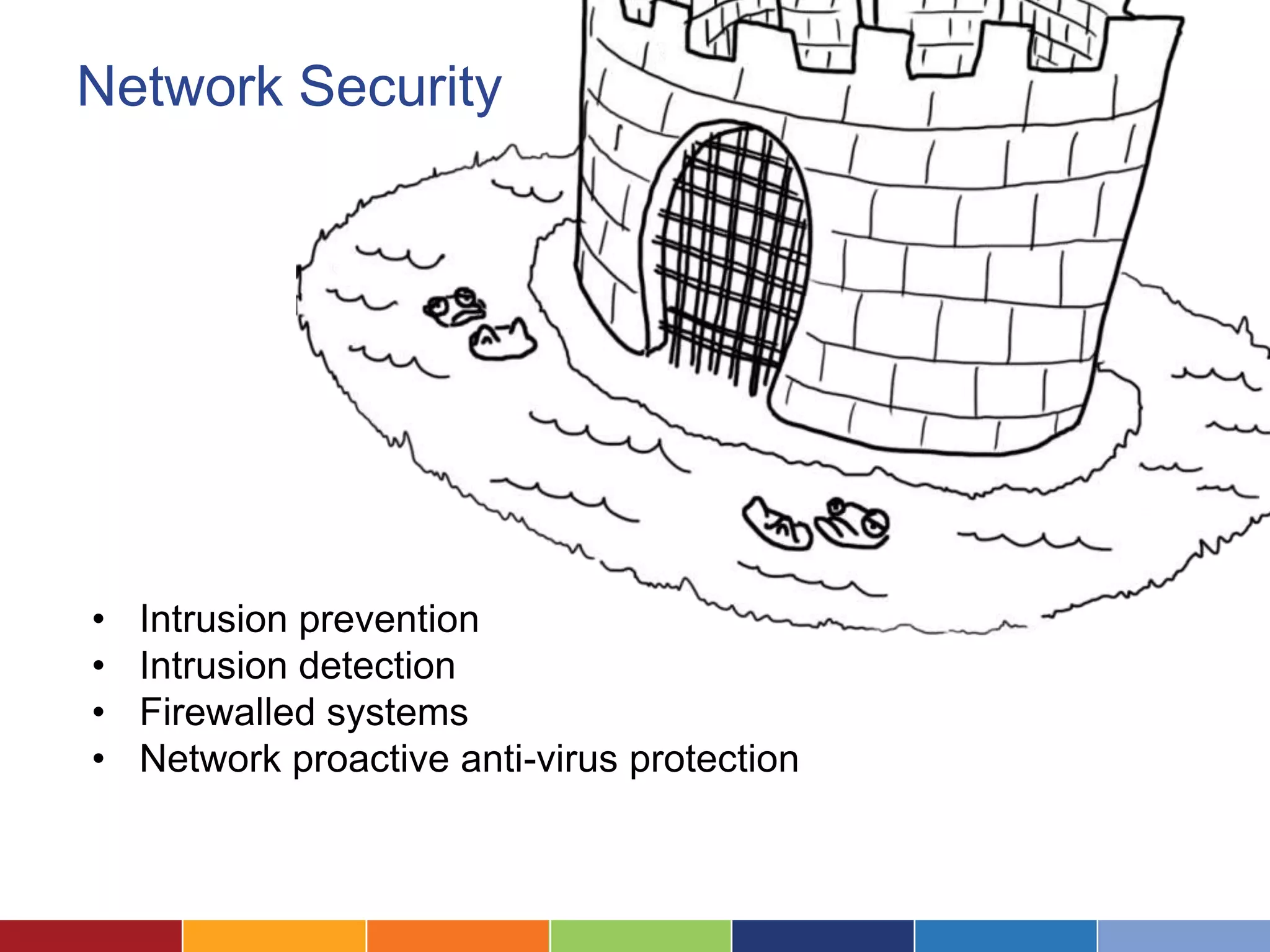
Network Security


•   Intrusion prevention
•   Intrusion detection
•   Firewalled systems
•   Network proactive anti-virus protection
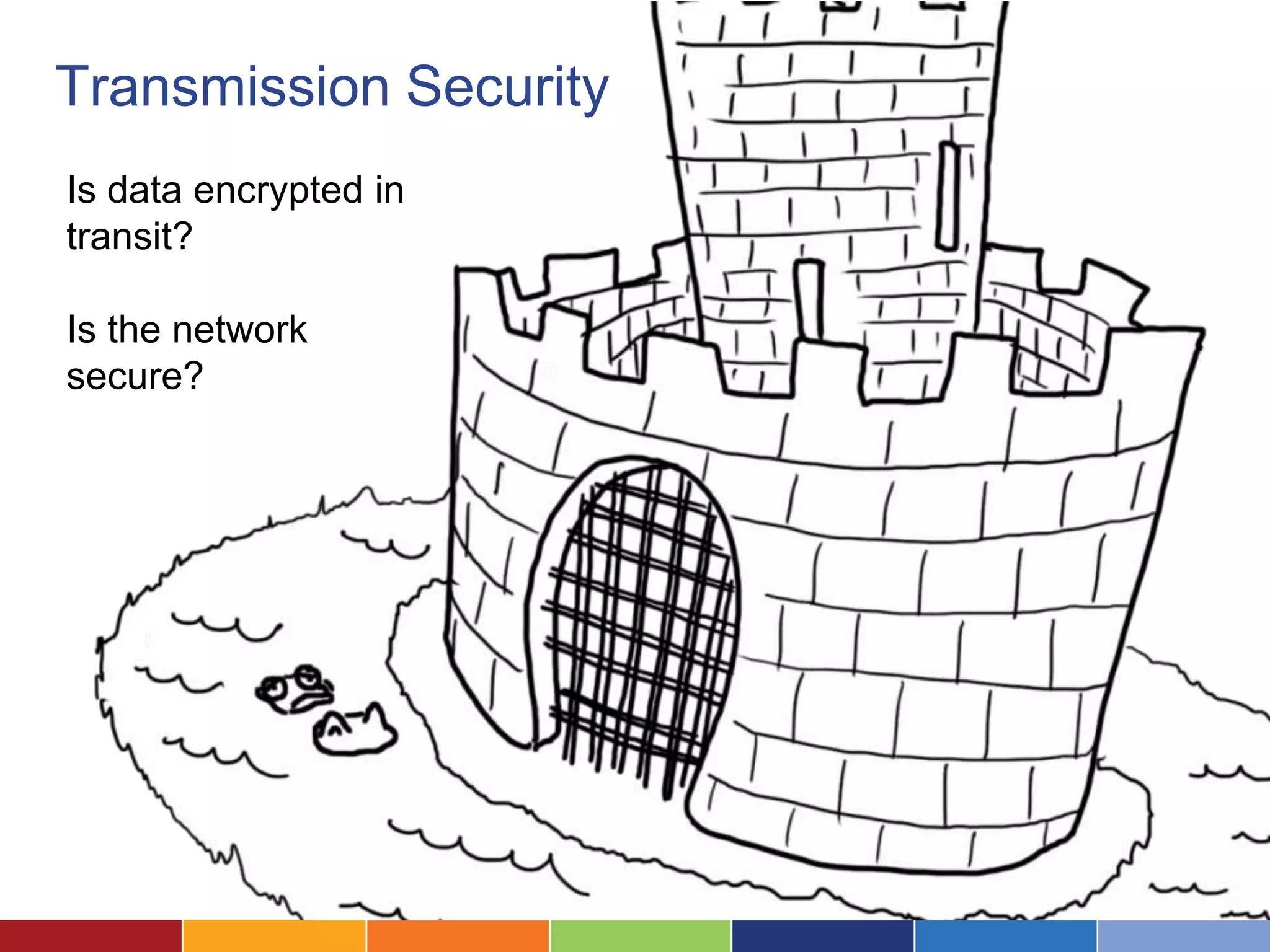
Transmission Security
Is data encrypted in
transit?

Is the network
secure?
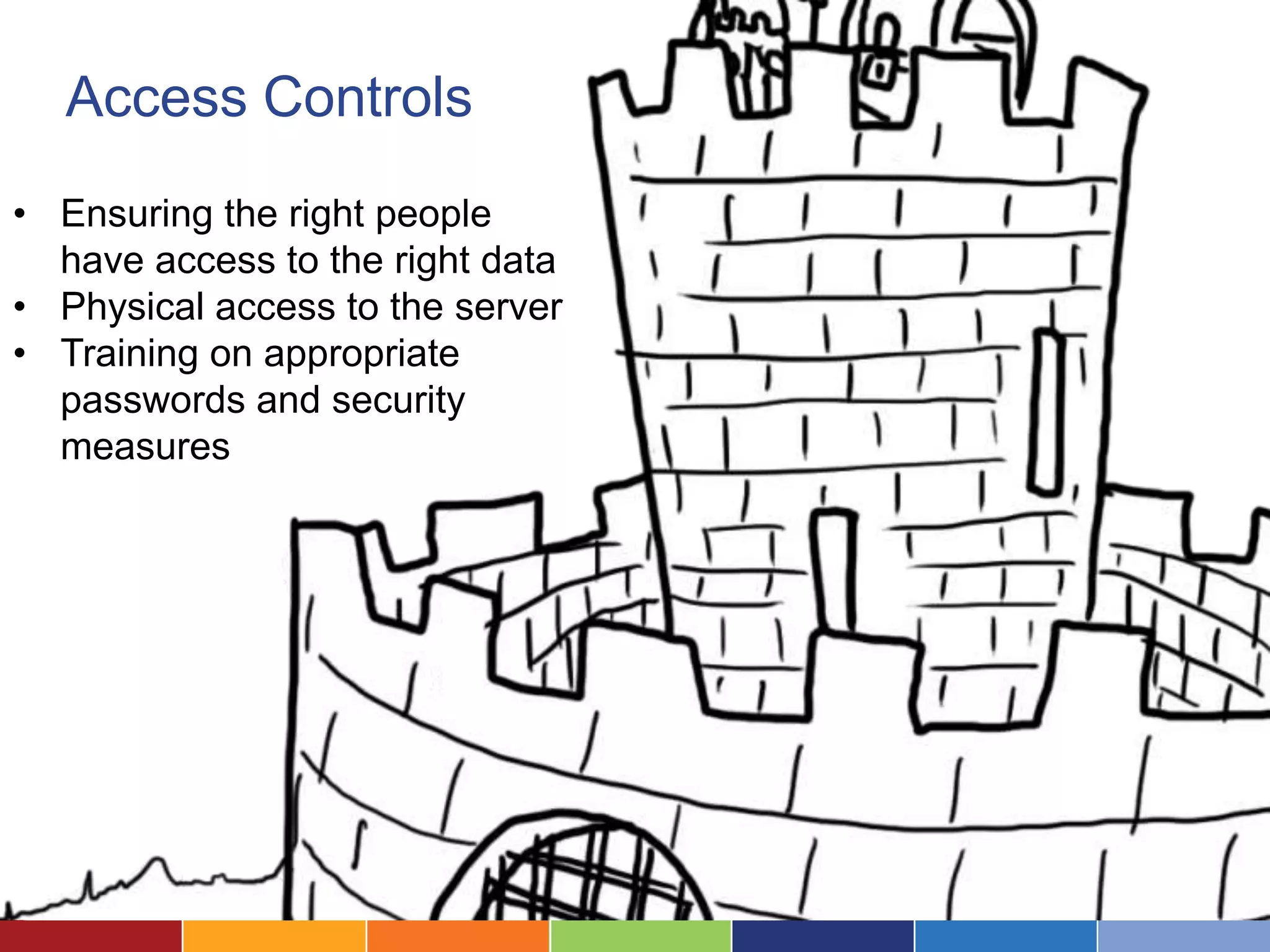
Access Controls
• Ensuring the right people
  have access to the right data
• Physical access to the server
• Training on appropriate
  passwords and security
  measures
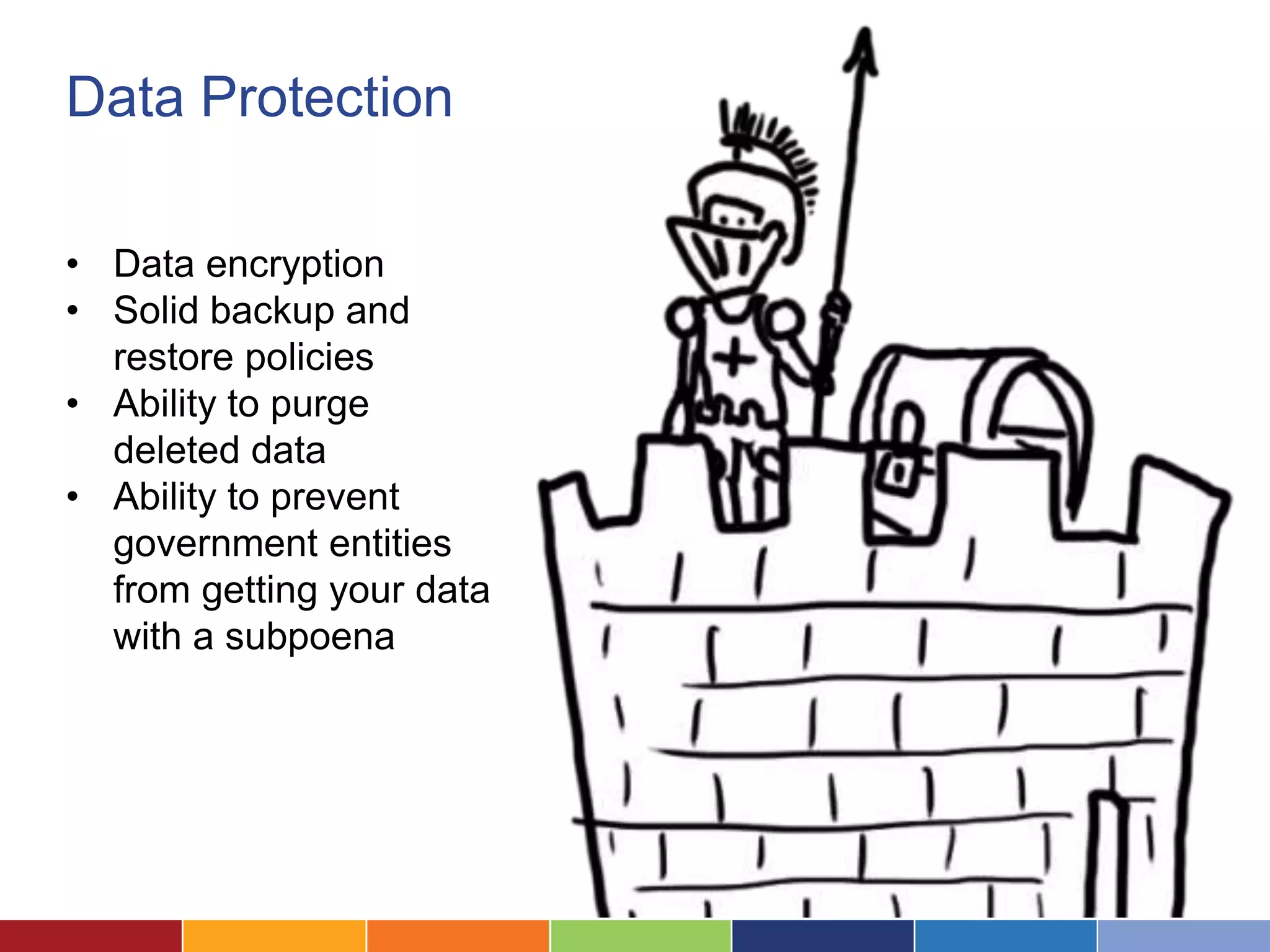
Data Protection

• Data encryption
• Solid backup and
  restore policies
• Ability to purge
  deleted data
• Ability to prevent
  government entities
  from getting your data
  with a subpoena
What to Look For in a Vendor
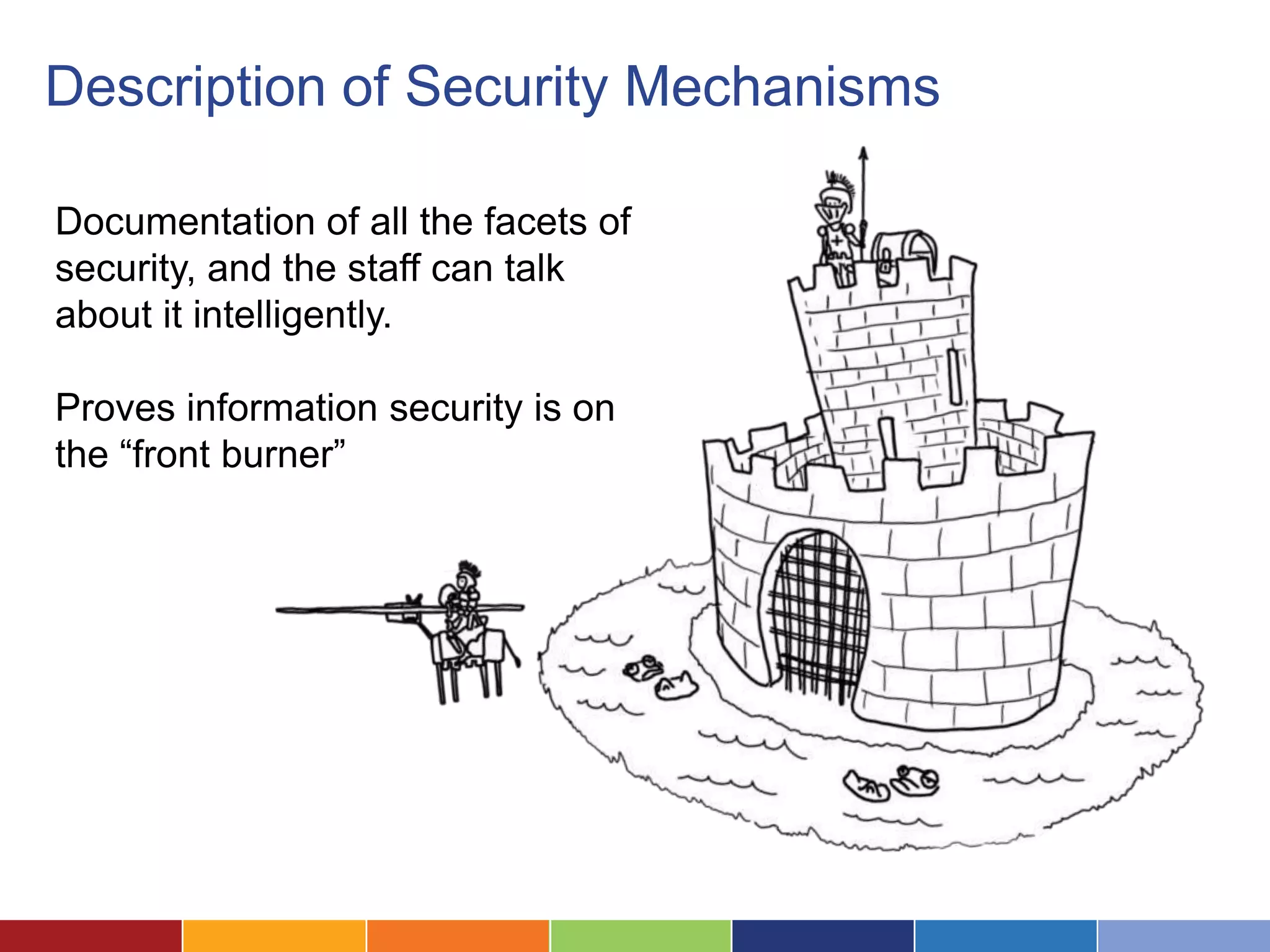
Description of Security Mechanisms

Documentation of all the facets of
security, and the staff can talk
about it intelligently.

Proves information security is on
the “front burner”
Uptime


Do they provide any guarantee of
uptime? Any historic uptime
figures?

Uptime figures are typically in 9s--
99%, 99.9% or 99.99%


     Your connection to the internet may well be the weakest link.
Terms of Service

                   What’s in the terms of
                   service in terms of
                   privacy and use of your
                   data? Do they need to
                   tell you if they change
                   their terms of service?
Regulatory Compliance: HIPAA


Does the vendor support
organizations that need to be
compliant with HIPAA (the
Health Insurance Portability
and Accountability Act)?
Regulatory Compliance: SAS70 and SSAE16


                       Audit for security
                       standards, hardware, and
                       processes.

                       Statement on Accounting
                       Standards 70 (SAS70)

                       Statement of Standards for
                       Attestation Engagements 16
                       (SSAE16)
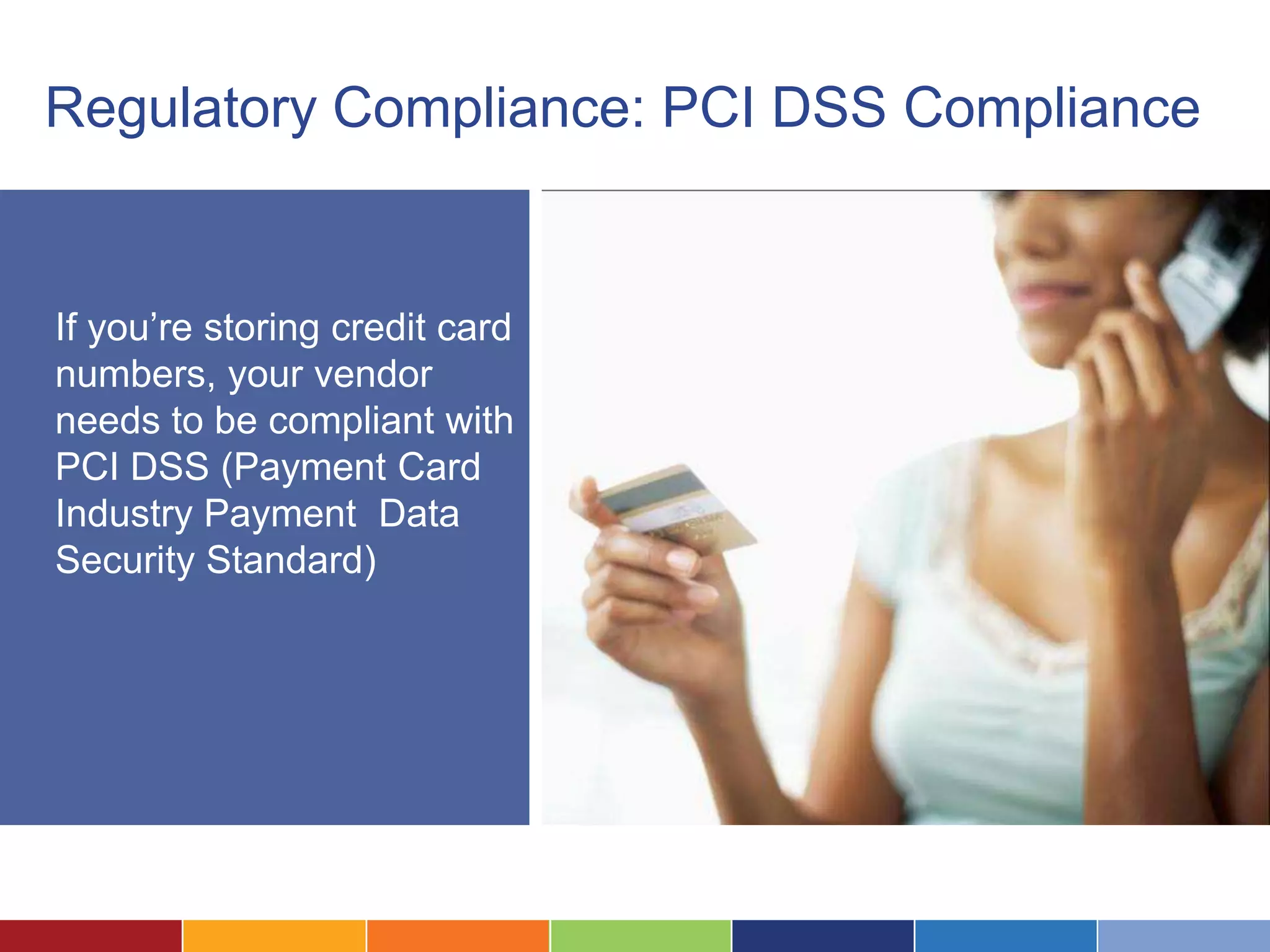
Regulatory Compliance: PCI DSS Compliance


If you’re storing credit card
numbers, your vendor
needs to be compliant with
PCI DSS (Payment Card
Industry Payment Data
Security Standard)
In Summary
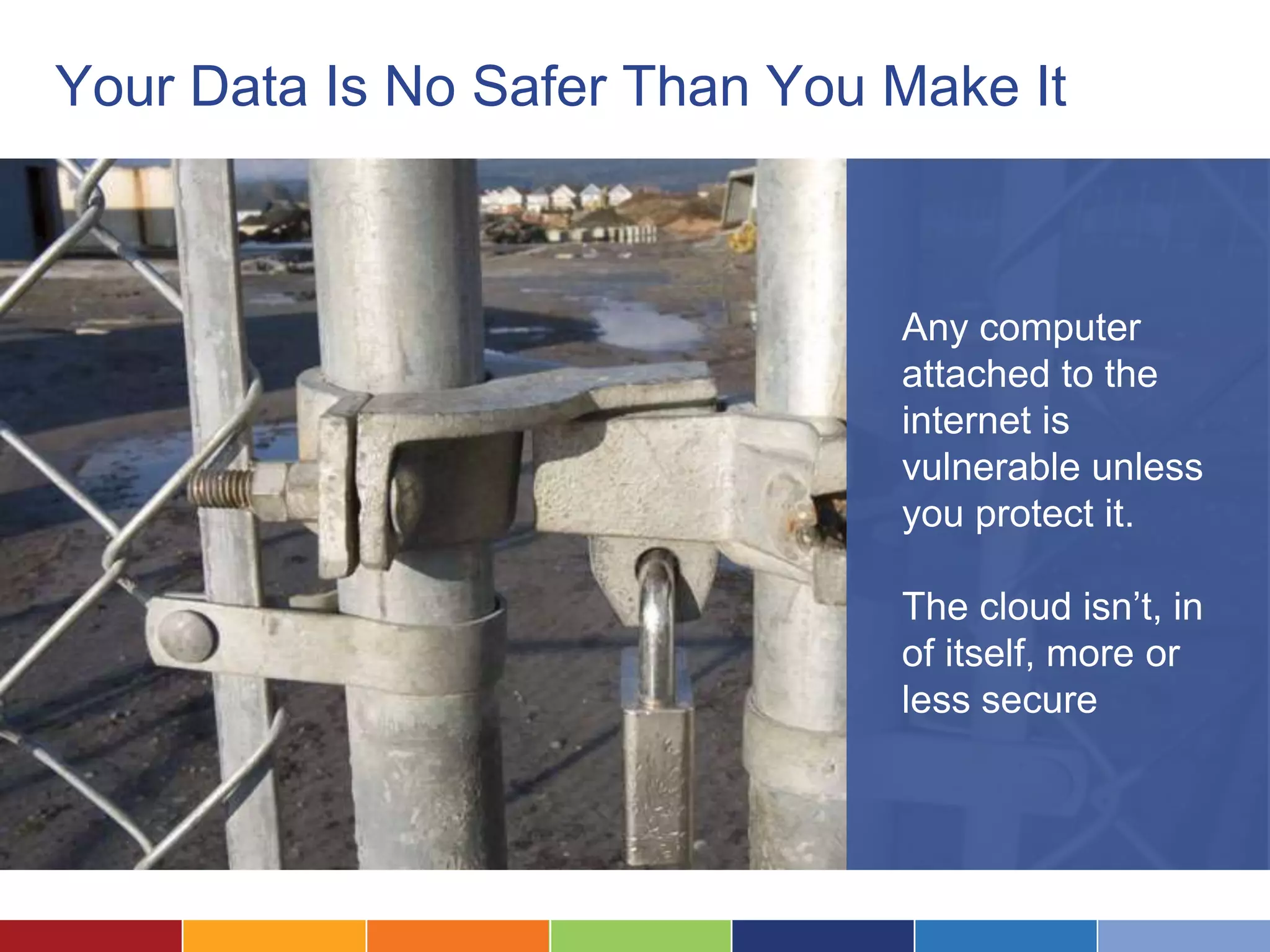
Your Data Is No Safer Than You Make It


                               Any computer
                               attached to the
                               internet is
                               vulnerable unless
                               you protect it.

                               The cloud isn’t, in
                               of itself, more or
                               less secure
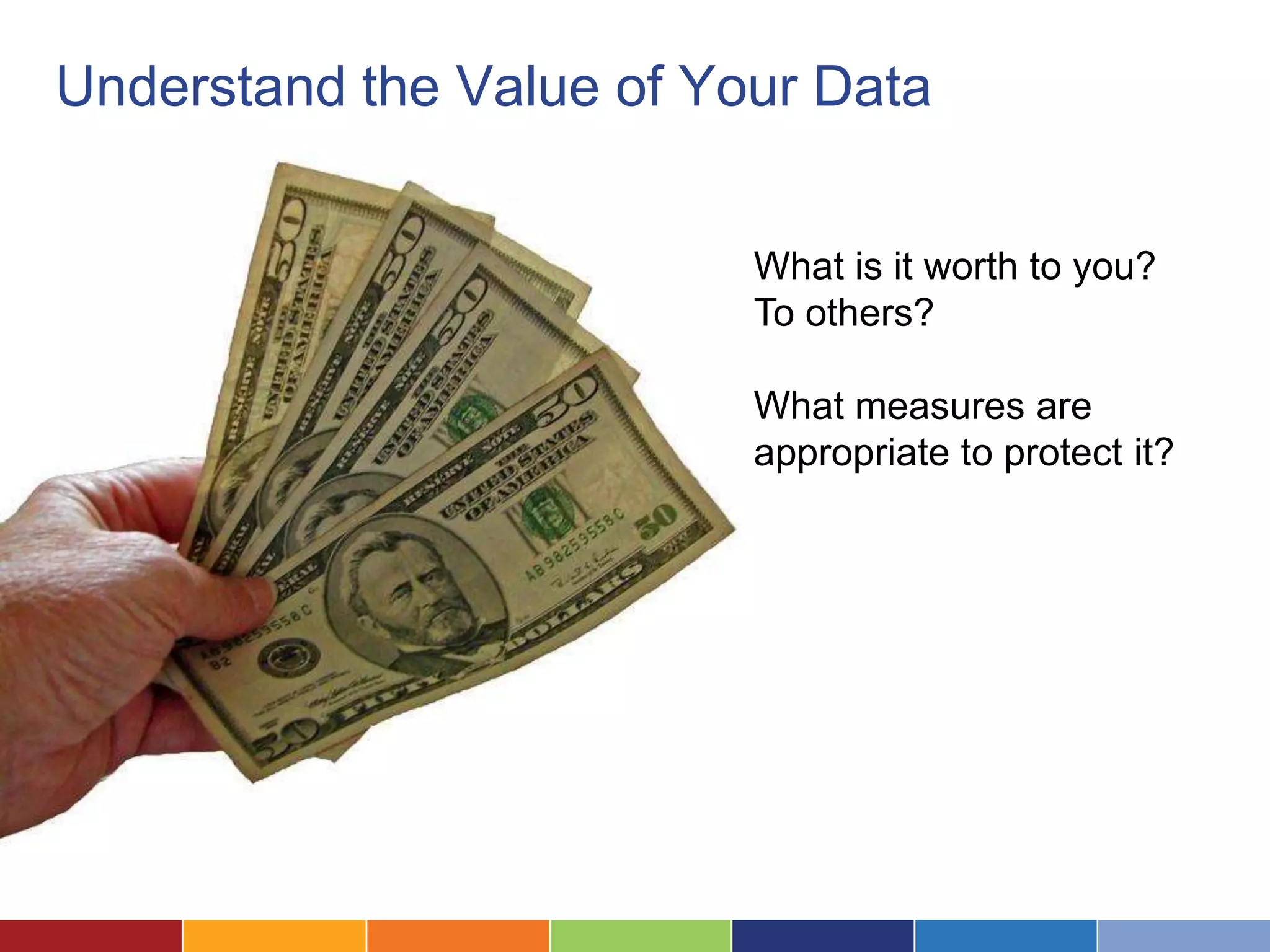
Understand the Value of Your Data


                          What is it worth to you?
                          To others?

                          What measures are
                          appropriate to protect it?
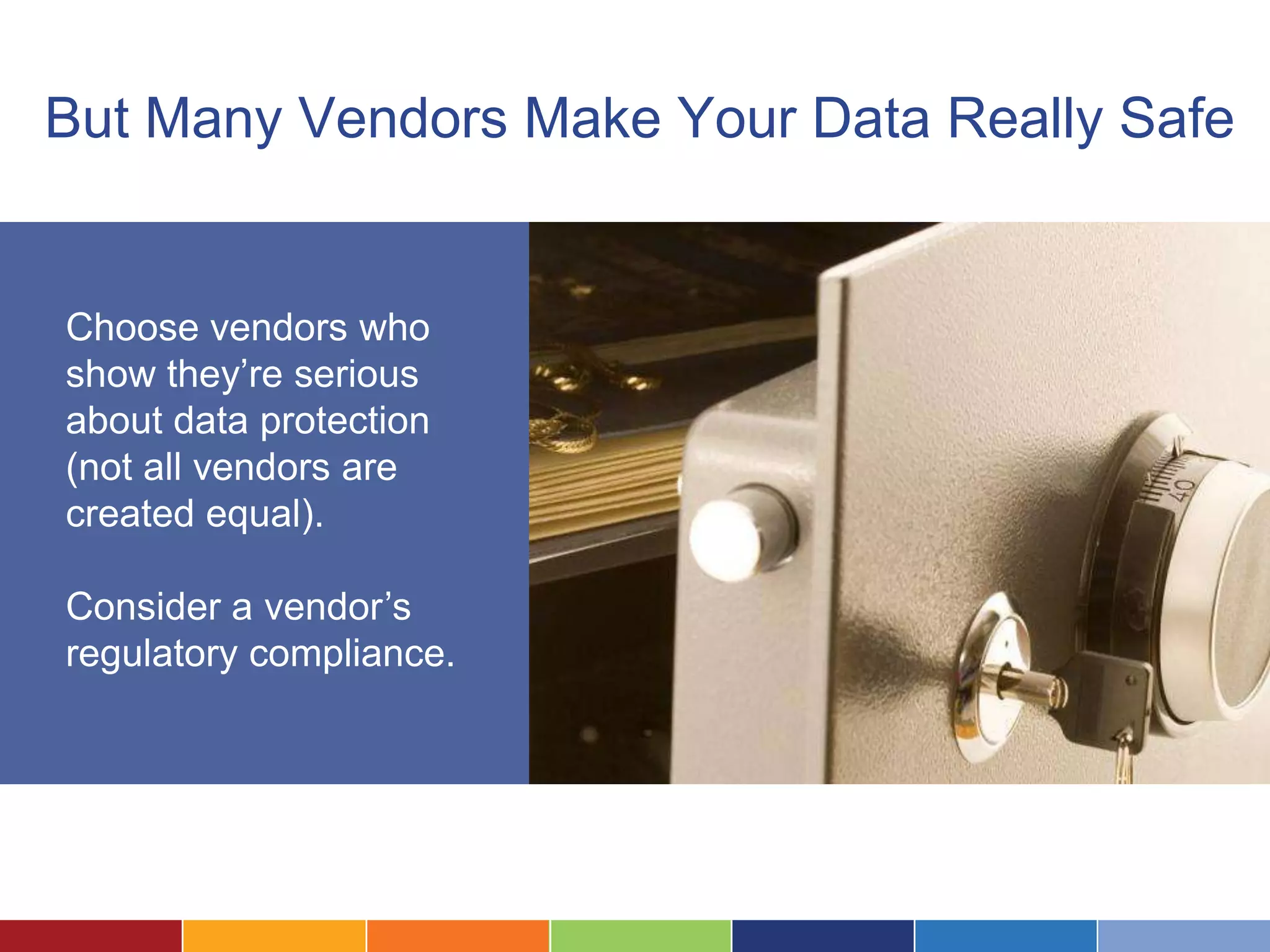
But Many Vendors Make Your Data Really Safe


Choose vendors who
show they’re serious
about data protection
(not all vendors are
created equal).

Consider a vendor’s
regulatory compliance.
Questions?

The Cloud Beckons, But is it Safe?

  • 1.
    The Cloud Beckons,But is it Safe? You should hear voices. If you can’t hear anything, check that your computer volume is turned up and un-muted, and the “Use Mic” radio button is selected. Or you can use a phone to listen to the same audio by calling (914) 339-0030, Access Code: 742-024-148
  • 2.
    Logistics: Audio ViaPhone Speakers not working? Prefer the phone? Dial in: (914) 339-0030 742-024-148 (If you can’t see this panel, click the “Show Control Choose “Use Telephone” Panel” button)
  • 3.
    Logistics: Ask Questions Askquestions! Otherwise I’m speaking to a black hole! Click to open the chat window Raise your hand and I’ll unmute you Not hearing anything? Call 773-945-1010, access 257-723-187
  • 4.
    Having Trouble? You shouldhear voices. If you can’t hear anything, check that your computer volume is turned up and un-muted, and the “Use Mic” radio button is selected. Or you can use a phone to listen to the same audio by calling (914) 339-0030, Access Code: 742-024-148
  • 5.
    The Cloud Beckons,But is it Safe? July 2012
  • 6.
    Introductions Laura Quinn Executive Director Idealware Jeff Hogue Legal Assistance of Western New York What are you hoping to get out of this session?
  • 8.
  • 9.
    LSC Grantees areUsing It • 46% said that “some or all of their servers are hosted externally” • 18% said they were using Google Apps for email • 13% said they were using Google Docs
  • 10.
    The Lure ofthe Cloud Low cost of entry Easy remote access No complex infrastructure
  • 11.
    But What AboutSecurity?
  • 12.
  • 13.
    Technology and LegalEthics The ABA is prepared to vote in new model rules requiring lawyers to "make reasonable efforts" to prevent "inadvertent or unauthorized disclosure of, or unauthorized access to" confidential client information. This doesn’t preclude the cloud, but it requires you to think through it’s use.
  • 14.
    Under Siege To be on the Internet is to be vulnerable to attack. If you’re on the Internet, you’re in The Cloud
  • 15.
    But We DoLots of Things on the Internet We shop online We bank online We post crazy things on Facebook Why is the cloud different? It’s not.
  • 16.
    How Secure isYour On-Site Data? Do any of these sound familiar? • No one patches computers or is responsible for network security • You haven’t really thought about passwords or permissions • No disaster recovery plans • Staff hasn’t had any security training
  • 17.
    Myth “We’re a small nonprofit. We’re safe because no one would target us for cyber attack.”
  • 18.
    Fact Many data securitybreaches are crimes of opportunity. Organizations don’t always consider the sensitivity of their data until it’s exposed.
  • 19.
    Myth “Our data is safer not in the cloud”
  • 20.
  • 21.
    Is This YourServer Closet?
  • 22.
  • 23.
    The Three Pillarsof Information Security
  • 24.
    Confidentiality Information is available only to authorized parties.
  • 25.
    Integrity Information isn’t modified inappropriately, and that you can track who made what change.
  • 26.
    Availability Assurance that data is accessible when needed by authorized parties.
  • 27.
    Also: Physical Possession Whoeverhas the data could, in theory, turn it over to the government
  • 28.
    What Does SecurityMean For You?
  • 29.
    Rules for AbsoluteSafety Turn off your Internet connection. Allow no one access to your data and systems. But let’s be realistic…
  • 30.
    Know What You’reProtecting What kinds of data are you storing, and how sensitive are they? Think about its value on the open market.
  • 31.
    Red Flags You need extremely tight security to store: • Donor’s credit card numbers. • Scanned images of checks. • Donor’s bank account information.
  • 32.
    Privilege and Waiver Isstoring data in the cloud disclosure that destroys the privileged nature of data? No, but you have to spend time thinking through the problem.
  • 33.
    What’s Your Exposure? Considerthe impact of exposure of your confidential information, both in monetary terms and reputation.
  • 34.
    What’s The Impactof an Outage? How much staff time could you lose from a short term or prolonged outage?
  • 35.
    Testing Your On-SiteSecurity Have you recently performed a: • Check on whether your systems have been recently patched? • Systems penetration test ? • Employee training on security procedures? • Backup/recovery test? If not, you’d likely increase your security by moving to the cloud.
  • 36.
  • 37.
  • 38.
    Physical Security • Guardedfacilities • Protection of your hardware and devices • Power redundancy • Co-location (redundant facilities)
  • 39.
    Network Security • Intrusion prevention • Intrusion detection • Firewalled systems • Network proactive anti-virus protection
  • 40.
    Transmission Security Is dataencrypted in transit? Is the network secure?
  • 41.
    Access Controls • Ensuringthe right people have access to the right data • Physical access to the server • Training on appropriate passwords and security measures
  • 42.
    Data Protection • Dataencryption • Solid backup and restore policies • Ability to purge deleted data • Ability to prevent government entities from getting your data with a subpoena
  • 43.
    What to LookFor in a Vendor
  • 44.
    Description of SecurityMechanisms Documentation of all the facets of security, and the staff can talk about it intelligently. Proves information security is on the “front burner”
  • 45.
    Uptime Do they provideany guarantee of uptime? Any historic uptime figures? Uptime figures are typically in 9s-- 99%, 99.9% or 99.99% Your connection to the internet may well be the weakest link.
  • 46.
    Terms of Service What’s in the terms of service in terms of privacy and use of your data? Do they need to tell you if they change their terms of service?
  • 47.
    Regulatory Compliance: HIPAA Doesthe vendor support organizations that need to be compliant with HIPAA (the Health Insurance Portability and Accountability Act)?
  • 48.
    Regulatory Compliance: SAS70and SSAE16 Audit for security standards, hardware, and processes. Statement on Accounting Standards 70 (SAS70) Statement of Standards for Attestation Engagements 16 (SSAE16)
  • 49.
    Regulatory Compliance: PCIDSS Compliance If you’re storing credit card numbers, your vendor needs to be compliant with PCI DSS (Payment Card Industry Payment Data Security Standard)
  • 50.
  • 51.
    Your Data IsNo Safer Than You Make It Any computer attached to the internet is vulnerable unless you protect it. The cloud isn’t, in of itself, more or less secure
  • 52.
    Understand the Valueof Your Data What is it worth to you? To others? What measures are appropriate to protect it?
  • 53.
    But Many VendorsMake Your Data Really Safe Choose vendors who show they’re serious about data protection (not all vendors are created equal). Consider a vendor’s regulatory compliance.
  • 54.

Editor's Notes

  • #15 Those were examples that illustrate that the Internet itself is a dangerous place. Yet who would give up their Internet connection?
  • #16 If you shop and bank online, and share personal info via social media, you already use the cloud. You probably trust your bank and online merchants like Amazon because you believe they have the capability and the incentive to protect your information. You probably also realize that “free” social media vendors make money by selling information about you.
  • #17 Here are some vulnerabilities that apply to all systems connected to the Internet, including systems in the cloud.Reputable cloud vendors significant resources and teams of computer and security specialists devoted to maintaining the security of the data they handle. They can be far better positioned to protect your data than you are.
  • #18 People target systems for attack when that they know have valuable information, like account numbers, social security numbers and the like. Things that nonprofits don’t typically have.Hackers after fame are more likely to attack big ACME Bancorp, International, than a community food bank’s systems.This means your risk of attack is lower than that of some big company, but it doesn’t mean you’re safe.
  • #19 Cyber crime is often the computer equivalent of trying front doors until you find an unlocked house. IMPORTANT: Payment information SHOULD NOT be stored on your systems. If you have donor’s credit card data for recurring payments, move to a reputable payment processing vendor. Then delete this information. Thieves can’t steal data that you don’t have.
  • #20 People target systems for attack when that they know have valuable information, like account numbers, social security numbers and the like. Things that nonprofits don’t typically have.Hackers after fame are more likely to attack big ACME Bancorp, International, than a community food bank’s systems.This means your risk of attack is lower than that of some big company, but it doesn’t mean you’re safe.
  • #21 Reputable cloud vendors significant resources and teams of computer and security specialists devoted to maintaining the security of the data they handle. They can be far better positioned to protect your data than you are.
  • #22 If you have no full time IT and your server lives in a broom closet, your data is not likely secure.
  • #24 Information security boils down to these three areas, plus privacy.
  • #26 You know whether there is integrety. Like going in to change your salary because everyone has access, no accountablity. No universal login
  • #27 One of the most common. DNS attack. Systems are reliable.
  • #30 If you avoid automobiles, you’ll never be in a car accident. But you won’t get very far, either.Avoiding the Internet will cut your information security risk, but your productivity will be set back a few decades.There are ways to maximize information security, but you can’t entirely eliminate risk.
  • #31 This kind of “discovery” exercise is important. You may find that the data you think you have differs from what you actually. Maybe you have sensitive data that you’re not aware of. Secret Service level security might not be warranted, but its nice to know what protection is appropriate.How old is your server? Is it near the end of its life? What would you do if it crashed tomorrow?Can someone just walk up to your server? Do they need to log in? Is the admin password “letmein”?
  • #32 Don’t keep financial information related to donors on your system. Thieves can’t steal data you don’t have, and there’s no reason for you to take on the risk of handling such sensitive information. Better to outsource to a payment vendor who can guarantee the security of this information.
  • #34 Might the exposure of donor data hurt your ability to raise money in the future? What if that “anonymous” major donor was outted?What would be the financial impact if you couldn’t access key systems (wasted staff hours, missed fundraising opportunities, etc)?
  • #35 Might the exposure of donor data hurt your ability to raise money in the future? What if that “anonymous” major donor was outted?What would be the financial impact if you couldn’t access key systems (wasted staff hours, missed fundraising opportunities, etc)?
  • #36 If data and systems are in house, what are you doing to protect them? Could a cloud vendor do a better job than you can?Systems penetration – reverse engineer passwords, social engineering, known vulnerabilitiesinformation handling/protection procedures? Policies for changing passwords, what you do with old users
  • #38 The greater the depth of security measures, the longer a potential attacker will be delayed. This is important
  • #40 Computer intrusion detection and prevention systems alert you to possible systems breaches and try to thwart them. Look for abnormal patterns. Prevention – alerting someone. More harm than good for small orgs – so many false postives. Data center has “intrusion guy”Firewalls attempt to block entry to your systems by malicious people and information. Let’s in an out things in a circuit. HTTP is generally open, but there are rules to help with attacksAnti-virus software helps prevent malware from installing on your systems, and attempts to clean exisiting infections.
  • #41 Websites use security certificates to encrypt data while in transit *and* verify to you that the URL belongs to the organization you think it belongs to. FTP or secure FTP. PGP. VPN= encrypted tunnel between two trusted partners.https rather than http indicates that the site you’re using has a certificate and is encrypting the data you send. Newer browser allow you to click on icon near the URL (a picture of a lock in the case of Chrome) to show information on the encryption used and the site’s owner.
  • #43 Stolen data is of little use if it’s encryptedUnderstand what is recoverable from backups, and how. Disaster recovery backups do not necessarily mean that you’ll be able to restore data you accidentally overwrite.Business continuity/disaster recovery
  • #46 Designed to protect private health related data, but HIPAA compliance can speak well of how other sensitive data is handled.
  • #47 Designed to protect private health related data, but HIPAA compliance can speak well of how other sensitive data is handled.
  • #48 Designed to protect private health related data, but HIPAA compliance can speak well of how other sensitive data is handled.
  • #49 These audits are performed by CPA firms and verify that a vendor has procedures in place that allow it to meet standards for handling sensitive data and for meeting regulatory requirements like HIPAA.SSAE16 is the newer audit standard and is slowly replacing SAS70. SSAE16 is more internationalized than SAS70
  • #50 Provides guidance on how debit and credit card information should be handled. Especially relevant for payment processing vendors that handle online donations.
  • #52 Provides guidance on how debit and credit card information should be handled. Especially relevant for payment processing vendors that handle online donations.
  • #53 Provides guidance on how debit and credit card information should be handled. Especially relevant for payment processing vendors that handle online donations.