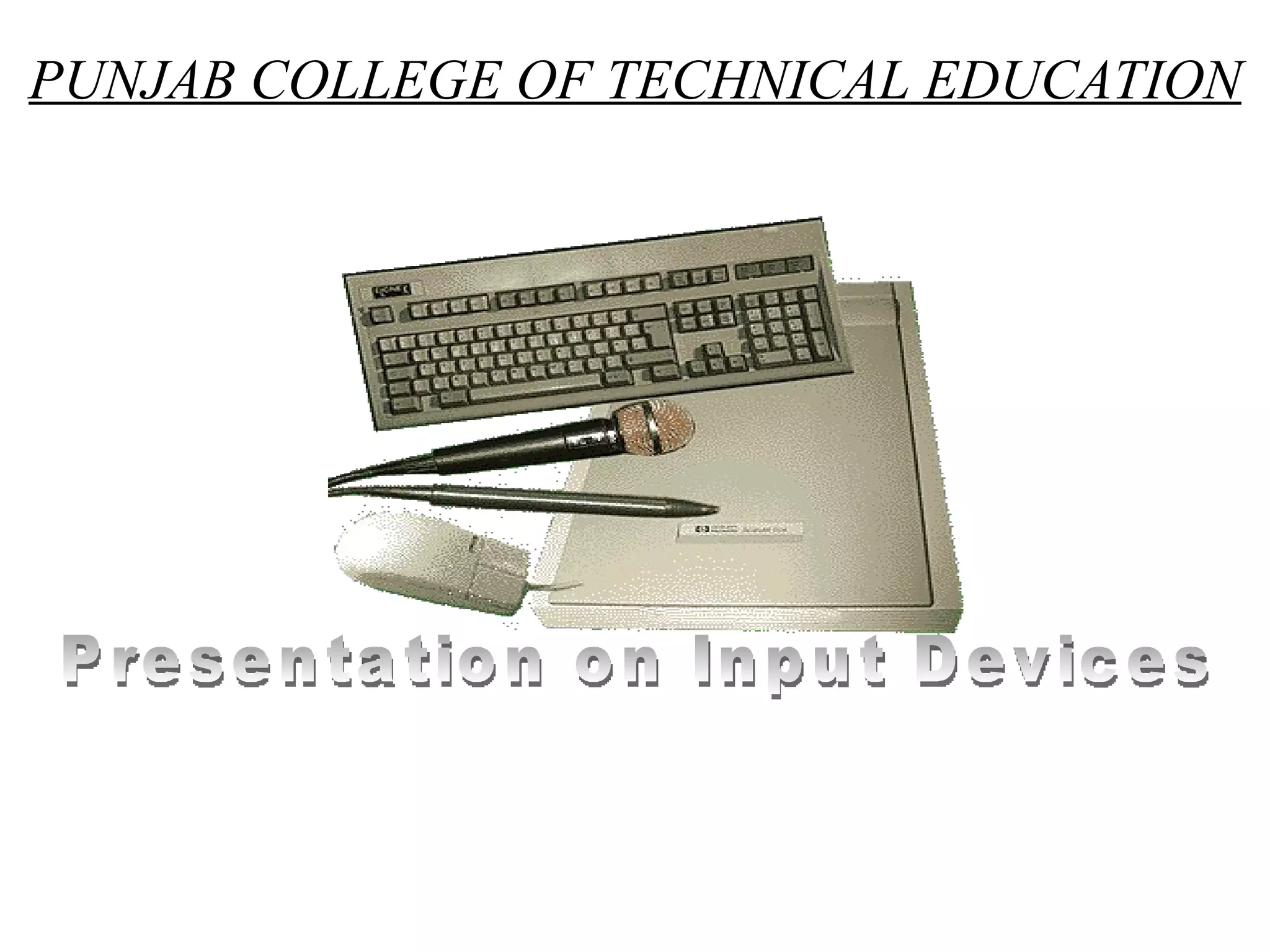
PUNJAB COLLEGE OF TECHNICAL EDUCATION Presentation on Input Devices
Table Of Content Sr no.  Topic  Slide no. 1.  Input Devices  3 Types of Input Devices  4  Keyboard  5 Point and Draw Devices  6 Mouse  7 Trackball  8 Joystick  9 Light pen  10 Touch Screen  11 Scanners  12 Image Scanners (Flatbed)  13 Image Scanners (Handheld)  14 OCR  15 OMR  16 Barcode Reader  17 MICR  18 Digitizer  19 Electronic card Reader  20 Speech Recognition System  21 Vision Input System  22 Thank u  23
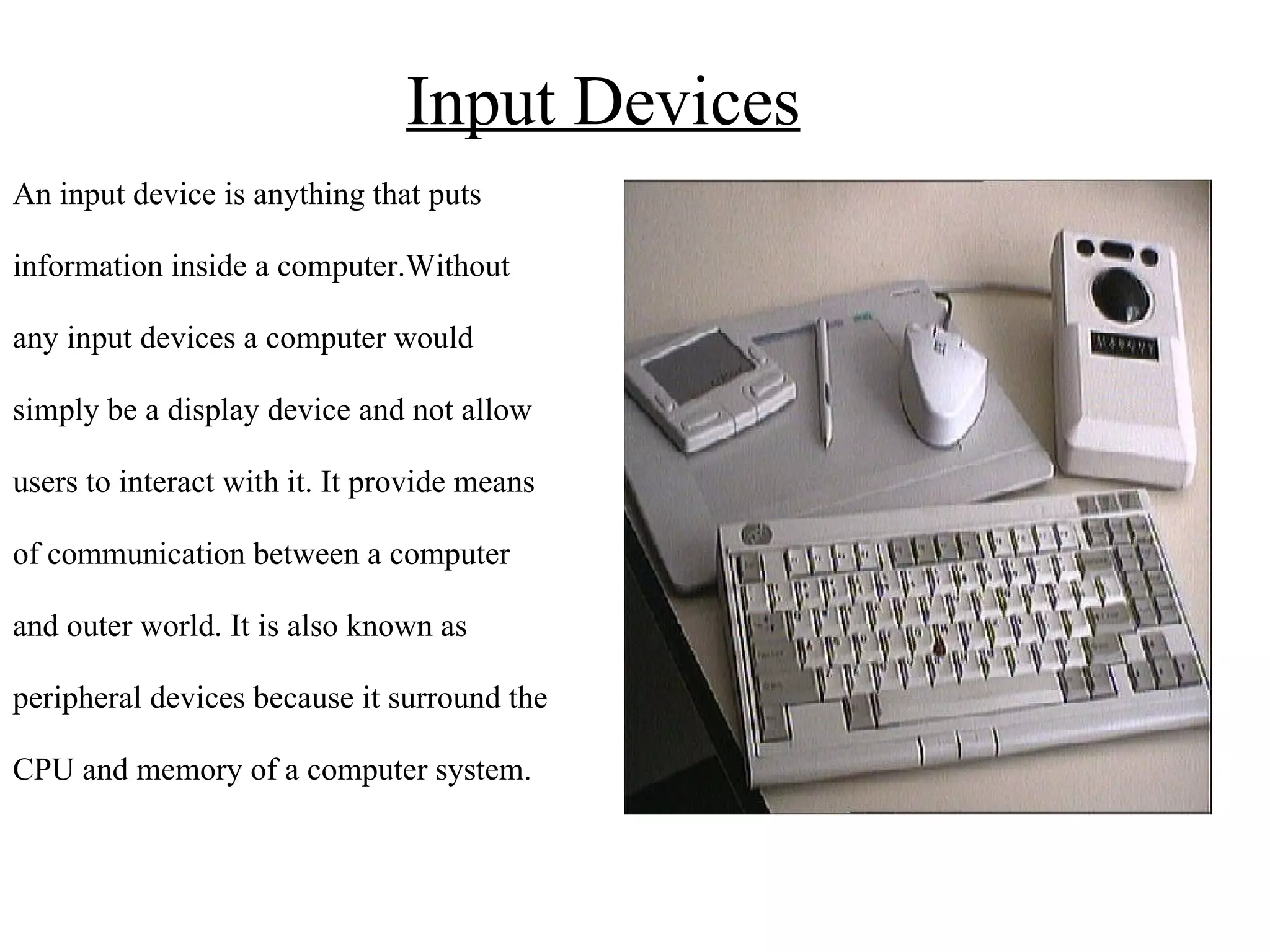
Input Devices An input device is anything that puts  information inside a computer.Without  any input devices a computer would  simply be a display device and not allow  users to interact with it.  It provide means  of communication between a computer  and outer world. It is also known as  peripheral devices because it surround the  CPU and memory of a computer system.
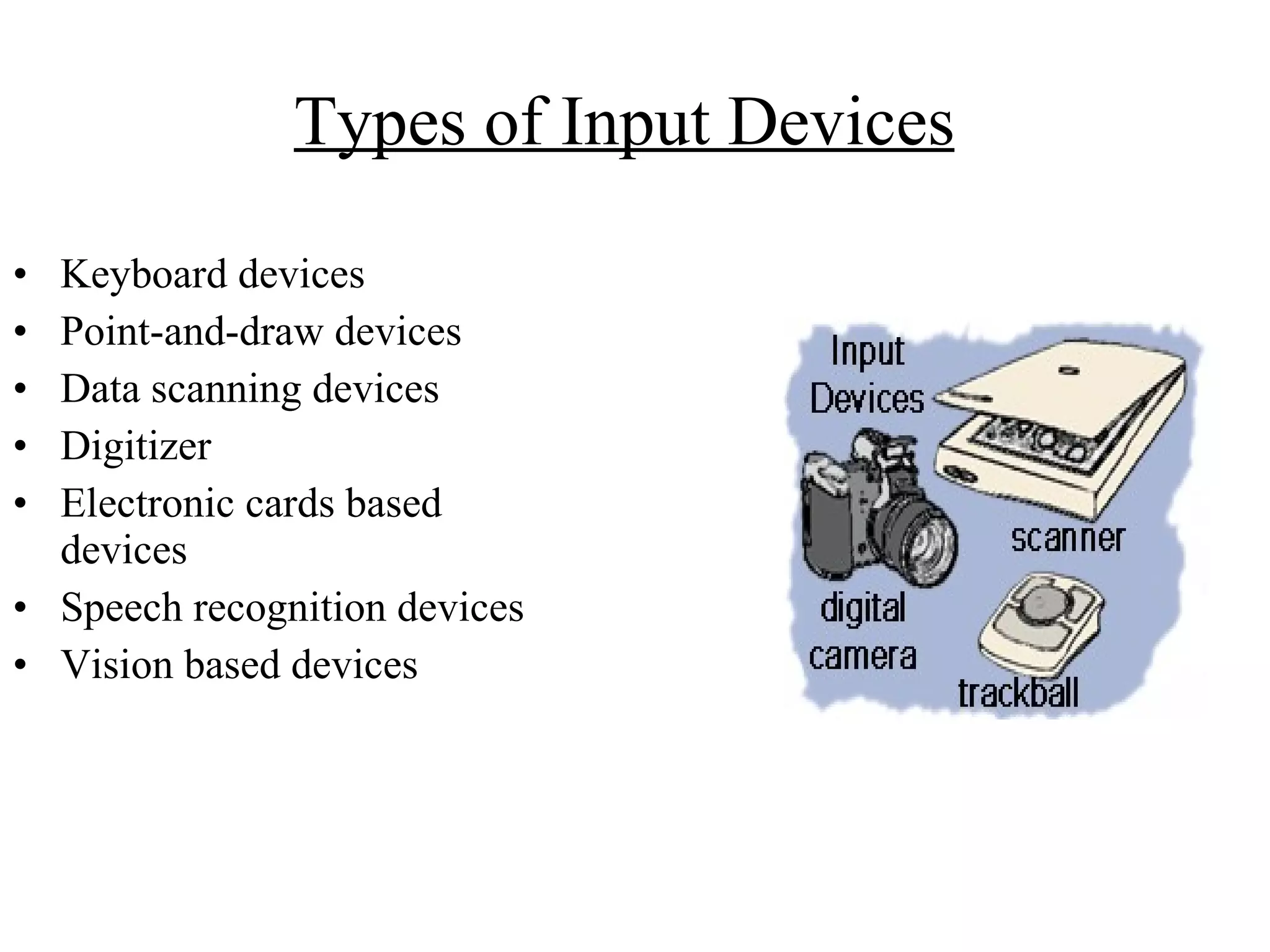
Types of Input Devices   Keyboard devices Point-and-draw devices Data scanning devices Digitizer Electronic cards based devices Speech recognition devices Vision based devices
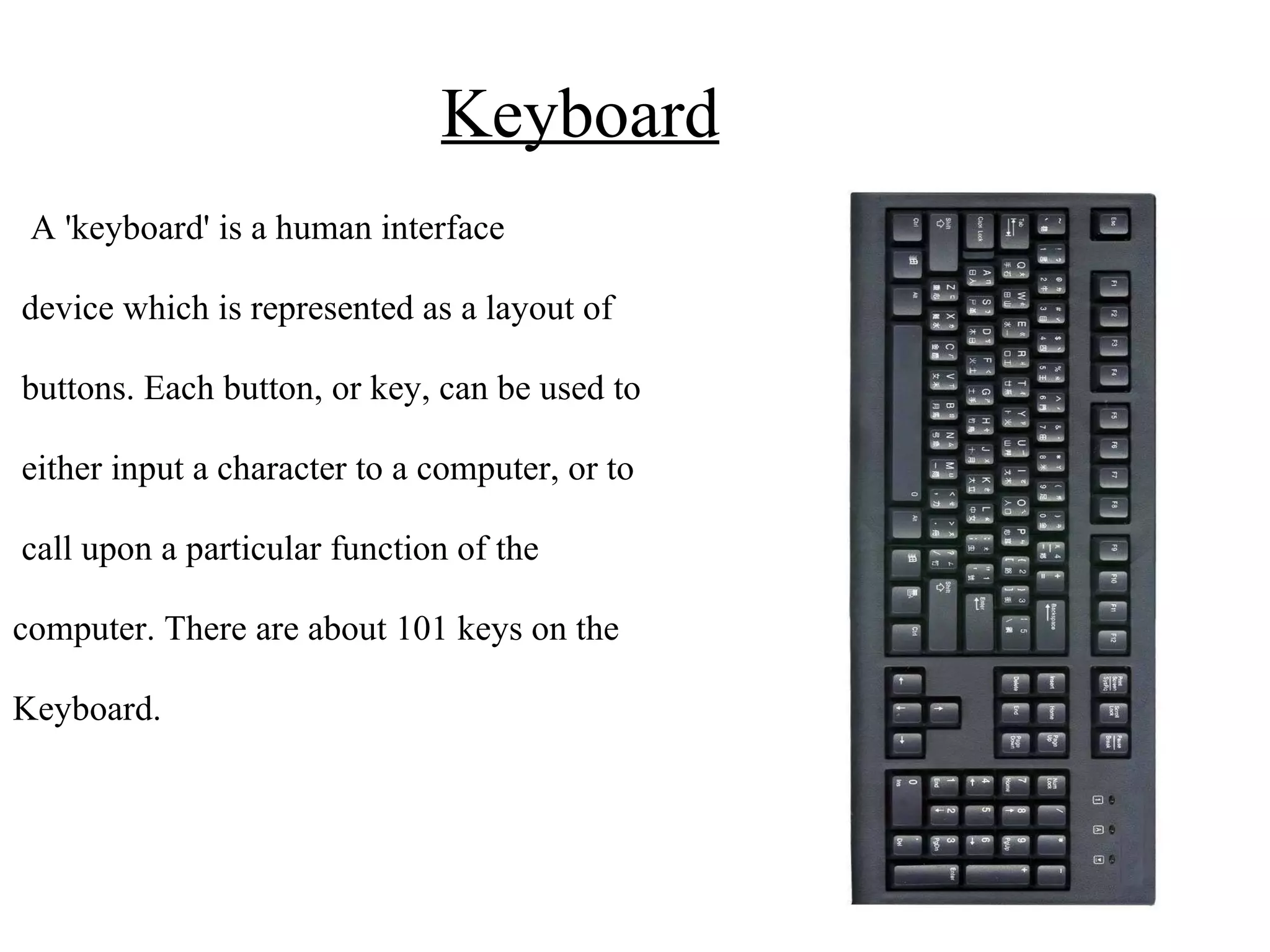
Keyboard A 'keyboard' is a human interface device which is represented as a layout of buttons. Each button, or key, can be used to either input a character to a computer, or to call upon a particular function of the computer. There are about 101 keys on the Keyboard.
Point & Draw Devices A pointing device is an input device that allows a user to input continuous and multi-dimensional data to a computer. Some of the Point and draw devices are:- Mouse Track ball Joy stick Light pen Touch screen
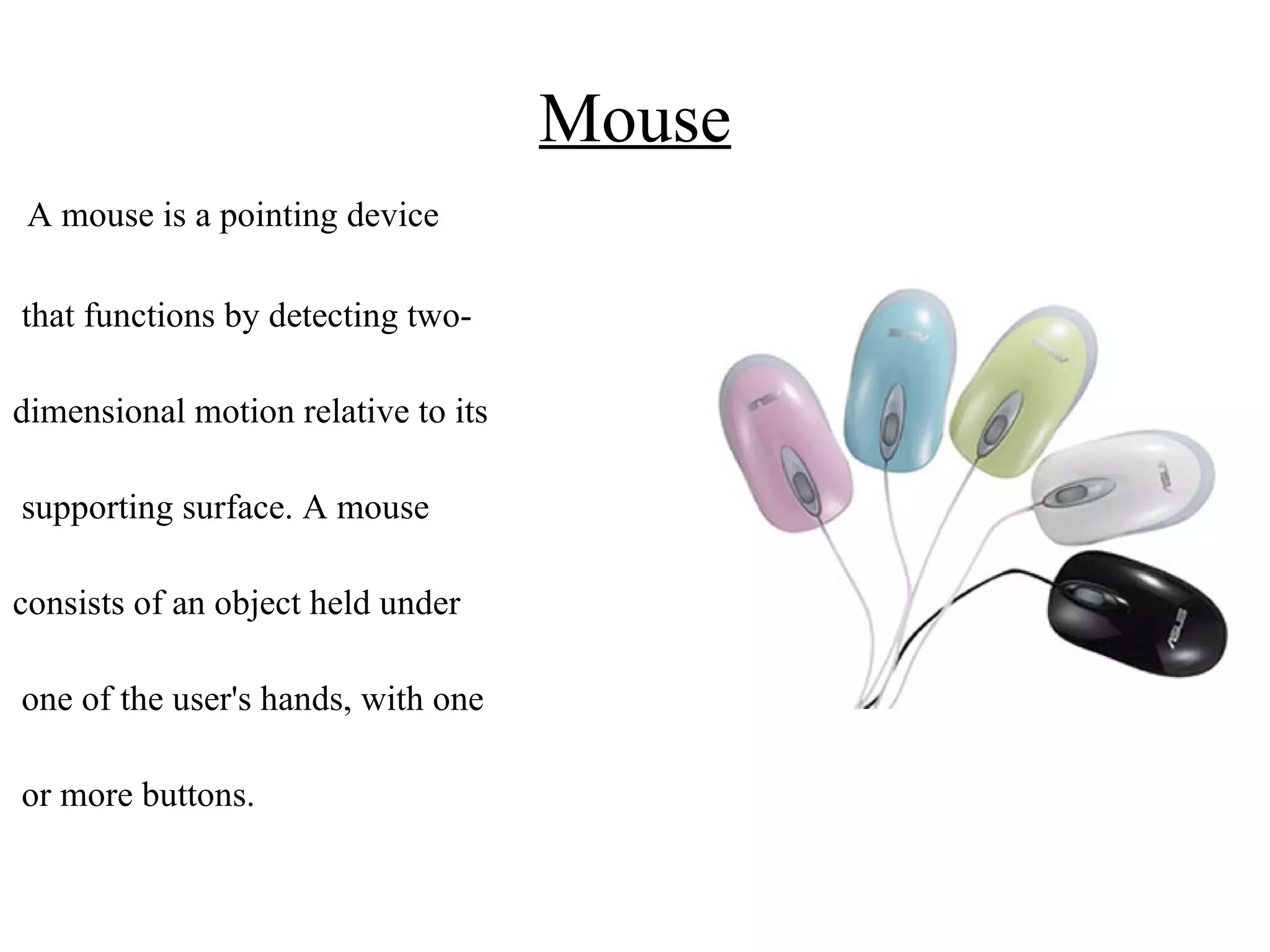
Mouse A mouse is a pointing device that functions by detecting two- dimensional motion relative to its supporting surface. A mouse consists of an object held under one of the user's hands, with one or more buttons.
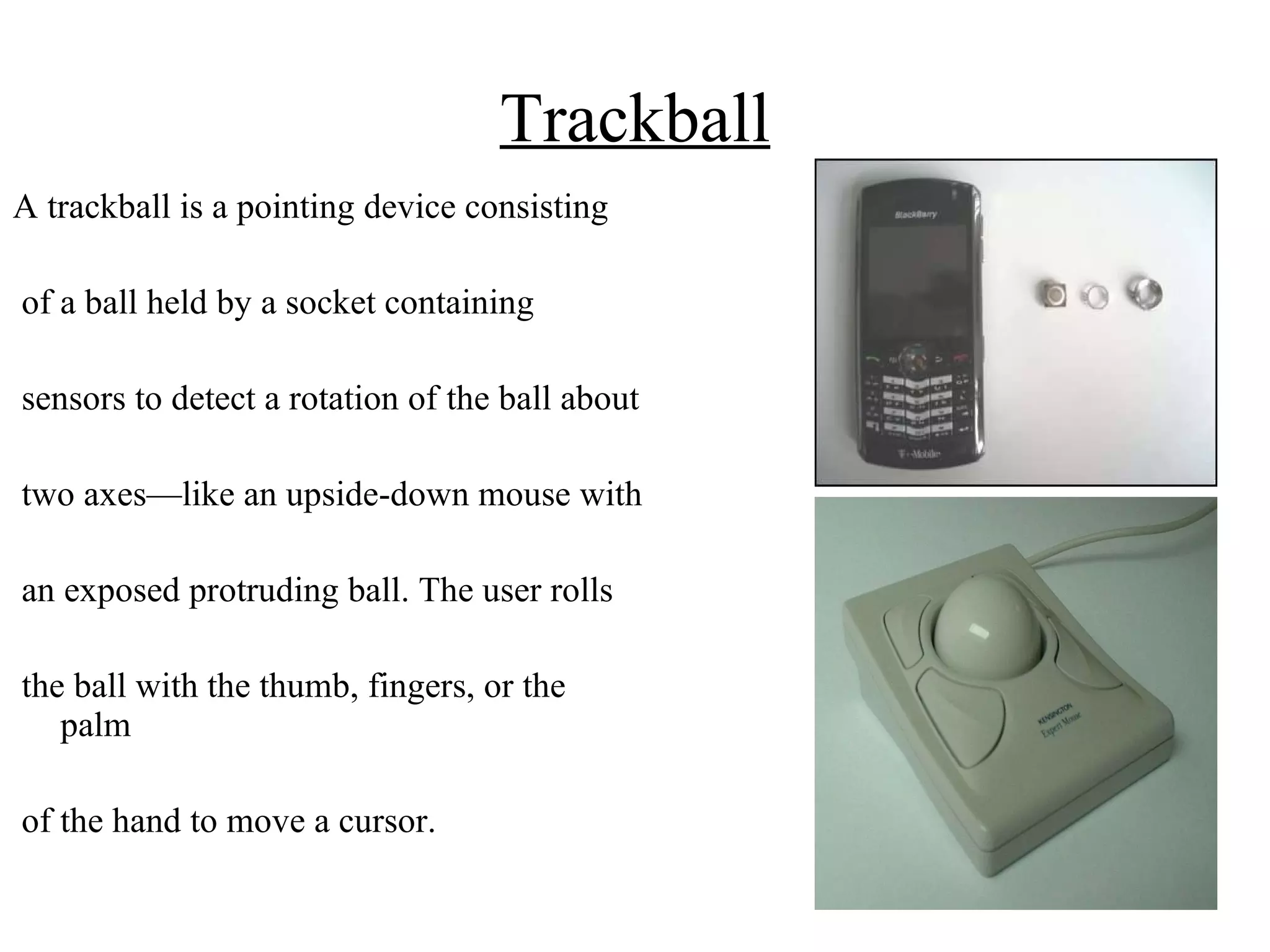
Trackball A trackball is a pointing device consisting of a ball held by a socket containing sensors to detect a rotation of the ball about two axes—like an upside-down mouse with an exposed protruding ball. The user rolls the ball with the thumb, fingers, or the palm of the hand to move a cursor.
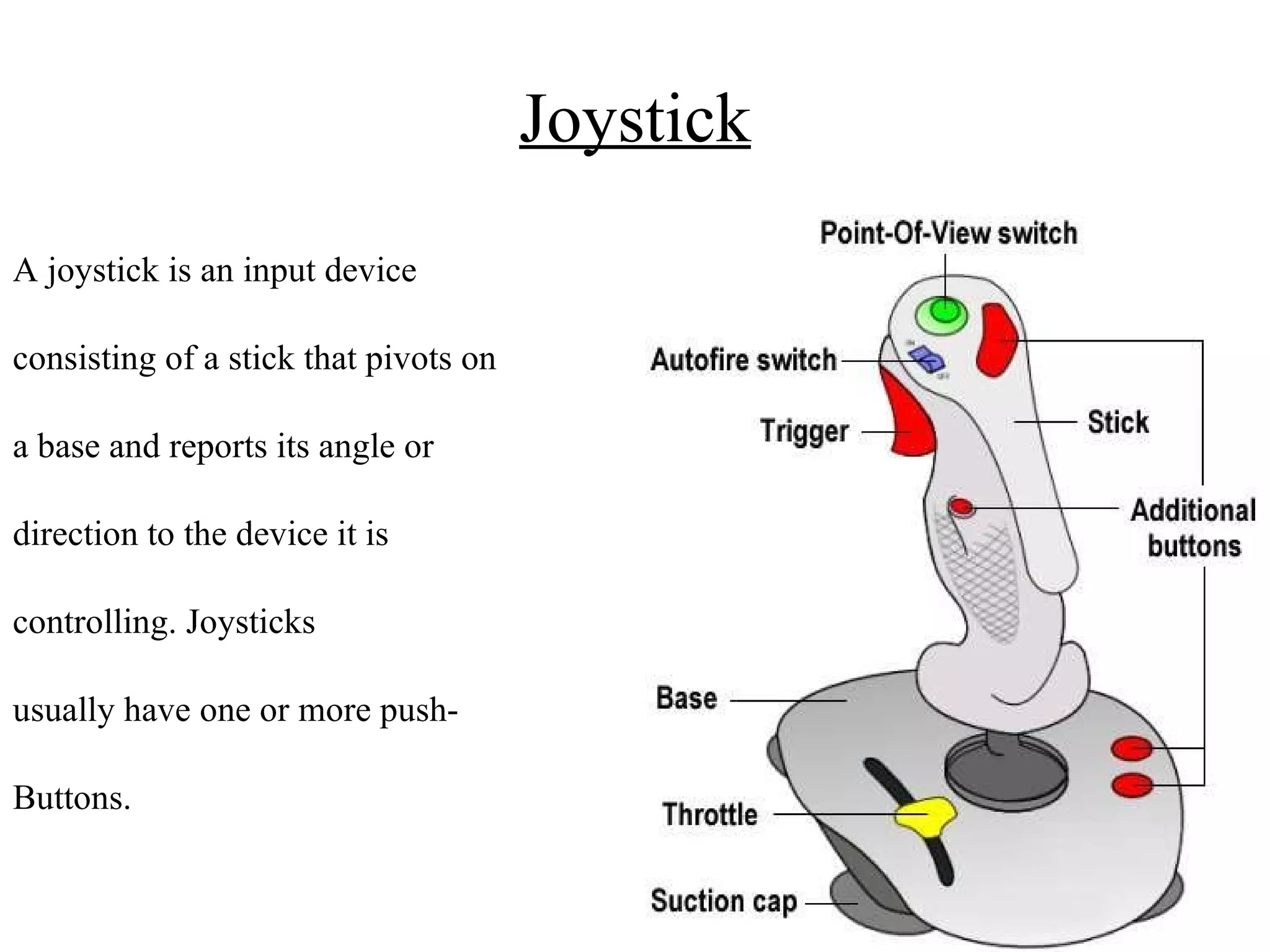
Joystick A joystick is an input device consisting of a stick that pivots on a base and reports its angle or direction to the device it is controlling. Joysticks usually have one or more push- Buttons.
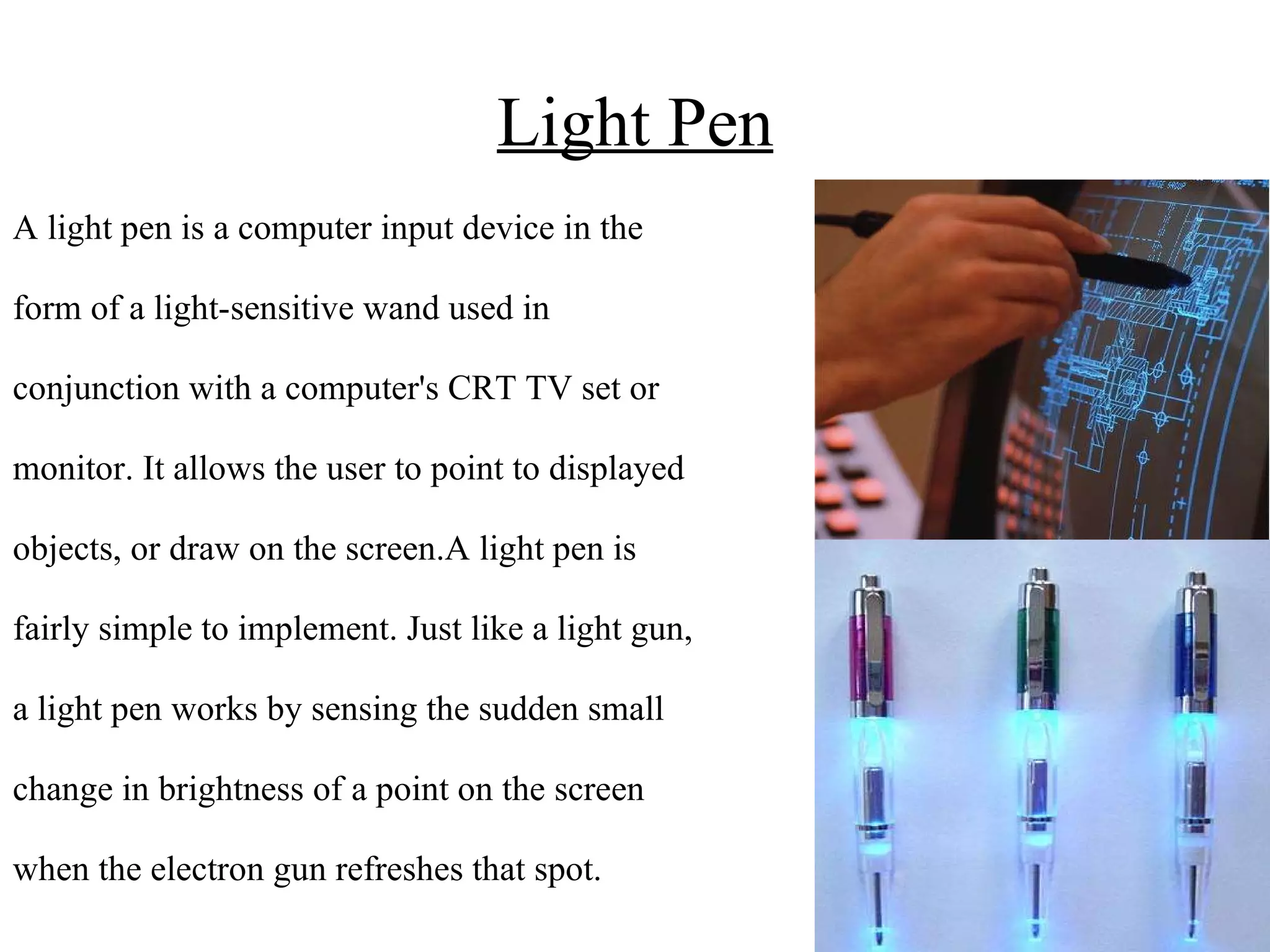
Light Pen A light pen is a computer input device in the form of a light-sensitive wand used in conjunction with a computer's CRT TV set or  monitor. It allows the user to point to displayed objects, or draw on the screen.A light pen is fairly simple to implement. Just like a light gun, a light pen works by sensing the sudden small  change in brightness of a point on the screen  when the electron gun refreshes that spot.
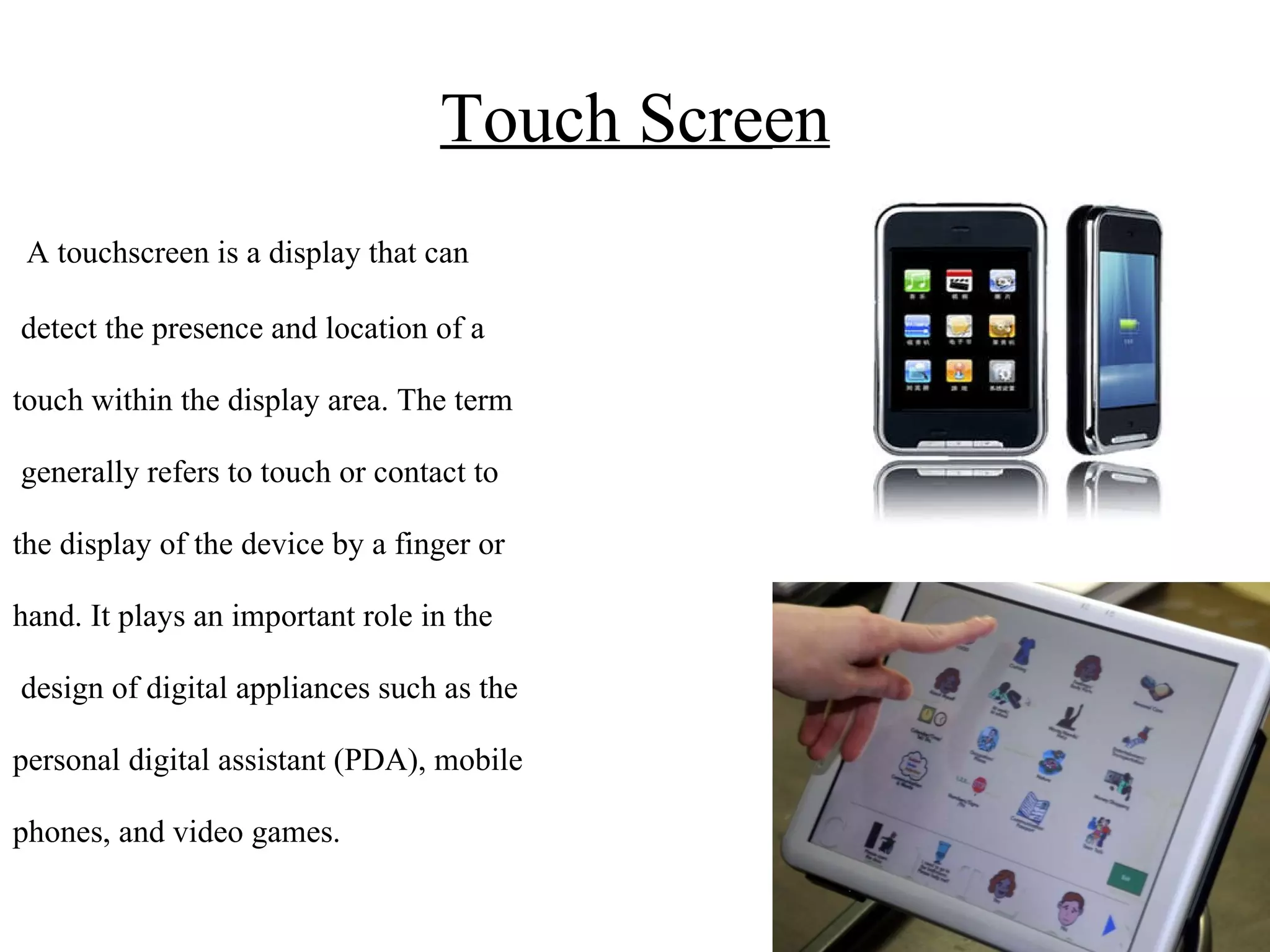
Touch Screen A touchscreen is a display that can detect the presence and location of a  touch within the display area. The term generally refers to touch or contact to the display of the device by a finger or hand. It plays an important role in the design of digital appliances such as the  personal digital assistant (PDA), mobile  phones, and video games.
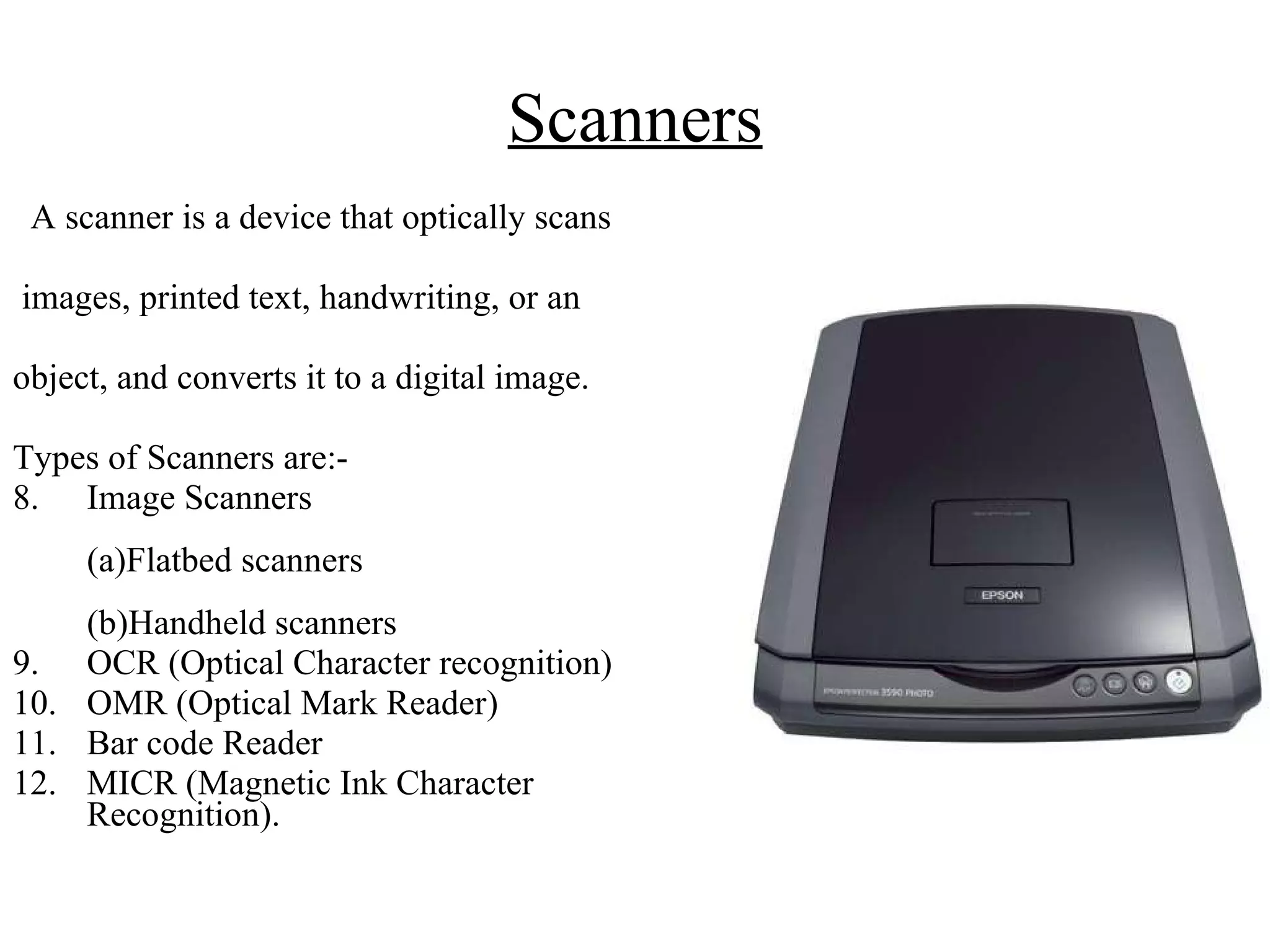
Scanners A scanner is a device that optically scans images, printed text, handwriting, or an  object, and converts it to a digital image. Types of Scanners are:- Image Scanners  (a)Flatbed scanners  (b)Handheld scanners OCR (Optical Character recognition) OMR (Optical Mark Reader) Bar code Reader MICR (Magnetic Ink Character Recognition).
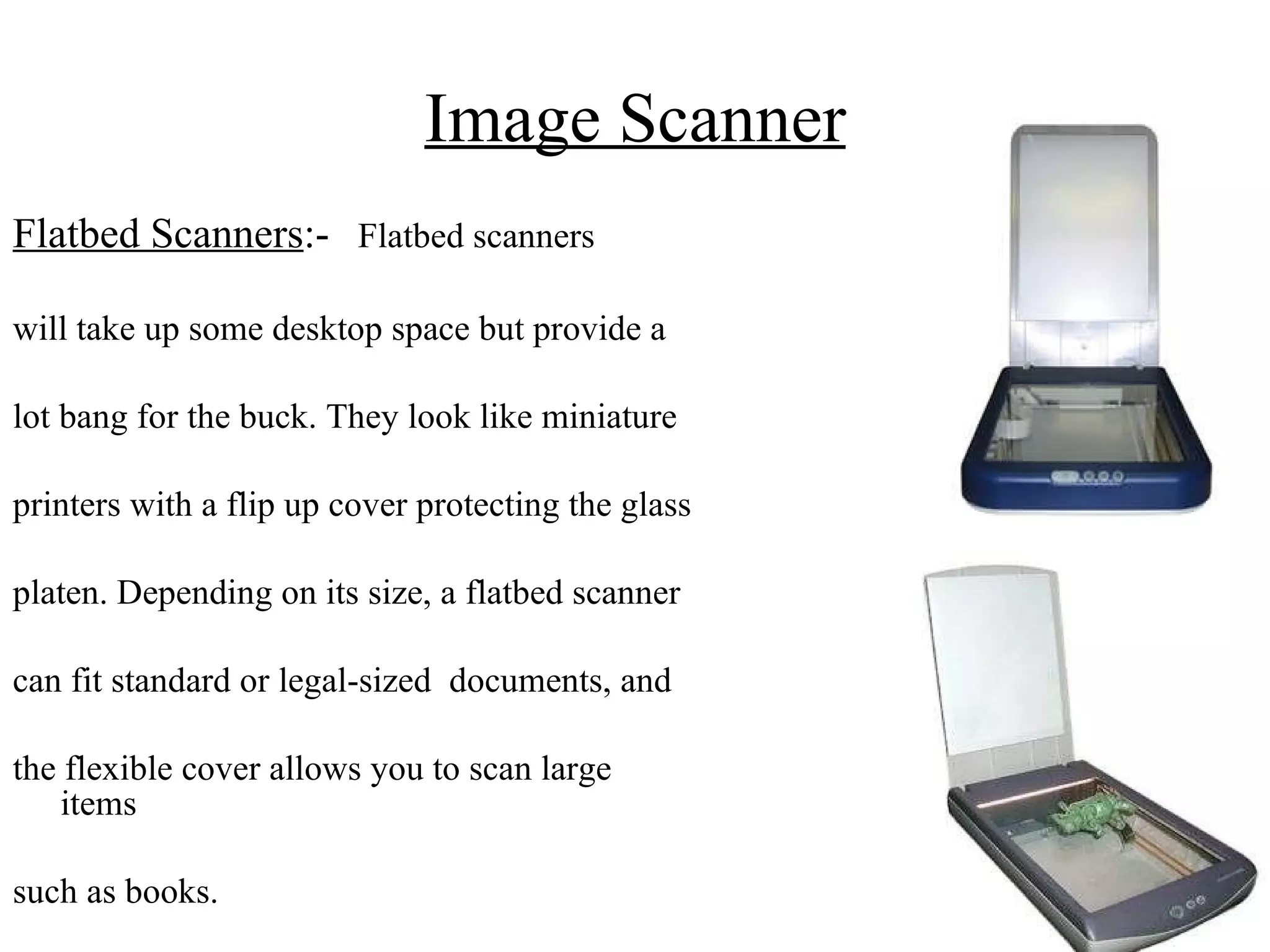
Image Scanner Flatbed Scanners :-   Flatbed scanners will take up some desktop space but provide a  lot bang for the buck. They look like miniature  printers with a flip up cover protecting the glass  platen. Depending on its size, a flatbed scanner  can fit standard or legal-sized  documents, and  the flexible cover allows you to scan large items  such as books.
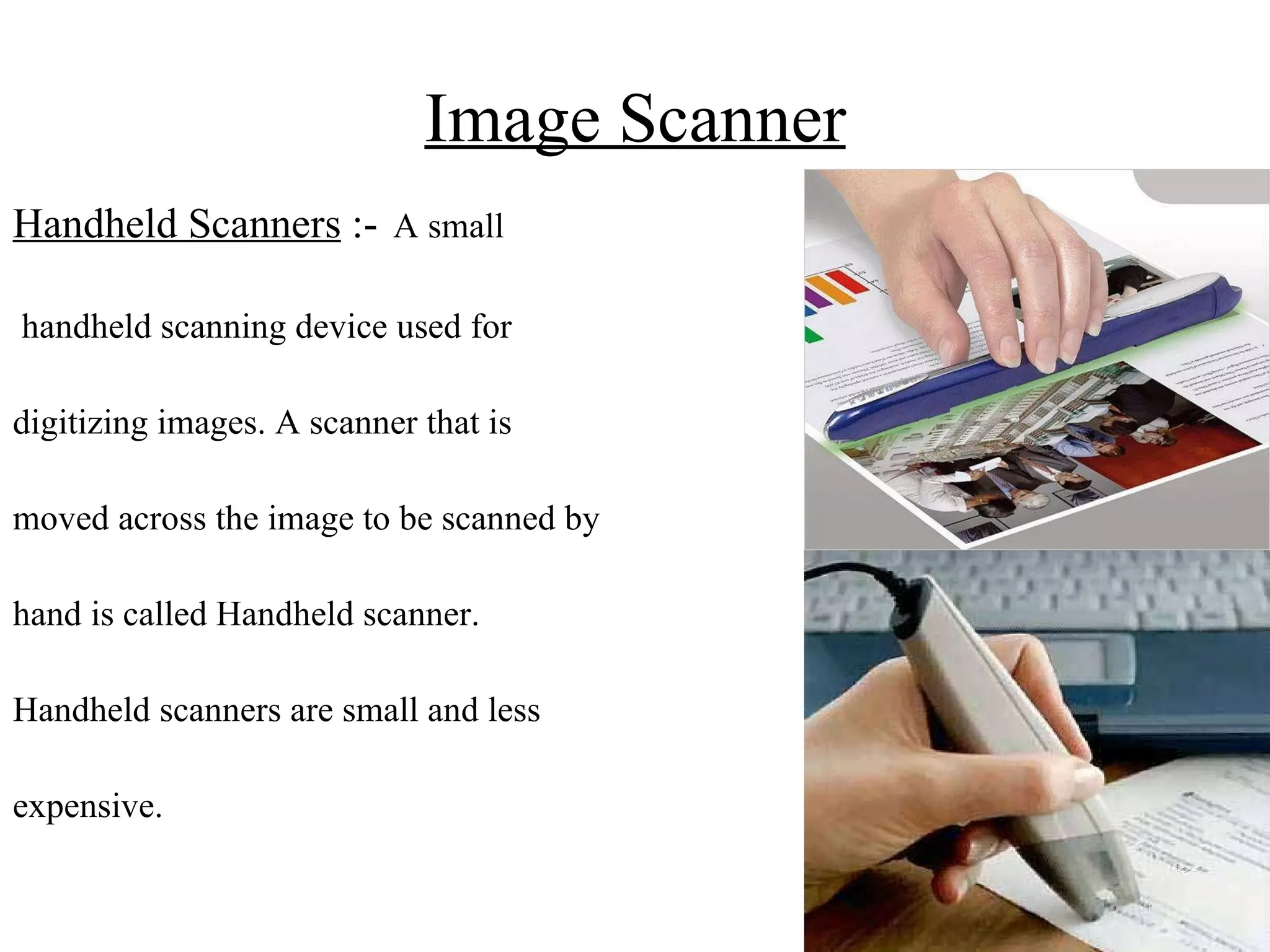
Image Scanner Handheld Scanners  :-   A small handheld scanning device used for  digitizing images. A scanner that is  moved across the image to be scanned by  hand is called Handheld scanner.  Handheld scanners are small and less  expensive.
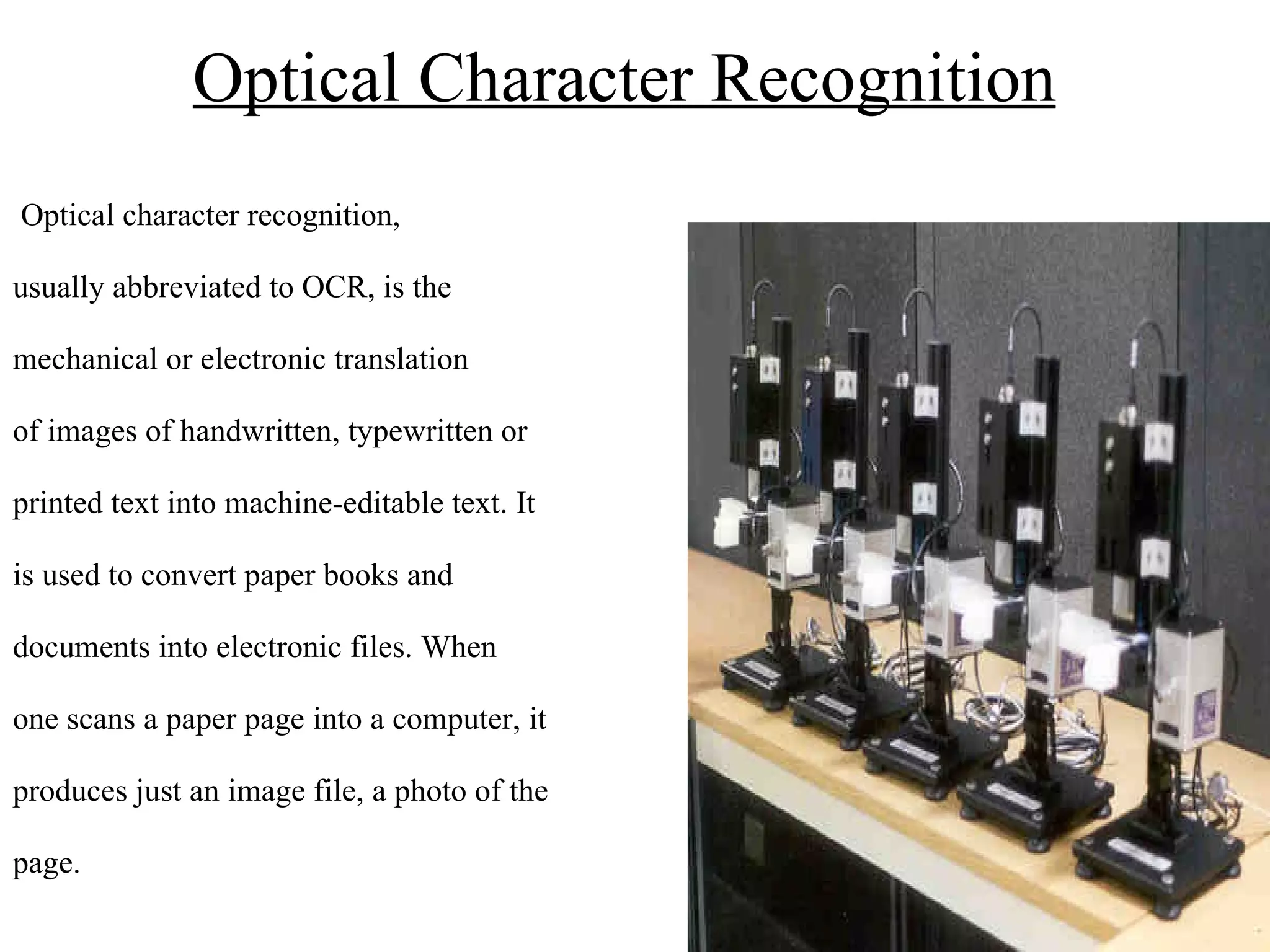
Optical Character Recognition   Optical character recognition, usually abbreviated to OCR, is the  mechanical or electronic translation  of images of handwritten, typewritten or  printed text into machine-editable text. It  is used to convert paper books and  documents into electronic files. When  one scans a paper page into a computer, it  produces just an image file, a photo of the  page.
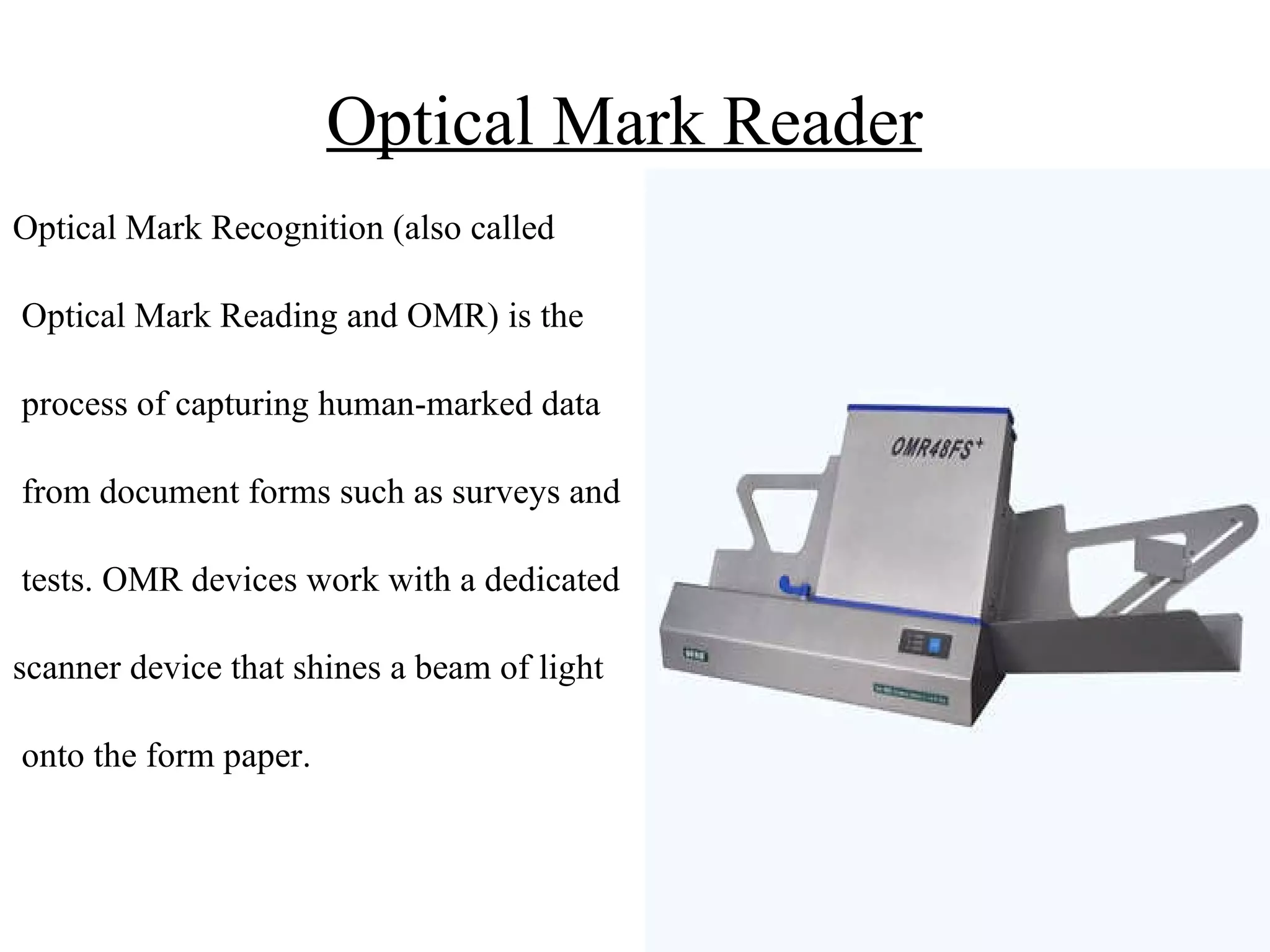
Optical Mark Reader   Optical Mark Recognition (also called Optical Mark Reading and OMR) is the process of capturing human-marked data from document forms such as surveys and tests. OMR devices work with a dedicated scanner device that shines a beam of light onto the form paper.
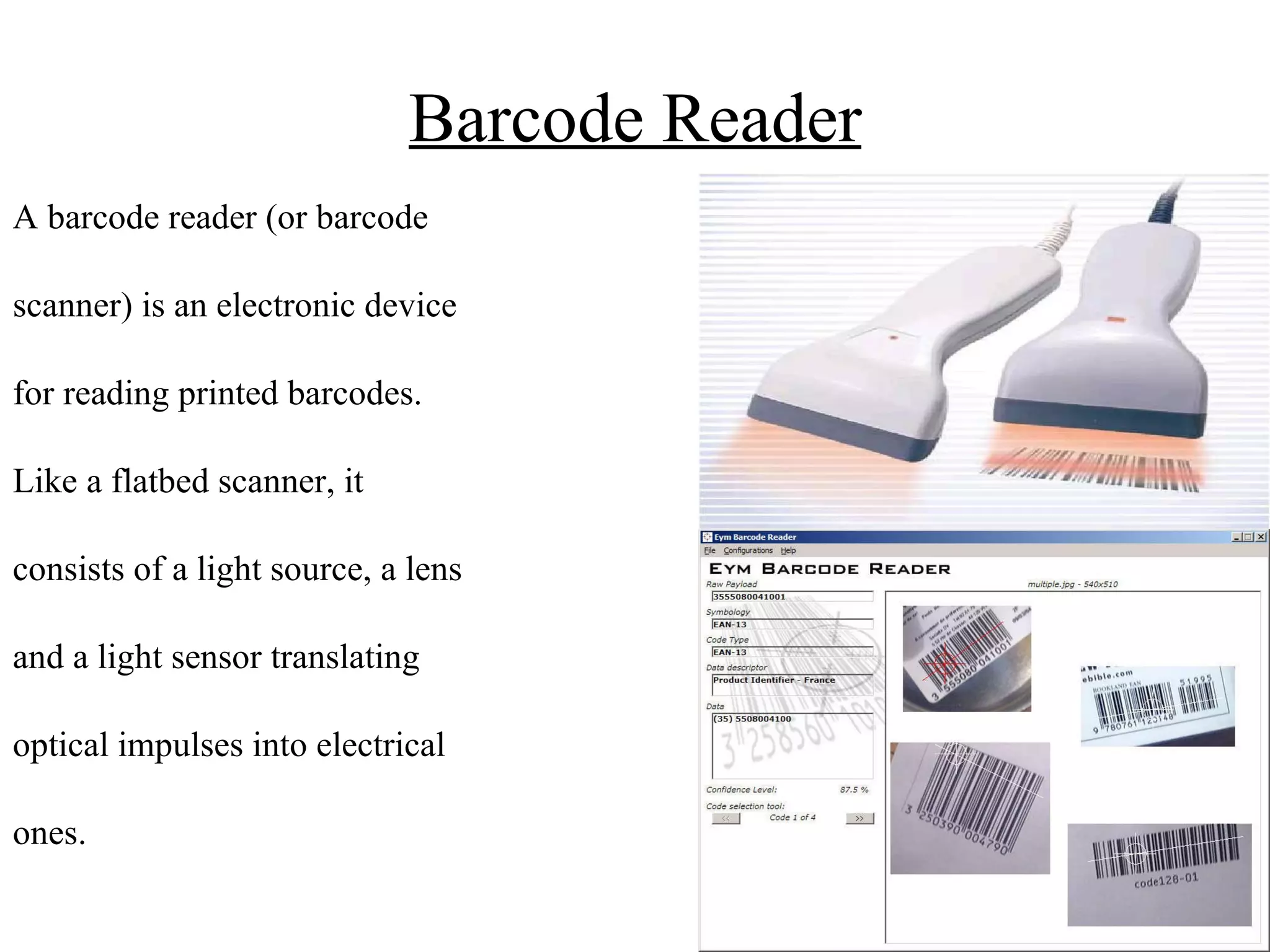
Barcode Reader A barcode reader (or barcode  scanner) is an electronic device  for reading printed barcodes.  Like a flatbed scanner, it  consists of a light source, a lens  and a light sensor translating  optical impulses into electrical  ones.
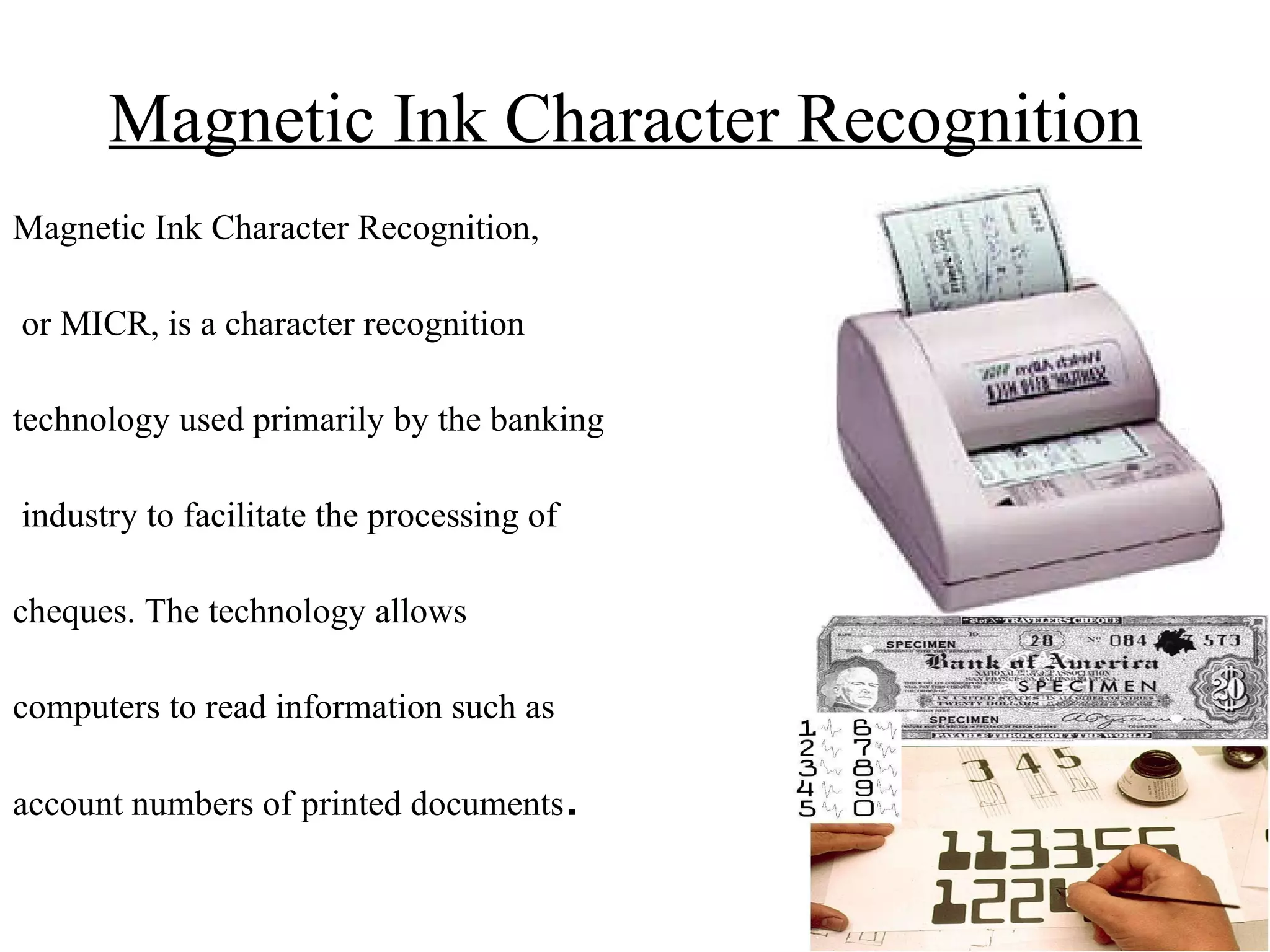
Magnetic Ink Character Recognition   Magnetic Ink Character Recognition, or MICR, is a character recognition  technology used primarily by the banking industry to facilitate the processing of  cheques. The technology allows  computers to read information such as  account numbers of printed documents .
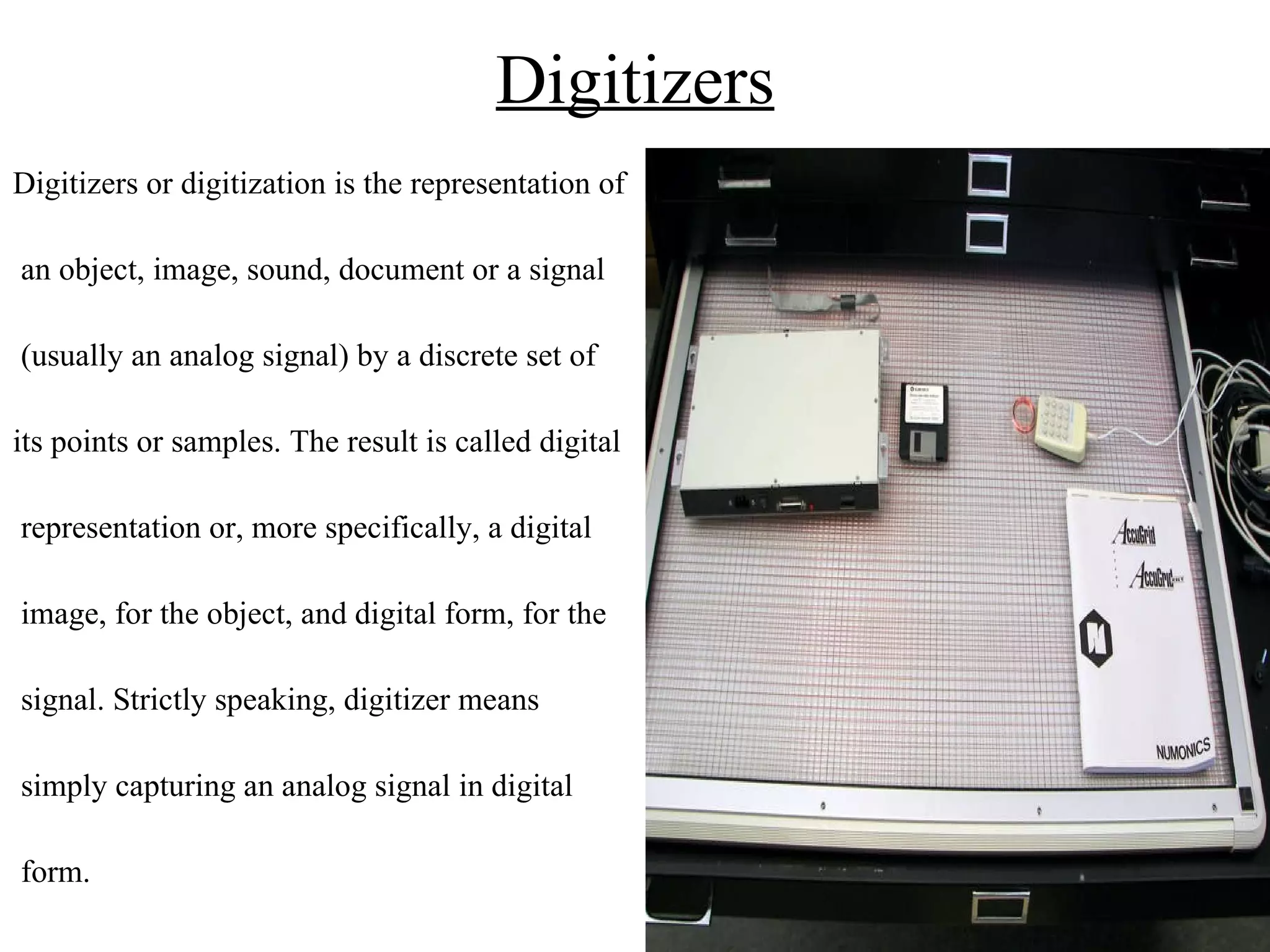
Digitizers Digitizers or digitization is the representation of an object, image, sound, document or a signal (usually an analog signal) by a discrete set of its points or samples. The result is called digital representation or, more specifically, a digital image, for the object, and digital form, for the signal. Strictly speaking, digitizer means simply capturing an analog signal in digital form.
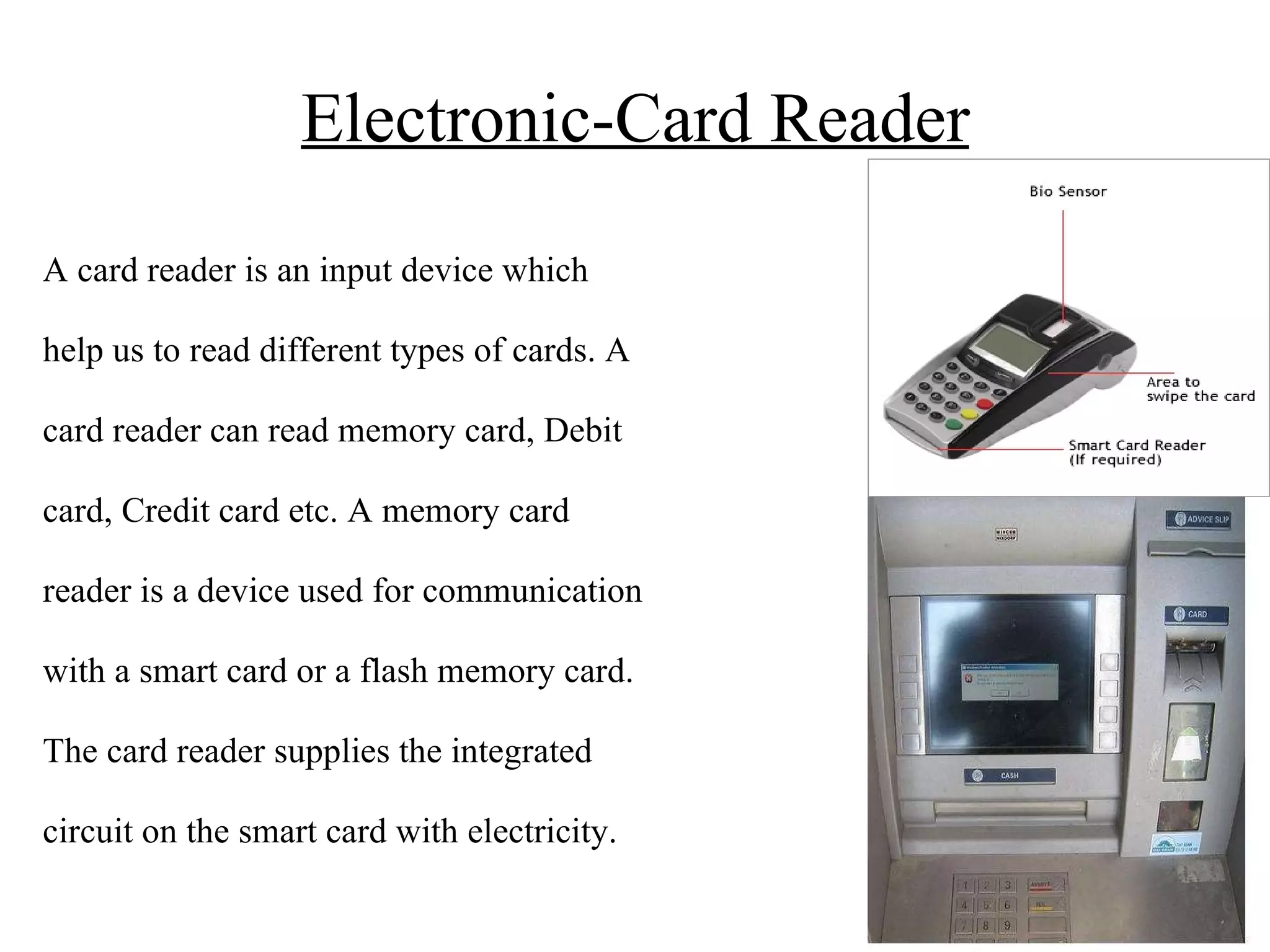
Electronic-Card Reader A card reader is an input device which help us to read different types of cards. A card reader can read memory card, Debit card, Credit card etc. A memory card reader is a device used for communication with a smart card or a flash memory card. The card reader supplies the integrated circuit on the smart card with electricity.
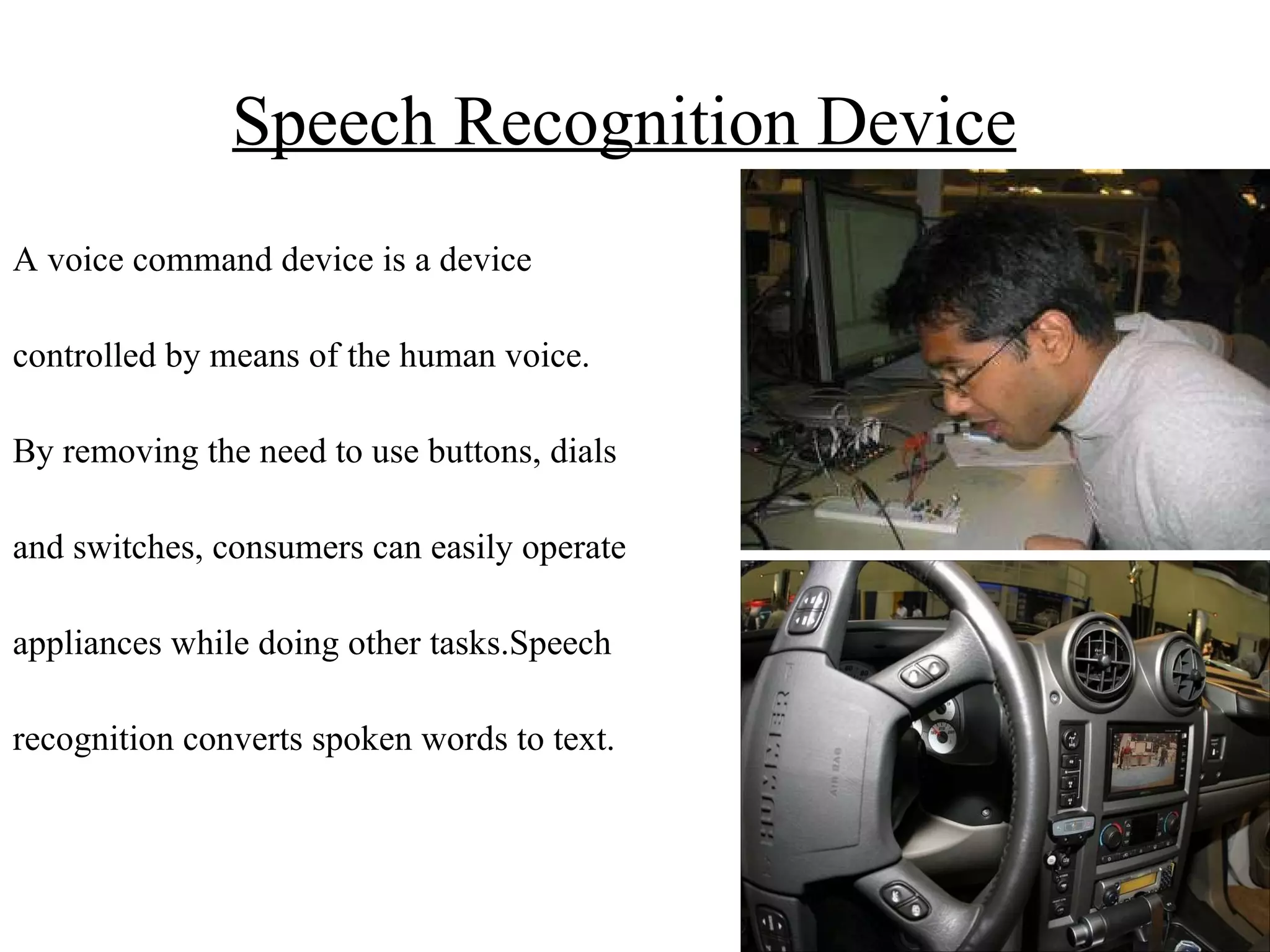
Speech Recognition Device   A voice command device is a device controlled by means of the human voice. By removing the need to use buttons, dials and switches, consumers can easily operate appliances while doing other tasks.Speech  recognition converts spoken words to text.
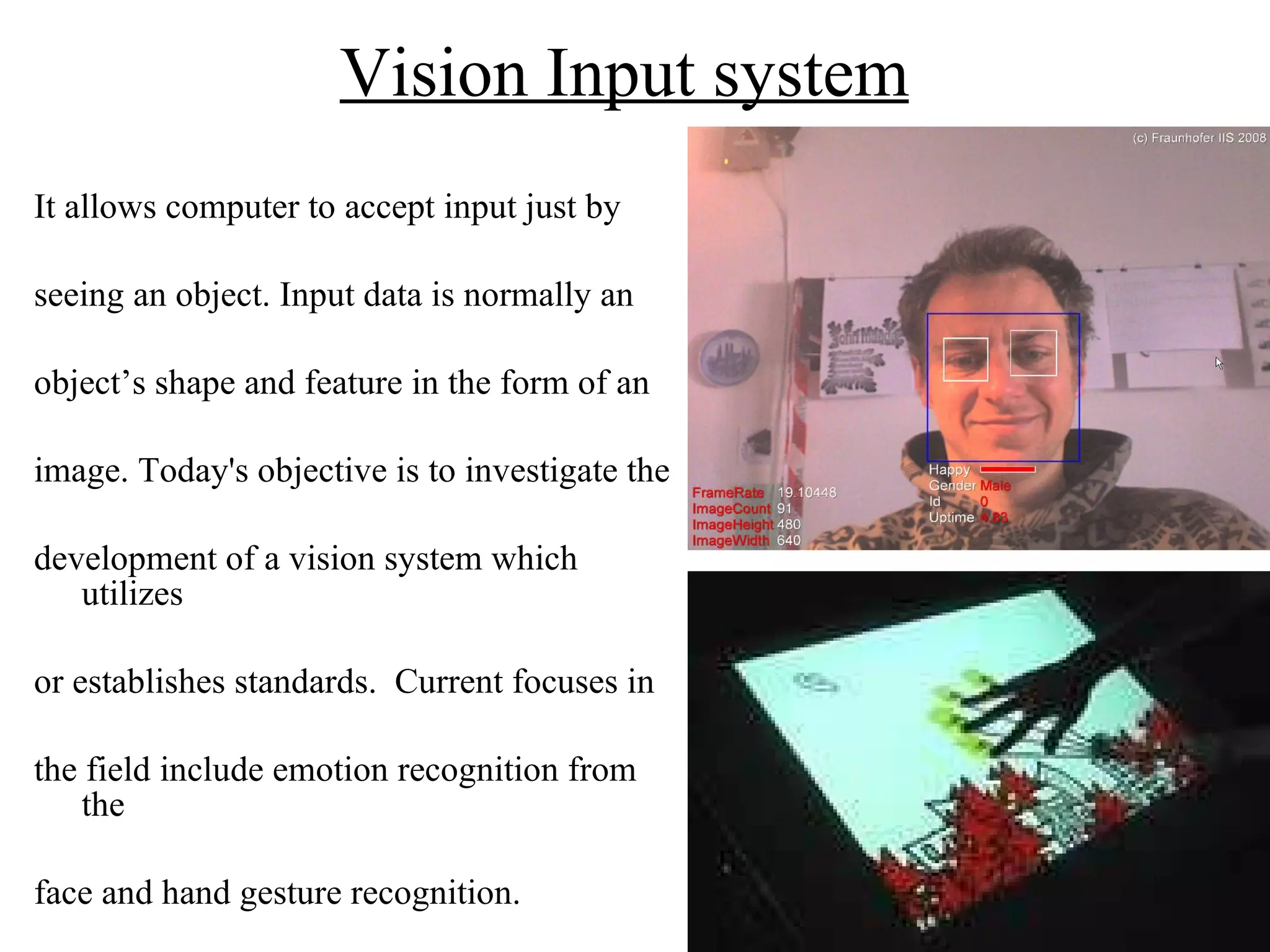
Vision Input system   It allows computer to accept input just by seeing an object. Input data is normally an  object’s shape and feature in the form of an  image. Today's objective is to investigate the  development of a vision system which utilizes  or establishes standards.  Current focuses in  the field include emotion recognition from the  face and hand gesture recognition.

ppts on Input devices

  • 1.
    PUNJAB COLLEGE OFTECHNICAL EDUCATION Presentation on Input Devices
  • 2.
    Table Of ContentSr no. Topic Slide no. 1. Input Devices 3 Types of Input Devices 4 Keyboard 5 Point and Draw Devices 6 Mouse 7 Trackball 8 Joystick 9 Light pen 10 Touch Screen 11 Scanners 12 Image Scanners (Flatbed) 13 Image Scanners (Handheld) 14 OCR 15 OMR 16 Barcode Reader 17 MICR 18 Digitizer 19 Electronic card Reader 20 Speech Recognition System 21 Vision Input System 22 Thank u 23
  • 3.
    Input Devices Aninput device is anything that puts information inside a computer.Without any input devices a computer would simply be a display device and not allow users to interact with it. It provide means of communication between a computer and outer world. It is also known as peripheral devices because it surround the CPU and memory of a computer system.
  • 4.
    Types of InputDevices Keyboard devices Point-and-draw devices Data scanning devices Digitizer Electronic cards based devices Speech recognition devices Vision based devices
  • 5.
    Keyboard A 'keyboard'is a human interface device which is represented as a layout of buttons. Each button, or key, can be used to either input a character to a computer, or to call upon a particular function of the computer. There are about 101 keys on the Keyboard.
  • 6.
    Point & DrawDevices A pointing device is an input device that allows a user to input continuous and multi-dimensional data to a computer. Some of the Point and draw devices are:- Mouse Track ball Joy stick Light pen Touch screen
  • 7.
    Mouse A mouseis a pointing device that functions by detecting two- dimensional motion relative to its supporting surface. A mouse consists of an object held under one of the user's hands, with one or more buttons.
  • 8.
    Trackball A trackballis a pointing device consisting of a ball held by a socket containing sensors to detect a rotation of the ball about two axes—like an upside-down mouse with an exposed protruding ball. The user rolls the ball with the thumb, fingers, or the palm of the hand to move a cursor.
  • 9.
    Joystick A joystickis an input device consisting of a stick that pivots on a base and reports its angle or direction to the device it is controlling. Joysticks usually have one or more push- Buttons.
  • 10.
    Light Pen Alight pen is a computer input device in the form of a light-sensitive wand used in conjunction with a computer's CRT TV set or monitor. It allows the user to point to displayed objects, or draw on the screen.A light pen is fairly simple to implement. Just like a light gun, a light pen works by sensing the sudden small change in brightness of a point on the screen when the electron gun refreshes that spot.
  • 11.
    Touch Screen Atouchscreen is a display that can detect the presence and location of a touch within the display area. The term generally refers to touch or contact to the display of the device by a finger or hand. It plays an important role in the design of digital appliances such as the personal digital assistant (PDA), mobile phones, and video games.
  • 12.
    Scanners A scanneris a device that optically scans images, printed text, handwriting, or an object, and converts it to a digital image. Types of Scanners are:- Image Scanners (a)Flatbed scanners (b)Handheld scanners OCR (Optical Character recognition) OMR (Optical Mark Reader) Bar code Reader MICR (Magnetic Ink Character Recognition).
  • 13.
    Image Scanner FlatbedScanners :- Flatbed scanners will take up some desktop space but provide a lot bang for the buck. They look like miniature printers with a flip up cover protecting the glass platen. Depending on its size, a flatbed scanner can fit standard or legal-sized documents, and the flexible cover allows you to scan large items such as books.
  • 14.
    Image Scanner HandheldScanners :- A small handheld scanning device used for digitizing images. A scanner that is moved across the image to be scanned by hand is called Handheld scanner. Handheld scanners are small and less expensive.
  • 15.
    Optical Character Recognition Optical character recognition, usually abbreviated to OCR, is the mechanical or electronic translation of images of handwritten, typewritten or printed text into machine-editable text. It is used to convert paper books and documents into electronic files. When one scans a paper page into a computer, it produces just an image file, a photo of the page.
  • 16.
    Optical Mark Reader Optical Mark Recognition (also called Optical Mark Reading and OMR) is the process of capturing human-marked data from document forms such as surveys and tests. OMR devices work with a dedicated scanner device that shines a beam of light onto the form paper.
  • 17.
    Barcode Reader Abarcode reader (or barcode scanner) is an electronic device for reading printed barcodes. Like a flatbed scanner, it consists of a light source, a lens and a light sensor translating optical impulses into electrical ones.
  • 18.
    Magnetic Ink CharacterRecognition Magnetic Ink Character Recognition, or MICR, is a character recognition technology used primarily by the banking industry to facilitate the processing of cheques. The technology allows computers to read information such as account numbers of printed documents .
  • 19.
    Digitizers Digitizers ordigitization is the representation of an object, image, sound, document or a signal (usually an analog signal) by a discrete set of its points or samples. The result is called digital representation or, more specifically, a digital image, for the object, and digital form, for the signal. Strictly speaking, digitizer means simply capturing an analog signal in digital form.
  • 20.
    Electronic-Card Reader Acard reader is an input device which help us to read different types of cards. A card reader can read memory card, Debit card, Credit card etc. A memory card reader is a device used for communication with a smart card or a flash memory card. The card reader supplies the integrated circuit on the smart card with electricity.
  • 21.
    Speech Recognition Device A voice command device is a device controlled by means of the human voice. By removing the need to use buttons, dials and switches, consumers can easily operate appliances while doing other tasks.Speech recognition converts spoken words to text.
  • 22.
    Vision Input system It allows computer to accept input just by seeing an object. Input data is normally an object’s shape and feature in the form of an image. Today's objective is to investigate the development of a vision system which utilizes or establishes standards.  Current focuses in the field include emotion recognition from the face and hand gesture recognition.