By Mulco Dan
Theoretical Lyceum « Orizont » Durlesti
February 2014
What is an input device?
A device that can be used to insert

data into a computer or the
computational device
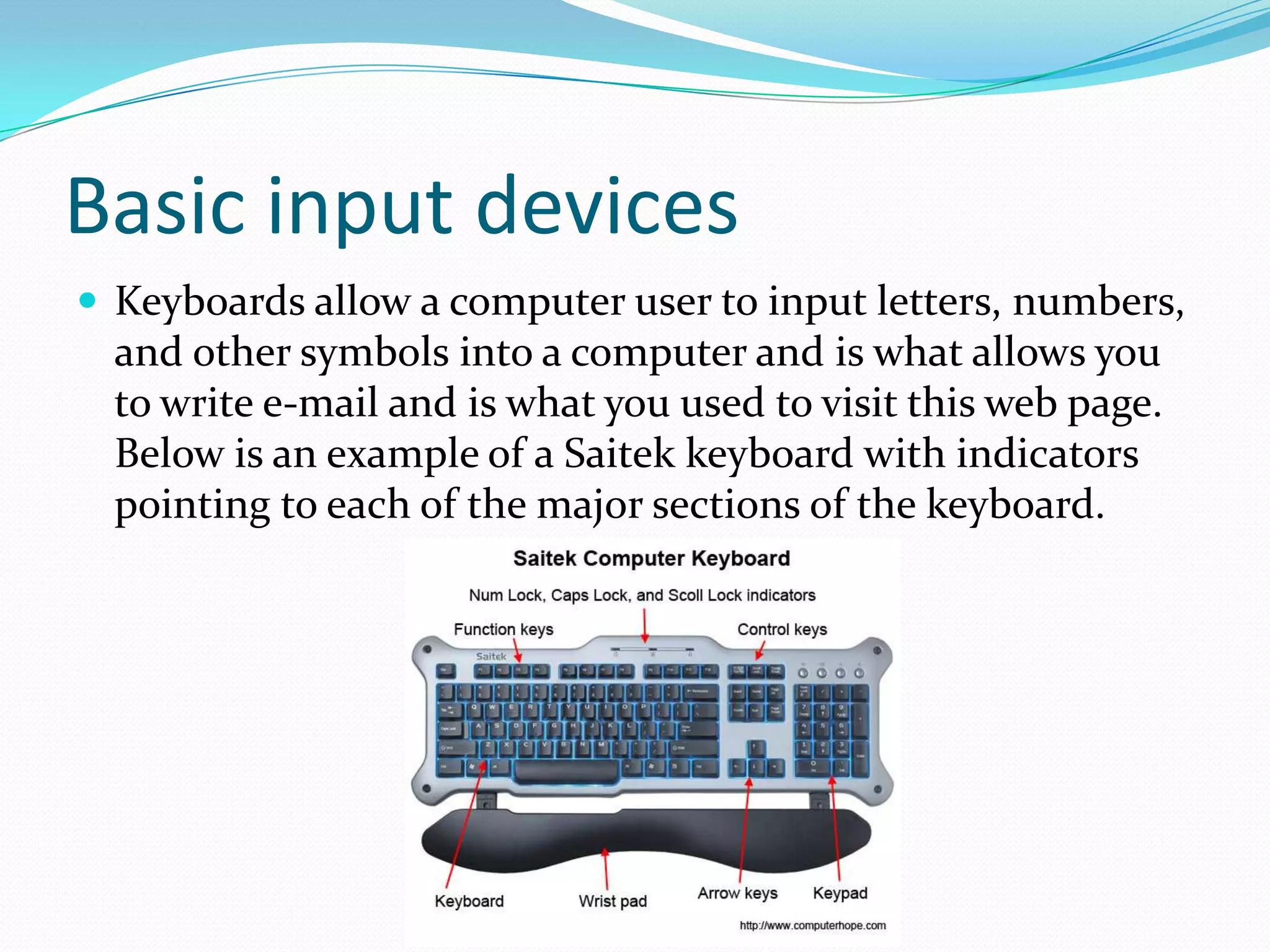
Basic input devices
 Keyboards allow a computer user to input letters, numbers,

and other symbols into a computer and is what allows you
to write e-mail and is what you used to visit this web page.
Below is an example of a Saitek keyboard with indicators
pointing to each of the major sections of the keyboard.
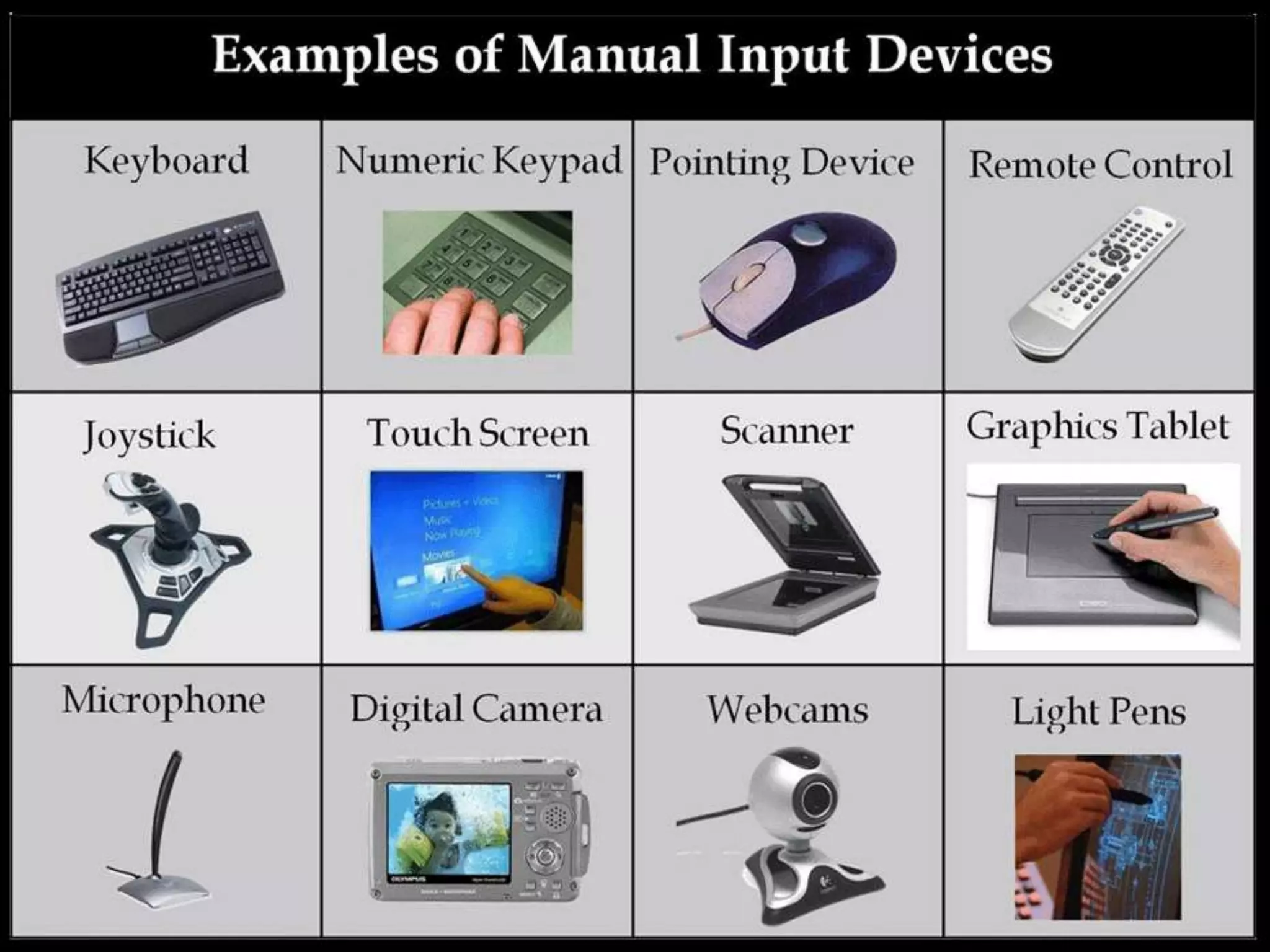
Pointing device
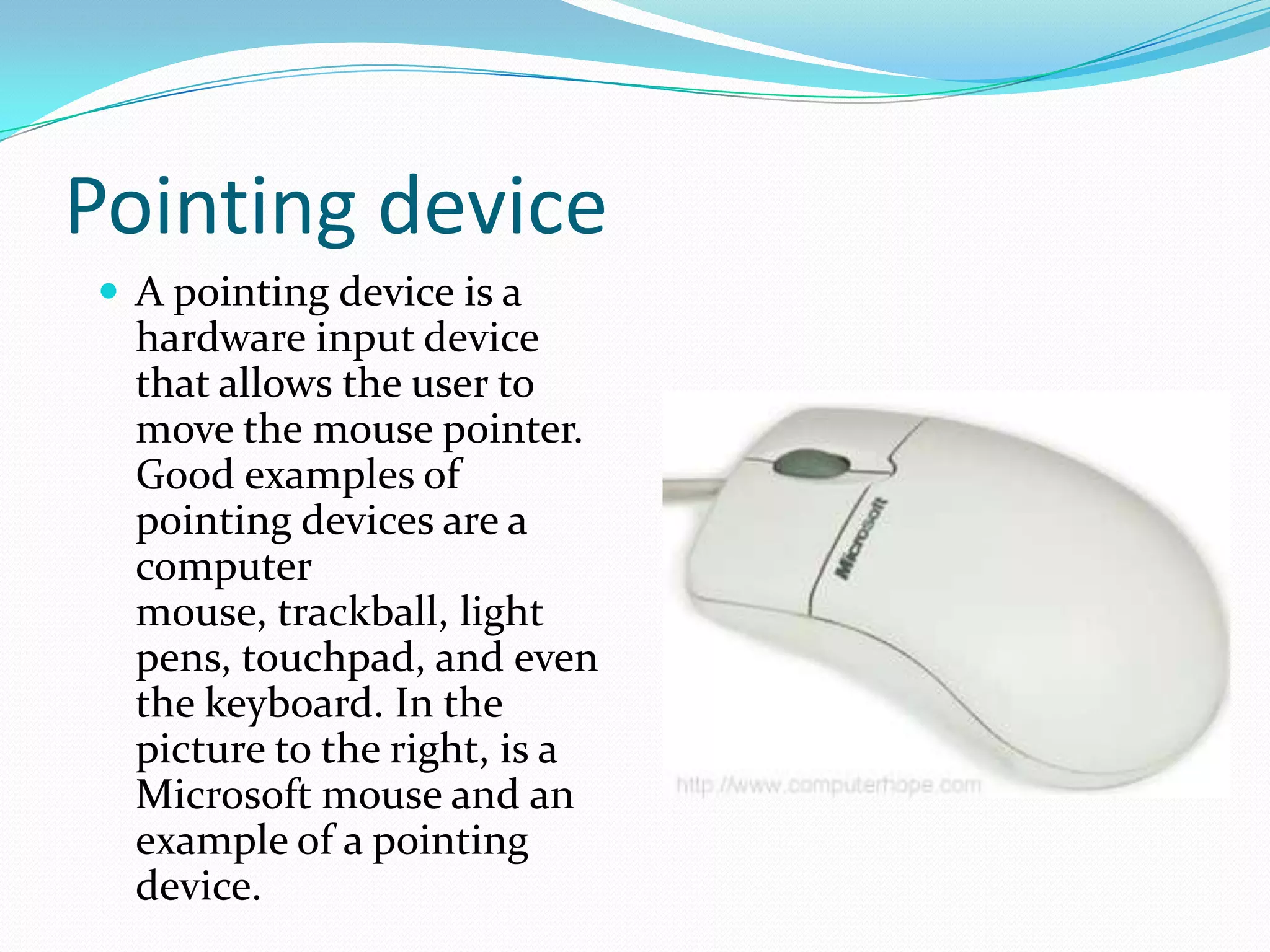
 A pointing device is a

hardware input device
that allows the user to
move the mouse pointer.
Good examples of
pointing devices are a
computer
mouse, trackball, light
pens, touchpad, and even
the keyboard. In the
picture to the right, is a
Microsoft mouse and an
example of a pointing
device.
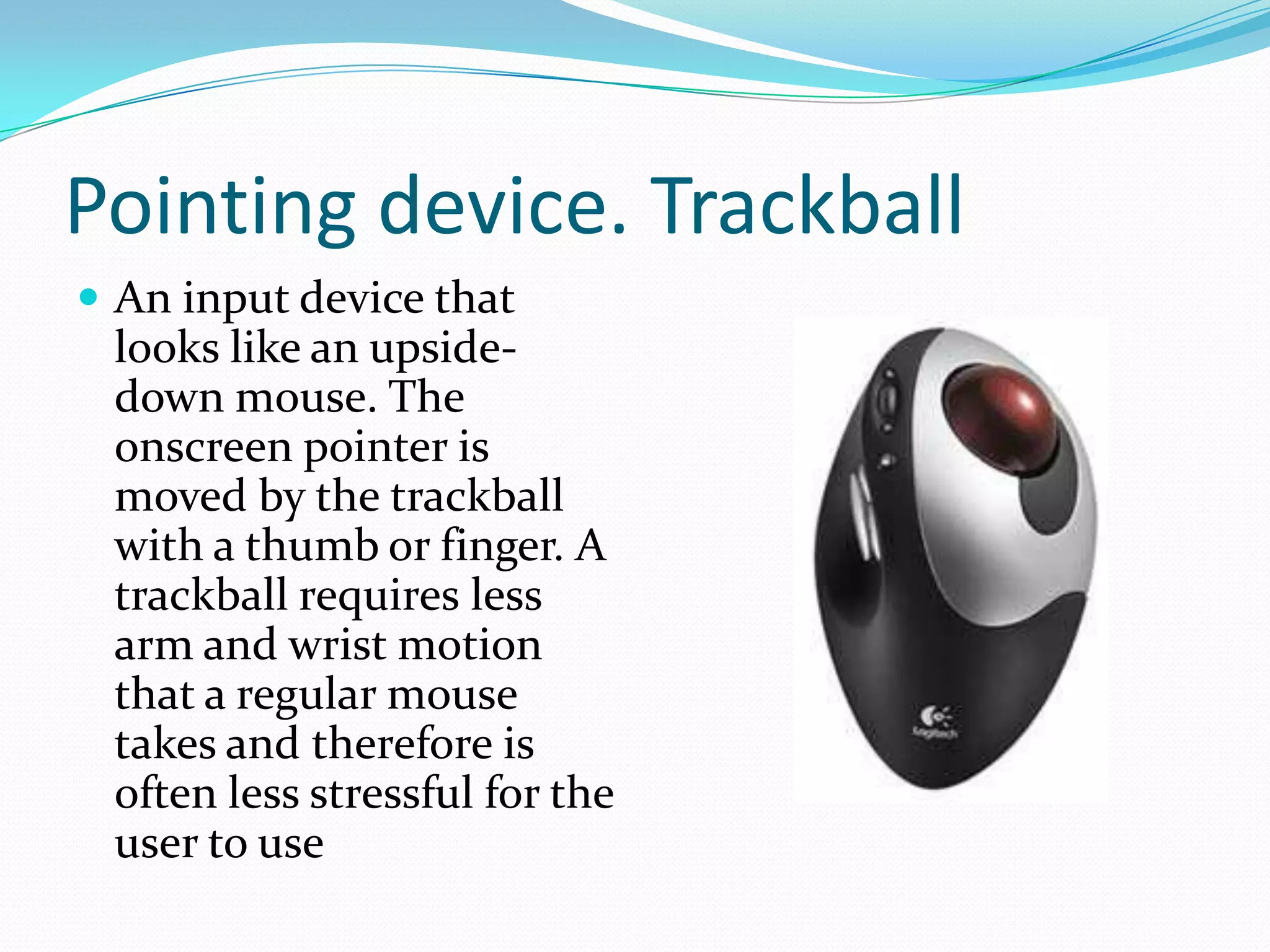
Pointing device. Trackball
 An input device that

looks like an upsidedown mouse. The
onscreen pointer is
moved by the trackball
with a thumb or finger. A
trackball requires less
arm and wrist motion
that a regular mouse
takes and therefore is
often less stressful for the
user to use
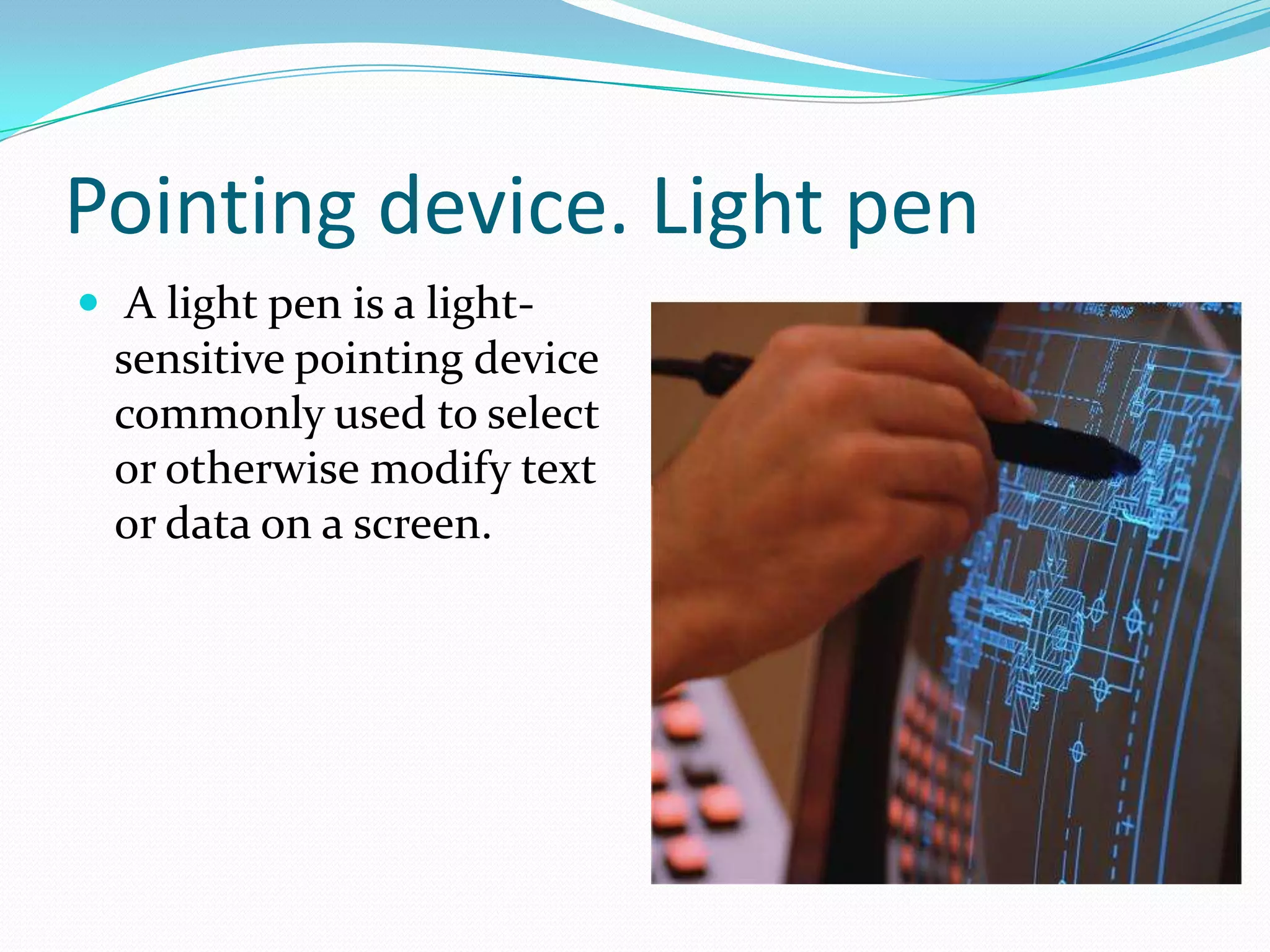
Pointing device. Light pen
 A light pen is a light-

sensitive pointing device
commonly used to select
or otherwise modify text
or data on a screen.
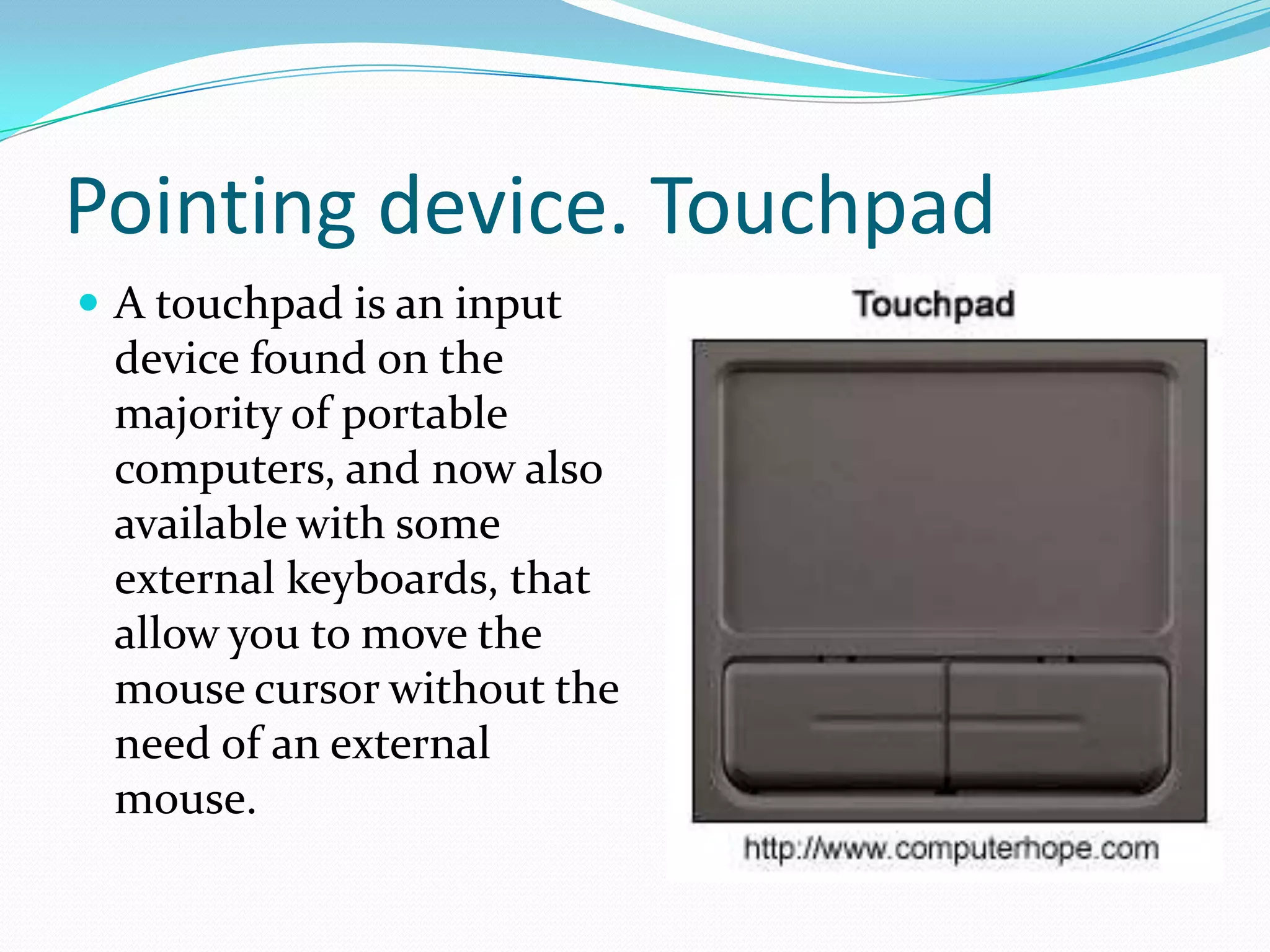
Pointing device. Touchpad
 A touchpad is an input

device found on the
majority of portable
computers, and now also
available with some
external keyboards, that
allow you to move the
mouse cursor without the
need of an external
mouse.
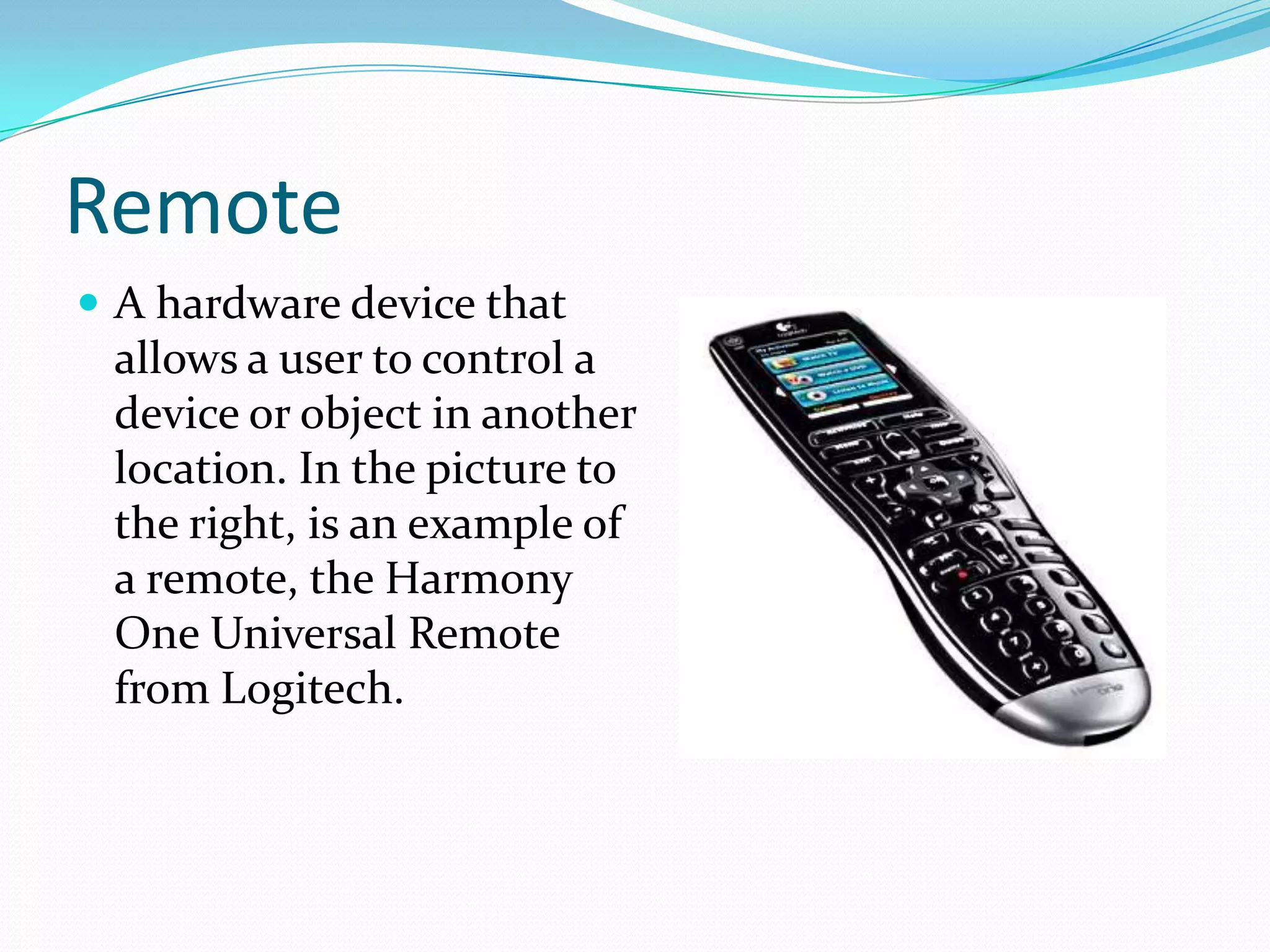
Remote
 A hardware device that

allows a user to control a
device or object in another
location. In the picture to
the right, is an example of
a remote, the Harmony
One Universal Remote
from Logitech.
Joystick
 A joystick allows an

individual to move an
object in a game such as
navigating a plane in a
flight simulator.
Touch screen
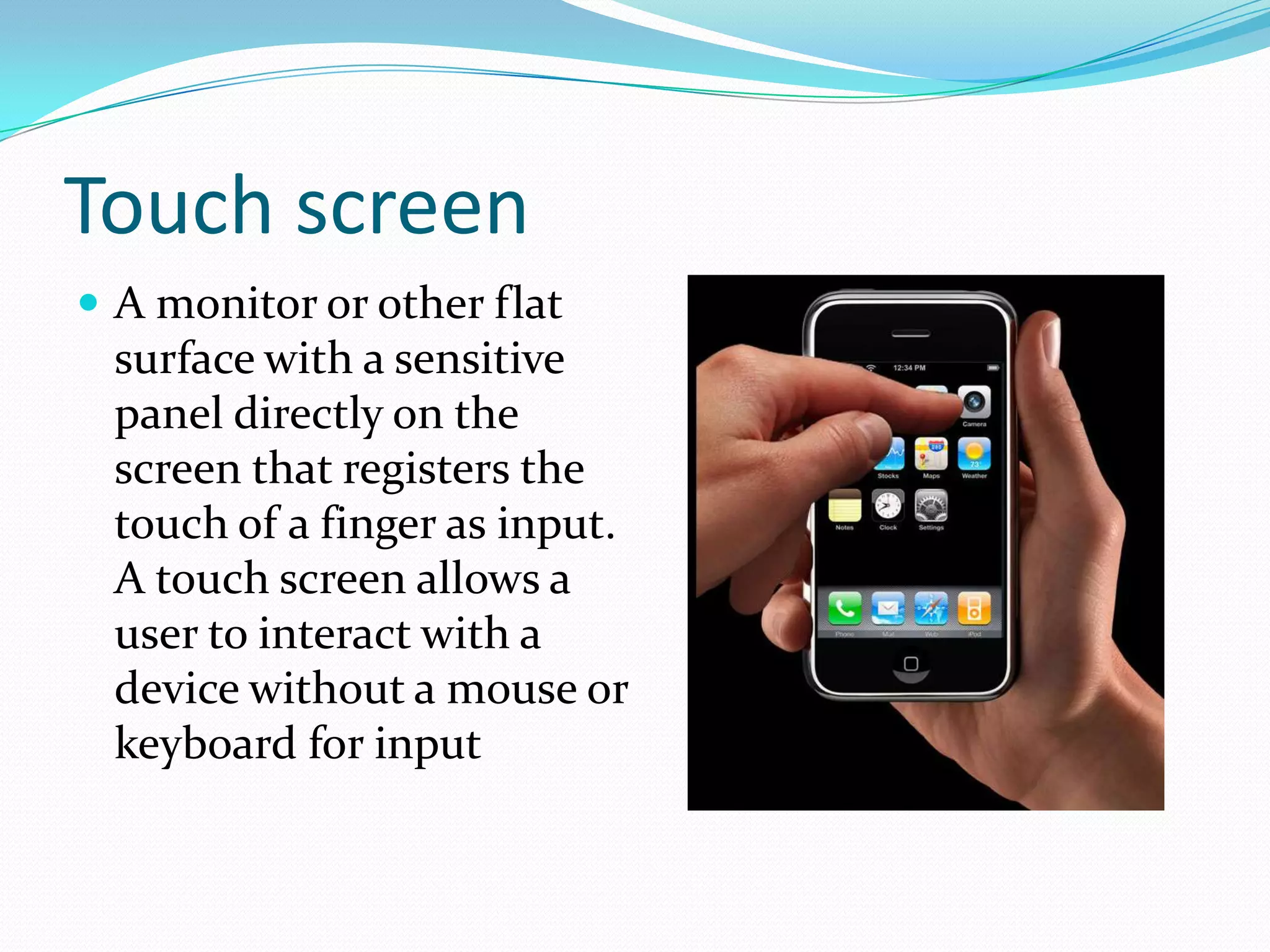
 A monitor or other flat

surface with a sensitive
panel directly on the
screen that registers the
touch of a finger as input.
A touch screen allows a
user to interact with a
device without a mouse or
keyboard for input
Scanner
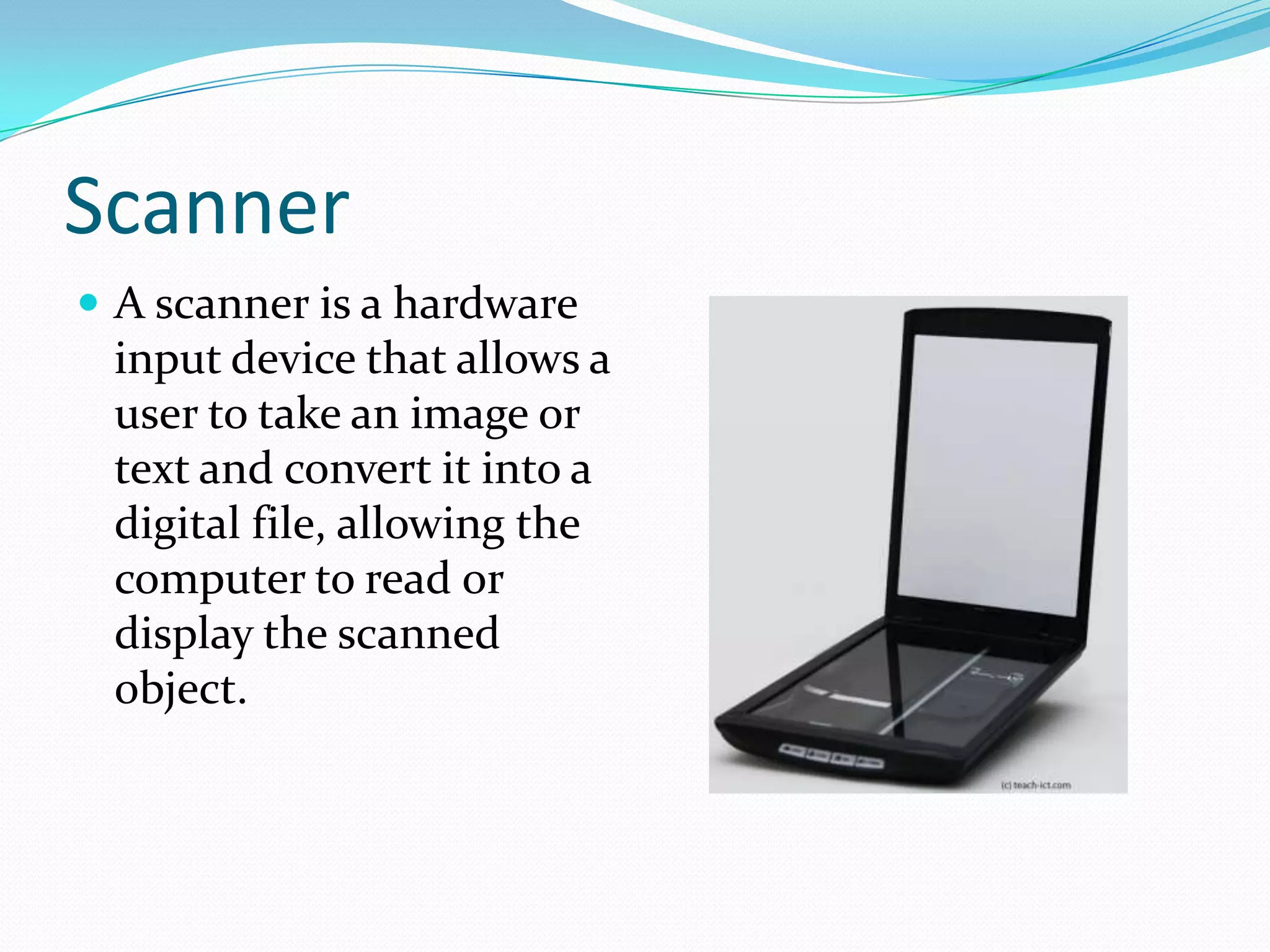
 A scanner is a hardware

input device that allows a
user to take an image or
text and convert it into a
digital file, allowing the
computer to read or
display the scanned
object.
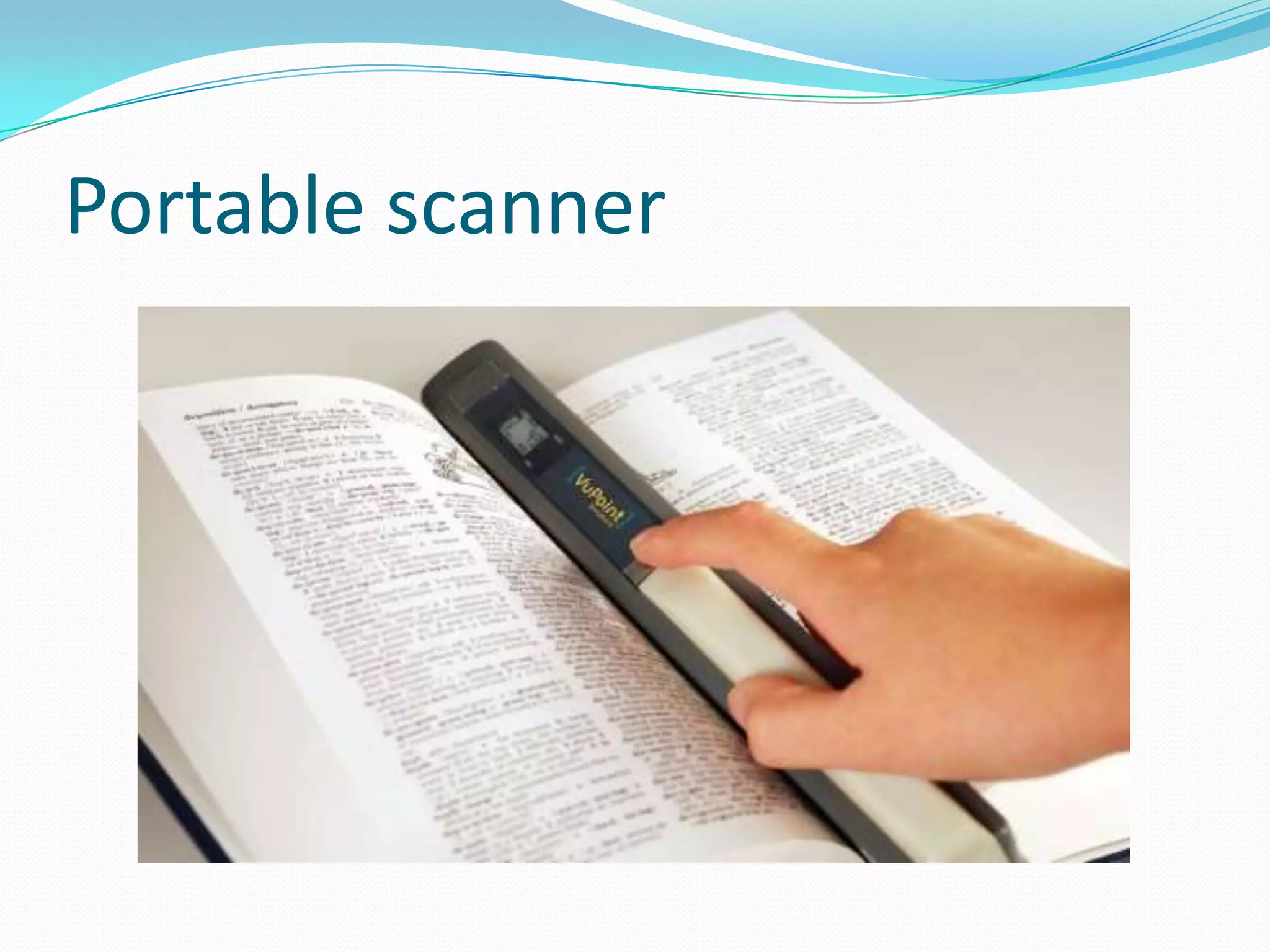
Portable scanner
Graphics tablet
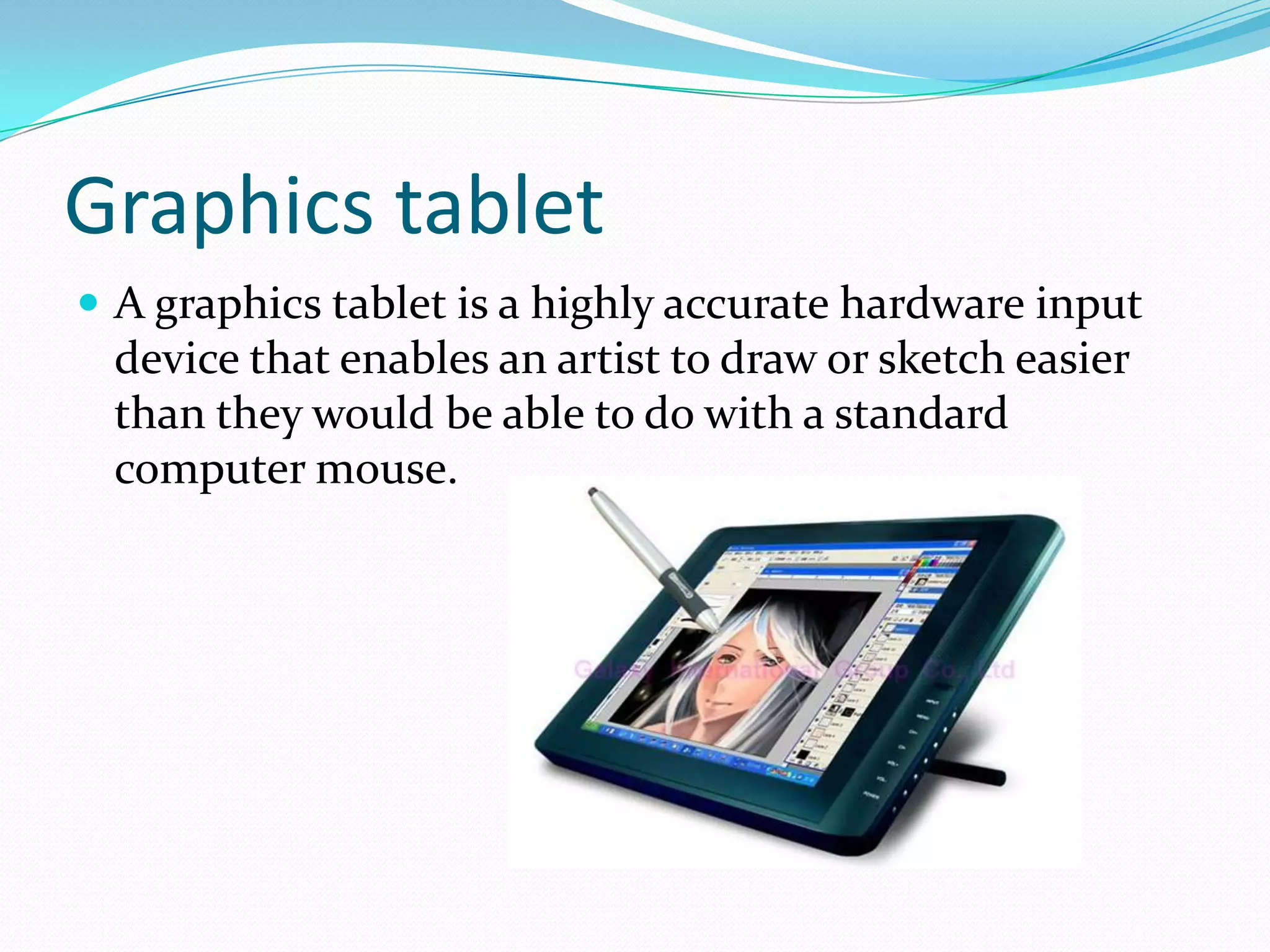
 A graphics tablet is a highly accurate hardware input

device that enables an artist to draw or sketch easier
than they would be able to do with a standard
computer mouse.
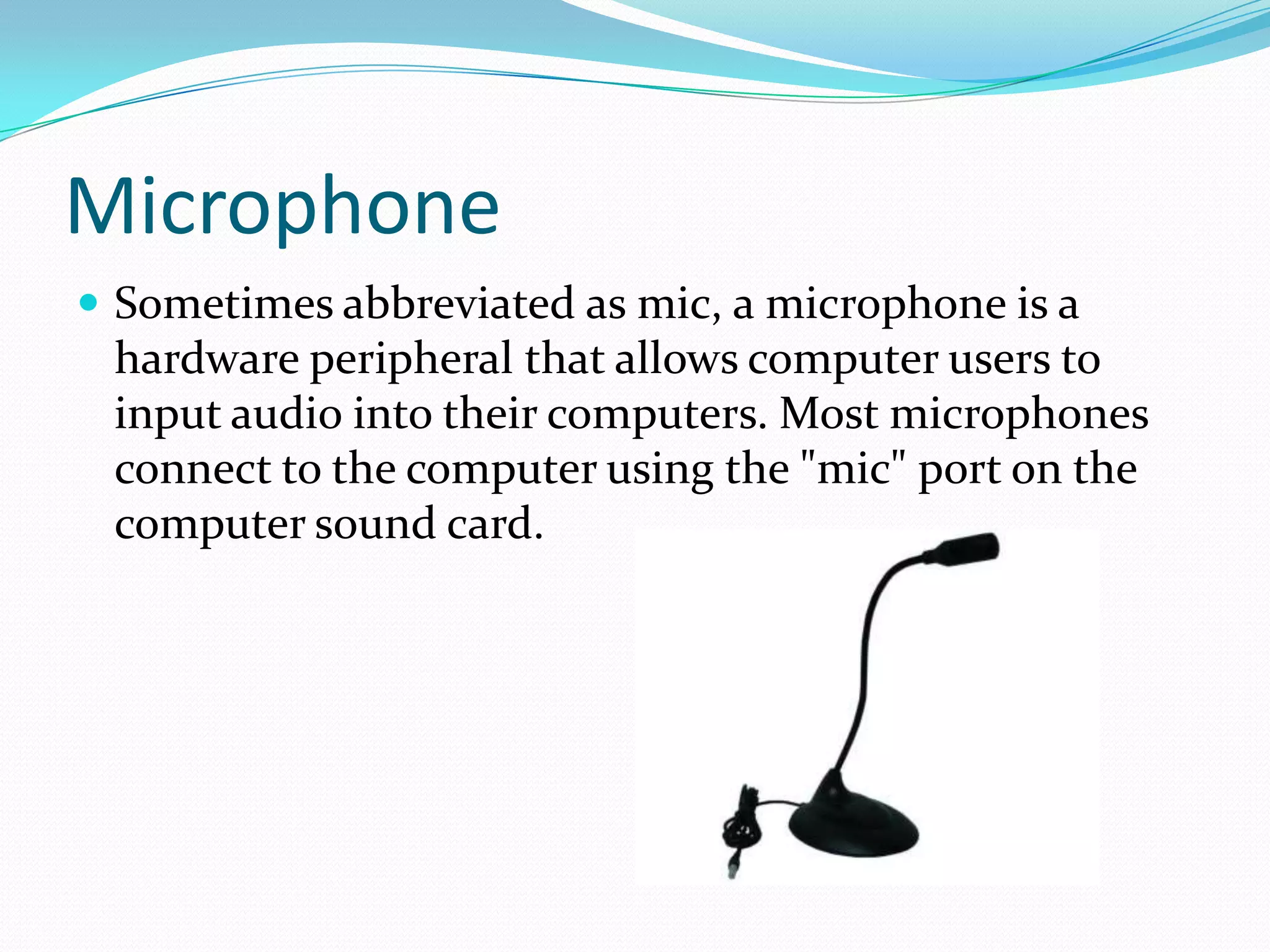
Microphone
 Sometimes abbreviated as mic, a microphone is a

hardware peripheral that allows computer users to
input audio into their computers. Most microphones
connect to the computer using the "mic" port on the
computer sound card.
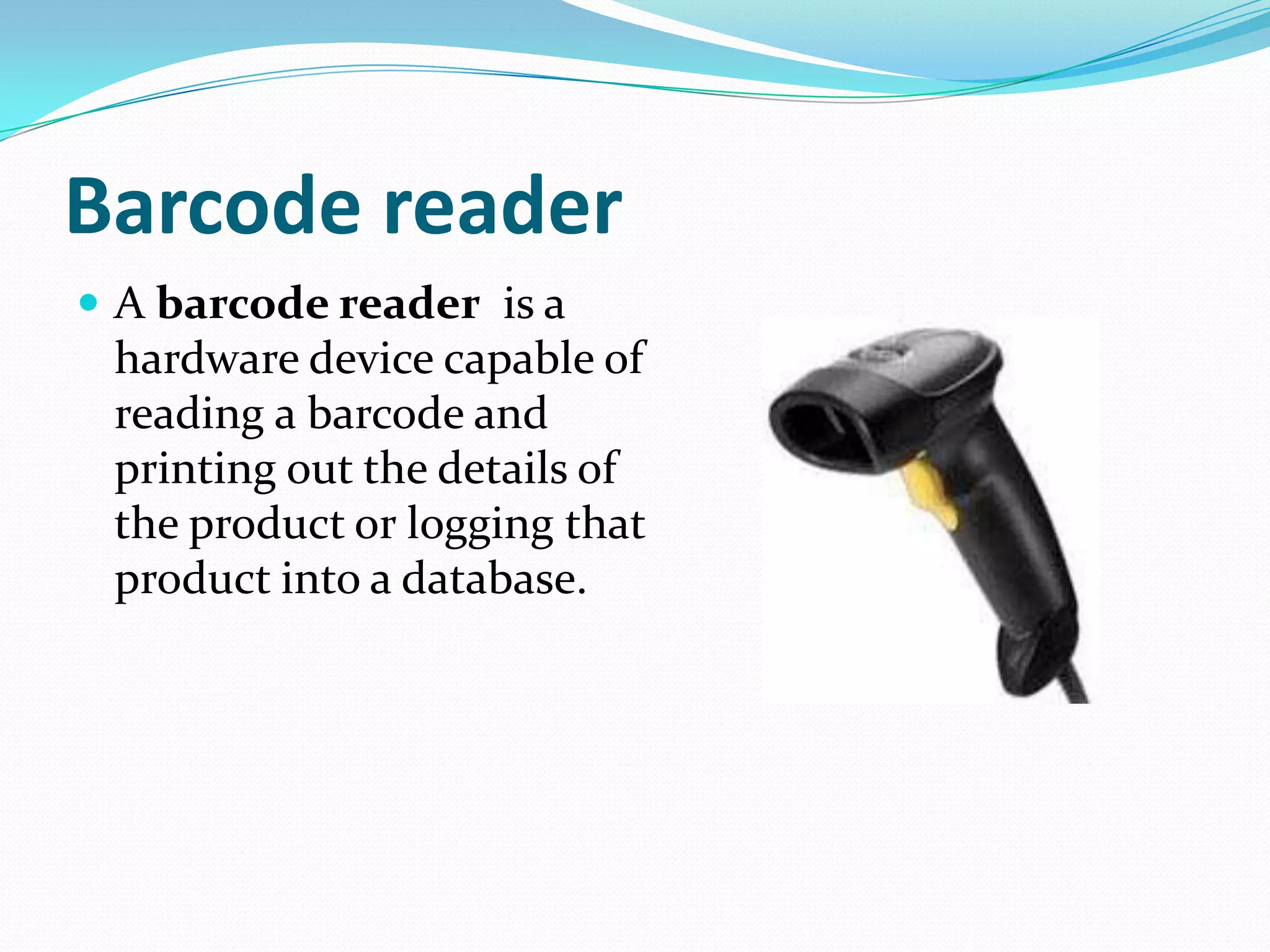
Barcode reader
 A barcode reader is a

hardware device capable of
reading a barcode and
printing out the details of
the product or logging that
product into a database.
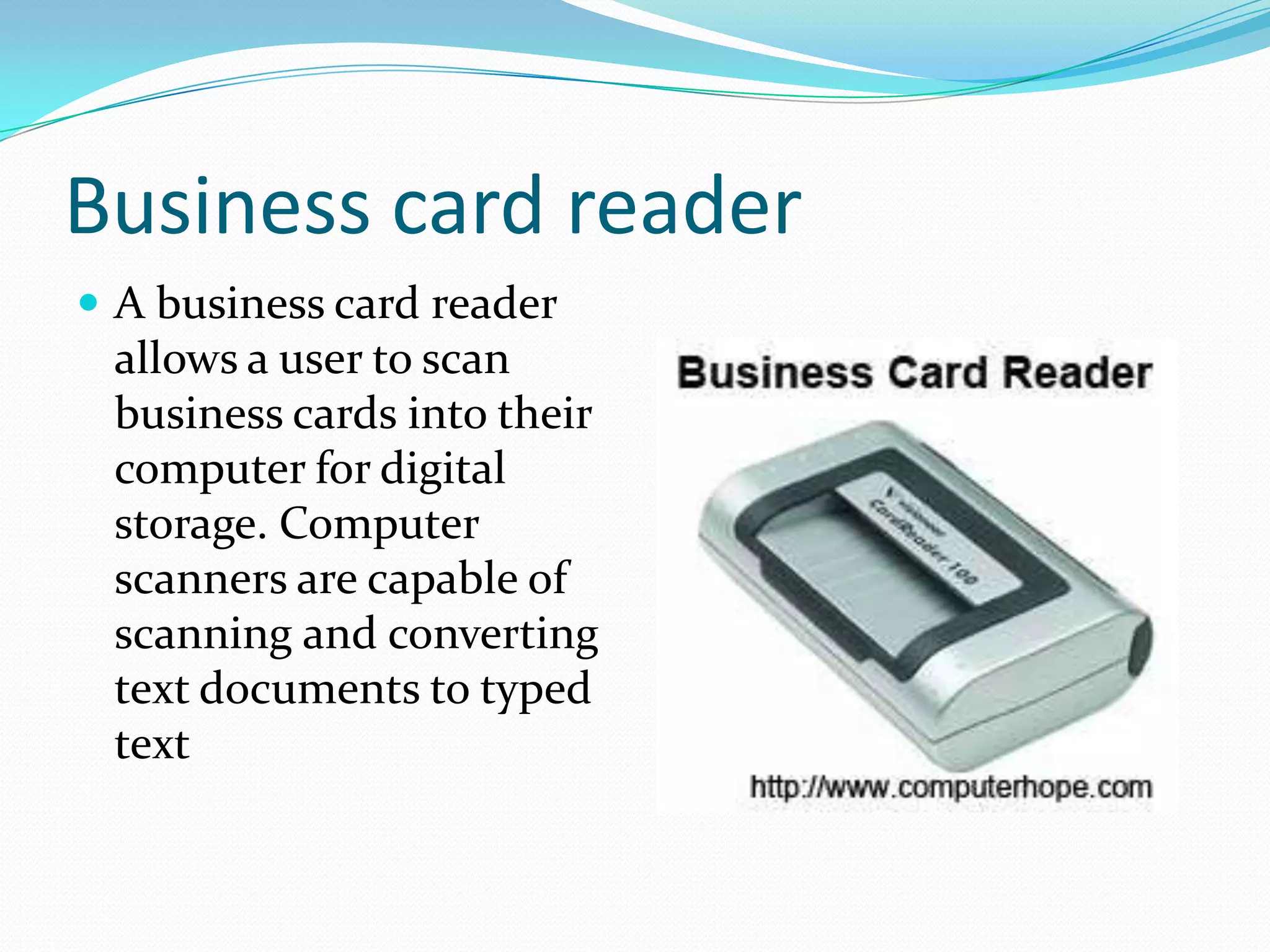
Business card reader
 A business card reader

allows a user to scan
business cards into their
computer for digital
storage. Computer
scanners are capable of
scanning and converting
text documents to typed
text
Light gun
 A light gun is a pointing input device that detects light

using a photodiode in the gun barrel.
Magnetic card reader
 A magnetic card reader is a

device that can retrieve
stored information from a
magnetic card either by
holding the card next to the
device or swiping the card
through a slot in the device.
Virtual Reality
 Virtual Reality is a

computer-generated
artificial environment
that allows a user to
view, explore, and
manipulate the
environment
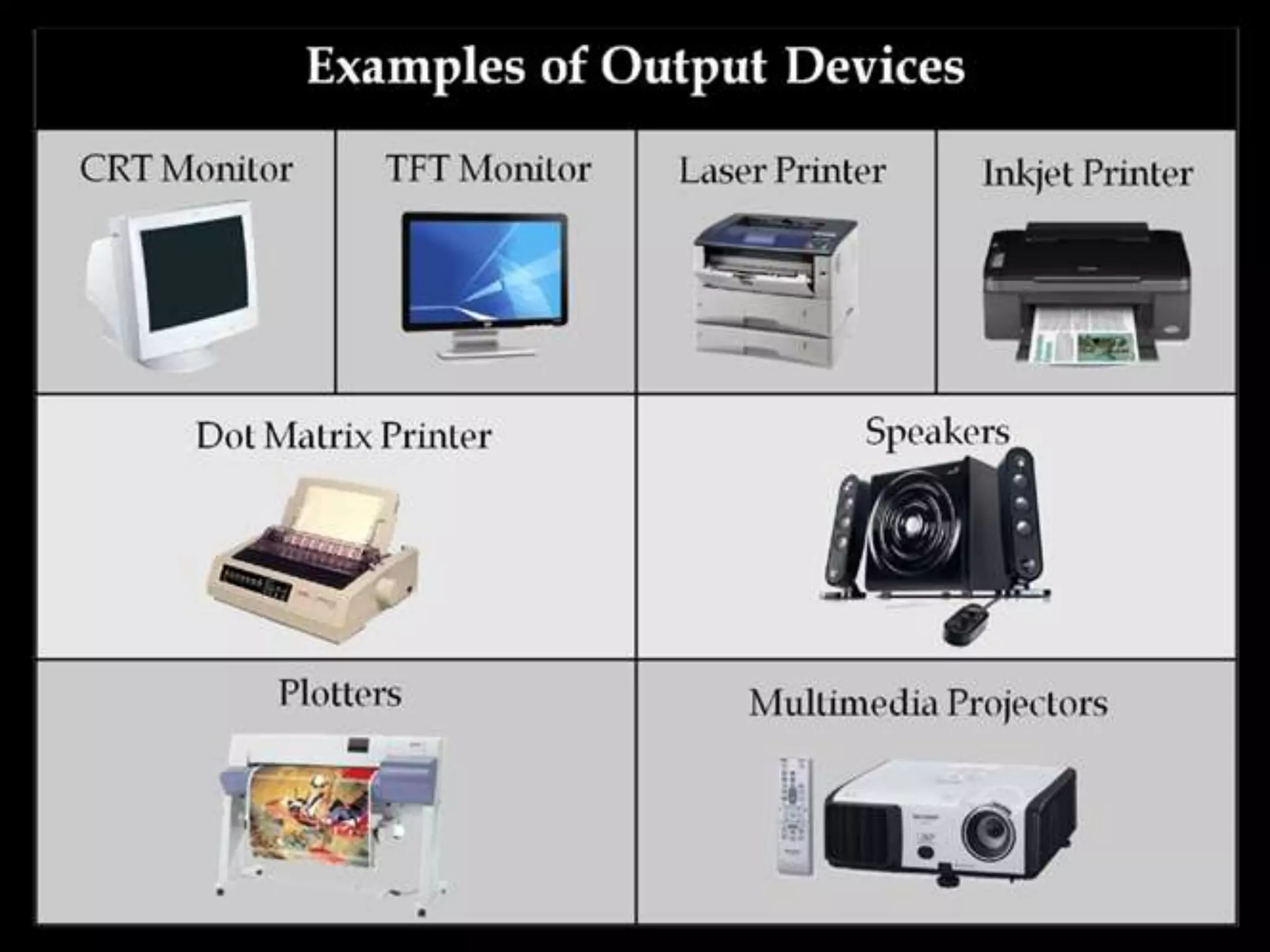
Output Devices
 An output device is any piece of computer hardware

equipment used to communicate the results of data
processing carried out by an information processing
system (such as a computer) which converts the
electronically generated information into humanreadable form
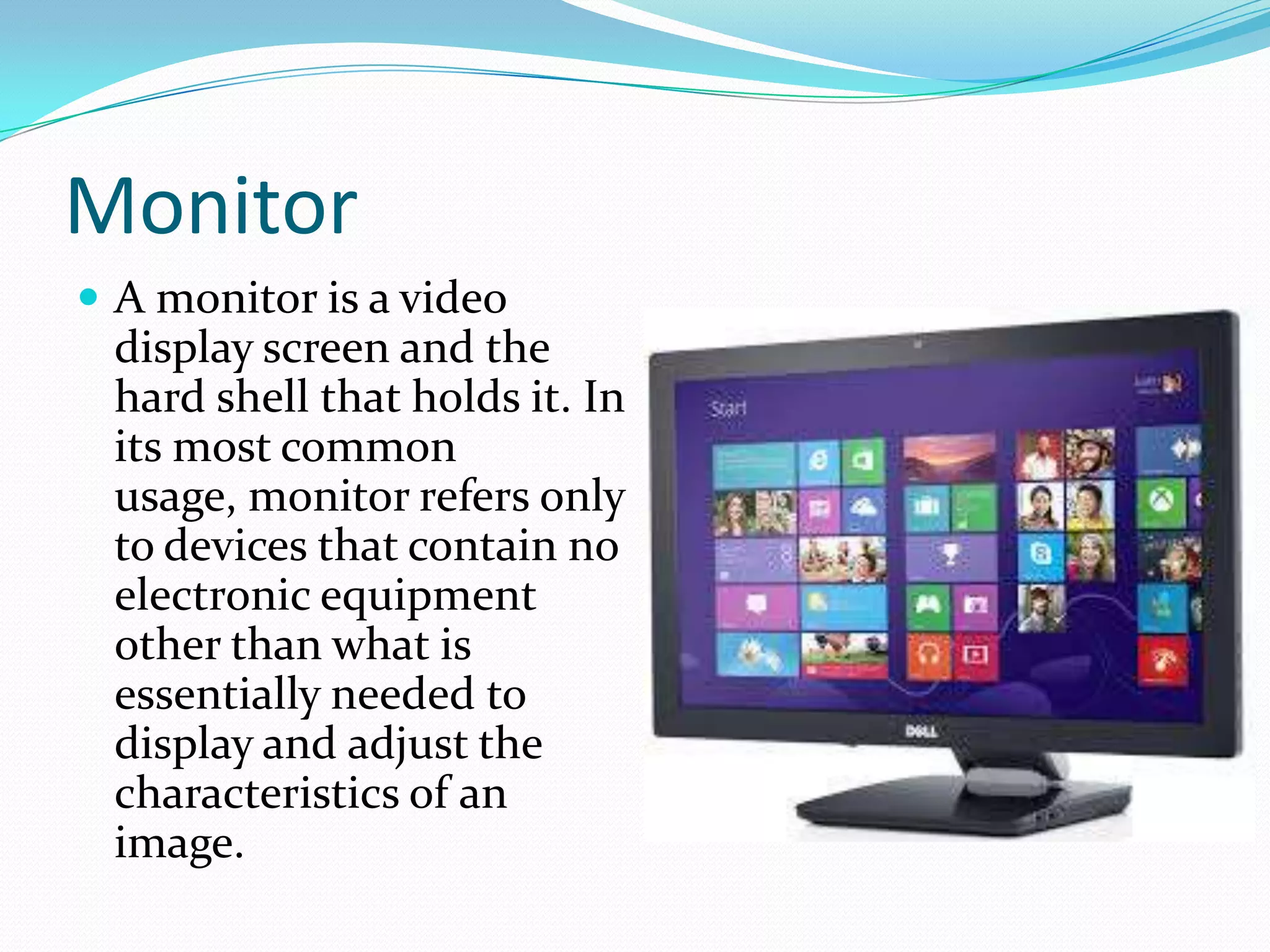
Monitor
 A monitor is a video

display screen and the
hard shell that holds it. In
its most common
usage, monitor refers only
to devices that contain no
electronic equipment
other than what is
essentially needed to
display and adjust the
characteristics of an
image.
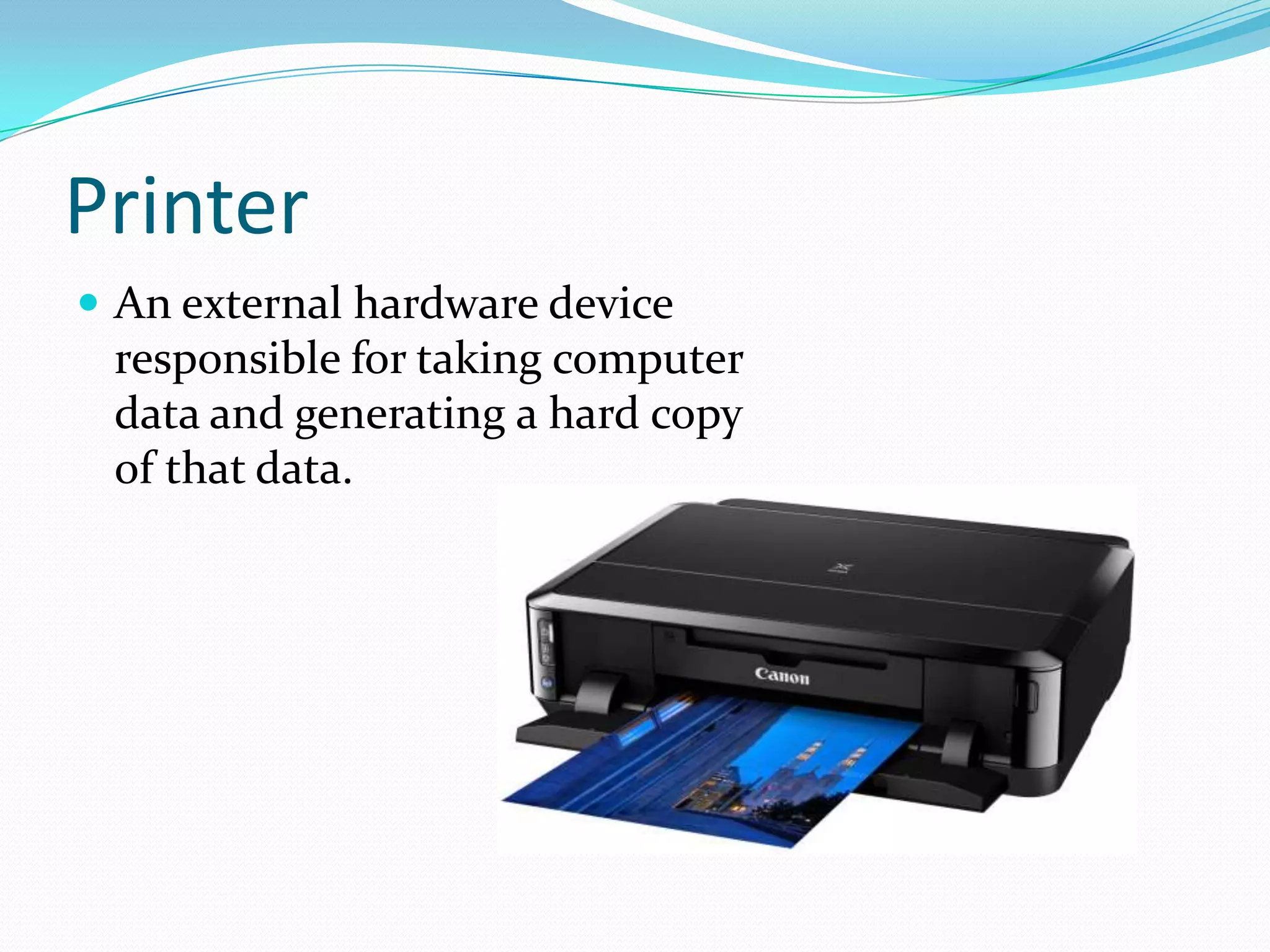
Printer
 An external hardware device

responsible for taking computer
data and generating a hard copy
of that data.
3D Printer
 Created by Charles W.

Hull in 1984, the 3D
printer is a sophisticated
printing device that uses
a design from a digital
image to produce an
identical physical object
using material such as
metal alloys, polymers, or
plastics.
GPS
 GPS is a network of

satellites that helps users
determine a location on
Earth. The thought of
GPS was conceived after
the launch of Sputnik in
1957.
Headphones
 Headphones are a

hardware device that
either plugs into your
computer or your
speakers and allow you to
privately listen to audio
without disturbing
anyone else.
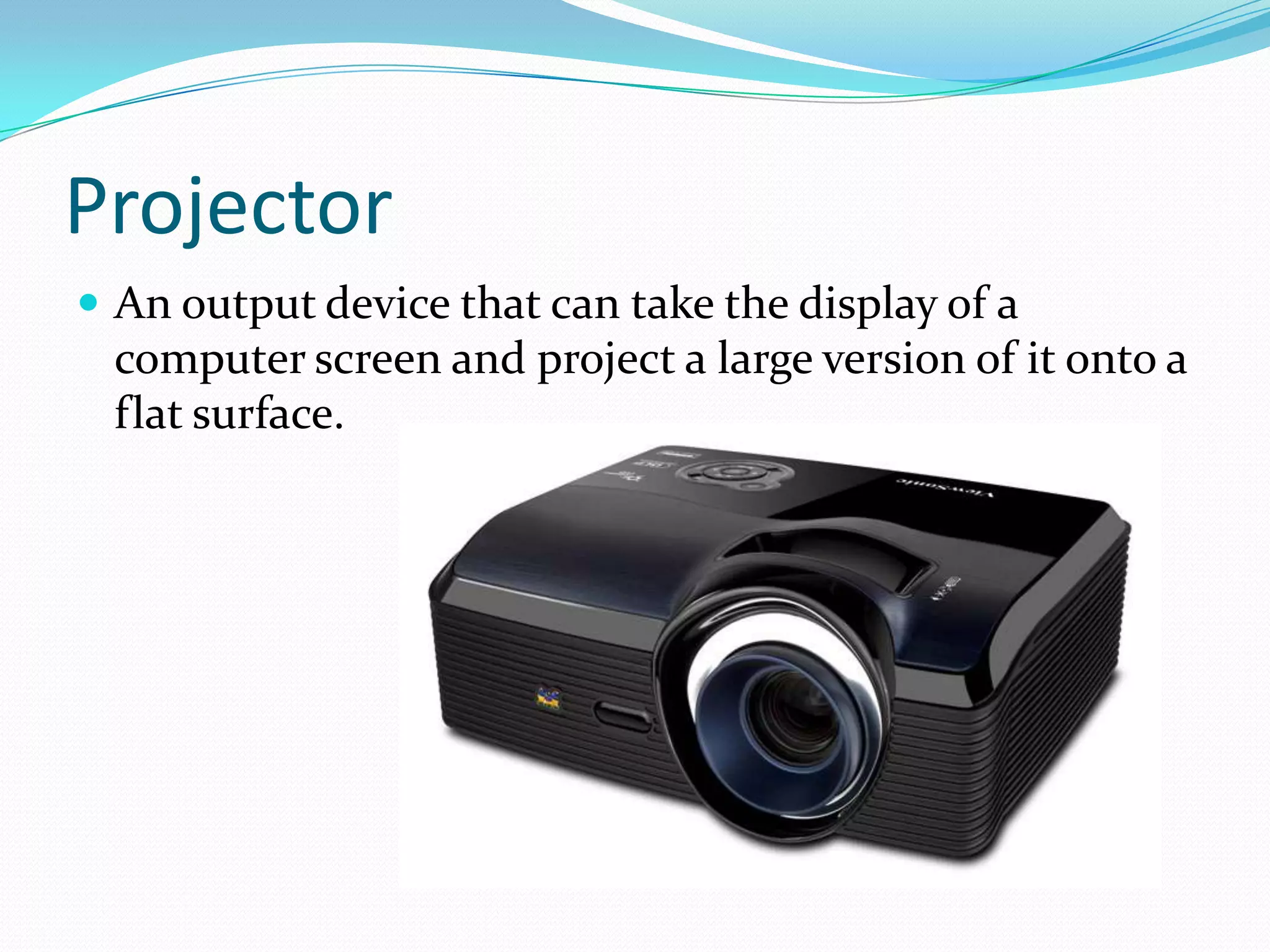
Projector
 An output device that can take the display of a

computer screen and project a large version of it onto a
flat surface.
Plotter
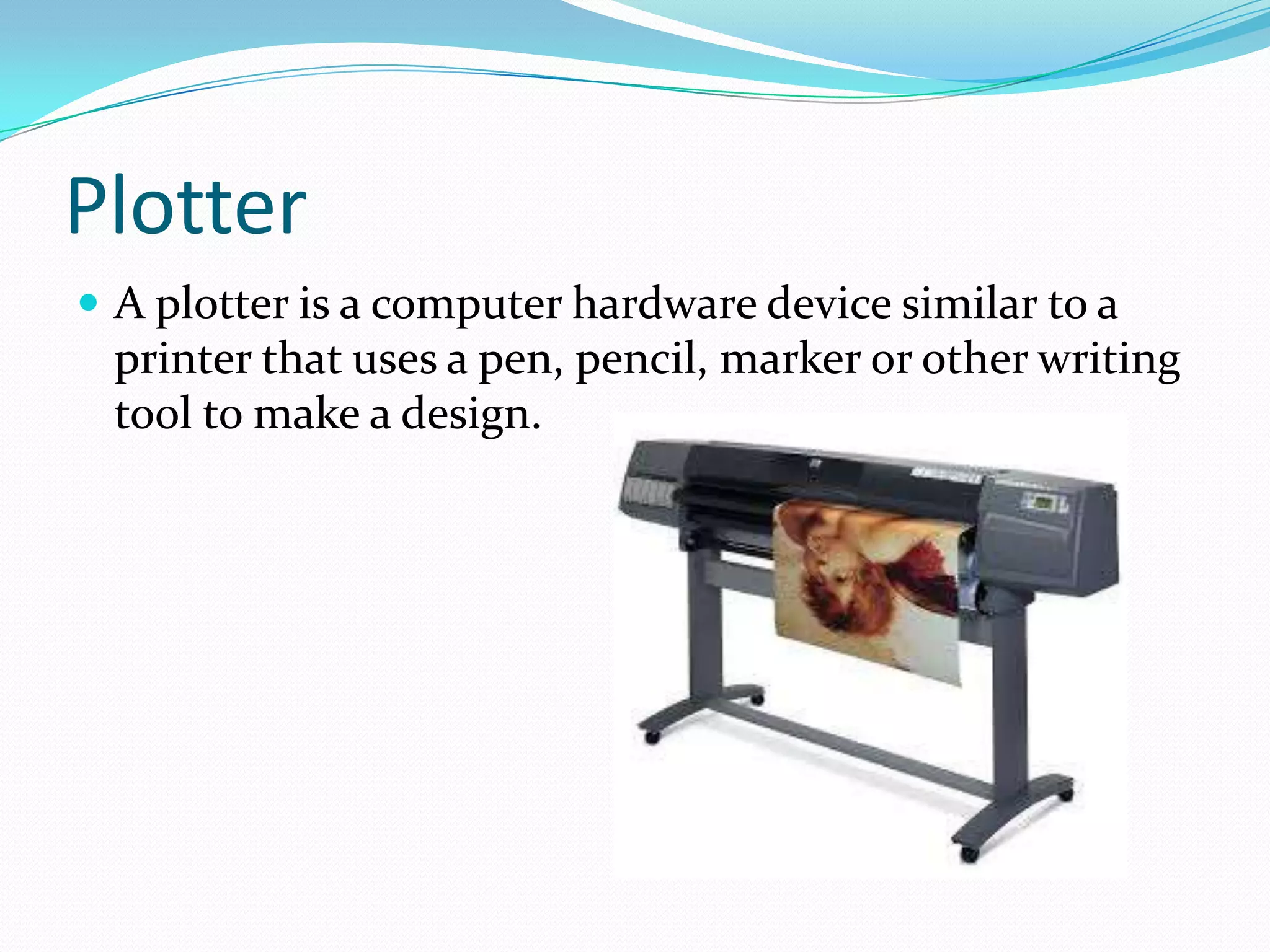
 A plotter is a computer hardware device similar to a

printer that uses a pen, pencil, marker or other writing
tool to make a design.
Speakers
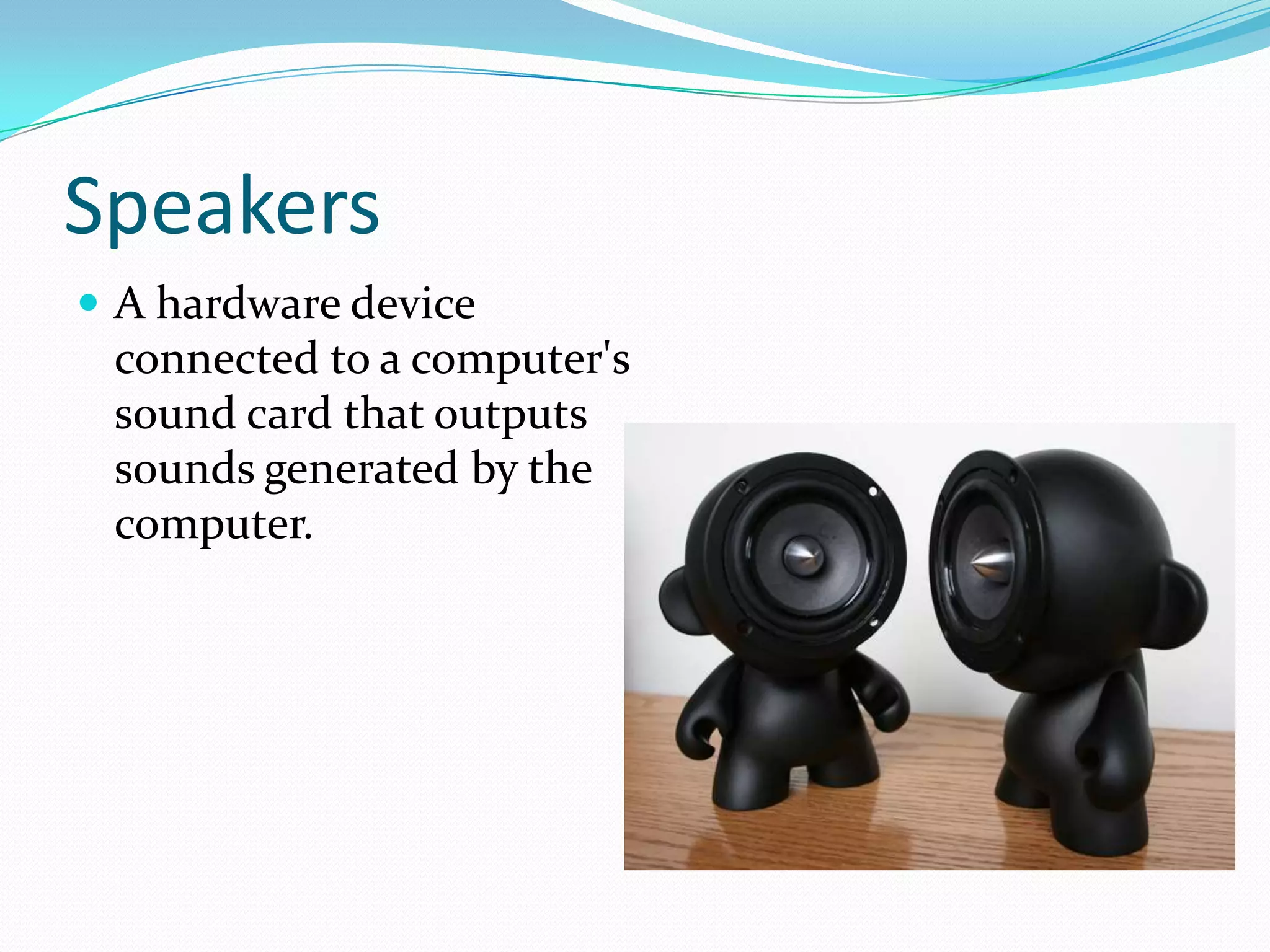
 A hardware device

connected to a computer's
sound card that outputs
sounds generated by the
computer.
TV
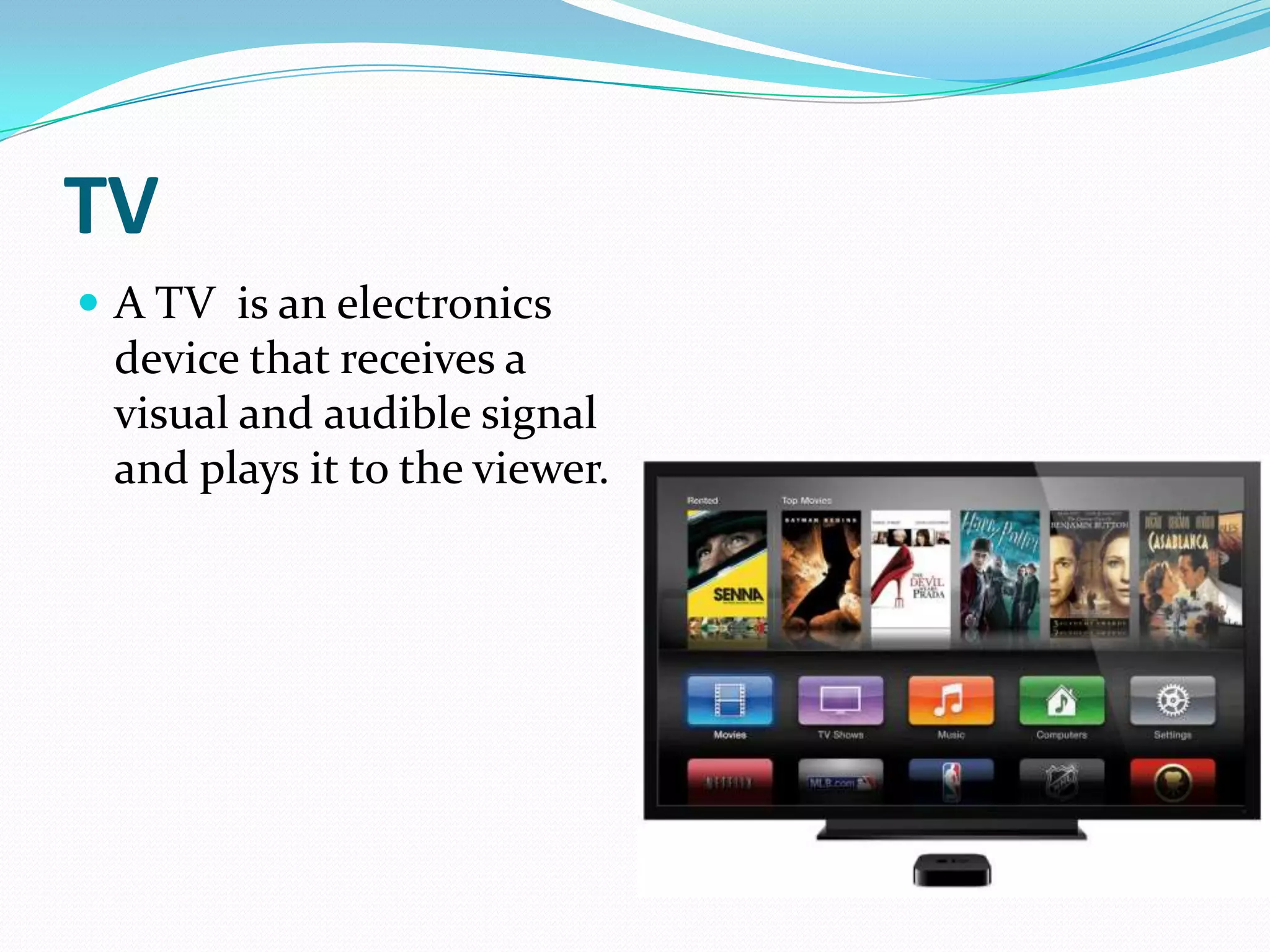
 A TV is an electronics

device that receives a
visual and audible signal
and plays it to the viewer.
Bibliography
 http://www.computerhope.com/jargon/o/outputde.ht

m
 http://en.wikipedia.org/wiki/Output_device
 http://www.idownloadblog.com/2013/06/19/apple-tvhbo-go-watchespn/

Input and output devices

  • 1.
    By Mulco Dan TheoreticalLyceum « Orizont » Durlesti February 2014
  • 2.
    What is aninput device? A device that can be used to insert data into a computer or the computational device
  • 4.
    Basic input devices Keyboards allow a computer user to input letters, numbers, and other symbols into a computer and is what allows you to write e-mail and is what you used to visit this web page. Below is an example of a Saitek keyboard with indicators pointing to each of the major sections of the keyboard.
  • 5.
    Pointing device  Apointing device is a hardware input device that allows the user to move the mouse pointer. Good examples of pointing devices are a computer mouse, trackball, light pens, touchpad, and even the keyboard. In the picture to the right, is a Microsoft mouse and an example of a pointing device.
  • 6.
    Pointing device. Trackball An input device that looks like an upsidedown mouse. The onscreen pointer is moved by the trackball with a thumb or finger. A trackball requires less arm and wrist motion that a regular mouse takes and therefore is often less stressful for the user to use
  • 7.
    Pointing device. Lightpen  A light pen is a light- sensitive pointing device commonly used to select or otherwise modify text or data on a screen.
  • 8.
    Pointing device. Touchpad A touchpad is an input device found on the majority of portable computers, and now also available with some external keyboards, that allow you to move the mouse cursor without the need of an external mouse.
  • 9.
    Remote  A hardwaredevice that allows a user to control a device or object in another location. In the picture to the right, is an example of a remote, the Harmony One Universal Remote from Logitech.
  • 10.
    Joystick  A joystickallows an individual to move an object in a game such as navigating a plane in a flight simulator.
  • 11.
    Touch screen  Amonitor or other flat surface with a sensitive panel directly on the screen that registers the touch of a finger as input. A touch screen allows a user to interact with a device without a mouse or keyboard for input
  • 12.
    Scanner  A scanneris a hardware input device that allows a user to take an image or text and convert it into a digital file, allowing the computer to read or display the scanned object.
  • 13.
  • 14.
    Graphics tablet  Agraphics tablet is a highly accurate hardware input device that enables an artist to draw or sketch easier than they would be able to do with a standard computer mouse.
  • 15.
    Microphone  Sometimes abbreviatedas mic, a microphone is a hardware peripheral that allows computer users to input audio into their computers. Most microphones connect to the computer using the "mic" port on the computer sound card.
  • 16.
    Barcode reader  Abarcode reader is a hardware device capable of reading a barcode and printing out the details of the product or logging that product into a database.
  • 17.
    Business card reader A business card reader allows a user to scan business cards into their computer for digital storage. Computer scanners are capable of scanning and converting text documents to typed text
  • 18.
    Light gun  Alight gun is a pointing input device that detects light using a photodiode in the gun barrel.
  • 19.
    Magnetic card reader A magnetic card reader is a device that can retrieve stored information from a magnetic card either by holding the card next to the device or swiping the card through a slot in the device.
  • 20.
    Virtual Reality  VirtualReality is a computer-generated artificial environment that allows a user to view, explore, and manipulate the environment
  • 21.
    Output Devices  Anoutput device is any piece of computer hardware equipment used to communicate the results of data processing carried out by an information processing system (such as a computer) which converts the electronically generated information into humanreadable form
  • 23.
    Monitor  A monitoris a video display screen and the hard shell that holds it. In its most common usage, monitor refers only to devices that contain no electronic equipment other than what is essentially needed to display and adjust the characteristics of an image.
  • 24.
    Printer  An externalhardware device responsible for taking computer data and generating a hard copy of that data.
  • 25.
    3D Printer  Createdby Charles W. Hull in 1984, the 3D printer is a sophisticated printing device that uses a design from a digital image to produce an identical physical object using material such as metal alloys, polymers, or plastics.
  • 26.
    GPS  GPS isa network of satellites that helps users determine a location on Earth. The thought of GPS was conceived after the launch of Sputnik in 1957.
  • 27.
    Headphones  Headphones area hardware device that either plugs into your computer or your speakers and allow you to privately listen to audio without disturbing anyone else.
  • 28.
    Projector  An outputdevice that can take the display of a computer screen and project a large version of it onto a flat surface.
  • 29.
    Plotter  A plotteris a computer hardware device similar to a printer that uses a pen, pencil, marker or other writing tool to make a design.
  • 30.
    Speakers  A hardwaredevice connected to a computer's sound card that outputs sounds generated by the computer.
  • 31.
    TV  A TVis an electronics device that receives a visual and audible signal and plays it to the viewer.
  • 32.