Dr B T Sampath Kumar
Professor
Department of Library and Information Science
Tumkur University, Tumakuru, INDIA
www.sampathkumar.info
Input Devices
Hardware
• The term hardware refers to the physical
device that you can see and touch in a
computer system.
• The input, output, storage, control and
processing devices are hardware
components of a computer.
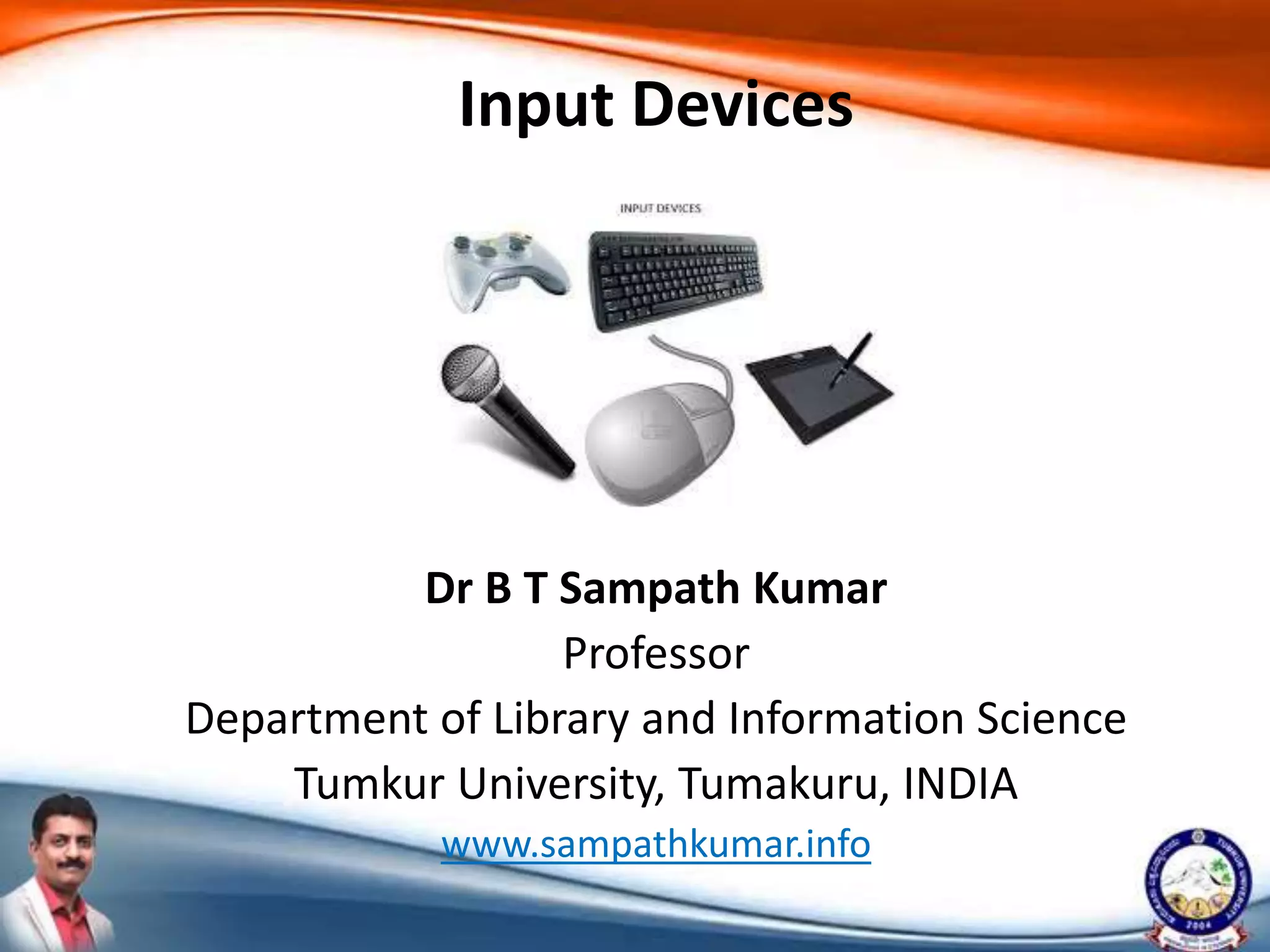
Input device
• Input device is an external device that is
connected to the CPU.
• It is used to feed data and instructions.
– Keyboard
– Mouse
– Light pen
– Microphone
Cont..
– Touch pad
– Digital Camera
– Optical Mark Reader (OMR)
– Barcode Reader
– Scanner
– Touch screen
Keyboard
• It is the most commonly used input device.
• It is used to enter numerical and character
type data.
• It is like a mechanical typewriter with
alphabetical and special keys.
Mouse
• Mouse is a small hand held pointing device.
• It is a hand-held pointing device that
detects two-dimensional motion relative to a
surface.
• This motion is typically translated into the
motion of a pointer on a display, which allows
a smooth control of the graphical user
interface of a computer.
Microphone
• Microphone is abbreviated as mic.
• It is a hardware peripheral and input
device originally invented by Emile
Berliner in 1877.
• A microphone allows computer users
to input audio into computer.
Touch pad
• It a specialized surface that can translate the
motion and position of a user's fingers to a
relative position on the operating system.
• Touchpad is a common feature of laptops and
also used as a substitute for mouse.
Light pen
• A light pen is a computer input device used in
conjunction with a computer's CRT display.
• It allows the user to point to displayed objects
or draw on the screen in a similar way to a
touchscreen but with greater positional
accuracy.
Web camera
• A webcam is a video camera that feeds images
or video in real time to or through
a computer to a computer network.
• It can be used during a video chat session
involving two or more people, with
conversations that include live audio and
video.
Optical mark reader
• Optical mark reader reads pencil or pen marks
made in pre-defined positions on paper forms
as responses to questions or tick list prompts.
• The OMR data entry system contains the
information to convert the presence or
absence of marks into a computer data file.
Barcode reader
• A barcode reader is an electronic device for
reading printed barcodes.
• It consists of a light source, a lens and a light
sensor translating optical impulses into
electrical ones.
Scanner
• A scanner is a device that captures images
from photographic prints, posters, magazine
pages, and similar sources for computer
editing and display.
• Scanners come in hand-held, feed-in, and
flatbed types.
• They can also used for scanning black-and-
white only, or colour.
Touch screen
• A touchscreen is a computer screen that can
be used by touching it with a finger or
a stylus pen, instead of using
a mouse and keyboard.

Input devices

  • 1.
    Dr B TSampath Kumar Professor Department of Library and Information Science Tumkur University, Tumakuru, INDIA www.sampathkumar.info Input Devices
  • 2.
    Hardware • The termhardware refers to the physical device that you can see and touch in a computer system. • The input, output, storage, control and processing devices are hardware components of a computer.
  • 3.
    Input device • Inputdevice is an external device that is connected to the CPU. • It is used to feed data and instructions. – Keyboard – Mouse – Light pen – Microphone
  • 4.
    Cont.. – Touch pad –Digital Camera – Optical Mark Reader (OMR) – Barcode Reader – Scanner – Touch screen
  • 5.
    Keyboard • It isthe most commonly used input device. • It is used to enter numerical and character type data. • It is like a mechanical typewriter with alphabetical and special keys.
  • 6.
    Mouse • Mouse isa small hand held pointing device. • It is a hand-held pointing device that detects two-dimensional motion relative to a surface. • This motion is typically translated into the motion of a pointer on a display, which allows a smooth control of the graphical user interface of a computer.
  • 7.
    Microphone • Microphone isabbreviated as mic. • It is a hardware peripheral and input device originally invented by Emile Berliner in 1877. • A microphone allows computer users to input audio into computer.
  • 8.
    Touch pad • Ita specialized surface that can translate the motion and position of a user's fingers to a relative position on the operating system. • Touchpad is a common feature of laptops and also used as a substitute for mouse.
  • 9.
    Light pen • Alight pen is a computer input device used in conjunction with a computer's CRT display. • It allows the user to point to displayed objects or draw on the screen in a similar way to a touchscreen but with greater positional accuracy.
  • 10.
    Web camera • Awebcam is a video camera that feeds images or video in real time to or through a computer to a computer network. • It can be used during a video chat session involving two or more people, with conversations that include live audio and video.
  • 11.
    Optical mark reader •Optical mark reader reads pencil or pen marks made in pre-defined positions on paper forms as responses to questions or tick list prompts. • The OMR data entry system contains the information to convert the presence or absence of marks into a computer data file.
  • 12.
    Barcode reader • Abarcode reader is an electronic device for reading printed barcodes. • It consists of a light source, a lens and a light sensor translating optical impulses into electrical ones.
  • 13.
    Scanner • A scanneris a device that captures images from photographic prints, posters, magazine pages, and similar sources for computer editing and display. • Scanners come in hand-held, feed-in, and flatbed types. • They can also used for scanning black-and- white only, or colour.
  • 14.
    Touch screen • Atouchscreen is a computer screen that can be used by touching it with a finger or a stylus pen, instead of using a mouse and keyboard.