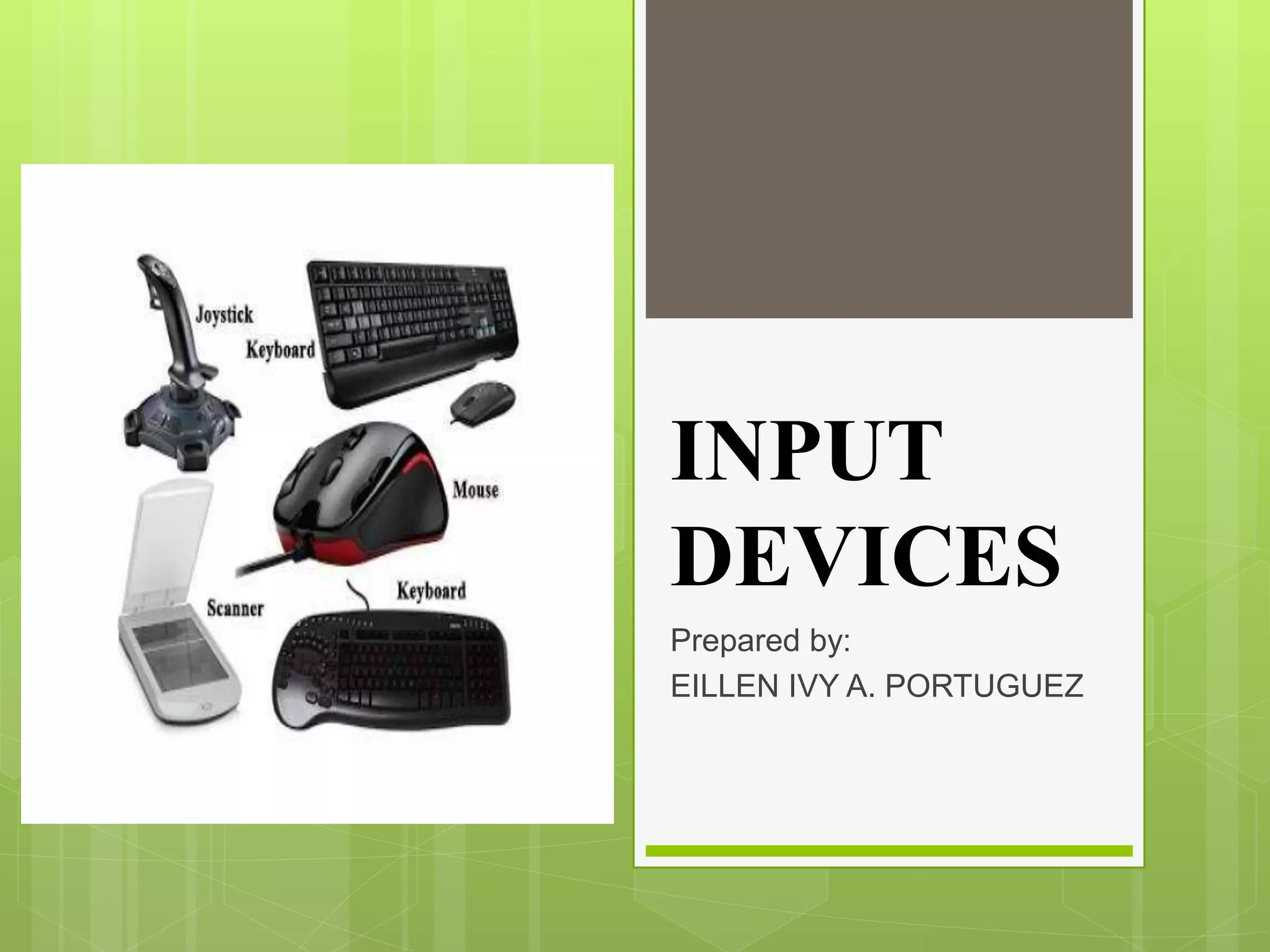
INPUT
DEVICES
Prepared by:
EILLEN IVY A. PORTUGUEZ
What is Input Devices?
 Accepts data and instructions from the user or
from another computer system.
Two Types of Input Devices
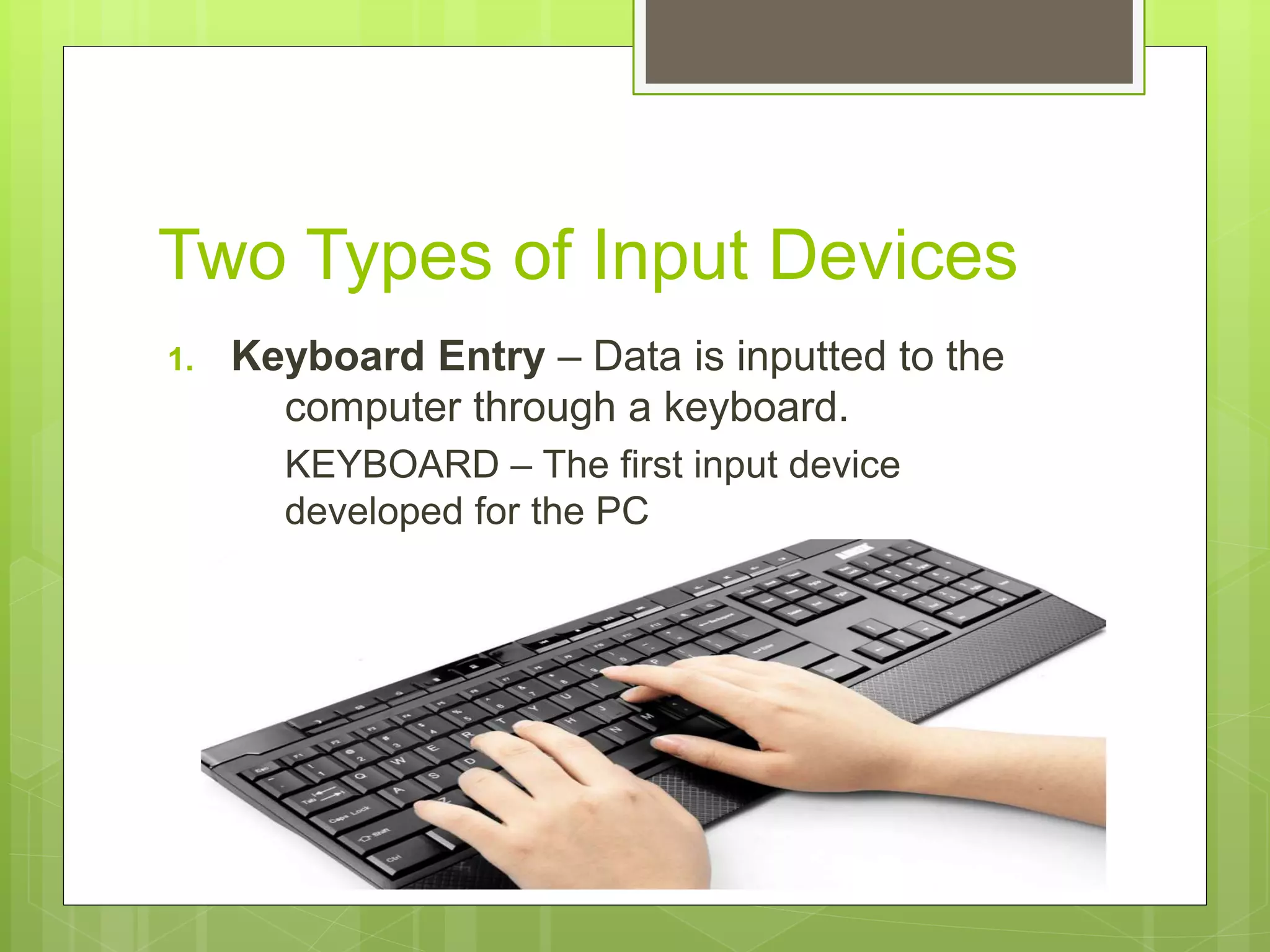
1. Keyboard Entry – Data is inputted to the
computer through a keyboard.
KEYBOARD – The first input device
developed for the PC
2. Direct Entry - Form of input that does not
require data to be keyed by someone sitting
at the keyboard. Direct entry devices create
machine-readable data on paper, or magnetic
media, or feed directly into the computer’s
CPU.
3 Categories of Direct Entry
Devices.
1. Pointing Devices – An input device used to
move the pointer (cursor) on screen.
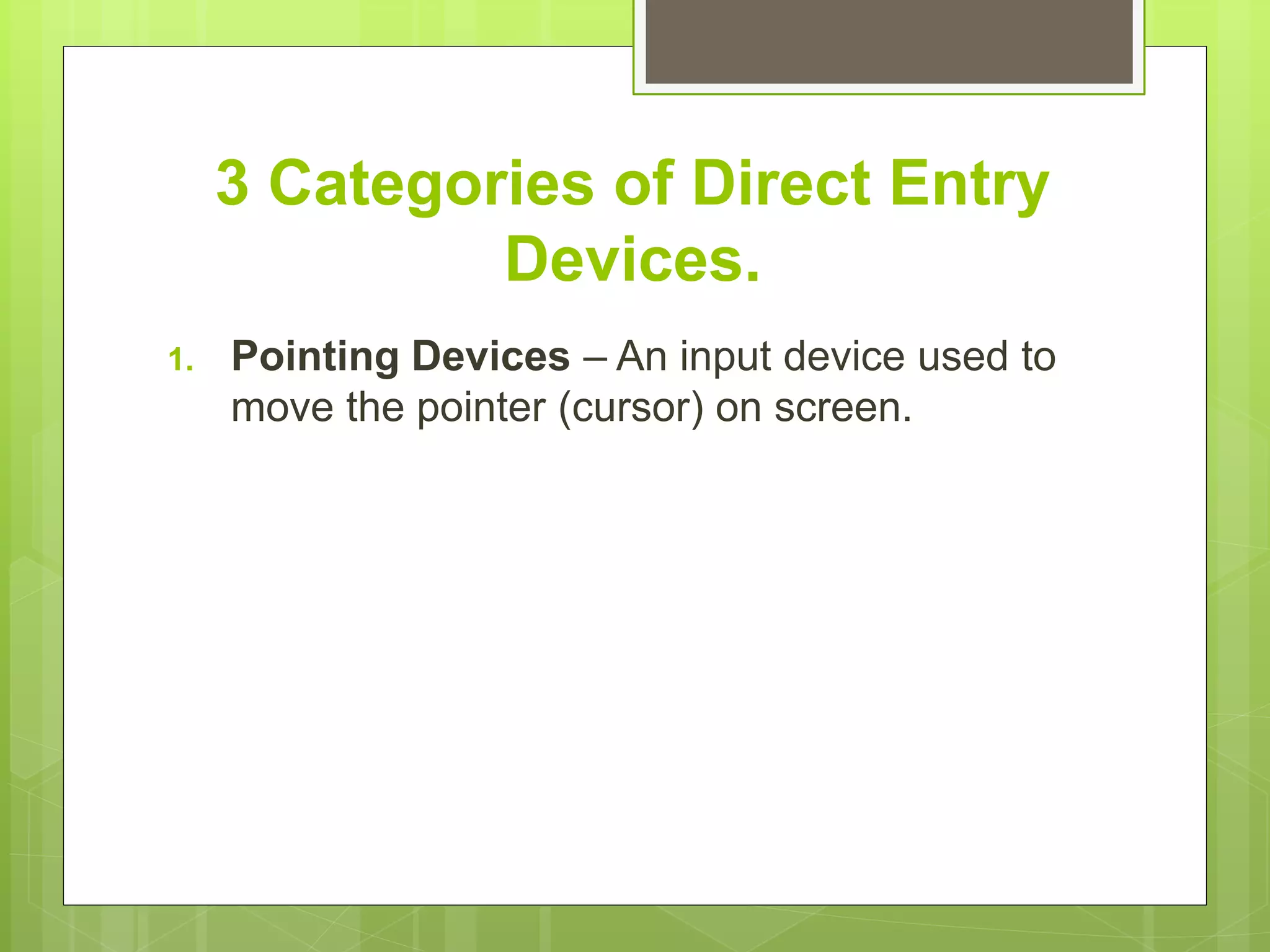
Mouse
 The most common
pointing device used in
PCs. Every mouse has
two buttons and most
have one or two scroll
wheels.
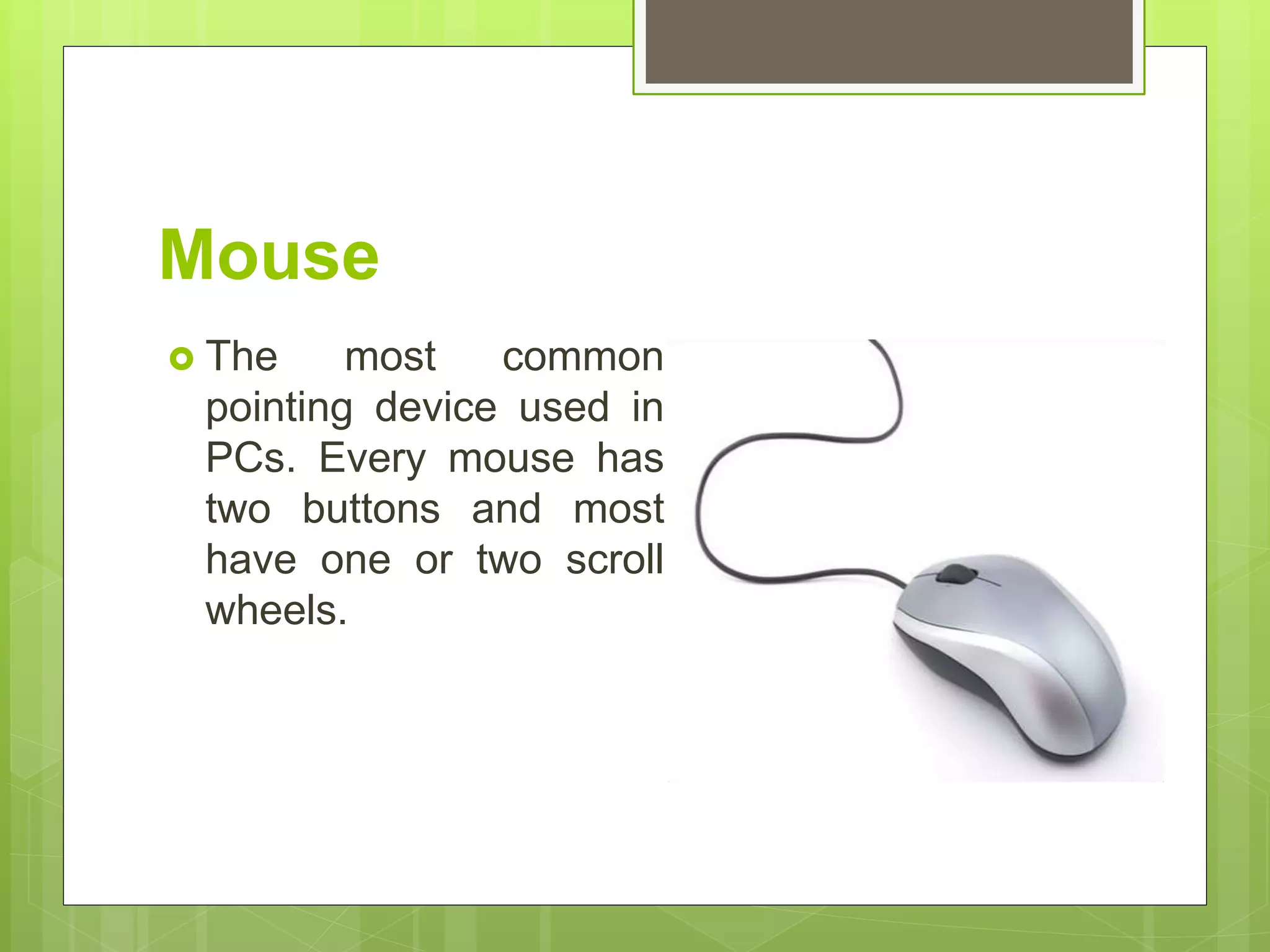
Touch Screen
 A display screen that is
sensitive to the touch of
a finger or stylus. Used
in myriad applications,
including ATM
machines, retail point-of-
sale terminals, car
navigation and industrial
controls. The touch
became widely popular
for smart phones and
tablets.
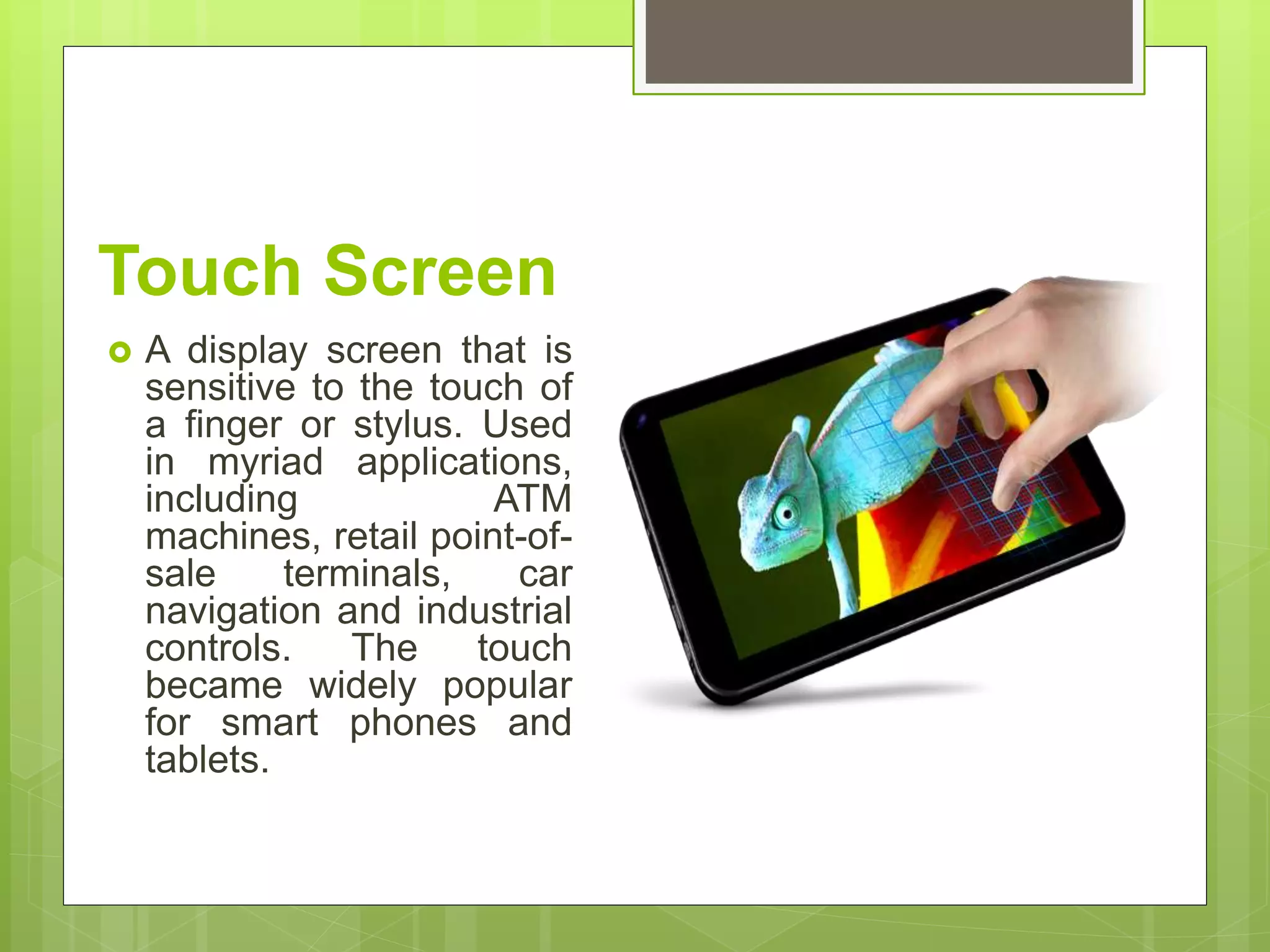
Light Pen
 A light sensitive stylus
wired to a video terminal
used to draw pictures or
select menu options. The
user brings the pen to the
desired point on screen
and presses the pen
button to make contact.
Digitizer Tablet
 A graphics drawing tablet
used for sketching new
images or tracing old ones.
Also called a “graphics
tablet”, the user contacts the
surface of the device with
wired or wireless pen.
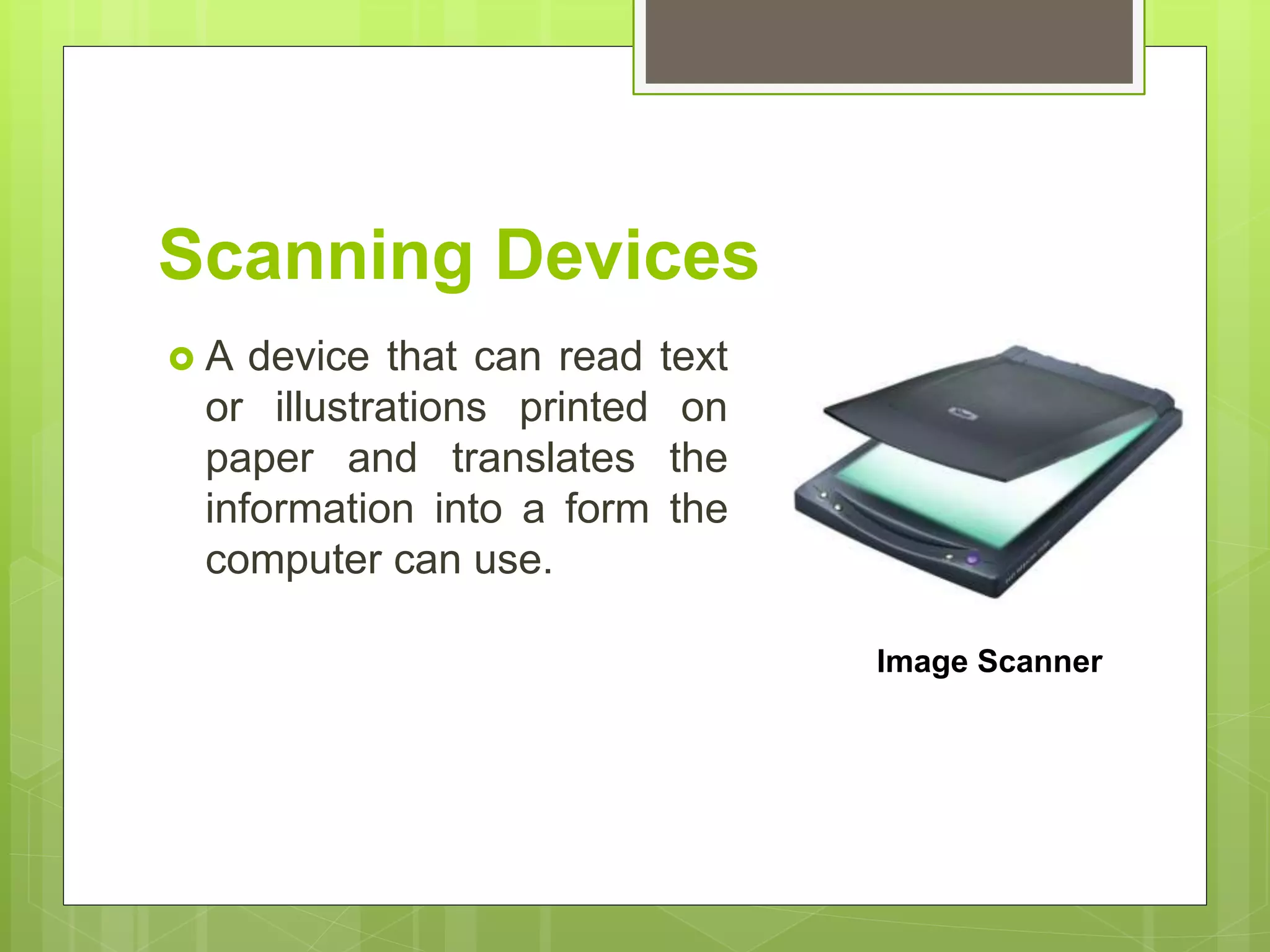
Scanning Devices
 A device that can read text
or illustrations printed on
paper and translates the
information into a form the
computer can use.
Image Scanner
Barcode Reader
A barcode reader (or barcode
scanner) is an electronic device that
can read and output
printed barcodes to a computer. Like
a flatbed scanner, it consists of a light
source, a lens and a light sensor
translating optical impulses into
electrical ones.
Voice Input
 Audio Input Devices also
known as speech or
voice recognition system
that allow a user to send
audio signals to a
computer for processing,
recording, or carrying out
commands.
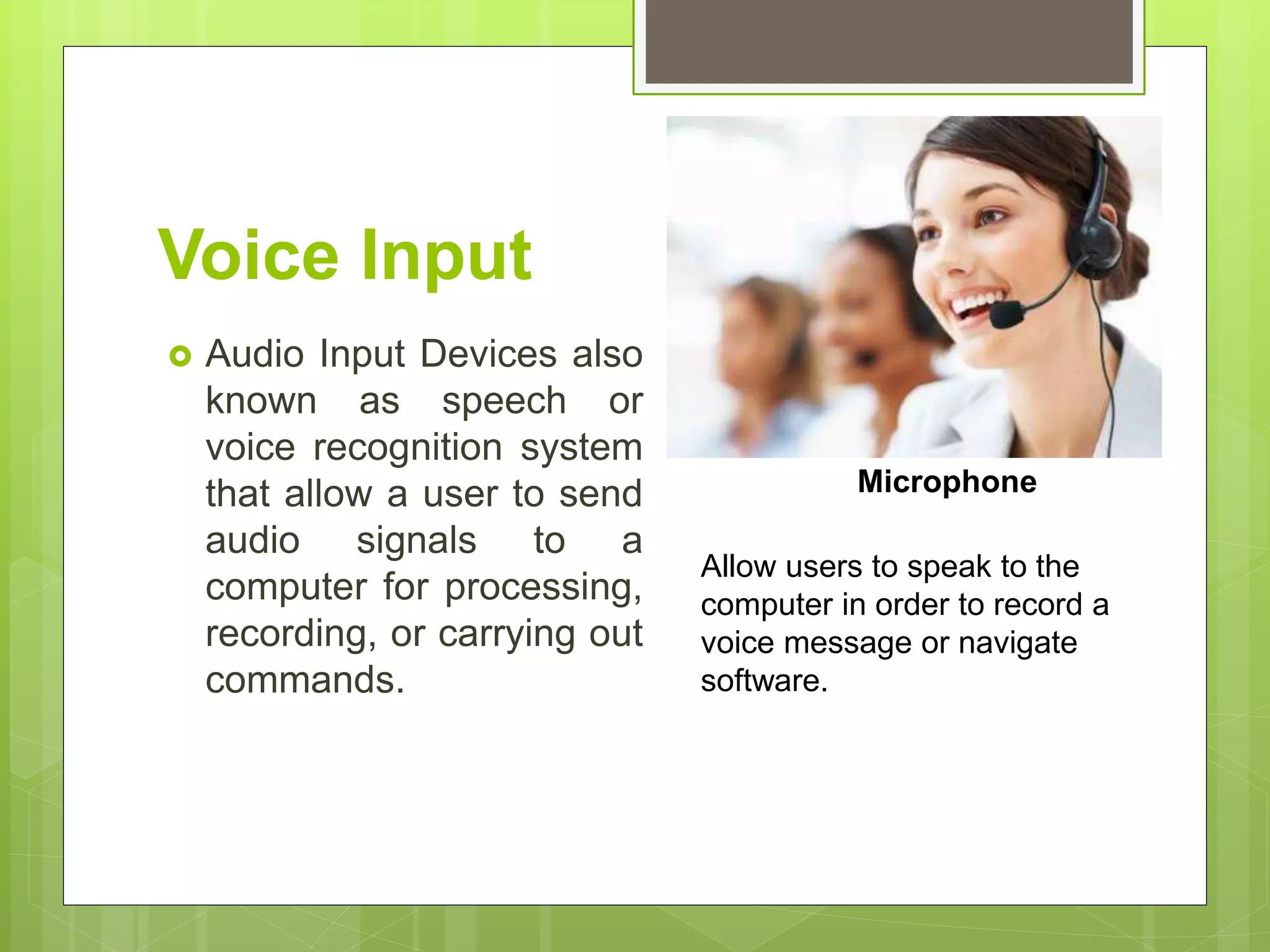
Microphone
Allow users to speak to the
computer in order to record a
voice message or navigate
software.
OUTPUT DEVICES
Any piece of computer hardware that displays
results after the computer has processed the
input data that has been entered.
Computer Display Monitor
It displays information in visual form, using
text and graphics. The portion of the monitor
that displays the information is called the
screen or video display terminal.
TYPES OF MONITOR
A. CRT Monitor – Cathode Ray Tubes (CRT)
were the only type of displays for use with
desktops PCs. They are relatively big (14” to
16” deep) and heavy
(over 15 lbs.)
B. LCD Monitors – Liquid Crystal Display (LCD)
technology has been used in laptops for some
time. It has recently been made commercially
available as monitors for desktop PCs.
TYPES OF MONITOR
C. LED Monitors – (Light Emitting Diode)
- A display and lighting technology used in
almost electrical and electronic product on the
market.
TYPES OF MONITOR
LCD Projectors
 Utilize two sheets of polarizing martial with a
liquid crystal solution between them.
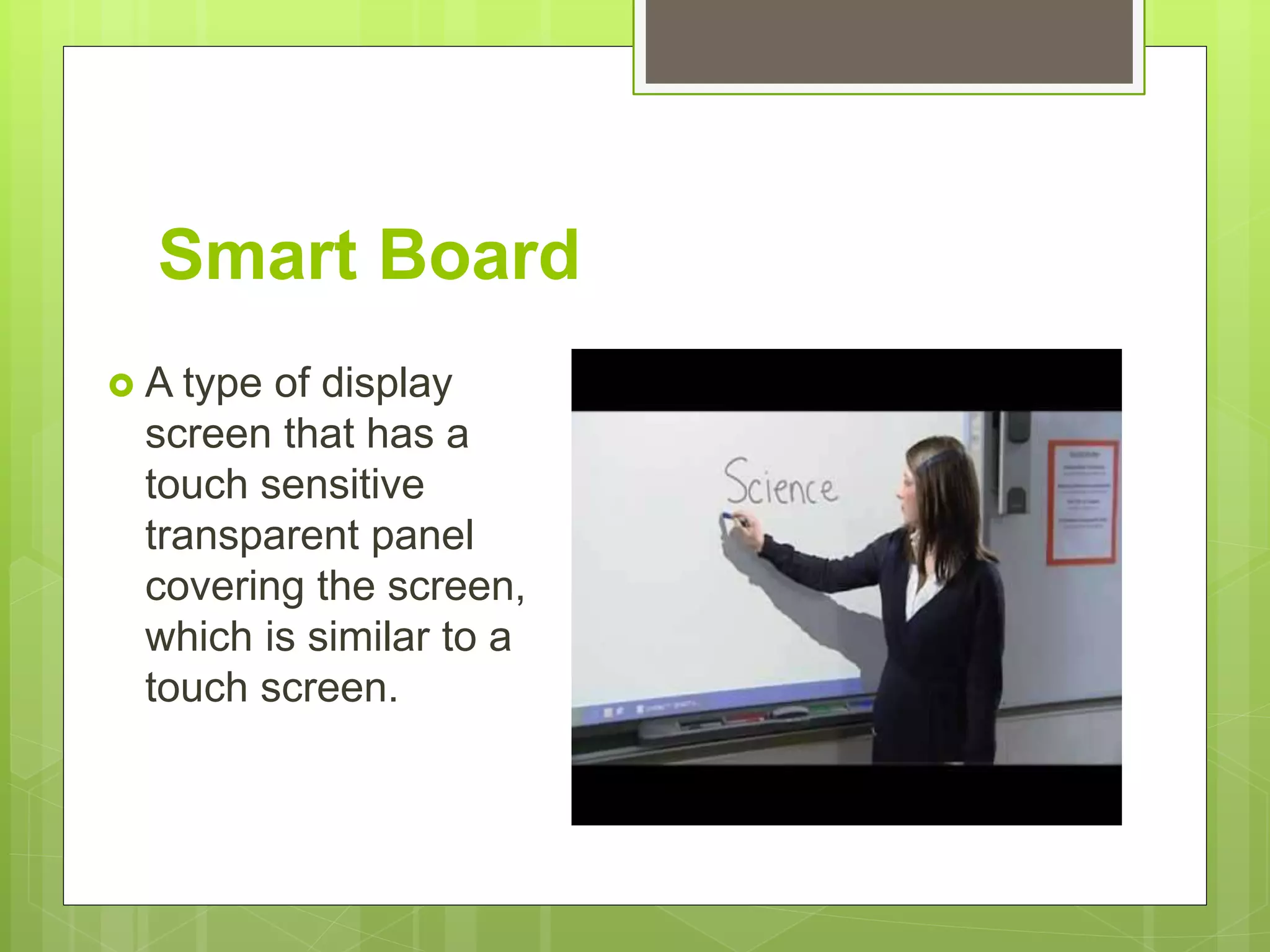
Smart Board
 A type of display
screen that has a
touch sensitive
transparent panel
covering the screen,
which is similar to a
touch screen.
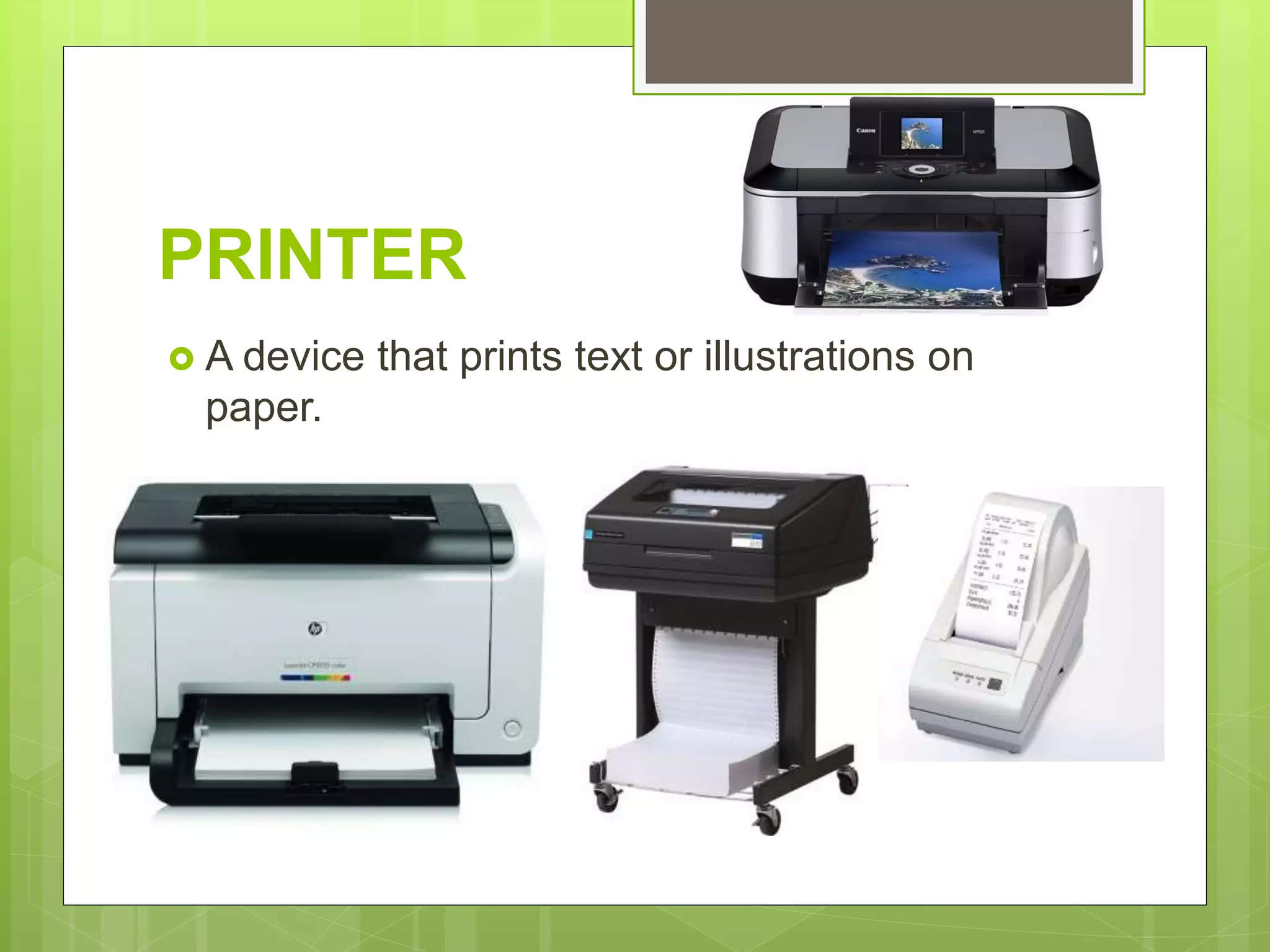
PRINTER
 A device that prints text or illustrations on
paper.
TYPES OF PRINTER
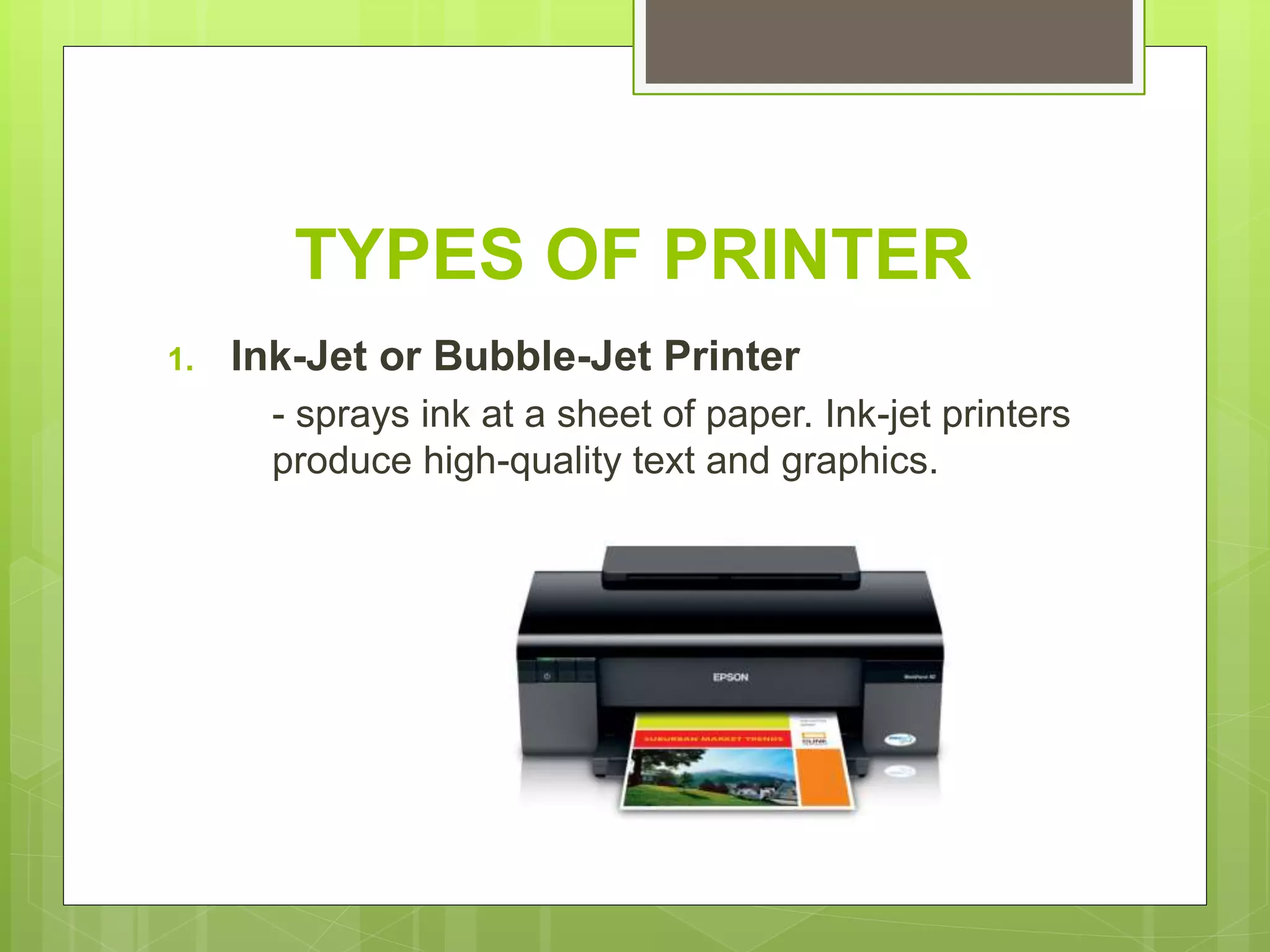
1. Ink-Jet or Bubble-Jet Printer
- sprays ink at a sheet of paper. Ink-jet printers
produce high-quality text and graphics.
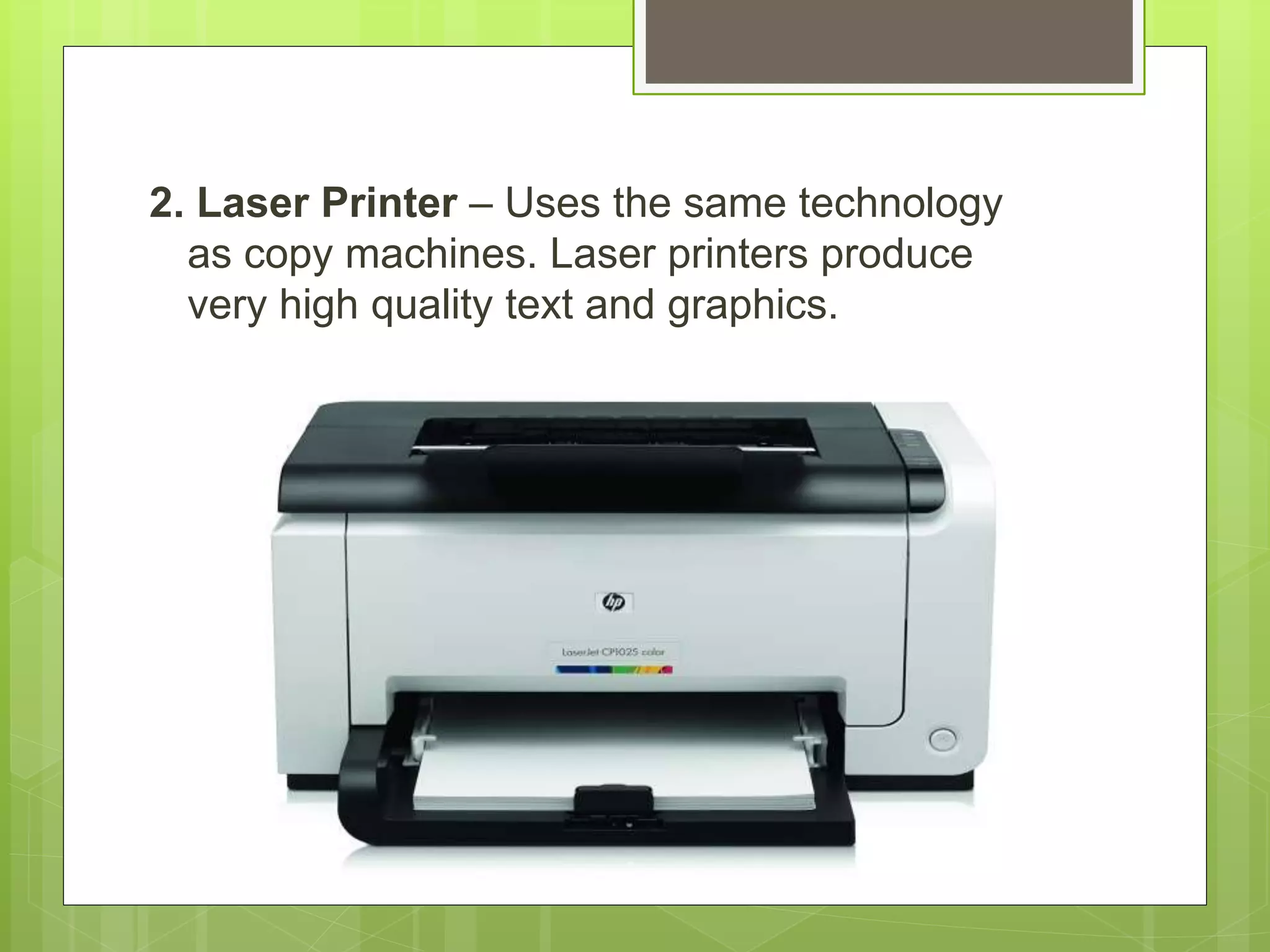
2. Laser Printer – Uses the same technology
as copy machines. Laser printers produce
very high quality text and graphics.
3. LCD and LED Printer – similar to a laser printer, but
uses liquid crystals or light-emitting diodes rather than
a laser to produce an image.
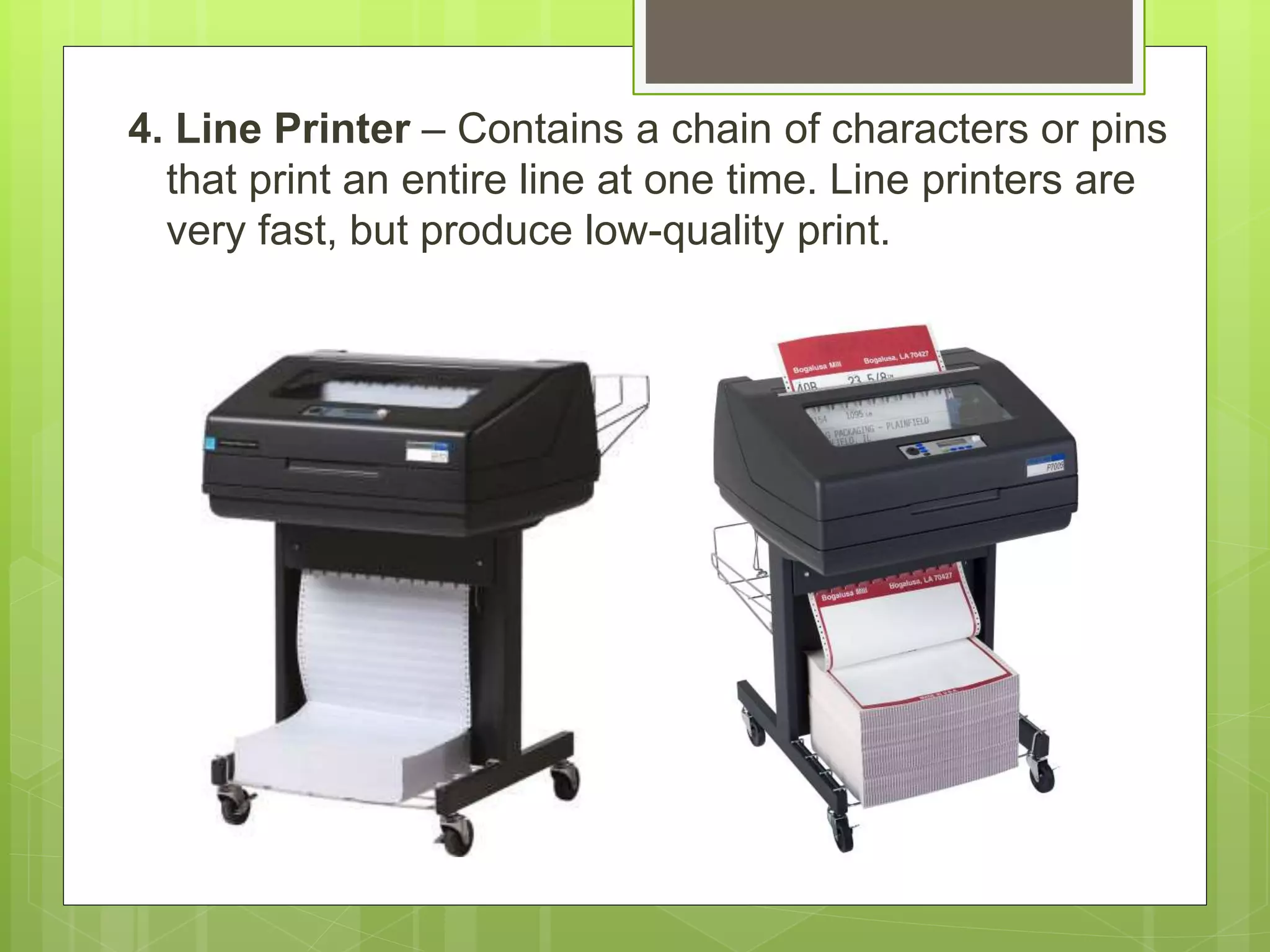
4. Line Printer – Contains a chain of characters or pins
that print an entire line at one time. Line printers are
very fast, but produce low-quality print.
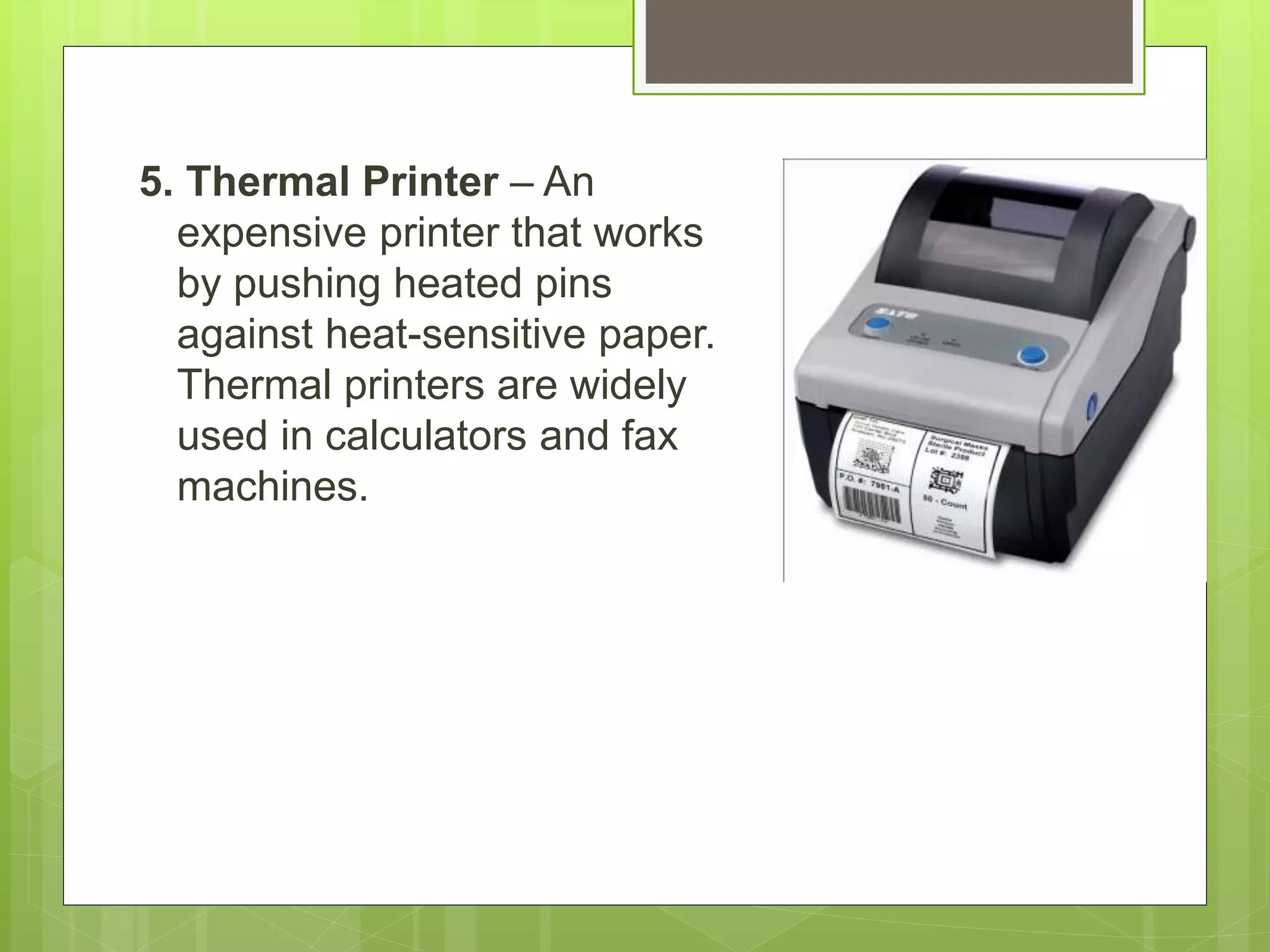
5. Thermal Printer – An
expensive printer that works
by pushing heated pins
against heat-sensitive paper.
Thermal printers are widely
used in calculators and fax
machines.
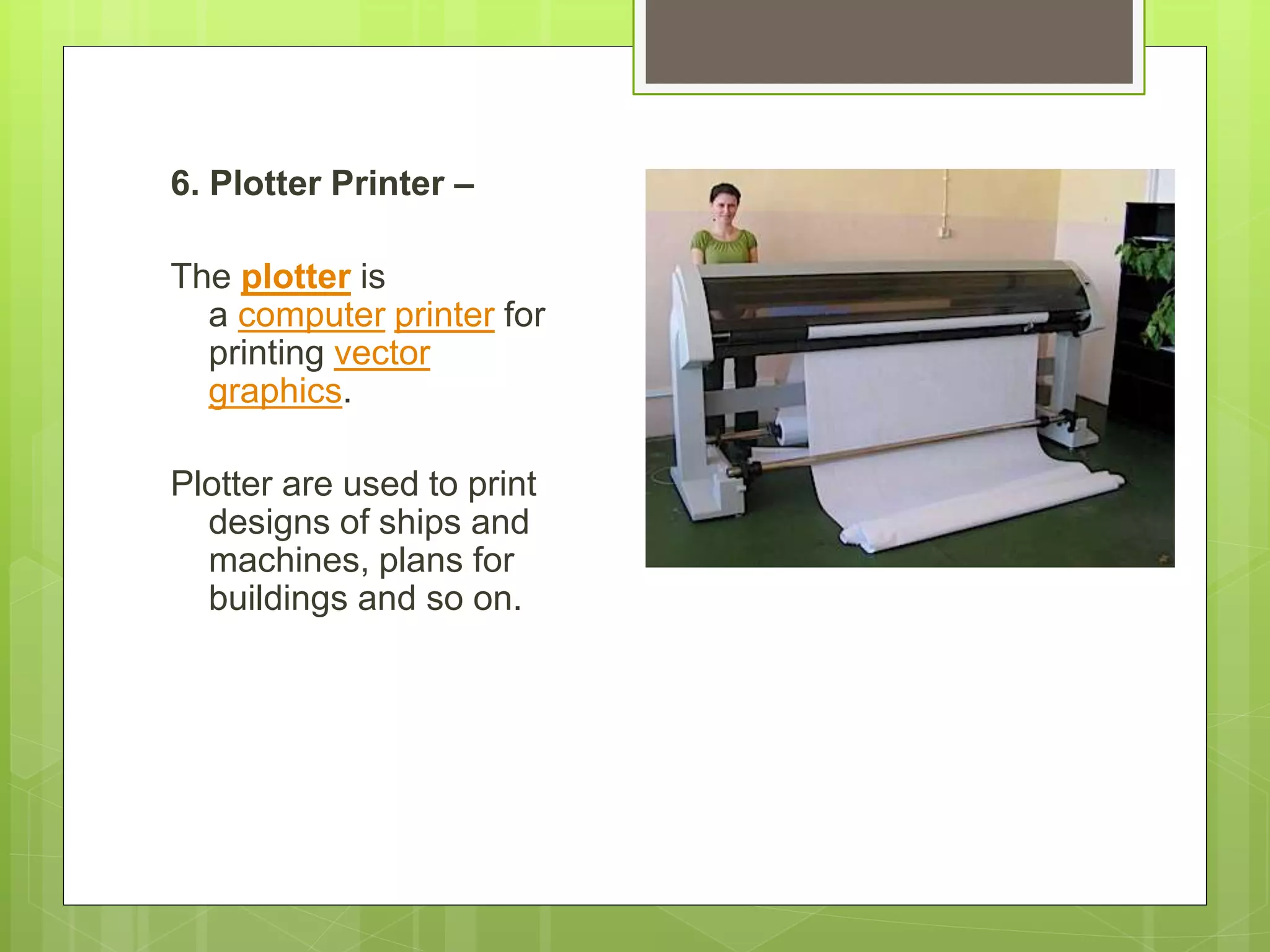
6. Plotter Printer –
The plotter is
a computer printer for
printing vector
graphics.
Plotter are used to print
designs of ships and
machines, plans for
buildings and so on.
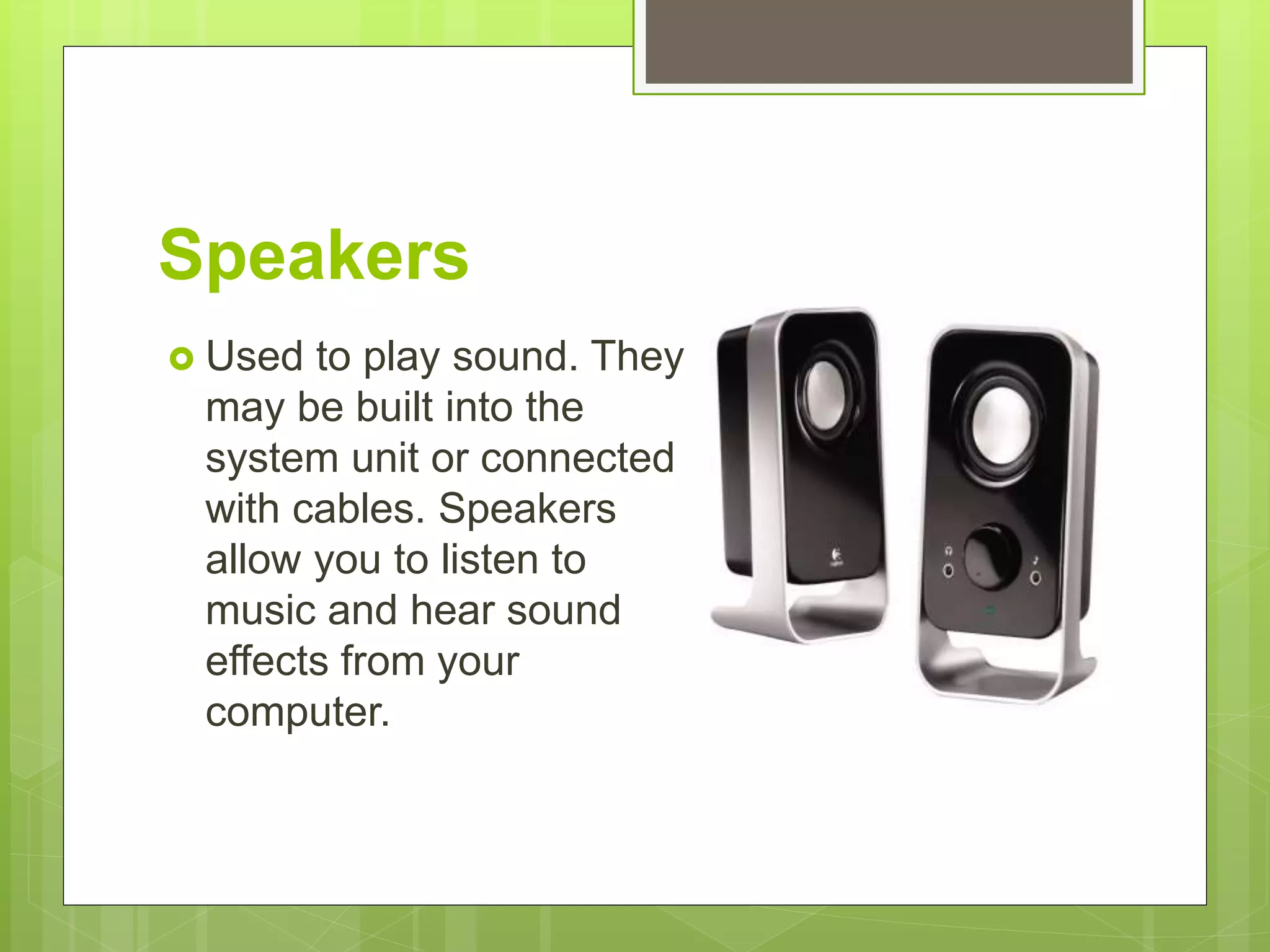
Speakers
 Used to play sound. They
may be built into the
system unit or connected
with cables. Speakers
allow you to listen to
music and hear sound
effects from your
computer.
Magnetic storage devices
 Today, magnetic storage is one of the most
common types of storage used with computers
and is the technology that many computer hard
drives use.
 Floppy diskette
 Hard drive
 Magnetic strip
 SuperDisk
 Tape cassette
 Zip diskette
Computer Storage Devices
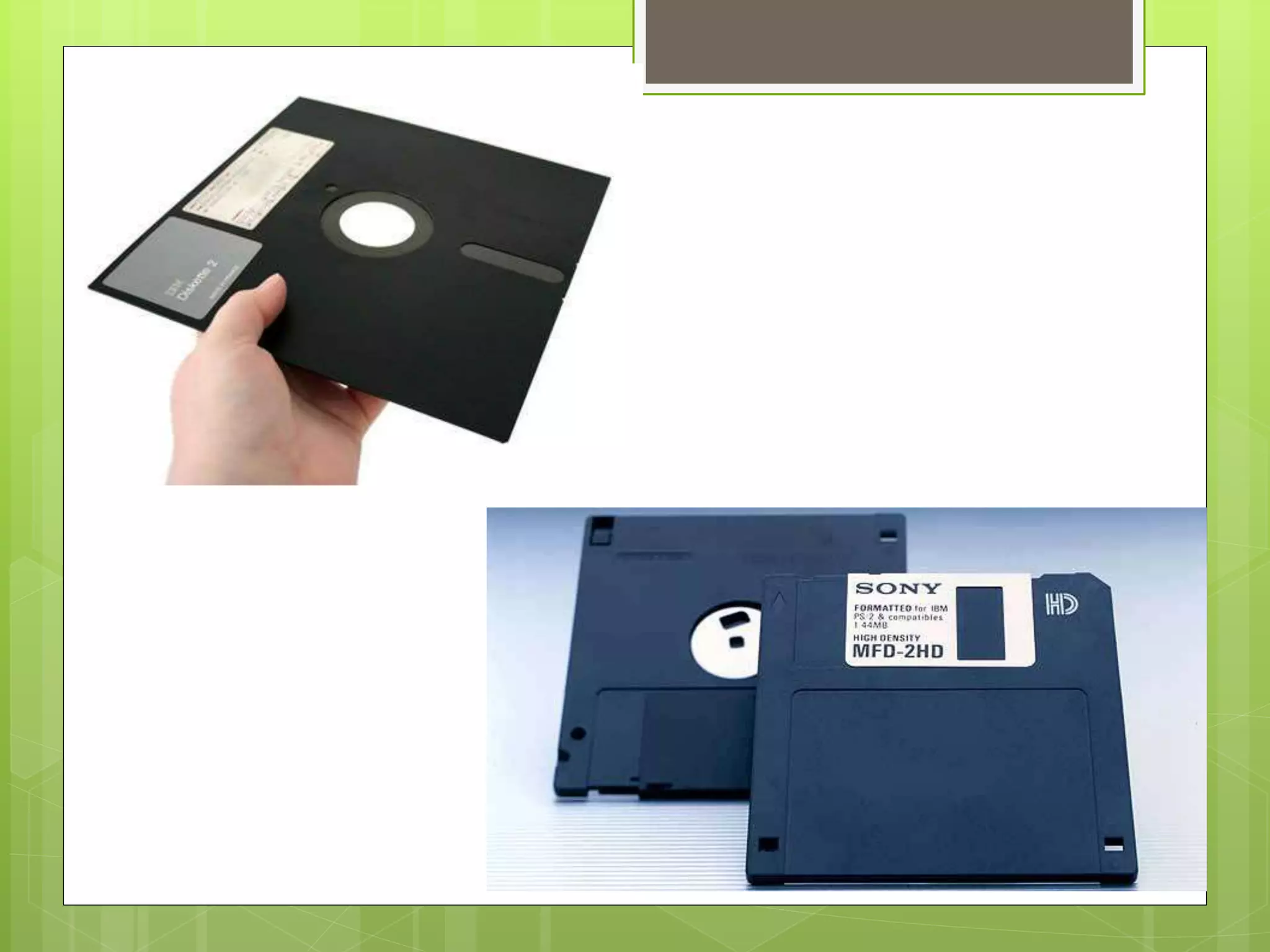
A Floppy Disk Drive, also called FDD or FD for
short, is a computer disk drive that enables a
user to save data to removable diskettes. the
first real disk drives used were the 5 1/4"
floppy disk drives, which were later replaced
with the 3 1/2" floppy disk drives.
Hard Drive
 A hard disk drive (sometimes abbreviated
as Hard drive, HD, or HDD) is a non-volatile
memory hardware device that permanently
stores and retrieves data on a computer.
What are the sizes of hard
drives?
 The hard drive is typically capable of storing more
data than any other drive, but its size can vary
depending on the type of drive and its age. Older
hard drives had a storage size of several
hundred megabytes (MB) to several gigabytes
(GB). Newer hard drives have a storage size of
several hundred gigabytes to several terabytes
(TB). Each year, new and improved technology
allows for increasing hard drive storage sizes.
Optical storage devices
Another common storage is optical storage,
which uses lasers and lights as its method of
reading and writing data.
 Blu-ray disc
 CD-ROM disc
 CD-R and CD-RW disc
 DVD-R, DVD+R, DVD-RW, and DVD+RW disc
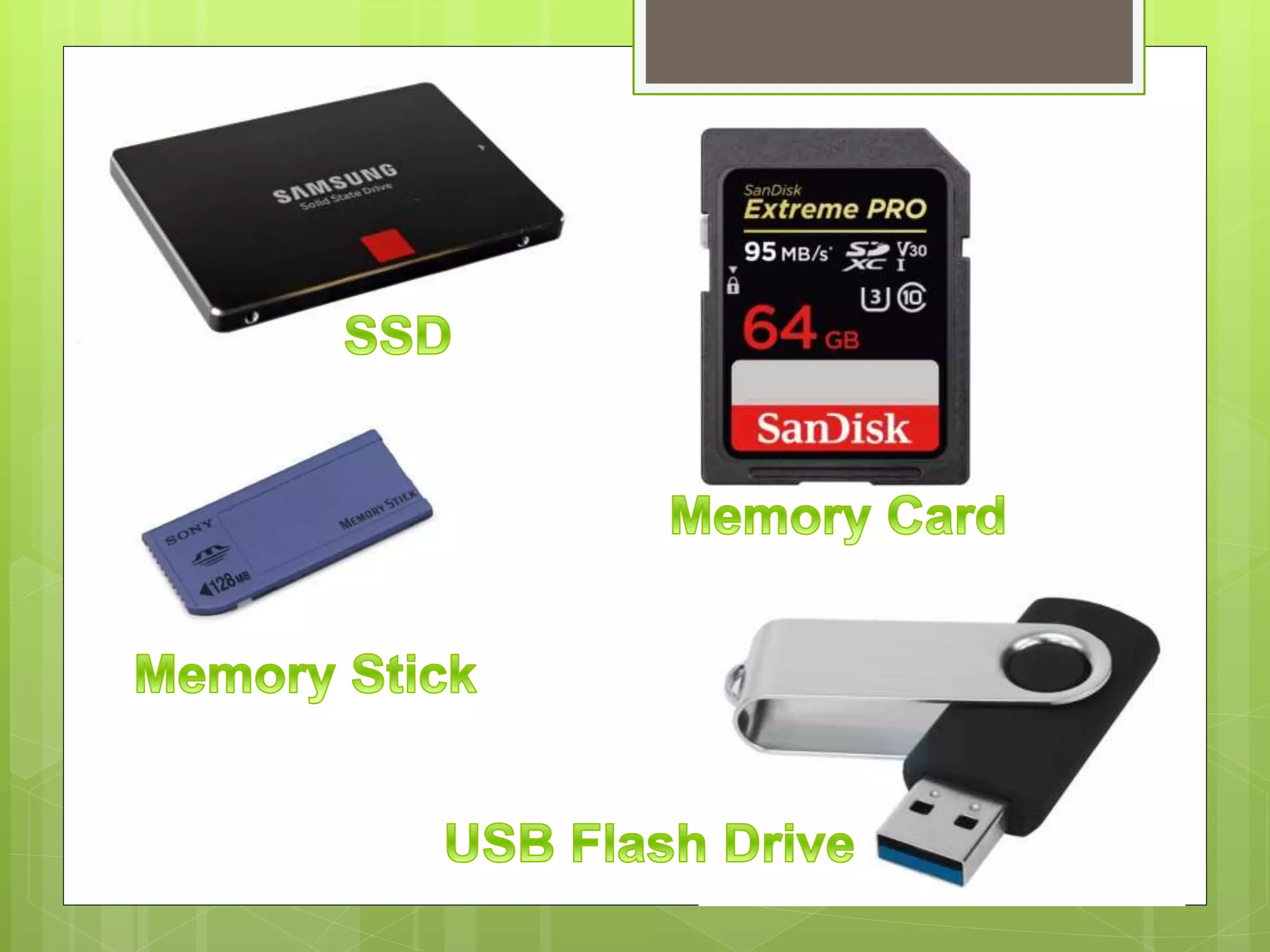
Flash memory devices
 Flash memory has started to replace
magnetic media as it becomes cheaper as it
is the more efficient and reliable solution.
 USB flash drive, jump drive, or thumb drive
 Memory card
 Memory stick
 SSD
Online and cloud
 Storing data online and in cloud storage is
becoming popular as people need to access
their data from more than one device.
 Cloud storage
 Network media
Cloud computing
 Cloud computing is a term used to describe services
provided over a network by a collection of remote servers.
This abstract "cloud" of computers provides massive,
distributed storage and processing power, which can be
accessed by any Internet-connected device running a web
browser.
 Because the term cloud computing is a broad term, it is
likely if you have spent any time on the Internet or use
devices connected to the Internet that you have used
some cloud computing. Below are some common
examples of cloud computing you have likely heard of or
used.

Input devices

  • 1.
  • 2.
    What is InputDevices?  Accepts data and instructions from the user or from another computer system.
  • 3.
    Two Types ofInput Devices 1. Keyboard Entry – Data is inputted to the computer through a keyboard. KEYBOARD – The first input device developed for the PC
  • 4.
    2. Direct Entry- Form of input that does not require data to be keyed by someone sitting at the keyboard. Direct entry devices create machine-readable data on paper, or magnetic media, or feed directly into the computer’s CPU.
  • 5.
    3 Categories ofDirect Entry Devices. 1. Pointing Devices – An input device used to move the pointer (cursor) on screen.
  • 6.
    Mouse  The mostcommon pointing device used in PCs. Every mouse has two buttons and most have one or two scroll wheels.
  • 7.
    Touch Screen  Adisplay screen that is sensitive to the touch of a finger or stylus. Used in myriad applications, including ATM machines, retail point-of- sale terminals, car navigation and industrial controls. The touch became widely popular for smart phones and tablets.
  • 8.
    Light Pen  Alight sensitive stylus wired to a video terminal used to draw pictures or select menu options. The user brings the pen to the desired point on screen and presses the pen button to make contact.
  • 9.
    Digitizer Tablet  Agraphics drawing tablet used for sketching new images or tracing old ones. Also called a “graphics tablet”, the user contacts the surface of the device with wired or wireless pen.
  • 10.
    Scanning Devices  Adevice that can read text or illustrations printed on paper and translates the information into a form the computer can use. Image Scanner
  • 11.
    Barcode Reader A barcodereader (or barcode scanner) is an electronic device that can read and output printed barcodes to a computer. Like a flatbed scanner, it consists of a light source, a lens and a light sensor translating optical impulses into electrical ones.
  • 12.
    Voice Input  AudioInput Devices also known as speech or voice recognition system that allow a user to send audio signals to a computer for processing, recording, or carrying out commands. Microphone Allow users to speak to the computer in order to record a voice message or navigate software.
  • 13.
    OUTPUT DEVICES Any pieceof computer hardware that displays results after the computer has processed the input data that has been entered.
  • 14.
    Computer Display Monitor ComputerDisplay Monitor It displays information in visual form, using text and graphics. The portion of the monitor that displays the information is called the screen or video display terminal.
  • 15.
    TYPES OF MONITOR A.CRT Monitor – Cathode Ray Tubes (CRT) were the only type of displays for use with desktops PCs. They are relatively big (14” to 16” deep) and heavy (over 15 lbs.)
  • 16.
    B. LCD Monitors– Liquid Crystal Display (LCD) technology has been used in laptops for some time. It has recently been made commercially available as monitors for desktop PCs. TYPES OF MONITOR
  • 17.
    C. LED Monitors– (Light Emitting Diode) - A display and lighting technology used in almost electrical and electronic product on the market. TYPES OF MONITOR
  • 18.
    LCD Projectors  Utilizetwo sheets of polarizing martial with a liquid crystal solution between them.
  • 19.
    Smart Board  Atype of display screen that has a touch sensitive transparent panel covering the screen, which is similar to a touch screen.
  • 20.
    PRINTER  A devicethat prints text or illustrations on paper.
  • 21.
    TYPES OF PRINTER 1.Ink-Jet or Bubble-Jet Printer - sprays ink at a sheet of paper. Ink-jet printers produce high-quality text and graphics.
  • 22.
    2. Laser Printer– Uses the same technology as copy machines. Laser printers produce very high quality text and graphics.
  • 23.
    3. LCD andLED Printer – similar to a laser printer, but uses liquid crystals or light-emitting diodes rather than a laser to produce an image.
  • 24.
    4. Line Printer– Contains a chain of characters or pins that print an entire line at one time. Line printers are very fast, but produce low-quality print.
  • 25.
    5. Thermal Printer– An expensive printer that works by pushing heated pins against heat-sensitive paper. Thermal printers are widely used in calculators and fax machines.
  • 26.
    6. Plotter Printer– The plotter is a computer printer for printing vector graphics. Plotter are used to print designs of ships and machines, plans for buildings and so on.
  • 27.
    Speakers  Used toplay sound. They may be built into the system unit or connected with cables. Speakers allow you to listen to music and hear sound effects from your computer.
  • 28.
    Magnetic storage devices Today, magnetic storage is one of the most common types of storage used with computers and is the technology that many computer hard drives use.  Floppy diskette  Hard drive  Magnetic strip  SuperDisk  Tape cassette  Zip diskette
  • 29.
    Computer Storage Devices AFloppy Disk Drive, also called FDD or FD for short, is a computer disk drive that enables a user to save data to removable diskettes. the first real disk drives used were the 5 1/4" floppy disk drives, which were later replaced with the 3 1/2" floppy disk drives.
  • 31.
    Hard Drive  Ahard disk drive (sometimes abbreviated as Hard drive, HD, or HDD) is a non-volatile memory hardware device that permanently stores and retrieves data on a computer.
  • 32.
    What are thesizes of hard drives?  The hard drive is typically capable of storing more data than any other drive, but its size can vary depending on the type of drive and its age. Older hard drives had a storage size of several hundred megabytes (MB) to several gigabytes (GB). Newer hard drives have a storage size of several hundred gigabytes to several terabytes (TB). Each year, new and improved technology allows for increasing hard drive storage sizes.
  • 33.
    Optical storage devices Anothercommon storage is optical storage, which uses lasers and lights as its method of reading and writing data.  Blu-ray disc  CD-ROM disc  CD-R and CD-RW disc  DVD-R, DVD+R, DVD-RW, and DVD+RW disc
  • 34.
    Flash memory devices Flash memory has started to replace magnetic media as it becomes cheaper as it is the more efficient and reliable solution.  USB flash drive, jump drive, or thumb drive  Memory card  Memory stick  SSD
  • 36.
    Online and cloud Storing data online and in cloud storage is becoming popular as people need to access their data from more than one device.  Cloud storage  Network media
  • 38.
    Cloud computing  Cloudcomputing is a term used to describe services provided over a network by a collection of remote servers. This abstract "cloud" of computers provides massive, distributed storage and processing power, which can be accessed by any Internet-connected device running a web browser.  Because the term cloud computing is a broad term, it is likely if you have spent any time on the Internet or use devices connected to the Internet that you have used some cloud computing. Below are some common examples of cloud computing you have likely heard of or used.