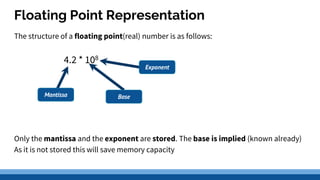
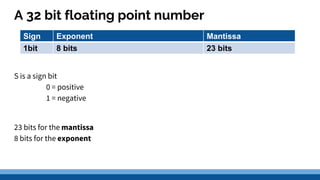
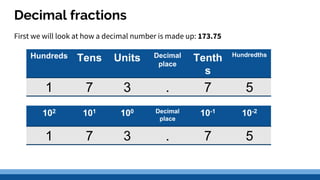
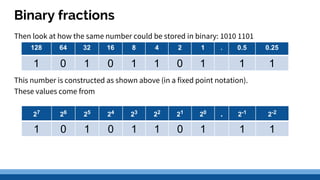
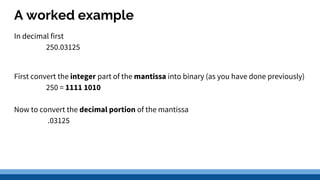
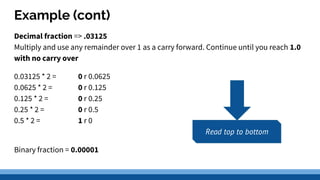
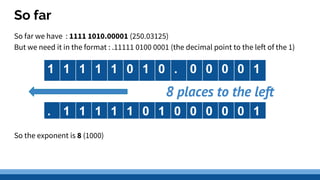
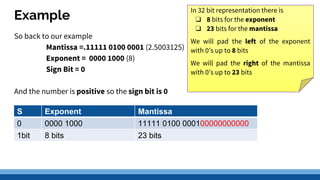
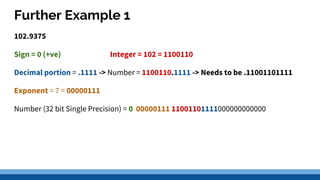
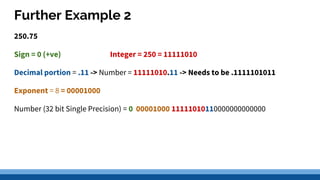
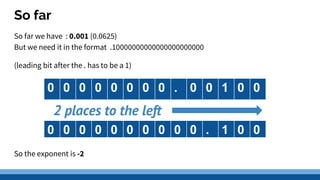
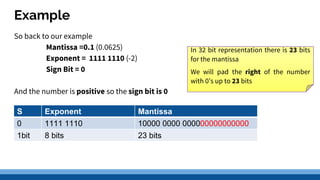
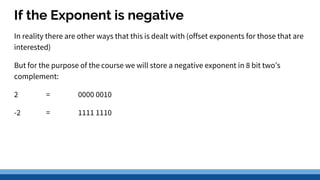
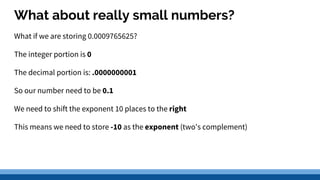
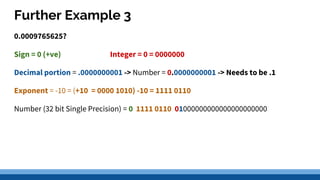
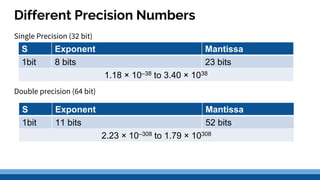
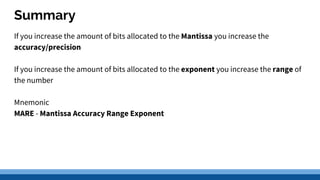
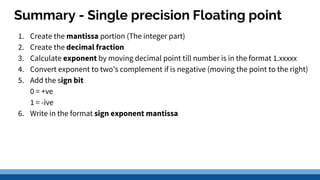
Real numbers can be stored using floating point representation, which separates a real number into three parts: a sign bit, exponent, and mantissa. The exponent indicates the power of the base 10 that the mantissa is multiplied by. Common standards like IEEE 754 define single and double precision formats that allocate more bits for higher precision at the cost of range. Summarizing a floating point number involves determining the exponent by shifting the decimal, converting the number to a leading digit mantissa, and writing the sign, exponent, and mantissa based on the specified precision format.