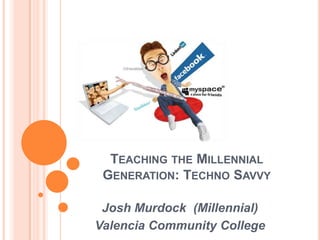
Teaching the Millennial Generation: Techno SavvyJosh Murdock  (Millennial)Valencia Community College
Our Millennial Futurehttp://www.youtube.com/watch?v=ogVTkB_4aOs2
The Millennial GenerationThe Millennial Generation has emerged as a force that will shape the social and economic dynamics of the next decade (Howe & Strauss, 2000).The definition of when millennials were born varies, with estimates ranging from 1977 (Tapscott, 1998) to 1982 (Howe & Strauss, 2000).Researchers agree that the uniqueness of millennials results from technological forces that have affected this generation.Unique millennial competency is the ability to effectively use broadly networked digital communication technologies to quickly and seamlessly accomplish a variety of tasks.This competency has resulted from their experiences with Internet communities (Gorman, Nelson, & Glassman, 2004).3
Millennial Students CharacteristicsWhat do you believe are the characteristics of a millennial? Relatively ShelteredGrew up among “kid safety rules”: school lockdowns, national youth safety movementsMore conventional than Gen-XersHigh level confidence / self importanceTeam OrientedClose with ParentsTechnology Savvy 4
How they “Tick”Exposed to vast amounts of information at a very young ageDifferent patterns of communications and social intimacyAmbitious, but with unrealistic expectationsWell aware of rules, but enjoy the challenge of circumventing the rules5
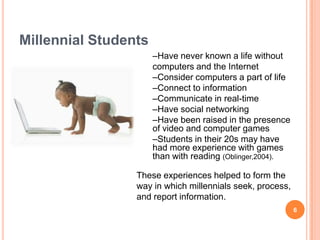
Millennial Students6Have never known a life withoutcomputers and the InternetConsider computers a part of life
Connect to information
Communicate in real-time
Have social networking
Have been raised in the presence of video and computer games
Students in their 20s may have had more experience with games than with reading (Oblinger,2004).These experiences helped to form the way in which millennials seek, process, and report information.
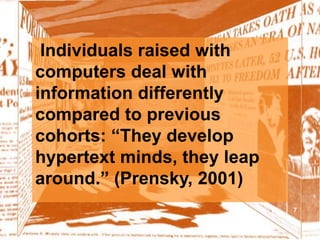
7Individuals raised with computers deal with information differently compared to previous cohorts: “They develop hypertext minds, they leap around.” (Prensky, 2001)
8
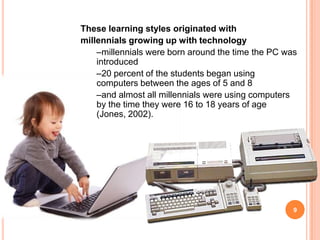
9These learning styles originated withmillennials growing up with technologymillennials were born around the time the PC was introduced
20 percent of the students began using computers between the ages of 5 and 8
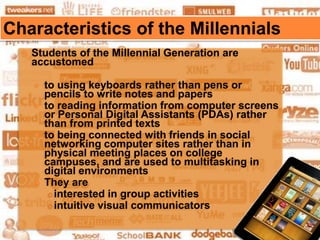
and almost all millennials were using computers by the time they were 16 to 18 years of age (Jones, 2002). 	Characteristics of the MillennialsStudents of the Millennial Generation are accustomedto using keyboards rather than pens or pencils to write notes and papersto reading information from computer screens or Personal Digital Assistants (PDAs) rather than from printed textsto being connected with friends in social networking computer sites rather than in physical meeting places on college campuses, and are used to multitasking in digital environments They areinterested in group activitiesintuitive visual communicators 10
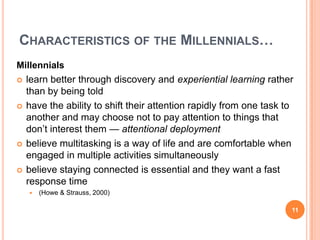
Characteristics of the Millennials…Millennialslearn better through discovery and experiential learning rather than by being toldhave the ability to shift their attention rapidly from one task to another and may choose not to pay attention to things that don’t interest them — attentional deploymentbelieve multitasking is a way of life and are comfortable when engaged in multiple activities simultaneouslybelieve staying connected is essential and they want a fast response time(Howe & Strauss, 2000)11
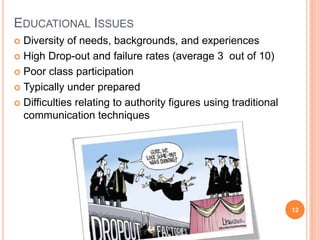
Educational IssuesDiversity of needs, backgrounds, and experiencesHigh Drop-out and failure rates (average 3  out of 10)Poor class participationTypically under preparedDifficulties relating to authority figures using traditional communication techniques 12
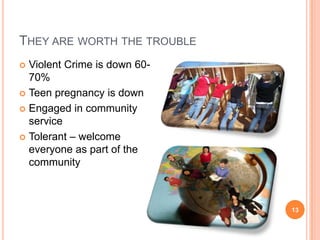
They are worth the troubleViolent Crime is down 60-70%Teen pregnancy is downEngaged in community serviceTolerant – welcome everyone as part of the community13
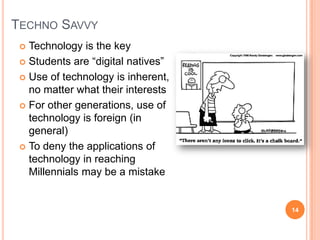
Techno SavvyTechnology is the keyStudents are “digital natives”Use of technology is inherent, no matter what their interestsFor other generations, use of technology is foreign (in general)To deny the applications of technology in reaching Millennials may be a mistake14
ENGAGING THE MILLENNIALSMillennialslearn at a fast pace that does not involve a “telling style”/ “text-oriented” style of teachinglike visual examples, less text, and less tellingwant interactivityOur challenge is to introduce new learning and teaching approaches to engage the millennial students. 15
A Vision of K-12 Students Todayhttp://www.youtube.com/watch?v=_A-ZVCjfWf816
Don’t forget: You can copy-paste this slide into other presentations, and move or resize the poll.
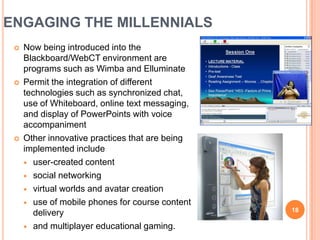
ENGAGING THE MILLENNIALSNow being introduced into the Blackboard/WebCT environment are programs such as Wimba and ElluminatePermit the integration of different technologies such as synchronized chat, use of Whiteboard, online text messaging, and display of PowerPoints with voice accompaniment Other innovative practices that are being implemented includeuser-created contentsocial networking virtual worlds and avatar creation use of mobile phones for course content deliveryand multiplayer educational gaming.18
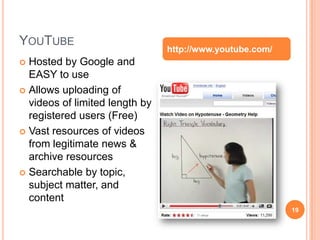
YouTube19http://www.youtube.com/Hosted by Google and EASY to useAllows uploading of videos of limited length by registered users (Free)Vast resources of videos from legitimate news & archive resourcesSearchable by topic, subject matter, and content
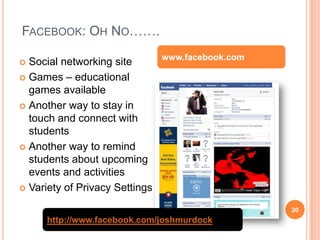
Facebook: Oh No…….20www.facebook.comSocial networking siteGames – educational games availableAnother way to stay in touch and connect with studentsAnother way to remind students about upcoming events and activities Variety of Privacy Settingshttp://www.facebook.com/joshmurdock
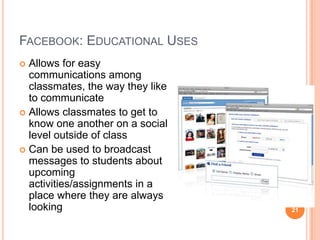
Facebook: Educational UsesAllows for easy communications among classmates, the way they like to communicateAllows classmates to get to know one another on a social level outside of classCan be used to broadcast messages to students about upcoming activities/assignments in a place where they are always looking 21
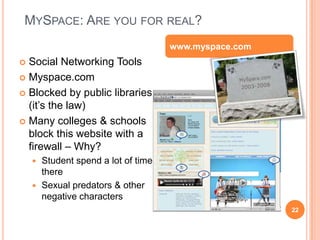
MySpace: Are you for real? 22www.myspace.com Social Networking ToolsMyspace.comBlocked by public libraries (it’s the law) Many colleges & schools block this website with a firewall – Why?Student spend a lot of time thereSexual predators & other negative characters
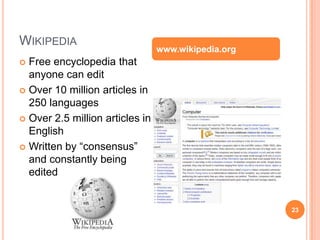
Wikipedia23www.wikipedia.orgFree encyclopedia that anyone can editOver 10 million articles in 250 languagesOver 2.5 million articles in EnglishWritten by “consensus” and constantly being edited
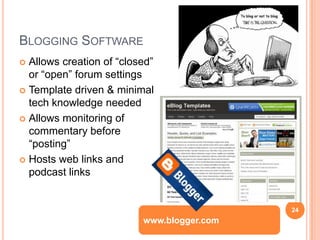
Blogging Software	24Allows creation of “closed” or “open” forum settingsTemplate driven & minimal tech knowledge neededAllows monitoring of commentary before “posting”Hosts web links and podcast linkswww.blogger.com
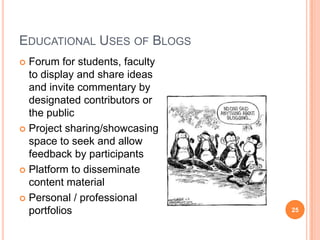
Educational Uses of Blogs	25Forum for students, faculty to display and share ideas and invite commentary by designated contributors or the publicProject sharing/showcasing space to seek and allow feedback by participantsPlatform to disseminate content materialPersonal / professional portfolios
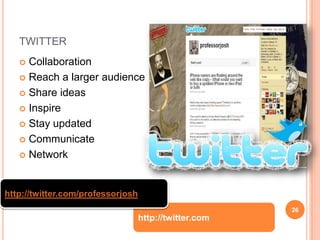
twitter	26CollaborationReach a larger audienceShare ideasInspireStay updatedCommunicateNetworkhttp://twitter.com/professorjoshhttp://twitter.com
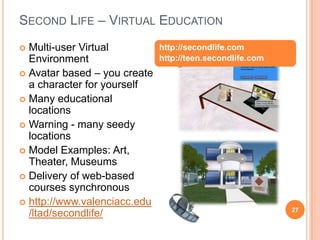
Second Life – Virtual Education27Multi-user Virtual EnvironmentAvatar based – you create a character for yourselfMany educational locationsWarning - many seedy locationsModel Examples: Art, Theater, MuseumsDelivery of web-based courses synchronous http://www.valenciacc.edu/ltad/secondlife/http://secondlife.comhttp://teen.secondlife.com
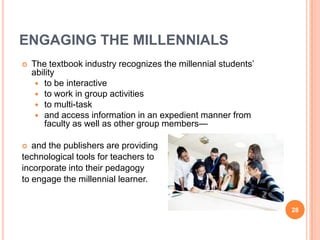
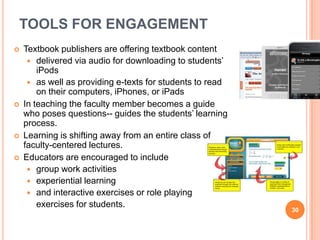
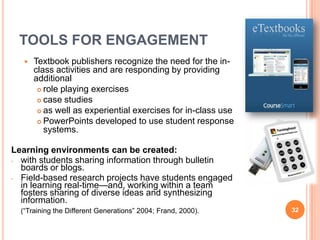
ENGAGING THE MILLENNIALSThe textbook industry recognizes the millennial students’ ability to be interactive to work in group activitiesto multi-taskand access information in an expedient manner from faculty as well as other group members—and the publishers are providing technological tools for teachers to incorporate into their pedagogy to engage the millennial learner.  	28

FACC teaching the millennial generation - techno savvy

  • 1.
    Teaching the MillennialGeneration: Techno SavvyJosh Murdock (Millennial)Valencia Community College
  • 2.
  • 3.
    The Millennial GenerationTheMillennial Generation has emerged as a force that will shape the social and economic dynamics of the next decade (Howe & Strauss, 2000).The definition of when millennials were born varies, with estimates ranging from 1977 (Tapscott, 1998) to 1982 (Howe & Strauss, 2000).Researchers agree that the uniqueness of millennials results from technological forces that have affected this generation.Unique millennial competency is the ability to effectively use broadly networked digital communication technologies to quickly and seamlessly accomplish a variety of tasks.This competency has resulted from their experiences with Internet communities (Gorman, Nelson, & Glassman, 2004).3
  • 4.
    Millennial Students CharacteristicsWhatdo you believe are the characteristics of a millennial? Relatively ShelteredGrew up among “kid safety rules”: school lockdowns, national youth safety movementsMore conventional than Gen-XersHigh level confidence / self importanceTeam OrientedClose with ParentsTechnology Savvy 4
  • 5.
    How they “Tick”Exposedto vast amounts of information at a very young ageDifferent patterns of communications and social intimacyAmbitious, but with unrealistic expectationsWell aware of rules, but enjoy the challenge of circumventing the rules5
  • 6.
    Millennial Students6Have neverknown a life withoutcomputers and the InternetConsider computers a part of life
  • 7.
  • 8.
  • 9.
  • 10.
    Have been raisedin the presence of video and computer games
  • 11.
    Students in their20s may have had more experience with games than with reading (Oblinger,2004).These experiences helped to form the way in which millennials seek, process, and report information.
  • 12.
    7Individuals raised withcomputers deal with information differently compared to previous cohorts: “They develop hypertext minds, they leap around.” (Prensky, 2001)
  • 13.
  • 14.
    9These learning stylesoriginated withmillennials growing up with technologymillennials were born around the time the PC was introduced
  • 15.
    20 percent ofthe students began using computers between the ages of 5 and 8
  • 16.
    and almost allmillennials were using computers by the time they were 16 to 18 years of age (Jones, 2002). Characteristics of the MillennialsStudents of the Millennial Generation are accustomedto using keyboards rather than pens or pencils to write notes and papersto reading information from computer screens or Personal Digital Assistants (PDAs) rather than from printed textsto being connected with friends in social networking computer sites rather than in physical meeting places on college campuses, and are used to multitasking in digital environments They areinterested in group activitiesintuitive visual communicators 10
  • 17.
    Characteristics of theMillennials…Millennialslearn better through discovery and experiential learning rather than by being toldhave the ability to shift their attention rapidly from one task to another and may choose not to pay attention to things that don’t interest them — attentional deploymentbelieve multitasking is a way of life and are comfortable when engaged in multiple activities simultaneouslybelieve staying connected is essential and they want a fast response time(Howe & Strauss, 2000)11
  • 18.
    Educational IssuesDiversity ofneeds, backgrounds, and experiencesHigh Drop-out and failure rates (average 3 out of 10)Poor class participationTypically under preparedDifficulties relating to authority figures using traditional communication techniques 12
  • 19.
    They are worththe troubleViolent Crime is down 60-70%Teen pregnancy is downEngaged in community serviceTolerant – welcome everyone as part of the community13
  • 20.
    Techno SavvyTechnology isthe keyStudents are “digital natives”Use of technology is inherent, no matter what their interestsFor other generations, use of technology is foreign (in general)To deny the applications of technology in reaching Millennials may be a mistake14
  • 21.
    ENGAGING THE MILLENNIALSMillennialslearnat a fast pace that does not involve a “telling style”/ “text-oriented” style of teachinglike visual examples, less text, and less tellingwant interactivityOur challenge is to introduce new learning and teaching approaches to engage the millennial students. 15
  • 22.
    A Vision ofK-12 Students Todayhttp://www.youtube.com/watch?v=_A-ZVCjfWf816
  • 23.
    Don’t forget: Youcan copy-paste this slide into other presentations, and move or resize the poll.
  • 24.
    ENGAGING THE MILLENNIALSNowbeing introduced into the Blackboard/WebCT environment are programs such as Wimba and ElluminatePermit the integration of different technologies such as synchronized chat, use of Whiteboard, online text messaging, and display of PowerPoints with voice accompaniment Other innovative practices that are being implemented includeuser-created contentsocial networking virtual worlds and avatar creation use of mobile phones for course content deliveryand multiplayer educational gaming.18
  • 25.
    YouTube19http://www.youtube.com/Hosted by Googleand EASY to useAllows uploading of videos of limited length by registered users (Free)Vast resources of videos from legitimate news & archive resourcesSearchable by topic, subject matter, and content
  • 26.
    Facebook: Oh No…….20www.facebook.comSocialnetworking siteGames – educational games availableAnother way to stay in touch and connect with studentsAnother way to remind students about upcoming events and activities Variety of Privacy Settingshttp://www.facebook.com/joshmurdock
  • 27.
    Facebook: Educational UsesAllowsfor easy communications among classmates, the way they like to communicateAllows classmates to get to know one another on a social level outside of classCan be used to broadcast messages to students about upcoming activities/assignments in a place where they are always looking 21
  • 28.
    MySpace: Are youfor real? 22www.myspace.com Social Networking ToolsMyspace.comBlocked by public libraries (it’s the law) Many colleges & schools block this website with a firewall – Why?Student spend a lot of time thereSexual predators & other negative characters
  • 29.
    Wikipedia23www.wikipedia.orgFree encyclopedia thatanyone can editOver 10 million articles in 250 languagesOver 2.5 million articles in EnglishWritten by “consensus” and constantly being edited
  • 30.
    Blogging Software 24Allows creationof “closed” or “open” forum settingsTemplate driven & minimal tech knowledge neededAllows monitoring of commentary before “posting”Hosts web links and podcast linkswww.blogger.com
  • 31.
    Educational Uses ofBlogs 25Forum for students, faculty to display and share ideas and invite commentary by designated contributors or the publicProject sharing/showcasing space to seek and allow feedback by participantsPlatform to disseminate content materialPersonal / professional portfolios
  • 32.
    twitter 26CollaborationReach a largeraudienceShare ideasInspireStay updatedCommunicateNetworkhttp://twitter.com/professorjoshhttp://twitter.com
  • 33.
    Second Life –Virtual Education27Multi-user Virtual EnvironmentAvatar based – you create a character for yourselfMany educational locationsWarning - many seedy locationsModel Examples: Art, Theater, MuseumsDelivery of web-based courses synchronous http://www.valenciacc.edu/ltad/secondlife/http://secondlife.comhttp://teen.secondlife.com
  • 34.
    ENGAGING THE MILLENNIALSThetextbook industry recognizes the millennial students’ ability to be interactive to work in group activitiesto multi-taskand access information in an expedient manner from faculty as well as other group members—and the publishers are providing technological tools for teachers to incorporate into their pedagogy to engage the millennial learner. 28

Editor's Notes

  • #18 Press F5 or enter presentation mode to view the pollIf you like, you can use this slide as a template for your own voting slides. You might use a slide like this if you feel your audience would benefit from the picture showing a text message on a phone.