Download as PPSX, PPTX


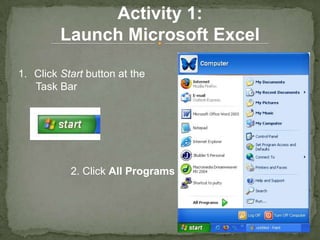
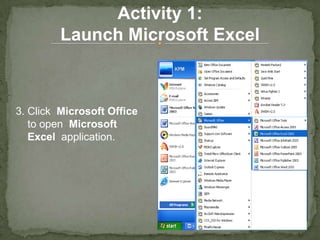
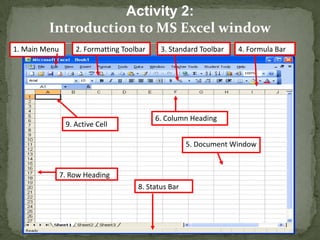
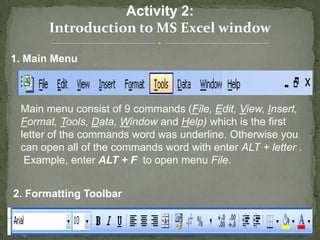
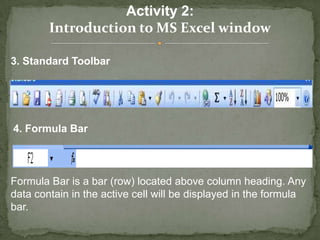
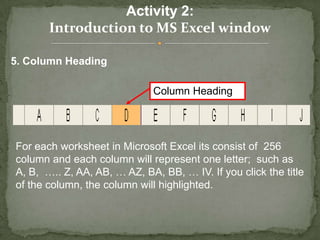
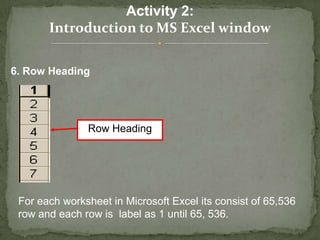
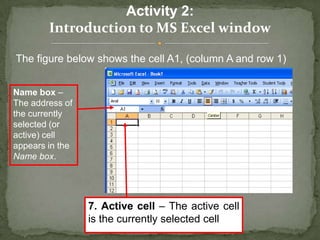
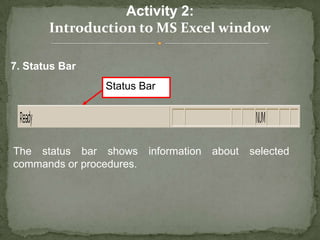
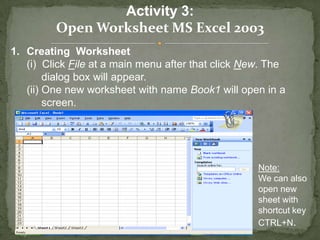
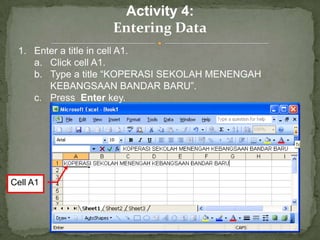
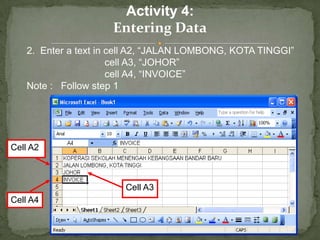
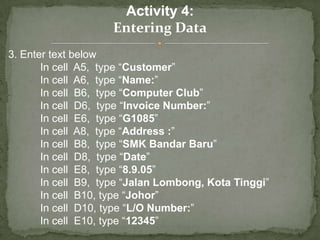
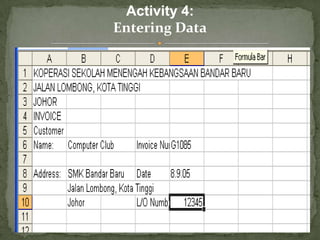
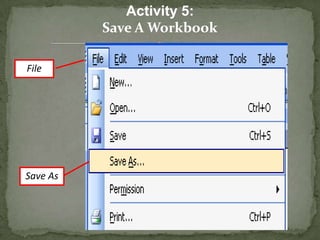
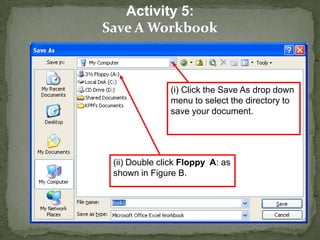
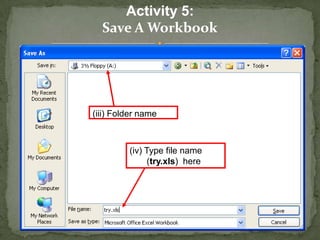
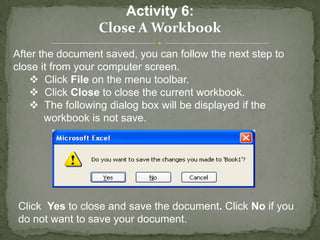
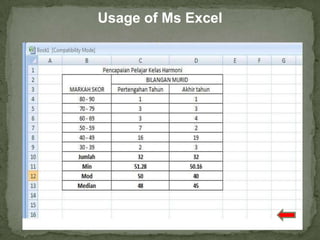
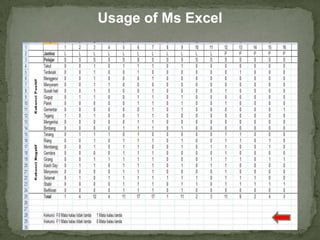
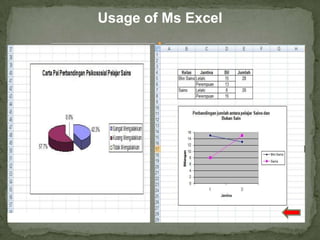

This document provides an introduction to using Microsoft Excel 2003, including how to launch the application, open a new worksheet, enter data into cells, format text, save a workbook, and close a workbook. The main topics covered are the Excel window layout, entering titles and other text into cells, saving a file with a specified name and folder, and closing a workbook with the option to save changes. Step-by-step instructions are given for common Excel tasks like launching the program, creating and naming a new file, and entering customer and invoice information.


