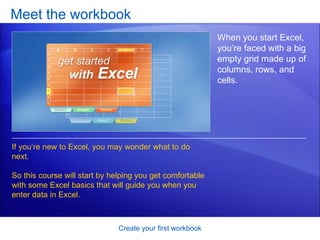
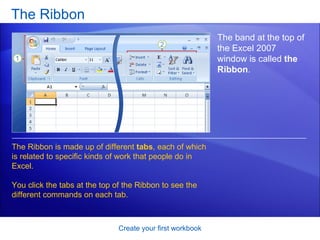
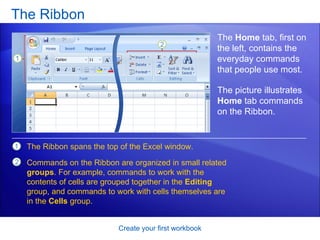
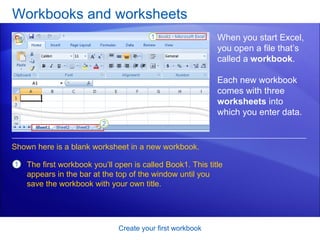
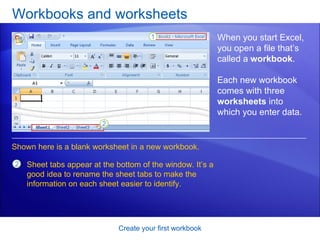
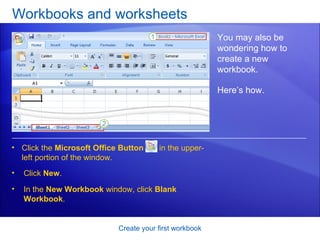
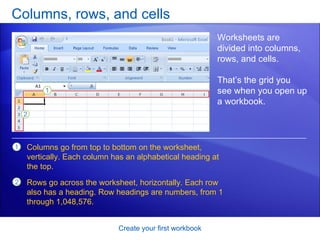
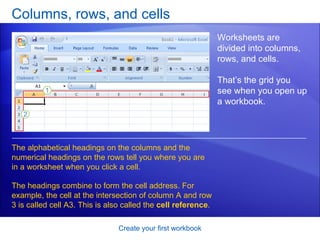
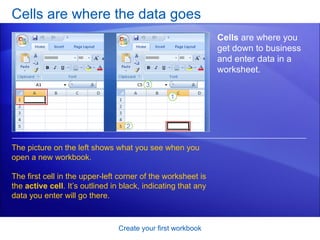
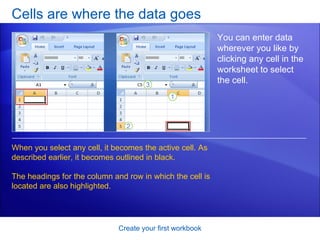
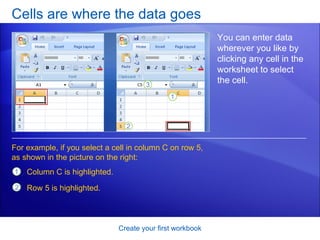
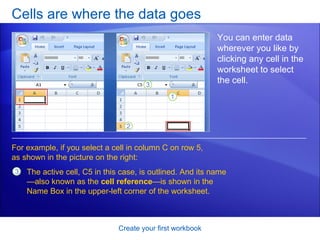
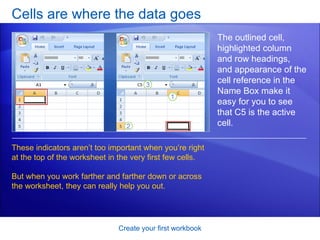
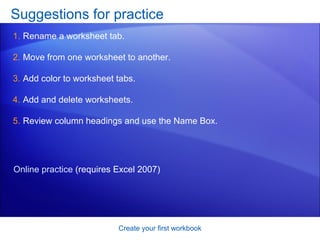
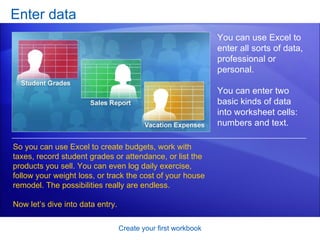
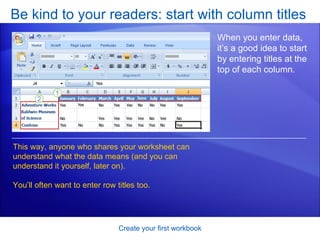
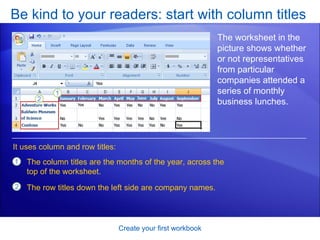
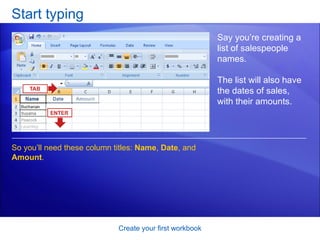
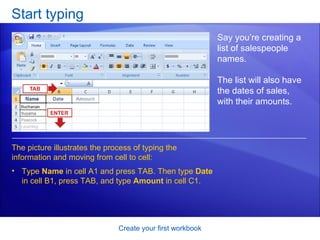
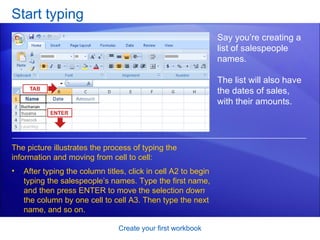
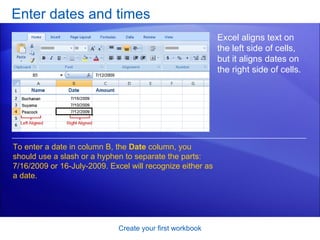
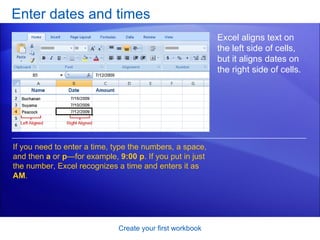
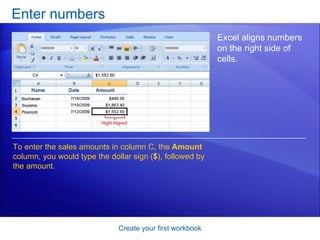
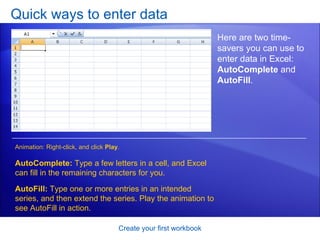
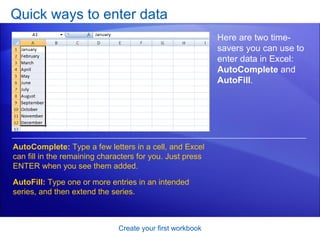
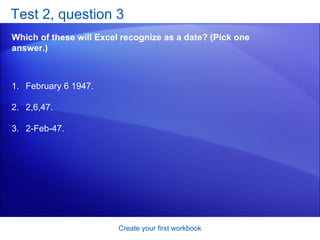
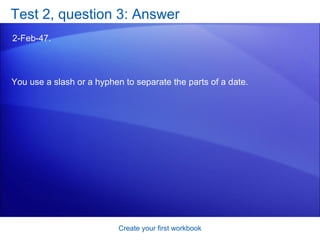
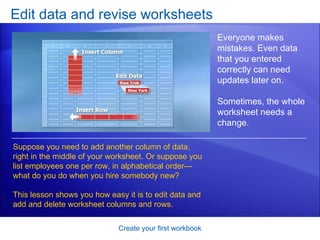
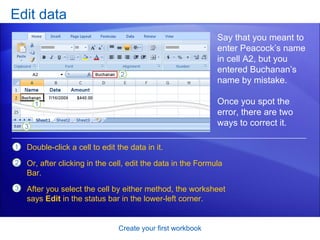
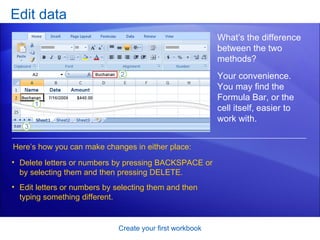
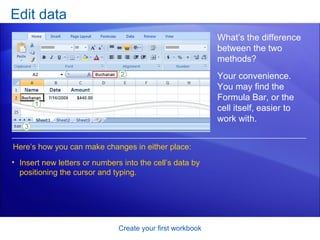
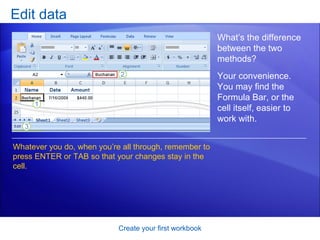
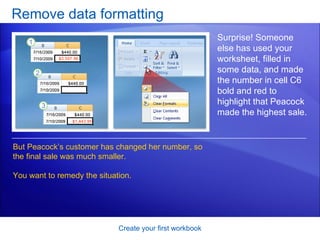
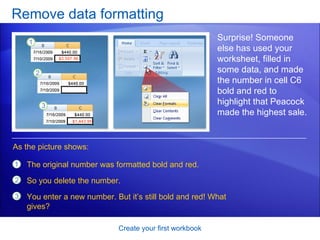
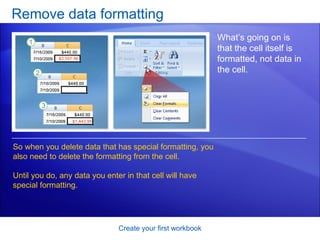
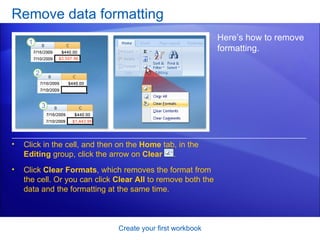
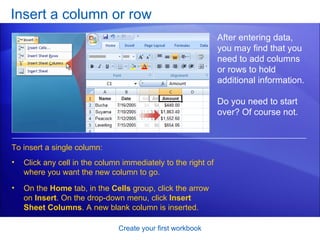
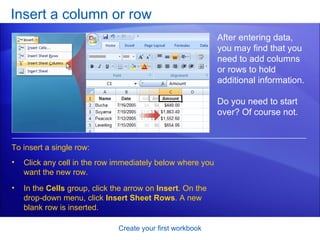
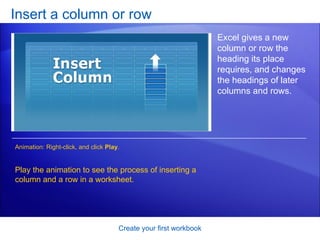
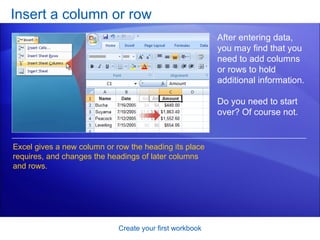

This document provides an overview and lessons for creating your first workbook in Microsoft Excel 2007. It covers topics such as opening a new workbook, entering data into cells, editing data, and inserting/deleting columns and rows. The lessons include instructions and screenshots to help the reader learn Excel basics like working with the ribbon interface, entering text, dates, numbers, and using auto-complete and auto-fill functions. Practice questions and answers are provided to test comprehension. The overall goal is to teach the skills needed to work in Excel and create a basic workbook.


