
Ethical Hacking 
CHAPTER 7 – ENUMERATION 
ERIC VANDERBURG
Objectives 
 Describe the enumeration step of security testing 
 Enumerate Microsoft OS targets 
 Enumerate NetWare OS targets 
 Enumerate *NIX OS targets
Introduction to Enumeration 
 Enumeration extracts information about: 
 Resources or shares on the network 
 User names or groups assigned on the network 
 Last time user logged on 
 User’s password 
 Port scanning and footprinting 
 Determine OS being used 
 Intrusive process 
 NBT (NetBIOS over TCP/IP) 
 Tool for enumerating Microsoft OSs
Introduction to Enumeration 
(continued) 
 Linux application installation 
 Create a new directory 
 Gzip command 
 Tape archive (tar) file 
 Configure installation 
 Install application
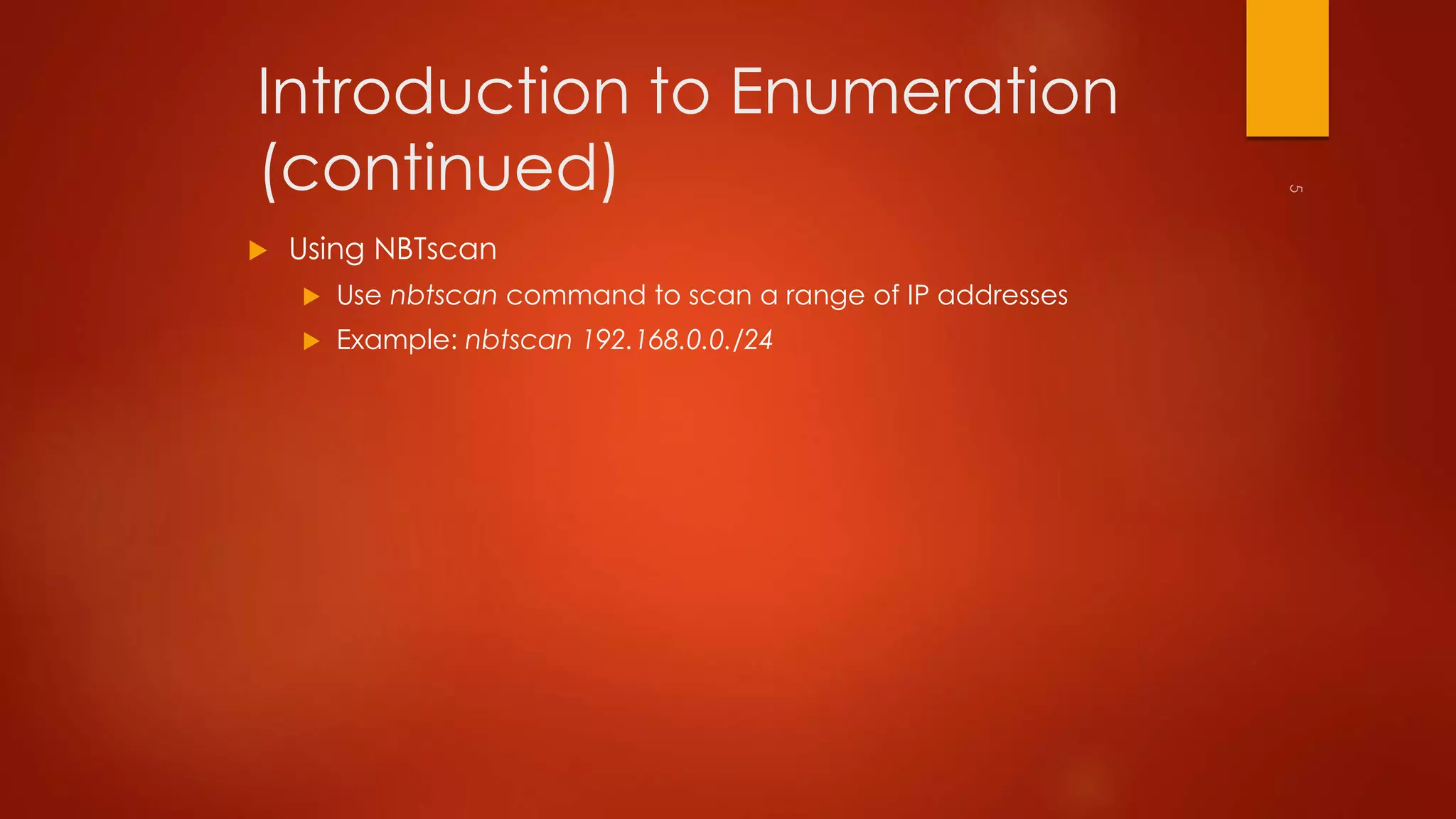
Introduction to Enumeration 
(continued) 
 Using NBTscan 
 Use nbtscan command to scan a range of IP addresses 
 Example: nbtscan 192.168.0.0./24
Enumerating Microsoft 
Operating Systems 
 Study OS history 
 Knowing your target makes your job easier 
 Many attacks that work for older Windows OSs still work with 
newer versions
NetBIOS Basics 
 Network Basic Input Output System (NetBIOS) 
 Programming interface 
 Allows computer communication over a LAN 
 Used to share files and printers 
 NetBIOS names 
 Computer names on Windows systems 
 Limit of 16 characters 
 Last character identifies type of service running 
 Must be unique on a network
NetBIOS Null Sessions 
 Null session 
 Unauthenticated connection to a Windows computer 
 Does not use logon and passwords values 
 Around for over a decade 
 Still present on Windows XP
NetBIOS Enumeration Tools 
 Nbtstat command 
 Powerful enumeration tool included with the Microsoft OS 
 Displays NetBIOS table 
 Net view command 
 Shows whether there are any shared resources on a network host 
 Use information obtained from port scanning during 
enumeration 
 Use IP address obtained when port scanning to perform a 
NetBIOS enumeration
NetBIOS Enumeration Tools 
(continued) 
 Net use command 
 Used to connect to a computer with shared folders or files
Additional Enumeration Tools 
 NetScanTools Pro 
 DumpSec 
 Hyena 
 NessusWX
NetScanTools Pro 
 Produces a graphical view of NetBIOS running on a network 
 Enumerates any shares running on the computer 
 Verifies whether access is available for shared resource using its 
Universal Naming Convention (UNC) name
DumpSec 
 Enumeration tool for Microsoft systems 
 Produced by Foundstone, Inc. 
 Allows user to connect to a server and “dump” the following 
information 
 Permissions for shares 
 Permissions for printers 
 Permissions for the Registry 
 Users in column or table format 
 Policies and rights 
 Services
Hyena 
 Excellent GUI product for managing and securing Microsoft OSs 
 Shows shares and user logon names for Windows servers and 
domain controllers 
 Displays graphical representation of: 
 Microsoft Terminal Services 
 Microsoft Windows Network 
 Web Client Network 
 Find User/Group
NessusWX 
 Allows enumeration of different OSs on a large network 
 Running NessusWX 
 Be sure Nessus server is up and running 
 Open the NessusWX client application 
 To connect your client with the Nessus server 
 Click Communications, Connect from the menu on the session window 
 Enter server’s name 
 Log on the Nessus server
NessusWX (continued) 
 Nessus identifies 
 NetBIOS names in use 
 Shared resources 
 Vulnerabilities with shared resources 
 Also offers solutions to those vulnerabilities
NessusWX (continued) 
 Nessus identifies (continued) 
 OS version 
 OS vulnerabilities 
 Firewall vulnerabilities
Enumerating the NetWare 
Operating System 
 Security professionals see Novell NetWare as a “dead horse” 
 Ignoring an OS can limit your career as a security professional 
 Novell NetWare version 4.11 
 Novell does not offer any technical support for earlier versions
NetWare Enumeration Tools 
 NetWare 5.1 is still used on many networks 
 New vulnerabilities are discovered daily 
 You need to be vigilant in checking vendor sites and security sites 
 Tool 
 Nessus
NetWare Enumeration Tools 
(continued) 
 Nessus 
 Enumerates a NetWare server 
 Determines eDirectory information 
 Discovers the user name and password for the FTP account 
 Discovers names of several user accounts
NetWare Enumeration Tools 
(continued) 
 Novell Client32 
 Available at www.novell.com 
 Client available for several OSs 
 Specify information for 
 Tree 
 Content 
 Server
Enumerating the *NIX Operating 
System 
 Several variations 
 Solaris 
 SunOS 
 HP-UX 
 Linux 
 Ultrix 
 AIX 
 BSD UNIX 
 FreeBSD 
 OpenBSD
UNIX Enumeration 
 Finger utility 
 Most popular tool for security testers 
 Finds out who is logged in to a *NIX system 
 Determine owner of any process 
 Nessus 
 Another important *NIX enumeration tool
Summary 
 Enumeration is the process of extracting information from a 
system 
 User names 
 Passwords 
 Shared resources 
 Tools for enumerating Microsoft targets 
 Nbtstat 
 Net view 
 Net use 
 Other utilities
Summary (continued) 
 Tools for enumerating NetWare targets 
 Novell Client32 
 Nessus 
 Tools for enumerating *NIX targets 
 Finger 
 Nessus

Ethical hacking Chapter 7 - Enumeration - Eric Vanderburg

  • 1.
    Ethical Hacking CHAPTER7 – ENUMERATION ERIC VANDERBURG
  • 2.
    Objectives  Describethe enumeration step of security testing  Enumerate Microsoft OS targets  Enumerate NetWare OS targets  Enumerate *NIX OS targets
  • 3.
    Introduction to Enumeration  Enumeration extracts information about:  Resources or shares on the network  User names or groups assigned on the network  Last time user logged on  User’s password  Port scanning and footprinting  Determine OS being used  Intrusive process  NBT (NetBIOS over TCP/IP)  Tool for enumerating Microsoft OSs
  • 4.
    Introduction to Enumeration (continued)  Linux application installation  Create a new directory  Gzip command  Tape archive (tar) file  Configure installation  Install application
  • 5.
    Introduction to Enumeration (continued)  Using NBTscan  Use nbtscan command to scan a range of IP addresses  Example: nbtscan 192.168.0.0./24
  • 6.
    Enumerating Microsoft OperatingSystems  Study OS history  Knowing your target makes your job easier  Many attacks that work for older Windows OSs still work with newer versions
  • 7.
    NetBIOS Basics Network Basic Input Output System (NetBIOS)  Programming interface  Allows computer communication over a LAN  Used to share files and printers  NetBIOS names  Computer names on Windows systems  Limit of 16 characters  Last character identifies type of service running  Must be unique on a network
  • 8.
    NetBIOS Null Sessions  Null session  Unauthenticated connection to a Windows computer  Does not use logon and passwords values  Around for over a decade  Still present on Windows XP
  • 9.
    NetBIOS Enumeration Tools  Nbtstat command  Powerful enumeration tool included with the Microsoft OS  Displays NetBIOS table  Net view command  Shows whether there are any shared resources on a network host  Use information obtained from port scanning during enumeration  Use IP address obtained when port scanning to perform a NetBIOS enumeration
  • 10.
    NetBIOS Enumeration Tools (continued)  Net use command  Used to connect to a computer with shared folders or files
  • 11.
    Additional Enumeration Tools  NetScanTools Pro  DumpSec  Hyena  NessusWX
  • 12.
    NetScanTools Pro Produces a graphical view of NetBIOS running on a network  Enumerates any shares running on the computer  Verifies whether access is available for shared resource using its Universal Naming Convention (UNC) name
  • 13.
    DumpSec  Enumerationtool for Microsoft systems  Produced by Foundstone, Inc.  Allows user to connect to a server and “dump” the following information  Permissions for shares  Permissions for printers  Permissions for the Registry  Users in column or table format  Policies and rights  Services
  • 14.
    Hyena  ExcellentGUI product for managing and securing Microsoft OSs  Shows shares and user logon names for Windows servers and domain controllers  Displays graphical representation of:  Microsoft Terminal Services  Microsoft Windows Network  Web Client Network  Find User/Group
  • 15.
    NessusWX  Allowsenumeration of different OSs on a large network  Running NessusWX  Be sure Nessus server is up and running  Open the NessusWX client application  To connect your client with the Nessus server  Click Communications, Connect from the menu on the session window  Enter server’s name  Log on the Nessus server
  • 16.
    NessusWX (continued) Nessus identifies  NetBIOS names in use  Shared resources  Vulnerabilities with shared resources  Also offers solutions to those vulnerabilities
  • 17.
    NessusWX (continued) Nessus identifies (continued)  OS version  OS vulnerabilities  Firewall vulnerabilities
  • 18.
    Enumerating the NetWare Operating System  Security professionals see Novell NetWare as a “dead horse”  Ignoring an OS can limit your career as a security professional  Novell NetWare version 4.11  Novell does not offer any technical support for earlier versions
  • 19.
    NetWare Enumeration Tools  NetWare 5.1 is still used on many networks  New vulnerabilities are discovered daily  You need to be vigilant in checking vendor sites and security sites  Tool  Nessus
  • 20.
    NetWare Enumeration Tools (continued)  Nessus  Enumerates a NetWare server  Determines eDirectory information  Discovers the user name and password for the FTP account  Discovers names of several user accounts
  • 21.
    NetWare Enumeration Tools (continued)  Novell Client32  Available at www.novell.com  Client available for several OSs  Specify information for  Tree  Content  Server
  • 22.
    Enumerating the *NIXOperating System  Several variations  Solaris  SunOS  HP-UX  Linux  Ultrix  AIX  BSD UNIX  FreeBSD  OpenBSD
  • 23.
    UNIX Enumeration Finger utility  Most popular tool for security testers  Finds out who is logged in to a *NIX system  Determine owner of any process  Nessus  Another important *NIX enumeration tool
  • 24.
    Summary  Enumerationis the process of extracting information from a system  User names  Passwords  Shared resources  Tools for enumerating Microsoft targets  Nbtstat  Net view  Net use  Other utilities
  • 25.
    Summary (continued) Tools for enumerating NetWare targets  Novell Client32  Nessus  Tools for enumerating *NIX targets  Finger  Nessus