Slide Title
• INTRODUCTION OF MATLAB
• CONTROL SYSTEM TOOLBOX
• TRANSFER FUNCTION
– Poles & Zeroes
– Multiplication Of Transfer Functions
– Closed-loop Transfer Function
• TIME RESPONSE OF A CONTROL SYSTEM
– Impulse
– Step
– Ramp
• STATE SPACE REPRESENTATION
– State space to transfer function
– Transfer function to state space
INTRODUCTION
What is MATLAB
• MATLAB is a programming platform designed
specifically for engineers and scientists.
• MATLAB=Matrix + laboratory
• The heart of MATLAB is the MATLAB language, a
matrix-based language.
• MATLAB features a family of application-specific
solutions called toolboxes.
• Areas in which toolboxes are available include signal
processing, control systems, neural networks, fuzzy
logic and many others.
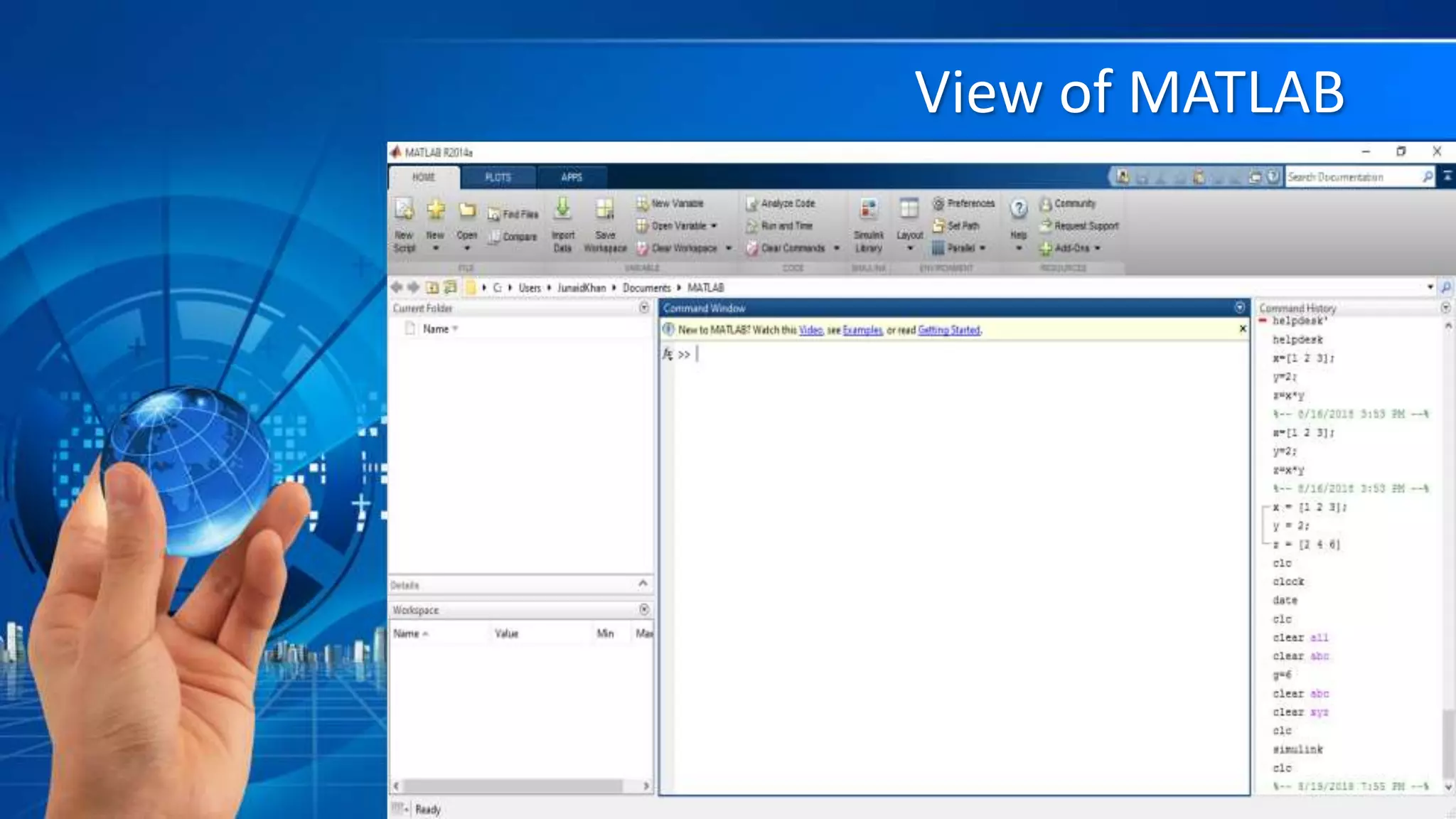
View of MATLAB
What can you do with MATLAB?
• Using MATLAB, you can:
• Analyze data
• Develop algorithms
• Create models and
applications
CONTROL SYSTEM TOOLBOX
LINEAR CONTROL SYSTEM
• A linear control system may be
presented either by a set of
differential equations or by a transfer
function.
Transfer Function
• A transfer function is defined as the ratio of the
Laplace transform of output to the Laplace transform
of the input.
• Transfer functions are defined in MATLAB by storing
the coefficients of the numerator and the denominator
in vectors.
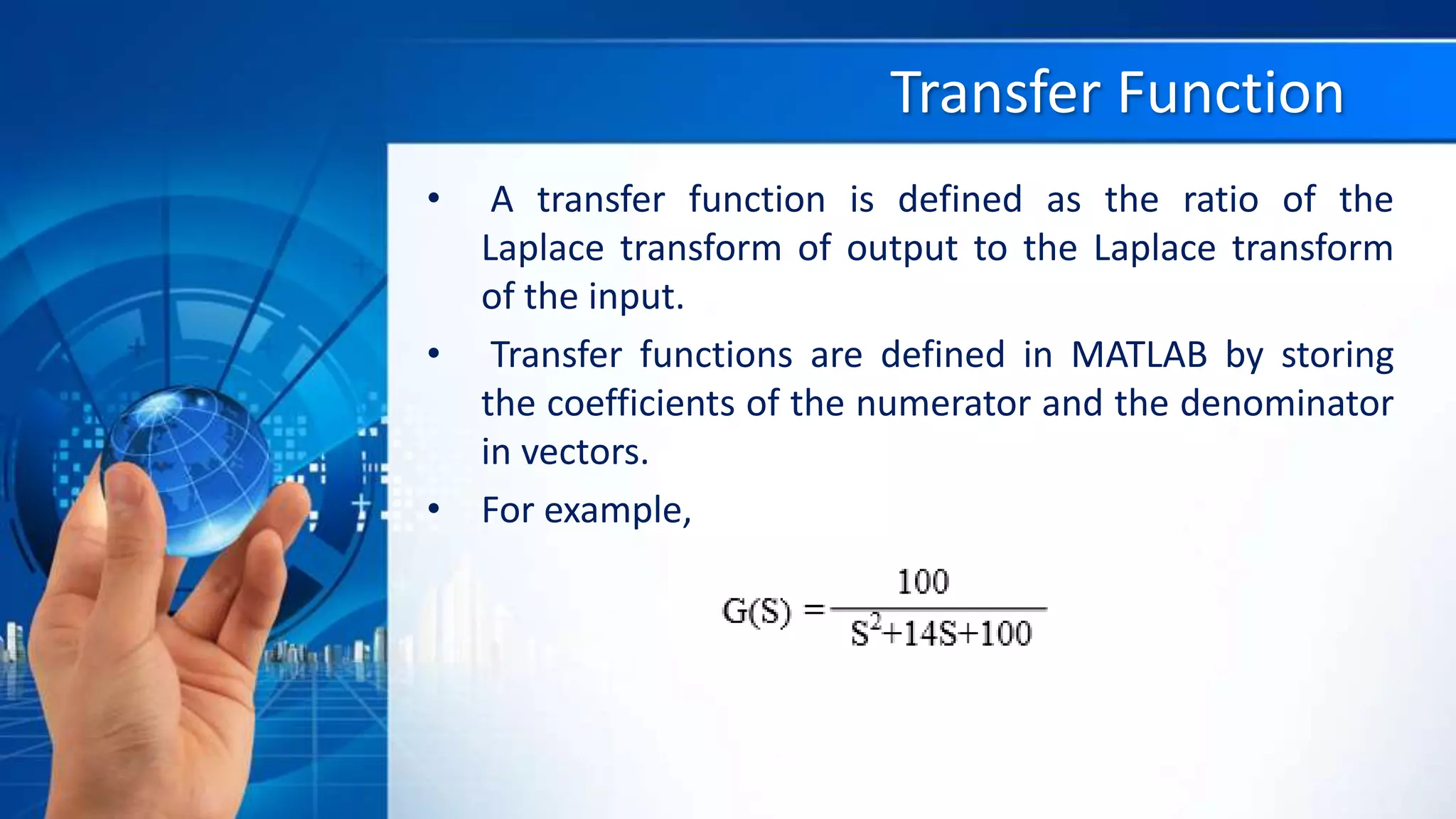
• For example,
T/F IN MATLAB
• 𝐺 𝑠 =
100
𝑠2
+14𝑠+100
• Here we type the following code
• num = 100;
• den = [1 14 100];
• To check your entry you can
use the command printsys
as shown below:
– printsys(num,den);
– Or G=tf(num,den)
POLES & ZEROS
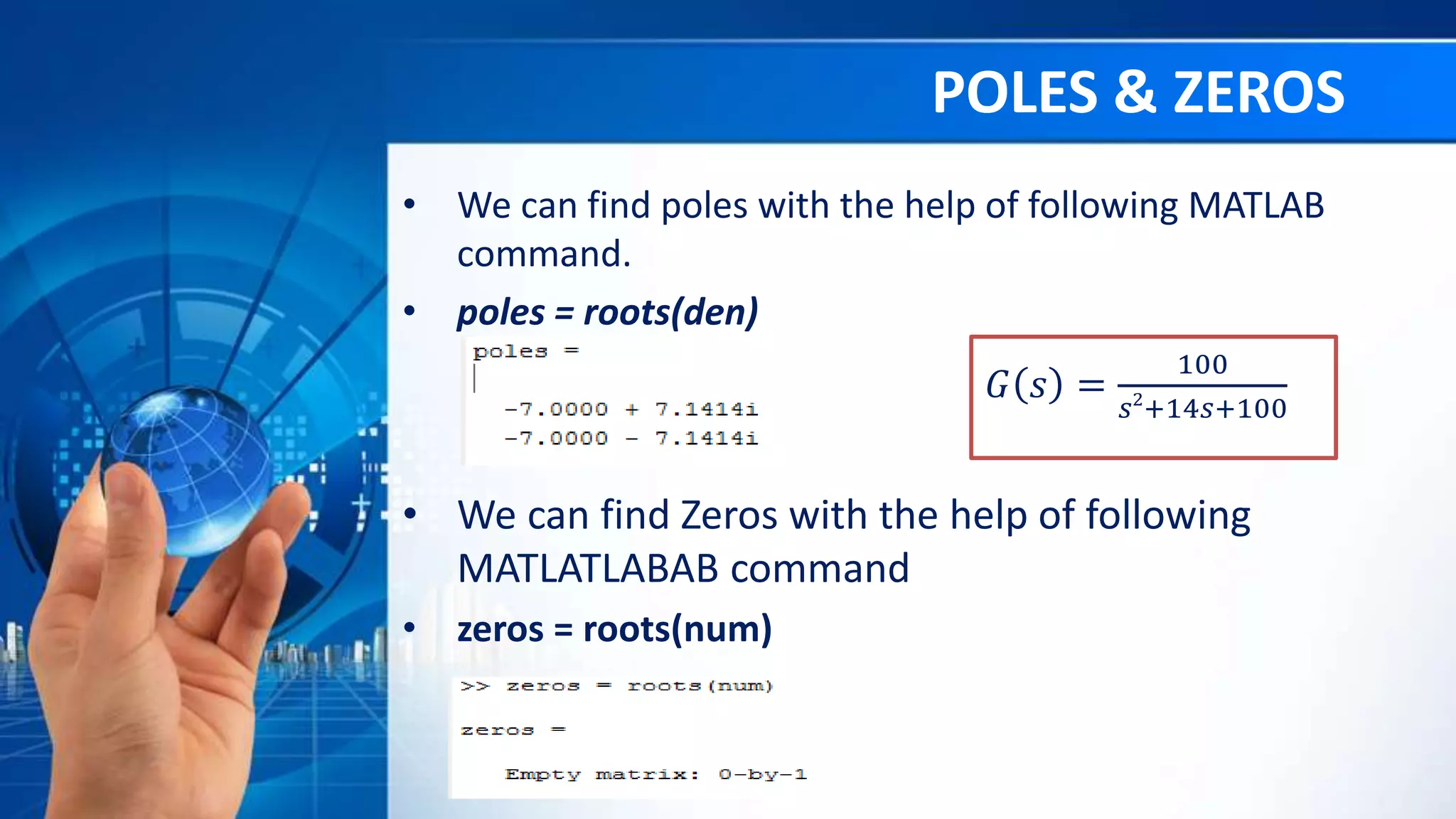
• We can find poles with the help of following MATLAB
command.
• poles = roots(den)
𝐺 𝑠 =
100
𝑠2
+14𝑠+100
• We can find Zeros with the help of following
MATLATLABAB command
• zeros = roots(num)
PZMAP
• To plot the poles and zeros of any transfer function
there is a built in function pzmap in the MATLAB
• pzmap(num,den)
MULTIPLICATION OF TRANSFER FUNCTIONS
• num1 = [1 0];
• den1 = [9 17];
• num2 = 9*[1 3];
• den2 = [2 9 27];
• [num, den] = series (num1,den1,num2,den2);
printsys(num,den);
CLOSED-LOOP TRANSFER FUNCTION
• num = 9;
• den = [1 5];
• [numt,dent] = cloop(num,den,-1);
• printsys(numt,dent)
TIME RESPONSE OF CONTROL SYSTEM
TIME RESPONSE OF A CONTROL SYSTEM
• Step Response
• G(S)=
𝟏𝟎𝟎
𝑺 𝟐
+𝟏𝟒𝑺+𝟏𝟎𝟎
• To find the step response of the system
• num = 100;
• den = [1 14 100];
• step(num,den)
IMPULSE RESPONSE
• G(S)=
𝟏𝟎𝟎
S2+14S+100
• To find the step response of the system
• num = 100;
• den = [1 14 100];
• impulse(num,den)
Ramp Response
• G(S)=
100
S2+14S+100
• To find the ramp response of the system:
• t = 0:0.01:10;
• r = t;
• num = 100;
• den = [1 14 100];
• lsim(num,den,r,t)
TRANSFER FUNCTION TO STATE SPACE
• num = [12 59];
•
• den = [1 6 8];
•
• [A,B,C,D] = tf2ss(num,den);
•
• printsys(A,B,C,D)
STATE SPACE TO TRANSFER FUNCTION
• A = [-5 -1; 3 -1]
• B = [1 ; 0];
• C = [1 2];
• D = [0];
• [num,den]= ss2tf(A,B,C,D);
•
• printsys(num,den)
ANY QUESTION?
Control System toolbox in Matlab

Control System toolbox in Matlab

  • 3.
    Slide Title • INTRODUCTIONOF MATLAB • CONTROL SYSTEM TOOLBOX • TRANSFER FUNCTION – Poles & Zeroes – Multiplication Of Transfer Functions – Closed-loop Transfer Function • TIME RESPONSE OF A CONTROL SYSTEM – Impulse – Step – Ramp • STATE SPACE REPRESENTATION – State space to transfer function – Transfer function to state space
  • 4.
  • 5.
    What is MATLAB •MATLAB is a programming platform designed specifically for engineers and scientists. • MATLAB=Matrix + laboratory • The heart of MATLAB is the MATLAB language, a matrix-based language. • MATLAB features a family of application-specific solutions called toolboxes. • Areas in which toolboxes are available include signal processing, control systems, neural networks, fuzzy logic and many others.
  • 6.
  • 7.
    What can youdo with MATLAB? • Using MATLAB, you can: • Analyze data • Develop algorithms • Create models and applications
  • 8.
  • 9.
    LINEAR CONTROL SYSTEM •A linear control system may be presented either by a set of differential equations or by a transfer function.
  • 10.
    Transfer Function • Atransfer function is defined as the ratio of the Laplace transform of output to the Laplace transform of the input. • Transfer functions are defined in MATLAB by storing the coefficients of the numerator and the denominator in vectors. • For example,
  • 11.
    T/F IN MATLAB •𝐺 𝑠 = 100 𝑠2 +14𝑠+100 • Here we type the following code • num = 100; • den = [1 14 100]; • To check your entry you can use the command printsys as shown below: – printsys(num,den); – Or G=tf(num,den)
  • 12.
    POLES & ZEROS •We can find poles with the help of following MATLAB command. • poles = roots(den) 𝐺 𝑠 = 100 𝑠2 +14𝑠+100 • We can find Zeros with the help of following MATLATLABAB command • zeros = roots(num)
  • 13.
    PZMAP • To plotthe poles and zeros of any transfer function there is a built in function pzmap in the MATLAB • pzmap(num,den)
  • 14.
    MULTIPLICATION OF TRANSFERFUNCTIONS • num1 = [1 0]; • den1 = [9 17]; • num2 = 9*[1 3]; • den2 = [2 9 27]; • [num, den] = series (num1,den1,num2,den2); printsys(num,den);
  • 15.
    CLOSED-LOOP TRANSFER FUNCTION •num = 9; • den = [1 5]; • [numt,dent] = cloop(num,den,-1); • printsys(numt,dent)
  • 16.
    TIME RESPONSE OFCONTROL SYSTEM
  • 17.
    TIME RESPONSE OFA CONTROL SYSTEM • Step Response • G(S)= 𝟏𝟎𝟎 𝑺 𝟐 +𝟏𝟒𝑺+𝟏𝟎𝟎 • To find the step response of the system • num = 100; • den = [1 14 100]; • step(num,den)
  • 18.
    IMPULSE RESPONSE • G(S)= 𝟏𝟎𝟎 S2+14S+100 •To find the step response of the system • num = 100; • den = [1 14 100]; • impulse(num,den)
  • 19.
    Ramp Response • G(S)= 100 S2+14S+100 •To find the ramp response of the system: • t = 0:0.01:10; • r = t; • num = 100; • den = [1 14 100]; • lsim(num,den,r,t)
  • 21.
    TRANSFER FUNCTION TOSTATE SPACE • num = [12 59]; • • den = [1 6 8]; • • [A,B,C,D] = tf2ss(num,den); • • printsys(A,B,C,D)
  • 22.
    STATE SPACE TOTRANSFER FUNCTION • A = [-5 -1; 3 -1] • B = [1 ; 0]; • C = [1 2]; • D = [0]; • [num,den]= ss2tf(A,B,C,D); • • printsys(num,den)
  • 23.