Feature Matching w/
RANSAC
Autor | Calcaben | Obero
Previously on CMSC170
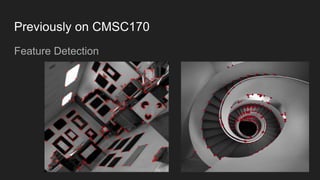
Feature Detection
Previously on CMSC170
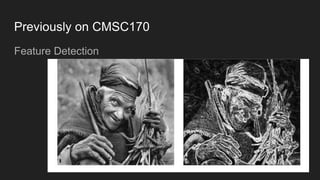
Feature Detection
Previously on CMSC170
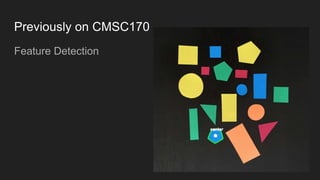
Feature Detection
Previously on CMSC170
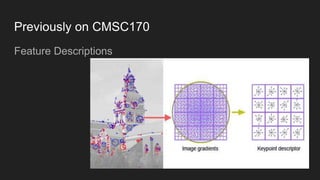
Feature Descriptions
Previously on CMSC170
Feature Descriptions
Feature Matching w/
RANSAC
Autor | Calcaben | Obero
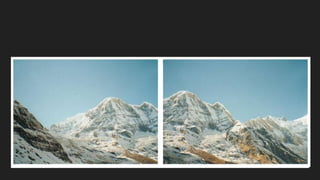
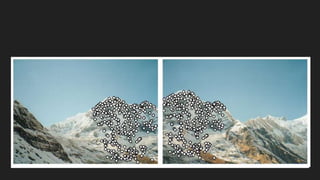
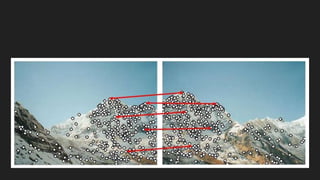
Feature Matching
Purpose: to determine correspondence between
descriptors in two views.
Strategy: which correspondences are passed on to
the next stage.
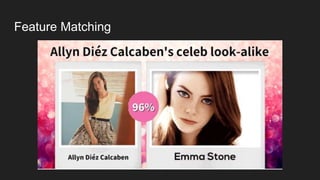
Feature Matching
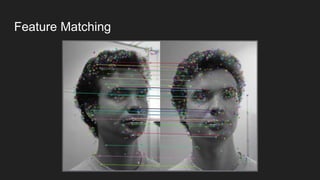
Feature Matching
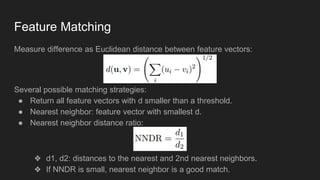
Measure difference as Euclidean distance between feature vectors:
Several possible matching strategies:
● Return all feature vectors with d smaller than a threshold.
● Nearest neighbor: feature vector with smallest d.
● Nearest neighbor distance ratio:
❖ d1, d2: distances to the nearest and 2nd nearest neighbors.
❖ If NNDR is small, nearest neighbor is a good match.
Feature Matching
Feature Matching
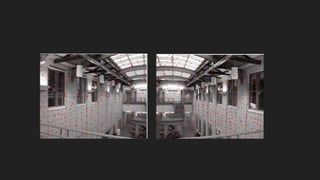
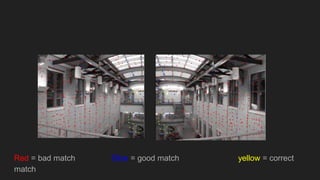
● Feature matching methods can give false matches.
● Manually select good matches, or use robust method to remove false
matches.
● Nearest neighbor search is computationally expensive.
○ Need efficient algorithm, e.g., using k-D Tree.
○ k-D Tree is not more efficient than exhaustive search for large
dimensionality, e.g., > 20.
Red = bad match Blue = good match yellow = correct
match
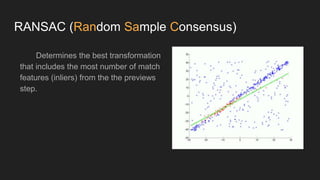
RANSAC (Random Sample Consensus)
Determines the best transformation
that includes the most number of match
features (inliers) from the the previews
step.
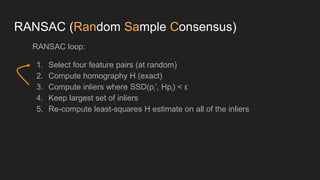
RANSAC (Random Sample Consensus)
RANSAC loop:
1. Select four feature pairs (at random)
2. Compute homography H (exact)
3. Compute inliers where SSD(pi’, Hpi) < ε
4. Keep largest set of inliers
5. Re-compute least-squares H estimate on all of the inliers
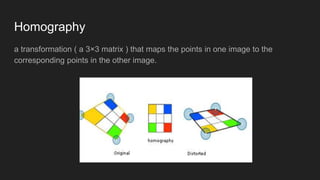
Homography
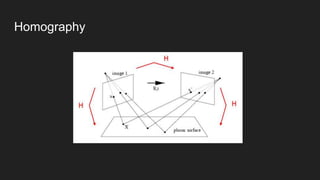
a transformation ( a 3×3 matrix ) that maps the points in one image to the
corresponding points in the other image.
Homography
Four corresponding points in
four different colors — red,
green, yellow and orange
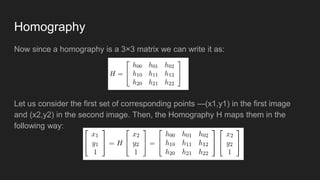
Homography
Now since a homography is a 3×3 matrix we can write it as:
Let us consider the first set of corresponding points —(x1,y1) in the first image
and (x2,y2) in the second image. Then, the Homography H maps them in the
following way:
Homography
Pros and Cons
Pros
1. Simple and General
2. Applicable to many different problems
3. Often works well in practice
a. Robust estimation
b. Output acquire relatively high accuracy
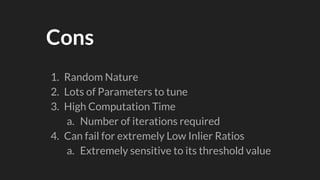
Cons
1. Random Nature
2. Lots of Parameters to tune
3. High Computation Time
a. Number of iterations required
4. Can fail for extremely Low Inlier Ratios
a. Extremely sensitive to its threshold value
Applications
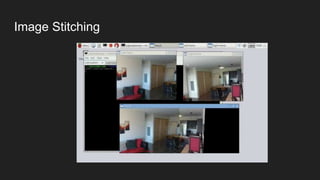
Image Stitching
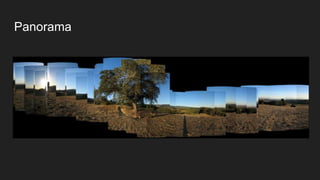
Panorama
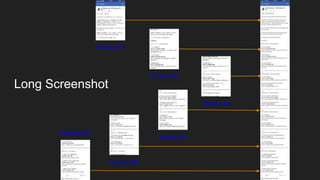
Long Screenshot
Screen #1
Screen #2
Screen #3
Screen #4
Screen #5
Screen #6
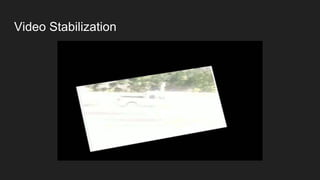
Video Stabilization
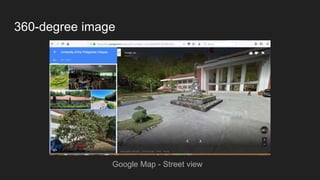
360-degree image
Google Map - Street view
Code Demo
References
https://www.learnopencv.com/homography-examples-using-opencv-python-c/
https://docs.opencv.org/3.4.1/d9/dab/tutorial_homography.html
https://people.cs.umass.edu/~elm/Teaching/ppt/370/370_10_RANSAC.pptx.pdf

Computer Vision: Feature matching with RANSAC Algorithm