





Web Usability:
 Creating Great
User Experiences!
Web Usability:
    Creating Great
   User Experiences!

      curriculum: Pat Rees
Pasadena City College Webmaster
Web Usability:
    Creating Great
   User Experiences!

facilitator: Joseph Karr O’Connor
         @csunwebmaster
Web Usability:
        Creating Great
       User Experiences!

The only two industries that call customers users
 are the computer industry... and drug dealers.
Intro
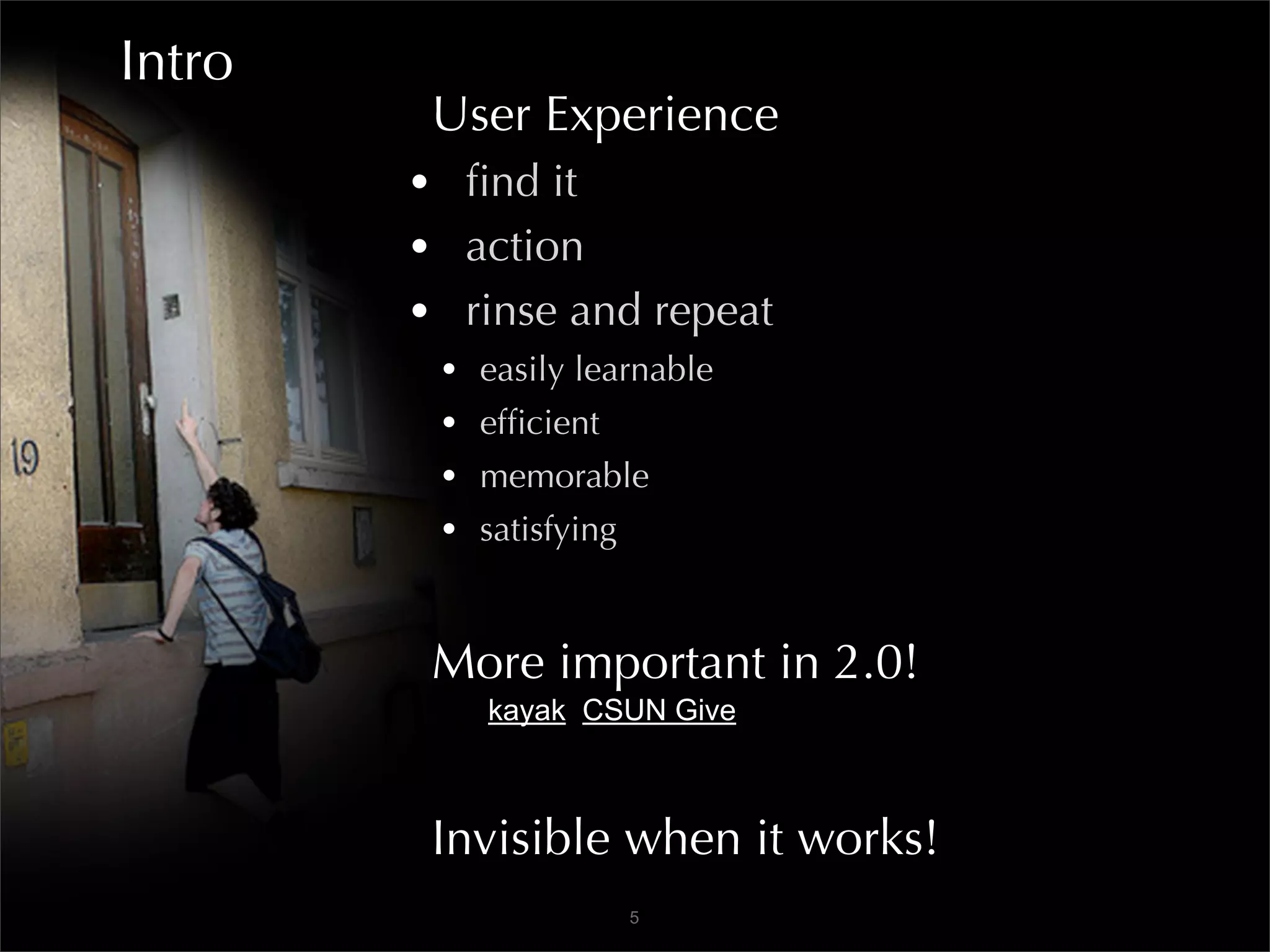
         User Experience
        • find it
        • action
        • rinse and repeat
         •   easily learnable
         •   efficient
         •   memorable
         •   satisfying


         More important in 2.0!
             kayak CSUN Give


         Invisible when it works!
                          5
Intro
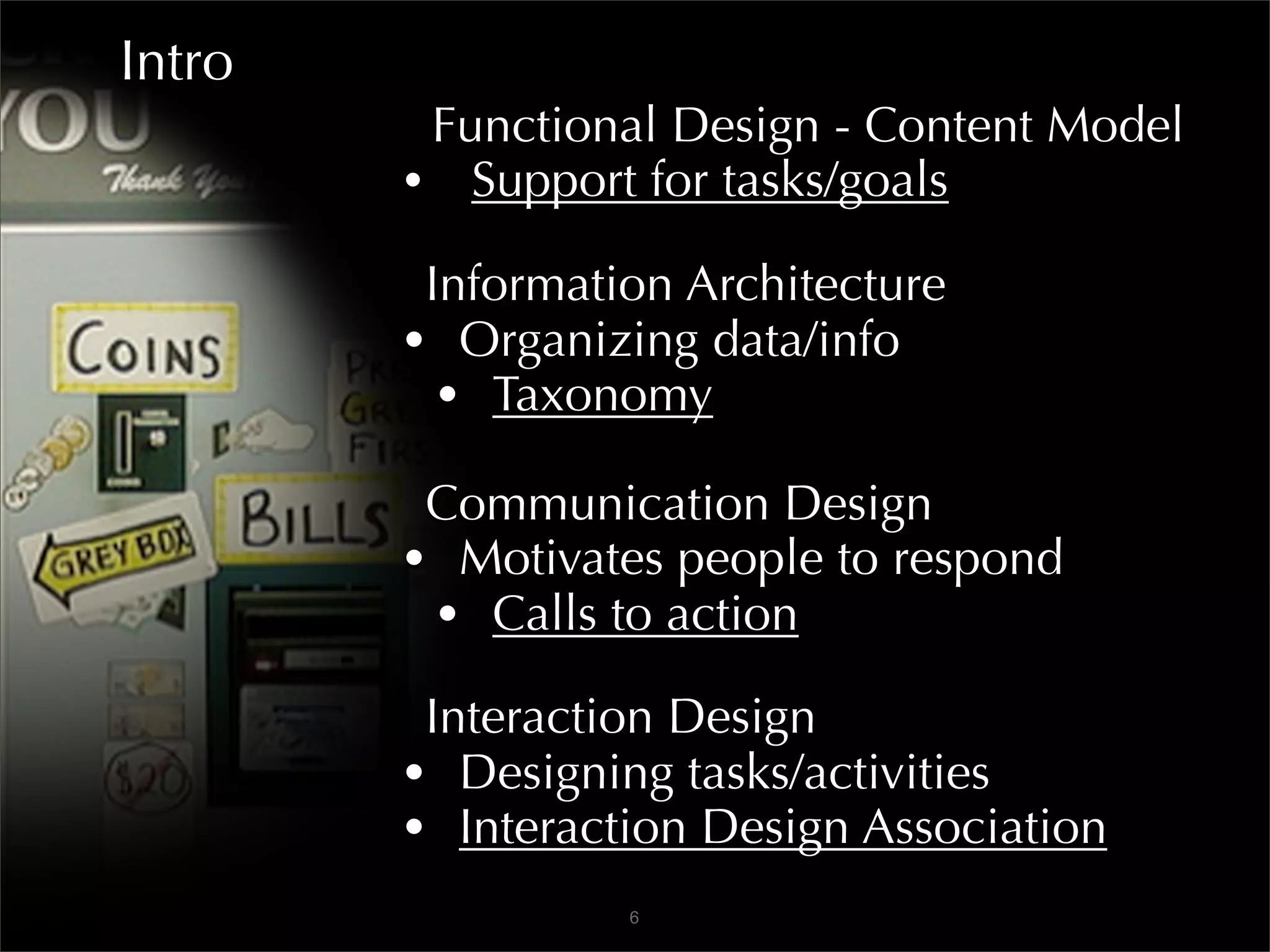
         Functional Design - Content Model
        • Support for tasks/goals
         Information Architecture
        • Organizing data/info
          • Taxonomy
         Communication Design
        • Motivates people to respond
         • Calls to action
         Interaction Design
        • Designing tasks/activities
        • Interaction Design Association
                  6
Creating Great User Experiences!
  Architecture         SEO marketing
    - Taxonomy         Search
  Navigation           Web standards
  User interface       Accessibility
  Interactivity        Graphic design
  User centered        Backend dev
  Findability          Copywriting
  Do-ability           Forms
  Wayfinding            E-commerce


                   7
Creating Great User Experiences!


    1. Doing The Research
      2. Content Is King
       3. How It Works
     4. The Way It Looks

               8
Creating Great User Experiences!


   The Machine is Us/ing Us


               9
1A
      Doing the Research
     • Create client persona
                             E01
      Imagine users
     • Invent user personas
       • Variety

      User states - examples
     • New applicant
     • Enrolled newbie
     • Occasional user
     • Frequent user
                        10
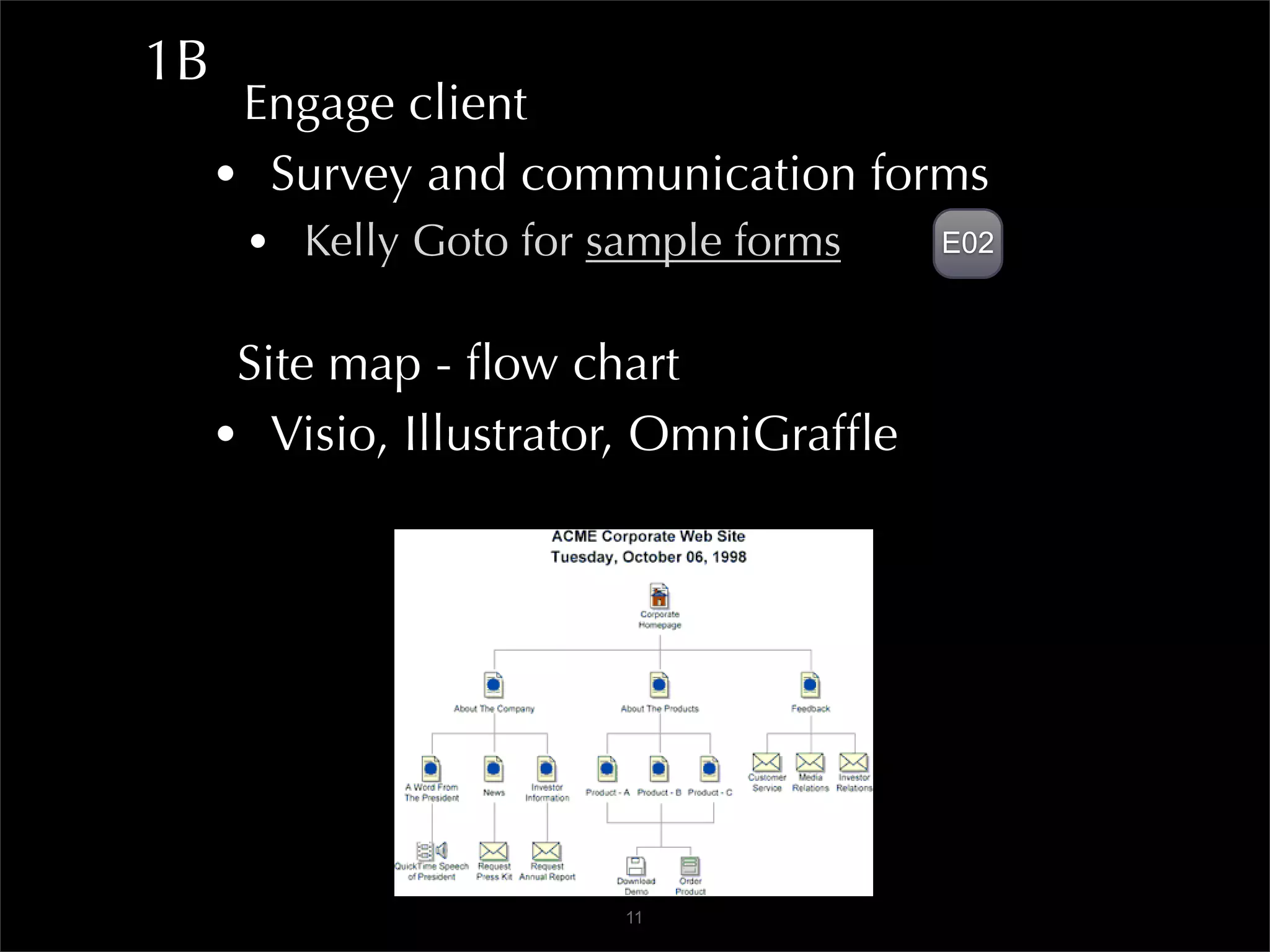
1B
      Engage client
     • Survey and communication forms
      • Kelly Goto for sample forms     E02


      Site map - flow chart
     • Visio, Illustrator, OmniGraffle


                        11
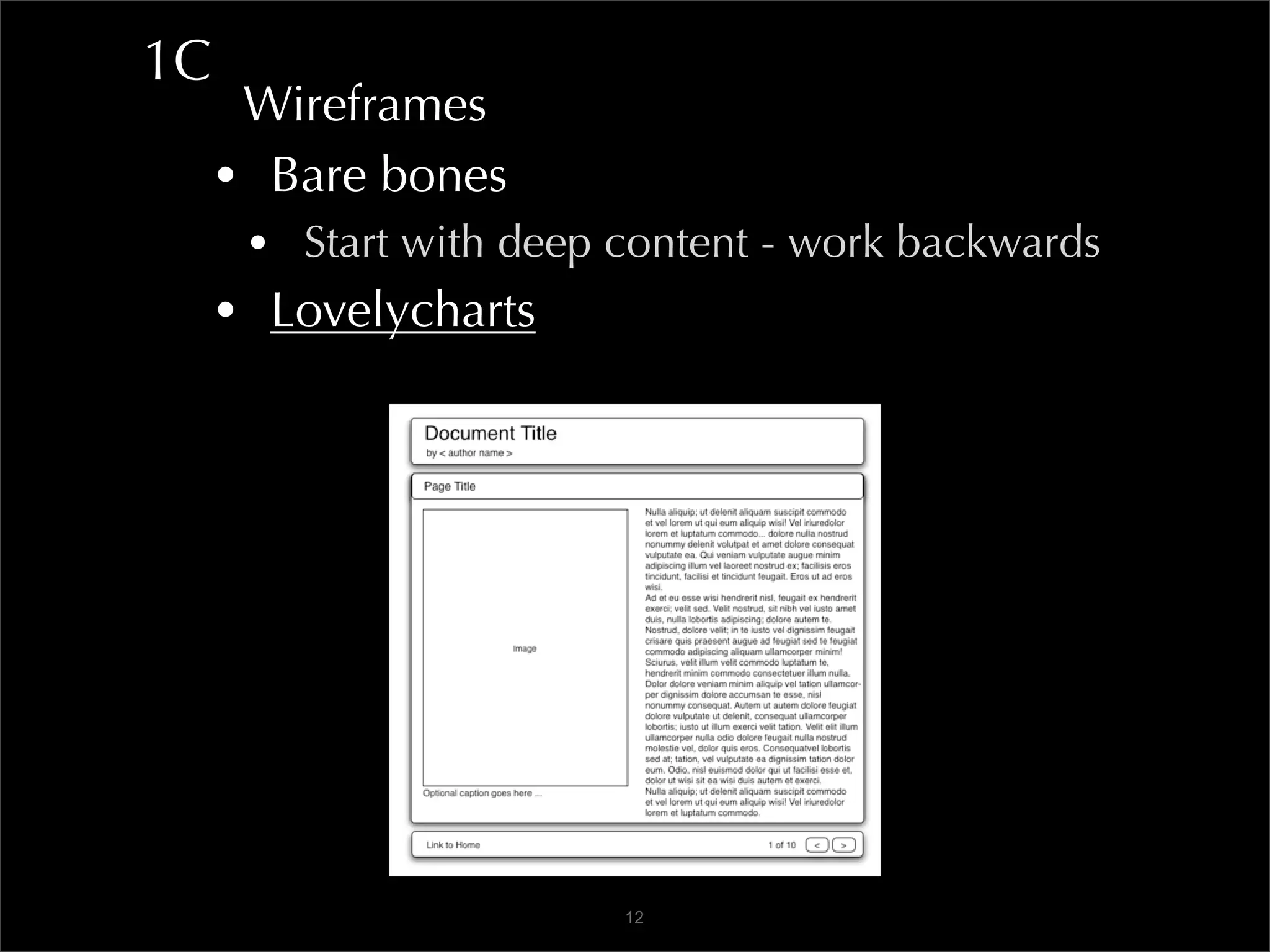
1C
      Wireframes
     • Bare bones
      • Start with deep content - work backwards
     • Lovelycharts


                        12
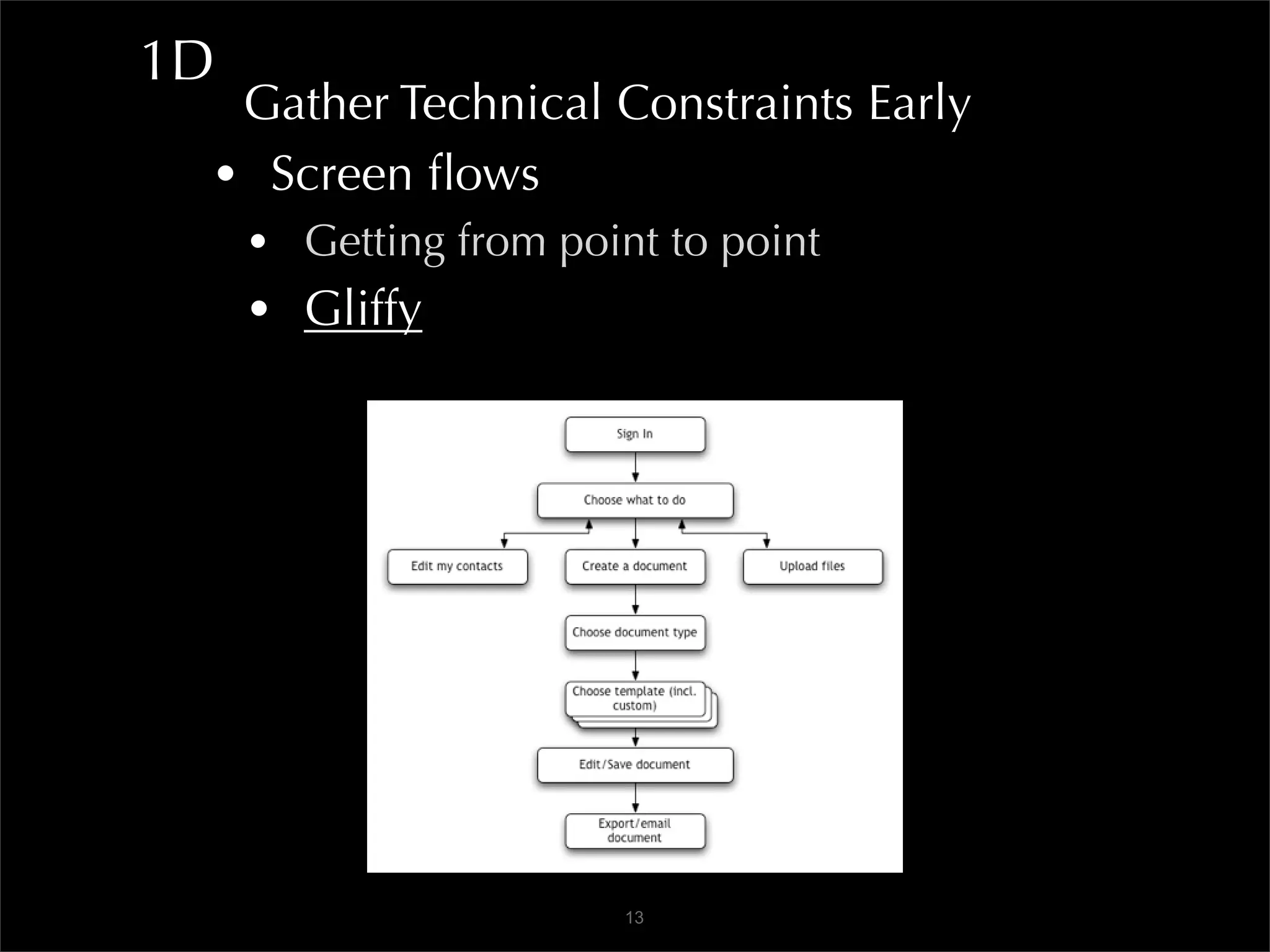
1D
  Gather Technical Constraints Early
 • Screen flows
     • Getting from point to point
     • Gliffy


                        13
1D
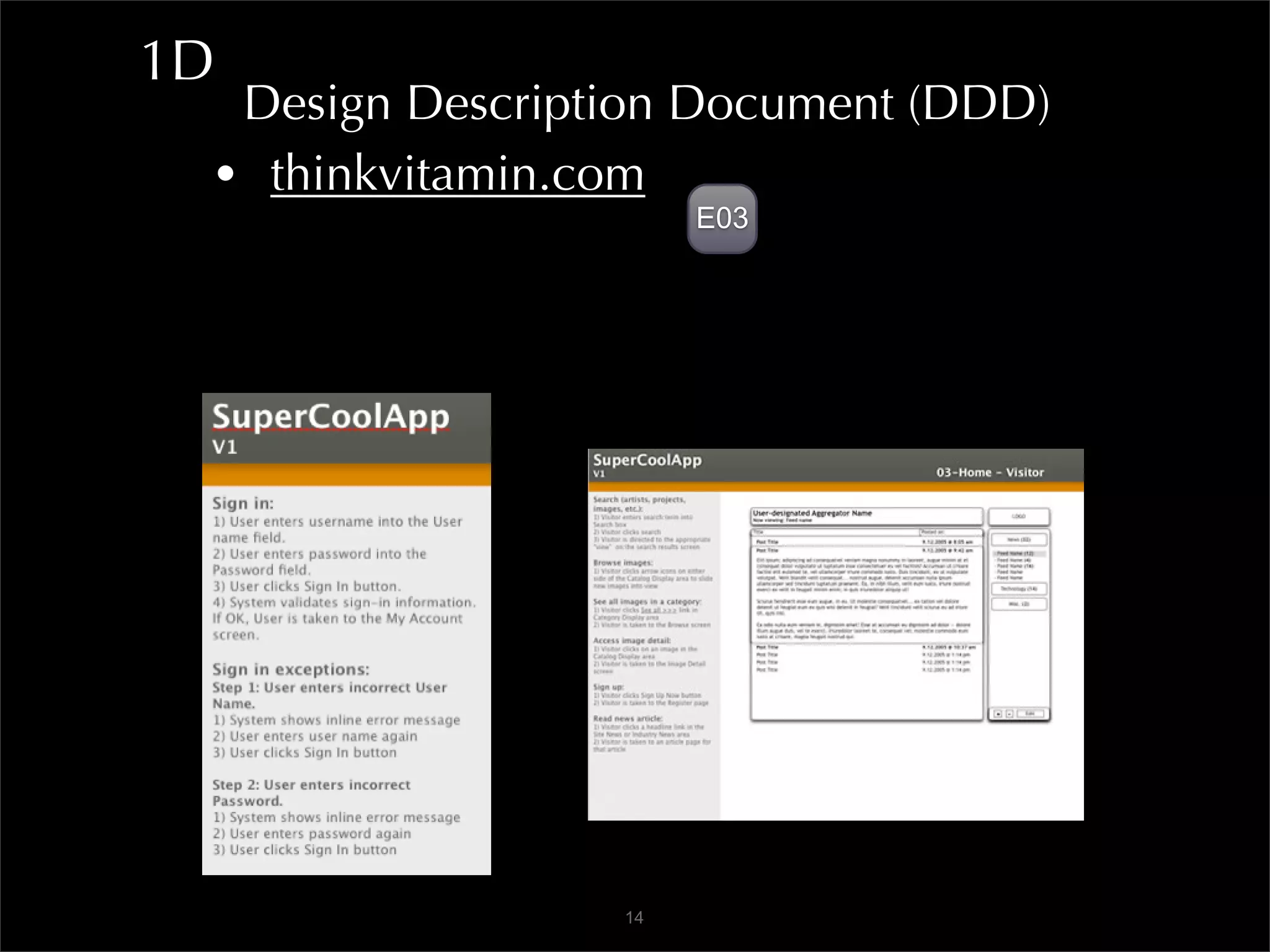
  Design Description Document (DDD)
 • thinkvitamin.com
                      E03


                 14
1E
      Search Engine Optimization
     • No black hat tactics - or be banished to
       the Phantom Zone

      Keywords and phrases
     • WordTracker
     • Google mainpage auto complete

      Findability
     • Identify appropriate site
     • Navigate the pages

                        15
1E
      Open Standards
     • Semantic markup
     • Machine readable content
     • Web Standards Project
     • Jeffrey Zeldman:
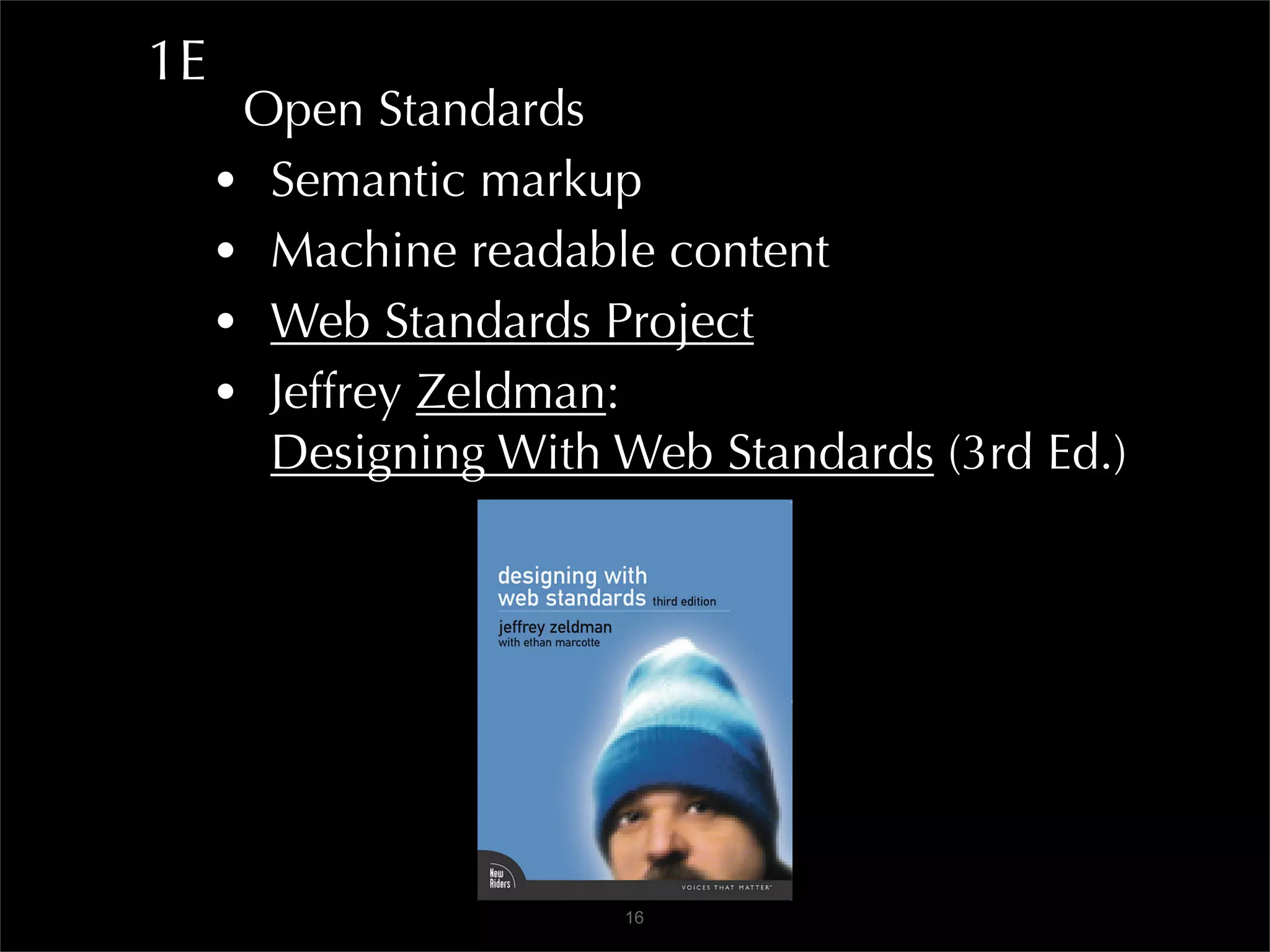
       Designing With Web Standards (3rd Ed.)


                      16
1E
      Open Standards
     • Semantic markup
     • Machine readable content
     • Web Standards Project
     • Jeffrey Zeldman:
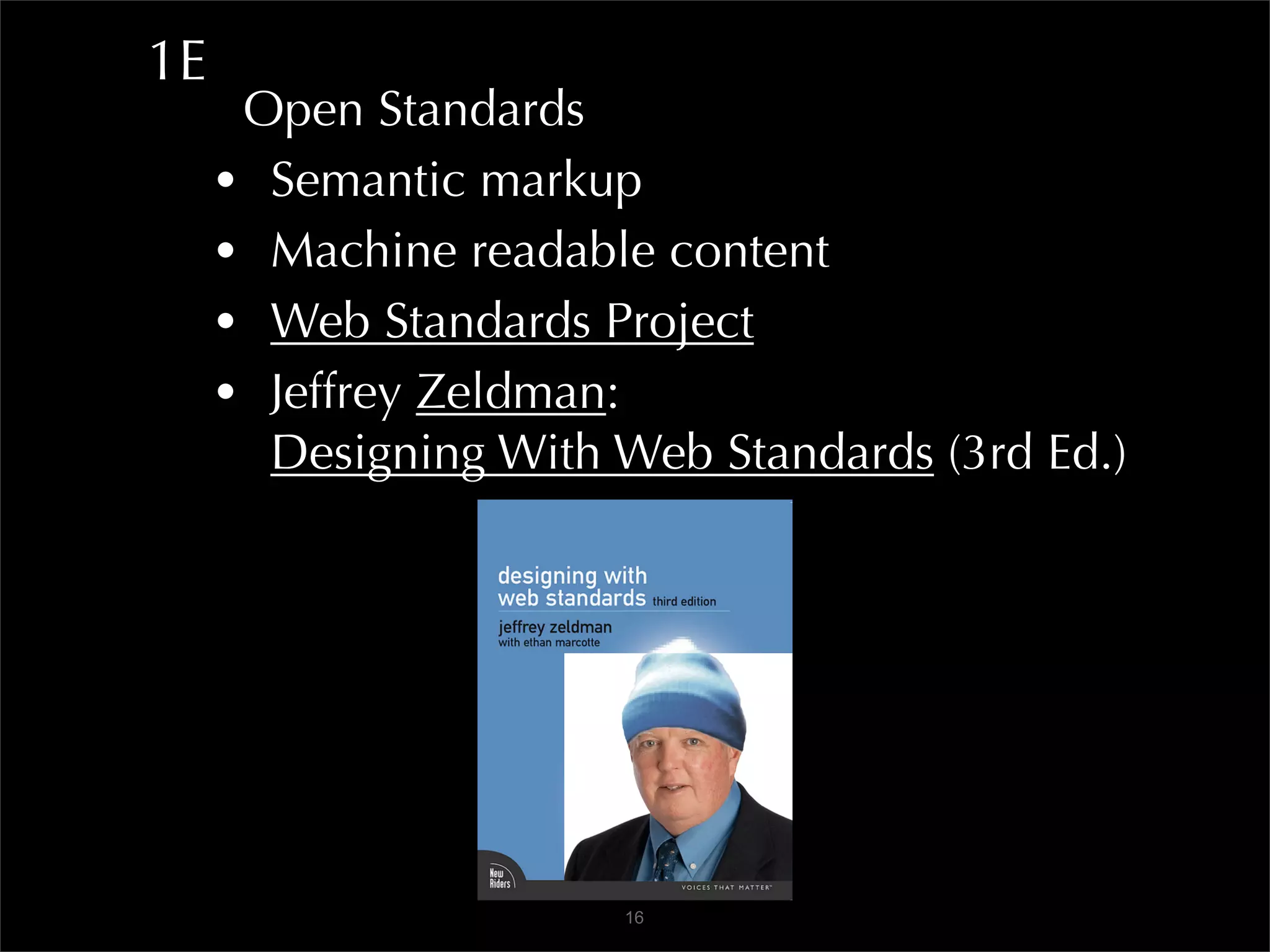
       Designing With Web Standards (3rd Ed.)


                      16
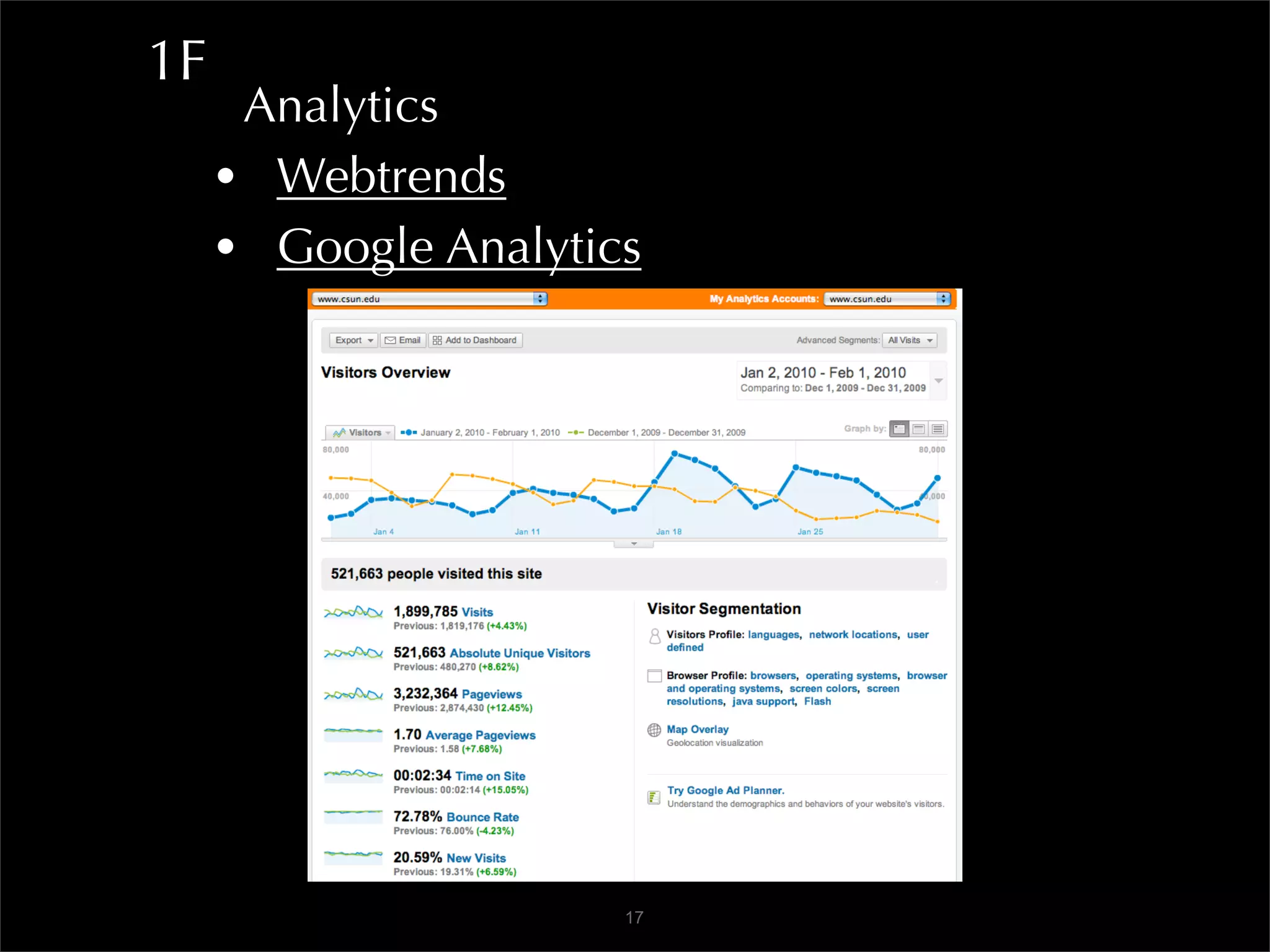
1F
      Analytics
     • Webtrends
     • Google Analytics


                      17
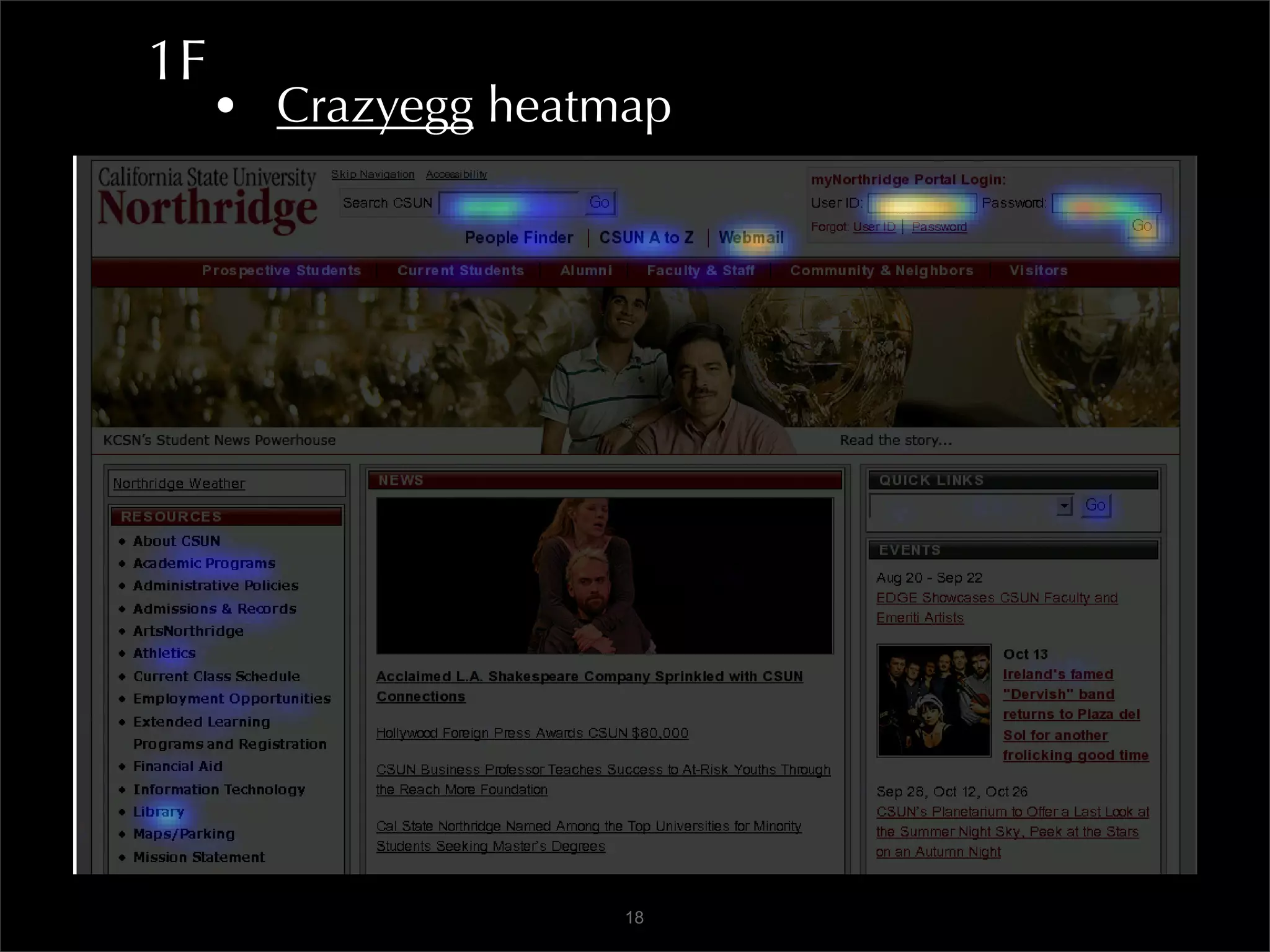
1F
     • Crazyegg heatmap


                     18
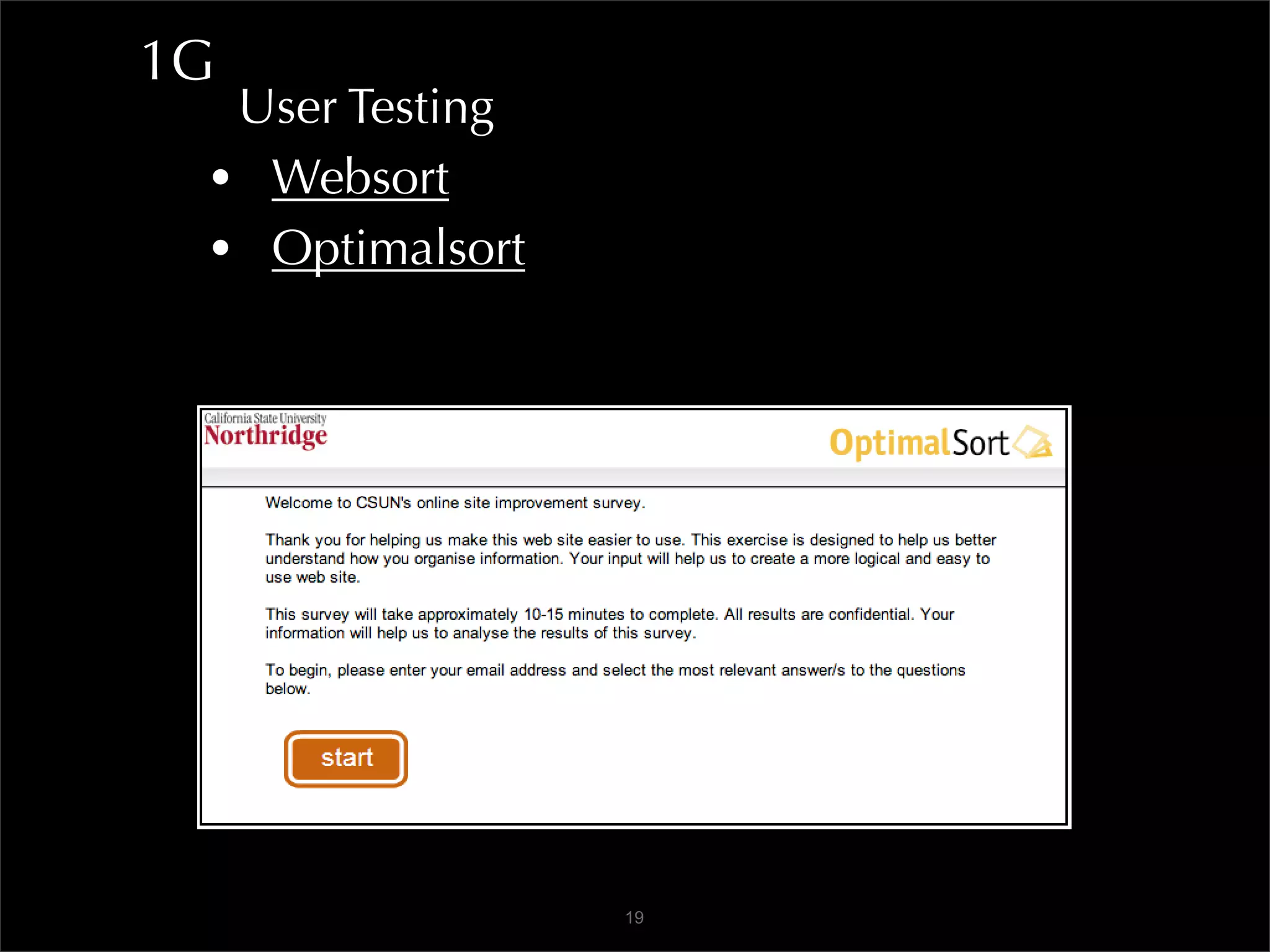
1G
  User Testing
 • Websort
 • Optimalsort


                 19
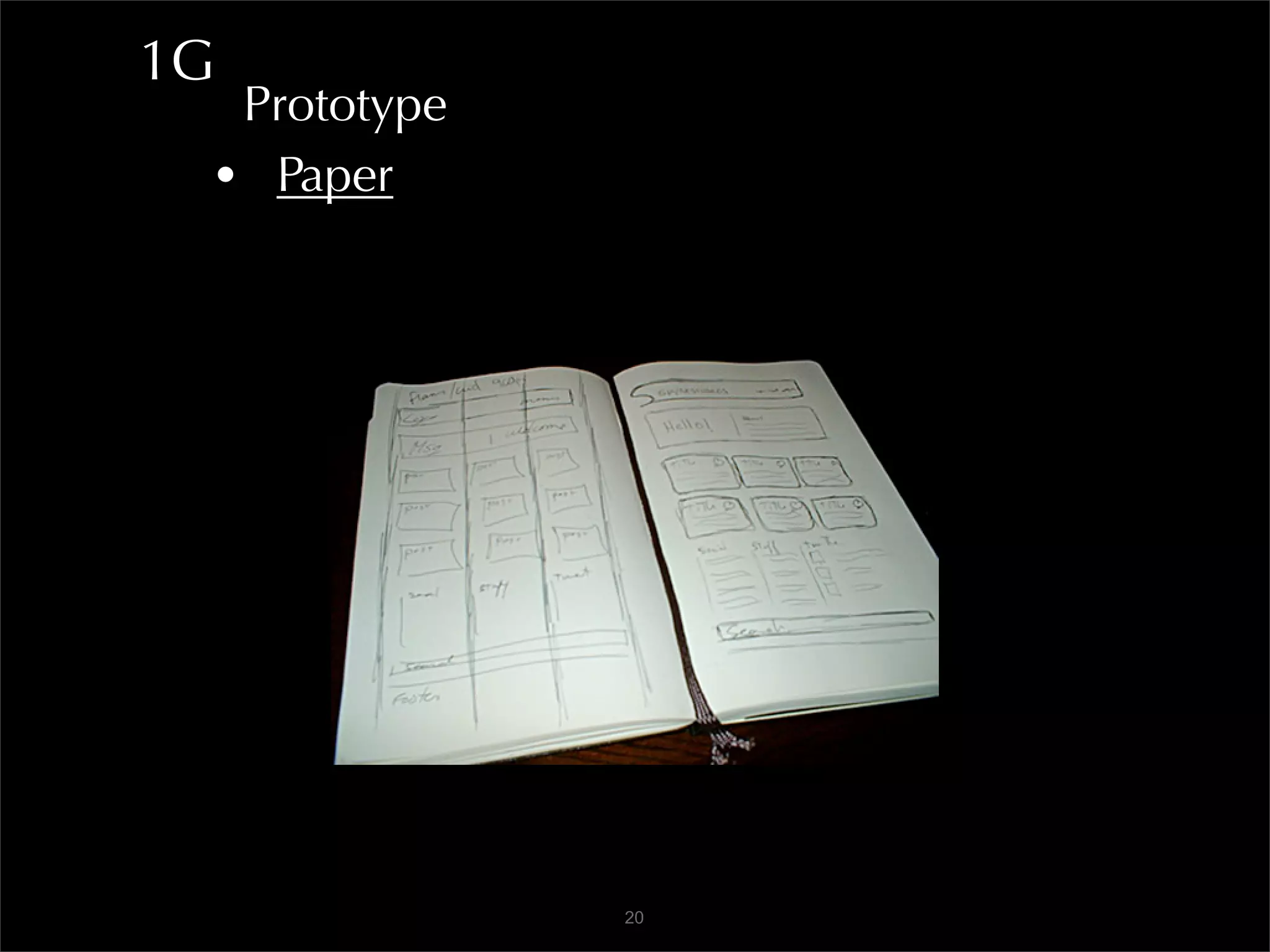
1G
  Prototype
 • Paper


              20
1G
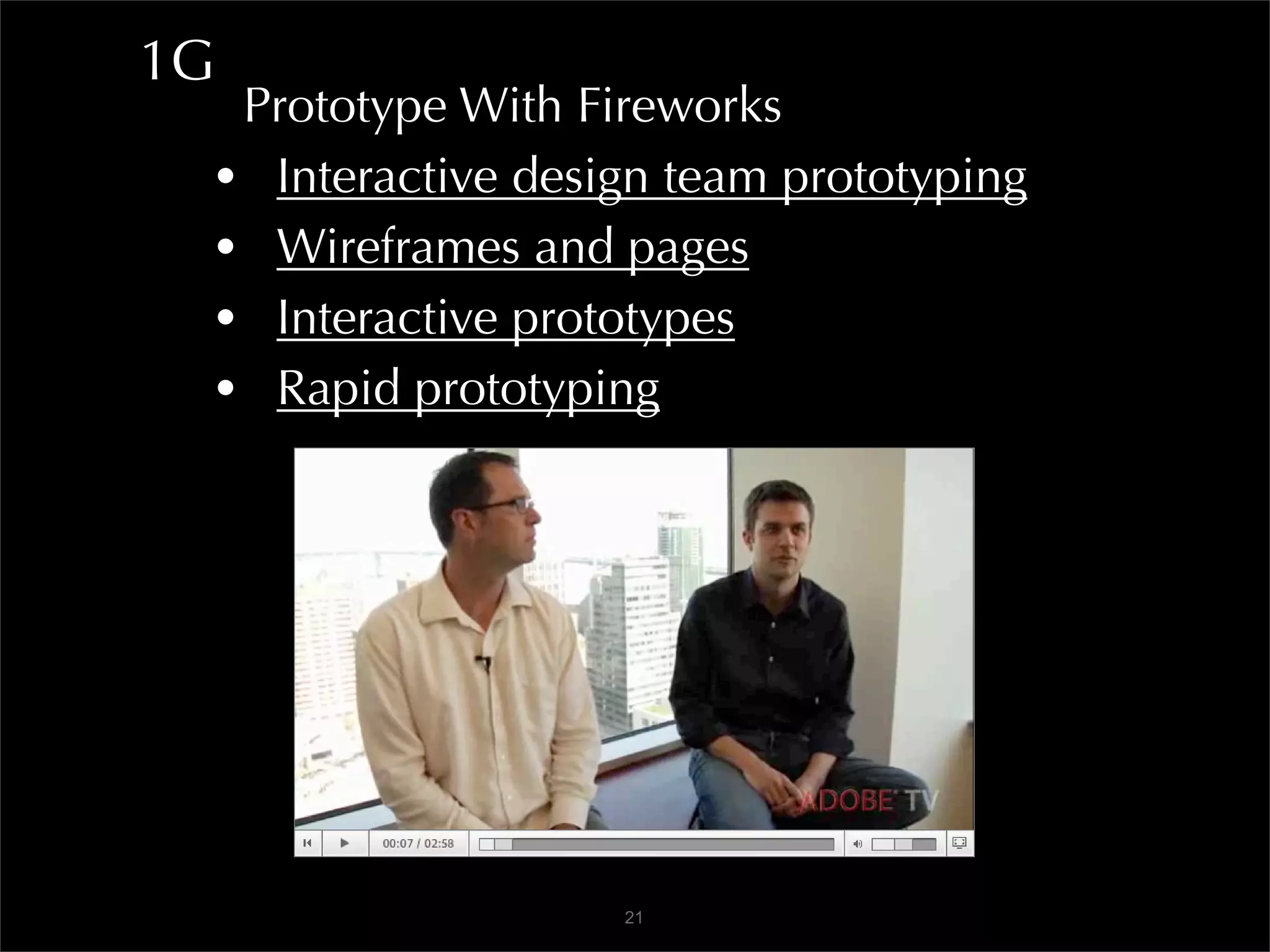
  Prototype With Fireworks
 • Interactive design team prototyping
 • Wireframes and pages
 • Interactive prototypes
 • Rapid prototyping


                   21
1G
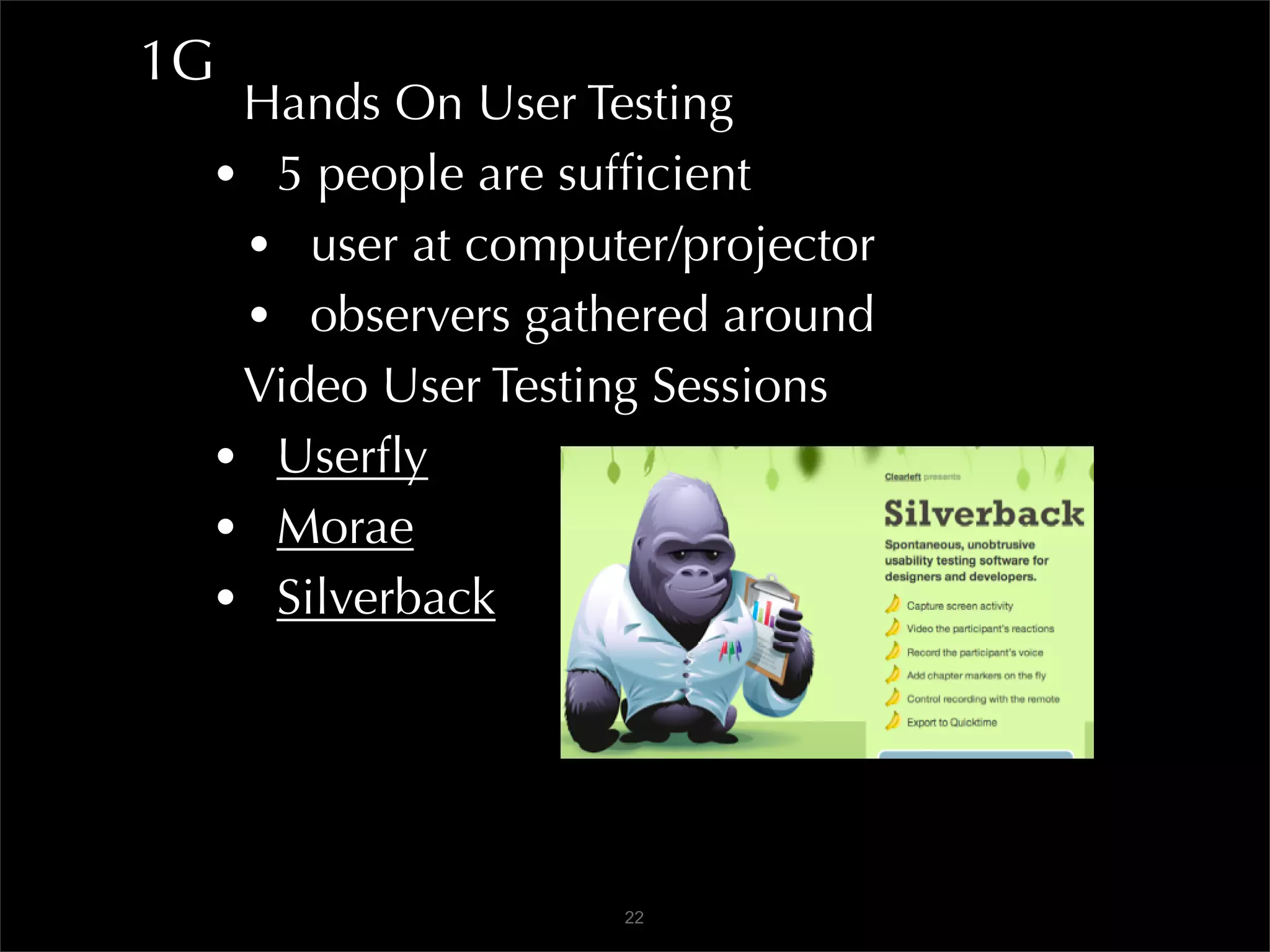
  Hands On User Testing
 • 5 people are sufficient
  • user at computer/projector
  • observers gathered around
  Video User Testing Sessions
 • Userfly
 • Morae
 • Silverback


                   22
2A
      Content is King
     • Write to be found
      • Main message first
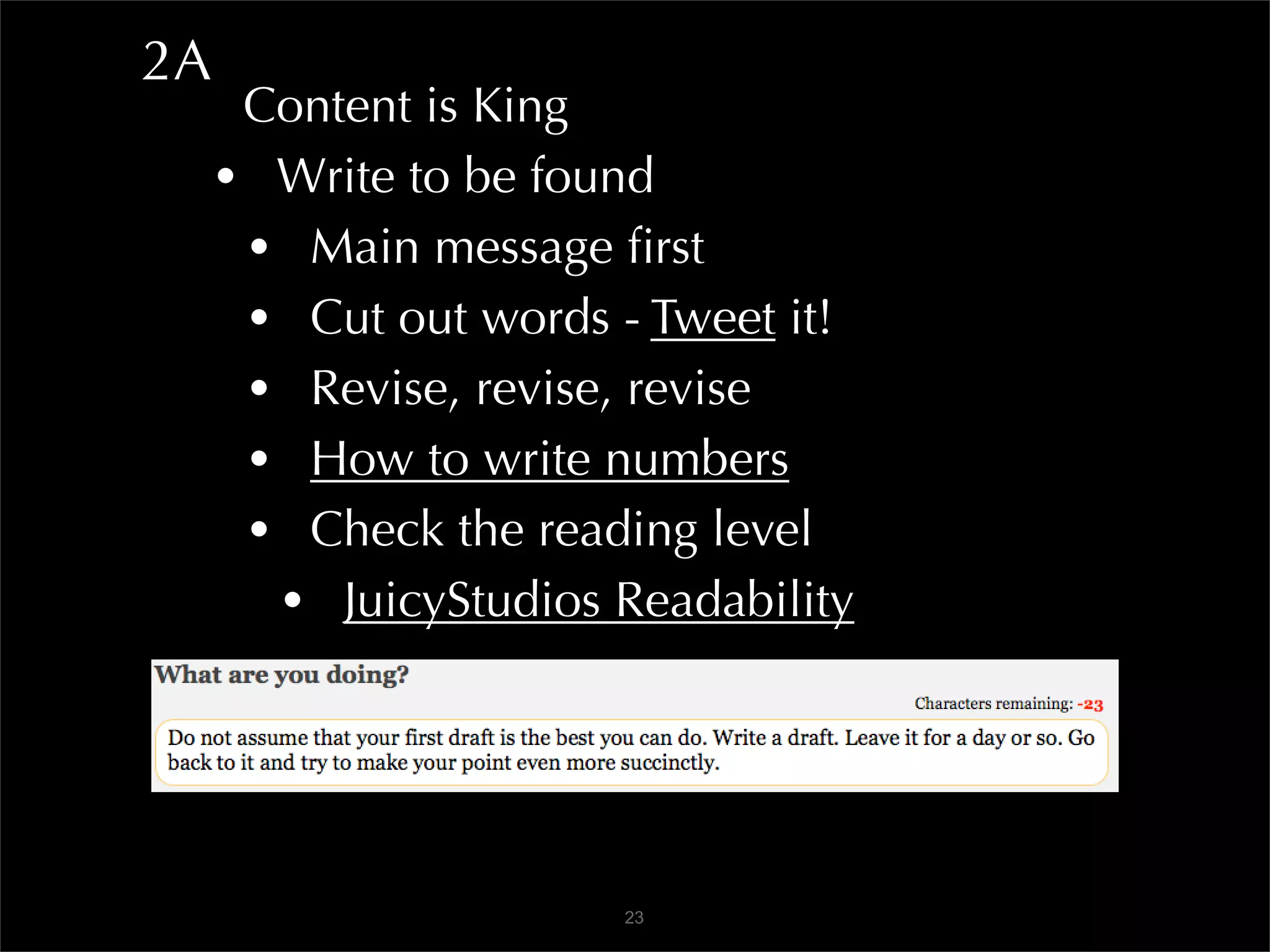
      • Cut out words - Tweet it!
      • Revise, revise, revise
      • How to write numbers
      • Check the reading level
       • JuicyStudios Readability


                      23
2A
      Content is King
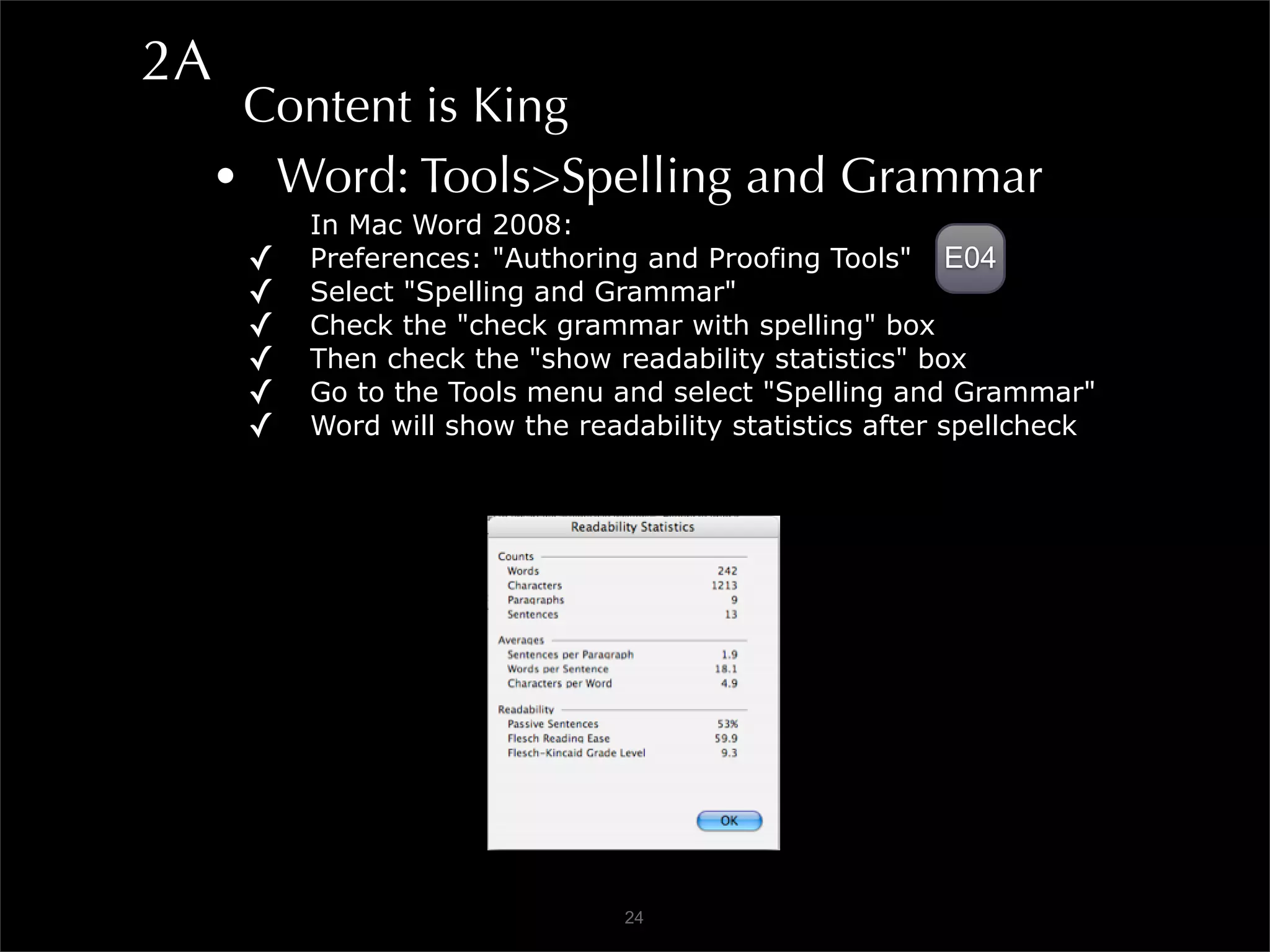
     • Word: Tools>Spelling and Grammar
          In Mac Word 2008:
      ✓   Preferences: "Authoring and Proofing Tools" E04
      ✓   Select "Spelling and Grammar"
      ✓   Check the "check grammar with spelling" box
      ✓   Then check the "show readability statistics" box
      ✓   Go to the Tools menu and select "Spelling and Grammar"
      ✓   Word will show the readability statistics after spellcheck


                                 24
2B
      Content is King
     • Keep paragraphs short
     • Keep sentences short
     • Use fragments - FAQ: don’t repeat question
     • Use the users’ words
     • Think globally - ESL
     • Give examples

      Inverted Pyramid
     • Start with conclusion
      • Word: Tools>Auto Summarize
                       25
2C
      Design for Scanning
     • Most users scan
     • Then they use search
     • Get rid of needless words - happy talk
     • Use headings, bullets, lists
     • Tables for TABULAR DATA (ONLY!)
     • F pattern and “ad blindness”

      Use Images and Icons
     • Images convey, clarify message - USE ALT!
     • Screenshots, videos
     • Icons help user find content, utilities
                       26
2D
  Target All Devices
 • Mobile views rising 18%/mo (csun.edu)
  • JavaScript, PDF, Flash - may lack support
  • Test - turn off JavaScript and images
  • MAKE IT ACCESSIBLE to everyone!
  • Create print style sheet with CSS
  • W3C mobile web resource
  • Mobile emulators
    • iPhoney
    • Opera Mini Simulator
    • Opera browser>View>Small Screen
                   27
2E
      Respect Me
     • How would I react?
     • Do good - i.e. opt-in
     • Tell me a story

      Rediscovery of Content
     • Faceted navigation - jcrew
     • Folksonomy (popular) tags - digg or delicious
     • RSS feeds, mailing lists, newsletters
     • Search box
     • Feeds, share, follow, etc. : ASMBYC
                       28
3A
      How It Works
     • Interface design conventions - they work!
      • Google API libraries and samples
      • Yahoo User Interface library and patterns
      • MooTools
      • JQuery UI and tutorials
     • Patterns
      • Welie Pattern library
      • Smileycat Design Elements
      • Jennifer Tidwell

                       29
3B
      Navigation
     • Findable
      • Where am I?
      • Where can I go?
      • Where have I been?
      • How do I get here again?
       • Go to deep page - answer those questions
         • E-trade
         • NPR Shop
     • 800x600: does right nav disappear? alistapart
     • Drop downs: USPS and csun.edu
                       30
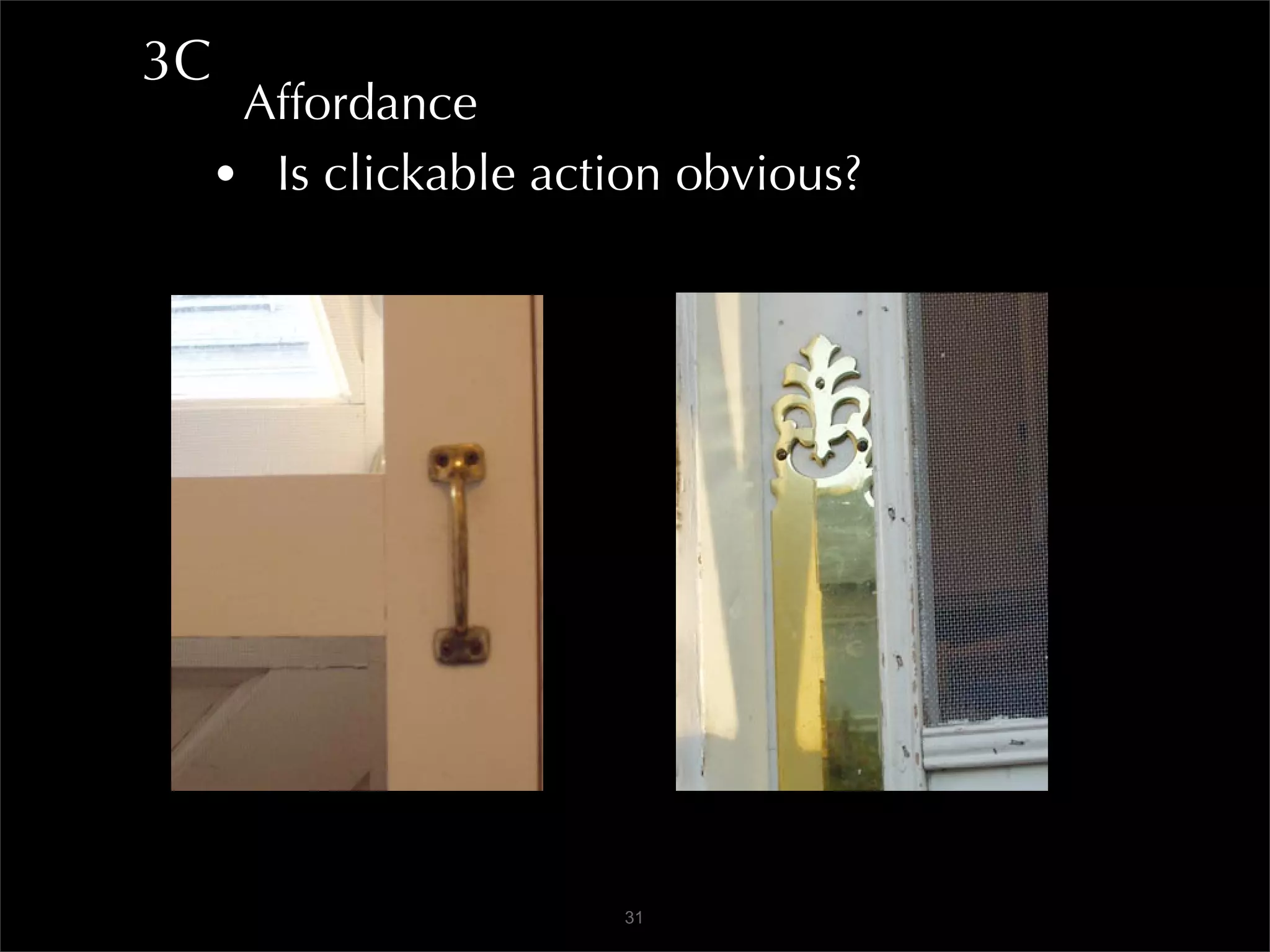
3C
      Affordance
     • Is clickable action obvious?


                       31
3D
  Types of Navigation
 • Accordion
  • Simple jQuery accordions
 • Breadcrumbs
  • Apple Store
  • Library of Congress
 • Directory
  • Ebay
  • USPS


                 32
3D
  Types of Navigation
 • Doormat
  • Stanford
 • Double Tab
  • State of California
 • Tabs
  • Trails
 • Faceted
  • Amazon
  • Nordstrom

                   33
3E
      Types of Navigation
     • Fly-out
      • CSUN (myNorthridge Portal)
      • Adobe
     • Home Link
      • Green Beast
     • Icon
      • Clear Helper
     • Map Navigator
      • Google Maps

                     34
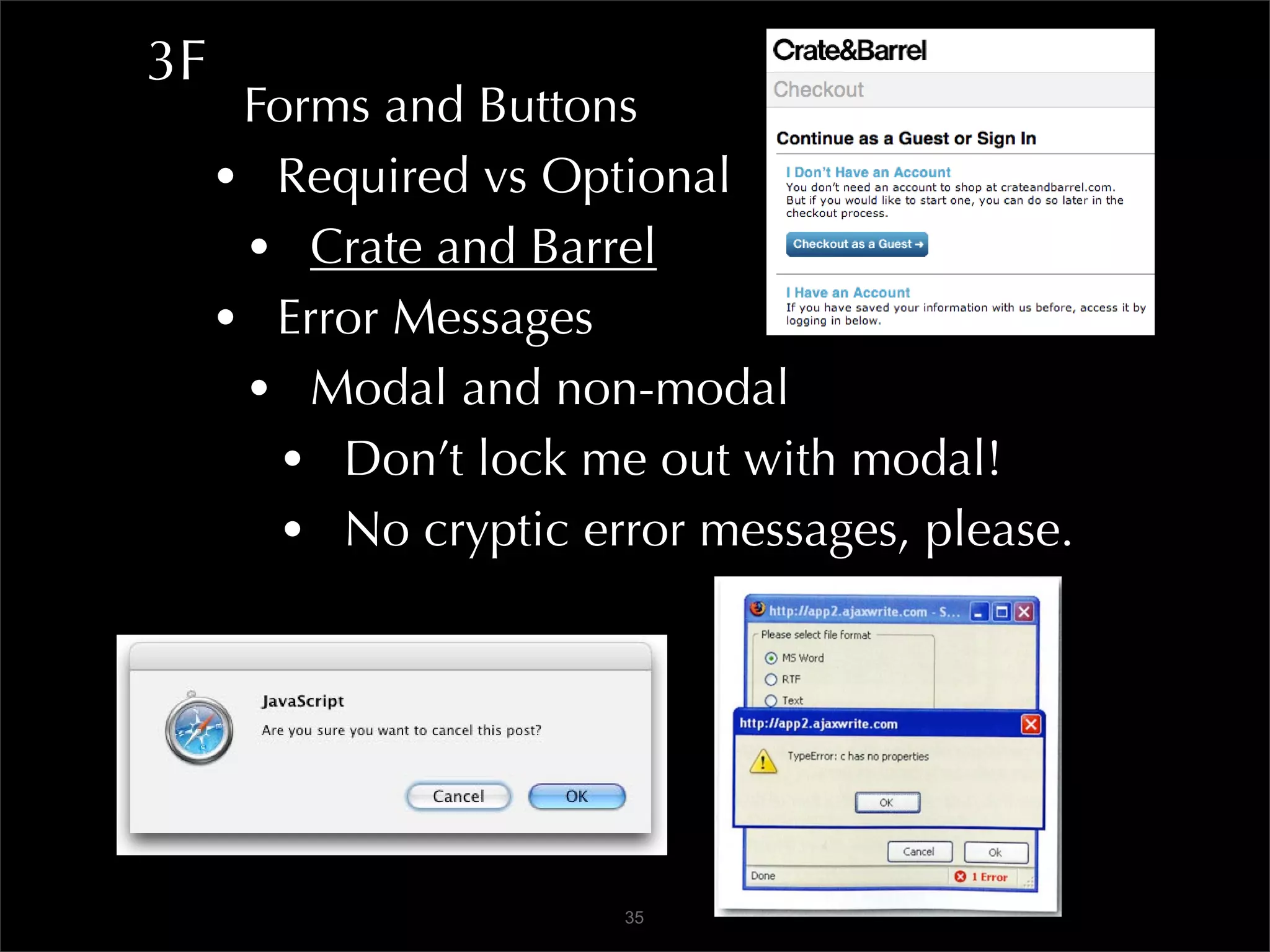
3F
      Forms and Buttons
     • Required vs Optional
      • Crate and Barrel
     • Error Messages
      • Modal and non-modal
        • Don’t lock me out with modal!
        • No cryptic error messages, please.


                       35
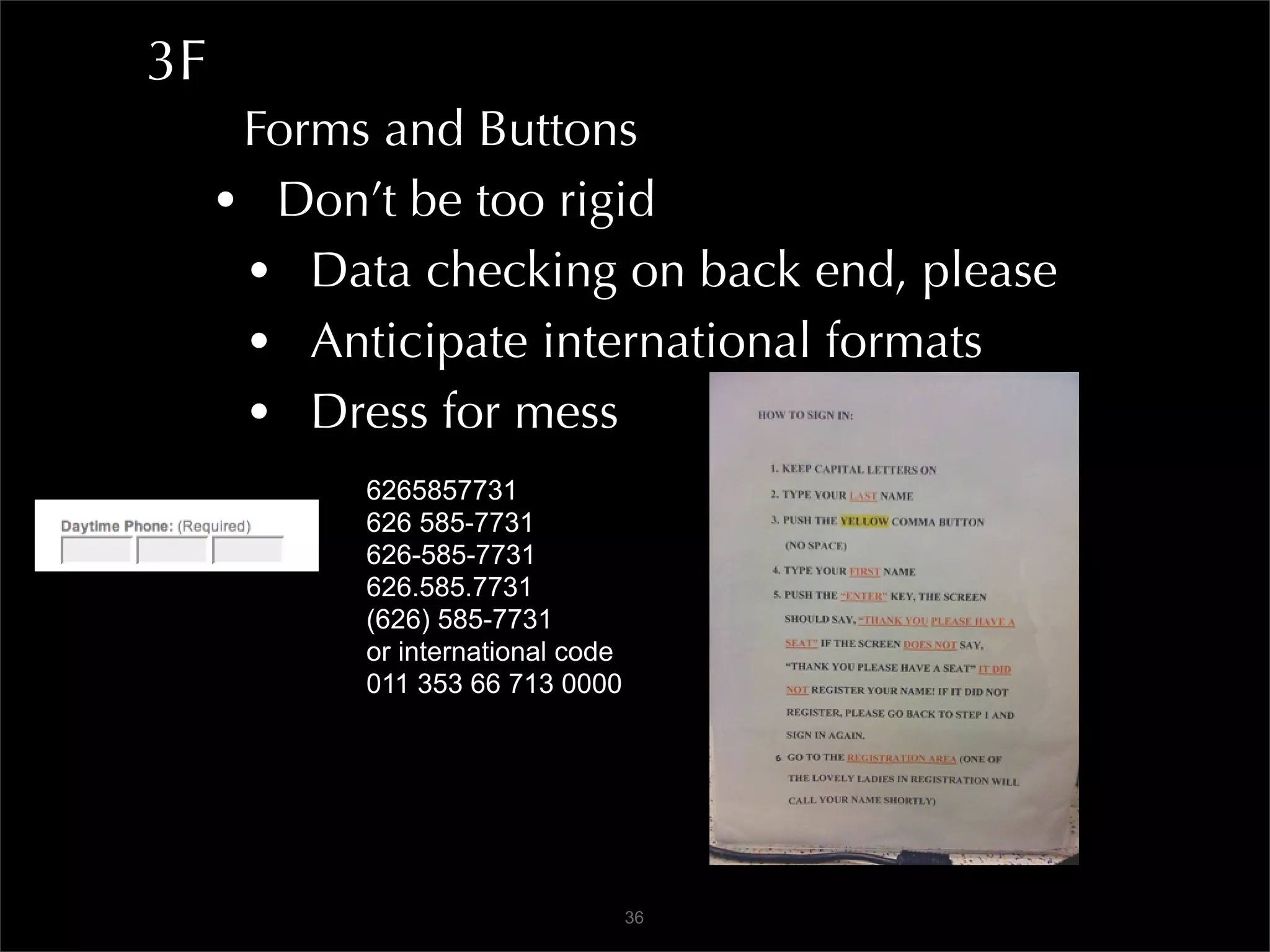
3F
      Forms and Buttons
     • Don’t be too rigid
      • Data checking on back end, please
      • Anticipate international formats
      • Dress for mess
           6265857731
           626 585-7731
           626-585-7731
           626.585.7731
           (626) 585-7731
           or international code
           011 353 66 713 0000


                                   36
3F
      Forms and Buttons
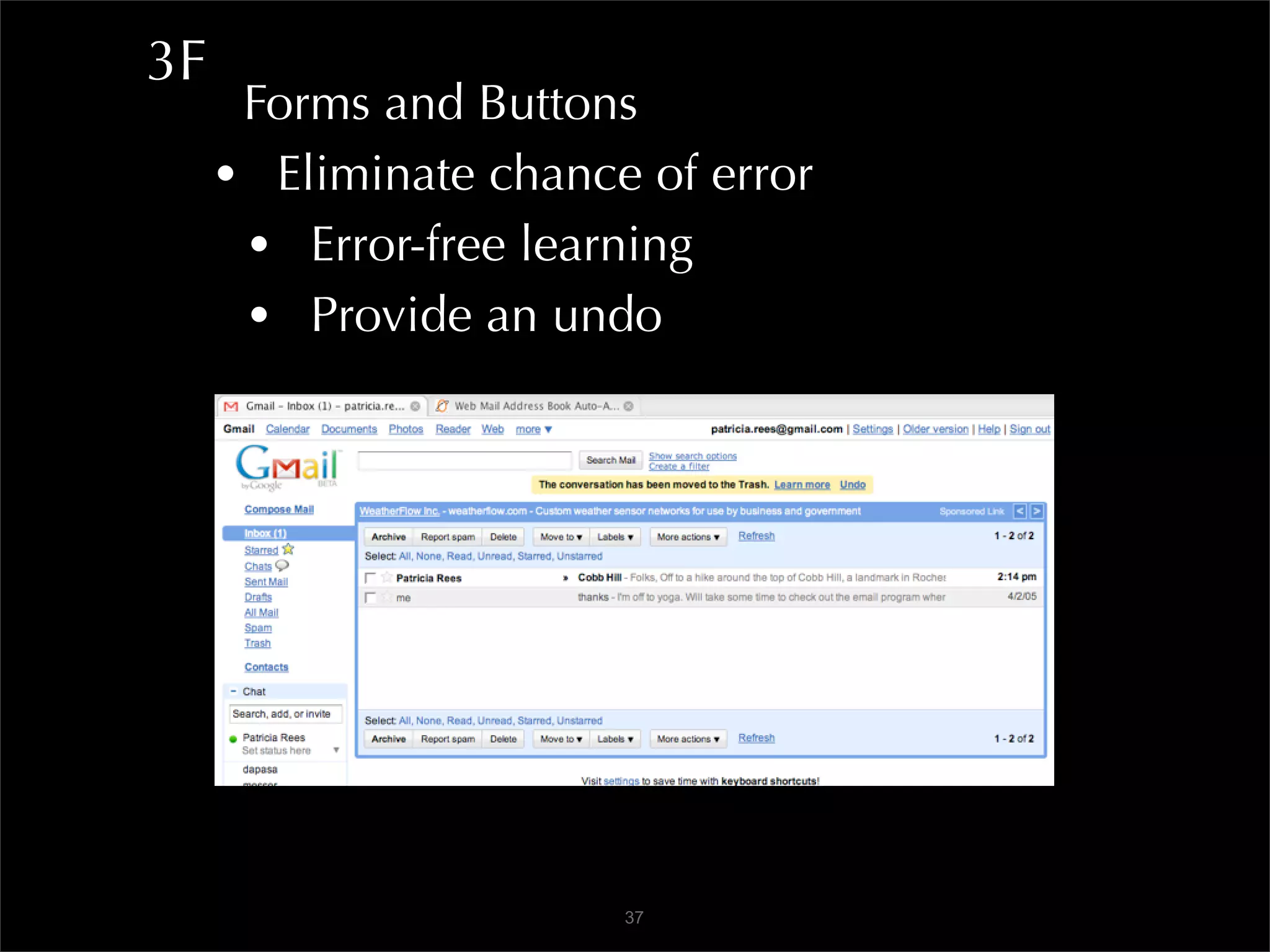
     • Eliminate chance of error
      • Error-free learning
      • Provide an undo


                       37
3F
      Forms and Buttons
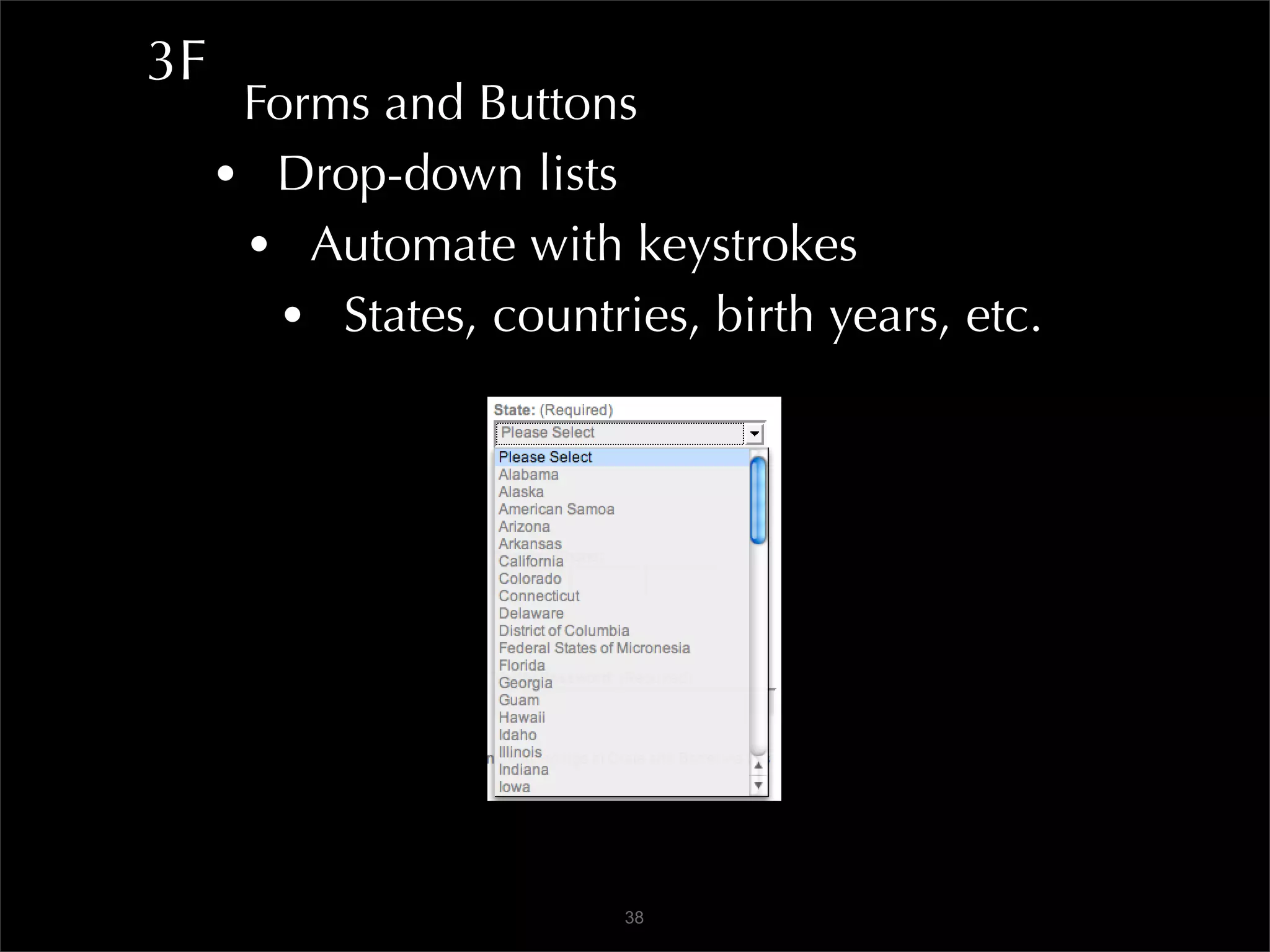
     • Drop-down lists
      • Automate with keystrokes
        • States, countries, birth years, etc.


                         38
3F
      Forms and Buttons
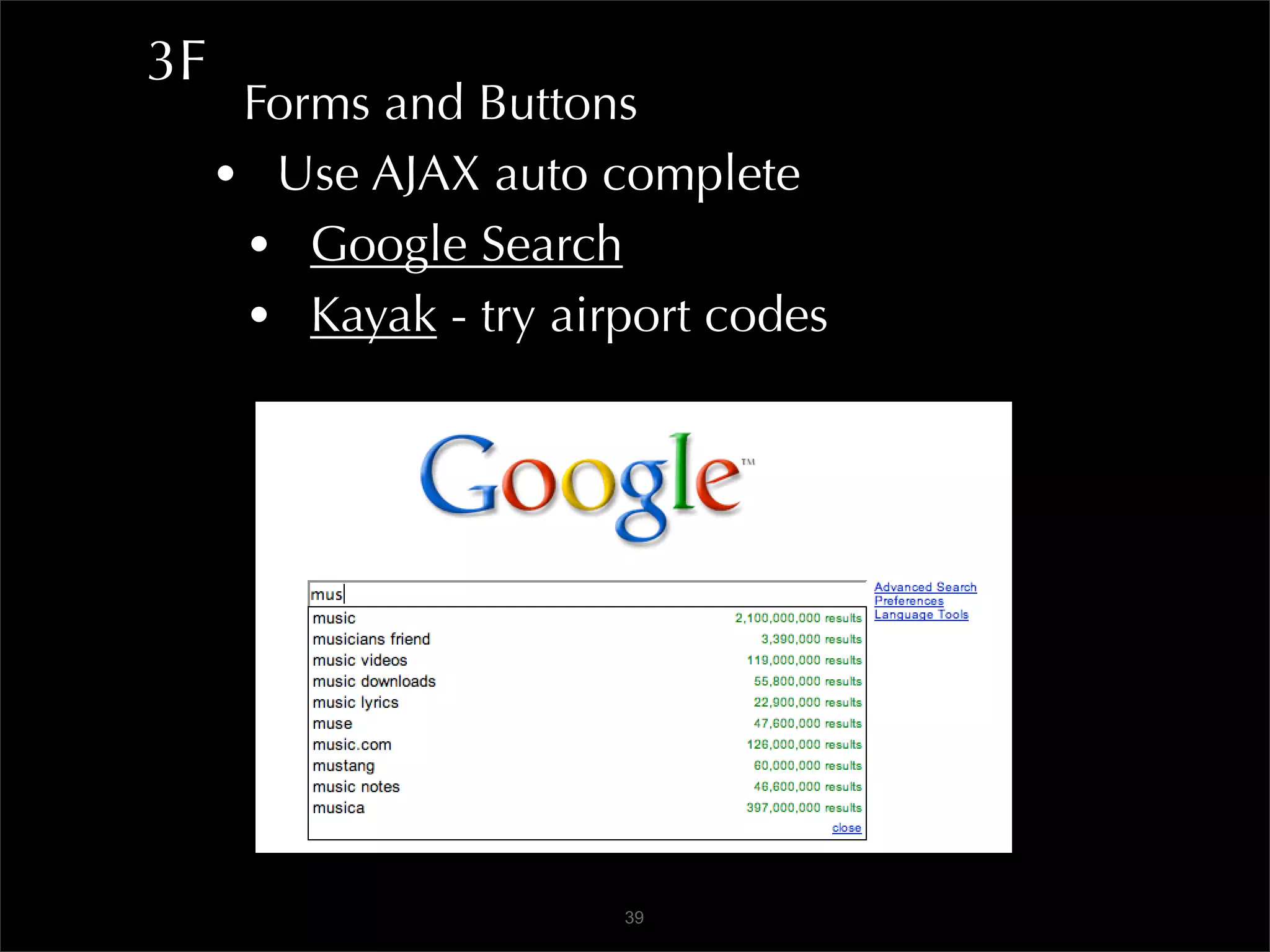
     • Use AJAX auto complete
      • Google Search
      • Kayak - try airport codes


                       39
3F
      Forms and Buttons
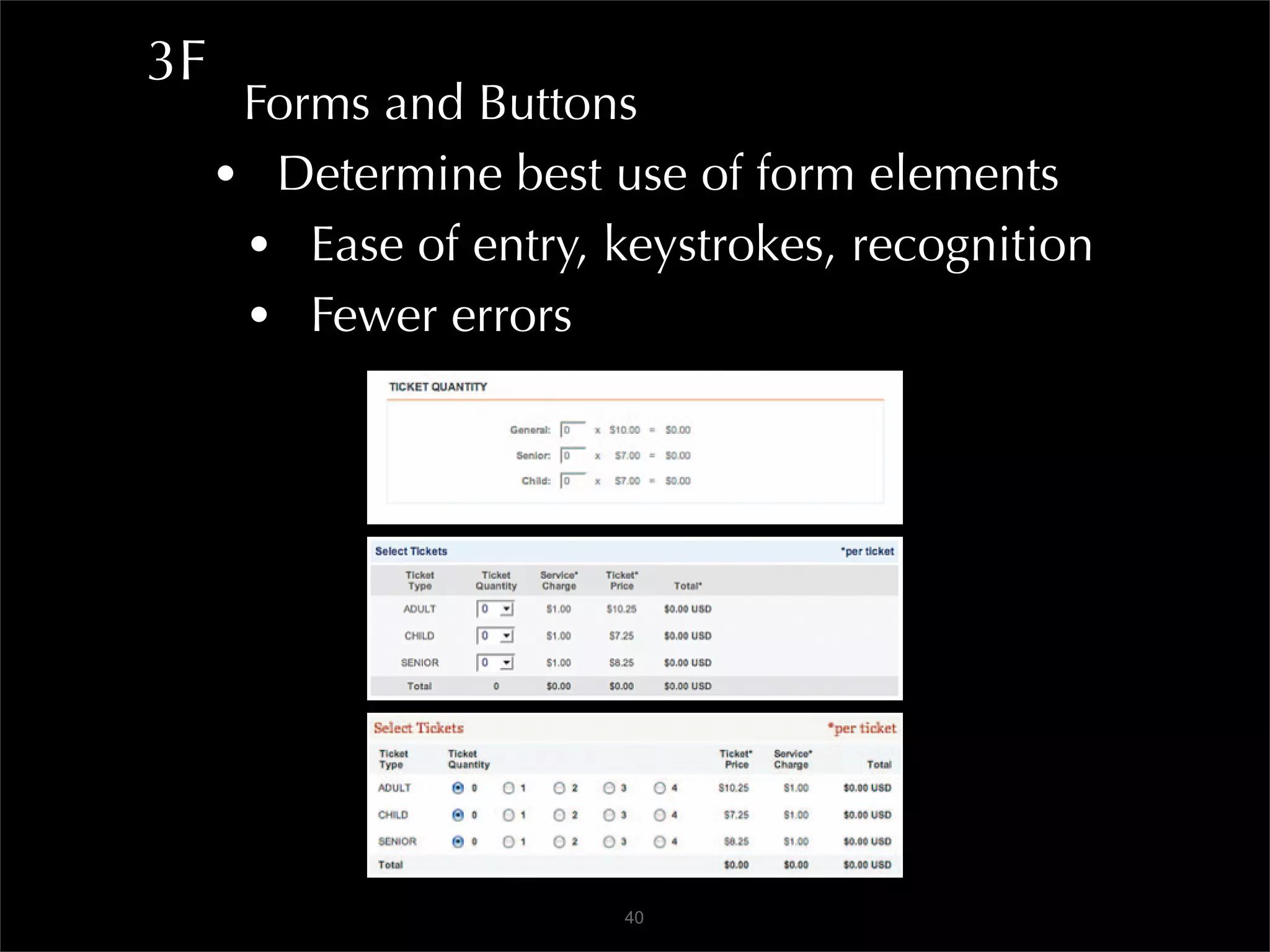
     • Determine best use of form elements
      • Ease of entry, keystrokes, recognition
      • Fewer errors


                        40
3F
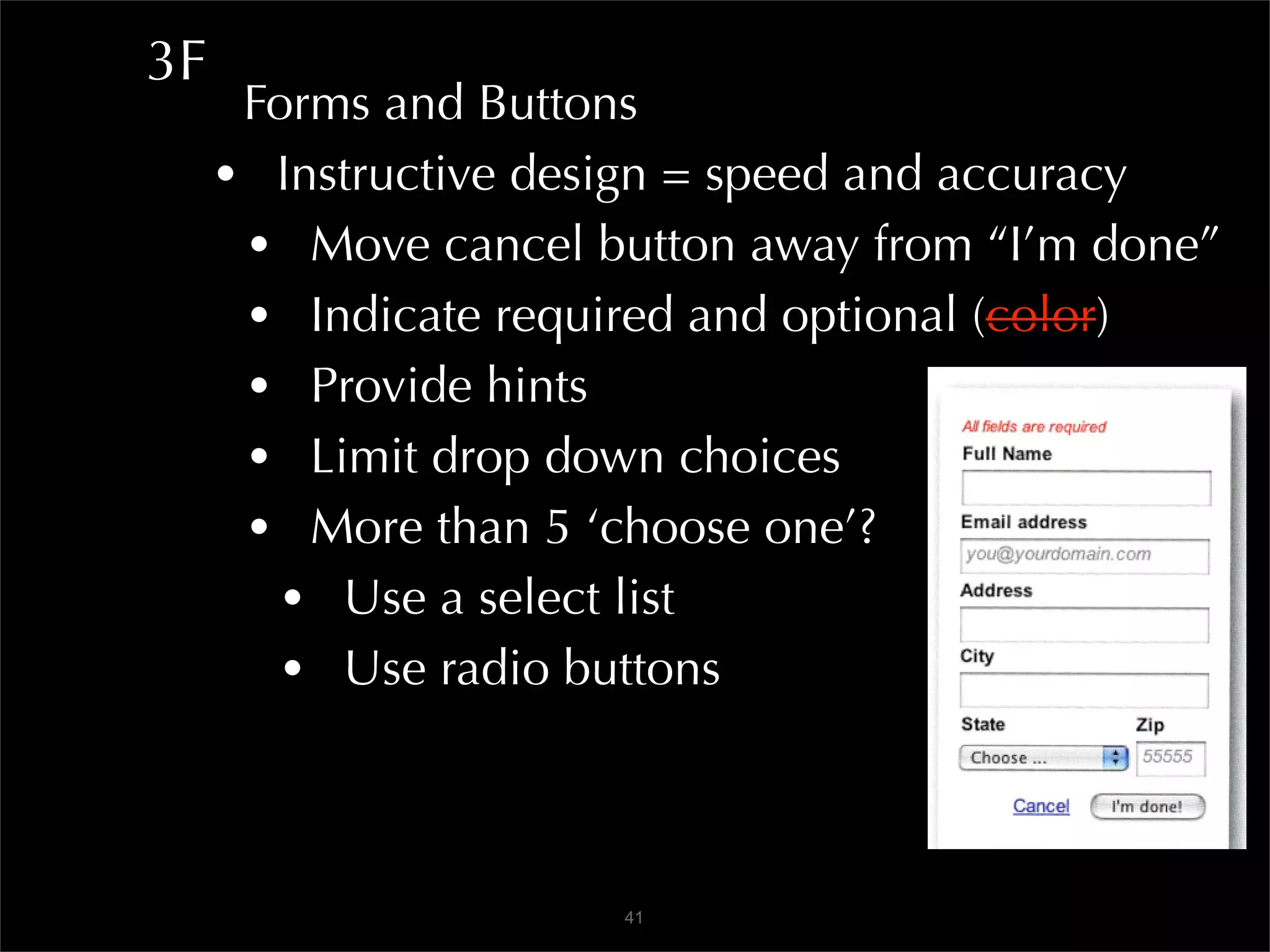
      Forms and Buttons
     • Instructive design = speed and accuracy
      • Move cancel button away from “I’m done”
      • Indicate required and optional (color)
      • Provide hints
      • Limit drop down choices
      • More than 5 ‘choose one’?
        • Use a select list
        • Use radio buttons


                      41
3F
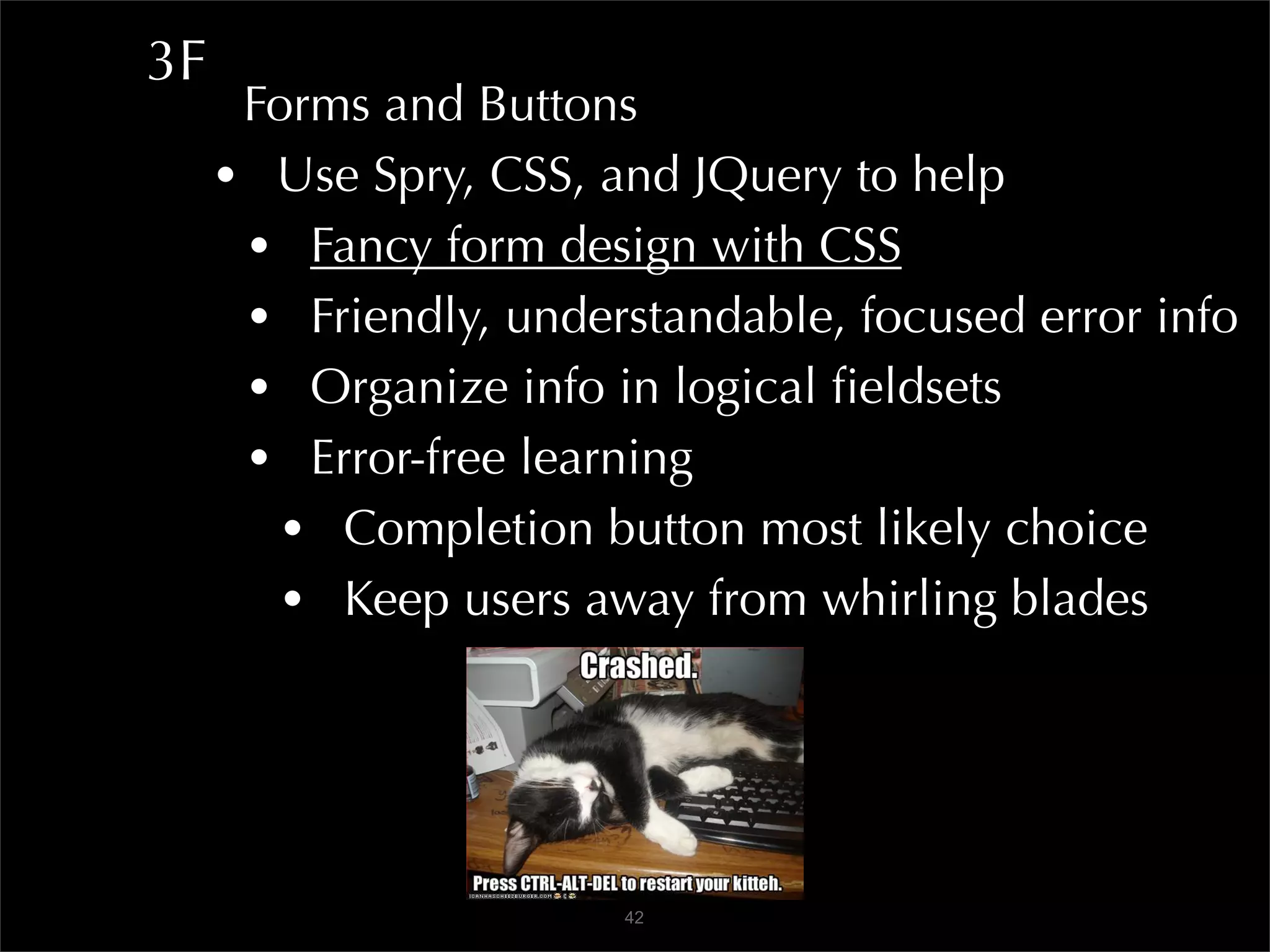
      Forms and Buttons
     • Use Spry, CSS, and JQuery to help
      • Fancy form design with CSS
      • Friendly, understandable, focused error info
      • Organize info in logical fieldsets
      • Error-free learning
        • Completion button most likely choice
        • Keep users away from whirling blades


                       42
3F
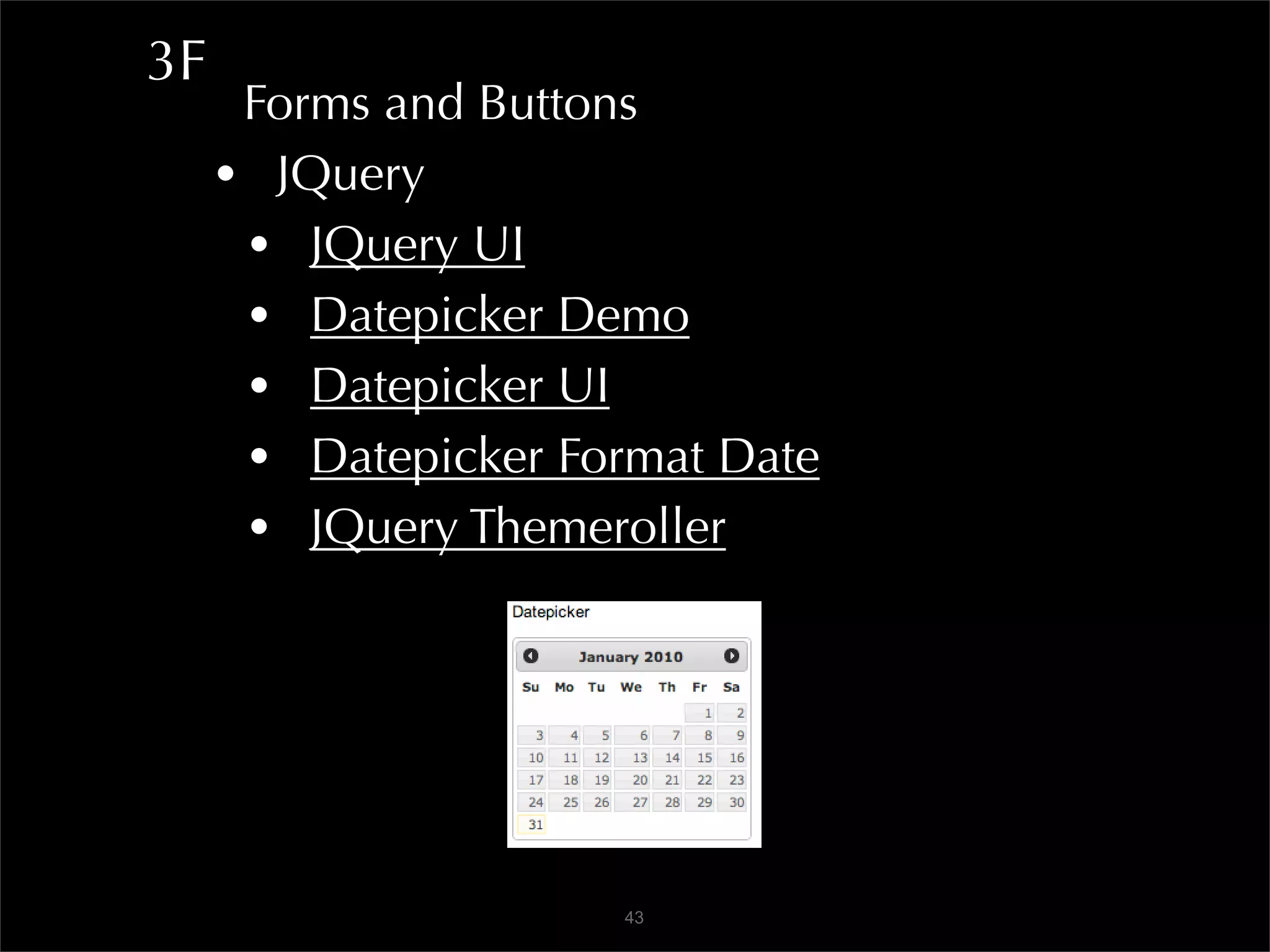
      Forms and Buttons
     • JQuery
      • JQuery UI
      • Datepicker Demo
      • Datepicker UI
      • Datepicker Format Date
      • JQuery Themeroller


                     43
3G
  Less Friction>More Energy>Flow
 • Multiple pathways engage = discover
  • IMDb
 • Gradual engagement
  • Avoid sign-up forms - $300M Button
  • Guest vs registered - give good reason
    • Picnik
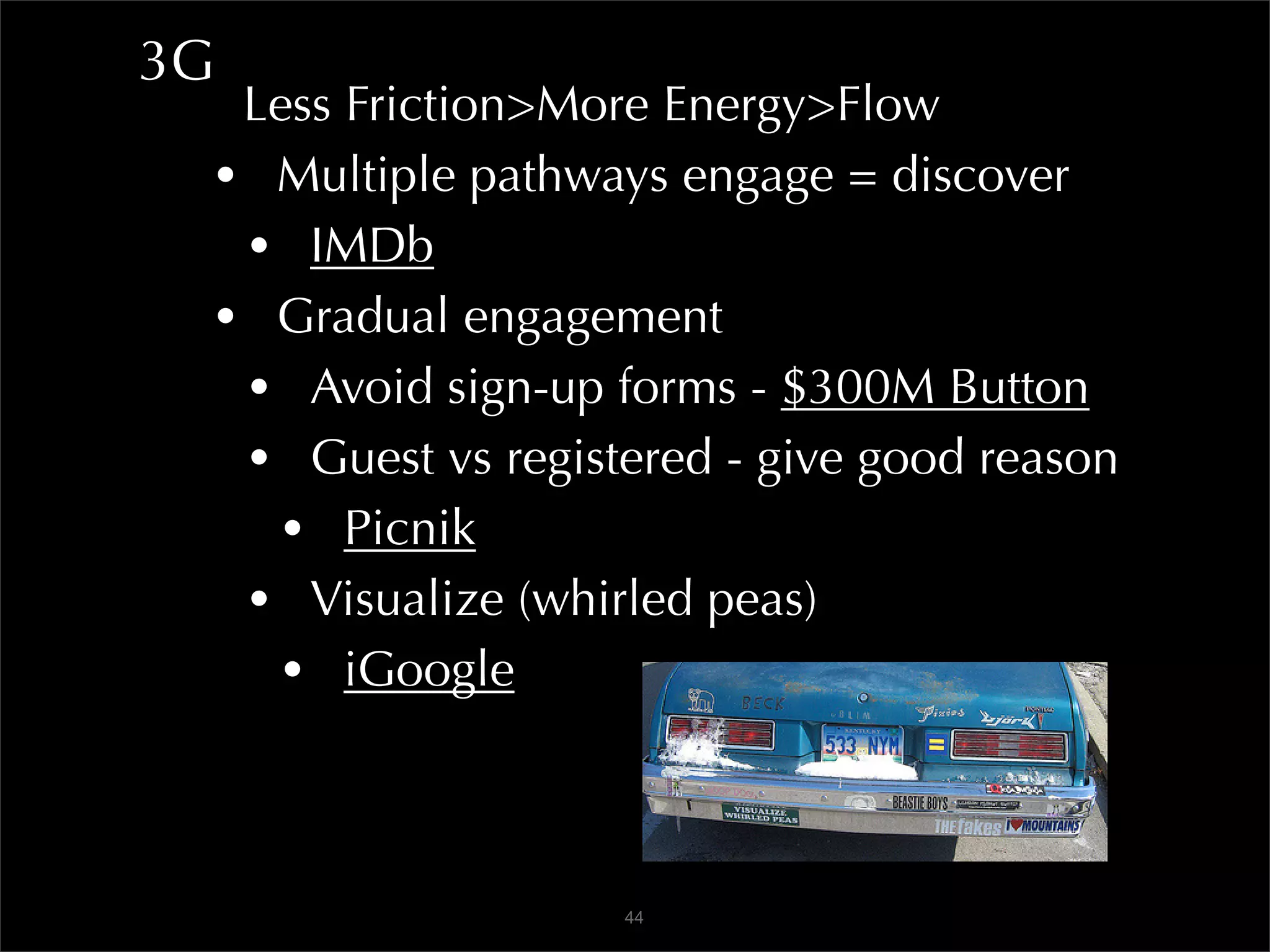
  • Visualize (whirled peas)
    • iGoogle


                   44
3H
  Optimize for Speedy Download
 • Use best practices for speed
  • Downloading images, etc., takes time
   • Concatenate/minify scripts, run them last
   • Combine images with CSS sprites
   • Fewer HTTP requests
   • Tidy up CSS, put reference at top
   • Reduce DNS Lookups
   • Add far-future Expires header
        Expires: Thu, 15 Apr 2010 20:00:00 GMT


                       45
3H
  Optimize for Speedy Download
 • Avoid redirects
  • Add trailing slash to hyperlink
  • Avoid 301 and 302 status codes
  • NEVER USE meta redirects
   • Breaks back button, security warnings
    • Yahoo Best Practices
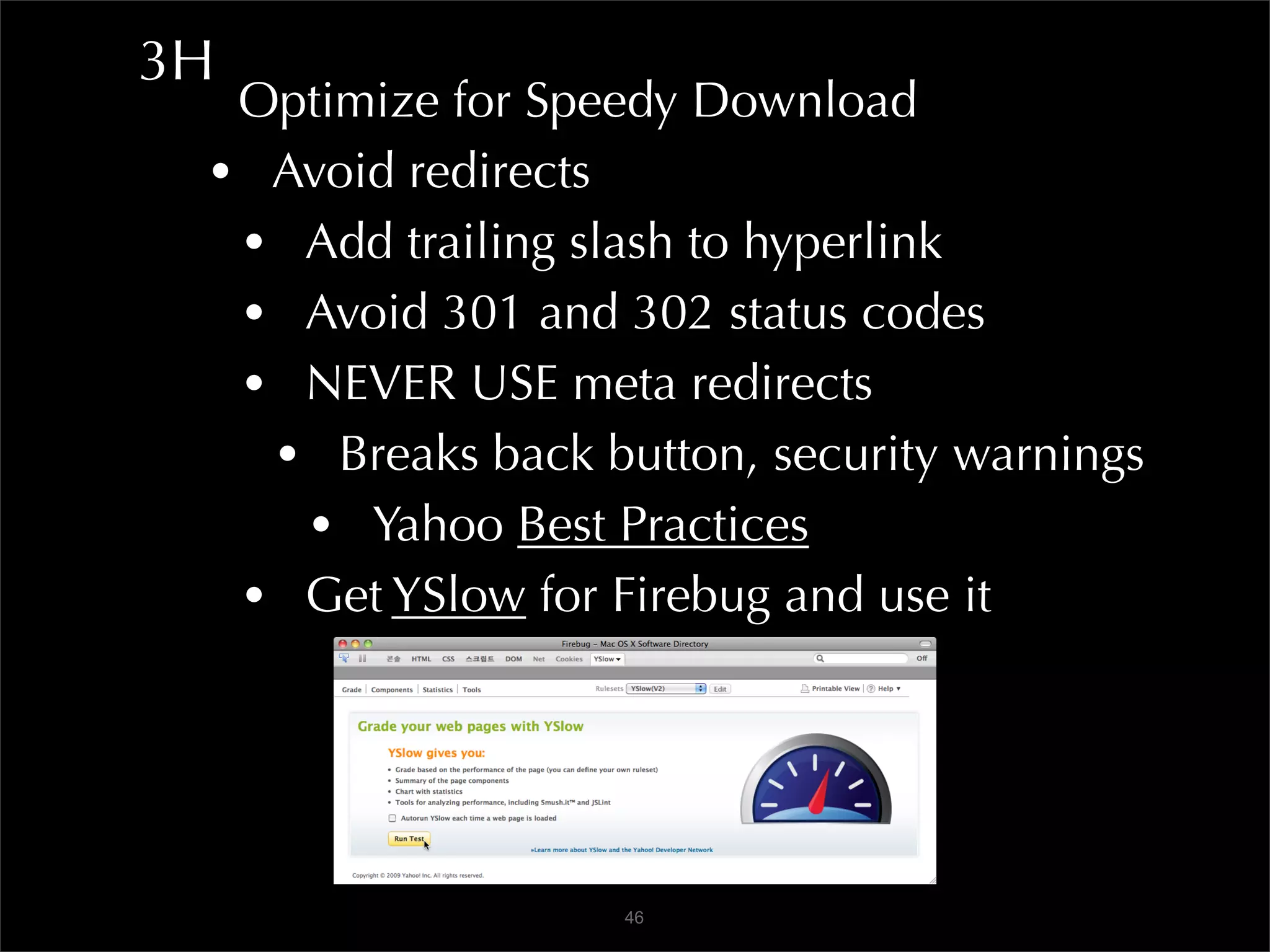
  • Get YSlow for Firebug and use it


                   46
3H
  Optimize for Speedy Download
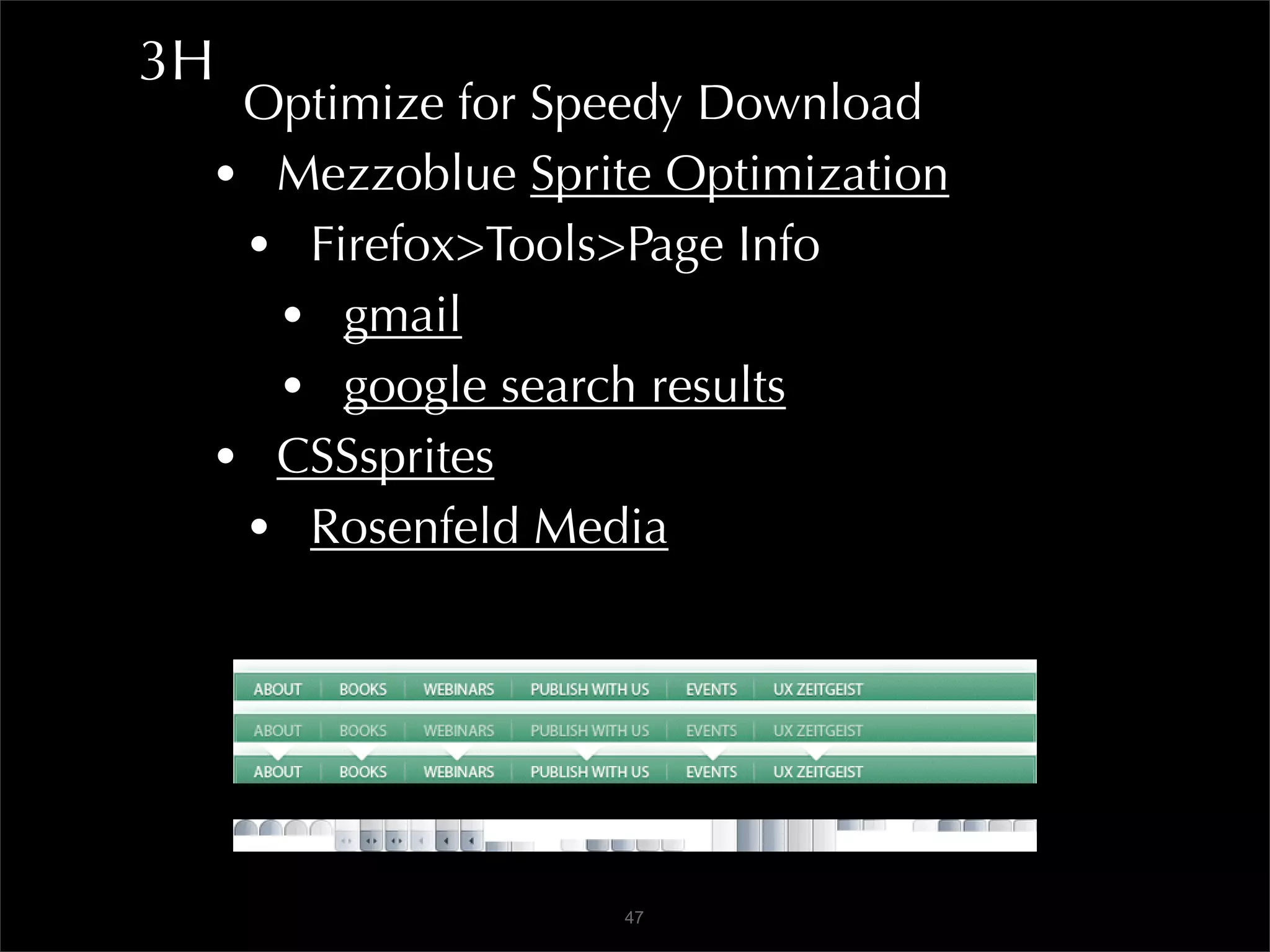
 • Mezzoblue Sprite Optimization
  • Firefox>Tools>Page Info
   • gmail
   • google search results
 • CSSsprites
  • Rosenfeld Media


                  47
3H
  Optimize for Speedy Download
 • Check spelling
 • Validate
  • Accessibility, code, CSS - W3C
 • Check for broken links
  • Xenu’s Link Sleuth
  • Google Webmaster Tools


                   48
3H
  Agile Design and Development Practices
 • Design system not surface
 • Evolutionary, user driven, not final
 • No page, only pathways
 • Simplicity over complexity
 • Collaborative and open design
 • Test in major rendering engines + mobile
  • WebKit (Safari, Chrome)
  • Gecko (Firefox)
  • Trident (IE)
  • Presto (Opera)
                   49
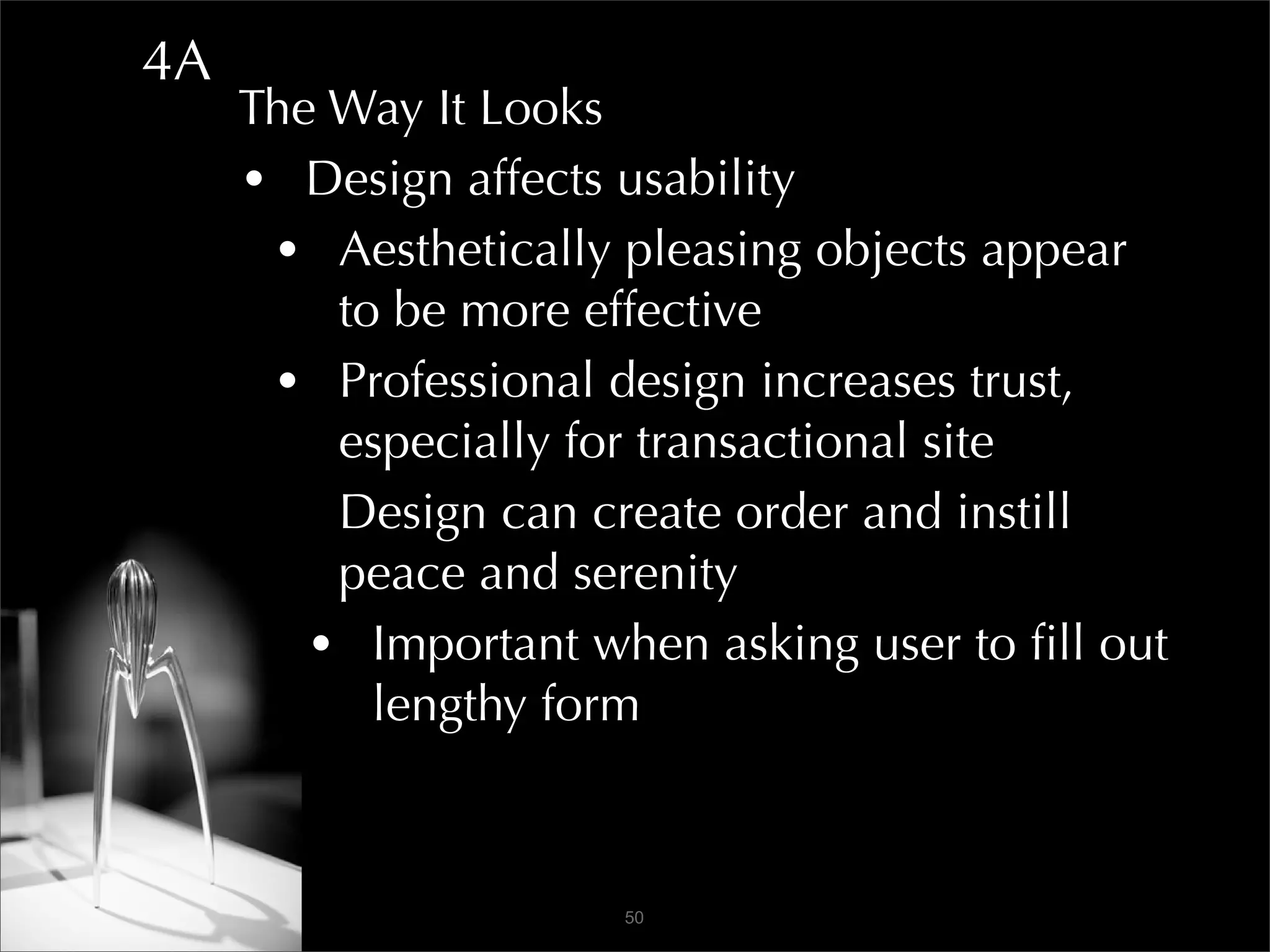
4A
     The Way It Looks
     • Design affects usability
      • Aesthetically pleasing objects appear
         to be more effective
      • Professional design increases trust,
         especially for transactional site
      • Design can create order and instill
         peace and serenity
        • Important when asking user to fill out
           lengthy form


                      50
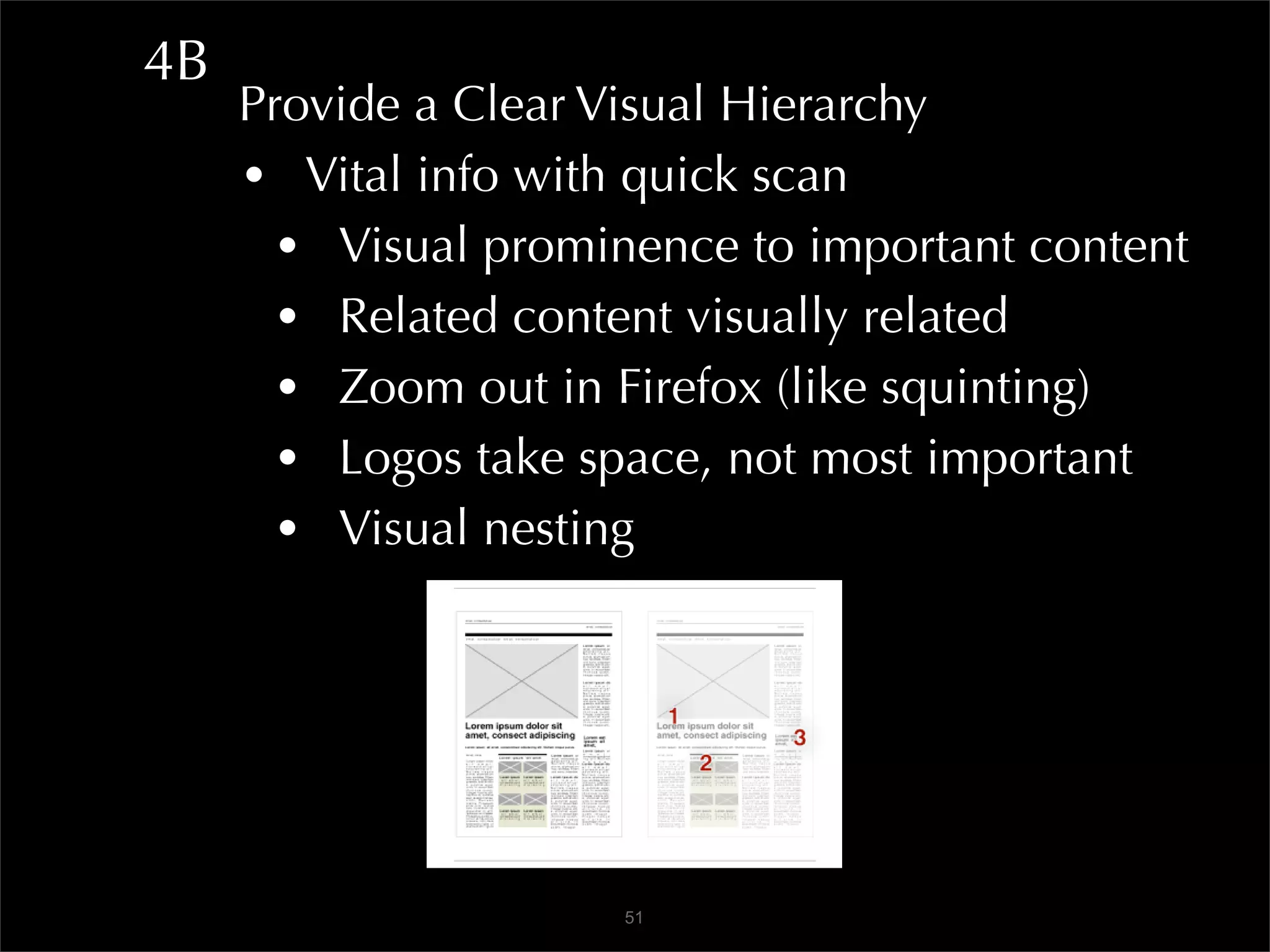
4B
     Provide a Clear Visual Hierarchy
     • Vital info with quick scan
       • Visual prominence to important content
       • Related content visually related
       • Zoom out in Firefox (like squinting)
       • Logos take space, not most important
       • Visual nesting


                      51
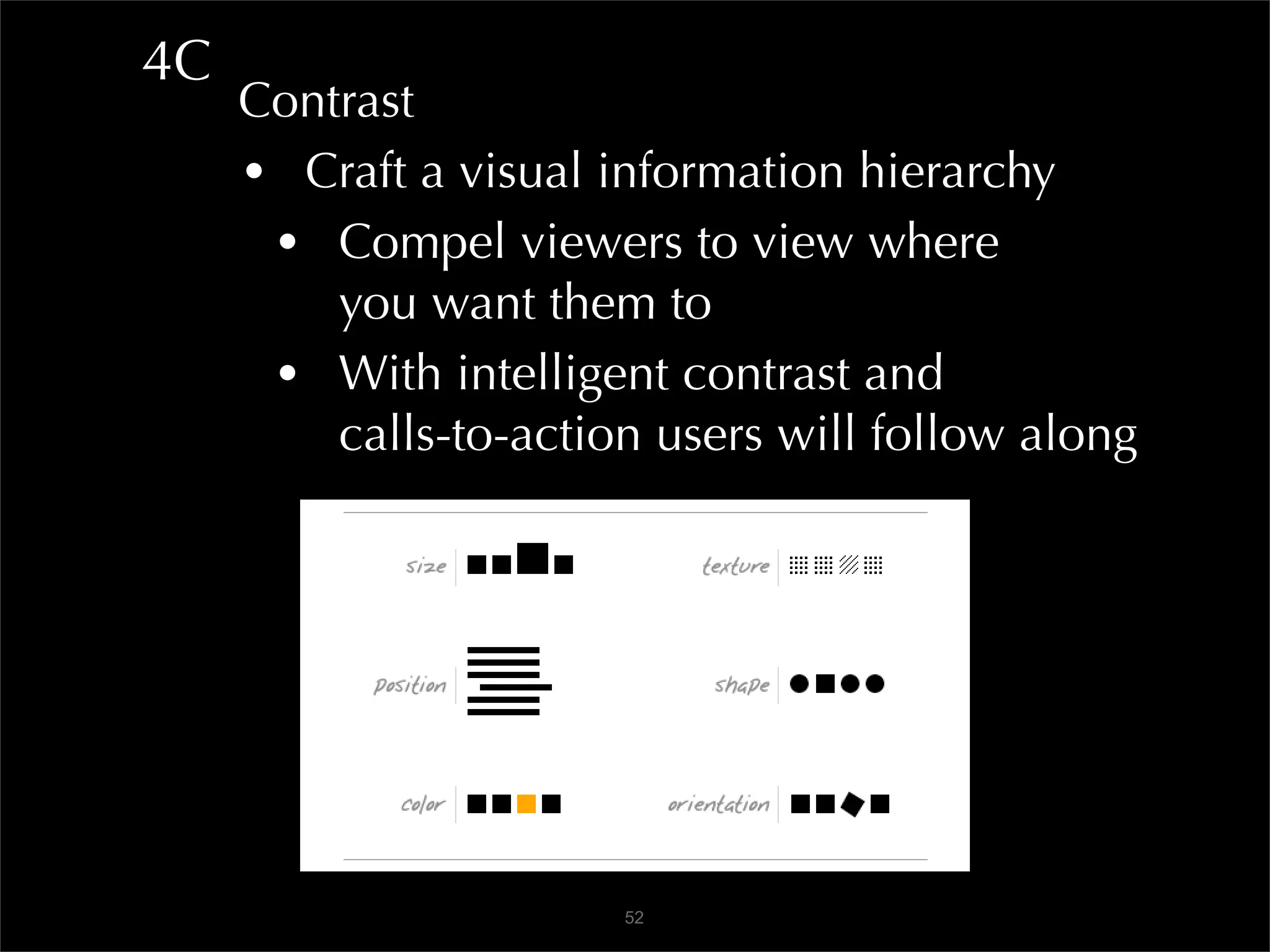
4C
     Contrast
     • Craft a visual information hierarchy
      • Compel viewers to view where
         you want them to
      • With intelligent contrast and
         calls-to-action users will follow along


                       52
Don’t forget
white space.
4D
     Don’t Forget White... oh, never mind!
     • CSS for leading and kerning text
     • CSS for padding and margins in layout
     • Important stuff gets more white space
     • Nested boxed content
      • Pay attention to padding
      • Pay attention to real estate needs


                      54
4E
     Focus
     • Westerners typically begin reading
        a page of information in the
        upper left hand area
     • If you place highly conspicuous
        (according to contrast) in upper left
        it will most likely be seen and
        consumed first by Western users
     • Simplification is not organization
     • Complex <<-----|--->> Simple
     • Chaotic <<---|----->> Order
       • NRA
                       55
4F
     Focus
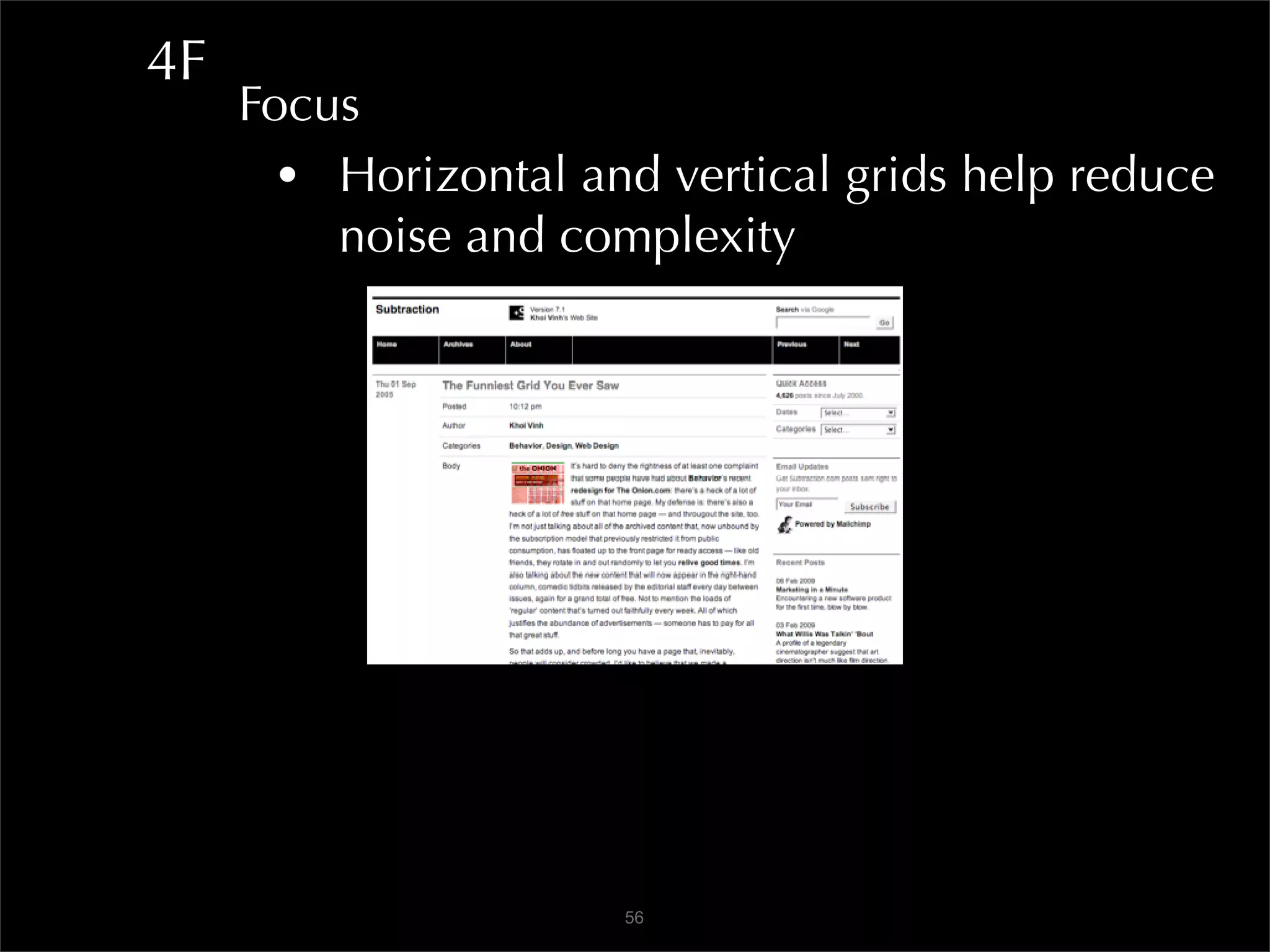
       • Horizontal and vertical grids help reduce
         noise and complexity


                      56
4F
     Focus
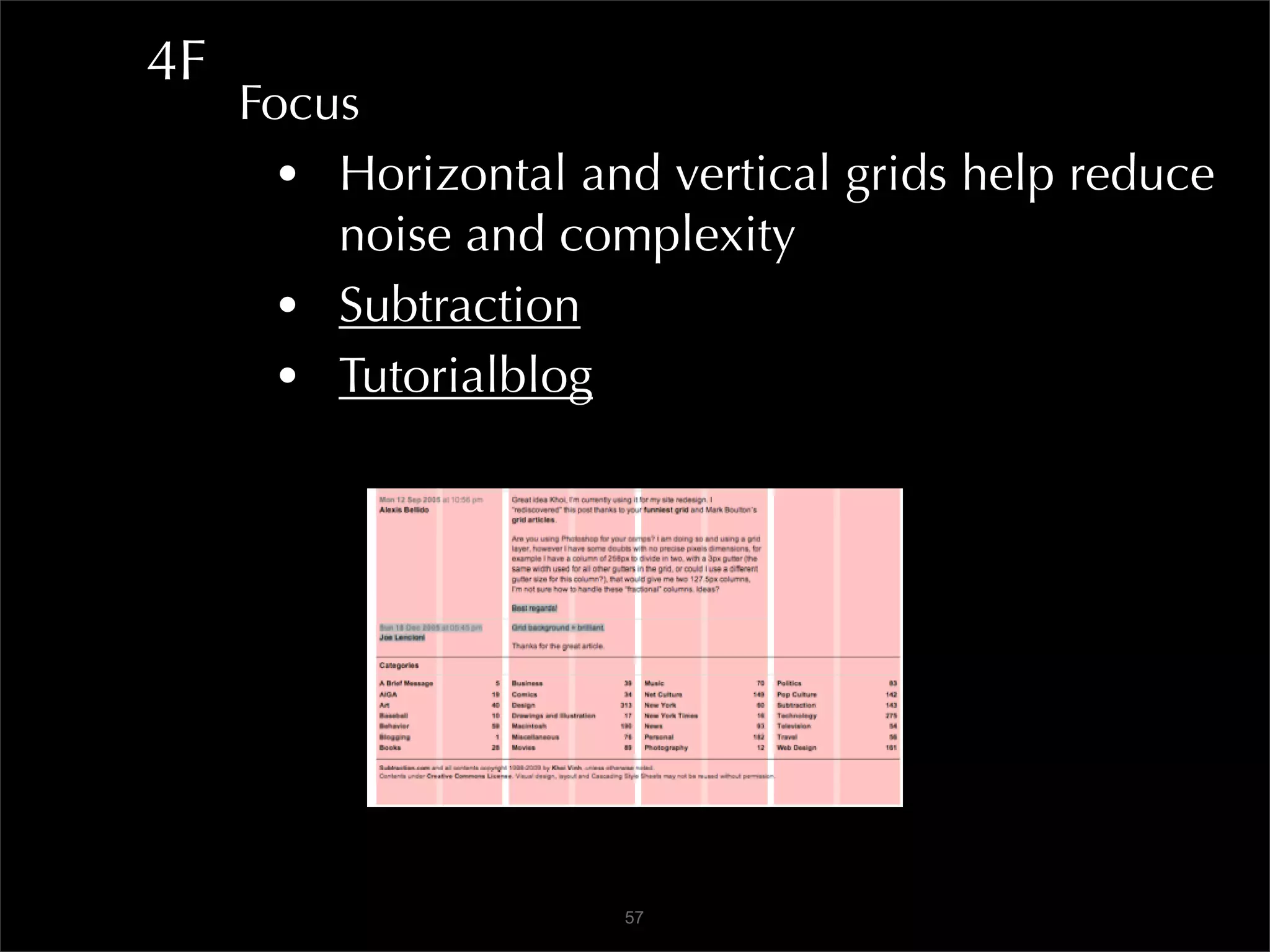
       • Horizontal and vertical grids help reduce
         noise and complexity
       • Subtraction
       • Tutorialblog


                      57
4G
     Grids
     • Fireworks Reticulator
     • Dreamweaver - use grids and guides
      • Grid: View>Grid>Grid Settings
      • Guides: View>Rulers - drag out guides
     • Examples of grid layout designs
      • Smashingmagazine
      • Webdesignerwall
     • Newspapers
      • USA Today, CNN, CalTech Today,
      • Washington Post, MSNBC
                     58
4H
     Make Something Stand Out -
     For Attention and Action
       • Use purposeful intentional contrast
       • Avoid small differences
       • Don’t violate overall design
       • Continue same convention elsewhere


                     59
The End

Web Usability

  • 1.
    Web Usability: CreatingGreat User Experiences!
  • 2.
    Web Usability: Creating Great User Experiences! curriculum: Pat Rees Pasadena City College Webmaster
  • 3.
    Web Usability: Creating Great User Experiences! facilitator: Joseph Karr O’Connor @csunwebmaster
  • 4.
    Web Usability: Creating Great User Experiences! The only two industries that call customers users are the computer industry... and drug dealers.
  • 5.
    Intro User Experience • find it • action • rinse and repeat • easily learnable • efficient • memorable • satisfying More important in 2.0! kayak CSUN Give Invisible when it works! 5
  • 6.
    Intro Functional Design - Content Model • Support for tasks/goals Information Architecture • Organizing data/info • Taxonomy Communication Design • Motivates people to respond • Calls to action Interaction Design • Designing tasks/activities • Interaction Design Association 6
  • 7.
    Creating Great UserExperiences! Architecture SEO marketing - Taxonomy Search Navigation Web standards User interface Accessibility Interactivity Graphic design User centered Backend dev Findability Copywriting Do-ability Forms Wayfinding E-commerce 7
  • 8.
    Creating Great UserExperiences! 1. Doing The Research 2. Content Is King 3. How It Works 4. The Way It Looks 8
  • 9.
    Creating Great UserExperiences! The Machine is Us/ing Us 9
  • 10.
    1A Doing the Research • Create client persona E01 Imagine users • Invent user personas • Variety User states - examples • New applicant • Enrolled newbie • Occasional user • Frequent user 10
  • 11.
    1B Engage client • Survey and communication forms • Kelly Goto for sample forms E02 Site map - flow chart • Visio, Illustrator, OmniGraffle 11
  • 12.
    1C Wireframes • Bare bones • Start with deep content - work backwards • Lovelycharts 12
  • 13.
    1D GatherTechnical Constraints Early • Screen flows • Getting from point to point • Gliffy 13
  • 14.
    1D DesignDescription Document (DDD) • thinkvitamin.com E03 14
  • 15.
    1E Search Engine Optimization • No black hat tactics - or be banished to the Phantom Zone Keywords and phrases • WordTracker • Google mainpage auto complete Findability • Identify appropriate site • Navigate the pages 15
  • 16.
    1E Open Standards • Semantic markup • Machine readable content • Web Standards Project • Jeffrey Zeldman: Designing With Web Standards (3rd Ed.) 16
  • 17.
    1E Open Standards • Semantic markup • Machine readable content • Web Standards Project • Jeffrey Zeldman: Designing With Web Standards (3rd Ed.) 16
  • 18.
    1F Analytics • Webtrends • Google Analytics 17
  • 19.
    1F • Crazyegg heatmap 18
  • 20.
    1G UserTesting • Websort • Optimalsort 19
  • 21.
    1G Prototype • Paper 20
  • 22.
    1G PrototypeWith Fireworks • Interactive design team prototyping • Wireframes and pages • Interactive prototypes • Rapid prototyping 21
  • 23.
    1G HandsOn User Testing • 5 people are sufficient • user at computer/projector • observers gathered around Video User Testing Sessions • Userfly • Morae • Silverback 22
  • 24.
    2A Content is King • Write to be found • Main message first • Cut out words - Tweet it! • Revise, revise, revise • How to write numbers • Check the reading level • JuicyStudios Readability 23
  • 25.
    2A Content is King • Word: Tools>Spelling and Grammar In Mac Word 2008: ✓ Preferences: "Authoring and Proofing Tools" E04 ✓ Select "Spelling and Grammar" ✓ Check the "check grammar with spelling" box ✓ Then check the "show readability statistics" box ✓ Go to the Tools menu and select "Spelling and Grammar" ✓ Word will show the readability statistics after spellcheck 24
  • 26.
    2B Content is King • Keep paragraphs short • Keep sentences short • Use fragments - FAQ: don’t repeat question • Use the users’ words • Think globally - ESL • Give examples Inverted Pyramid • Start with conclusion • Word: Tools>Auto Summarize 25
  • 27.
    2C Design for Scanning • Most users scan • Then they use search • Get rid of needless words - happy talk • Use headings, bullets, lists • Tables for TABULAR DATA (ONLY!) • F pattern and “ad blindness” Use Images and Icons • Images convey, clarify message - USE ALT! • Screenshots, videos • Icons help user find content, utilities 26
  • 28.
    2D TargetAll Devices • Mobile views rising 18%/mo (csun.edu) • JavaScript, PDF, Flash - may lack support • Test - turn off JavaScript and images • MAKE IT ACCESSIBLE to everyone! • Create print style sheet with CSS • W3C mobile web resource • Mobile emulators • iPhoney • Opera Mini Simulator • Opera browser>View>Small Screen 27
  • 29.
    2E Respect Me • How would I react? • Do good - i.e. opt-in • Tell me a story Rediscovery of Content • Faceted navigation - jcrew • Folksonomy (popular) tags - digg or delicious • RSS feeds, mailing lists, newsletters • Search box • Feeds, share, follow, etc. : ASMBYC 28
  • 30.
    3A How It Works • Interface design conventions - they work! • Google API libraries and samples • Yahoo User Interface library and patterns • MooTools • JQuery UI and tutorials • Patterns • Welie Pattern library • Smileycat Design Elements • Jennifer Tidwell 29
  • 31.
    3B Navigation • Findable • Where am I? • Where can I go? • Where have I been? • How do I get here again? • Go to deep page - answer those questions • E-trade • NPR Shop • 800x600: does right nav disappear? alistapart • Drop downs: USPS and csun.edu 30
  • 32.
    3C Affordance • Is clickable action obvious? 31
  • 33.
    3D Typesof Navigation • Accordion • Simple jQuery accordions • Breadcrumbs • Apple Store • Library of Congress • Directory • Ebay • USPS 32
  • 34.
    3D Typesof Navigation • Doormat • Stanford • Double Tab • State of California • Tabs • Trails • Faceted • Amazon • Nordstrom 33
  • 35.
    3E Types of Navigation • Fly-out • CSUN (myNorthridge Portal) • Adobe • Home Link • Green Beast • Icon • Clear Helper • Map Navigator • Google Maps 34
  • 36.
    3F Forms and Buttons • Required vs Optional • Crate and Barrel • Error Messages • Modal and non-modal • Don’t lock me out with modal! • No cryptic error messages, please. 35
  • 37.
    3F Forms and Buttons • Don’t be too rigid • Data checking on back end, please • Anticipate international formats • Dress for mess 6265857731 626 585-7731 626-585-7731 626.585.7731 (626) 585-7731 or international code 011 353 66 713 0000 36
  • 38.
    3F Forms and Buttons • Eliminate chance of error • Error-free learning • Provide an undo 37
  • 39.
    3F Forms and Buttons • Drop-down lists • Automate with keystrokes • States, countries, birth years, etc. 38
  • 40.
    3F Forms and Buttons • Use AJAX auto complete • Google Search • Kayak - try airport codes 39
  • 41.
    3F Forms and Buttons • Determine best use of form elements • Ease of entry, keystrokes, recognition • Fewer errors 40
  • 42.
    3F Forms and Buttons • Instructive design = speed and accuracy • Move cancel button away from “I’m done” • Indicate required and optional (color) • Provide hints • Limit drop down choices • More than 5 ‘choose one’? • Use a select list • Use radio buttons 41
  • 43.
    3F Forms and Buttons • Use Spry, CSS, and JQuery to help • Fancy form design with CSS • Friendly, understandable, focused error info • Organize info in logical fieldsets • Error-free learning • Completion button most likely choice • Keep users away from whirling blades 42
  • 44.
    3F Forms and Buttons • JQuery • JQuery UI • Datepicker Demo • Datepicker UI • Datepicker Format Date • JQuery Themeroller 43
  • 45.
    3G LessFriction>More Energy>Flow • Multiple pathways engage = discover • IMDb • Gradual engagement • Avoid sign-up forms - $300M Button • Guest vs registered - give good reason • Picnik • Visualize (whirled peas) • iGoogle 44
  • 46.
    3H Optimizefor Speedy Download • Use best practices for speed • Downloading images, etc., takes time • Concatenate/minify scripts, run them last • Combine images with CSS sprites • Fewer HTTP requests • Tidy up CSS, put reference at top • Reduce DNS Lookups • Add far-future Expires header Expires: Thu, 15 Apr 2010 20:00:00 GMT 45
  • 47.
    3H Optimizefor Speedy Download • Avoid redirects • Add trailing slash to hyperlink • Avoid 301 and 302 status codes • NEVER USE meta redirects • Breaks back button, security warnings • Yahoo Best Practices • Get YSlow for Firebug and use it 46
  • 48.
    3H Optimizefor Speedy Download • Mezzoblue Sprite Optimization • Firefox>Tools>Page Info • gmail • google search results • CSSsprites • Rosenfeld Media 47
  • 49.
    3H Optimizefor Speedy Download • Check spelling • Validate • Accessibility, code, CSS - W3C • Check for broken links • Xenu’s Link Sleuth • Google Webmaster Tools 48
  • 50.
    3H AgileDesign and Development Practices • Design system not surface • Evolutionary, user driven, not final • No page, only pathways • Simplicity over complexity • Collaborative and open design • Test in major rendering engines + mobile • WebKit (Safari, Chrome) • Gecko (Firefox) • Trident (IE) • Presto (Opera) 49
  • 51.
    4A The Way It Looks • Design affects usability • Aesthetically pleasing objects appear to be more effective • Professional design increases trust, especially for transactional site • Design can create order and instill peace and serenity • Important when asking user to fill out lengthy form 50
  • 52.
    4B Provide a Clear Visual Hierarchy • Vital info with quick scan • Visual prominence to important content • Related content visually related • Zoom out in Firefox (like squinting) • Logos take space, not most important • Visual nesting 51
  • 53.
    4C Contrast • Craft a visual information hierarchy • Compel viewers to view where you want them to • With intelligent contrast and calls-to-action users will follow along 52
  • 54.
  • 55.
    4D Don’t Forget White... oh, never mind! • CSS for leading and kerning text • CSS for padding and margins in layout • Important stuff gets more white space • Nested boxed content • Pay attention to padding • Pay attention to real estate needs 54
  • 56.
    4E Focus • Westerners typically begin reading a page of information in the upper left hand area • If you place highly conspicuous (according to contrast) in upper left it will most likely be seen and consumed first by Western users • Simplification is not organization • Complex <<-----|--->> Simple • Chaotic <<---|----->> Order • NRA 55
  • 57.
    4F Focus • Horizontal and vertical grids help reduce noise and complexity 56
  • 58.
    4F Focus • Horizontal and vertical grids help reduce noise and complexity • Subtraction • Tutorialblog 57
  • 59.
    4G Grids • Fireworks Reticulator • Dreamweaver - use grids and guides • Grid: View>Grid>Grid Settings • Guides: View>Rulers - drag out guides • Examples of grid layout designs • Smashingmagazine • Webdesignerwall • Newspapers • USA Today, CNN, CalTech Today, • Washington Post, MSNBC 58
  • 60.
    4H Make Something Stand Out - For Attention and Action • Use purposeful intentional contrast • Avoid small differences • Don’t violate overall design • Continue same convention elsewhere 59
  • 61.