Studio 2: HTML

  Prof. Alvarado
MDST 3703/7703
6 September 2012
Review
• The concept of hypertext is as old as the
  computer
  – Although the memex was not a computer, Bush was
    one of the “fathers” of the computer
• Bush’s and Nelson’s visions remain unrealized
  – We still don’t have a system for capturing trails
  – Our systems our built on the metaphor of the “file”
• Tim Berners-Lee revolutionized hypertext by
  inventing the social link
  – The World Wide Web connect lexia across the
    network
  – This was a brand new idea not envisioned by
    hypertext theorists
Hypertext is the first big idea of
    the digital liberal arts
     It represents a rethinking of
  knowledge through the critical and
    practical investigation of text
Hypertext as an idea is based on the
premise that text shapes knowledge
    See media determinism and the
         rationalization effect
Concepts
• Rationalization Effect
  – The condition of having to rethink assumptions
    and tacit knowledge as a result of technological
    disruption
  – ‘Rationalization’ in the sense defined by Max
    Weber
• Media Determinism
  – The view that media forms determine, or at least
    strongly shape, cognitive and social forms
  – E.g. literacy  hierarchy  logical rationality
HTML and the WorldWideWeb
How it Works
• The World Wide Web is a system that sits on
  top of the Internet
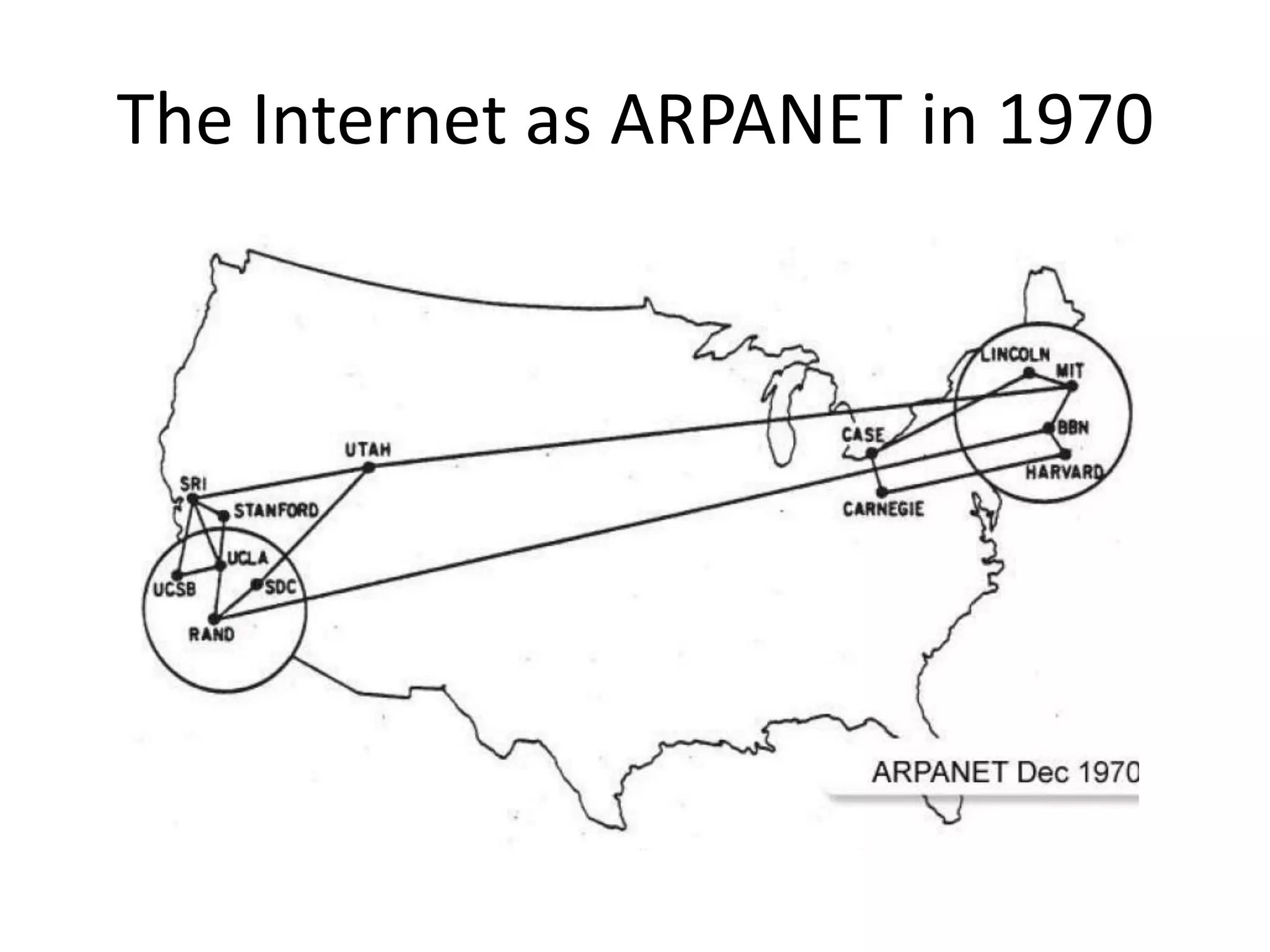
  – The Internet is the global network of computers
    that began in 1969 between UCLA and Stanford
• The system consists of HTML and HTTP
  – HTML is a language used to write documents and
    is interpreted by browsers on clients
  – HTTP is a protocol that servers use to connect and
    transfer documents across the network
The Internet as ARPANET in 1970
GLOBAL HYPERTEXT
Some more vocabulary
Network
   A spatially distributed set of computers that can
   communicate with each other
Server
   A computer or a program that exchanges information with
   other computers
Client
   A computer or a program that receives information from a
   server for humans to consume
Protocol
   The language that servers use to communicate (e.g.
   HTTP, FTP, NNTP, SMTP, etc.)
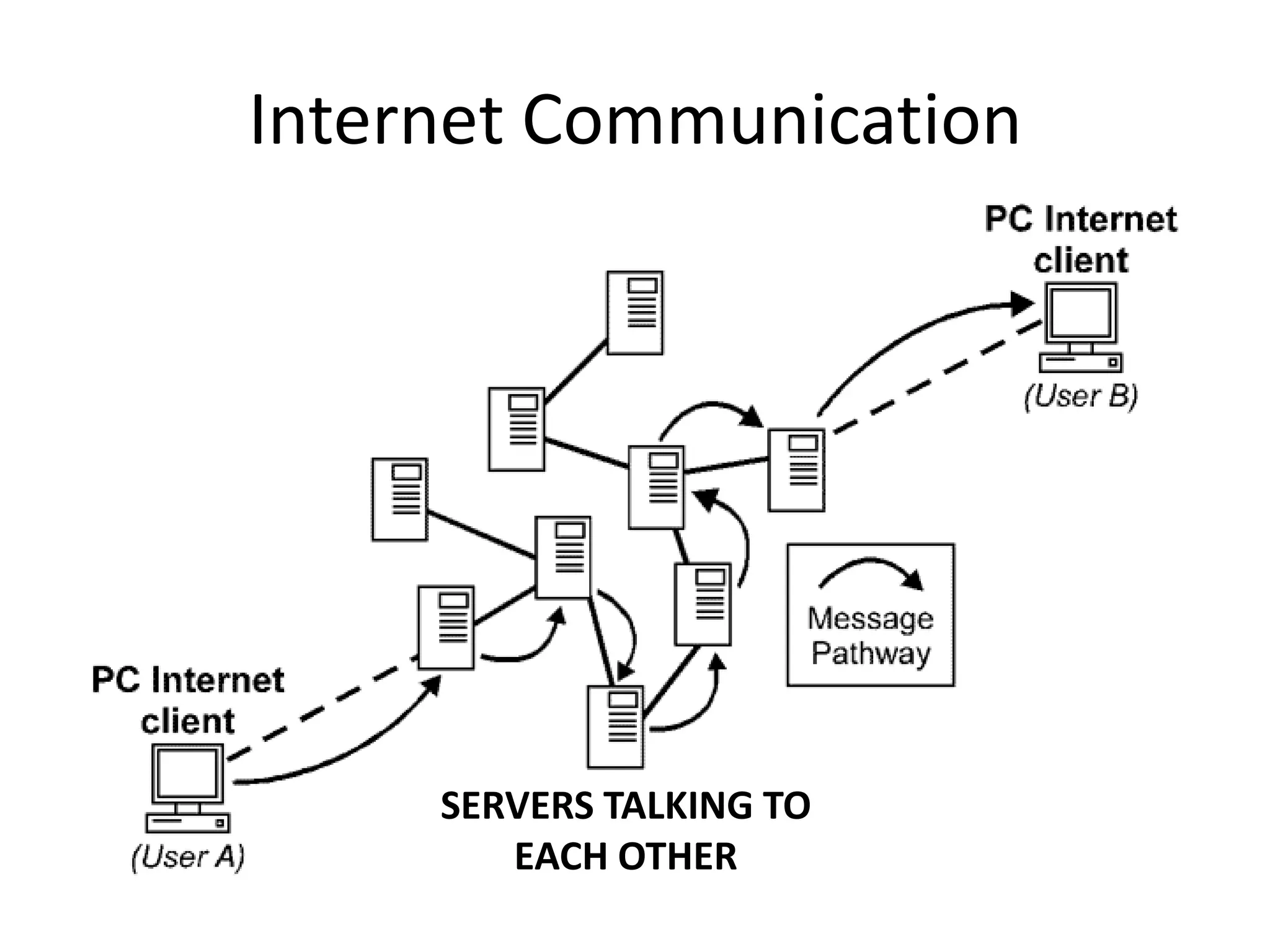
Internet Communication


     SERVERS TALKING TO
        EACH OTHER
Basic HTML

The document mark-up language of
        the World Wide Web
An example of “source code” that is
     “interpreted” by browsers
Break up into groups

Help each other with small
        questions
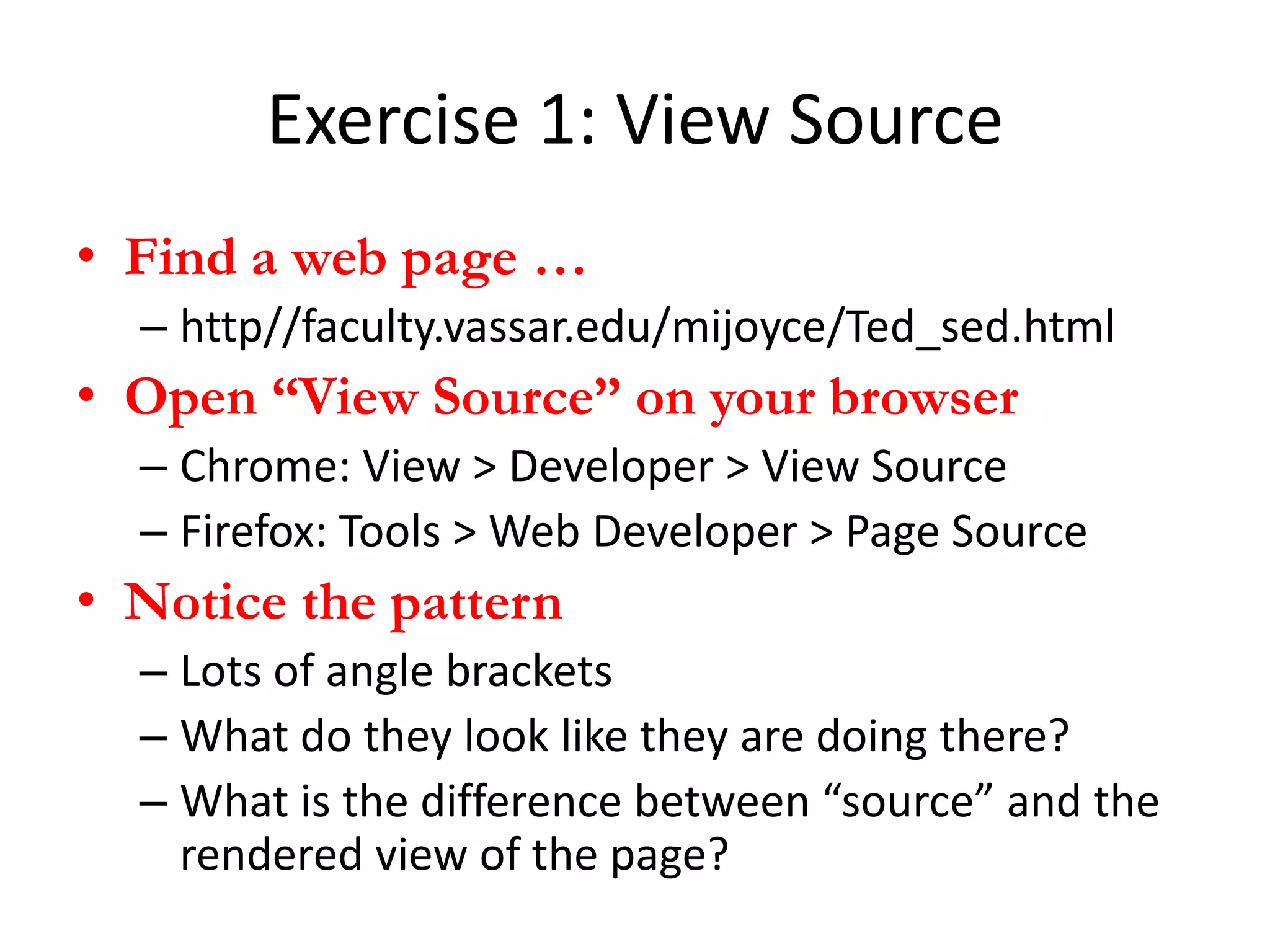
Exercise 1: View Source
• Find a web page …
  – http//faculty.vassar.edu/mijoyce/Ted_sed.html
• Open “View Source” on your browser
  – Chrome: View > Developer > View Source
  – Firefox: Tools > Web Developer > Page Source
• Notice the pattern
  – Lots of angle brackets
  – What do they look like they are doing there?
  – What is the difference between “source” and the
    rendered view of the page?
Angle brackets are called tags
Tags are used to define elements
              of text
  Start tags can have attributes
 We will discuss the significance of
         these next Tuesday
In general, tags produce effects on
              elements
Effects include: position and style,
   but also behaviors, like linking
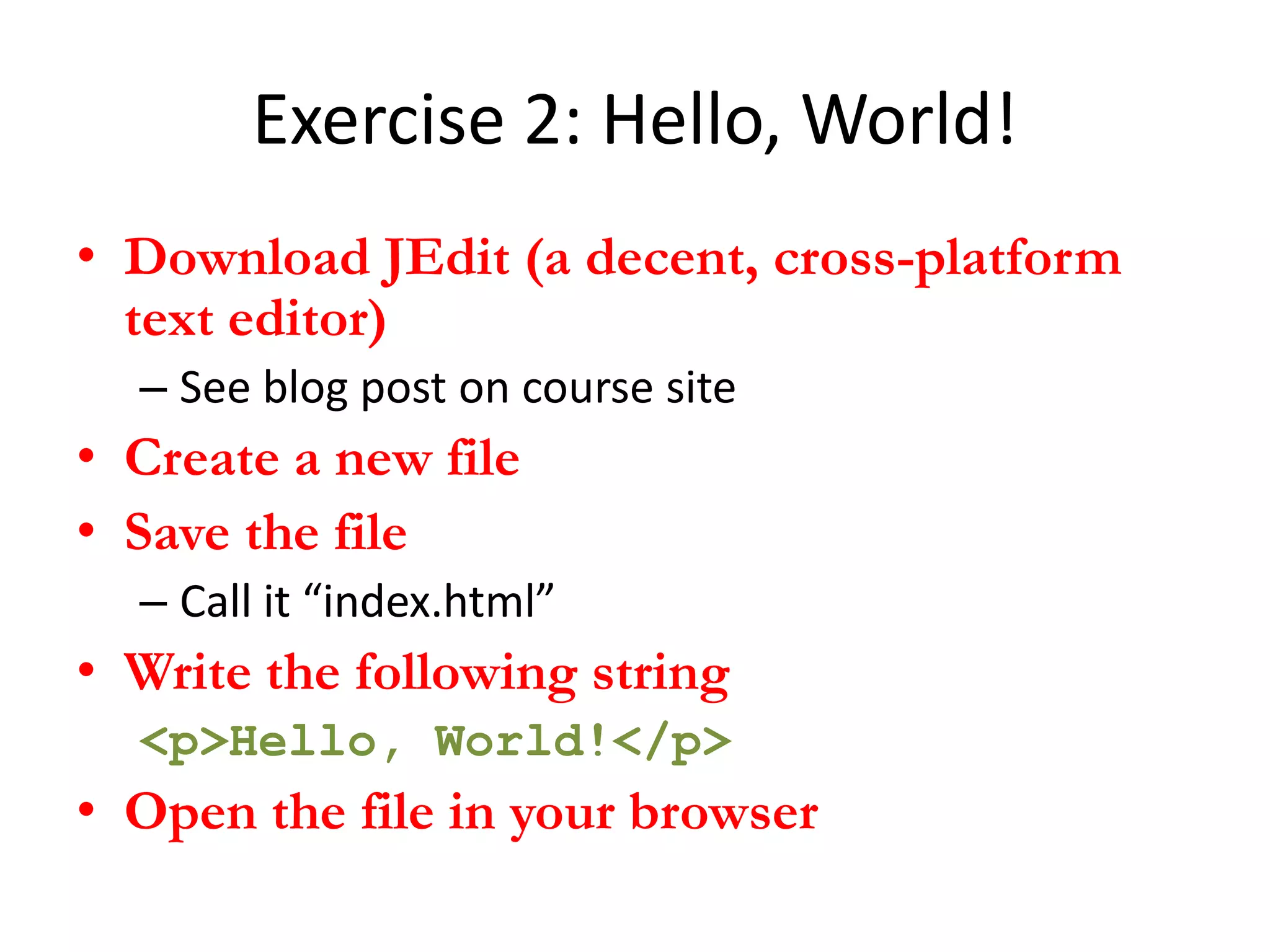
Exercise 2: Hello, World!
• Download JEdit (a decent, cross-platform
  text editor)
  – See blog post on course site
• Create a new file
• Save the file
  – Call it “index.html”
• Write the following string
  <p>Hello, World!</p>
• Open the file in your browser
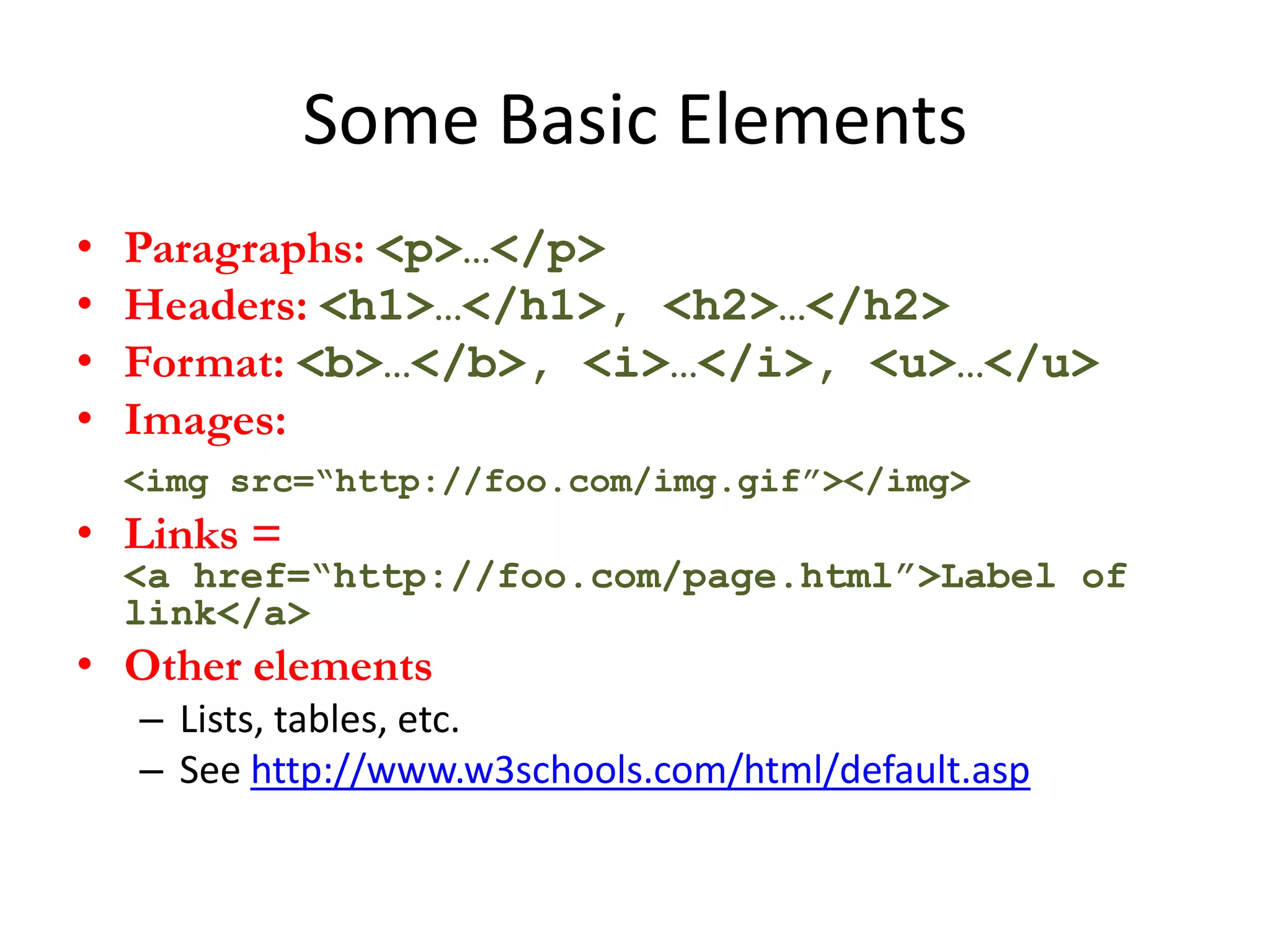
Some Basic Elements
•   Paragraphs: <p>…</p>
•   Headers: <h1>…</h1>, <h2>…</h2>
•   Format: <b>…</b>, <i>…</i>, <u>…</u>
•   Images:
    <img src=“http://foo.com/img.gif”></img>
• Links =
    <a href=“http://foo.com/page.html”>Label of
    link</a>
• Other elements
    – Lists, tables, etc.
    – See http://www.w3schools.com/html/default.asp
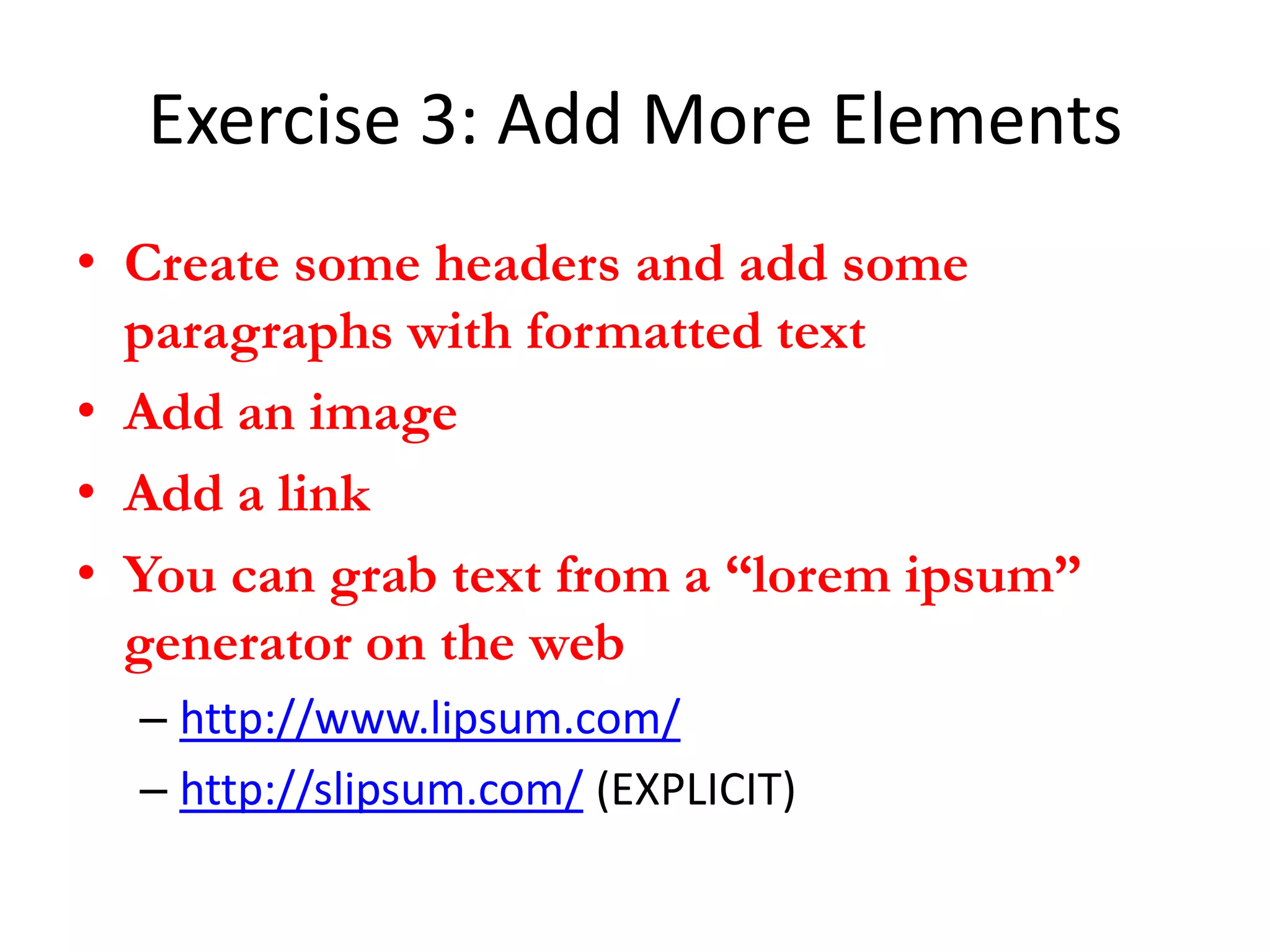
Exercise 3: Add More Elements
• Create some headers and add some
  paragraphs with formatted text
• Add an image
• Add a link
• You can grab text from a “lorem ipsum”
  generator on the web
  – http://www.lipsum.com/
  – http://slipsum.com/ (EXPLICIT)
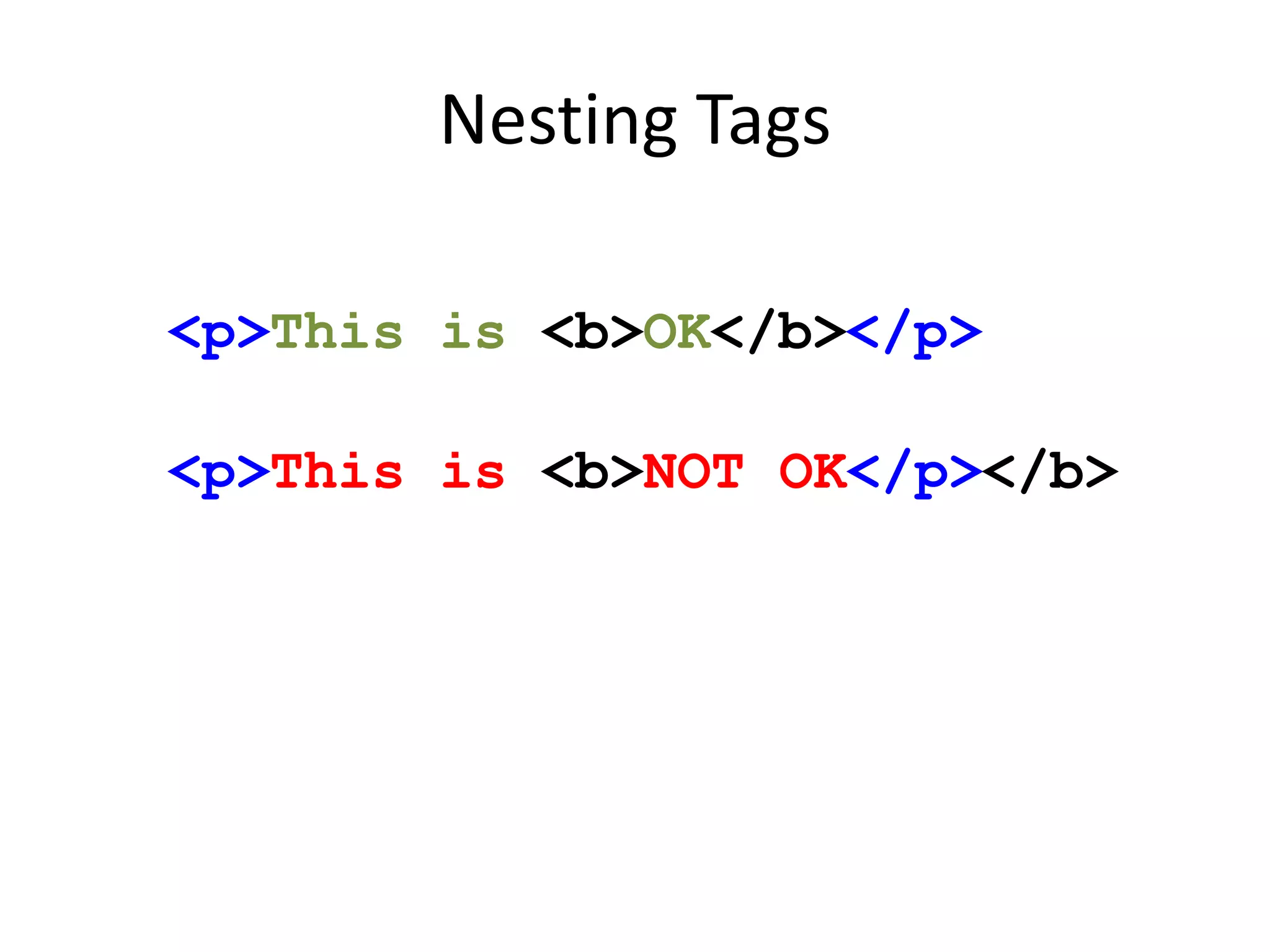
The Prime Directive: Tags must
         always nest
    NO OVERLAPPING TAGS
Nesting Tags

<p>This is <b>OK</b></p>

<p>This is <b>NOT OK</p></b>
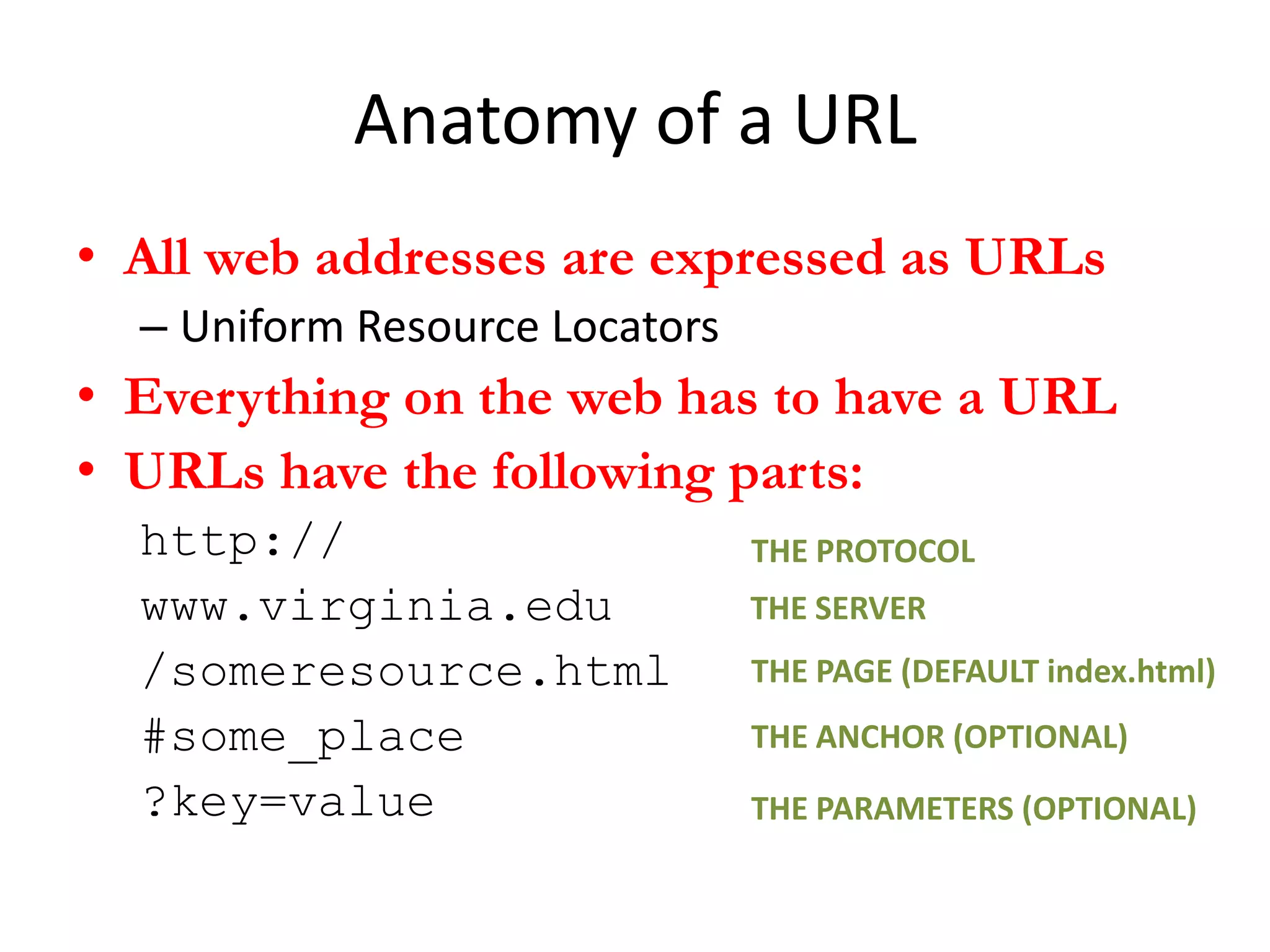
Anatomy of a URL
• All web addresses are expressed as URLs
  – Uniform Resource Locators
• Everything on the web has to have a URL
• URLs have the following parts:
  http://                       THE PROTOCOL
  www.virginia.edu              THE SERVER
  /someresource.html            THE PAGE (DEFAULT index.html)
  #some_place                   THE ANCHOR (OPTIONAL)
  ?key=value                    THE PARAMETERS (OPTIONAL)
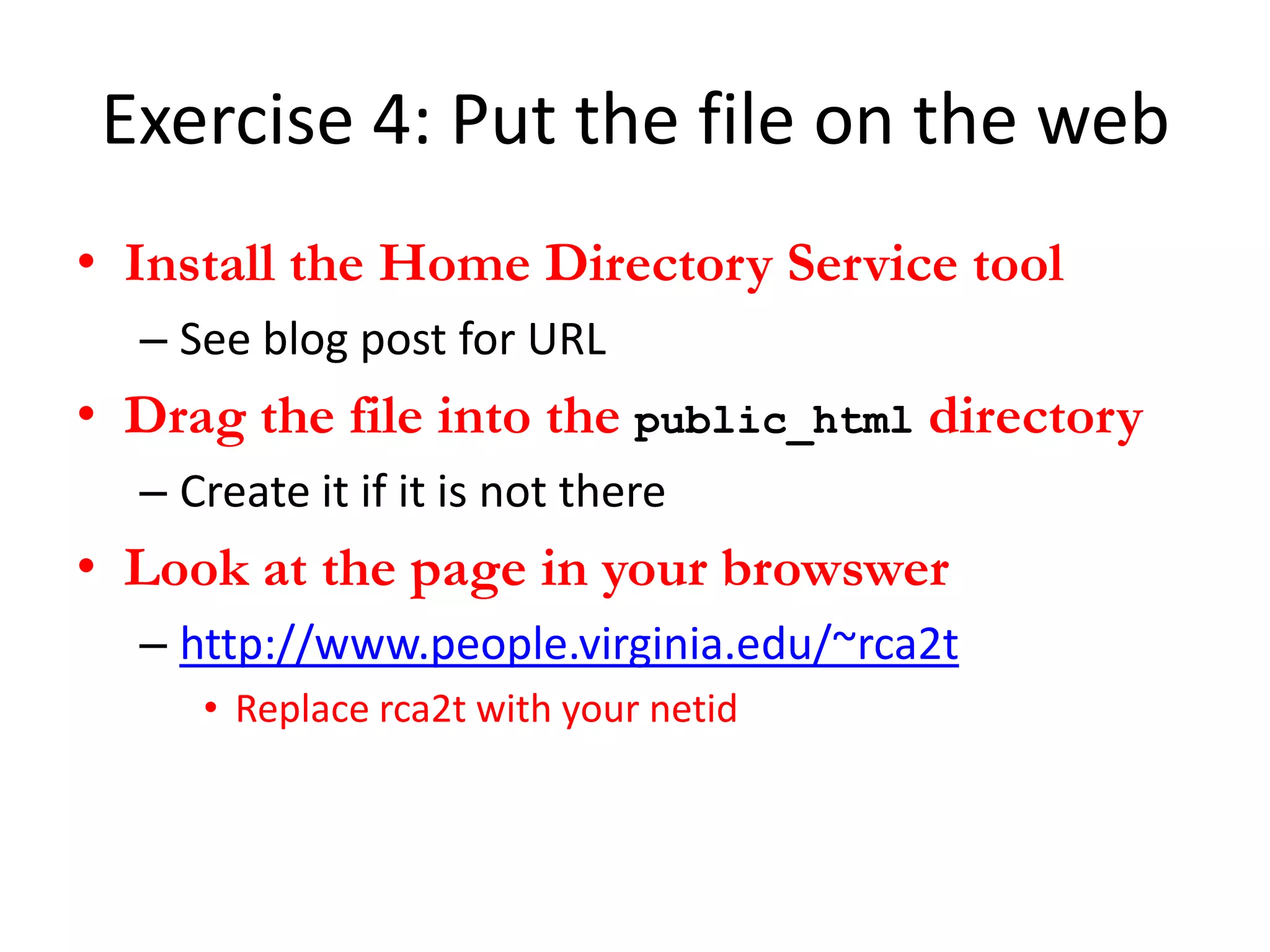
Exercise 4: Put the file on the web
• Install the Home Directory Service tool
  – See blog post for URL
• Drag the file into the public_html directory
  – Create it if it is not there
• Look at the page in your browswer
  – http://www.people.virginia.edu/~rca2t
     • Replace rca2t with your netid
Exercise 5: Link to your page from WP
• Create a new post
• Create a link to your newly created home
  page

UVA MDST 3703 HTML 2012-09-06

  • 1.
    Studio 2: HTML Prof. Alvarado MDST 3703/7703 6 September 2012
  • 2.
    Review • The conceptof hypertext is as old as the computer – Although the memex was not a computer, Bush was one of the “fathers” of the computer • Bush’s and Nelson’s visions remain unrealized – We still don’t have a system for capturing trails – Our systems our built on the metaphor of the “file” • Tim Berners-Lee revolutionized hypertext by inventing the social link – The World Wide Web connect lexia across the network – This was a brand new idea not envisioned by hypertext theorists
  • 3.
    Hypertext is thefirst big idea of the digital liberal arts It represents a rethinking of knowledge through the critical and practical investigation of text
  • 4.
    Hypertext as anidea is based on the premise that text shapes knowledge See media determinism and the rationalization effect
  • 5.
    Concepts • Rationalization Effect – The condition of having to rethink assumptions and tacit knowledge as a result of technological disruption – ‘Rationalization’ in the sense defined by Max Weber • Media Determinism – The view that media forms determine, or at least strongly shape, cognitive and social forms – E.g. literacy  hierarchy  logical rationality
  • 6.
    HTML and theWorldWideWeb
  • 7.
    How it Works •The World Wide Web is a system that sits on top of the Internet – The Internet is the global network of computers that began in 1969 between UCLA and Stanford • The system consists of HTML and HTTP – HTML is a language used to write documents and is interpreted by browsers on clients – HTTP is a protocol that servers use to connect and transfer documents across the network
  • 8.
    The Internet asARPANET in 1970
  • 9.
  • 10.
    Some more vocabulary Network A spatially distributed set of computers that can communicate with each other Server A computer or a program that exchanges information with other computers Client A computer or a program that receives information from a server for humans to consume Protocol The language that servers use to communicate (e.g. HTTP, FTP, NNTP, SMTP, etc.)
  • 11.
    Internet Communication SERVERS TALKING TO EACH OTHER
  • 12.
    Basic HTML The documentmark-up language of the World Wide Web An example of “source code” that is “interpreted” by browsers
  • 13.
    Break up intogroups Help each other with small questions
  • 14.
    Exercise 1: ViewSource • Find a web page … – http//faculty.vassar.edu/mijoyce/Ted_sed.html • Open “View Source” on your browser – Chrome: View > Developer > View Source – Firefox: Tools > Web Developer > Page Source • Notice the pattern – Lots of angle brackets – What do they look like they are doing there? – What is the difference between “source” and the rendered view of the page?
  • 15.
    Angle brackets arecalled tags Tags are used to define elements of text Start tags can have attributes We will discuss the significance of these next Tuesday
  • 16.
    In general, tagsproduce effects on elements Effects include: position and style, but also behaviors, like linking
  • 17.
    Exercise 2: Hello,World! • Download JEdit (a decent, cross-platform text editor) – See blog post on course site • Create a new file • Save the file – Call it “index.html” • Write the following string <p>Hello, World!</p> • Open the file in your browser
  • 18.
    Some Basic Elements • Paragraphs: <p>…</p> • Headers: <h1>…</h1>, <h2>…</h2> • Format: <b>…</b>, <i>…</i>, <u>…</u> • Images: <img src=“http://foo.com/img.gif”></img> • Links = <a href=“http://foo.com/page.html”>Label of link</a> • Other elements – Lists, tables, etc. – See http://www.w3schools.com/html/default.asp
  • 19.
    Exercise 3: AddMore Elements • Create some headers and add some paragraphs with formatted text • Add an image • Add a link • You can grab text from a “lorem ipsum” generator on the web – http://www.lipsum.com/ – http://slipsum.com/ (EXPLICIT)
  • 20.
    The Prime Directive:Tags must always nest NO OVERLAPPING TAGS
  • 21.
    Nesting Tags <p>This is<b>OK</b></p> <p>This is <b>NOT OK</p></b>
  • 22.
    Anatomy of aURL • All web addresses are expressed as URLs – Uniform Resource Locators • Everything on the web has to have a URL • URLs have the following parts: http:// THE PROTOCOL www.virginia.edu THE SERVER /someresource.html THE PAGE (DEFAULT index.html) #some_place THE ANCHOR (OPTIONAL) ?key=value THE PARAMETERS (OPTIONAL)
  • 23.
    Exercise 4: Putthe file on the web • Install the Home Directory Service tool – See blog post for URL • Drag the file into the public_html directory – Create it if it is not there • Look at the page in your browswer – http://www.people.virginia.edu/~rca2t • Replace rca2t with your netid
  • 24.
    Exercise 5: Linkto your page from WP • Create a new post • Create a link to your newly created home page

Editor's Notes

  • #2 ----- Meeting Notes (9/6/12 10:58) -----I can add notes as I speak … Cool!
  • #10 An
  • #12 Modified from http://www.explainingcomputers.com/internet.html