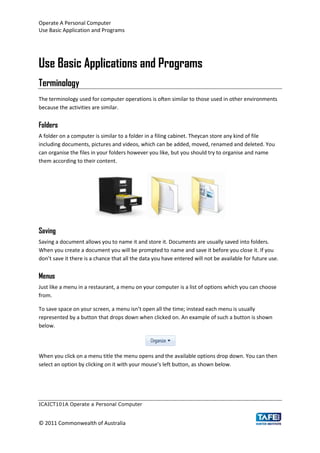
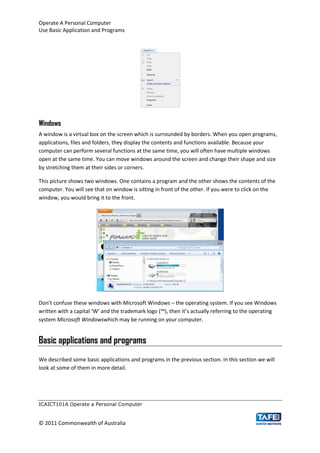
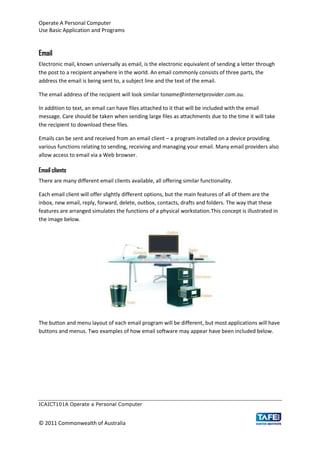
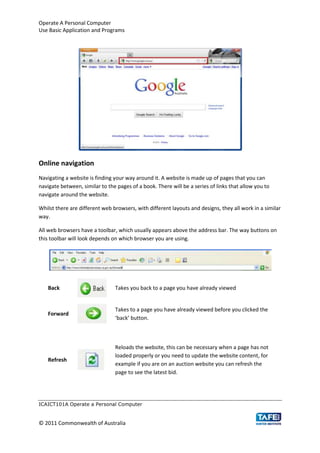
The document provides information on basic computer operations including folders, saving documents, menus, windows, applications like email, and internet usage. It explains that folders on a computer store files similarly to folders in a filing cabinet. Documents are usually saved into folders and saving allows files to be named and stored for future use. Menus are lists of options that can be selected, and windows are boxes on the screen that display contents and functions when programs, files or folders are opened. It also overview email features and applications, browsers, searching the internet, and security risks online.