


Take Control of iCloud Joe Kissell Senior Editor, TidBITS Senior Contributor, Macworld joekissell.com @joekissell
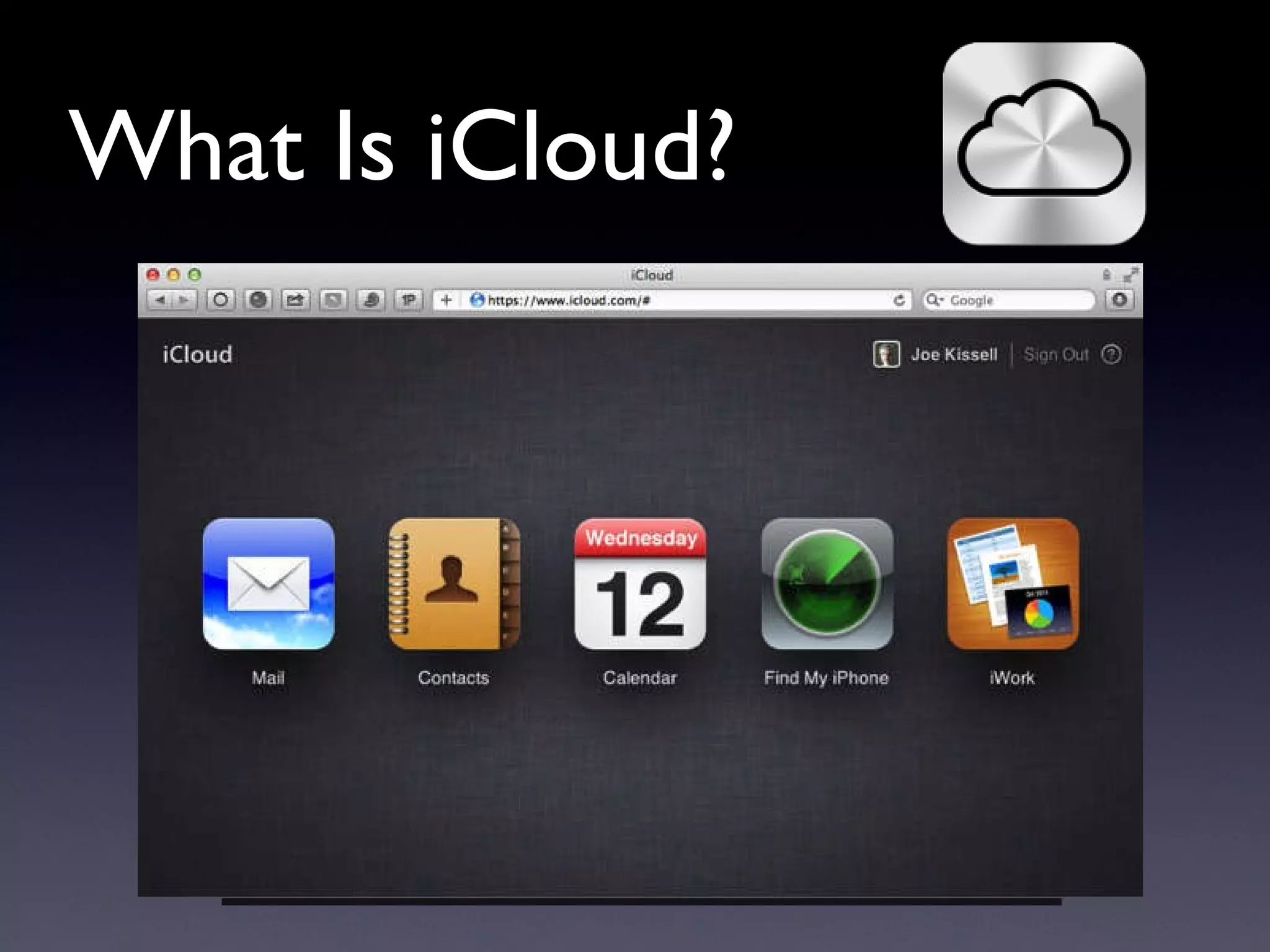
What Is iCloud?
Syncing: The Old Way Every device has a copy of all your stuff From time to time, connect them with cables Sync and hope for the best
Push Updates (MobileMe) Modify data on any device Data pushed up to cloud Data pushed to other devices Mail, Contacts, Calendars, Bookmarks  only
Push Updates (iCloud) Mail, Contacts, Calendars, Bookmarks,  plus… Photos Documents Music, TV shows, Apps, Books
Can You Use iCloud? Mac: 10.7.2+ PC: Windows 7 or Vista iOS: iOS 5+ Apple TV: 2nd-gen, latest SW Apple ID (more on this later)
Can You Use iCloud? All your devices OK: go for it If some devices not OK: Don ’ t use iCloud Replace outdated devices Go without some services on older devices
A Quick Spin through iCloud…
Stuff That ’ s Pretty Much the Same as in MobileMe Mail Contacts Calendar Bookmarks & Reading List Find My Noun* Back to My Mac*
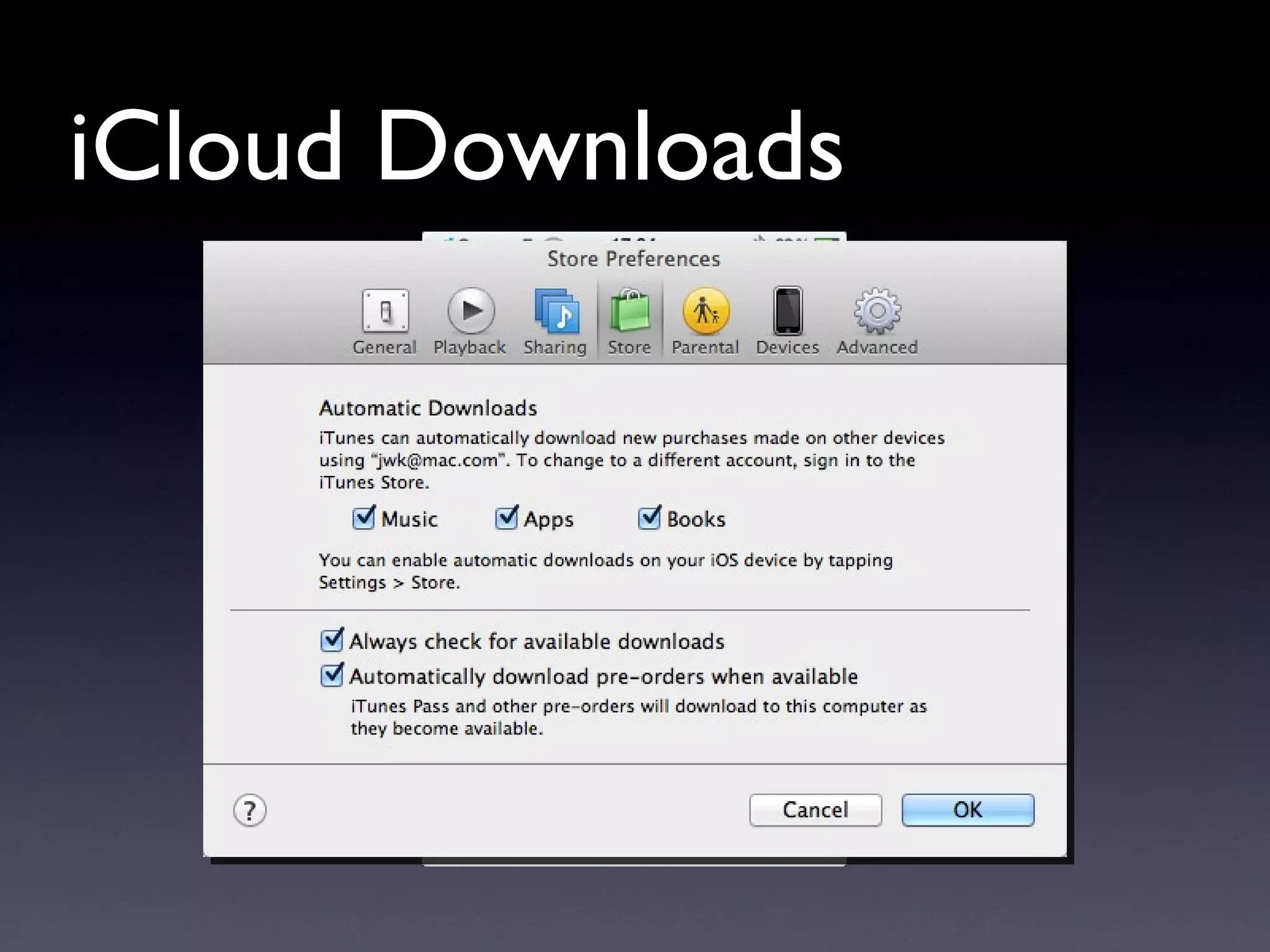
iCloud Downloads
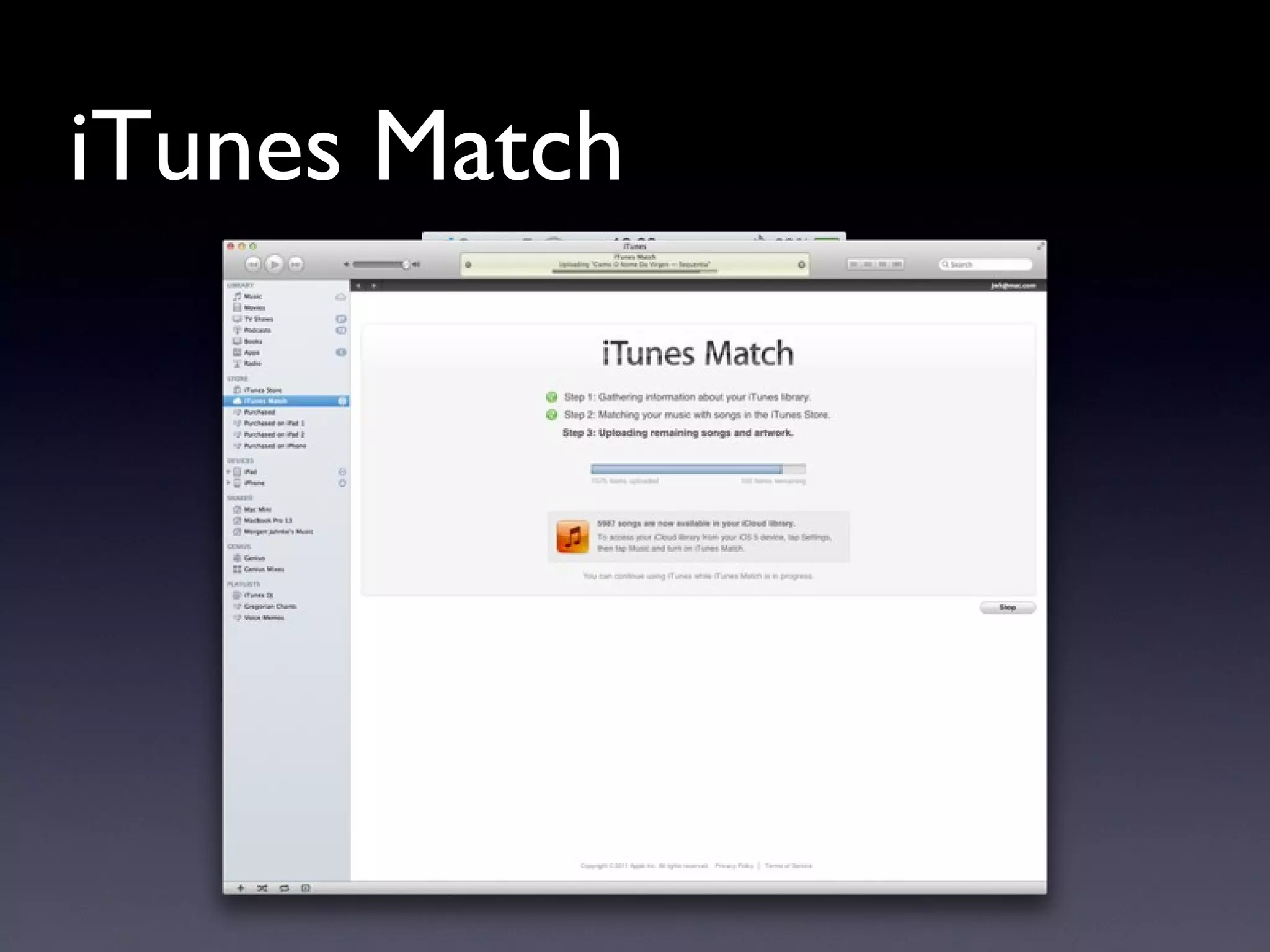
iTunes Match
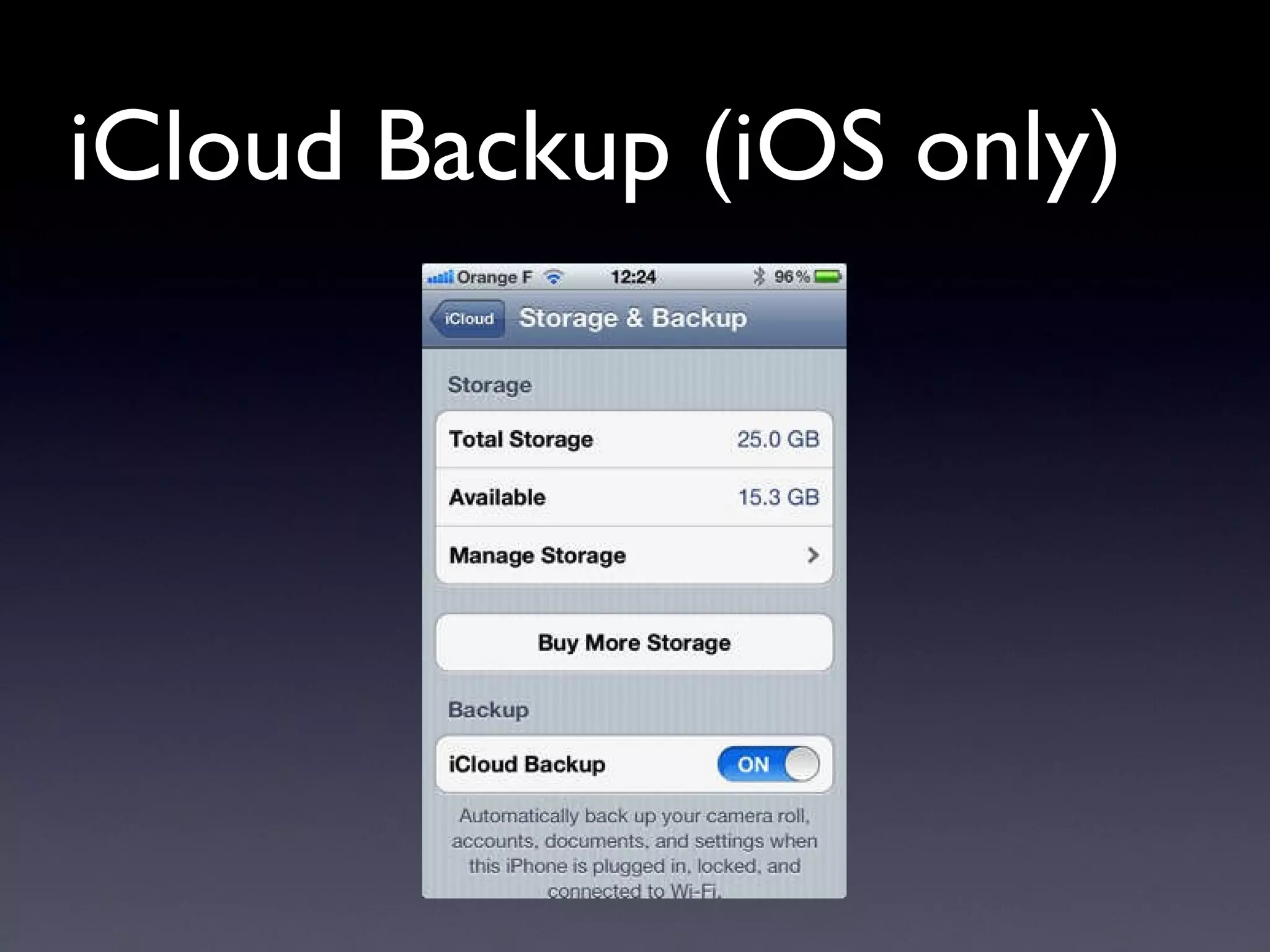
iCloud Backup (iOS only)
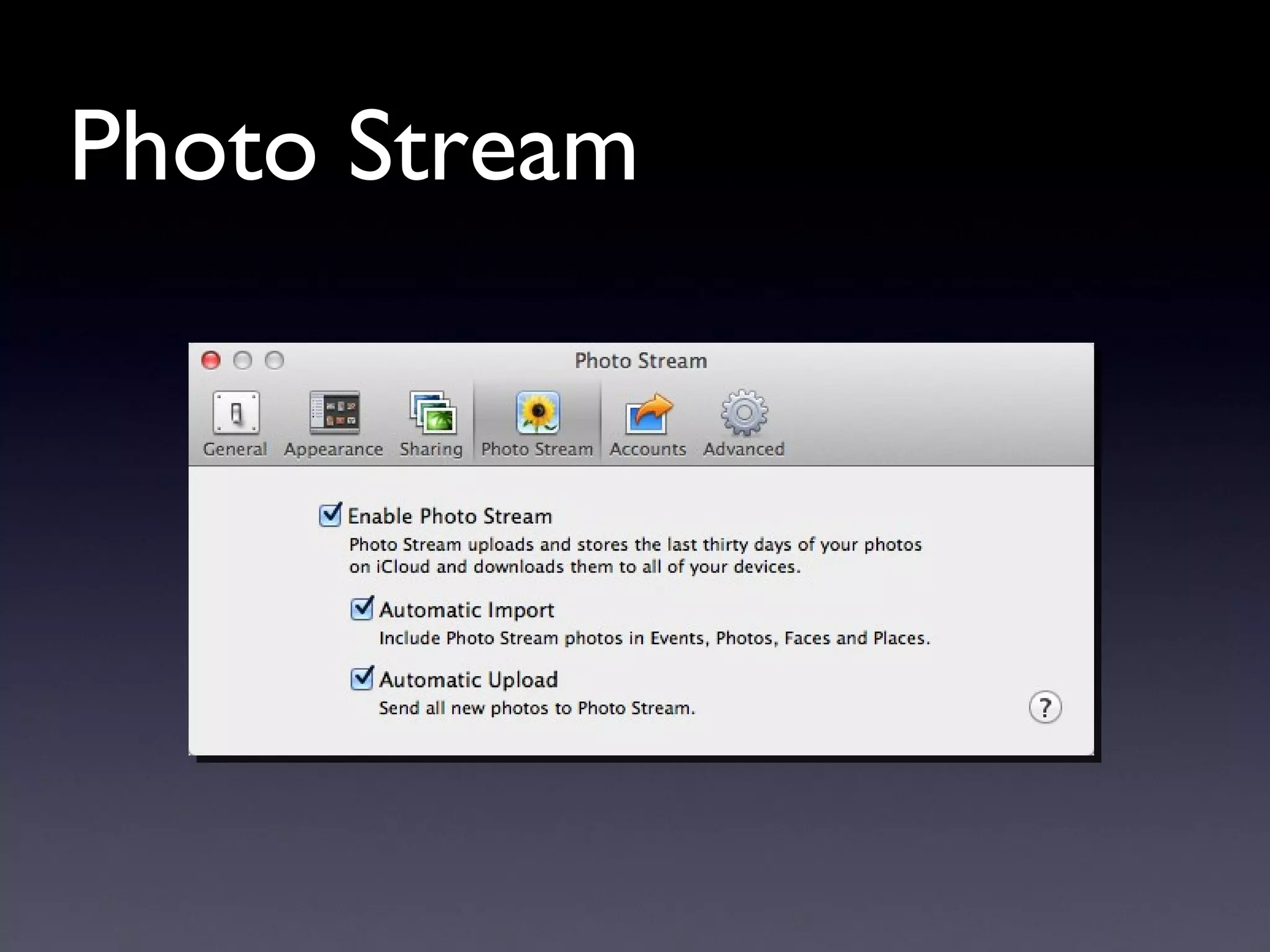
Photo Stream
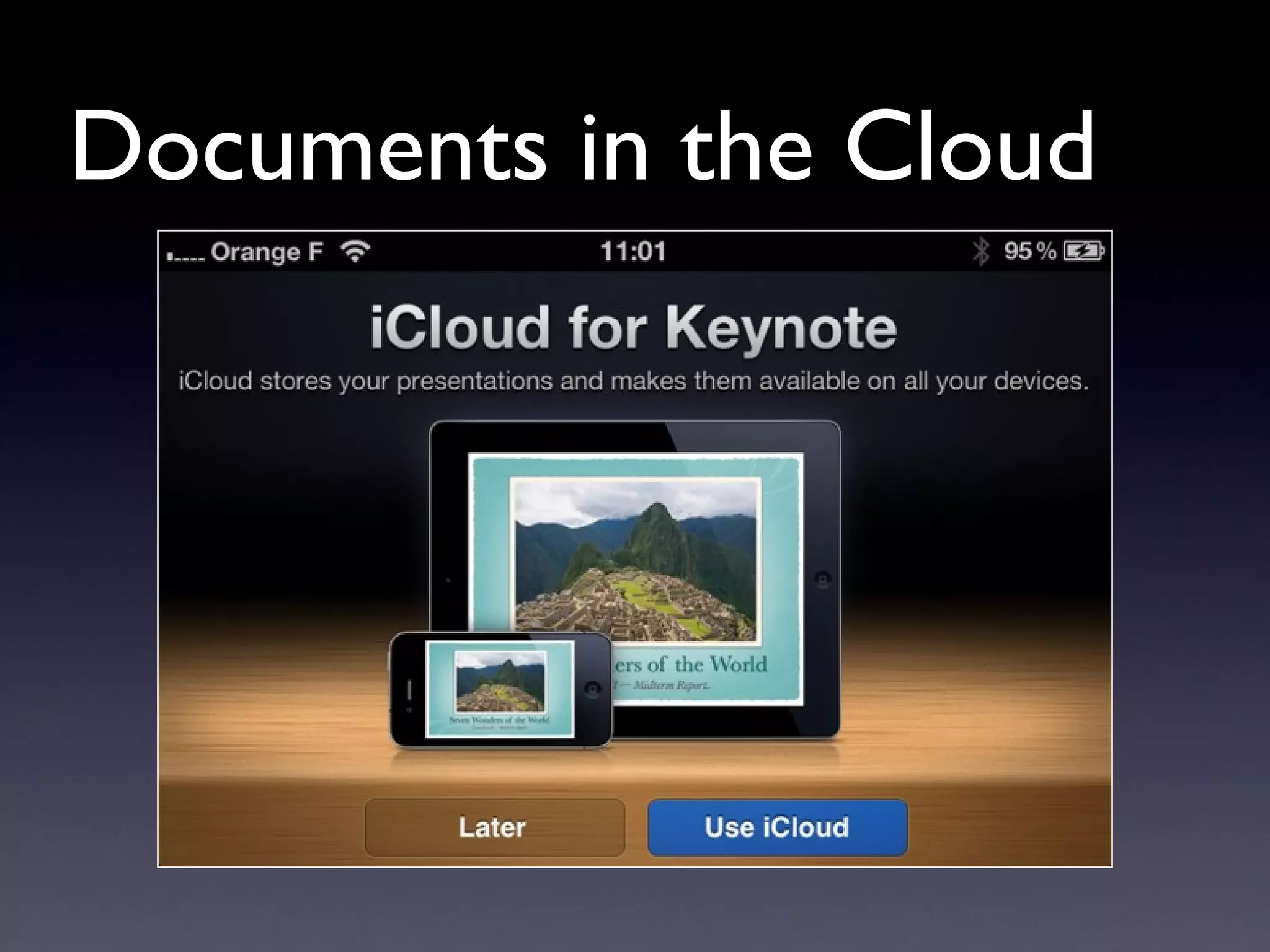
Documents in the Cloud
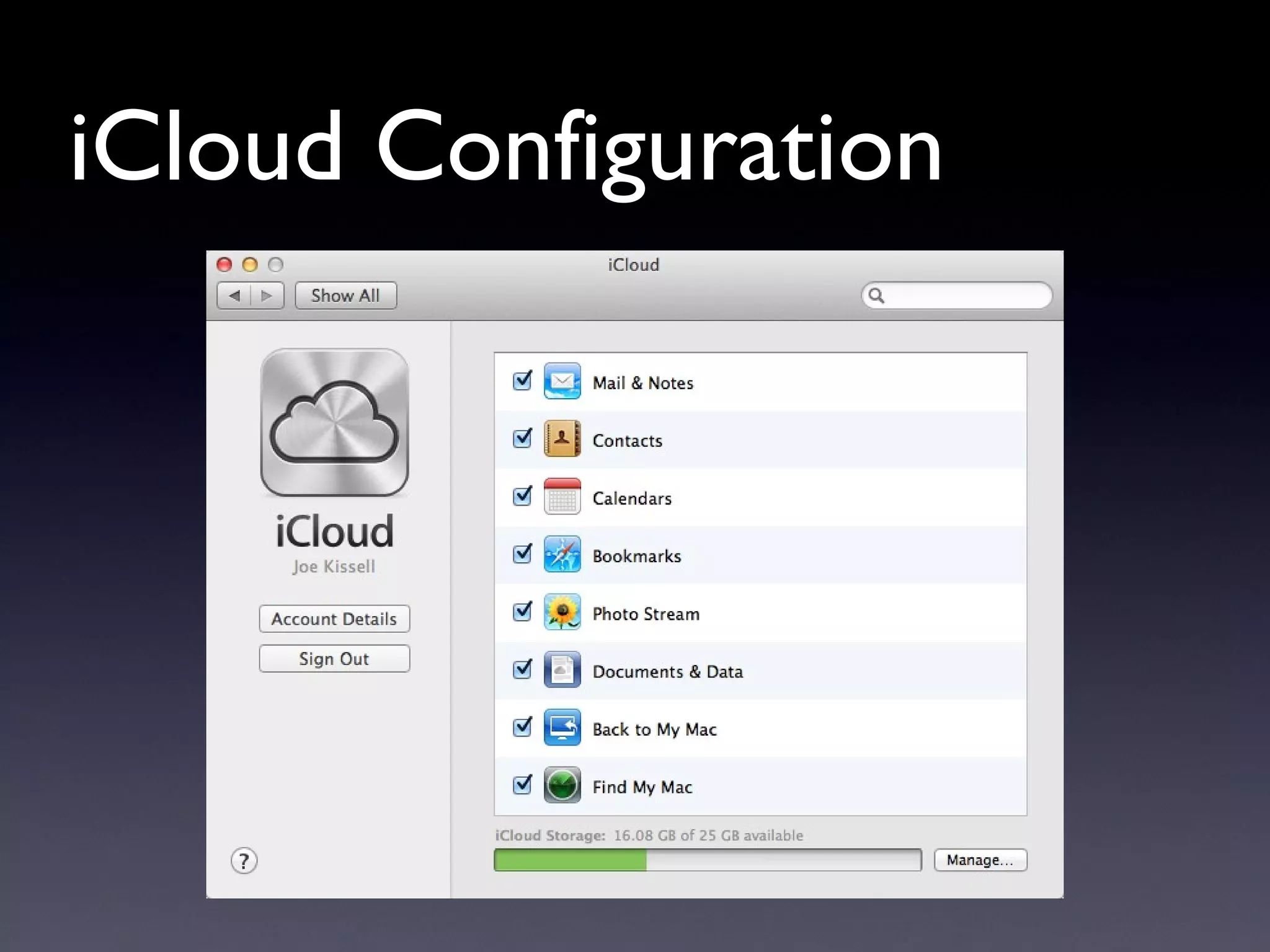
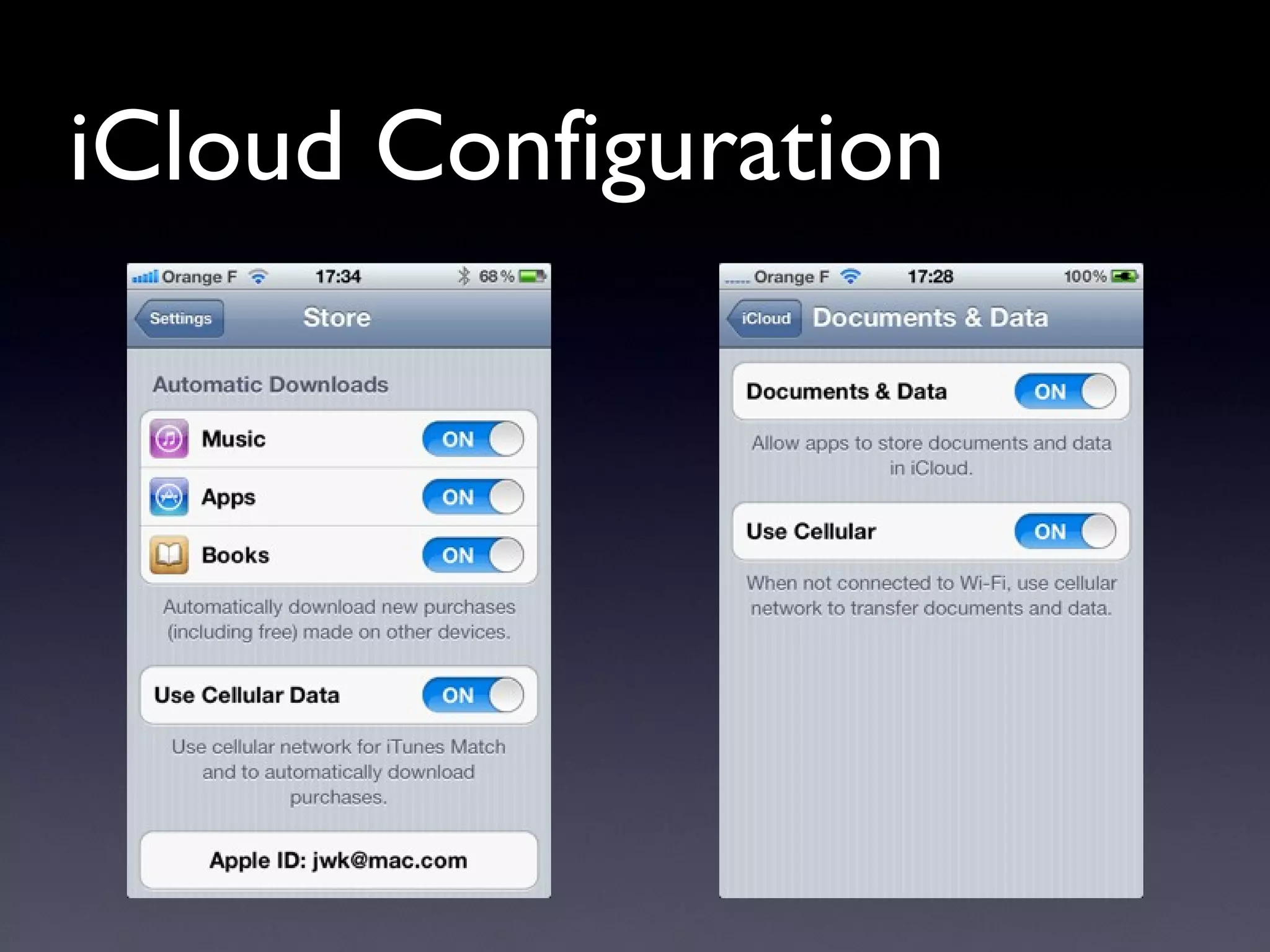
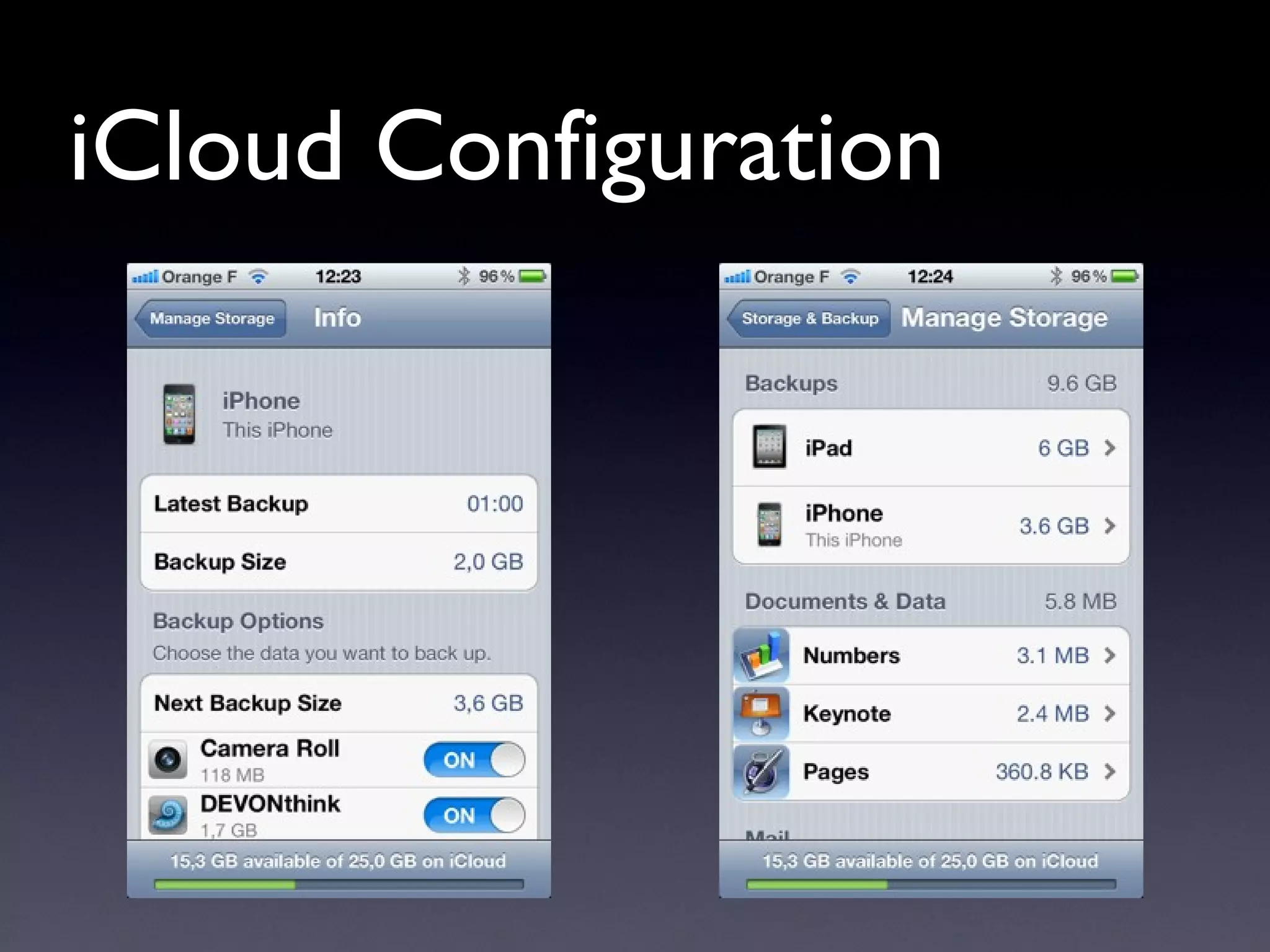
iCloud Configuration
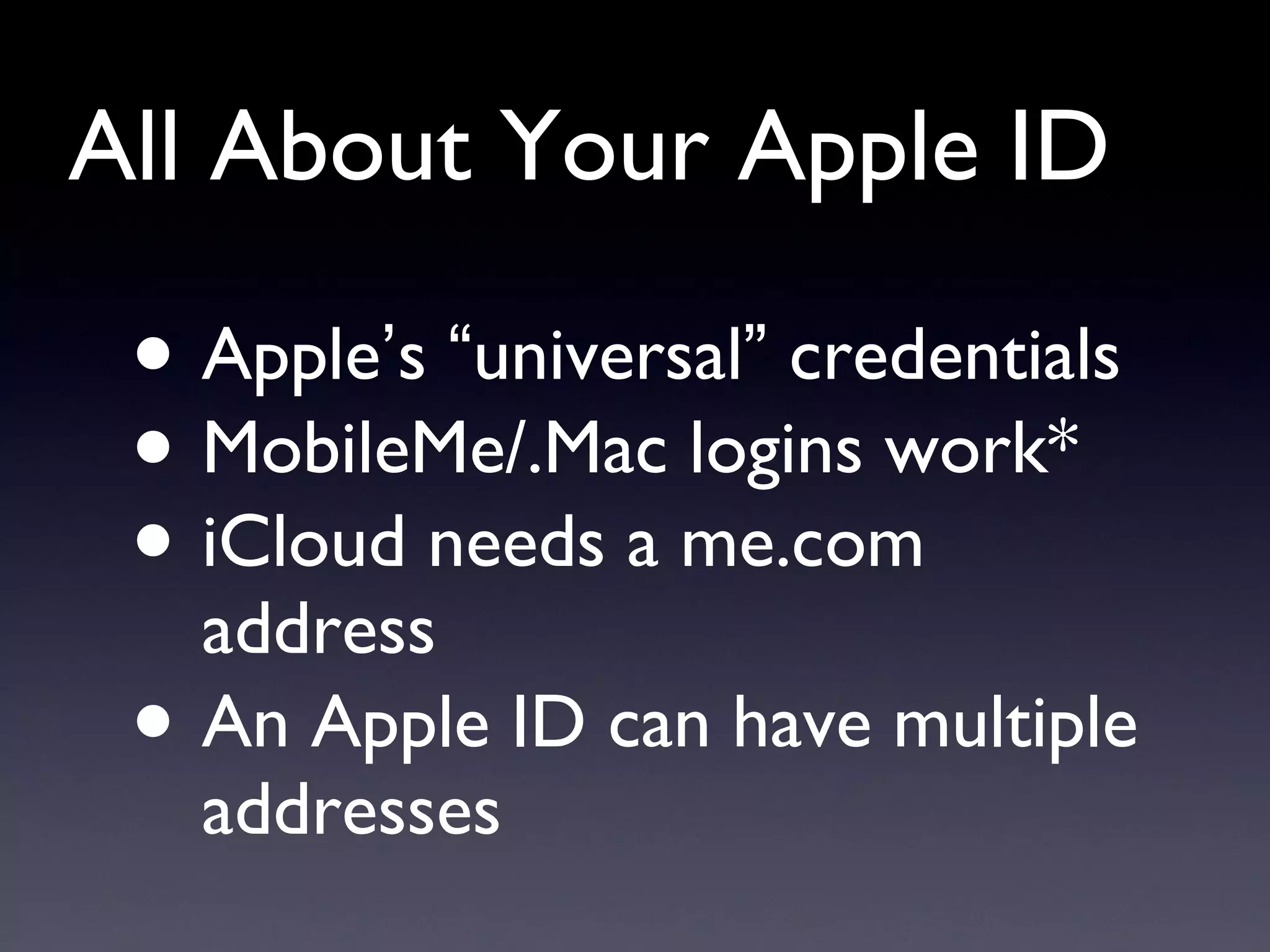
All About Your Apple ID Apple ’ s  “ universal ”  credentials MobileMe/.Mac logins work* iCloud needs a me.com address  An Apple ID can have multiple addresses
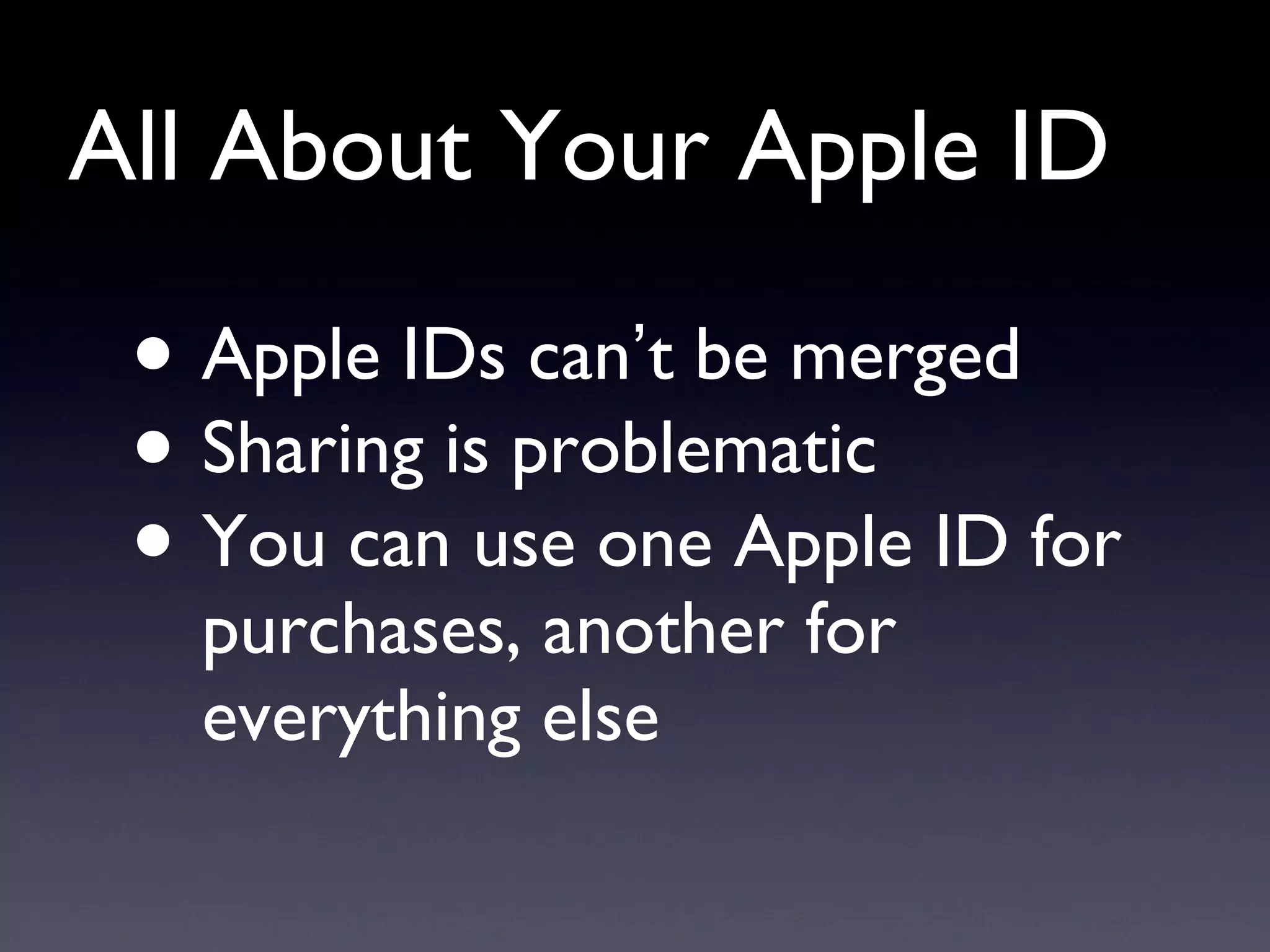
All About Your Apple ID Apple IDs can ’ t be merged Sharing is problematic You can use one Apple ID for purchases, another for everything else
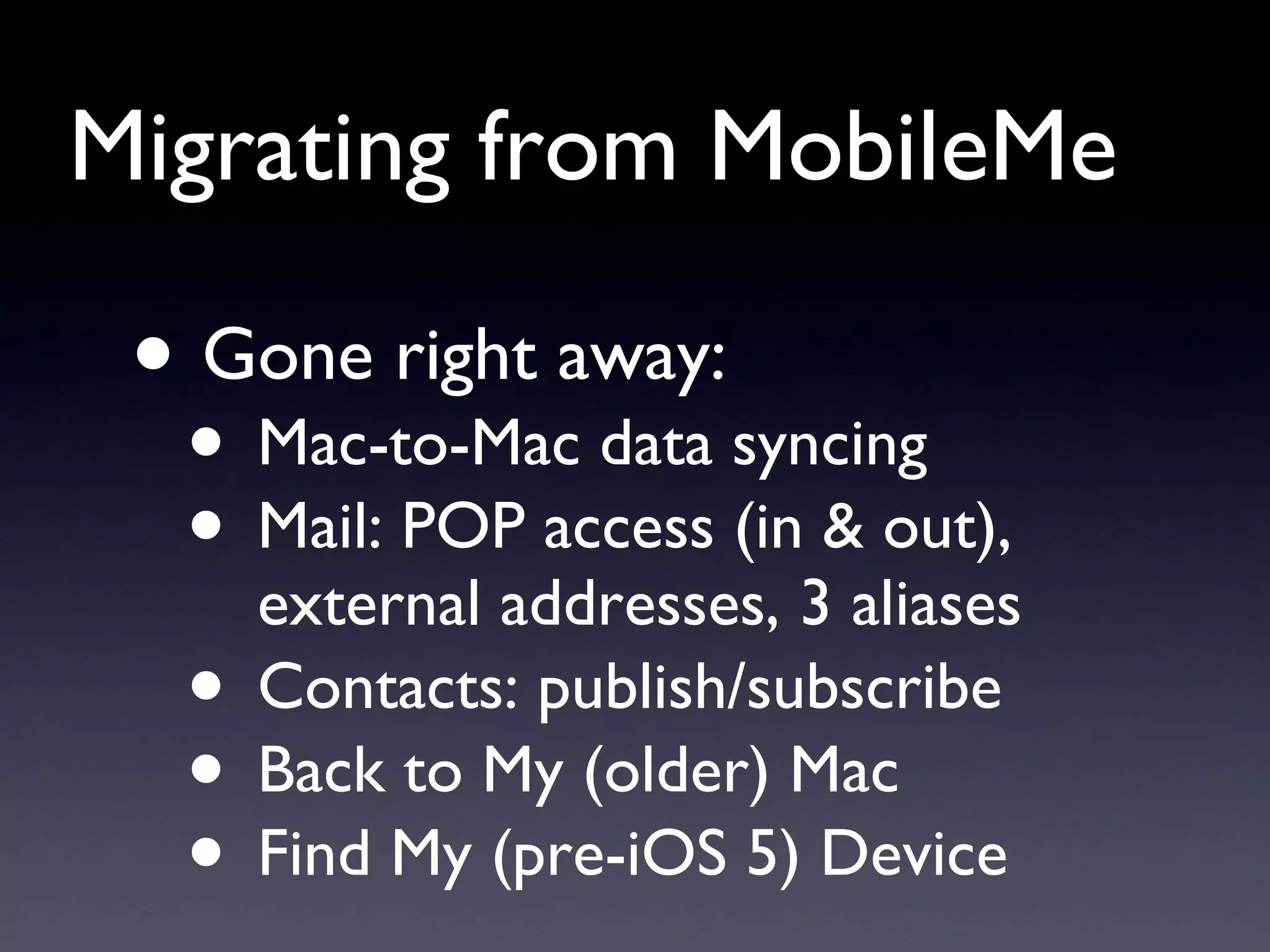
Migrating from MobileMe Gone right away: Mac-to-Mac data syncing Mail: POP access (in & out), external addresses, 3 aliases Contacts: publish/subscribe Back to My (older) Mac Find My (pre-iOS 5) Device
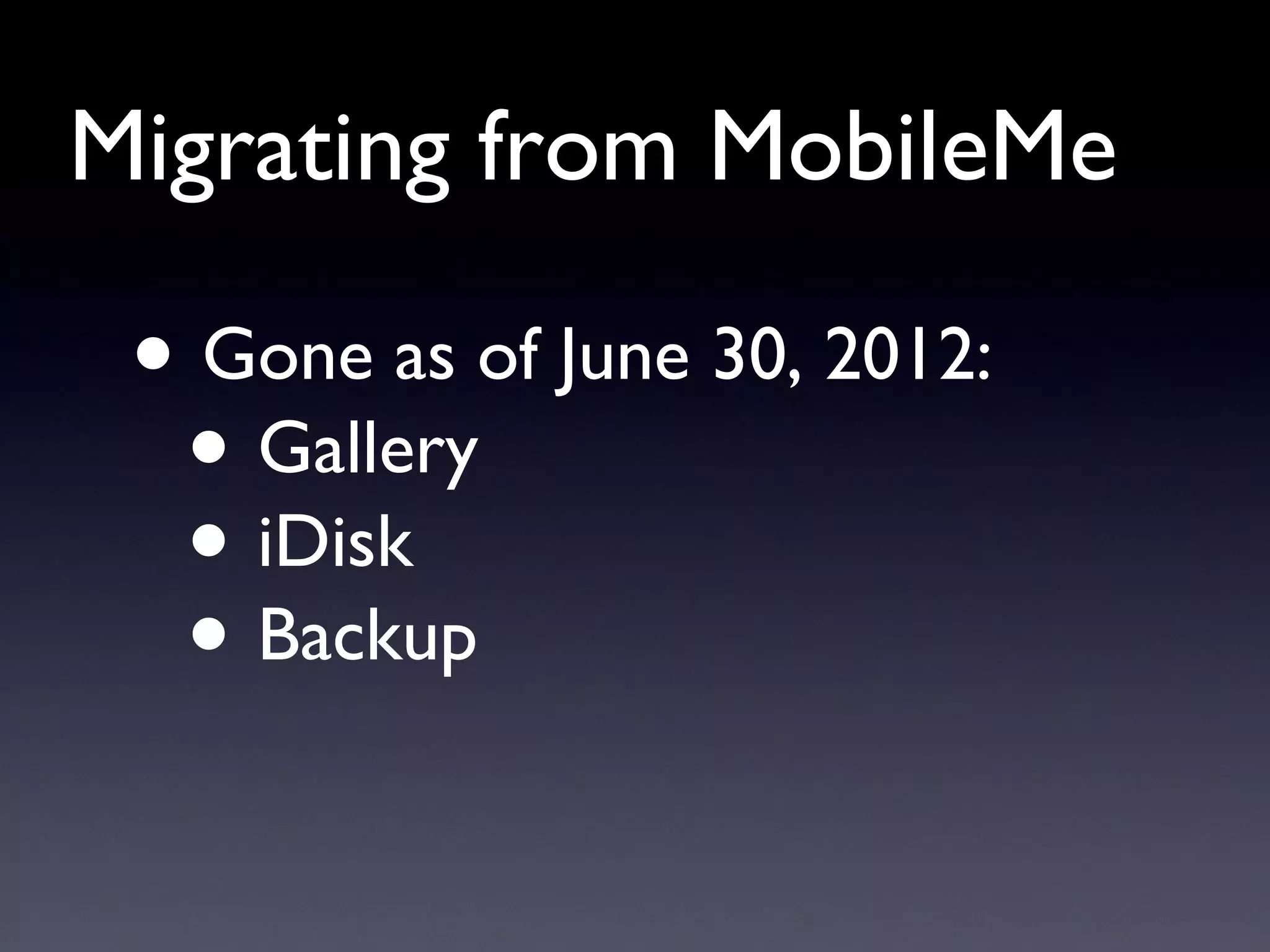
Migrating from MobileMe Gone as of June 30, 2012: Gallery iDisk Backup
Migrating from MobileMe Gallery replacements Dropbox Flickr Facebook Picasa Web Albums ZangZing
Migrating from MobileMe iDisk replacements (storage & sharing) Dropbox SpiderOak SugarSync
Migrating from MobileMe iDisk replacements (Web hosting) 1 and 1 .com DreamHost FatCow thousands of others…
Migrating from MobileMe Dealing with duplicates Back up  and export  first Check  “ On My Mac ” Still no joy? Delete & import
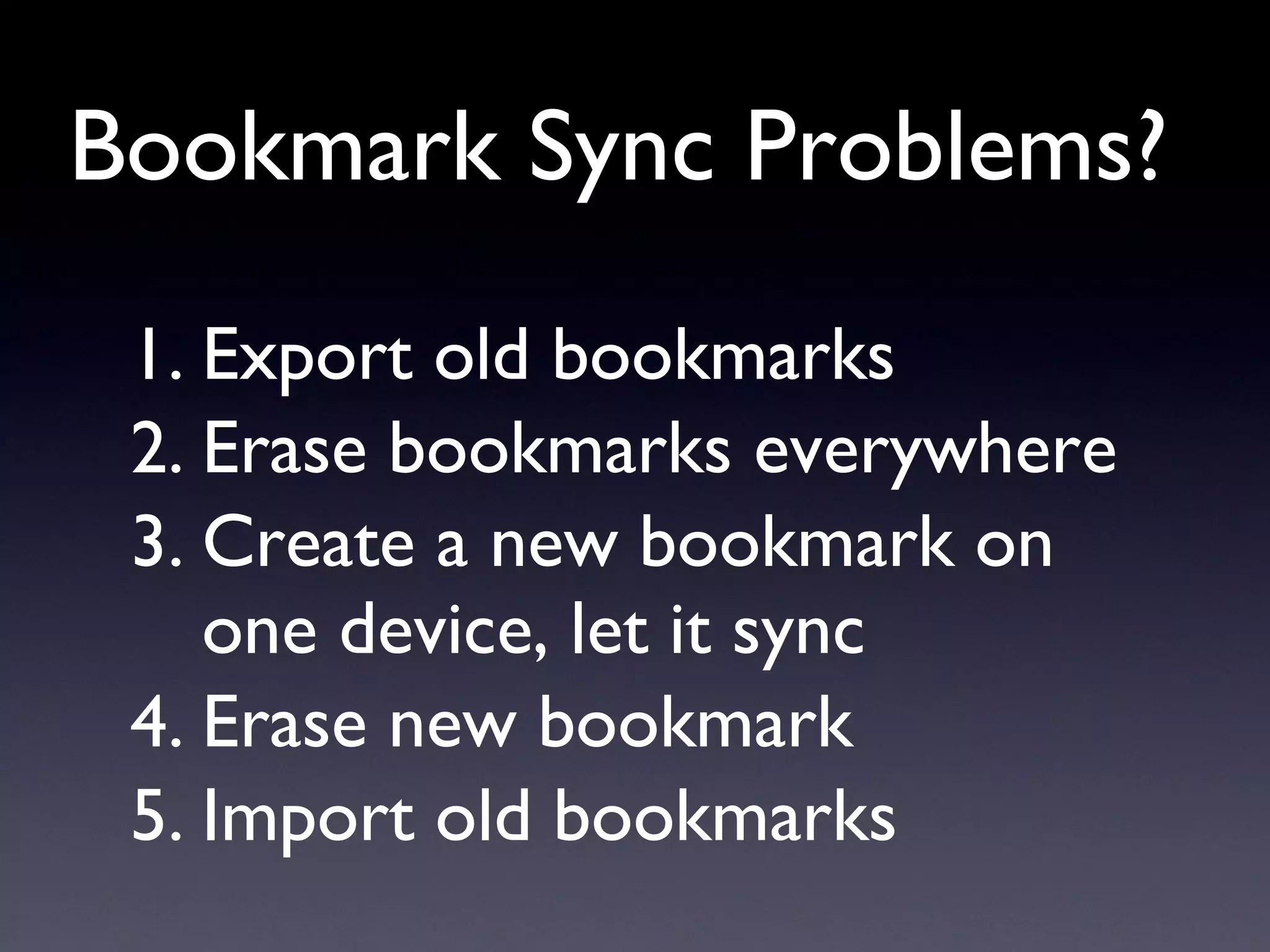
Bookmark Sync Problems? Export old bookmarks Erase bookmarks everywhere Create a new bookmark on one device, let it sync Erase new bookmark Import old bookmarks
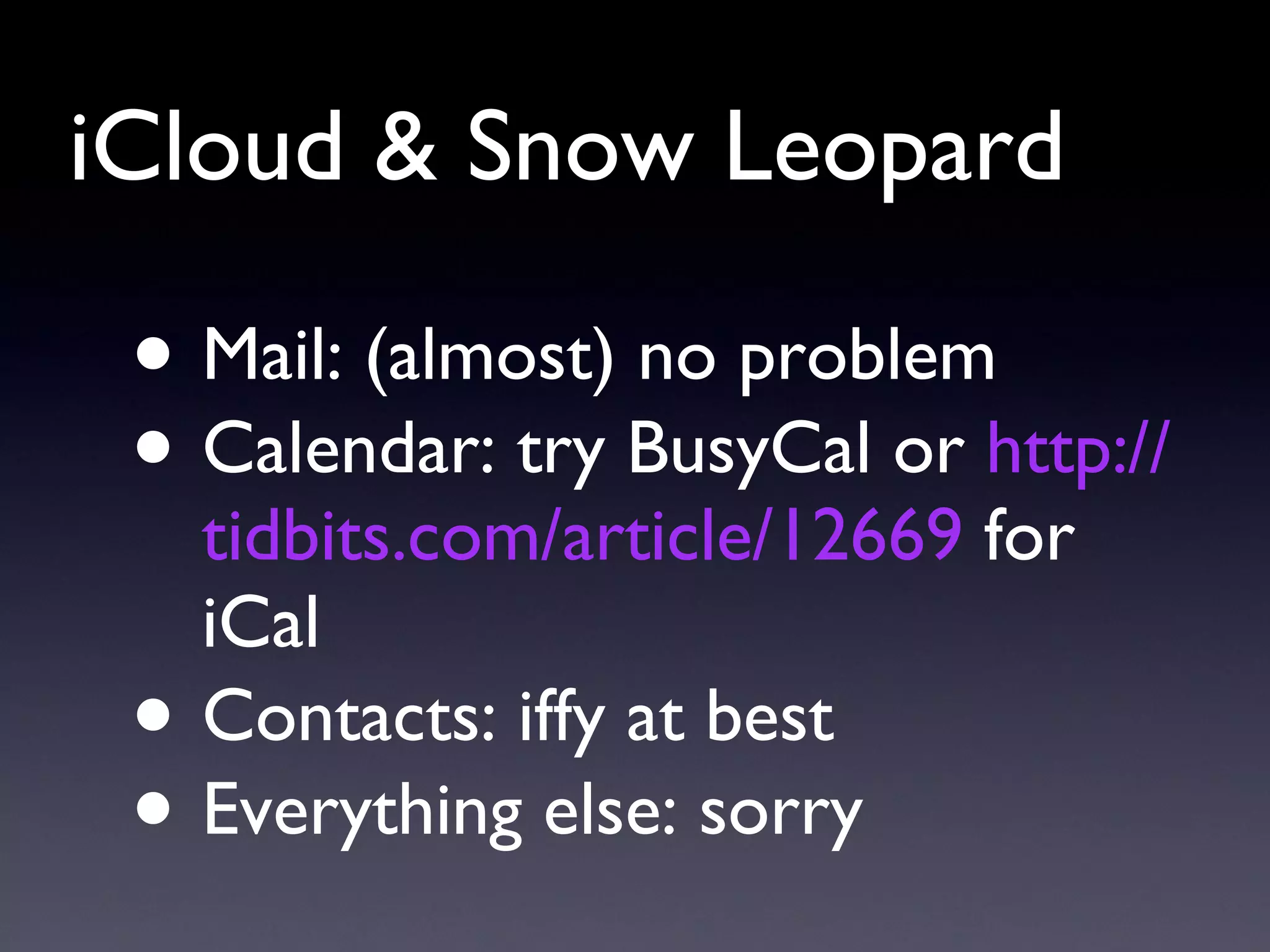
iCloud & Snow Leopard Mail: (almost) no problem Calendar: try BusyCal or  http://tidbits.com/article/12669  for iCal Contacts: iffy at best Everything else: sorry
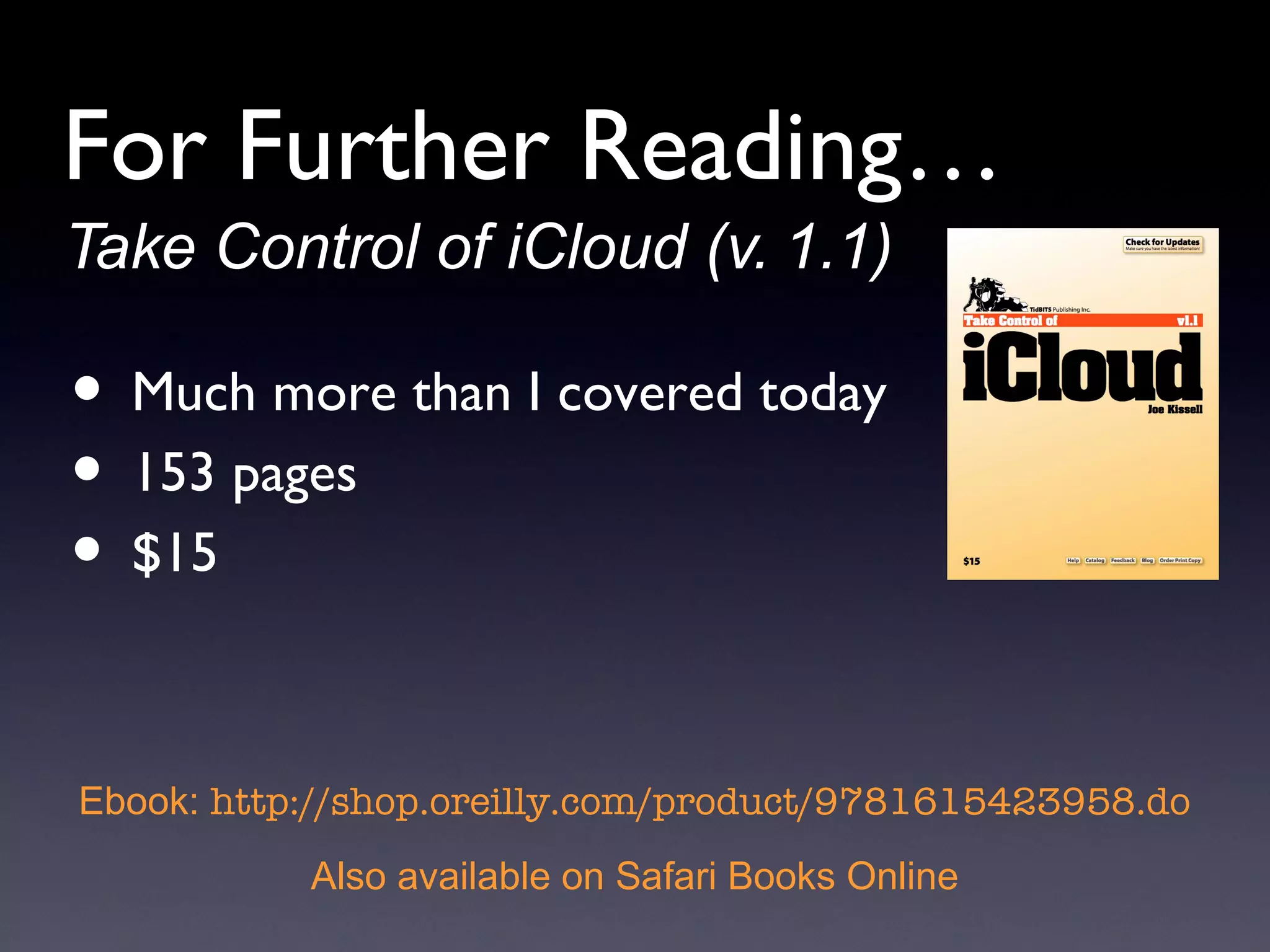
Take Control of iCloud (v. 1.1) Much more than I covered today 153 pages $15 Ebook:  http://shop.oreilly.com/product/9781615423958.do Also available on Safari Books Online For Further Reading…
Q & A
Thank you for your kind attention! Joe Kissell joekissell.com • @joekissell

2 3-2012 Take Control of iCloud

  • 1.
    Take Control ofiCloud Joe Kissell Senior Editor, TidBITS Senior Contributor, Macworld joekissell.com @joekissell
  • 2.
  • 3.
    Syncing: The OldWay Every device has a copy of all your stuff From time to time, connect them with cables Sync and hope for the best
  • 4.
    Push Updates (MobileMe)Modify data on any device Data pushed up to cloud Data pushed to other devices Mail, Contacts, Calendars, Bookmarks only
  • 5.
    Push Updates (iCloud)Mail, Contacts, Calendars, Bookmarks, plus… Photos Documents Music, TV shows, Apps, Books
  • 6.
    Can You UseiCloud? Mac: 10.7.2+ PC: Windows 7 or Vista iOS: iOS 5+ Apple TV: 2nd-gen, latest SW Apple ID (more on this later)
  • 7.
    Can You UseiCloud? All your devices OK: go for it If some devices not OK: Don ’ t use iCloud Replace outdated devices Go without some services on older devices
  • 8.
    A Quick Spinthrough iCloud…
  • 9.
    Stuff That ’s Pretty Much the Same as in MobileMe Mail Contacts Calendar Bookmarks & Reading List Find My Noun* Back to My Mac*
  • 10.
  • 11.
  • 12.
  • 13.
  • 14.
  • 15.
  • 16.
  • 17.
  • 18.
    All About YourApple ID Apple ’ s “ universal ” credentials MobileMe/.Mac logins work* iCloud needs a me.com address An Apple ID can have multiple addresses
  • 19.
    All About YourApple ID Apple IDs can ’ t be merged Sharing is problematic You can use one Apple ID for purchases, another for everything else
  • 20.
    Migrating from MobileMeGone right away: Mac-to-Mac data syncing Mail: POP access (in & out), external addresses, 3 aliases Contacts: publish/subscribe Back to My (older) Mac Find My (pre-iOS 5) Device
  • 21.
    Migrating from MobileMeGone as of June 30, 2012: Gallery iDisk Backup
  • 22.
    Migrating from MobileMeGallery replacements Dropbox Flickr Facebook Picasa Web Albums ZangZing
  • 23.
    Migrating from MobileMeiDisk replacements (storage & sharing) Dropbox SpiderOak SugarSync
  • 24.
    Migrating from MobileMeiDisk replacements (Web hosting) 1 and 1 .com DreamHost FatCow thousands of others…
  • 25.
    Migrating from MobileMeDealing with duplicates Back up and export first Check “ On My Mac ” Still no joy? Delete & import
  • 26.
    Bookmark Sync Problems?Export old bookmarks Erase bookmarks everywhere Create a new bookmark on one device, let it sync Erase new bookmark Import old bookmarks
  • 27.
    iCloud & SnowLeopard Mail: (almost) no problem Calendar: try BusyCal or http://tidbits.com/article/12669 for iCal Contacts: iffy at best Everything else: sorry
  • 28.
    Take Control ofiCloud (v. 1.1) Much more than I covered today 153 pages $15 Ebook: http://shop.oreilly.com/product/9781615423958.do Also available on Safari Books Online For Further Reading…
  • 29.
  • 30.
    Thank you foryour kind attention! Joe Kissell joekissell.com • @joekissell

Editor's Notes

  • #20 E.g. one for iTunes Home Sharing but you used a different one for your email address.