Start with the Staff
Sally Patalong
Subject Librarian, Lanchester Library,
Coventry University.
Why?
• Connections – the library training slot
– Research project mapping skills provision across the
university
• University’s Teaching, Learning and Assessment
Strategy
– Work with the Library in order to ensure that students
develop appropriate research and information
evaluation skills
– Measure the training given to students to test and
evaluate the authenticity and accuracy etc., of digital
information sources
Investigation
• 23 things
– Remembered conversations…
– Looked at programmes that other libraries had
run
• Survey of staff in the library, e-Learning Unit,
Maths Support Unit, Centre for Academic
Writing
Before…
• Office Suite
– I occasionally need to ask the odd question about
a package and no one I work with seems to know
more / less than me
• Google Suite
– Use Google and Google Scholar – there’s more?
• Devices
– Used an iPad briefly.
– Got a smartphone, but not sure about apps.
• Managing your online identity
– What does that mean?
Digital Fluency Programme
• Purpose of the Programme(s)
– Increase skill levels of staff
– Increase confidence levels of staff
– Support Library development needs
• How would the Library gain?
– Reinvent the way we work by utilising digital literacy
approaches
– Contribute more effectively towards DL approaches
for academic staff and students
– Future-proof the library
Why Fluency?
There is a good explanation of the difference
between digital literacy and digital fluency here:
http://www.socialens.com/blog/2011/02/05/th
e-difference-between-digital-literacy-and-
digital-fluency/
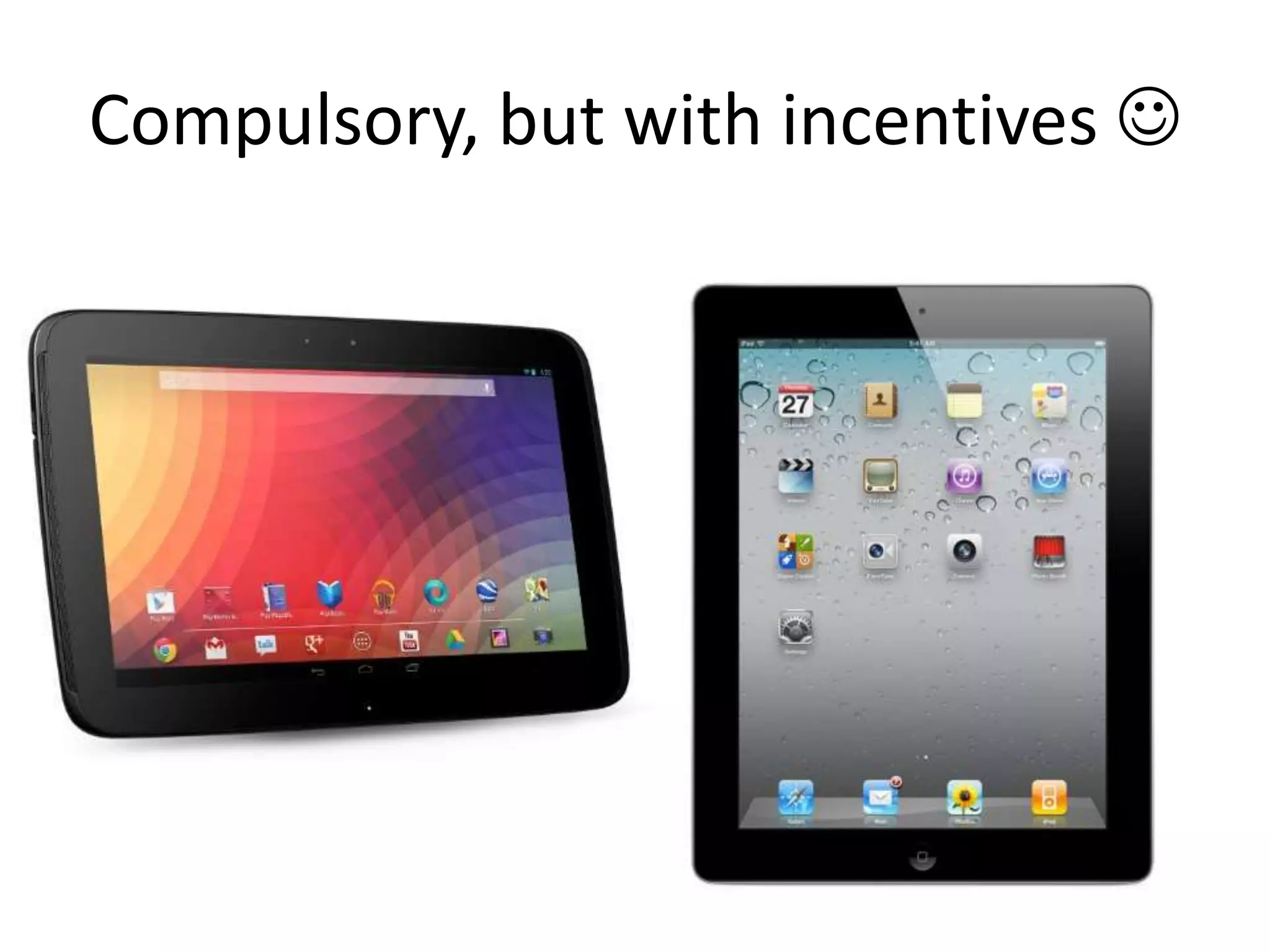
Compulsory, but with incentives 
1st cohort – Subject Librarians
• 10 week pilot, 2 hours per week
• Moodle
• Content
– Creating LinkedIn, Google and Twitter accounts
– Google – power searching
– Exploring tablets/apps
– Working in the cloud
– Using social networking
Content - continued
– Using Moodle as a teacher
– Digital security
– Creating online content
– Supporting research
– Synchronous support
– Mahara
• Delivered by 2 Learning developers and
several subject librarians
Feedback
Things for Work/Students:
– Google Searching session - some really good tips that I can use with
students and in 1-1s
– More confidence in how to potentially use tablet devices with school
groups
– Enjoyed the opportunity to discuss ideas/tools/new services
New Skills/Knowledge for me:
• Never used a tablet device before - good to see the positives (and
limitations!) of these
• More knowledge of cloud computing - saving and accessing
documents/collaboration tools could be really useful
• Useful to learn about Digital Security - would like to see more about
this from ITS
• The course has been particularly useful for me as an SL in
the following areas:
•
Tablet: Useful for meetings, good to have a portable device,
helpful to know how it works in detail, use of apps
• Cloud Computing: Awareness of how data is stored/used
and accessed - advantages/pitfalls
• Digital Security: Mini-project and session increased
awareness, change in working practices as a result
• Moodle and Mahara: Push to get me to use them more,
good for information skills training/academic
liaison/greater understanding from the student point of
view
• Overview: Collaborative working tools highlighted,
enhanced and updated online skills, awareness of software
that the University is using, use of social media in a work
(library) context, feeling connected' and part of a virtual
online community.
Cohort 2 – 8 weeks
• Other people working on the Enquiry Desk
• Repository staff
• iPads, no android devices
• Problems
– No University Librarian
– Head of Academic Liaison Team on secondment
– Learning developers moved out of the library
– No Moodle space
– Timetable dependent on peoples’ availability
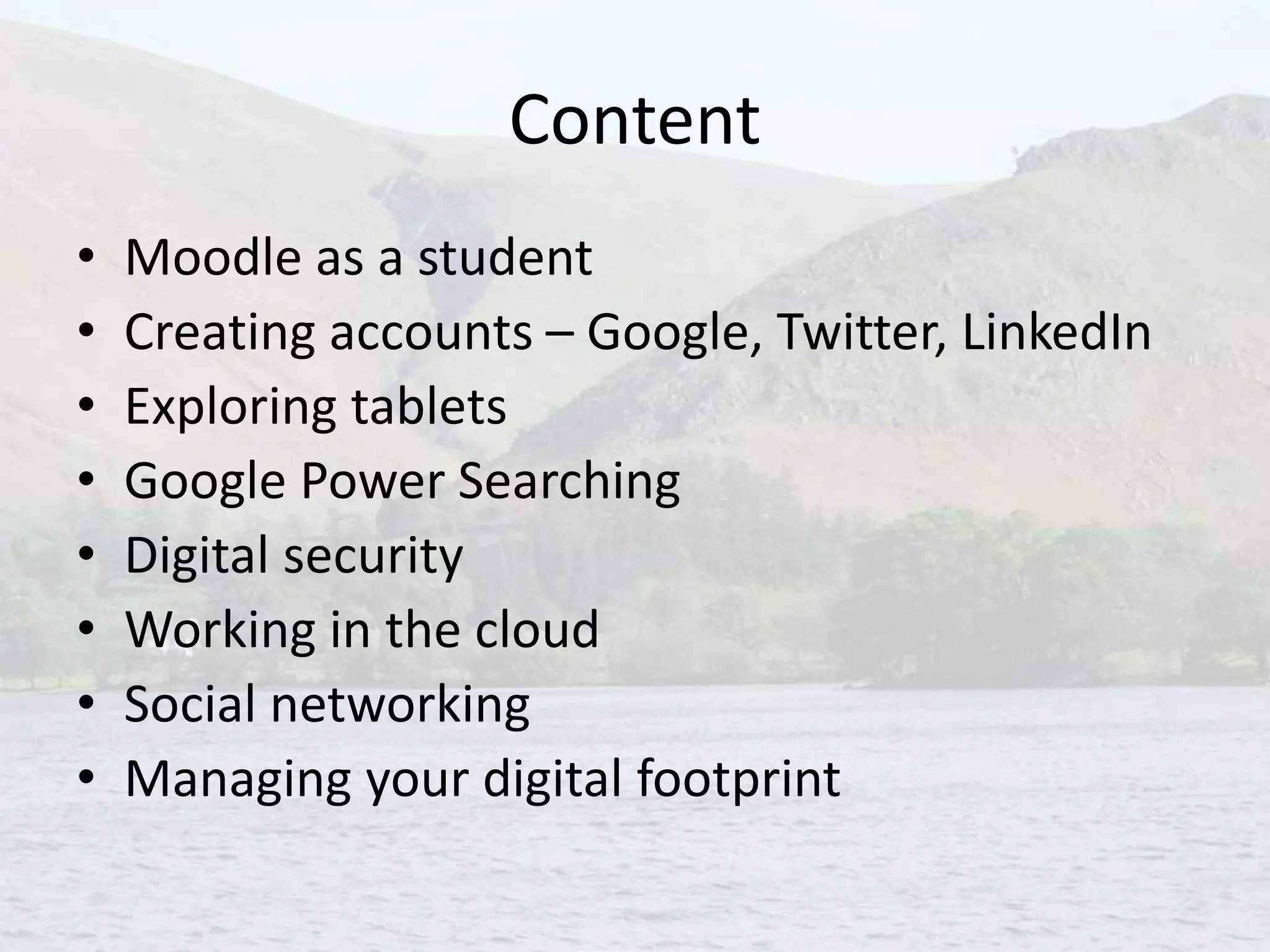
Content
• Moodle as a student
• Creating accounts – Google, Twitter, LinkedIn
• Exploring tablets
• Google Power Searching
• Digital security
• Working in the cloud
• Social networking
• Managing your digital footprint
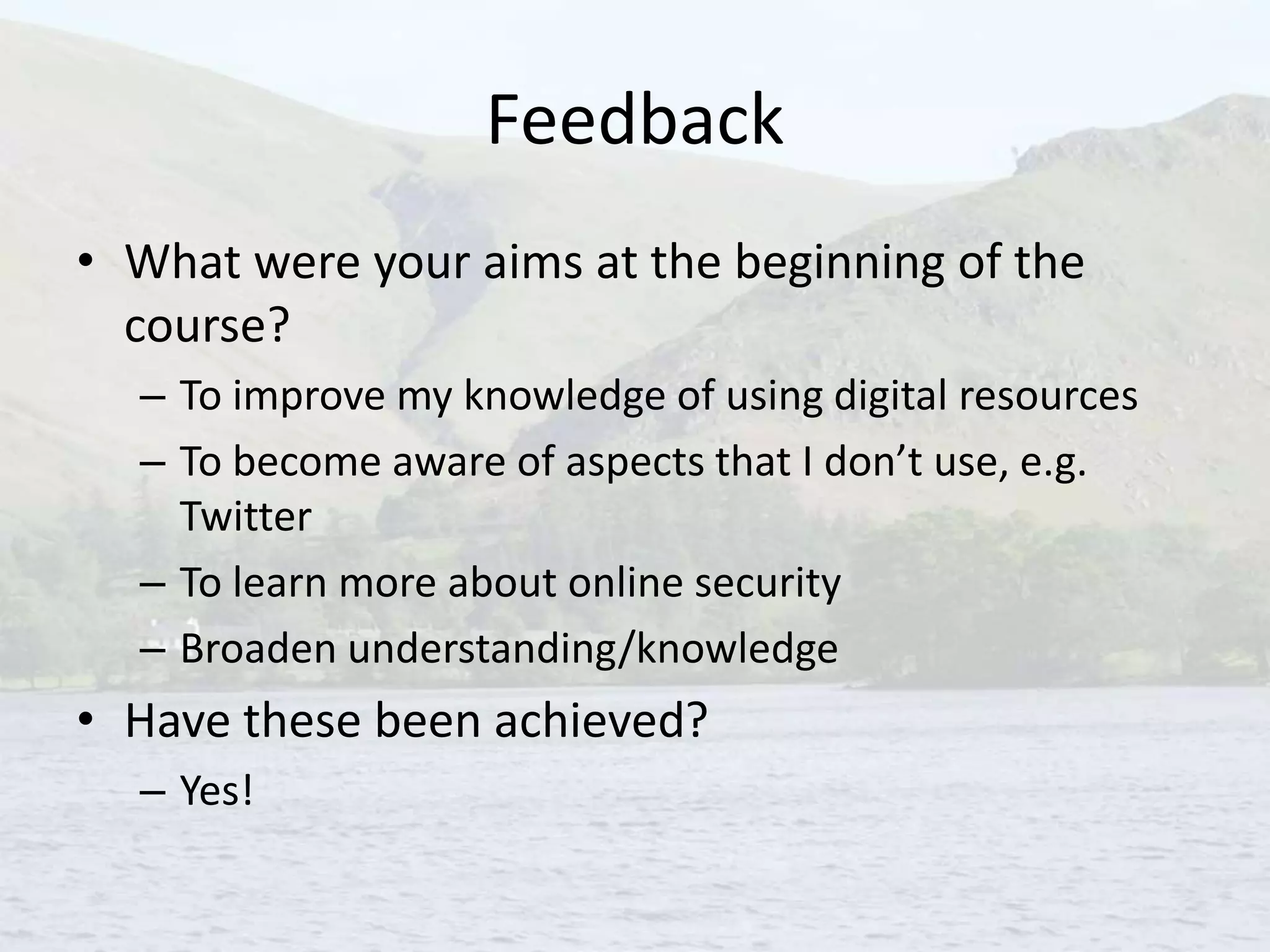
Feedback
• What were your aims at the beginning of the
course?
– To improve my knowledge of using digital resources
– To become aware of aspects that I don’t use, e.g.
Twitter
– To learn more about online security
– Broaden understanding/knowledge
• Have these been achieved?
– Yes!
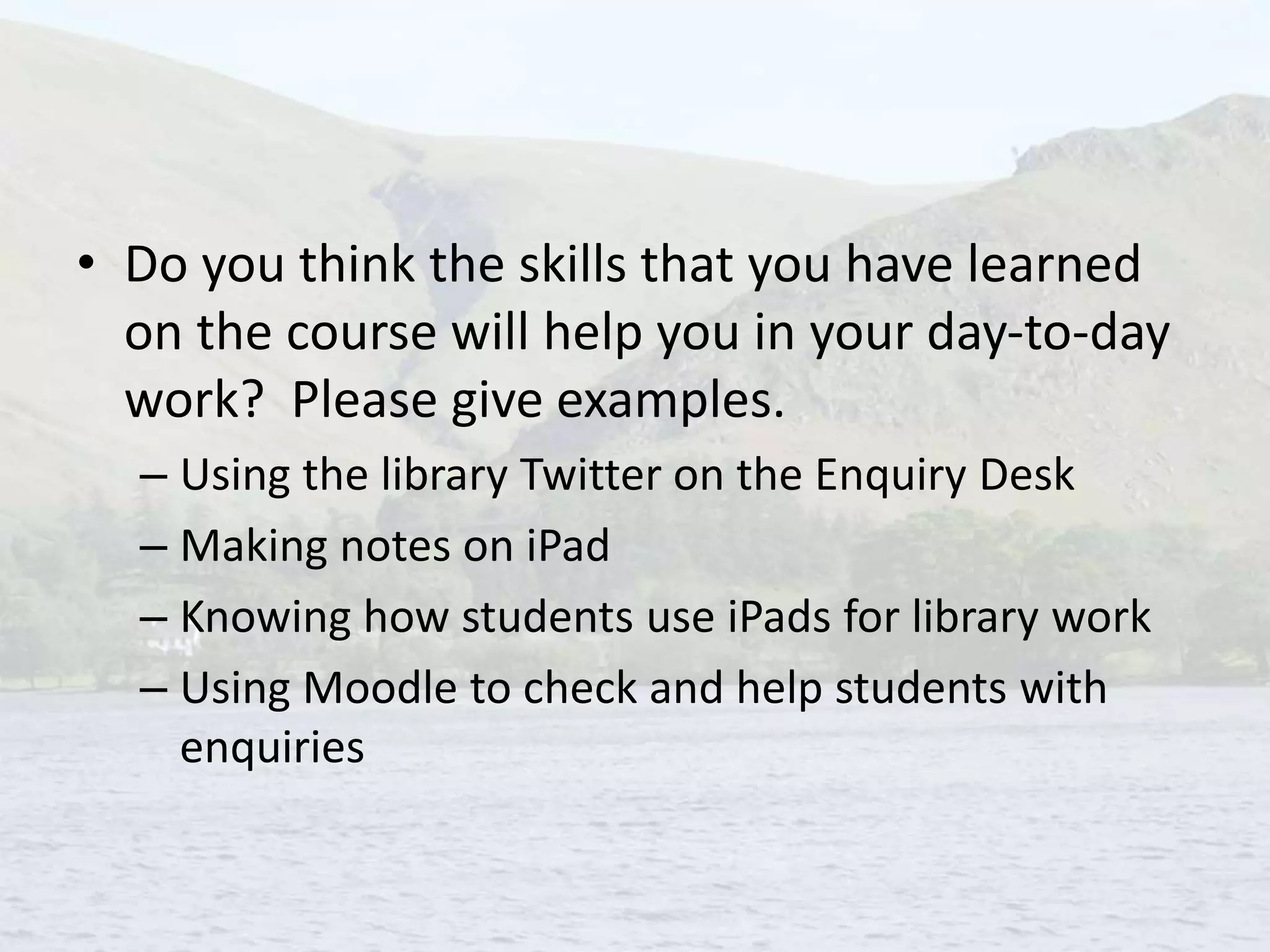
• Do you think the skills that you have learned
on the course will help you in your day-to-day
work? Please give examples.
– Using the library Twitter on the Enquiry Desk
– Making notes on iPad
– Knowing how students use iPads for library work
– Using Moodle to check and help students with
enquiries
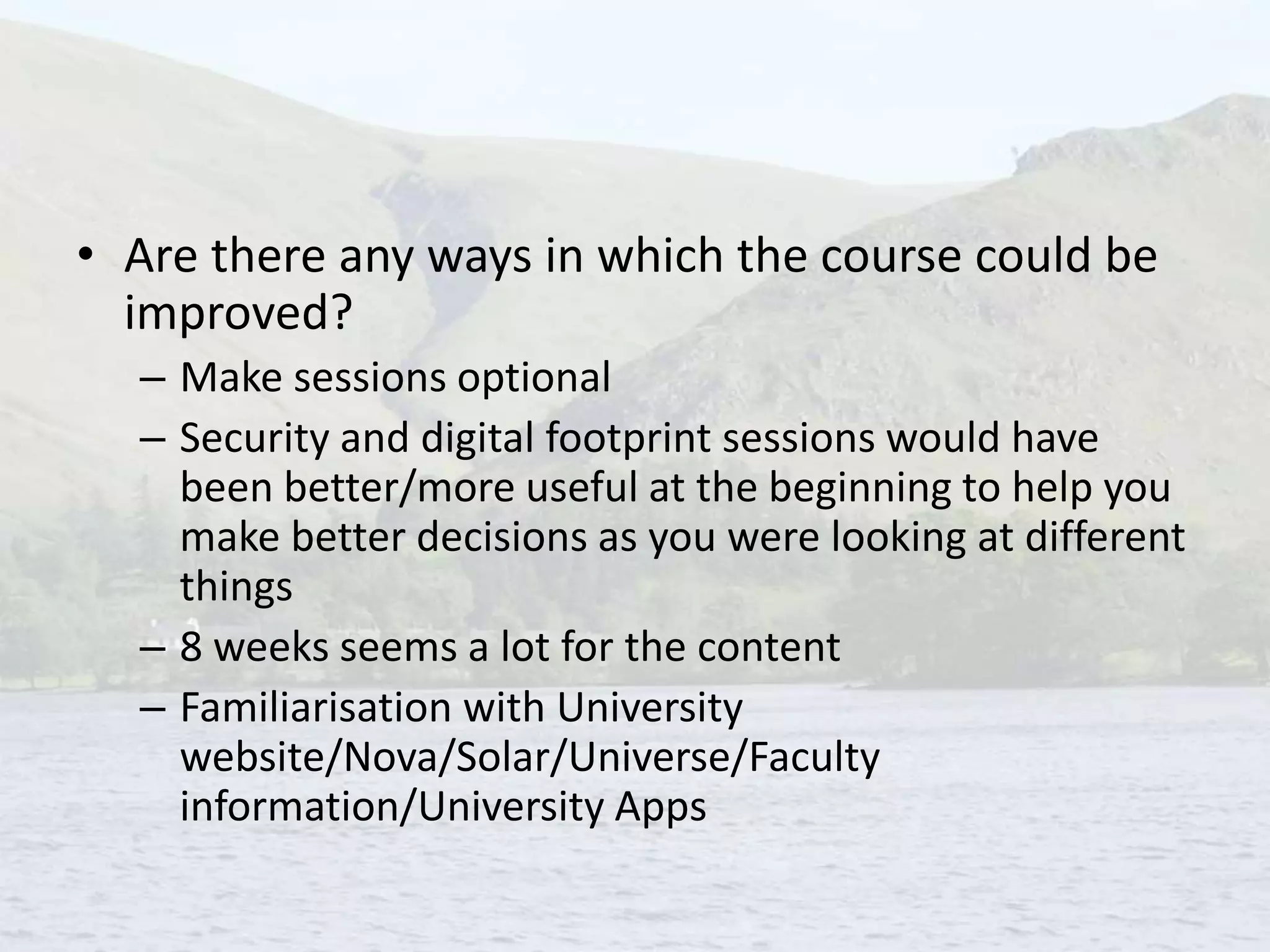
• Are there any ways in which the course could be
improved?
– Make sessions optional
– Security and digital footprint sessions would have
been better/more useful at the beginning to help you
make better decisions as you were looking at different
things
– 8 weeks seems a lot for the content
– Familiarisation with University
website/Nova/Solar/Universe/Faculty
information/University Apps
The future?
• Weekend staff want the chance to take the
course
• More iPads?
• Request space in Moodle
• Look at the timetable structure
• Plan well in advance
• Continuing to keep up-to-date
Questions?
Contact details:
Sally Patalong
Subject Librarian
Room FL215
Lanchester Library
Coventry University
Gosford Street
Coventry
CV1 5DD
Email s.patalong@coventry.ac.uk
Tel. 02477 657535

Start with the Staff

  • 1.
    Start with theStaff Sally Patalong Subject Librarian, Lanchester Library, Coventry University.
  • 2.
    Why? • Connections –the library training slot – Research project mapping skills provision across the university • University’s Teaching, Learning and Assessment Strategy – Work with the Library in order to ensure that students develop appropriate research and information evaluation skills – Measure the training given to students to test and evaluate the authenticity and accuracy etc., of digital information sources
  • 3.
    Investigation • 23 things –Remembered conversations… – Looked at programmes that other libraries had run • Survey of staff in the library, e-Learning Unit, Maths Support Unit, Centre for Academic Writing
  • 4.
    Before… • Office Suite –I occasionally need to ask the odd question about a package and no one I work with seems to know more / less than me • Google Suite – Use Google and Google Scholar – there’s more? • Devices – Used an iPad briefly. – Got a smartphone, but not sure about apps. • Managing your online identity – What does that mean?
  • 5.
    Digital Fluency Programme •Purpose of the Programme(s) – Increase skill levels of staff – Increase confidence levels of staff – Support Library development needs • How would the Library gain? – Reinvent the way we work by utilising digital literacy approaches – Contribute more effectively towards DL approaches for academic staff and students – Future-proof the library
  • 6.
    Why Fluency? There isa good explanation of the difference between digital literacy and digital fluency here: http://www.socialens.com/blog/2011/02/05/th e-difference-between-digital-literacy-and- digital-fluency/
  • 7.
    Compulsory, but withincentives 
  • 8.
    1st cohort –Subject Librarians • 10 week pilot, 2 hours per week • Moodle • Content – Creating LinkedIn, Google and Twitter accounts – Google – power searching – Exploring tablets/apps – Working in the cloud – Using social networking
  • 9.
    Content - continued –Using Moodle as a teacher – Digital security – Creating online content – Supporting research – Synchronous support – Mahara • Delivered by 2 Learning developers and several subject librarians
  • 10.
    Feedback Things for Work/Students: –Google Searching session - some really good tips that I can use with students and in 1-1s – More confidence in how to potentially use tablet devices with school groups – Enjoyed the opportunity to discuss ideas/tools/new services New Skills/Knowledge for me: • Never used a tablet device before - good to see the positives (and limitations!) of these • More knowledge of cloud computing - saving and accessing documents/collaboration tools could be really useful • Useful to learn about Digital Security - would like to see more about this from ITS
  • 11.
    • The coursehas been particularly useful for me as an SL in the following areas: • Tablet: Useful for meetings, good to have a portable device, helpful to know how it works in detail, use of apps • Cloud Computing: Awareness of how data is stored/used and accessed - advantages/pitfalls • Digital Security: Mini-project and session increased awareness, change in working practices as a result • Moodle and Mahara: Push to get me to use them more, good for information skills training/academic liaison/greater understanding from the student point of view • Overview: Collaborative working tools highlighted, enhanced and updated online skills, awareness of software that the University is using, use of social media in a work (library) context, feeling connected' and part of a virtual online community.
  • 12.
    Cohort 2 –8 weeks • Other people working on the Enquiry Desk • Repository staff • iPads, no android devices • Problems – No University Librarian – Head of Academic Liaison Team on secondment – Learning developers moved out of the library – No Moodle space – Timetable dependent on peoples’ availability
  • 13.
    Content • Moodle asa student • Creating accounts – Google, Twitter, LinkedIn • Exploring tablets • Google Power Searching • Digital security • Working in the cloud • Social networking • Managing your digital footprint
  • 14.
    Feedback • What wereyour aims at the beginning of the course? – To improve my knowledge of using digital resources – To become aware of aspects that I don’t use, e.g. Twitter – To learn more about online security – Broaden understanding/knowledge • Have these been achieved? – Yes!
  • 15.
    • Do youthink the skills that you have learned on the course will help you in your day-to-day work? Please give examples. – Using the library Twitter on the Enquiry Desk – Making notes on iPad – Knowing how students use iPads for library work – Using Moodle to check and help students with enquiries
  • 16.
    • Are thereany ways in which the course could be improved? – Make sessions optional – Security and digital footprint sessions would have been better/more useful at the beginning to help you make better decisions as you were looking at different things – 8 weeks seems a lot for the content – Familiarisation with University website/Nova/Solar/Universe/Faculty information/University Apps
  • 17.
    The future? • Weekendstaff want the chance to take the course • More iPads? • Request space in Moodle • Look at the timetable structure • Plan well in advance • Continuing to keep up-to-date
  • 18.
    Questions? Contact details: Sally Patalong SubjectLibrarian Room FL215 Lanchester Library Coventry University Gosford Street Coventry CV1 5DD Email s.patalong@coventry.ac.uk Tel. 02477 657535