The Digital Documents 
Harvesting and Processing 
Tool (Document Harvester) 
Jennie Grimshaw 
Lead Curator, Social Policy & Official Publications 
The British Library
The Challenge 
• Ensuring long-time preservation on non-commercial online 
publications – through Legal Deposit Web Archive 
• Providing easy access at the level of the individual 
document 
• Providing a system for efficient processing of individual 
documents at scale 
• Storing documents economically 
www.bl.uk 2
The solution: DDHAPT 
• Crawls target websites at set intervals 
• Stores them in LDWA 
• Presents list of new documents for selection 
• Selector creates basic metadata 
• Basic record + hotlink available after seven days 
www.bl.uk 3
STEP 1: Selector (librarian, digital processing team 
member or publisher) logs in 
• DDHAPT is a web-based application based on W3ACT 
•Web Archiving Team sets up users with different roles + 
permissions 
• After login the selector is taken to a personalised 
homepage, with 
– List of crawled targets + date 
– Crawl succeeded/failed 
– Links to new documents harvested 
– Provision to set up new watched target 
www.bl.uk 4
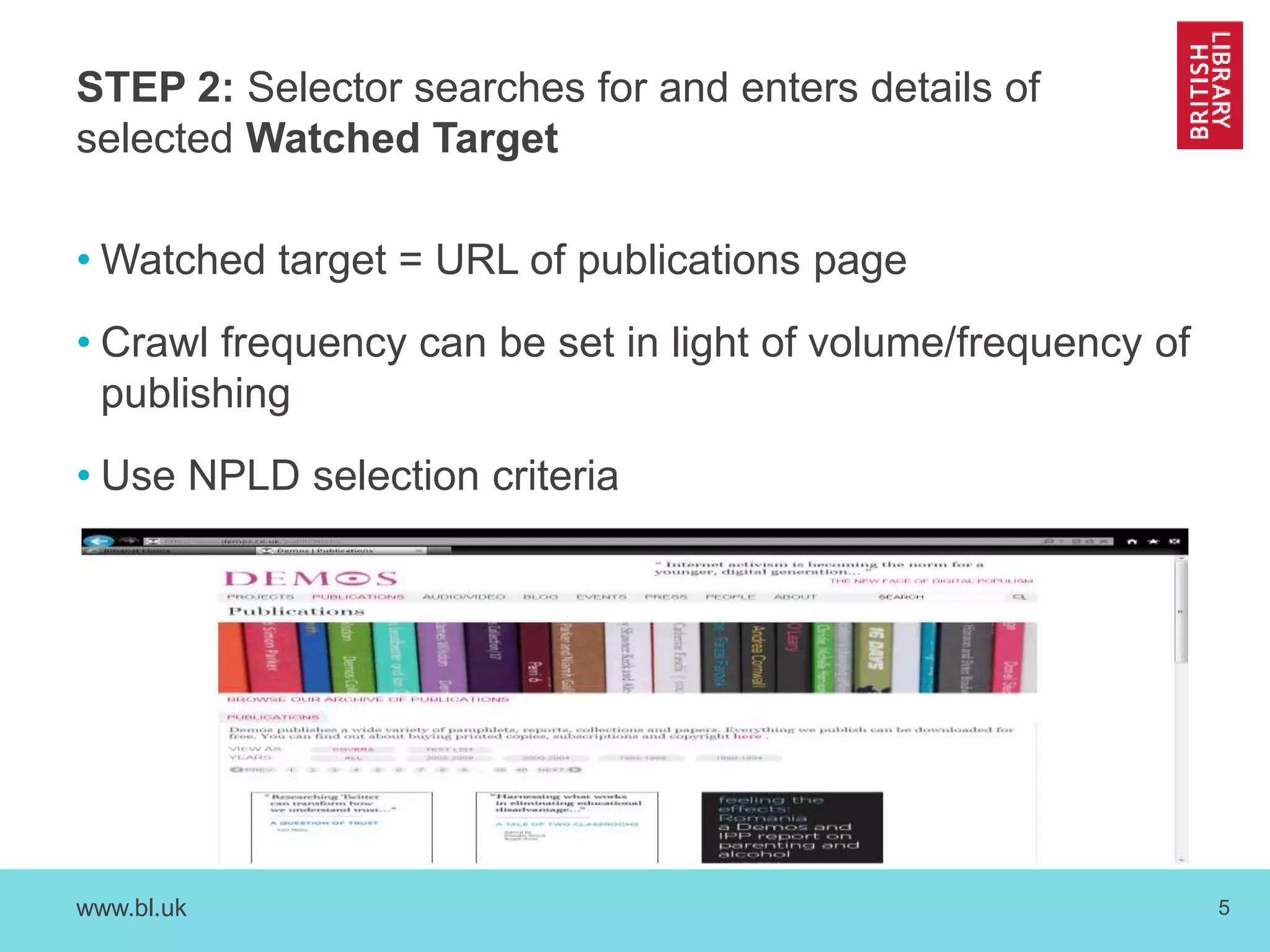
STEP 2: Selector searches for and enters details of 
selected Watched Target 
•Watched target = URL of publications page 
• Crawl frequency can be set in light of volume/frequency of 
publishing 
• Use NPLD selection criteria 
www.bl.uk 5
STEP 3: Doc Harvester crawls websites, retrieves Docs 
and sends Selector (or generic email address) an email 
confirmation that it has completed the crawl 
• Will report if no new documents are found 
• Will signal possible duplicates 
• Selector can ignore documents not required for 
individual cataloguing 
• Populates metadata creation form 
www.bl.uk 6
STEP 4: Selector reviews and edits metadata fields for 
each Document and clicks ‘Submit’ which sends the SIP 
to Ingest 
• Separate screens for books, journal issues and journal 
articles 
• Displays document and pre-populated form side-by-side 
• Selectors will need to check and edit the metadata 
• Hit the submit button – tool confirms if submission is 
successful 
www.bl.uk 7
Step 4 DDHAPT sample metadata 
• *Title Living standards, poverty and inequality in the UK: 2014 
ISBN 9781909463523 
Author(s): Up to 3Belfield, Chris; Cribb, Jonathan; Hood, Andrew 
• Corporate Author 
*Publisher Institute for Fiscal Studies 
Edition 
*Year of publication 2014 
DOI (Digital Object Identifier) 10.1920/re.ifs.2014.0096 
*Submission type (should autopopulate): Book 
* Filename (automated) 
• URL landing page = http://www.ifs.org.uk/publications/7274 
• URL pdf = http://www.ifs.org.uk/uploads/publications/comms/r96.pdf 
• Comment: published in series: Report no. 96 
www.bl.uk 8
STEP 5: The SIP is ingested and flows through Aleph 
and into Primo. 
• Basic catalogue records appear in Explore (our catalogue) 
7 days after ingest, to make content available asap. 
• Catalogue records are upgraded later by BL cataloguing 
team. 
• The Documents can also be found in the LDWA. 
www.bl.uk 9
Phase 2 
• In Phase 2, from January – end March 2015, we will 
develop the Tool to harvest content on websites with simple, 
username and password-based, barriers as covered in the 
NPLD Regulations. 
• From April 2015, we hope to roll out use of the Tool within 
BL and LDLs 
www.bl.uk 10
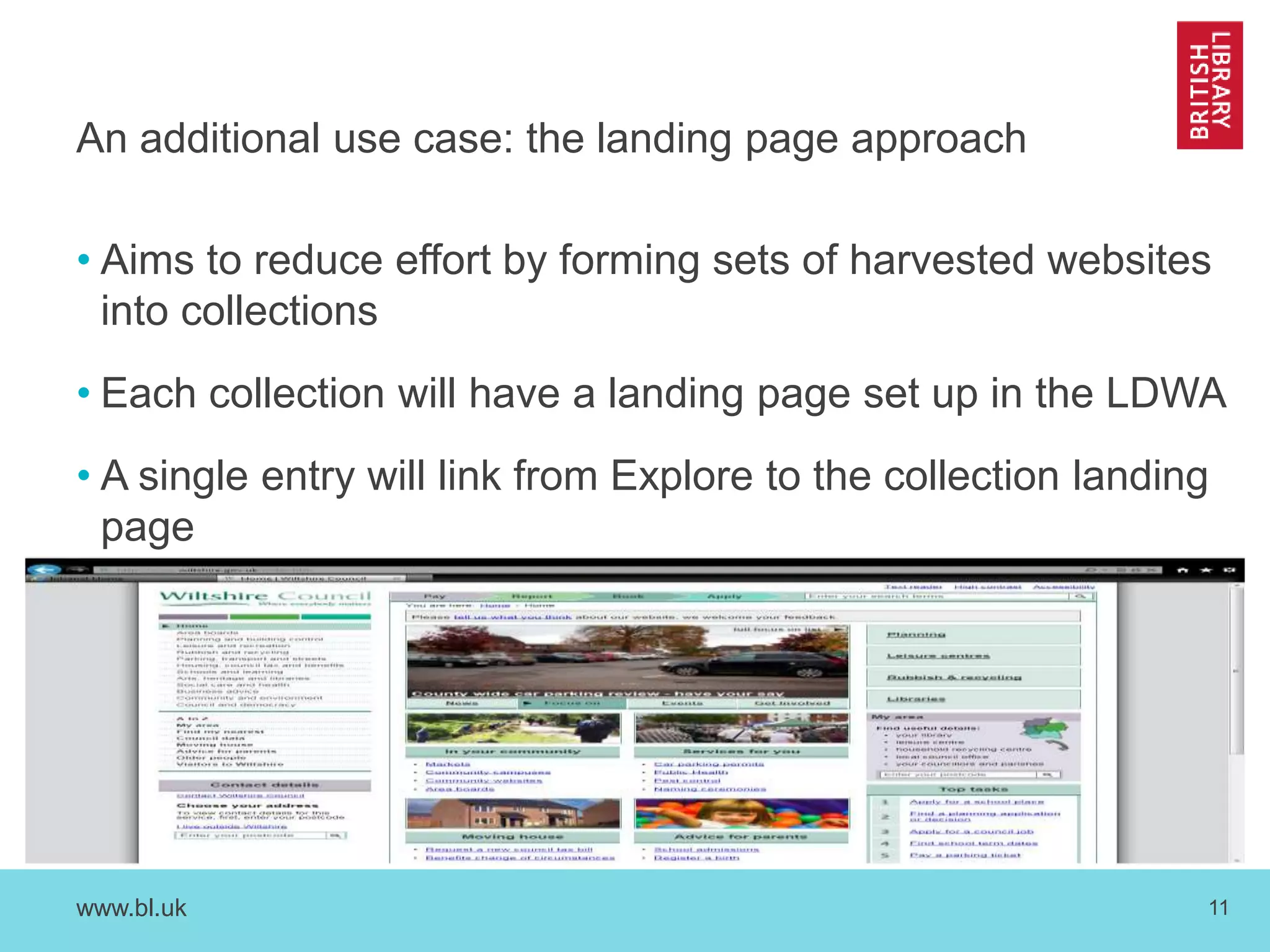
An additional use case: the landing page approach 
• Aims to reduce effort by forming sets of harvested websites 
into collections 
• Each collection will have a landing page set up in the LDWA 
• A single entry will link from Explore to the collection landing 
page 
www.bl.uk 11
Any questions? 
www.bl.uk 12

The Digital Documents Harvesting and Processing Tool (Document Harvester)

  • 1.
    The Digital Documents Harvesting and Processing Tool (Document Harvester) Jennie Grimshaw Lead Curator, Social Policy & Official Publications The British Library
  • 2.
    The Challenge •Ensuring long-time preservation on non-commercial online publications – through Legal Deposit Web Archive • Providing easy access at the level of the individual document • Providing a system for efficient processing of individual documents at scale • Storing documents economically www.bl.uk 2
  • 3.
    The solution: DDHAPT • Crawls target websites at set intervals • Stores them in LDWA • Presents list of new documents for selection • Selector creates basic metadata • Basic record + hotlink available after seven days www.bl.uk 3
  • 4.
    STEP 1: Selector(librarian, digital processing team member or publisher) logs in • DDHAPT is a web-based application based on W3ACT •Web Archiving Team sets up users with different roles + permissions • After login the selector is taken to a personalised homepage, with – List of crawled targets + date – Crawl succeeded/failed – Links to new documents harvested – Provision to set up new watched target www.bl.uk 4
  • 5.
    STEP 2: Selectorsearches for and enters details of selected Watched Target •Watched target = URL of publications page • Crawl frequency can be set in light of volume/frequency of publishing • Use NPLD selection criteria www.bl.uk 5
  • 6.
    STEP 3: DocHarvester crawls websites, retrieves Docs and sends Selector (or generic email address) an email confirmation that it has completed the crawl • Will report if no new documents are found • Will signal possible duplicates • Selector can ignore documents not required for individual cataloguing • Populates metadata creation form www.bl.uk 6
  • 7.
    STEP 4: Selectorreviews and edits metadata fields for each Document and clicks ‘Submit’ which sends the SIP to Ingest • Separate screens for books, journal issues and journal articles • Displays document and pre-populated form side-by-side • Selectors will need to check and edit the metadata • Hit the submit button – tool confirms if submission is successful www.bl.uk 7
  • 8.
    Step 4 DDHAPTsample metadata • *Title Living standards, poverty and inequality in the UK: 2014 ISBN 9781909463523 Author(s): Up to 3Belfield, Chris; Cribb, Jonathan; Hood, Andrew • Corporate Author *Publisher Institute for Fiscal Studies Edition *Year of publication 2014 DOI (Digital Object Identifier) 10.1920/re.ifs.2014.0096 *Submission type (should autopopulate): Book * Filename (automated) • URL landing page = http://www.ifs.org.uk/publications/7274 • URL pdf = http://www.ifs.org.uk/uploads/publications/comms/r96.pdf • Comment: published in series: Report no. 96 www.bl.uk 8
  • 9.
    STEP 5: TheSIP is ingested and flows through Aleph and into Primo. • Basic catalogue records appear in Explore (our catalogue) 7 days after ingest, to make content available asap. • Catalogue records are upgraded later by BL cataloguing team. • The Documents can also be found in the LDWA. www.bl.uk 9
  • 10.
    Phase 2 •In Phase 2, from January – end March 2015, we will develop the Tool to harvest content on websites with simple, username and password-based, barriers as covered in the NPLD Regulations. • From April 2015, we hope to roll out use of the Tool within BL and LDLs www.bl.uk 10
  • 11.
    An additional usecase: the landing page approach • Aims to reduce effort by forming sets of harvested websites into collections • Each collection will have a landing page set up in the LDWA • A single entry will link from Explore to the collection landing page www.bl.uk 11
  • 12.

Editor's Notes

  • #5 - Explain DDHAPT is a web-based application, an extension of W3ACT. BL Web Archiving Team sets up users and assigns different Roles and Permissions to them. - W3ACT interface is being improved as part of this project, so looks a bit different from the LD ACT Tool you might be used to.
  • #6 Watched Target = URL of a specific page, for example a publications listing page, within a Target website. System prevents Duplicates. PDFs only at the moment. But don’t need ISBN/ISSN. Crawl frequency can be adjusted to keep up with the volume and frequency of publishing, which may change over time. Includes Non Print Legal Deposit criteria. Can use for NPLD and also for content for remote access services, but rights-clearance for remote access services is done outside the tool and second copy of the Documents has to be kept. Rights on the material are recorded in the Tool and are visible to all logged in users.
  • #7 If it finds no Docs at all, it tells us so we can check whether the website has closed down or Watched Target URL needs updating. At this point, the Documents are already ingested into the DLS. What we do next is improve the metadata, before submitting it to Ingest.
  • #8 Metadata is autopopulated as far as possible. The Tool uses software called MEX, Metadata Extraction, which was developed for the BL, and looks at the PDF itself as the primary source, then the web page the PDF came from, to find as much metadata as it can. Selectors will need to edit the metadata a bit e.g. untangle Personal Author forenames and surnames into separate fields, but there should not be much typing needed. If there are dupes of a Doc, the system will reject the Dupe on Ingest.
  • #9 Will also include FAST subject headings
  • #12 Use for integrating resources, books published in chapters, annual report series, consultations, as well as local authorities.