•Suggests the use of a computer to provide 
instruction 
•Enables tutorial program. 
•Immediate response is attained. 
• Difficulty level increases according to the 
student’s progress.
HISTORY 
•Started in the 1950’s and 1960’s in U.S.A by 
pioneers – Suppes (Stanford University), 
Kemeny and Kurtz and Bitzer (PLATO, 
University of Illinois. 
•Originated from- TICCIT (Time – Shared 
Interactive Computer Controlled Information 
Television) at the Brigham Young University. 
•The Logo Project (Papert 1980, 1993)- first CAI 
system.
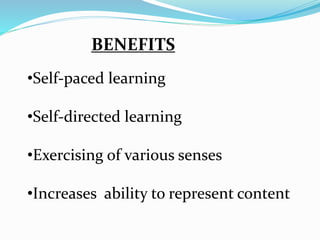
BENEFITS 
•Self-paced learning 
•Self-directed learning 
•Exercising of various senses 
•Increases ability to represent content
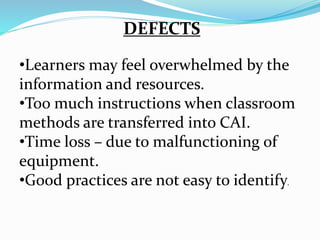
DEFECTS 
•Learners may feel overwhelmed by the 
information and resources. 
•Too much instructions when classroom 
methods are transferred into CAI. 
•Time loss – due to malfunctioning of 
equipment. 
•Good practices are not easy to identify.
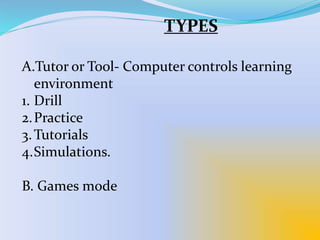
TYPES 
A.Tutor or Tool- Computer controls learning 
environment 
1. Drill 
2.Practice 
3.Tutorials 
4.Simulations. 
B. Games mode
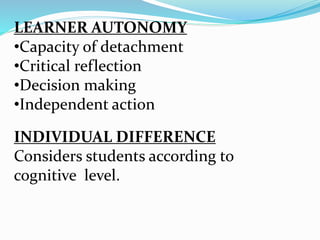
LEARNER AUTONOMY 
•Capacity of detachment 
•Critical reflection 
•Decision making 
•Independent action 
INDIVIDUAL DIFFERENCE 
Considers students according to 
cognitive level.

Computer assisted instruction

  • 2.
    •Suggests the useof a computer to provide instruction •Enables tutorial program. •Immediate response is attained. • Difficulty level increases according to the student’s progress.
  • 3.
    HISTORY •Started inthe 1950’s and 1960’s in U.S.A by pioneers – Suppes (Stanford University), Kemeny and Kurtz and Bitzer (PLATO, University of Illinois. •Originated from- TICCIT (Time – Shared Interactive Computer Controlled Information Television) at the Brigham Young University. •The Logo Project (Papert 1980, 1993)- first CAI system.
  • 4.
    BENEFITS •Self-paced learning •Self-directed learning •Exercising of various senses •Increases ability to represent content
  • 5.
    DEFECTS •Learners mayfeel overwhelmed by the information and resources. •Too much instructions when classroom methods are transferred into CAI. •Time loss – due to malfunctioning of equipment. •Good practices are not easy to identify.
  • 6.
    TYPES A.Tutor orTool- Computer controls learning environment 1. Drill 2.Practice 3.Tutorials 4.Simulations. B. Games mode
  • 7.
    LEARNER AUTONOMY •Capacityof detachment •Critical reflection •Decision making •Independent action INDIVIDUAL DIFFERENCE Considers students according to cognitive level.