ONLINE ASSESSMENT FOR
TEACHER EDUCATION
For MGAHV, Wardha
Professor Ramakanta Mohalik
Regional Institute of Education
Bhubaneswar
email-rkmohalik@riebbs.ac.on
What is Online Assessment
• It involves use of digital devices to assist in the
construction, delivery, storage or reporting of
students assessment task/responses,
grades/feedback.
• It can be part of LMS like Moodle, Sakai and
BlackBoard.
• It can be independent like Mentimeter,
ExamSoft, Kahoot!
• It is more than MCQ, it can involve blogs,
wikis, self/peer reviews
Why Online Assessment
• Availability of cloud computing
• Web 2.0 technology-Collaborative & virtual
space
• Remote learning environment
• Paradigm shift of teaching-learning
• Changing nature of learners (Digital native)
Benefits of Online Assessment
• Efficiency: Timeliness, Flexible delivery, Auto
processing of responses, storage of result.
• Effectiveness: Immediate feedback, new
question types
• Authenticity: Access to people & responses,
stimulate real world, complex problem solving
task.
• Engagement: Multi modal format, use virtual
world, use self & peer review
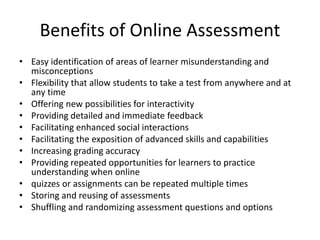
Benefits of Online Assessment
• Easy identification of areas of learner misunderstanding and
misconceptions
• Flexibility that allow students to take a test from anywhere and at
any time
• Offering new possibilities for interactivity
• Providing detailed and immediate feedback
• Facilitating enhanced social interactions
• Facilitating the exposition of advanced skills and capabilities
• Increasing grading accuracy
• Providing repeated opportunities for learners to practice
understanding when online
• quizzes or assignments can be repeated multiple times
• Storing and reusing of assessments
• Shuffling and randomizing assessment questions and options
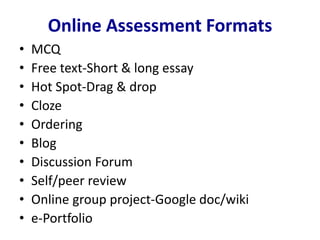
Online Assessment Formats
• MCQ
• Free text-Short & long essay
• Hot Spot-Drag & drop
• Cloze
• Ordering
• Blog
• Discussion Forum
• Self/peer review
• Online group project-Google doc/wiki
• e-Portfolio
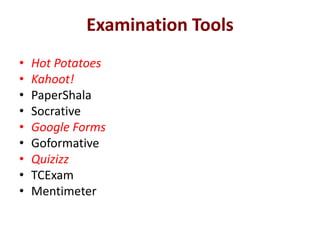
Examination Tools
• Hot Potatoes
• Kahoot!
• PaperShala
• Socrative
• Google Forms
• Goformative
• Quizizz
• TCExam
• Mentimeter
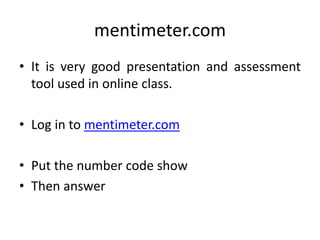
mentimeter.com
• It is very good presentation and assessment
tool used in online class.
• Log in to mentimeter.com
• Put the number code show
• Then answer
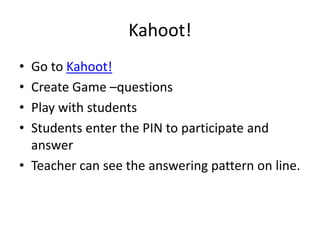
Kahoot!
• Go to Kahoot!
• Create Game –questions
• Play with students
• Students enter the PIN to participate and
answer
• Teacher can see the answering pattern on line.
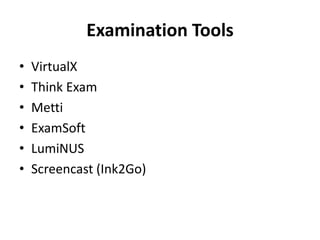
Examination Tools
• VirtualX
• Think Exam
• Metti
• ExamSoft
• LumiNUS
• Screencast (Ink2Go)
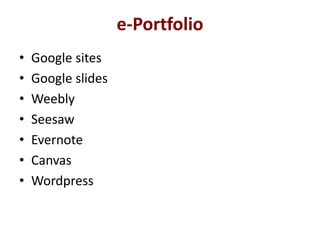
e-Portfolio
• Google sites
• Google slides
• Weebly
• Seesaw
• Evernote
• Canvas
• Wordpress
e-Portfolio
• Edublog
• Mahara
• PebblePad
• Rcampus
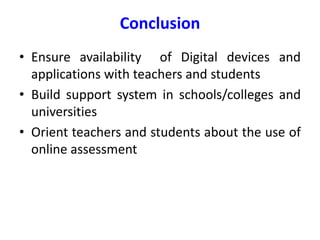
Conclusion
• Ensure availability of Digital devices and
applications with teachers and students
• Build support system in schools/colleges and
universities
• Orient teachers and students about the use of
online assessment

Online assessment

  • 1.
    ONLINE ASSESSMENT FOR TEACHEREDUCATION For MGAHV, Wardha Professor Ramakanta Mohalik Regional Institute of Education Bhubaneswar email-rkmohalik@riebbs.ac.on
  • 2.
    What is OnlineAssessment • It involves use of digital devices to assist in the construction, delivery, storage or reporting of students assessment task/responses, grades/feedback. • It can be part of LMS like Moodle, Sakai and BlackBoard. • It can be independent like Mentimeter, ExamSoft, Kahoot! • It is more than MCQ, it can involve blogs, wikis, self/peer reviews
  • 3.
    Why Online Assessment •Availability of cloud computing • Web 2.0 technology-Collaborative & virtual space • Remote learning environment • Paradigm shift of teaching-learning • Changing nature of learners (Digital native)
  • 4.
    Benefits of OnlineAssessment • Efficiency: Timeliness, Flexible delivery, Auto processing of responses, storage of result. • Effectiveness: Immediate feedback, new question types • Authenticity: Access to people & responses, stimulate real world, complex problem solving task. • Engagement: Multi modal format, use virtual world, use self & peer review
  • 5.
    Benefits of OnlineAssessment • Easy identification of areas of learner misunderstanding and misconceptions • Flexibility that allow students to take a test from anywhere and at any time • Offering new possibilities for interactivity • Providing detailed and immediate feedback • Facilitating enhanced social interactions • Facilitating the exposition of advanced skills and capabilities • Increasing grading accuracy • Providing repeated opportunities for learners to practice understanding when online • quizzes or assignments can be repeated multiple times • Storing and reusing of assessments • Shuffling and randomizing assessment questions and options
  • 6.
    Online Assessment Formats •MCQ • Free text-Short & long essay • Hot Spot-Drag & drop • Cloze • Ordering • Blog • Discussion Forum • Self/peer review • Online group project-Google doc/wiki • e-Portfolio
  • 7.
    Examination Tools • HotPotatoes • Kahoot! • PaperShala • Socrative • Google Forms • Goformative • Quizizz • TCExam • Mentimeter
  • 8.
    mentimeter.com • It isvery good presentation and assessment tool used in online class. • Log in to mentimeter.com • Put the number code show • Then answer
  • 9.
    Kahoot! • Go toKahoot! • Create Game –questions • Play with students • Students enter the PIN to participate and answer • Teacher can see the answering pattern on line.
  • 10.
    Examination Tools • VirtualX •Think Exam • Metti • ExamSoft • LumiNUS • Screencast (Ink2Go)
  • 11.
    e-Portfolio • Google sites •Google slides • Weebly • Seesaw • Evernote • Canvas • Wordpress
  • 12.
  • 13.
    Conclusion • Ensure availabilityof Digital devices and applications with teachers and students • Build support system in schools/colleges and universities • Orient teachers and students about the use of online assessment