New Perspectives on CALL
(Computer Assisted
Language Learning) for
Second Language Classroom
Siyaswati and Hertiki
Introduction
• CALL is defined as “the search for and
study of applications on the computer in
language teaching and learning and now
is used in a variety of instructional
situations” (Levy, 1997:1)
Siyaswati and Hertiki
Role of the Teachers on CALL
• Design, implement, and evaluate CALL
activities in the class
• Work together with other institution to
develop CALL-based exchange programs
• Operate a multimedia language
laboratory
Siyaswati and Hertiki
Computer use in L2 learning
• “Technology will not replace teachers;
teachers who use technology will replace
those who don’t”
• Teachers must find opportunities to
gain CALL skils by taking courses in
computer technology
Siyaswati and Hertiki
Education in the Pre-computer Society
(Pelgrum 2001:164)
• School is isolated from society
• Information on school functioning is
confidential
• Teacher initiates and controls
• Low emphasis on communication
Siyaswati and Hertiki
• Teachers-fronted instruction of
students
• Evaluates students
• Students mostly passive learning
• Learning mostly at school
• Little teamwork
• Answers questions from text-book
• Low interest in learning
Siyaswati and Hertiki
Education in the Information Society
(Pelgrum 2001:164)
• Integrated in society
• Information on school functioning is
openly available
• Empowers students to find appropriate
instruction for their particular learning
Siyaswati and Hertiki
• Teacher as facilitator guides the
students’ in the whole class dependent
learning
• Helps students evaluate their own
progress
• High emphasis on communication skills
• Actively in charge of own learning
• Learning at school and outside of school
Siyaswati and Hertiki
• Asks questions; learns to find answers
to books or teacher questions
• Much teamwork
• High interest in learning
Siyaswati and Hertiki
Development of CALL
• The use of CALL and distance learning
activities is to create classroom
discourse communities and encourage
shy students to participate more fully
• To develop students’ ideas and promote
learning from their classmates
Siyaswati and Hertiki
CALL Activities
• Writing: word processing, text analysis,
desktop publishing often combined with
a LAN (local area network)
• For example: write essays through
email, do the peer-checking and give
comment
Siyaswati and Hertiki
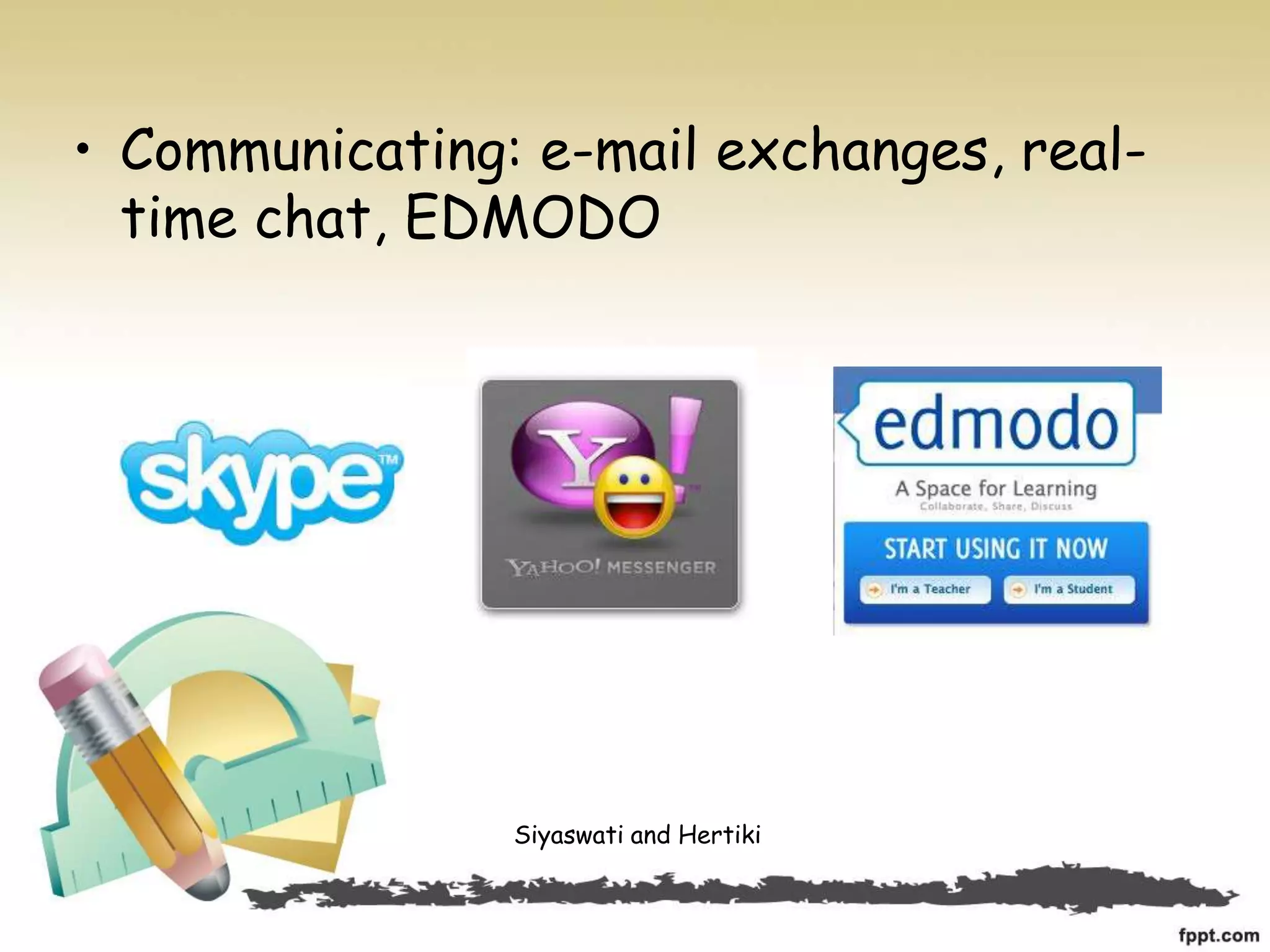
• Communicating: e-mail exchanges, real-
time chat, EDMODO
Siyaswati and Hertiki
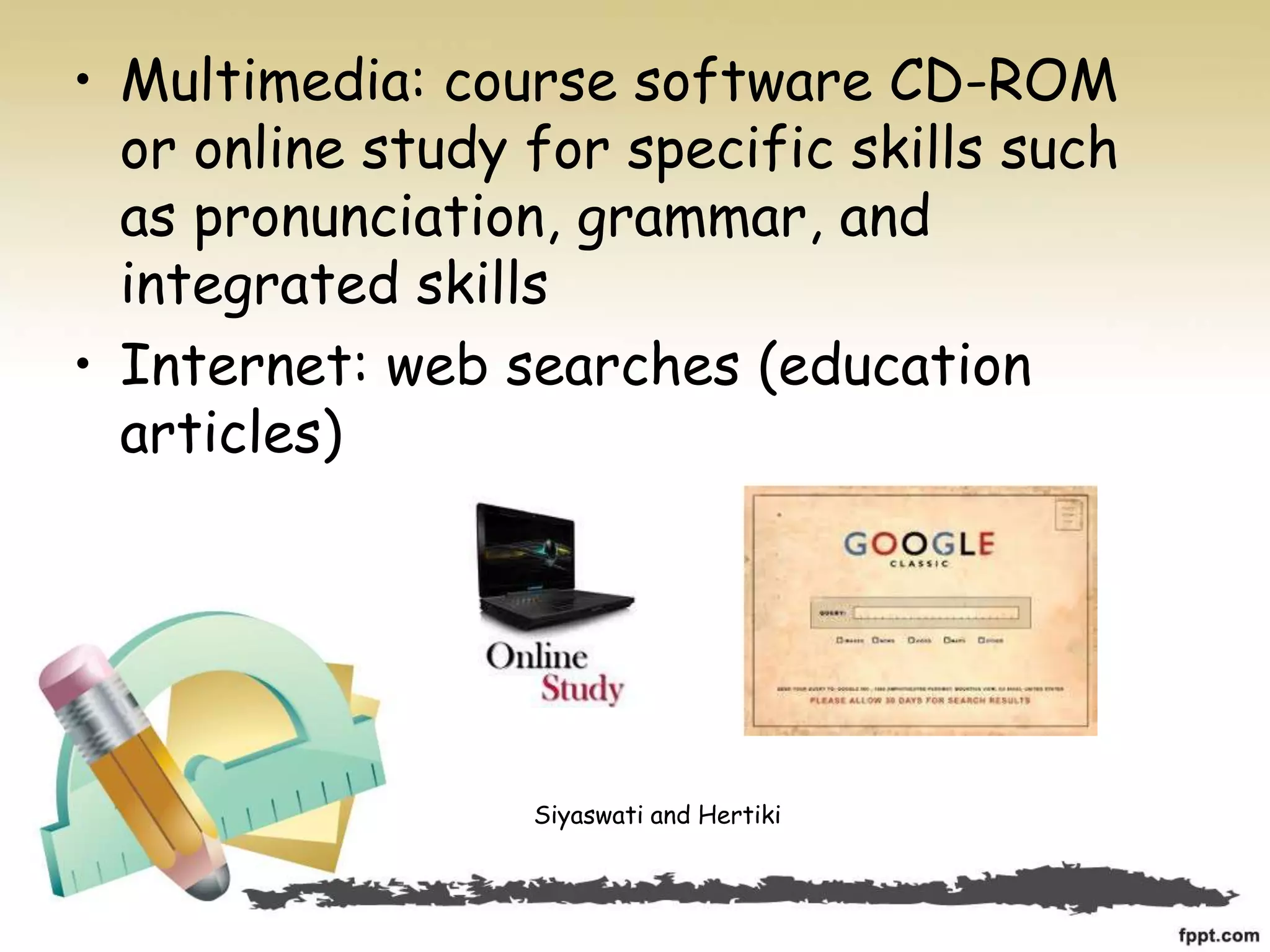
• Multimedia: course software CD-ROM
or online study for specific skills such
as pronunciation, grammar, and
integrated skills
• Internet: web searches (education
articles)
Siyaswati and Hertiki
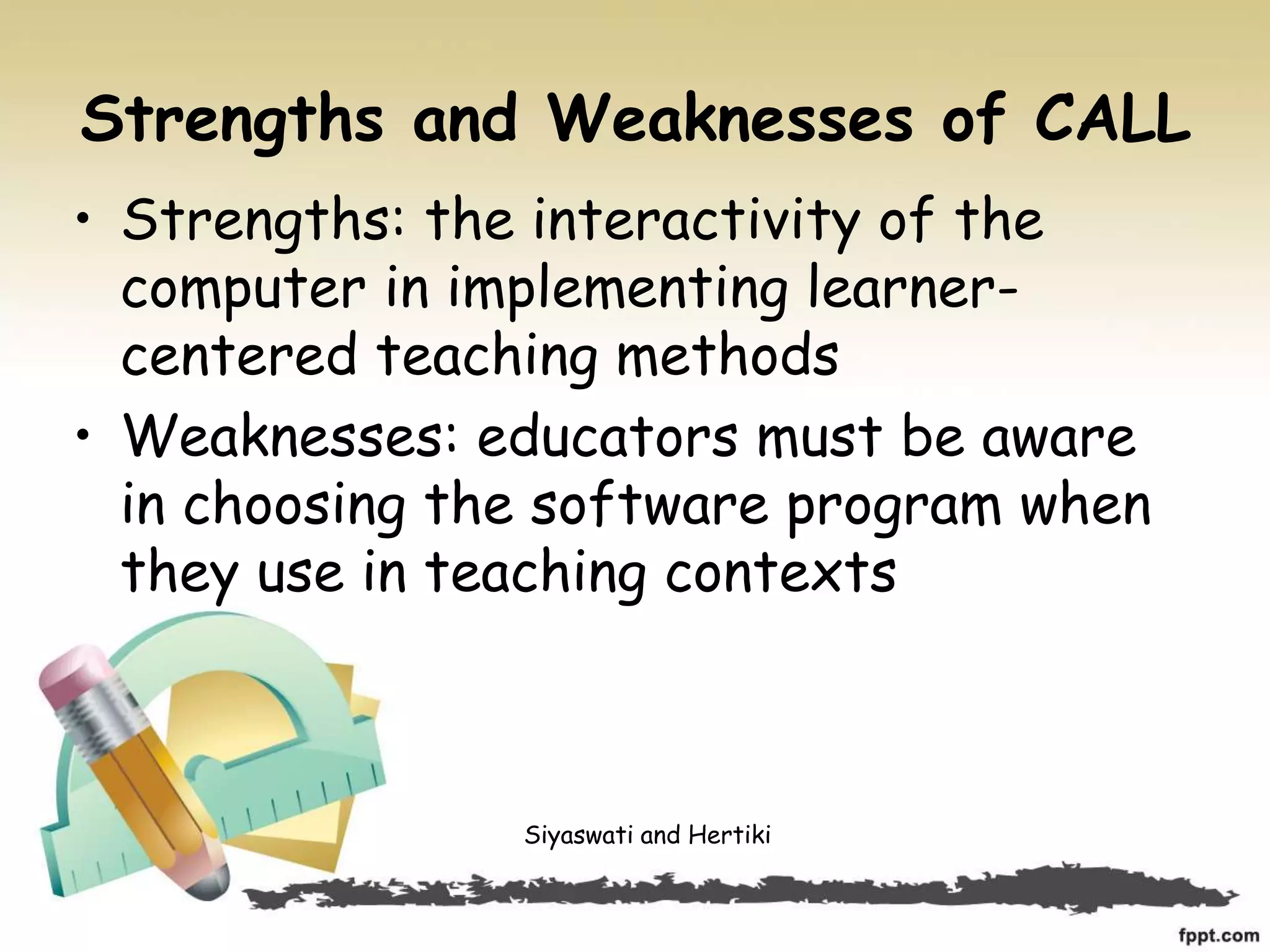
• Online dictionaries for definitions and
usage information (Cambridge,
Macmillan, Oxford, Webster’s)
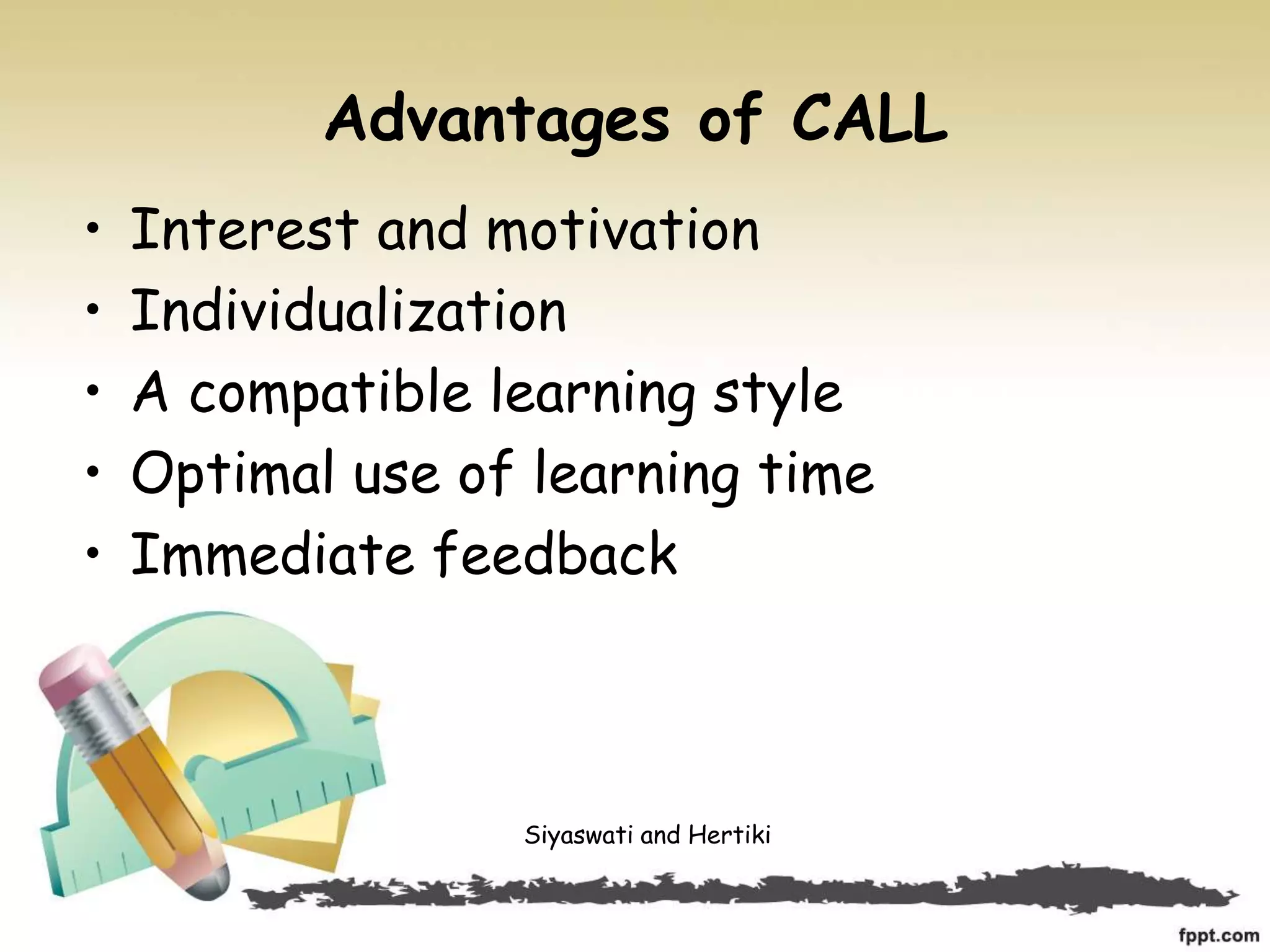
• Distance learning via internet
Siyaswati and Hertiki
Strengths and Weaknesses of CALL
• Strengths: the interactivity of the
computer in implementing learner-
centered teaching methods
• Weaknesses: educators must be aware
in choosing the software program when
they use in teaching contexts
Siyaswati and Hertiki
Advantages of CALL
• Interest and motivation
• Individualization
• A compatible learning style
• Optimal use of learning time
• Immediate feedback
Siyaswati and Hertiki
• Error analysis
• Guided and repetitive practice
• Pre-determined to process syllabus
Siyaswati and Hertiki
Disadvantages of CALL
• Less-handy equipment
• Increased educational costs
• Lack of trained teachers
• Imperfect current CALL programs
• Inability to handle unexpected situations
Siyaswati and Hertiki
Conclusion
• CALL for Second Language Classroom can be
reached by implementing CALL in teaching
and learning of English
• Teachers must realize the advantages and
disadvantages of current CALL programs
before applying it to help student learning
Siyaswati and Hertiki
University of PGRI Adi Buana Surabaya
Siyaswati
siyasw@yahoo.com
Hertiki
h3rt1k1@gmail.com
Siyaswati and Hertiki

New Perspectives on CALL (Computer Assisted Language Learning) for Second Language Classrooms

  • 1.
    New Perspectives onCALL (Computer Assisted Language Learning) for Second Language Classroom Siyaswati and Hertiki
  • 2.
    Introduction • CALL isdefined as “the search for and study of applications on the computer in language teaching and learning and now is used in a variety of instructional situations” (Levy, 1997:1) Siyaswati and Hertiki
  • 3.
    Role of theTeachers on CALL • Design, implement, and evaluate CALL activities in the class • Work together with other institution to develop CALL-based exchange programs • Operate a multimedia language laboratory Siyaswati and Hertiki
  • 4.
    Computer use inL2 learning • “Technology will not replace teachers; teachers who use technology will replace those who don’t” • Teachers must find opportunities to gain CALL skils by taking courses in computer technology Siyaswati and Hertiki
  • 5.
    Education in thePre-computer Society (Pelgrum 2001:164) • School is isolated from society • Information on school functioning is confidential • Teacher initiates and controls • Low emphasis on communication Siyaswati and Hertiki
  • 6.
    • Teachers-fronted instructionof students • Evaluates students • Students mostly passive learning • Learning mostly at school • Little teamwork • Answers questions from text-book • Low interest in learning Siyaswati and Hertiki
  • 7.
    Education in theInformation Society (Pelgrum 2001:164) • Integrated in society • Information on school functioning is openly available • Empowers students to find appropriate instruction for their particular learning Siyaswati and Hertiki
  • 8.
    • Teacher asfacilitator guides the students’ in the whole class dependent learning • Helps students evaluate their own progress • High emphasis on communication skills • Actively in charge of own learning • Learning at school and outside of school Siyaswati and Hertiki
  • 9.
    • Asks questions;learns to find answers to books or teacher questions • Much teamwork • High interest in learning Siyaswati and Hertiki
  • 10.
    Development of CALL •The use of CALL and distance learning activities is to create classroom discourse communities and encourage shy students to participate more fully • To develop students’ ideas and promote learning from their classmates Siyaswati and Hertiki
  • 11.
    CALL Activities • Writing:word processing, text analysis, desktop publishing often combined with a LAN (local area network) • For example: write essays through email, do the peer-checking and give comment Siyaswati and Hertiki
  • 12.
    • Communicating: e-mailexchanges, real- time chat, EDMODO Siyaswati and Hertiki
  • 13.
    • Multimedia: coursesoftware CD-ROM or online study for specific skills such as pronunciation, grammar, and integrated skills • Internet: web searches (education articles) Siyaswati and Hertiki
  • 14.
    • Online dictionariesfor definitions and usage information (Cambridge, Macmillan, Oxford, Webster’s) • Distance learning via internet Siyaswati and Hertiki
  • 15.
    Strengths and Weaknessesof CALL • Strengths: the interactivity of the computer in implementing learner- centered teaching methods • Weaknesses: educators must be aware in choosing the software program when they use in teaching contexts Siyaswati and Hertiki
  • 16.
    Advantages of CALL •Interest and motivation • Individualization • A compatible learning style • Optimal use of learning time • Immediate feedback Siyaswati and Hertiki
  • 17.
    • Error analysis •Guided and repetitive practice • Pre-determined to process syllabus Siyaswati and Hertiki
  • 18.
    Disadvantages of CALL •Less-handy equipment • Increased educational costs • Lack of trained teachers • Imperfect current CALL programs • Inability to handle unexpected situations Siyaswati and Hertiki
  • 19.
    Conclusion • CALL forSecond Language Classroom can be reached by implementing CALL in teaching and learning of English • Teachers must realize the advantages and disadvantages of current CALL programs before applying it to help student learning Siyaswati and Hertiki
  • 20.
    University of PGRIAdi Buana Surabaya Siyaswati siyasw@yahoo.com Hertiki h3rt1k1@gmail.com Siyaswati and Hertiki