Microsoft Teams
The hub for teamwork in Office 365
David J. Rosenthal
Vice President and GM, Digital Business, Razor Technology
May 16, 2018
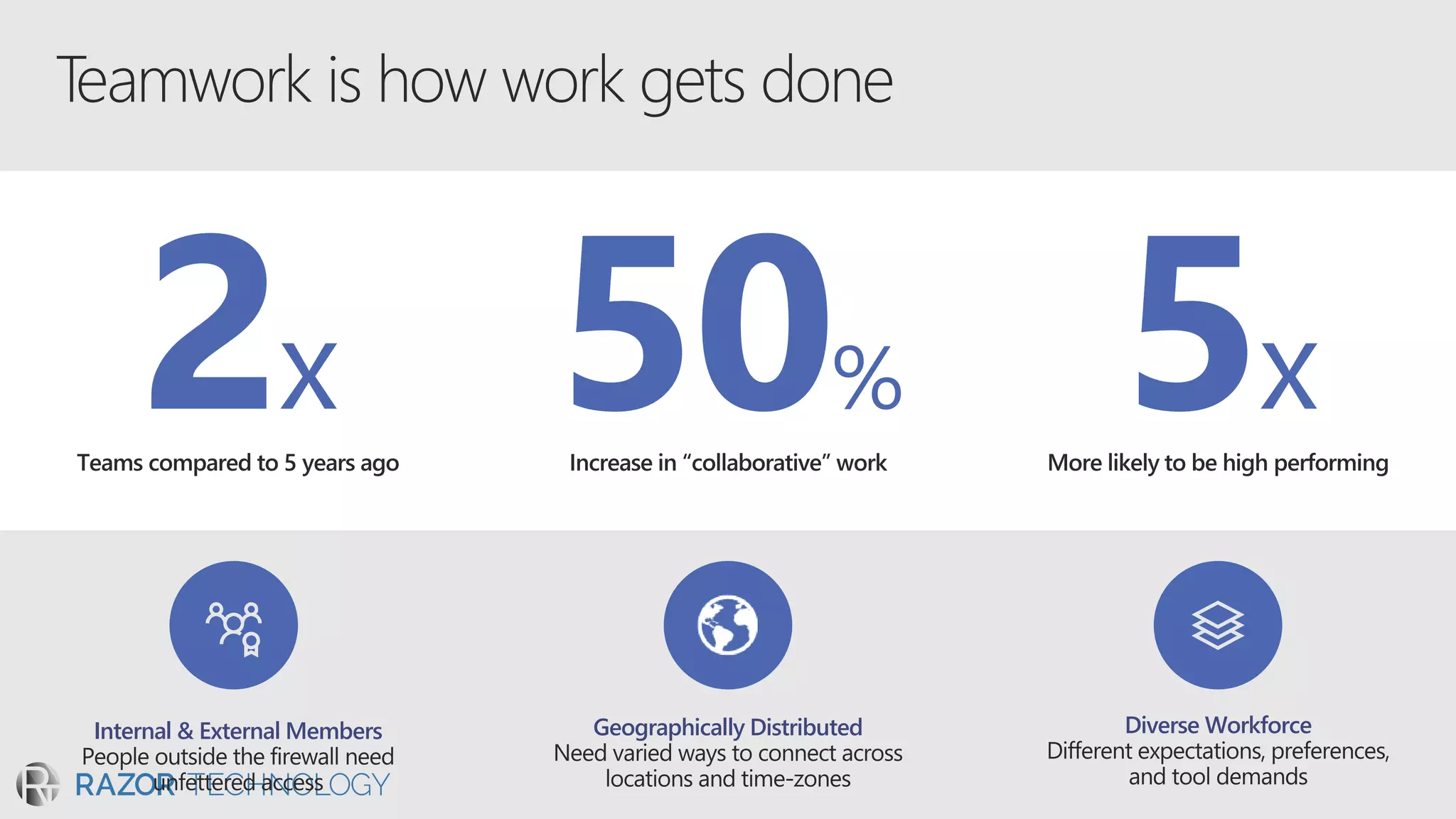
Geographically DistributedInternal & External Members Diverse Workforce
2x 5x50%
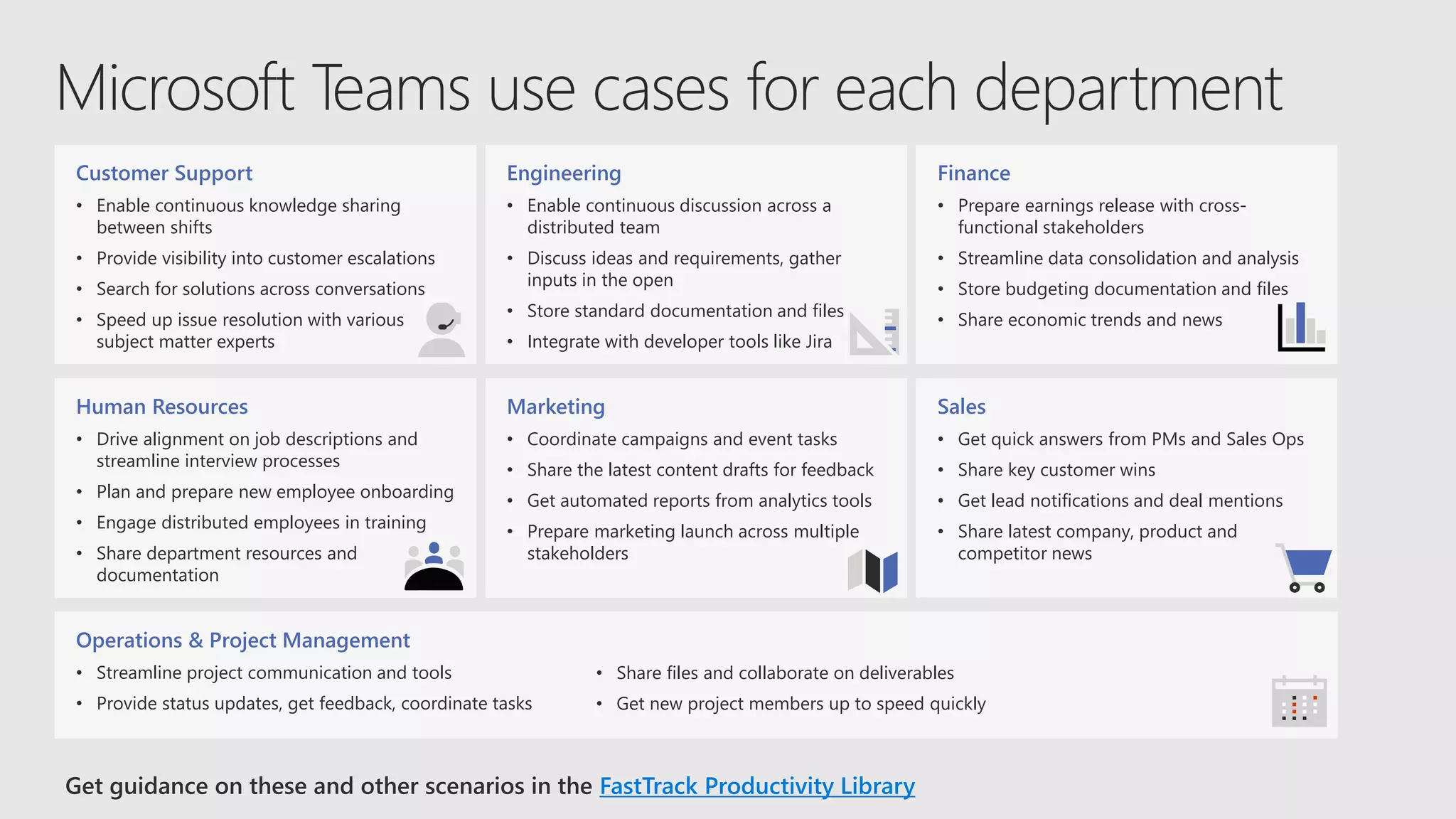
Customer Support
• Enable continuous knowledge sharing
between shifts
• Provide visibility into customer escalations
• Search for solutions across conversations
• Speed up issue resolution with various
subject matter experts
Get guidance on these and other scenarios in the FastTrack Productivity Library
Engineering
• Enable continuous discussion across a
distributed team
• Discuss ideas and requirements, gather
inputs in the open
• Store standard documentation and files
• Integrate with developer tools like Jira
Finance
• Prepare earnings release with cross-
functional stakeholders
• Streamline data consolidation and analysis
• Store budgeting documentation and files
• Share economic trends and news
Human Resources
• Drive alignment on job descriptions and
streamline interview processes
• Plan and prepare new employee onboarding
• Engage distributed employees in training
• Share department resources and
documentation
Marketing
• Coordinate campaigns and event tasks
• Share the latest content drafts for feedback
• Get automated reports from analytics tools
• Prepare marketing launch across multiple
stakeholders
Sales
• Get quick answers from PMs and Sales Ops
• Share key customer wins
• Get lead notifications and deal mentions
• Share latest company, product and
competitor news
Operations & Project Management
• Streamline project communication and tools
• Provide status updates, get feedback, coordinate tasks
• Share files and collaborate on deliverables
• Get new project members up to speed quickly
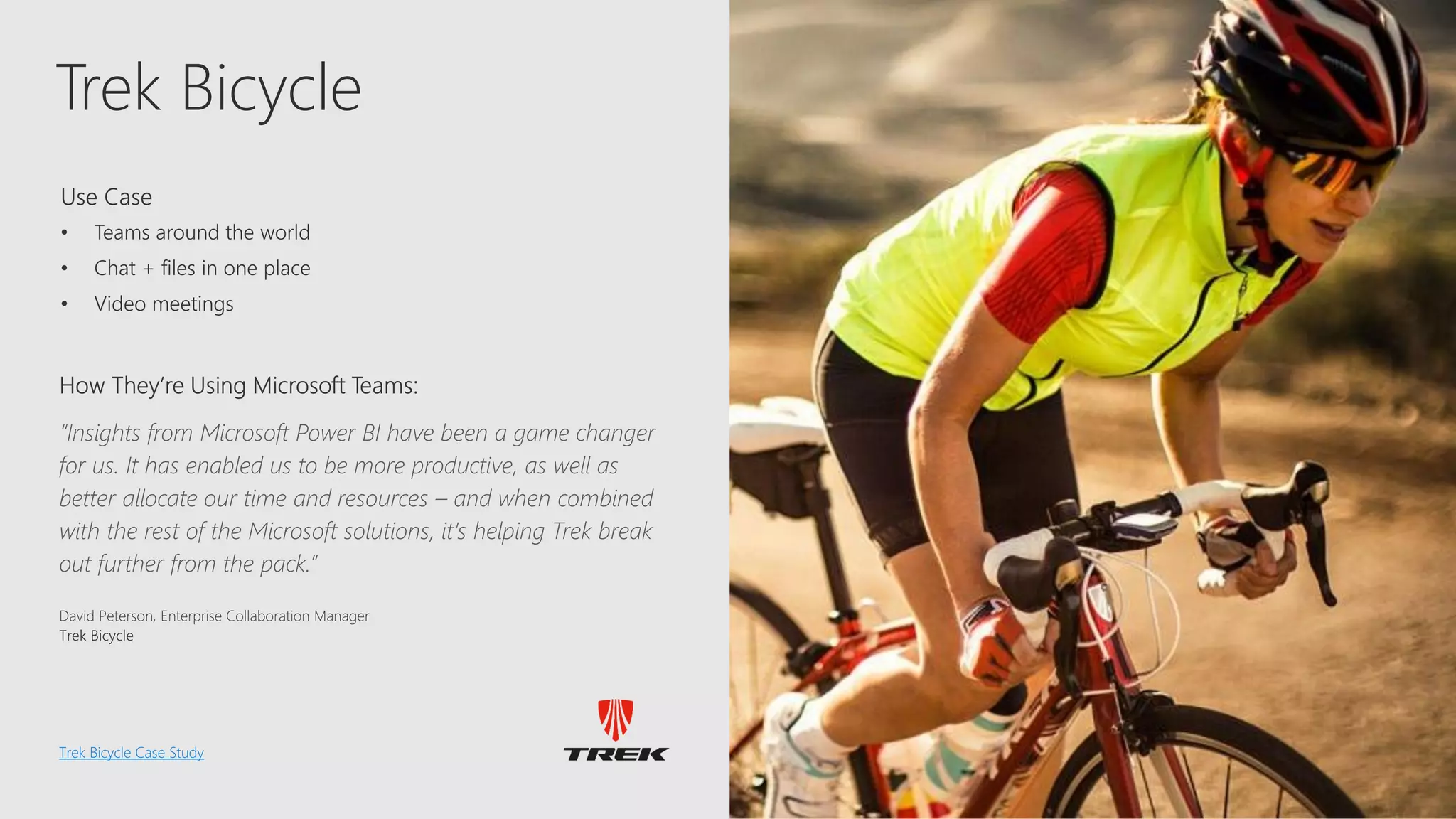
Trek
Trek Bicycle
Trek Bicycle Case Study
“Insights from Microsoft Power BI have been a game changer
for us. It has enabled us to be more productive, as well as
better allocate our time and resources – and when combined
with the rest of the Microsoft solutions, it’s helping Trek break
out further from the pack.”
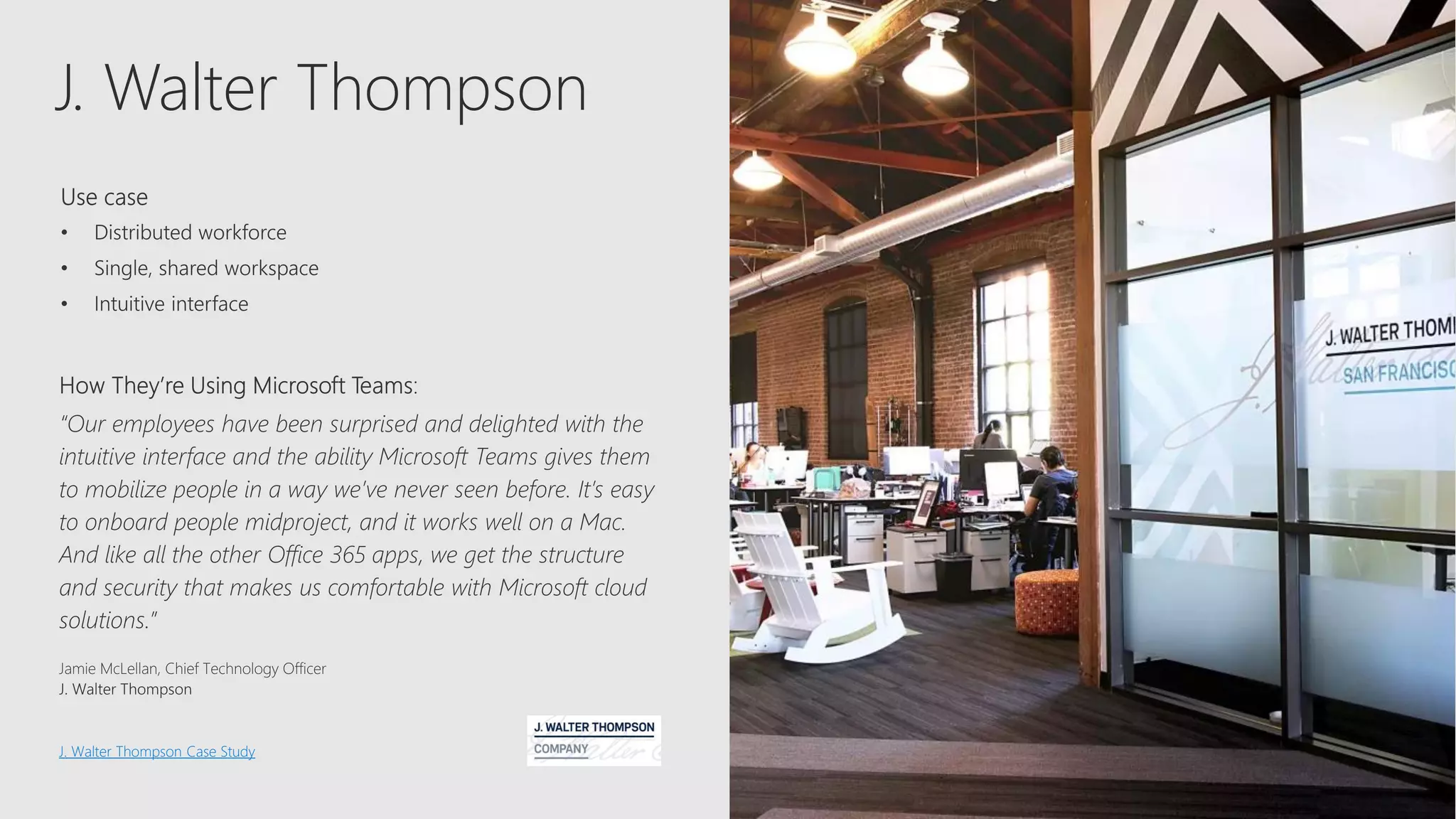
J. Walter Thompson
J. Walter Thompson Case Study
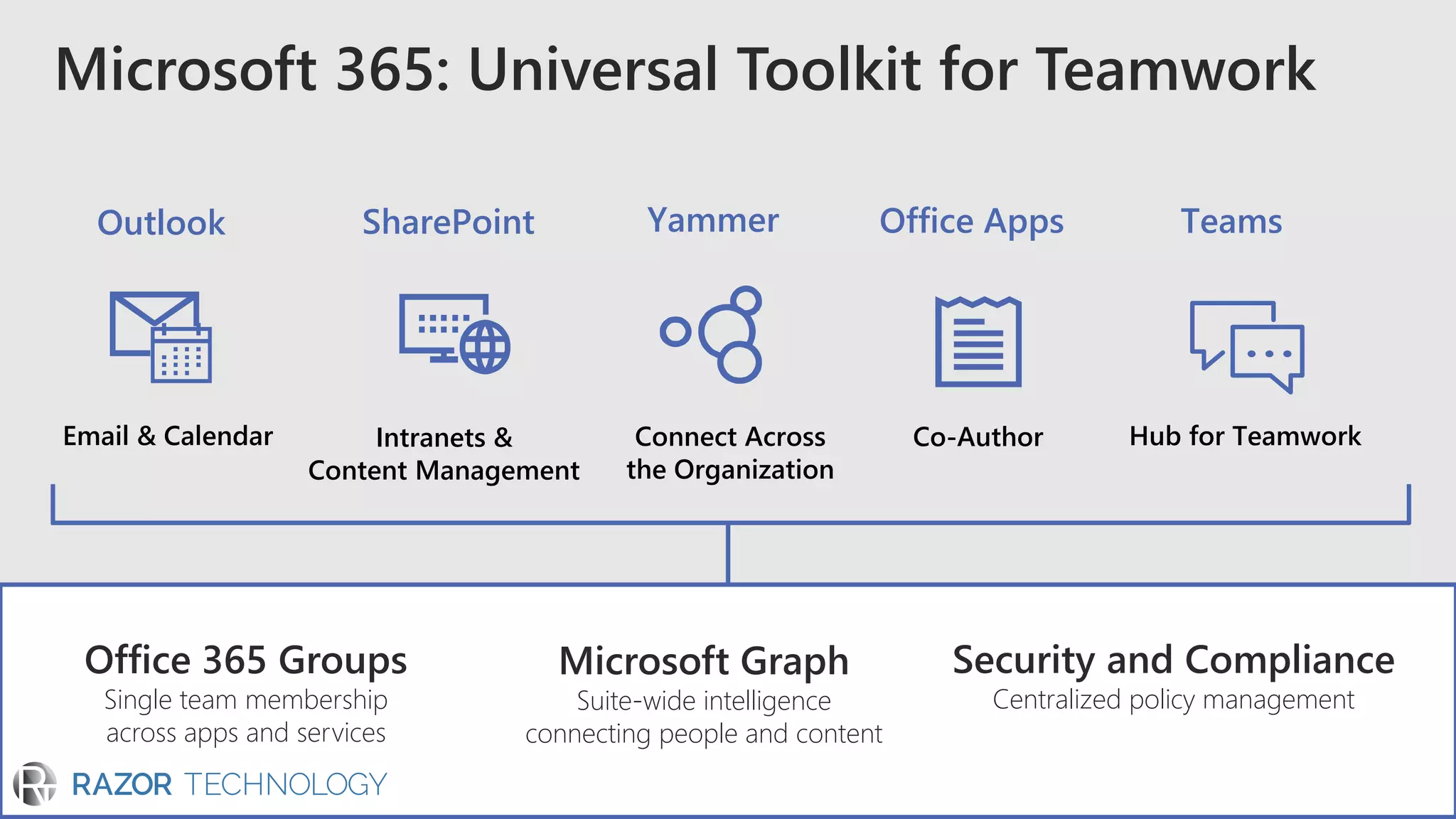
Microsoft 365: Universal Toolkit for Teamwork
Hub for TeamworkCo-AuthorConnect Across
the Organization
Intranets &
Content Management
Email & Calendar
TeamsOffice AppsYammerSharePointOutlook
Office 365 Groups
Single team membership
across apps and services
Microsoft Graph
Suite-wide intelligence
connecting people and content
Security and Compliance
Centralized policy management
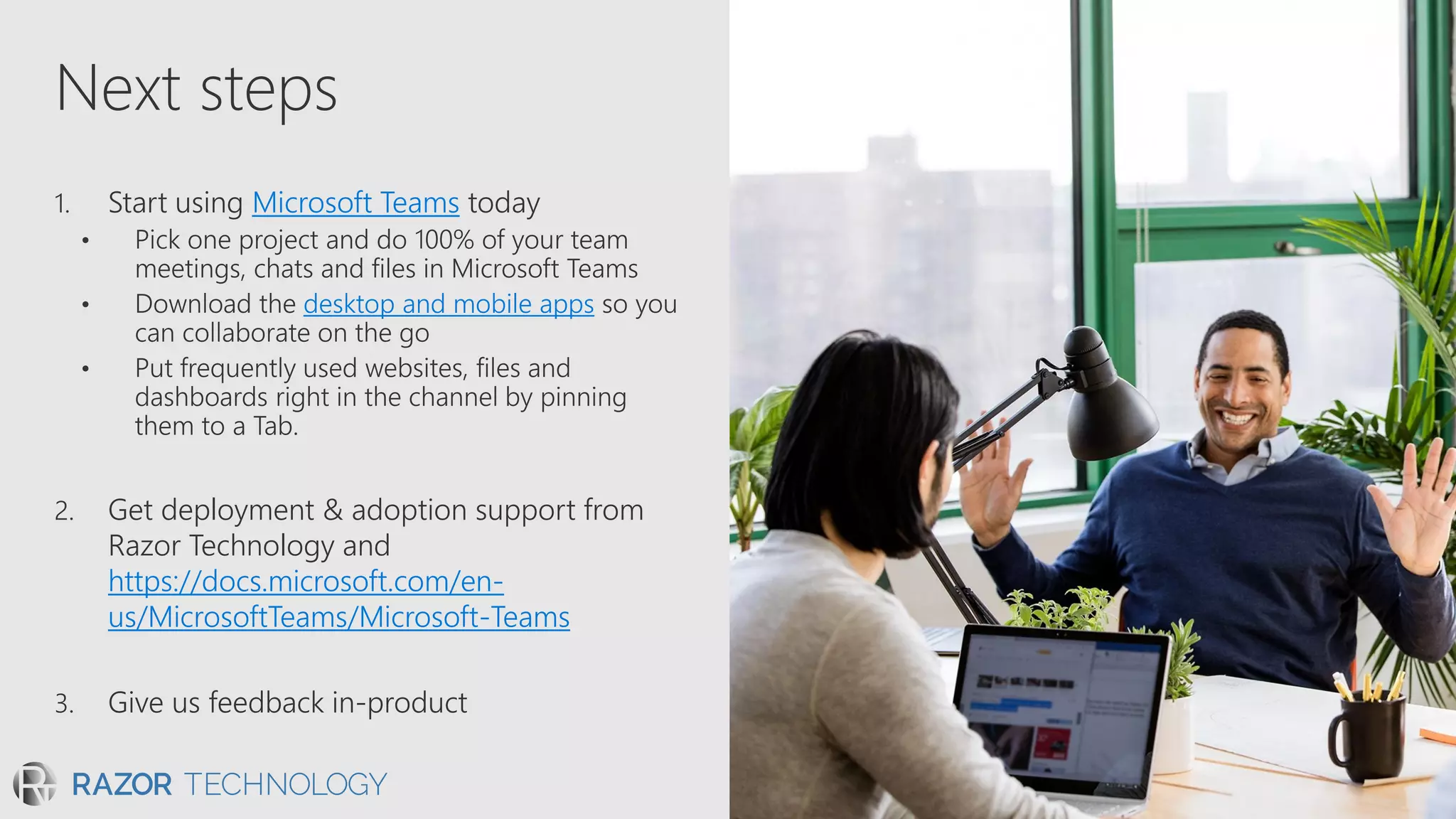
Next steps
1. Start using Microsoft Teams today
• Pick one project and do 100% of your team
meetings, chats and files in Microsoft Teams
desktop and mobile apps
2. Get deployment & adoption support from
Razor Technology and
https://docs.microsoft.com/en-
us/MicrosoftTeams/Microsoft-Teams
3. Give us feedback in-product
© 2018 Razor Technology, LLCwww.razor-tech.com
@DavidJRosenthal
Slideshare
www.razor-tech.com
5 Tower Bridge
300 Barr Harbor Dr., Suite 705
West Conshohocken, PA 19428
www.razor-tech.com
David.Rosenthal@razor-tech.com
Cell: 215.801.4430
Office: 866.RZR.DATA
LETS KEEP IN TOUCH
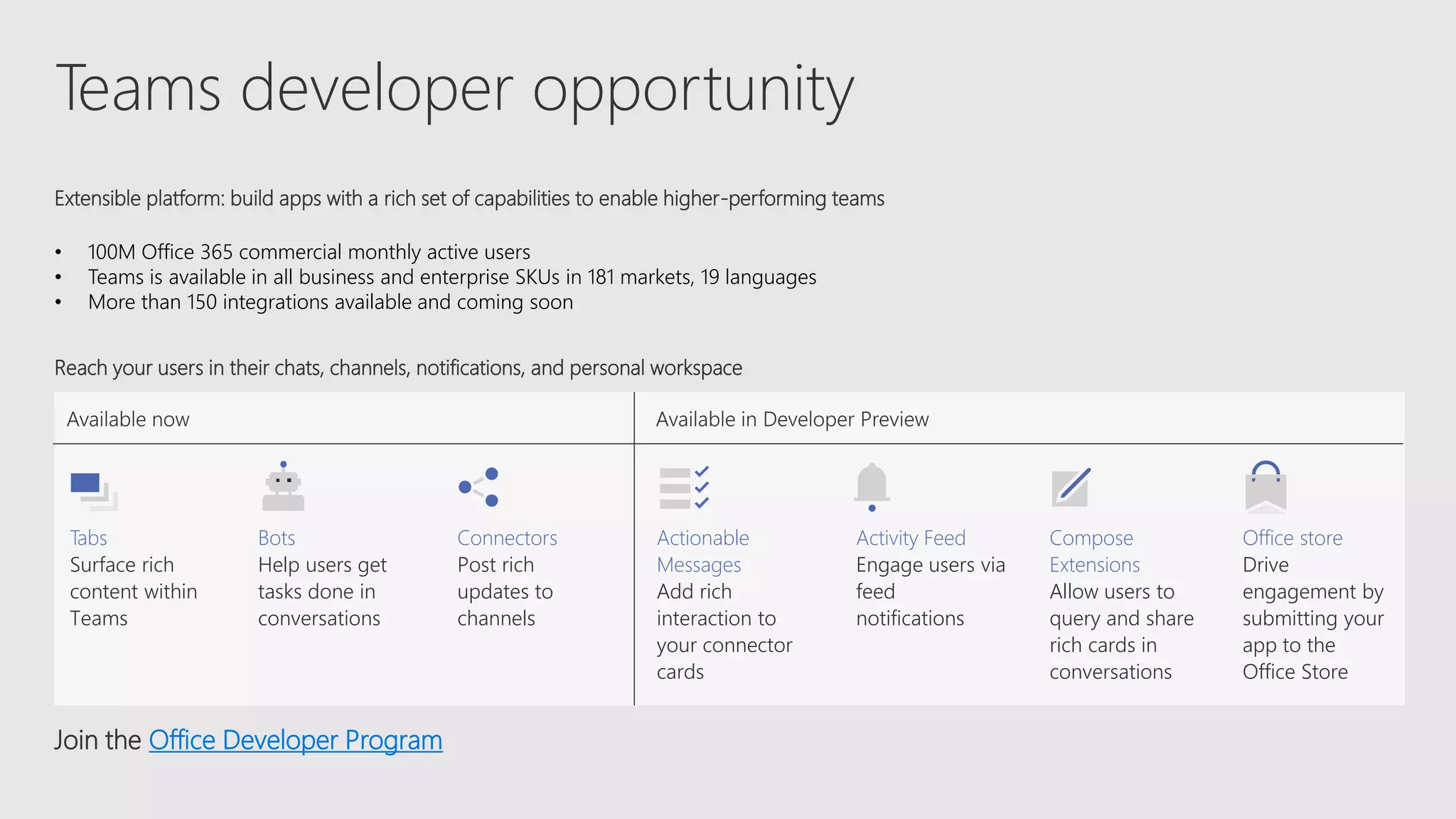
Teams developer opportunity
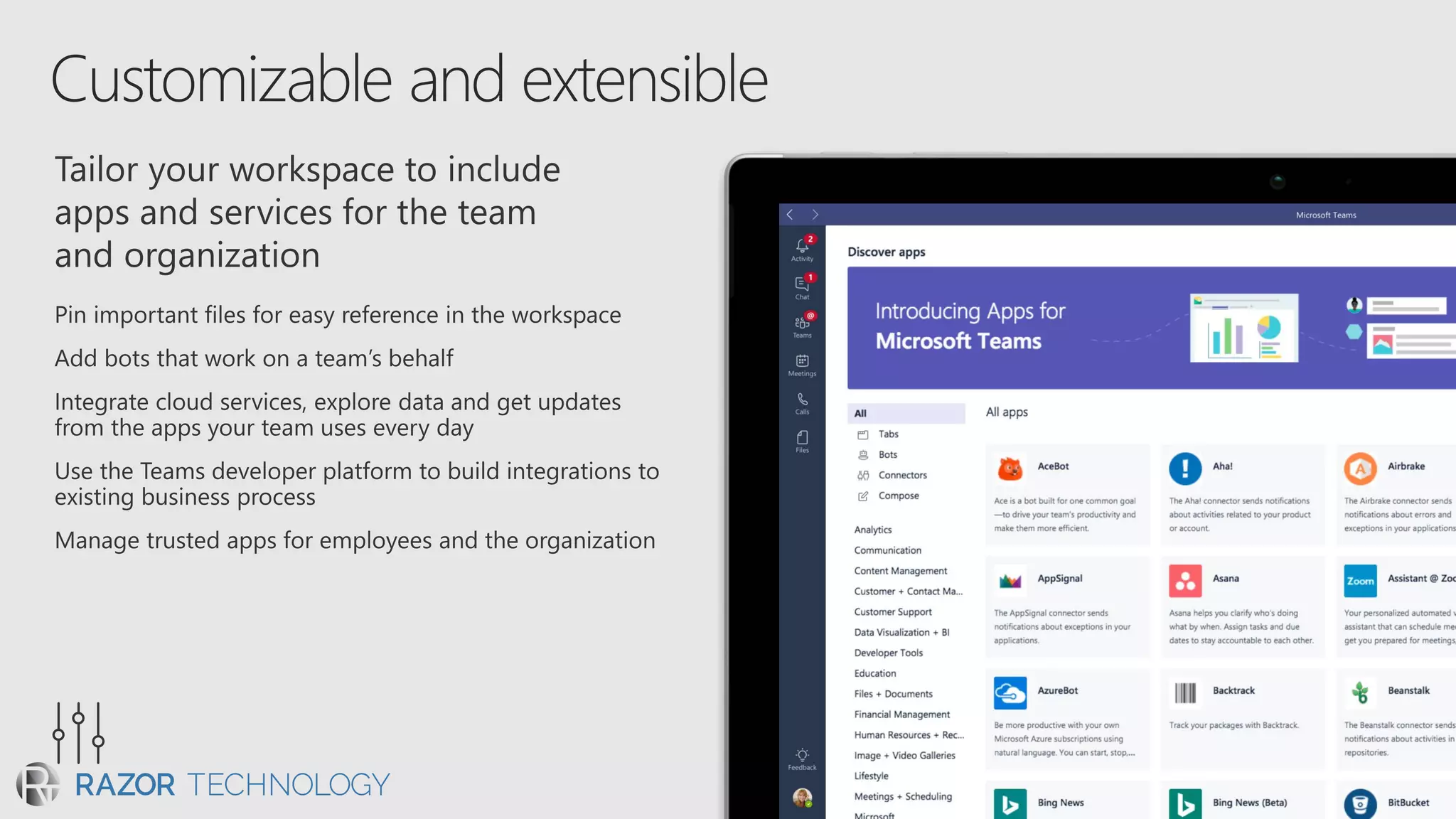
Extensible platform: build apps with a rich set of capabilities to enable higher-performing teams
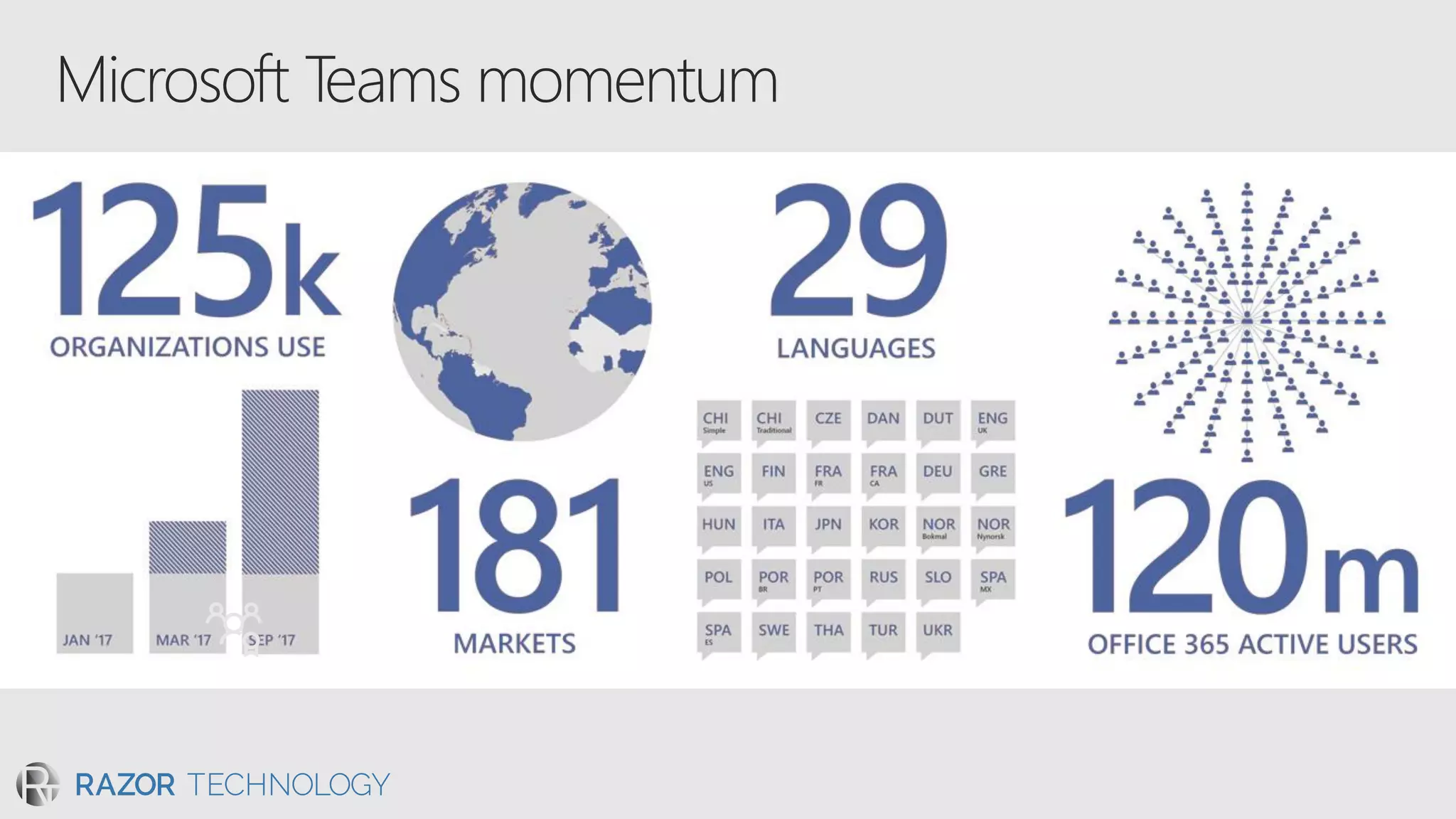
• 100M Office 365 commercial monthly active users
• Teams is available in all business and enterprise SKUs in 181 markets, 19 languages
• More than 150 integrations available and coming soon
Join the Office Developer Program
Reach your users in their chats, channels, notifications, and personal workspace
Tabs
Surface rich
content within
Teams
Bots
Help users get
tasks done in
conversations
Connectors
Post rich
updates to
channels
Actionable
Messages
Add rich
interaction to
your connector
cards
Activity Feed
Engage users via
feed
notifications
Compose
Extensions
Allow users to
query and share
rich cards in
conversations
Office store
Drive
engagement by
submitting your
app to the
Office Store
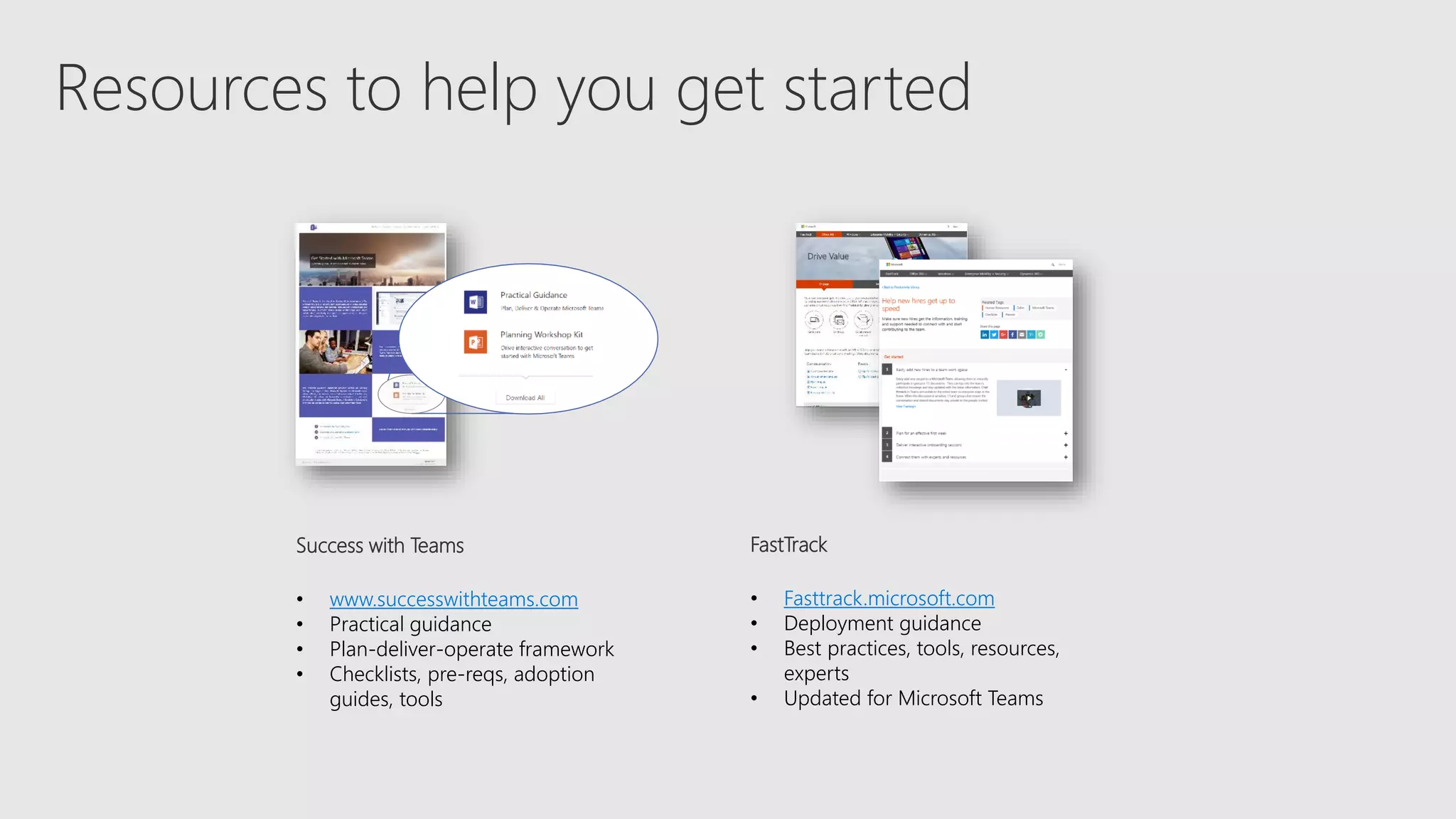
Resources to help you get started
Success with Teams
• www.successwithteams.com
• Practical guidance
• Plan-deliver-operate framework
• Checklists, pre-reqs, adoption
guides, tools
FastTrack
• Fasttrack.microsoft.com
• Deployment guidance
• Best practices, tools, resources,
experts
• Updated for Microsoft Teams
Customer Evidence
Library
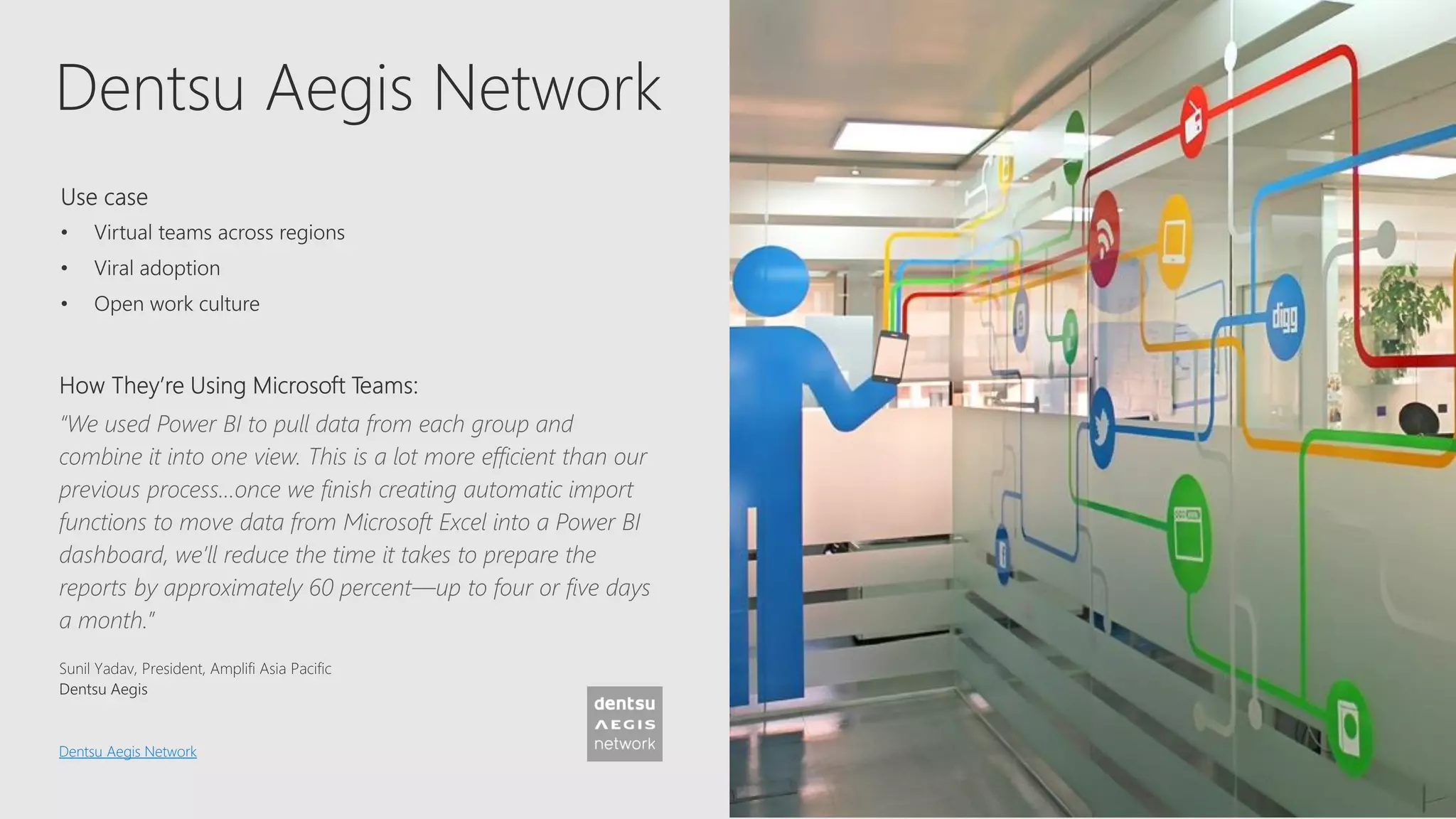
Dentsu Aegis Network
“We used Power BI to pull data from each group and
combine it into one view. This is a lot more efficient than our
previous process…once we finish creating automatic import
functions to move data from Microsoft Excel into a Power BI
dashboard, we’ll reduce the time it takes to prepare the
reports by approximately 60 percent—up to four or five days
a month.”
Dentsu Aegis Network
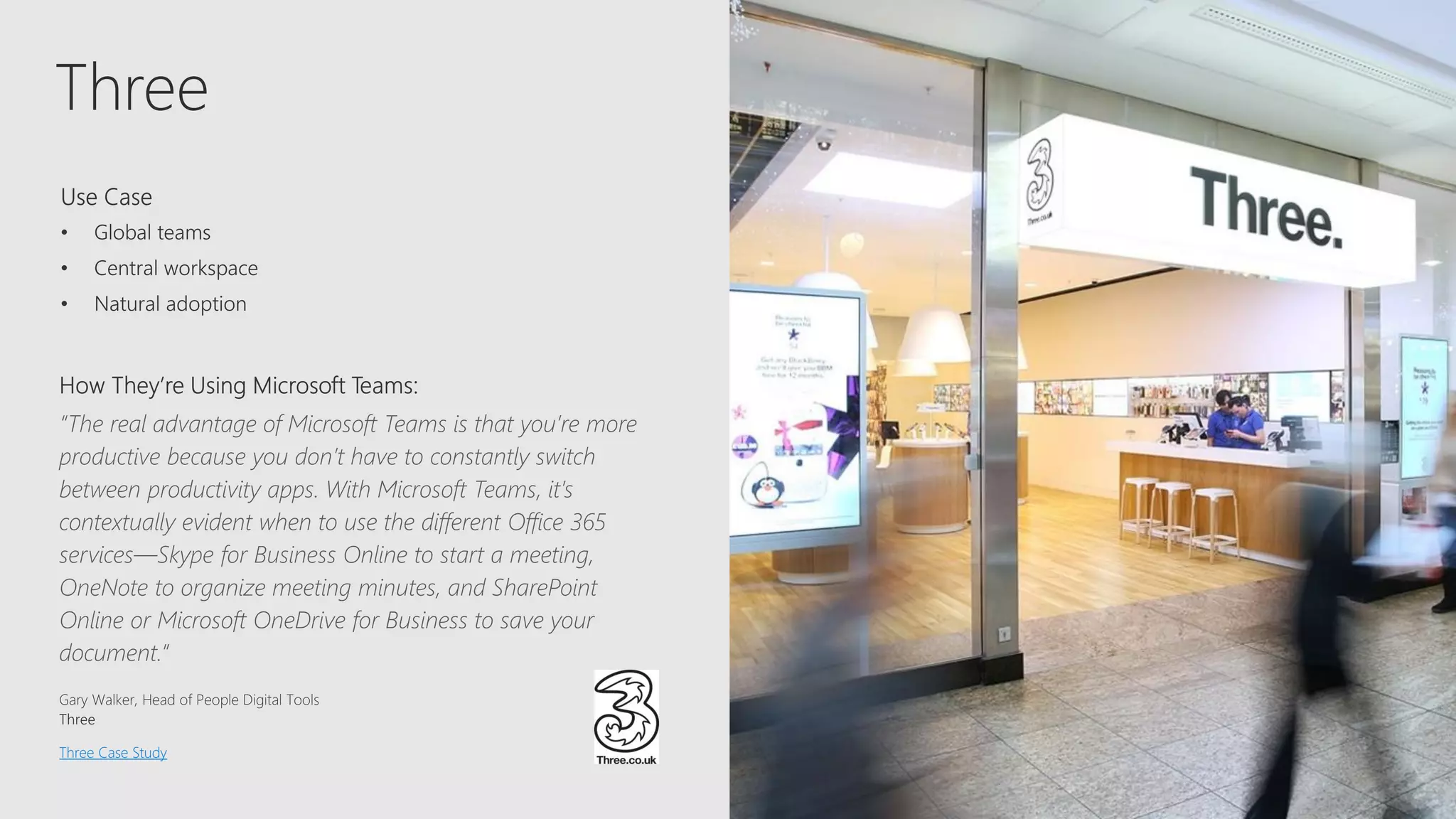
Three
“The real advantage of Microsoft Teams is that you’re more
productive because you don’t have to constantly switch
between productivity apps. With Microsoft Teams, it’s
contextually evident when to use the different Office 365
services—Skype for Business Online to start a meeting,
OneNote to organize meeting minutes, and SharePoint
Online or Microsoft OneDrive for Business to save your
document.”
Three Case Study
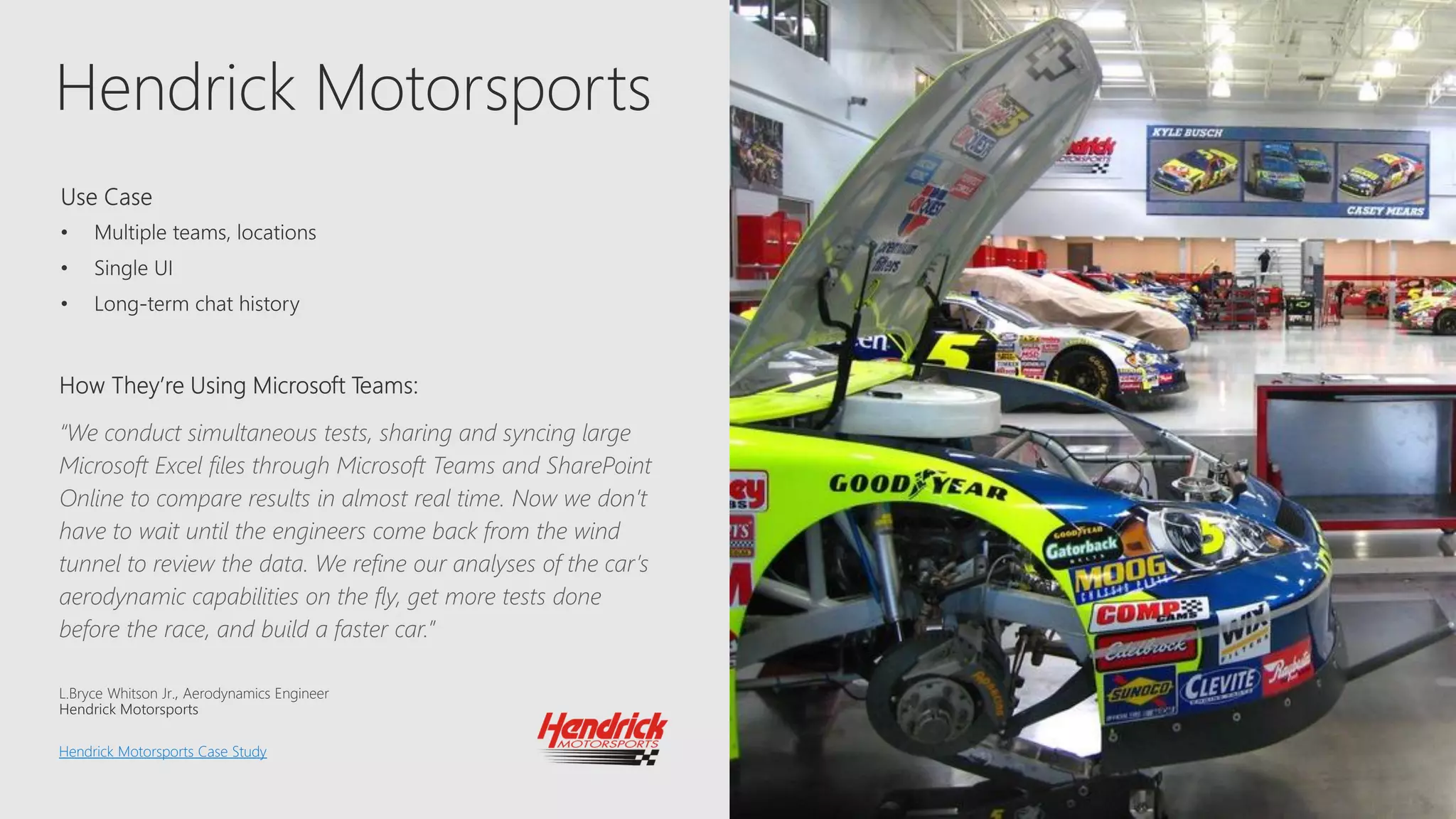
Hendrick Motorsports
“We conduct simultaneous tests, sharing and syncing large
Microsoft Excel files through Microsoft Teams and SharePoint
Online to compare results in almost real time. Now we don’t
have to wait until the engineers come back from the wind
tunnel to review the data. We refine our analyses of the car’s
aerodynamic capabilities on the fly, get more tests done
before the race, and build a faster car.”
L.Bryce Whitson Jr. Aerodynamics Engineer
Hendrick Motorsports Case Study

Microsoft Teams - The Hub for Teamwork in Office 365

  • 1.
    Microsoft Teams The hubfor teamwork in Office 365 David J. Rosenthal Vice President and GM, Digital Business, Razor Technology May 16, 2018
  • 2.
    Geographically DistributedInternal &External Members Diverse Workforce 2x 5x50%
  • 10.
    Customer Support • Enablecontinuous knowledge sharing between shifts • Provide visibility into customer escalations • Search for solutions across conversations • Speed up issue resolution with various subject matter experts Get guidance on these and other scenarios in the FastTrack Productivity Library Engineering • Enable continuous discussion across a distributed team • Discuss ideas and requirements, gather inputs in the open • Store standard documentation and files • Integrate with developer tools like Jira Finance • Prepare earnings release with cross- functional stakeholders • Streamline data consolidation and analysis • Store budgeting documentation and files • Share economic trends and news Human Resources • Drive alignment on job descriptions and streamline interview processes • Plan and prepare new employee onboarding • Engage distributed employees in training • Share department resources and documentation Marketing • Coordinate campaigns and event tasks • Share the latest content drafts for feedback • Get automated reports from analytics tools • Prepare marketing launch across multiple stakeholders Sales • Get quick answers from PMs and Sales Ops • Share key customer wins • Get lead notifications and deal mentions • Share latest company, product and competitor news Operations & Project Management • Streamline project communication and tools • Provide status updates, get feedback, coordinate tasks • Share files and collaborate on deliverables • Get new project members up to speed quickly
  • 11.
    Trek Trek Bicycle Trek BicycleCase Study “Insights from Microsoft Power BI have been a game changer for us. It has enabled us to be more productive, as well as better allocate our time and resources – and when combined with the rest of the Microsoft solutions, it’s helping Trek break out further from the pack.”
  • 12.
    J. Walter Thompson J.Walter Thompson Case Study
  • 13.
    Microsoft 365: UniversalToolkit for Teamwork Hub for TeamworkCo-AuthorConnect Across the Organization Intranets & Content Management Email & Calendar TeamsOffice AppsYammerSharePointOutlook Office 365 Groups Single team membership across apps and services Microsoft Graph Suite-wide intelligence connecting people and content Security and Compliance Centralized policy management
  • 14.
    Next steps 1. Startusing Microsoft Teams today • Pick one project and do 100% of your team meetings, chats and files in Microsoft Teams desktop and mobile apps 2. Get deployment & adoption support from Razor Technology and https://docs.microsoft.com/en- us/MicrosoftTeams/Microsoft-Teams 3. Give us feedback in-product
  • 15.
    © 2018 RazorTechnology, LLCwww.razor-tech.com @DavidJRosenthal Slideshare www.razor-tech.com 5 Tower Bridge 300 Barr Harbor Dr., Suite 705 West Conshohocken, PA 19428 www.razor-tech.com David.Rosenthal@razor-tech.com Cell: 215.801.4430 Office: 866.RZR.DATA LETS KEEP IN TOUCH
  • 17.
    Teams developer opportunity Extensibleplatform: build apps with a rich set of capabilities to enable higher-performing teams • 100M Office 365 commercial monthly active users • Teams is available in all business and enterprise SKUs in 181 markets, 19 languages • More than 150 integrations available and coming soon Join the Office Developer Program Reach your users in their chats, channels, notifications, and personal workspace Tabs Surface rich content within Teams Bots Help users get tasks done in conversations Connectors Post rich updates to channels Actionable Messages Add rich interaction to your connector cards Activity Feed Engage users via feed notifications Compose Extensions Allow users to query and share rich cards in conversations Office store Drive engagement by submitting your app to the Office Store
  • 18.
    Resources to helpyou get started Success with Teams • www.successwithteams.com • Practical guidance • Plan-deliver-operate framework • Checklists, pre-reqs, adoption guides, tools FastTrack • Fasttrack.microsoft.com • Deployment guidance • Best practices, tools, resources, experts • Updated for Microsoft Teams
  • 19.
  • 20.
    Dentsu Aegis Network “Weused Power BI to pull data from each group and combine it into one view. This is a lot more efficient than our previous process…once we finish creating automatic import functions to move data from Microsoft Excel into a Power BI dashboard, we’ll reduce the time it takes to prepare the reports by approximately 60 percent—up to four or five days a month.” Dentsu Aegis Network
  • 21.
    Three “The real advantageof Microsoft Teams is that you’re more productive because you don’t have to constantly switch between productivity apps. With Microsoft Teams, it’s contextually evident when to use the different Office 365 services—Skype for Business Online to start a meeting, OneNote to organize meeting minutes, and SharePoint Online or Microsoft OneDrive for Business to save your document.” Three Case Study
  • 22.
    Hendrick Motorsports “We conductsimultaneous tests, sharing and syncing large Microsoft Excel files through Microsoft Teams and SharePoint Online to compare results in almost real time. Now we don’t have to wait until the engineers come back from the wind tunnel to review the data. We refine our analyses of the car’s aerodynamic capabilities on the fly, get more tests done before the race, and build a faster car.” L.Bryce Whitson Jr. Aerodynamics Engineer Hendrick Motorsports Case Study