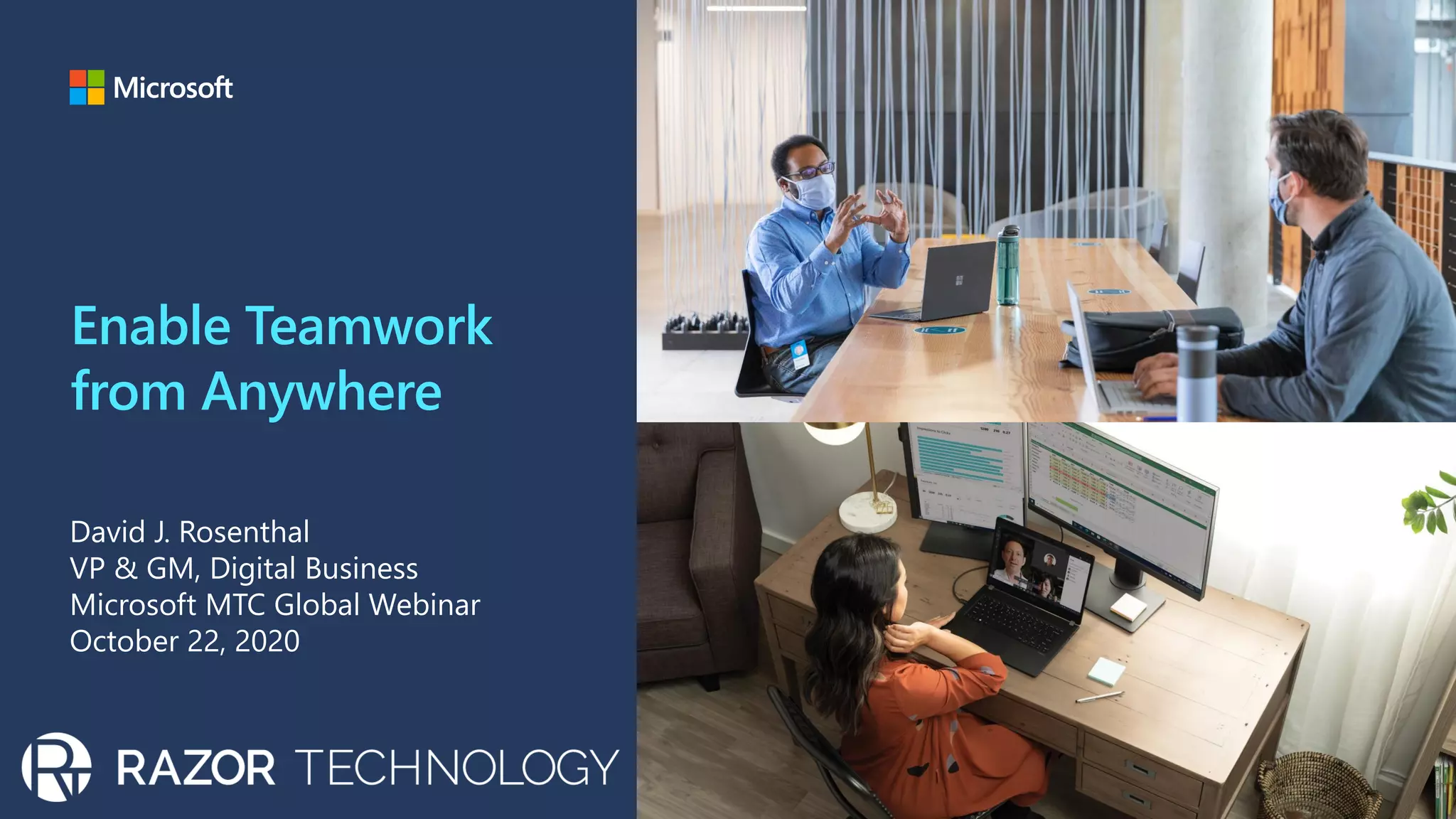
Enable Teamwork
from Anywhere
David J. Rosenthal
VP & GM, Digital Business
Microsoft MTC Global Webinar
October 22, 2020
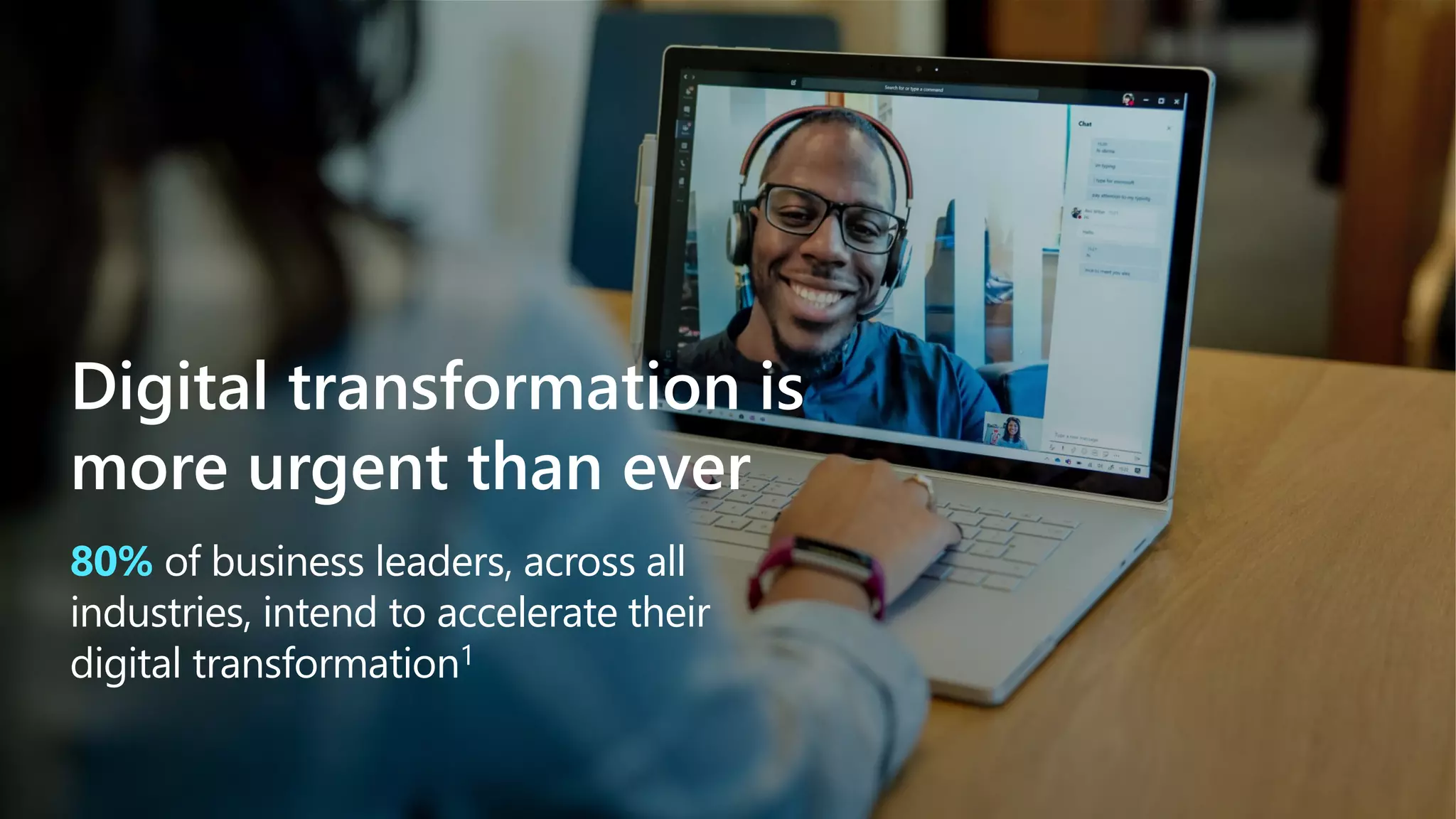
80% of business leaders, across all
industries, intend to accelerate their
digital transformation1
Digital transformation is
more urgent than ever
Contactless shopping Remote selling Curbside pickup Virtual events
Remote learning Telemedicine Remote teamwork Remote development
E X A M P L E S O F D I G I T A L T R A N S F O R M A T I O N
Digital transformation is
more urgent than ever
Charting a course…
Respond
Remote Everything
Adapt and respond in real time
Solutions to help people stay
productive and maintain
business continuity
Recover
Adapt business models and
product offerings
Focus on value, reduce cost
Restart customer demand
Re-imagine
Realize new opportunities,
scenarios
Focus on growth
Thriving in the face of change
requires resilience
Microsoft and Razor Technology are uniquely
suited to partner with you on your journey
Our end-to-end, integrated portfolio of cloud solutions across Microsoft 365, Dynamics 365, and Azure—
together with Microsoft Power Platform—is built on a foundation of security and privacy, and helps every
organization in every industry build resilience and improve the bottom line.
Integrated portfolio
of solutions
Familiar and
easy to use
Built-in
security
Differentiated
value
Capex to Opex
cash flow
IT administrative &
deployment savings
Vendor license cost
consolidation
Physical and T&E
cost displacement
Reduce total
cost of risk
Savings on automation and
process improvements
M I C R O S O F T 3 6 5 C O S T S A V I N G S
Realize business resilience
focusing on value and cost
How Microsoft can
help you enable teamwork anywhere
Sustain employee
wellbeing and
productivity
Connect people to drive
culture, change, and
communication
Enable rich device
experiences for remote and
onsite work scenarios
Meeting experiences to
connect teams remotely
and onsite
Simplify day-to-day
work with apps and
workflows
Manage and secure
any device and user
Access desktops and
applications from any
device
Meeting experiences
to connect teams remotely and onsite
More online meetings than ever.
But how productive are they?
More effective and secure meetings
Collaborate and stay
focused before, during,
and after the meeting
Bridge the gap across
remote and onsite work
with Teams devices
Deliver engaging and
inclusive meetings from
anywhere
Fight meeting fatigue by
bringing the team together
in a shared virtual space
Deliver interactive and
inclusive video broadcasts
to large audiences
Customize your background
to preserve privacy and
keep focus on you
Deliver engaging and inclusive
meetings from anywhere
Collaborate on documents
and presentations
Review history and context
to prepare for the meeting
Chat with attendees
Co-author documents in Word,
Excel, and PowerPoint
Contribute and share with
Microsoft Whiteboard
Review meeting notes and
track assigned follow-ups
Access meeting recordings
and transcripts
Schedule and manage
ongoing meetings
Before During After
Collaborate and stay focused before,
during, and after the meeting
Improve meeting quality and
stay productive with Teams
displays and peripherals
Enable inclusive, collaborative
meetings with people-centric
meeting room experiences
Encourage safe practices in
shared spaces using touchless
meeting experiences
Bridge the gap across remote and
onsite work with Teams devices
Simplify day-to-day work
with apps and workflows
Apps and processes are key to
work, but can add complexity
and create overload
Create a single hub
for collaboration
using Teams to
maximize your
time to value
Streamline apps by integrating with Teams
Automate workflows with low/no code tools
Consolidate work by adding Teams
integrations from the store
per employee, per year using apps are integrated with Teams
65-108 hours back
New Technology: The Projected Total Economic Impact™ Of The Microsoft Teams Platform, a Forrester Consulting study commissioned by Microsoft, June 2020
prior to using Teams with Power Apps, it could take three to six
months for a business group to get its application built. With
low-code, they can have it live in a week.
Decreased build time six months → one week
Respondents indicated that a workspace where employees can
message, work with apps, and manage projects increases productivity.
90% experience productivity gains
Consolidate work in Teams
by deploying app integrations
Automate workflows with
low-code tools in Microsoft Teams
When employees are working in
different locations, paper
processes are hard
Having visibility to activities
across teams can be challenging
Its important to have consistent goals
to keep employees remote and
onsite aligned
No printer, no problem. Easily
streamline processes like
inventory management with
Power Apps in Microsoft Teams
Now anyone can digitize
processes like approvals with
Power Automate in
Microsoft Teams
Consolidate data, embed
dashboards with insights and
drive data driven culture with
Microsoft Teams
Streamline apps by integrating with Teams
Every app becomes more accessible and easier-to-use when integrated in the flow of work
Microsoft Teams
Your app/service
Interface
Back-end
Notifications
Connectors & webhooks
Tabs
Azure
Bots
Microsoft Graph
Adaptive cards
SharePoint
Messaging extensions
Power Apps
Task modules
Power Automate
Sustain employee
wellbeing and productivity
Sustain employee wellbeing and productivity
Insights for individualsInsights for leaders Insights for managers
Insights for leaders
Insights for managers
Insights for individuals
Connect people to drive culture,
change, and communication
Engaging your people
is more critical than ever
To build resilience, your people must be
connected, inspired, and activated
Inspire me with our mission
Compel me with relevant, engaging communications
Engage me to contribute my voice and experience
Your people want you to
Inspire me with our mission
Compel me with relevant, engaging communications
Include me, my voice and experience
Your people want you to
Connect leaders and employees
Transform workplace communications
Build communities that connect people
Microsoft 365 empowers you to
Connect leaders
and employees
Align people toward shared vision and
objectives with an immersive leadership
connection experience
Host company-wide live events to spark
awareness and engagement
Foster two-way dialogue between employees
and leaders with a leadership connection
community
Build communities
that connect people
Communicate and manage change
across organizational silos like teams,
departments and divisions
Share resources, best practices and
experiences
Connect with experts to ask questions
and find answers
Solicit feedback and crowdsource ideas
across the organization
Transform workplace
communications
Create captivating stories with
consumer-grade simplicity
Target the right news to the right
employees at the right time
Reach your audience in the apps they
use every day, across devices
Understand the reach, impact, and
engagement of communications
Manage and secure any device and user
Rapidly enable work from home
while protecting corporate resources
Manage endpoints, protect your data
on any device, anywhere
Microsoft Endpoint Manager
Configuration
Manager
ConfigMgr
console
Windows and mobile devices (Cloud-native management)
Domainjoined PCs
Domain-joined PCs (on-premises managed)
Co-management
workloads
Intune console
Unified admin console
ConfigMgr + MDM
Windows 10
On-prem
Microsoft
Intune
Deploy and manage apps
on any device.
Deploy and manage your
devices and virtual desktops
while protecting your data.
Virtual
desktop
BYOD
Unify management across devices and apps
Deploy, manage, and secure your apps and devices with Microsoft Endpoint Manager
Proactively manage updates, patching, and policies.
Deploy and manage apps
on any device.
Manage any device: physical & virtual
Manage physical and virtual endpoints with Microsoft Endpoint Manager
Proactively manage updates, patching, and policies.
Deploy and manage your
devices and virtual desktops
while protecting your data.
Virtual
desktop
BYOD
Deploy and manage your
devices and virtual desktops
while protecting your data.
Virtual
desktop
BYOD
Manage devices: Remotely deploy and manage apps
Flexible management of apps for all your devices with Microsoft Endpoint Manager
Proactively manage updates, patching, and policies.
Deploy and manage apps
on any device.
Zero touch provisioning
Streamlined and flexible provisioning of all your devices with Microsoft Endpoint Manager
Android Enterprise
Zero Touch
Samsung Knox
Mobile Enrollment
Apple Business ManagerWindows Autopilot
Out of the box security
Self-service provisioning directly by end users
Decrease costly image creation workload
Lower OPEX for staying current
Faster time to productivity
Flexible endpoint security approaches
for devices and apps
Mobile application management (MAM)
Conditional access:
Restrict which apps can be
used to access email or files
Mobile device management (MDM)
Conditional access:
Restrict access to
managed and compliant
devices and apps
Enroll devices
for management
Provision device settings,
certificates, and profiles
Managed apps
(corporate data)
Personal apps
(personal data)
Enable remote access to apps with single sign-on
Azure Active Directory as your identity control plane.
Single sign-on
Securely connect any user to any app
Manage your users’ access to apps, data, and devices, improving visibility and control
Provide a single location for your people
to access all apps
With Azure Active Directory My Apps portal
▪ Streamlined user access to cloud and
on-prem apps
▪ Easy management of app credentials
and preferences
▪ App filters and collections
▪ All apps visible in Office 365 portal
Easily collaborate with external partners
With Azure Active Directory
▪ Add partners with accounts in other
Azure AD organizations
▪ Add external users with Microsoft
account, social IDs, or other identity
provider accounts
▪ Add external users with non-traditional
IDs, including phone and email one-
time passcodes
Enable MFA to keep remote employees protected
Verify user identities to establish trust
Other methods to verify identity
Windows Hello FIDO2 security
key
Push notification
Soft
tokens OTP
Hard
tokens OTP
SMS,
voice
Microsoft
Authenticator
Multi-factor authentication prevents 99.9% of identity attacks.
User and
location
Protect identities with Conditional Access
Enable Zero Trust with strong authentication and adaptive policies
Require MFA
Allow access
Limit access
Application
User and
location Device
Real-time
risk
Password reset
Monitor access
Take a tour
Microsoft
Endpoint Manager
Enabling co-management in
Microsoft Endpoint Manager
Strengthen security with
Conditional Access
Microsoft Endpoint Manager
Remote Actions
microsoft.com/modern-desktop-productivity/
endpoint-management/#/
Enable rich device experiences with
Surface and Windows 10
The ways of working have
changed; driving growth,
managing a diverse fleet of
devices while keeping employees
productive and secure is
complex and time consuming.
Devices cannot power
video calls & processor
intensive work at the
same time
Ensure your teams are at their best with
Surface and Windows 10 devices
Maintain secure control from anywhere
Streamline device management and deployment
Support the different ways and places your team works
With flexible form factors, Windows Hello login, touchscreens, inking and great audio, modern
devices won’t hinder your employees from being seen and heard while keeping in their flow.
Deliver more flexible options without sacrificing productivity.
New Total Economic Impact™ Of Surface + Microsoft 365 Forrester Consulting study
commissioned by Microsoft, June 2020
Eliminate time-consuming corporate re-imaging by shipping and deploying straight to
users with Autopilot zero-touch deployment and unified management.
Reduce IT complexity
Remain confident your data won’t be exposed even when a device is lost or stolen. Protect
against known global threats in real time and launch security updates at scale with Microsoft
Defender Advanced Threat Protection (ATP).
Increase security while also reducing costs
Offer your employees a business-class solution with
productivity tools, remote management, and out-of-the-box
security so that they can get things done.
A modern device with Windows 10 Pro
The solution
businesses need
Windows 10 Pro devices can empower
people to keep doing great things
whether working onsite or remotely.
Equip employees for success virtually anywhere
Organizations can:
Keep your business well-protected from anywhere
Gain a smooth transition to remote or onsite work
and management
Maintain secure control
from chip to cloud
Organizations experienced a 16%
deployment cost reduction deploying
Surface devices with Autopilot.
Chip-to-cloud security with Surface.
Drove a reduction of 20% in data
breaches & security incidents.
Security is built into every layer, of
Surface from the Microsoft UEFI to
the operating system.
Save time and increase
productivity
Reduce IT complexity with
modern device management
Surface can save IT 2.5 hours per
application provisioning request and
over 25 minutes configuring each device.
Employees can save 10 hours per
week with improved
collaboration & productivity.
Noise cancelling, front-facing speakers
and studio mics enable great virtual
meeting experiences.
Help your teams work anywhere with Surface
devices and Microsoft 365
1 Forrester Consulting Maximizing Your ROI From Microsoft 365 Enterprise With Microsoft Surface,
commissioned by Microsoft, June 2020
Access desktops and
applications from any device
The recovery is underway, but
business still faces challenges.
How can you stay productive
in the new normal?
Access desktops and applications on any
device with Windows Virtual Desktop
Enable workers on any device to stay
productive anywhere with the apps they
know and love on Windows 10 desktops
Windows 10 multisession enables you to add
more users per VM
FSLogix optimizations for user profiles gives
you a seamless, local desktop-like performance
A/V redirection enables you to use Microsoft
Teams for video and audio
Office 365 containers make Office more
performant in a multi-session environment
including Outlook and OneDrive for Business
support
Secure Remote Teamwork
Leverage built-in intelligent security for the flexibility to remain
secure and compliant even outside the walls of the office
Data
Data access policies
Encryption
Networking
Reverse Connect
Firewall
Identity
MFA
Conditional Access
Devices
Endpoint protection
Infrastructure
Secure hardware
Compliance certification
Deploy in minutes
to scale as your
business recovers
Simplified IT Management
Microsoft and Azure manage the entire infrastructure
for you: only focus on the users, apps, and OS images
you need to use
Leverage the Partner Ecosystem
Support for a robust ecosystem of SIs, ISVs, and other
partners including non-Windows thin clients.
Managing a distributed workforce has
never been easier, making your
operations agile as business rebounds
Focus on value: save on total cost of ownership
Improved Total Cost of Ownership
Prepare for the future as compute and
storage move to the cloud with no need
for on-prem management
Costs Aligned to Usage
Stay flexible with infrastructure
costs that scale as an Opex aligned
to business needs
Save on Licensing Fees
Use your existing Windows
or Microsoft 365 licenses and save
> video
Video
Windows
Virtual Desktop
Empower every worker anywhere
to be productive
Always up-to-date and available
on any device
Delivered on Azure so IT can
quickly virtualize and deploy
Charting a course…
Respond
Remote Everything
Adapt and respond in real time
Solutions to help people stay
productive and maintain
business continuity
Recover
Adapt business models and
product offerings
Focus on value, reduce cost
Restart customer demand
Re-imagine
Realize new opportunities,
scenarios
Focus on growth
Thank you!
Contact Information
© 2020 Razor Technology www.razor-tech.com
David Rosenthal
VP & General Manager
Digital Business
@DavidJRosenthal
SlideShare
Blog: www.razor-tech.com
5 Tower Bridge
300 Barr Harbor Dr., Suite 705
West Conshohocken, PA 19428
www.razor-tech.com
David.Rosenthal@razor-tech.com
Office: 866.RZR.DATA
LETS KEEP IN TOUCH
61

Enabling Teamwork From Anywhere - From Microsoft and Razor Technology

  • 1.
    Enable Teamwork from Anywhere DavidJ. Rosenthal VP & GM, Digital Business Microsoft MTC Global Webinar October 22, 2020
  • 2.
    80% of businessleaders, across all industries, intend to accelerate their digital transformation1 Digital transformation is more urgent than ever
  • 3.
    Contactless shopping Remoteselling Curbside pickup Virtual events Remote learning Telemedicine Remote teamwork Remote development E X A M P L E S O F D I G I T A L T R A N S F O R M A T I O N Digital transformation is more urgent than ever
  • 4.
    Charting a course… Respond RemoteEverything Adapt and respond in real time Solutions to help people stay productive and maintain business continuity Recover Adapt business models and product offerings Focus on value, reduce cost Restart customer demand Re-imagine Realize new opportunities, scenarios Focus on growth
  • 5.
    Thriving in theface of change requires resilience
  • 6.
    Microsoft and RazorTechnology are uniquely suited to partner with you on your journey Our end-to-end, integrated portfolio of cloud solutions across Microsoft 365, Dynamics 365, and Azure— together with Microsoft Power Platform—is built on a foundation of security and privacy, and helps every organization in every industry build resilience and improve the bottom line. Integrated portfolio of solutions Familiar and easy to use Built-in security Differentiated value
  • 7.
    Capex to Opex cashflow IT administrative & deployment savings Vendor license cost consolidation Physical and T&E cost displacement Reduce total cost of risk Savings on automation and process improvements M I C R O S O F T 3 6 5 C O S T S A V I N G S Realize business resilience focusing on value and cost
  • 8.
    How Microsoft can helpyou enable teamwork anywhere Sustain employee wellbeing and productivity Connect people to drive culture, change, and communication Enable rich device experiences for remote and onsite work scenarios Meeting experiences to connect teams remotely and onsite Simplify day-to-day work with apps and workflows Manage and secure any device and user Access desktops and applications from any device
  • 9.
    Meeting experiences to connectteams remotely and onsite
  • 10.
    More online meetingsthan ever. But how productive are they?
  • 11.
    More effective andsecure meetings Collaborate and stay focused before, during, and after the meeting Bridge the gap across remote and onsite work with Teams devices Deliver engaging and inclusive meetings from anywhere
  • 12.
    Fight meeting fatigueby bringing the team together in a shared virtual space Deliver interactive and inclusive video broadcasts to large audiences Customize your background to preserve privacy and keep focus on you Deliver engaging and inclusive meetings from anywhere
  • 13.
    Collaborate on documents andpresentations Review history and context to prepare for the meeting Chat with attendees Co-author documents in Word, Excel, and PowerPoint Contribute and share with Microsoft Whiteboard Review meeting notes and track assigned follow-ups Access meeting recordings and transcripts Schedule and manage ongoing meetings Before During After Collaborate and stay focused before, during, and after the meeting
  • 14.
    Improve meeting qualityand stay productive with Teams displays and peripherals Enable inclusive, collaborative meetings with people-centric meeting room experiences Encourage safe practices in shared spaces using touchless meeting experiences Bridge the gap across remote and onsite work with Teams devices
  • 16.
  • 17.
    Apps and processesare key to work, but can add complexity and create overload
  • 18.
    Create a singlehub for collaboration using Teams to maximize your time to value Streamline apps by integrating with Teams Automate workflows with low/no code tools Consolidate work by adding Teams integrations from the store per employee, per year using apps are integrated with Teams 65-108 hours back New Technology: The Projected Total Economic Impact™ Of The Microsoft Teams Platform, a Forrester Consulting study commissioned by Microsoft, June 2020 prior to using Teams with Power Apps, it could take three to six months for a business group to get its application built. With low-code, they can have it live in a week. Decreased build time six months → one week Respondents indicated that a workspace where employees can message, work with apps, and manage projects increases productivity. 90% experience productivity gains
  • 19.
    Consolidate work inTeams by deploying app integrations
  • 20.
    Automate workflows with low-codetools in Microsoft Teams When employees are working in different locations, paper processes are hard Having visibility to activities across teams can be challenging Its important to have consistent goals to keep employees remote and onsite aligned No printer, no problem. Easily streamline processes like inventory management with Power Apps in Microsoft Teams Now anyone can digitize processes like approvals with Power Automate in Microsoft Teams Consolidate data, embed dashboards with insights and drive data driven culture with Microsoft Teams
  • 21.
    Streamline apps byintegrating with Teams Every app becomes more accessible and easier-to-use when integrated in the flow of work Microsoft Teams Your app/service Interface Back-end Notifications Connectors & webhooks Tabs Azure Bots Microsoft Graph Adaptive cards SharePoint Messaging extensions Power Apps Task modules Power Automate
  • 22.
  • 23.
    Sustain employee wellbeingand productivity Insights for individualsInsights for leaders Insights for managers
  • 24.
  • 25.
  • 26.
  • 27.
    Connect people todrive culture, change, and communication
  • 28.
    Engaging your people ismore critical than ever To build resilience, your people must be connected, inspired, and activated
  • 29.
    Inspire me withour mission Compel me with relevant, engaging communications Engage me to contribute my voice and experience Your people want you to Inspire me with our mission Compel me with relevant, engaging communications Include me, my voice and experience Your people want you to Connect leaders and employees Transform workplace communications Build communities that connect people Microsoft 365 empowers you to
  • 30.
    Connect leaders and employees Alignpeople toward shared vision and objectives with an immersive leadership connection experience Host company-wide live events to spark awareness and engagement Foster two-way dialogue between employees and leaders with a leadership connection community
  • 31.
    Build communities that connectpeople Communicate and manage change across organizational silos like teams, departments and divisions Share resources, best practices and experiences Connect with experts to ask questions and find answers Solicit feedback and crowdsource ideas across the organization
  • 32.
    Transform workplace communications Create captivatingstories with consumer-grade simplicity Target the right news to the right employees at the right time Reach your audience in the apps they use every day, across devices Understand the reach, impact, and engagement of communications
  • 33.
    Manage and secureany device and user
  • 34.
    Rapidly enable workfrom home while protecting corporate resources
  • 35.
    Manage endpoints, protectyour data on any device, anywhere Microsoft Endpoint Manager Configuration Manager ConfigMgr console Windows and mobile devices (Cloud-native management) Domainjoined PCs Domain-joined PCs (on-premises managed) Co-management workloads Intune console Unified admin console ConfigMgr + MDM Windows 10 On-prem Microsoft Intune
  • 36.
    Deploy and manageapps on any device. Deploy and manage your devices and virtual desktops while protecting your data. Virtual desktop BYOD Unify management across devices and apps Deploy, manage, and secure your apps and devices with Microsoft Endpoint Manager Proactively manage updates, patching, and policies.
  • 37.
    Deploy and manageapps on any device. Manage any device: physical & virtual Manage physical and virtual endpoints with Microsoft Endpoint Manager Proactively manage updates, patching, and policies. Deploy and manage your devices and virtual desktops while protecting your data. Virtual desktop BYOD
  • 38.
    Deploy and manageyour devices and virtual desktops while protecting your data. Virtual desktop BYOD Manage devices: Remotely deploy and manage apps Flexible management of apps for all your devices with Microsoft Endpoint Manager Proactively manage updates, patching, and policies. Deploy and manage apps on any device.
  • 39.
    Zero touch provisioning Streamlinedand flexible provisioning of all your devices with Microsoft Endpoint Manager Android Enterprise Zero Touch Samsung Knox Mobile Enrollment Apple Business ManagerWindows Autopilot Out of the box security Self-service provisioning directly by end users Decrease costly image creation workload Lower OPEX for staying current Faster time to productivity
  • 40.
    Flexible endpoint securityapproaches for devices and apps Mobile application management (MAM) Conditional access: Restrict which apps can be used to access email or files Mobile device management (MDM) Conditional access: Restrict access to managed and compliant devices and apps Enroll devices for management Provision device settings, certificates, and profiles Managed apps (corporate data) Personal apps (personal data)
  • 41.
    Enable remote accessto apps with single sign-on Azure Active Directory as your identity control plane. Single sign-on
  • 42.
    Securely connect anyuser to any app Manage your users’ access to apps, data, and devices, improving visibility and control
  • 43.
    Provide a singlelocation for your people to access all apps With Azure Active Directory My Apps portal ▪ Streamlined user access to cloud and on-prem apps ▪ Easy management of app credentials and preferences ▪ App filters and collections ▪ All apps visible in Office 365 portal
  • 44.
    Easily collaborate withexternal partners With Azure Active Directory ▪ Add partners with accounts in other Azure AD organizations ▪ Add external users with Microsoft account, social IDs, or other identity provider accounts ▪ Add external users with non-traditional IDs, including phone and email one- time passcodes
  • 45.
    Enable MFA tokeep remote employees protected Verify user identities to establish trust Other methods to verify identity Windows Hello FIDO2 security key Push notification Soft tokens OTP Hard tokens OTP SMS, voice Microsoft Authenticator Multi-factor authentication prevents 99.9% of identity attacks. User and location
  • 46.
    Protect identities withConditional Access Enable Zero Trust with strong authentication and adaptive policies Require MFA Allow access Limit access Application User and location Device Real-time risk Password reset Monitor access
  • 47.
    Take a tour Microsoft EndpointManager Enabling co-management in Microsoft Endpoint Manager Strengthen security with Conditional Access Microsoft Endpoint Manager Remote Actions microsoft.com/modern-desktop-productivity/ endpoint-management/#/
  • 48.
    Enable rich deviceexperiences with Surface and Windows 10
  • 49.
    The ways ofworking have changed; driving growth, managing a diverse fleet of devices while keeping employees productive and secure is complex and time consuming. Devices cannot power video calls & processor intensive work at the same time
  • 50.
    Ensure your teamsare at their best with Surface and Windows 10 devices Maintain secure control from anywhere Streamline device management and deployment Support the different ways and places your team works With flexible form factors, Windows Hello login, touchscreens, inking and great audio, modern devices won’t hinder your employees from being seen and heard while keeping in their flow. Deliver more flexible options without sacrificing productivity. New Total Economic Impact™ Of Surface + Microsoft 365 Forrester Consulting study commissioned by Microsoft, June 2020 Eliminate time-consuming corporate re-imaging by shipping and deploying straight to users with Autopilot zero-touch deployment and unified management. Reduce IT complexity Remain confident your data won’t be exposed even when a device is lost or stolen. Protect against known global threats in real time and launch security updates at scale with Microsoft Defender Advanced Threat Protection (ATP). Increase security while also reducing costs
  • 51.
    Offer your employeesa business-class solution with productivity tools, remote management, and out-of-the-box security so that they can get things done. A modern device with Windows 10 Pro The solution businesses need Windows 10 Pro devices can empower people to keep doing great things whether working onsite or remotely. Equip employees for success virtually anywhere Organizations can: Keep your business well-protected from anywhere Gain a smooth transition to remote or onsite work and management
  • 52.
    Maintain secure control fromchip to cloud Organizations experienced a 16% deployment cost reduction deploying Surface devices with Autopilot. Chip-to-cloud security with Surface. Drove a reduction of 20% in data breaches & security incidents. Security is built into every layer, of Surface from the Microsoft UEFI to the operating system. Save time and increase productivity Reduce IT complexity with modern device management Surface can save IT 2.5 hours per application provisioning request and over 25 minutes configuring each device. Employees can save 10 hours per week with improved collaboration & productivity. Noise cancelling, front-facing speakers and studio mics enable great virtual meeting experiences. Help your teams work anywhere with Surface devices and Microsoft 365 1 Forrester Consulting Maximizing Your ROI From Microsoft 365 Enterprise With Microsoft Surface, commissioned by Microsoft, June 2020
  • 53.
  • 54.
    The recovery isunderway, but business still faces challenges. How can you stay productive in the new normal?
  • 55.
    Access desktops andapplications on any device with Windows Virtual Desktop Enable workers on any device to stay productive anywhere with the apps they know and love on Windows 10 desktops Windows 10 multisession enables you to add more users per VM FSLogix optimizations for user profiles gives you a seamless, local desktop-like performance A/V redirection enables you to use Microsoft Teams for video and audio Office 365 containers make Office more performant in a multi-session environment including Outlook and OneDrive for Business support
  • 56.
    Secure Remote Teamwork Leveragebuilt-in intelligent security for the flexibility to remain secure and compliant even outside the walls of the office Data Data access policies Encryption Networking Reverse Connect Firewall Identity MFA Conditional Access Devices Endpoint protection Infrastructure Secure hardware Compliance certification
  • 57.
    Deploy in minutes toscale as your business recovers Simplified IT Management Microsoft and Azure manage the entire infrastructure for you: only focus on the users, apps, and OS images you need to use Leverage the Partner Ecosystem Support for a robust ecosystem of SIs, ISVs, and other partners including non-Windows thin clients. Managing a distributed workforce has never been easier, making your operations agile as business rebounds
  • 58.
    Focus on value:save on total cost of ownership Improved Total Cost of Ownership Prepare for the future as compute and storage move to the cloud with no need for on-prem management Costs Aligned to Usage Stay flexible with infrastructure costs that scale as an Opex aligned to business needs Save on Licensing Fees Use your existing Windows or Microsoft 365 licenses and save
  • 59.
    > video Video Windows Virtual Desktop Empowerevery worker anywhere to be productive Always up-to-date and available on any device Delivered on Azure so IT can quickly virtualize and deploy
  • 60.
    Charting a course… Respond RemoteEverything Adapt and respond in real time Solutions to help people stay productive and maintain business continuity Recover Adapt business models and product offerings Focus on value, reduce cost Restart customer demand Re-imagine Realize new opportunities, scenarios Focus on growth
  • 61.
    Thank you! Contact Information ©2020 Razor Technology www.razor-tech.com David Rosenthal VP & General Manager Digital Business @DavidJRosenthal SlideShare Blog: www.razor-tech.com 5 Tower Bridge 300 Barr Harbor Dr., Suite 705 West Conshohocken, PA 19428 www.razor-tech.com David.Rosenthal@razor-tech.com Office: 866.RZR.DATA LETS KEEP IN TOUCH 61