Microsoft Teams
7 Key Concepts for
Planning & Strategy
Joel Oleson, MVP & RD
Director, Perficient
@joeloleson
Howard Fields
Pervasent
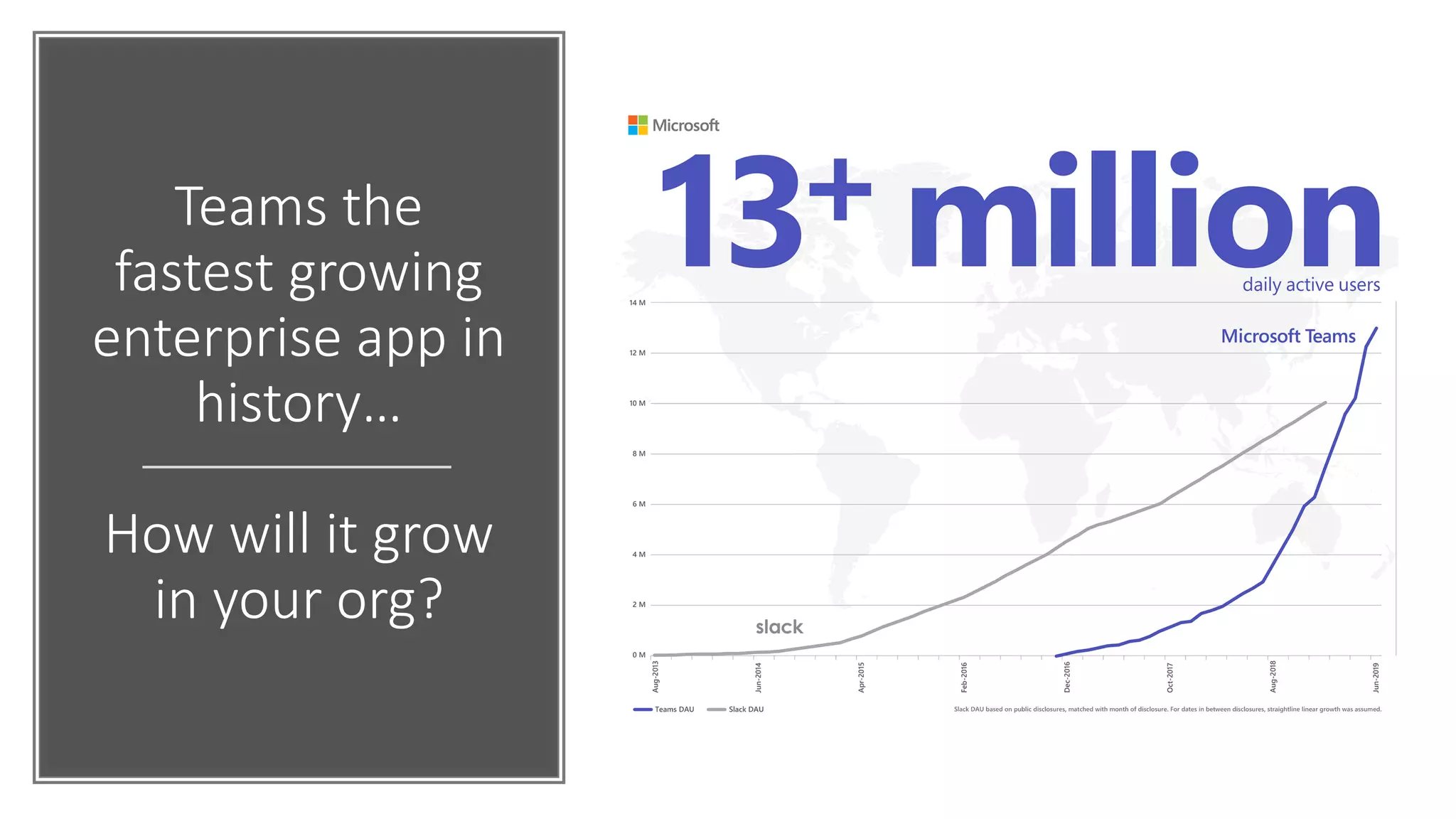
Teams the
fastest growing
enterprise app in
history…
How will it grow
in your org?
Poll: Where
are you in your
Teams
Adoption
•Using Skype but plan to
migrate
•Using Skype & Teams
•Pilot of Teams
•Teams for Unified
Communications and
Collaboration
•Not Started
This Photo by Unknown Author is licensed under CC BY
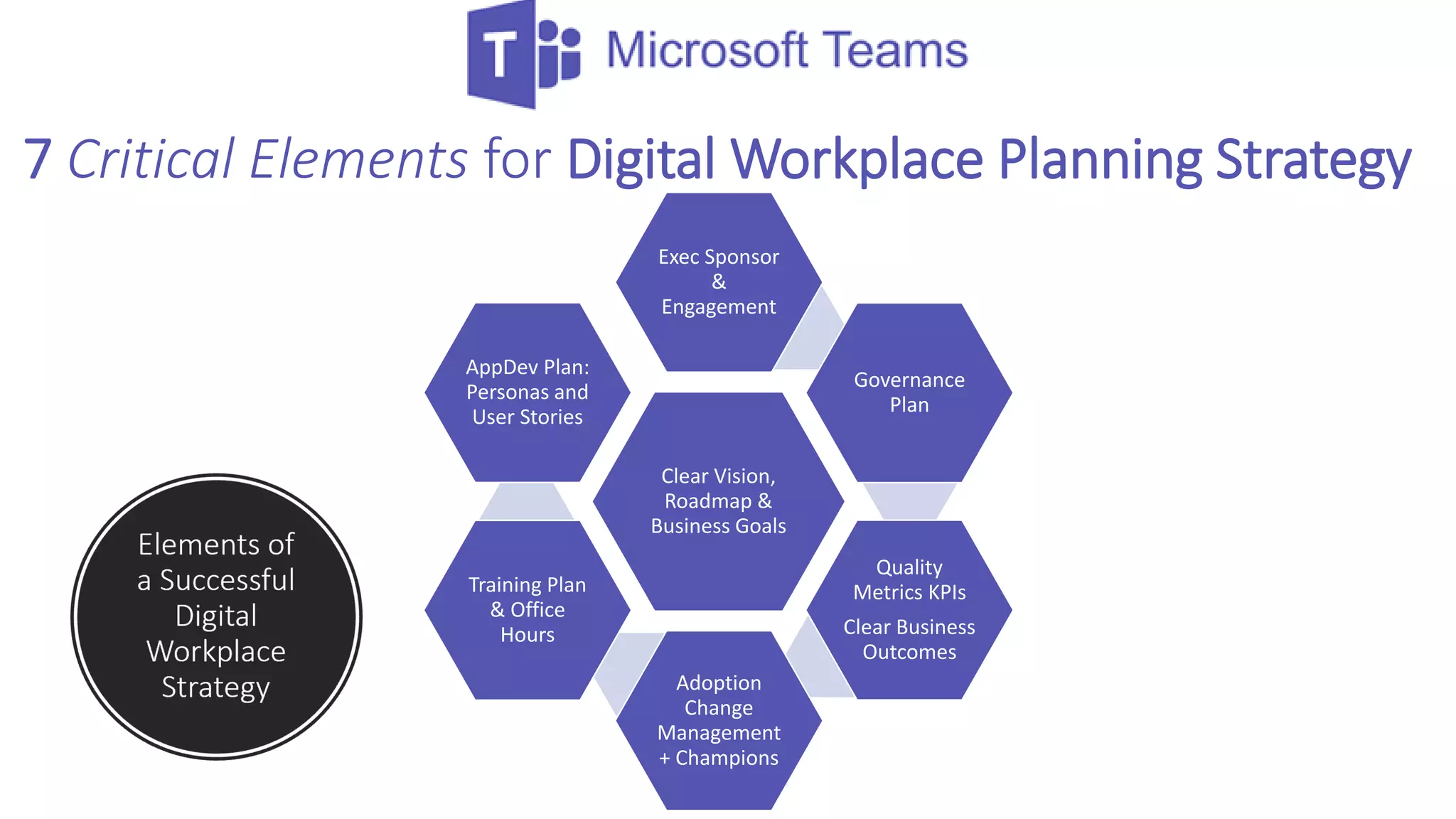
7 Critical Elements for Digital Workplace Planning Strategy
Clear Vision,
Roadmap &
Business Goals
Exec Sponsor
&
Engagement
Governance
Plan
Quality
Metrics KPIs
Clear Business
Outcomes
Adoption
Change
Management
+ Champions
Training Plan
& Office
Hours
AppDev Plan:
Personas and
User Stories
Clear Vision, Roadmap and
Goals
This Photo by Unknown Author is licensed under CC BY-SA-NC
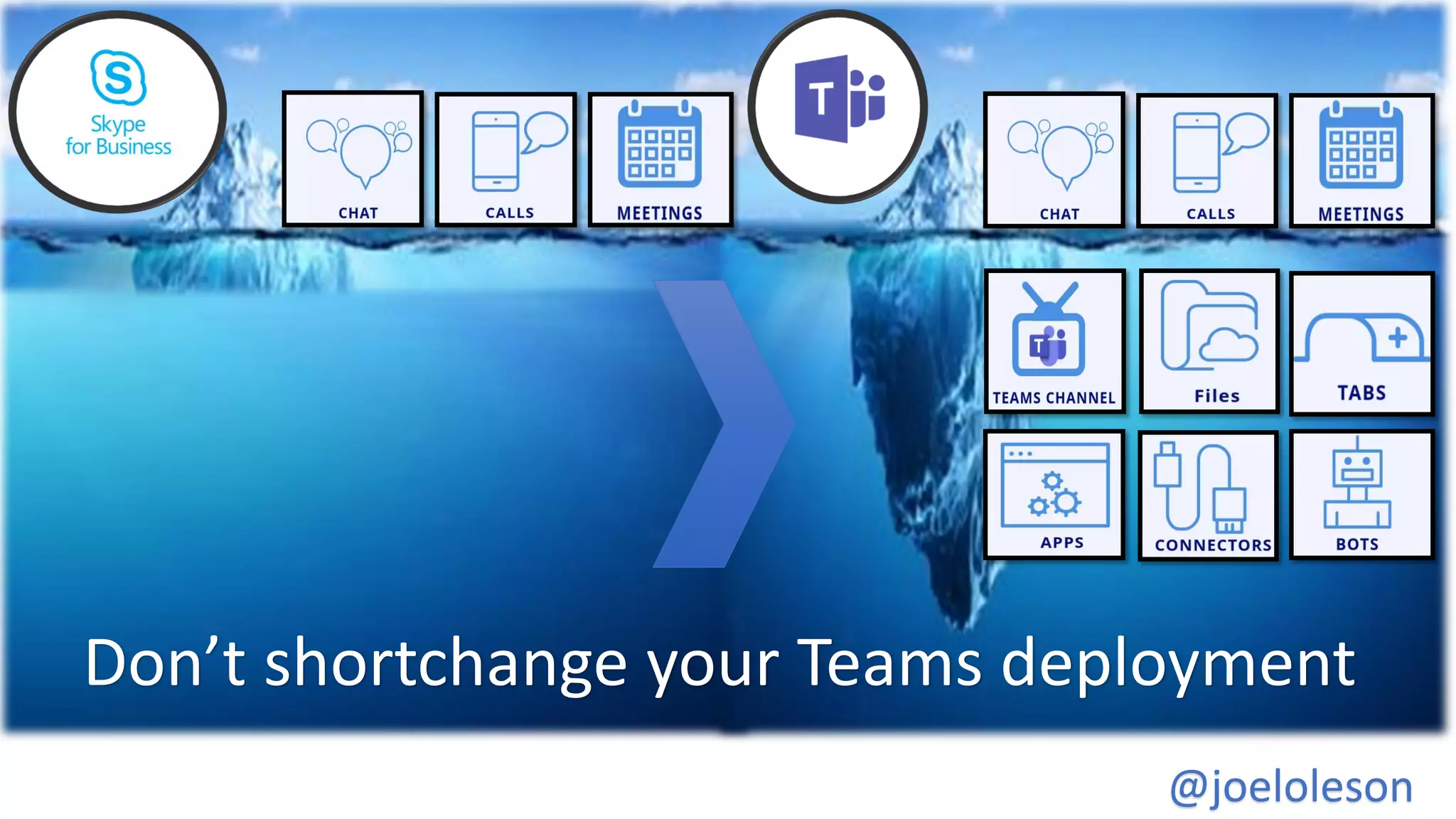
Don’t shortchange your Teams deployment
@joeloleson
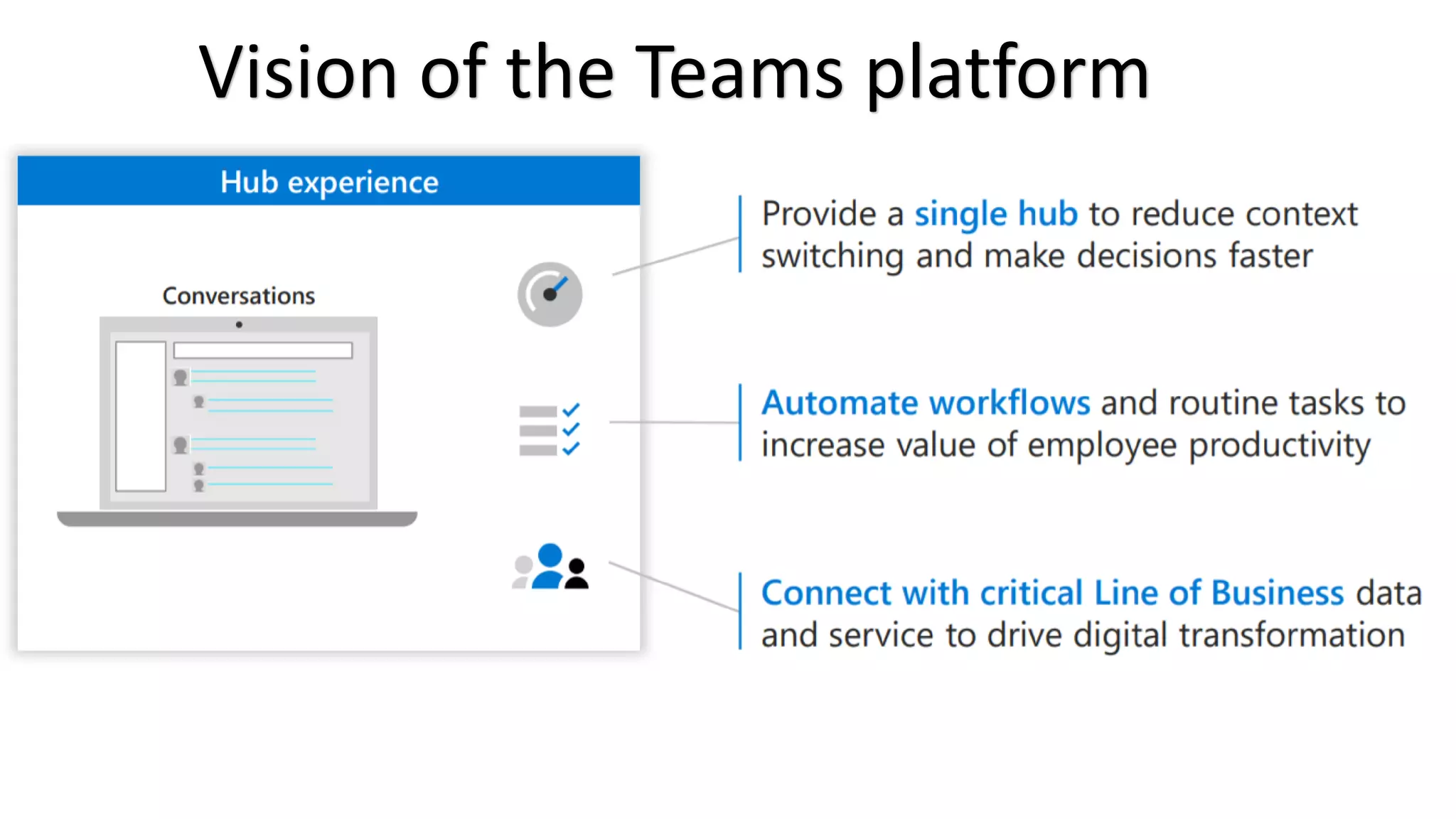
Vision of the Teams platform
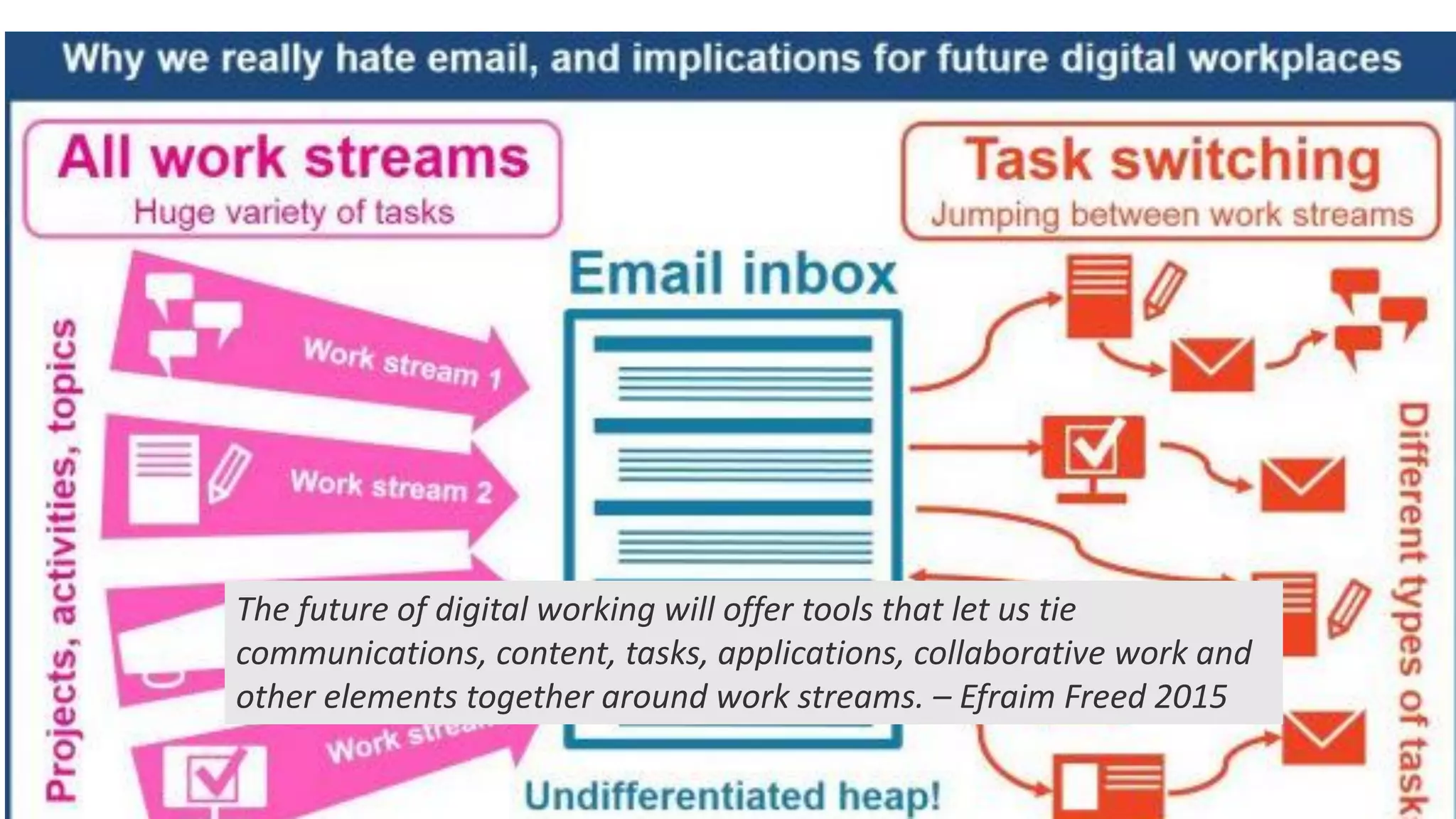
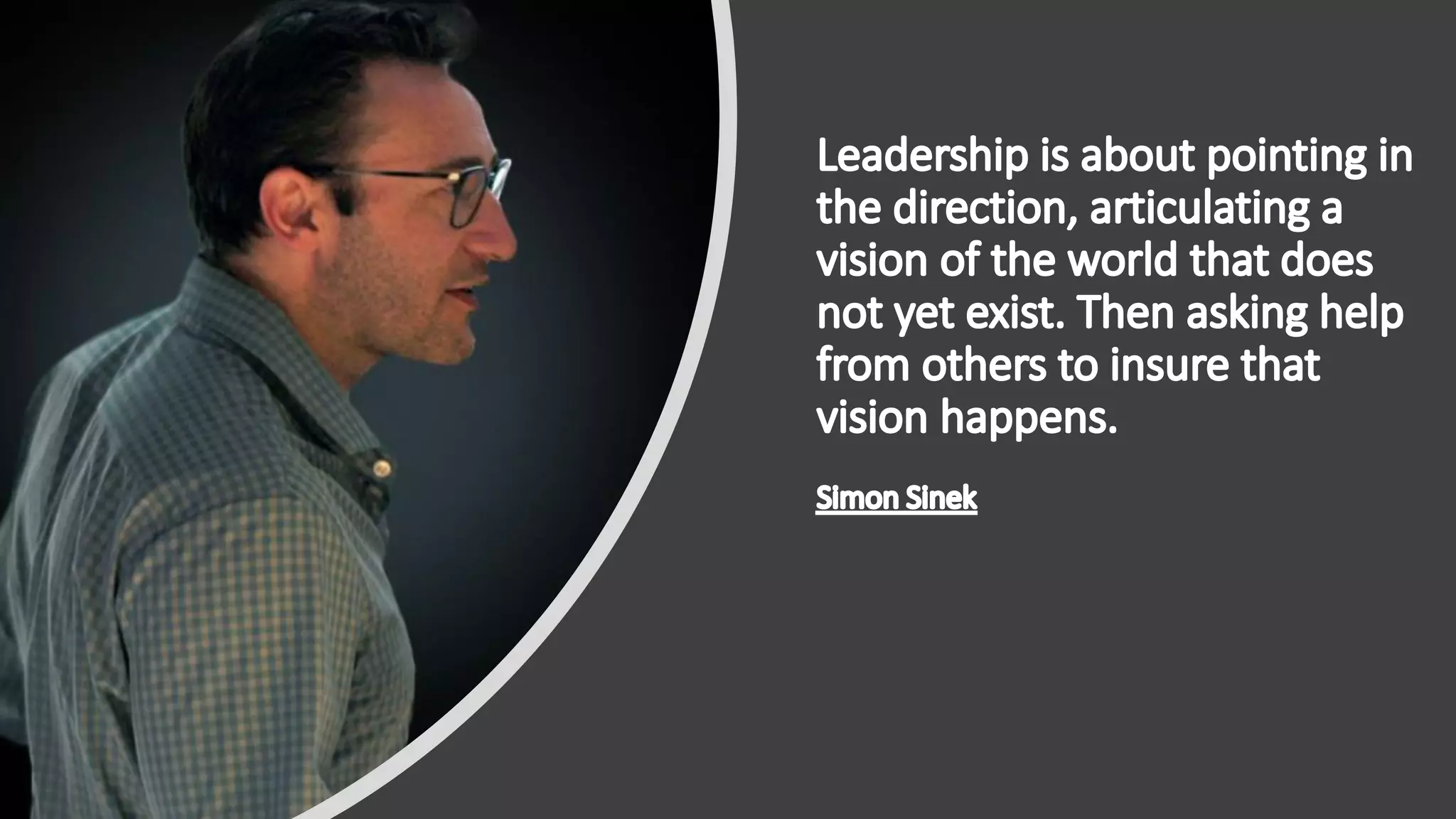
The future of digital working will offer tools that let us tie
communications, content, tasks, applications, collaborative work and
other elements together around work streams. – Efraim Freed 2015
Executive Leadership
Sponsorship and Engagement
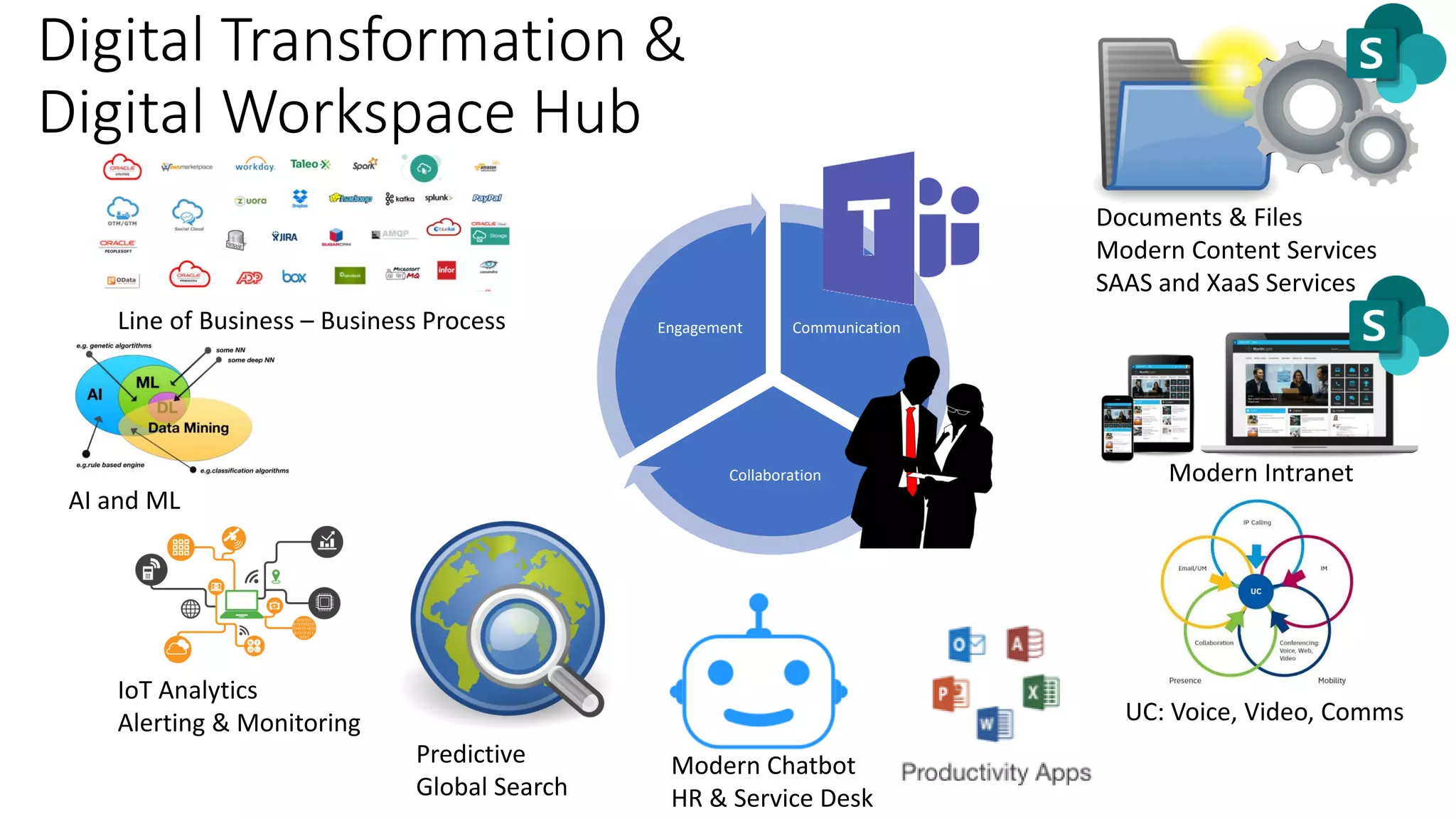
Digital Transformation &
Digital Workspace Hub
Modern Intranet
UC: Voice, Video, Comms
Documents & Files
Modern Content Services
SAAS and XaaS Services
Modern Chatbot
HR & Service Desk
Predictive
Global Search
Communication
Collaboration
Engagement
AI and ML
Line of Business – Business Process
IoT Analytics
Alerting & Monitoring
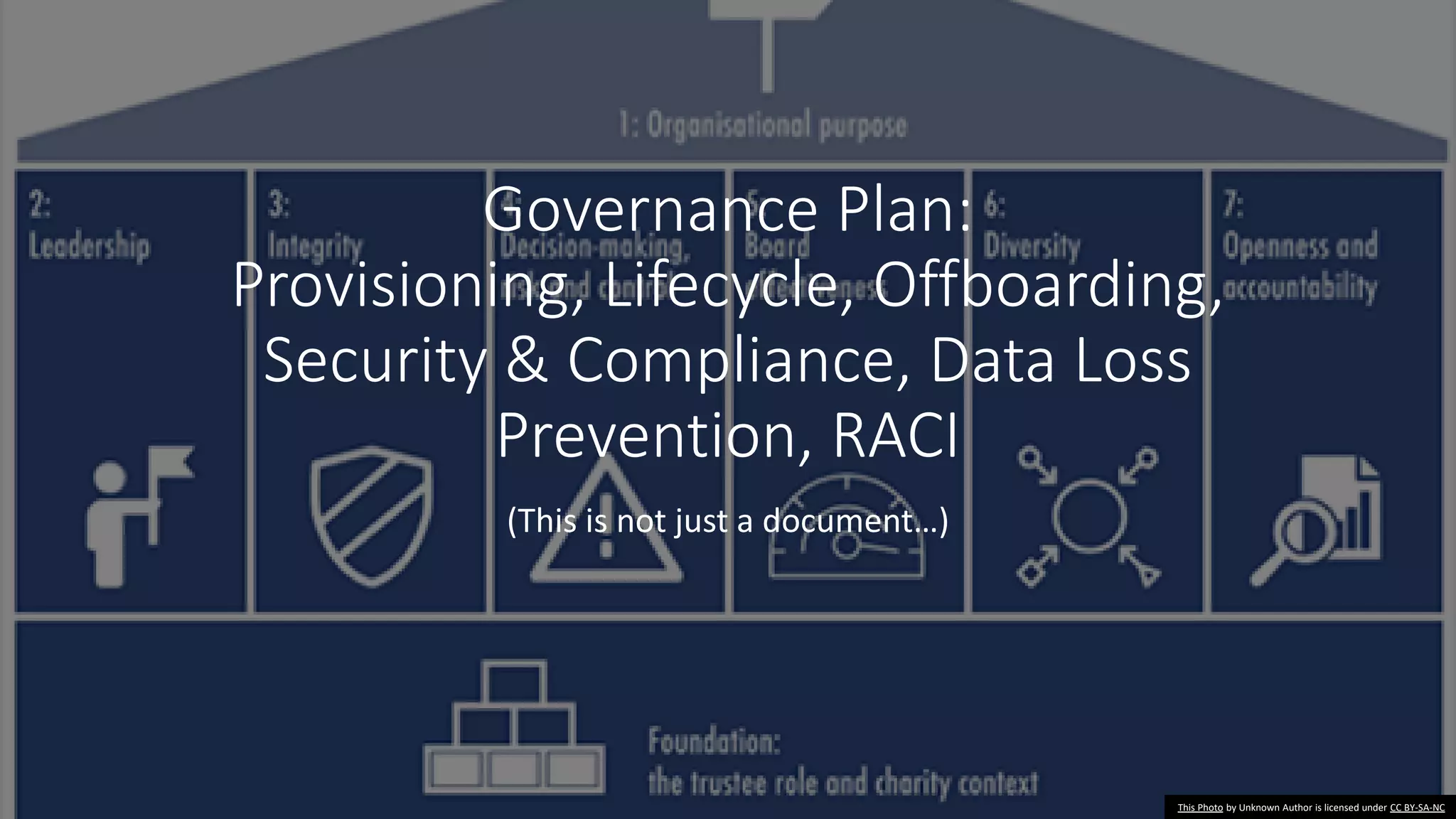
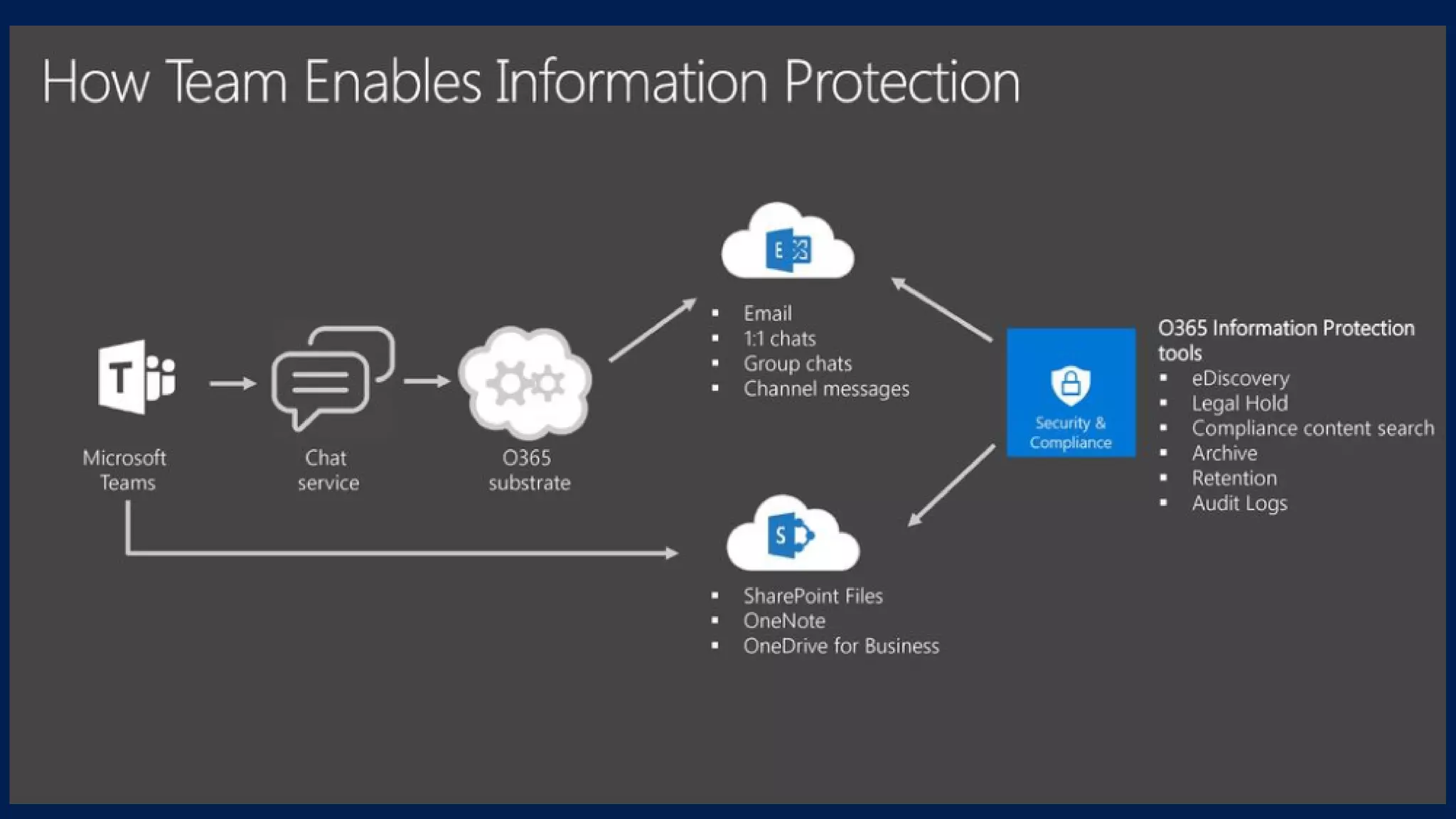
Governance Plan:
Provisioning, Lifecycle, Offboarding,
Security & Compliance, Data Loss
Prevention, RACI
(This is not just a document…)
This Photo by Unknown Author is licensed under CC BY-SA-NC
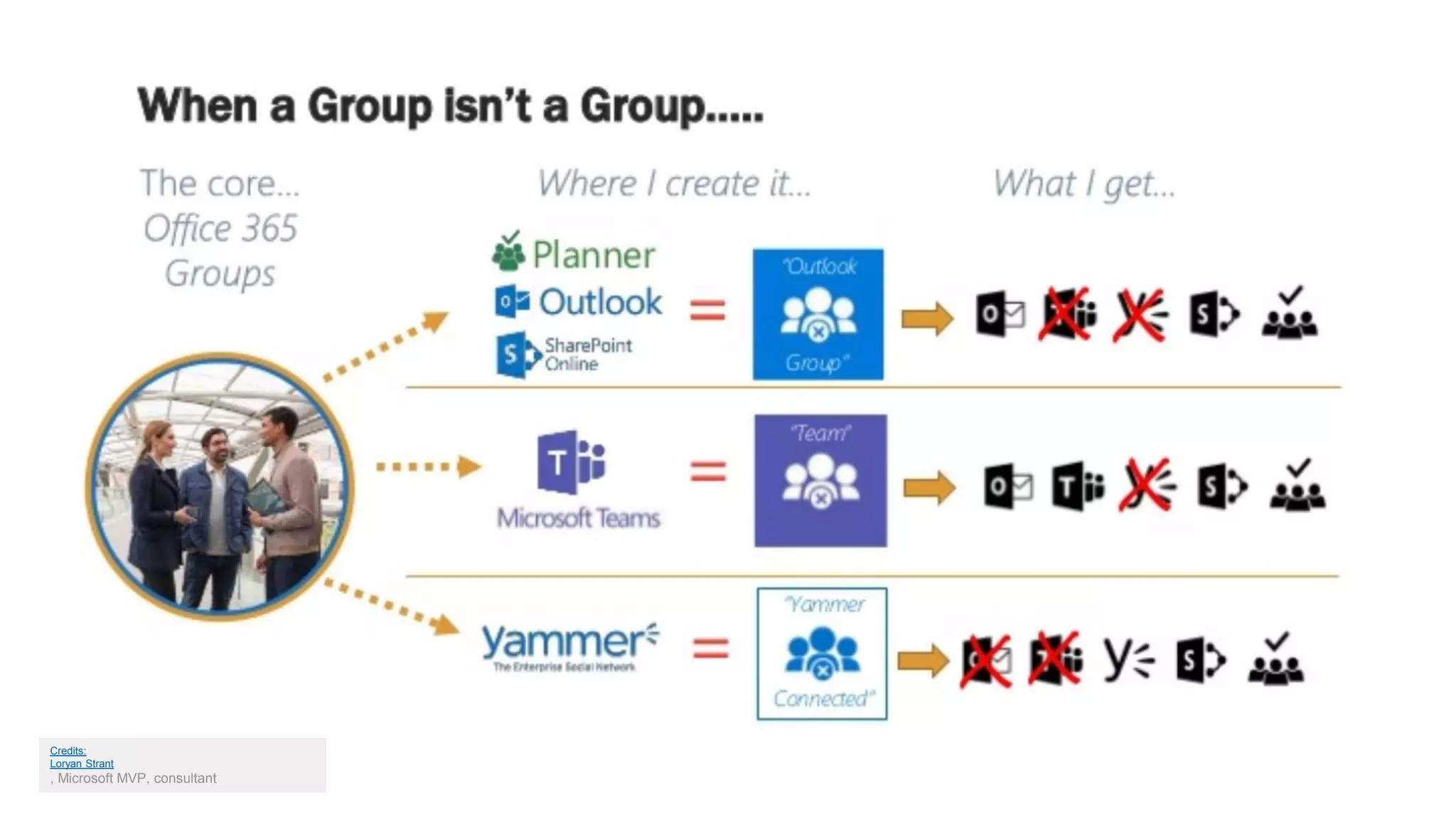
Chaos by default…
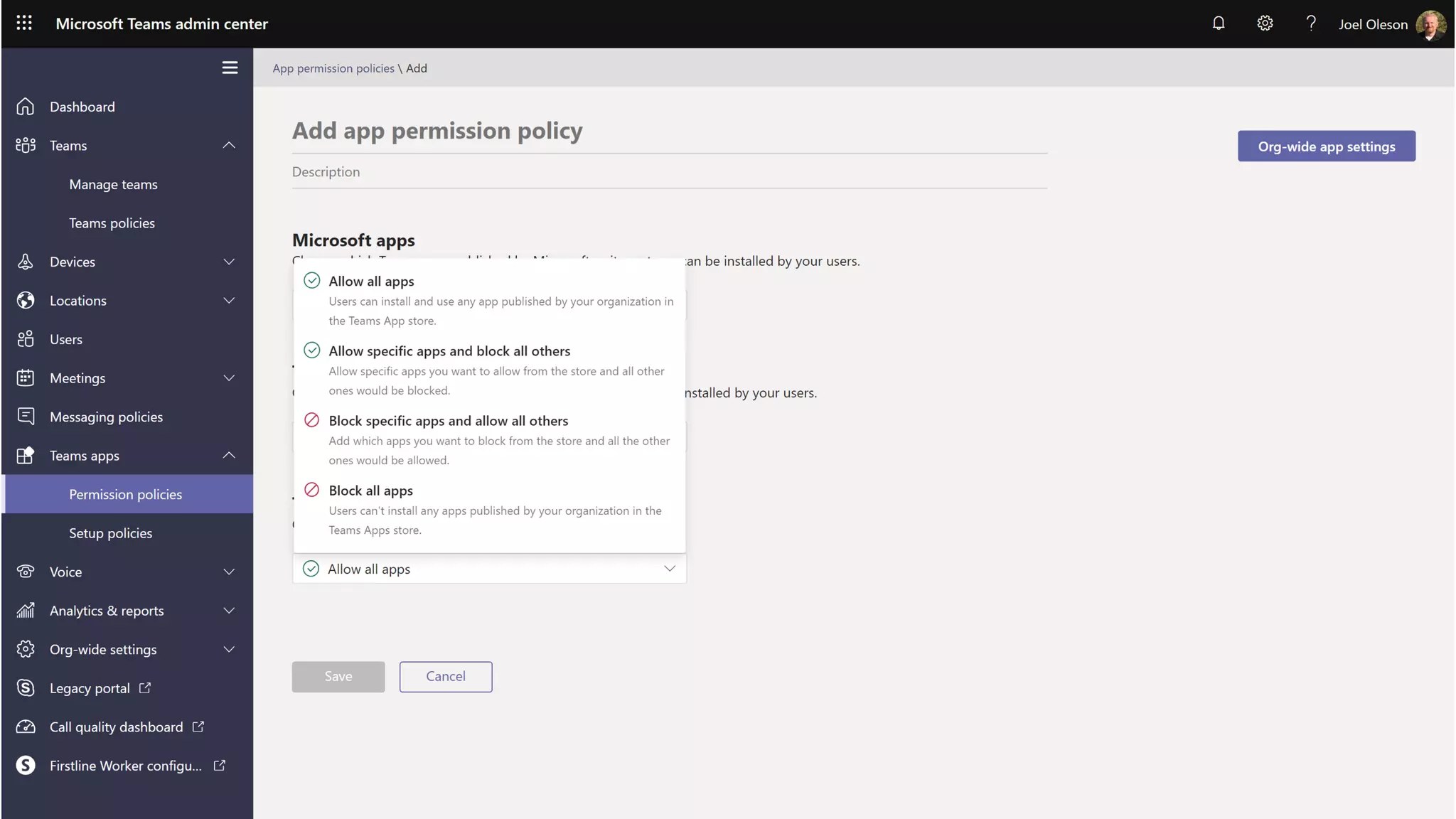
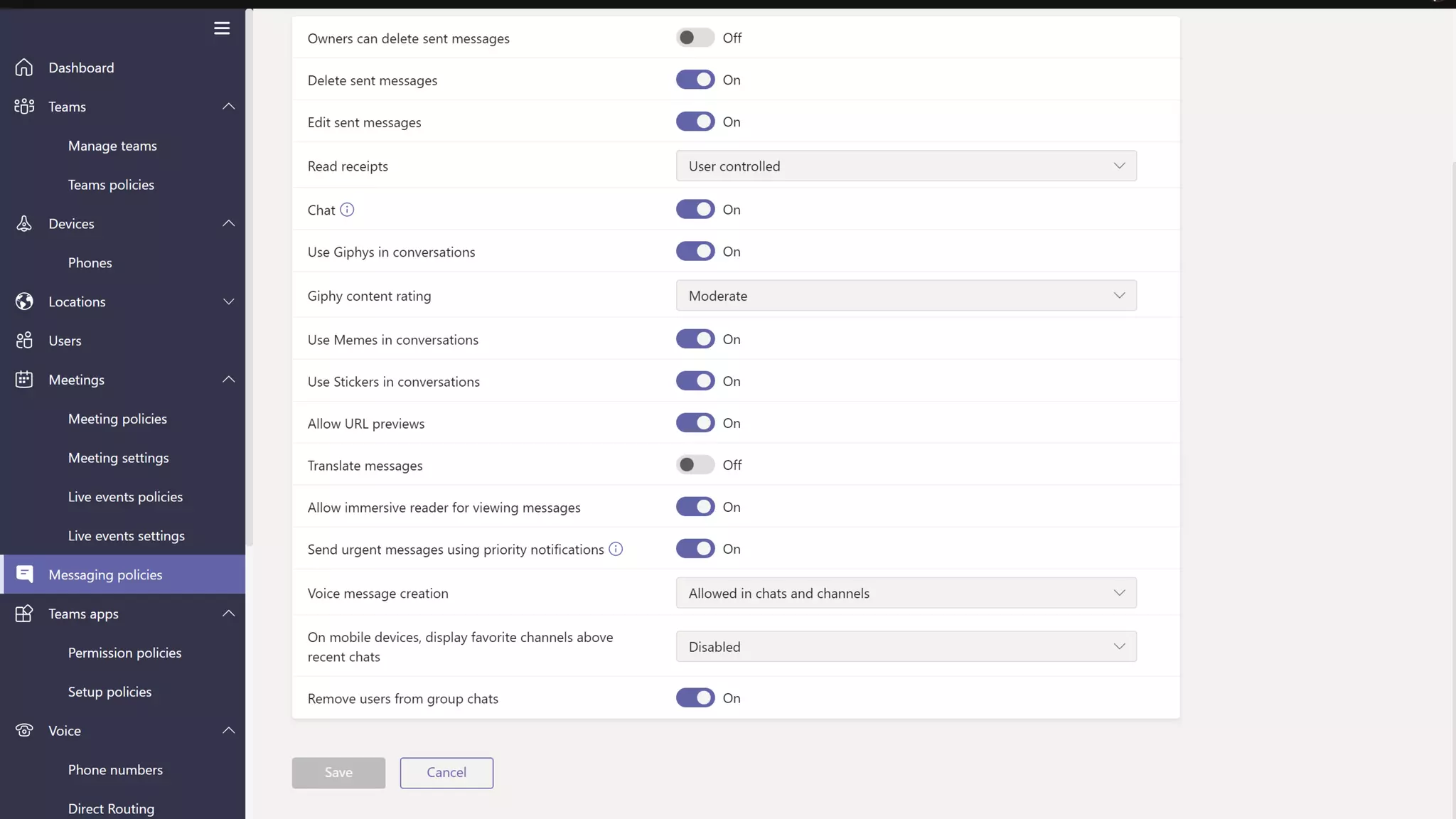
Governance critical to success…
• Who can create a Team?
• How do we intend to use Teams?
• What should NOT be used or connected to Teams?
• How long should they exist before archived or validated?
• Naming conventions?
• Teams templates?
• Who owns the platform? Who owns the data? RACI required.
• What if a flow could create and validate services, security, auditing, DLP
policies blocks and warnings, and usage reporting?
• How should a Team be provisioned? Powershell, UX, Admin, Graph
• How are new features rolled out and discovered or disabled who is
watching?
This Photo by Unknown Author is licensed under CC BY-SA-NC
Credits:
Loryan Strant
, Microsoft MVP, consultant
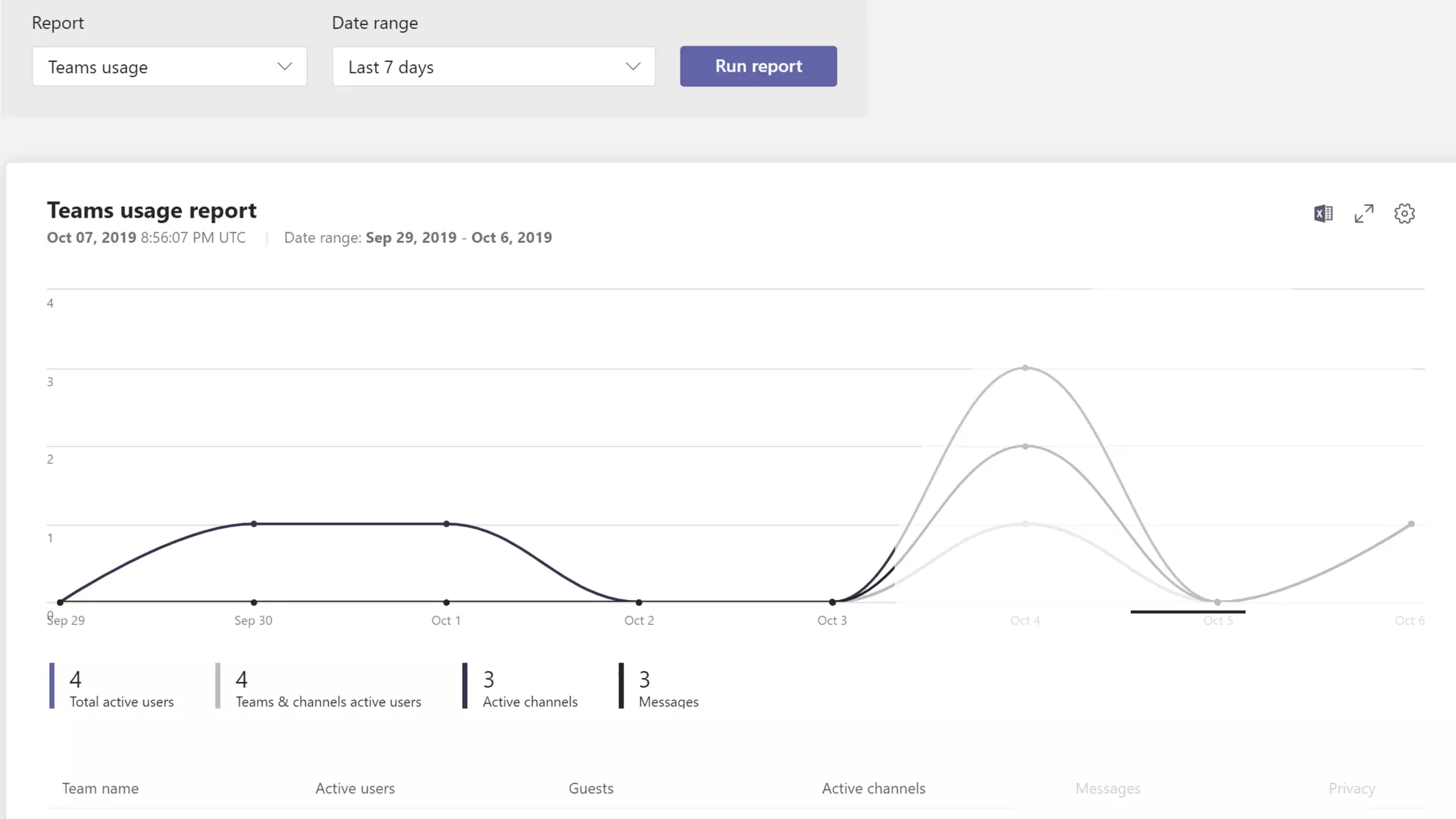
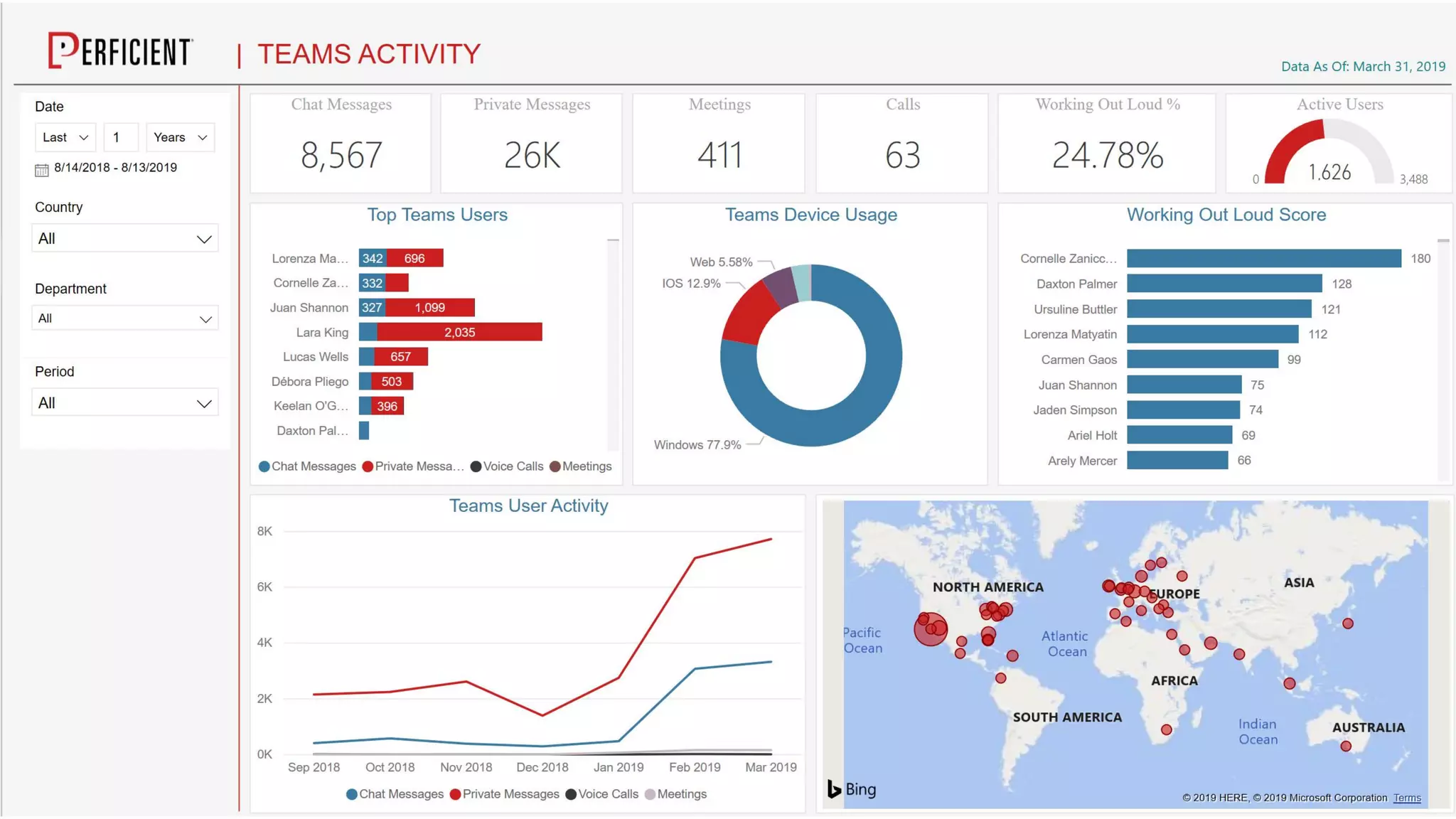
Success Criteria & Metrics
Desired Outcomes
This Photo by Unknown Author is licensed under CC BY-NC
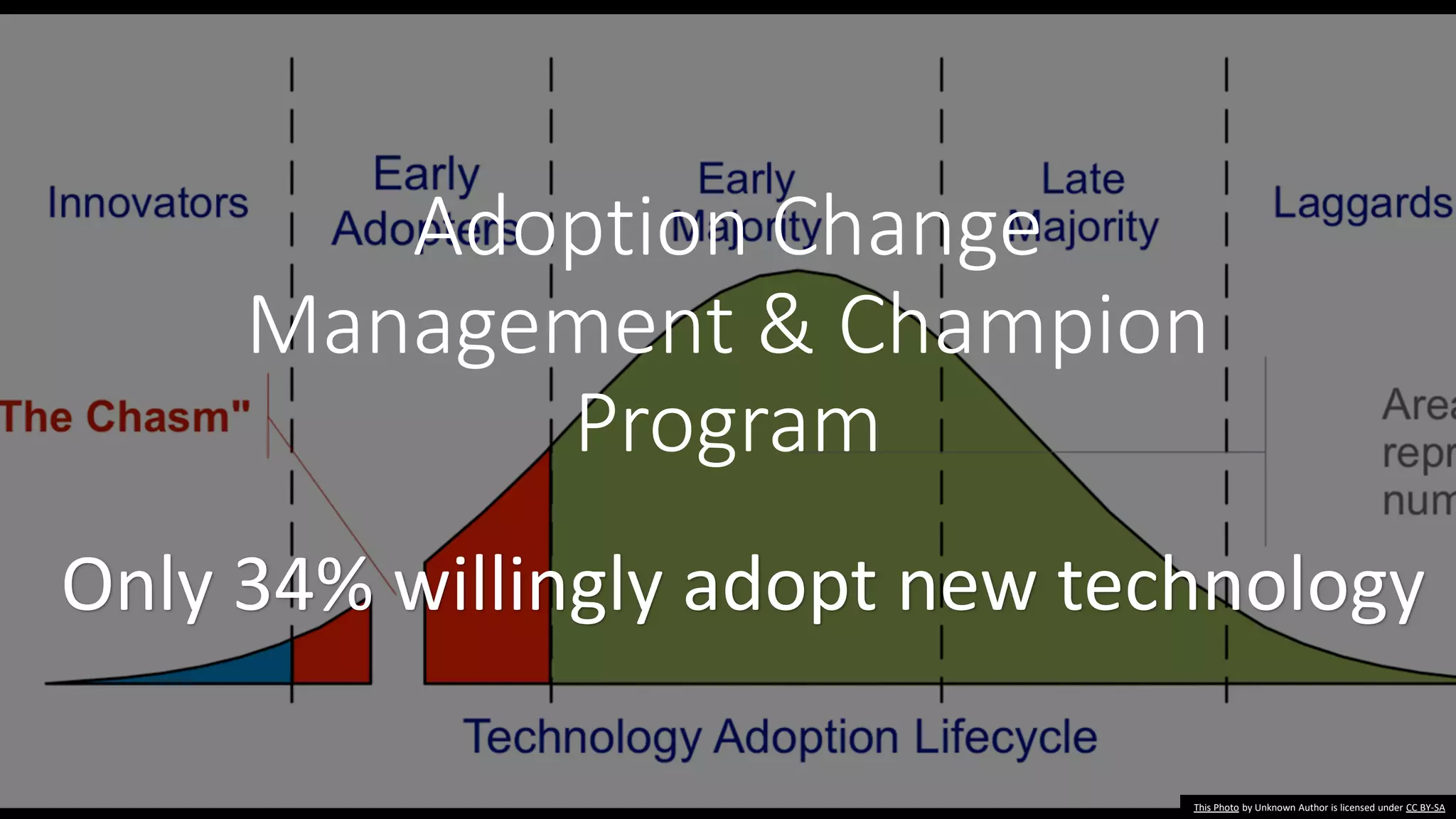
Adoption Change
Management & Champion
Program
This Photo by Unknown Author is licensed under CC BY-SA
Only 34% willingly adopt new technology
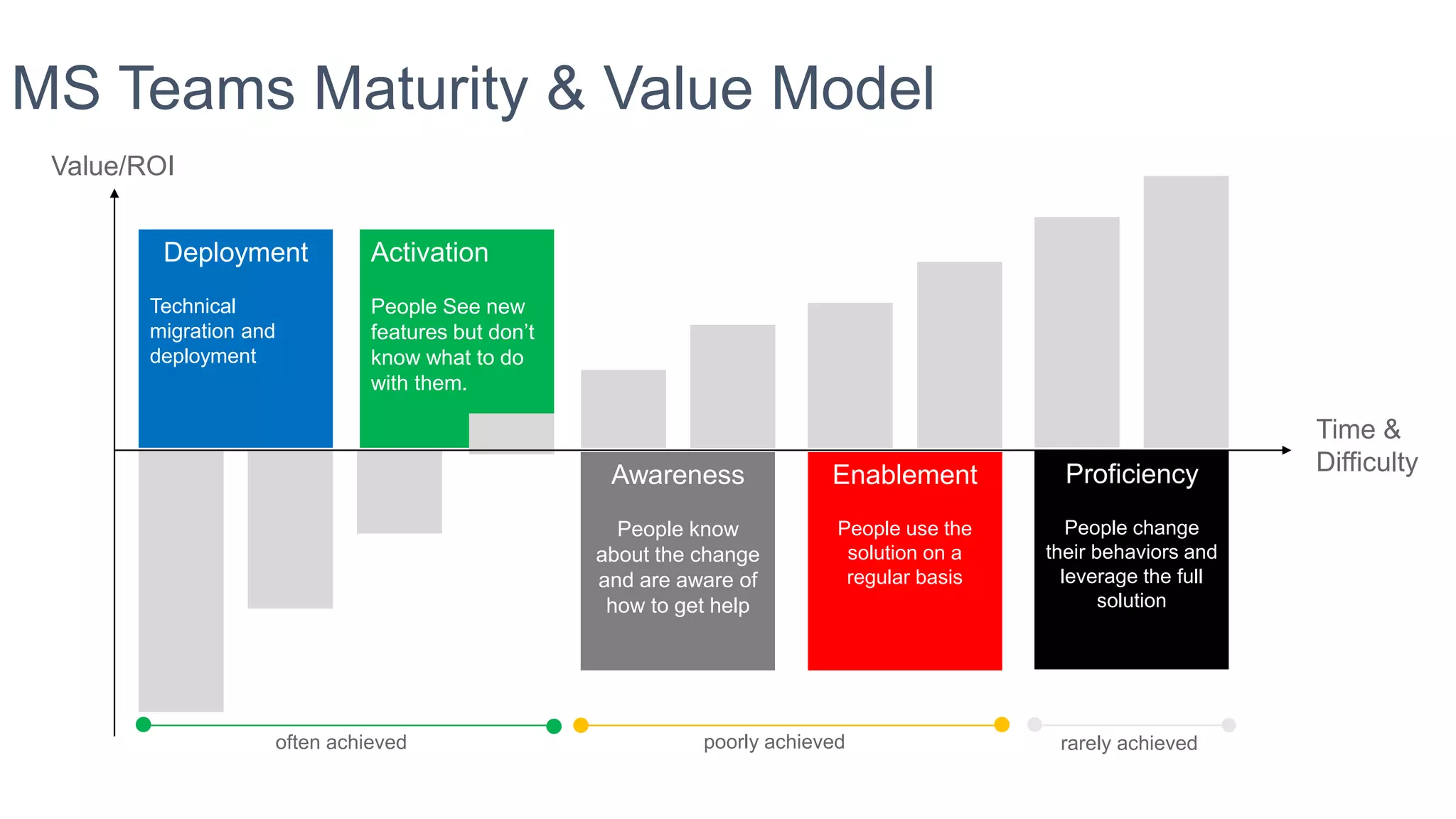
Deployment
Technical
migration and
deployment
Activation
People See new
features but don’t
know what to do
with them.
Awareness
People know
about the change
and are aware of
how to get help
Enablement
People use the
solution on a
regular basis
Proficiency
People change
their behaviors and
leverage the full
solution
MS Teams Maturity & Value Model
Value/ROI
Time &
Difficulty
often achieved poorly achieved rarely achieved
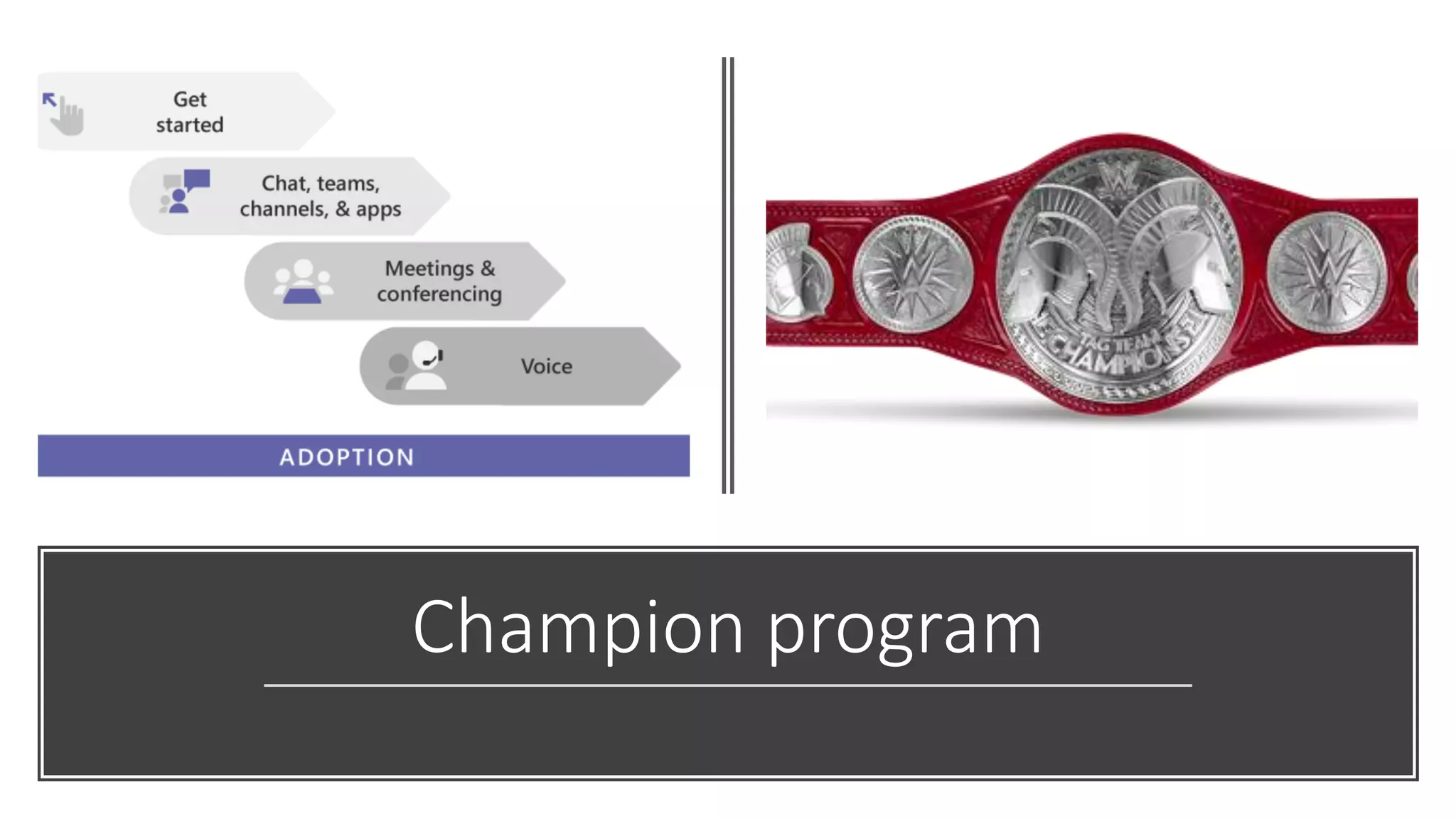
Champion program
Poll: How are
you using
Teams in Your
Organization?
•Project Teams
•Departmental Teams
•Executive Engagement
•Support – Screen Sharing
•Events - Live Video
This Photo by Unknown Author is licensed under CC BY
Poll: How do
you plan to
Use Teams in
the Future?
•Project Teams
•Departmental Teams
•Executive Engagement
•Support – Screen Sharing
•Events - Live Video
This Photo by Unknown Author is licensed under CC BY
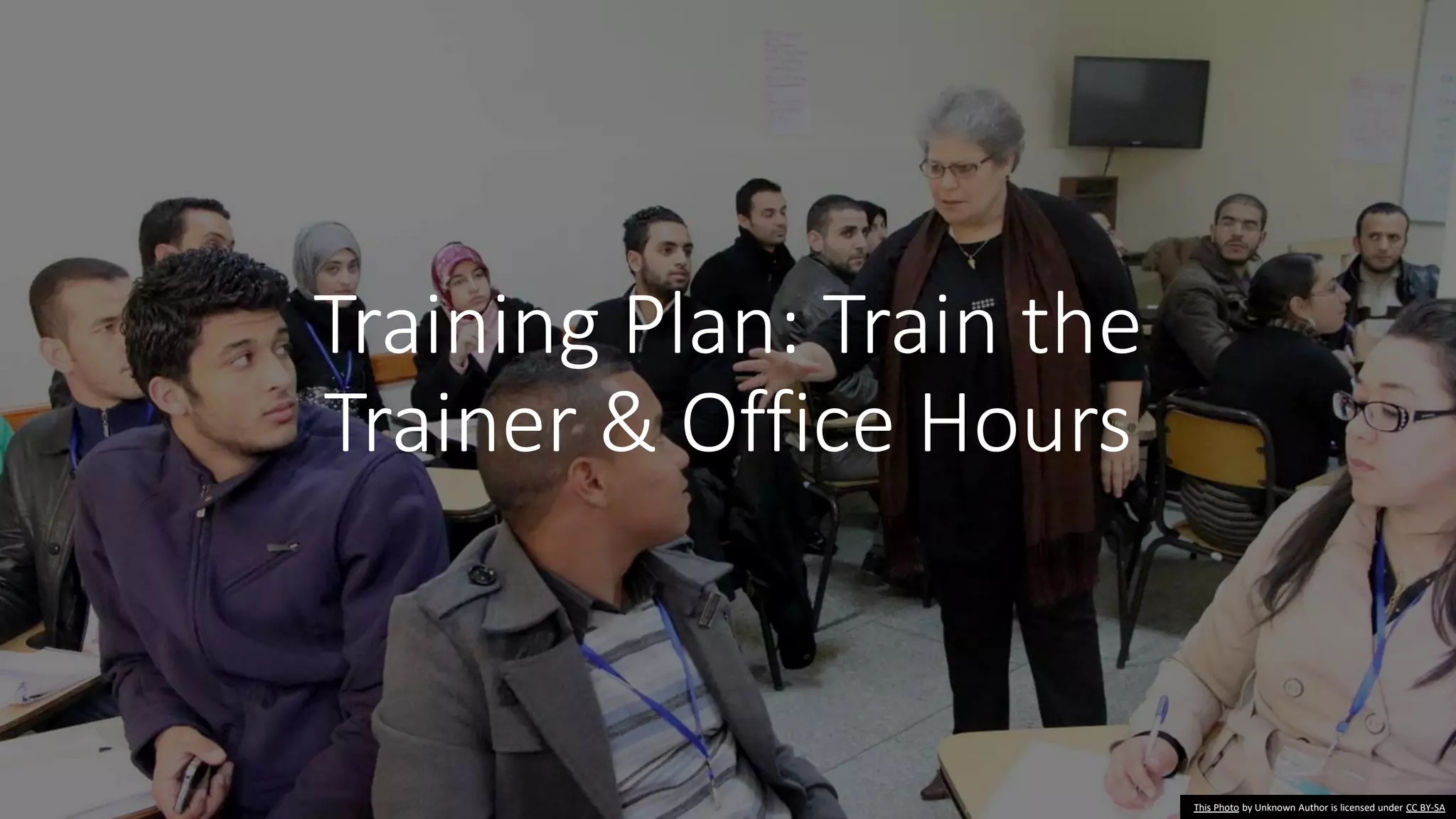
Training Plan: Train the
Trainer & Office Hours
This Photo by Unknown Author is licensed under CC BY-SA
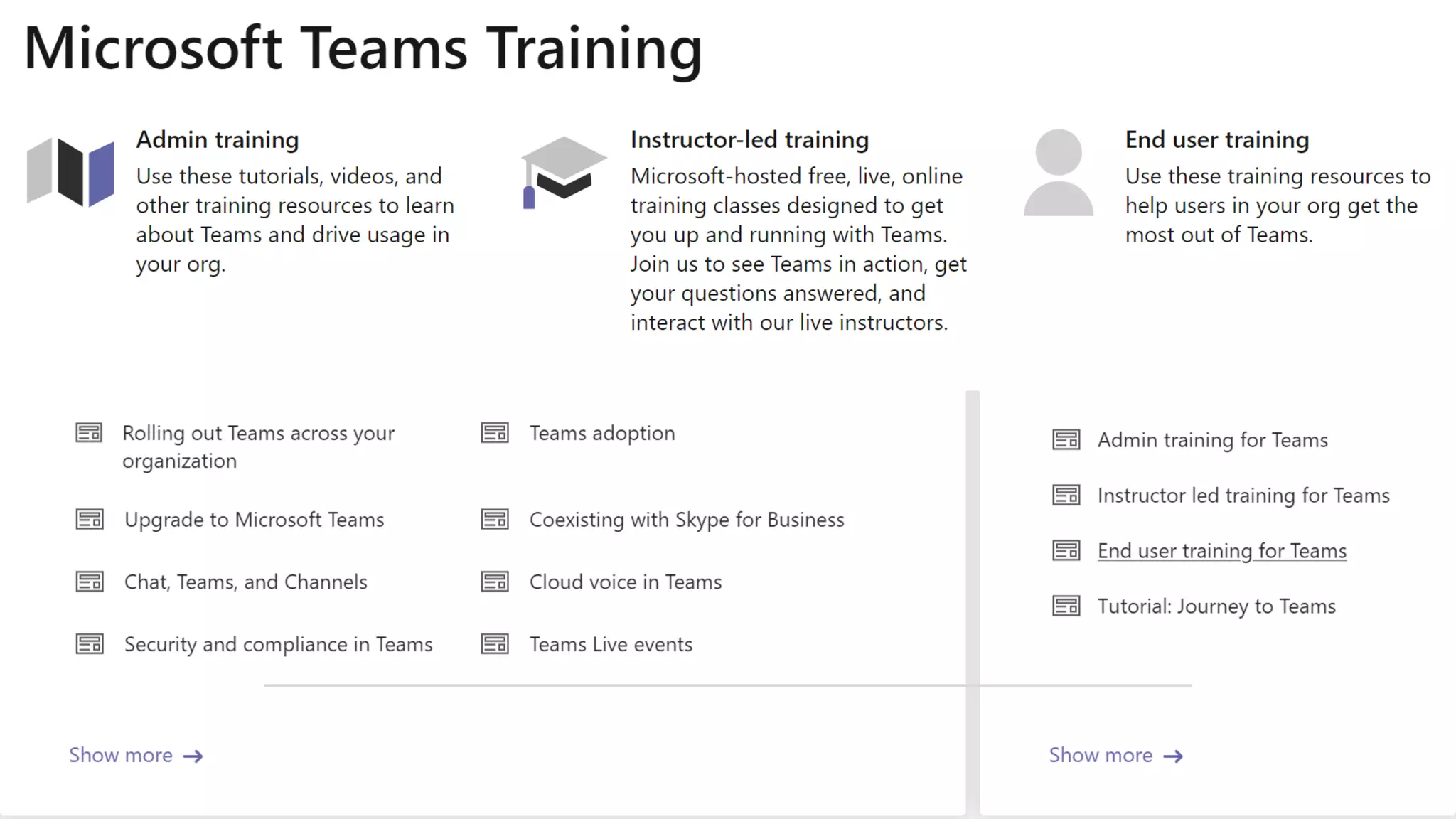
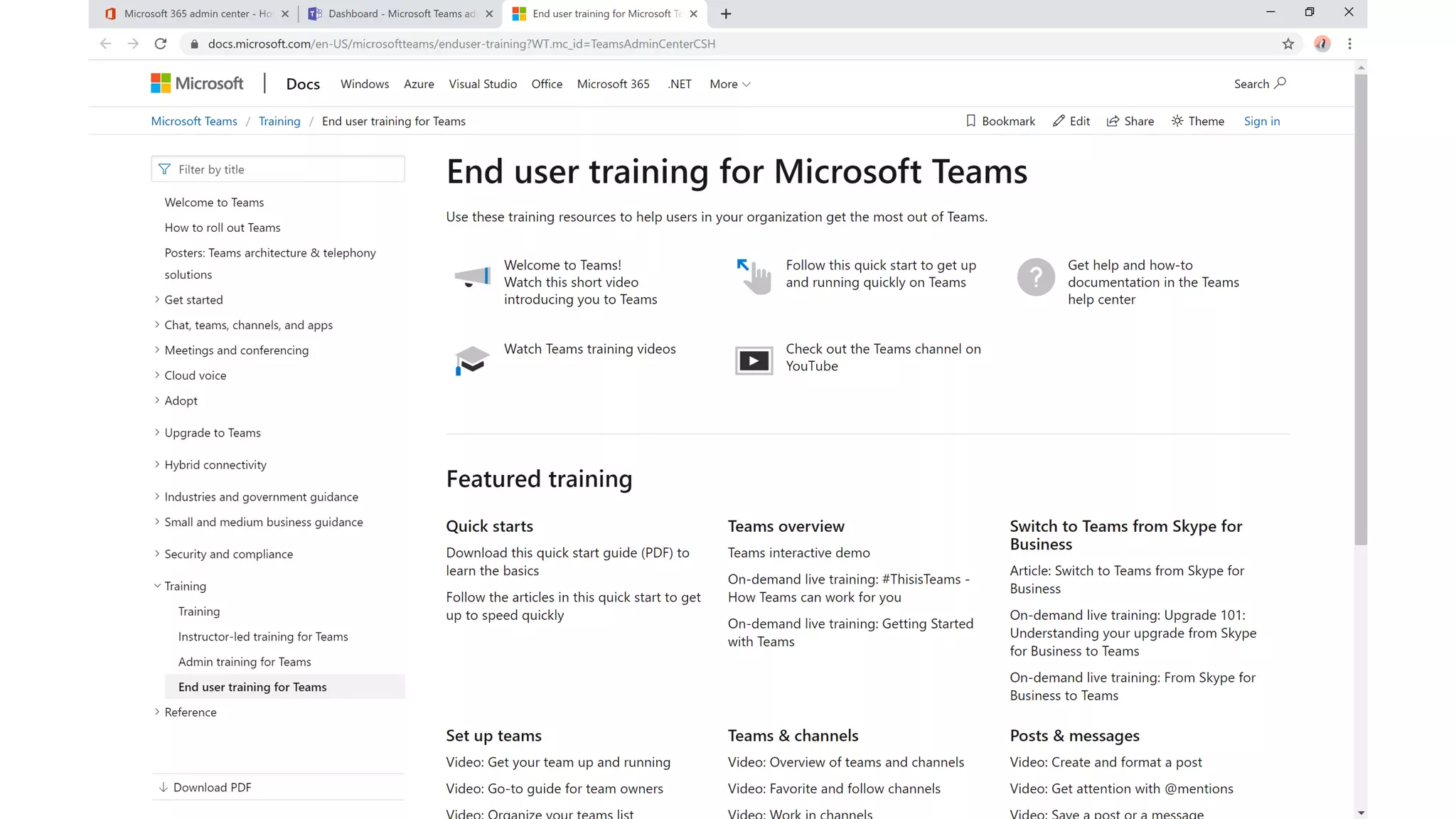
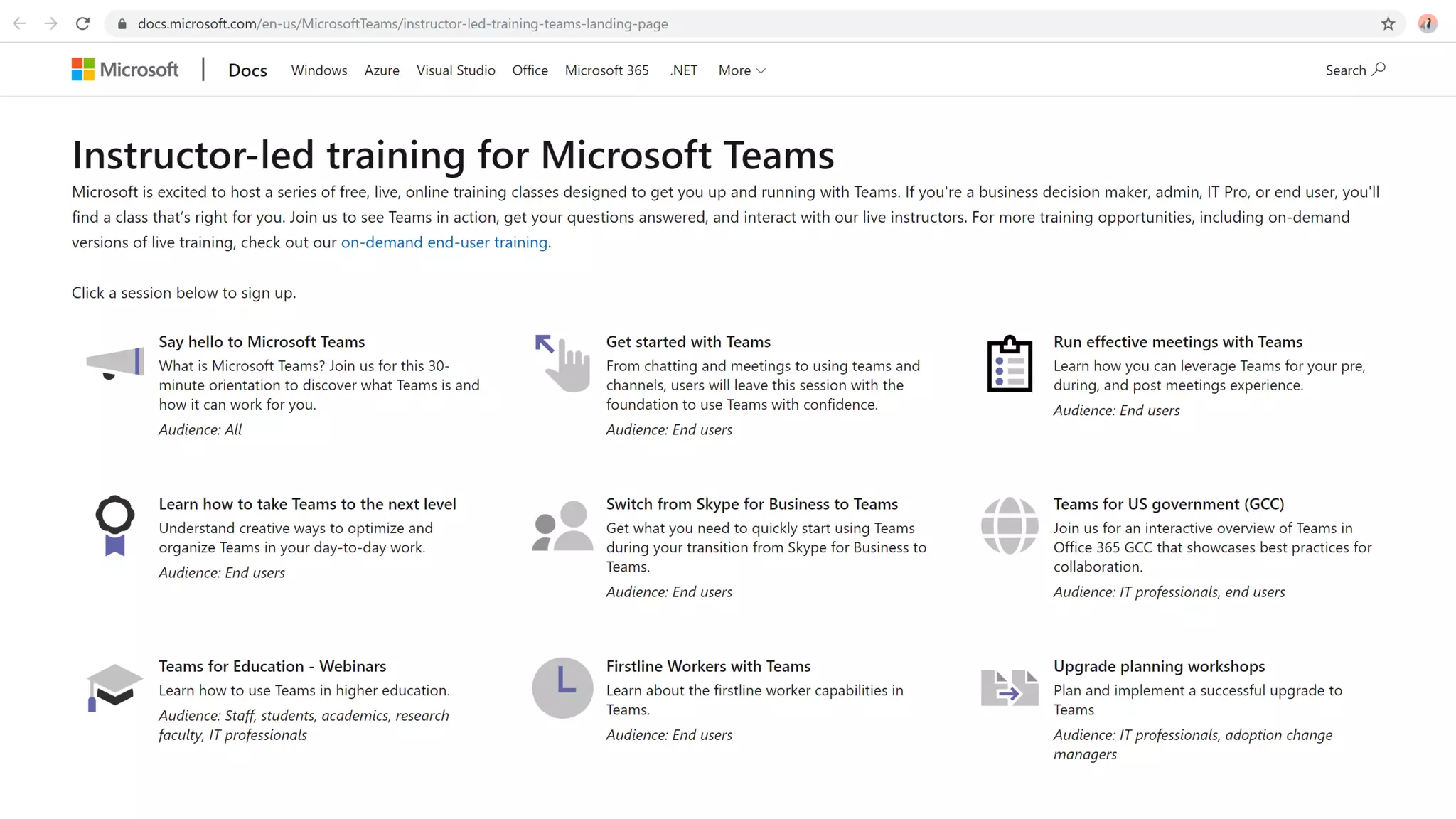
Training is in the box
Dev and App Plan
Personas, Team Stories
This Photo by Unknown Author is licensed under CC BY-NC-ND
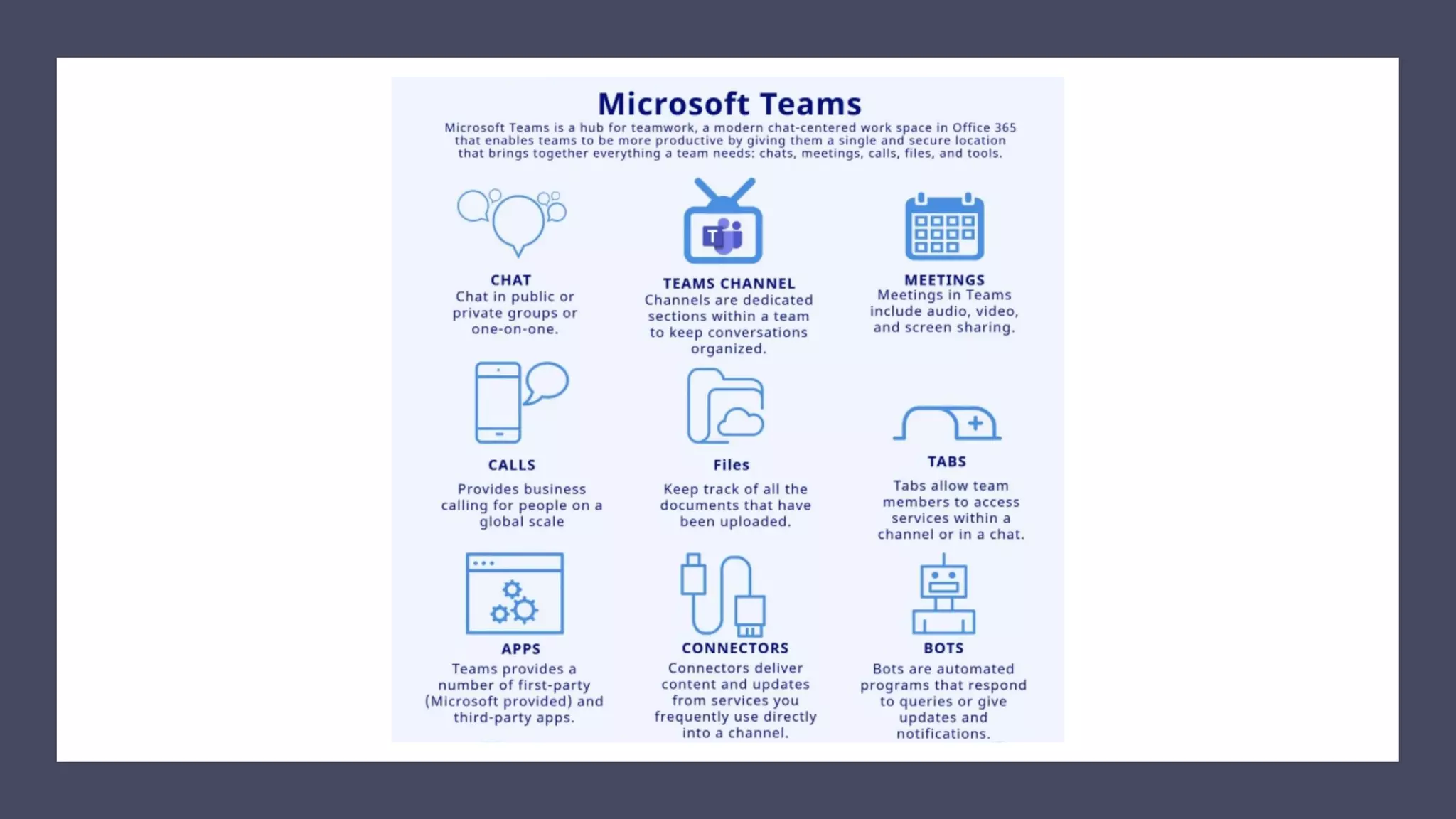
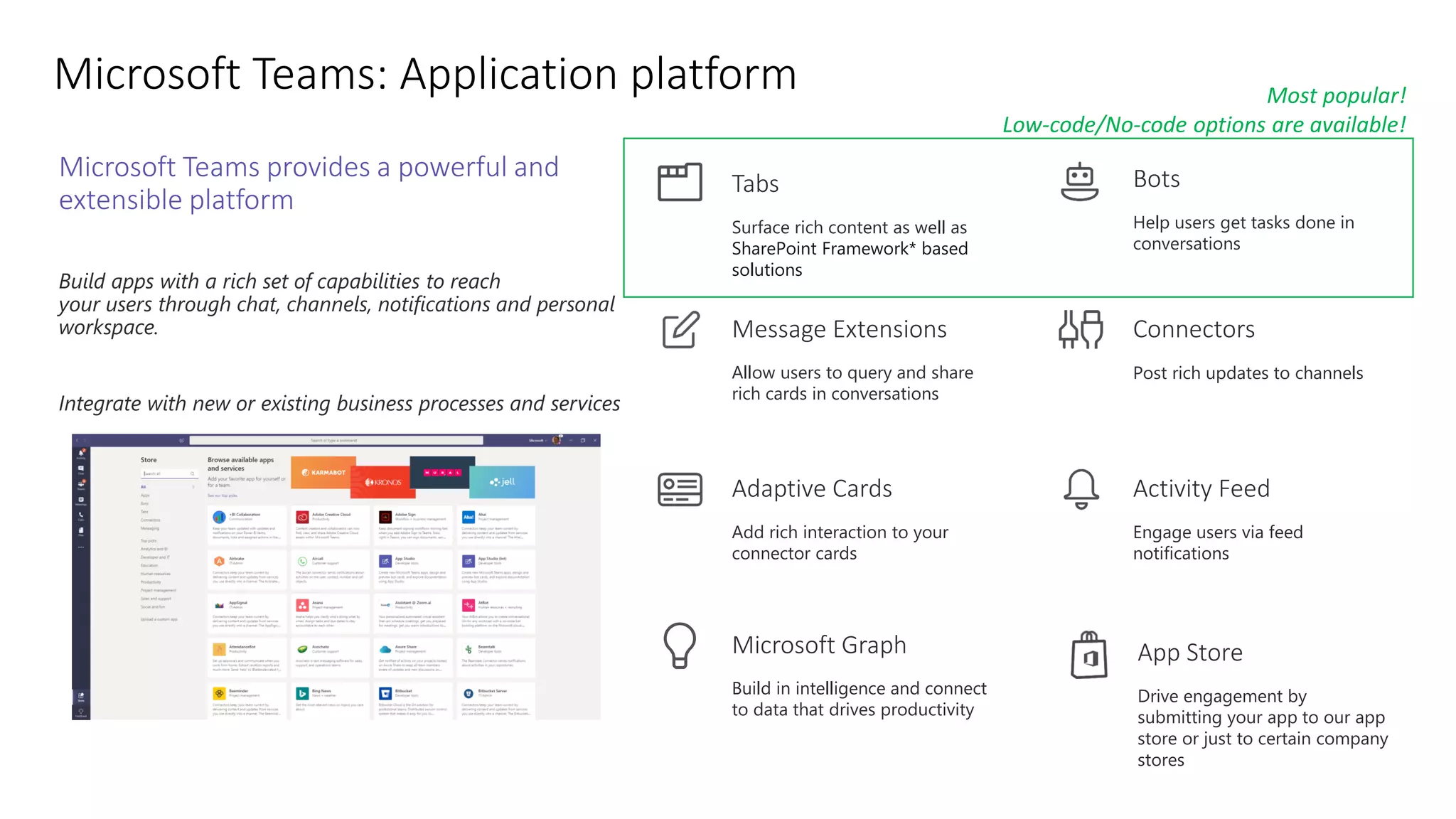
Microsoft Teams provides a powerful and
extensible platform
Build apps with a rich set of capabilities to reach
your users through chat, channels, notifications and personal
workspace.
Integrate with new or existing business processes and services
Connectors
Post rich updates to channels
Activity Feed
Engage users via feed
notifications
Bots
Help users get tasks done in
conversations
Adaptive Cards
Add rich interaction to your
connector cards
Message Extensions
Allow users to query and share
rich cards in conversations
Tabs
Surface rich content as well as
SharePoint Framework* based
solutions
Build in intelligence and connect
to data that drives productivity
Microsoft Graph App Store
Drive engagement by
submitting your app to our app
store or just to certain company
stores
Most popular!
Low-code/No-code options are available!
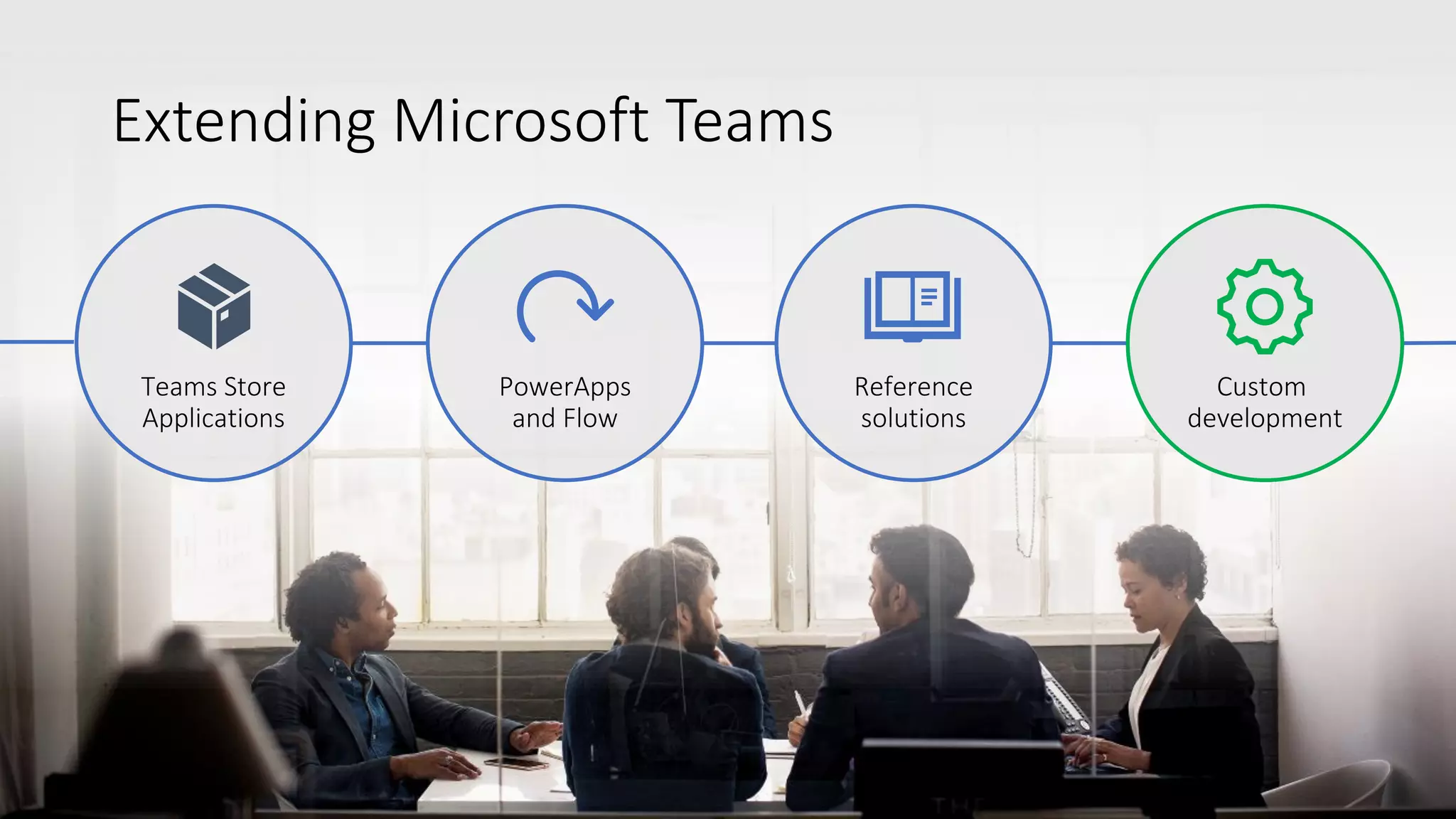
Reference
solutions
PowerApps
and Flow
Custom
development
Extending Microsoft Teams
Teams Store
Applications
Custom
development
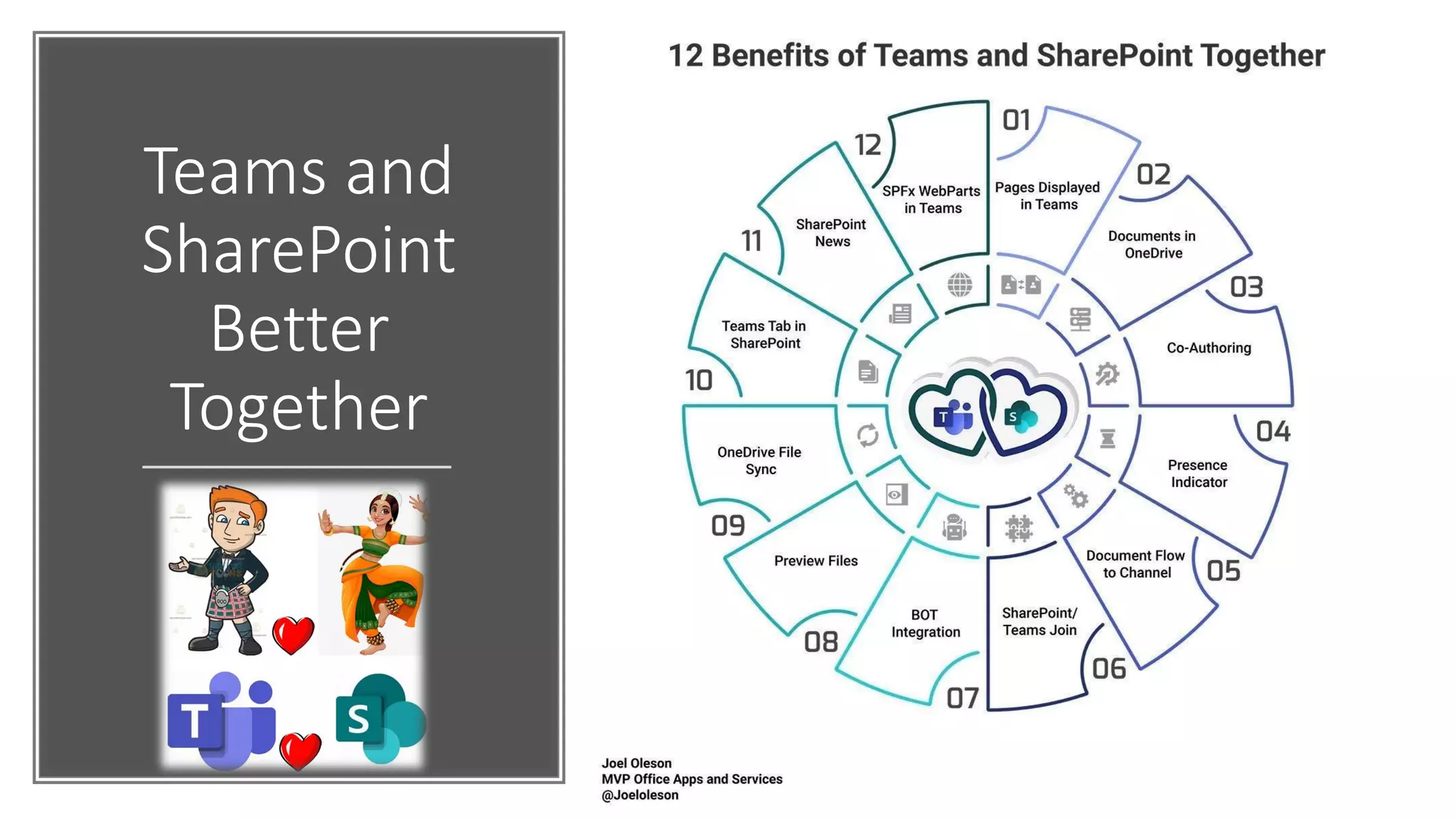
Teams and
SharePoint
Better
Together
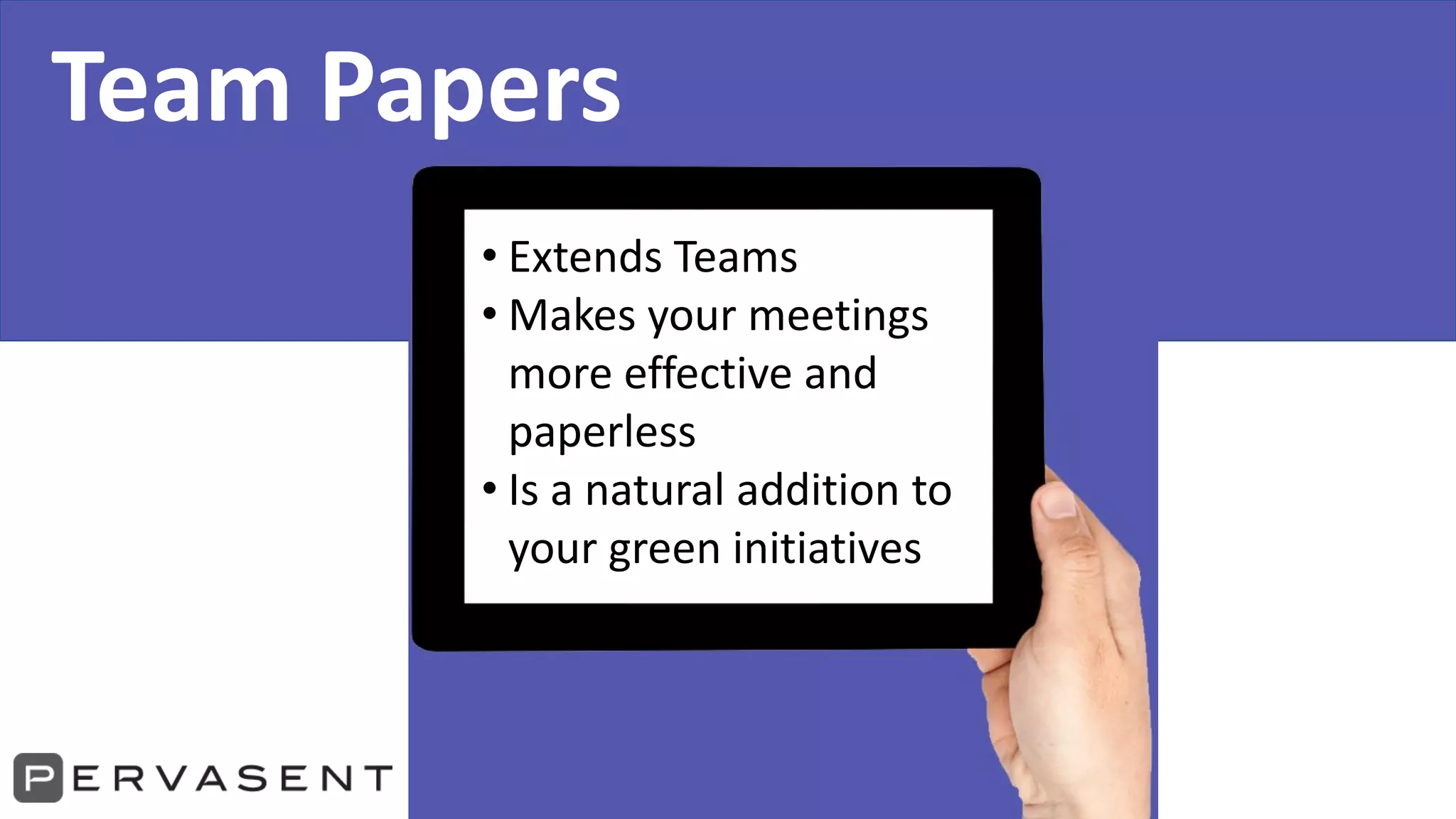
Team Papers
• Extends Teams
• Makes your meetings
more effective and
paperless
• Is a natural addition to
your green initiatives
People communicate
using documents
Reports for management meetings
Plans and schedules for projects
Datasheets and brochures for sales teams
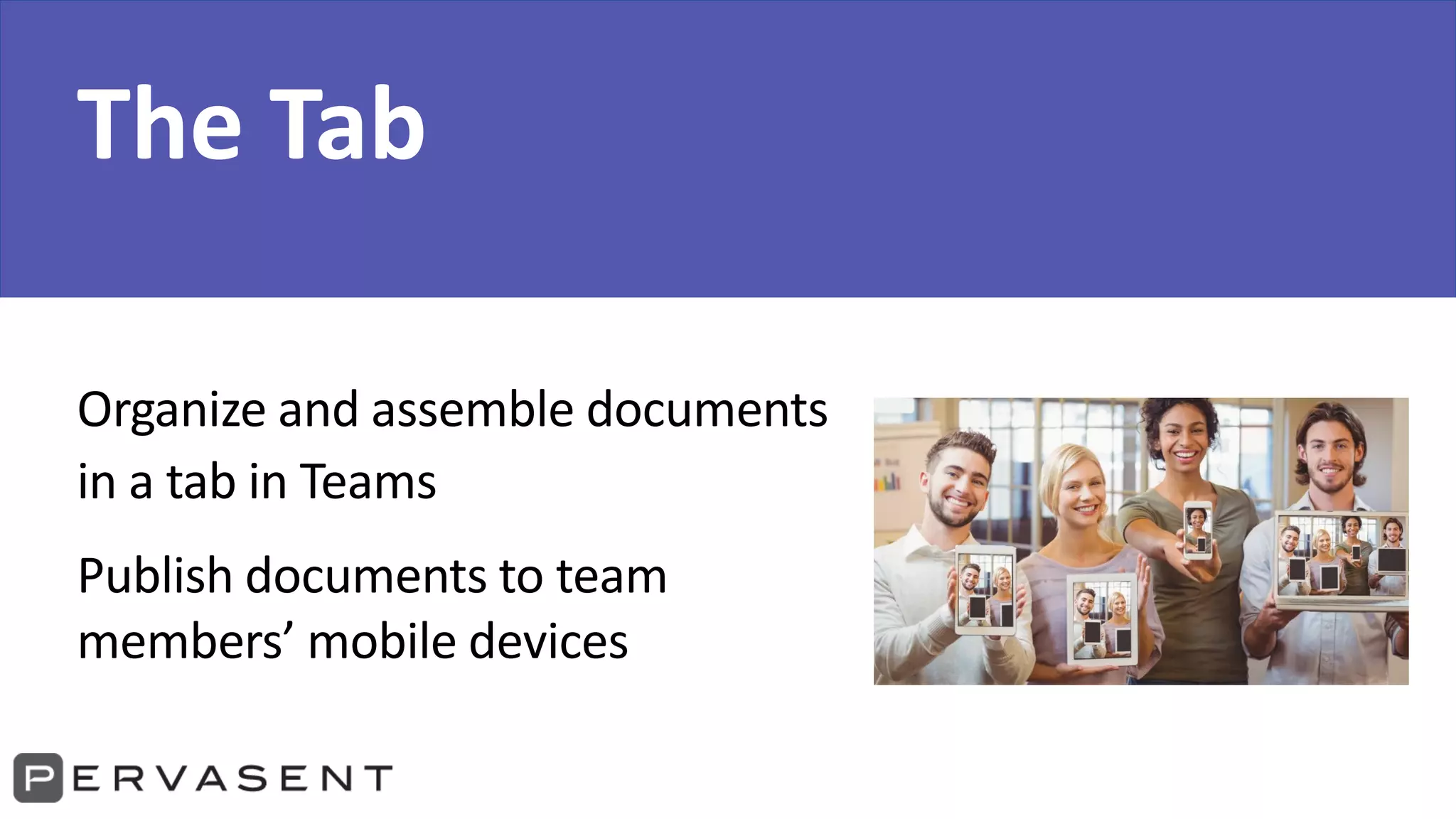
The Tab
Organize and assemble documents
in a tab in Teams
Publish documents to team
members’ mobile devices
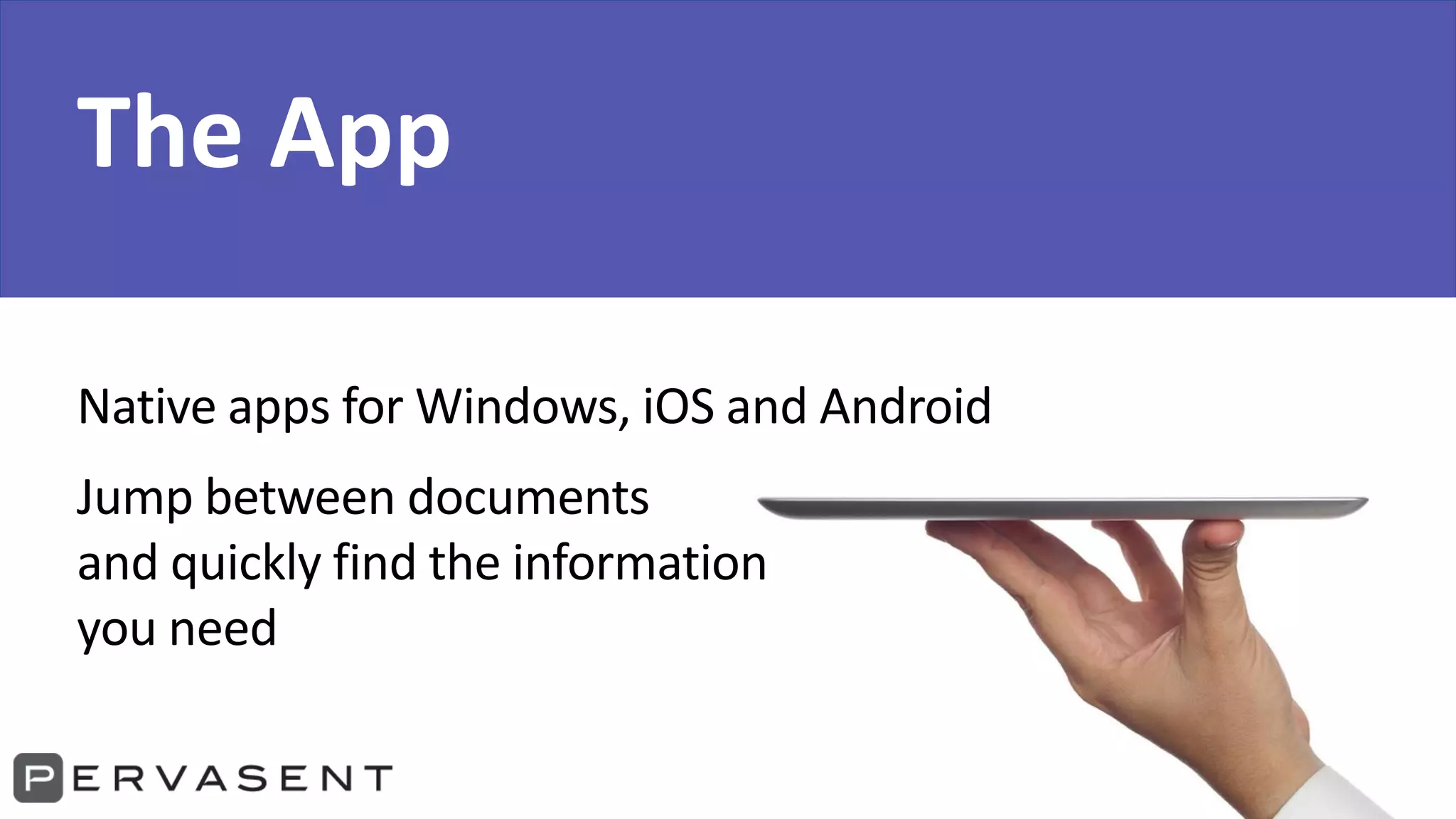
The App
Native apps for Windows, iOS and Android
Jump between documents
and quickly find the information
you need
Pervasent, Inc.
inquiry@pervasent.com
1 510.903.1001
www.pervasent.com
Joel Oleson
Joel.Oleson@Perficient.com
Linkedin.com/in/joeloleson
@joeloleson
Let’s Connect!
Join Joel:
MS Teams Modern Workplace &
Adoption Summit Irvine MTC
bit.ly/teamssummit
October 23

Microsoft Teams 7 Key Concepts for Planning and Strategy for Success

  • 1.
    Microsoft Teams 7 KeyConcepts for Planning & Strategy Joel Oleson, MVP & RD Director, Perficient @joeloleson Howard Fields Pervasent
  • 2.
    Teams the fastest growing enterpriseapp in history… How will it grow in your org?
  • 3.
    Poll: Where are youin your Teams Adoption •Using Skype but plan to migrate •Using Skype & Teams •Pilot of Teams •Teams for Unified Communications and Collaboration •Not Started This Photo by Unknown Author is licensed under CC BY
  • 4.
    7 Critical Elementsfor Digital Workplace Planning Strategy Clear Vision, Roadmap & Business Goals Exec Sponsor & Engagement Governance Plan Quality Metrics KPIs Clear Business Outcomes Adoption Change Management + Champions Training Plan & Office Hours AppDev Plan: Personas and User Stories
  • 5.
    Clear Vision, Roadmapand Goals This Photo by Unknown Author is licensed under CC BY-SA-NC
  • 6.
    Don’t shortchange yourTeams deployment @joeloleson
  • 7.
    Vision of theTeams platform
  • 8.
    The future ofdigital working will offer tools that let us tie communications, content, tasks, applications, collaborative work and other elements together around work streams. – Efraim Freed 2015
  • 9.
  • 11.
    Digital Transformation & DigitalWorkspace Hub Modern Intranet UC: Voice, Video, Comms Documents & Files Modern Content Services SAAS and XaaS Services Modern Chatbot HR & Service Desk Predictive Global Search Communication Collaboration Engagement AI and ML Line of Business – Business Process IoT Analytics Alerting & Monitoring
  • 12.
    Governance Plan: Provisioning, Lifecycle,Offboarding, Security & Compliance, Data Loss Prevention, RACI (This is not just a document…) This Photo by Unknown Author is licensed under CC BY-SA-NC
  • 13.
    Chaos by default… Governancecritical to success… • Who can create a Team? • How do we intend to use Teams? • What should NOT be used or connected to Teams? • How long should they exist before archived or validated? • Naming conventions? • Teams templates? • Who owns the platform? Who owns the data? RACI required. • What if a flow could create and validate services, security, auditing, DLP policies blocks and warnings, and usage reporting? • How should a Team be provisioned? Powershell, UX, Admin, Graph • How are new features rolled out and discovered or disabled who is watching? This Photo by Unknown Author is licensed under CC BY-SA-NC
  • 14.
  • 20.
    Success Criteria &Metrics Desired Outcomes This Photo by Unknown Author is licensed under CC BY-NC
  • 23.
    Adoption Change Management &Champion Program This Photo by Unknown Author is licensed under CC BY-SA Only 34% willingly adopt new technology
  • 24.
    Deployment Technical migration and deployment Activation People Seenew features but don’t know what to do with them. Awareness People know about the change and are aware of how to get help Enablement People use the solution on a regular basis Proficiency People change their behaviors and leverage the full solution MS Teams Maturity & Value Model Value/ROI Time & Difficulty often achieved poorly achieved rarely achieved
  • 25.
  • 26.
    Poll: How are youusing Teams in Your Organization? •Project Teams •Departmental Teams •Executive Engagement •Support – Screen Sharing •Events - Live Video This Photo by Unknown Author is licensed under CC BY
  • 27.
    Poll: How do youplan to Use Teams in the Future? •Project Teams •Departmental Teams •Executive Engagement •Support – Screen Sharing •Events - Live Video This Photo by Unknown Author is licensed under CC BY
  • 28.
    Training Plan: Trainthe Trainer & Office Hours This Photo by Unknown Author is licensed under CC BY-SA
  • 29.
  • 32.
    Dev and AppPlan Personas, Team Stories This Photo by Unknown Author is licensed under CC BY-NC-ND
  • 33.
    Microsoft Teams providesa powerful and extensible platform Build apps with a rich set of capabilities to reach your users through chat, channels, notifications and personal workspace. Integrate with new or existing business processes and services Connectors Post rich updates to channels Activity Feed Engage users via feed notifications Bots Help users get tasks done in conversations Adaptive Cards Add rich interaction to your connector cards Message Extensions Allow users to query and share rich cards in conversations Tabs Surface rich content as well as SharePoint Framework* based solutions Build in intelligence and connect to data that drives productivity Microsoft Graph App Store Drive engagement by submitting your app to our app store or just to certain company stores Most popular! Low-code/No-code options are available!
  • 34.
  • 35.
  • 36.
    Team Papers • ExtendsTeams • Makes your meetings more effective and paperless • Is a natural addition to your green initiatives
  • 37.
    People communicate using documents Reportsfor management meetings Plans and schedules for projects Datasheets and brochures for sales teams
  • 38.
    The Tab Organize andassemble documents in a tab in Teams Publish documents to team members’ mobile devices
  • 39.
    The App Native appsfor Windows, iOS and Android Jump between documents and quickly find the information you need
  • 40.
    Pervasent, Inc. inquiry@pervasent.com 1 510.903.1001 www.pervasent.com JoelOleson Joel.Oleson@Perficient.com Linkedin.com/in/joeloleson @joeloleson Let’s Connect! Join Joel: MS Teams Modern Workplace & Adoption Summit Irvine MTC bit.ly/teamssummit October 23