

Windows 11
Enterprise
David J. Rosenthal
VP, Digital Business
July 19, 2021
Designed for
hybrid work
The pandemic is driving an
increased need for agility
and resilience
Maintain productivity at
pre-pandemic levels
while working from home
Reduce barriers to
collaboration
Protect corporate data and
endpoints from malware and
ransomware
Deliver consistent workplace
equipment and services for
remote work
Introducing Windows 11
Windows 11 was built to
help employees and teams
focus on what is important:
getting the job done and
efficiently communicate
and collaborate.
Windows 11 is smart about
how to achieve these goals
that are so important for a
hybrid workstyle.
Windows 11 is an evolution
of Windows 10. It is fresh,
but also consistent for your
employees, and IT.
It delivers the security and
management needed for
hybrid work. And can be
deployed alongside
Windows 10 devices
without interrupting the
business.
SIZZLE VIDEO
Productive
Improve productivity and
focus with a simple,
powerful user experience.
Designed for hybrid work
Collaborative
A smarter way to
collaborate with Microsoft
Teams integration.
Secure
Ready for Zero Trust, to
protect data and secure
access, anywhere.
Consistent
App compatibility and cloud
management make
adoption easy.
Work smarter with a
simple, powerful user
experience
Productive
Productive
Simple, modern visuals
Windows visuals to delight
and focus on what matters.
Snap assist
Automatically keep your
window layouts saved in
perfect arrangement.
Widgets
Stay on top of what’s
important with personalized
aggregated content.
Integrated voice typing
Effortlessly type a document
or write an email without a
keyboard.
Great tablet experience
Voice Typing: requires a PC with a microphone
A smarter way to
collaborate with Microsoft
Teams integration
Collaborative
Collaborate
Share a window while in a
meeting
Share any window from
the Taskbar while in a call or
in a meeting.
Inclusive video
conferencing
Turn microphone on and off
right from the taskbar so
everyone’s voice is heard.
Keep the background in the
background with intelligent
noise cancelling and blur.
Some features require a commercial Microsoft 365 subscription service
Intelligent Video Conferencing requires video camera, microphone and speaker (audio output)
Mute/Unmute from Taskbar, requires video camera, microphone, and speaker (audio output). App must be compatible with feature to enable global mute/unmute
Protect data and secure
identities in a zero-trust
world
Secure
Secure
The most secure Windows
yet
Increased protection with
built-in security and
hardware-based isolation
Company PCs for remote
workers
Ship the employee
corporate owned
devices that is locked to
policy
Forget passwords, go
passwordless.
Convenient, secure, single
sign-on with Windows
Hello for Business.
Some features require a new PC or a clean install of the OS
Some features require a commercial Microsoft 365 subscription service
Windows Hello requires a camera configured for near infrared (IR) imaging or fingerprint reader for biometric authentication. Devices without biometric sensors can
use Windows Hello with a PIN or portable FIDO2 compatible security key
Servicing and management
is consistent with Windows
10 to help you move
forward.
Consistent
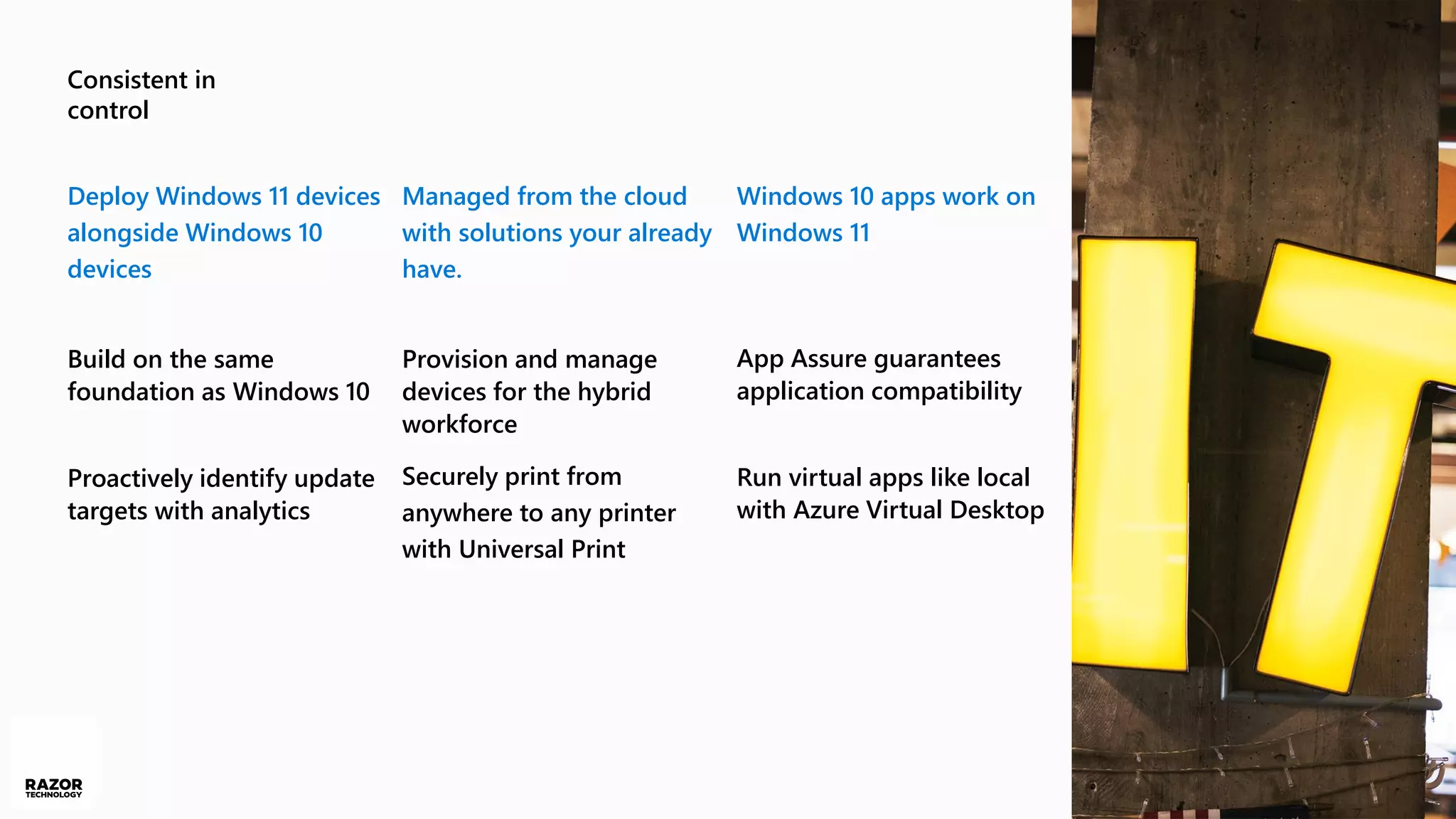
Consistent in
control
Deploy Windows 11 devices
alongside Windows 10
devices
Build on the same
foundation as Windows 10
Proactively identify update
targets with analytics
Managed from the cloud
with solutions your already
have.
Provision and manage
devices for the hybrid
workforce
Securely print from
anywhere to any printer
with Universal Print
Windows 10 apps work on
Windows 11
App Assure guarantees
application compatibility
Run virtual apps like local
with Azure Virtual Desktop
Get started
today
A process you know
Plan
Collect data and generate
insights to plan the path
forward.
Prepare
Use your device refresh
cycle to bring in new
Windows 11 ready devices.
Deploy
Deploy Windows 11 devices
alongside Windows 10
devices.
Get started today through the Windows Insider Program
for Business.
Prepare by embracing modern management with
Microsoft Endpoint Manager.
Refresh hardware with Windows 11 ready devices
available now.
Applications that work on Windows 10 work on
Windows 11. Engage App Assure to help solve application
compatibility issues.
Engage with Microsoft and our partners to craft your
path to Windows 11.
Best practices
Thank you
Consistent Windows
Enterprise value
Features and entitlements available in Windows
Enterprise subscriptions
36 months extended
servicing
Cloud activation
Universal Print
Endpoint Analytics
proactive remediation
Windows Update for
Business deployment
service
Diagnostics data controls
Microsoft Desktop
Optimization Pack
Windows Update Health in
Microsoft 365 admin
center
Modern BitLocker
Management
Application Guard for Edge
Application Control
Credential Guard
DirectAccess and Always-
On VPN (device tunnel)
Windows Secure Score
Entitlements
Azure Virtual Desktop
Microsoft FastTrack
App Assure
Windows licensing
Windows Enterprise 10 & 11
No changes to Enterprise
licensing.
Windows Servicing
Windows 10
Windows 10 21H2
supported though 10/25
Windows 11
General Availability holiday
‘21
One yearly feature update
in the second half of the
year supported for 36
months
Resources
Blogs
Announcement Blog
aka.ms/Windows/blog009
Microsoft 365 Blog
aka.ms/Windows/blog001
Test Base for Microsoft 365
aka.ms/Windows/blog007
Security Blog
aka.ms/Windows/blog010
Windows 11 for IT Blog
aka.ms/Windows/blog002
Windows 11 Servicing Blog
aka.ms/Windows/blog003
Windows Insider Blog
aka.ms/Windows/blog004
Office Insider Blog
aka.ms/Windows/blog005
Universal Print what’s new
aka.ms/Windows/blog006
Docs.microsoft.com
What's new
aka.ms/Windows/docs001
Requirements
aka.ms/Windows/docs002
Plan for Windows 11
aka.ms/Windows/docs003
Prepare for Windows 11
aka.ms/Windows/docs004
Microsoft.com
Announcement
aka.ms/Windows/web003
Windows 11 Enterprise page
aka.ms/Windows/web001
Windows 11 Pro page
aka.ms/Windows/web002
866.797.3282 | Razor-tech.com
David Rosenthal
VP & General Manager
Digital Business
@DavidJRosenthal
SlideShare

Windows 11 for the Enterprise

  • 1.
    Windows 11 Enterprise David J.Rosenthal VP, Digital Business July 19, 2021
  • 2.
  • 4.
    The pandemic isdriving an increased need for agility and resilience Maintain productivity at pre-pandemic levels while working from home Reduce barriers to collaboration Protect corporate data and endpoints from malware and ransomware Deliver consistent workplace equipment and services for remote work
  • 5.
    Introducing Windows 11 Windows11 was built to help employees and teams focus on what is important: getting the job done and efficiently communicate and collaborate. Windows 11 is smart about how to achieve these goals that are so important for a hybrid workstyle. Windows 11 is an evolution of Windows 10. It is fresh, but also consistent for your employees, and IT. It delivers the security and management needed for hybrid work. And can be deployed alongside Windows 10 devices without interrupting the business.
  • 6.
  • 7.
    Productive Improve productivity and focuswith a simple, powerful user experience. Designed for hybrid work Collaborative A smarter way to collaborate with Microsoft Teams integration. Secure Ready for Zero Trust, to protect data and secure access, anywhere. Consistent App compatibility and cloud management make adoption easy.
  • 8.
    Work smarter witha simple, powerful user experience Productive
  • 9.
    Productive Simple, modern visuals Windowsvisuals to delight and focus on what matters. Snap assist Automatically keep your window layouts saved in perfect arrangement. Widgets Stay on top of what’s important with personalized aggregated content. Integrated voice typing Effortlessly type a document or write an email without a keyboard. Great tablet experience Voice Typing: requires a PC with a microphone
  • 10.
    A smarter wayto collaborate with Microsoft Teams integration Collaborative
  • 11.
    Collaborate Share a windowwhile in a meeting Share any window from the Taskbar while in a call or in a meeting. Inclusive video conferencing Turn microphone on and off right from the taskbar so everyone’s voice is heard. Keep the background in the background with intelligent noise cancelling and blur. Some features require a commercial Microsoft 365 subscription service Intelligent Video Conferencing requires video camera, microphone and speaker (audio output) Mute/Unmute from Taskbar, requires video camera, microphone, and speaker (audio output). App must be compatible with feature to enable global mute/unmute
  • 12.
    Protect data andsecure identities in a zero-trust world Secure
  • 13.
    Secure The most secureWindows yet Increased protection with built-in security and hardware-based isolation Company PCs for remote workers Ship the employee corporate owned devices that is locked to policy Forget passwords, go passwordless. Convenient, secure, single sign-on with Windows Hello for Business. Some features require a new PC or a clean install of the OS Some features require a commercial Microsoft 365 subscription service Windows Hello requires a camera configured for near infrared (IR) imaging or fingerprint reader for biometric authentication. Devices without biometric sensors can use Windows Hello with a PIN or portable FIDO2 compatible security key
  • 14.
    Servicing and management isconsistent with Windows 10 to help you move forward. Consistent
  • 15.
    Consistent in control Deploy Windows11 devices alongside Windows 10 devices Build on the same foundation as Windows 10 Proactively identify update targets with analytics Managed from the cloud with solutions your already have. Provision and manage devices for the hybrid workforce Securely print from anywhere to any printer with Universal Print Windows 10 apps work on Windows 11 App Assure guarantees application compatibility Run virtual apps like local with Azure Virtual Desktop
  • 16.
  • 17.
    A process youknow Plan Collect data and generate insights to plan the path forward. Prepare Use your device refresh cycle to bring in new Windows 11 ready devices. Deploy Deploy Windows 11 devices alongside Windows 10 devices.
  • 18.
    Get started todaythrough the Windows Insider Program for Business. Prepare by embracing modern management with Microsoft Endpoint Manager. Refresh hardware with Windows 11 ready devices available now. Applications that work on Windows 10 work on Windows 11. Engage App Assure to help solve application compatibility issues. Engage with Microsoft and our partners to craft your path to Windows 11. Best practices
  • 19.
  • 20.
    Consistent Windows Enterprise value Featuresand entitlements available in Windows Enterprise subscriptions 36 months extended servicing Cloud activation Universal Print Endpoint Analytics proactive remediation Windows Update for Business deployment service Diagnostics data controls Microsoft Desktop Optimization Pack Windows Update Health in Microsoft 365 admin center Modern BitLocker Management Application Guard for Edge Application Control Credential Guard DirectAccess and Always- On VPN (device tunnel) Windows Secure Score Entitlements Azure Virtual Desktop Microsoft FastTrack App Assure Windows licensing Windows Enterprise 10 & 11 No changes to Enterprise licensing. Windows Servicing Windows 10 Windows 10 21H2 supported though 10/25 Windows 11 General Availability holiday ‘21 One yearly feature update in the second half of the year supported for 36 months
  • 21.
    Resources Blogs Announcement Blog aka.ms/Windows/blog009 Microsoft 365Blog aka.ms/Windows/blog001 Test Base for Microsoft 365 aka.ms/Windows/blog007 Security Blog aka.ms/Windows/blog010 Windows 11 for IT Blog aka.ms/Windows/blog002 Windows 11 Servicing Blog aka.ms/Windows/blog003 Windows Insider Blog aka.ms/Windows/blog004 Office Insider Blog aka.ms/Windows/blog005 Universal Print what’s new aka.ms/Windows/blog006 Docs.microsoft.com What's new aka.ms/Windows/docs001 Requirements aka.ms/Windows/docs002 Plan for Windows 11 aka.ms/Windows/docs003 Prepare for Windows 11 aka.ms/Windows/docs004 Microsoft.com Announcement aka.ms/Windows/web003 Windows 11 Enterprise page aka.ms/Windows/web001 Windows 11 Pro page aka.ms/Windows/web002
  • 22.
    866.797.3282 | Razor-tech.com DavidRosenthal VP & General Manager Digital Business @DavidJRosenthal SlideShare