


Microsoft Teams
The hub for teamwork in Office 365
MyDock365.com
info@mydock365.com
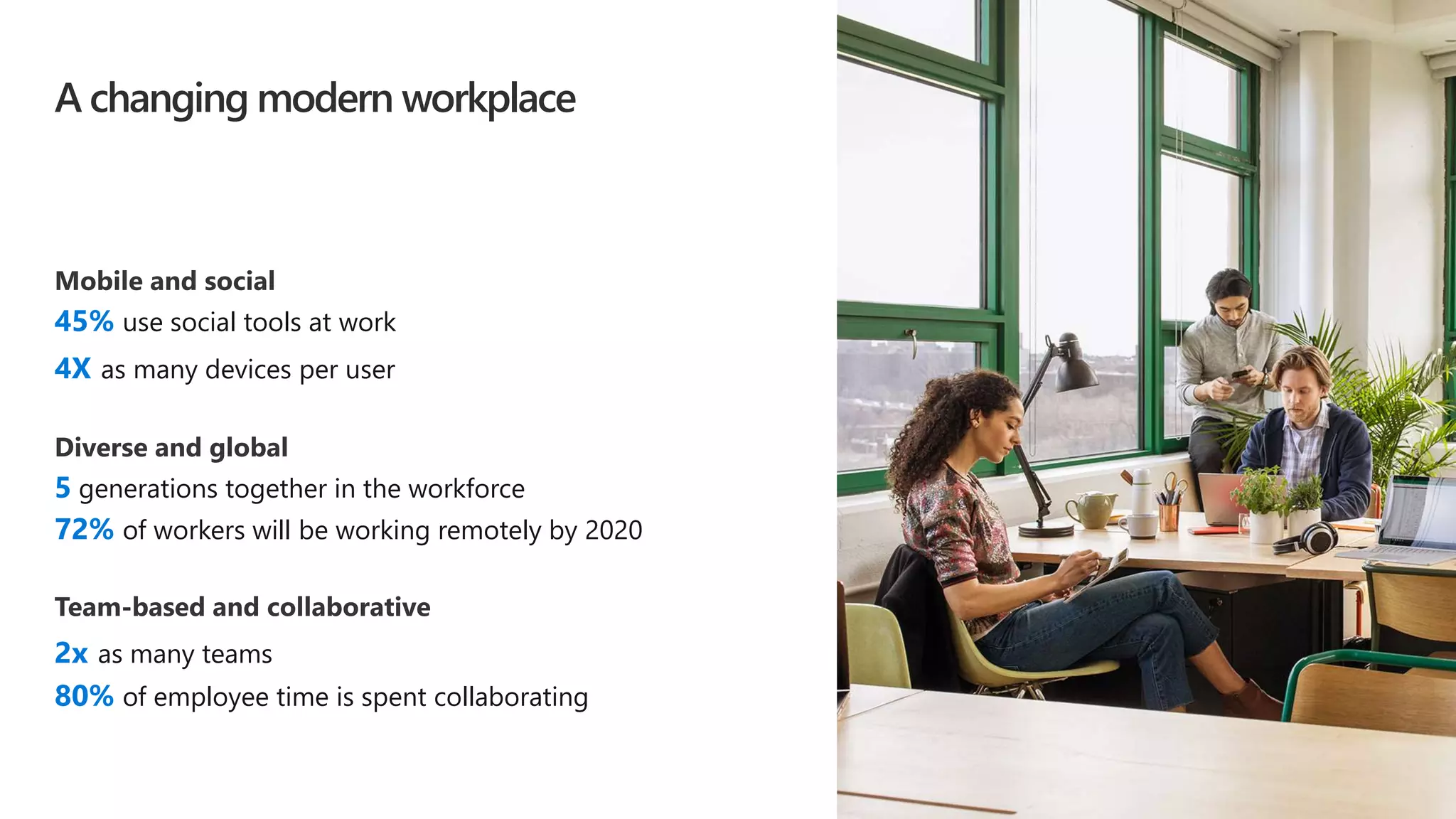
45% use social tools at work
4X as many devices per user
5 generations together in the workforce
72% of workers will be working remotely by 2020
2x as many teams
80% of employee time is spent collaborating
A changing modern workplace
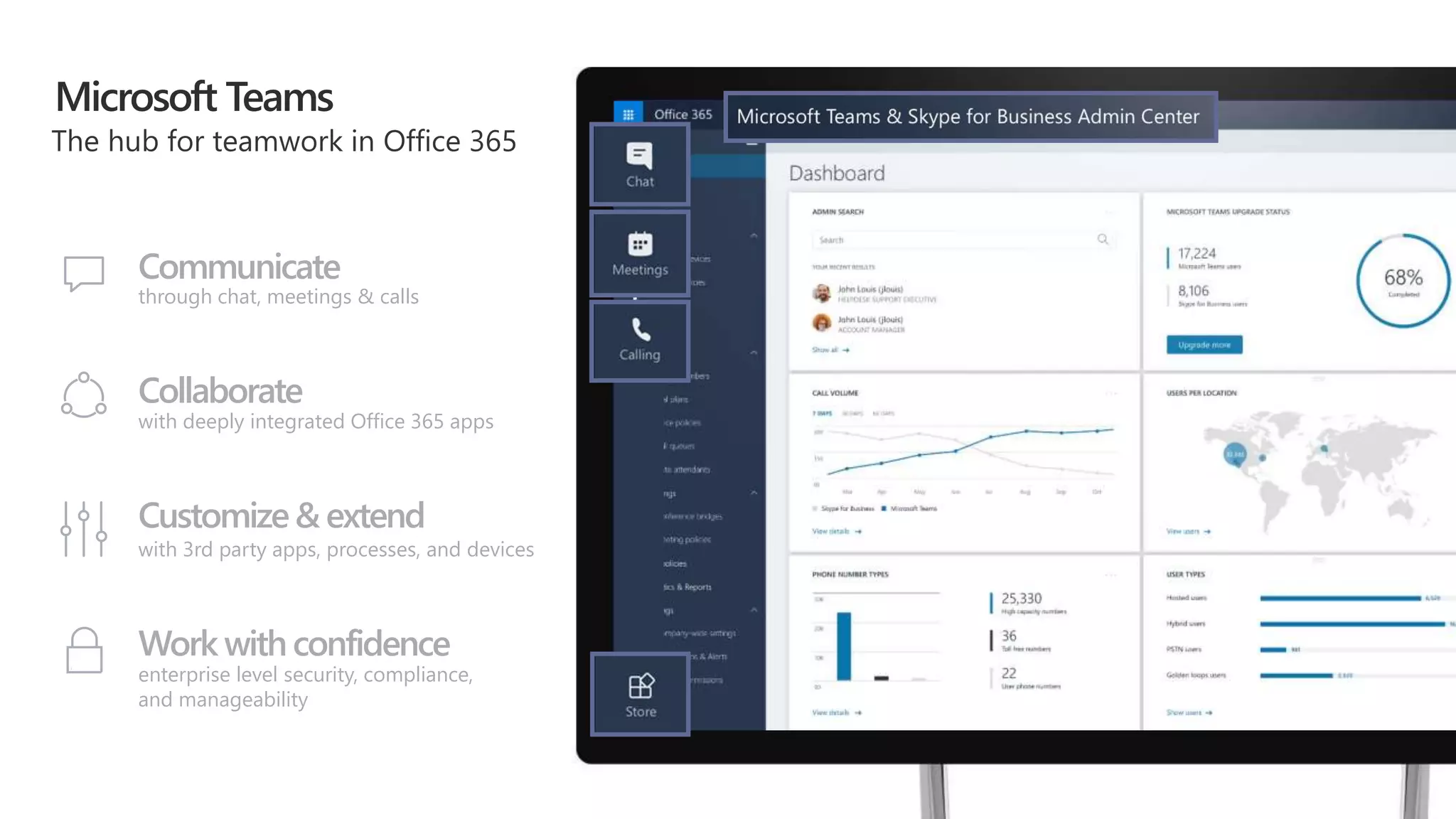
Microsoft Teams
Communicate
through chat, meetings & calls
Collaborate
with deeply integrated Office 365 apps
Customize& extend
with 3rd party apps, processes, and devices
Work withconfidence
enterprise level security, compliance,
and manageability
Demo
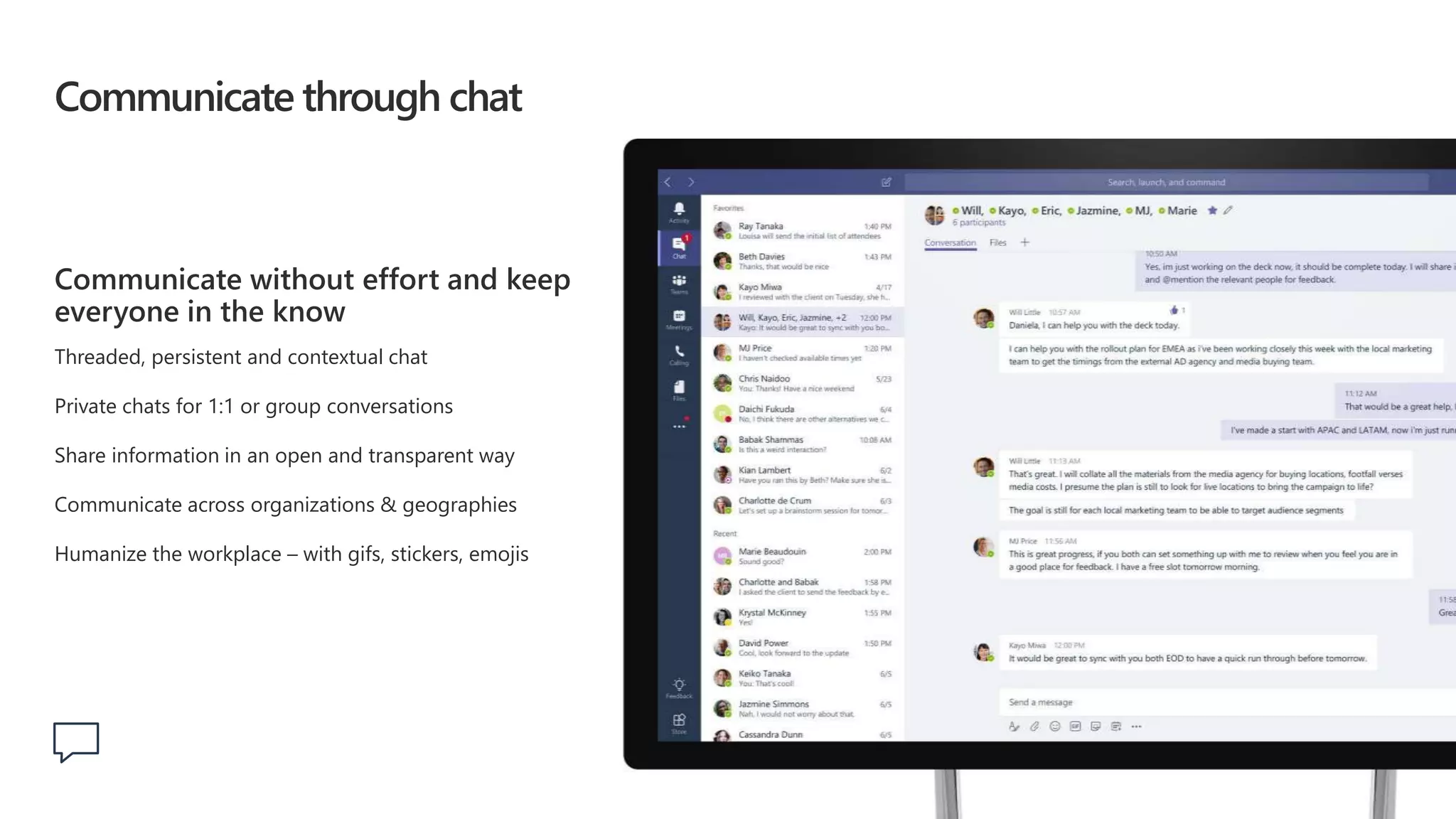
Communicate through chat
Communicate without effort and keep
everyone in the know
Threaded, persistent and contextual chat
Private chats for 1:1 or group conversations
Share information in an open and transparent way
Communicate across organizations & geographies
Humanize the workplace – with gifs, stickers, emojis
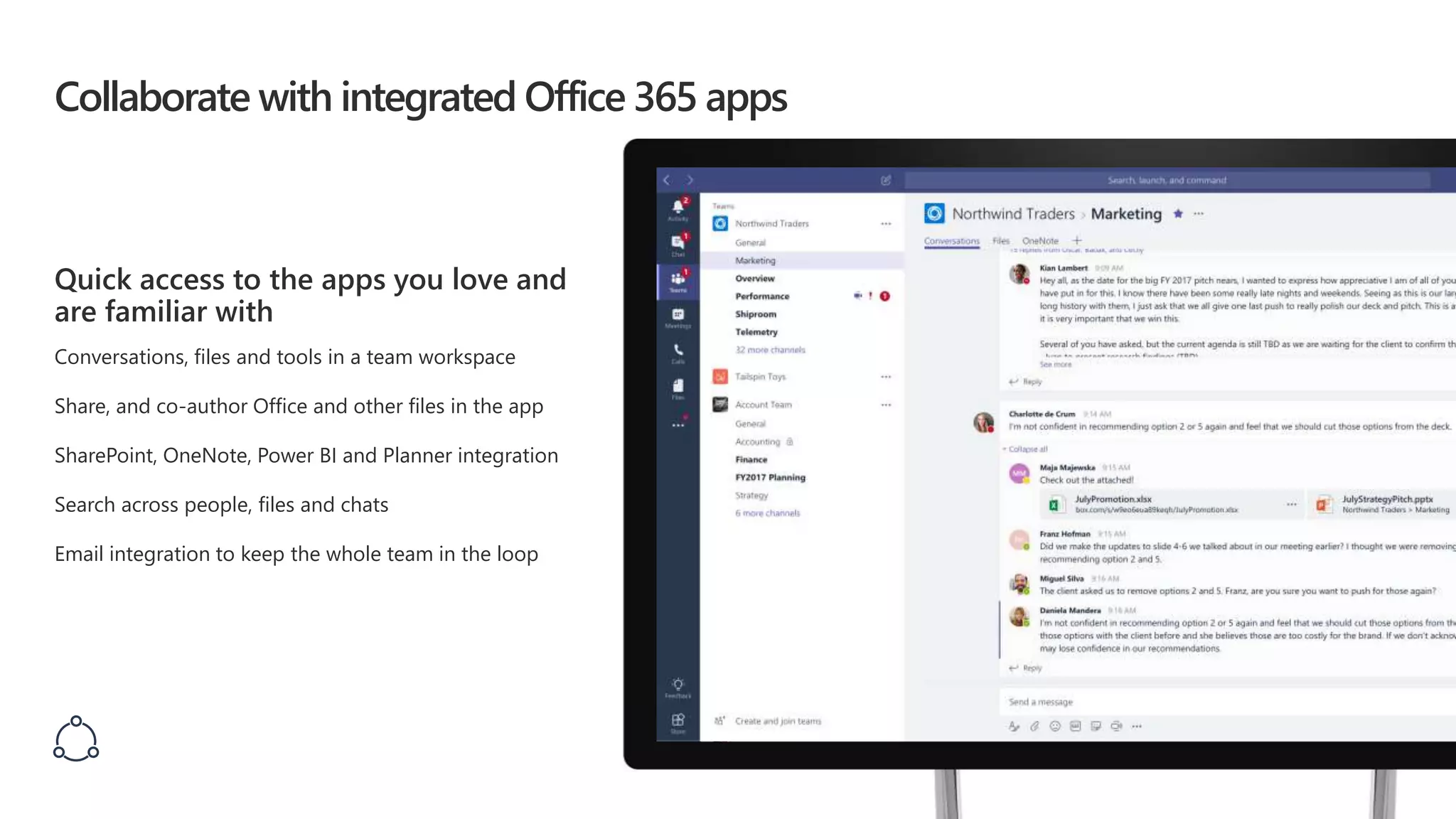
Collaborate with integrated Office 365 apps
Quick access to the apps you love and
are familiar with
Conversations, files and tools in a team workspace
Share, and co-author Office and other files in the app
SharePoint, OneNote, Power BI and Planner integration
Search across people, files and chats
Email integration to keep the whole team in the loop
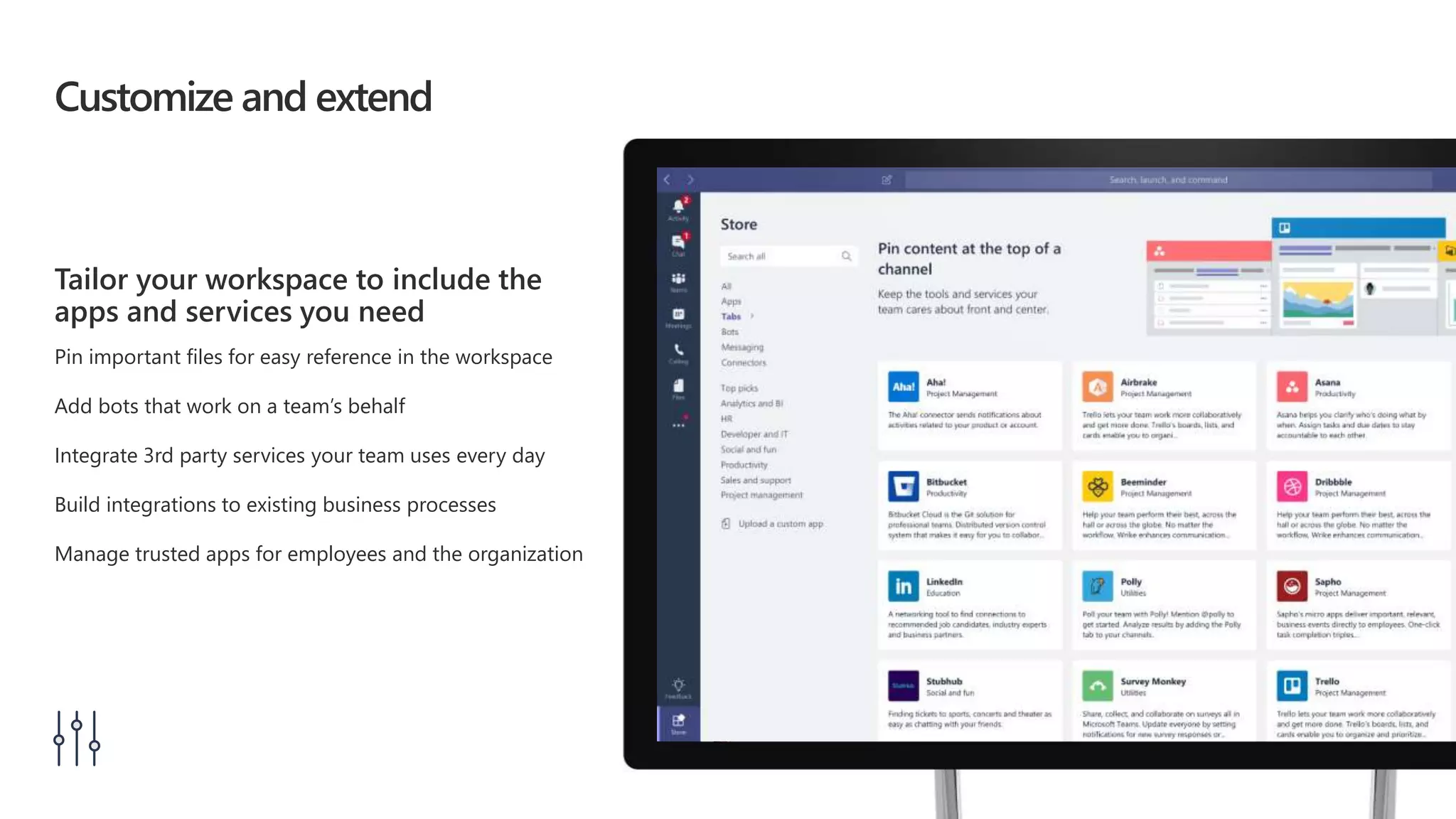
Customize and extend
Tailor your workspace to include the
apps and services you need
Pin important files for easy reference in the workspace
Add bots that work on a team’s behalf
Integrate 3rd party services your team uses every day
Build integrations to existing business processes
Manage trusted apps for employees and the organization
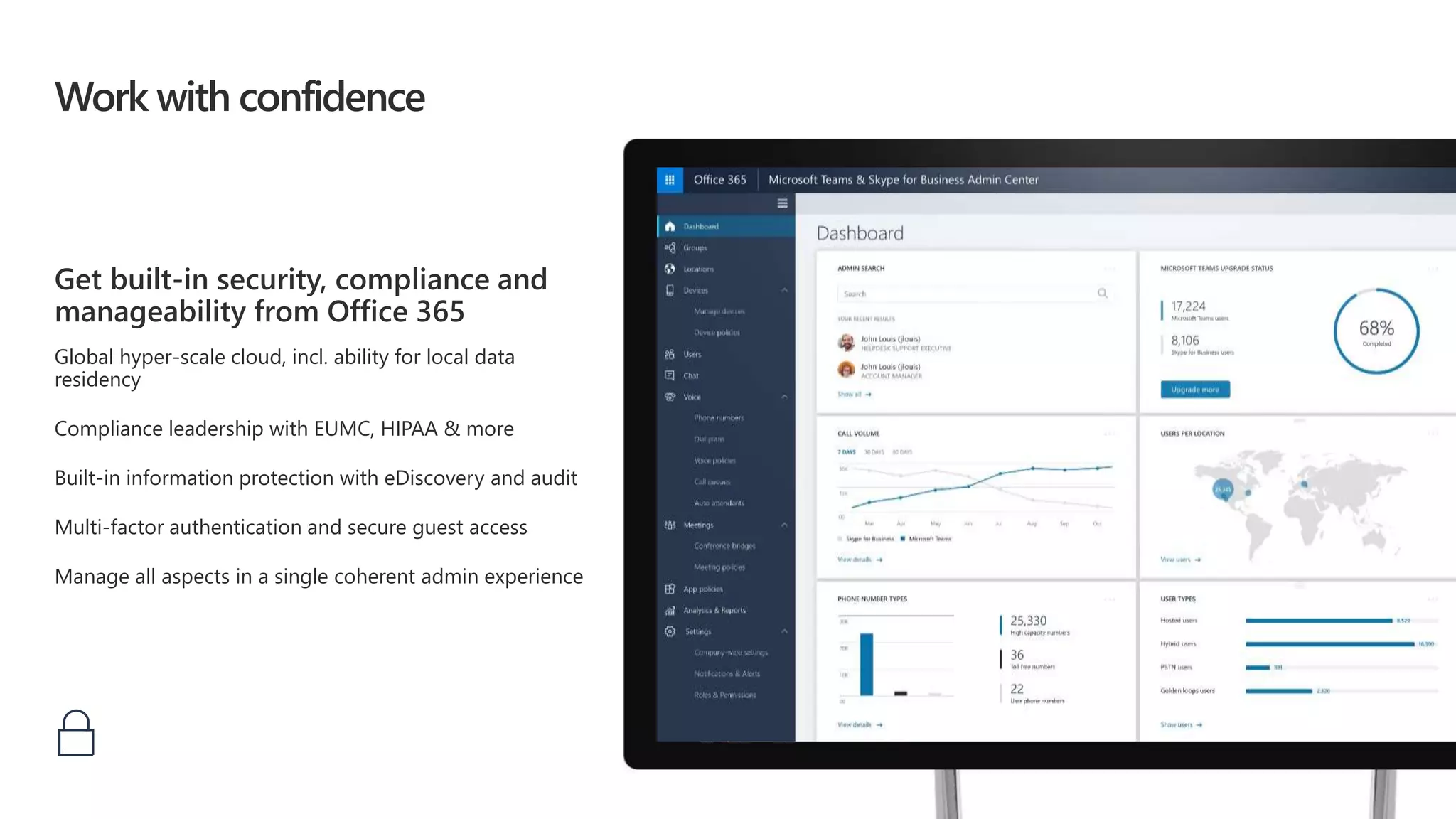
Work with confidence
Get built-in security, compliance and
manageability from Office 365
Global hyper-scale cloud, incl. ability for local data
residency
Compliance leadership with EUMC, HIPAA & more
Built-in information protection with eDiscovery and audit
Multi-factor authentication and secure guest access
Manage all aspects in a single coherent admin experience
Bringing intelligent communications to life
Microsoft Teams
becomes the core
communications client
New Skype back-end
infrastructure supports
voice, video, and meetings
Artificial intelligence
will transform the experience
for calls and meetings
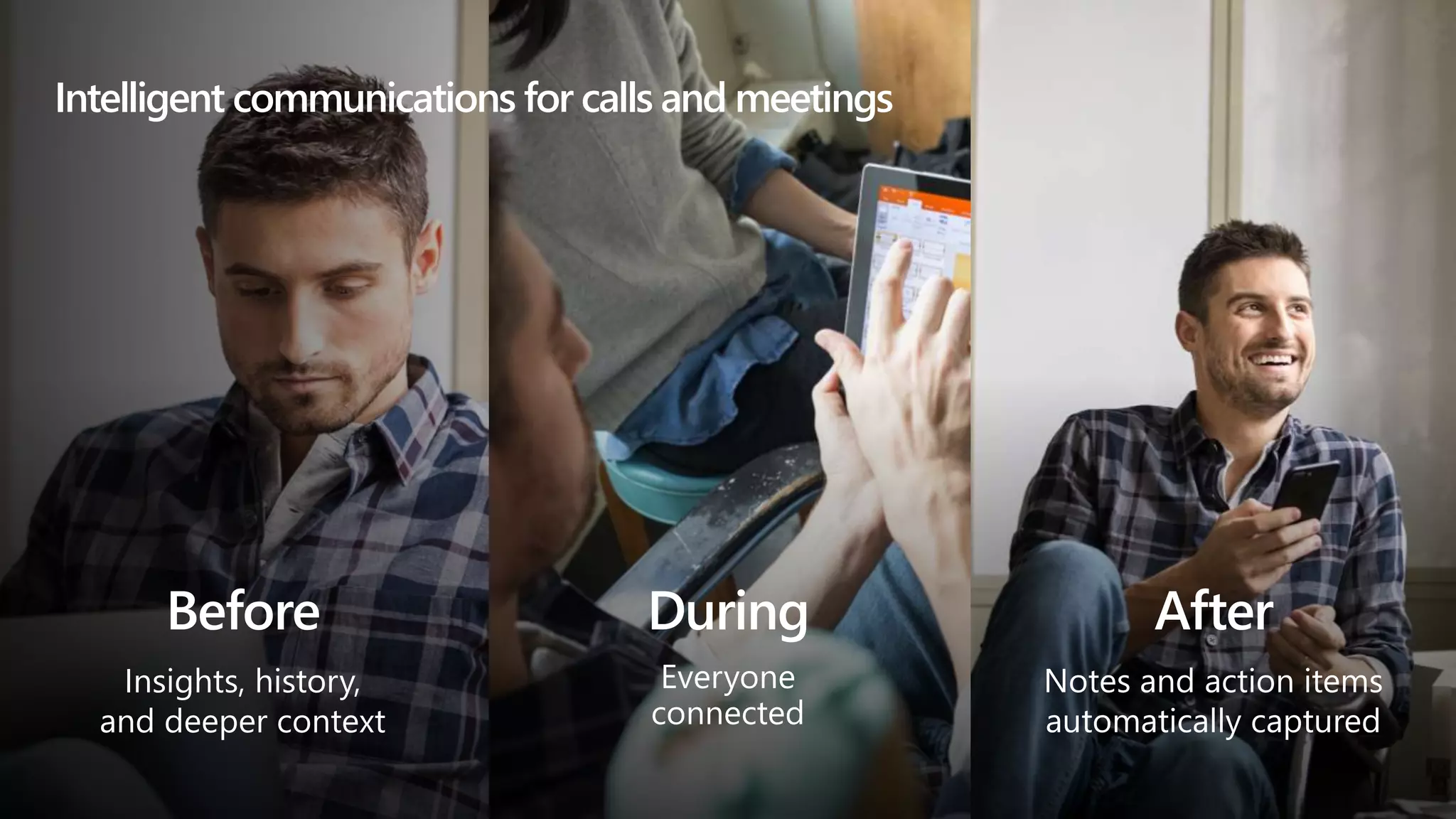
Insights, history,
and deeper context
Intelligent communications for calls and meetings
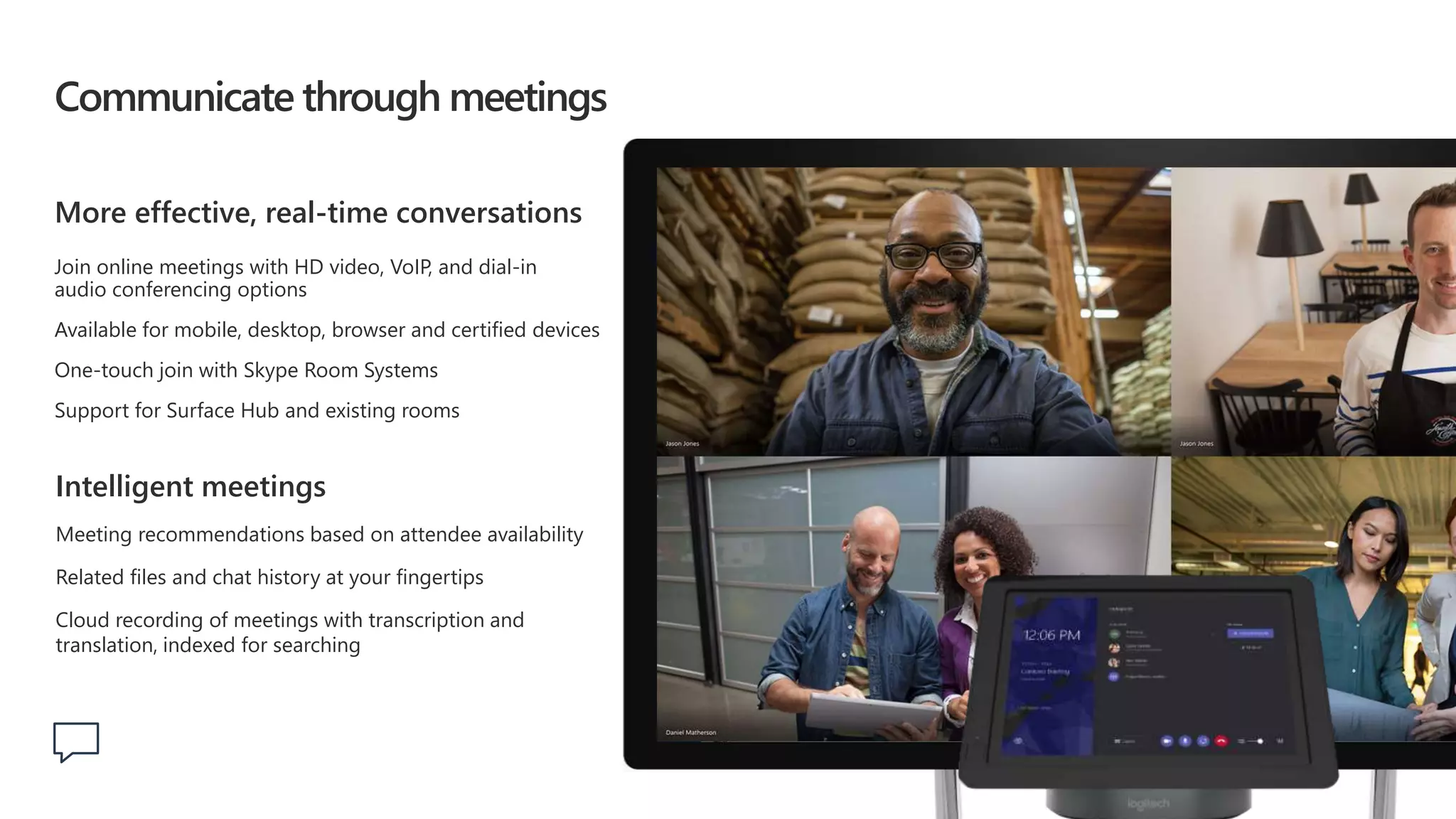
Communicate through meetings
More effective, real-time conversations
Join online meetings with HD video, VoIP, and dial-in
audio conferencing options
Available for mobile, desktop, browser and certified devices
One-touch join with Skype Room Systems
Support for Surface Hub and existing rooms
Intelligent meetings
Meeting recommendations based on attendee availability
Related files and chat history at your fingertips
Cloud recording of meetings with transcription and
translation, indexed for searching
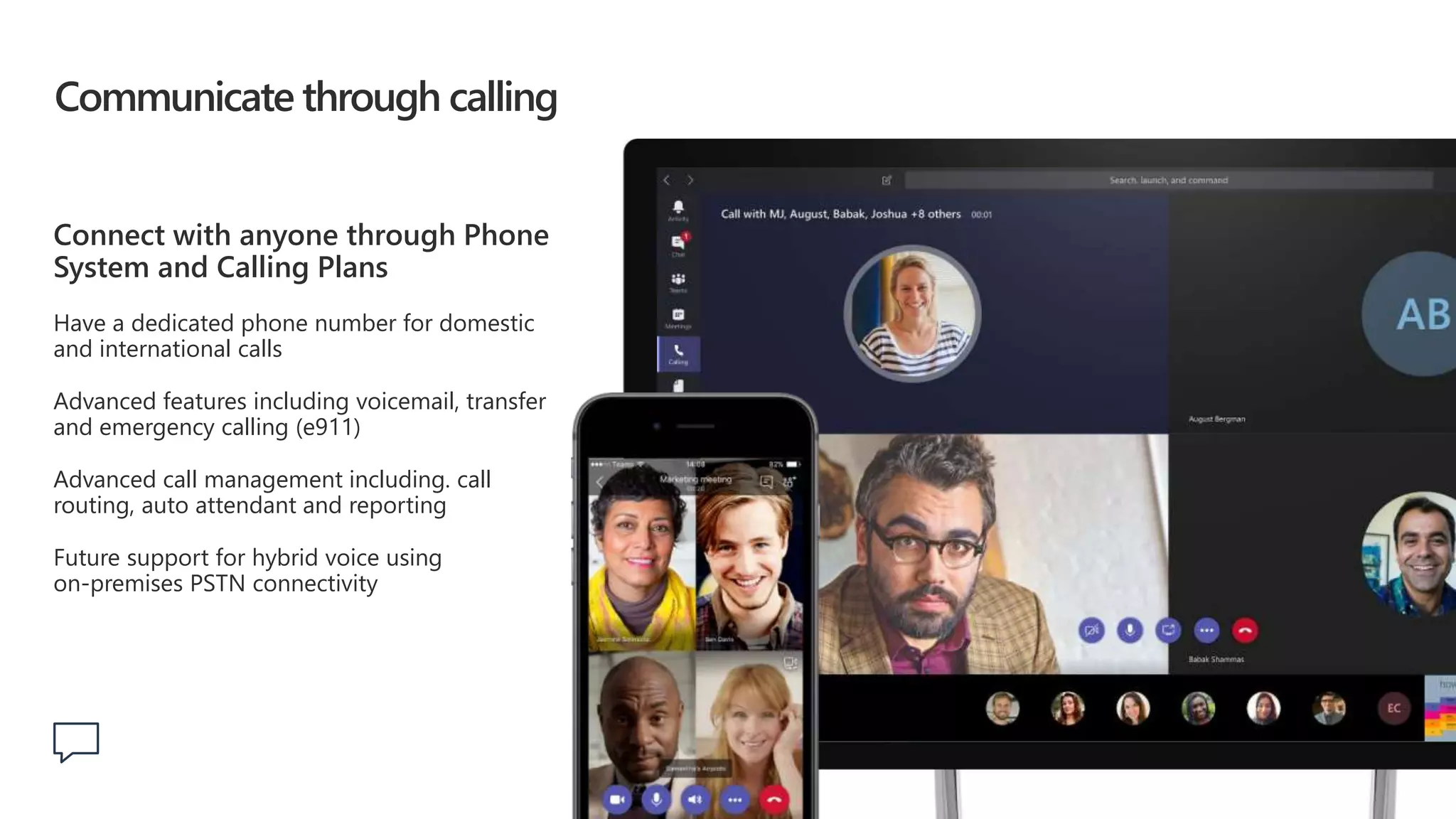
Communicate through calling
Connect with anyone through Phone
System and Calling Plans
Have a dedicated phone number for domestic
and international calls
Advanced features including voicemail, transfer
and emergency calling (e911)
Advanced call management including. call
routing, auto attendant and reporting
Future support for hybrid voice using
on-premises PSTN connectivity
What we hear from our customers
“
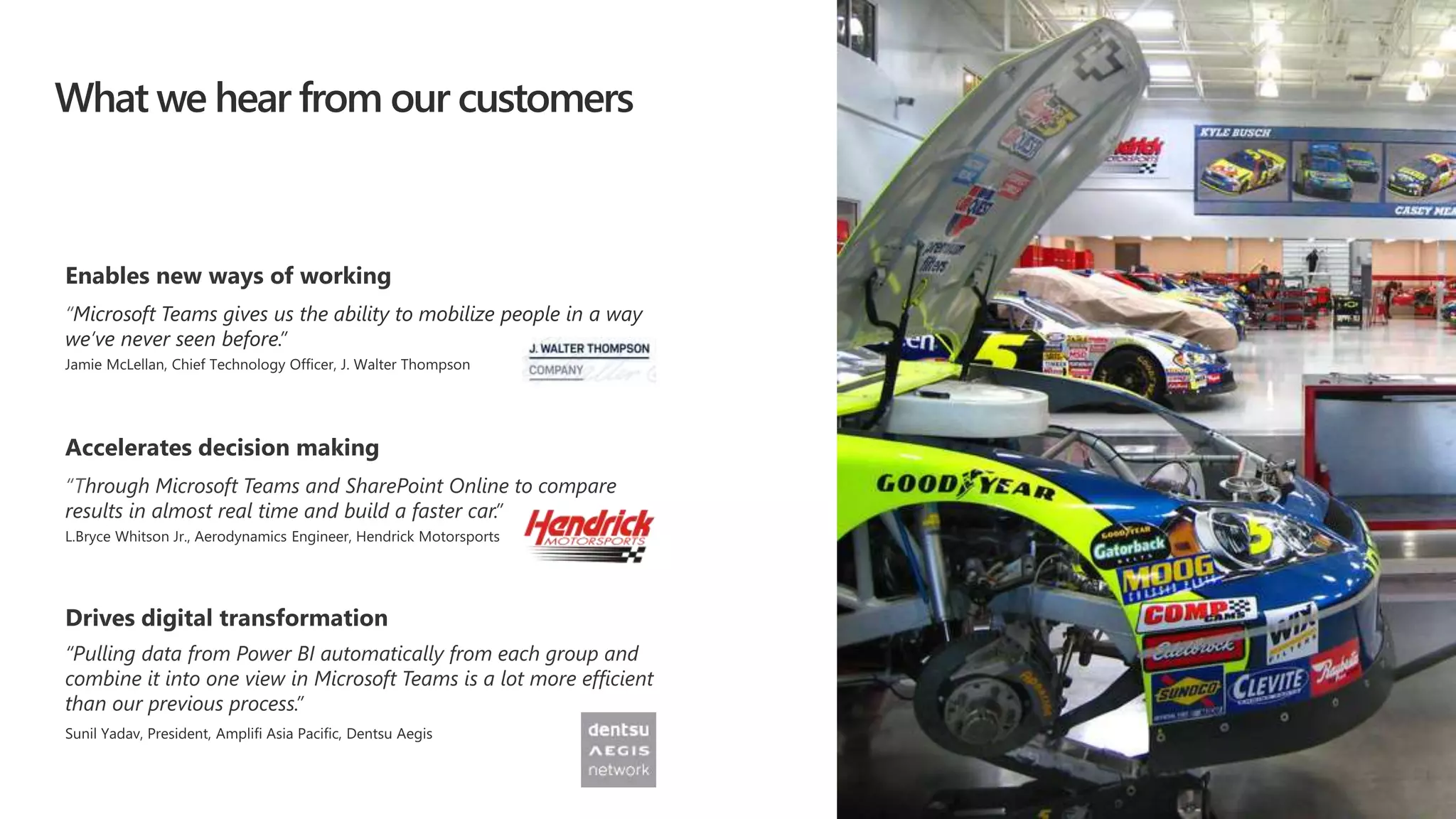
“Through Microsoft Teams and SharePoint Online to compare
results in almost real time and build a faster car.”
“Pulling data from Power BI automatically from each group and
combine it into one view in Microsoft Teams is a lot more efficient
than our previous process.”
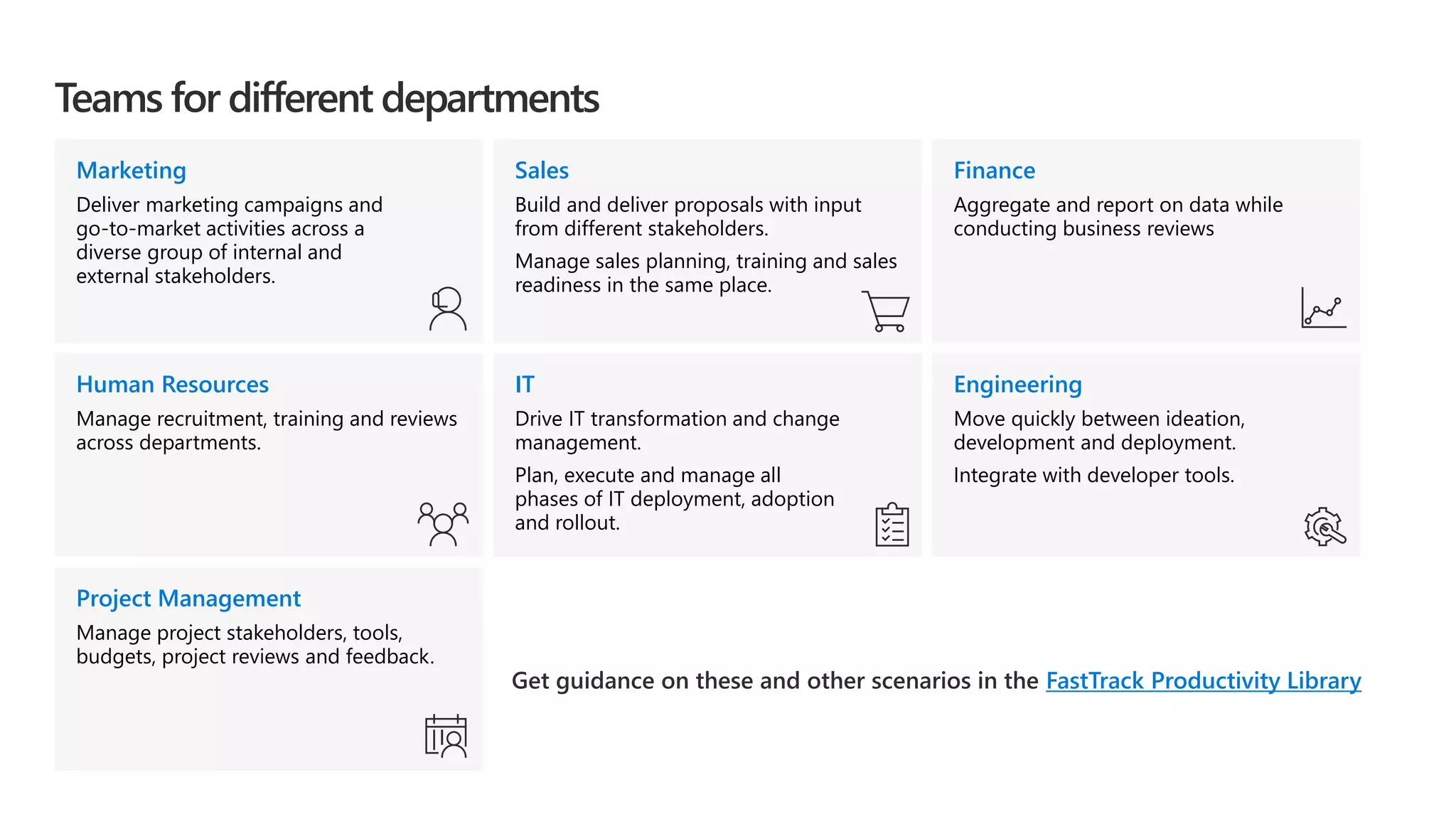
IT
Drive IT transformation and change
management.
Plan, execute and manage all
phases of IT deployment, adoption
and rollout.
Teams for different departments
Get guidance on these and other scenarios in the FastTrack Productivity Library
Engineering
Move quickly between ideation,
development and deployment.
Integrate with developer tools.
Finance
Aggregate and report on data while
conducting business reviews
Human Resources
Manage recruitment, training and reviews
across departments.
Marketing
Deliver marketing campaigns and
go-to-market activities across a
diverse group of internal and
external stakeholders.
Sales
Build and deliver proposals with input
from different stakeholders.
Manage sales planning, training and sales
readiness in the same place.
Project Management
Manage project stakeholders, tools,
budgets, project reviews and feedback.
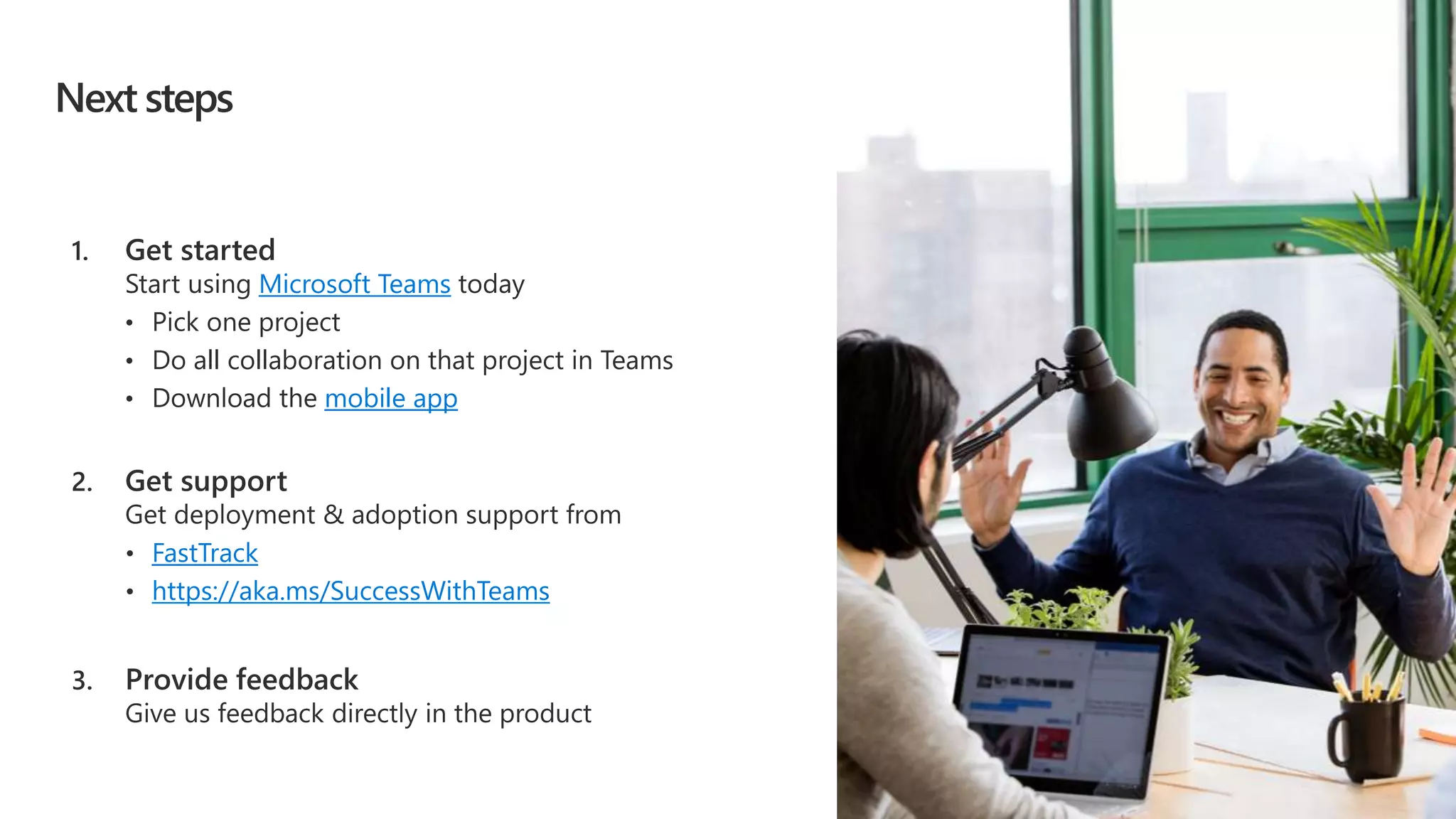
Next steps
Microsoft Teams
• Pick one project
• Do all collaboration on that project in Teams
mobile app
FastTrack
• https://aka.ms/SuccessWithTeams
How to use this deck
Office OnRamp
Intelligent Communications vision deck.
Appendix
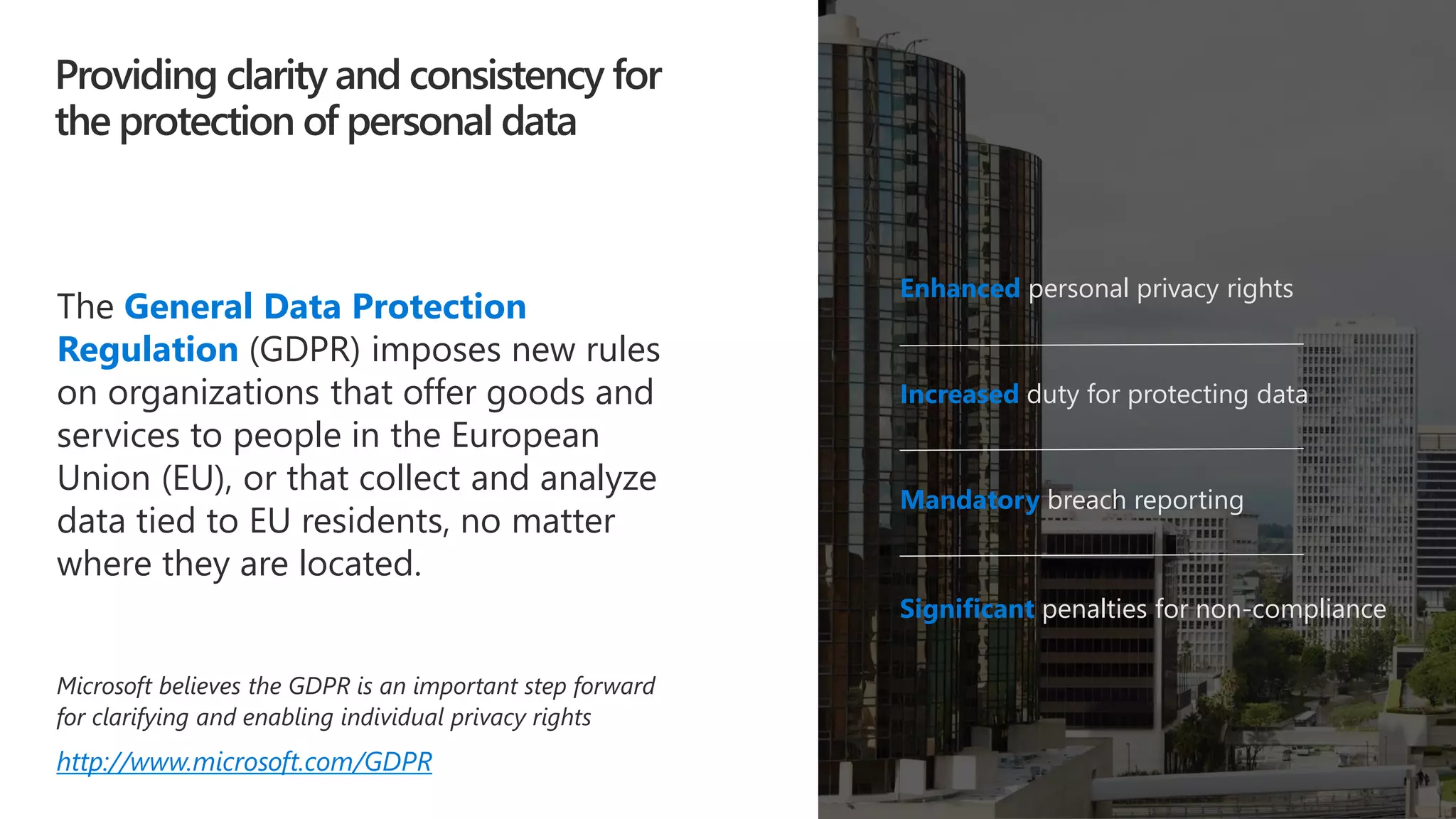
Providing clarity and consistency for
the protection of personal data
Enhanced personal privacy rights
Increased duty for protecting data
Mandatory breach reporting
Significant penalties for non-compliance
The General Data Protection
Regulation (GDPR) imposes new rules
on organizations that offer goods and
services to people in the European
Union (EU), or that collect and analyze
data tied to EU residents, no matter
where they are located.
Microsoft believes the GDPR is an important step forward
for clarifying and enabling individual privacy rights
http://www.microsoft.com/GDPR
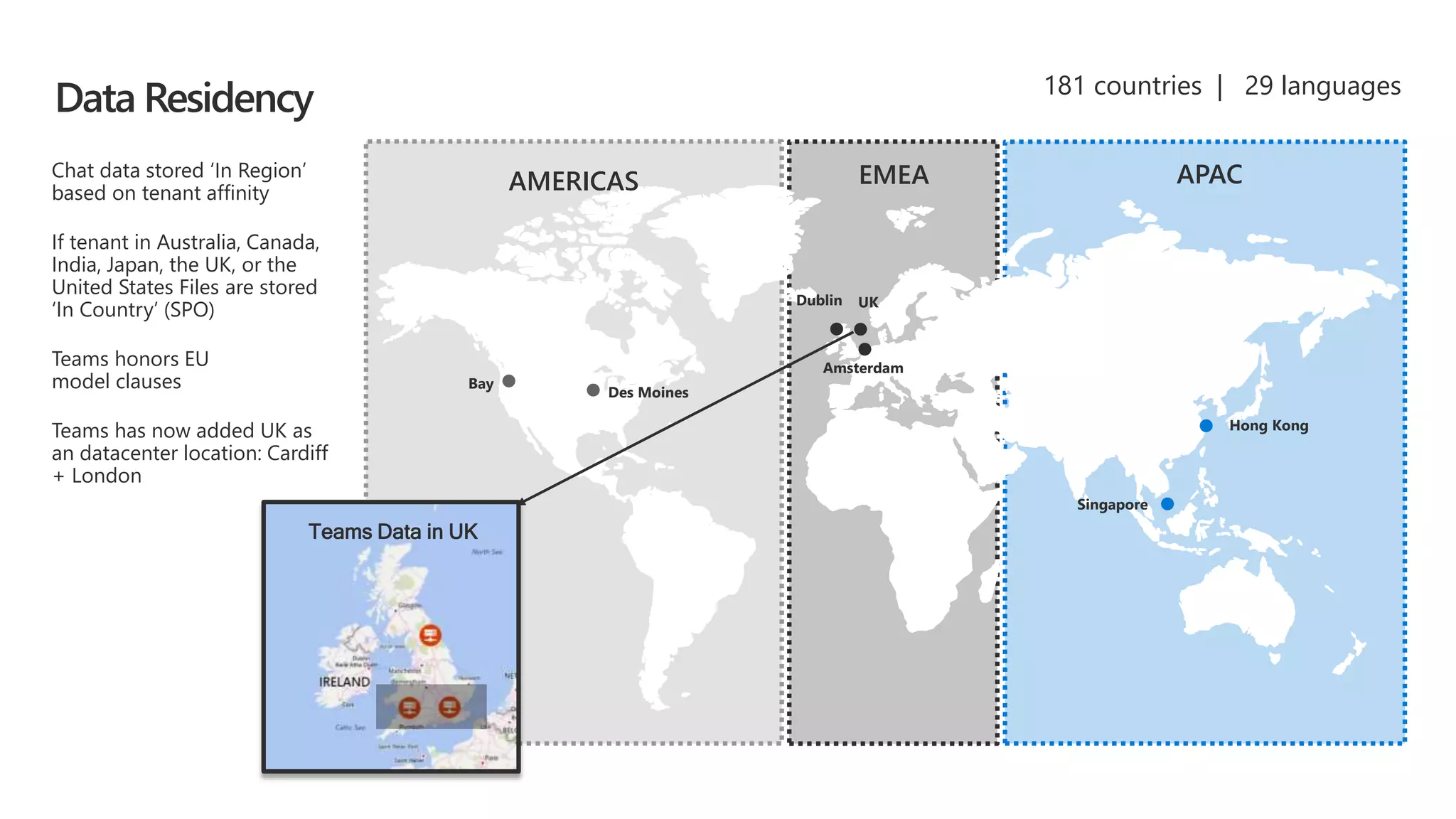
Des Moines
Bay
Dublin
Hong Kong
Singapore
Amsterdam
AMERICAS EMEA APACChat data stored ‘In Region’
based on tenant affinity
If tenant in Australia, Canada,
India, Japan, the UK, or the
United States Files are stored
‘In Country’ (SPO)
Teams honors EU
model clauses
Teams has now added UK as
an datacenter location: Cardiff
+ London
181 countries | 29 languages
UK
Teams Data in UK
Data Residency
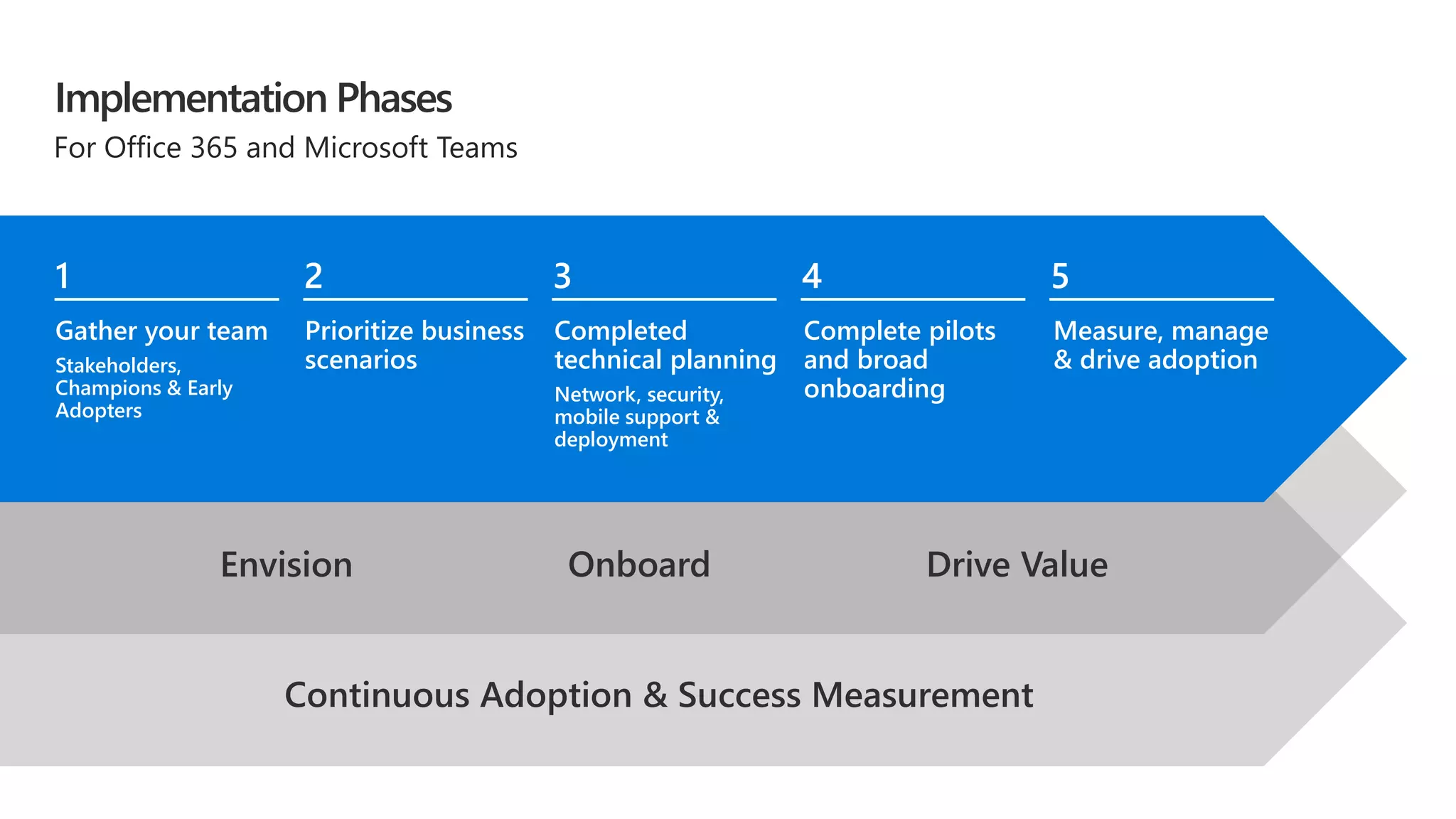
For Office 365 and Microsoft Teams
Implementation Phases
Gather your team
Stakeholders,
Champions & Early
Adopters
Prioritize business
scenarios
Completed
technical planning
Network, security,
mobile support &
deployment
Complete pilots
and broad
onboarding
Measure, manage
& drive adoption
Continuous Adoption & Success Measurement
Envision Onboard Drive Value
1 2 3 4 5
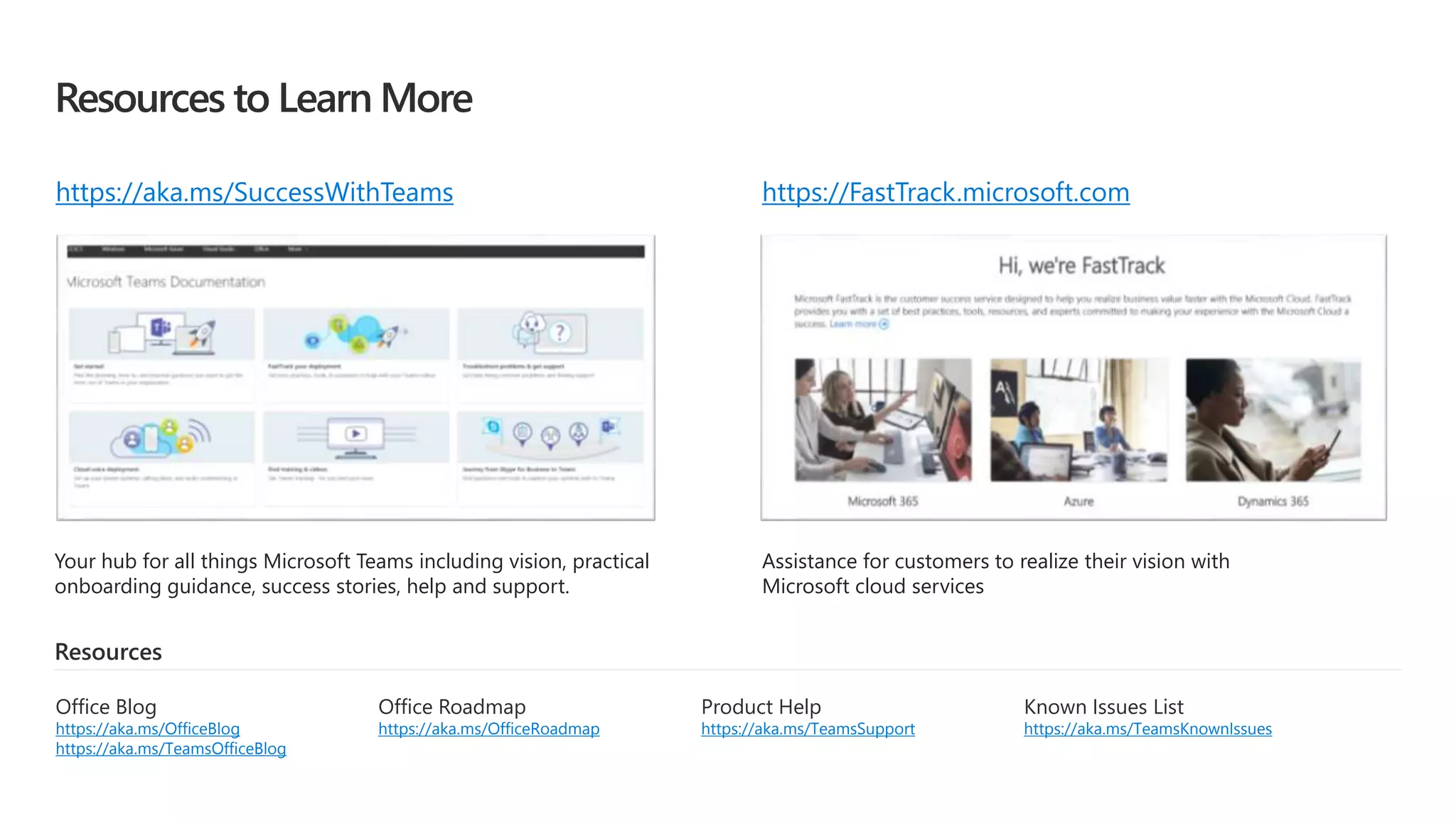
Resources to Learn More
Your hub for all things Microsoft Teams including vision, practical
onboarding guidance, success stories, help and support.
Assistance for customers to realize their vision with
Microsoft cloud services
Resources
Product Help
https://aka.ms/TeamsSupport
Office Roadmap
https://aka.ms/OfficeRoadmap
Office Blog
https://aka.ms/OfficeBlog
https://aka.ms/TeamsOfficeBlog
Known Issues List
https://aka.ms/TeamsKnownIssues
https://aka.ms/SuccessWithTeams https://FastTrack.microsoft.com
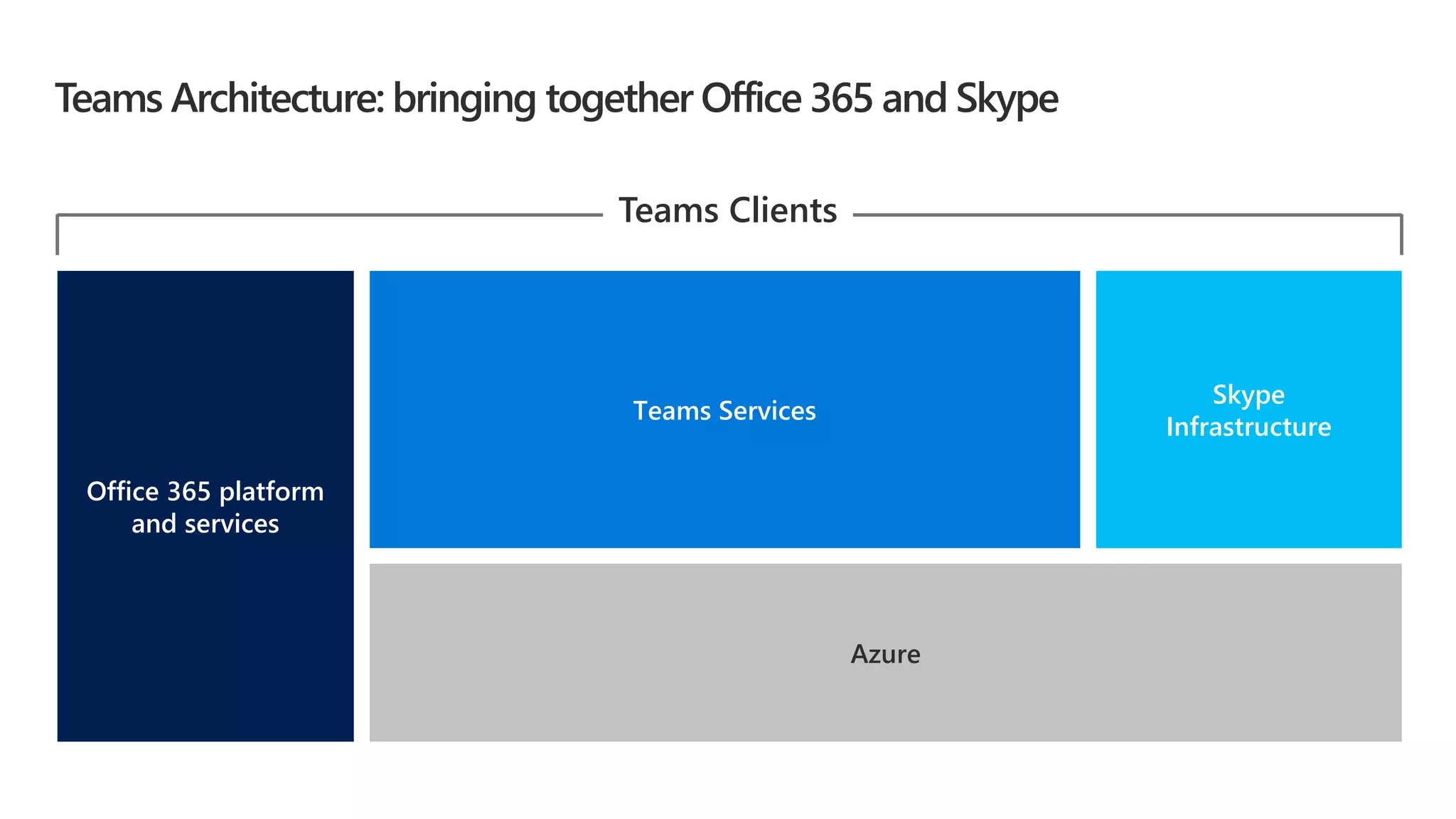
Teams Architecture: bringing together Office 365 and Skype
Azure
Office 365 platform
and services
Skype
Infrastructure
Teams Services
Teams Clients
Chat
Channel
SharePoint Team Site
Folder
Reply ChainMessage
Images
Teams Conversations Logical Architecture
OneDrive Tabs
TeamModern Group
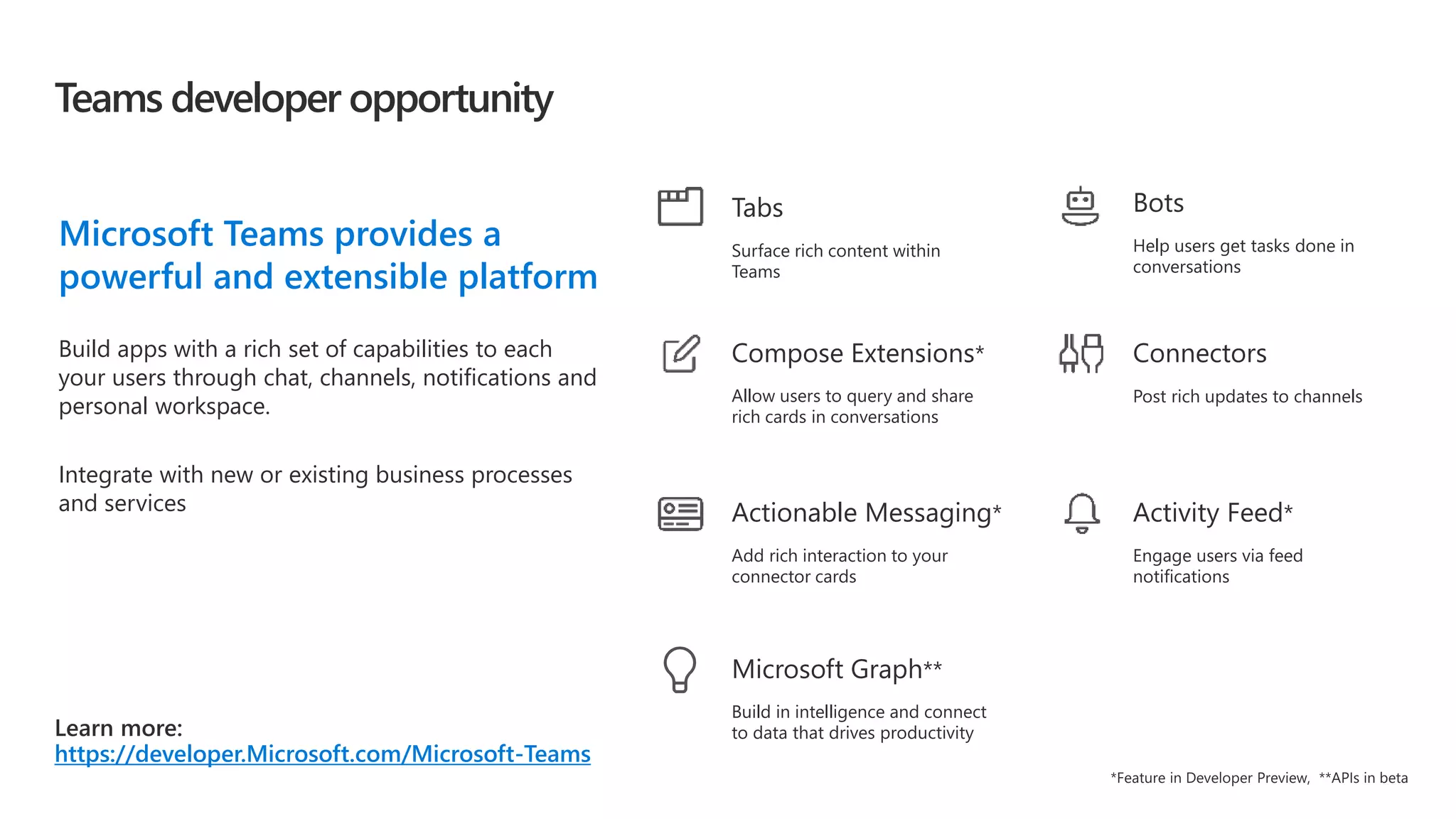
Teams developer opportunity
https://developer.Microsoft.com/Microsoft-Teams
Microsoft Teams provides a
powerful and extensible platform
Build apps with a rich set of capabilities to each
your users through chat, channels, notifications and
personal workspace.
Integrate with new or existing business processes
and services
Connectors
Post rich updates to channels
Activity Feed*
Engage users via feed
notifications
Bots
Help users get tasks done in
conversations
Actionable Messaging*
Add rich interaction to your
connector cards
Compose Extensions*
Allow users to query and share
rich cards in conversations
Tabs
Surface rich content within
Teams
Build in intelligence and connect
to data that drives productivity
Microsoft Graph**
Enable with transparency and communication
Upgrade when Teams meets your organization’s needs
Empower IT to control and manage process
Ease user transition with in-product features
Support through partner and device ecosystem
Transition to Teams
Device Portfolio Landscape
Meeting Workspace Personal Workspace Mobile Workspace
Video interop for existing devices
Available now Available now
Available now
NEW!
Coming in early 2018
Available for SfBO
Coming to SfBS & Teams
Available for SfBS
Coming to Teams
Coming to Teams
Skype Room Systems
Meeting Room Solutions…
Mobile WorkspacePersonal Workspace
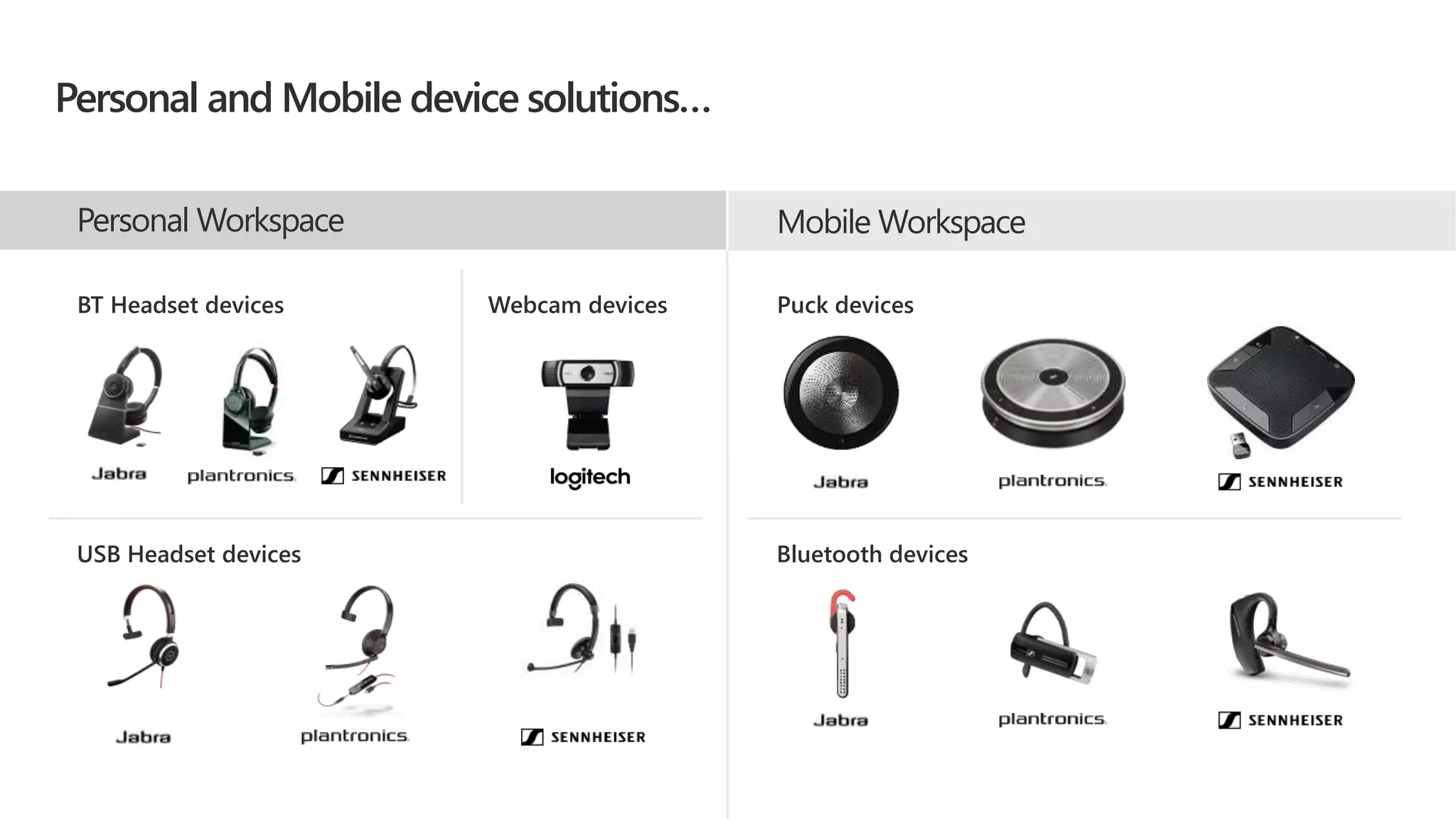
Personal and Mobile device solutions…
BT Headset devices Webcam devices
USB Headset devices
Puck devices
Bluetooth devices
Unlock the power of the group
with Teams on Surface Hub
Teams and Teams meetings
accessible via browser
Native Teams app experience
on future roadmap
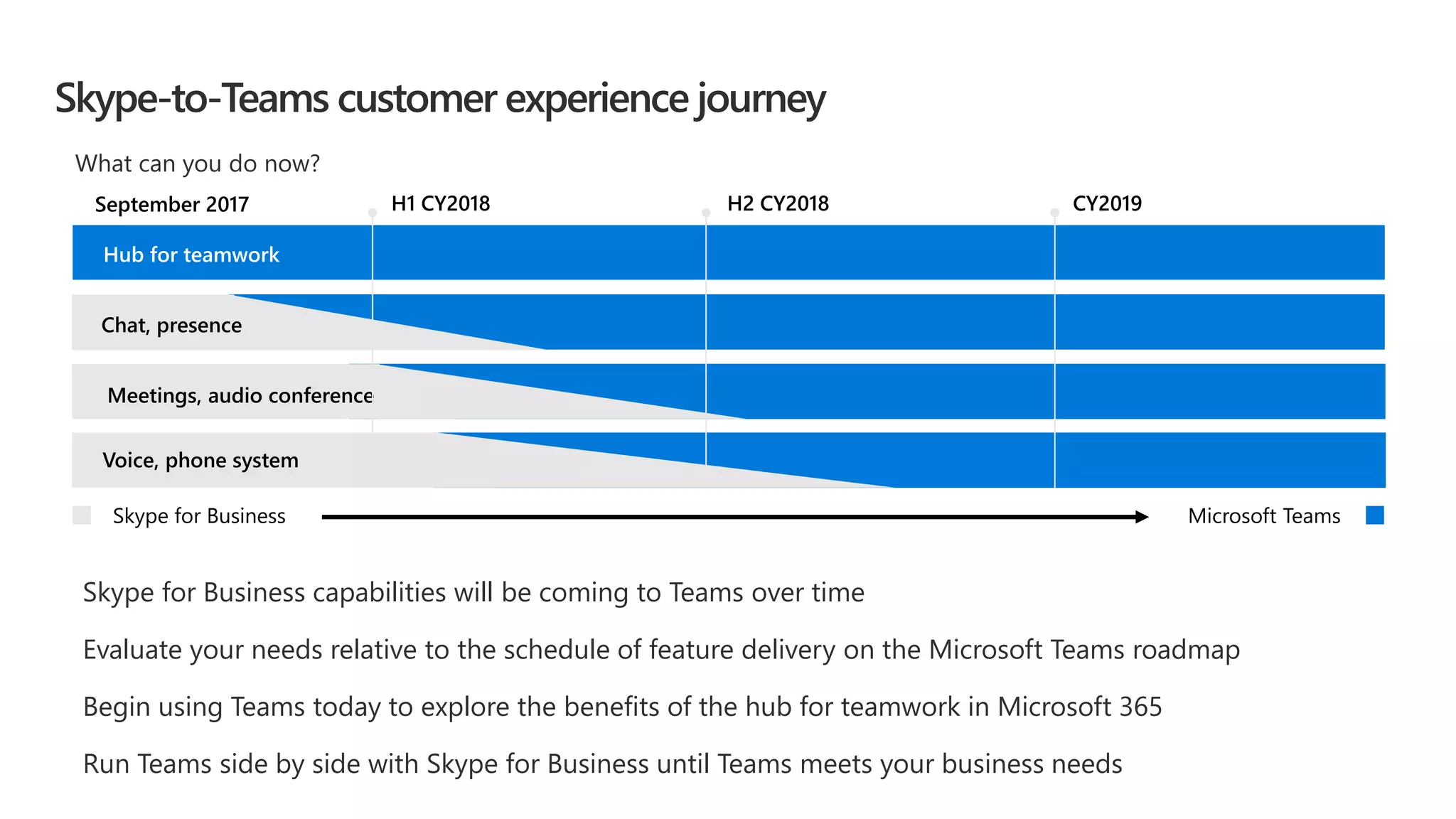
Skype-to-Teams customer experience journey
Skype for Business capabilities will be coming to Teams over time
Evaluate your needs relative to the schedule of feature delivery on the Microsoft Teams roadmap
Begin using Teams today to explore the benefits of the hub for teamwork in Microsoft 365
Run Teams side by side with Skype for Business until Teams meets your business needs
H2 CY2018H1 CY2018 CY2019
Hub for teamwork
September 2017
Meetings, audio conference
Voice, phone system
Skype for Business Microsoft Teams
Chat, presence
What can you do now?
Hub for TeamworkCo-AuthorConnect Across
the Organization
Intranets &
Content Management
Email & Calendar
TeamsOffice AppsYammerSharePointOutlook
Office 365 Groups
Single team membership across
apps and services
Microsoft Graph
Suite-wide intelligence connecting
people and content
Security and Compliance
Centralized policy management
Microsoft 365: Universal Toolkit for Teamwork
Customer Evidence
Library
Trek Bicycle
Trek Bicycle Case Study
“Insights from Microsoft Power BI have been a game
changer for us. It has enabled us to be more productive, as
well as better allocate our time and resources – and when
combined with the rest of the Microsoft solutions, it’s
helping Trek break out further from the pack.”
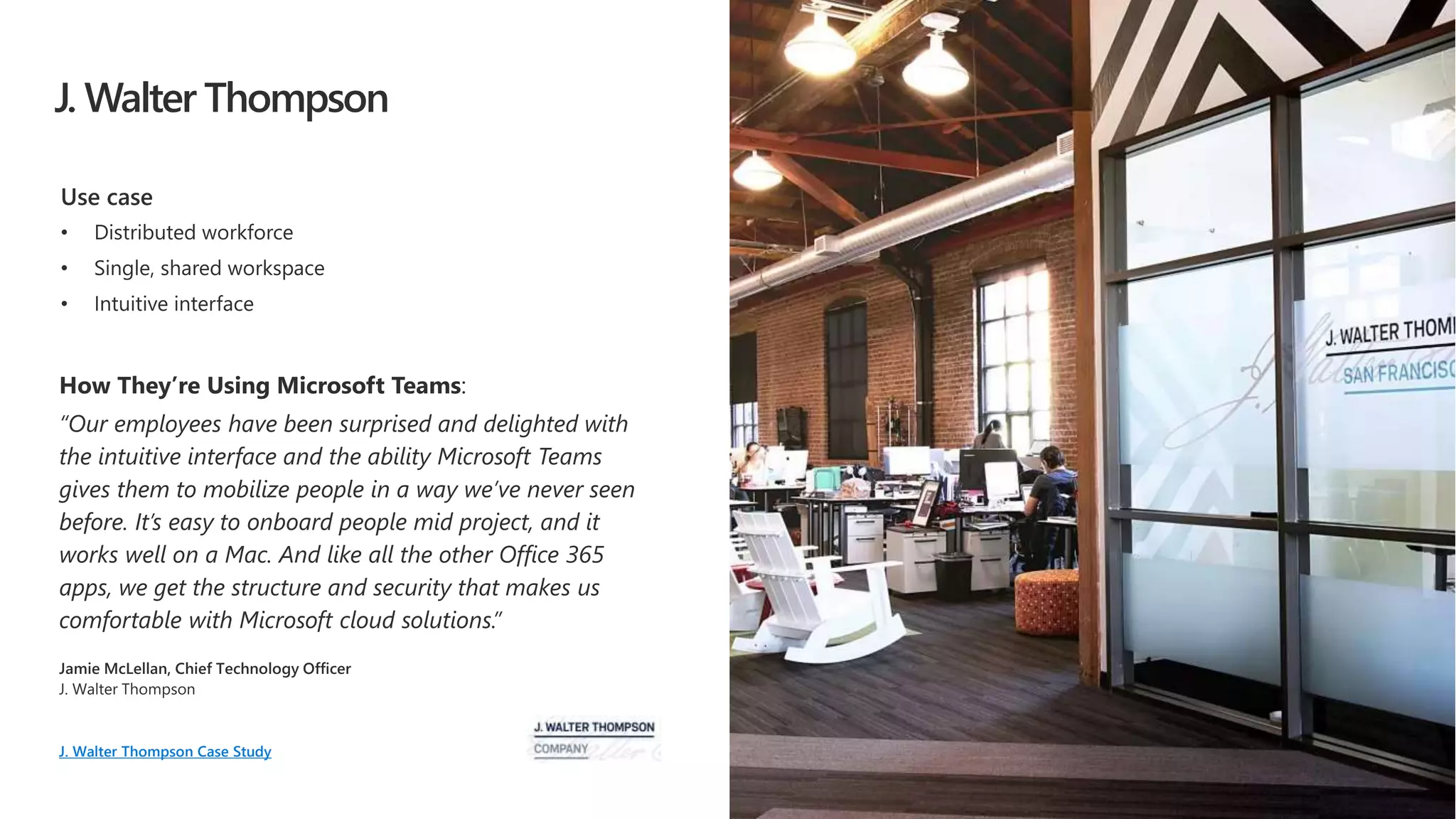
J. Walter Thompson
J. Walter Thompson Case Study
Dentsu Aegis Network
“We used Power BI to pull data from each group and
combine it into one view. This is a lot more efficient than
our previous process…once we finish creating automatic
import functions to move data from Microsoft Excel into a
Power BI dashboard, we’ll reduce the time it takes to
prepare the reports by approximately 60 percent—up to
four or five days a month.”
Dentsu Aegis Network
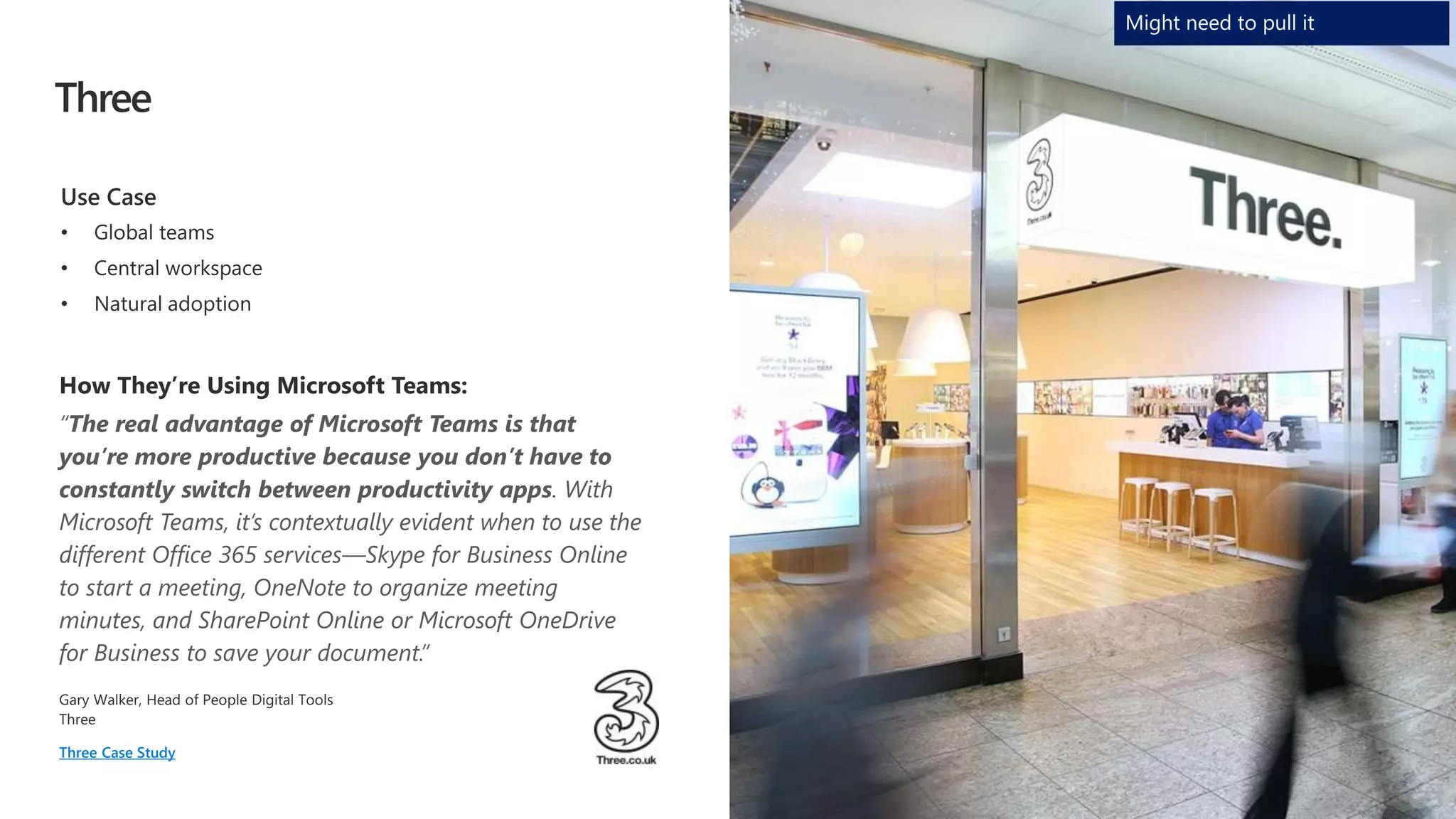
Three
“The real advantage of Microsoft Teams is that
you’re more productive because you don’t have to
constantly switch between productivity apps. With
Microsoft Teams, it’s contextually evident when to use the
different Office 365 services—Skype for Business Online
to start a meeting, OneNote to organize meeting
minutes, and SharePoint Online or Microsoft OneDrive
for Business to save your document.”
Three Case Study
Might need to pull it
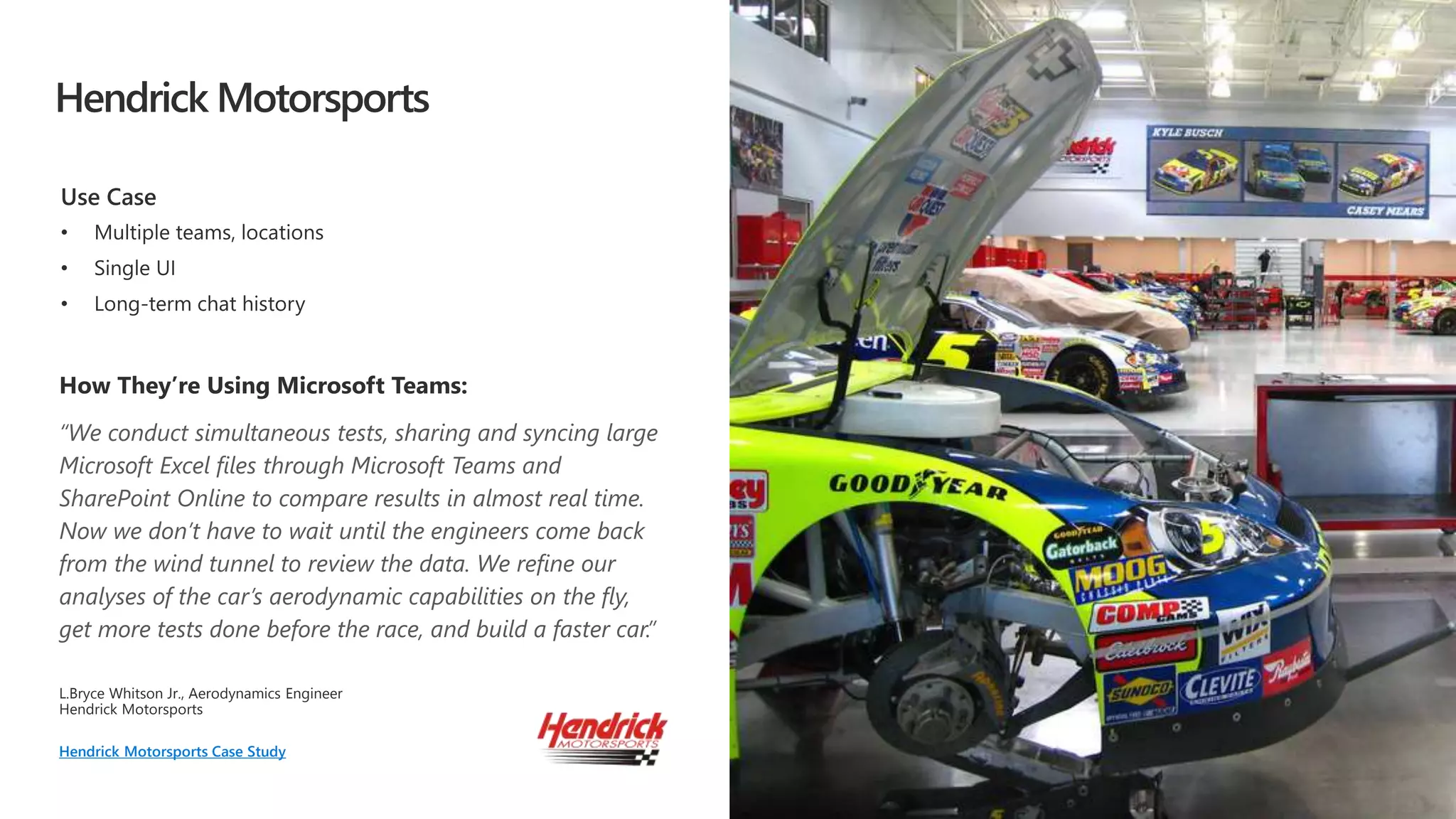
Hendrick Motorsports
“We conduct simultaneous tests, sharing and syncing large
Microsoft Excel files through Microsoft Teams and
SharePoint Online to compare results in almost real time.
Now we don’t have to wait until the engineers come back
from the wind tunnel to review the data. We refine our
analyses of the car’s aerodynamic capabilities on the fly,
get more tests done before the race, and build a faster car.”
L.Bryce Whitson Jr. Aerodynamics Engineer
Hendrick Motorsports Case Study

Learn More About Microsoft Teams

  • 1.
    Microsoft Teams The hubfor teamwork in Office 365 MyDock365.com info@mydock365.com
  • 2.
    45% use socialtools at work 4X as many devices per user 5 generations together in the workforce 72% of workers will be working remotely by 2020 2x as many teams 80% of employee time is spent collaborating A changing modern workplace
  • 3.
    Microsoft Teams Communicate through chat,meetings & calls Collaborate with deeply integrated Office 365 apps Customize& extend with 3rd party apps, processes, and devices Work withconfidence enterprise level security, compliance, and manageability
  • 4.
  • 5.
    Communicate through chat Communicatewithout effort and keep everyone in the know Threaded, persistent and contextual chat Private chats for 1:1 or group conversations Share information in an open and transparent way Communicate across organizations & geographies Humanize the workplace – with gifs, stickers, emojis
  • 6.
    Collaborate with integratedOffice 365 apps Quick access to the apps you love and are familiar with Conversations, files and tools in a team workspace Share, and co-author Office and other files in the app SharePoint, OneNote, Power BI and Planner integration Search across people, files and chats Email integration to keep the whole team in the loop
  • 7.
    Customize and extend Tailoryour workspace to include the apps and services you need Pin important files for easy reference in the workspace Add bots that work on a team’s behalf Integrate 3rd party services your team uses every day Build integrations to existing business processes Manage trusted apps for employees and the organization
  • 8.
    Work with confidence Getbuilt-in security, compliance and manageability from Office 365 Global hyper-scale cloud, incl. ability for local data residency Compliance leadership with EUMC, HIPAA & more Built-in information protection with eDiscovery and audit Multi-factor authentication and secure guest access Manage all aspects in a single coherent admin experience
  • 9.
    Bringing intelligent communicationsto life Microsoft Teams becomes the core communications client New Skype back-end infrastructure supports voice, video, and meetings Artificial intelligence will transform the experience for calls and meetings
  • 10.
    Insights, history, and deepercontext Intelligent communications for calls and meetings
  • 11.
    Communicate through meetings Moreeffective, real-time conversations Join online meetings with HD video, VoIP, and dial-in audio conferencing options Available for mobile, desktop, browser and certified devices One-touch join with Skype Room Systems Support for Surface Hub and existing rooms Intelligent meetings Meeting recommendations based on attendee availability Related files and chat history at your fingertips Cloud recording of meetings with transcription and translation, indexed for searching
  • 12.
    Communicate through calling Connectwith anyone through Phone System and Calling Plans Have a dedicated phone number for domestic and international calls Advanced features including voicemail, transfer and emergency calling (e911) Advanced call management including. call routing, auto attendant and reporting Future support for hybrid voice using on-premises PSTN connectivity
  • 14.
    What we hearfrom our customers “ “Through Microsoft Teams and SharePoint Online to compare results in almost real time and build a faster car.” “Pulling data from Power BI automatically from each group and combine it into one view in Microsoft Teams is a lot more efficient than our previous process.”
  • 15.
    IT Drive IT transformationand change management. Plan, execute and manage all phases of IT deployment, adoption and rollout. Teams for different departments Get guidance on these and other scenarios in the FastTrack Productivity Library Engineering Move quickly between ideation, development and deployment. Integrate with developer tools. Finance Aggregate and report on data while conducting business reviews Human Resources Manage recruitment, training and reviews across departments. Marketing Deliver marketing campaigns and go-to-market activities across a diverse group of internal and external stakeholders. Sales Build and deliver proposals with input from different stakeholders. Manage sales planning, training and sales readiness in the same place. Project Management Manage project stakeholders, tools, budgets, project reviews and feedback.
  • 16.
    Next steps Microsoft Teams •Pick one project • Do all collaboration on that project in Teams mobile app FastTrack • https://aka.ms/SuccessWithTeams
  • 18.
    How to usethis deck Office OnRamp Intelligent Communications vision deck.
  • 19.
  • 20.
    Providing clarity andconsistency for the protection of personal data Enhanced personal privacy rights Increased duty for protecting data Mandatory breach reporting Significant penalties for non-compliance The General Data Protection Regulation (GDPR) imposes new rules on organizations that offer goods and services to people in the European Union (EU), or that collect and analyze data tied to EU residents, no matter where they are located. Microsoft believes the GDPR is an important step forward for clarifying and enabling individual privacy rights http://www.microsoft.com/GDPR
  • 21.
    Des Moines Bay Dublin Hong Kong Singapore Amsterdam AMERICASEMEA APACChat data stored ‘In Region’ based on tenant affinity If tenant in Australia, Canada, India, Japan, the UK, or the United States Files are stored ‘In Country’ (SPO) Teams honors EU model clauses Teams has now added UK as an datacenter location: Cardiff + London 181 countries | 29 languages UK Teams Data in UK Data Residency
  • 22.
    For Office 365and Microsoft Teams Implementation Phases Gather your team Stakeholders, Champions & Early Adopters Prioritize business scenarios Completed technical planning Network, security, mobile support & deployment Complete pilots and broad onboarding Measure, manage & drive adoption Continuous Adoption & Success Measurement Envision Onboard Drive Value 1 2 3 4 5
  • 23.
    Resources to LearnMore Your hub for all things Microsoft Teams including vision, practical onboarding guidance, success stories, help and support. Assistance for customers to realize their vision with Microsoft cloud services Resources Product Help https://aka.ms/TeamsSupport Office Roadmap https://aka.ms/OfficeRoadmap Office Blog https://aka.ms/OfficeBlog https://aka.ms/TeamsOfficeBlog Known Issues List https://aka.ms/TeamsKnownIssues https://aka.ms/SuccessWithTeams https://FastTrack.microsoft.com
  • 24.
    Teams Architecture: bringingtogether Office 365 and Skype Azure Office 365 platform and services Skype Infrastructure Teams Services Teams Clients
  • 25.
    Chat Channel SharePoint Team Site Folder ReplyChainMessage Images Teams Conversations Logical Architecture OneDrive Tabs TeamModern Group
  • 26.
    Teams developer opportunity https://developer.Microsoft.com/Microsoft-Teams MicrosoftTeams provides a powerful and extensible platform Build apps with a rich set of capabilities to each your users through chat, channels, notifications and personal workspace. Integrate with new or existing business processes and services Connectors Post rich updates to channels Activity Feed* Engage users via feed notifications Bots Help users get tasks done in conversations Actionable Messaging* Add rich interaction to your connector cards Compose Extensions* Allow users to query and share rich cards in conversations Tabs Surface rich content within Teams Build in intelligence and connect to data that drives productivity Microsoft Graph**
  • 27.
    Enable with transparencyand communication Upgrade when Teams meets your organization’s needs Empower IT to control and manage process Ease user transition with in-product features Support through partner and device ecosystem Transition to Teams
  • 28.
    Device Portfolio Landscape MeetingWorkspace Personal Workspace Mobile Workspace
  • 29.
    Video interop forexisting devices Available now Available now Available now NEW! Coming in early 2018 Available for SfBO Coming to SfBS & Teams Available for SfBS Coming to Teams Coming to Teams Skype Room Systems Meeting Room Solutions…
  • 30.
    Mobile WorkspacePersonal Workspace Personaland Mobile device solutions… BT Headset devices Webcam devices USB Headset devices Puck devices Bluetooth devices
  • 31.
    Unlock the powerof the group with Teams on Surface Hub Teams and Teams meetings accessible via browser Native Teams app experience on future roadmap
  • 32.
    Skype-to-Teams customer experiencejourney Skype for Business capabilities will be coming to Teams over time Evaluate your needs relative to the schedule of feature delivery on the Microsoft Teams roadmap Begin using Teams today to explore the benefits of the hub for teamwork in Microsoft 365 Run Teams side by side with Skype for Business until Teams meets your business needs H2 CY2018H1 CY2018 CY2019 Hub for teamwork September 2017 Meetings, audio conference Voice, phone system Skype for Business Microsoft Teams Chat, presence What can you do now?
  • 33.
    Hub for TeamworkCo-AuthorConnectAcross the Organization Intranets & Content Management Email & Calendar TeamsOffice AppsYammerSharePointOutlook Office 365 Groups Single team membership across apps and services Microsoft Graph Suite-wide intelligence connecting people and content Security and Compliance Centralized policy management Microsoft 365: Universal Toolkit for Teamwork
  • 34.
  • 35.
    Trek Bicycle Trek BicycleCase Study “Insights from Microsoft Power BI have been a game changer for us. It has enabled us to be more productive, as well as better allocate our time and resources – and when combined with the rest of the Microsoft solutions, it’s helping Trek break out further from the pack.”
  • 36.
    J. Walter Thompson J.Walter Thompson Case Study
  • 37.
    Dentsu Aegis Network “Weused Power BI to pull data from each group and combine it into one view. This is a lot more efficient than our previous process…once we finish creating automatic import functions to move data from Microsoft Excel into a Power BI dashboard, we’ll reduce the time it takes to prepare the reports by approximately 60 percent—up to four or five days a month.” Dentsu Aegis Network
  • 38.
    Three “The real advantageof Microsoft Teams is that you’re more productive because you don’t have to constantly switch between productivity apps. With Microsoft Teams, it’s contextually evident when to use the different Office 365 services—Skype for Business Online to start a meeting, OneNote to organize meeting minutes, and SharePoint Online or Microsoft OneDrive for Business to save your document.” Three Case Study Might need to pull it
  • 39.
    Hendrick Motorsports “We conductsimultaneous tests, sharing and syncing large Microsoft Excel files through Microsoft Teams and SharePoint Online to compare results in almost real time. Now we don’t have to wait until the engineers come back from the wind tunnel to review the data. We refine our analyses of the car’s aerodynamic capabilities on the fly, get more tests done before the race, and build a faster car.” L.Bryce Whitson Jr. Aerodynamics Engineer Hendrick Motorsports Case Study