Microsoft Viva Learning
David J. Rosenthal
VP & GM, Digital Business
November 3, 2021
Microsoft Global Webinar
2
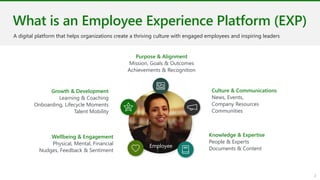
Employee
What is an Employee Experience Platform (EXP)​
Purpose & Alignment
Mission, Goals & Outcomes
Achievements & Recognition
Culture & Communications
News, Events,
Company Resources
Communities
Knowledge & Expertise
People & Experts
Documents & Content
Wellbeing & Engagement
Physical, Mental, Financial
Nudges, Feedback & Sentiment
Growth & Development
Learning & Coaching
Onboarding, Lifecycle Moments
Talent Mobility
A digital platform that helps organizations create a thriving culture with engaged employees and inspiring leaders
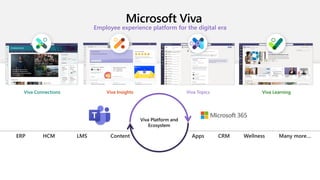
Microsoft Viva
Employee experience platform for the digital era
Viva Connections Viva Insights Viva Topics Viva Learning
Viva Platform and
Ecosystem
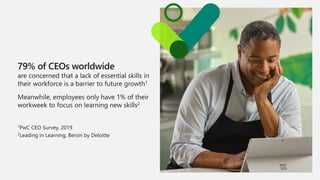
79% of CEOs worldwide
are concerned that a lack of essential skills in
their workforce is a barrier to future growth1
Meanwhile, employees only have 1% of their
workweek to focus on learning new skills2
1PwC CEO Survey, 2019
2Leading in Learning, Bersin by Deloitte
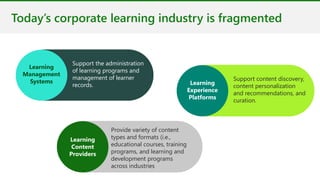
Today’s corporate learning industry is fragmented
Support the administration
of learning programs and
management of learner
records.
Learning
Management
Systems
Provide variety of content
types and formats (i.e.,
educational courses, training
programs, and learning and
development programs
across industries
Learning
Content
Providers
Support content discovery,
content personalization
and recommendations, and
curation.
Learning
Experience
Platforms
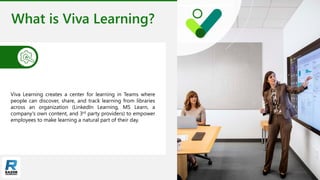
What is Viva Learning?
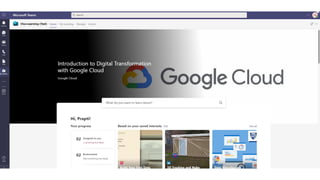
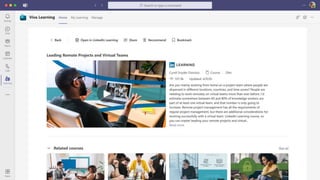
Viva Learning creates a center for learning in Teams where
people can discover, share, and track learning from libraries
across an organization (LinkedIn Learning, MS Learn, a
company's own content, and 3rd party providers) to empower
employees to make learning a natural part of their day.
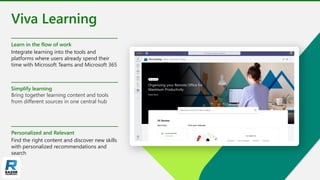
Viva Learning
Learn in the flow of work
Integrate learning into the tools and
platforms where users already spend their
time with Microsoft Teams and Microsoft 365
Simplify learning
Bring together learning content and tools
from different sources in one central hub
Personalized and Relevant
Find the right content and discover new skills
with personalized recommendations and
search
Microsoft confidential.
Learn in the flow of
work
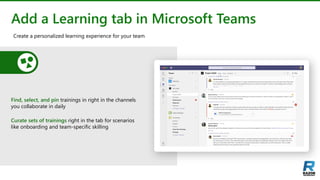
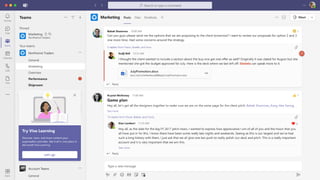
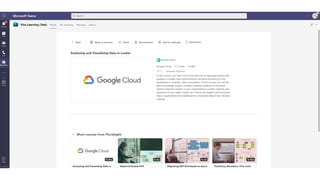
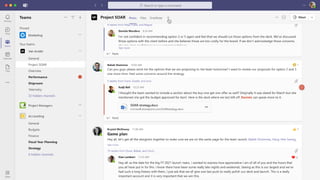
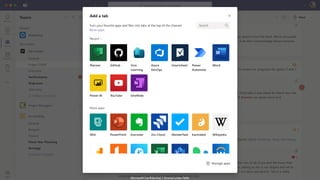
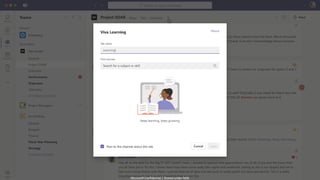
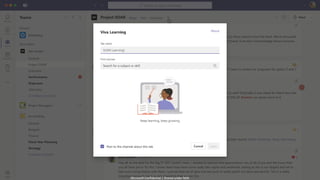
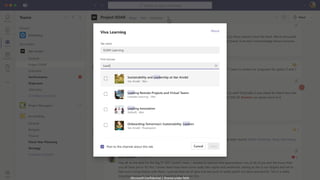
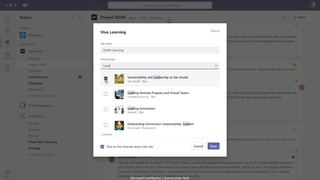
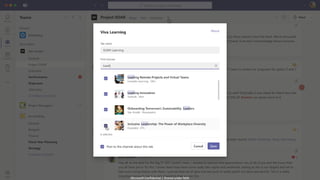
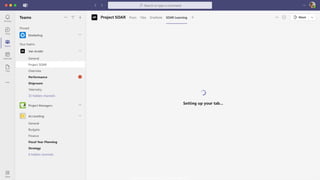
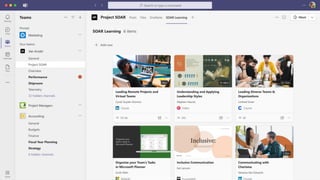
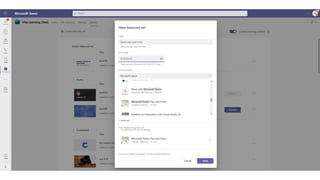
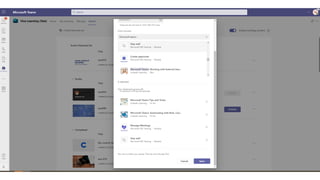
Add a Learning tab in Microsoft Teams
Find, select, and pin trainings in right in the channels
you collaborate in daily
Curate sets of trainings right in the tab for scenarios
like onboarding and team-specific skilling
Create a personalized learning experience for your team
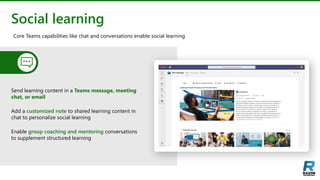
Social learning
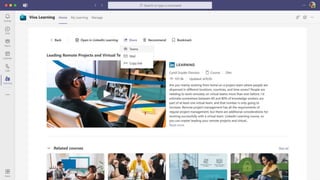
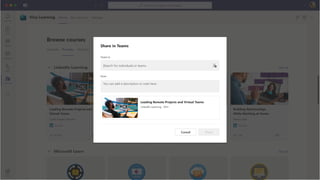
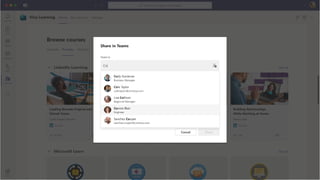
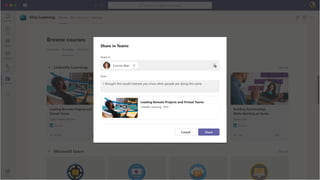
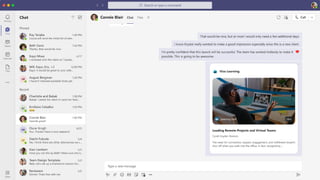
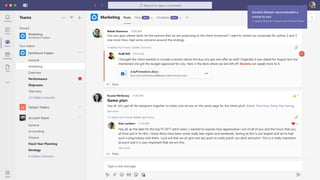
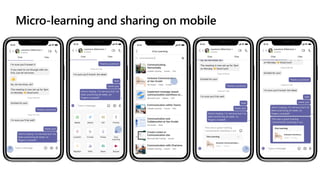
Send learning content in a Teams message, meeting
chat, or email
Add a customized note to shared learning content in
chat to personalize social learning
Enable group coaching and mentoring conversations
to supplement structured learning
Core Teams capabilities like chat and conversations enable social learning
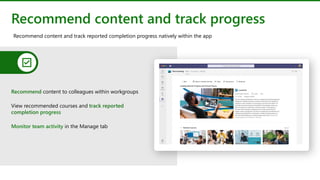
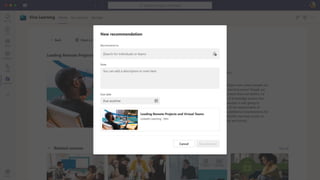
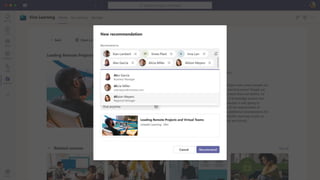
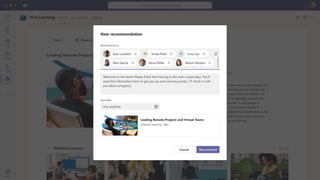
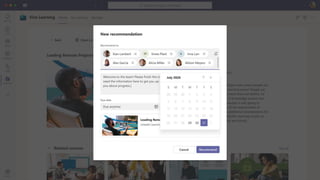
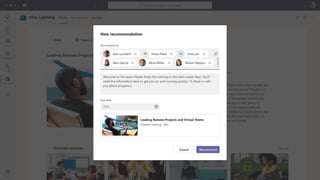
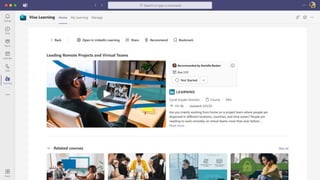
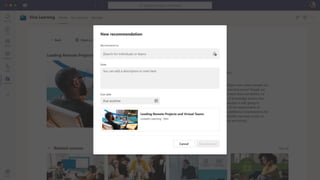
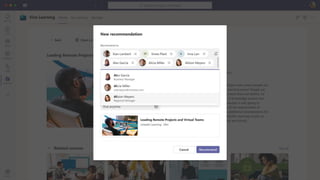
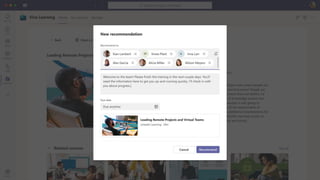
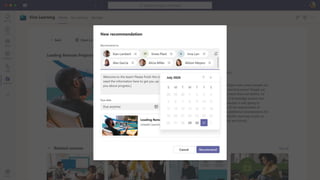
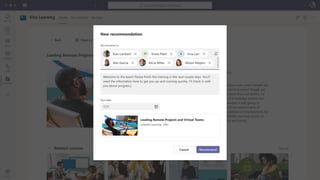
Recommend content and track progress
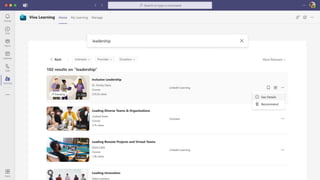
Recommend content to colleagues within workgroups
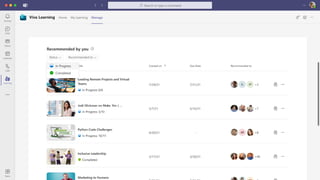
View recommended courses and track reported
completion progress
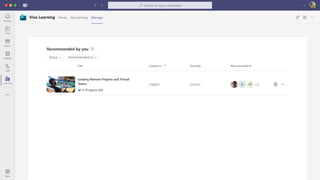
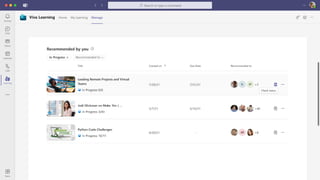
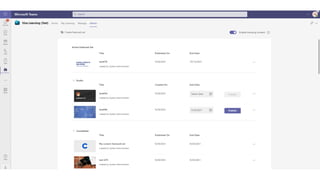
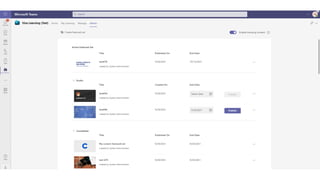
Monitor team activity in the Manage tab
Recommend content and track reported completion progress natively within the app
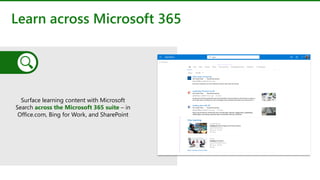
Learn across Microsoft 365
Surface learning content with Microsoft
Search across the Microsoft 365 suite – in
Office.com, Bing for Work, and SharePoint
Microsoft confidential.
Simplify and
centralize learning
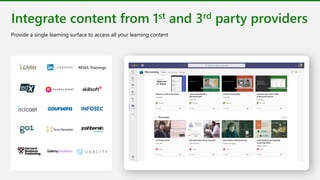
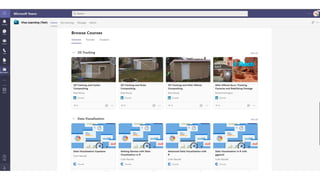
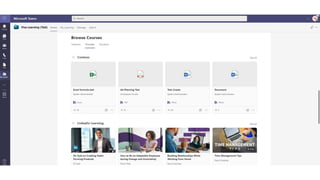
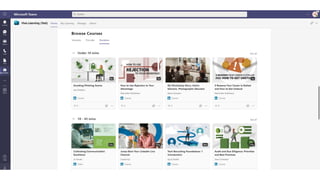
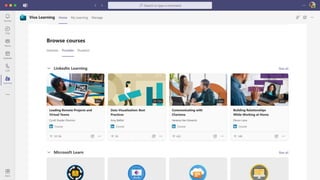
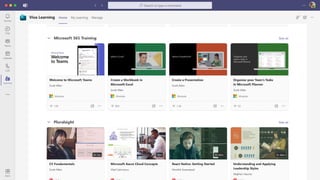
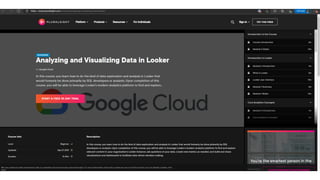
Integrate content from 1st and 3rd party providers
Provide a single learning surface to access all your learning content
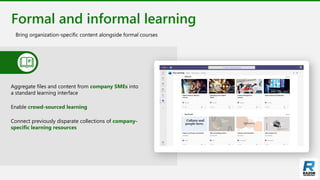
Formal and informal learning
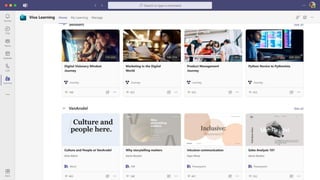
Bring organization-specific content alongside formal courses
Aggregate files and content from company SMEs into
a standard learning interface
Enable crowd-sourced learning
Connect previously disparate collections of company-
specific learning resources
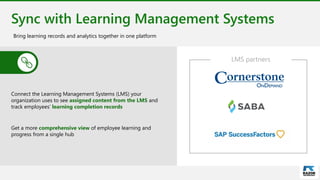
Sync with Learning Management Systems
Connect the Learning Management Systems (LMS) your
organization uses to see assigned content from the LMS and
track employees’ learning completion records
Get a more comprehensive view of employee learning and
progress from a single hub
Bring learning records and analytics together in one platform
LMS partners
Microsoft confidential.
Personalized and Relevant
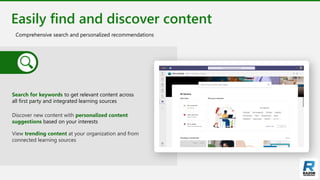
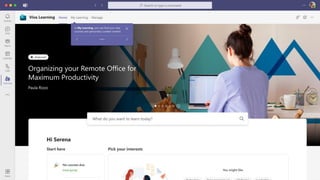
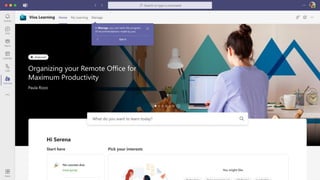
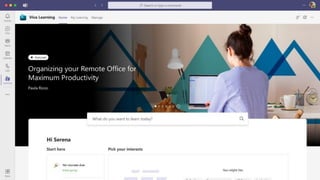
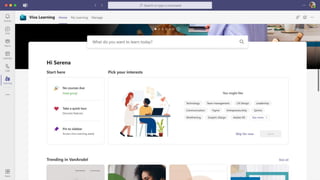
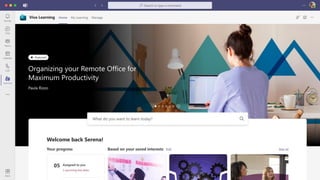
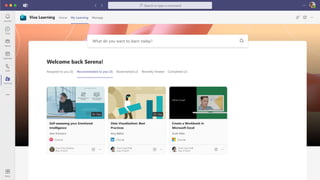
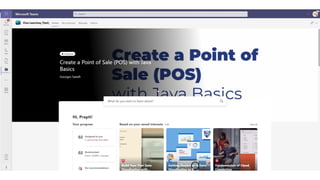
Easily find and discover content
Comprehensive search and personalized recommendations
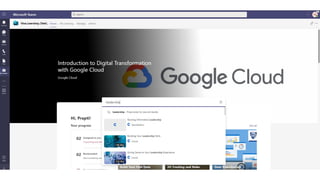
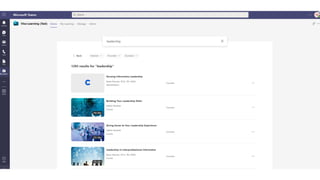
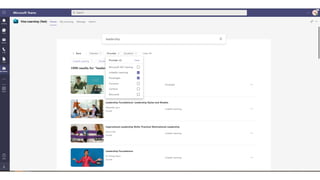
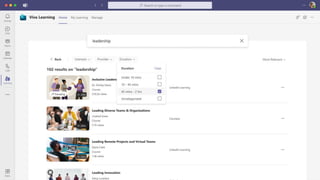
Search for keywords to get relevant content across
all first party and integrated learning sources
Discover new content with personalized content
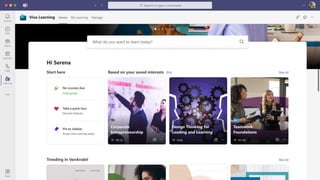
suggestions based on your interests
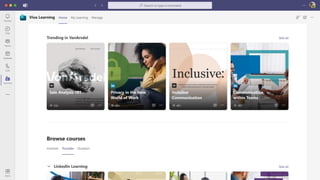
View trending content at your organization and from
connected learning sources
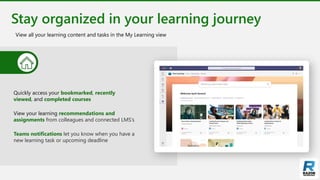
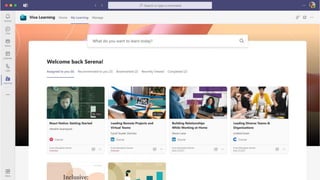
Stay organized in your learning journey
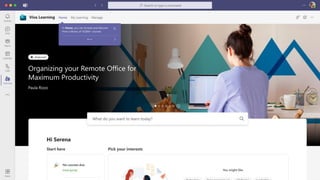
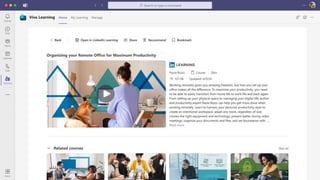
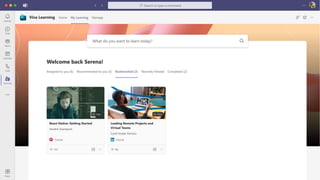
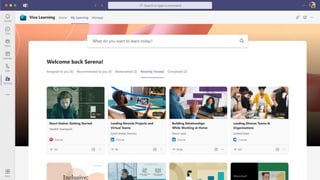
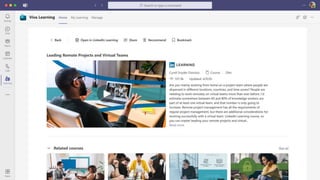
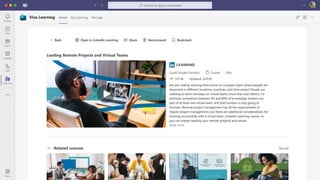
View all your learning content and tasks in the My Learning view
Quickly access your bookmarked, recently
viewed, and completed courses
View your learning recommendations and
assignments from colleagues and connected LMS’s
Teams notifications let you know when you have a
new learning task or upcoming deadline
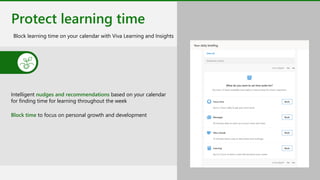
Protect learning time
Block learning time on your calendar with Viva Learning and Insights
Intelligent nudges and recommendations based on your calendar
for finding time for learning throughout the week
Block time to focus on personal growth and development
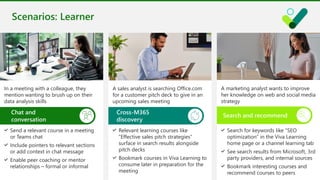
Scenarios: Learner
Send a relevant course in a meeting
or Teams chat
Include pointers to relevant sections
or add context in chat message
Enable peer coaching or mentor
relationships – formal or informal
In a meeting with a colleague, they
mention wanting to brush up on their
data analysis skills
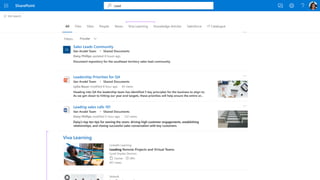
Relevant learning courses like
“Effective sales pitch strategies”
surface in search results alongside
pitch decks
Bookmark courses in Viva Learning to
consume later in preparation for the
meeting
A sales analyst is searching Office.com
for a customer pitch deck to give in an
upcoming sales meeting
Chat and
conversation
Cross-M365
discovery
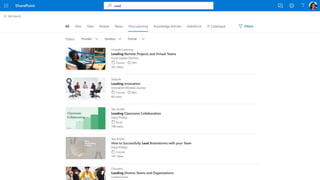
Search for keywords like “SEO
optimization” in the Viva Learning
home page or a channel learning tab
See search results from Microsoft, 3rd
party providers, and internal sources
Bookmark interesting courses and
recommend courses to peers
A marketing analyst wants to improve
her knowledge on web and social media
strategy
Search and recommend
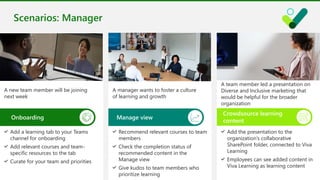
Add a learning tab to your Teams
channel for onboarding
Add relevant courses and team-
specific resources to the tab
Curate for your team and priorities
A new team member will be joining
next week
Recommend relevant courses to team
members
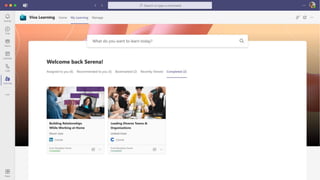
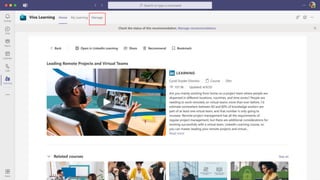
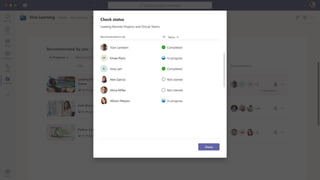
Check the completion status of
recommended content in the
Manage view
Give kudos to team members who
prioritize learning
A manager wants to foster a culture
of learning and growth
Scenarios: Manager
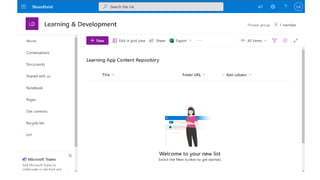
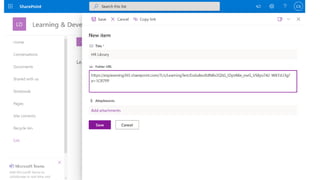
Onboarding Manage view
Add the presentation to the
organization’s collaborative
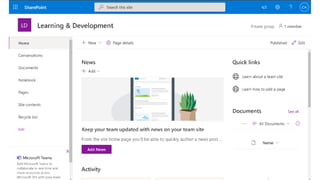
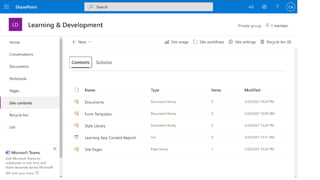
SharePoint folder, connected to Viva
Learning
Employees can see added content in
Viva Learning as learning content
A team member led a presentation on
Diverse and Inclusive marketing that
would be helpful for the broader
organization
Crowdsource learning
content
Learn more
Viva Learning webpage
Employee Learning | Microsoft Viva Learning
Microsoft Viva website
Employee Experience & Engagement | Microsoft Viva
Viva Learning Mechanics Video (Demo)
Personalized learning through Microsoft 365 | Microsoft Viva Learning –
YouTube
Tech Community blog
Microsoft Viva Blog - Microsoft Tech Community
866.797.3282 | Razor-tech.com
David J. Rosenthal
VP & General Manager
Digital Business
@DavidJRosenthal
SlideShare
Microsoft confidential.
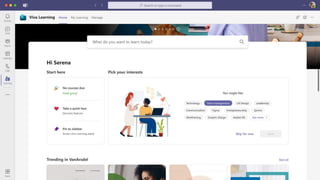
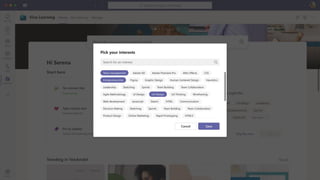
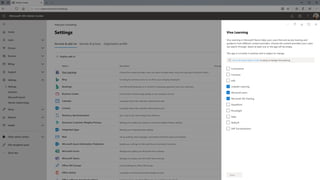
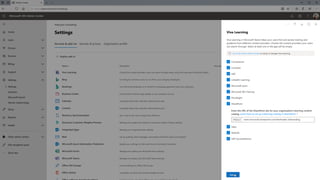
Viva Learning Demo
Learner scenario
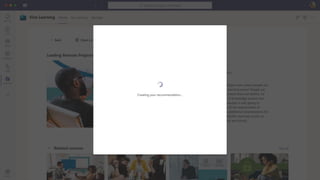
Placeholder for “setting up your
recommendation”
Manager scenario
Microsoft Confidential | Shared under NDA
Placeholder for “setting up your
recommendation”
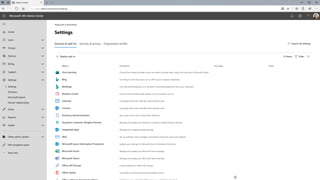
Admin scenario
Micro-learning and sharing on mobile

Microsoft Viva Learning

  • 1.
    Microsoft Viva Learning DavidJ. Rosenthal VP & GM, Digital Business November 3, 2021 Microsoft Global Webinar
  • 2.
    2 Employee What is anEmployee Experience Platform (EXP)​ Purpose & Alignment Mission, Goals & Outcomes Achievements & Recognition Culture & Communications News, Events, Company Resources Communities Knowledge & Expertise People & Experts Documents & Content Wellbeing & Engagement Physical, Mental, Financial Nudges, Feedback & Sentiment Growth & Development Learning & Coaching Onboarding, Lifecycle Moments Talent Mobility A digital platform that helps organizations create a thriving culture with engaged employees and inspiring leaders
  • 3.
    Microsoft Viva Employee experienceplatform for the digital era Viva Connections Viva Insights Viva Topics Viva Learning Viva Platform and Ecosystem
  • 4.
    79% of CEOsworldwide are concerned that a lack of essential skills in their workforce is a barrier to future growth1 Meanwhile, employees only have 1% of their workweek to focus on learning new skills2 1PwC CEO Survey, 2019 2Leading in Learning, Bersin by Deloitte
  • 5.
    Today’s corporate learningindustry is fragmented Support the administration of learning programs and management of learner records. Learning Management Systems Provide variety of content types and formats (i.e., educational courses, training programs, and learning and development programs across industries Learning Content Providers Support content discovery, content personalization and recommendations, and curation. Learning Experience Platforms
  • 6.
    What is VivaLearning? Viva Learning creates a center for learning in Teams where people can discover, share, and track learning from libraries across an organization (LinkedIn Learning, MS Learn, a company's own content, and 3rd party providers) to empower employees to make learning a natural part of their day.
  • 7.
    Viva Learning Learn inthe flow of work Integrate learning into the tools and platforms where users already spend their time with Microsoft Teams and Microsoft 365 Simplify learning Bring together learning content and tools from different sources in one central hub Personalized and Relevant Find the right content and discover new skills with personalized recommendations and search
  • 8.
  • 9.
    Add a Learningtab in Microsoft Teams Find, select, and pin trainings in right in the channels you collaborate in daily Curate sets of trainings right in the tab for scenarios like onboarding and team-specific skilling Create a personalized learning experience for your team
  • 10.
    Social learning Send learningcontent in a Teams message, meeting chat, or email Add a customized note to shared learning content in chat to personalize social learning Enable group coaching and mentoring conversations to supplement structured learning Core Teams capabilities like chat and conversations enable social learning
  • 11.
    Recommend content andtrack progress Recommend content to colleagues within workgroups View recommended courses and track reported completion progress Monitor team activity in the Manage tab Recommend content and track reported completion progress natively within the app
  • 12.
    Learn across Microsoft365 Surface learning content with Microsoft Search across the Microsoft 365 suite – in Office.com, Bing for Work, and SharePoint
  • 13.
  • 14.
    Integrate content from1st and 3rd party providers Provide a single learning surface to access all your learning content
  • 15.
    Formal and informallearning Bring organization-specific content alongside formal courses Aggregate files and content from company SMEs into a standard learning interface Enable crowd-sourced learning Connect previously disparate collections of company- specific learning resources
  • 16.
    Sync with LearningManagement Systems Connect the Learning Management Systems (LMS) your organization uses to see assigned content from the LMS and track employees’ learning completion records Get a more comprehensive view of employee learning and progress from a single hub Bring learning records and analytics together in one platform LMS partners
  • 17.
  • 18.
    Easily find anddiscover content Comprehensive search and personalized recommendations Search for keywords to get relevant content across all first party and integrated learning sources Discover new content with personalized content suggestions based on your interests View trending content at your organization and from connected learning sources
  • 19.
    Stay organized inyour learning journey View all your learning content and tasks in the My Learning view Quickly access your bookmarked, recently viewed, and completed courses View your learning recommendations and assignments from colleagues and connected LMS’s Teams notifications let you know when you have a new learning task or upcoming deadline
  • 20.
    Protect learning time Blocklearning time on your calendar with Viva Learning and Insights Intelligent nudges and recommendations based on your calendar for finding time for learning throughout the week Block time to focus on personal growth and development
  • 21.
    Scenarios: Learner Send arelevant course in a meeting or Teams chat Include pointers to relevant sections or add context in chat message Enable peer coaching or mentor relationships – formal or informal In a meeting with a colleague, they mention wanting to brush up on their data analysis skills Relevant learning courses like “Effective sales pitch strategies” surface in search results alongside pitch decks Bookmark courses in Viva Learning to consume later in preparation for the meeting A sales analyst is searching Office.com for a customer pitch deck to give in an upcoming sales meeting Chat and conversation Cross-M365 discovery Search for keywords like “SEO optimization” in the Viva Learning home page or a channel learning tab See search results from Microsoft, 3rd party providers, and internal sources Bookmark interesting courses and recommend courses to peers A marketing analyst wants to improve her knowledge on web and social media strategy Search and recommend
  • 22.
    Add a learningtab to your Teams channel for onboarding Add relevant courses and team- specific resources to the tab Curate for your team and priorities A new team member will be joining next week Recommend relevant courses to team members Check the completion status of recommended content in the Manage view Give kudos to team members who prioritize learning A manager wants to foster a culture of learning and growth Scenarios: Manager Onboarding Manage view Add the presentation to the organization’s collaborative SharePoint folder, connected to Viva Learning Employees can see added content in Viva Learning as learning content A team member led a presentation on Diverse and Inclusive marketing that would be helpful for the broader organization Crowdsource learning content
  • 23.
    Learn more Viva Learningwebpage Employee Learning | Microsoft Viva Learning Microsoft Viva website Employee Experience & Engagement | Microsoft Viva Viva Learning Mechanics Video (Demo) Personalized learning through Microsoft 365 | Microsoft Viva Learning – YouTube Tech Community blog Microsoft Viva Blog - Microsoft Tech Community
  • 24.
    866.797.3282 | Razor-tech.com DavidJ. Rosenthal VP & General Manager Digital Business @DavidJRosenthal SlideShare
  • 25.
  • 26.
  • 66.
    Placeholder for “settingup your recommendation”
  • 76.
  • 78.
    Microsoft Confidential |Shared under NDA
  • 79.
    Microsoft Confidential |Shared under NDA
  • 80.
    Microsoft Confidential |Shared under NDA
  • 81.
    Microsoft Confidential |Shared under NDA
  • 82.
    Microsoft Confidential |Shared under NDA
  • 83.
    Microsoft Confidential |Shared under NDA
  • 84.
    Microsoft Confidential |Shared under NDA
  • 85.
    Microsoft Confidential |Shared under NDA
  • 93.
    Placeholder for “settingup your recommendation”
  • 99.
  • 112.