Creation – Assets
Lesson 17
Lesson Goals
 Know how legislation that may affect website assets
 Understand how to setup a suitable folder structure
 Be able to create and collect a range of website assets
#structure
#assets
Assessment Criteria
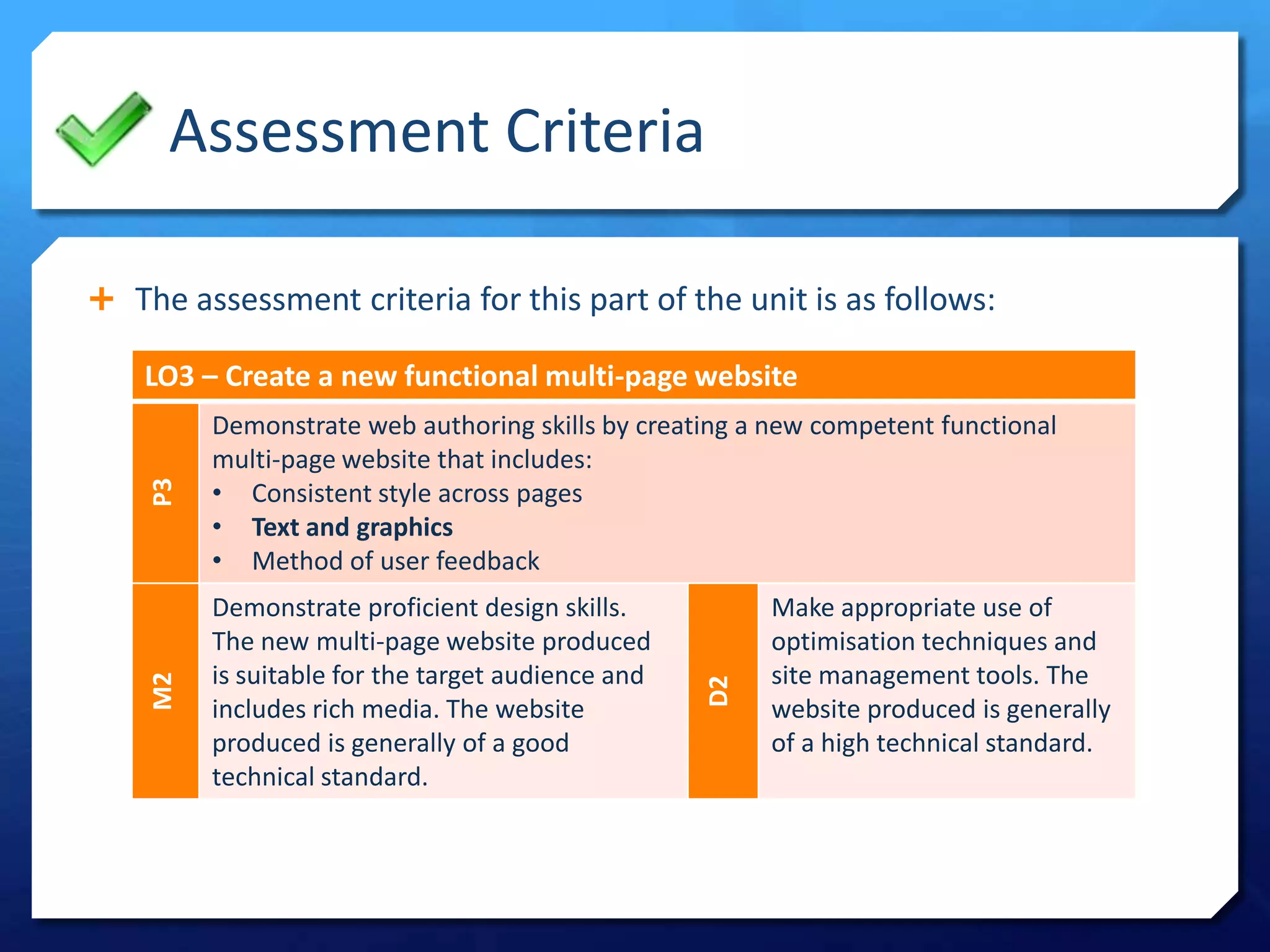
 The assessment criteria for this part of the unit is as follows:
LO3 – Create a new functional multi-page website
P3
Demonstrate web authoring skills by creating a new competent functional
multi-page website that includes:
• Consistent style across pages
• Text and graphics
• Method of user feedback
M2
Demonstrate proficient design skills.
The new multi-page website produced
is suitable for the target audience and
includes rich media. The website
produced is generally of a good
technical standard.
D2
Make appropriate use of
optimisation techniques and
site management tools. The
website produced is generally
of a high technical standard.
Folder Structure
#structure
#assets
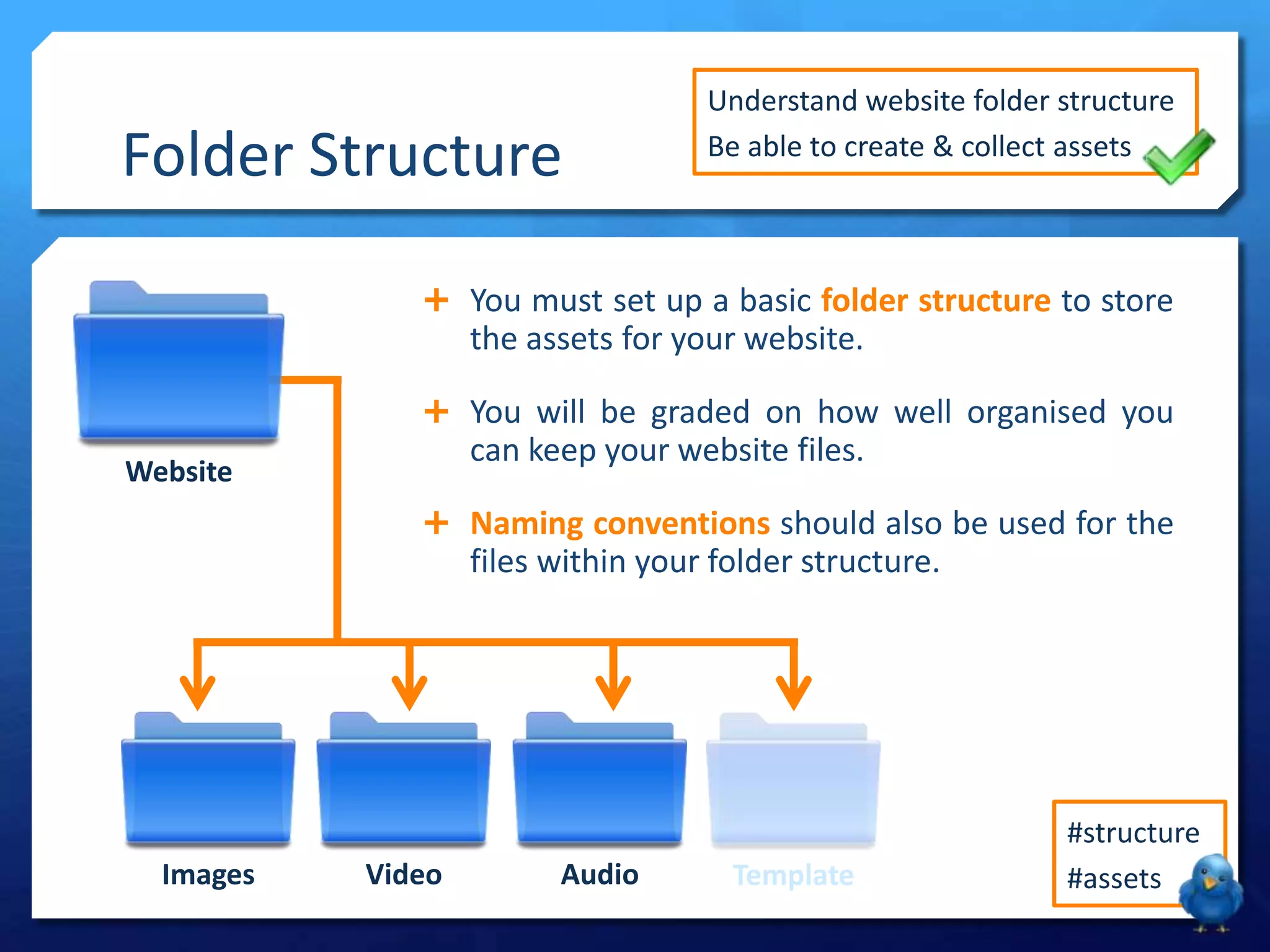
Website
Images Video TemplateAudio
 You must set up a basic folder structure to store
the assets for your website.
 You will be graded on how well organised you
can keep your website files.
 Naming conventions should also be used for the
files within your folder structure.
Understand website folder structure
Be able to create & collect assets
Naming Files
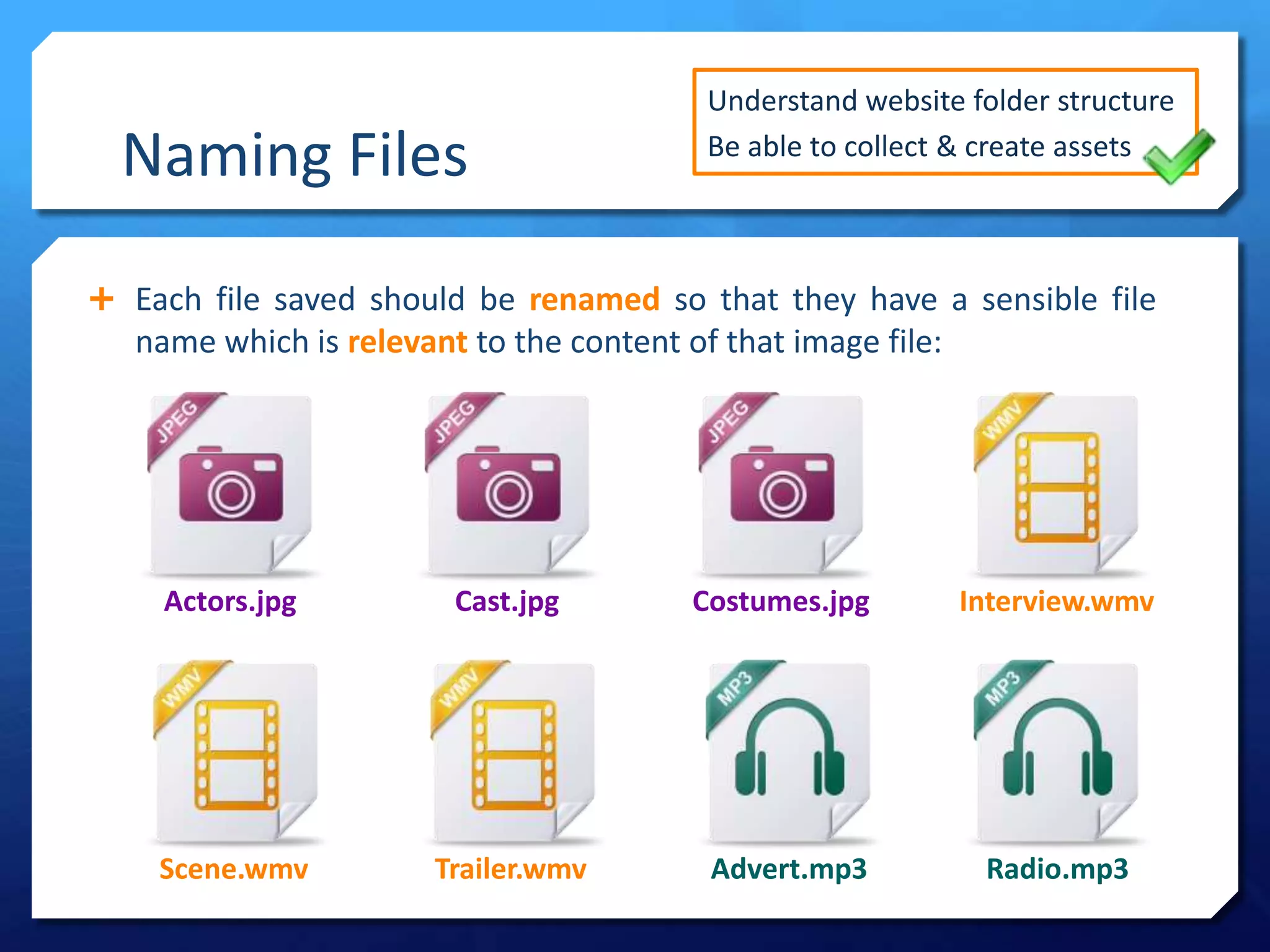
 Each file saved should be renamed so that they have a sensible file
name which is relevant to the content of that image file:
Understand website folder structure
Be able to collect & create assets
Scene.wmv
Actors.jpg Cast.jpg Costumes.jpg Interview.wmv
Trailer.wmv Advert.mp3 Radio.mp3
Website Assets
Where can you source the images, audio and video for your website?
Assets
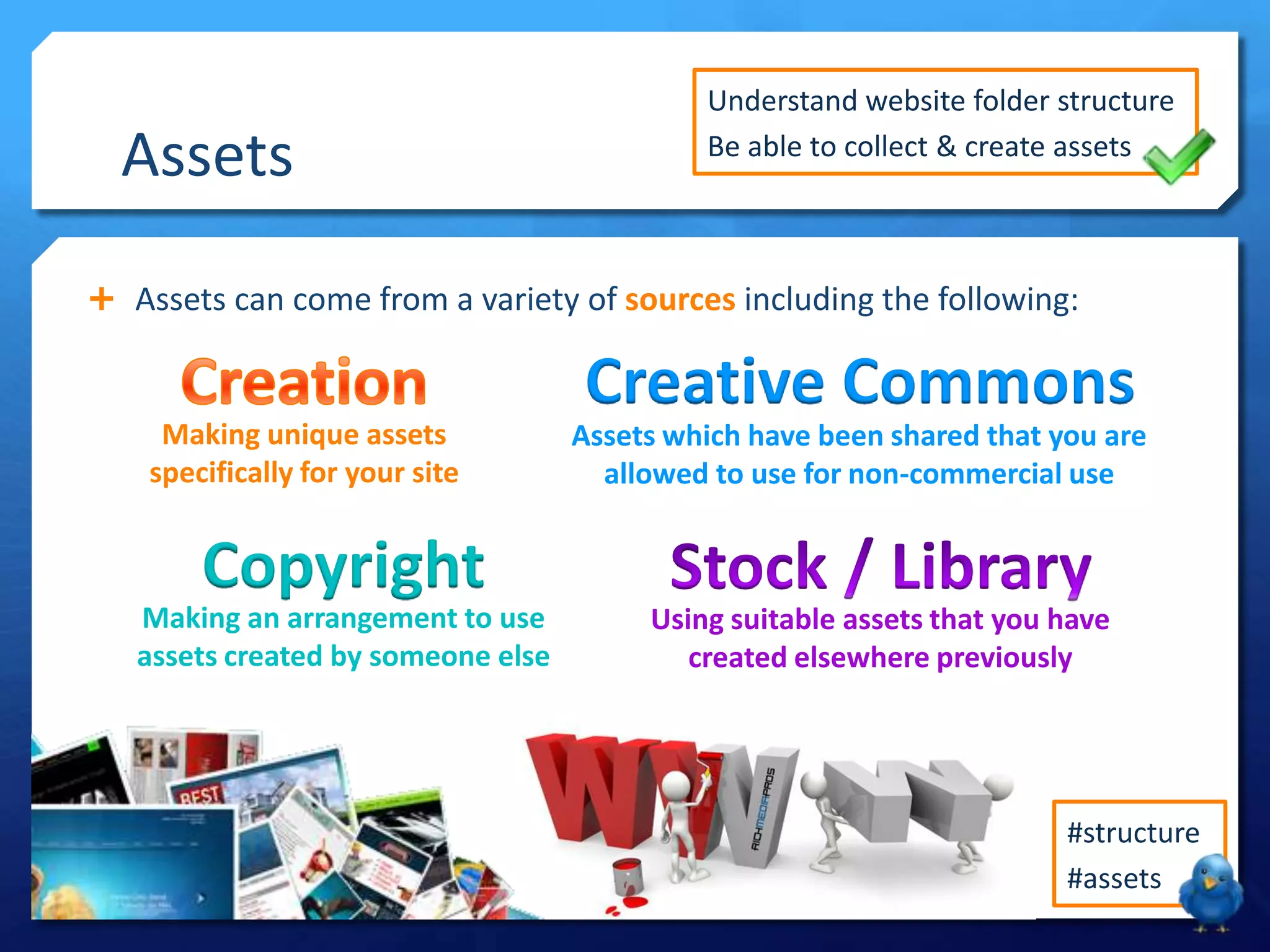
 Assets can come from a variety of sources including the following:
Making unique assets
specifically for your site
Creative Commons
Assets which have been shared that you are
allowed to use for non-commercial use
#structure
#assets
Understand website folder structure
Be able to collect & create assets
Using suitable assets that you have
created elsewhere previously
Copyright
Making an arrangement to use
assets created by someone else
Creative Commons
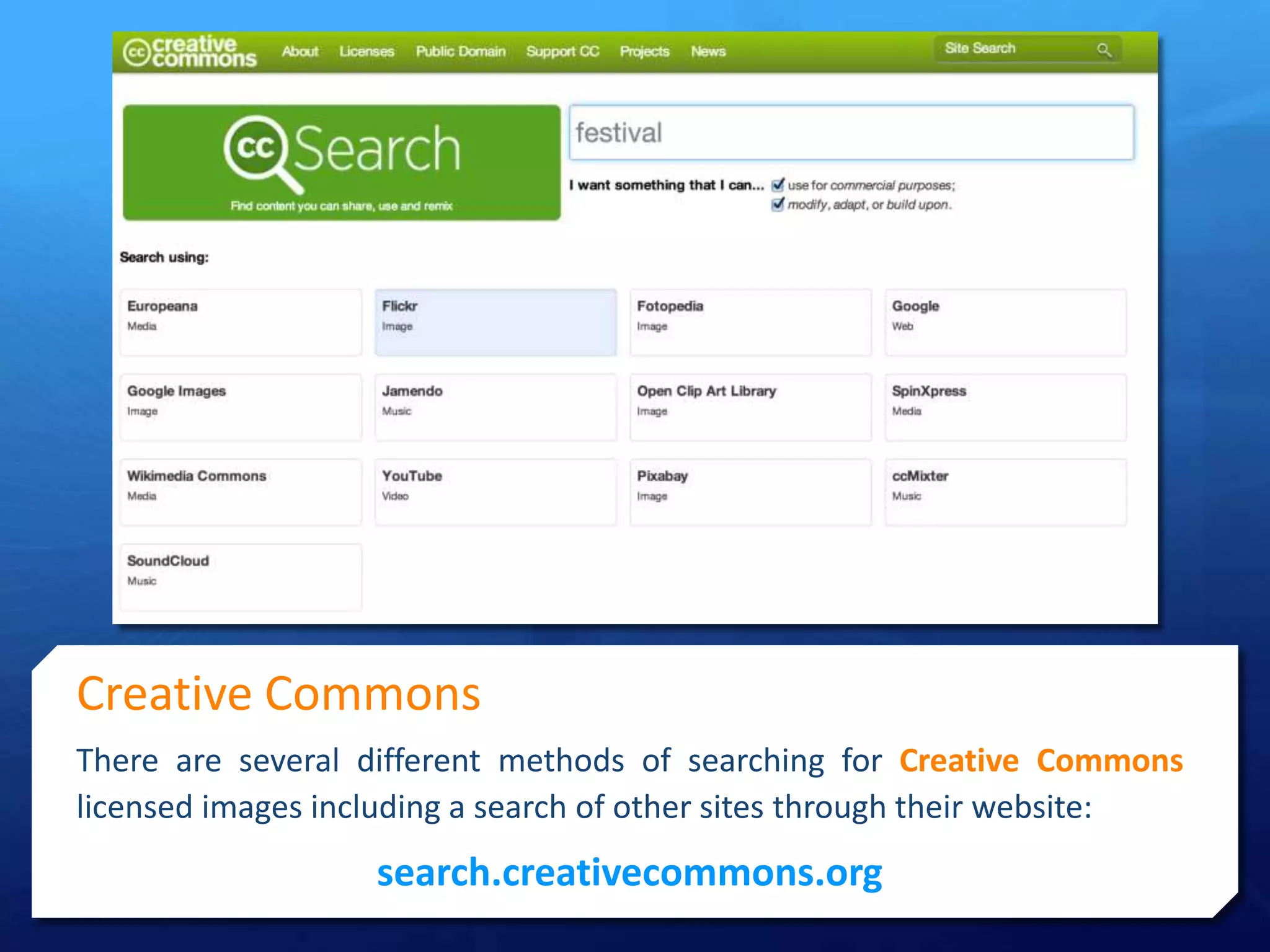
There are several different methods of searching for Creative Commons
licensed images including a search of other sites through their website:
search.creativecommons.org
Creative Commons
 Other relevant websites for sourcing creative commons assets include:
#structure
#assets
Understand website folder structure
Be able to collect & create assets
Wikimedia Commons
Nottingham Xpert
Attribution
Pixabay.com
Blip.tv Archive.org
CCmixter.org
Phlow Music
Artbeats.com
Your Task
 Create the folder structure for your website using relevant folder names.
#structure
#assets
Understand website folder structure
Be able to collect & create assets
 Collect a range of suitable assets for
your website including:
 Images
 Audio
 Video
 Use naming conventions when saving
any assets for your website.
 Reference any sources used and make
note of license details included with
any creative commons files.

LO3 - Lesson 17 - Assets

  • 1.
  • 2.
    Lesson Goals  Knowhow legislation that may affect website assets  Understand how to setup a suitable folder structure  Be able to create and collect a range of website assets #structure #assets
  • 3.
    Assessment Criteria  Theassessment criteria for this part of the unit is as follows: LO3 – Create a new functional multi-page website P3 Demonstrate web authoring skills by creating a new competent functional multi-page website that includes: • Consistent style across pages • Text and graphics • Method of user feedback M2 Demonstrate proficient design skills. The new multi-page website produced is suitable for the target audience and includes rich media. The website produced is generally of a good technical standard. D2 Make appropriate use of optimisation techniques and site management tools. The website produced is generally of a high technical standard.
  • 4.
    Folder Structure #structure #assets Website Images VideoTemplateAudio  You must set up a basic folder structure to store the assets for your website.  You will be graded on how well organised you can keep your website files.  Naming conventions should also be used for the files within your folder structure. Understand website folder structure Be able to create & collect assets
  • 5.
    Naming Files  Eachfile saved should be renamed so that they have a sensible file name which is relevant to the content of that image file: Understand website folder structure Be able to collect & create assets Scene.wmv Actors.jpg Cast.jpg Costumes.jpg Interview.wmv Trailer.wmv Advert.mp3 Radio.mp3
  • 6.
    Website Assets Where canyou source the images, audio and video for your website?
  • 7.
    Assets  Assets cancome from a variety of sources including the following: Making unique assets specifically for your site Creative Commons Assets which have been shared that you are allowed to use for non-commercial use #structure #assets Understand website folder structure Be able to collect & create assets Using suitable assets that you have created elsewhere previously Copyright Making an arrangement to use assets created by someone else
  • 8.
    Creative Commons There areseveral different methods of searching for Creative Commons licensed images including a search of other sites through their website: search.creativecommons.org
  • 9.
    Creative Commons  Otherrelevant websites for sourcing creative commons assets include: #structure #assets Understand website folder structure Be able to collect & create assets Wikimedia Commons Nottingham Xpert Attribution Pixabay.com Blip.tv Archive.org CCmixter.org Phlow Music Artbeats.com
  • 10.
    Your Task  Createthe folder structure for your website using relevant folder names. #structure #assets Understand website folder structure Be able to collect & create assets  Collect a range of suitable assets for your website including:  Images  Audio  Video  Use naming conventions when saving any assets for your website.  Reference any sources used and make note of license details included with any creative commons files.