Creation – Template
Lesson 19
Lesson Goals
 Know how to structure the layout of a website
 Understand the use of editable regions in a template
 Be able to create an effective template in Dreamweaver
#template
#editable
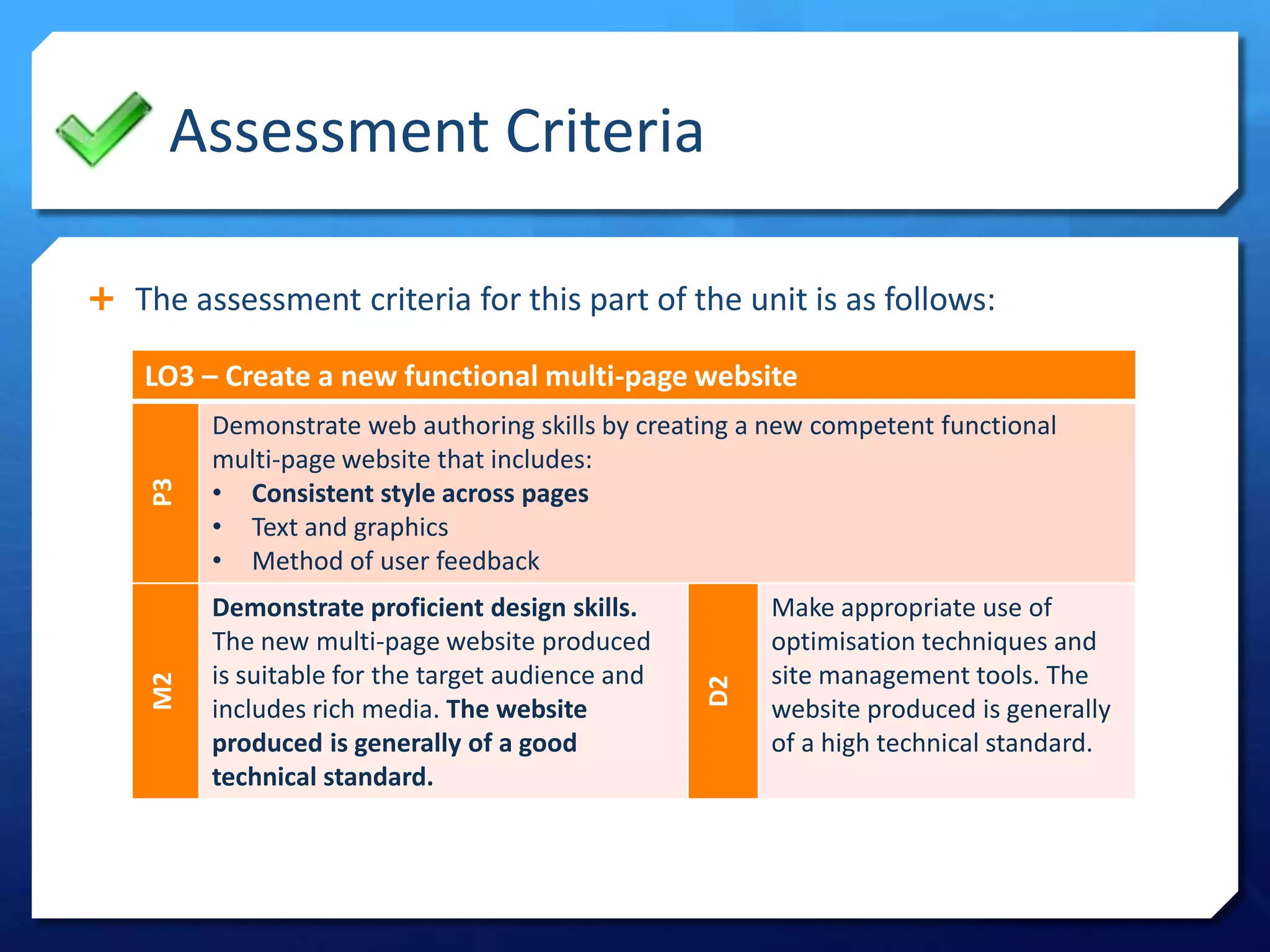
Assessment Criteria
 The assessment criteria for this part of the unit is as follows:
LO3 – Create a new functional multi-page website
P3
Demonstrate web authoring skills by creating a new competent functional
multi-page website that includes:
• Consistent style across pages
• Text and graphics
• Method of user feedback
M2
Demonstrate proficient design skills.
The new multi-page website produced
is suitable for the target audience and
includes rich media. The website
produced is generally of a good
technical standard.
D2
Make appropriate use of
optimisation techniques and
site management tools. The
website produced is generally
of a high technical standard.
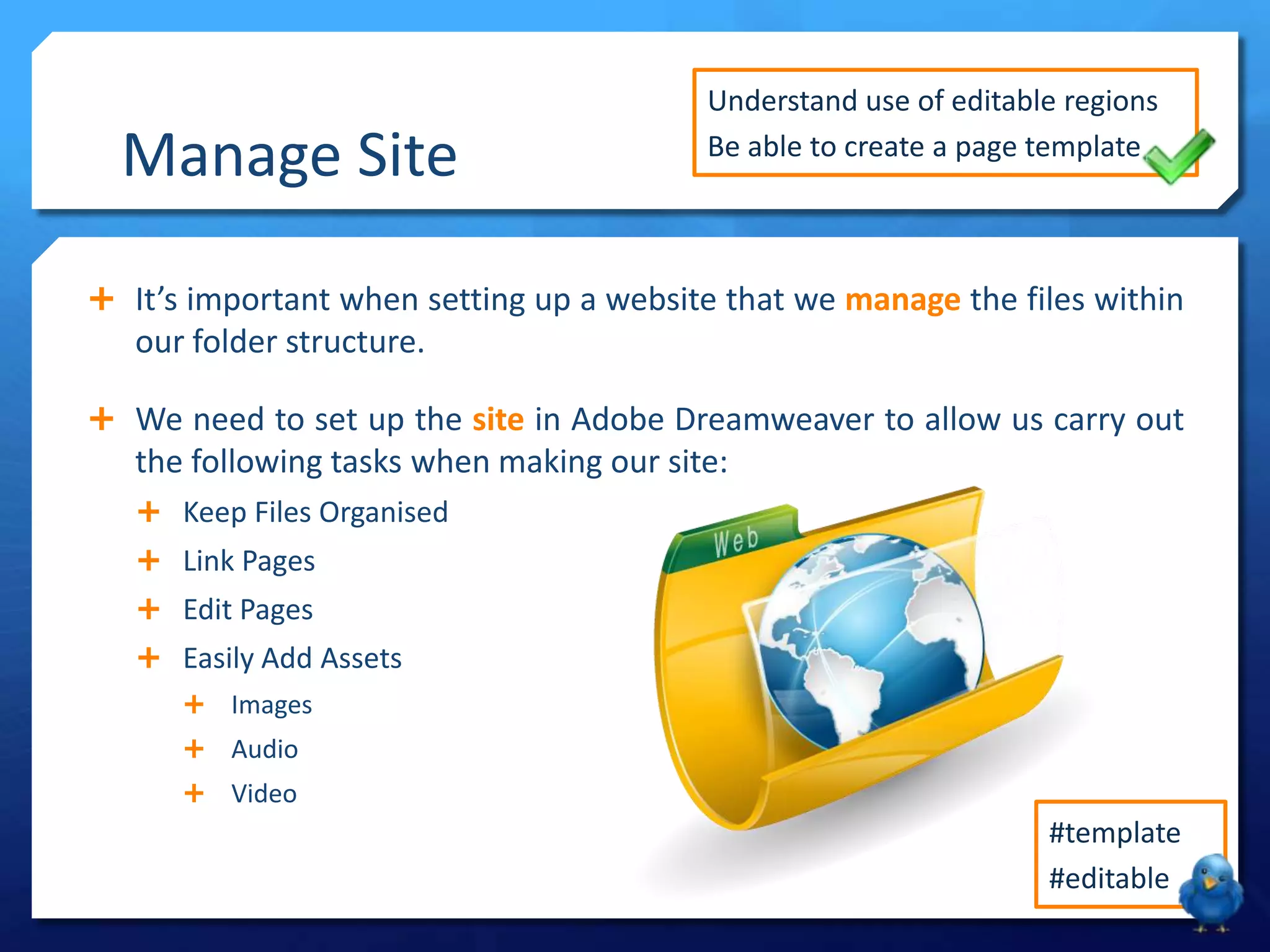
 It’s important when setting up a website that we manage the files within
our folder structure.
 We need to set up the site in Adobe Dreamweaver to allow us carry out
the following tasks when making our site:
 Keep Files Organised
 Link Pages
 Edit Pages
 Easily Add Assets
 Images
 Audio
 Video
Manage Site
Understand use of editable regions
Be able to create a page template
#template
#editable
Page Template
What is a template and why are they useful in web design?
Templates
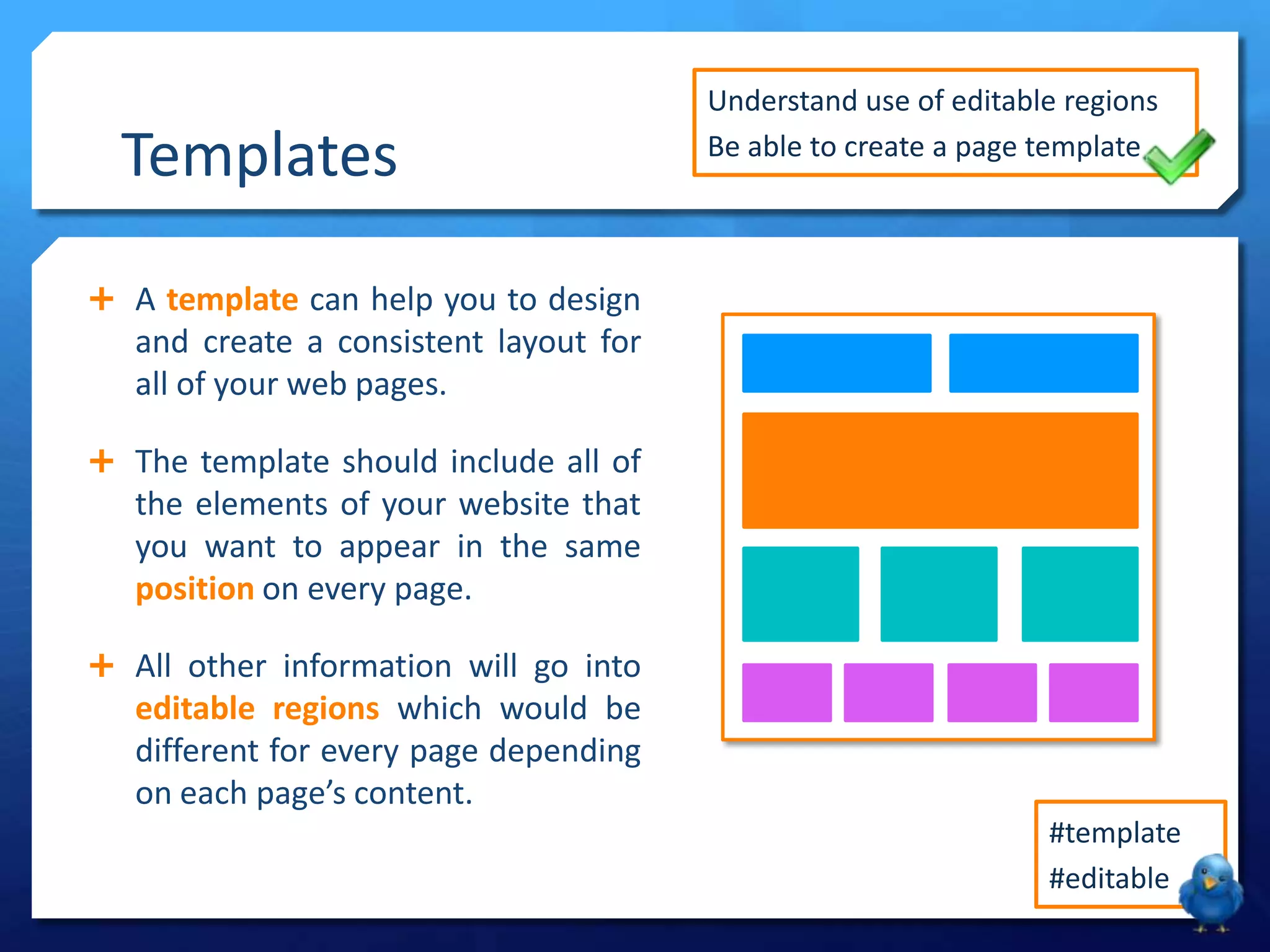
 A template can help you to design
and create a consistent layout for
all of your web pages.
 The template should include all of
the elements of your website that
you want to appear in the same
position on every page.
 All other information will go into
editable regions which would be
different for every page depending
on each page’s content.
Understand use of editable regions
Be able to create a page template
#template
#editable
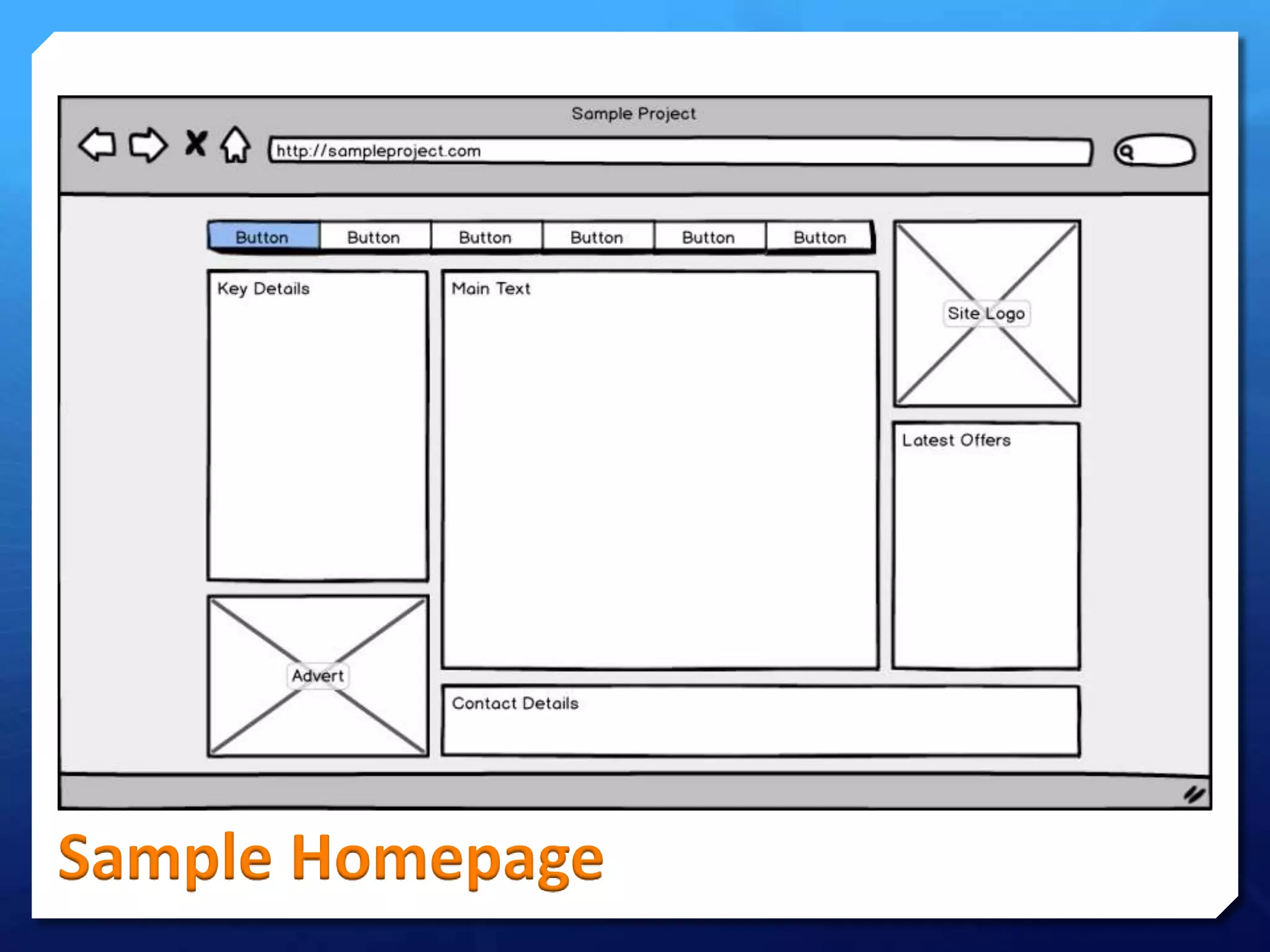
Sample Homepage
CSS
 A cascading style sheet can be used
in web design to help define the way
that a web site will look.
 CSS allows you to define formatting
for the website by defining:
 Colours
 Fonts
 Layout
 The syntax of CSS is very simple as it
is mostly created using basic English
words to define each element.
Understand use of editable regions
Be able to create a page template
#template
#editable
Technical Needs
 A typical user of your website will be looking for the following:
 Navigation – Easy to get from page to page
 Flow – Obvious which bit comes next
 Loading – Relatively quick load times
 Access – Site accessible to disabled users
 Consistency – A clear style across all pages
 Browsers – Displays correctly in all browsers
 Colours – Effective contrasting colour scheme
 Form – Allowing user interaction e.g. Contact
 You will need to refer to your mockups while making the
template and check these areas have been considered.
Understand use of editable regions
Be able to create a page template
#template
#editable
Your Task
 Set up a website using the management
tools within Adobe Dreamweaver to
create a New Site.
 Create your website template making
sure you include areas for:
 Site Logo
 Navigation Bar
 Copyright Notice
 You must also define CSS properties in
your template as these will then apply
consistently throughout your website.
Understand use of editable regions
Be able to create a page template
#template
#editable

LO3 - Lesson 19 - Template & CSS

  • 1.
  • 2.
    Lesson Goals  Knowhow to structure the layout of a website  Understand the use of editable regions in a template  Be able to create an effective template in Dreamweaver #template #editable
  • 3.
    Assessment Criteria  Theassessment criteria for this part of the unit is as follows: LO3 – Create a new functional multi-page website P3 Demonstrate web authoring skills by creating a new competent functional multi-page website that includes: • Consistent style across pages • Text and graphics • Method of user feedback M2 Demonstrate proficient design skills. The new multi-page website produced is suitable for the target audience and includes rich media. The website produced is generally of a good technical standard. D2 Make appropriate use of optimisation techniques and site management tools. The website produced is generally of a high technical standard.
  • 4.
     It’s importantwhen setting up a website that we manage the files within our folder structure.  We need to set up the site in Adobe Dreamweaver to allow us carry out the following tasks when making our site:  Keep Files Organised  Link Pages  Edit Pages  Easily Add Assets  Images  Audio  Video Manage Site Understand use of editable regions Be able to create a page template #template #editable
  • 5.
    Page Template What isa template and why are they useful in web design?
  • 6.
    Templates  A templatecan help you to design and create a consistent layout for all of your web pages.  The template should include all of the elements of your website that you want to appear in the same position on every page.  All other information will go into editable regions which would be different for every page depending on each page’s content. Understand use of editable regions Be able to create a page template #template #editable
  • 7.
  • 8.
    CSS  A cascadingstyle sheet can be used in web design to help define the way that a web site will look.  CSS allows you to define formatting for the website by defining:  Colours  Fonts  Layout  The syntax of CSS is very simple as it is mostly created using basic English words to define each element. Understand use of editable regions Be able to create a page template #template #editable
  • 9.
    Technical Needs  Atypical user of your website will be looking for the following:  Navigation – Easy to get from page to page  Flow – Obvious which bit comes next  Loading – Relatively quick load times  Access – Site accessible to disabled users  Consistency – A clear style across all pages  Browsers – Displays correctly in all browsers  Colours – Effective contrasting colour scheme  Form – Allowing user interaction e.g. Contact  You will need to refer to your mockups while making the template and check these areas have been considered. Understand use of editable regions Be able to create a page template #template #editable
  • 10.
    Your Task  Setup a website using the management tools within Adobe Dreamweaver to create a New Site.  Create your website template making sure you include areas for:  Site Logo  Navigation Bar  Copyright Notice  You must also define CSS properties in your template as these will then apply consistently throughout your website. Understand use of editable regions Be able to create a page template #template #editable