Download to read offline
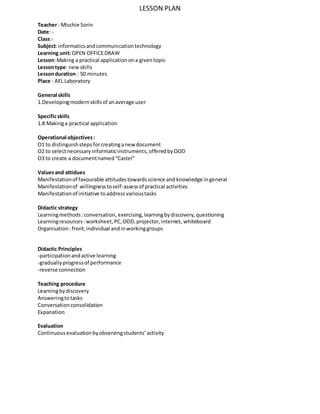
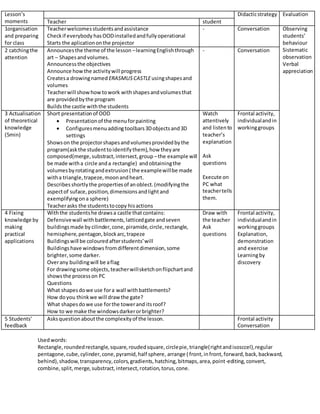

This lesson plan outlines teaching a 50-minute lesson on creating a practical application using OpenOffice Draw. The lesson will: 1. Provide a short presentation on the tools and functions in OpenOffice Draw for drawing shapes and volumes. 2. Demonstrate how to compose shapes using functions like merge, subtract, and intersect by creating an example drawing. 3. Involve students in interactively drawing an "Erasmus Castle" containing buildings made from different 3D shapes, with opportunities for student questions and feedback throughout. The lesson aims to develop students' modern information skills through hands-on practice with the drawing program in a participatory way while fostering initiative, discovery, and self-assessment.


