Lightweight Directory Access Protocol
Outline
  o Introduction
  o Directory vs Database
  o Current directory
  o Directory features
  o History
  o Understanding LDAP
          Information model
          Naming model
       Ldap directory structure
          Functional model
          Security Model
          Replication model
  o LDAP software
  o Configure a LDAP on a server
  o Conclusion
Page  2
Introduction (1/2)


To improve functionality and ease-of-use, and to enable cost-
 effective administration of distributed applications:

  information about the services:
             resources
             users
             and other objects accessible from the applications
          needs to be organized in a clear and consistent manner.

  Much of this information can be shared among many
   applications.
Page  3
Introduction (2/2)


But it must also be protected


Such information is often collected into a special database
 that is sometimes called a directory.


 The Lightweight Directory Access Protocol (LDAP) is an
 open industry standard that has evolved to meet these needs


. 4
Page
Before moving to the following!!!!


 What is a Directories
Is it a data base as commonly said
Let us knowing the difference


 Directory vs Database


Page  5
Directory vs Database!!!!(1/2)


o A directory is often described as a database
oBut it has special characteristics different from general
 databases:


           They are accessed much more than they are updated. And
           they are optimized for read access


        They are not suited for information that changes rapidly
       (number of jobs in a printer queue)


Page  6
Directory vs Database!!!!(2/2)


        Many directory services don’t support transactions


        Directories normally limits the type of information that can be
         stored


        Databases use powerful query languages like SQL but
         Directories normally use very simple access methods


        Hence directories can be optimized to economically provide
         more applications with rapid access

Page  7
Current directories


           o Paper Directories


                 Phonebook
                 Address Book
                 Sales Catalog


           o Electronic Directories


                 DNS
                 Windows registry
Page  8
Directory features

      oA directory is a listing of information about objects
       arranged in some order that gives details about each
       object.


      o Dynamic (real time update)


      o Flexible (easy change of type and data organization)


      o Secure (who sees what)


      o Personalized (how to present data,…)
Page  9
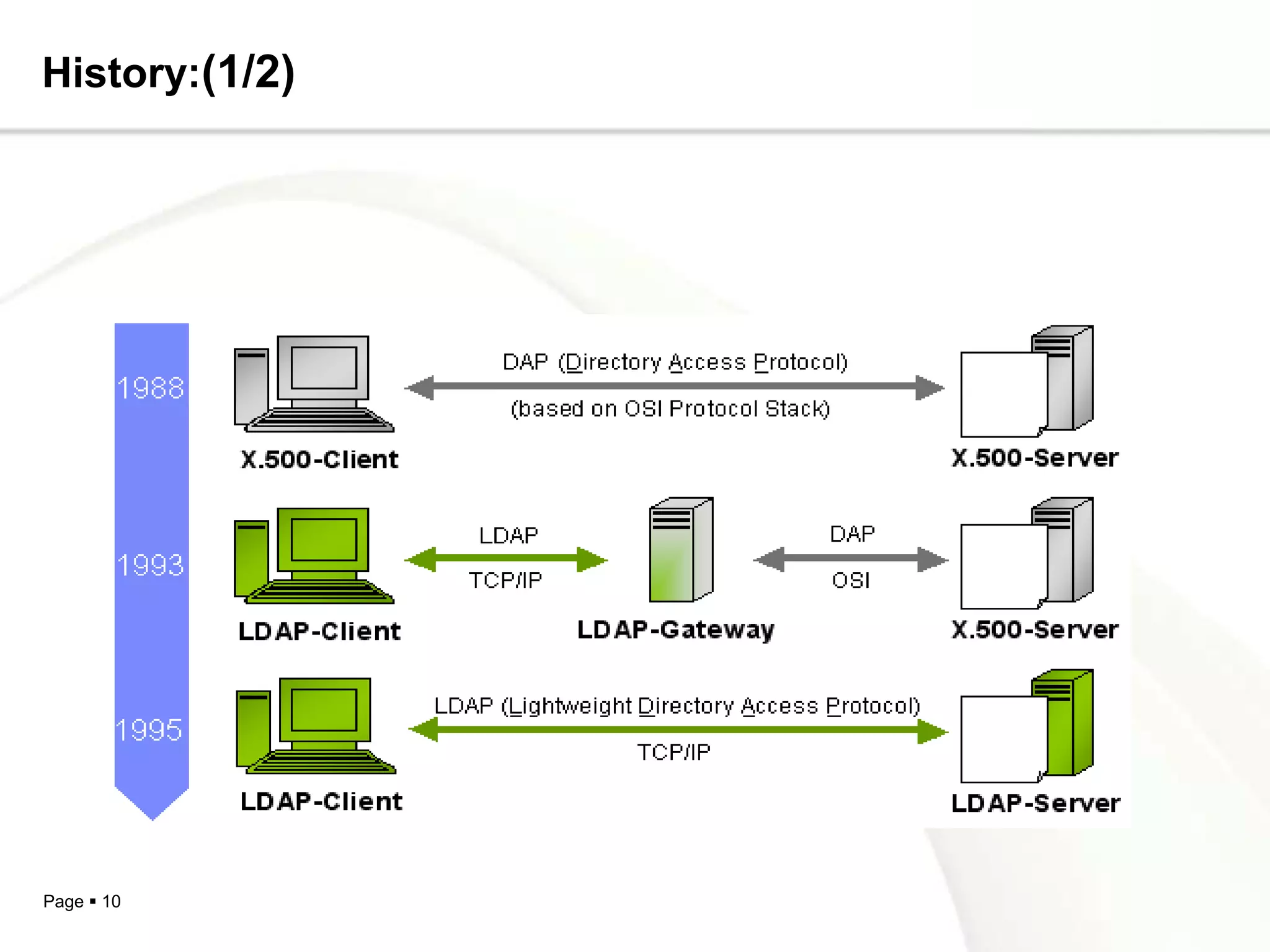
History:(1/2)


Page  10
History:(2/2)

   o LDAP version 3


             Consideration of special characters


             Security : SASL authentication and TLS encryption
              (Transport Layer Security)


             Overloading operations


Page  11
Understanding LDAP?(1/2)

What’s LDAP!!!
   Lightweight Directory Access Protocol


   An application protocol for querying and modifying
   directory services running over TCP/IP


Information
   Structure of information stored in an LDAP directory.


Page  12
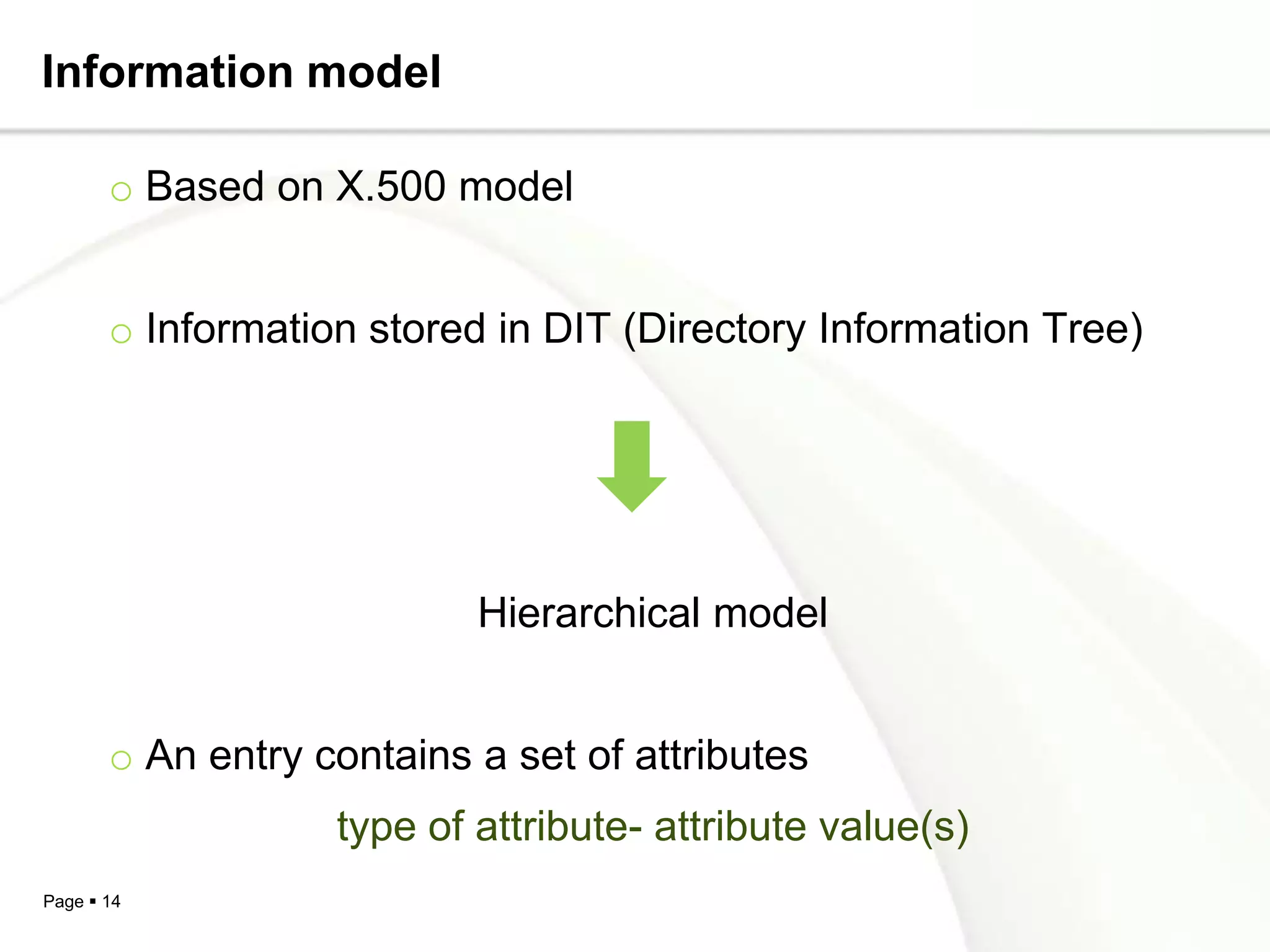
Understanding LDAP?(2/2)

Naming
  • How information is organized and identified.


Functional / Operations
  • Describes what operations can be performed on the
    information stored in an LDAP directory.


Security
   Describes how the information can be protected from
    unauthorized access.


Page  13
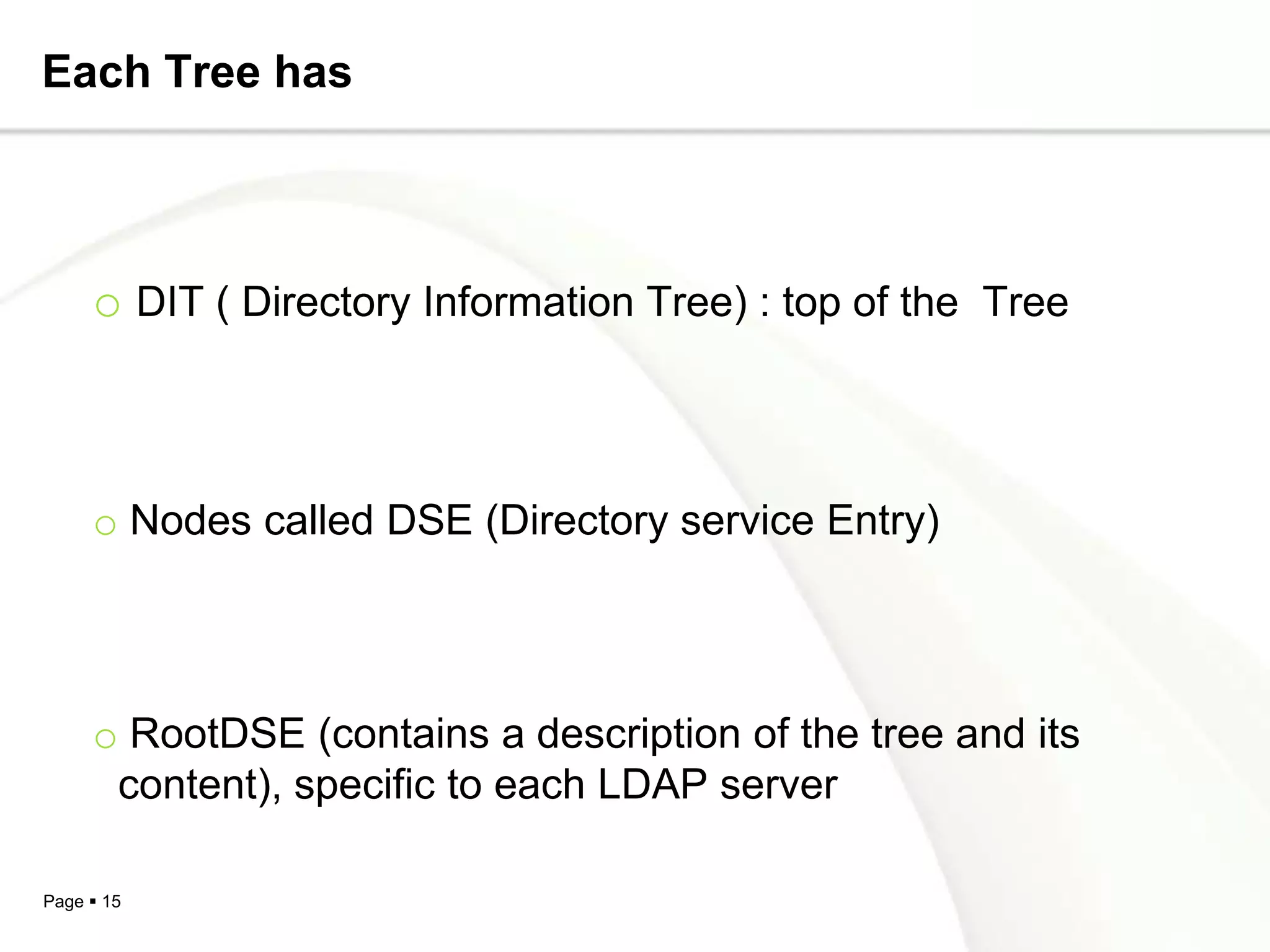
Information model

       o Based on X.500 model


       o Information stored in DIT (Directory Information Tree)


                           Hierarchical model


       o An entry contains a set of attributes
                   type of attribute- attribute value(s)
Page  14
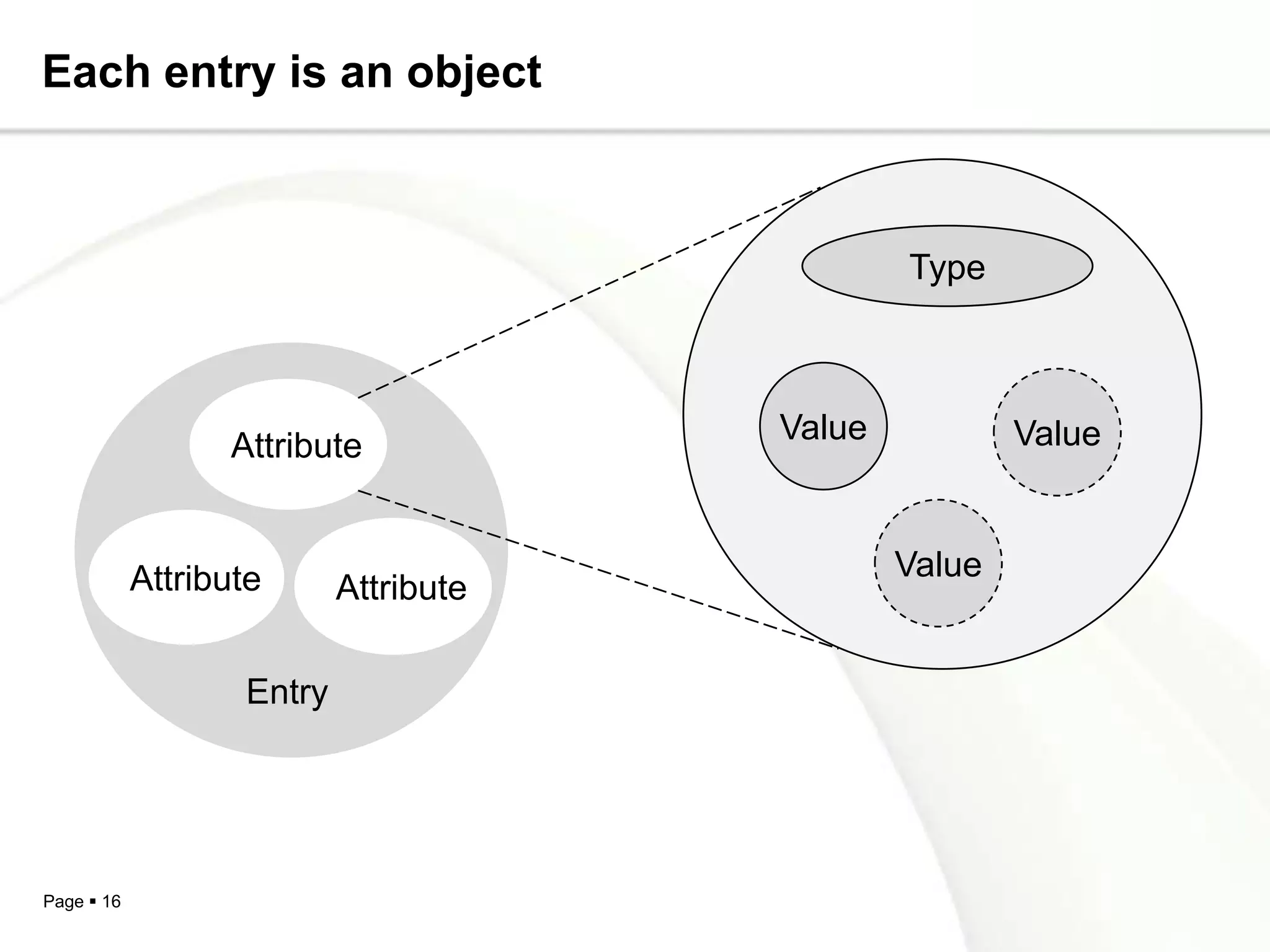
Each Tree has


     o DIT ( Directory Information Tree) : top of the Tree


     o Nodes called DSE (Directory service Entry)


     o RootDSE (contains a description of the tree and its
      content), specific to each LDAP server

Page  15
Each entry is an object


                                               Type


                                       Value           Value
                  Attribute


            Attribute                          Value
                           Attribute

                   Entry


Page  16
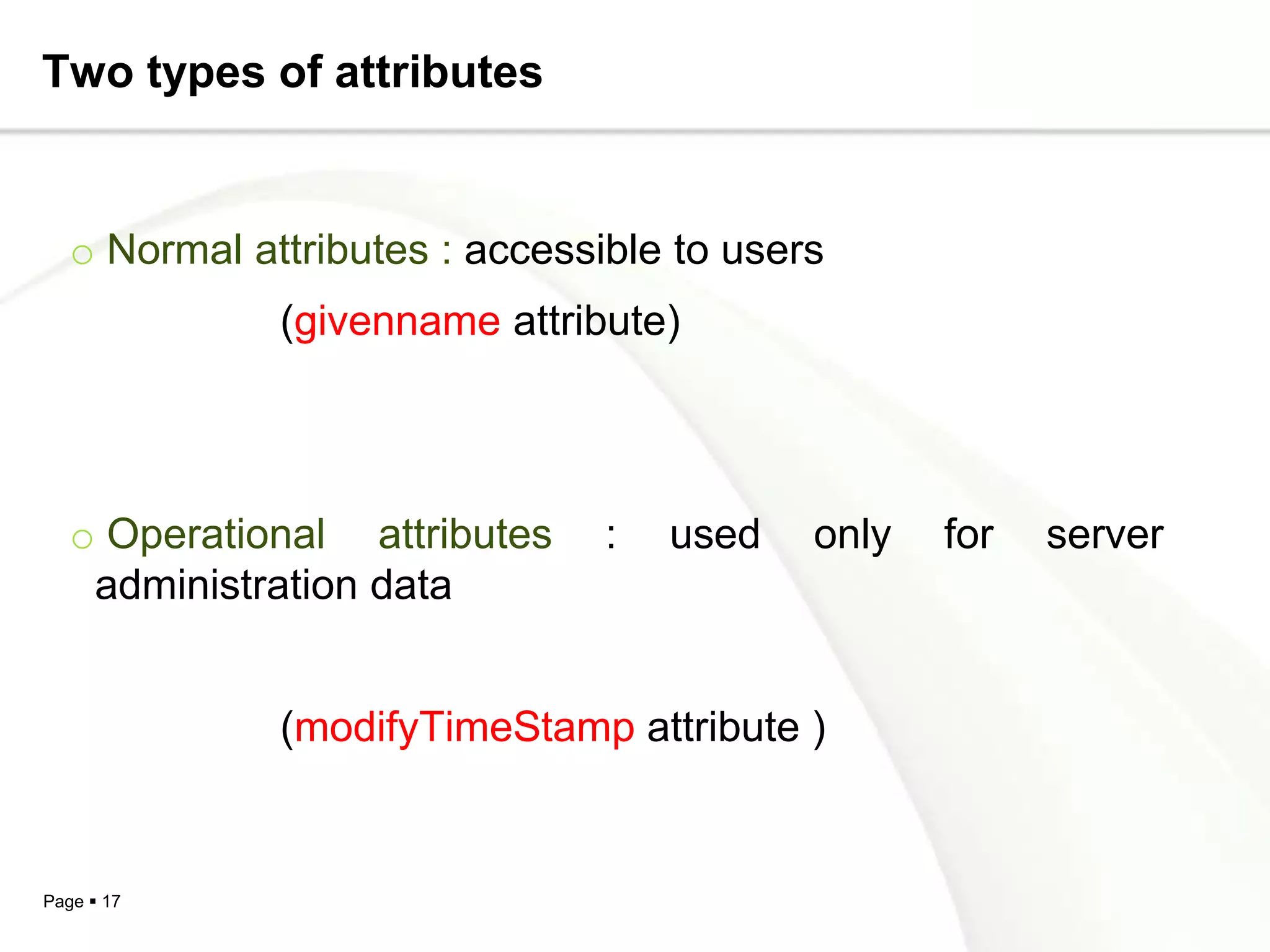
Two types of attributes


   o Normal attributes : accessible to users
              (givenname attribute)


   o Operational attributes     :   used   only   for   server
    administration data


              (modifyTimeStamp attribute )


Page  17
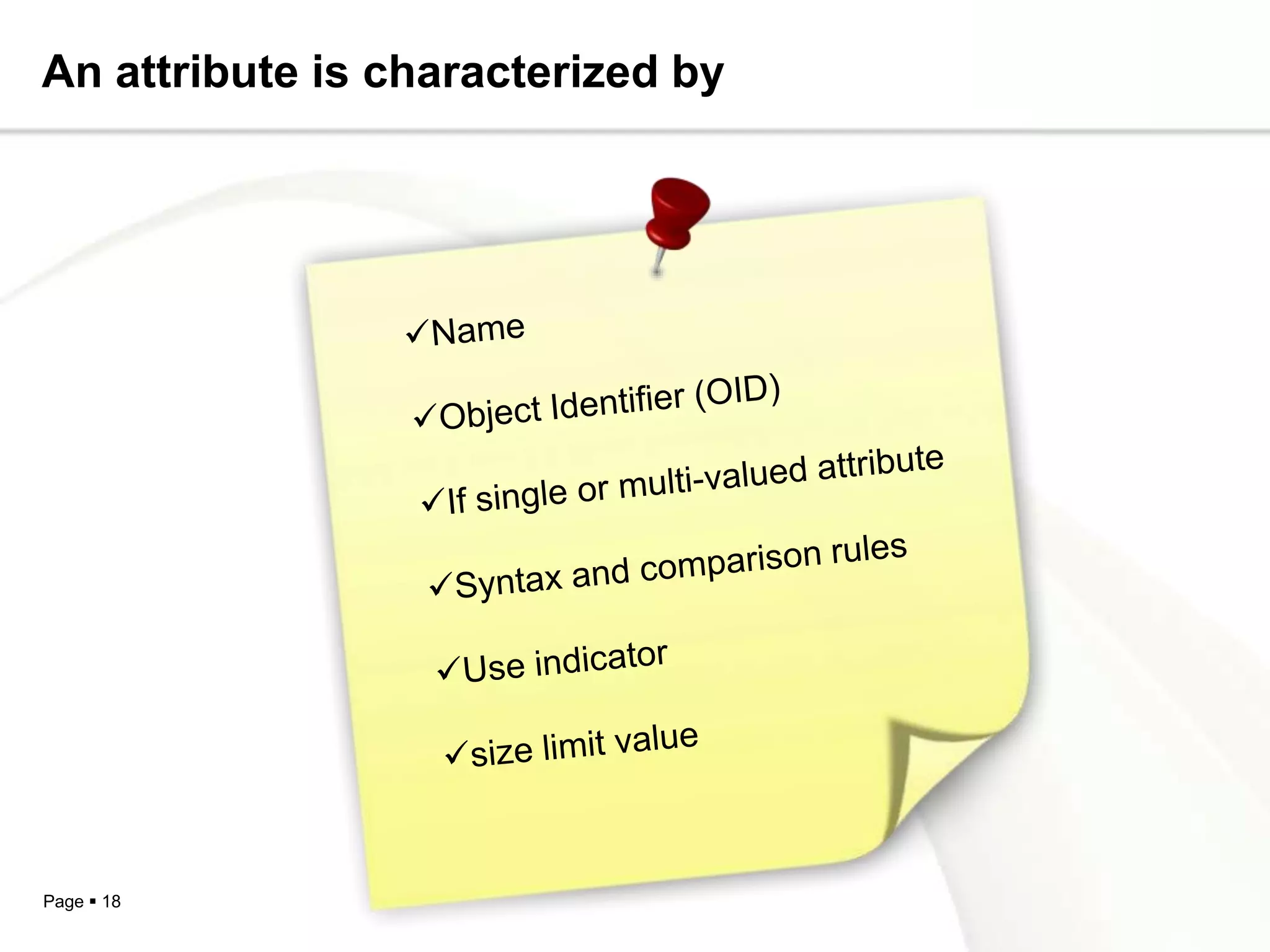
An attribute is characterized by


Page  18
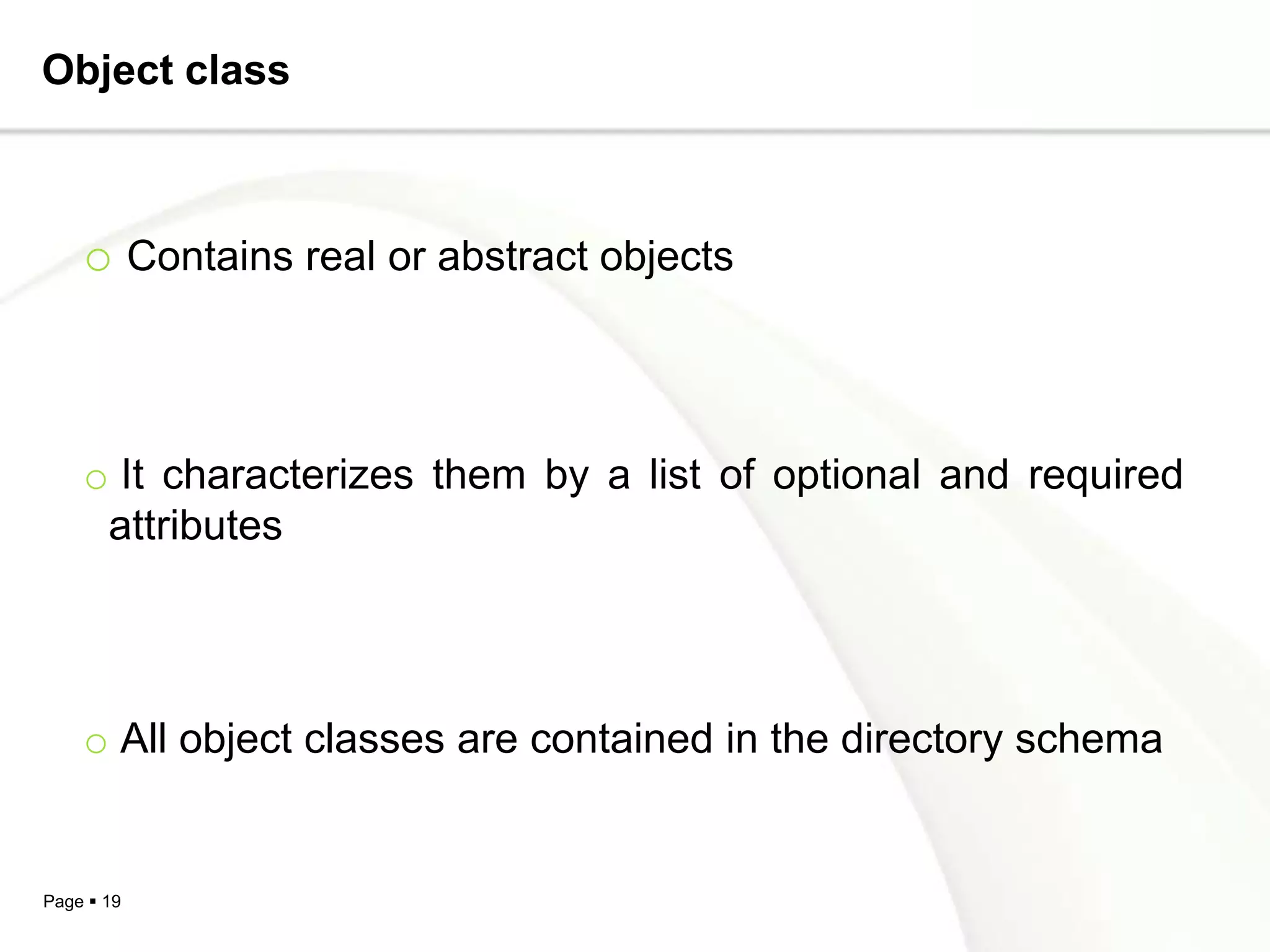
Object class


    o Contains real or abstract objects


    o It characterizes them by a list of optional and required
     attributes


    o All object classes are contained in the directory schema


Page  19
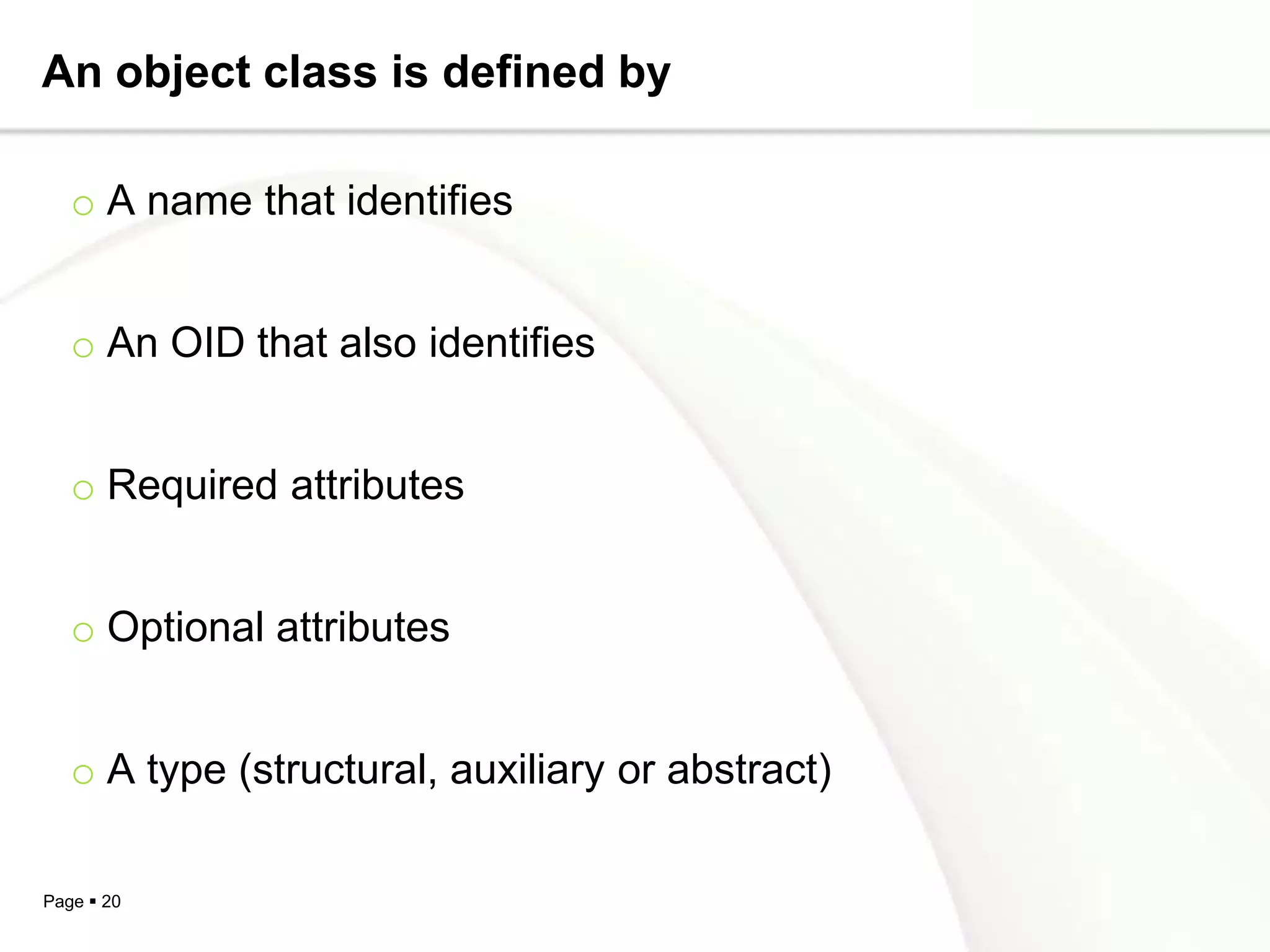
An object class is defined by

   o A name that identifies


   o An OID that also identifies


   o Required attributes


   o Optional attributes


   o A type (structural, auxiliary or abstract)

Page  20
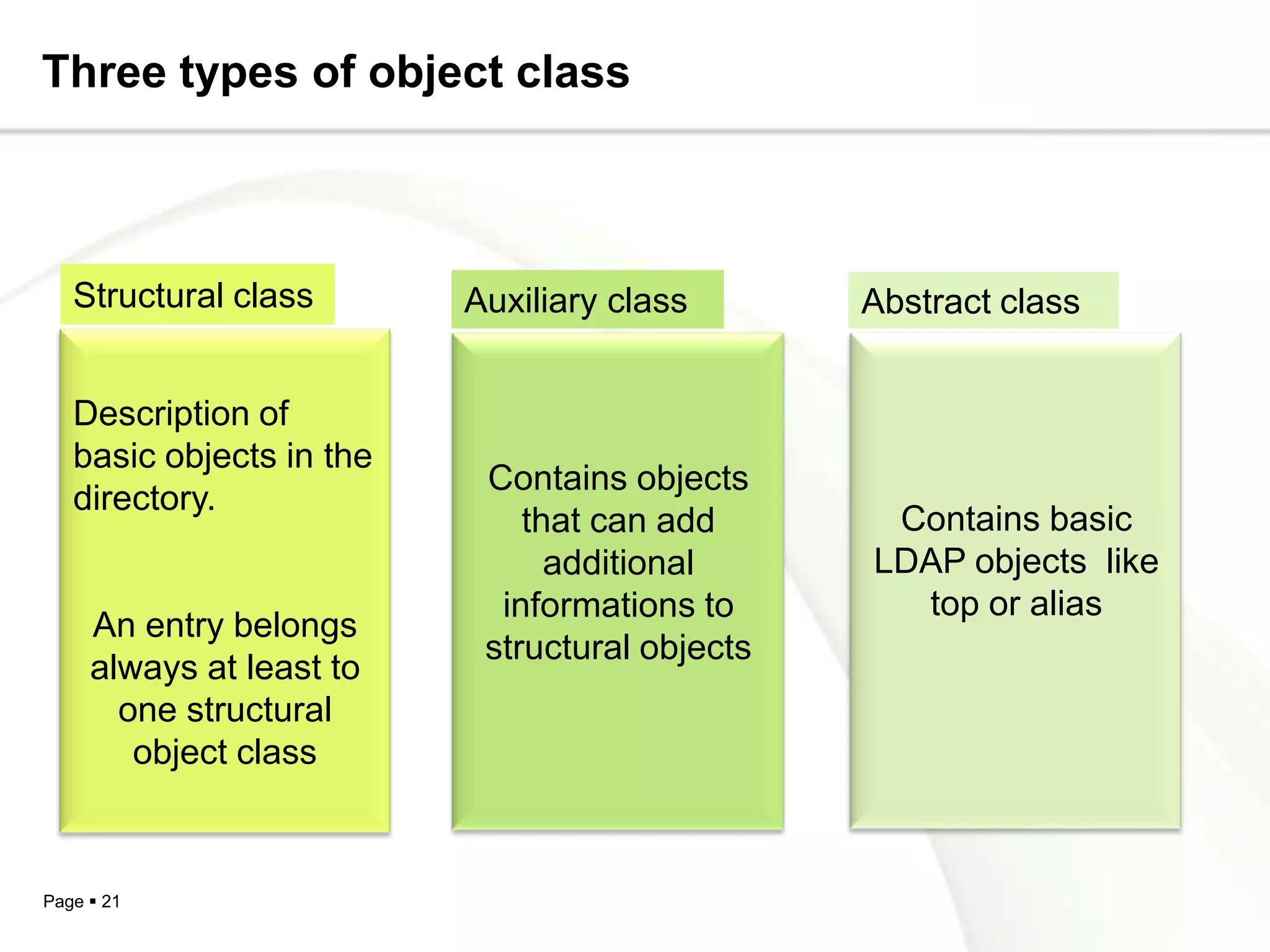
Three types of object class


   Structural class       Auxiliary class       Abstract class


   Description of
   basic objects in the
                           Contains objects
   directory.
                              that can add       Contains basic
                                additional      LDAP objects like
                            informations to       top or alias
     An entry belongs
                           structural objects
     always at least to
       one structural
        object class


Page  21
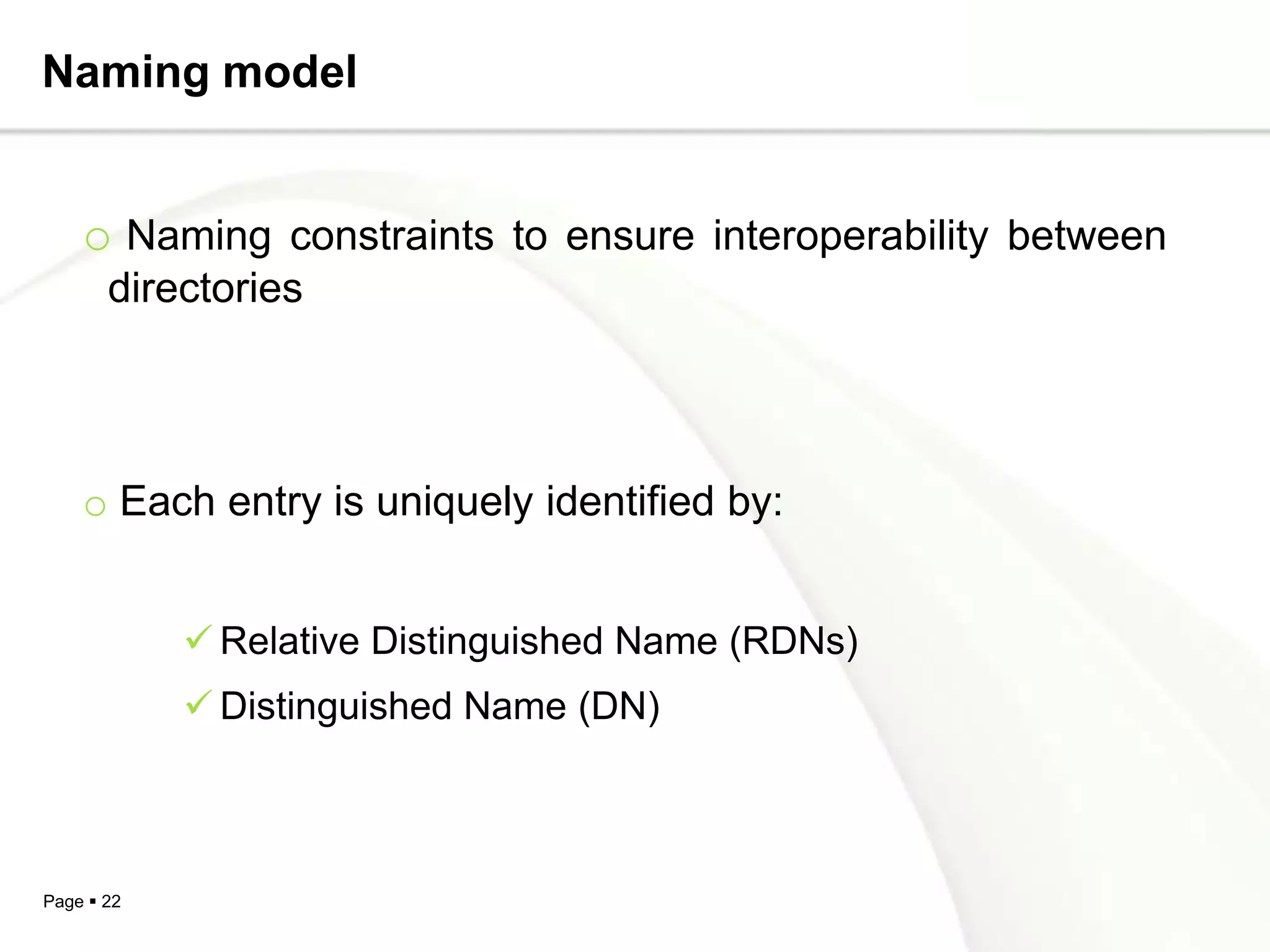
Naming model


    o Naming constraints to ensure interoperability between
       directories


    o Each entry is uniquely identified by:


             Relative Distinguished Name (RDNs)
             Distinguished Name (DN)


Page  22
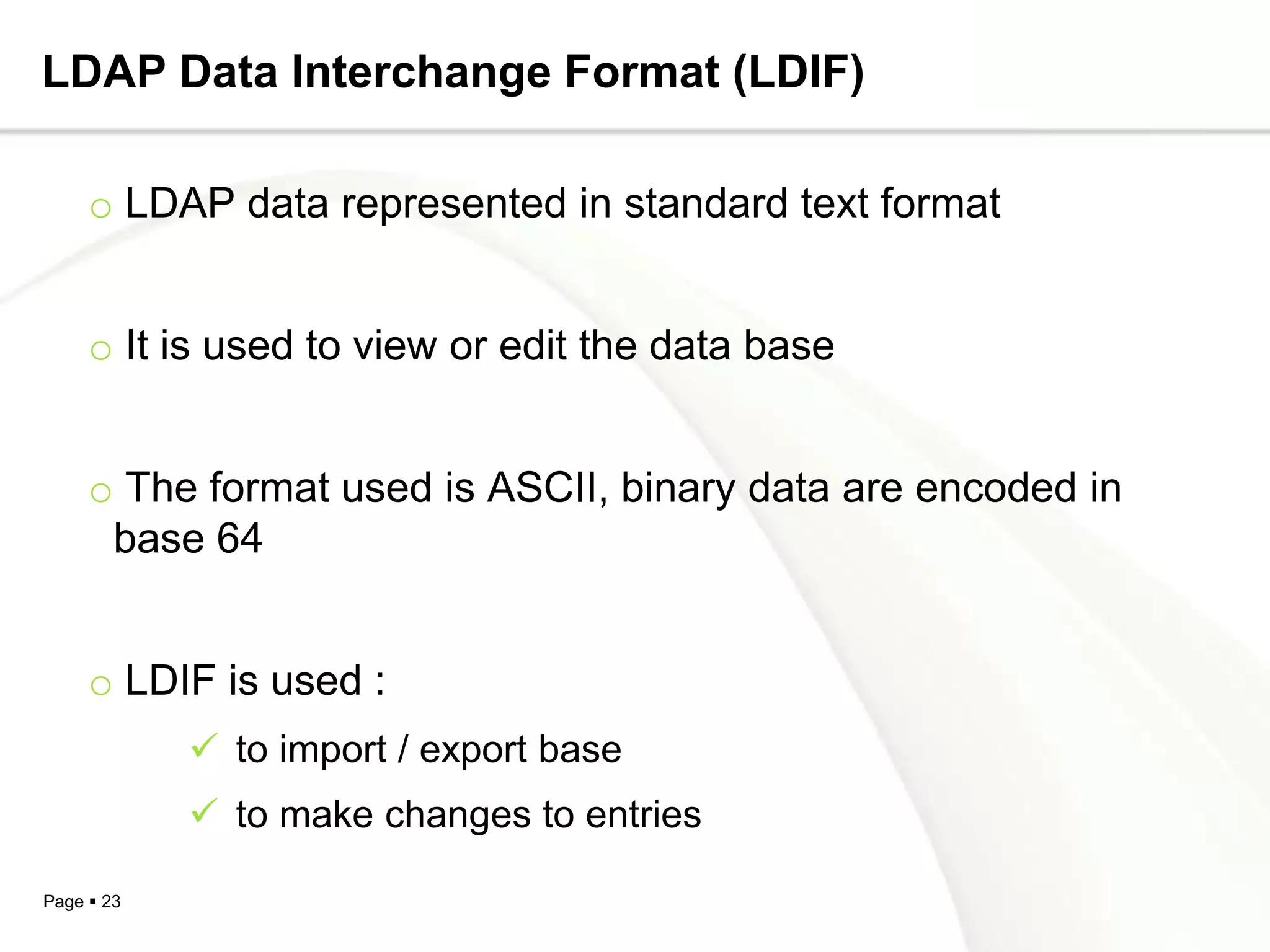
LDAP Data Interchange Format (LDIF)

     o LDAP data represented in standard text format


     o It is used to view or edit the data base


     o The format used is ASCII, binary data are encoded in
      base 64


     o LDIF is used :
             to import / export base
             to make changes to entries

Page  23
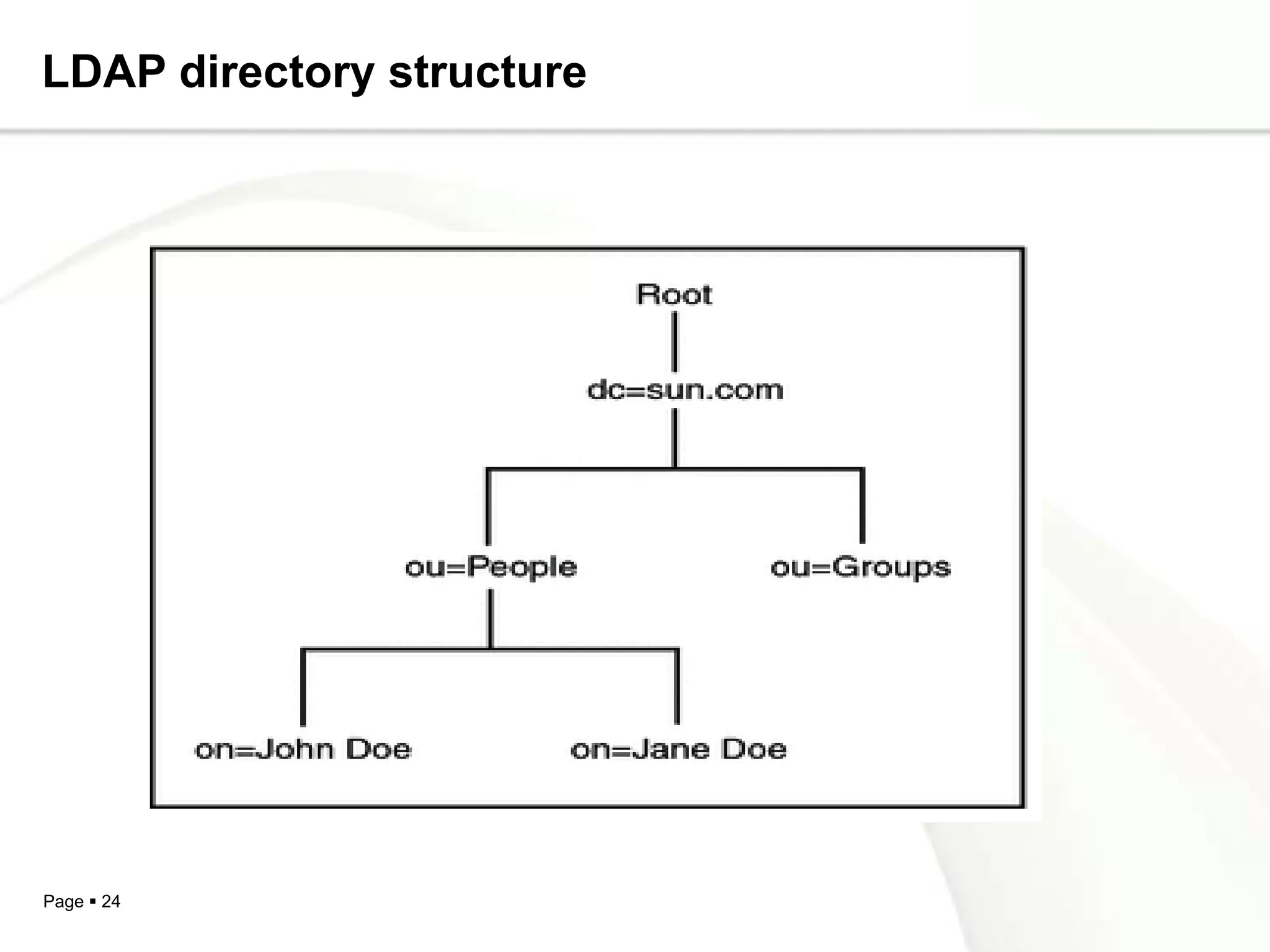
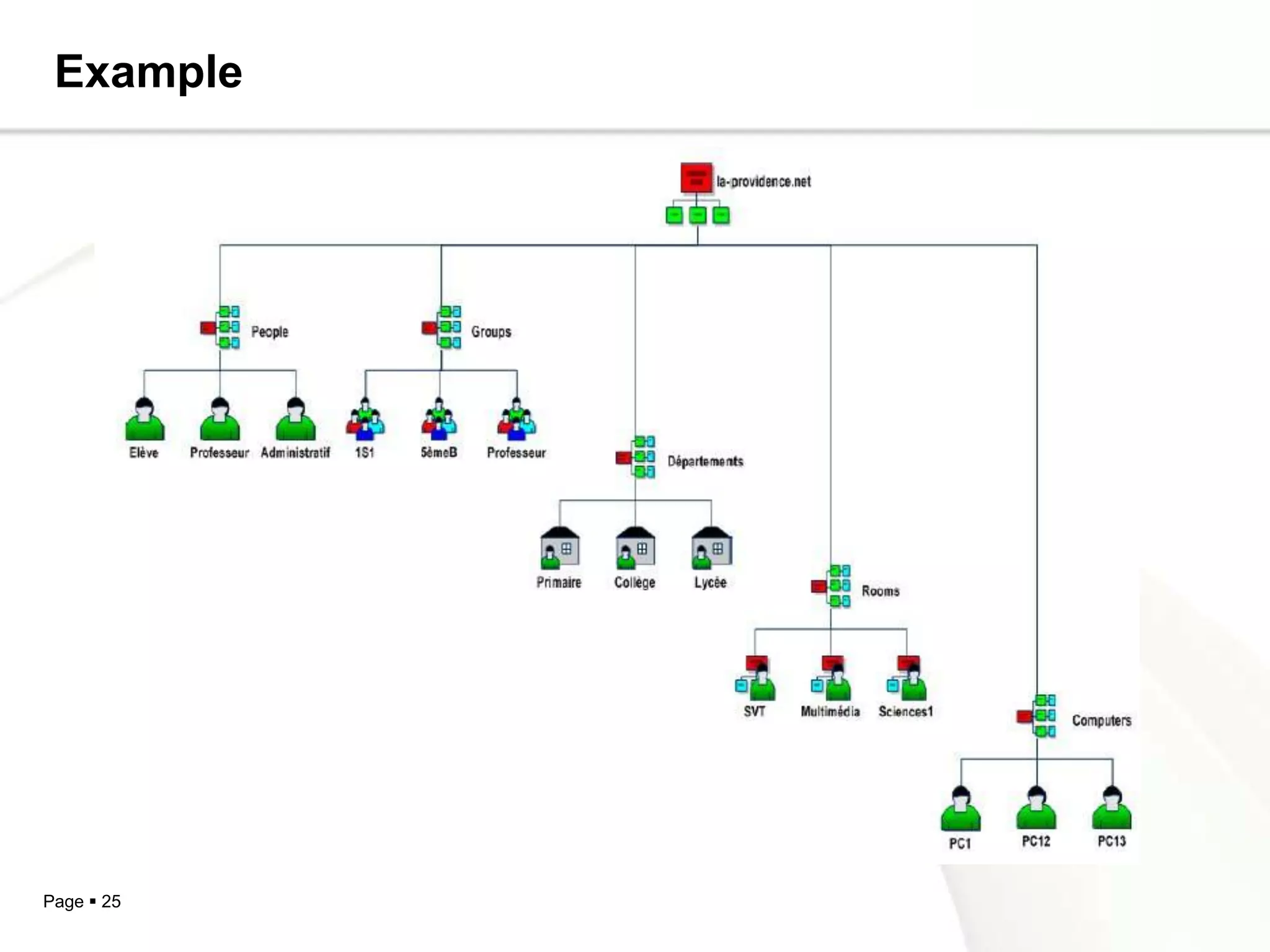
LDAP directory structure


Page  24
Example


Page  25
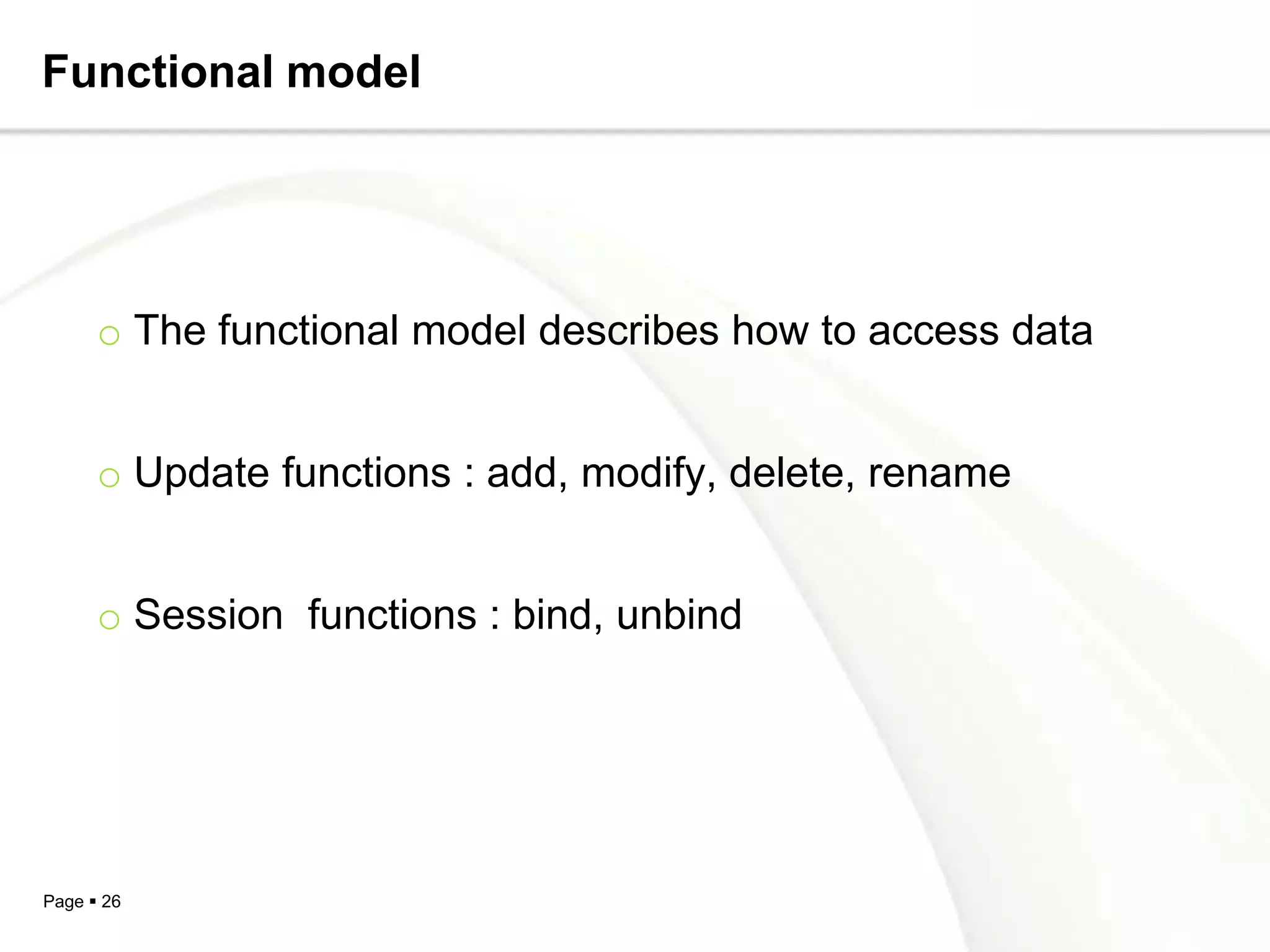
Functional model


      o The functional model describes how to access data


      o Update functions : add, modify, delete, rename


      o Session functions : bind, unbind


Page  26
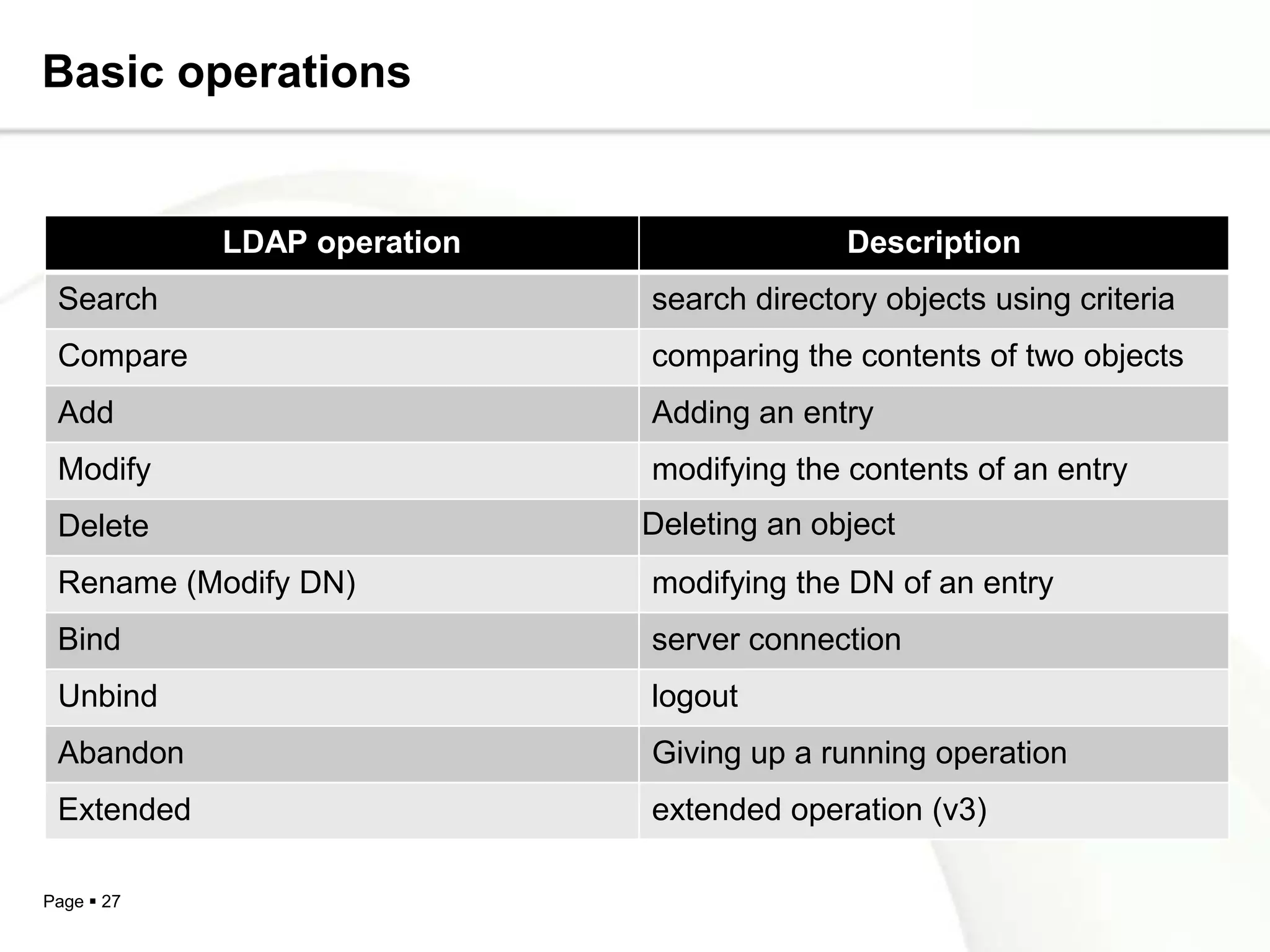
Basic operations


            LDAP operation                 Description
 Search                      search directory objects using criteria
 Compare                     comparing the contents of two objects
 Add                         Adding an entry
 Modify                      modifying the contents of an entry
 Delete                      Deleting an object
 Rename (Modify DN)          modifying the DN of an entry
 Bind                        server connection
 Unbind                      logout
 Abandon                     Giving up a running operation
 Extended                    extended operation (v3)

Page  27
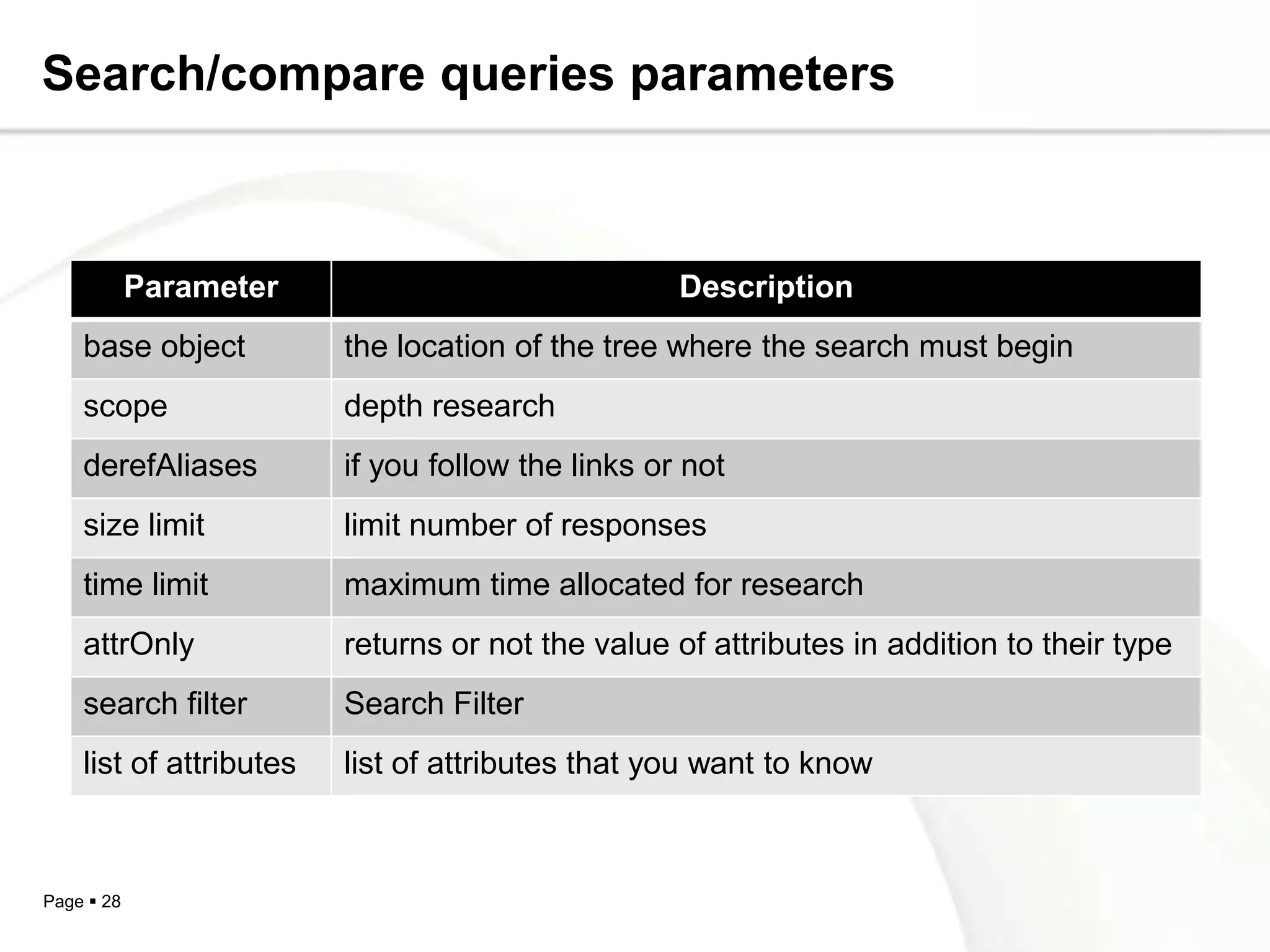
Search/compare queries parameters


            Parameter                              Description
    base object          the location of the tree where the search must begin
    scope                depth research
    derefAliases         if you follow the links or not
    size limit           limit number of responses
    time limit           maximum time allocated for research
    attrOnly             returns or not the value of attributes in addition to their type
    search filter        Search Filter
    list of attributes   list of attributes that you want to know


Page  28
Security model


    o Define    for    each       user   data    access    rights
      (authentication control list access)


    o Ensuring the confidentiality of trade (encryption)


Page  29
Replication model


     o Duplicate a directory on multiple servers


     o Prevent     network      outages,     overload   of
      service or the server crashes


     o Master-slave structure


Page  30
LDAP software


    o Server software


             OpenLDAP server
             Netscape Directory Server
             IBM's DSSeries LDAP Directory


    o Client software


             Netscape Communicator
             Microsoft Outlook

Page  31
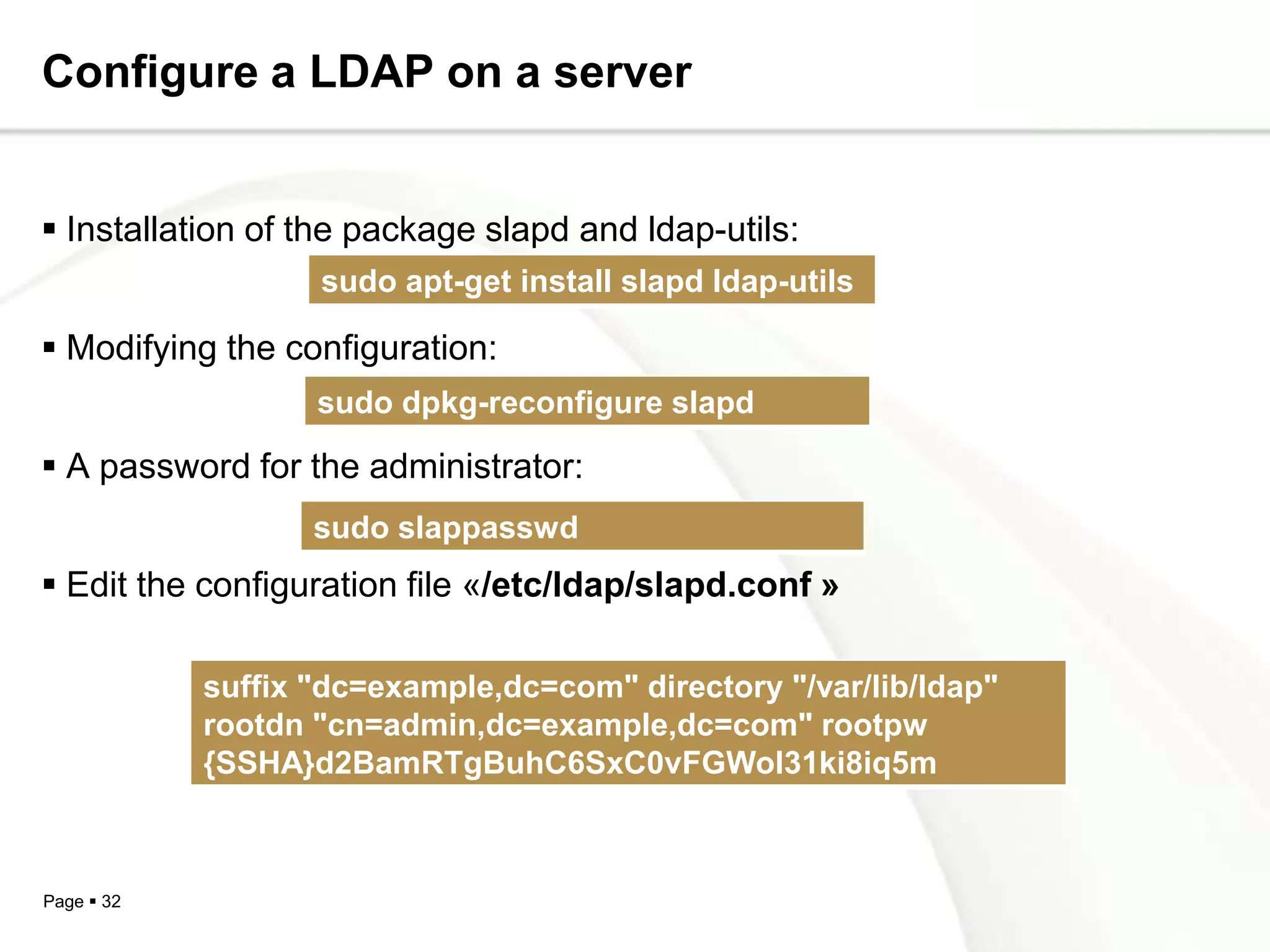
Configure a LDAP on a server


 Installation of the package slapd and ldap-utils:
                   sudo apt-get install slapd ldap-utils

 Modifying the configuration:
                   sudo dpkg-reconfigure slapd

 A password for the administrator:
                   sudo slappasswd
 Edit the configuration file «/etc/ldap/slapd.conf »

            suffix "dc=example,dc=com" directory "/var/lib/ldap"
            rootdn "cn=admin,dc=example,dc=com" rootpw
            {SSHA}d2BamRTgBuhC6SxC0vFGWol31ki8iq5m


Page  32
Conclusion


       o LDAP can become the information system key now


       o LDAP is available on many types of platforms


       o It can centralize information from different sources for
        different applications and different users


       o To simplify data management


Page  33
Thanks for your attention ..


Page  34

Ldap

  • 1.
  • 2.
    Outline oIntroduction o Directory vs Database o Current directory o Directory features o History o Understanding LDAP  Information model  Naming model  Ldap directory structure  Functional model  Security Model  Replication model o LDAP software o Configure a LDAP on a server o Conclusion Page  2
  • 3.
    Introduction (1/2) To improvefunctionality and ease-of-use, and to enable cost- effective administration of distributed applications: information about the services:  resources  users  and other objects accessible from the applications  needs to be organized in a clear and consistent manner. Much of this information can be shared among many applications. Page  3
  • 4.
    Introduction (2/2) But itmust also be protected Such information is often collected into a special database that is sometimes called a directory.  The Lightweight Directory Access Protocol (LDAP) is an open industry standard that has evolved to meet these needs . 4 Page
  • 5.
    Before moving tothe following!!!!  What is a Directories Is it a data base as commonly said Let us knowing the difference  Directory vs Database Page  5
  • 6.
    Directory vs Database!!!!(1/2) oA directory is often described as a database oBut it has special characteristics different from general databases:  They are accessed much more than they are updated. And they are optimized for read access  They are not suited for information that changes rapidly (number of jobs in a printer queue) Page  6
  • 7.
    Directory vs Database!!!!(2/2)  Many directory services don’t support transactions  Directories normally limits the type of information that can be stored  Databases use powerful query languages like SQL but Directories normally use very simple access methods  Hence directories can be optimized to economically provide more applications with rapid access Page  7
  • 8.
    Current directories o Paper Directories  Phonebook  Address Book  Sales Catalog o Electronic Directories  DNS  Windows registry Page  8
  • 9.
    Directory features oA directory is a listing of information about objects arranged in some order that gives details about each object. o Dynamic (real time update) o Flexible (easy change of type and data organization) o Secure (who sees what) o Personalized (how to present data,…) Page  9
  • 10.
  • 11.
    History:(2/2) o LDAP version 3  Consideration of special characters  Security : SASL authentication and TLS encryption (Transport Layer Security)  Overloading operations Page  11
  • 12.
    Understanding LDAP?(1/2) What’s LDAP!!!  Lightweight Directory Access Protocol  An application protocol for querying and modifying directory services running over TCP/IP Information  Structure of information stored in an LDAP directory. Page  12
  • 13.
    Understanding LDAP?(2/2) Naming • How information is organized and identified. Functional / Operations • Describes what operations can be performed on the information stored in an LDAP directory. Security  Describes how the information can be protected from unauthorized access. Page  13
  • 14.
    Information model o Based on X.500 model o Information stored in DIT (Directory Information Tree) Hierarchical model o An entry contains a set of attributes type of attribute- attribute value(s) Page  14
  • 15.
    Each Tree has o DIT ( Directory Information Tree) : top of the Tree o Nodes called DSE (Directory service Entry) o RootDSE (contains a description of the tree and its content), specific to each LDAP server Page  15
  • 16.
    Each entry isan object Type Value Value Attribute Attribute Value Attribute Entry Page  16
  • 17.
    Two types ofattributes o Normal attributes : accessible to users (givenname attribute) o Operational attributes : used only for server administration data (modifyTimeStamp attribute ) Page  17
  • 18.
    An attribute ischaracterized by Page  18
  • 19.
    Object class o Contains real or abstract objects o It characterizes them by a list of optional and required attributes o All object classes are contained in the directory schema Page  19
  • 20.
    An object classis defined by o A name that identifies o An OID that also identifies o Required attributes o Optional attributes o A type (structural, auxiliary or abstract) Page  20
  • 21.
    Three types ofobject class Structural class Auxiliary class Abstract class Description of basic objects in the Contains objects directory. that can add Contains basic additional LDAP objects like informations to top or alias An entry belongs structural objects always at least to one structural object class Page  21
  • 22.
    Naming model o Naming constraints to ensure interoperability between directories o Each entry is uniquely identified by:  Relative Distinguished Name (RDNs)  Distinguished Name (DN) Page  22
  • 23.
    LDAP Data InterchangeFormat (LDIF) o LDAP data represented in standard text format o It is used to view or edit the data base o The format used is ASCII, binary data are encoded in base 64 o LDIF is used :  to import / export base  to make changes to entries Page  23
  • 24.
  • 25.
  • 26.
    Functional model o The functional model describes how to access data o Update functions : add, modify, delete, rename o Session functions : bind, unbind Page  26
  • 27.
    Basic operations LDAP operation Description Search search directory objects using criteria Compare comparing the contents of two objects Add Adding an entry Modify modifying the contents of an entry Delete Deleting an object Rename (Modify DN) modifying the DN of an entry Bind server connection Unbind logout Abandon Giving up a running operation Extended extended operation (v3) Page  27
  • 28.
    Search/compare queries parameters Parameter Description base object the location of the tree where the search must begin scope depth research derefAliases if you follow the links or not size limit limit number of responses time limit maximum time allocated for research attrOnly returns or not the value of attributes in addition to their type search filter Search Filter list of attributes list of attributes that you want to know Page  28
  • 29.
    Security model o Define for each user data access rights (authentication control list access) o Ensuring the confidentiality of trade (encryption) Page  29
  • 30.
    Replication model o Duplicate a directory on multiple servers o Prevent network outages, overload of service or the server crashes o Master-slave structure Page  30
  • 31.
    LDAP software o Server software  OpenLDAP server  Netscape Directory Server  IBM's DSSeries LDAP Directory o Client software  Netscape Communicator  Microsoft Outlook Page  31
  • 32.
    Configure a LDAPon a server  Installation of the package slapd and ldap-utils: sudo apt-get install slapd ldap-utils  Modifying the configuration: sudo dpkg-reconfigure slapd  A password for the administrator: sudo slappasswd  Edit the configuration file «/etc/ldap/slapd.conf » suffix "dc=example,dc=com" directory "/var/lib/ldap" rootdn "cn=admin,dc=example,dc=com" rootpw {SSHA}d2BamRTgBuhC6SxC0vFGWol31ki8iq5m Page  32
  • 33.
    Conclusion o LDAP can become the information system key now o LDAP is available on many types of platforms o It can centralize information from different sources for different applications and different users o To simplify data management Page  33
  • 34.
    Thanks for yourattention .. Page  34