Dr B T Sampath Kumar
Professor
Department of Library and Information Science
Tumkur University, Tumakuru, INDIA
www.sampathkumar.info
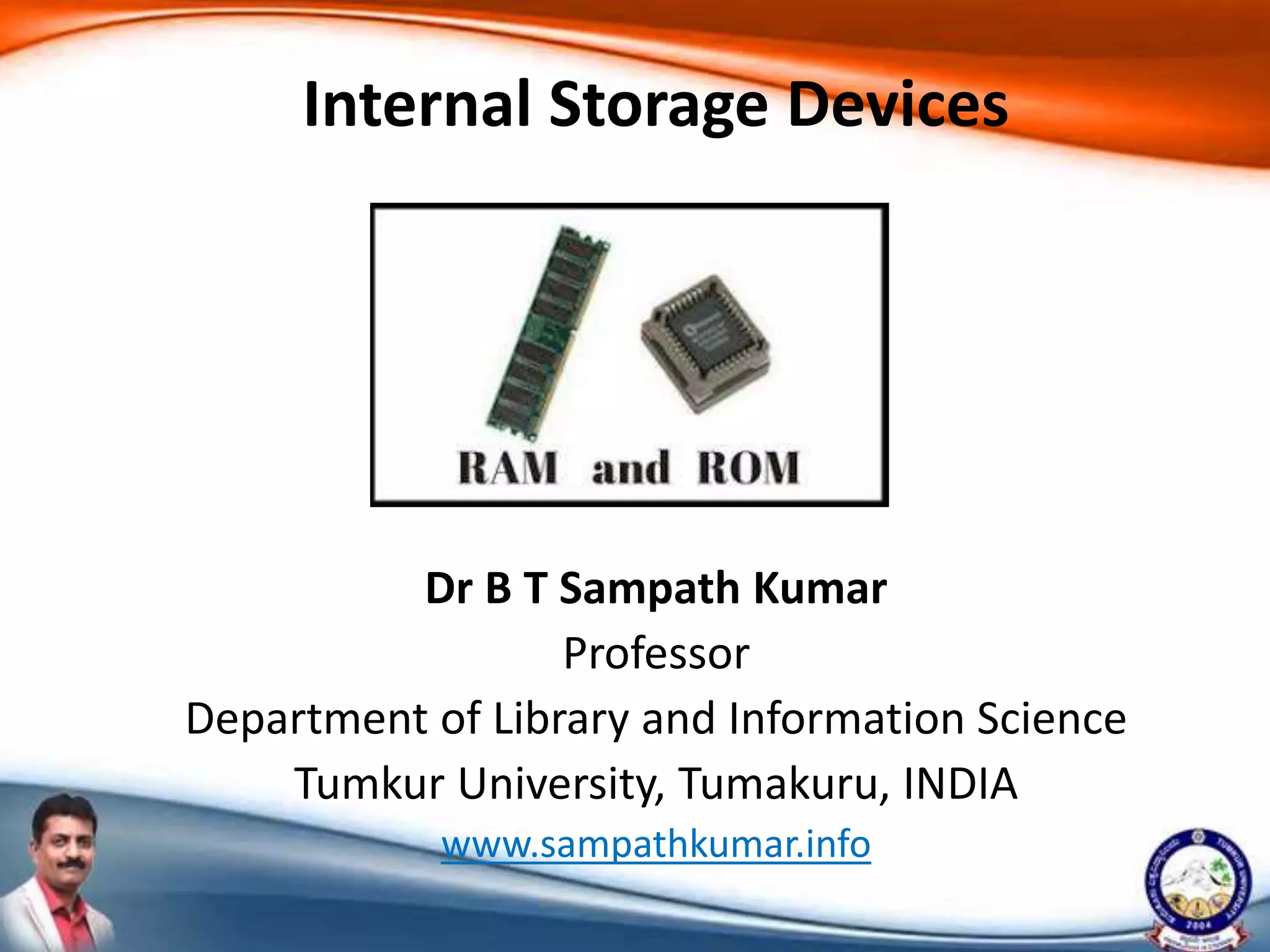
Internal Storage Devices
Primary memory
• It is the place where the data and instructions
supplied by the input devices are stored.
• This is a temporary memory because the data
and instructions stored are erased when the
power goes off.
Cont..
• Most of the primary storage devices are found
inside the computer, and they have the fastest
access to data.
• Examples of primary devices include Cache
memory and RAM.
Cache memory
• Cache memory is a type of high-speed
memory that enables the computer to
temporarily store blocks of data that are used
more often and that a processor can access
more rapidly than main memory (RAM).
• It is physically located closer to the CPU than
RAM.
Cont..
• Blocks that are used less often remain in RAM
until they are transferred to cache; blocks
used infrequently remain in secondary
storage.
• Cache memory is faster than RAM because the
instructions travel a shorter distance to the
CPU.
Random Access Memory (RAM)
• It is the part of primary storage that holds a
software program and small amount of data
for processing.
• When you start most software programs on
your computer, the entire program is brought
from secondary storage into RAM.
• As you use the program, small parts of the
program's instructions and data are sent into
the registers and then to the CPU.
Cont..
• Compared with the registers, RAM stores
more information and is located farther away
from the CPU.
• However, compared with secondary storage,
RAM stores less information .
• RAM is temporary and, in most cases,
volatile—that is, RAM chips lose their contents
if the current is lost or turned off.
Cont..
• Therefore, you need greater security when
you are storing certain types of critical data or
instructions.
• Users frequently save data to non-volatile
memory (secondary storage).
• Today most modern software applications
have auto save functions.
Read Only Memory (ROM)
• It is place where certain critical instructions
are safeguarded.
• ROM is non-volatile, so it retains data/
instructions when the power to the computer
is turned off.
• The read-only designation means that these
instructions can only be read by the computer
and cannot be changed by the user.
Cont..
• It stores mainly monitor program and BIOS
(Basic Input Output System) programs.
• The information stored in it can only be read
but can't be written or even erased.
• Hence the name Read Only Memory.
Types of ROM
Different types of ROM are:
• MROM - Mask Read Only Memory.
• PROM - Programmable Read Only Memory.
• EPROM - Erasable Programmable Read Only
Memory.
• EEPROM - Electrically Erasable and
Programmable Read Only Memory.
Mask Read Only Memory (MROM)
• MROM is the short form of Mask Read Only
Memory.
• It is inexpensive and is the very first ROM
which is hard wired device that contains a pre-
programmed set of data or instructions.
Programmable Read Only Memory
(PROM)
• PROM is read-only memory chip that data can
be written only once by a user.
• The difference between PROM and the ROM
is that PROM is manufactured as a blank
memory, while the ROM is programmed
during the manufacturing process.
• If you buy a PROM, you need a special device
called a PROM programmer or PROM burner
to write the desired data onto the blank
PROM chip.
Erasable Programmable Read Only
Memory (EPROM)
• EPROM is a special kind of read only memory
chip that has the opportunity to erase the
programmed data.
• The programmable read-only memory can be
programmed to write data with high voltage,
and the data remains until it is exposed to
ultraviolet light for lasting up to 10 minutes or
longer.
Electrically Erasable and
Programmable Read Only Memory
(EEPROM)
• EEPROM is also a kind of read only memory
that the principle of operation is similar to
EPROM.
• The data can be erased by exposing it to an
electrical charge.

Internal storage devices

  • 1.
    Dr B TSampath Kumar Professor Department of Library and Information Science Tumkur University, Tumakuru, INDIA www.sampathkumar.info Internal Storage Devices
  • 2.
    Primary memory • Itis the place where the data and instructions supplied by the input devices are stored. • This is a temporary memory because the data and instructions stored are erased when the power goes off.
  • 3.
    Cont.. • Most ofthe primary storage devices are found inside the computer, and they have the fastest access to data. • Examples of primary devices include Cache memory and RAM.
  • 4.
    Cache memory • Cachememory is a type of high-speed memory that enables the computer to temporarily store blocks of data that are used more often and that a processor can access more rapidly than main memory (RAM). • It is physically located closer to the CPU than RAM.
  • 5.
    Cont.. • Blocks thatare used less often remain in RAM until they are transferred to cache; blocks used infrequently remain in secondary storage. • Cache memory is faster than RAM because the instructions travel a shorter distance to the CPU.
  • 6.
    Random Access Memory(RAM) • It is the part of primary storage that holds a software program and small amount of data for processing. • When you start most software programs on your computer, the entire program is brought from secondary storage into RAM. • As you use the program, small parts of the program's instructions and data are sent into the registers and then to the CPU.
  • 7.
    Cont.. • Compared withthe registers, RAM stores more information and is located farther away from the CPU. • However, compared with secondary storage, RAM stores less information . • RAM is temporary and, in most cases, volatile—that is, RAM chips lose their contents if the current is lost or turned off.
  • 8.
    Cont.. • Therefore, youneed greater security when you are storing certain types of critical data or instructions. • Users frequently save data to non-volatile memory (secondary storage). • Today most modern software applications have auto save functions.
  • 9.
    Read Only Memory(ROM) • It is place where certain critical instructions are safeguarded. • ROM is non-volatile, so it retains data/ instructions when the power to the computer is turned off. • The read-only designation means that these instructions can only be read by the computer and cannot be changed by the user.
  • 10.
    Cont.. • It storesmainly monitor program and BIOS (Basic Input Output System) programs. • The information stored in it can only be read but can't be written or even erased. • Hence the name Read Only Memory.
  • 11.
    Types of ROM Differenttypes of ROM are: • MROM - Mask Read Only Memory. • PROM - Programmable Read Only Memory. • EPROM - Erasable Programmable Read Only Memory. • EEPROM - Electrically Erasable and Programmable Read Only Memory.
  • 12.
    Mask Read OnlyMemory (MROM) • MROM is the short form of Mask Read Only Memory. • It is inexpensive and is the very first ROM which is hard wired device that contains a pre- programmed set of data or instructions.
  • 13.
    Programmable Read OnlyMemory (PROM) • PROM is read-only memory chip that data can be written only once by a user. • The difference between PROM and the ROM is that PROM is manufactured as a blank memory, while the ROM is programmed during the manufacturing process. • If you buy a PROM, you need a special device called a PROM programmer or PROM burner to write the desired data onto the blank PROM chip.
  • 14.
    Erasable Programmable ReadOnly Memory (EPROM) • EPROM is a special kind of read only memory chip that has the opportunity to erase the programmed data. • The programmable read-only memory can be programmed to write data with high voltage, and the data remains until it is exposed to ultraviolet light for lasting up to 10 minutes or longer.
  • 15.
    Electrically Erasable and ProgrammableRead Only Memory (EEPROM) • EEPROM is also a kind of read only memory that the principle of operation is similar to EPROM. • The data can be erased by exposing it to an electrical charge.