Dr B T Sampath Kumar
Professor
Department of Library and Information Science
Tumkur University, Tumakuru, INDIA
www.sampathkumar.info
Basics of Computer
What is Computer?
• Computer is an electronic device that accepts the
data (input), processes data, produces output,
and stores (storage) the results.
• It is an electronic device which
– Accepts the data
– Stores the data
– Does arithmetic/Logical operations and
– Gives the output in a neat desired format.
Components
• The major components of a computer are:
–Input unit
–Output unit
–System unit
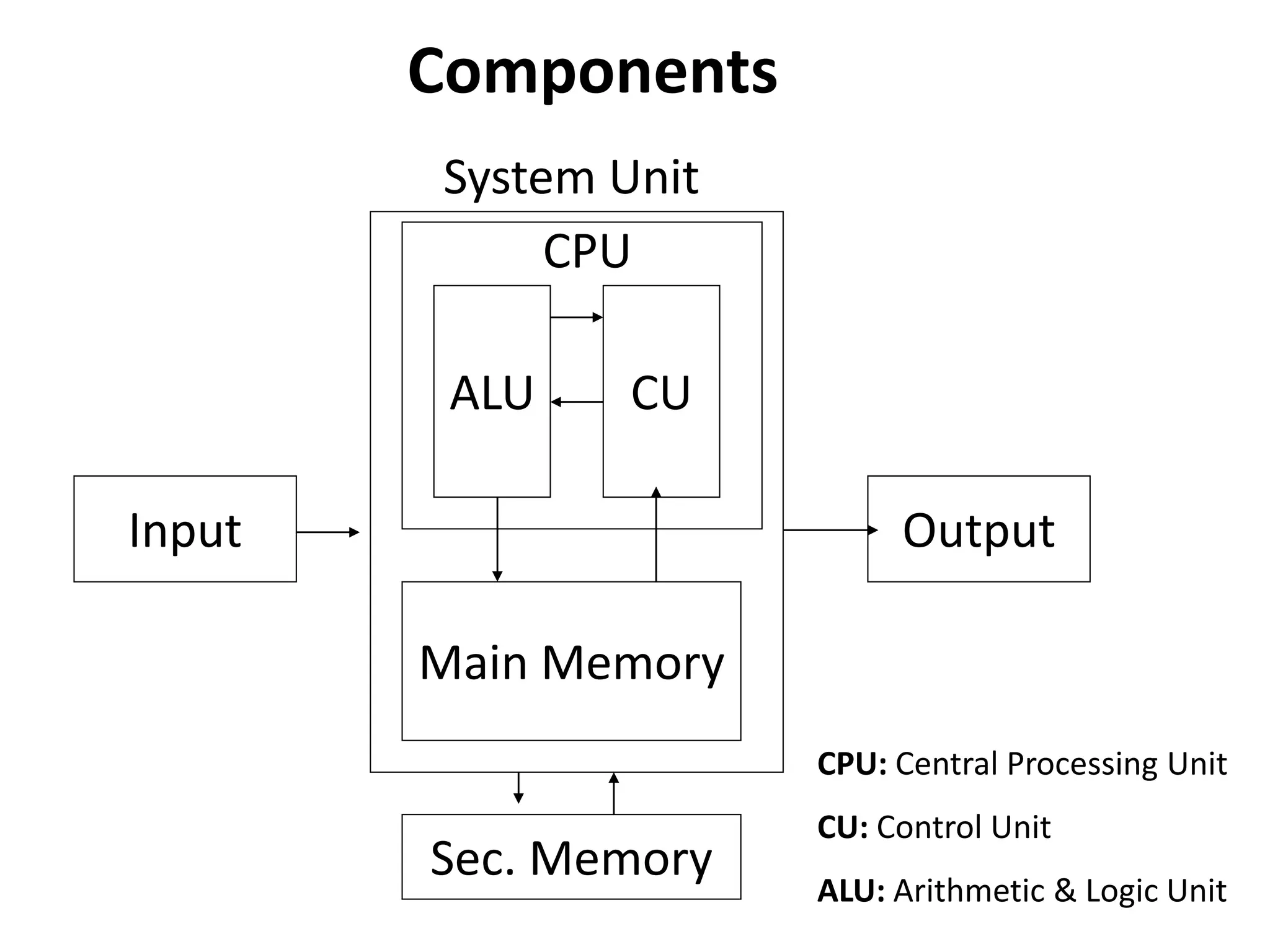
Input Output
Main Memory
ALU CU
Sec. Memory
CPU
CPU: Central Processing Unit
CU: Control Unit
ALU: Arithmetic & Logic Unit
System Unit
Components
Input unit
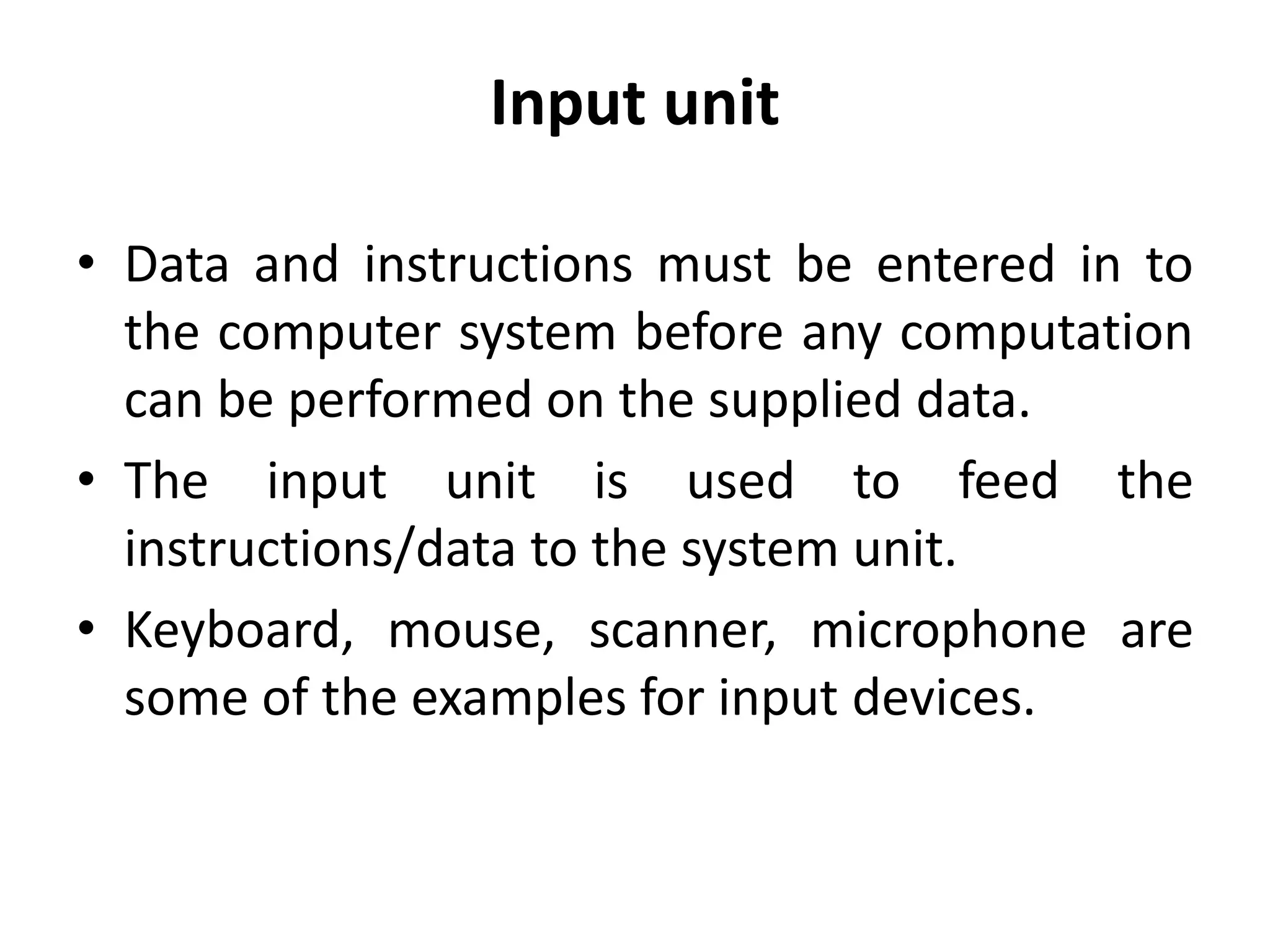
• Data and instructions must be entered in to
the computer system before any computation
can be performed on the supplied data.
• The input unit is used to feed the
instructions/data to the system unit.
• Keyboard, mouse, scanner, microphone are
some of the examples for input devices.
Output unit
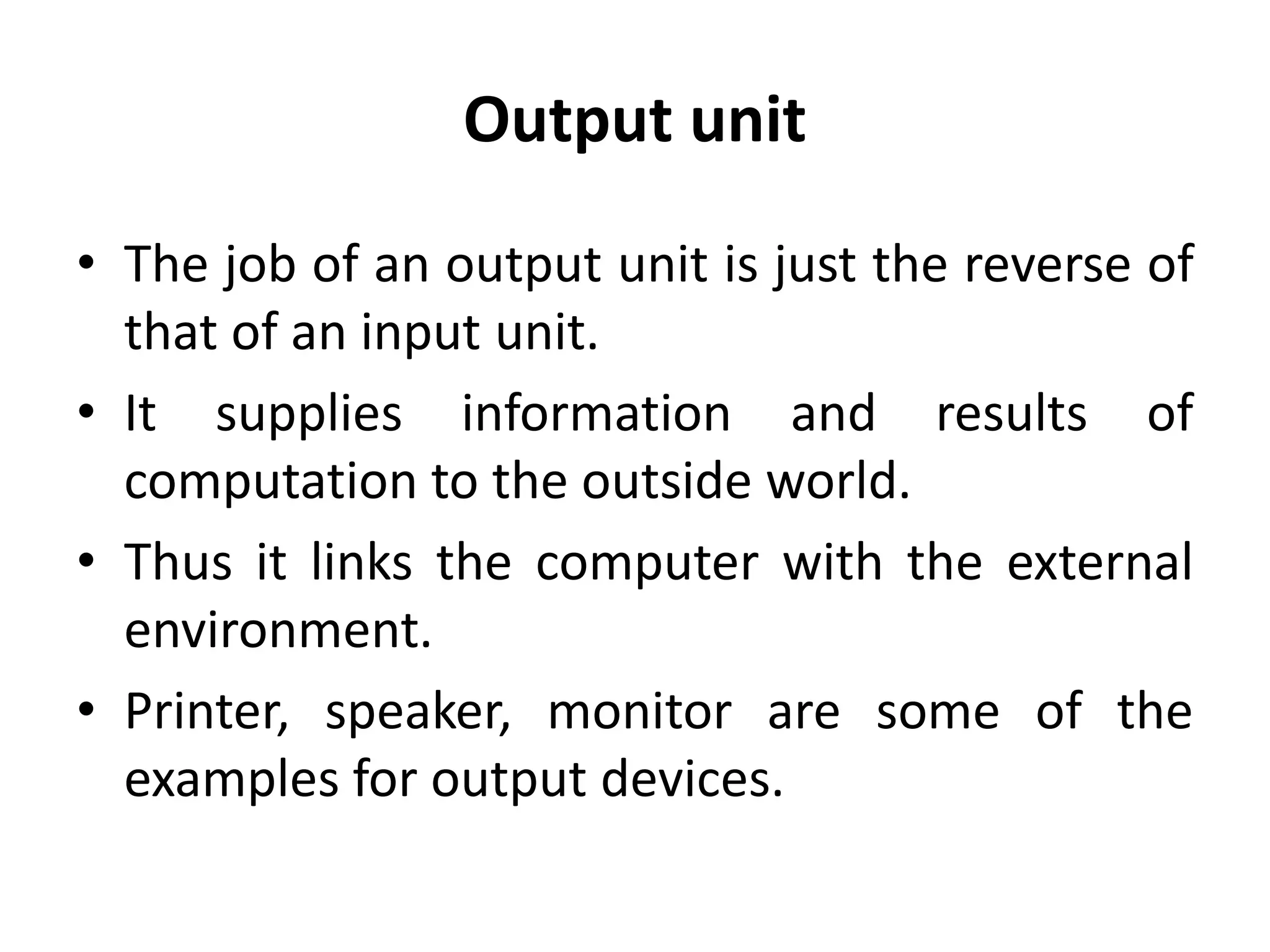
• The job of an output unit is just the reverse of
that of an input unit.
• It supplies information and results of
computation to the outside world.
• Thus it links the computer with the external
environment.
• Printer, speaker, monitor are some of the
examples for output devices.
System unit
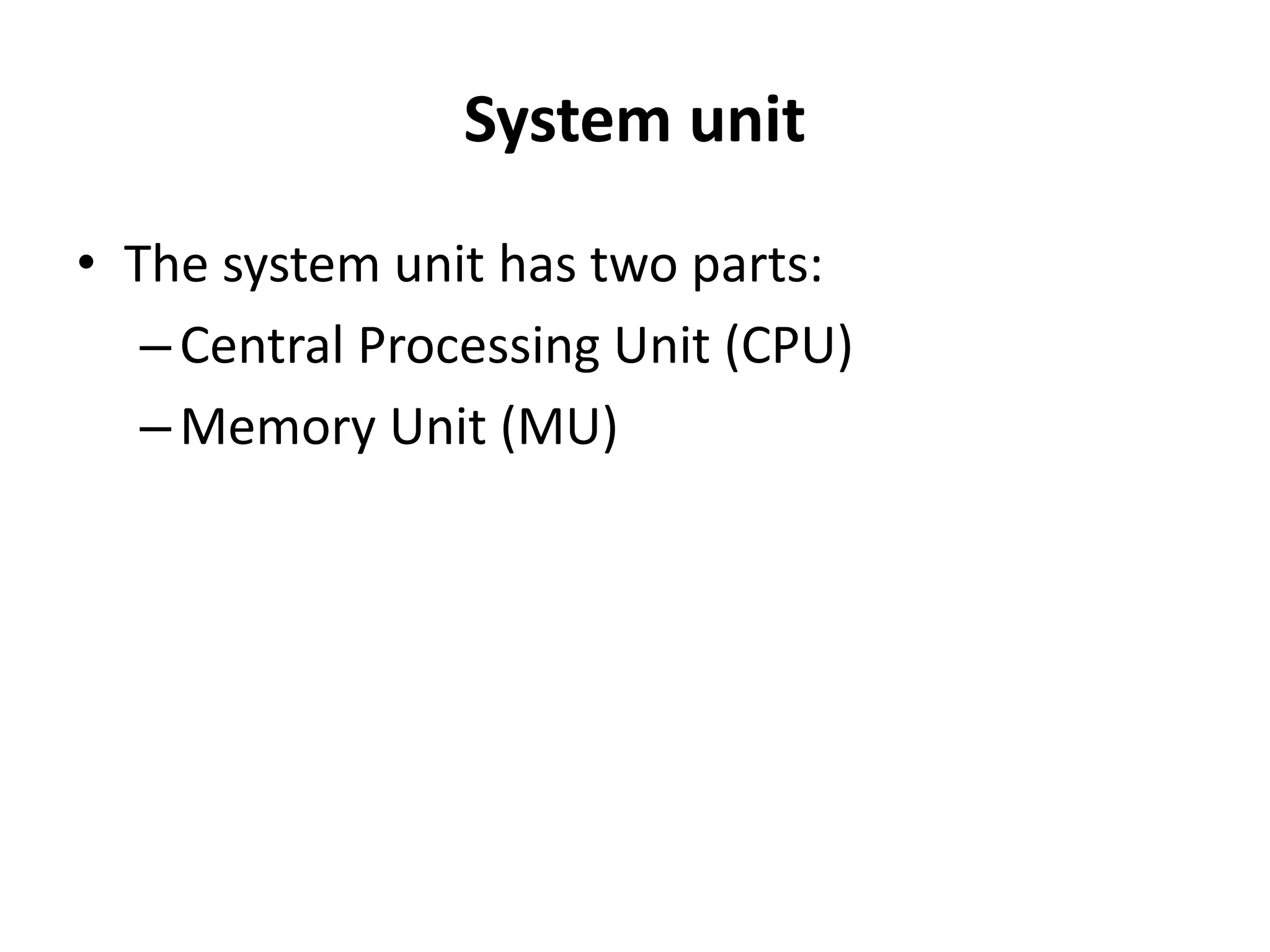
• The system unit has two parts:
–Central Processing Unit (CPU)
–Memory Unit (MU)
Central Procession Unit (CPU)
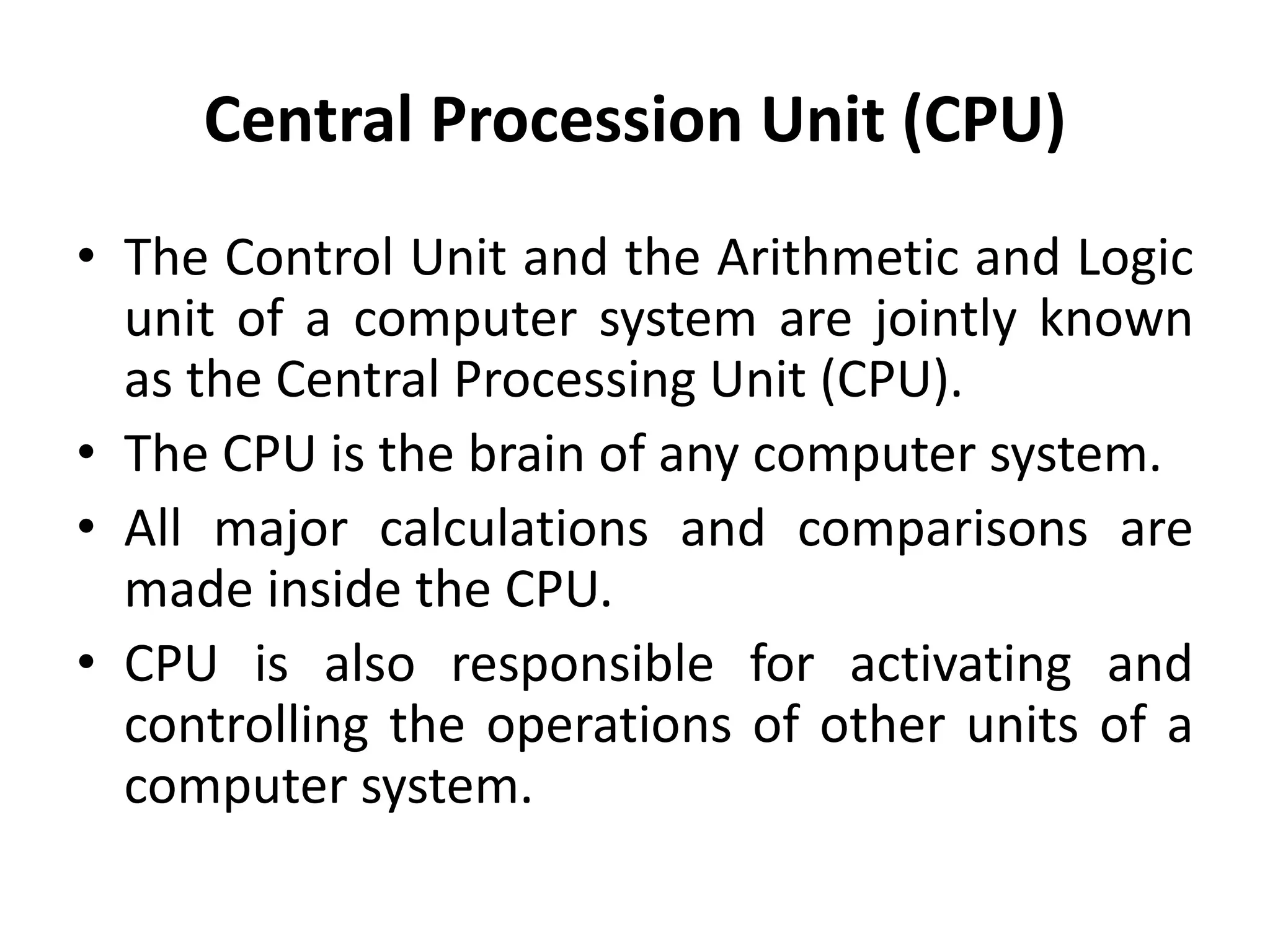
• The Control Unit and the Arithmetic and Logic
unit of a computer system are jointly known
as the Central Processing Unit (CPU).
• The CPU is the brain of any computer system.
• All major calculations and comparisons are
made inside the CPU.
• CPU is also responsible for activating and
controlling the operations of other units of a
computer system.
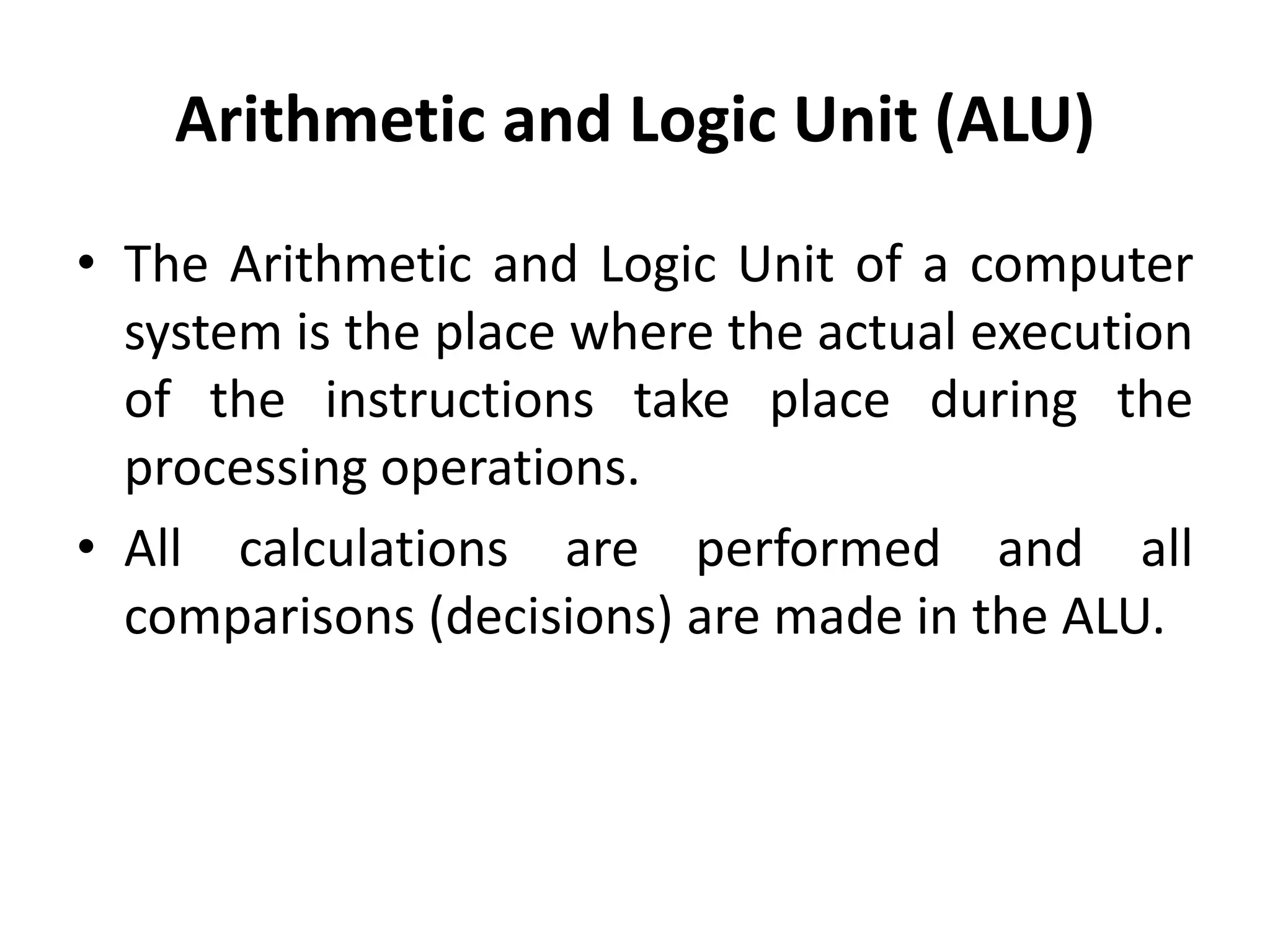
Arithmetic and Logic Unit (ALU)
• The Arithmetic and Logic Unit of a computer
system is the place where the actual execution
of the instructions take place during the
processing operations.
• All calculations are performed and all
comparisons (decisions) are made in the ALU.
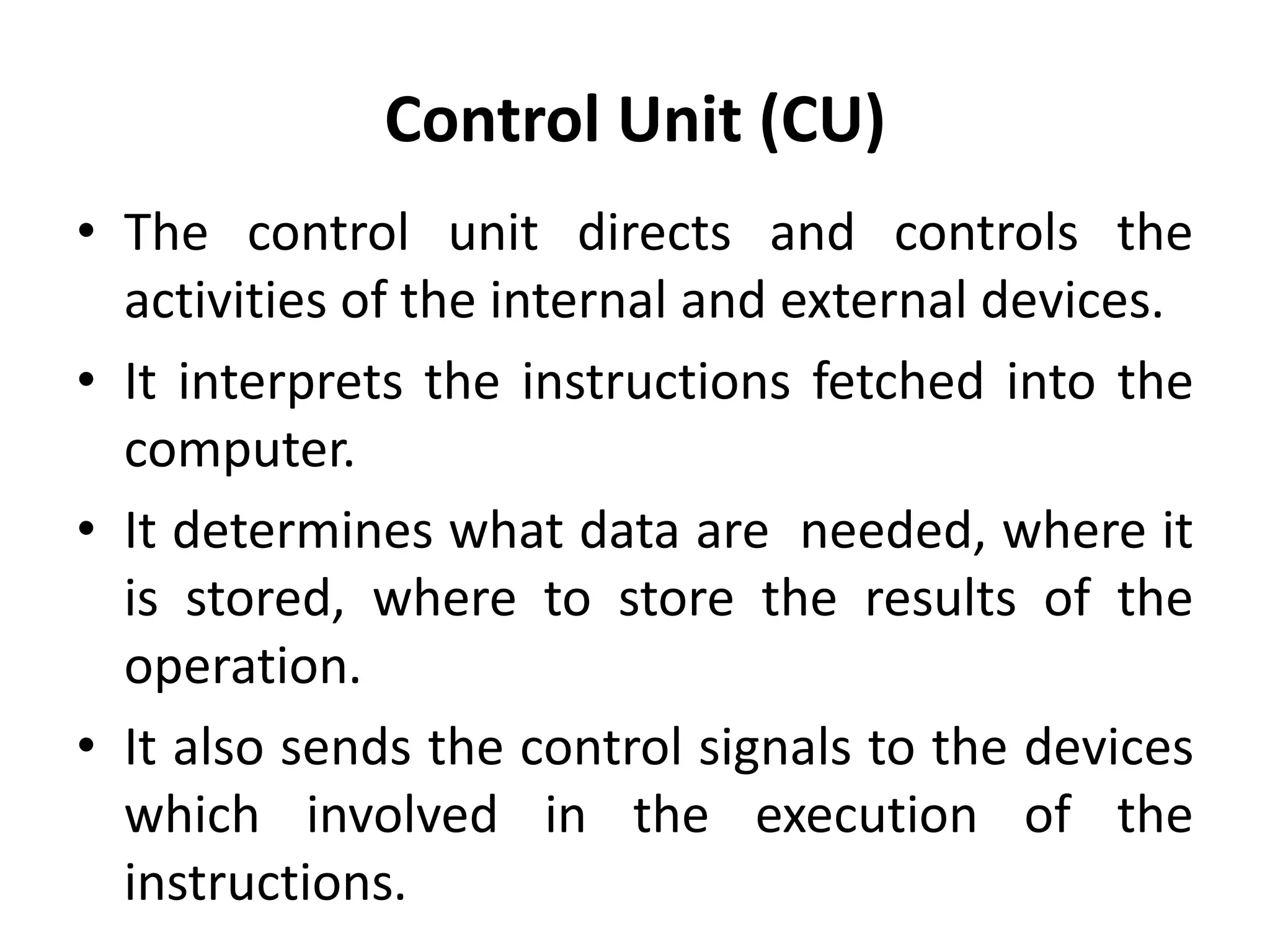
Control Unit (CU)
• The control unit directs and controls the
activities of the internal and external devices.
• It interprets the instructions fetched into the
computer.
• It determines what data are needed, where it
is stored, where to store the results of the
operation.
• It also sends the control signals to the devices
which involved in the execution of the
instructions.
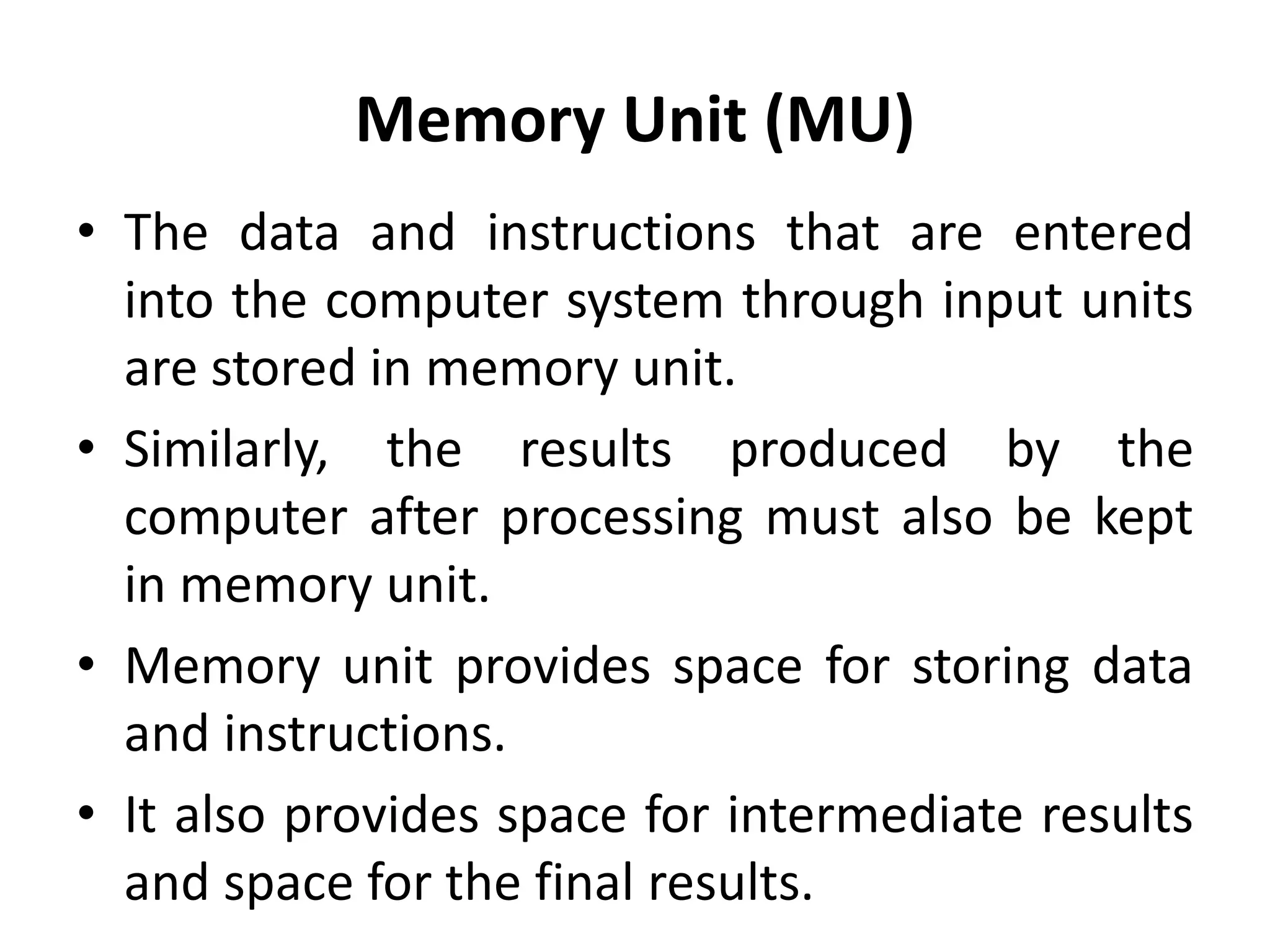
Memory Unit (MU)
• The data and instructions that are entered
into the computer system through input units
are stored in memory unit.
• Similarly, the results produced by the
computer after processing must also be kept
in memory unit.
• Memory unit provides space for storing data
and instructions.
• It also provides space for intermediate results
and space for the final results.
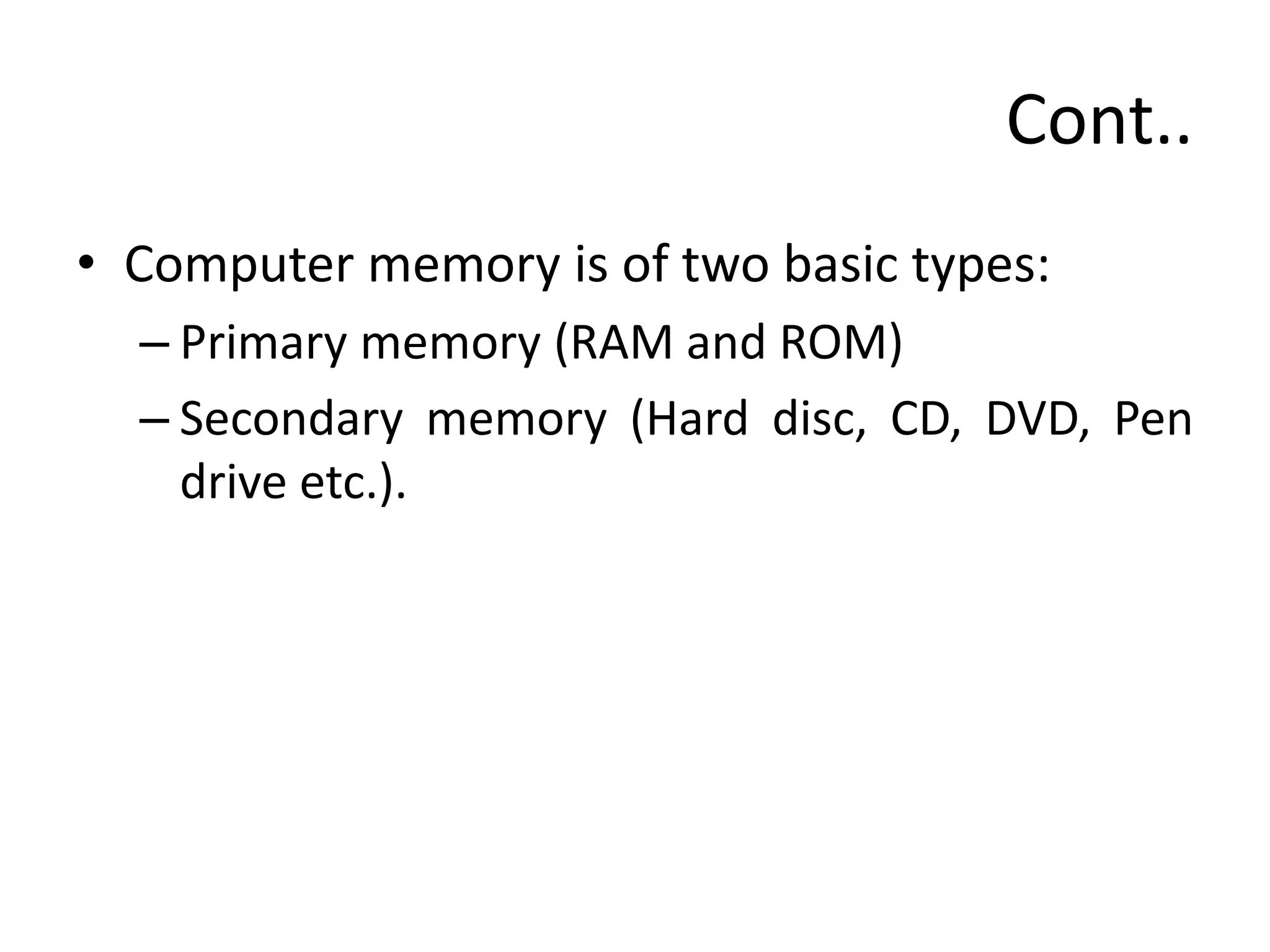
Cont..
• Computer memory is of two basic types:
– Primary memory (RAM and ROM)
– Secondary memory (Hard disc, CD, DVD, Pen
drive etc.).
Cont..
• Primary memory
– Random Access Memory (RAM) is primary-
volatile memory.
– Read Only Memory (ROM) is primary-non-
volatile memory.
• Secondary memory
– Secondary memory is used to store the data
permanently.
– Hard disc, CD, DVD and Pen drive are some of
the examples for secondary storage devices.
Characteristics of computer
The characteristics of computer are:
Speed
• Computer can work very fast.
• It takes only few seconds for calculations.
• It can perform millions of instructions and even
more per second.
Cont..
Accuracy
• The degree of accuracy of computer is very
high.
• Every calculation is performed with the same
accuracy.
Cont..
Diligence
• Computer is free from tiredness, lack of
concentration, fatigue, etc.
• It can work for hours without creating any
error(s).
• If millions of calculations are to be performed,
a computer will perform every calculation
with the same accuracy.
• Due to this capability, it overpowers human
being in routine type of works.
Cont..
Versatility
• It means, the capacity to perform completely
different type of works.
• Computer can be used in:
– Banks
– Libraries
– Hospitals
– Retails shops
– Educational institutes etc.,
Cont..
Storage
• Computer has an in-built memory where it
can store a large amount of data.
• The data can be stored in various
secondary storage devices such as:
– Hard disc
– CD
– DVD
– Pen drive
– Memory cards etc.,

Basics of computer

  • 1.
    Dr B TSampath Kumar Professor Department of Library and Information Science Tumkur University, Tumakuru, INDIA www.sampathkumar.info Basics of Computer
  • 2.
    What is Computer? •Computer is an electronic device that accepts the data (input), processes data, produces output, and stores (storage) the results. • It is an electronic device which – Accepts the data – Stores the data – Does arithmetic/Logical operations and – Gives the output in a neat desired format.
  • 3.
    Components • The majorcomponents of a computer are: –Input unit –Output unit –System unit
  • 4.
    Input Output Main Memory ALUCU Sec. Memory CPU CPU: Central Processing Unit CU: Control Unit ALU: Arithmetic & Logic Unit System Unit Components
  • 5.
    Input unit • Dataand instructions must be entered in to the computer system before any computation can be performed on the supplied data. • The input unit is used to feed the instructions/data to the system unit. • Keyboard, mouse, scanner, microphone are some of the examples for input devices.
  • 6.
    Output unit • Thejob of an output unit is just the reverse of that of an input unit. • It supplies information and results of computation to the outside world. • Thus it links the computer with the external environment. • Printer, speaker, monitor are some of the examples for output devices.
  • 7.
    System unit • Thesystem unit has two parts: –Central Processing Unit (CPU) –Memory Unit (MU)
  • 8.
    Central Procession Unit(CPU) • The Control Unit and the Arithmetic and Logic unit of a computer system are jointly known as the Central Processing Unit (CPU). • The CPU is the brain of any computer system. • All major calculations and comparisons are made inside the CPU. • CPU is also responsible for activating and controlling the operations of other units of a computer system.
  • 9.
    Arithmetic and LogicUnit (ALU) • The Arithmetic and Logic Unit of a computer system is the place where the actual execution of the instructions take place during the processing operations. • All calculations are performed and all comparisons (decisions) are made in the ALU.
  • 10.
    Control Unit (CU) •The control unit directs and controls the activities of the internal and external devices. • It interprets the instructions fetched into the computer. • It determines what data are needed, where it is stored, where to store the results of the operation. • It also sends the control signals to the devices which involved in the execution of the instructions.
  • 11.
    Memory Unit (MU) •The data and instructions that are entered into the computer system through input units are stored in memory unit. • Similarly, the results produced by the computer after processing must also be kept in memory unit. • Memory unit provides space for storing data and instructions. • It also provides space for intermediate results and space for the final results.
  • 12.
    Cont.. • Computer memoryis of two basic types: – Primary memory (RAM and ROM) – Secondary memory (Hard disc, CD, DVD, Pen drive etc.).
  • 13.
    Cont.. • Primary memory –Random Access Memory (RAM) is primary- volatile memory. – Read Only Memory (ROM) is primary-non- volatile memory. • Secondary memory – Secondary memory is used to store the data permanently. – Hard disc, CD, DVD and Pen drive are some of the examples for secondary storage devices.
  • 14.
    Characteristics of computer Thecharacteristics of computer are: Speed • Computer can work very fast. • It takes only few seconds for calculations. • It can perform millions of instructions and even more per second.
  • 15.
    Cont.. Accuracy • The degreeof accuracy of computer is very high. • Every calculation is performed with the same accuracy.
  • 16.
    Cont.. Diligence • Computer isfree from tiredness, lack of concentration, fatigue, etc. • It can work for hours without creating any error(s). • If millions of calculations are to be performed, a computer will perform every calculation with the same accuracy. • Due to this capability, it overpowers human being in routine type of works.
  • 17.
    Cont.. Versatility • It means,the capacity to perform completely different type of works. • Computer can be used in: – Banks – Libraries – Hospitals – Retails shops – Educational institutes etc.,
  • 18.
    Cont.. Storage • Computer hasan in-built memory where it can store a large amount of data. • The data can be stored in various secondary storage devices such as: – Hard disc – CD – DVD – Pen drive – Memory cards etc.,