Types of Hard Drive
Dr. Kamal Gulati
Four types of Hard Drives
• Parallel Advanced Technology Attachment (PATA)
• Serial ATA (SATA)
• Small Computer System Interface (SCSI)
• Solid State Drives (SSD)
1.) Parallel Advanced Technology Attachment
(PATA)
• These were the first types of hard disk drives and they made use of
the Parallel ATA interface standard to connect to computers.
• These types of drives are the ones we refer to as
• Integrated Drive Electronics (IDE) and
• Enhanced Integrated Drive Electronics (EIDE) drives.
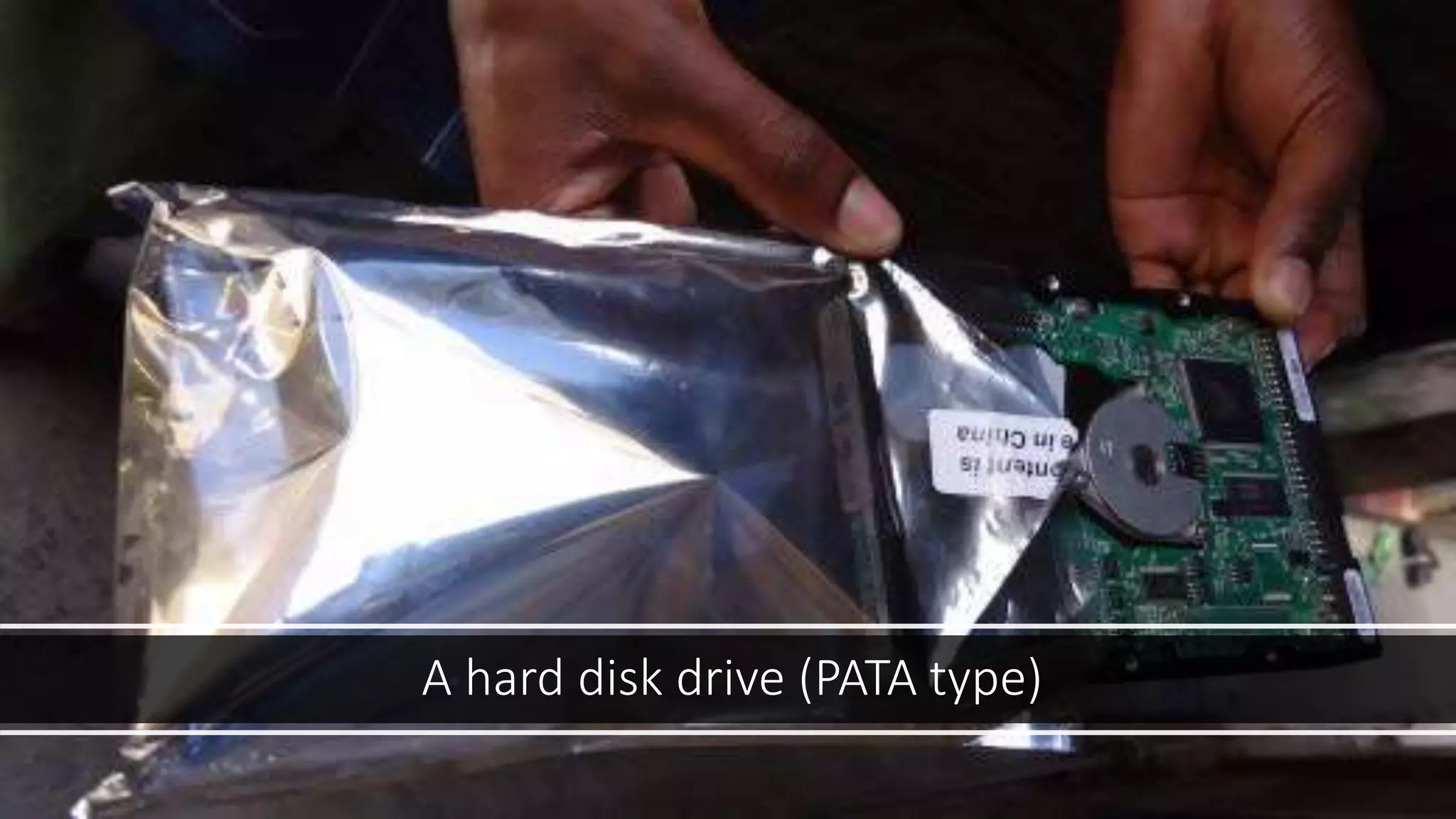
A hard disk drive (PATA type)
2.) Serial ATA - SATA
• SATA drives can transfer data faster than PATA types by using serial
signalling technology.
• SATA cables are thinner and more flexible than PATA cables.
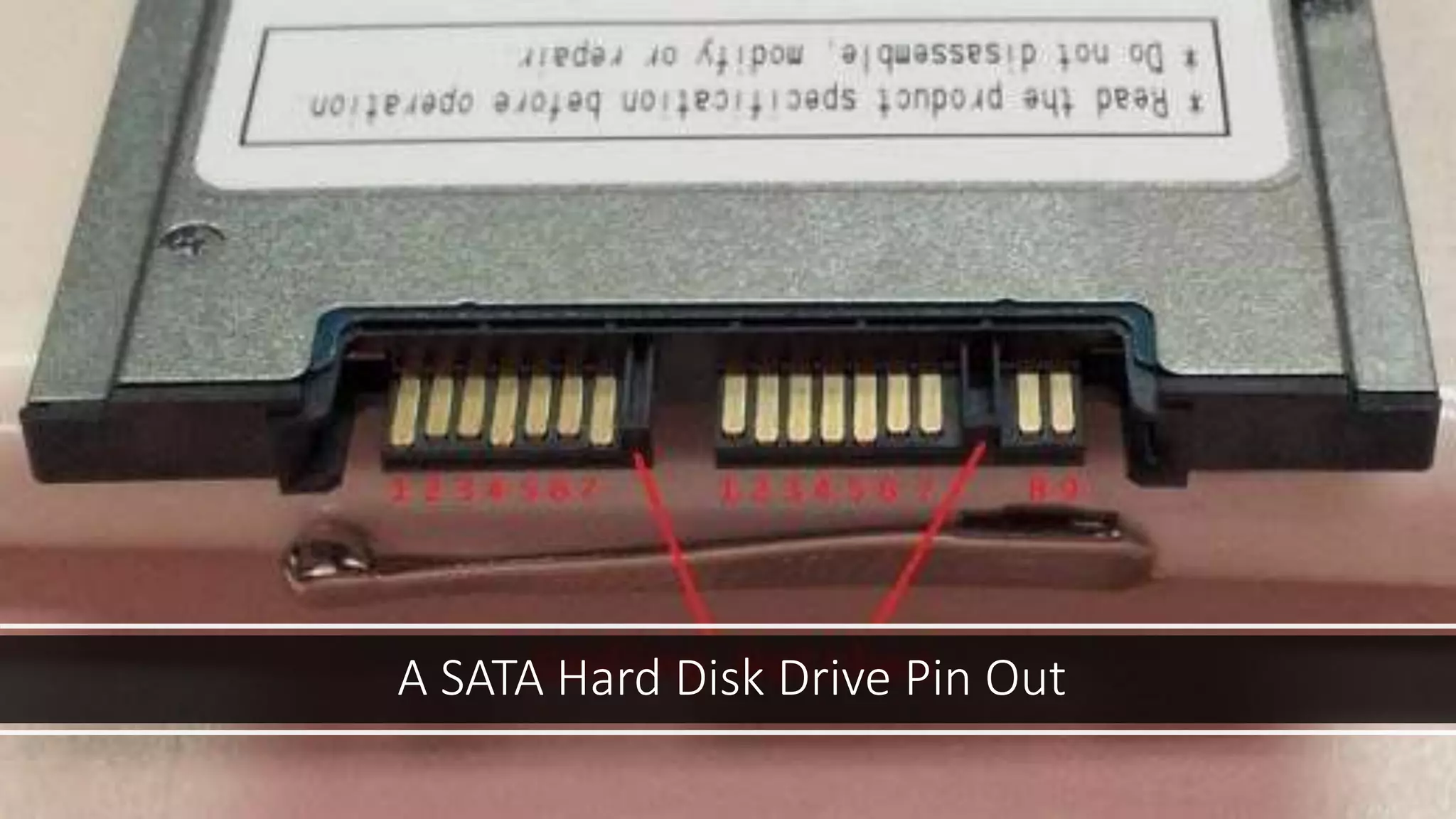
• They have a 7-pin data connection, with cable limit of 1 meter.
• Disks do not share bandwidth because there is only one disk drive
allowed per SATA controller chip on the computer motherboard.
• They consume less power. They only require 250 mV as opposed to
5V for PATA.
A SATA Hard Disk Drive Pin Out
3.) Small Computer System Interface
SCSI
• Devices that are connected in a SCSI have to be terminated at the
end. Here are some of their advantages.
• They are faster.
• They are very reliable.
• Good for 24/7 operations.
• Have a better scalability and flexibility in arrays.
• Well-adapted for storing and moving large amounts of data.
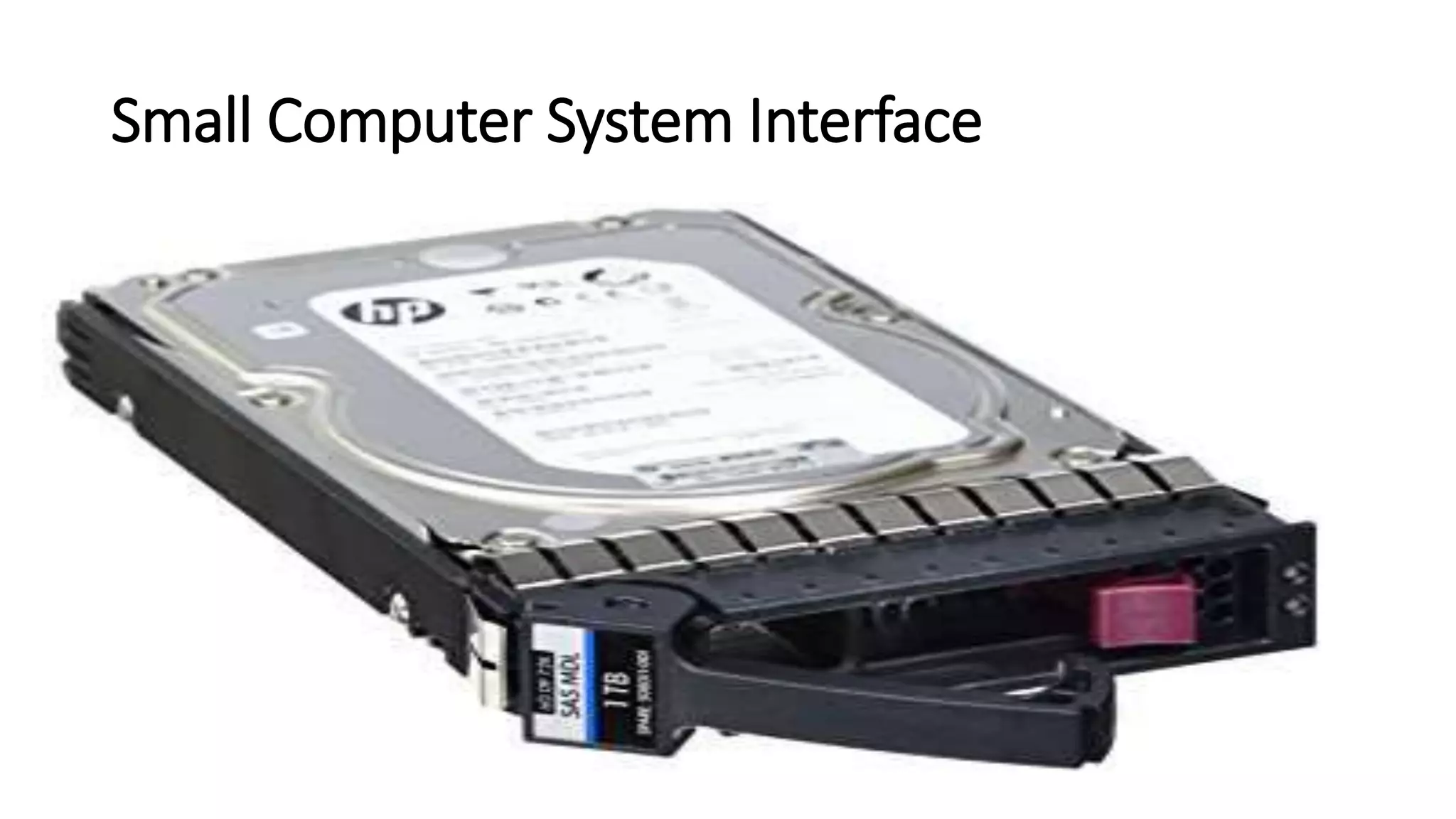
Small Computer System Interface
4.) Solid State Drives
• They are latest in drive technology that we have in the computer
industry.
• Here are some of their advantages.
• Faster data access.
• Less susceptible to shock.
• Lower access times and latency.
• Durability.
• Less power usage.
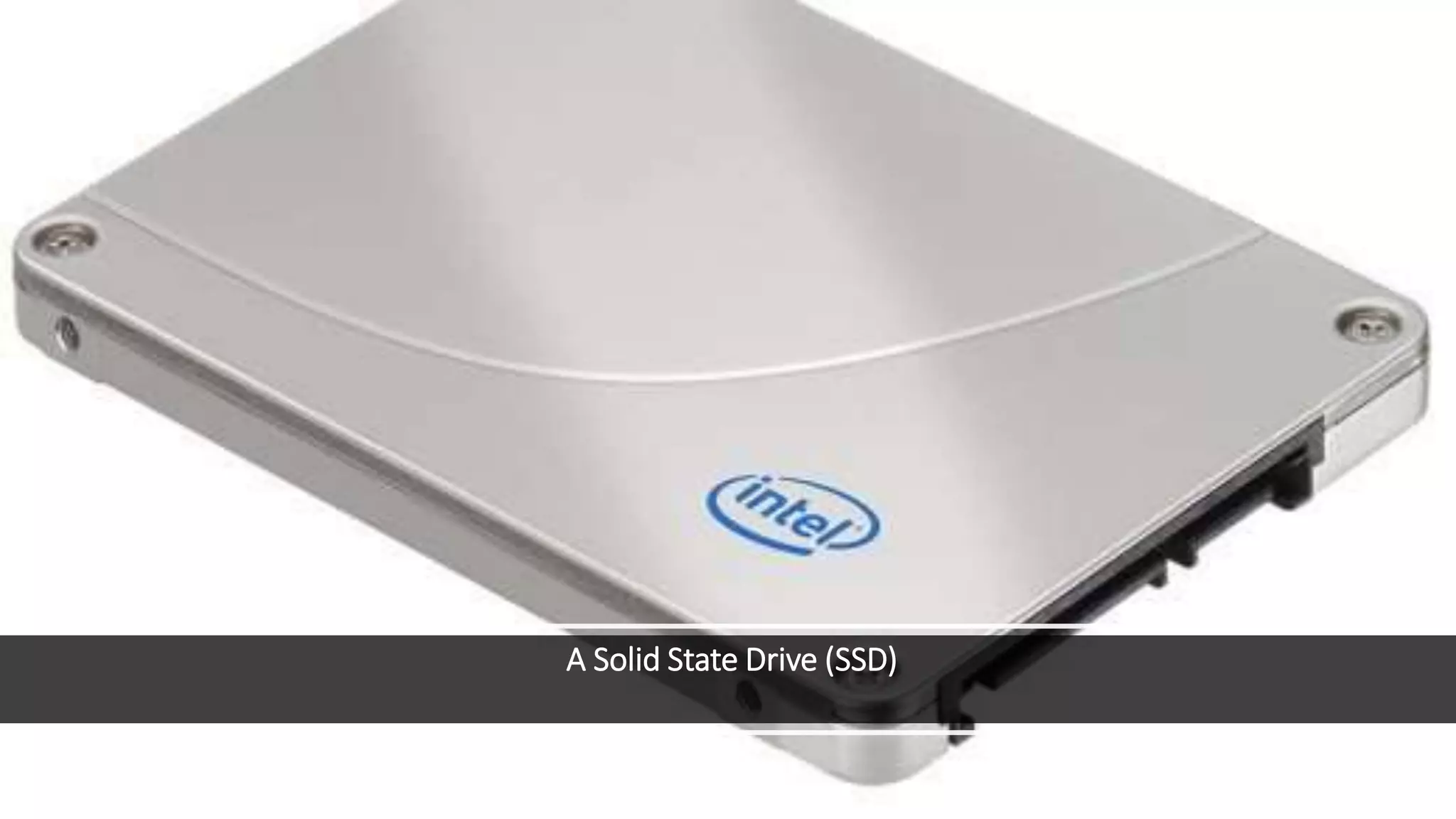
A Solid State Drive (SSD)

Types of Hard Disk

  • 1.
    Types of HardDrive Dr. Kamal Gulati
  • 2.
    Four types ofHard Drives • Parallel Advanced Technology Attachment (PATA) • Serial ATA (SATA) • Small Computer System Interface (SCSI) • Solid State Drives (SSD)
  • 3.
    1.) Parallel AdvancedTechnology Attachment (PATA) • These were the first types of hard disk drives and they made use of the Parallel ATA interface standard to connect to computers. • These types of drives are the ones we refer to as • Integrated Drive Electronics (IDE) and • Enhanced Integrated Drive Electronics (EIDE) drives.
  • 4.
    A hard diskdrive (PATA type)
  • 5.
    2.) Serial ATA- SATA • SATA drives can transfer data faster than PATA types by using serial signalling technology. • SATA cables are thinner and more flexible than PATA cables. • They have a 7-pin data connection, with cable limit of 1 meter. • Disks do not share bandwidth because there is only one disk drive allowed per SATA controller chip on the computer motherboard. • They consume less power. They only require 250 mV as opposed to 5V for PATA.
  • 6.
    A SATA HardDisk Drive Pin Out
  • 7.
    3.) Small ComputerSystem Interface SCSI • Devices that are connected in a SCSI have to be terminated at the end. Here are some of their advantages. • They are faster. • They are very reliable. • Good for 24/7 operations. • Have a better scalability and flexibility in arrays. • Well-adapted for storing and moving large amounts of data.
  • 8.
  • 9.
    4.) Solid StateDrives • They are latest in drive technology that we have in the computer industry. • Here are some of their advantages. • Faster data access. • Less susceptible to shock. • Lower access times and latency. • Durability. • Less power usage.
  • 10.
    A Solid StateDrive (SSD)