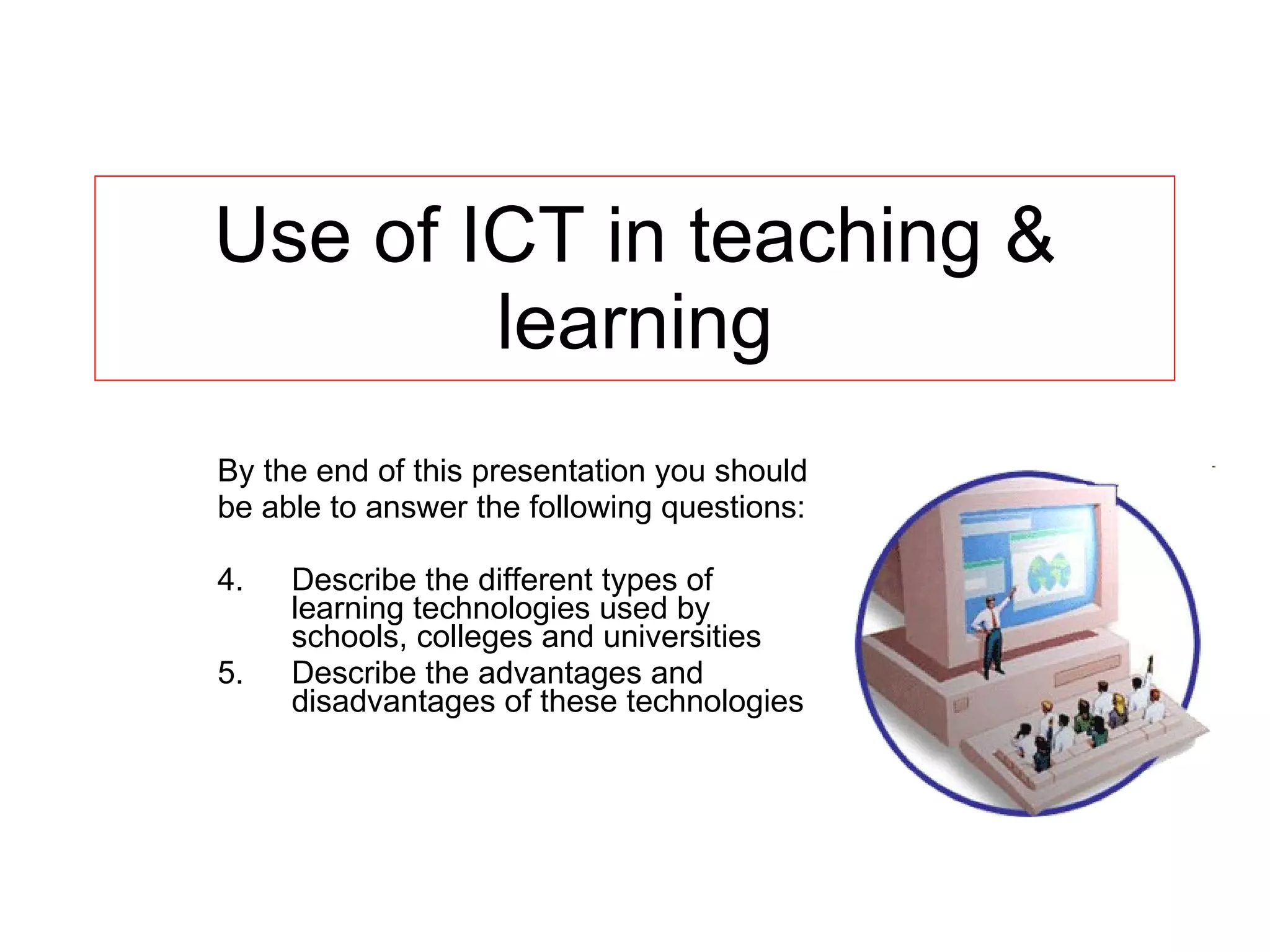
Use of ICT in teaching & learning By the end of this presentation you should be able to answer the following questions: Describe the different types of learning technologies used by schools, colleges and universities Describe the advantages and disadvantages of these technologies
Educational technology OR learning technology OR e-learning This is the use of computers, multimedia materials, networks and communications systems to support learning It includes: CAI – computer-aided instruction CBT – computer-based training CAL – computer-aided learning CBL – computer-based learning CMC – computer mediated communications CAA – computer-aided assessment Record keeping
CAI – computer-aided instruction CBT – computer-based training CAI is software that tends to replace the teacher and take over the whole learning process Computer – is the main method of delivering subject knowledge Little consideration for other types of learning Features: Pre-test to establish level Easy to navigate Use of repetition to reinforce knowledge/skill Built-in games/quizzes Tests are taken and recorded to monitor progress
CAL – computer-aided learning CBL – computer-based learning CAL – software used to support existing methods of teaching and learning Does not replace a lecture/lesson Learning tool/resource like a textbook More intergrated approach, teacher in control of learning process Features: Internet  - use to investigate ideas/research as part of lesson Use of computers, DVDs, Interactive whiteboards, multimedia projectors, TV’s Use of  overlay keyboard to assist students with disabilities to access CAL software
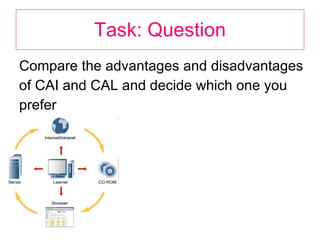
Task: Question Compare the advantages and disadvantages of CAI and CAL and decide which one you prefer
advantages  & disadvantages CAI CAL
CMC – computer mediated communications Consists of email, Instant Messaging and Chat rooms Email used: to send student tasks and/or students to send completed class/home tasks
CAA – computer-aided assessment To test students at school, college & university To find out what progress they are making Can be formative or summative assessment Summative:  asking questions/recording responses. A mark then given Formative:  use of results to specific questions. Gives indication of progress and can identify key areas for improvement
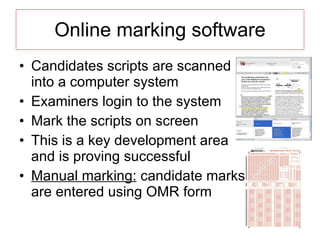
Online marking software Candidates scripts are scanned into a computer system Examiners login to the system Mark the scripts on screen This is a key development area and is proving successful Manual marking:  candidate marks are entered using OMR form
Record keeping Spreadsheets to record tests, exams, predicted grades, targets and attendance Features used: Conditional formatting – to monitor progress Graphs – show progress Statistics - percentage of attendance , difference between current and predicted grades etc
TASKS: 1. What type of educational technology is the: OLC – ICT Alevel page 2. Complete the example questions found here: Y:\ICT\A Level Applied ICT\- Unit 2 - Organisations use of ICT\2d. Education & Teaching

Ict in teaching learning ca

  • 1.
    Use of ICTin teaching & learning By the end of this presentation you should be able to answer the following questions: Describe the different types of learning technologies used by schools, colleges and universities Describe the advantages and disadvantages of these technologies
  • 2.
    Educational technology ORlearning technology OR e-learning This is the use of computers, multimedia materials, networks and communications systems to support learning It includes: CAI – computer-aided instruction CBT – computer-based training CAL – computer-aided learning CBL – computer-based learning CMC – computer mediated communications CAA – computer-aided assessment Record keeping
  • 3.
    CAI – computer-aidedinstruction CBT – computer-based training CAI is software that tends to replace the teacher and take over the whole learning process Computer – is the main method of delivering subject knowledge Little consideration for other types of learning Features: Pre-test to establish level Easy to navigate Use of repetition to reinforce knowledge/skill Built-in games/quizzes Tests are taken and recorded to monitor progress
  • 4.
    CAL – computer-aidedlearning CBL – computer-based learning CAL – software used to support existing methods of teaching and learning Does not replace a lecture/lesson Learning tool/resource like a textbook More intergrated approach, teacher in control of learning process Features: Internet - use to investigate ideas/research as part of lesson Use of computers, DVDs, Interactive whiteboards, multimedia projectors, TV’s Use of overlay keyboard to assist students with disabilities to access CAL software
  • 5.
    Task: Question Comparethe advantages and disadvantages of CAI and CAL and decide which one you prefer
  • 6.
    advantages &disadvantages CAI CAL
  • 7.
    CMC – computermediated communications Consists of email, Instant Messaging and Chat rooms Email used: to send student tasks and/or students to send completed class/home tasks
  • 8.
    CAA – computer-aidedassessment To test students at school, college & university To find out what progress they are making Can be formative or summative assessment Summative: asking questions/recording responses. A mark then given Formative: use of results to specific questions. Gives indication of progress and can identify key areas for improvement
  • 9.
    Online marking softwareCandidates scripts are scanned into a computer system Examiners login to the system Mark the scripts on screen This is a key development area and is proving successful Manual marking: candidate marks are entered using OMR form
  • 10.
    Record keeping Spreadsheetsto record tests, exams, predicted grades, targets and attendance Features used: Conditional formatting – to monitor progress Graphs – show progress Statistics - percentage of attendance , difference between current and predicted grades etc
  • 11.
    TASKS: 1. Whattype of educational technology is the: OLC – ICT Alevel page 2. Complete the example questions found here: Y:\ICT\A Level Applied ICT\- Unit 2 - Organisations use of ICT\2d. Education & Teaching