 Be able to know 21st Century Learning and
Filipino Learners
 Be able to learn what is Computer-Aided
Instruction, its importance and use in
teaching and learning environment.
 Be able to create simple CAI using
powerpoint application.
 Be able to learn what is Visual Basic for
Application(VBA)
 Be able to utilize sample CAI software
(Screentask)
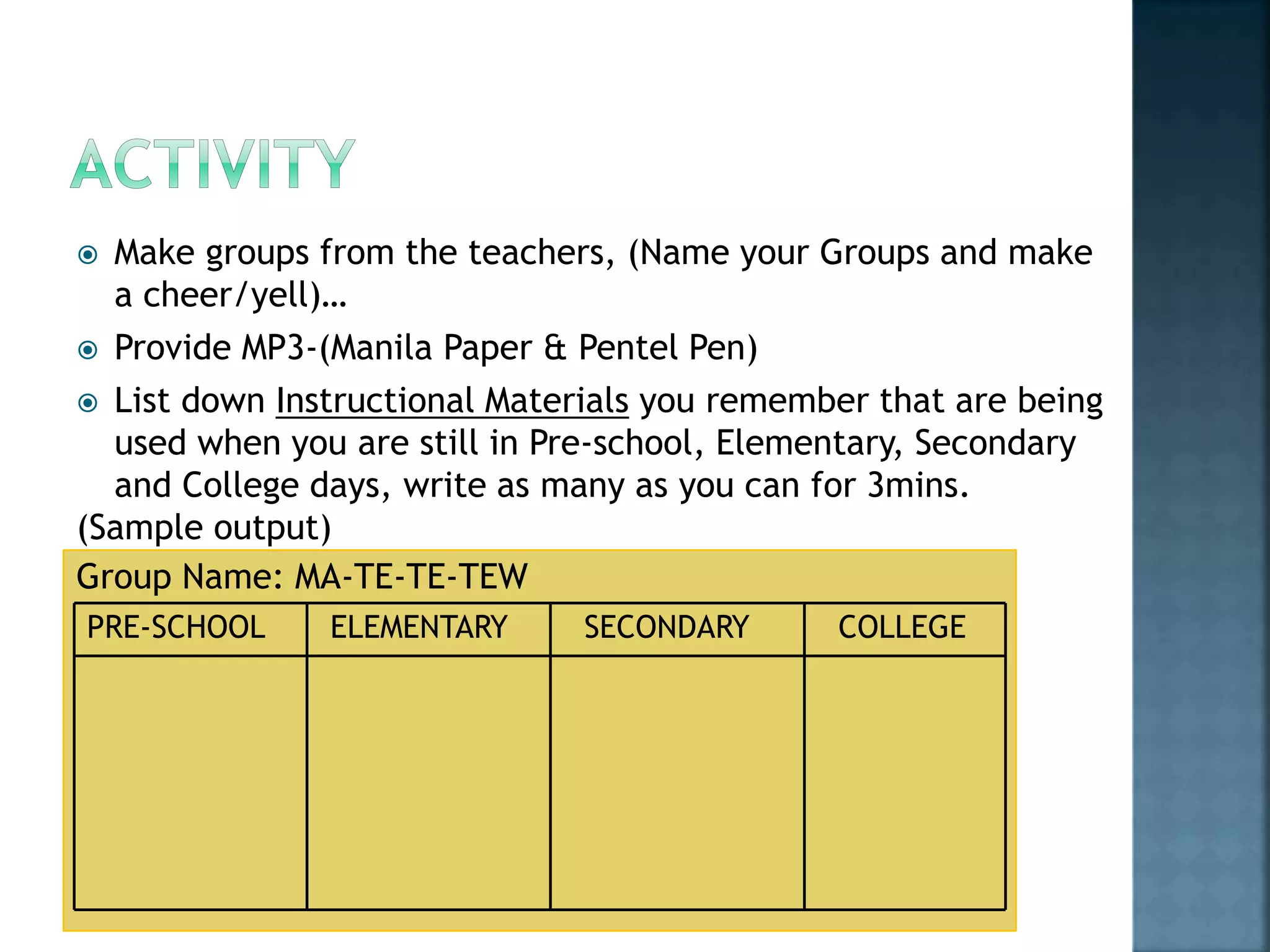
 Make groups from the teachers, (Name your Groups and make
a cheer/yell)…
 Provide MP3-(Manila Paper & Pentel Pen)
 List down Instructional Materials you remember that are being
used when you are still in Pre-school, Elementary, Secondary
and College days, write as many as you can for 3mins.
(Sample output)
Group Name: MA-TE-TE-TEW
PRE-SCHOOL ELEMENTARY SECONDARY COLLEGE
 A representative will present their output
and site some Interesting experiences about
these Instructional Materials.
 Video Clip #1
 Video Clip #2
 All UP and feel the beat
 DANCE with the music….
 Let’s ZUMBA!
 COMPUTER-AIDED INSTRUCTIONS
 Other Terms:
 Computer Based Instruction
 Web-Based Instruction
 Computer Assisted Learning
 Computer Enriched Instruction
 Web-Based Training
 CAI Video Clip
The successful implementation of CAI is made possible in the design
stages first. The design of CAI must consider the following aspects
that greatly affect the impact of the system:
 Design for Learning
 Student Flexibility
 Knowledgeable Author
 Student Feedback
 Publicity & Distribution
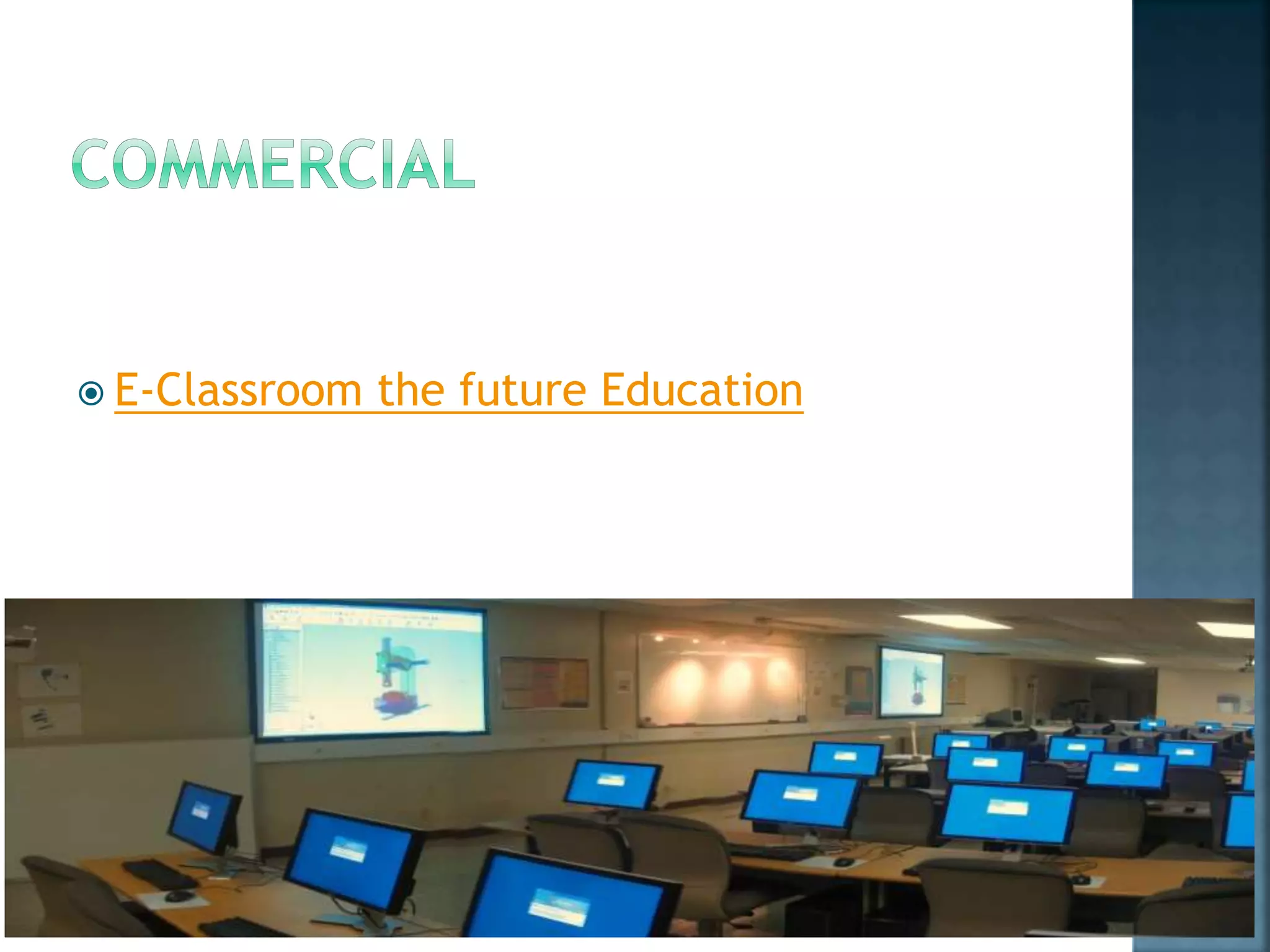
 E-Classroom the future Education
Just as computer aided engineering is now a major
component of professional practice, computer
aided instruction for education and training will
become a standard tool.
While CAI will not supplant traditional methods, it
can have an important role as an interactive,
readily available supplement to traditional
methods.
Involvement of students in active learning can also
result in very effective training; game playing
simulations are particularly good at promoting
active participation.
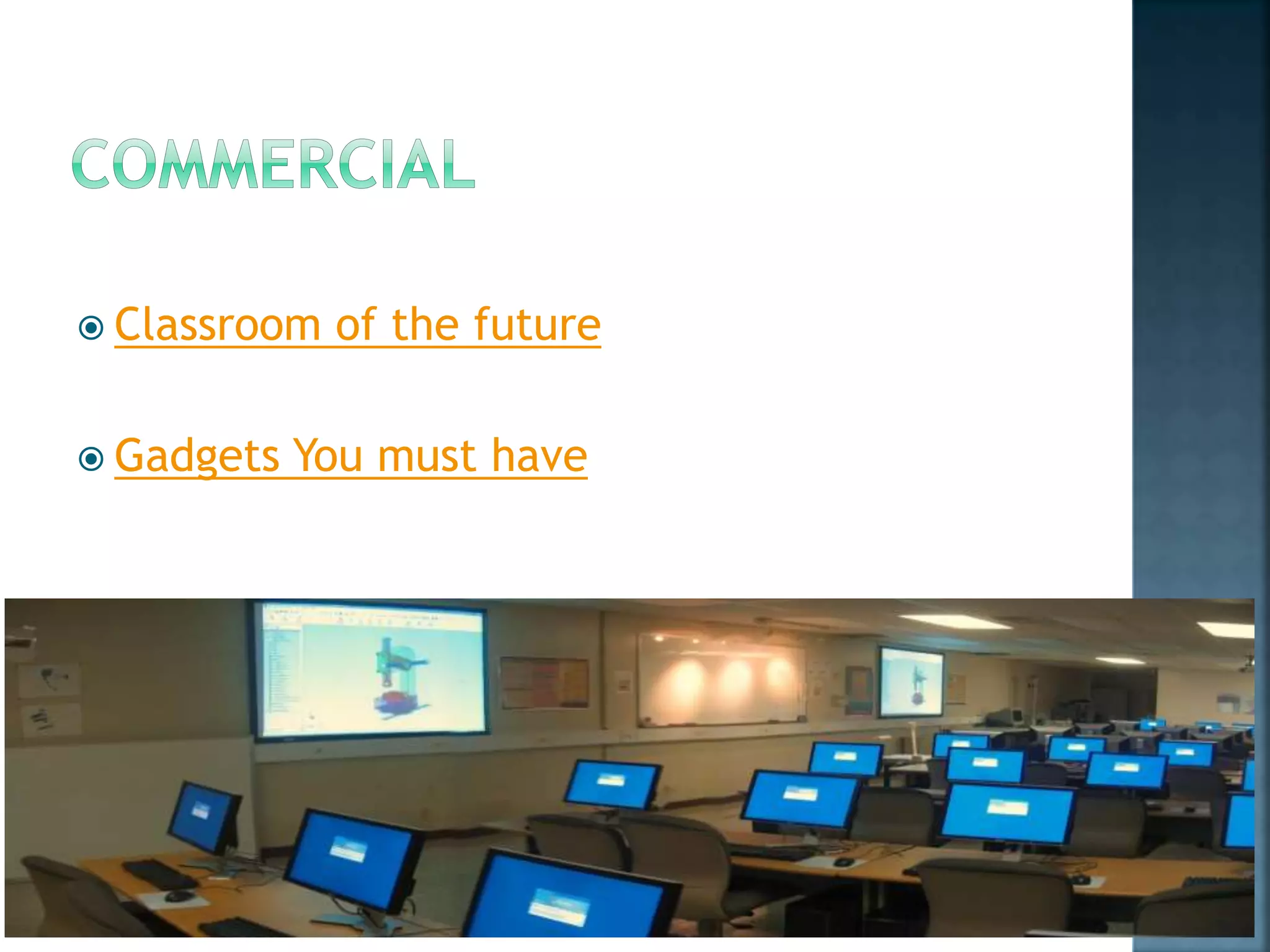
 Classroom of the future
 Gadgets You must have

Computer aided instruction

  • 2.
     Be ableto know 21st Century Learning and Filipino Learners  Be able to learn what is Computer-Aided Instruction, its importance and use in teaching and learning environment.  Be able to create simple CAI using powerpoint application.  Be able to learn what is Visual Basic for Application(VBA)  Be able to utilize sample CAI software (Screentask)
  • 3.
     Make groupsfrom the teachers, (Name your Groups and make a cheer/yell)…  Provide MP3-(Manila Paper & Pentel Pen)  List down Instructional Materials you remember that are being used when you are still in Pre-school, Elementary, Secondary and College days, write as many as you can for 3mins. (Sample output) Group Name: MA-TE-TE-TEW PRE-SCHOOL ELEMENTARY SECONDARY COLLEGE
  • 4.
     A representativewill present their output and site some Interesting experiences about these Instructional Materials.
  • 5.
     Video Clip#1  Video Clip #2
  • 6.
     All UPand feel the beat  DANCE with the music….  Let’s ZUMBA!
  • 7.
     COMPUTER-AIDED INSTRUCTIONS Other Terms:  Computer Based Instruction  Web-Based Instruction  Computer Assisted Learning  Computer Enriched Instruction  Web-Based Training  CAI Video Clip
  • 8.
    The successful implementationof CAI is made possible in the design stages first. The design of CAI must consider the following aspects that greatly affect the impact of the system:  Design for Learning  Student Flexibility  Knowledgeable Author  Student Feedback  Publicity & Distribution
  • 9.
     E-Classroom thefuture Education
  • 10.
    Just as computeraided engineering is now a major component of professional practice, computer aided instruction for education and training will become a standard tool. While CAI will not supplant traditional methods, it can have an important role as an interactive, readily available supplement to traditional methods. Involvement of students in active learning can also result in very effective training; game playing simulations are particularly good at promoting active participation.
  • 11.
     Classroom ofthe future  Gadgets You must have