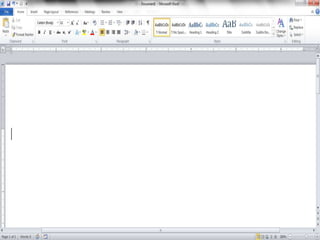
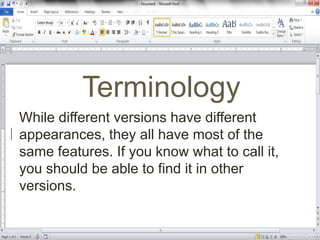
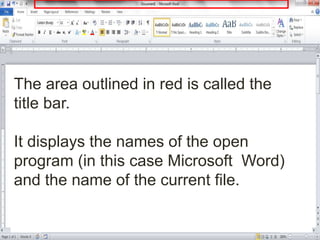
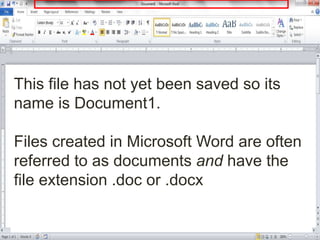
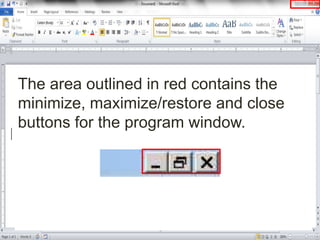
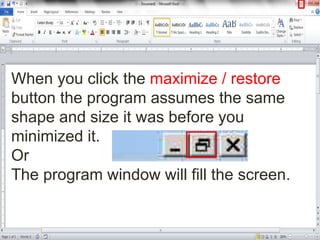
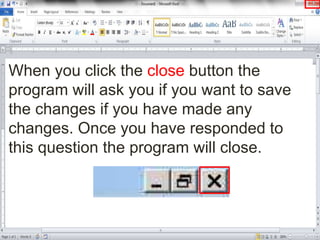
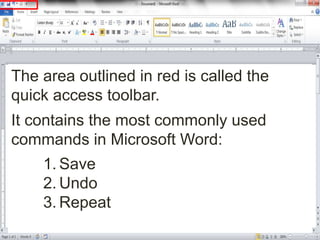
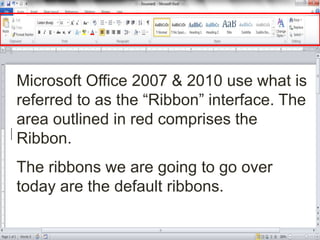
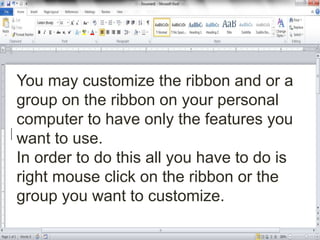
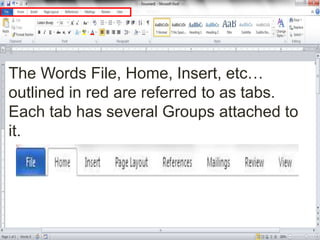
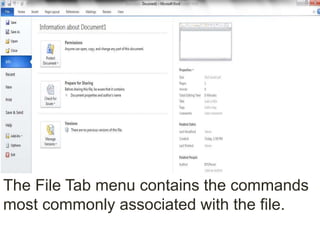
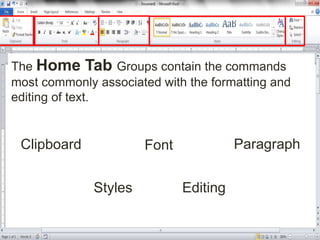
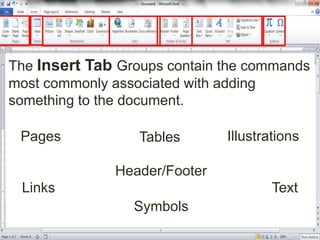
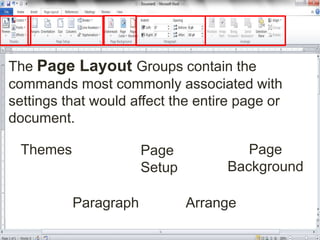
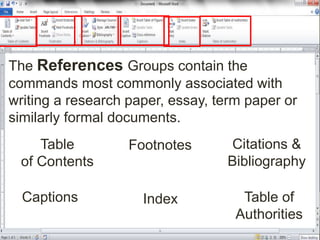
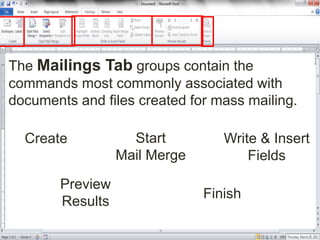
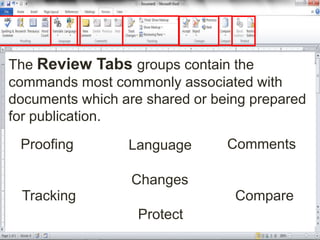
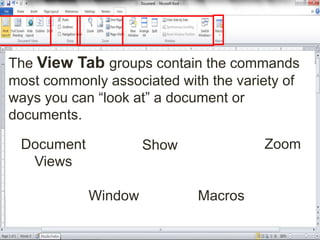
This document provides an overview of the Microsoft Word user interface and objectives for learning how to use Word. It describes the main screen components like the title bar, buttons, ribbons, tabs and groups. The document explains that the ribbons contain commands for formatting text, adding items, page layout, references, mail merges, reviewing documents, and viewing documents. The overall objectives are to learn how to perform basic tasks in Word like editing, formatting and working with text, pictures, and other features.