Download to read offline

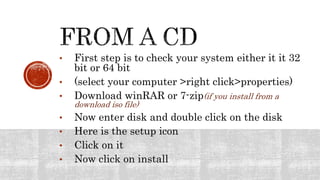
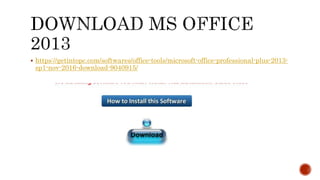
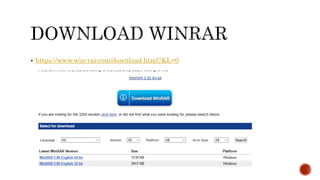
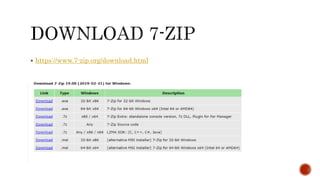
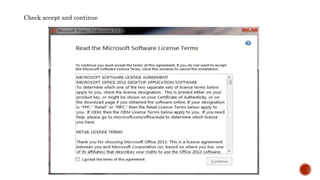
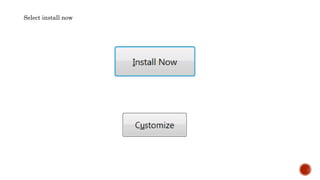
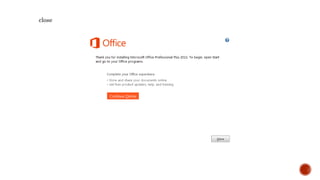
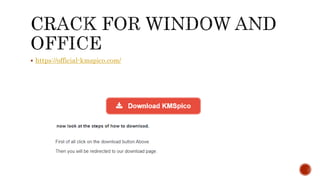
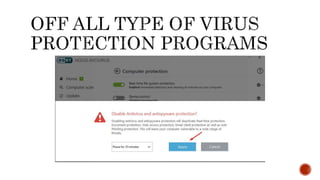
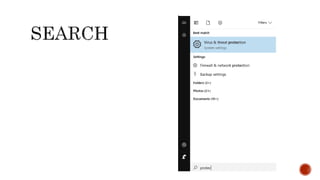

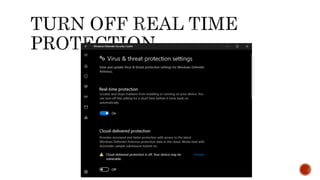
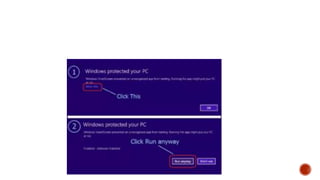
This document provides instructions for installing software from an ISO file, including checking your system's bit size, downloading WinRAR or 7-Zip to extract the ISO file, double clicking the disk icon to browse the setup files, clicking install, and accepting terms to complete installation. Links are also included for downloading Microsoft Office 2013, WinRAR, and 7-Zip extraction software.


