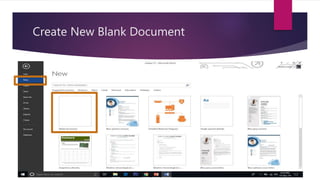
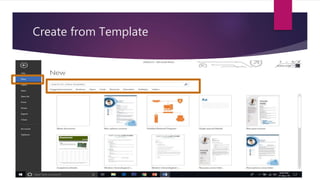
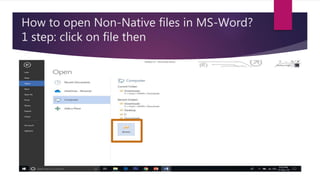
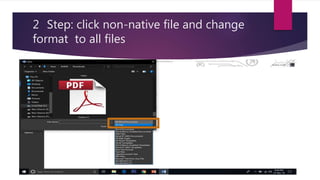
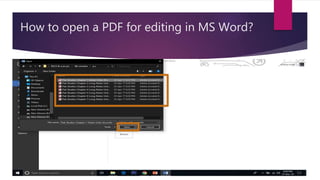
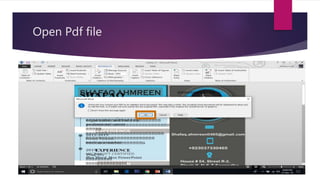
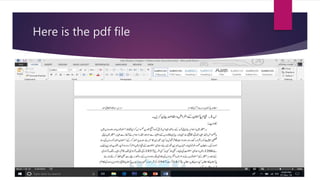
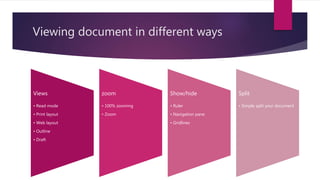
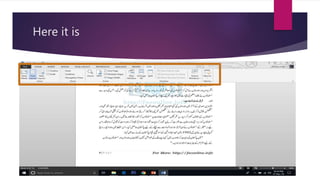
This document discusses how to create, open, and view documents in Microsoft Word. It explains how to create new blank documents or documents from templates. It also describes how to open non-native file formats in Word by changing the file format option to all files. The document outlines how to open a PDF for editing in Word and discusses different viewing options like read mode, print layout, and zoom levels. It concludes with instructions for students to practice the techniques.