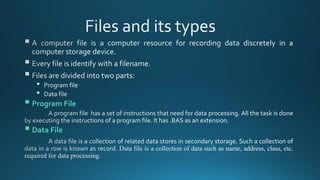
▪ Program File
▪ Data File
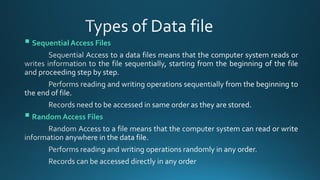
▪ Sequential Access Files
▪ Random Access Files
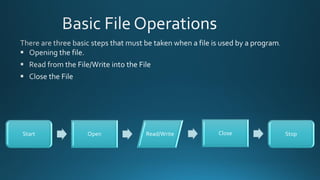
Start Open Read/Write Close Stop
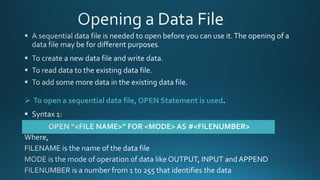
➢ To open a sequential data file, OPEN Statement is used
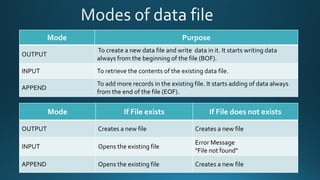
Mode Purpose
OUTPUT
To create a new data file and write data in it. It starts writing data
always from the beginning of the file (BOF).
INPUT To retrieve the contents of the existing data file.
APPEND
To add more records in the existing file. It starts adding of data always
from the end of the file (EOF).
Mode If File exists If File does not exists
OUTPUT Creates a new file Creates a new file
INPUT Opens the existing file
Error Message
"File not found"
APPEND Opens the existing file Creates a new file
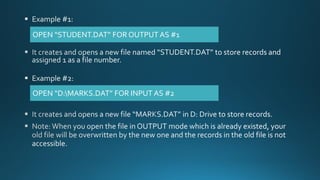
OPEN “STUDENT.DAT” FOR OUTPUT AS #1
OPEN “D:MARKS.DAT” FOR INPUT AS #2
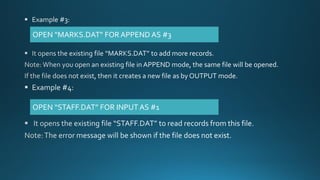
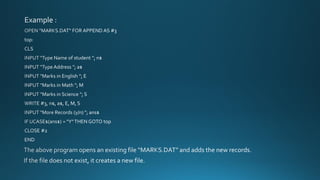
OPEN “MARKS.DAT” FOR APPEND AS #3
OPEN “STAFF.DAT” FOR INPUT AS #1
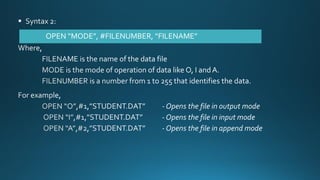
OPEN “MODE”, #FILENUMBER, “FILENAME”
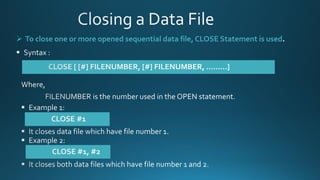
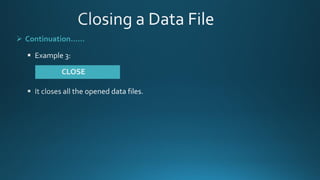
➢ To close one or more opened sequential data file, CLOSE Statement is used
➢ Continuation……
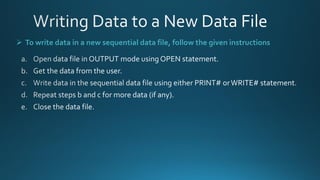
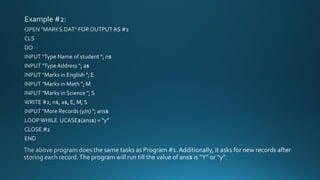
➢ To write data in a new sequential data file, follow the given instructions
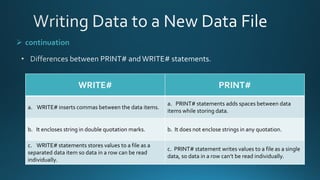
➢ continuation
WRITE#
WRITE[# FILENUMBER], LIST OFVARIABLES
PRINT#
PRINT[# FILENUMBER], LIST OFVARIABLES
➢ continuation
WRITE# PRINT#
a. WRITE# inserts commas between the data items.
a. PRINT# statements adds spaces between data
items while storing data.
b. It encloses string in double quotation marks. b. It does not enclose strings in any quotation.
c. WRITE# statements stores values to a file as a
separated data item so data in a row can be read
individually.
c. PRINT# statement writes values to a file as a single
data, so data in a row can’t be read individually.
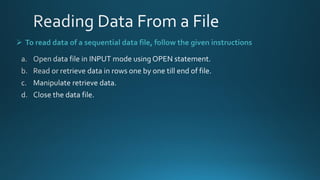
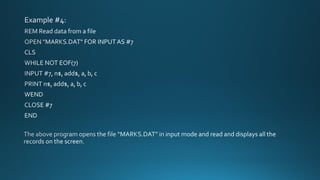
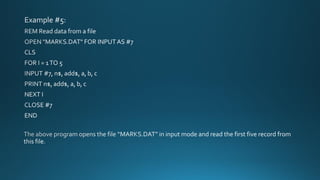
➢ To read data of a sequential data file, follow the given instructions
➢ Continuation……….
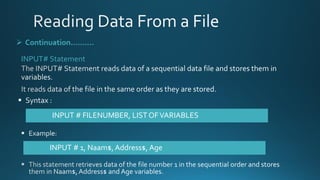
INPUT# Statement
INPUT # FILENUMBER, LIST OFVARIABLES
INPUT # 1, Naam$, Address$, Age
➢ Continuation……….
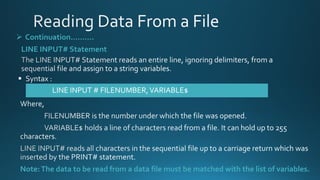
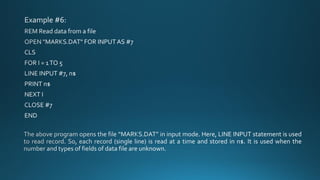
LINE INPUT# Statement
LINE INPUT # FILENUMBER,VARIABLE$
Note:The data to be read from a data file must be matched with the list of variables.
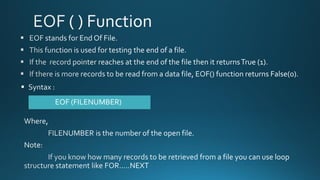
EOF (FILENUMBER)
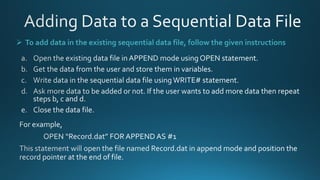
➢ To add data in the existing sequential data file, follow the given instructions
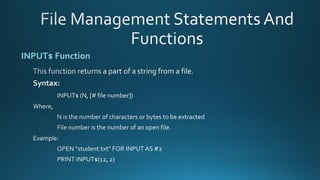
INPUT$ Function
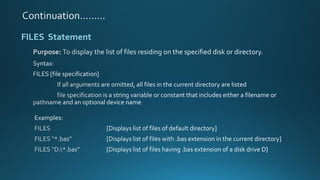
FILES Statement
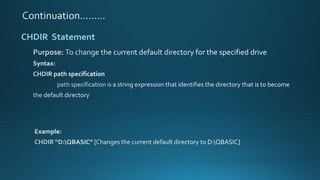
CHDIR Statement
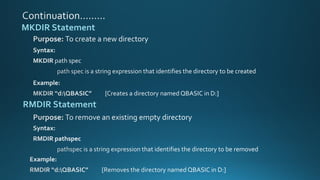
MKDIR Statement
RMDIR Statement
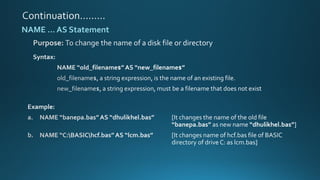
NAME … AS Statement
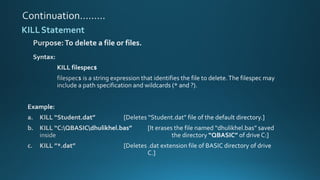
KILLStatement
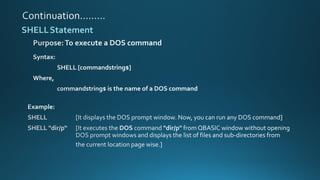
SHELLStatement
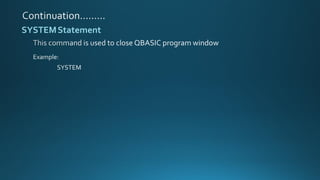
SYSTEMStatement
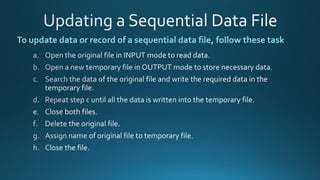
To update data or record of a sequential data file, follow these task
File handling

File handling