www.luxoft.com
Facilitation Fundamentals
How to use facilitation on practice
By Svetlana Mukhina
www.luxoft.com
Introduction
Svetlana Mukhina
ICAgile ICP, ICP-ATF, ICP-BVA, PSM I, CSPO
Agile and Career Coach at Luxoft Agile Practice
Experience: 12+ years in IT, Project and department management,
Computer Linguistics, Technical Writing, Quality Assurance
Interests: Project management, Agile transformation, Career and
performance coaching, Psychology
Hobbies: Horse riding, music, poker, travelling
www.luxoft.com
Session Plan
Learning objectives
 What is facilitation and who is facilitator
 Agile Facilitator
 Warmup to brake the Ice
 Brainwriting to gather ideas
 World-café to explore opinions
 Five and fist to evaluate opportunities
 Pro-Con analysis to make a decision
 Meeting minutes to summarize and define next steps
 Recommended materials
 Agile Team Facilitation training
 Agile Practice services
www.luxoft.com
Facilitation, Facilitator, Agile
Facilitator
www.luxoft.com
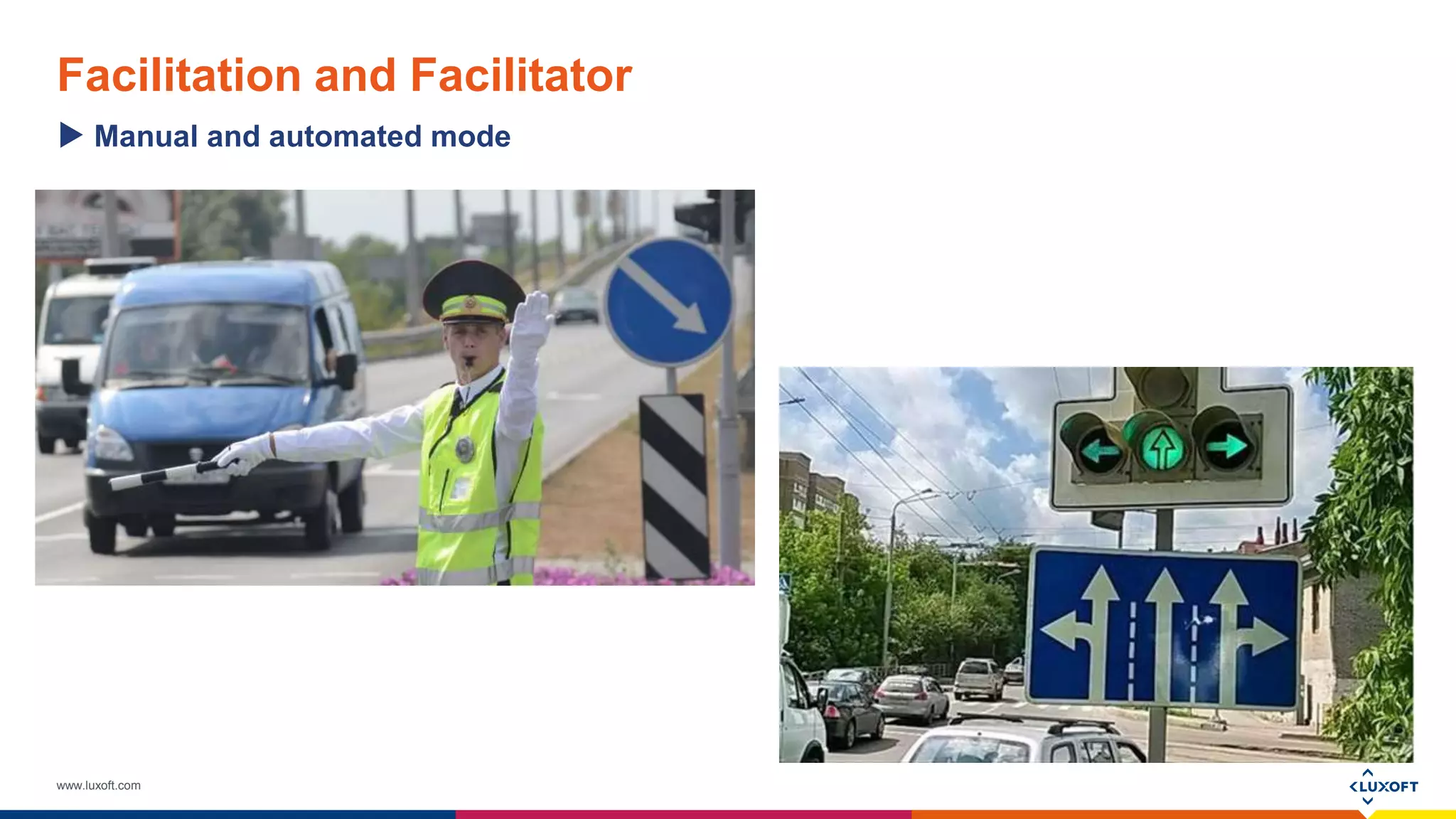
Facilitation and Facilitator
Manual and automated mode
www.luxoft.com
Facilitation and Facilitator
Stop working
www.luxoft.com
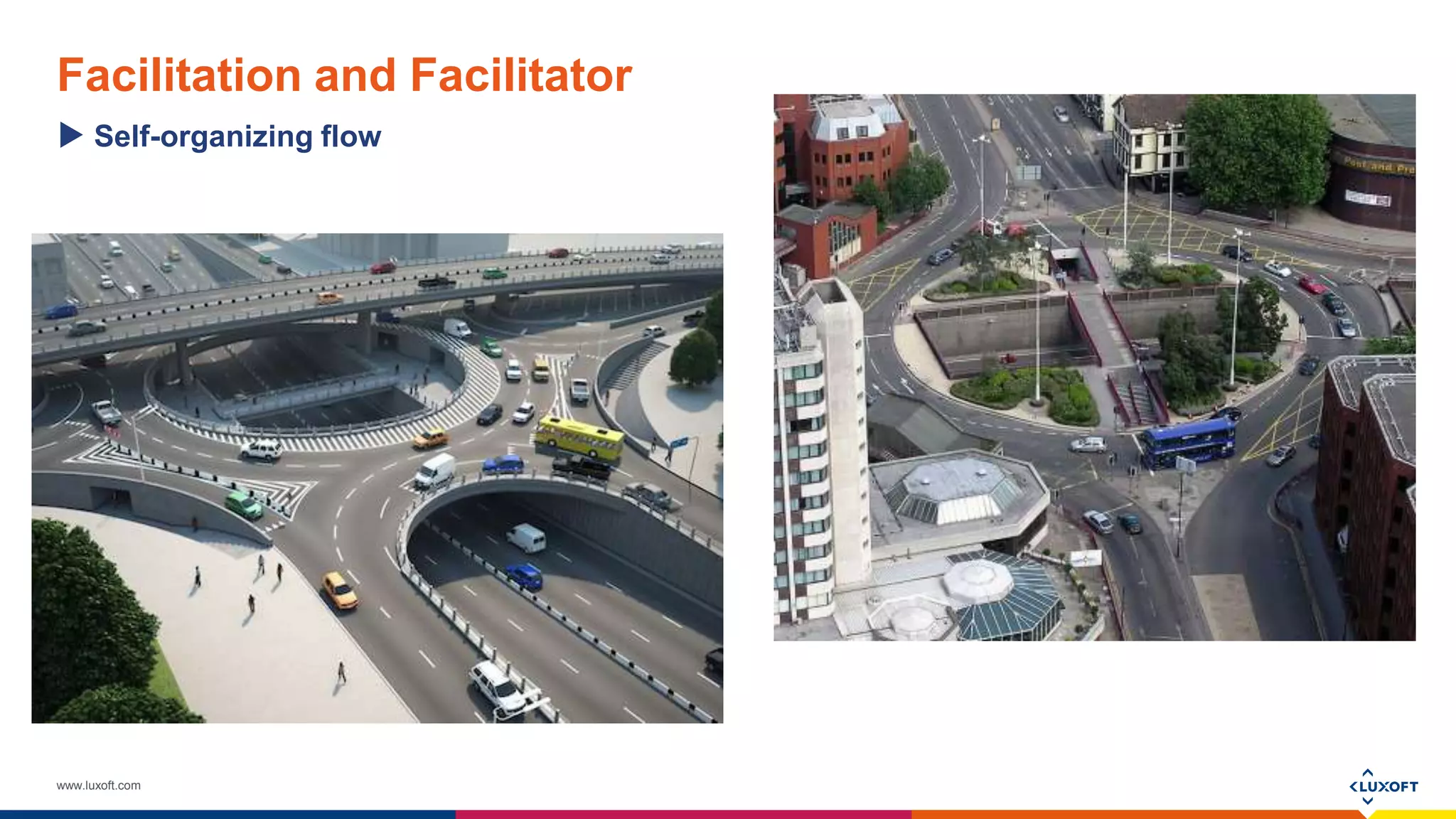
Facilitation and Facilitator
Self-organizing flow
www.luxoft.com
Agile Team Facilitator Treasure Agile Values
Follow Agile Principles
Master Facilitation Techniques
Team
Facilitator
Agile
Guard
www.luxoft.com
Techniques on Practice
www.luxoft.com
Warmup
to Brake the Ice
What
• Short informal sharing of personal facts. e.g.
about your weekend
Why
• In order to find out more about the people you
work with and to create open atmosphere
When
• On Monday, before standup, Planning, Product
Backlog Refinement session
Time
• 5 min for a team of 8-10 people
www.luxoft.com
Warmup
 Gather your team
 A team member come in front and says what
she/he did during the weekend
 If anyone did something similar this
person/people come to the speaker and hive
him/her high-five
 Then the next person does similar actions,
in turn all team members should share their
weekend experience
Use on practice
 Tip: use warm-up while waiting all participant
to join the meeting
www.luxoft.com
Brainwriting
To gather ideas
What
• Brainwriting is used to gather ideas on individual basis
Why
• In order everybody think about the question/problem and has a chance to
contribute a solution
When
• When it is necessary to gather all opinions and ideas for discussion.
Whenever you see that only a few participants are active, while you need all
the team to be involved
Time
• 10 min for a team of 8-10 people
www.luxoft.com
Brainwriting
 Define a case for opinion gathering, e.g.
necessity of auto-tests on the project
(possible improvements for next Sprint,
responsibilities with Scrum team, etc.)
 Provide stickers and pens to the group
 Ask everybody to write 2 pro and 2 contra
opinions on auto-testing. One opinion per a
sticker
 Gather ideas or ask participants to put ideas
to “ideas box”
Use on practice
 Tip: In case someone has problem with ideas generation,
ask them to focus on the task and avoid doing side-
activities (mobile use, whispering with neighbors). Ideas will
come for sure, if remain thinking on the issue. There can be
more and less productive periods during brainwriting.
www.luxoft.com
World-Café
To Explore Opinions
What
• The technique is used to explore various
ideas in groups during a reasonable time-box
Why
• It helps to get familiar with lots of ideas and
enrich your understanding of the issue
When
• In case there are lot’s of options to explore or
one, but very complex option
Time
• 20 min for a team of 12-14 people
www.luxoft.com
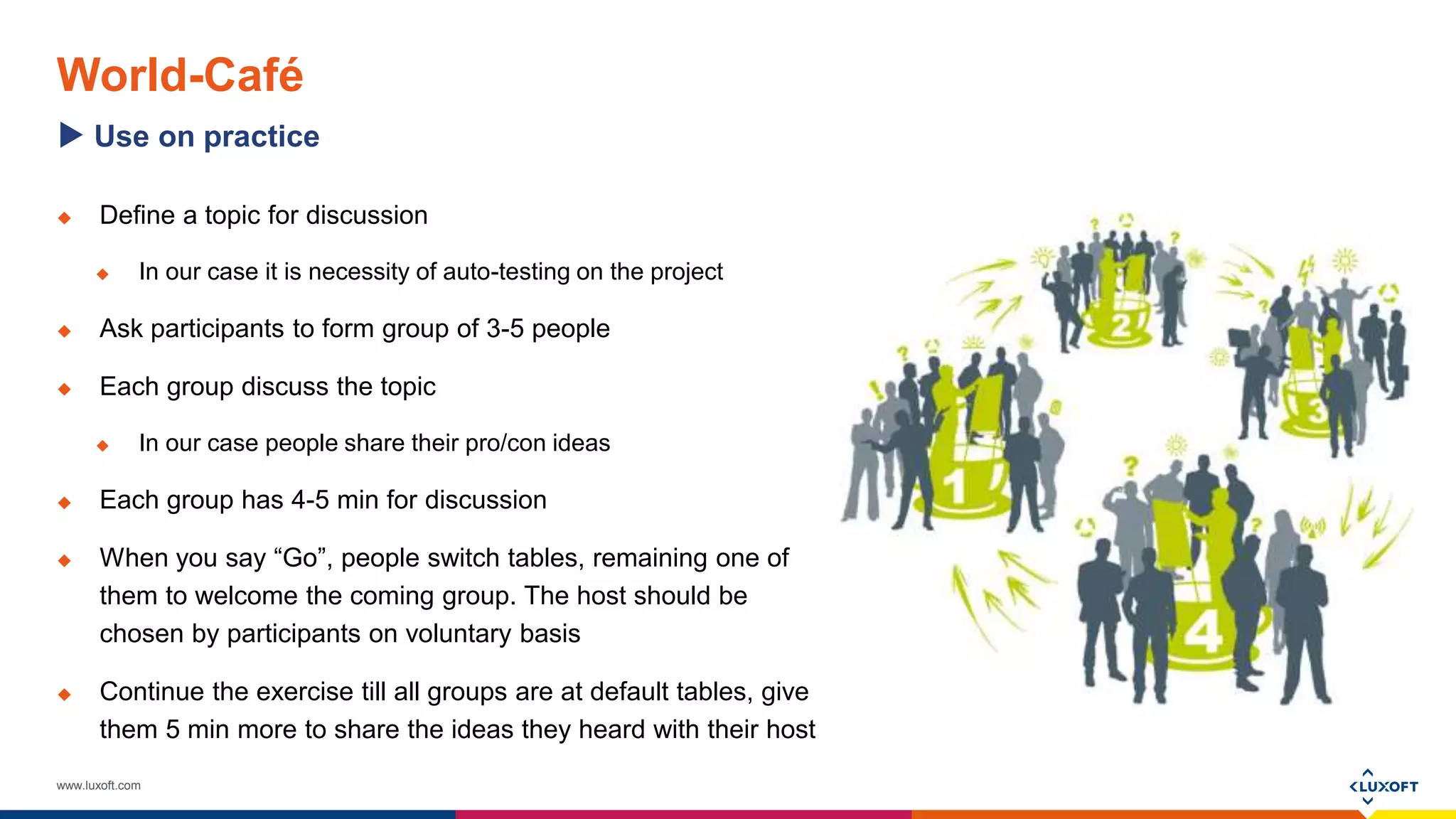
World-Café
 Define a topic for discussion
 In our case it is necessity of auto-testing on the project
 Ask participants to form group of 3-5 people
 Each group discuss the topic
 In our case people share their pro/con ideas
 Each group has 4-5 min for discussion
 When you say “Go”, people switch tables, remaining one of
them to welcome the coming group. The host should be
chosen by participants on voluntary basis
 Continue the exercise till all groups are at default tables, give
them 5 min more to share the ideas they heard with their host
Use on practice
www.luxoft.com
Five-to-Fist
To Evaluate Opportunities
What
• It is a group voting procedure
Why
• To understand distribution of voices for/against idea
in a team
When
• Whenever a evaluation is necessary
Time
• 1-5 min. depending on quantity of evaluating items
www.luxoft.com
Five-to-Fist
Use on practice
 Speak aloud some idea/suggestion
 In our case it is a benefit or disadvantage of auto-
testing for the project
 Ask participants to vote for it using fingers
 Write down voting results for the idea
 E.g. auto-testing will reduces manual work, 3 people
voted with 4 fingers, 1 with fist (zero), 3 with 2 = 18
 Calculate the champion
 In our case the biggest disadvantage and the best
benefit
 Tip: use this approach to see the distribution in
voices, when there is no 100% “yes” and “no”
answers.
www.luxoft.com
Pro-con Analysis
To make a decision
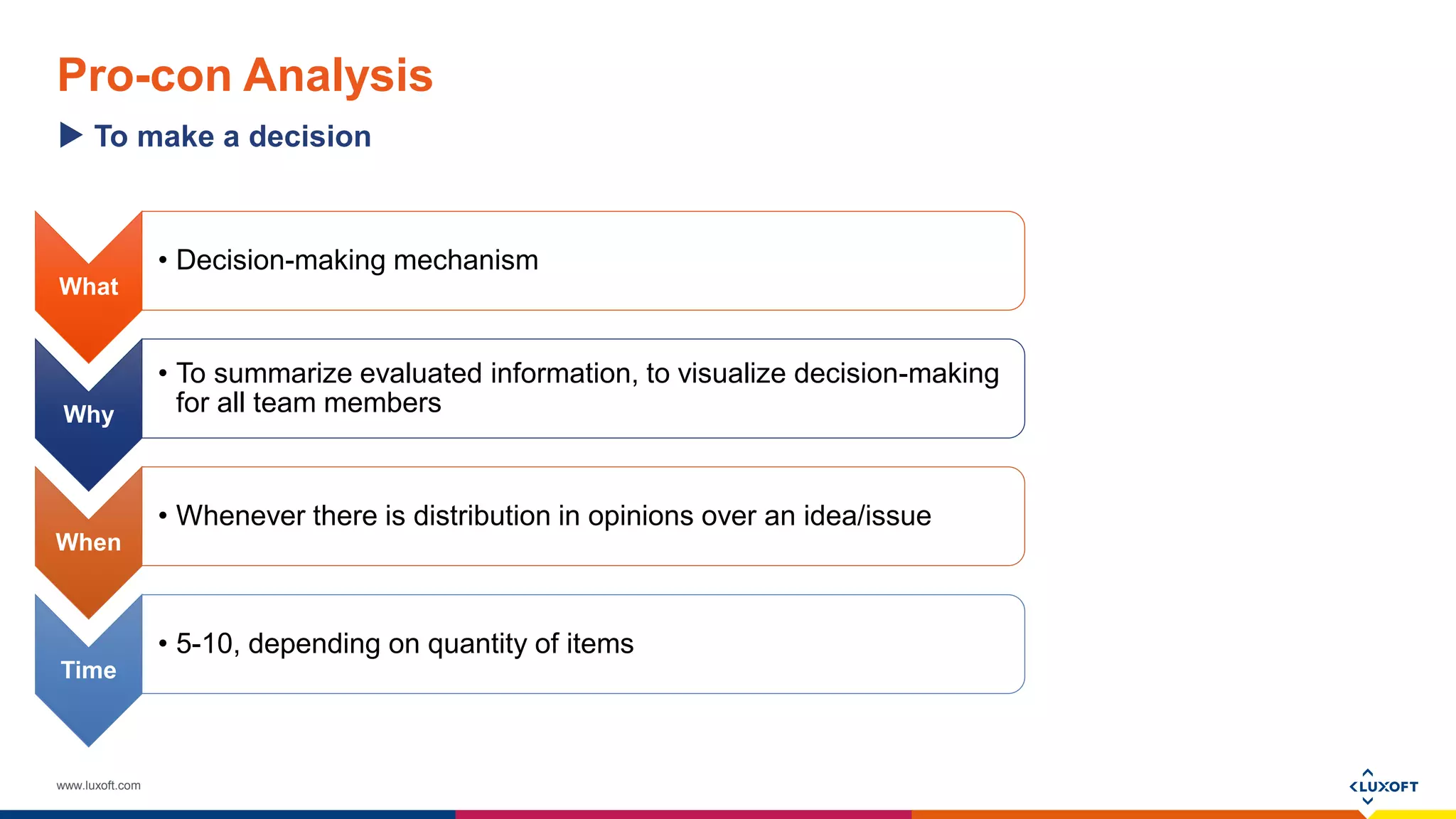
What
• Decision-making mechanism
Why
• To summarize evaluated information, to visualize decision-making
for all team members
When
• Whenever there is distribution in opinions over an idea/issue
Time
• 5-10, depending on quantity of items
www.luxoft.com
Pro-con Analysis
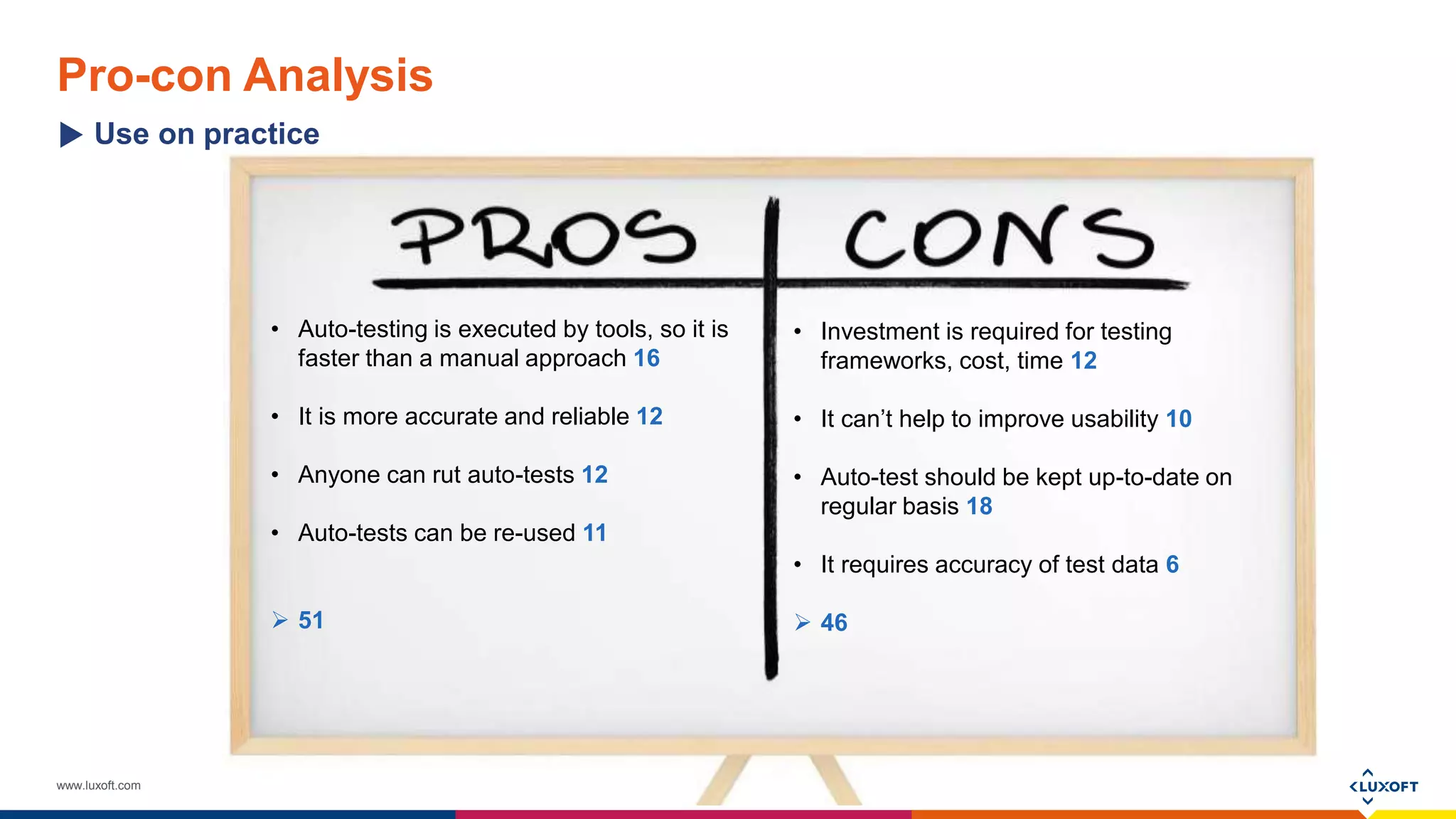
• Auto-testing is executed by tools, so it is
faster than a manual approach 16
• It is more accurate and reliable 12
• Anyone can rut auto-tests 12
• Auto-tests can be re-used 11
 51
Use on practice
• Investment is required for testing
frameworks, cost, time 12
• It can’t help to improve usability 10
• Auto-test should be kept up-to-date on
regular basis 18
• It requires accuracy of test data 6
 46
www.luxoft.com
Meeting Minutes
To summarize and define next steps
What
• Summary on meeting decisions, way forward, action items
Why
• To summarize decision(s), share information with all interested parties,
integrate meeting results on practice
When
• During or at the end of a meeting
Time
• 5-10
www.luxoft.com
Meeting Minutes
Use on practice
What Who When
Setup next meeting on our progress with auto-testing
implementation
Mike by Aug 21
Investigate popular frameworks, present the results Ann by Aug 28
Explore company trainings on auto-testing, share info Olga by Aug 28
Discuss auto-testing experience on other project within
the company, summarize it for our team
Mike by Sep 05
Identify critical parts of our app to cover in first turn Alex and Ivan By Sep 05
Present our approach on auto-testing to stakeholders Mike By Sep 11
www.luxoft.com
Meeting Structure
The designed flow
warmup brainwriting world-café five-to-fist
pro-con
analysis
meeting
minutes
www.luxoft.com
www.luxoft.com
Recommended Materials
Recordings and presentations of my webinars on facilitation:
 How to facilitate product backlog refinement sessionshttps://www.linkedin.com/pulse/recording-webinar-how-facilitate-product-
backlog-svetlana
 How to facilitate meetings, Scrum events and group discussions https://www.linkedin.com/pulse/how-facilitate-meetings-scrum-
events-group-svetlana
 Agile Team Facilitator Mindset & Behaviourhttps://www.linkedin.com/pulse/recording-webinar-agile-team-facilitator-mindset-svetlana
 Facilitation and Facilitator Stancehttps://www.linkedin.com/pulse/recording-webinar-facilitation-facilitator-stance-svetlana
 The Power on Visualizationhttps://www.linkedin.com/pulse/20141202230246-48371619-follow-up-on-the-webinar-the-power-on-
visualization
 Designing Meetings for Collaboration https://www.linkedin.com/pulse/what-required-effective-collaboration-svetlana
 Silent voting technique https://www.linkedin.com/pulse/20140415193826-48371619-easy-way-to-make-a-discussion-effective
 Facilitating decision-making and feedback gathering https://www.linkedin.com/pulse/decisions-valued-feedback-remembered-
svetlana
www.luxoft.com
Way Forward – ICAgile Agile Team Facilitation
ICAgile Certified Professional - Agile Team Facilitation
Details - https://icagile.com/icp-agile-team-facilitation
Registration
- For Luxoft employees
https://inthr.luxoft.com/IntHRWebApp/aspx_PTC/CreateRequestInternal.aspx?Course=SDP-035
- For non-Luxoft – email me smukhina@luxoft.com
www.luxoft.com
Available Services of Agile Practice
 ICAgile Certified Professional - Agile Fundamentals https://icagile.com/icagile-certified-professional
 ICAgile Certified Professional - Business Value Analysis https://icagile.com/icp-business-value-analysis
 ICAgile Certified Professional - Agile Team Facilitation https://icagile.com/icp-agile-team-facilitation
 Professional Scrum Master https://www.scrum.org/Courses/Professional-Scrum-Master
 Custom Workshops:
• Coaching and self-coaching;
• Agile project management;
• Agile project metrics;
• Motivation models;
• Feedback gathering;
• etc.
www.luxoft.com
Personal Coaching in Facilitation
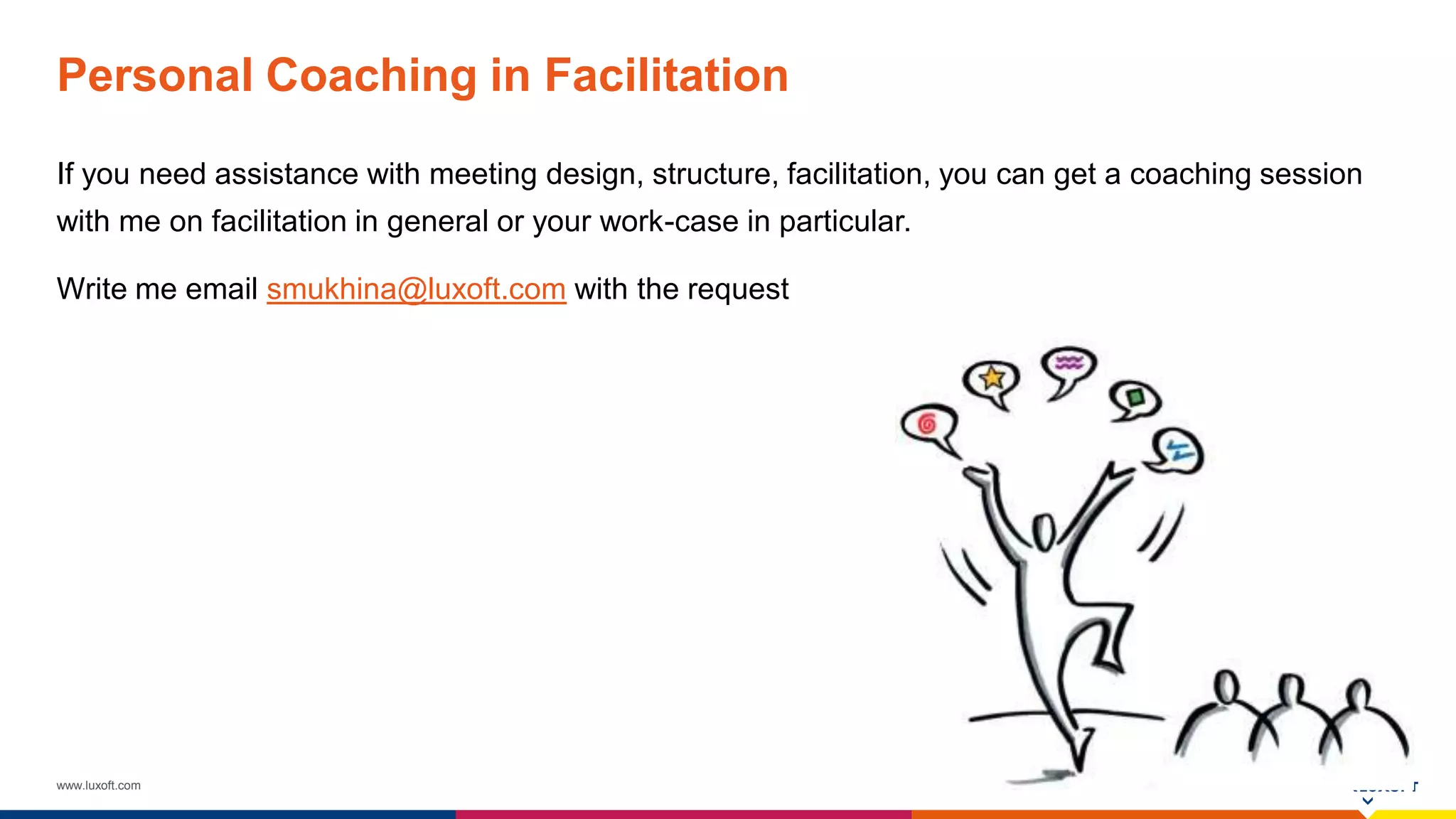
If you need assistance with meeting design, structure, facilitation, you can get a coaching session
with me on facilitation in general or your work-case in particular.
Write me email smukhina@luxoft.com with the request
www.luxoft.com
THANK YOU

Facilitation Fundamentals

  • 1.
    www.luxoft.com Facilitation Fundamentals How touse facilitation on practice By Svetlana Mukhina
  • 2.
    www.luxoft.com Introduction Svetlana Mukhina ICAgile ICP,ICP-ATF, ICP-BVA, PSM I, CSPO Agile and Career Coach at Luxoft Agile Practice Experience: 12+ years in IT, Project and department management, Computer Linguistics, Technical Writing, Quality Assurance Interests: Project management, Agile transformation, Career and performance coaching, Psychology Hobbies: Horse riding, music, poker, travelling
  • 3.
    www.luxoft.com Session Plan Learning objectives What is facilitation and who is facilitator  Agile Facilitator  Warmup to brake the Ice  Brainwriting to gather ideas  World-café to explore opinions  Five and fist to evaluate opportunities  Pro-Con analysis to make a decision  Meeting minutes to summarize and define next steps  Recommended materials  Agile Team Facilitation training  Agile Practice services
  • 4.
  • 5.
  • 6.
  • 7.
  • 8.
    www.luxoft.com Agile Team FacilitatorTreasure Agile Values Follow Agile Principles Master Facilitation Techniques Team Facilitator Agile Guard
  • 9.
  • 10.
    www.luxoft.com Warmup to Brake theIce What • Short informal sharing of personal facts. e.g. about your weekend Why • In order to find out more about the people you work with and to create open atmosphere When • On Monday, before standup, Planning, Product Backlog Refinement session Time • 5 min for a team of 8-10 people
  • 11.
    www.luxoft.com Warmup  Gather yourteam  A team member come in front and says what she/he did during the weekend  If anyone did something similar this person/people come to the speaker and hive him/her high-five  Then the next person does similar actions, in turn all team members should share their weekend experience Use on practice  Tip: use warm-up while waiting all participant to join the meeting
  • 12.
    www.luxoft.com Brainwriting To gather ideas What •Brainwriting is used to gather ideas on individual basis Why • In order everybody think about the question/problem and has a chance to contribute a solution When • When it is necessary to gather all opinions and ideas for discussion. Whenever you see that only a few participants are active, while you need all the team to be involved Time • 10 min for a team of 8-10 people
  • 13.
    www.luxoft.com Brainwriting  Define acase for opinion gathering, e.g. necessity of auto-tests on the project (possible improvements for next Sprint, responsibilities with Scrum team, etc.)  Provide stickers and pens to the group  Ask everybody to write 2 pro and 2 contra opinions on auto-testing. One opinion per a sticker  Gather ideas or ask participants to put ideas to “ideas box” Use on practice  Tip: In case someone has problem with ideas generation, ask them to focus on the task and avoid doing side- activities (mobile use, whispering with neighbors). Ideas will come for sure, if remain thinking on the issue. There can be more and less productive periods during brainwriting.
  • 14.
    www.luxoft.com World-Café To Explore Opinions What •The technique is used to explore various ideas in groups during a reasonable time-box Why • It helps to get familiar with lots of ideas and enrich your understanding of the issue When • In case there are lot’s of options to explore or one, but very complex option Time • 20 min for a team of 12-14 people
  • 15.
    www.luxoft.com World-Café  Define atopic for discussion  In our case it is necessity of auto-testing on the project  Ask participants to form group of 3-5 people  Each group discuss the topic  In our case people share their pro/con ideas  Each group has 4-5 min for discussion  When you say “Go”, people switch tables, remaining one of them to welcome the coming group. The host should be chosen by participants on voluntary basis  Continue the exercise till all groups are at default tables, give them 5 min more to share the ideas they heard with their host Use on practice
  • 16.
    www.luxoft.com Five-to-Fist To Evaluate Opportunities What •It is a group voting procedure Why • To understand distribution of voices for/against idea in a team When • Whenever a evaluation is necessary Time • 1-5 min. depending on quantity of evaluating items
  • 17.
    www.luxoft.com Five-to-Fist Use on practice Speak aloud some idea/suggestion  In our case it is a benefit or disadvantage of auto- testing for the project  Ask participants to vote for it using fingers  Write down voting results for the idea  E.g. auto-testing will reduces manual work, 3 people voted with 4 fingers, 1 with fist (zero), 3 with 2 = 18  Calculate the champion  In our case the biggest disadvantage and the best benefit  Tip: use this approach to see the distribution in voices, when there is no 100% “yes” and “no” answers.
  • 18.
    www.luxoft.com Pro-con Analysis To makea decision What • Decision-making mechanism Why • To summarize evaluated information, to visualize decision-making for all team members When • Whenever there is distribution in opinions over an idea/issue Time • 5-10, depending on quantity of items
  • 19.
    www.luxoft.com Pro-con Analysis • Auto-testingis executed by tools, so it is faster than a manual approach 16 • It is more accurate and reliable 12 • Anyone can rut auto-tests 12 • Auto-tests can be re-used 11  51 Use on practice • Investment is required for testing frameworks, cost, time 12 • It can’t help to improve usability 10 • Auto-test should be kept up-to-date on regular basis 18 • It requires accuracy of test data 6  46
  • 20.
    www.luxoft.com Meeting Minutes To summarizeand define next steps What • Summary on meeting decisions, way forward, action items Why • To summarize decision(s), share information with all interested parties, integrate meeting results on practice When • During or at the end of a meeting Time • 5-10
  • 21.
    www.luxoft.com Meeting Minutes Use onpractice What Who When Setup next meeting on our progress with auto-testing implementation Mike by Aug 21 Investigate popular frameworks, present the results Ann by Aug 28 Explore company trainings on auto-testing, share info Olga by Aug 28 Discuss auto-testing experience on other project within the company, summarize it for our team Mike by Sep 05 Identify critical parts of our app to cover in first turn Alex and Ivan By Sep 05 Present our approach on auto-testing to stakeholders Mike By Sep 11
  • 22.
    www.luxoft.com Meeting Structure The designedflow warmup brainwriting world-café five-to-fist pro-con analysis meeting minutes
  • 23.
  • 24.
    www.luxoft.com Recommended Materials Recordings andpresentations of my webinars on facilitation:  How to facilitate product backlog refinement sessionshttps://www.linkedin.com/pulse/recording-webinar-how-facilitate-product- backlog-svetlana  How to facilitate meetings, Scrum events and group discussions https://www.linkedin.com/pulse/how-facilitate-meetings-scrum- events-group-svetlana  Agile Team Facilitator Mindset & Behaviourhttps://www.linkedin.com/pulse/recording-webinar-agile-team-facilitator-mindset-svetlana  Facilitation and Facilitator Stancehttps://www.linkedin.com/pulse/recording-webinar-facilitation-facilitator-stance-svetlana  The Power on Visualizationhttps://www.linkedin.com/pulse/20141202230246-48371619-follow-up-on-the-webinar-the-power-on- visualization  Designing Meetings for Collaboration https://www.linkedin.com/pulse/what-required-effective-collaboration-svetlana  Silent voting technique https://www.linkedin.com/pulse/20140415193826-48371619-easy-way-to-make-a-discussion-effective  Facilitating decision-making and feedback gathering https://www.linkedin.com/pulse/decisions-valued-feedback-remembered- svetlana
  • 25.
    www.luxoft.com Way Forward –ICAgile Agile Team Facilitation ICAgile Certified Professional - Agile Team Facilitation Details - https://icagile.com/icp-agile-team-facilitation Registration - For Luxoft employees https://inthr.luxoft.com/IntHRWebApp/aspx_PTC/CreateRequestInternal.aspx?Course=SDP-035 - For non-Luxoft – email me smukhina@luxoft.com
  • 26.
    www.luxoft.com Available Services ofAgile Practice  ICAgile Certified Professional - Agile Fundamentals https://icagile.com/icagile-certified-professional  ICAgile Certified Professional - Business Value Analysis https://icagile.com/icp-business-value-analysis  ICAgile Certified Professional - Agile Team Facilitation https://icagile.com/icp-agile-team-facilitation  Professional Scrum Master https://www.scrum.org/Courses/Professional-Scrum-Master  Custom Workshops: • Coaching and self-coaching; • Agile project management; • Agile project metrics; • Motivation models; • Feedback gathering; • etc.
  • 27.
    www.luxoft.com Personal Coaching inFacilitation If you need assistance with meeting design, structure, facilitation, you can get a coaching session with me on facilitation in general or your work-case in particular. Write me email smukhina@luxoft.com with the request
  • 28.