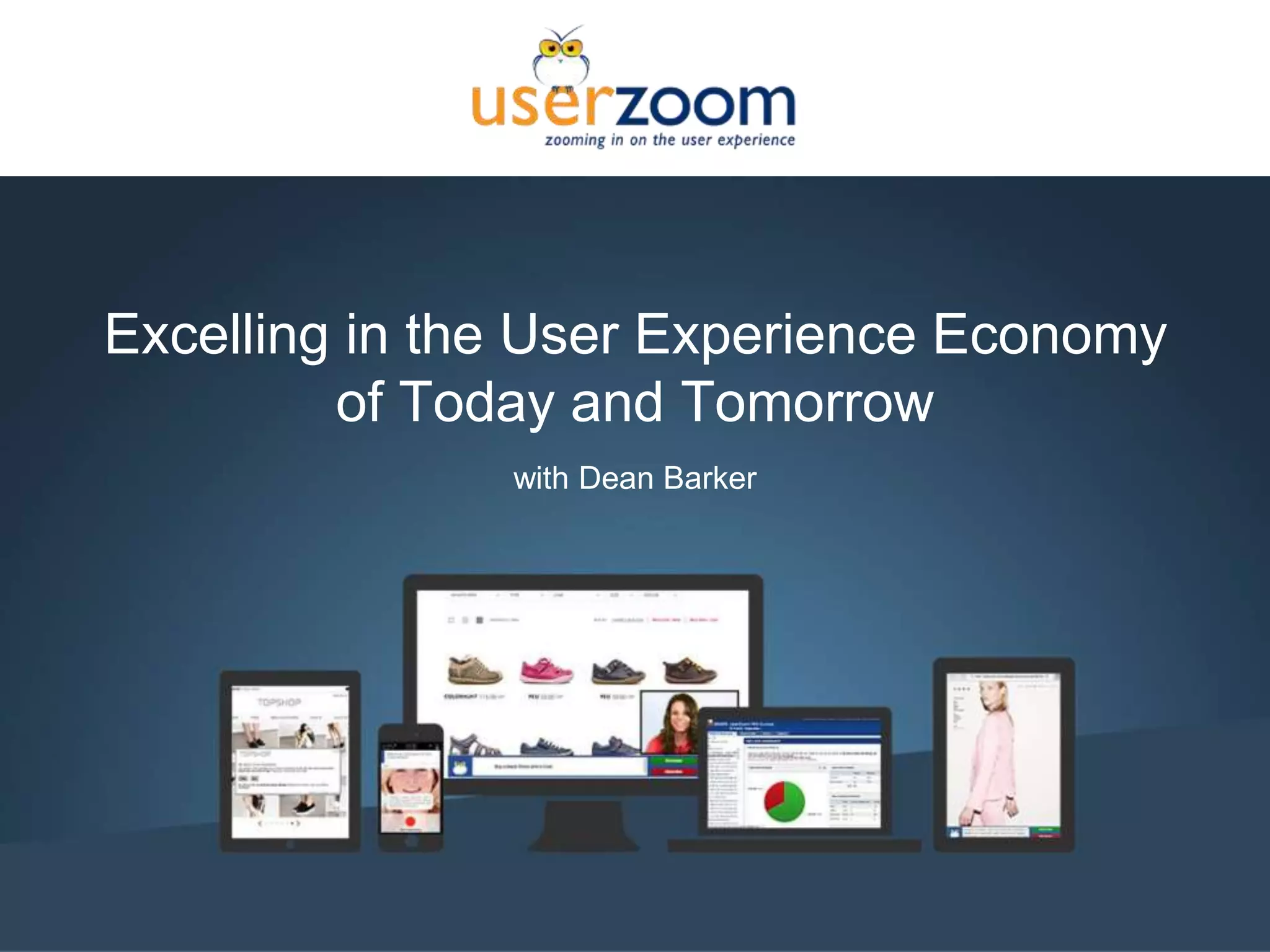






Excelling in the User Experience Economy
of Today and Tomorrow
with Dean Barker
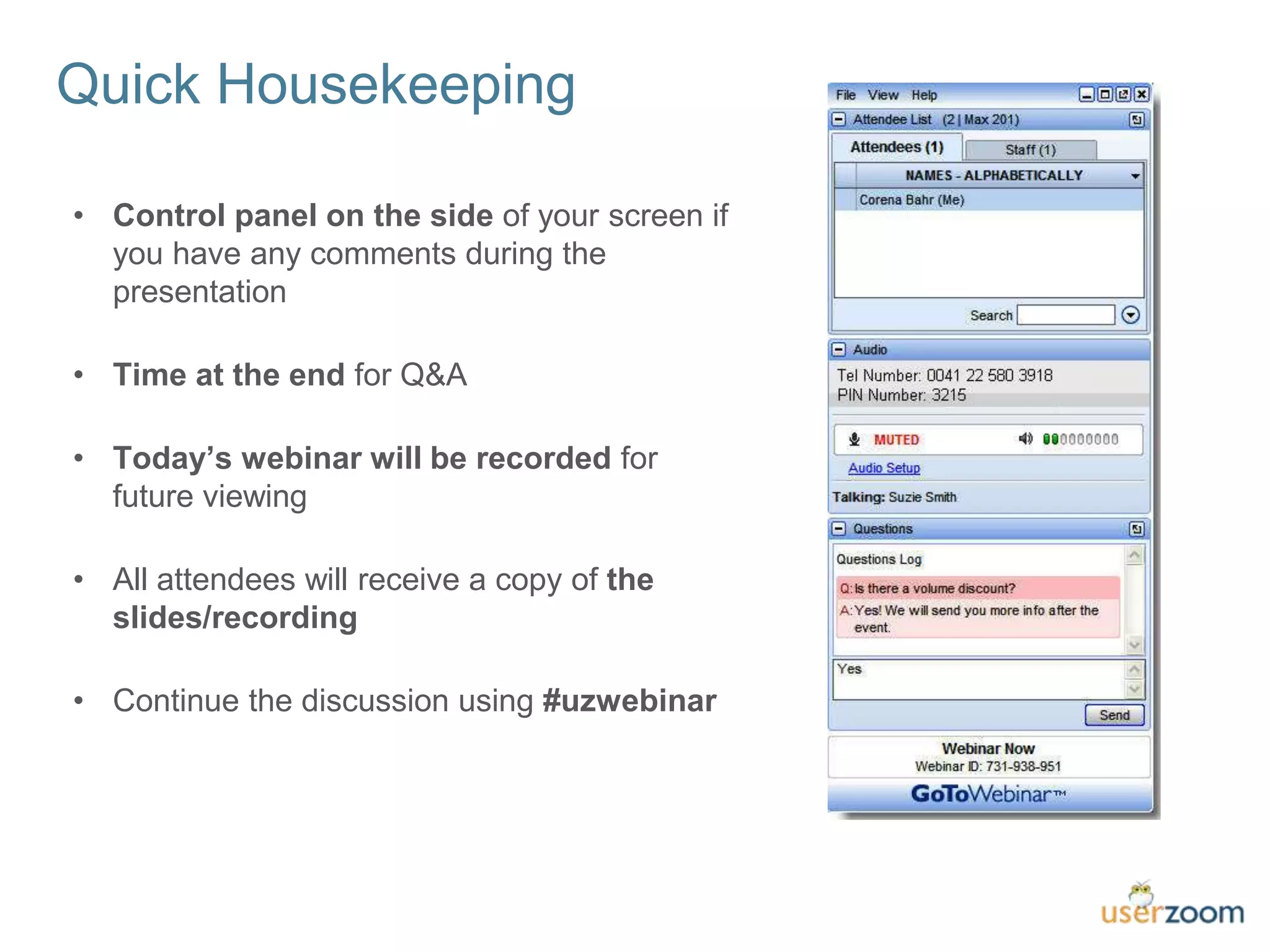
Quick Housekeeping
• Control panel on the side of your screen if
you have any comments during the
presentation
• Time at the end for Q&A
• Today’s webinar will be recorded for
future viewing
• All attendees will receive a copy of the
slides/recording
• Continue the discussion using #uzwebinar
2016 goals
1. Provide more UX resources
to UX professionals.
2. Improve brand consistency.
3. Improve “International”
UXPA.
User Experience Professionals
Association (UXPA)
Monthly webinars
User Experience Magazine
The Journal of Usability Studies
Visit www.uxpa.org for more info
about the conference, webinars, and
other UX resources!
Annual Conference in Seattle, WA
May 31 – June 3
uxpa2016.org
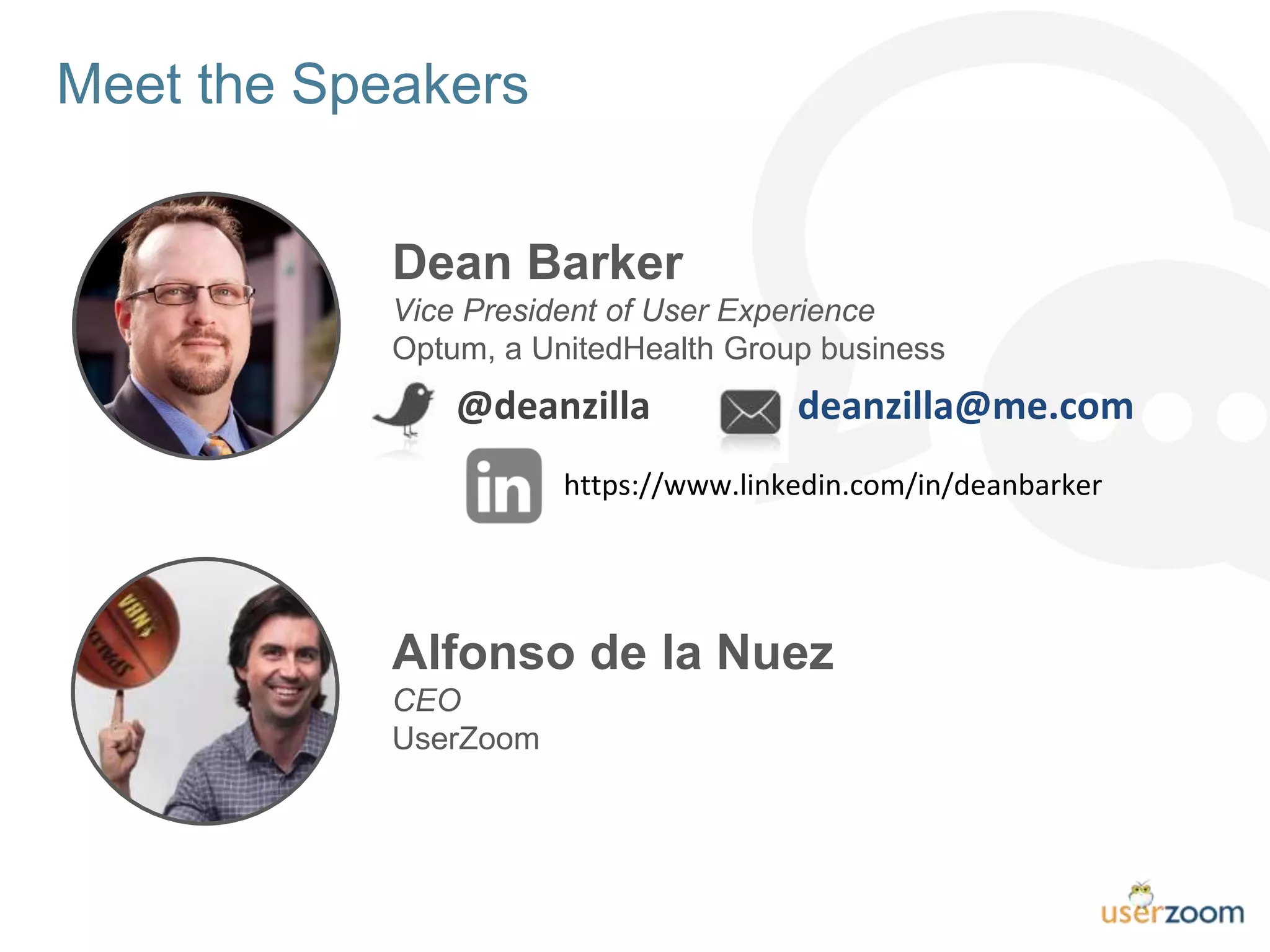
Meet the Speakers
Dean Barker
Vice President of User Experience
Optum, a UnitedHealth Group business
Alfonso de la Nuez
CEO
UserZoom
deanzilla@me.com@deanzilla
https://www.linkedin.com/in/deanbarker
Agenda
• Setting the Table
• The Power Game
• Cultivating Omnipresence
• Navigating Reality in a Virtual World
• Raising Unicorns on a Pig Farm
• Dealing with Data Diversity
• Exploring the Future of Usability Testing & UX Research
Setting the Table
#UZWEBINAR
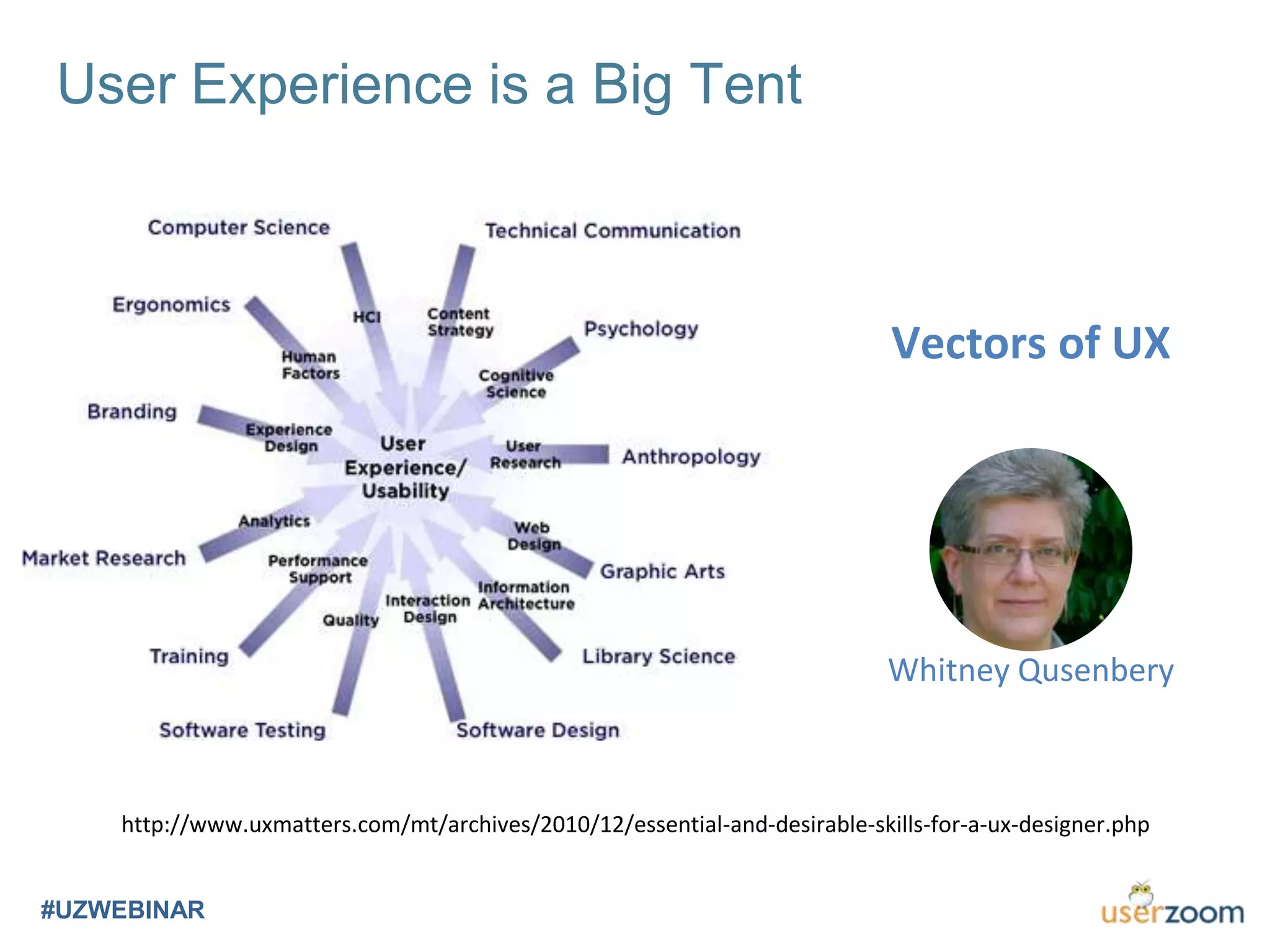
User Experience is a Big Tent
#UZWEBINAR
http://www.uxmatters.com/mt/archives/2010/12/essential-and-desirable-skills-for-a-ux-designer.php
Vectors of UX
Whitney Qusenbery
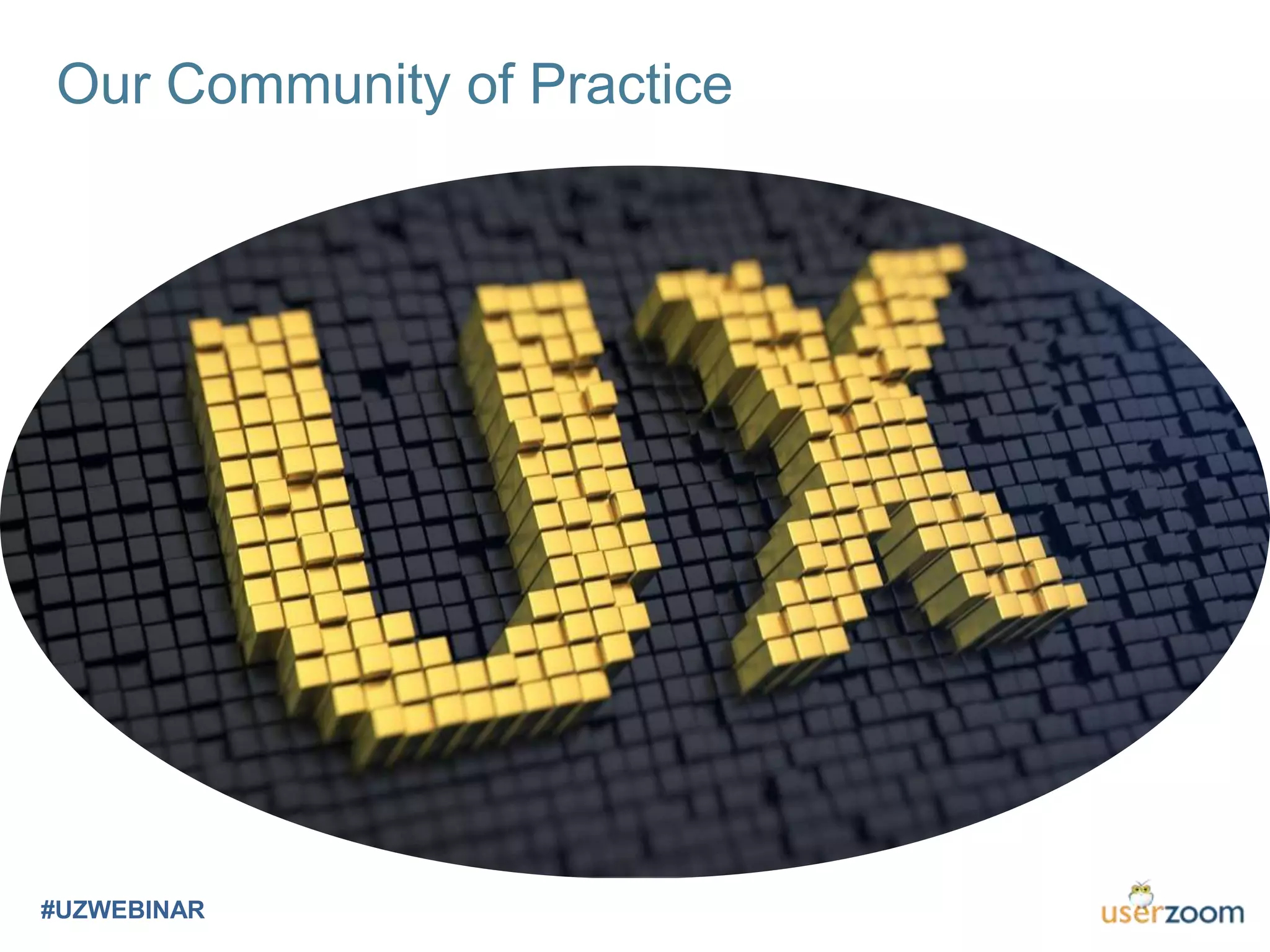
Our Community of Practice
#UZWEBINAR
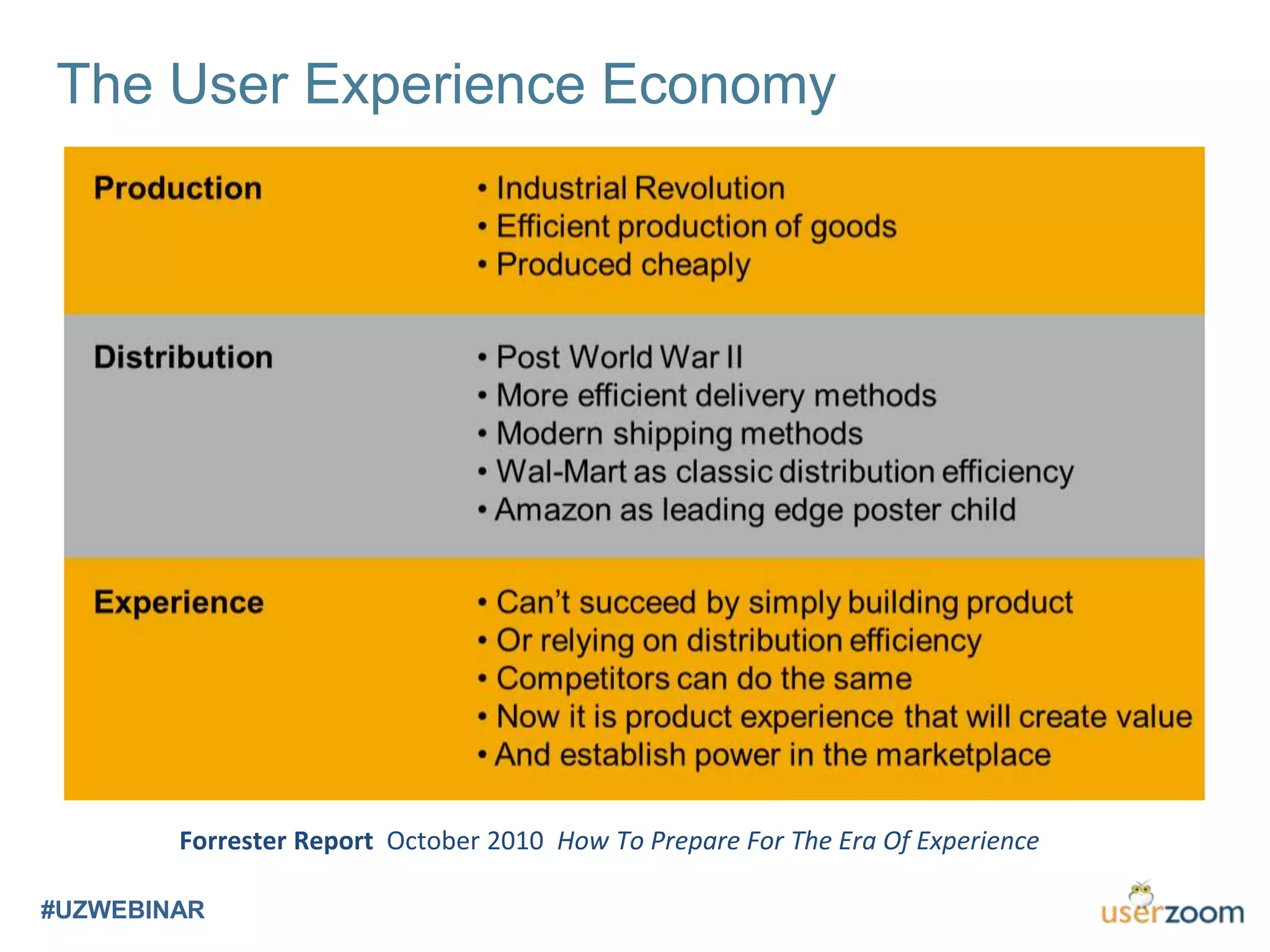
The User Experience Economy
#UZWEBINAR
Forrester Report October 2010 How To Prepare For The Era Of Experience
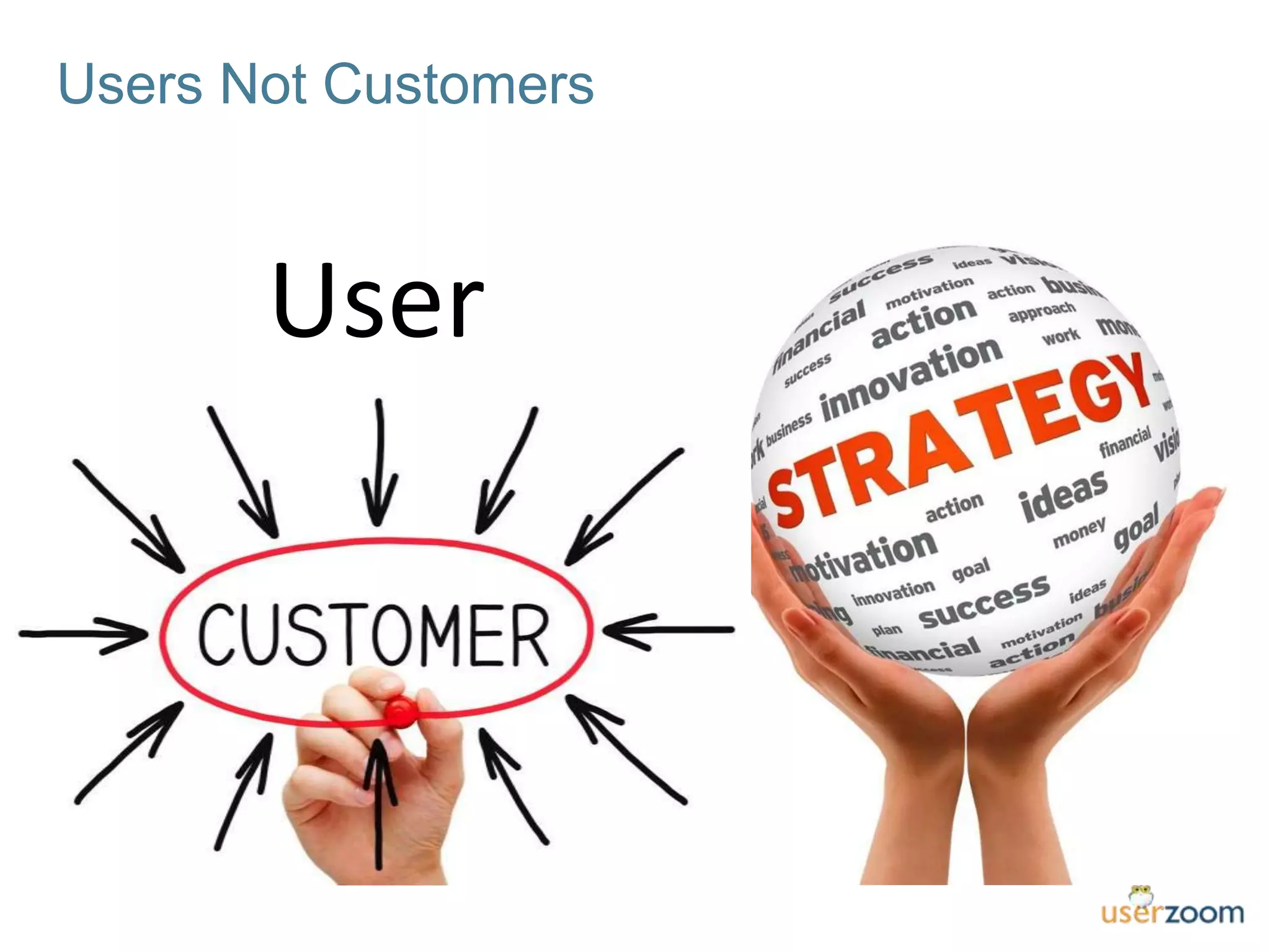
Users Not Customers
User
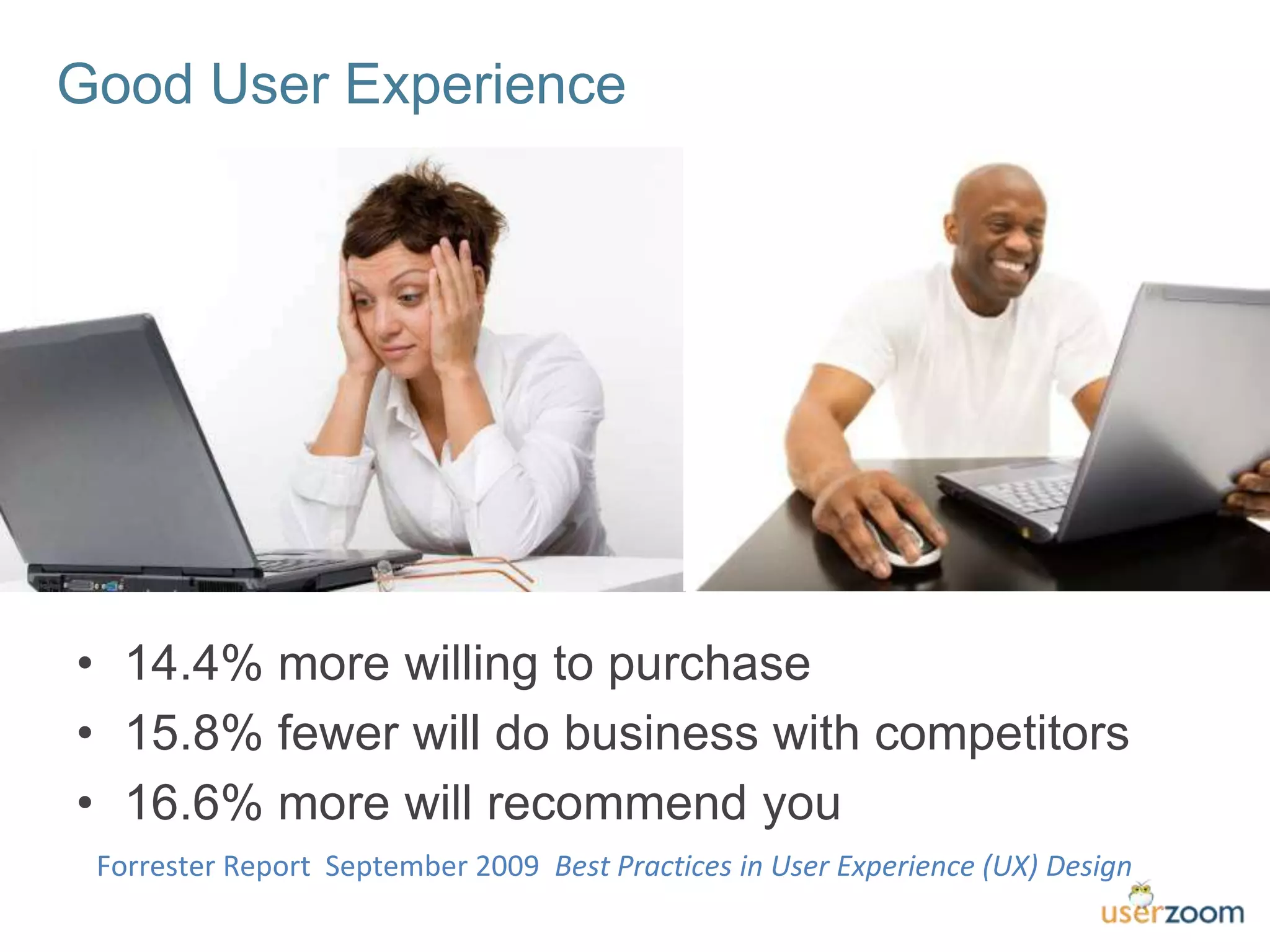
Good User Experience
• 14.4% more willing to purchase
• 15.8% fewer will do business with competitors
• 16.6% more will recommend you
Forrester Report September 2009 Best Practices in User Experience (UX) Design
The Power Game
#UZWEBINAR
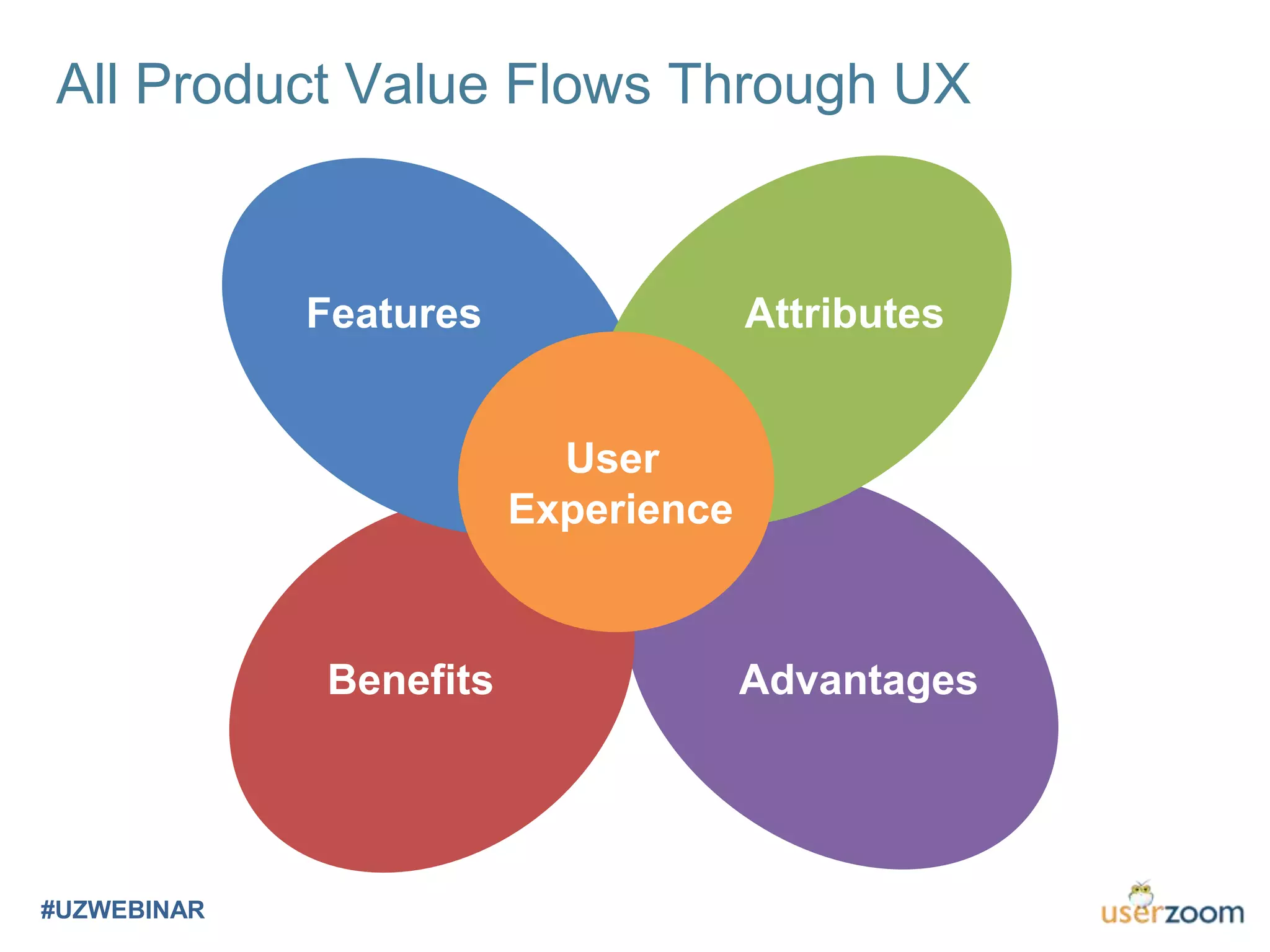
All Product Value Flows Through UX
#UZWEBINAR
Attributes
Benefits
Features
User
Experience
Advantages
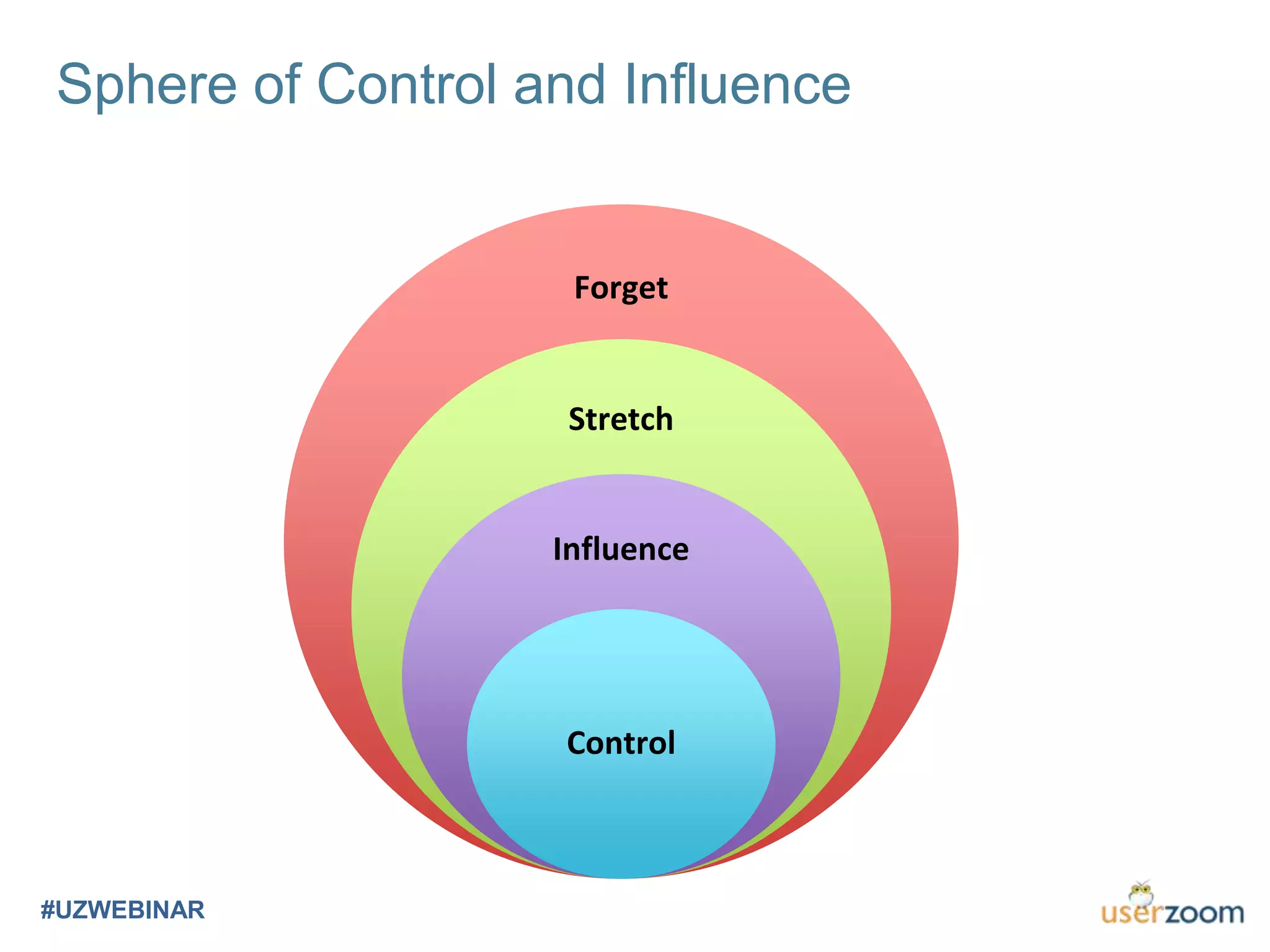
Sphere of Control and Influence
#UZWEBINAR
Forget
Stretch
Influence
Control
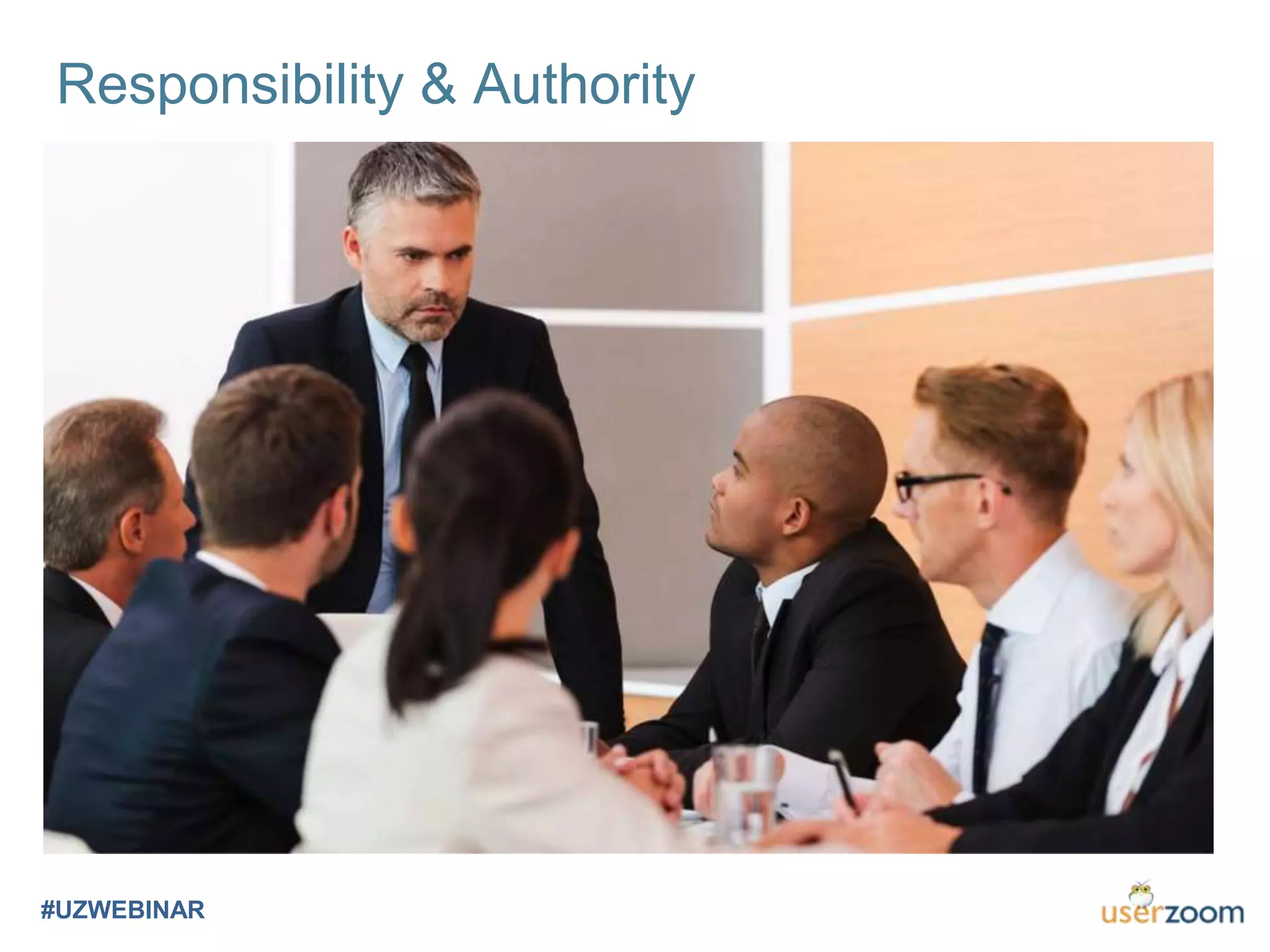
Responsibility & Authority
#UZWEBINAR
So Good They Can’t Ignore You
#UZWEBINAR
Cultivating Omnipresence
#UZWEBINAR
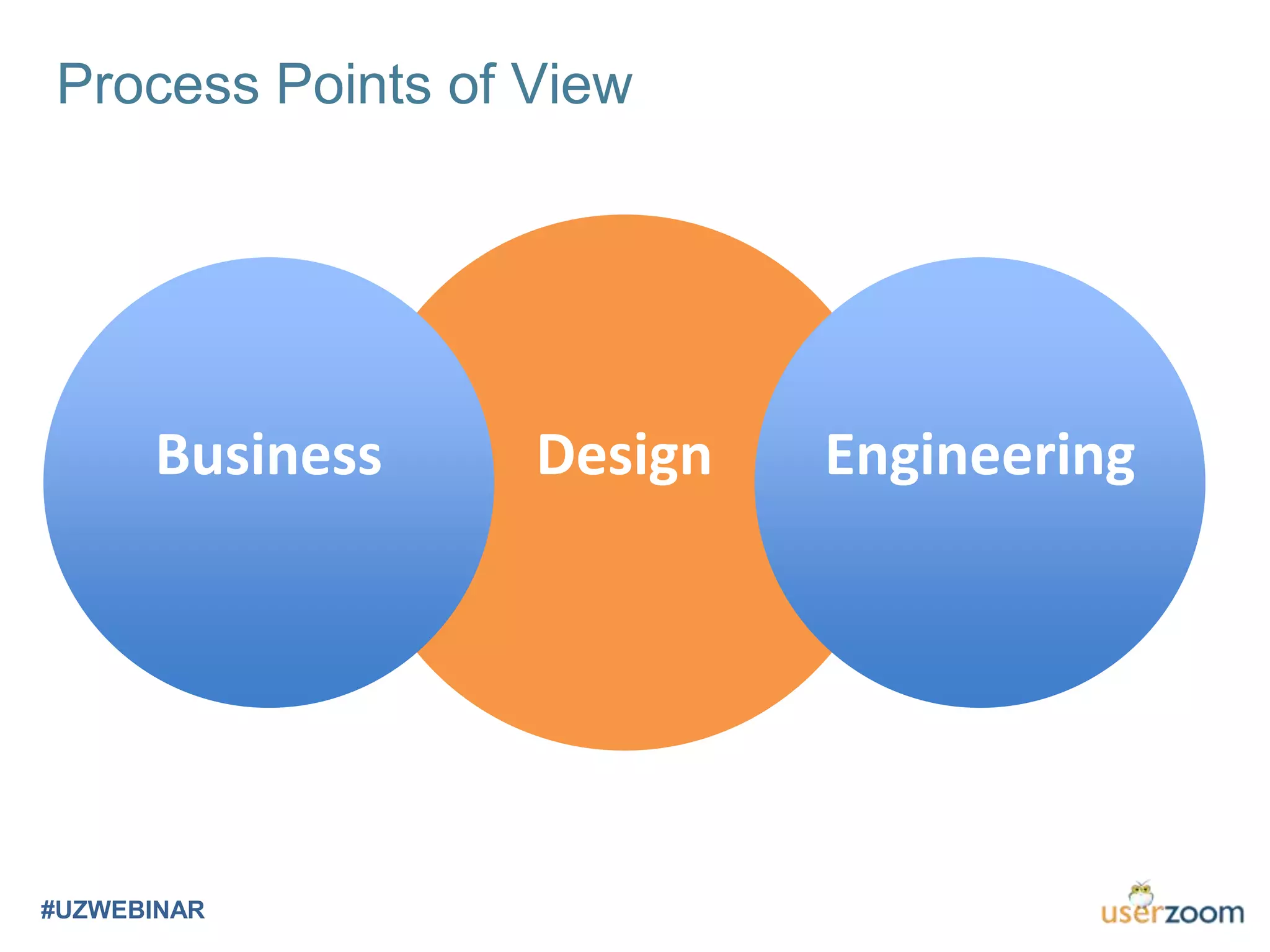
Process Points of View
#UZWEBINAR
Business Design Engineering
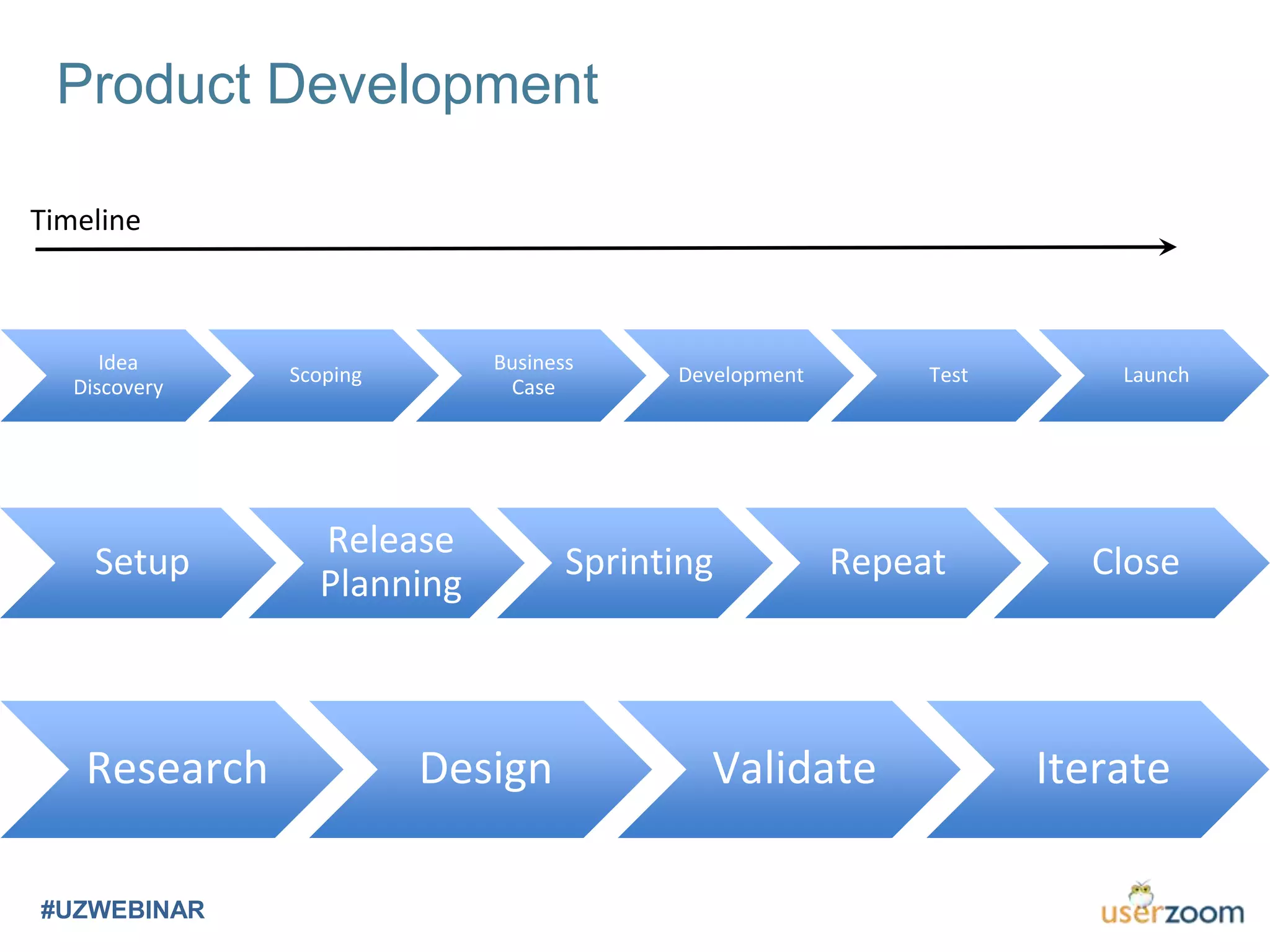
Product Development
#UZWEBINAR
Idea
Discovery
Scoping
Business
Case
Development Test Launch
Timeline
Setup
Release
Planning
Sprinting Repeat Close
Research Design Validate Iterate
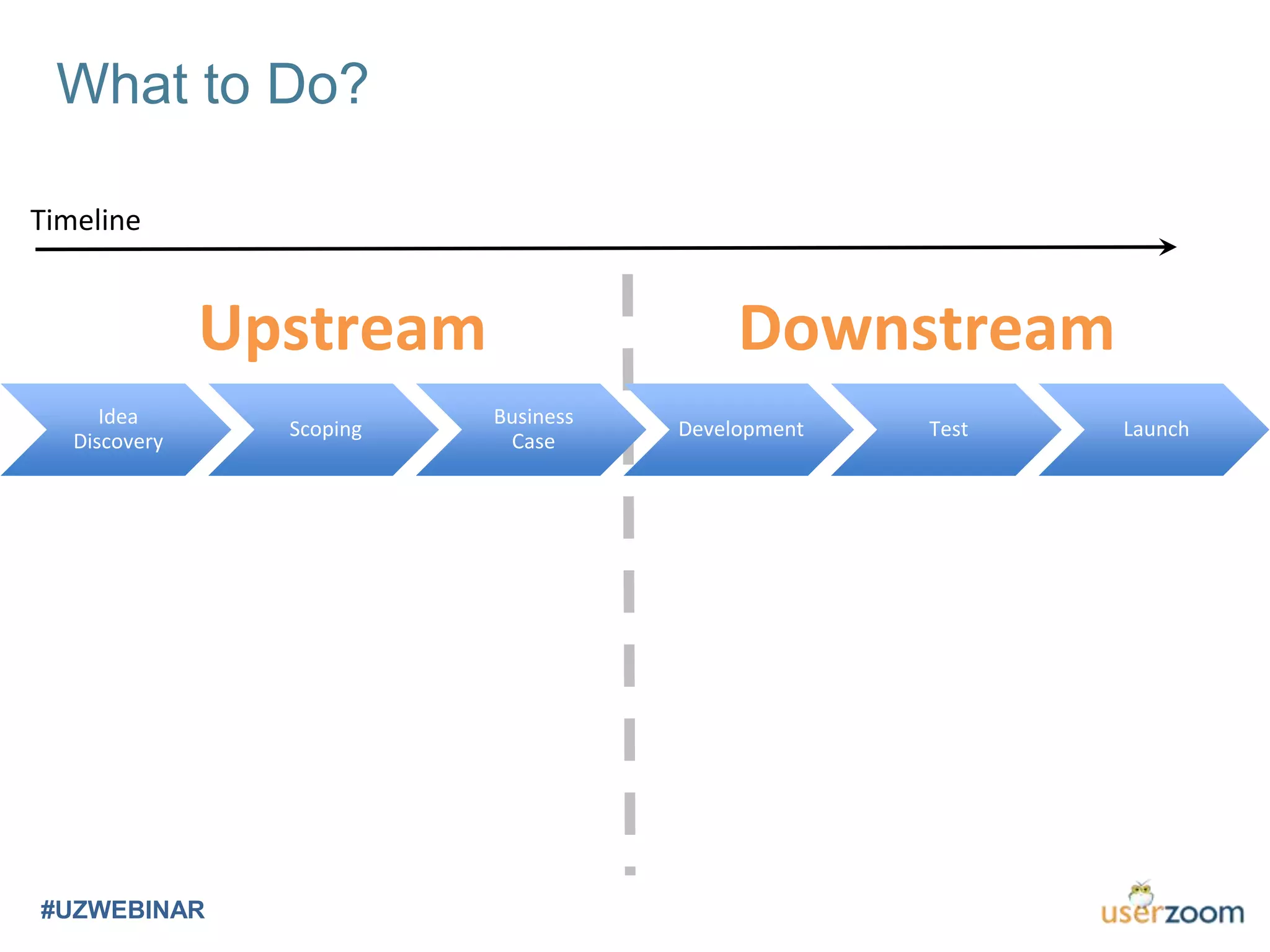
What to Do?
#UZWEBINAR
Idea
Discovery
Scoping
Business
Case
Development Test Launch
Upstream Downstream
Timeline
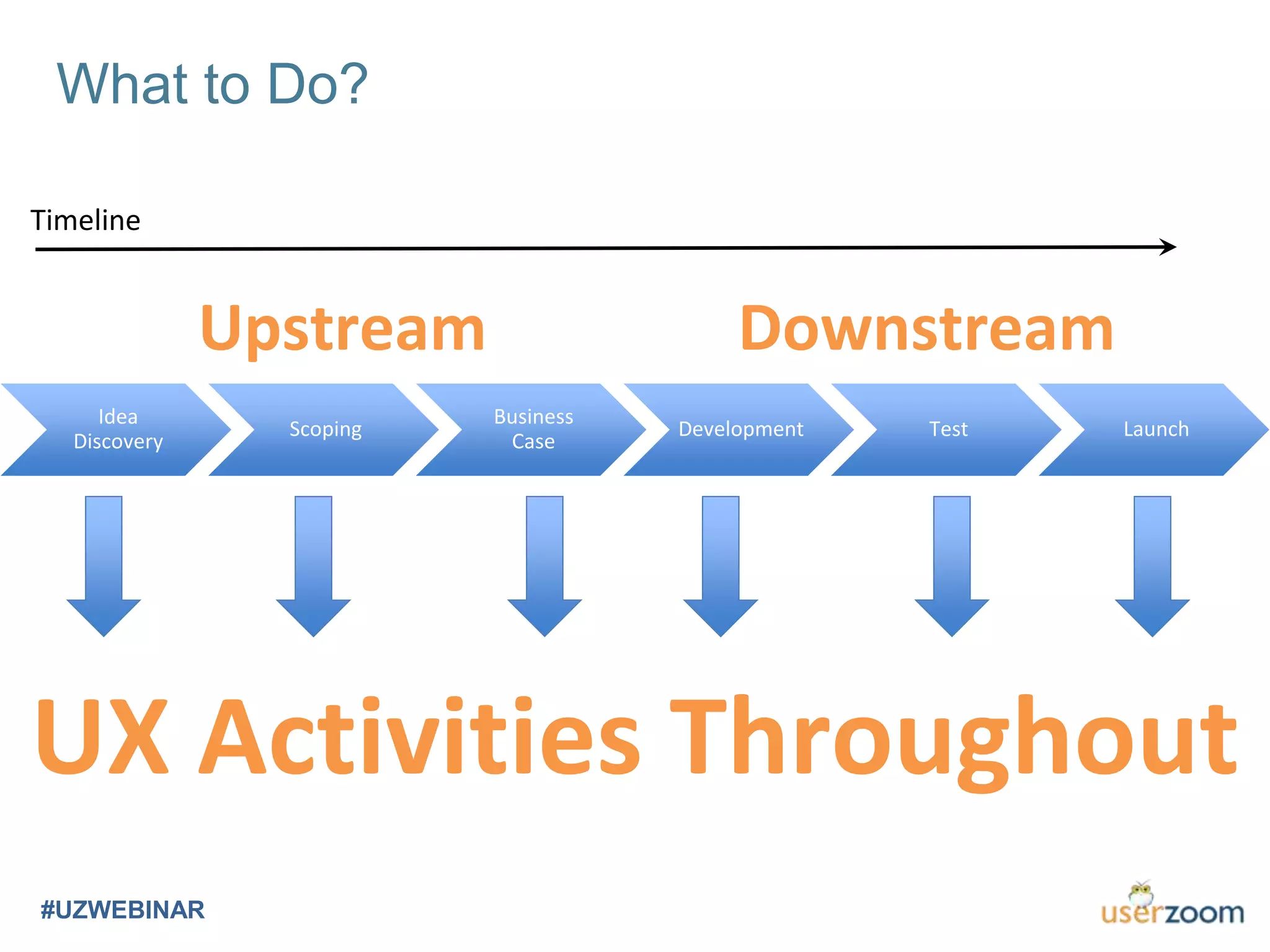
What to Do?
#UZWEBINAR
Idea
Discovery
Scoping
Business
Case
Development Test Launch
Upstream Downstream
UX Activities Throughout
Timeline
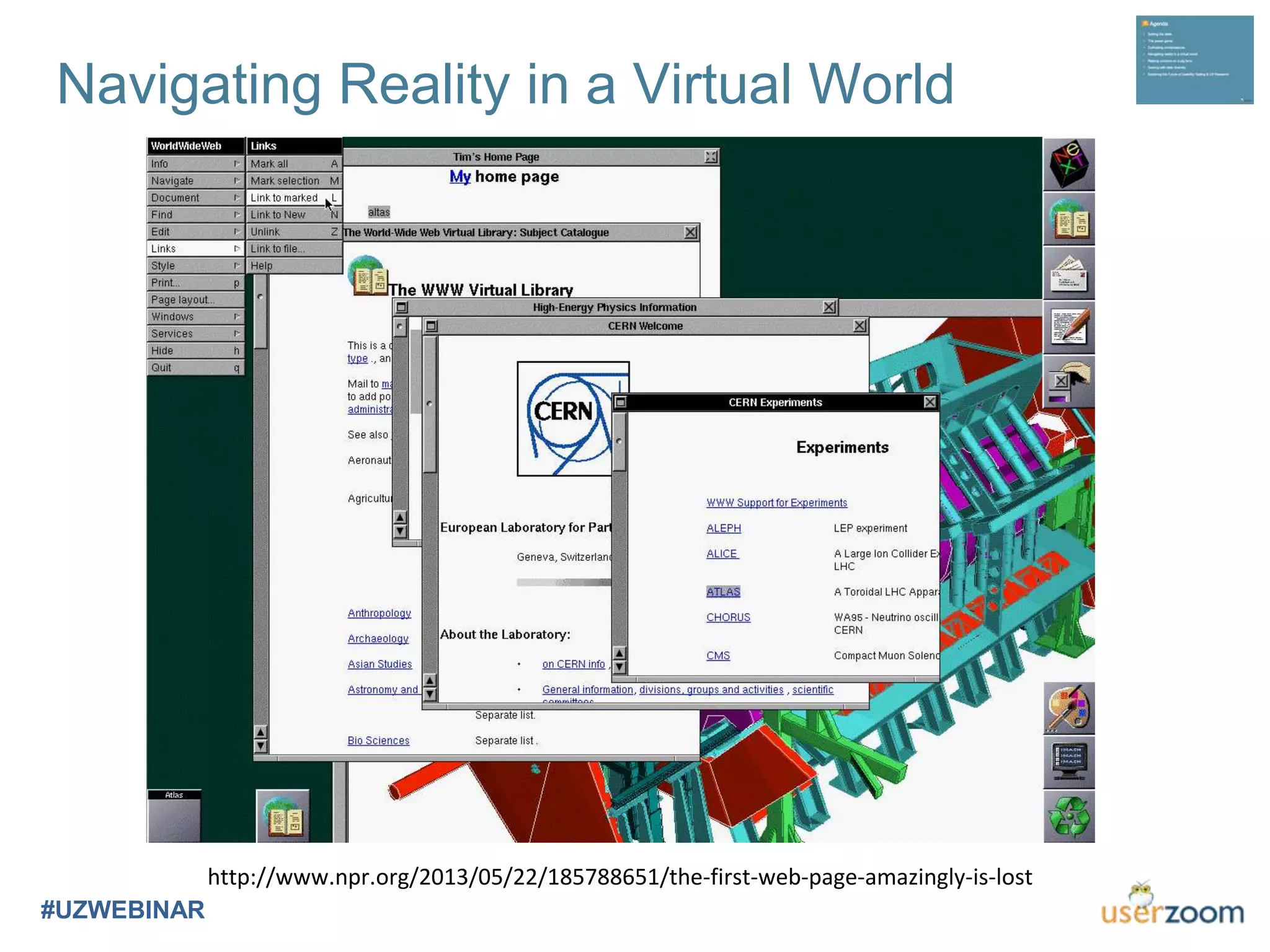
Navigating Reality in a Virtual World
#UZWEBINAR
http://www.npr.org/2013/05/22/185788651/the-first-web-page-amazingly-is-lost
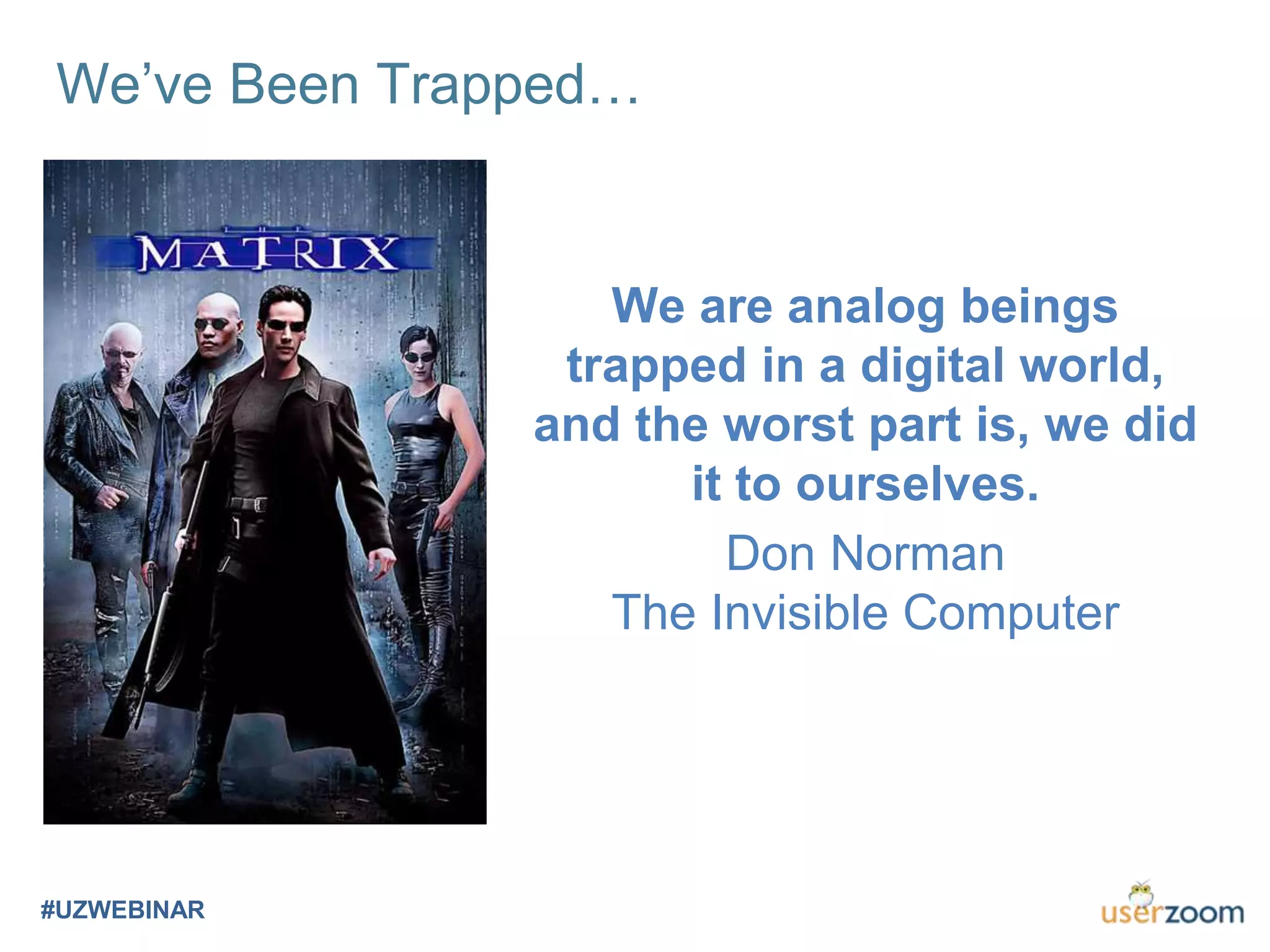
We’ve Been Trapped…
#UZWEBINAR
We are analog beings
trapped in a digital world,
and the worst part is, we did
it to ourselves.
Don Norman
The Invisible Computer
Ubicomp
#UZWEBINAR
Ubiquitous Computing
Wearables
Pervasive Computing
Ambient
Everyware
Physical Computing
Internet of Things
Haptic Computing
Things That Think
Virtual Reality
Augmented Reality
Artificial Intelligence
Voice Interfaces
Mobility
Embedded
Embodied
Intelligent Interfaces
Robotics
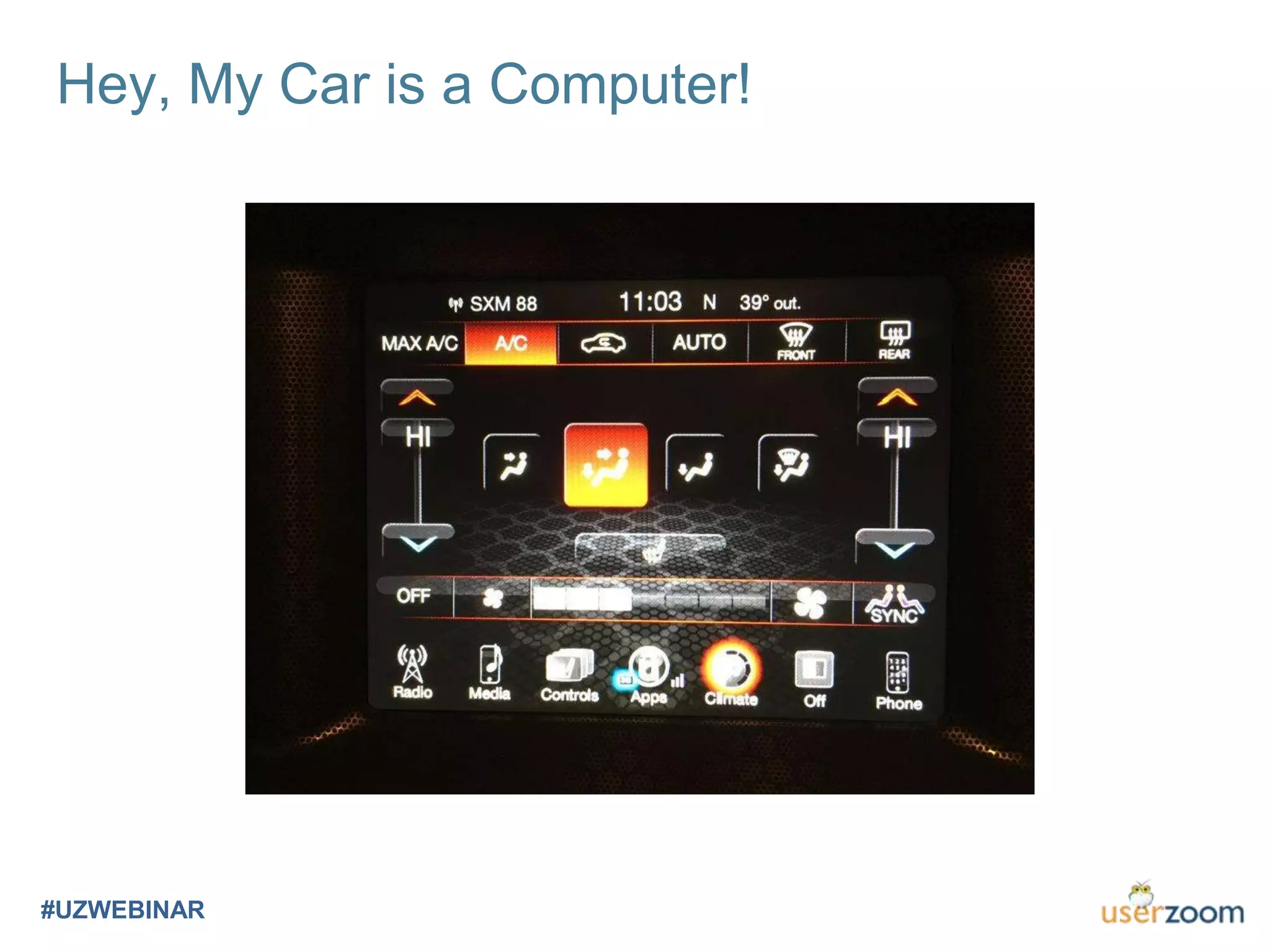
Hey, My Car is a Computer!
#UZWEBINAR
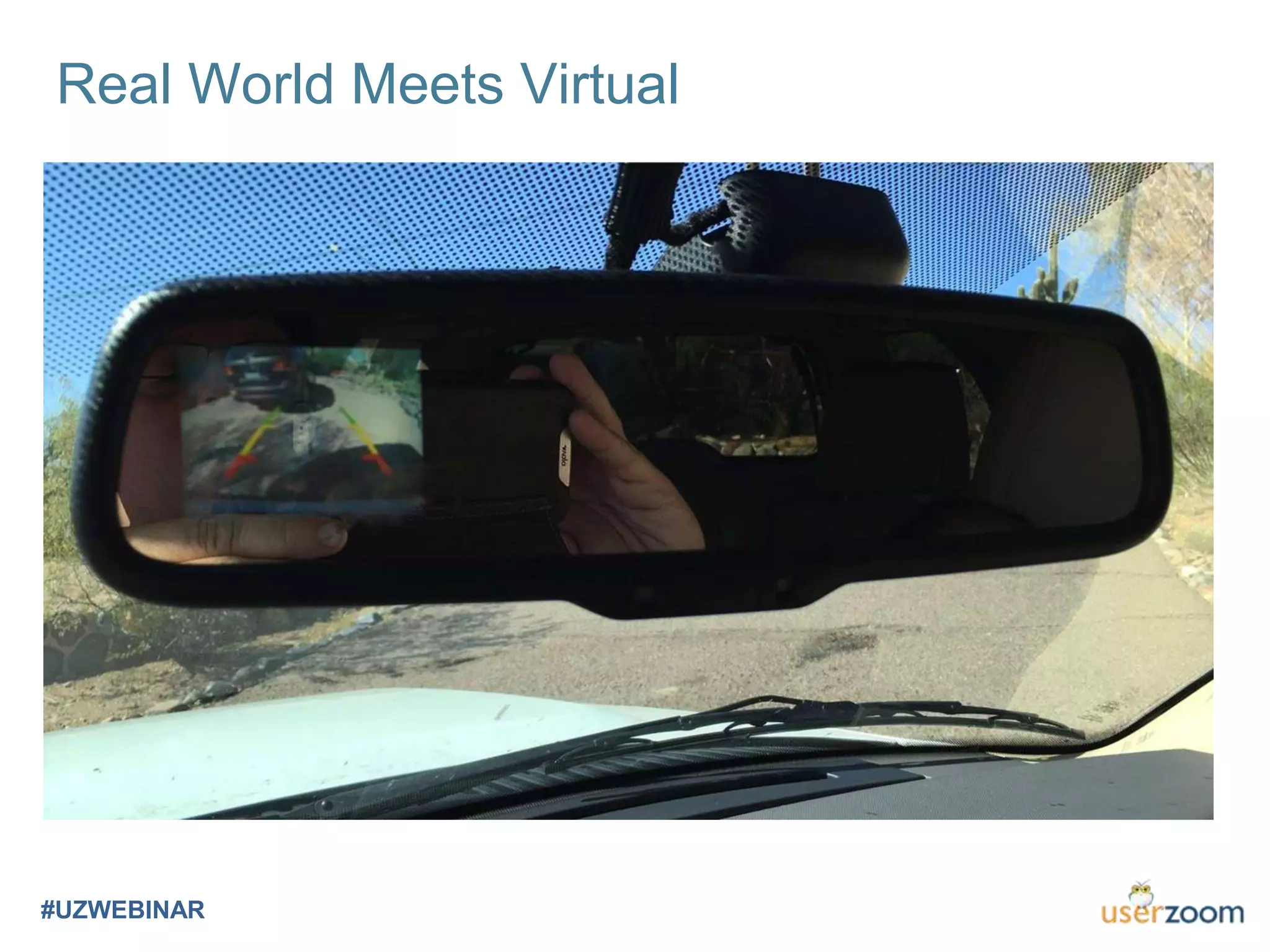
Real World Meets Virtual
#UZWEBINAR
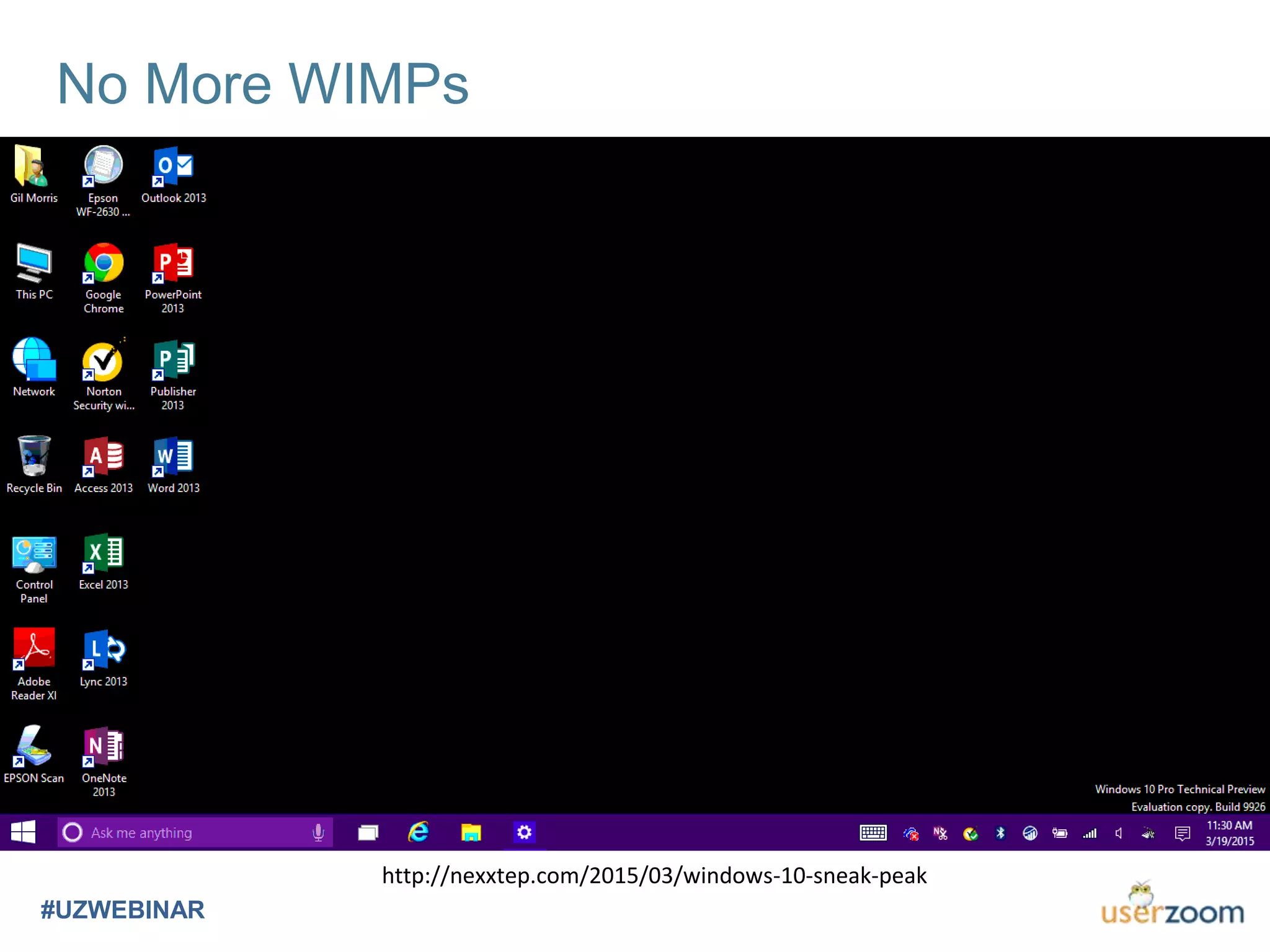
No More WIMPs
#UZWEBINAR
http://nexxtep.com/2015/03/windows-10-sneak-peak
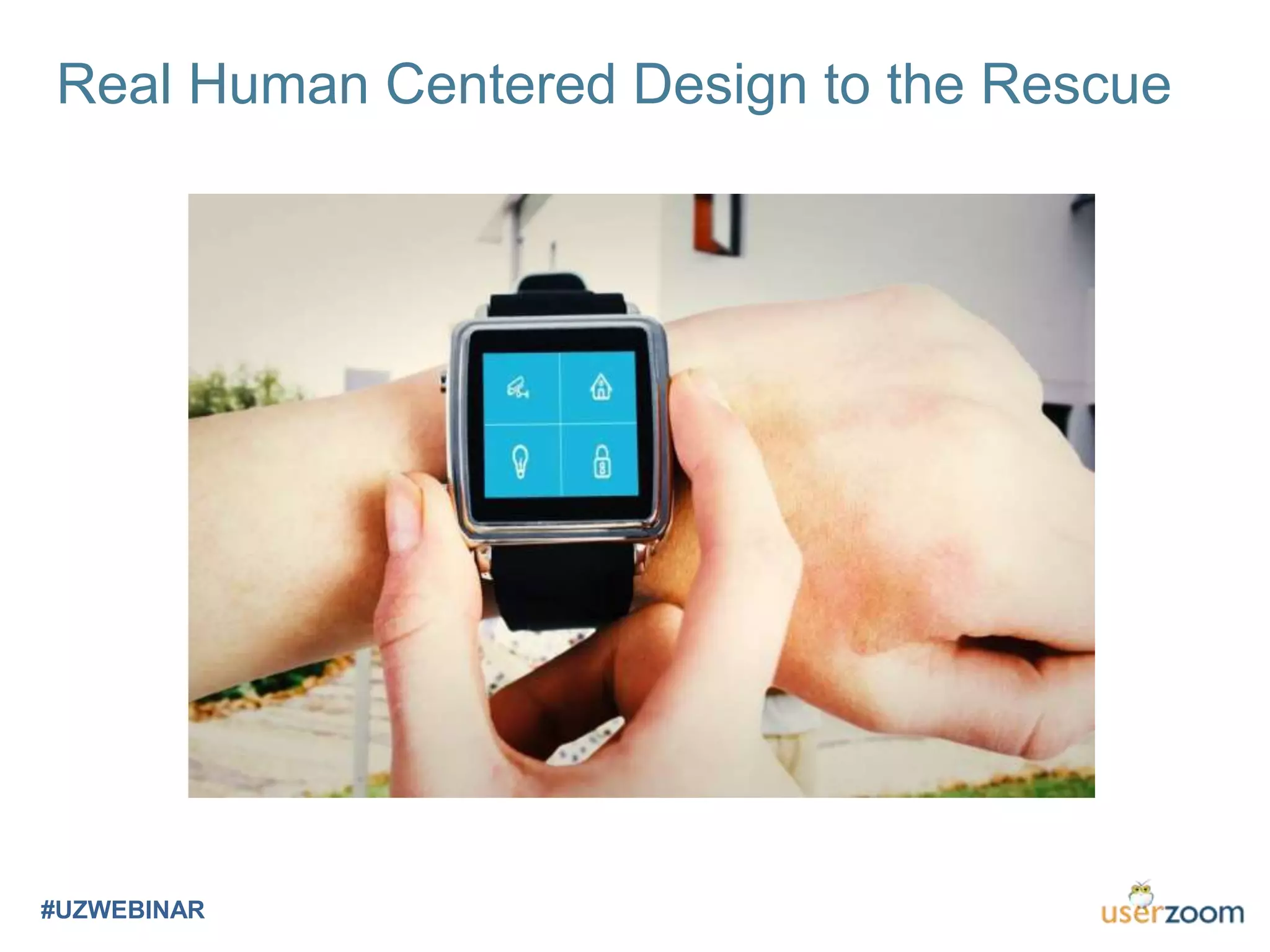
Real Human Centered Design to the Rescue
#UZWEBINAR
Raising Unicorns on a Pig Farm
#UZWEBINAR
http://www.salary.com/become-a-unicorn-employee/
• Not only did they do the visual design, but they are then
able to turn that into code and build out the website
• They have deep knowledge of user interaction (UI),
going beyond the look and feel and delving into best
practices for how users interact with everything from
menus and buttons to links and colors
• They’ve already thought several steps ahead in terms of
the mobile experience, ensuring that your site will look
great on phones, tablets, laptops, and large monitors
• The content on the sites they show you isn’t filled with
Lorem Ipsum placeholders, but copy that they wrote
themselves… typo-free, grammatically correct, and with
a friendly but persuasive voice that compels the user to
take action
• And what’s that? You have a company softball team?
Turns out they were all-state in high school, can play
any infield position, and hit .425 with 24 homers
The Unicorn Employee…
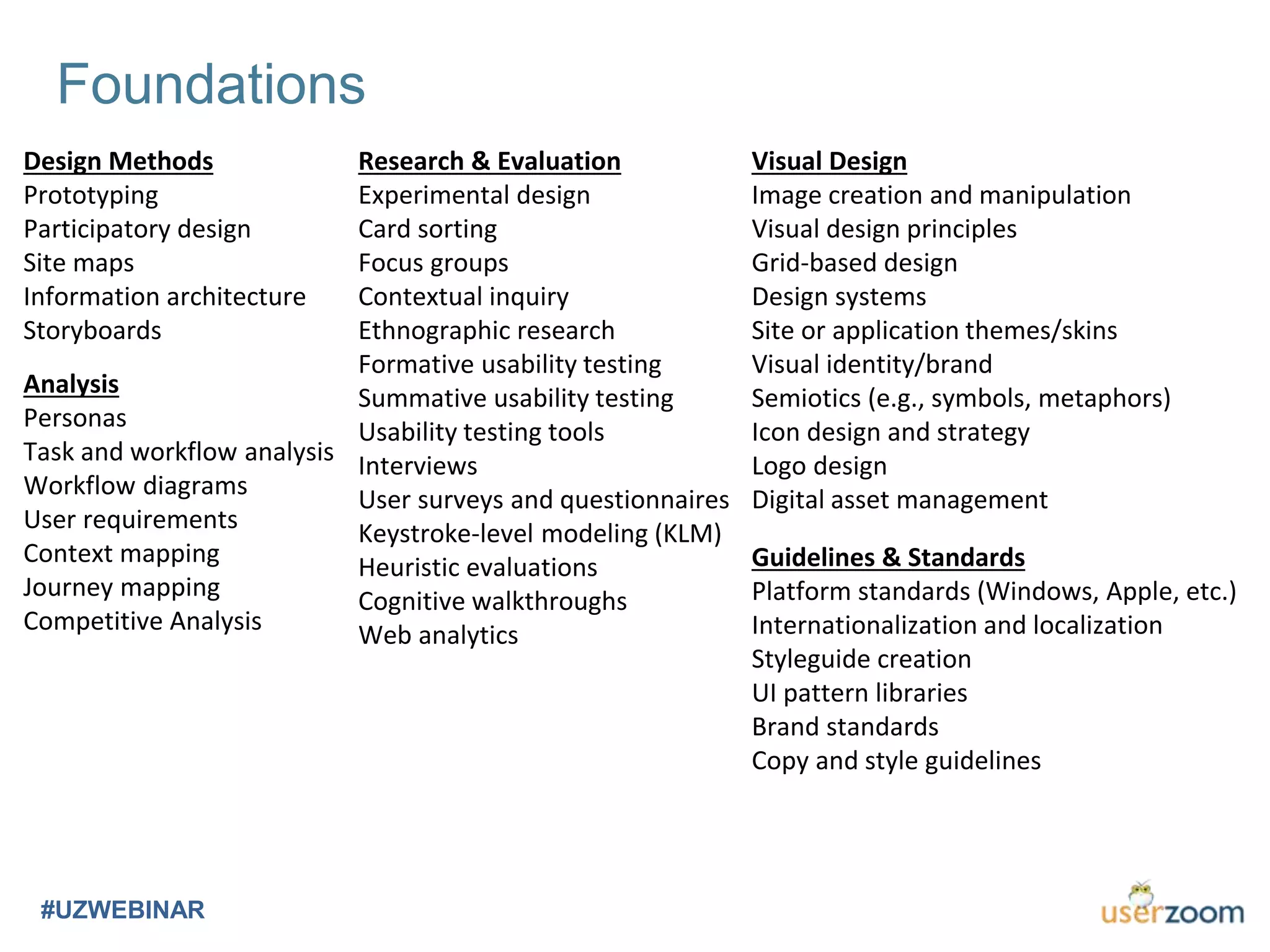
Foundations
#UZWEBINAR
Analysis
Personas
Task and workflow analysis
Workflow diagrams
User requirements
Context mapping
Journey mapping
Competitive Analysis
Visual Design
Image creation and manipulation
Visual design principles
Grid-based design
Design systems
Site or application themes/skins
Visual identity/brand
Semiotics (e.g., symbols, metaphors)
Icon design and strategy
Logo design
Digital asset management
Research & Evaluation
Experimental design
Card sorting
Focus groups
Contextual inquiry
Ethnographic research
Formative usability testing
Summative usability testing
Usability testing tools
Interviews
User surveys and questionnaires
Keystroke-level modeling (KLM)
Heuristic evaluations
Cognitive walkthroughs
Web analytics
Guidelines & Standards
Platform standards (Windows, Apple, etc.)
Internationalization and localization
Styleguide creation
UI pattern libraries
Brand standards
Copy and style guidelines
Design Methods
Prototyping
Participatory design
Site maps
Information architecture
Storyboards
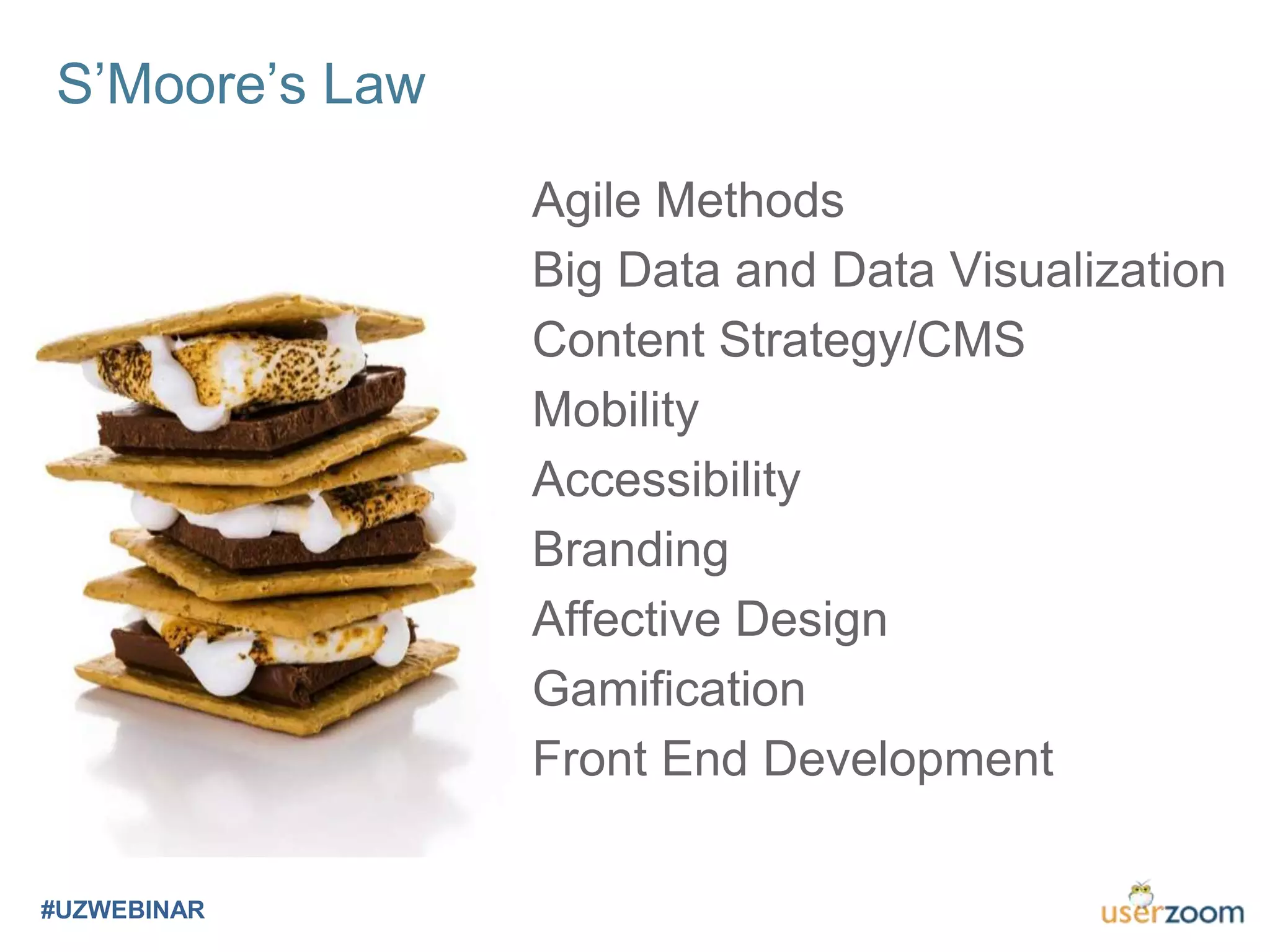
Agile Methods
Big Data and Data Visualization
Content Strategy/CMS
Mobility
Accessibility
Branding
Affective Design
Gamification
Front End Development
S’Moore’s Law
#UZWEBINAR
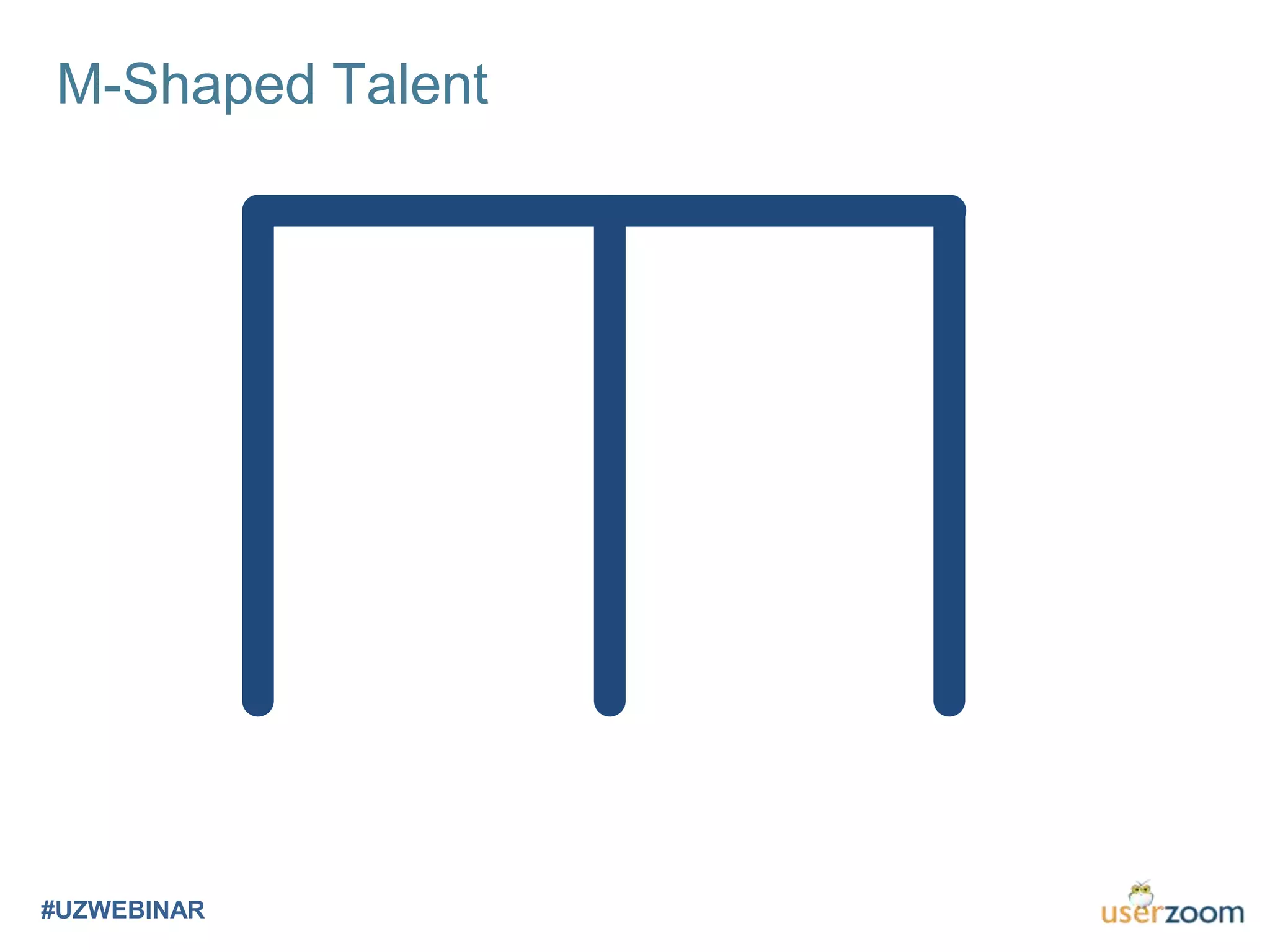
M-Shaped Talent
#UZWEBINAR
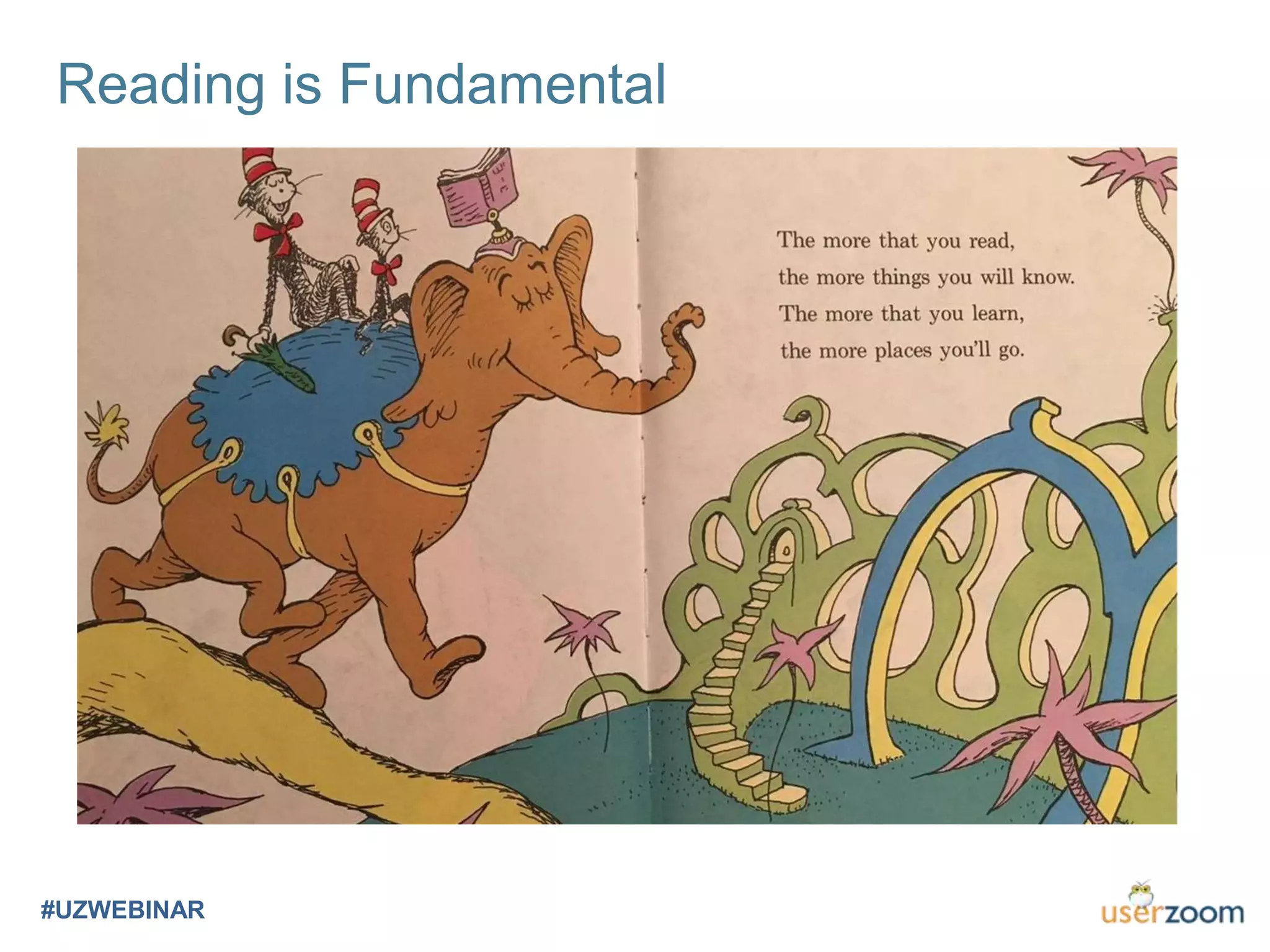
Reading is Fundamental
#UZWEBINAR
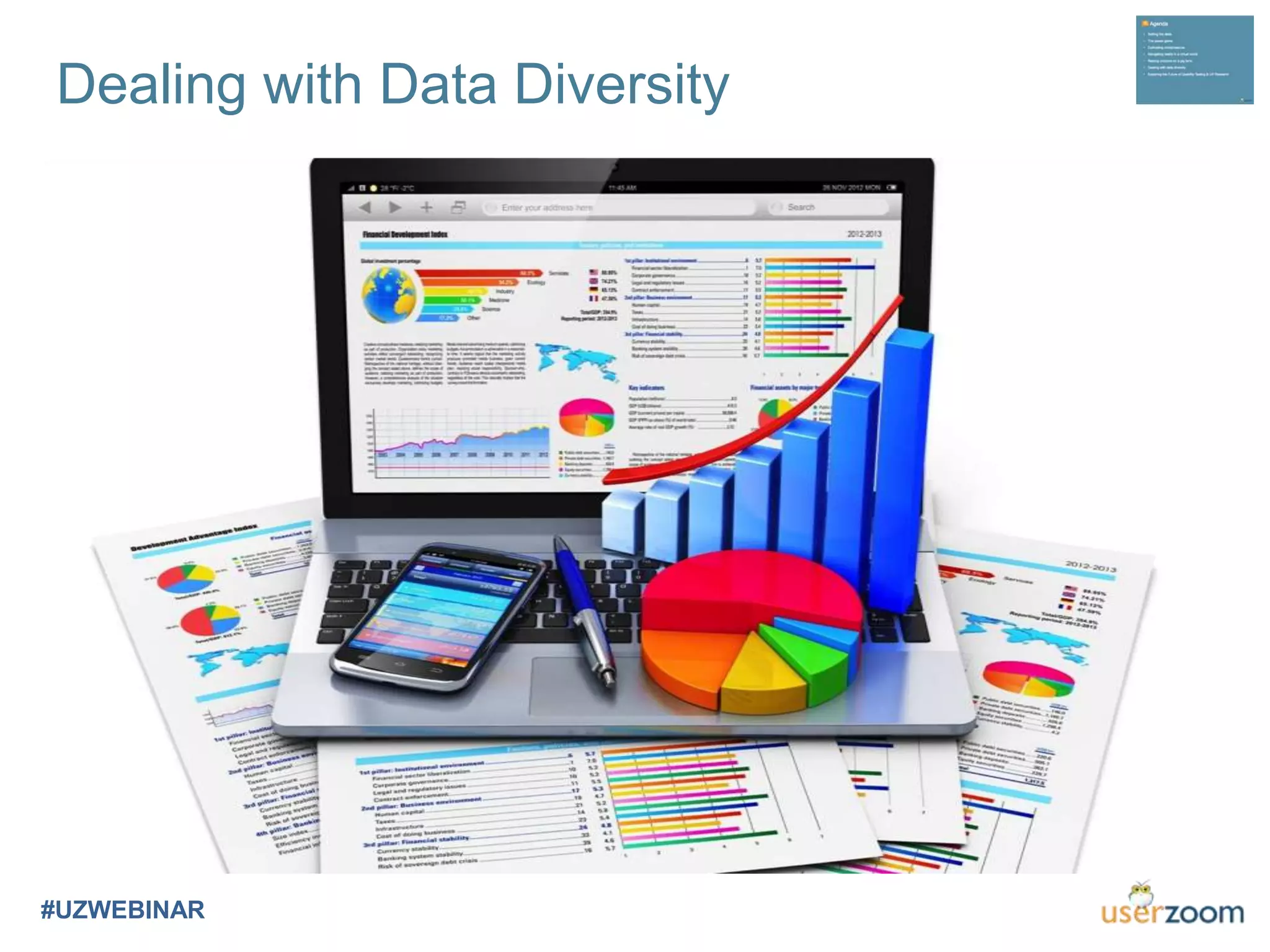
Dealing with Data Diversity
#UZWEBINAR
Data Old, New, and Blue
#UZWEBINAR
Old – Tried & True
• Verbal
• Surveys
• Ratings & Rankings
• Task-based
• Observational/Ethnographic
• Video
• Clicks and paths
New – Physiological
• Eye tracking
• Pupilometry
• Galvanic skin response
• Heart rates
• EKG/ECG
• EEG
• Wave forms and conscious states
e.g. Beta, Alpha, Theta, DeltaBlue – Emotional
• Affective data
• Facial recognition
• Not decoupled from other data
• Emotion first
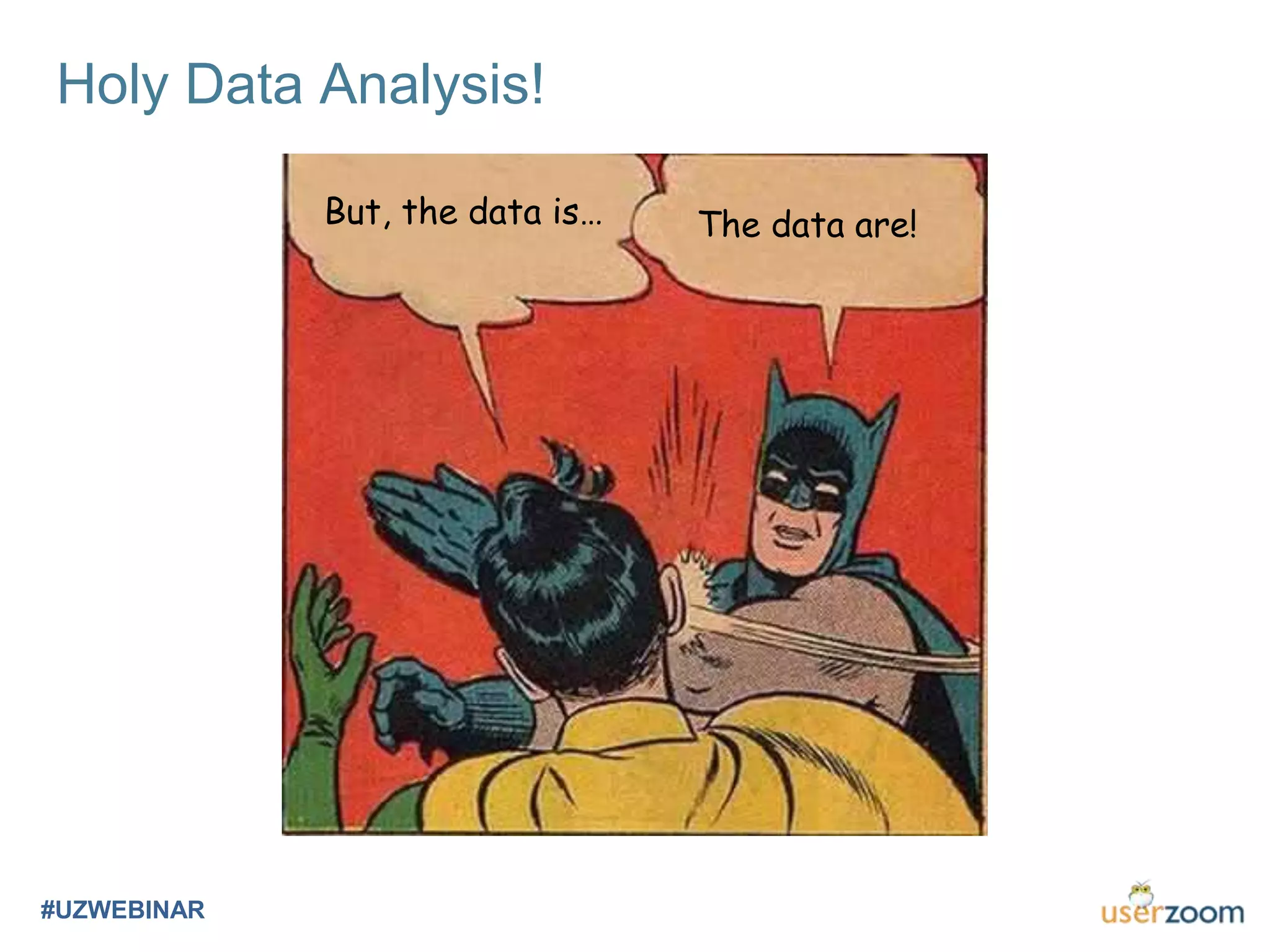
Holy Data Analysis!
#UZWEBINAR
But, the data is… The data are!
Presentation of Evidence
#UZWEBINAR
Exploring the Future of Usability
Testing & UX Research
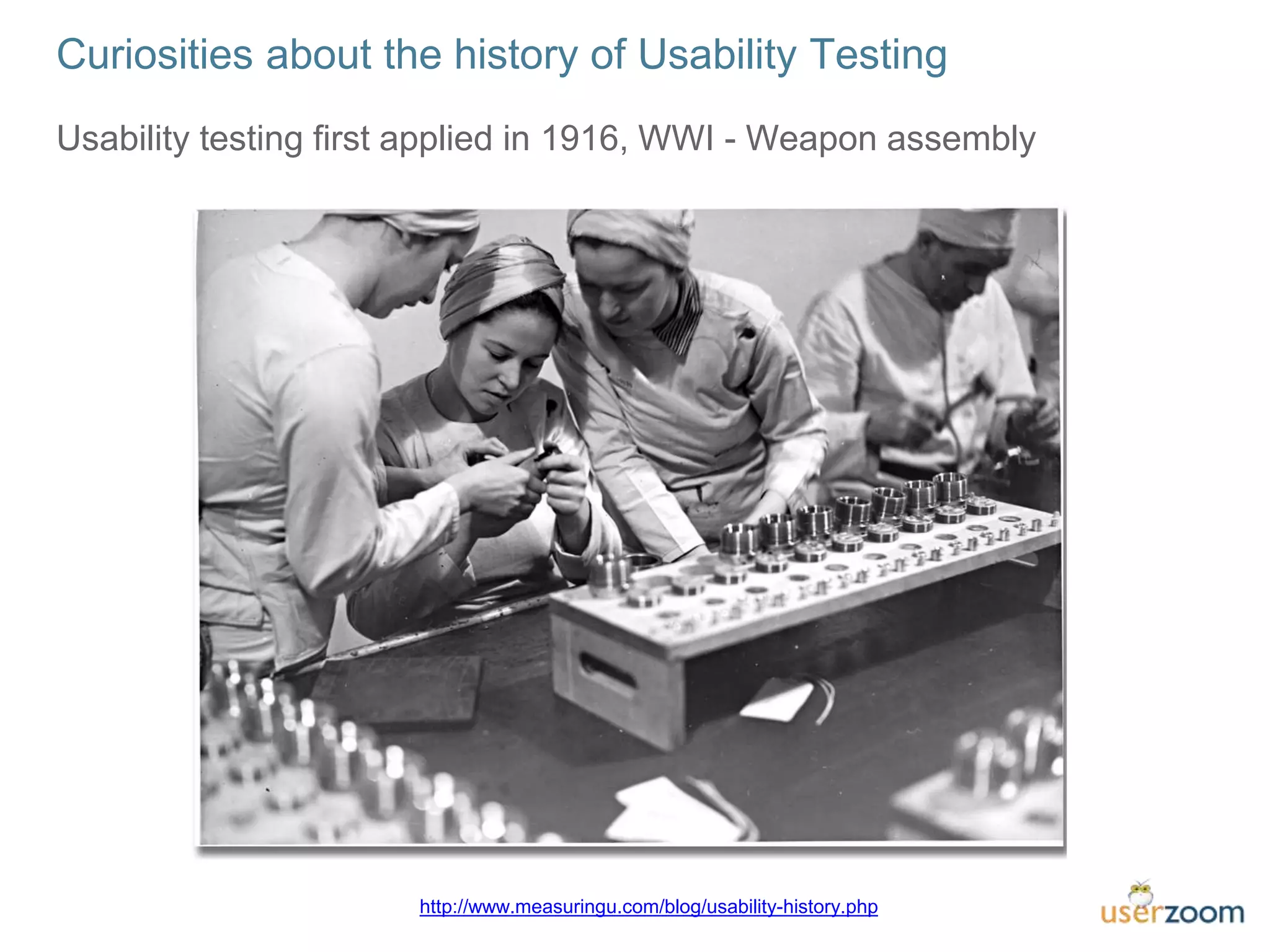
Usability testing first applied in 1916, WWI - Weapon assembly
Curiosities about the history of Usability Testing
http://www.measuringu.com/blog/usability-history.php
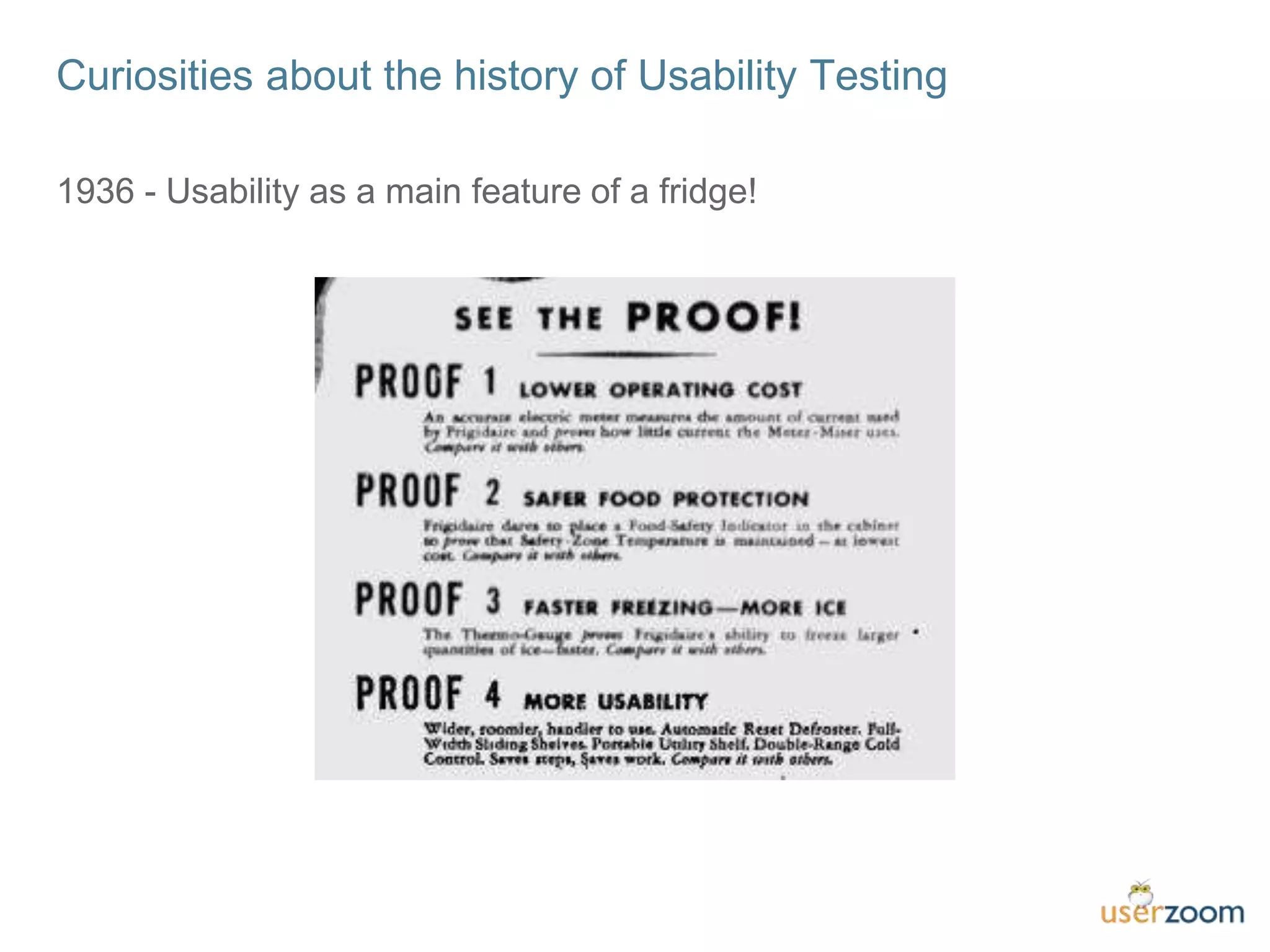
1936 - Usability as a main feature of a fridge!
Curiosities about the history of Usability Testing
Change in Needs
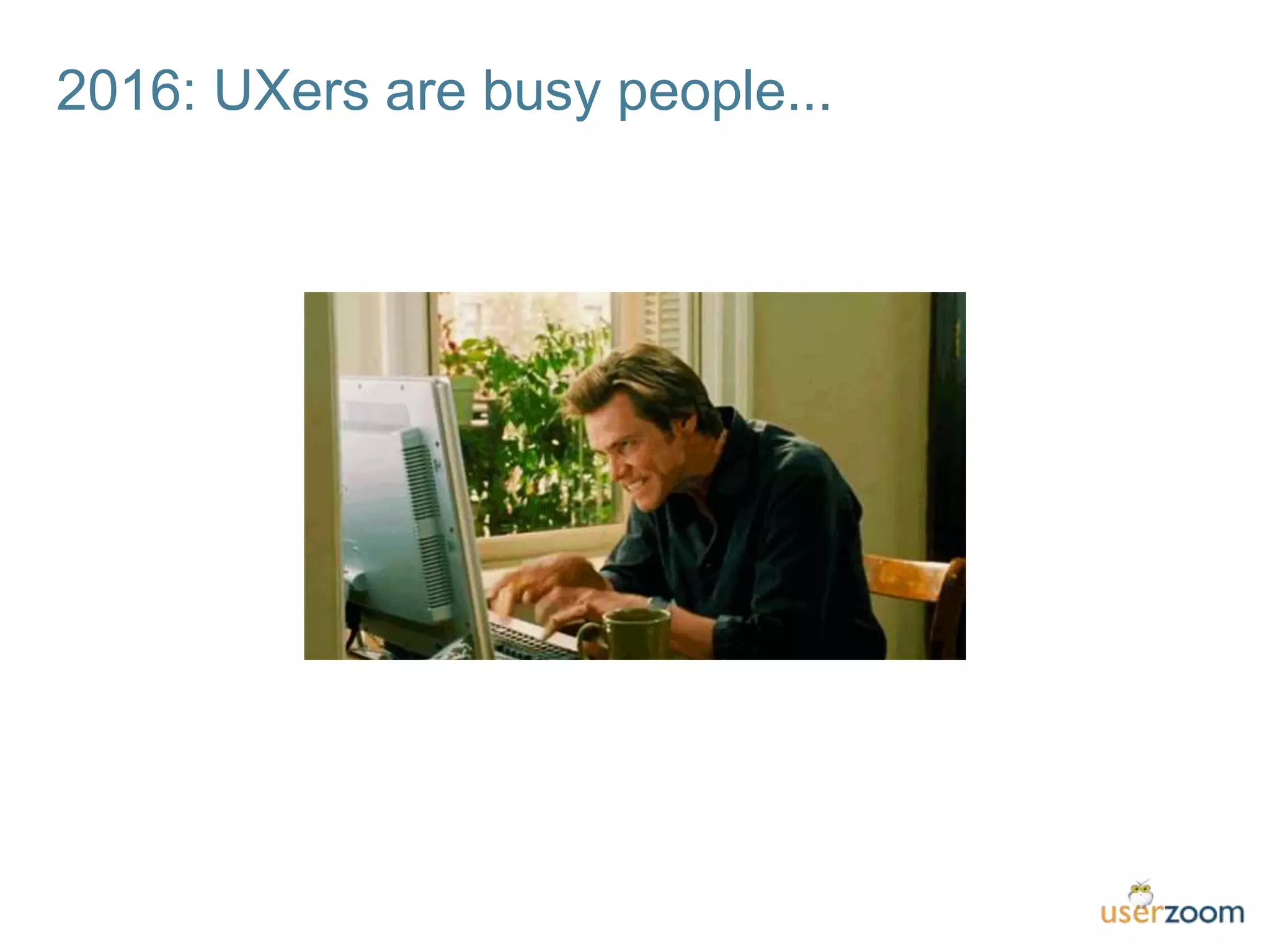
2016: UXers are busy people...
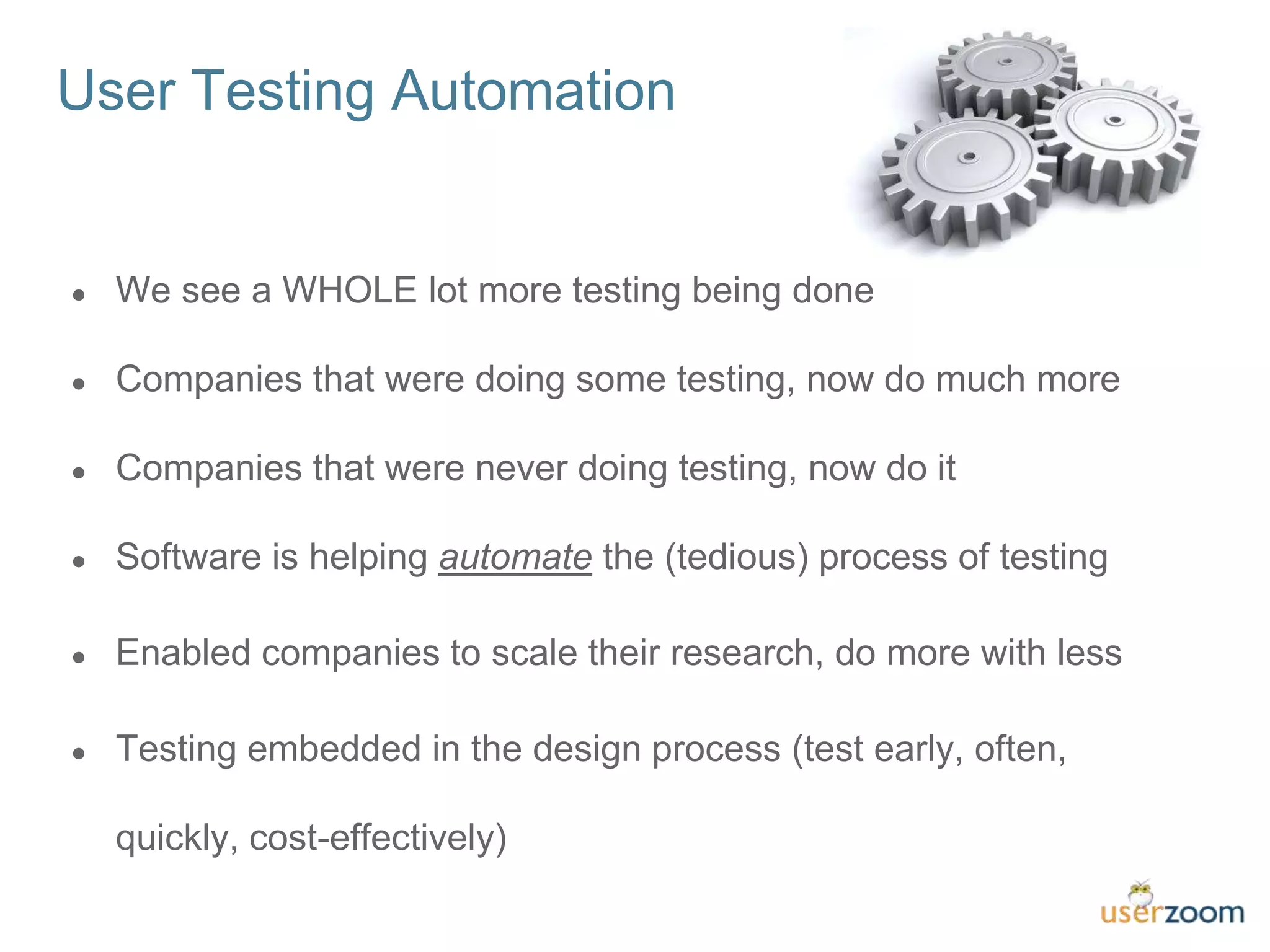
The Automation of Testing
● We see a WHOLE lot more testing being done
● Companies that were doing some testing, now do much more
● Companies that were never doing testing, now do it
● Software is helping automate the (tedious) process of testing
● Enabled companies to scale their research, do more with less
● Testing embedded in the design process (test early, often,
quickly, cost-effectively)
User Testing Automation
Other industries have automated
Customer SuccessMarketing
CRM
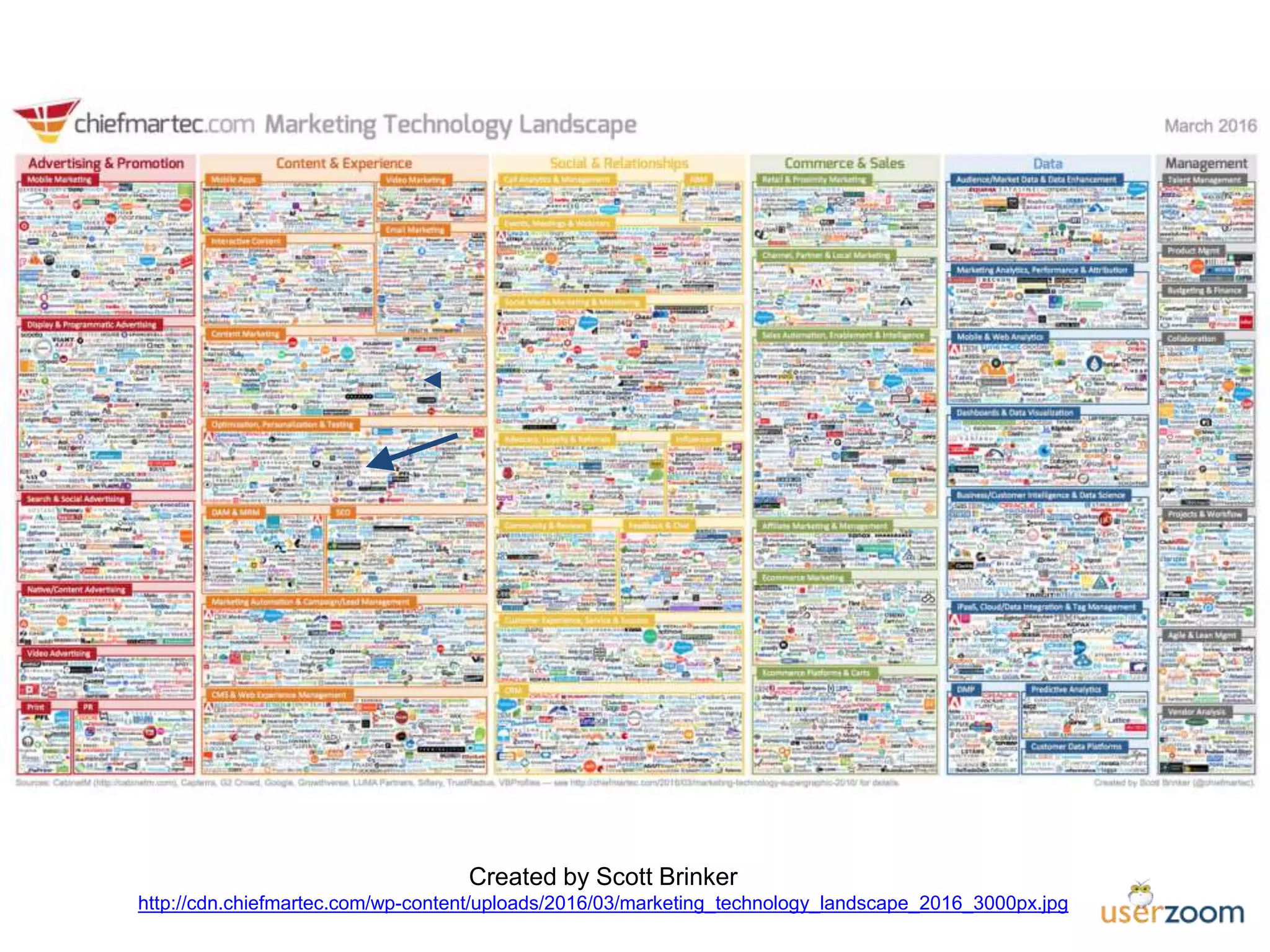
Created by Scott Brinker
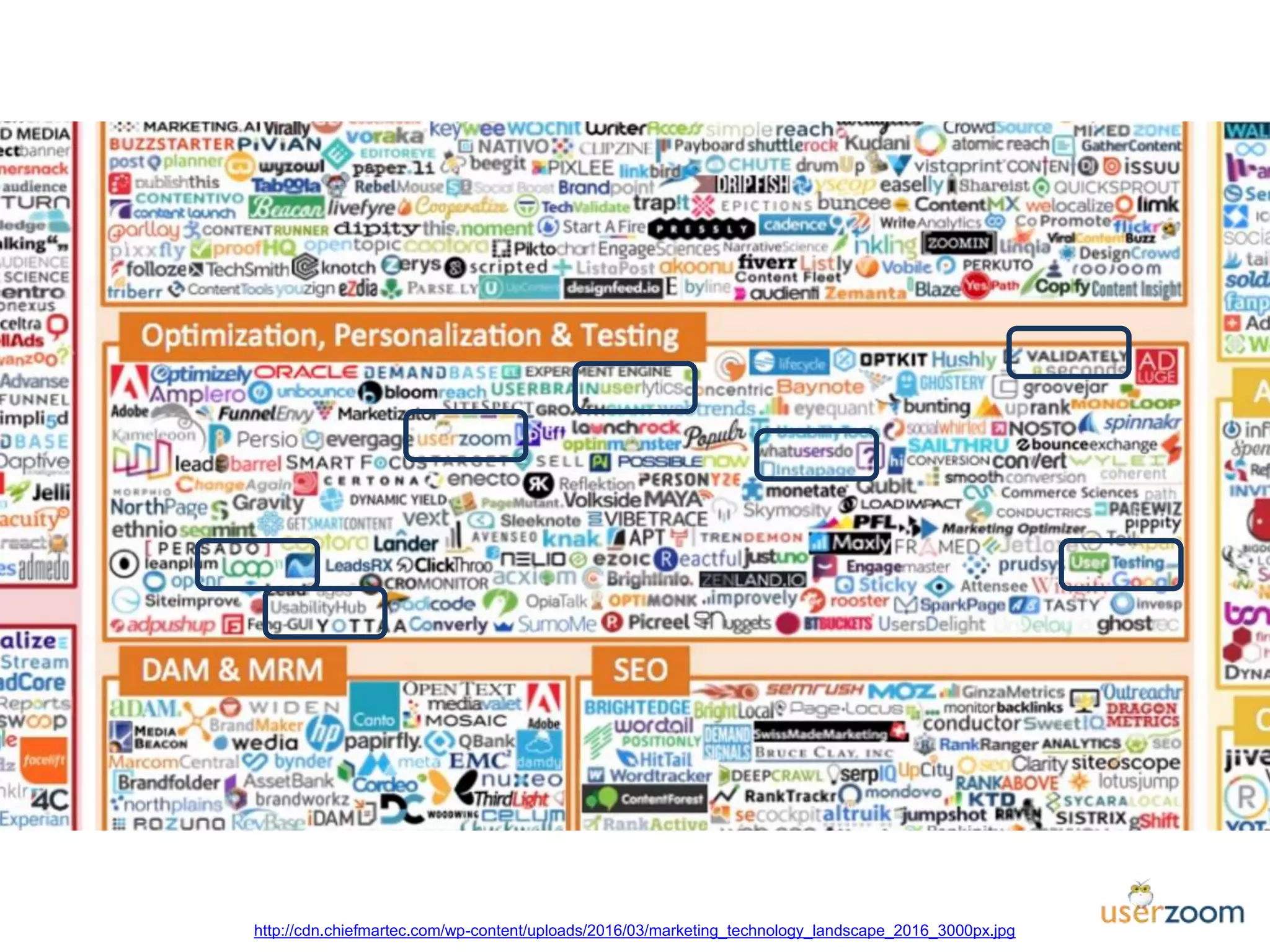
http://cdn.chiefmartec.com/wp-content/uploads/2016/03/marketing_technology_landscape_2016_3000px.jpg
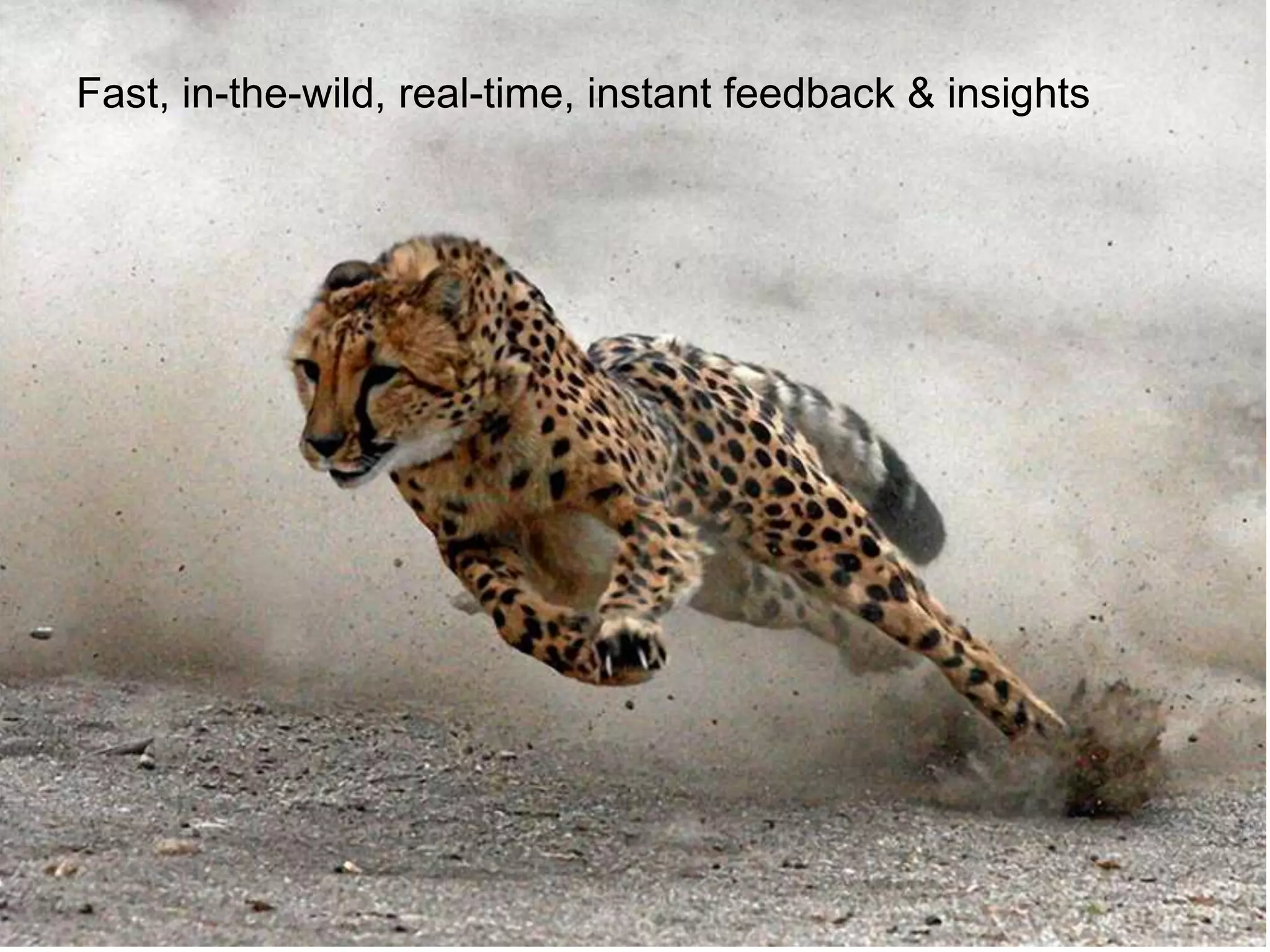
The FutureFast, in-the-wild, real-time, instant feedback & insights
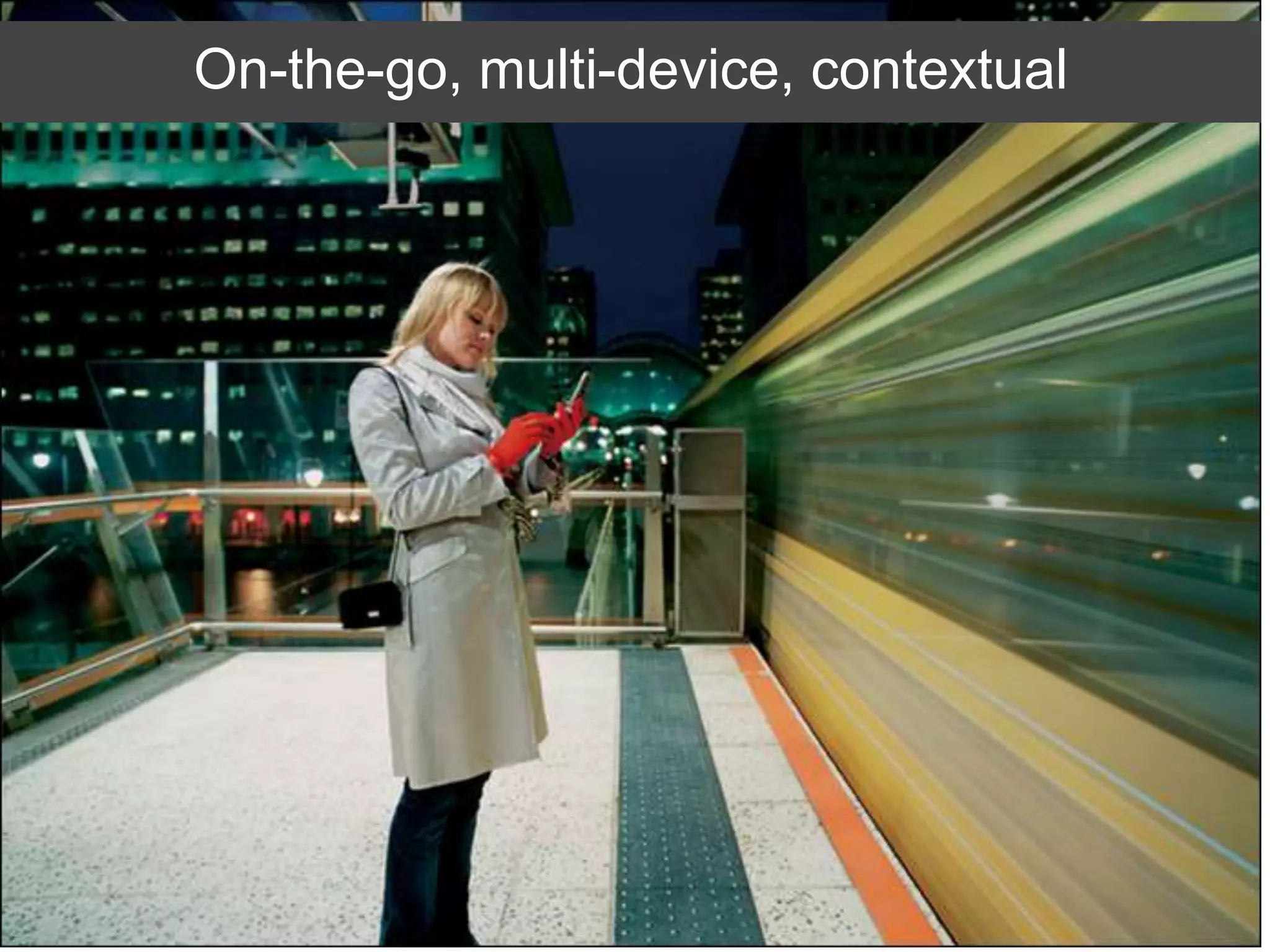
On-the-go, multi-device, contextual
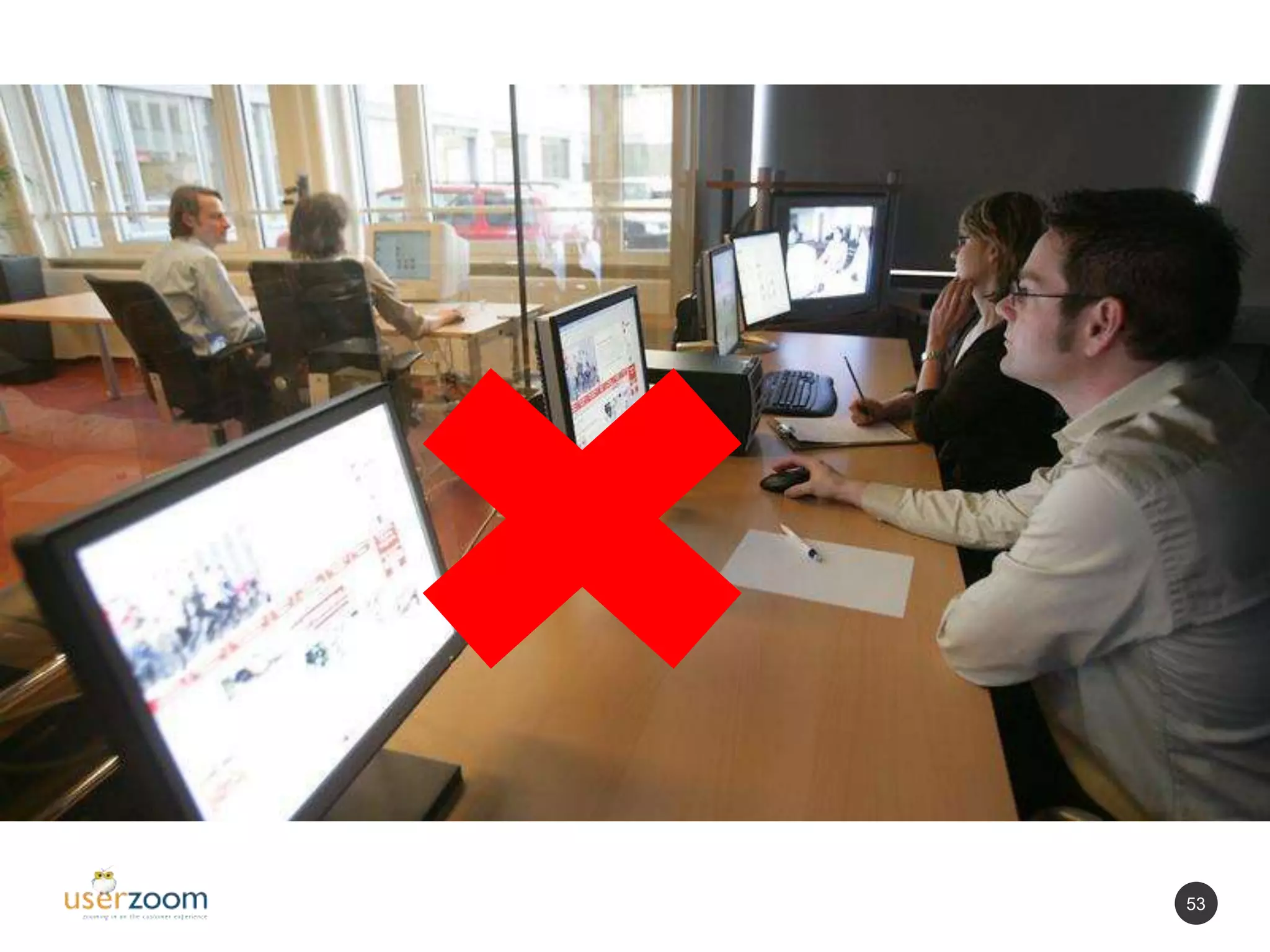
53
54
Cost-effective
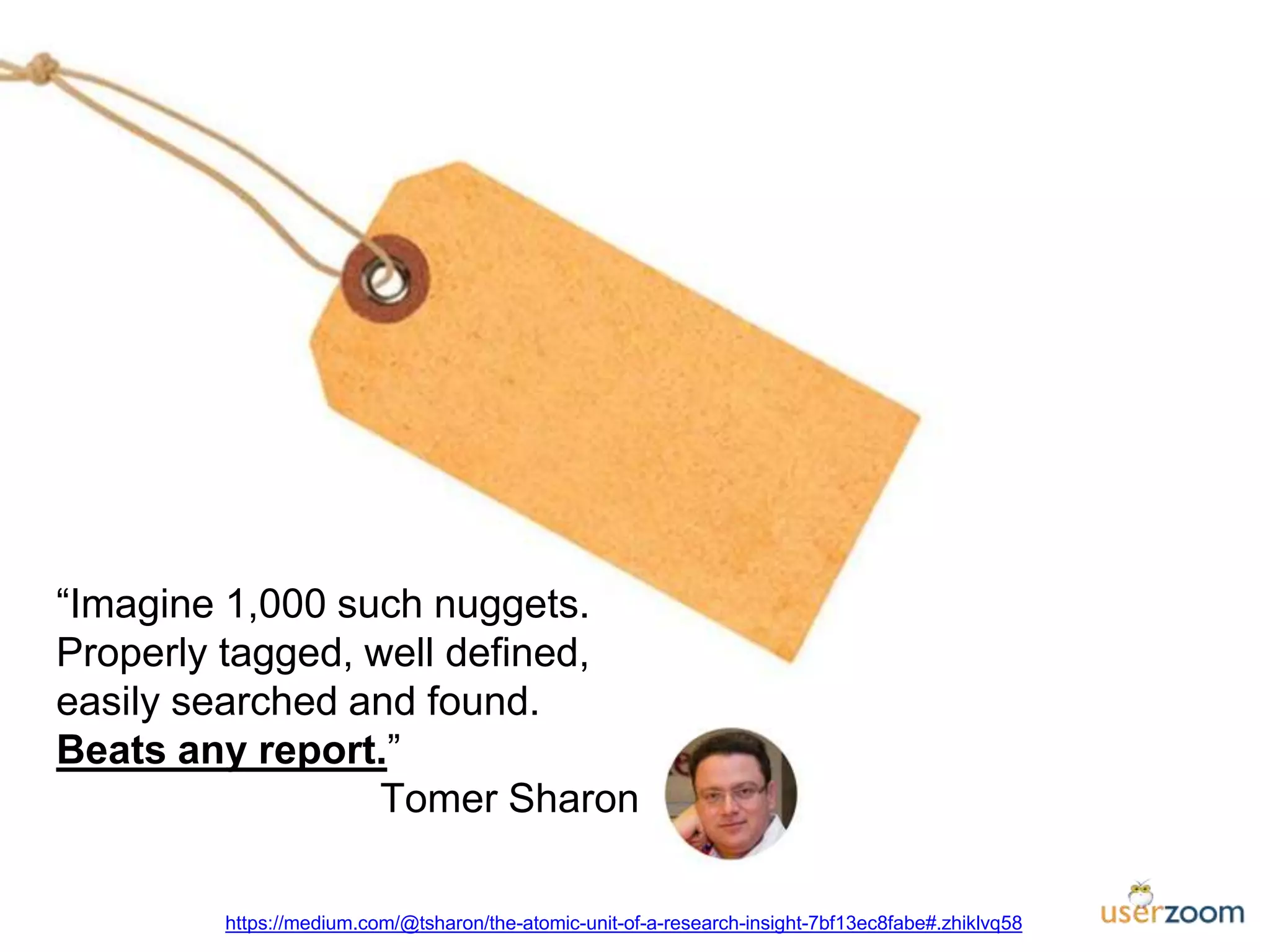
“Imagine 1,000 such nuggets.
Properly tagged, well defined,
easily searched and found.
Beats any report.”
Tomer Sharon
https://medium.com/@tsharon/the-atomic-unit-of-a-research-insight-7bf13ec8fabe#.zhiklvq58
UX Measurement & Benchmarking for the
CMO Dashboard
Q&A
Need more info?
Get answers about UserZoom. We are here to help.
Talk with one of our experts.
Contact us
UserZoom
10 Almaden Blvd. #250
San Jose, CA 95113
Toll free number: (866) 599 1550
www.linkedin.com/company/userzoom@UserZoomFollow us

Excelling in the User Experience Economy of Today and Tomorrow

  • 1.
    Excelling in theUser Experience Economy of Today and Tomorrow with Dean Barker
  • 2.
    Quick Housekeeping • Controlpanel on the side of your screen if you have any comments during the presentation • Time at the end for Q&A • Today’s webinar will be recorded for future viewing • All attendees will receive a copy of the slides/recording • Continue the discussion using #uzwebinar
  • 3.
    2016 goals 1. Providemore UX resources to UX professionals. 2. Improve brand consistency. 3. Improve “International” UXPA. User Experience Professionals Association (UXPA) Monthly webinars User Experience Magazine The Journal of Usability Studies Visit www.uxpa.org for more info about the conference, webinars, and other UX resources! Annual Conference in Seattle, WA May 31 – June 3 uxpa2016.org
  • 4.
    Meet the Speakers DeanBarker Vice President of User Experience Optum, a UnitedHealth Group business Alfonso de la Nuez CEO UserZoom deanzilla@me.com@deanzilla https://www.linkedin.com/in/deanbarker
  • 5.
    Agenda • Setting theTable • The Power Game • Cultivating Omnipresence • Navigating Reality in a Virtual World • Raising Unicorns on a Pig Farm • Dealing with Data Diversity • Exploring the Future of Usability Testing & UX Research
  • 6.
  • 7.
    User Experience isa Big Tent #UZWEBINAR http://www.uxmatters.com/mt/archives/2010/12/essential-and-desirable-skills-for-a-ux-designer.php Vectors of UX Whitney Qusenbery
  • 8.
    Our Community ofPractice #UZWEBINAR
  • 9.
    The User ExperienceEconomy #UZWEBINAR Forrester Report October 2010 How To Prepare For The Era Of Experience
  • 10.
  • 11.
    Good User Experience •14.4% more willing to purchase • 15.8% fewer will do business with competitors • 16.6% more will recommend you Forrester Report September 2009 Best Practices in User Experience (UX) Design
  • 12.
  • 13.
    All Product ValueFlows Through UX #UZWEBINAR Attributes Benefits Features User Experience Advantages
  • 14.
    Sphere of Controland Influence #UZWEBINAR Forget Stretch Influence Control
  • 15.
  • 16.
    So Good TheyCan’t Ignore You #UZWEBINAR
  • 17.
  • 18.
    Process Points ofView #UZWEBINAR Business Design Engineering
  • 19.
    Product Development #UZWEBINAR Idea Discovery Scoping Business Case Development TestLaunch Timeline Setup Release Planning Sprinting Repeat Close Research Design Validate Iterate
  • 20.
  • 21.
    What to Do? #UZWEBINAR Idea Discovery Scoping Business Case DevelopmentTest Launch Upstream Downstream UX Activities Throughout Timeline
  • 22.
    Navigating Reality ina Virtual World #UZWEBINAR http://www.npr.org/2013/05/22/185788651/the-first-web-page-amazingly-is-lost
  • 23.
    We’ve Been Trapped… #UZWEBINAR Weare analog beings trapped in a digital world, and the worst part is, we did it to ourselves. Don Norman The Invisible Computer
  • 24.
    Ubicomp #UZWEBINAR Ubiquitous Computing Wearables Pervasive Computing Ambient Everyware PhysicalComputing Internet of Things Haptic Computing Things That Think Virtual Reality Augmented Reality Artificial Intelligence Voice Interfaces Mobility Embedded Embodied Intelligent Interfaces Robotics
  • 25.
    Hey, My Caris a Computer! #UZWEBINAR
  • 26.
    Real World MeetsVirtual #UZWEBINAR
  • 27.
  • 28.
    Real Human CenteredDesign to the Rescue #UZWEBINAR
  • 29.
    Raising Unicorns ona Pig Farm #UZWEBINAR http://www.salary.com/become-a-unicorn-employee/ • Not only did they do the visual design, but they are then able to turn that into code and build out the website • They have deep knowledge of user interaction (UI), going beyond the look and feel and delving into best practices for how users interact with everything from menus and buttons to links and colors • They’ve already thought several steps ahead in terms of the mobile experience, ensuring that your site will look great on phones, tablets, laptops, and large monitors • The content on the sites they show you isn’t filled with Lorem Ipsum placeholders, but copy that they wrote themselves… typo-free, grammatically correct, and with a friendly but persuasive voice that compels the user to take action • And what’s that? You have a company softball team? Turns out they were all-state in high school, can play any infield position, and hit .425 with 24 homers The Unicorn Employee…
  • 30.
    Foundations #UZWEBINAR Analysis Personas Task and workflowanalysis Workflow diagrams User requirements Context mapping Journey mapping Competitive Analysis Visual Design Image creation and manipulation Visual design principles Grid-based design Design systems Site or application themes/skins Visual identity/brand Semiotics (e.g., symbols, metaphors) Icon design and strategy Logo design Digital asset management Research & Evaluation Experimental design Card sorting Focus groups Contextual inquiry Ethnographic research Formative usability testing Summative usability testing Usability testing tools Interviews User surveys and questionnaires Keystroke-level modeling (KLM) Heuristic evaluations Cognitive walkthroughs Web analytics Guidelines & Standards Platform standards (Windows, Apple, etc.) Internationalization and localization Styleguide creation UI pattern libraries Brand standards Copy and style guidelines Design Methods Prototyping Participatory design Site maps Information architecture Storyboards
  • 31.
    Agile Methods Big Dataand Data Visualization Content Strategy/CMS Mobility Accessibility Branding Affective Design Gamification Front End Development S’Moore’s Law #UZWEBINAR
  • 32.
  • 33.
  • 34.
    Dealing with DataDiversity #UZWEBINAR
  • 35.
    Data Old, New,and Blue #UZWEBINAR Old – Tried & True • Verbal • Surveys • Ratings & Rankings • Task-based • Observational/Ethnographic • Video • Clicks and paths New – Physiological • Eye tracking • Pupilometry • Galvanic skin response • Heart rates • EKG/ECG • EEG • Wave forms and conscious states e.g. Beta, Alpha, Theta, DeltaBlue – Emotional • Affective data • Facial recognition • Not decoupled from other data • Emotion first
  • 36.
    Holy Data Analysis! #UZWEBINAR But,the data is… The data are!
  • 37.
  • 38.
    Exploring the Futureof Usability Testing & UX Research
  • 39.
    Usability testing firstapplied in 1916, WWI - Weapon assembly Curiosities about the history of Usability Testing http://www.measuringu.com/blog/usability-history.php
  • 40.
    1936 - Usabilityas a main feature of a fridge! Curiosities about the history of Usability Testing
  • 41.
  • 45.
    2016: UXers arebusy people...
  • 46.
  • 47.
    ● We seea WHOLE lot more testing being done ● Companies that were doing some testing, now do much more ● Companies that were never doing testing, now do it ● Software is helping automate the (tedious) process of testing ● Enabled companies to scale their research, do more with less ● Testing embedded in the design process (test early, often, quickly, cost-effectively) User Testing Automation
  • 48.
    Other industries haveautomated Customer SuccessMarketing CRM
  • 49.
    Created by ScottBrinker http://cdn.chiefmartec.com/wp-content/uploads/2016/03/marketing_technology_landscape_2016_3000px.jpg
  • 50.
  • 51.
    The FutureFast, in-the-wild,real-time, instant feedback & insights
  • 52.
  • 53.
  • 54.
  • 55.
  • 56.
    “Imagine 1,000 suchnuggets. Properly tagged, well defined, easily searched and found. Beats any report.” Tomer Sharon https://medium.com/@tsharon/the-atomic-unit-of-a-research-insight-7bf13ec8fabe#.zhiklvq58
  • 58.
    UX Measurement &Benchmarking for the CMO Dashboard
  • 59.
  • 60.
    Need more info? Getanswers about UserZoom. We are here to help. Talk with one of our experts. Contact us UserZoom 10 Almaden Blvd. #250 San Jose, CA 95113 Toll free number: (866) 599 1550 www.linkedin.com/company/userzoom@UserZoomFollow us