


How to help newbies run UX
tests
Agenda
Why listen?
Newbie Mistakes
How to avoid them
Q&A
1
2
3
4
Lee Duddell
UX Director, UserZoom
Why listen?
Researchers
How to train non-researchers
Everyone else
Common mistakes to avoid
Why me?
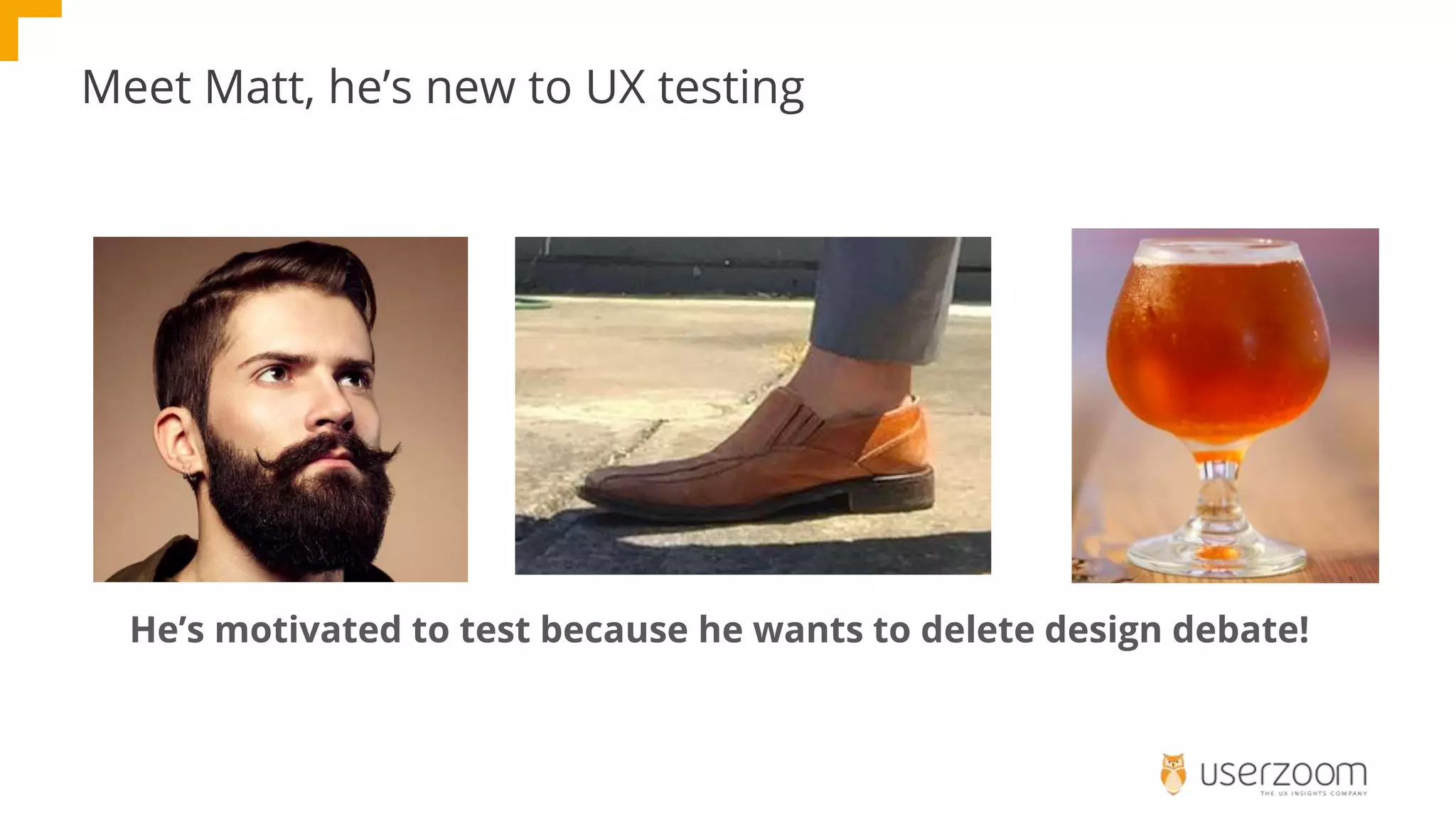
Meet Matt, he’s new to UX testing
He’s motivated to test because he wants to delete design debate!
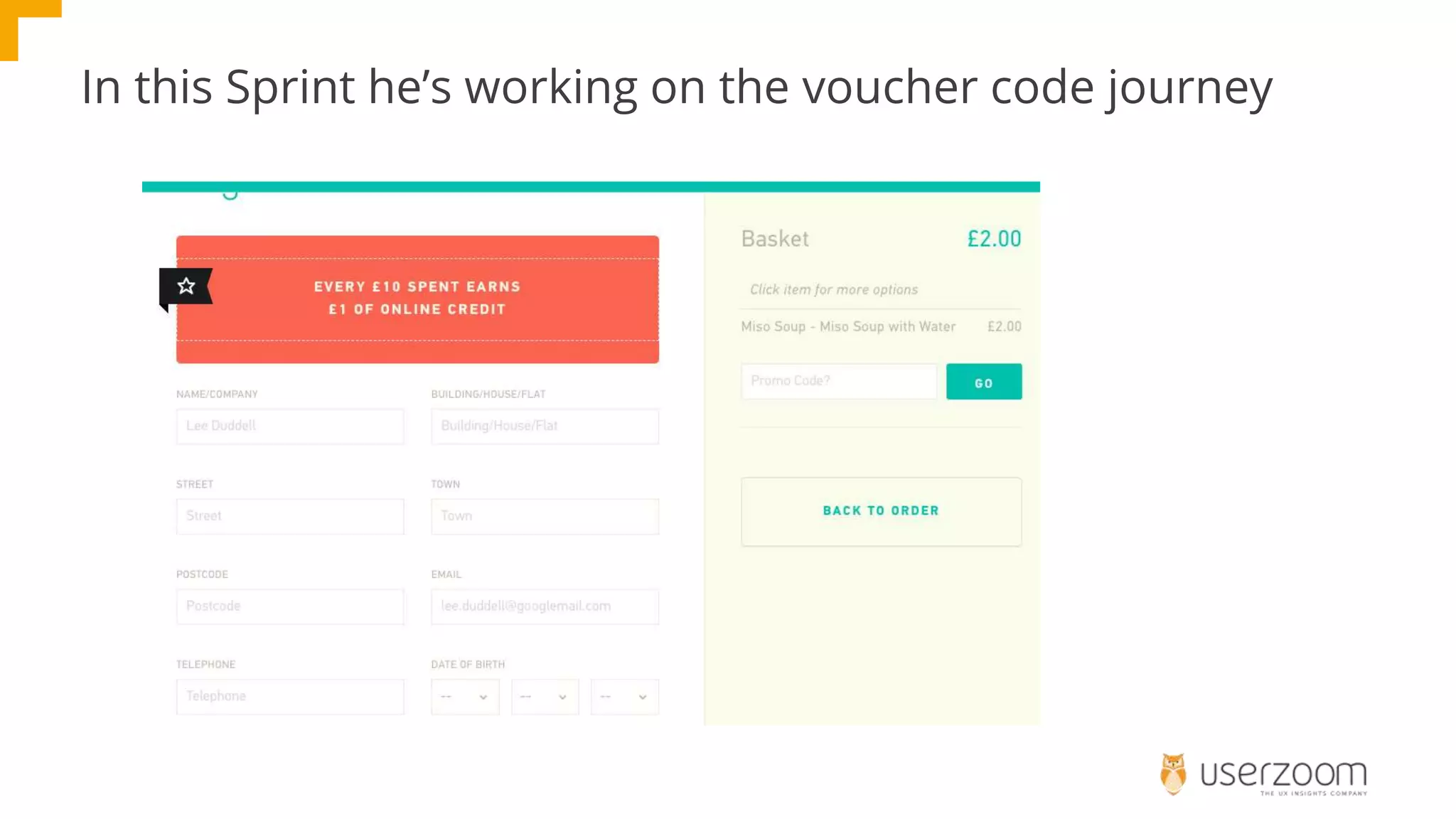
In this Sprint he’s working on the voucher code journey
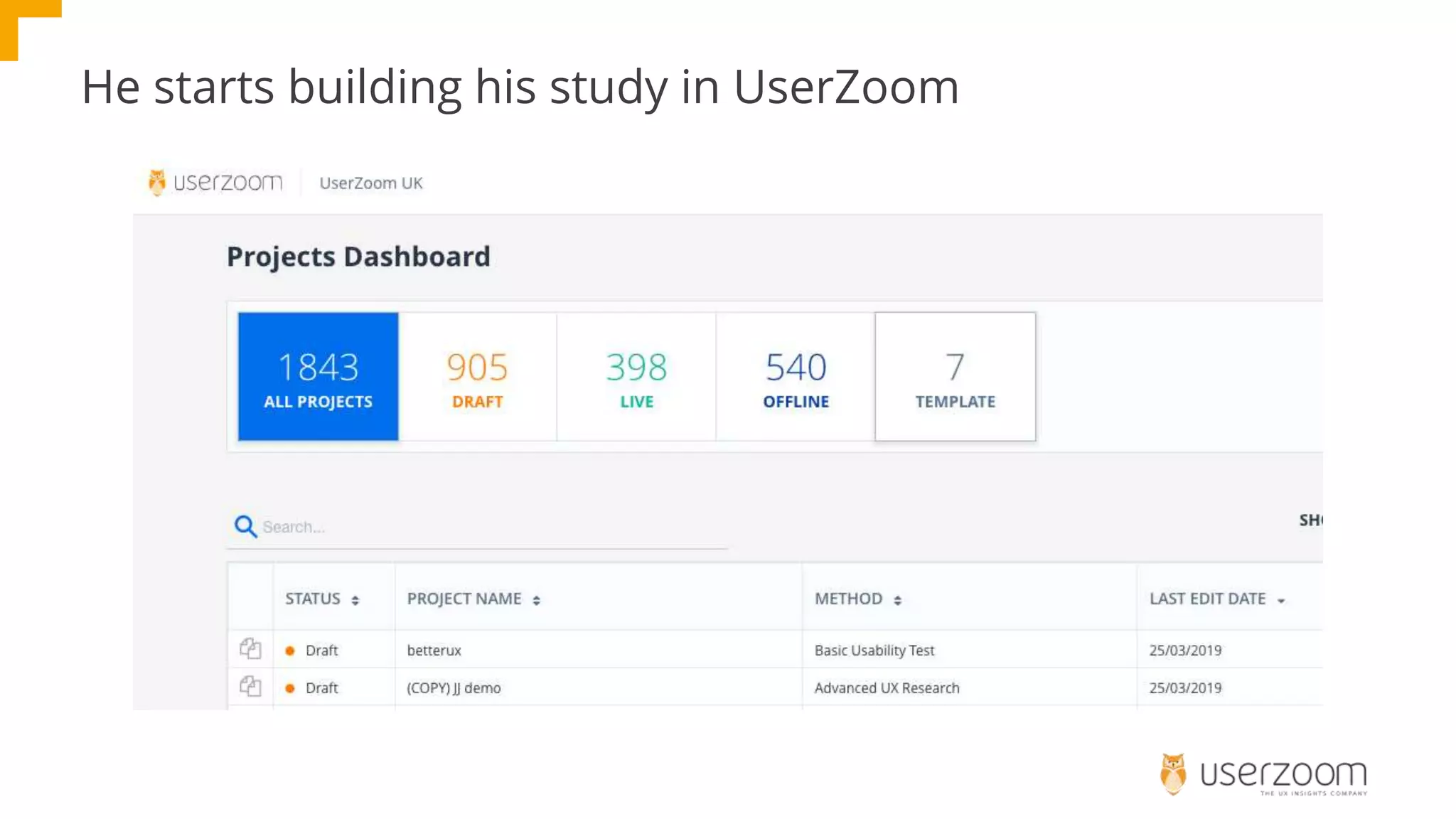
He starts building his study in UserZoom
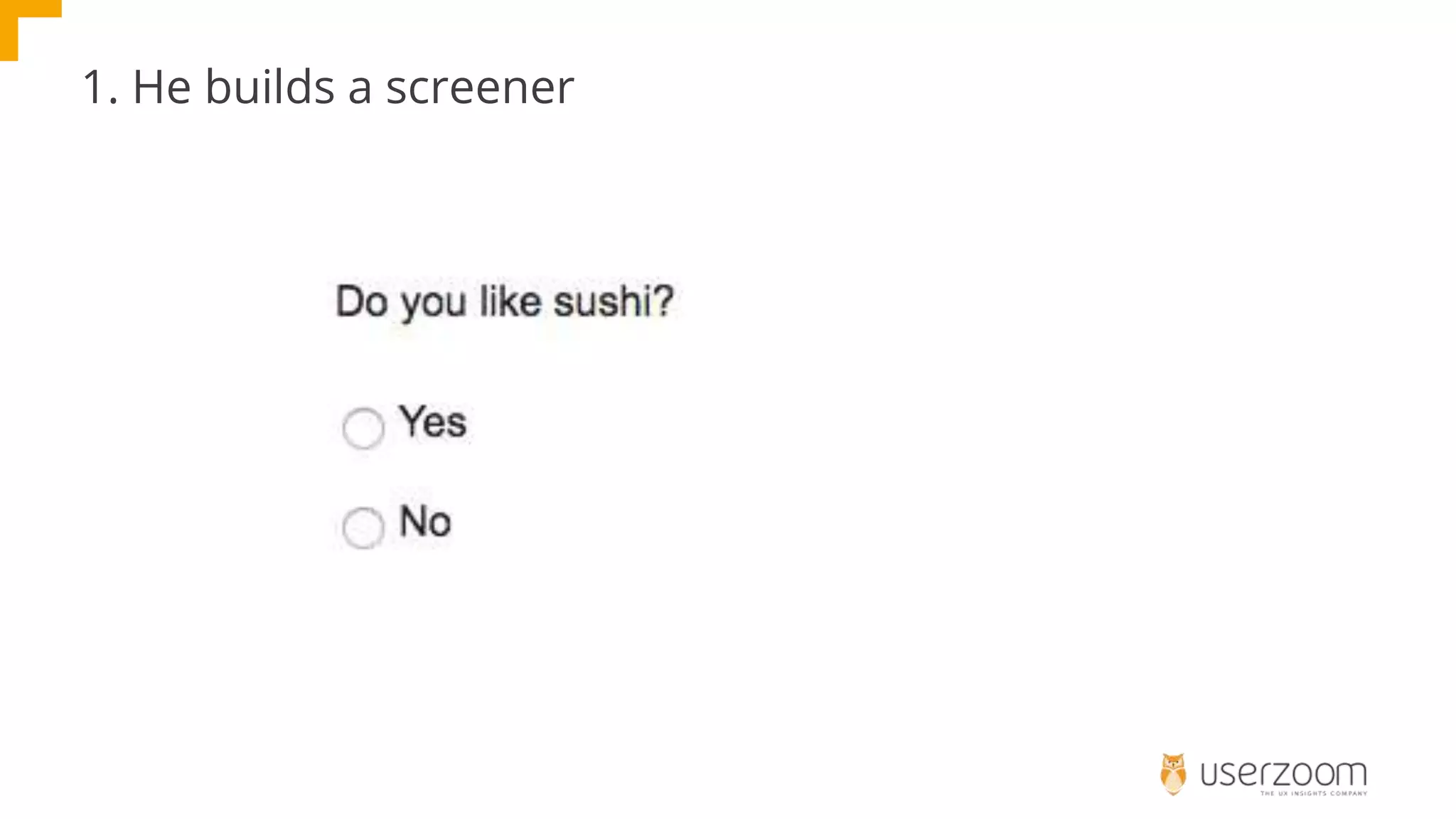
1. He builds a screener
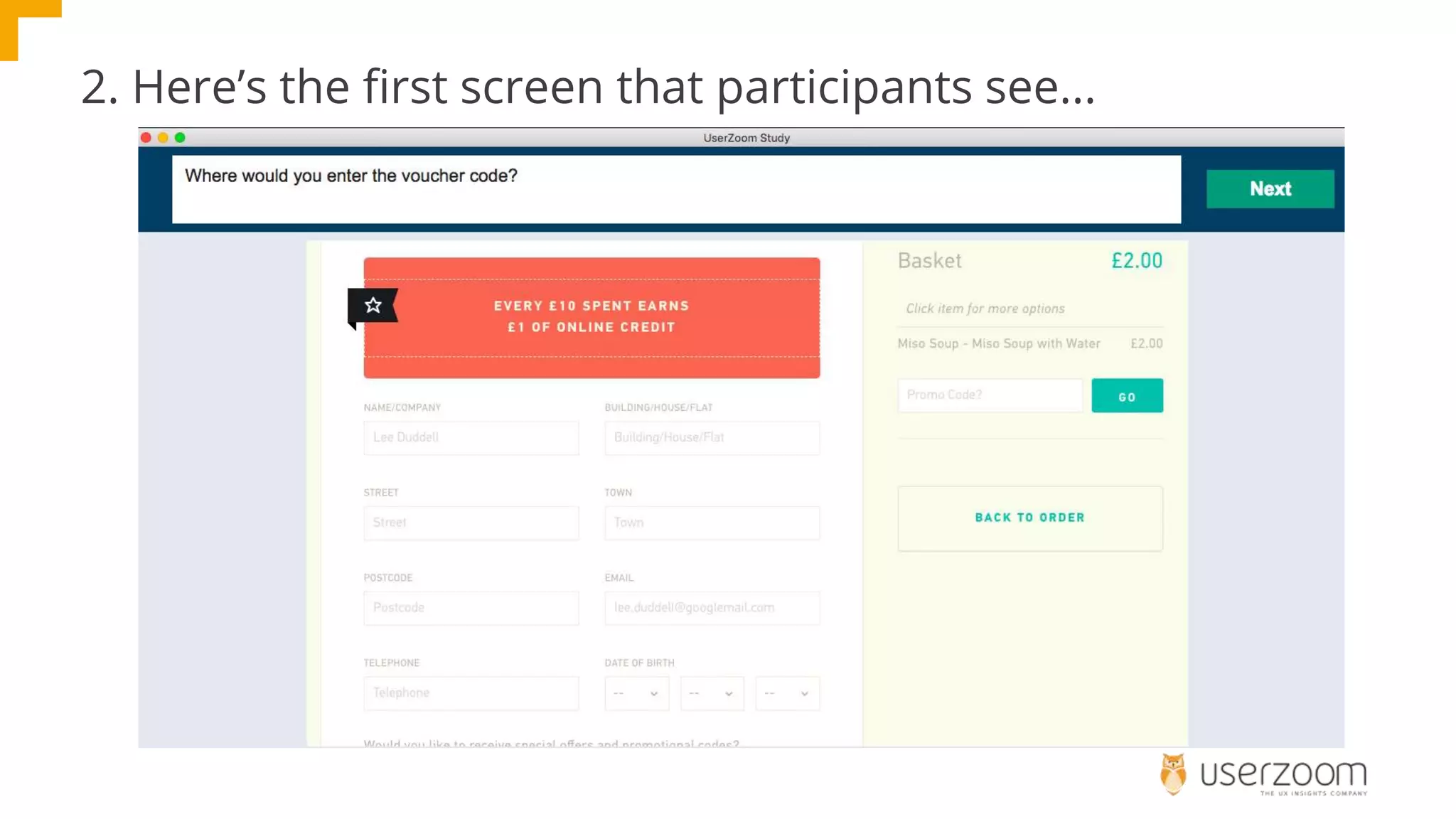
2. Here’s the first screen that participants see...
3. He adds a scenario
It’s Friday morning and you’re at work in a swanky office in Soho.
The team you’re in have been working very hard and you want to reward
them, there are 5 of them, with lunch. You’ve asked them and they all fancy
Sushi, but you need it delivered by 12:30 (it’s 10:30 now). One of them is
vegan, another milk intolerant. So you search Google for “Central London
Sushi Delivery”.
You’re at checkout and want to use a voucher code you found online.
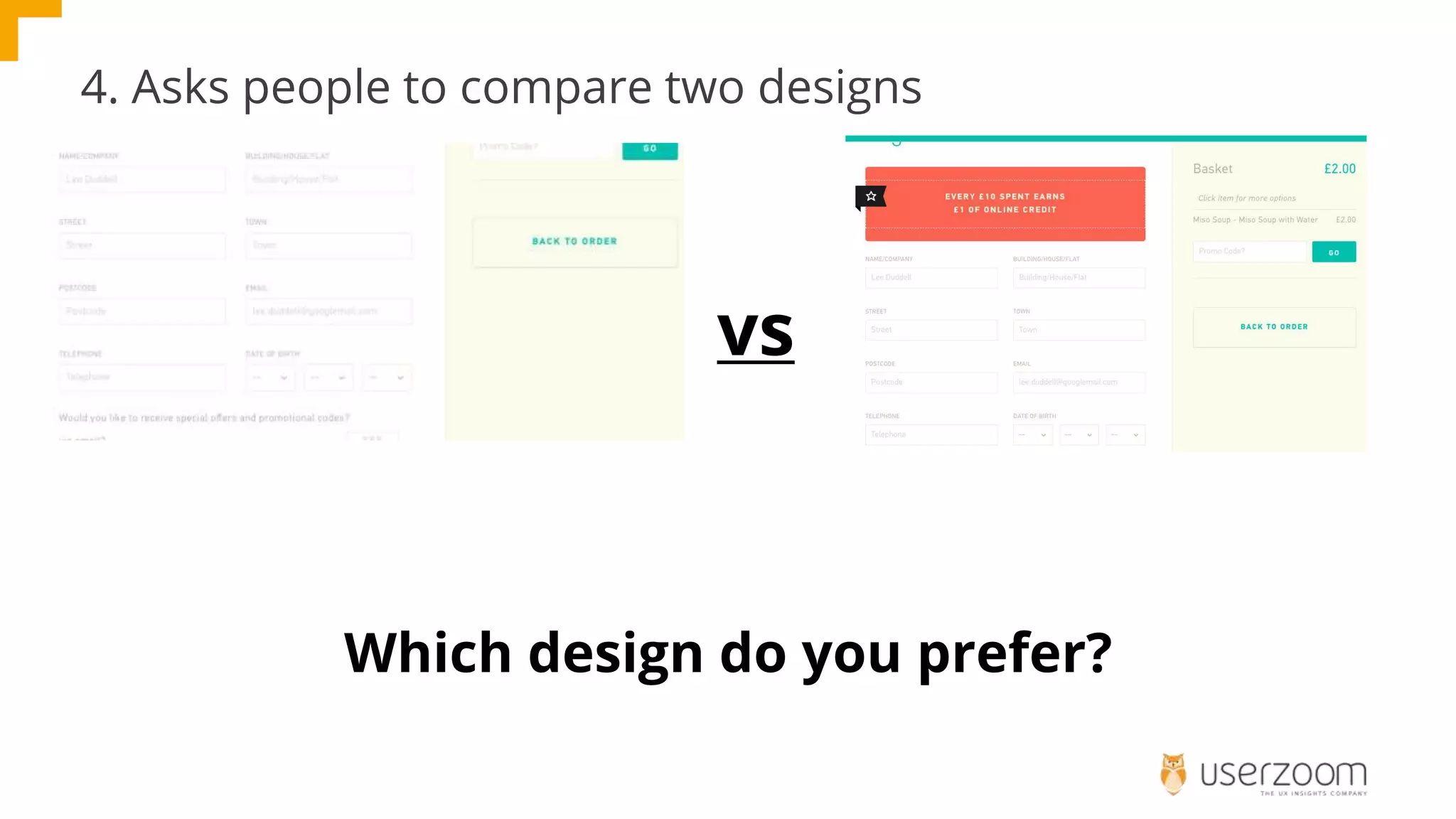
4. Asks people to compare two designs
Which design do you prefer?
vs
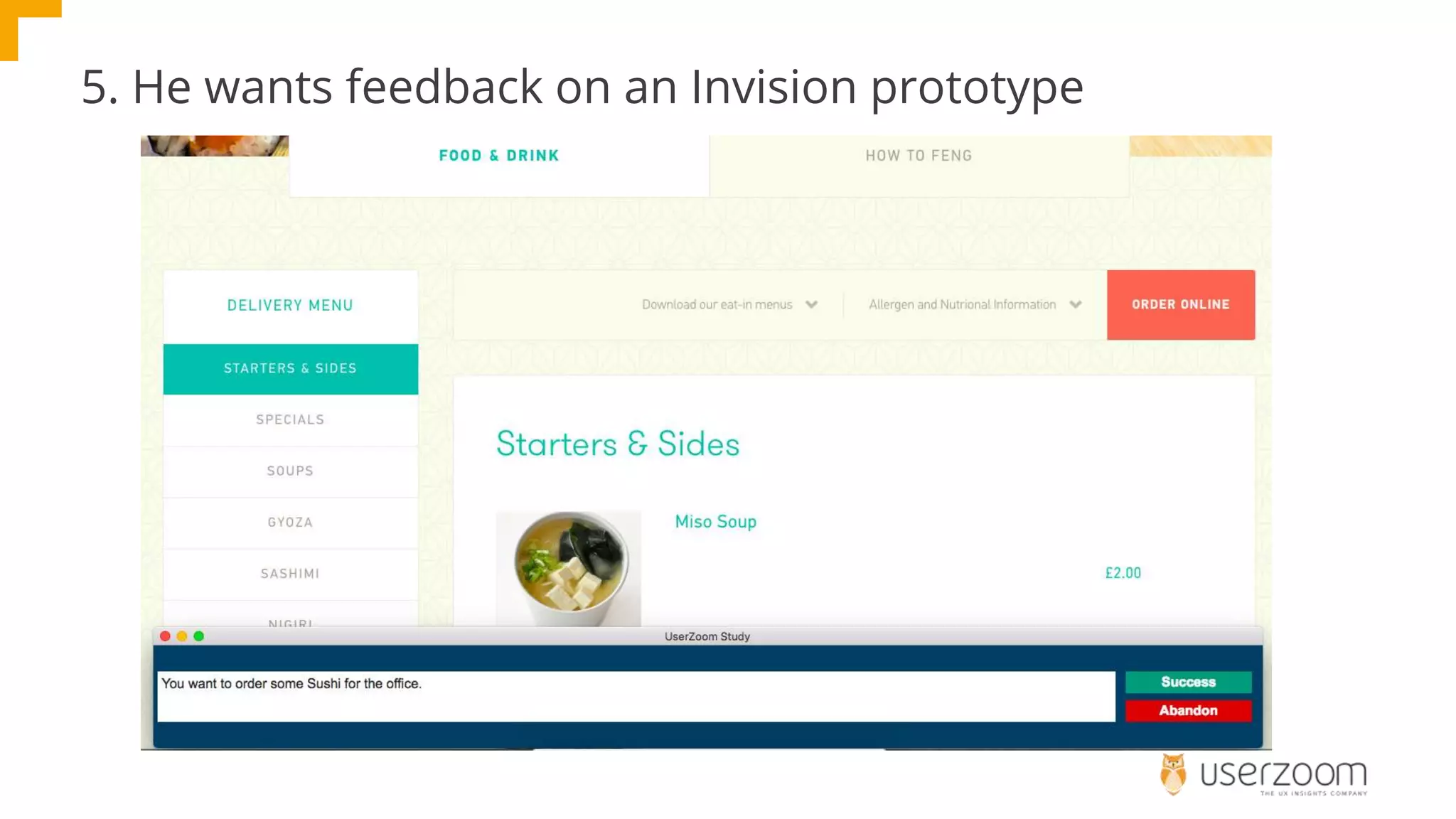
5. He wants feedback on an Invision prototype
Five mistakes
1. Easy to guess screeners
2. No scenario
3. Too much scenario
4. Asking about design (rather than observing behaviour)
5. Tasks, that aren’t
What have your Matts done?
How do we help Matt?
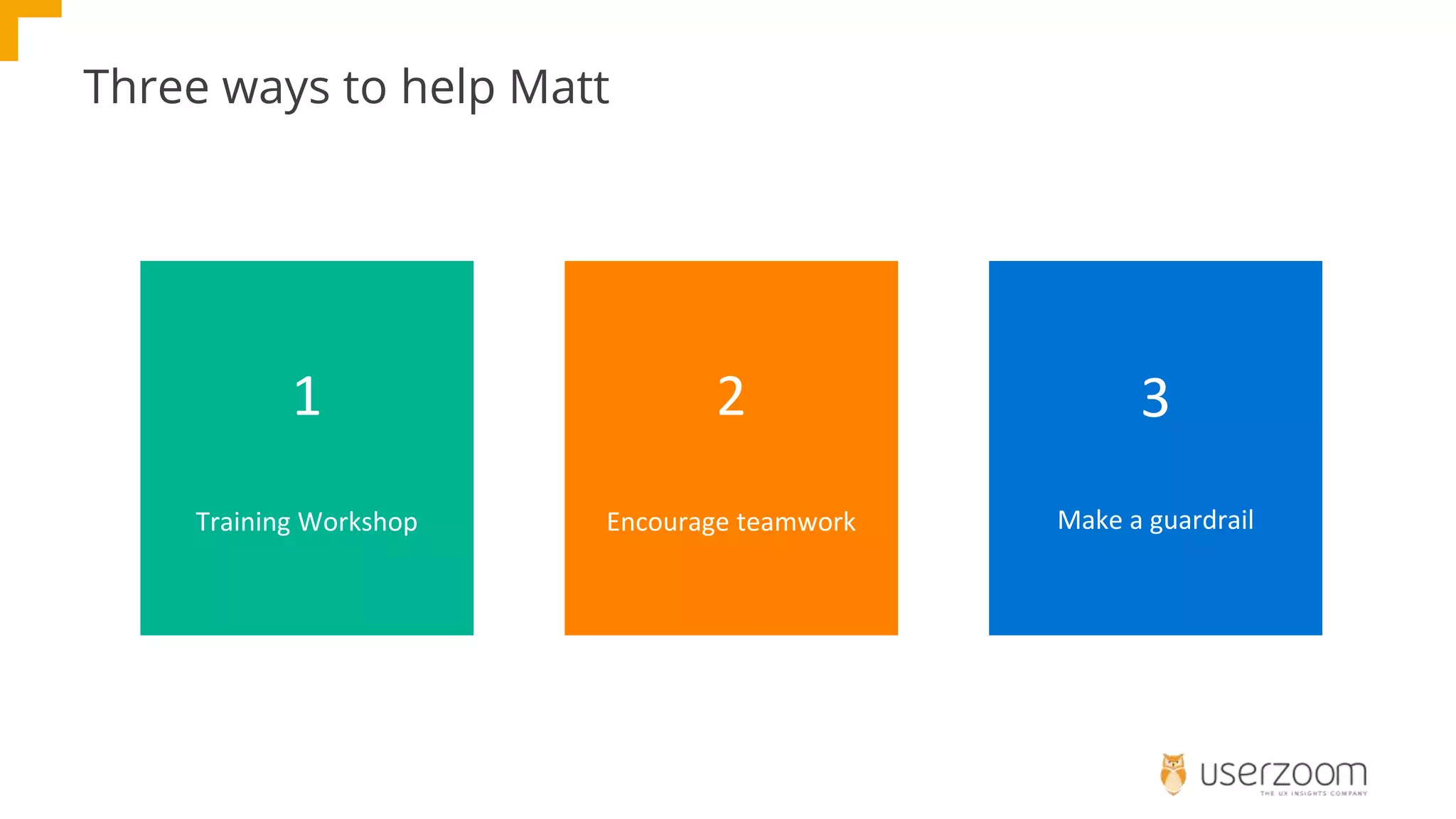
Three ways to help Matt
1
Training Workshop
2
Encourage teamwork
3
Make a guardrail
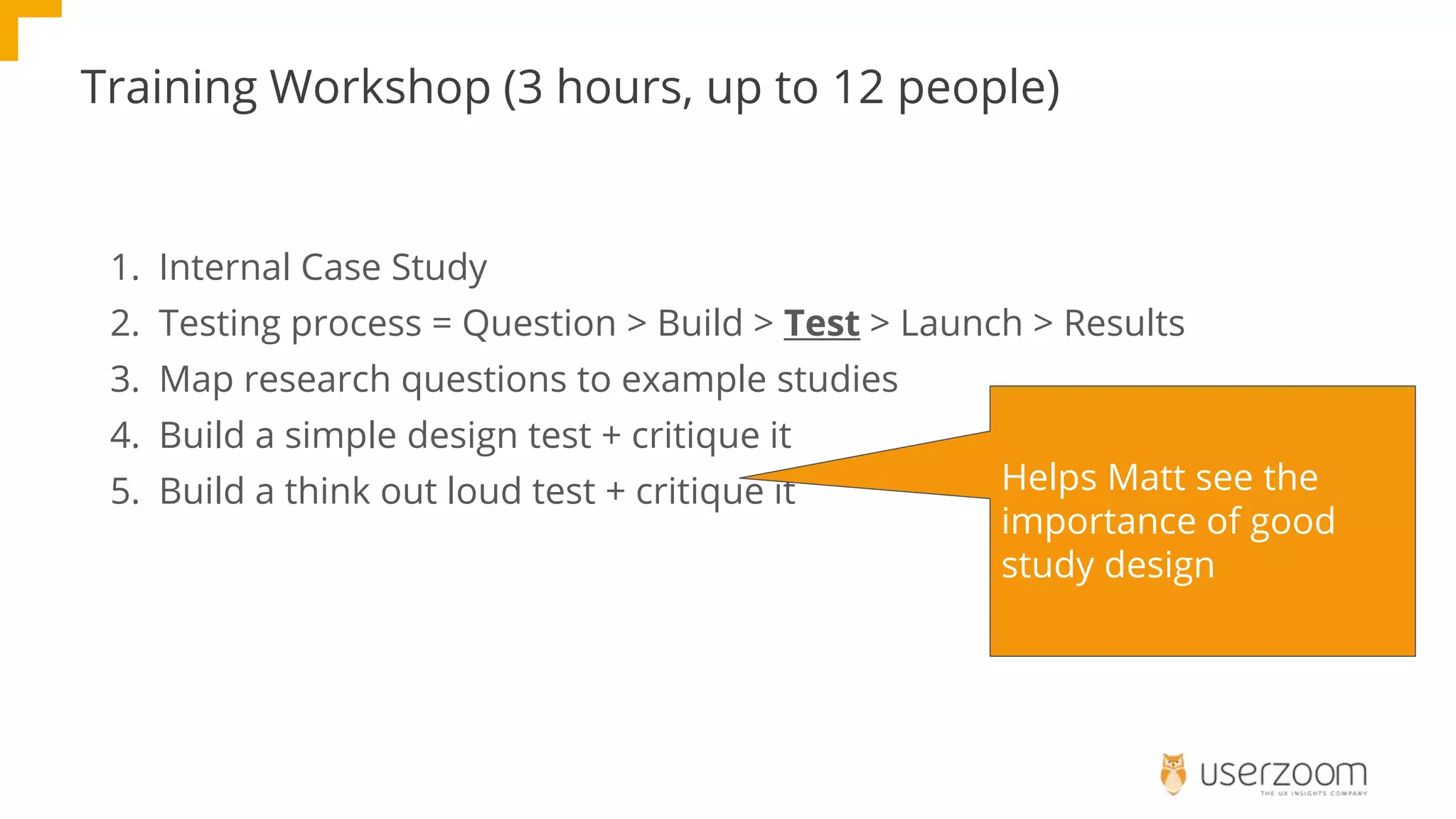
Training Workshop (3 hours, up to 12 people)
1. Internal Case Study
2. Testing process = Question > Build > Test > Launch > Results
3. Map research questions to example studies
4. Build a simple design test + critique it
5. Build a think out loud test + critique it Helps Matt see the
importance of good
study design
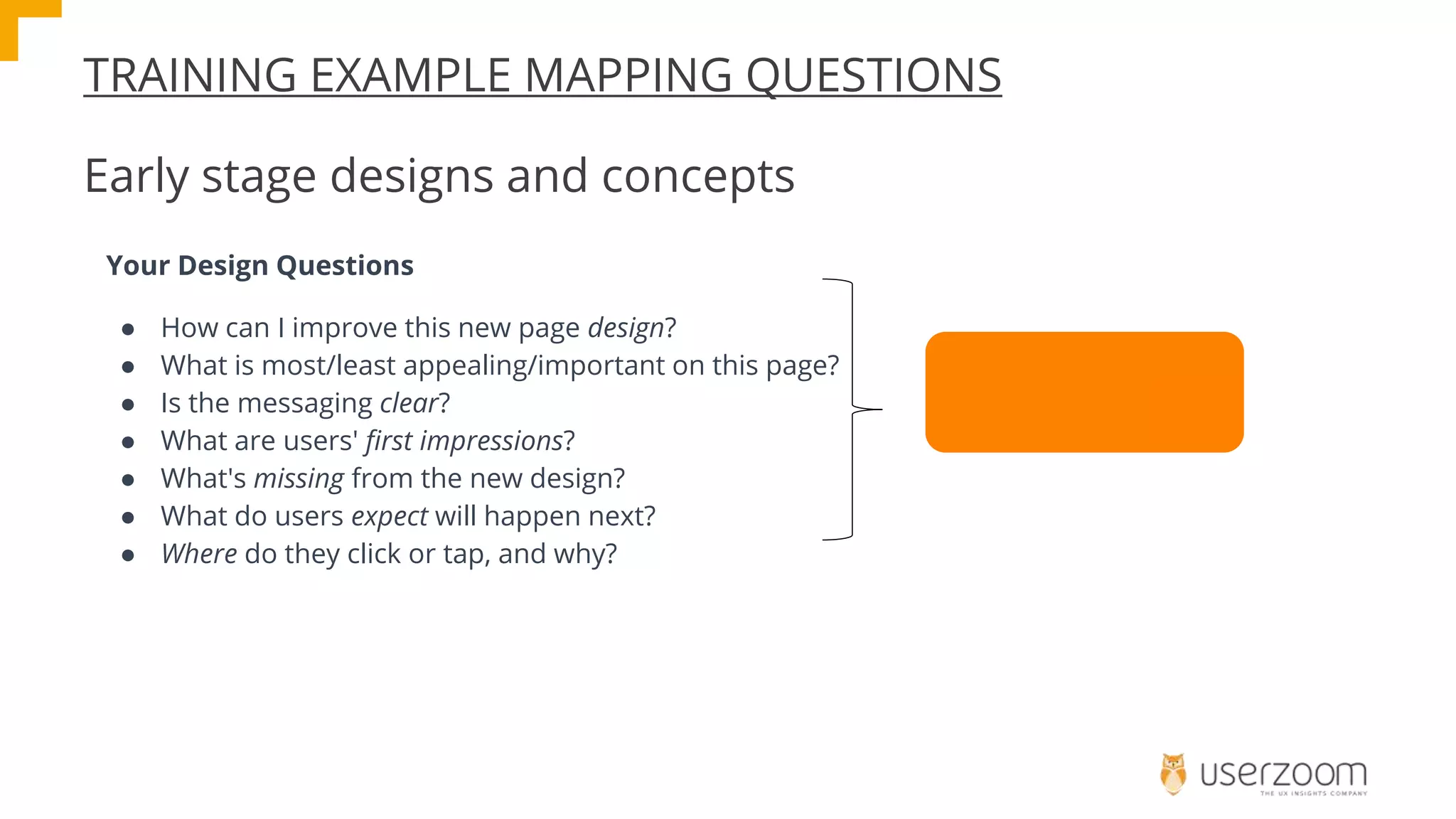
TRAINING EXAMPLE MAPPING QUESTIONS
Early stage designs and concepts
Your Design Questions
● How can I improve this new page design?
● What is most/least appealing/important on this page?
● Is the messaging clear?
● What are users' first impressions?
● What's missing from the new design?
● What do users expect will happen next?
● Where do they click or tap, and why?
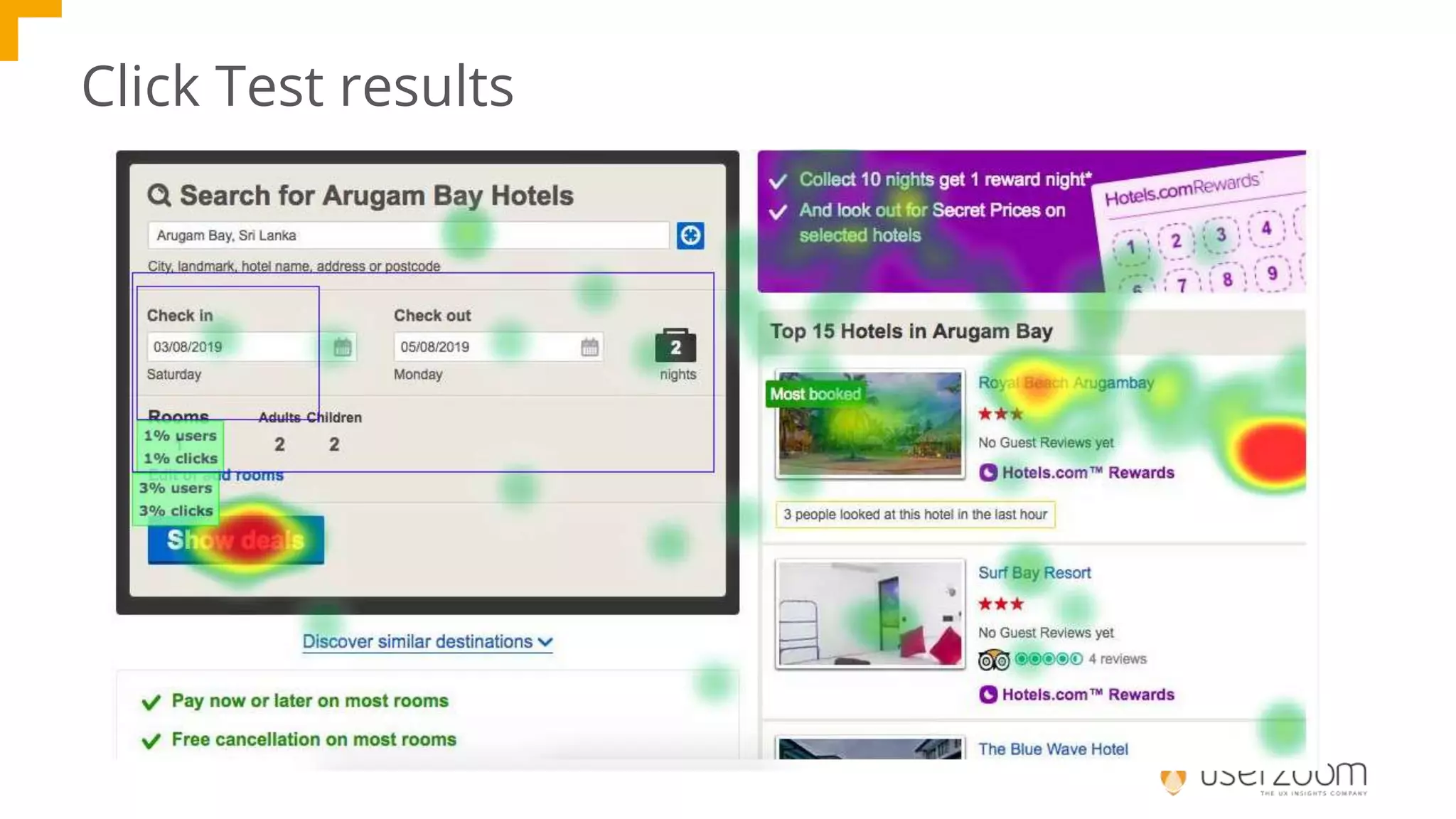
Run a Click Test
Click Test results
Building & critiquing
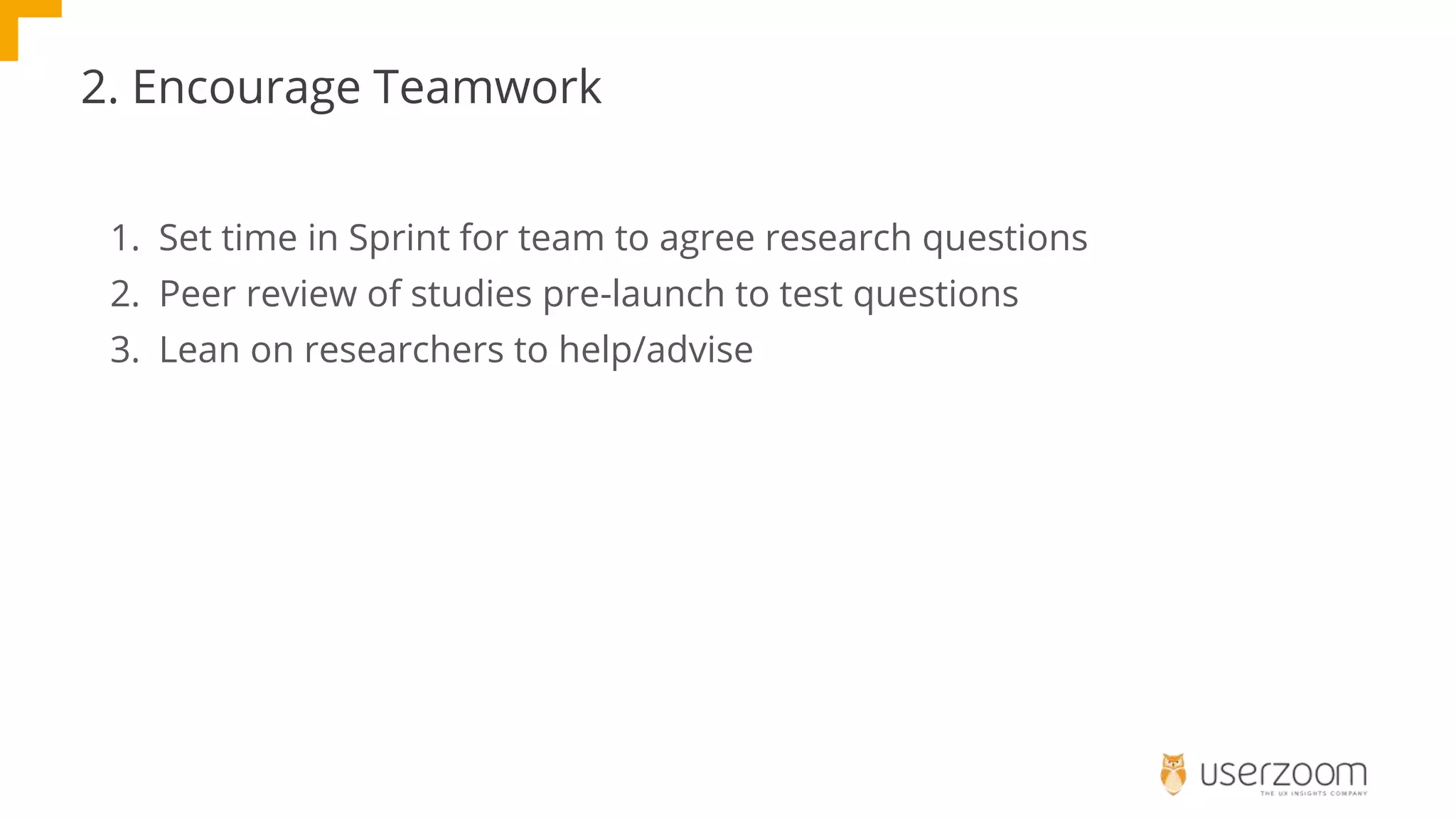
2. Encourage Teamwork
1. Set time in Sprint for team to agree research questions
2. Peer review of studies pre-launch to test questions
3. Lean on researchers to help/advise
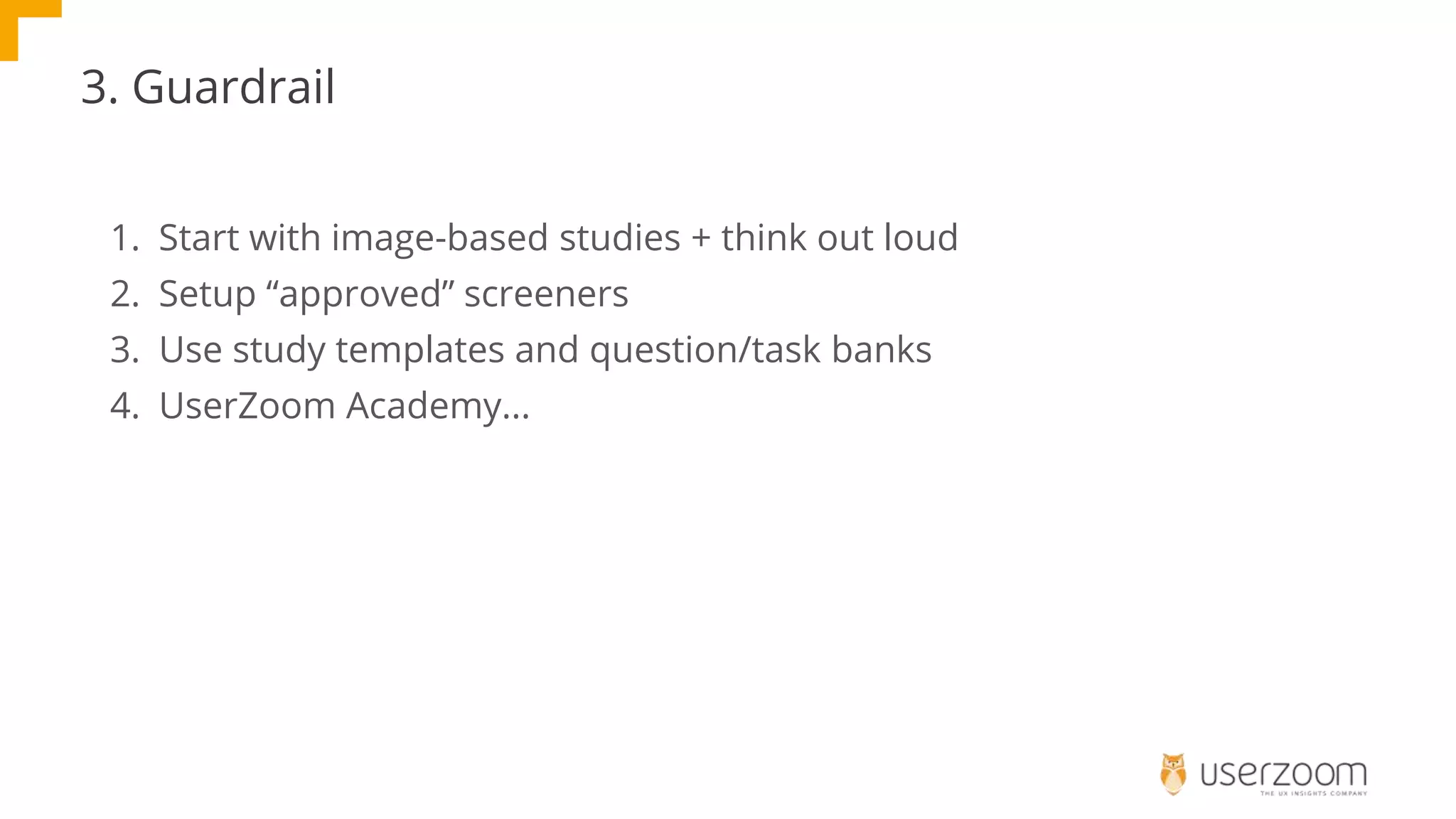
3. Guardrail
1. Start with image-based studies + think out loud
2. Setup “approved” screeners
3. Use study templates and question/task banks
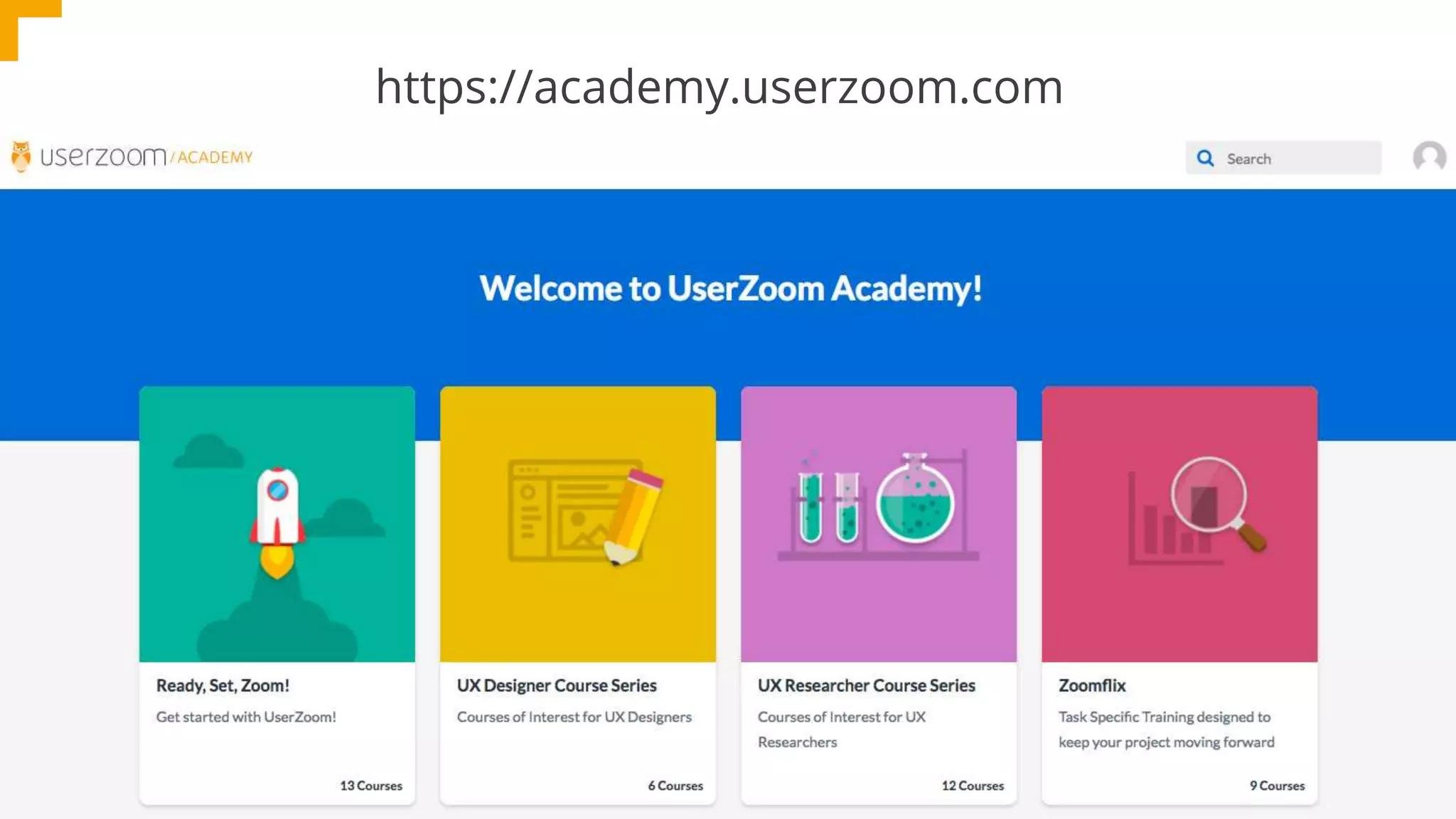
4. UserZoom Academy...
https://academy.userzoom.com
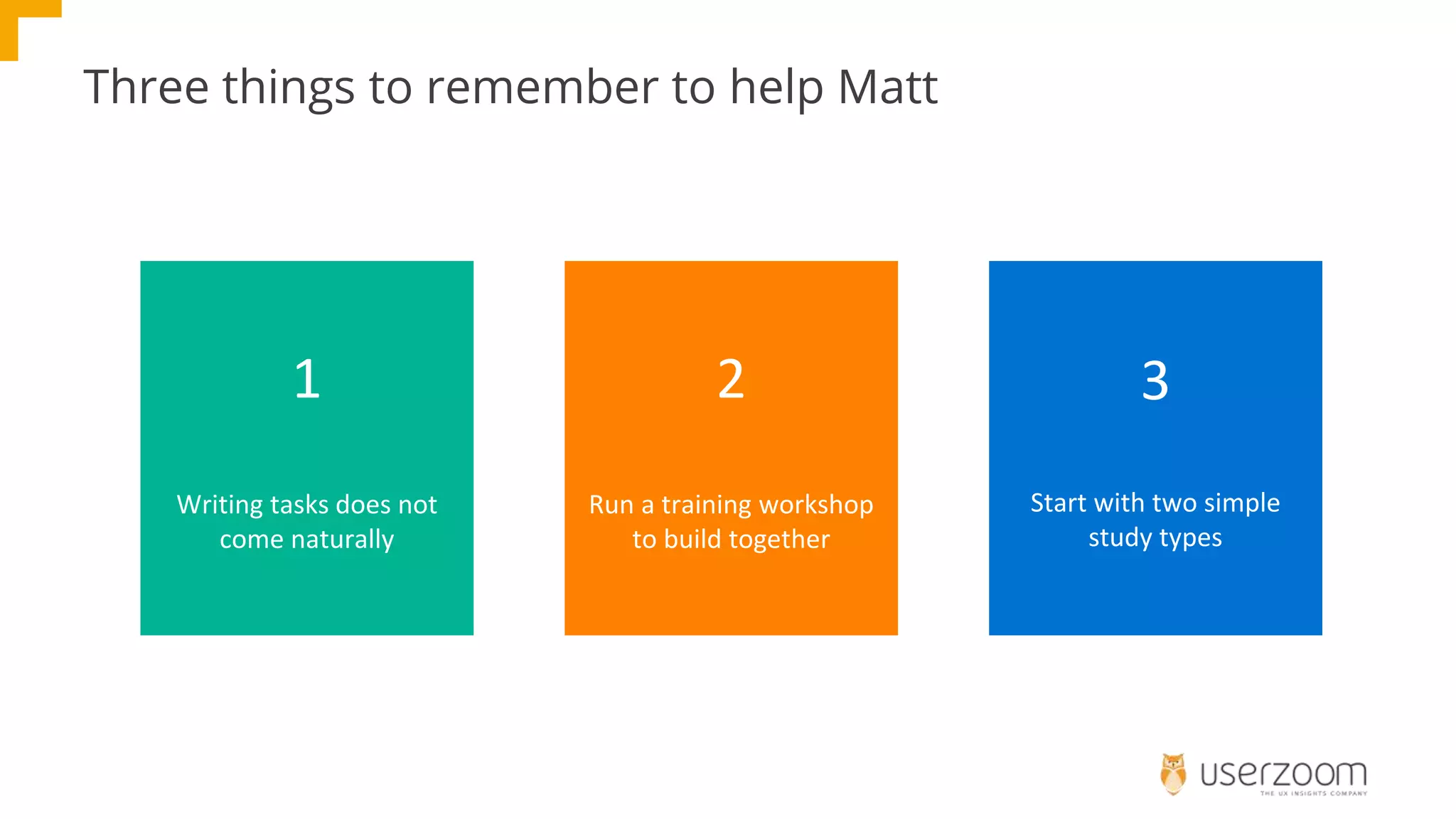
Three things to remember to help Matt
1
Writing tasks does not
come naturally
2
Run a training workshop
to build together
3
Start with two simple
study types
Questions?

How to Help Newbies Run UX Tests

  • 1.
    How to helpnewbies run UX tests
  • 2.
    Agenda Why listen? Newbie Mistakes Howto avoid them Q&A 1 2 3 4 Lee Duddell UX Director, UserZoom
  • 3.
    Why listen? Researchers How totrain non-researchers Everyone else Common mistakes to avoid
  • 4.
  • 5.
    Meet Matt, he’snew to UX testing He’s motivated to test because he wants to delete design debate!
  • 6.
    In this Sprinthe’s working on the voucher code journey
  • 7.
    He starts buildinghis study in UserZoom
  • 8.
    1. He buildsa screener
  • 9.
    2. Here’s thefirst screen that participants see...
  • 10.
    3. He addsa scenario It’s Friday morning and you’re at work in a swanky office in Soho. The team you’re in have been working very hard and you want to reward them, there are 5 of them, with lunch. You’ve asked them and they all fancy Sushi, but you need it delivered by 12:30 (it’s 10:30 now). One of them is vegan, another milk intolerant. So you search Google for “Central London Sushi Delivery”. You’re at checkout and want to use a voucher code you found online.
  • 11.
    4. Asks peopleto compare two designs Which design do you prefer? vs
  • 12.
    5. He wantsfeedback on an Invision prototype
  • 13.
    Five mistakes 1. Easyto guess screeners 2. No scenario 3. Too much scenario 4. Asking about design (rather than observing behaviour) 5. Tasks, that aren’t
  • 14.
    What have yourMatts done?
  • 15.
    How do wehelp Matt?
  • 16.
    Three ways tohelp Matt 1 Training Workshop 2 Encourage teamwork 3 Make a guardrail
  • 17.
    Training Workshop (3hours, up to 12 people) 1. Internal Case Study 2. Testing process = Question > Build > Test > Launch > Results 3. Map research questions to example studies 4. Build a simple design test + critique it 5. Build a think out loud test + critique it Helps Matt see the importance of good study design
  • 18.
    TRAINING EXAMPLE MAPPINGQUESTIONS Early stage designs and concepts Your Design Questions ● How can I improve this new page design? ● What is most/least appealing/important on this page? ● Is the messaging clear? ● What are users' first impressions? ● What's missing from the new design? ● What do users expect will happen next? ● Where do they click or tap, and why? Run a Click Test
  • 19.
  • 20.
  • 21.
    2. Encourage Teamwork 1.Set time in Sprint for team to agree research questions 2. Peer review of studies pre-launch to test questions 3. Lean on researchers to help/advise
  • 22.
    3. Guardrail 1. Startwith image-based studies + think out loud 2. Setup “approved” screeners 3. Use study templates and question/task banks 4. UserZoom Academy...
  • 23.
  • 24.
    Three things toremember to help Matt 1 Writing tasks does not come naturally 2 Run a training workshop to build together 3 Start with two simple study types
  • 25.