ENG 101Finding SourcesDanielle Carlockd.carlock@sccmail.maricopa.edu(480) 425-6765
TODAY’S OBJECTIVEBy the end of today’s session you will be able to:Find sources for your paperWHERE TO   SEARCH?
USING LIBRARY DATABASESA specialized search engine accessed through the library webpageContains newspaper, magazine, and journal articlesMost of this content not available openly through a web search (i.e. googling)
SUGGESTED DATABASESAcademic Search PremierAcademic One FileOpposing ViewpointsCQ Researcher
PLAY TIME! Spend ten minutes “playing” with the databaseDo a search on your topicSee what comes up, see how the database worksJot down any questions you have; after the ten minutes we will discuss
DATABASE SEARCHING TIP #1Take time to construct a search strategy.
Search Strategies (cont’d)The words you type into the database should be “essential concepts” related to your topic:Usually verbs or nounsThey describe your topic Example Topic : Is global warming causing extreme weather across the globe?What are the ESSENTIAL CONCEPTS in this topic??????
DATABASE SEARCHING TIP #2Talk to the database the way it’s used to
AND A command you give to the database
It is put between the essential concepts in the search
Ex: global warming AND extreme weather
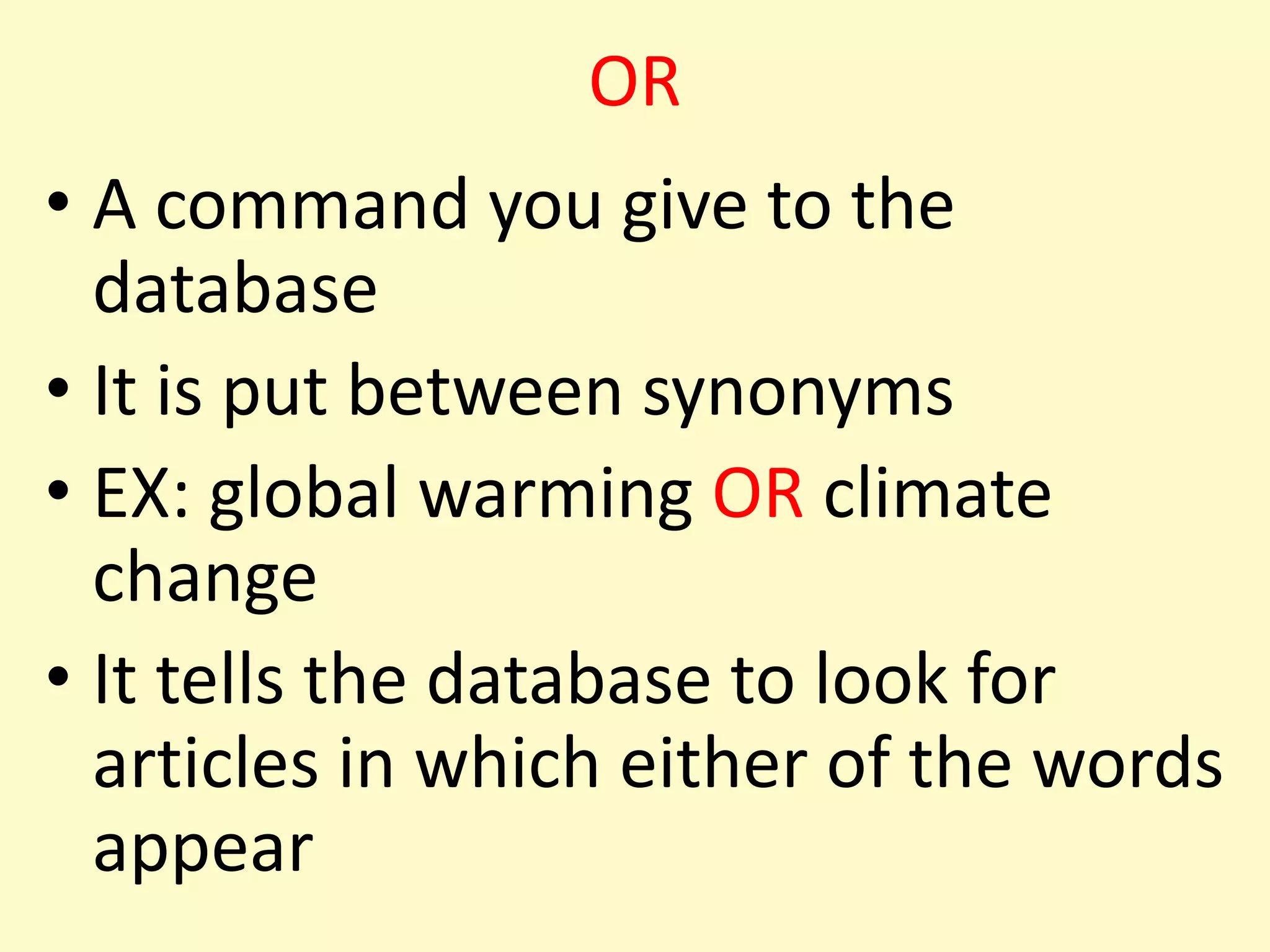
It tells the database to find articles which include both of these termsDATABASE SEARCHING TIP #3 The English language is rich; build synonyms into your searchORA command you give to the databaseIt is put between synonyms EX: global warming OR climate changeIt tells the database to look for articles in which either of the words appear
DATABASE SEARCHING TIP #4Create a comprehensive search statement that includes AND and OR.
DATABASE SEARCHING TIP #5Use the full text limit (doesn’t apply to Opposing Viewpoints and CQ Researcher)
DATABASE SEARCHING TIP #6If you get too many hits, limit your search to just the words in the title.
DATABASE SEARCHING TIP #7Explore and use the many database features available to youEmail, save or print articles How to cite
DATABASE SEARCHING TIP #8When you run into trouble or have questions use us!In person @ the reference deskCall usUse 24/7 chatText us Contact me directly
ENG 101

ENG 101

  • 1.
    ENG 101Finding SourcesDanielleCarlockd.carlock@sccmail.maricopa.edu(480) 425-6765
  • 2.
    TODAY’S OBJECTIVEBy theend of today’s session you will be able to:Find sources for your paperWHERE TO SEARCH?
  • 3.
    USING LIBRARY DATABASESAspecialized search engine accessed through the library webpageContains newspaper, magazine, and journal articlesMost of this content not available openly through a web search (i.e. googling)
  • 4.
    SUGGESTED DATABASESAcademic SearchPremierAcademic One FileOpposing ViewpointsCQ Researcher
  • 5.
    PLAY TIME! Spendten minutes “playing” with the databaseDo a search on your topicSee what comes up, see how the database worksJot down any questions you have; after the ten minutes we will discuss
  • 6.
    DATABASE SEARCHING TIP#1Take time to construct a search strategy.
  • 7.
    Search Strategies (cont’d)Thewords you type into the database should be “essential concepts” related to your topic:Usually verbs or nounsThey describe your topic Example Topic : Is global warming causing extreme weather across the globe?What are the ESSENTIAL CONCEPTS in this topic??????
  • 8.
    DATABASE SEARCHING TIP#2Talk to the database the way it’s used to
  • 9.
    AND A commandyou give to the database
  • 10.
    It is putbetween the essential concepts in the search
  • 11.
    Ex: global warmingAND extreme weather
  • 12.
    It tells thedatabase to find articles which include both of these termsDATABASE SEARCHING TIP #3 The English language is rich; build synonyms into your searchORA command you give to the databaseIt is put between synonyms EX: global warming OR climate changeIt tells the database to look for articles in which either of the words appear
  • 13.
    DATABASE SEARCHING TIP#4Create a comprehensive search statement that includes AND and OR.
  • 14.
    DATABASE SEARCHING TIP#5Use the full text limit (doesn’t apply to Opposing Viewpoints and CQ Researcher)
  • 15.
    DATABASE SEARCHING TIP#6If you get too many hits, limit your search to just the words in the title.
  • 16.
    DATABASE SEARCHING TIP#7Explore and use the many database features available to youEmail, save or print articles How to cite
  • 17.
    DATABASE SEARCHING TIP#8When you run into trouble or have questions use us!In person @ the reference deskCall usUse 24/7 chatText us Contact me directly