LECTURE 4: PROCESSING AND
ADVANCED INTERFACES
COMP 4026 – Advanced HCI
Semester 5 - 2016
Mark Billinghurst
University of South Australia
August 18th 2016
RECAP
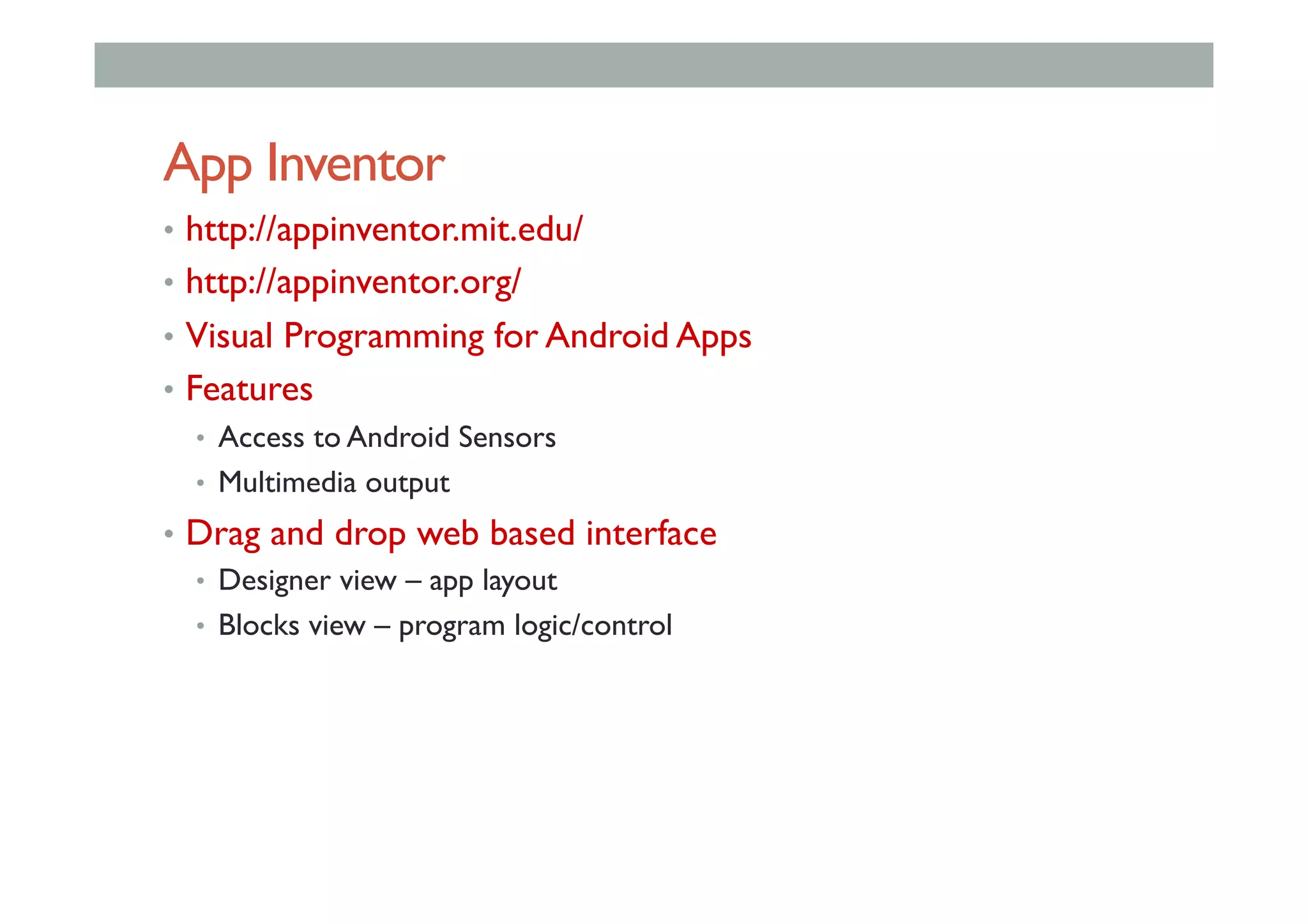
App Inventor
•  http://appinventor.mit.edu/
•  http://appinventor.org/
•  Visual Programming for Android Apps
•  Features
•  Access to Android Sensors
•  Multimedia output
•  Drag and drop web based interface
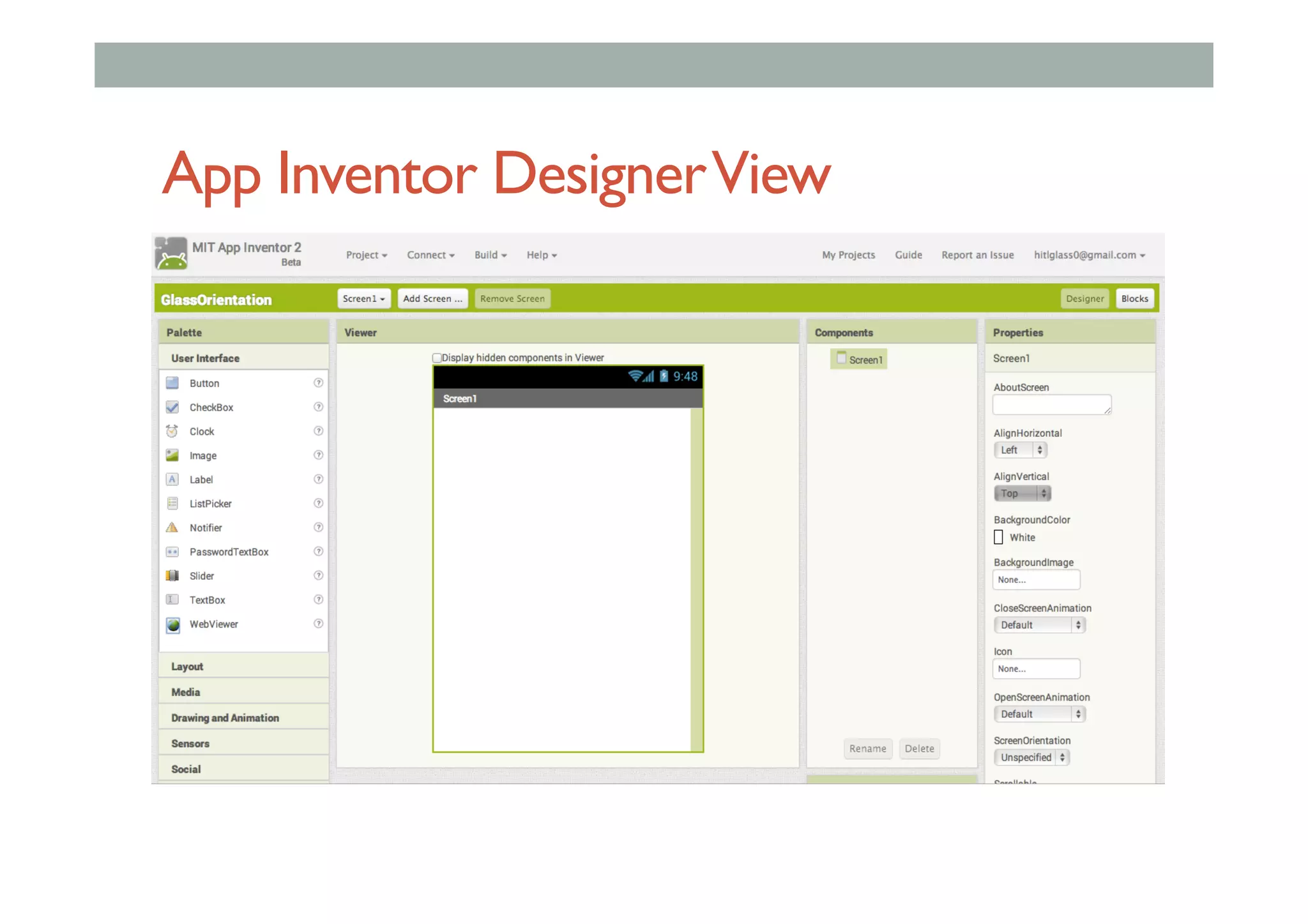
•  Designer view – app layout
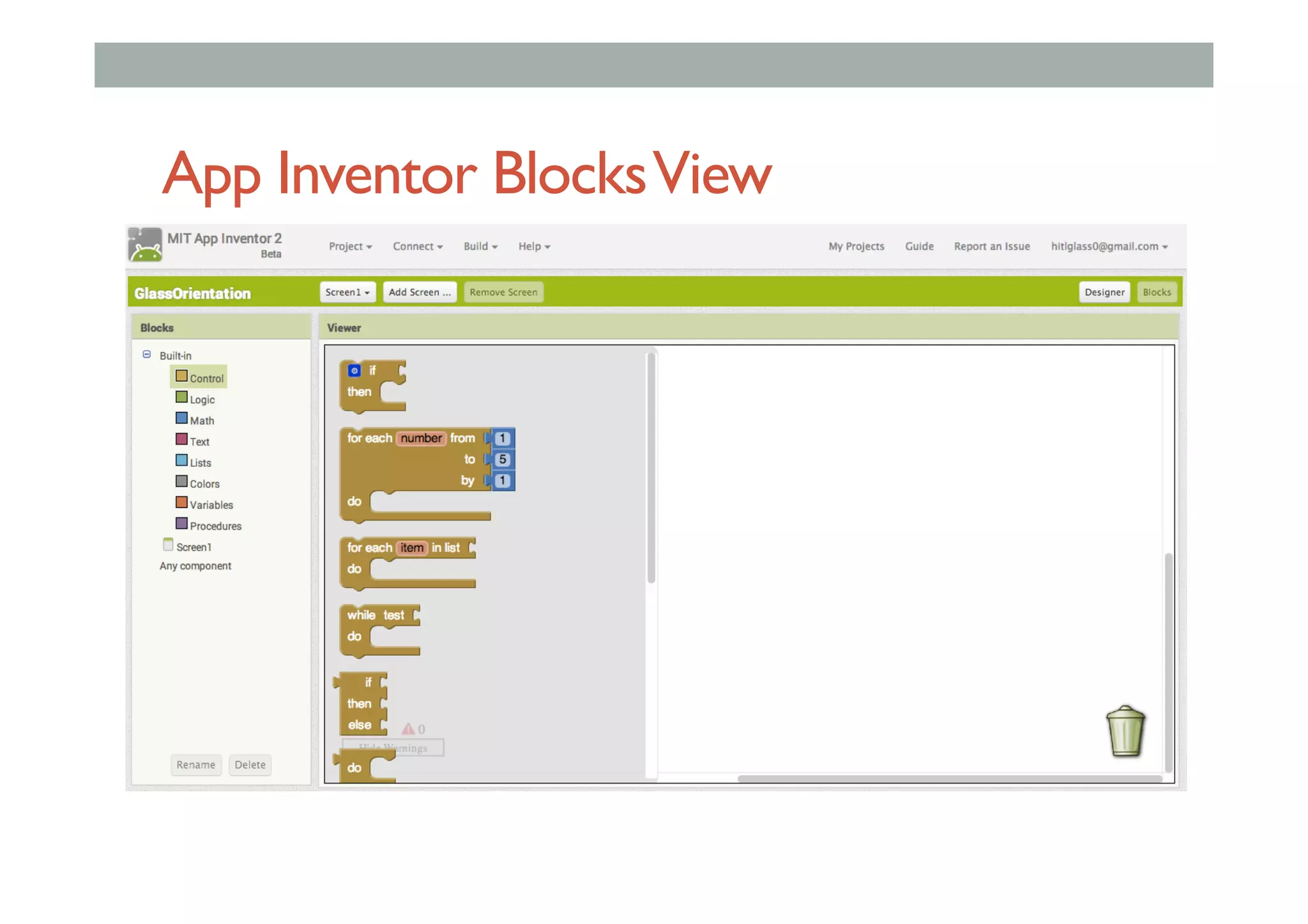
•  Blocks view – program logic/control
App Inventor DesignerView
App Inventor BlocksView
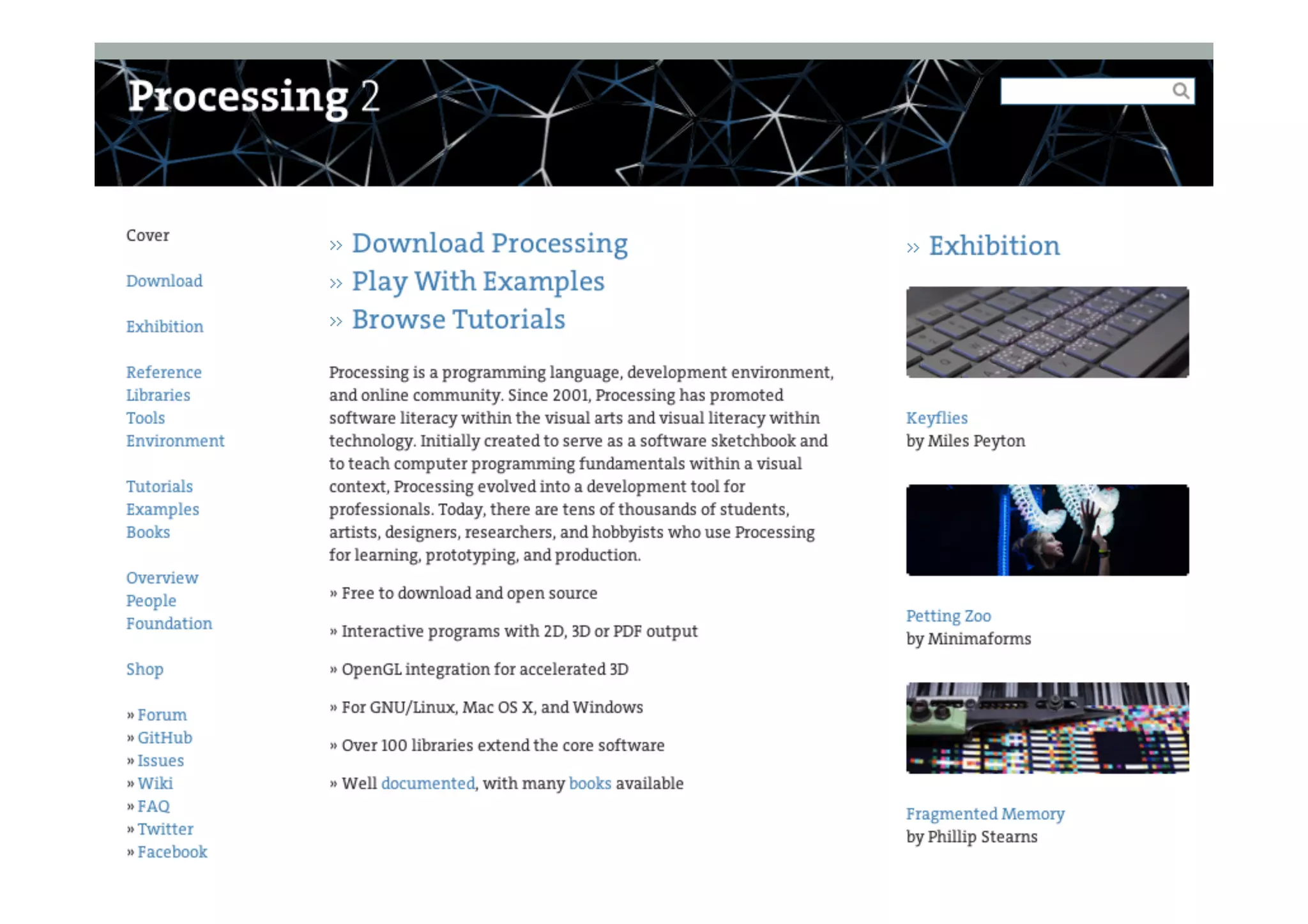
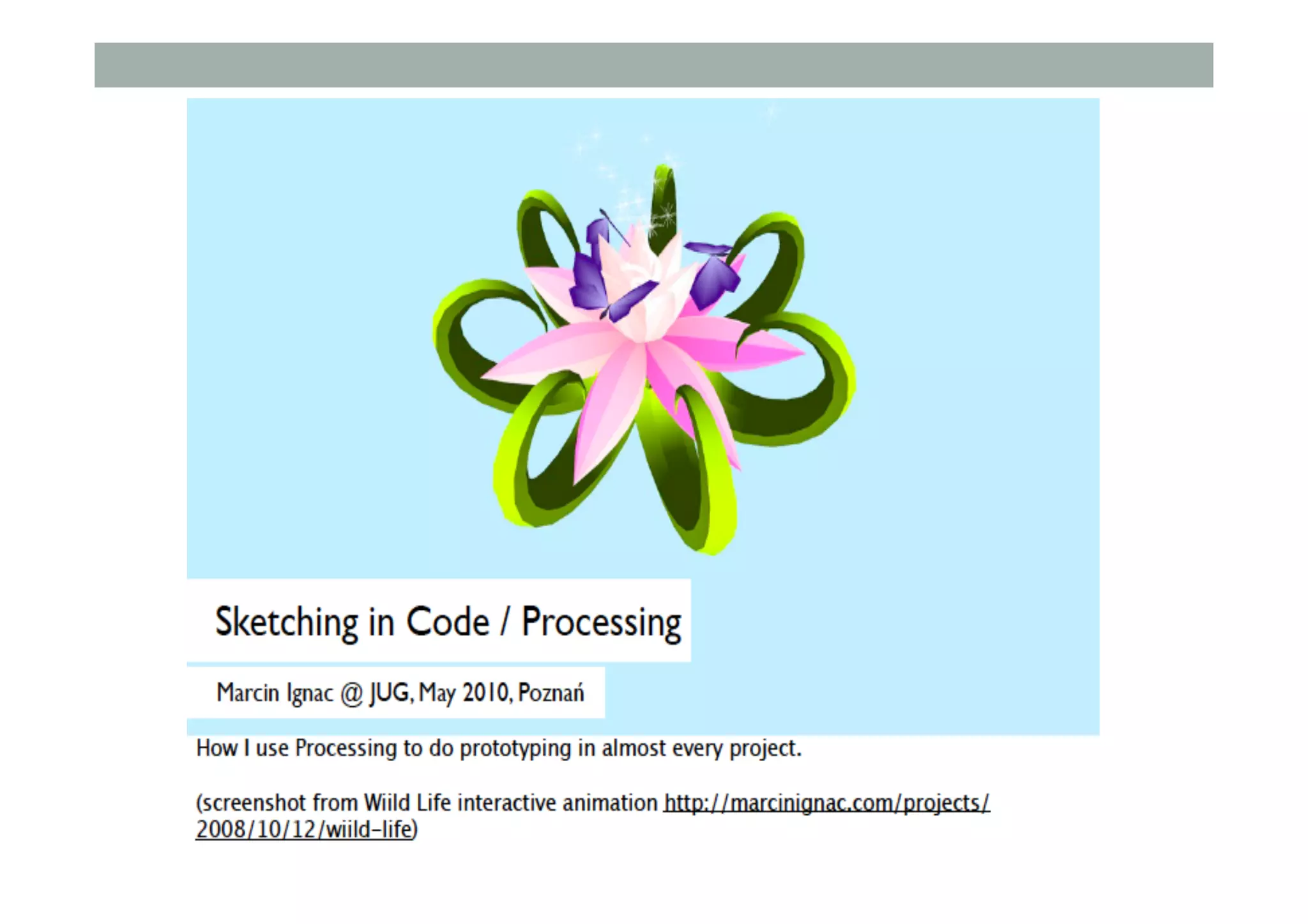
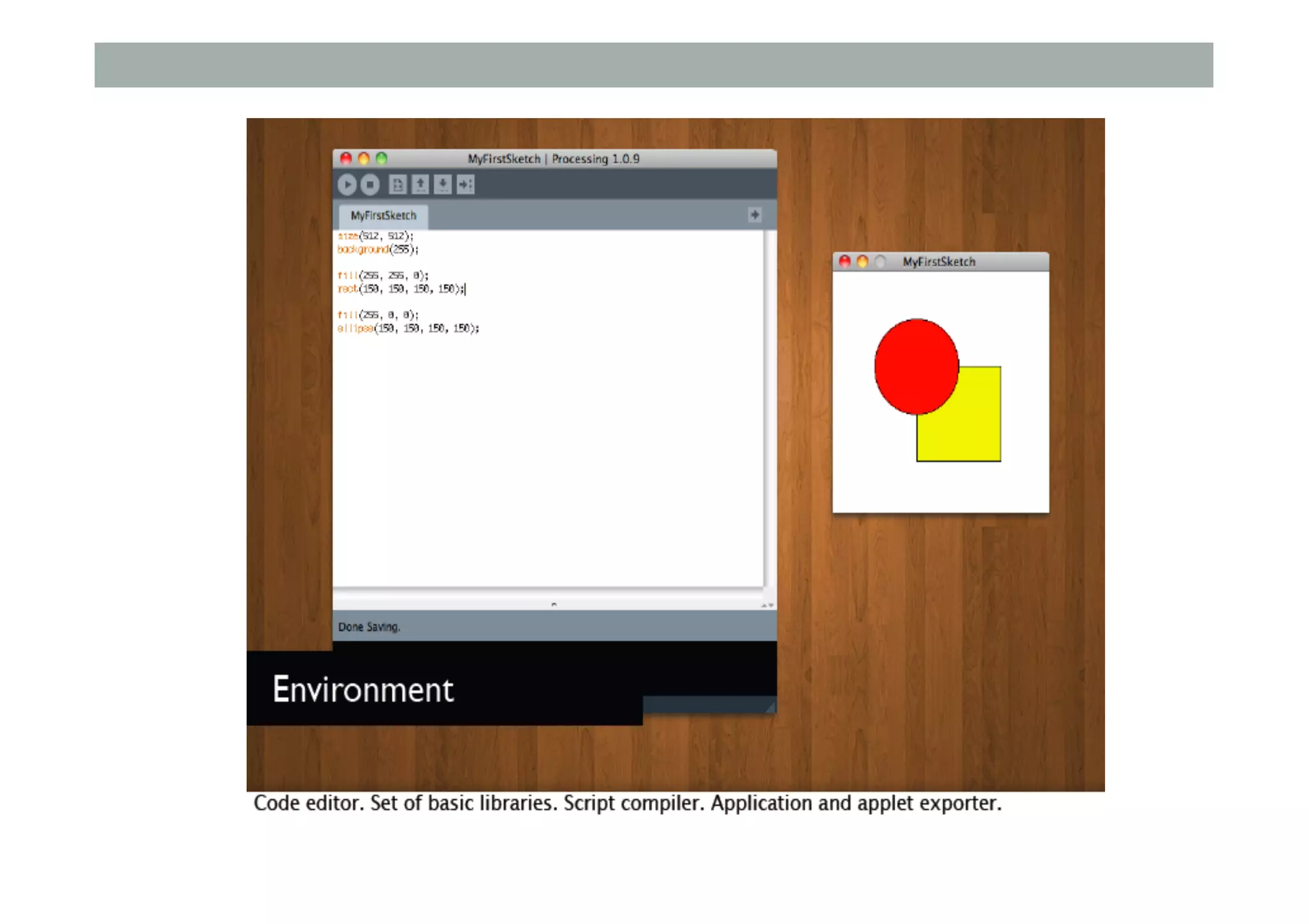
Interactive Coding - Processing
▪ Programming tool for Artists/Designers
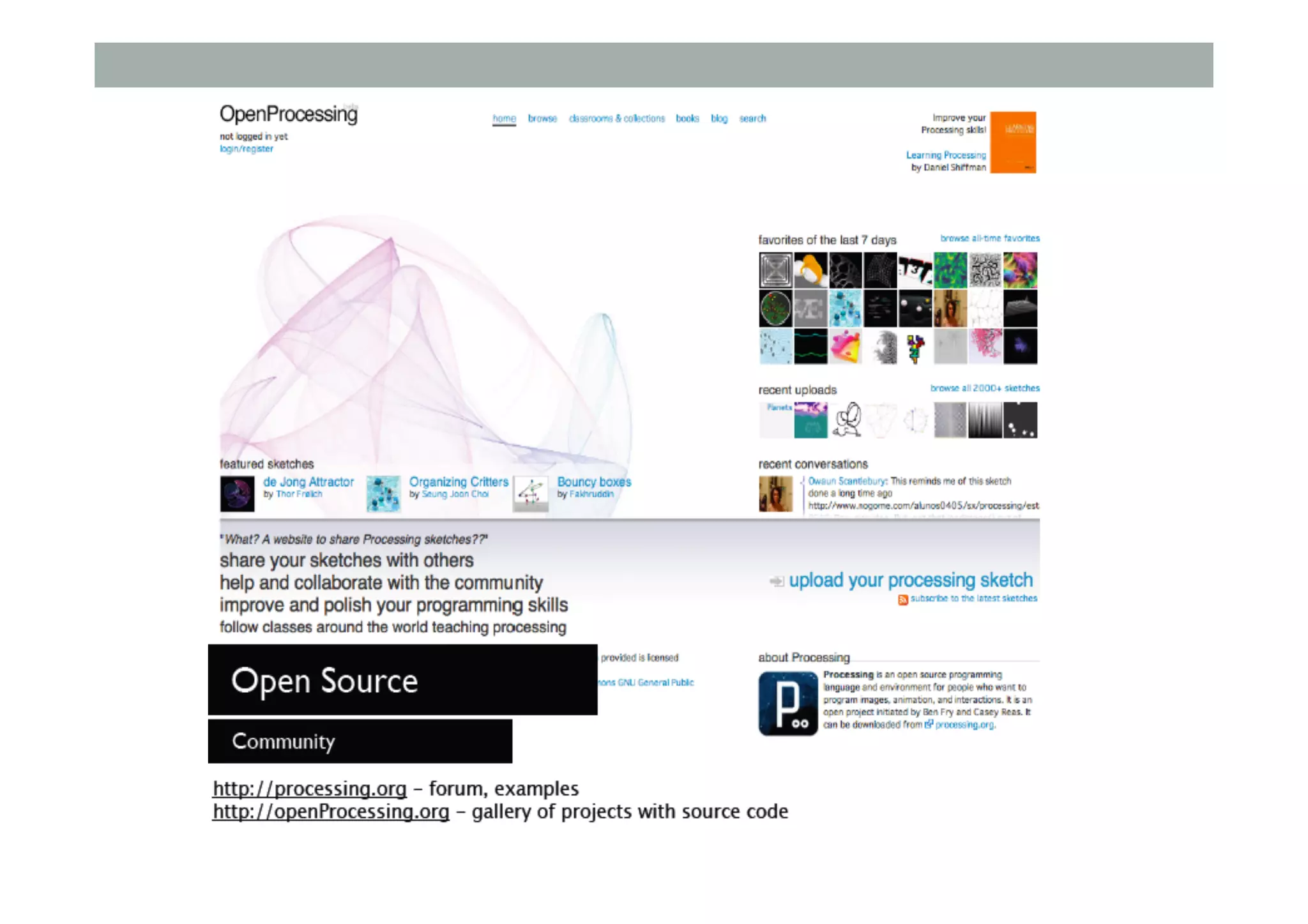
▪ http://processing.org
▪ Easy to code, Free, Open source, Java based
▪ 2D, 3D, audio/video support
▪ Processing For Android
▪ http://wiki.processing.org/w/Android
▪ Strong Android support, builds .apk file
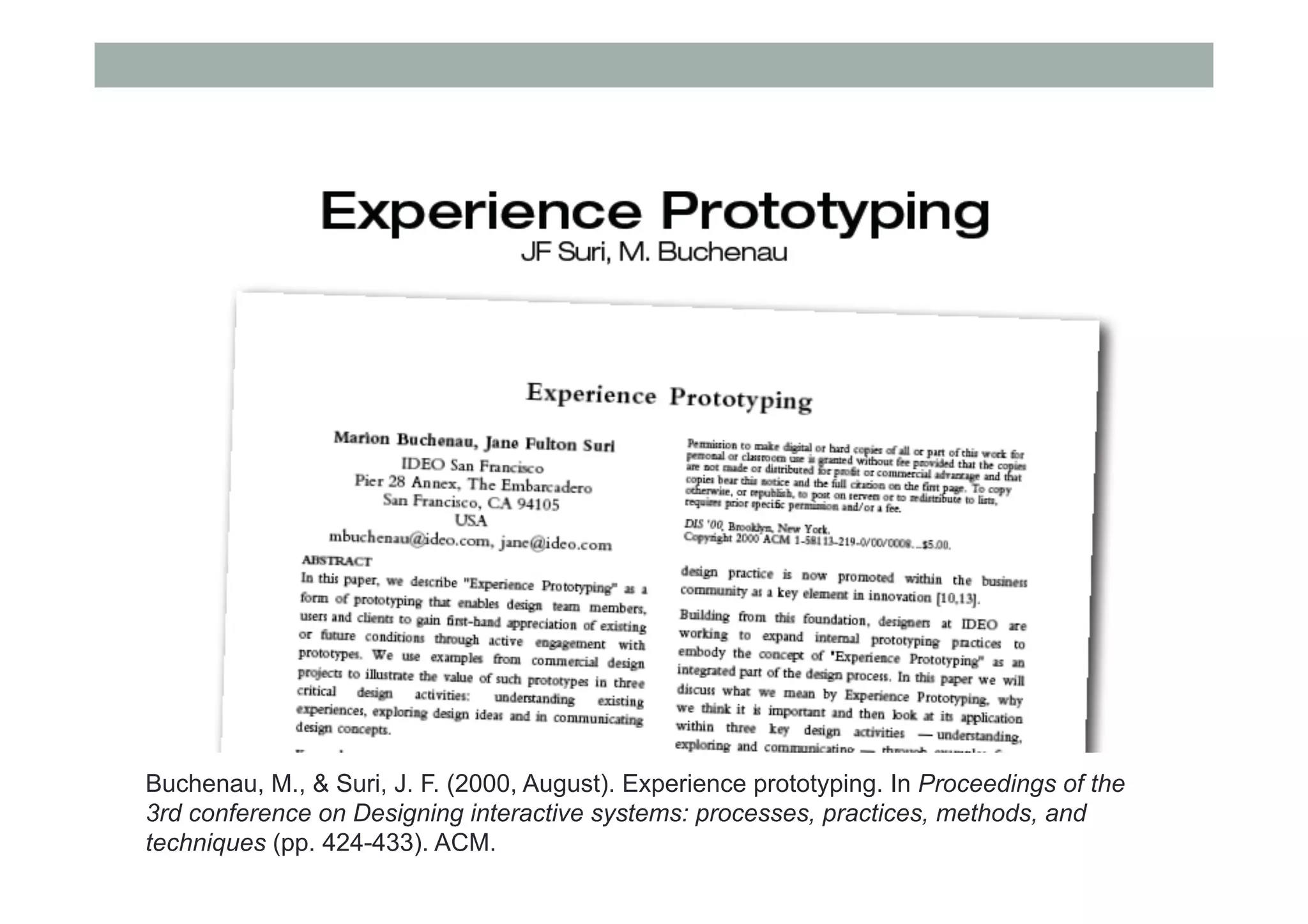
Buchenau, M., & Suri, J. F. (2000, August). Experience prototyping. In Proceedings of the
3rd conference on Designing interactive systems: processes, practices, methods, and
techniques (pp. 424-433). ACM.
Experience Prototyping
The experience of even simple artifacts does not exist in a
vacuum but, rather, in dynamic relationship with other
people, places and objects.
Additionally, the quality of people’s experience changes over
time as it is influenced by variations in these multiple
contextual factors.
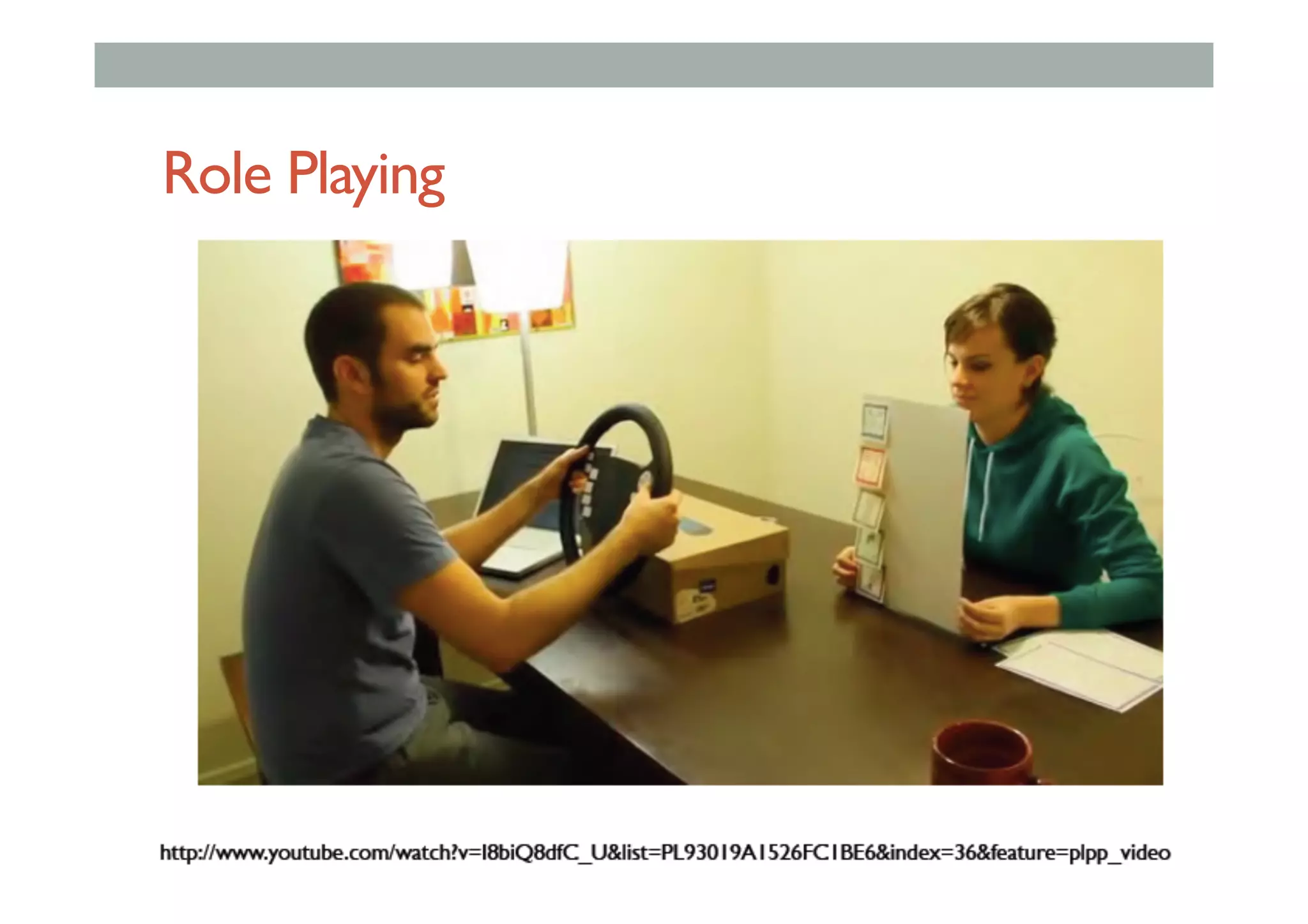
Role Playing
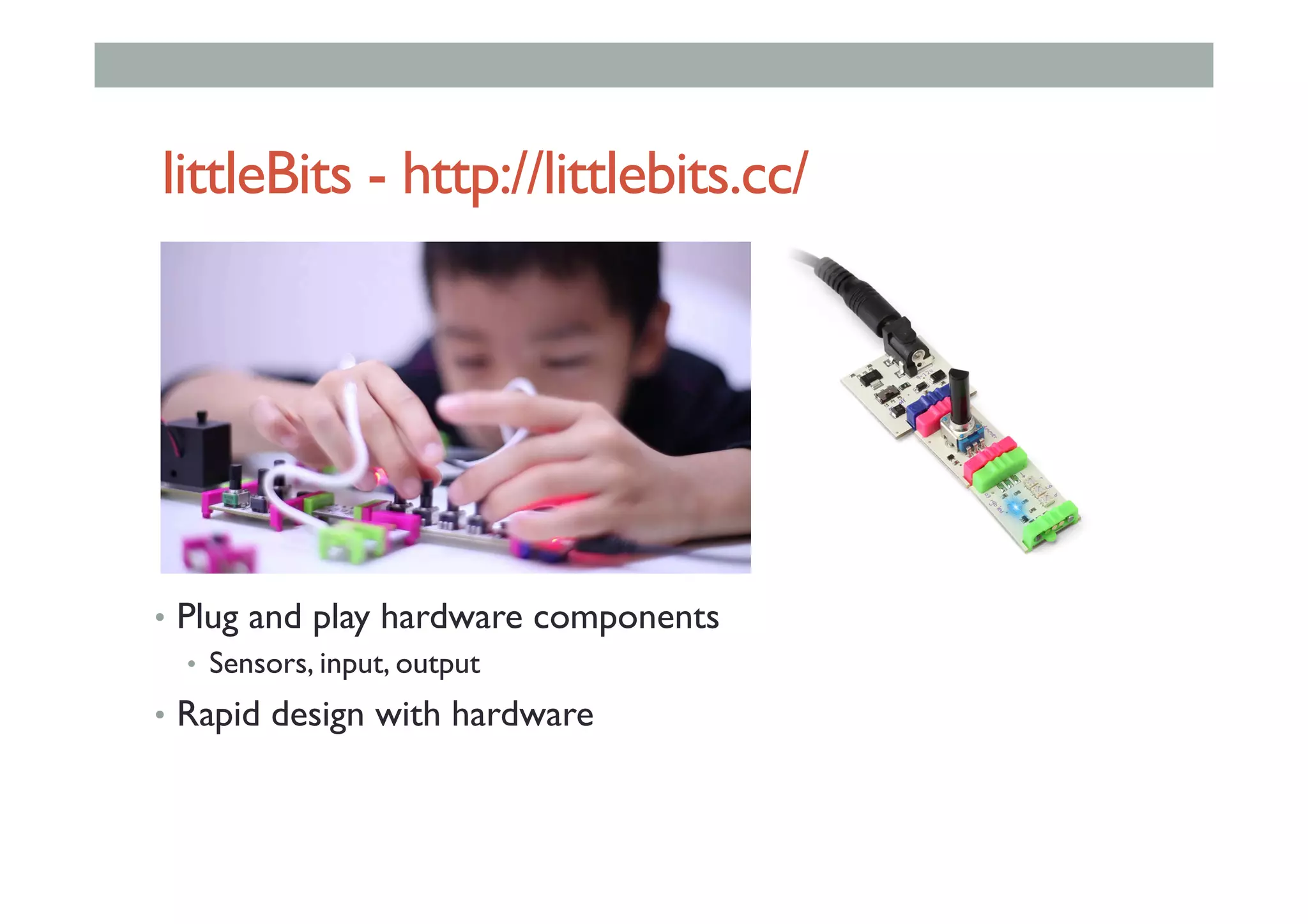
littleBits - http://littlebits.cc/
•  Plug and play hardware components
•  Sensors, input, output
•  Rapid design with hardware
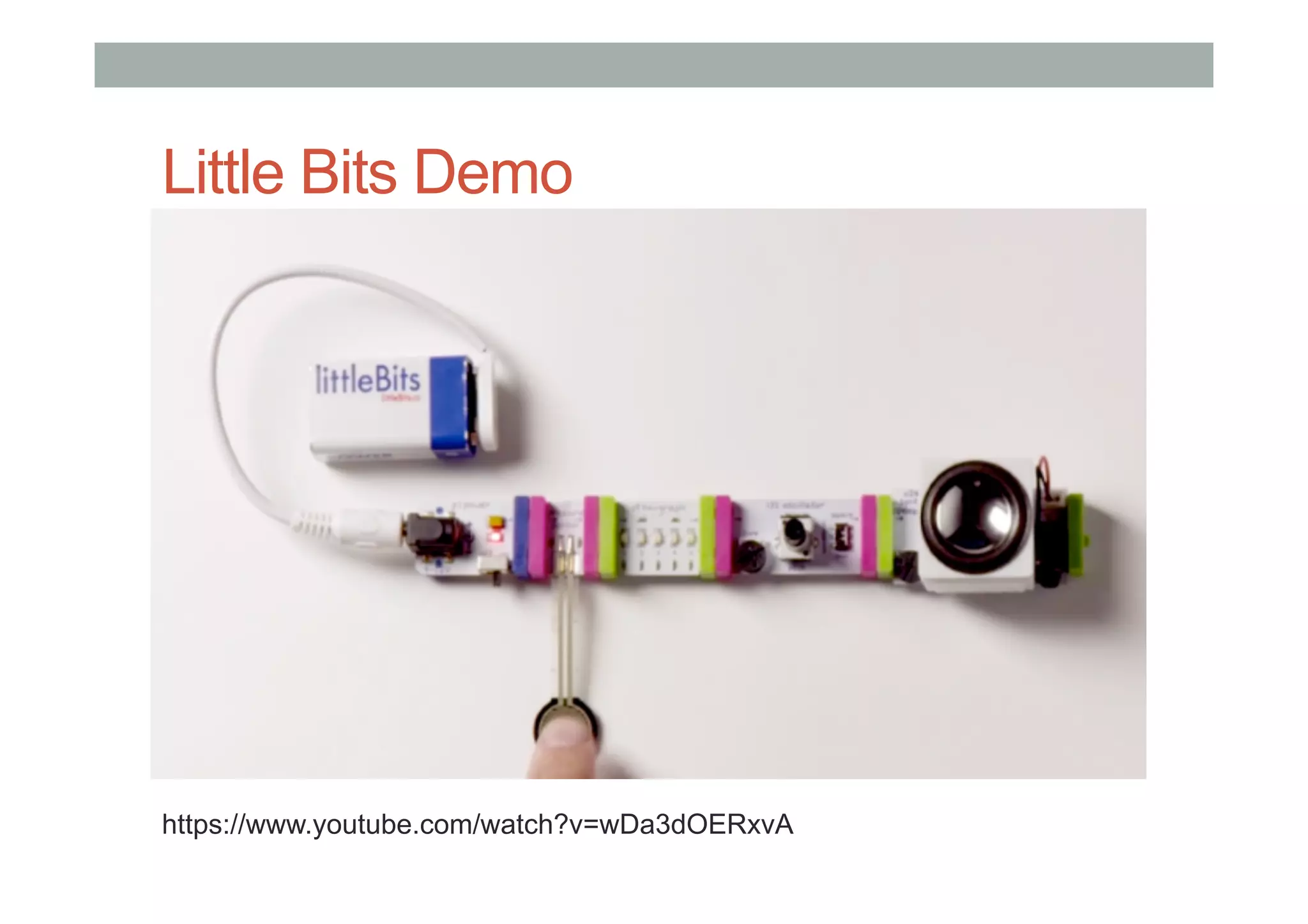
Little Bits Demo
https://www.youtube.com/watch?v=wDa3dOERxvA
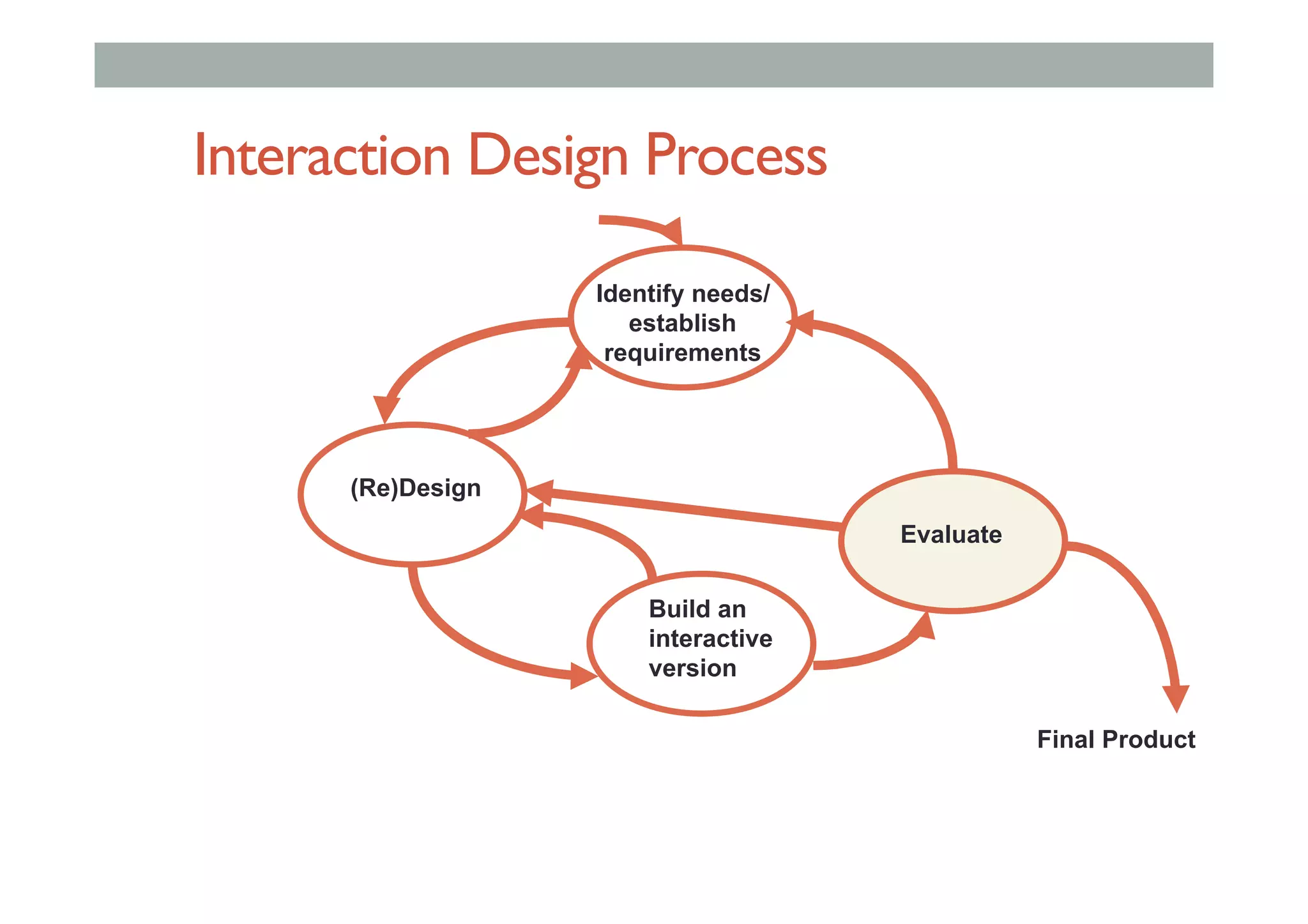
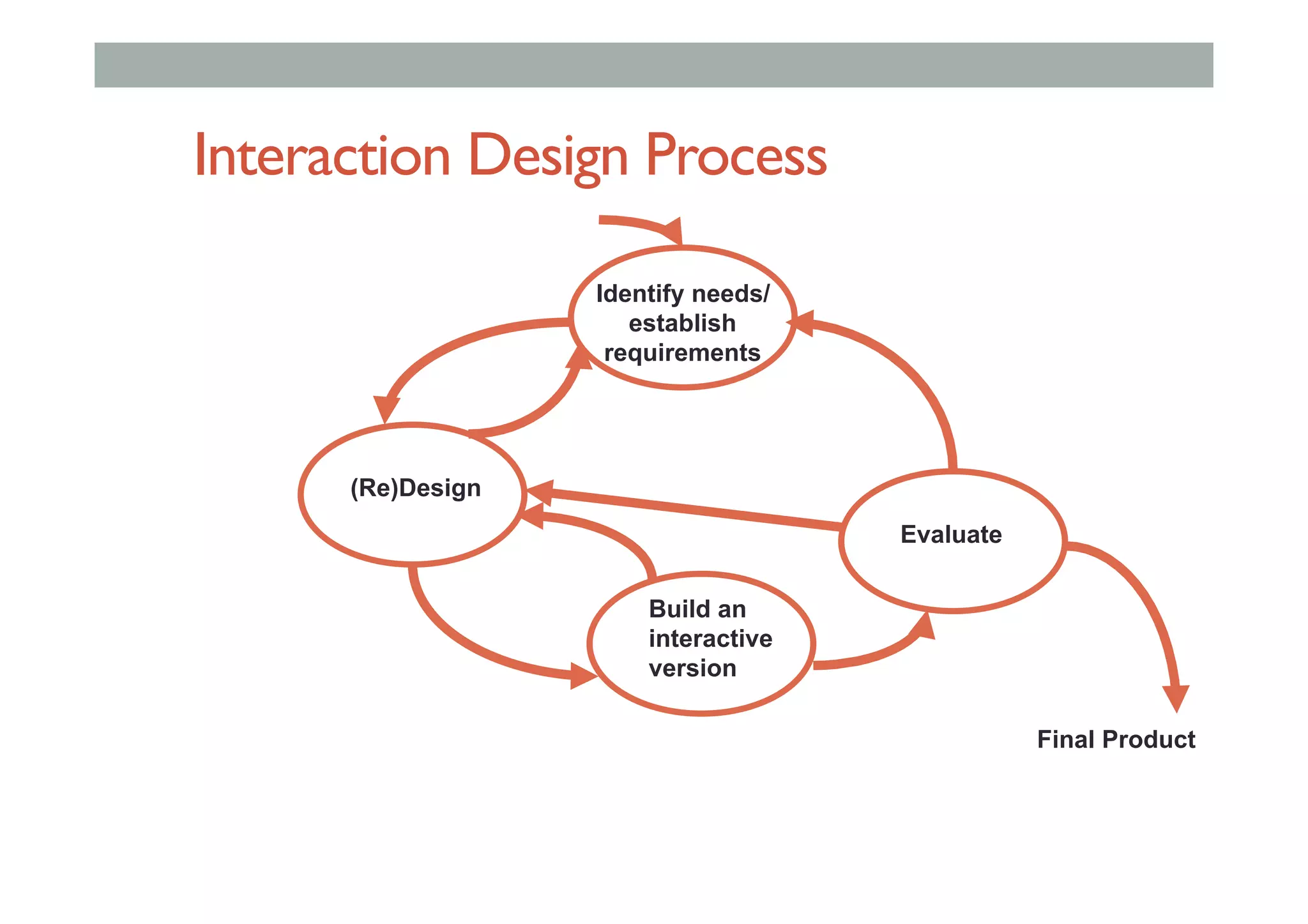
Interaction Design Process
Evaluate
(Re)Design
Identify needs/
establish
requirements
Build an
interactive
version
Final Product
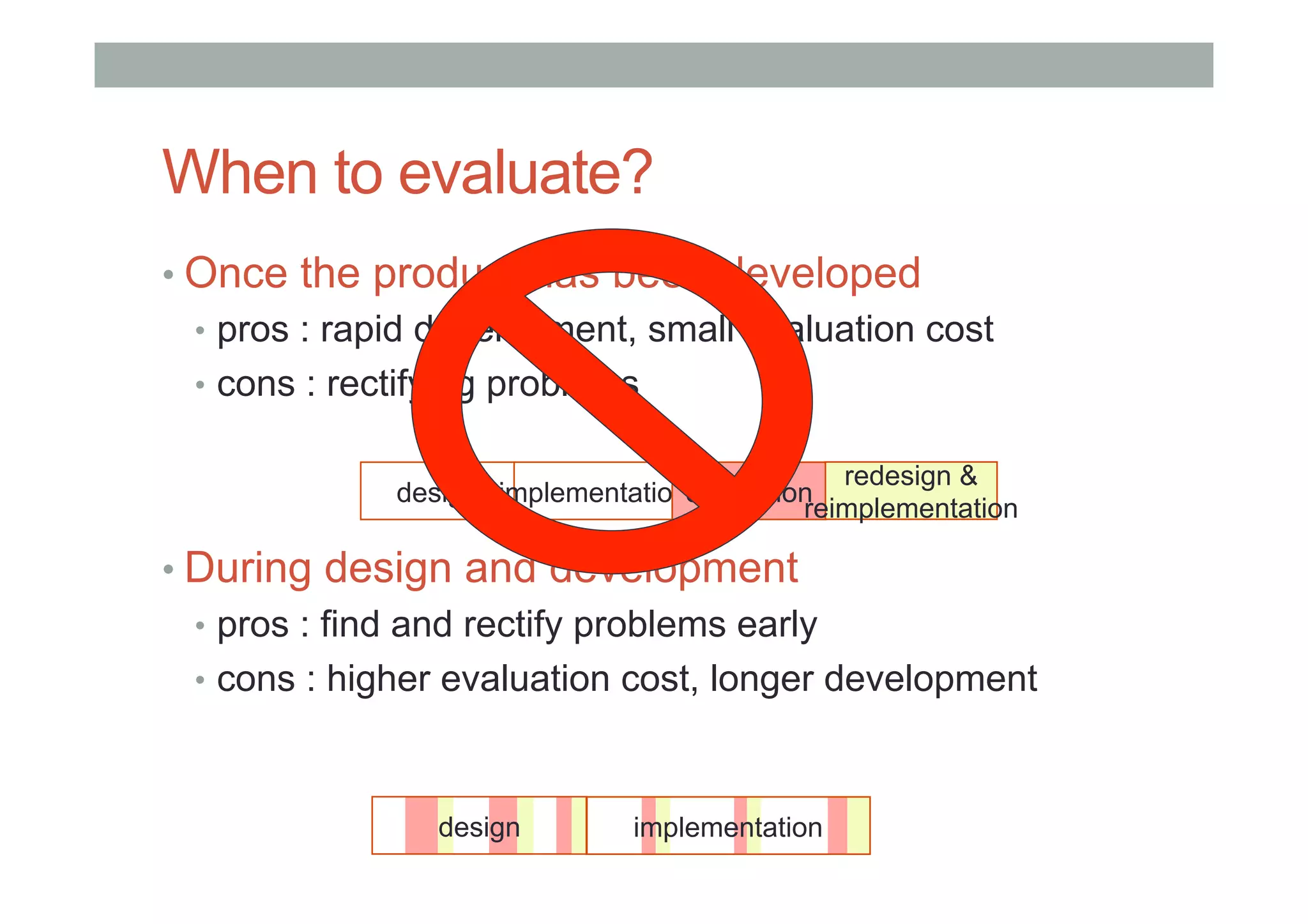
When to evaluate?
• Once the product has been developed
•  pros : rapid development, small evaluation cost
•  cons : rectifying problems
• During design and development
•  pros : find and rectify problems early
•  cons : higher evaluation cost, longer development
design implementationevaluation
redesign &
reimplementation
design implementation
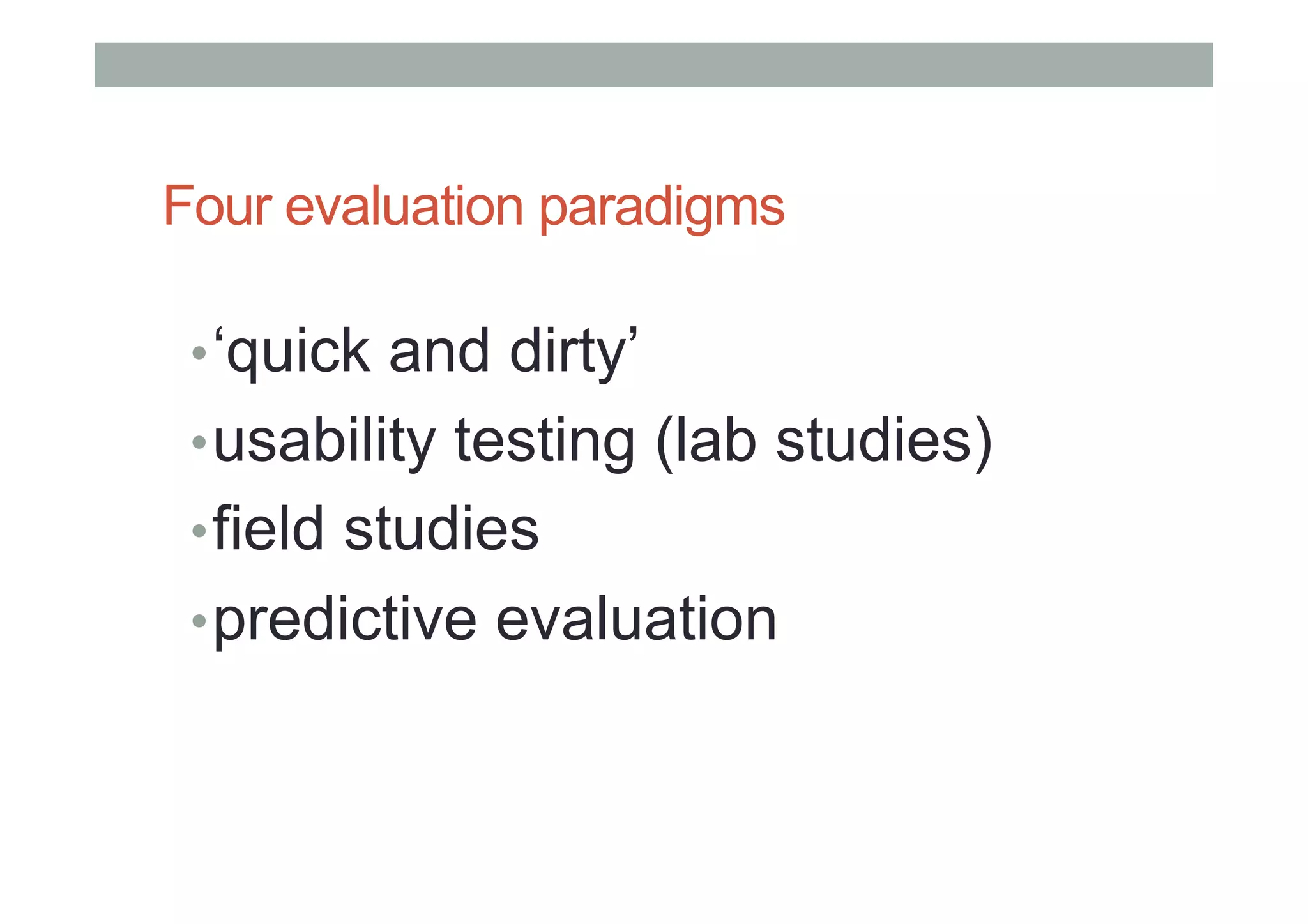
Four evaluation paradigms
• ‘quick and dirty’
• usability testing (lab studies)
• field studies
• predictive evaluation
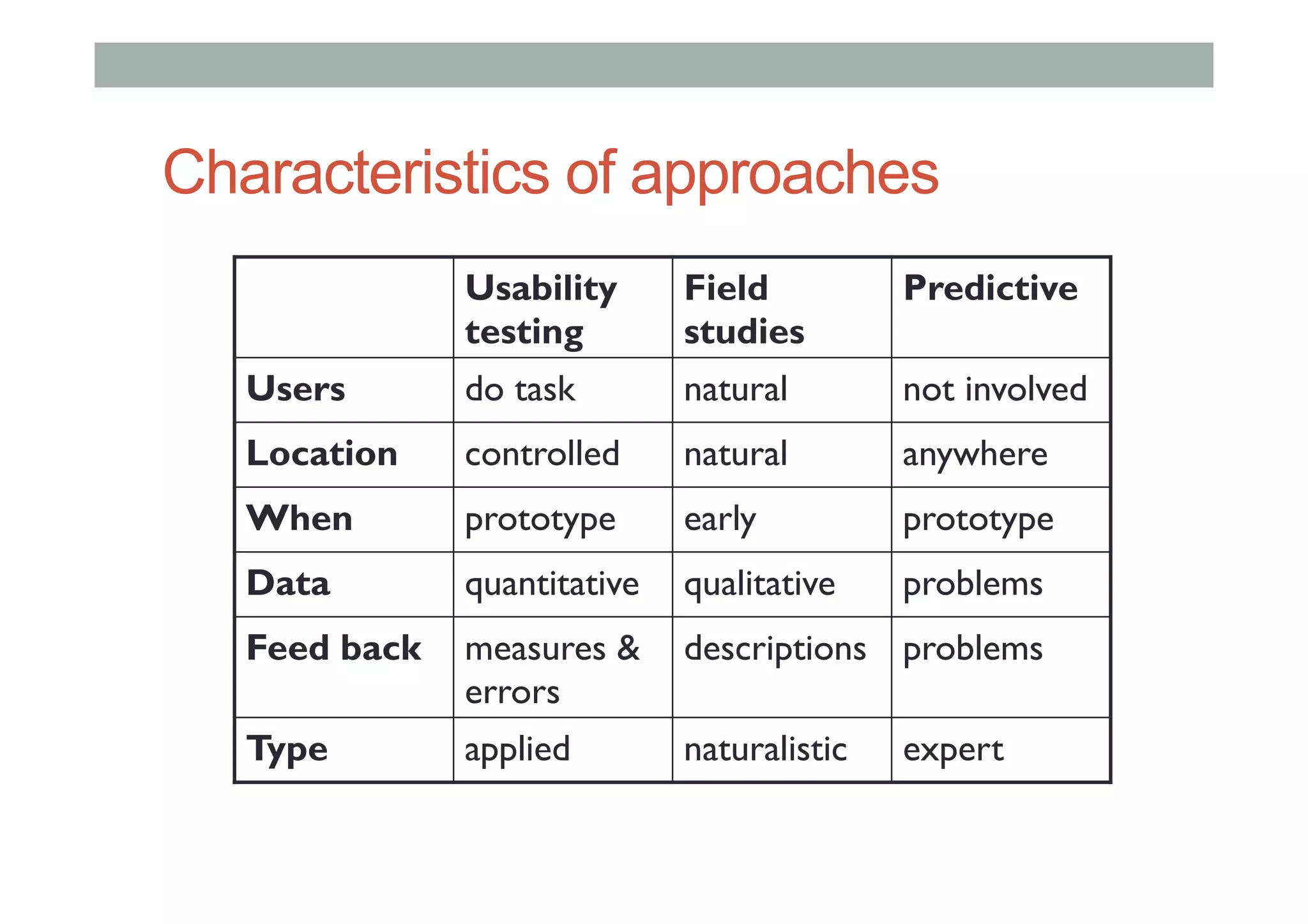
Characteristics of approaches
Usability
testing
Field
studies
Predictive
Users do task natural not involved
Location controlled natural anywhere
When prototype early prototype
Data quantitative qualitative problems
Feed back measures &
errors
descriptions problems
Type applied naturalistic expert
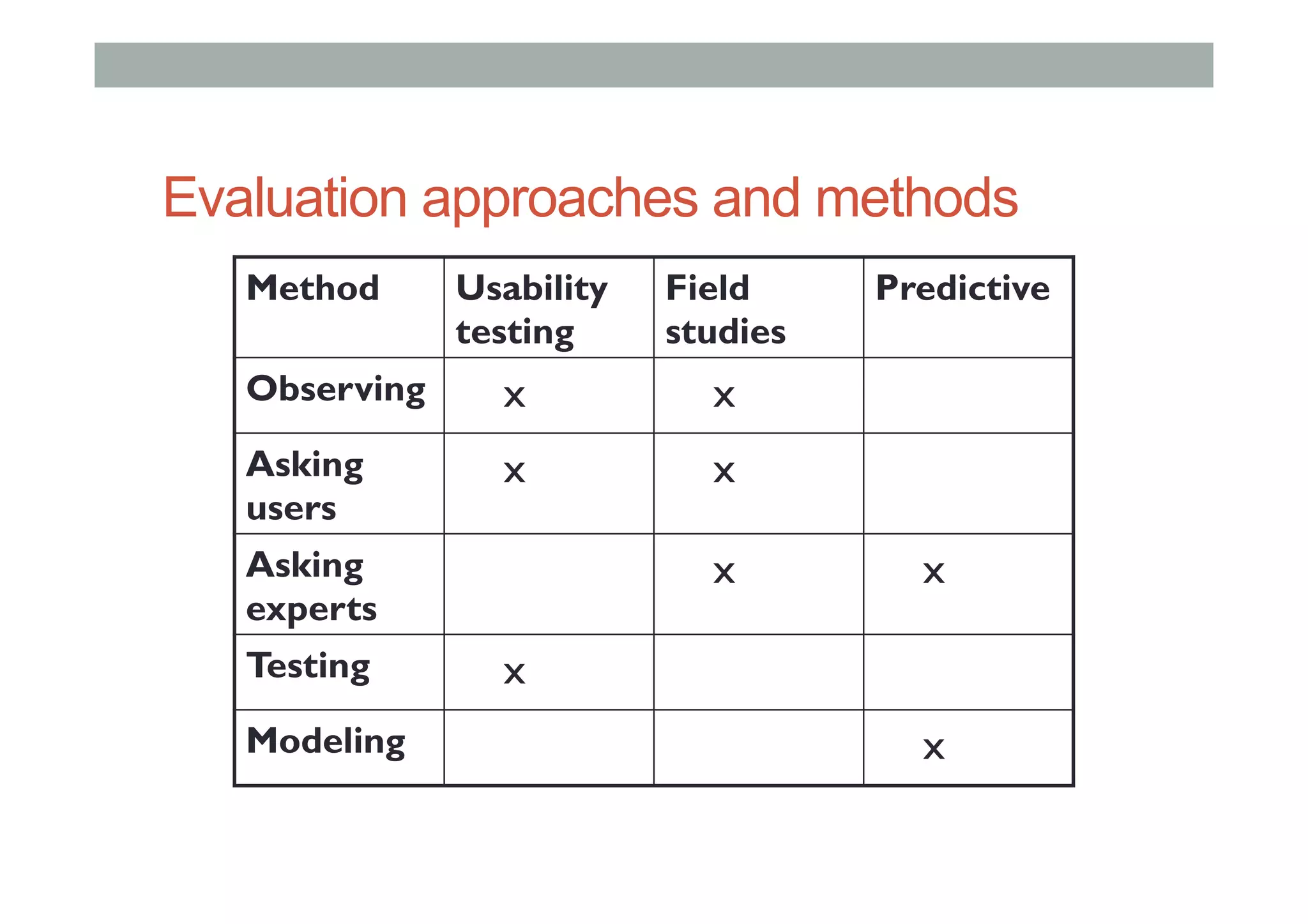
Evaluation approaches and methods
Method Usability
testing
Field
studies
Predictive
Observing x x
Asking
users
x x
Asking
experts
x x
Testing x
Modeling x
CASE STUDY
Interaction Design Process
Evaluate
(Re)Design
Identify needs/
establish
requirements
Build an
interactive
version
Final Product
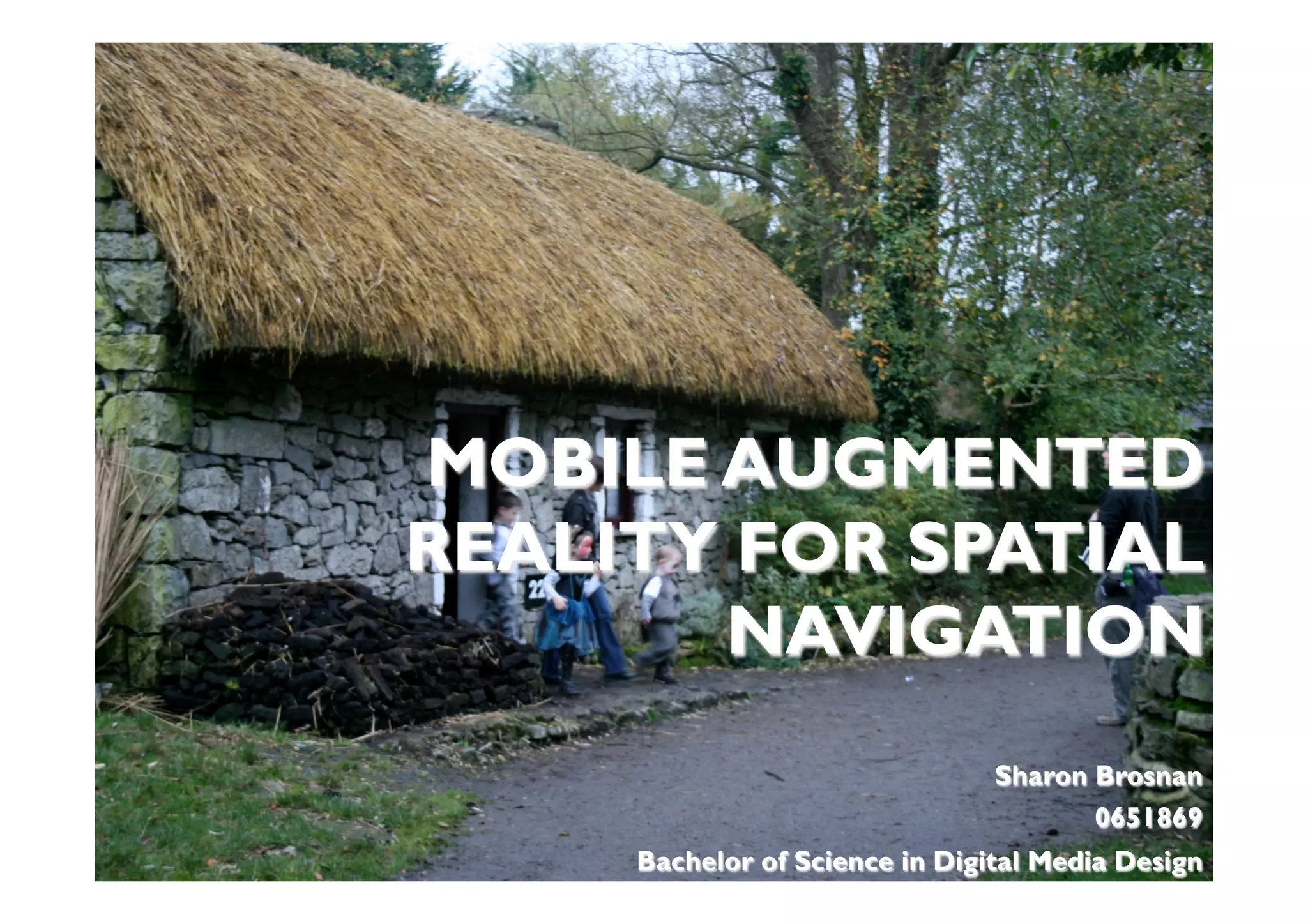
MOBILE AUGMENTED
REALITY FOR SPATIAL
NAVIGATION
Sharon Brosnan
0651869
Bachelor of Science in Digital Media Design
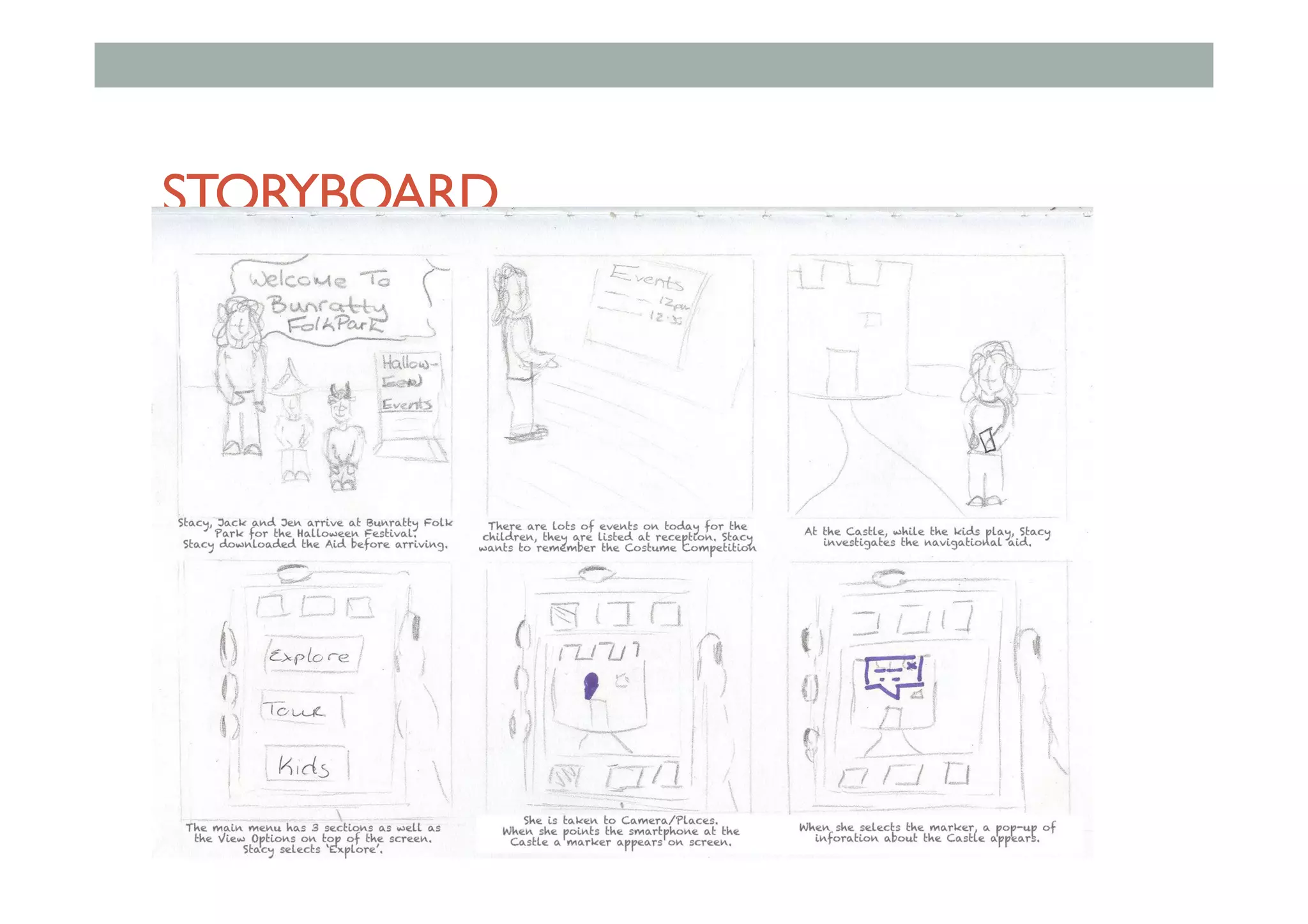
STORYBOARD
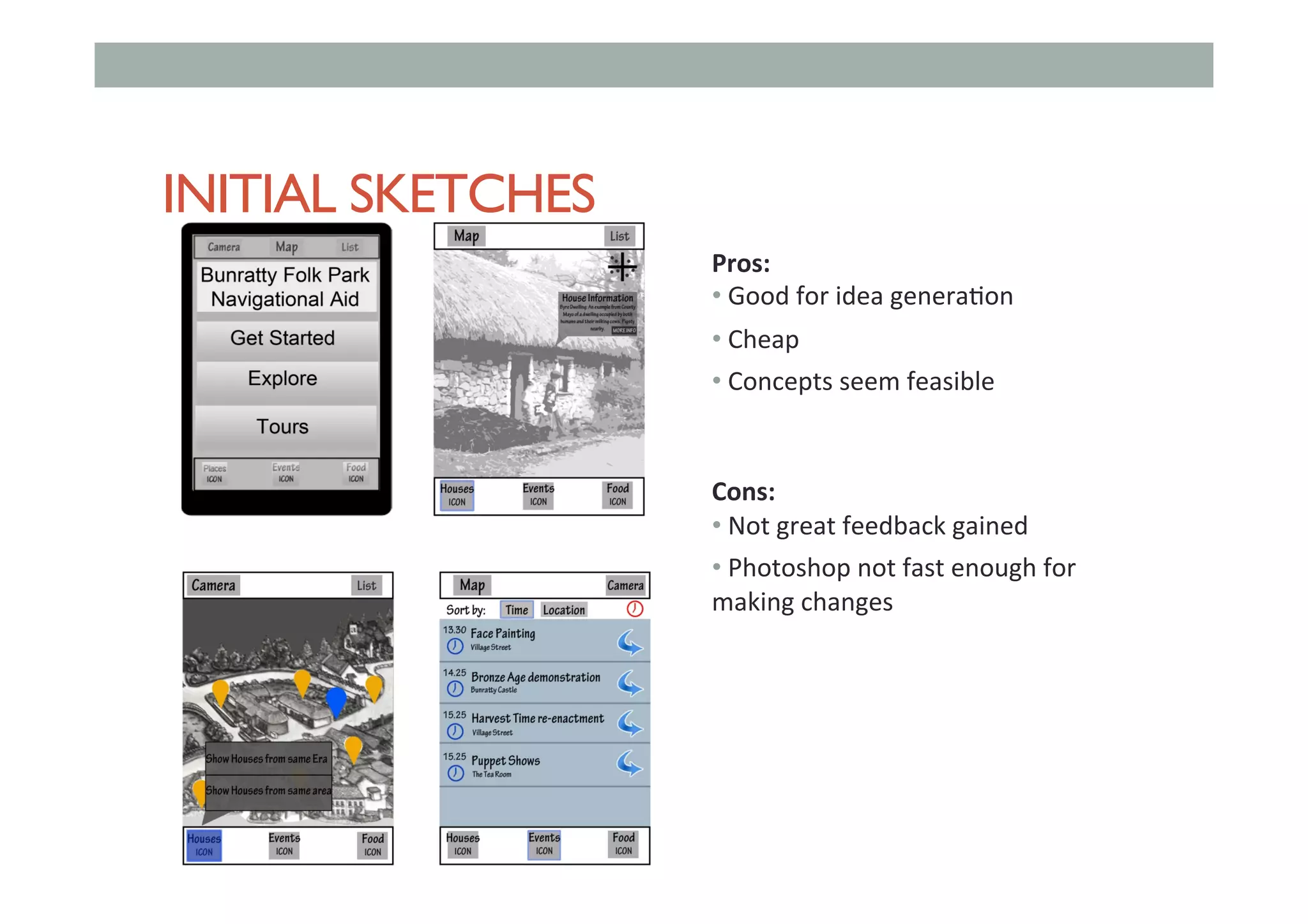
INITIAL SKETCHES
Pros:	
• 	Good	for	idea	genera,on	
• 	Cheap	
• 	Concepts	seem	feasible	
	
	
Cons:	
• 	Not	great	feedback	gained	
• 	Photoshop	not	fast	enough	for	
making	changes
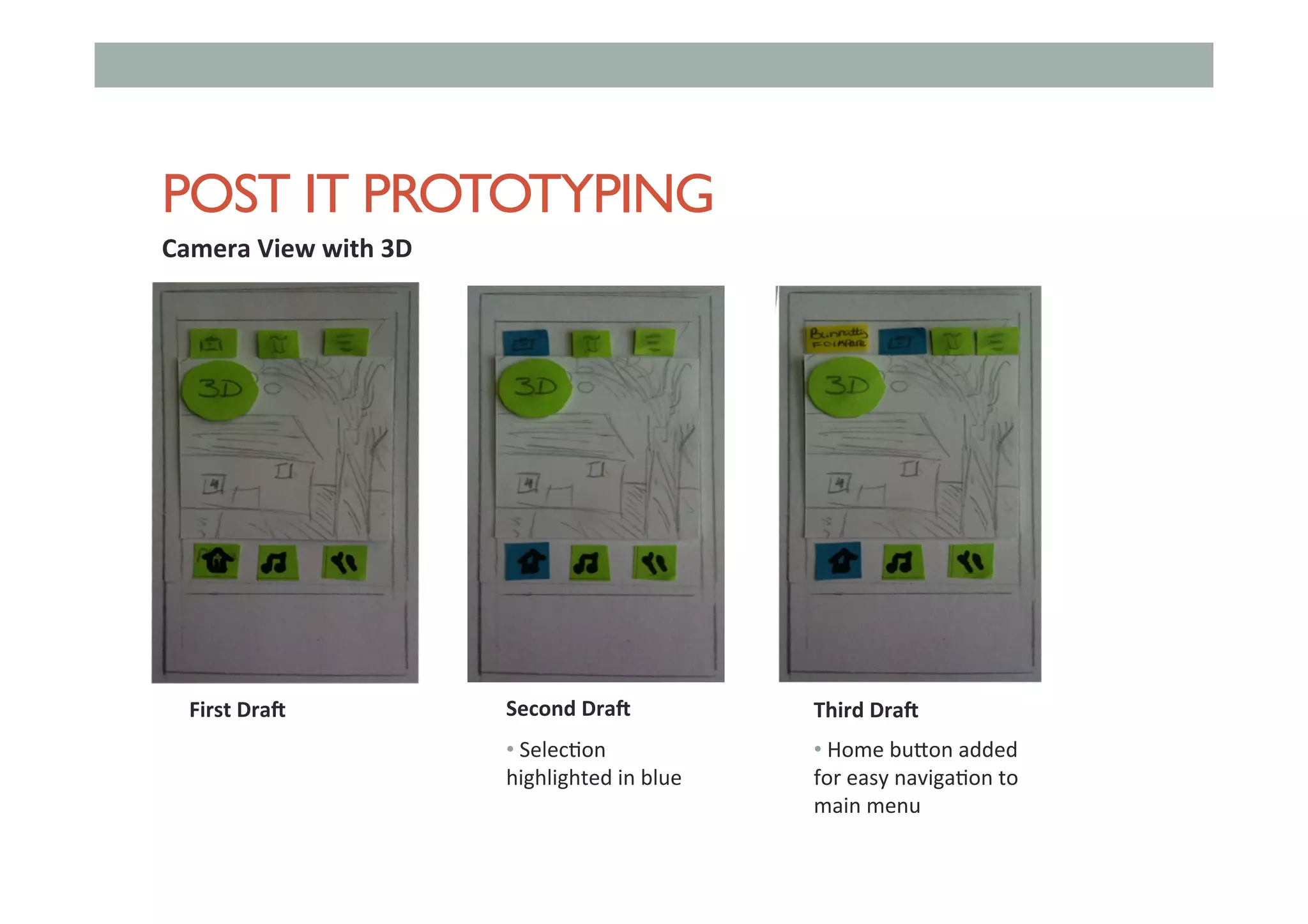
POST IT PROTOTYPING
First	Dra.	
Camera	View	with	3D	
Second	Dra.	 Third	Dra.	
• 	Selec,on	
highlighted	in	blue	
• 	Home	bu<on	added	
for	easy	naviga,on	to	
main	menu
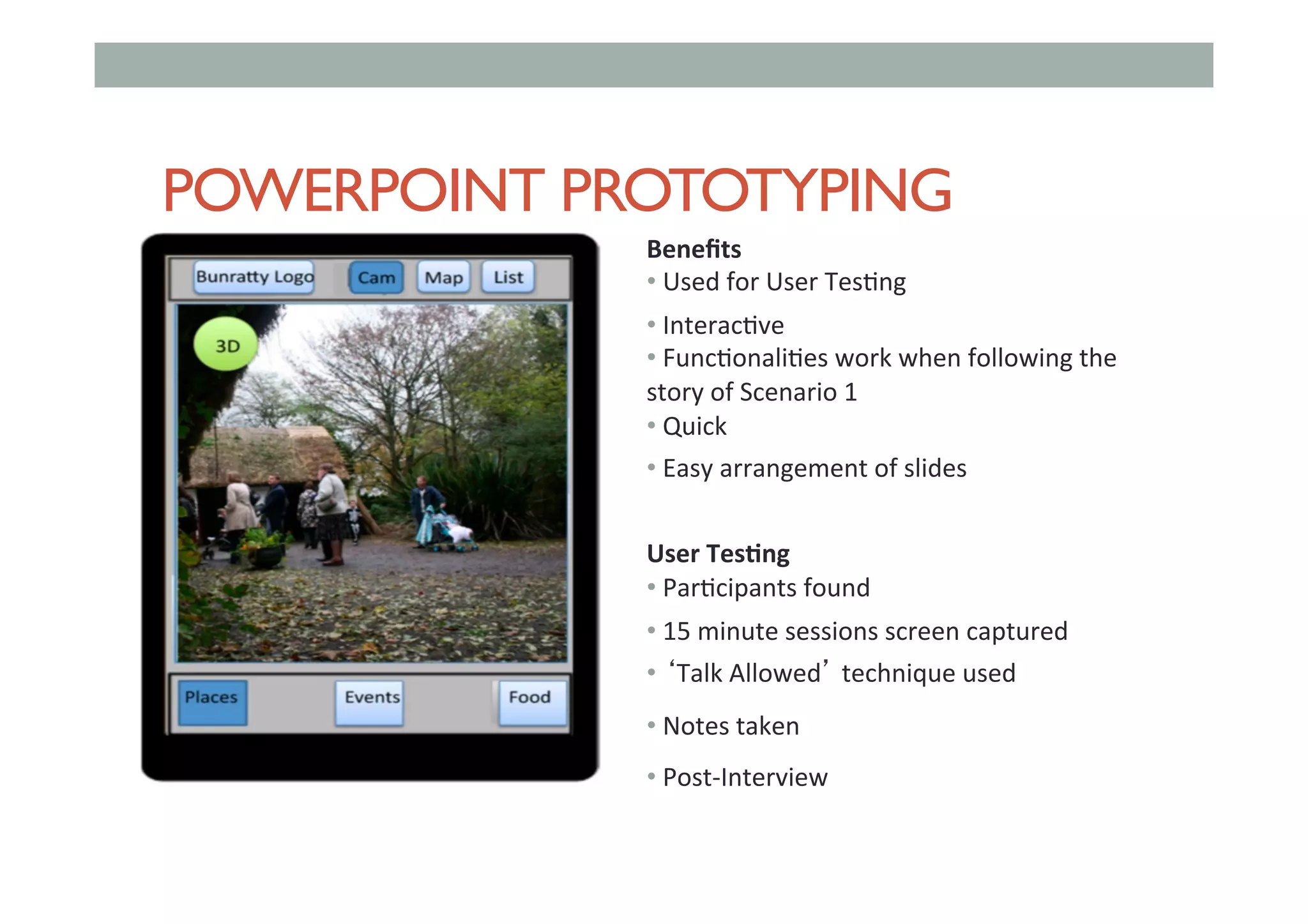
POWERPOINT PROTOTYPING
Benefits		
• 	Used	for	User	Tes,ng	
• 	Interac,ve	
• 	Func,onali,es	work	when	following	the	
story	of	Scenario	1	
• 	Quick	
• 	Easy	arrangement	of	slides	
	
User	Tes<ng	
• 	Par,cipants	found	
• 	15	minute	sessions	screen	captured	
• 	‘Talk	Allowed’	technique	used		
• 	Notes	taken	
• 	Post-Interview
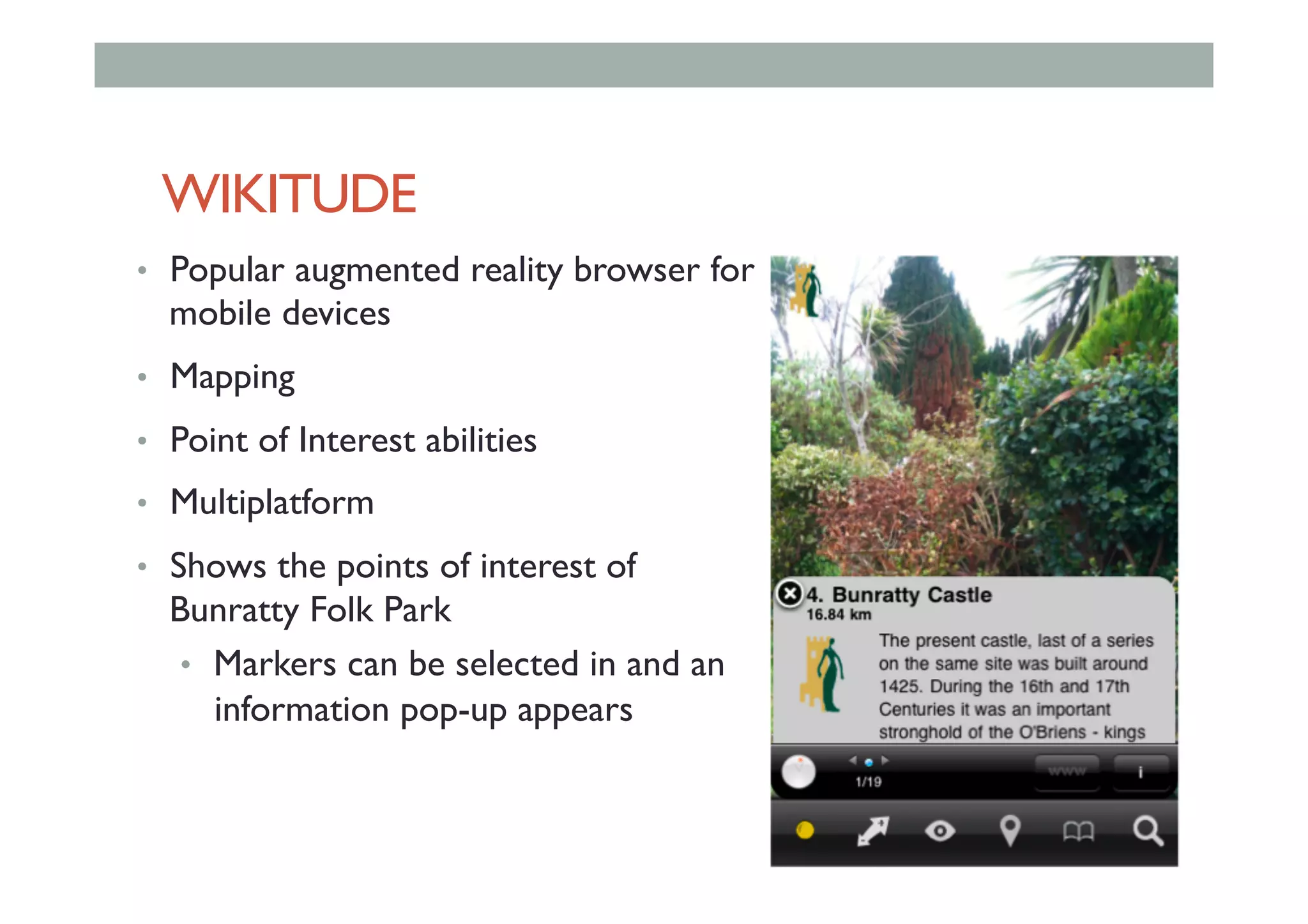
WIKITUDE
•  Popular augmented reality browser for
mobile devices
•  Mapping
•  Point of Interest abilities
•  Multiplatform
•  Shows the points of interest of
Bunratty Folk Park
•  Markers can be selected in and an
information pop-up appears
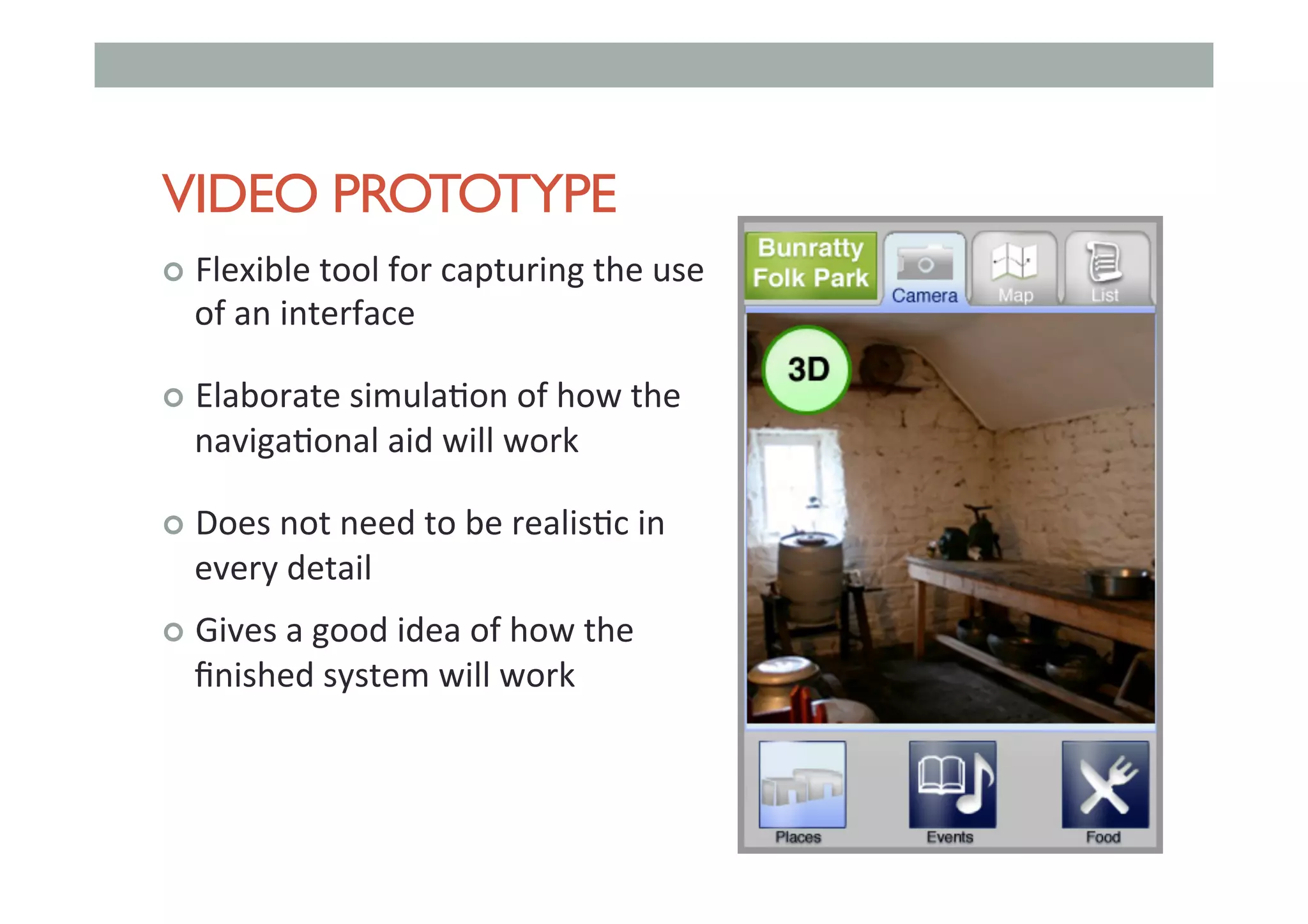
VIDEO PROTOTYPE
!  Flexible	tool	for	capturing	the	use	
of	an	interface	
!  Elaborate	simula,on	of	how	the	
naviga,onal	aid	will	work	
!  Does	not	need	to	be	realis,c	in	
every	detail	
!  Gives	a	good	idea	of	how	the	
finished	system	will	work
MORE PROCESSING
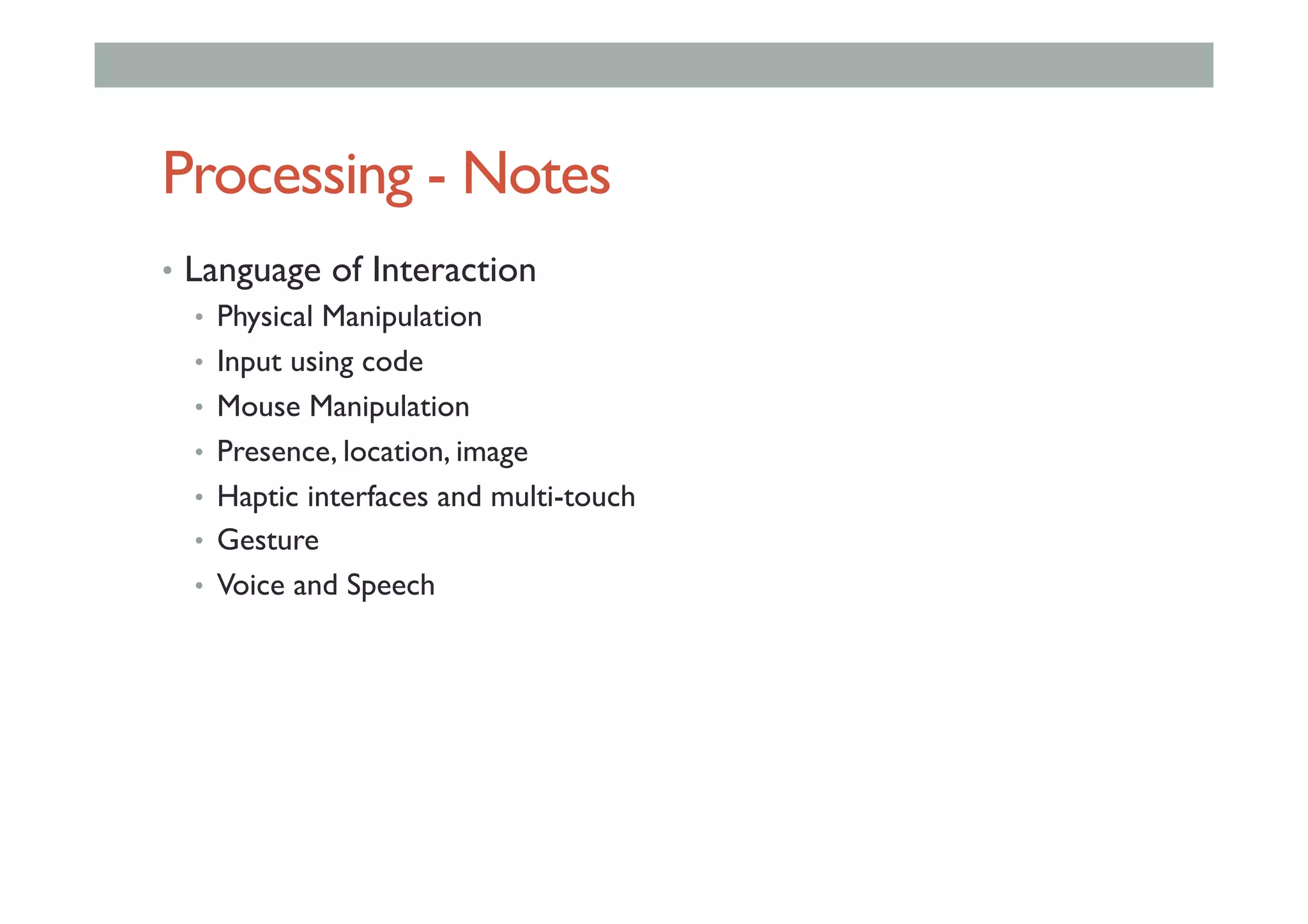
Processing - Notes
•  Language of Interaction
•  Physical Manipulation
•  Input using code
•  Mouse Manipulation
•  Presence, location, image
•  Haptic interfaces and multi-touch
•  Gesture
•  Voice and Speech
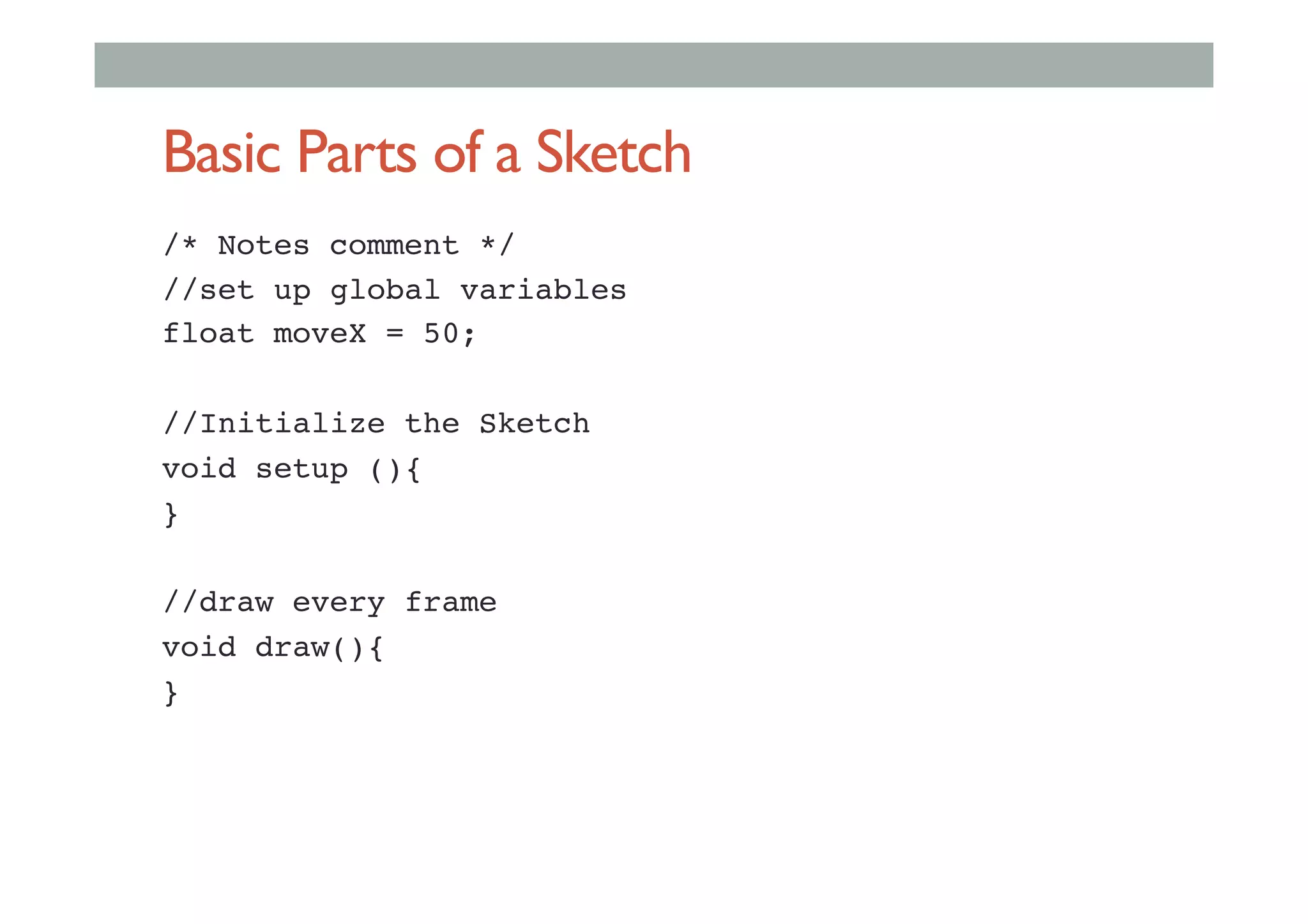
Basic Parts of a Sketch
/* Notes comment */!
//set up global variables!
float moveX = 50;!
!
//Initialize the Sketch!
void setup (){!
}!
!
//draw every frame!
void draw(){!
}!
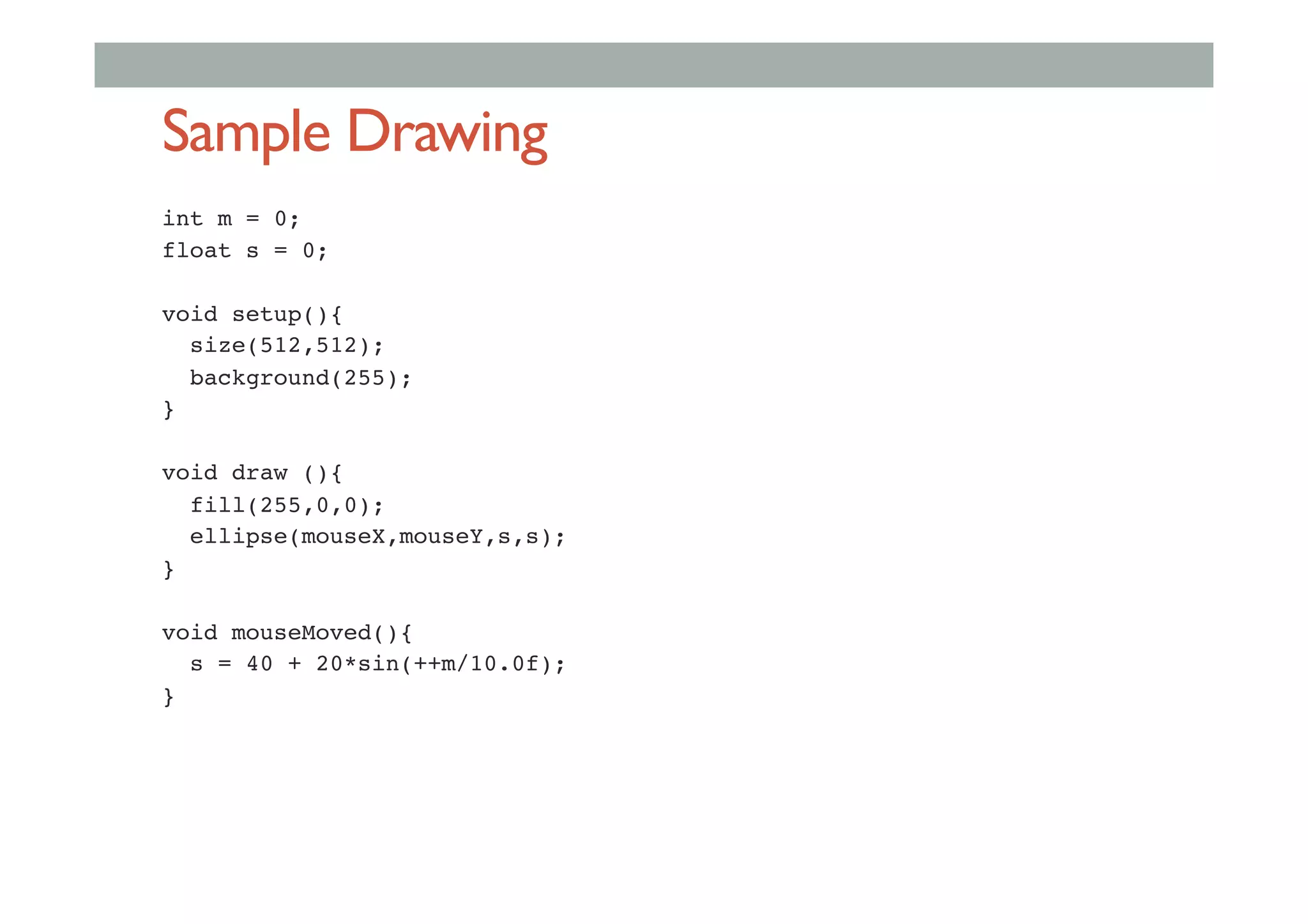
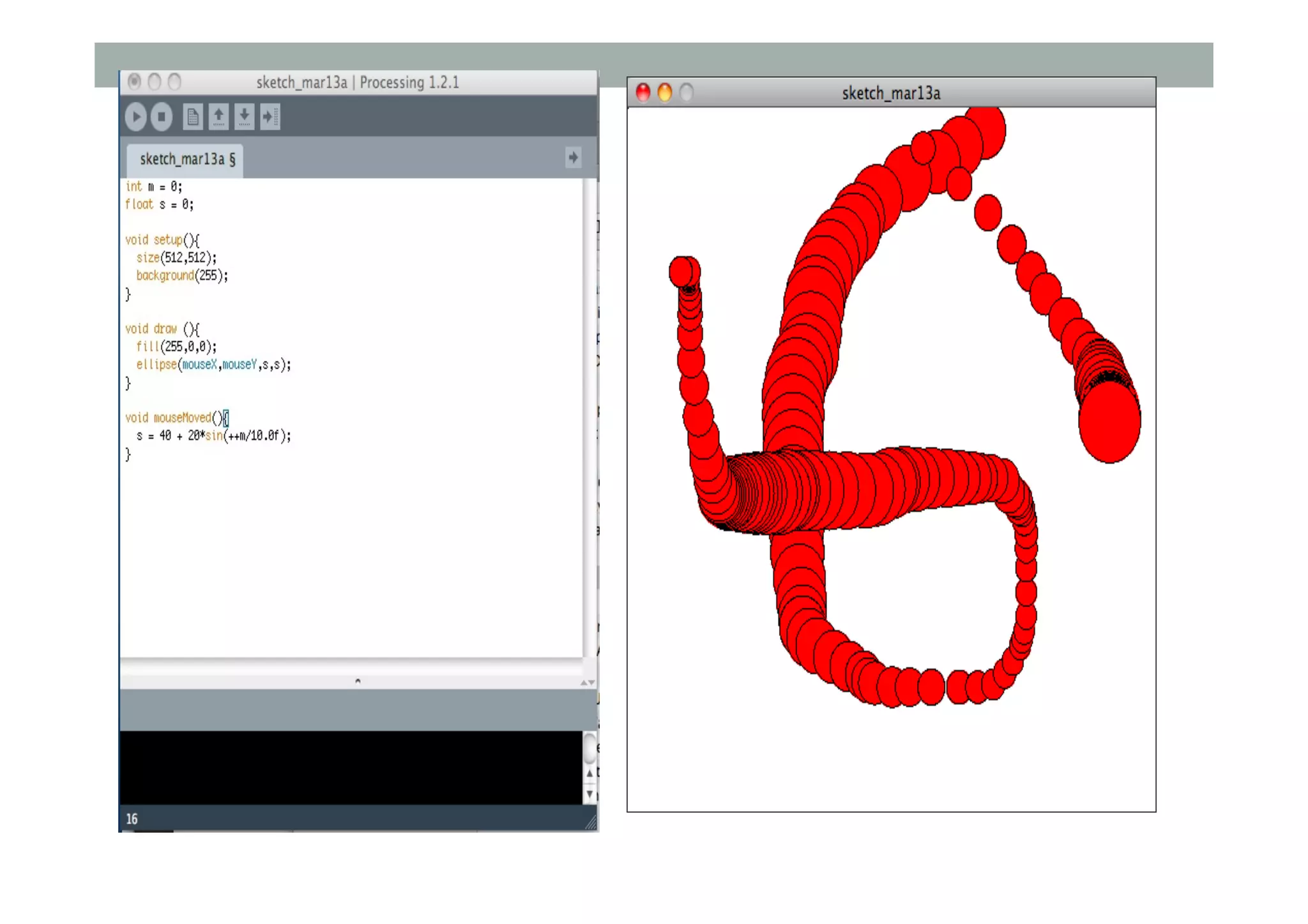
Sample Drawing
int m = 0;!
float s = 0;!
!
void setup(){!
size(512,512);!
background(255);!
}!
!
void draw (){!
fill(255,0,0);!
ellipse(mouseX,mouseY,s,s);!
}!
!
void mouseMoved(){!
s = 40 + 20*sin(++m/10.0f);!
}!
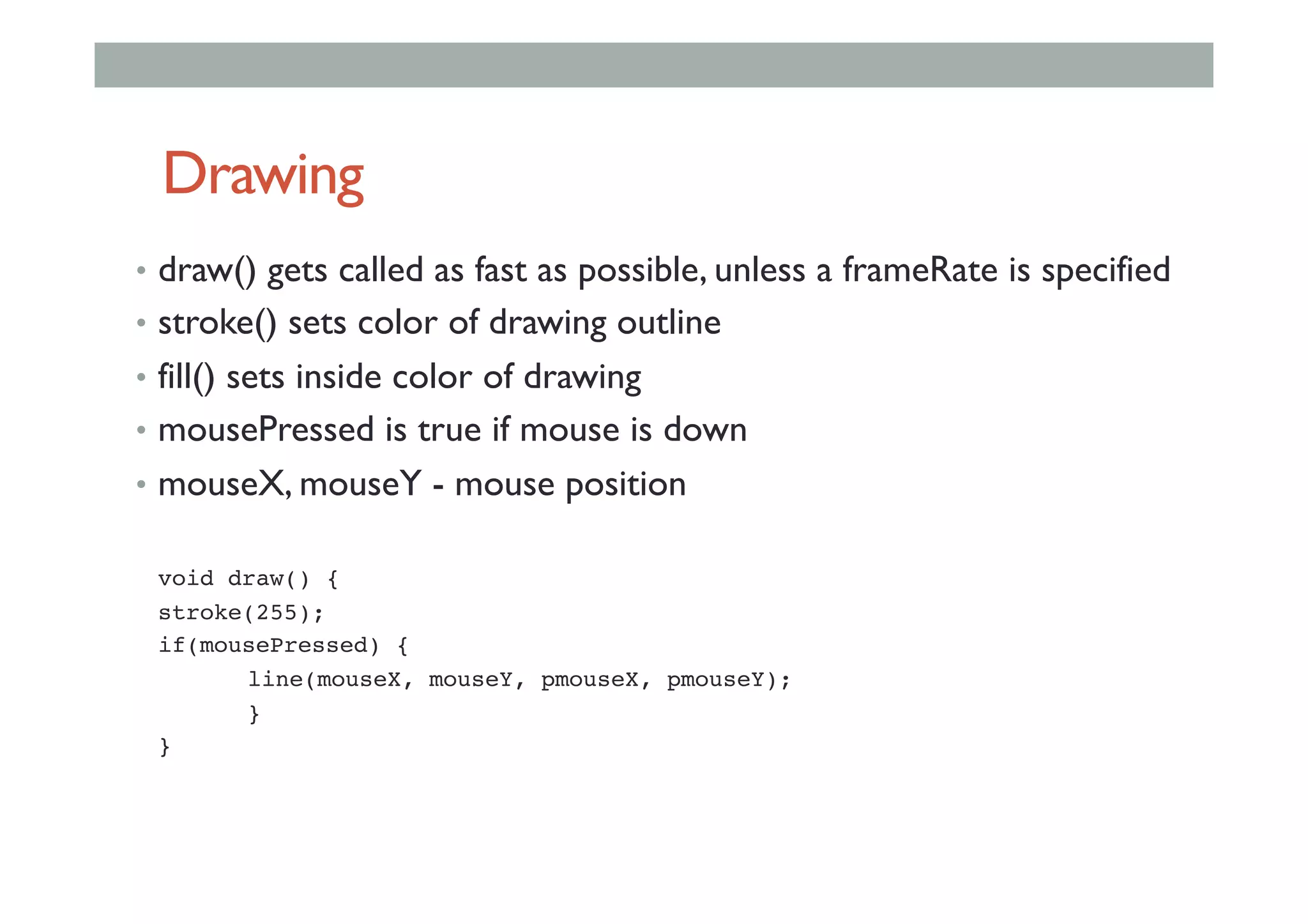
Drawing
•  draw() gets called as fast as possible, unless a frameRate is specified
•  stroke() sets color of drawing outline
•  fill() sets inside color of drawing
•  mousePressed is true if mouse is down
•  mouseX, mouseY - mouse position
!void draw() { !
!stroke(255); !
!if(mousePressed) {!
! !line(mouseX, mouseY, pmouseX, pmouseY);!
! !}!
!}!
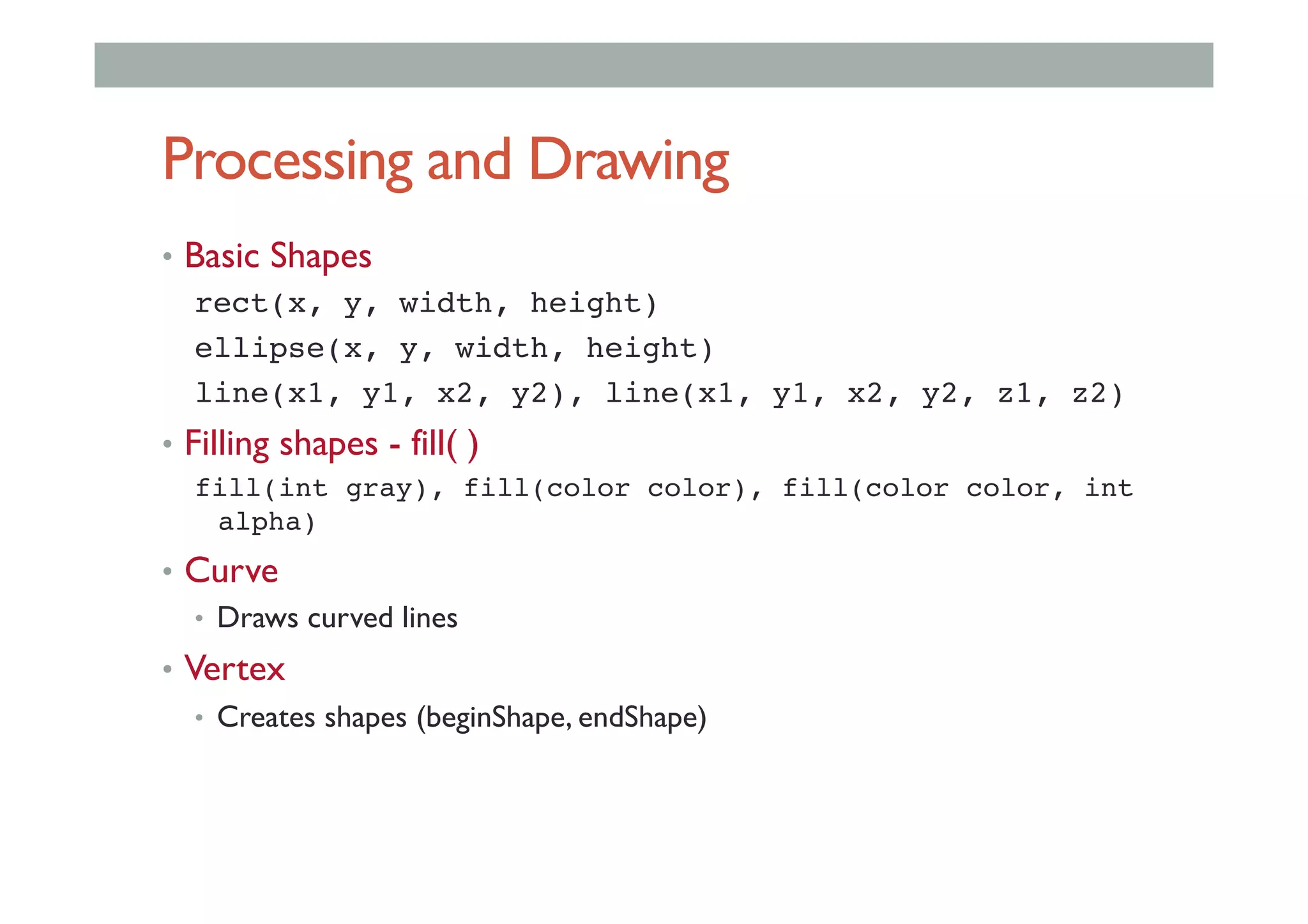
Processing and Drawing
•  Basic Shapes
rect(x, y, width, height)!
ellipse(x, y, width, height)!
line(x1, y1, x2, y2), line(x1, y1, x2, y2, z1, z2)!
•  Filling shapes - fill( )
fill(int gray), fill(color color), fill(color color, int
alpha)!
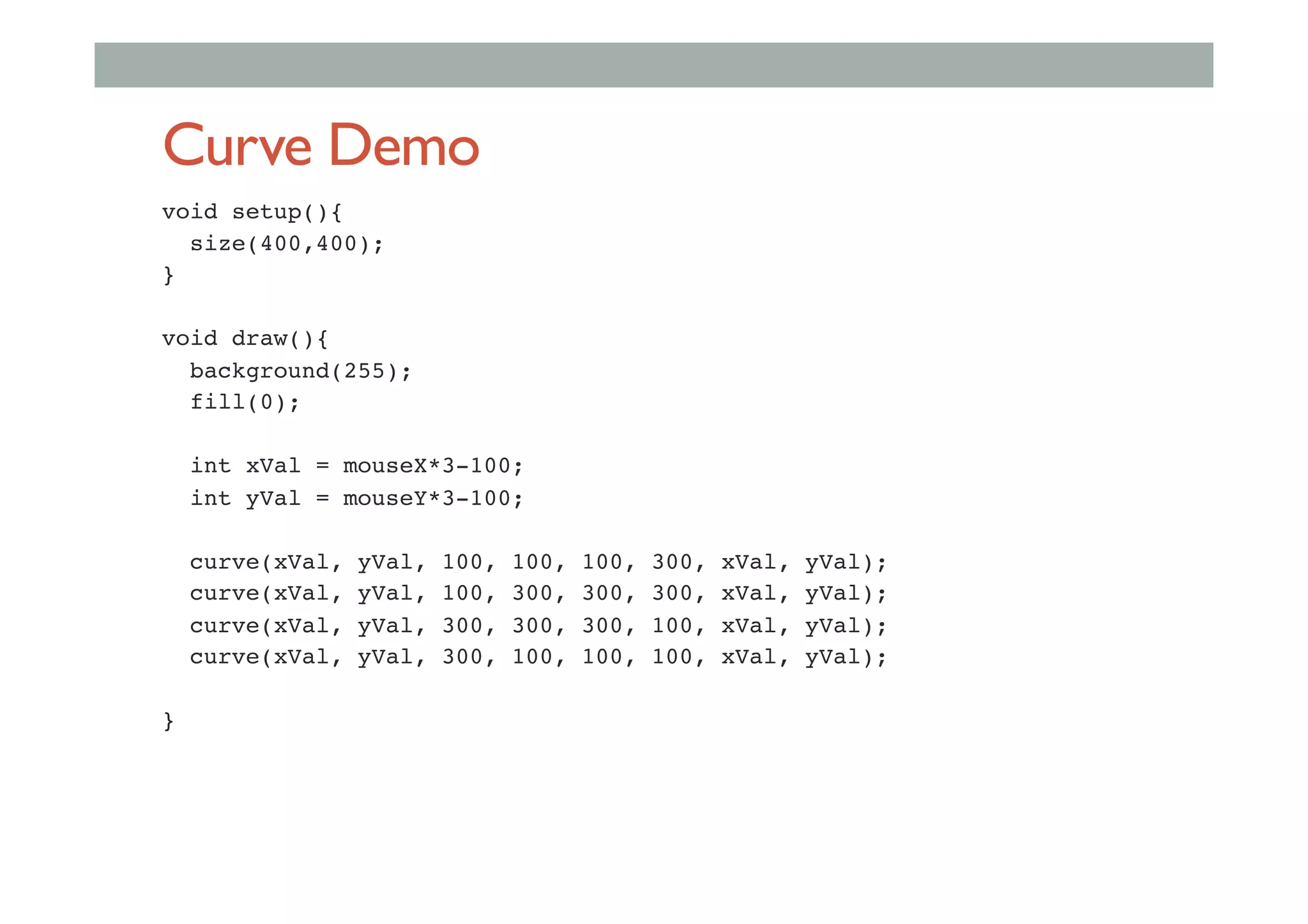
•  Curve
•  Draws curved lines
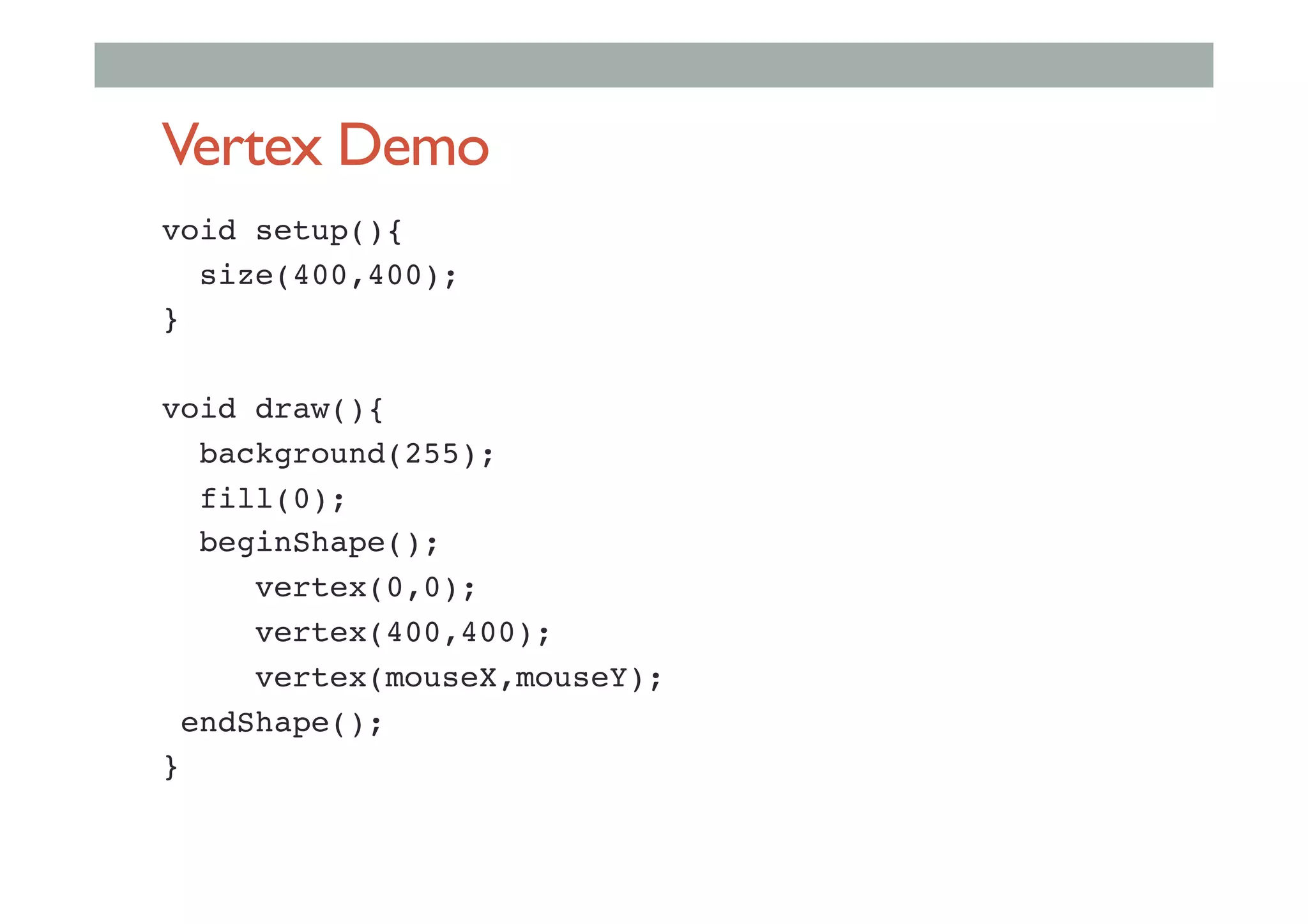
•  Vertex
•  Creates shapes (beginShape, endShape)
Vertex Demo
void setup(){!
size(400,400);!
}!
!
void draw(){!
background(255);!
fill(0);!
beginShape();!
vertex(0,0);!
vertex(400,400);!
vertex(mouseX,mouseY);!
endShape();!
}!
Curve Demo
void setup(){!
size(400,400);!
}!
!
void draw(){!
background(255);!
fill(0);!
!
int xVal = mouseX*3-100;!
int yVal = mouseY*3-100;!
!
curve(xVal, yVal, 100, 100, 100, 300, xVal, yVal);!
curve(xVal, yVal, 100, 300, 300, 300, xVal, yVal);!
curve(xVal, yVal, 300, 300, 300, 100, xVal, yVal);!
curve(xVal, yVal, 300, 100, 100, 100, xVal, yVal);!
!
}!
Class and Objects
• see http://processing.org/learning/objects/
• Object
•  grouping of multiple related properties and functions
• Objects are defined by Object classes
• Eg Car object
•  Data
•  colour, location, speed
•  Functions
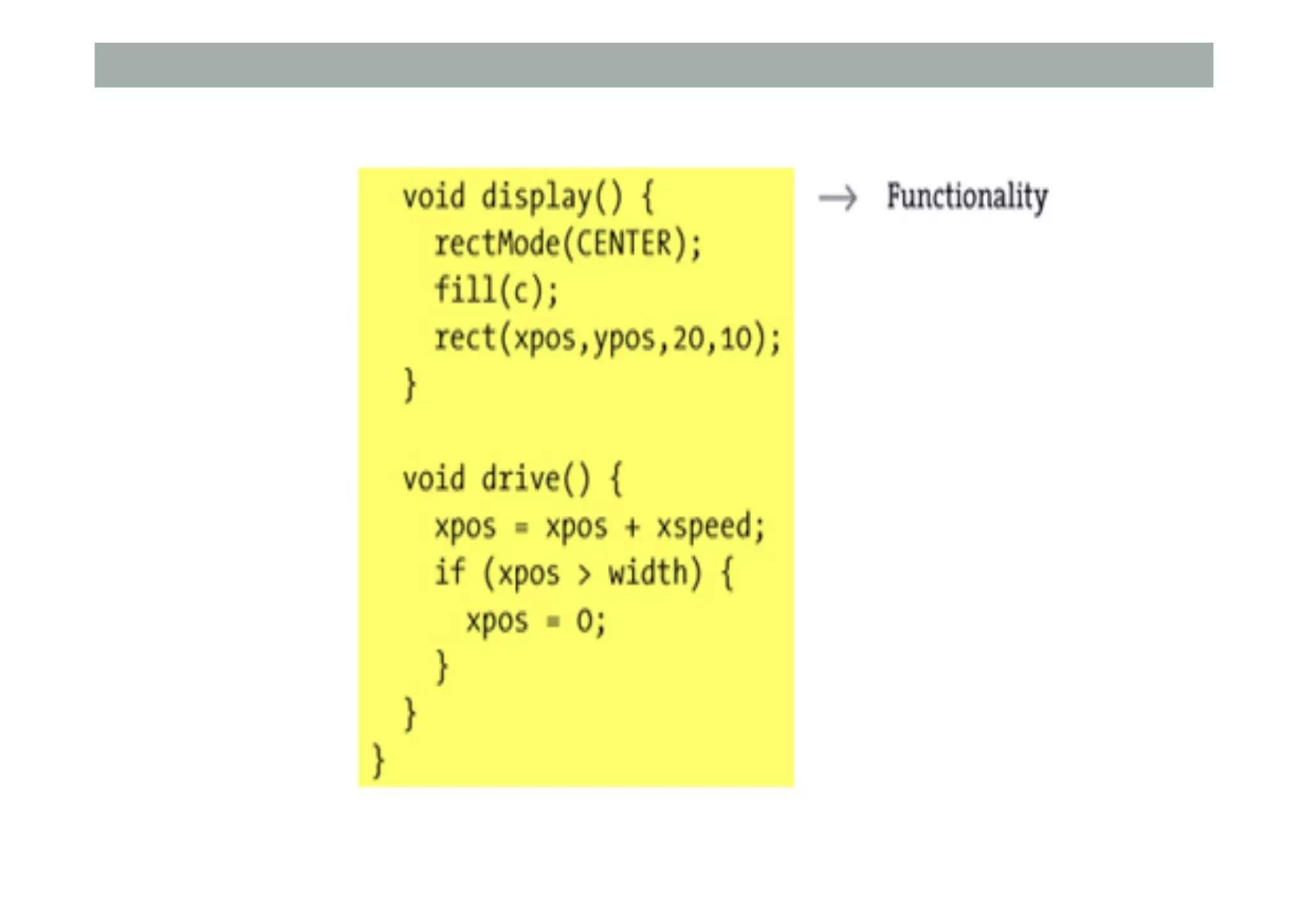
•  drive(), draw()
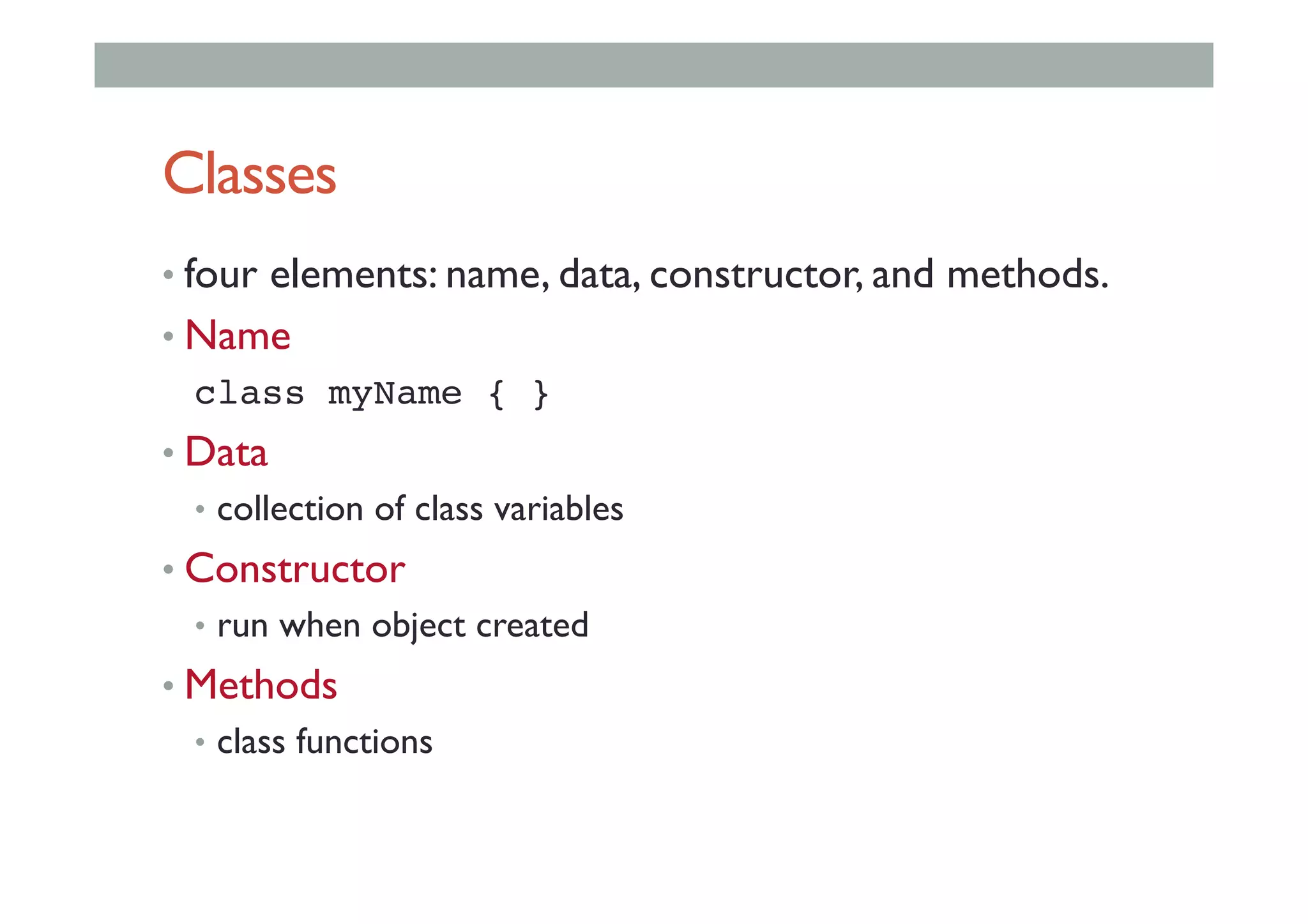
Classes
• four elements: name, data, constructor, and methods.
• Name
class myName { }!
• Data
•  collection of class variables
• Constructor
•  run when object created
• Methods
•  class functions
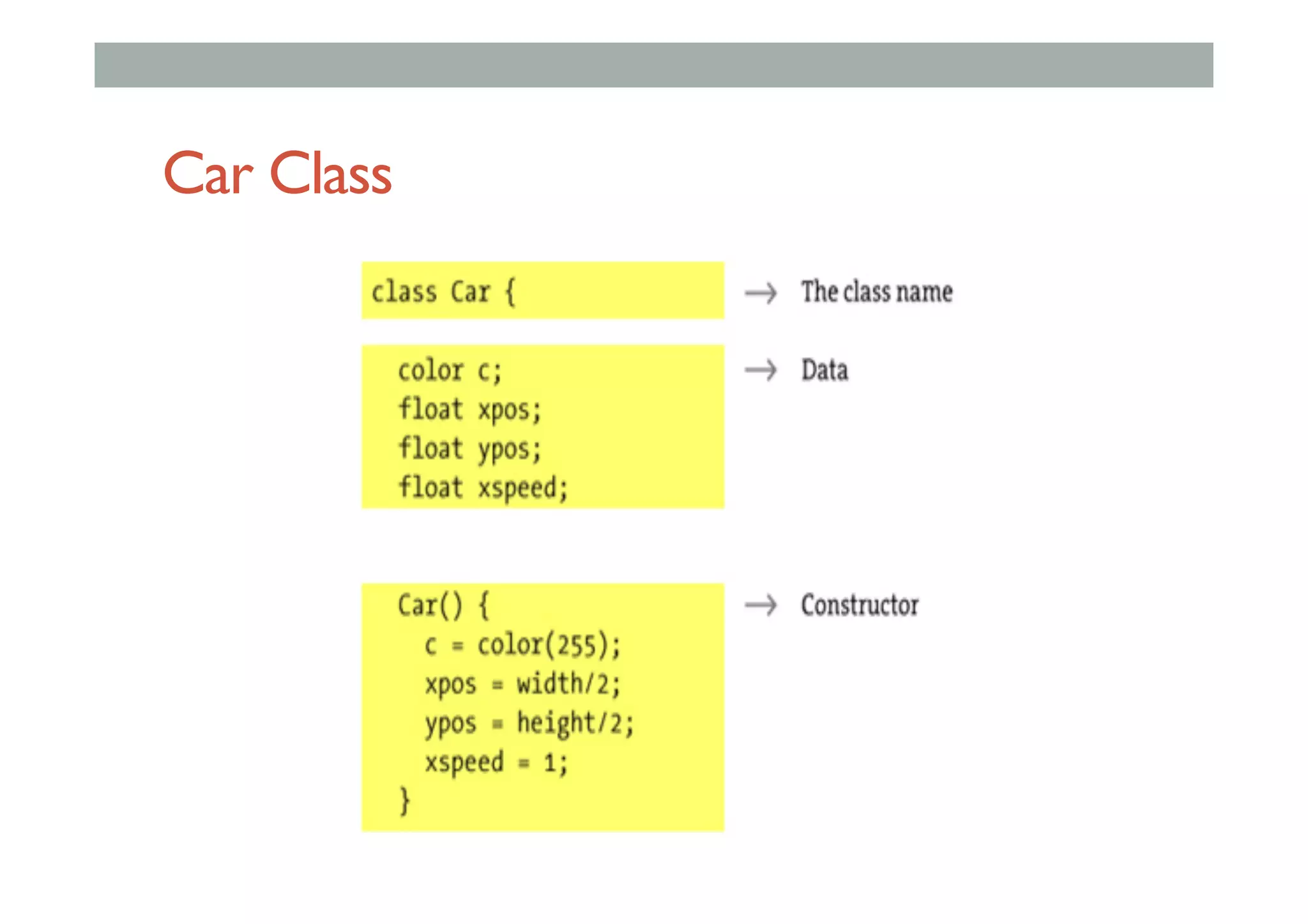
Car Class
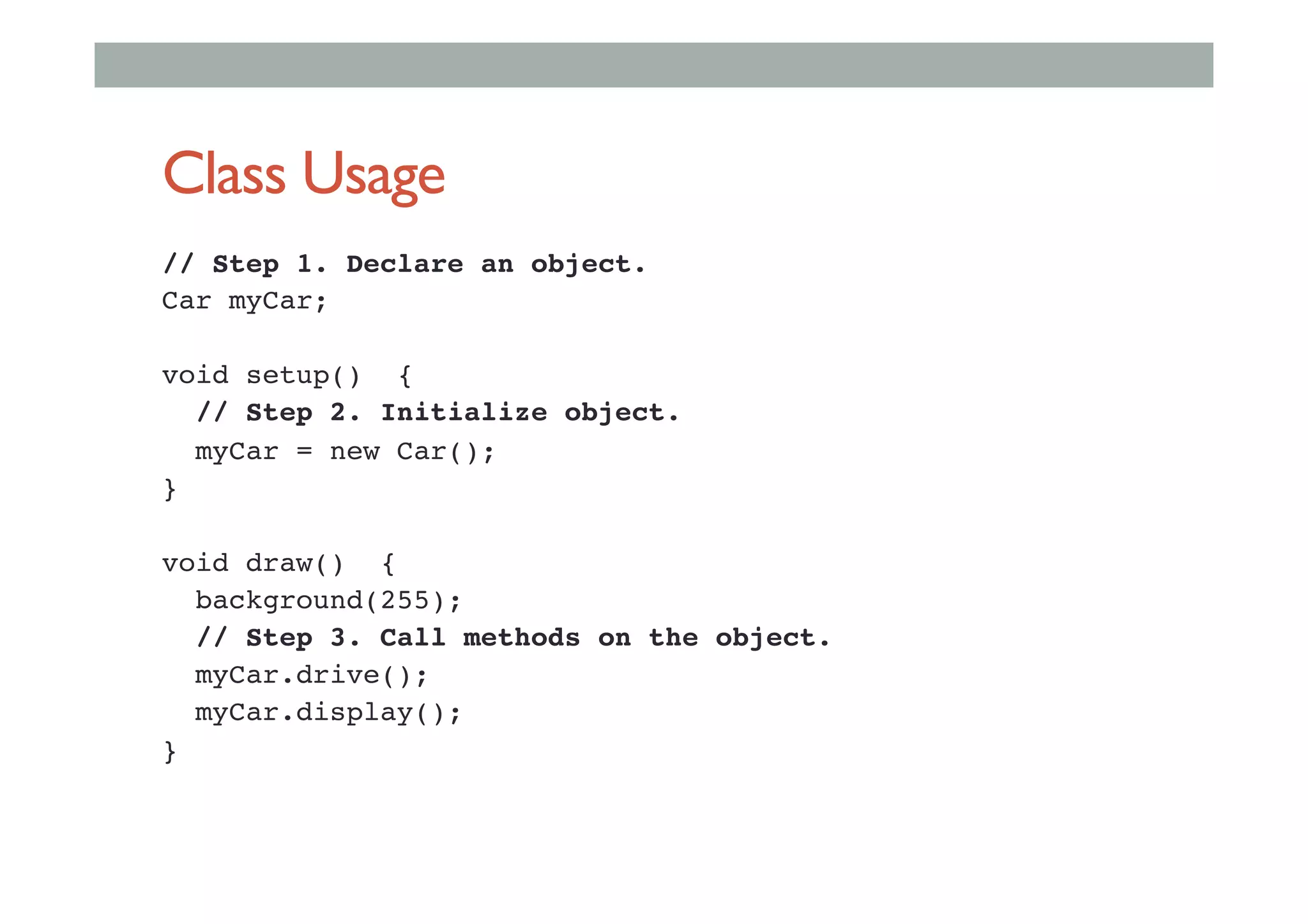
Class Usage
// Step 1. Declare an object.!
Car myCar;!
!
void setup() { !
// Step 2. Initialize object.!
myCar = new Car(); !
} !
!
void draw() { !
background(255); !
// Step 3. Call methods on the object. !
myCar.drive(); !
myCar.display(); !
}!
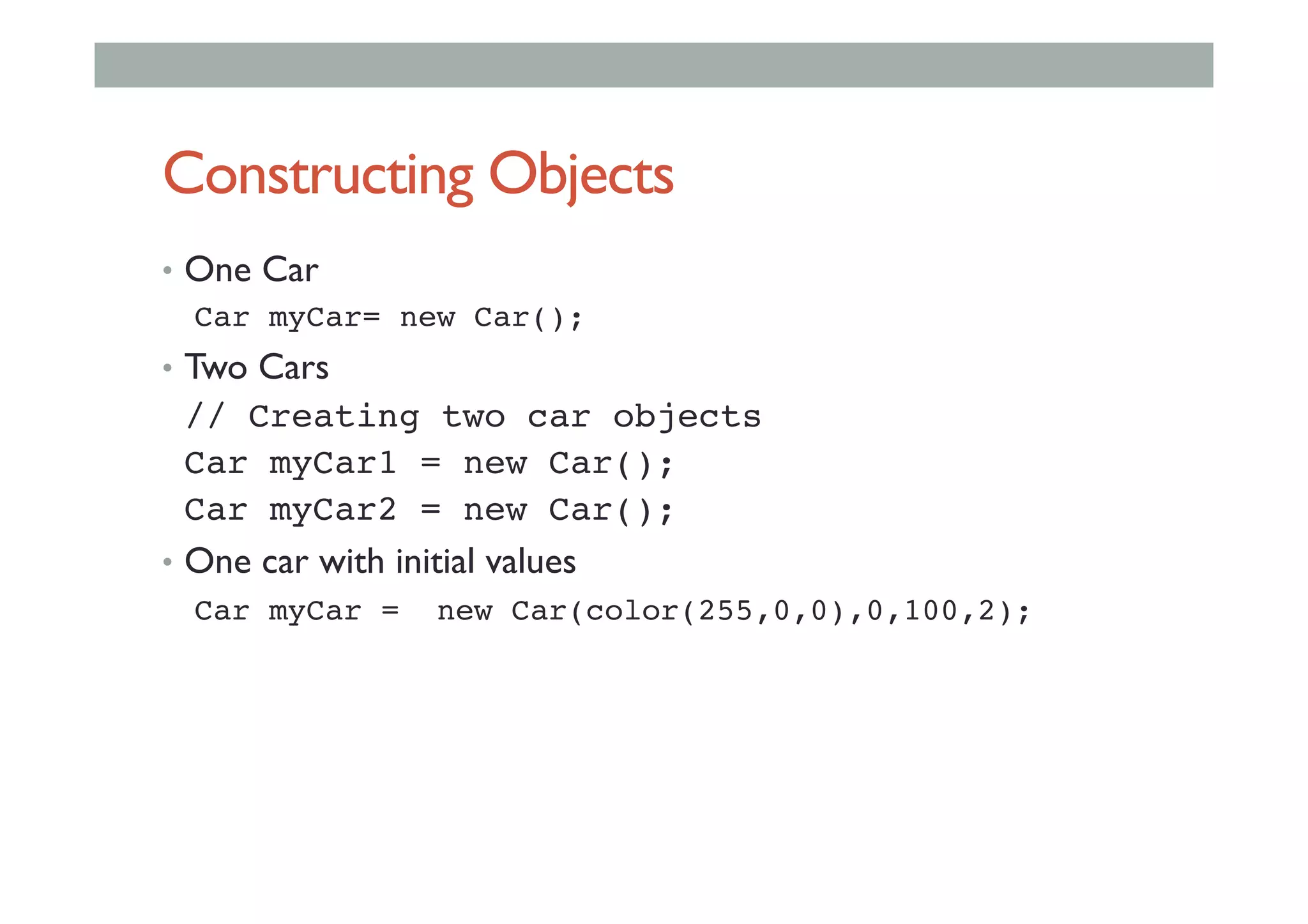
Constructing Objects
•  One Car
Car myCar= new Car(); !
•  Two Cars
!// Creating two car objects !
!Car myCar1 = new Car(); !
!Car myCar2 = new Car(); !
•  One car with initial values
Car myCar = new Car(color(255,0,0),0,100,2); !
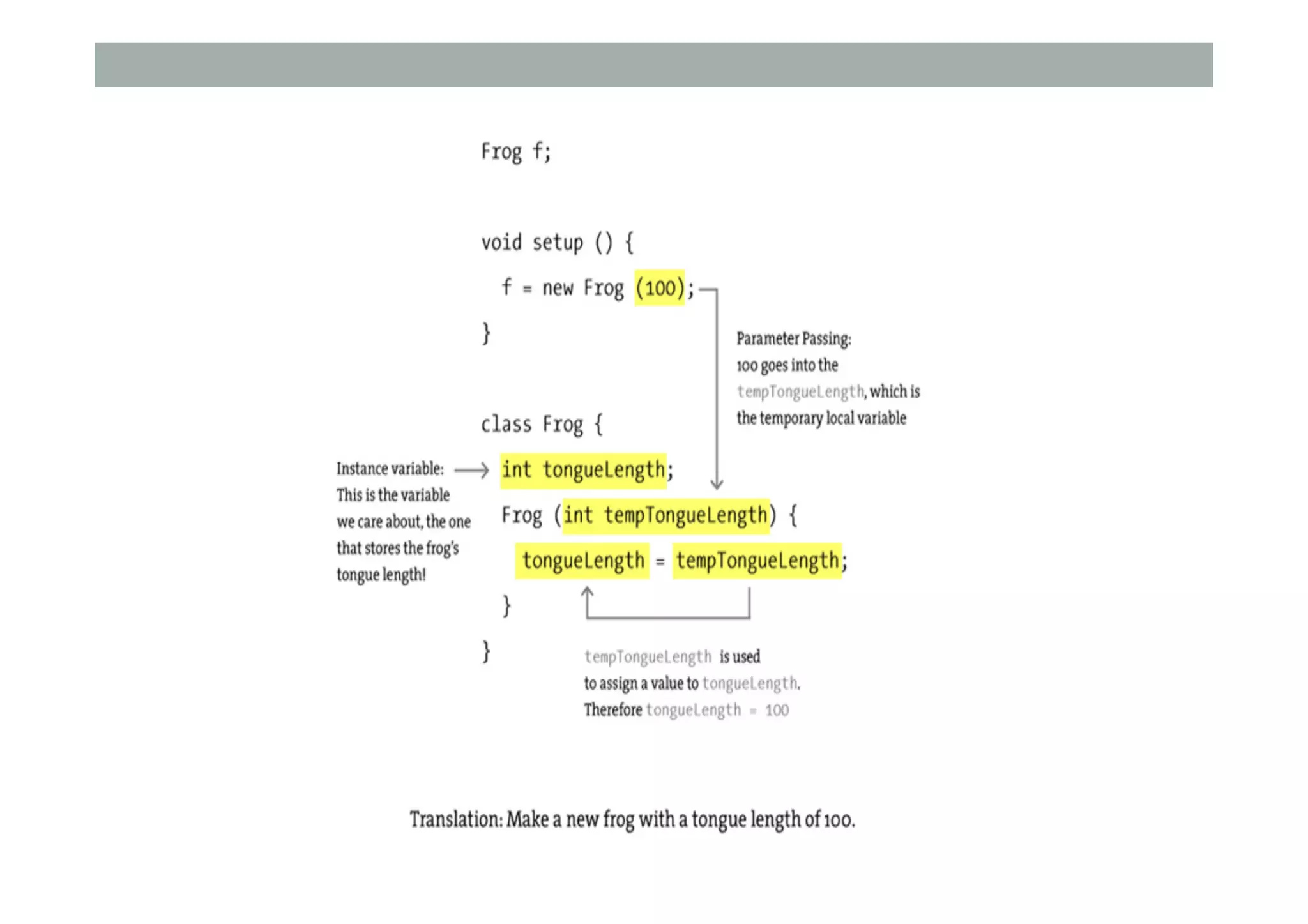
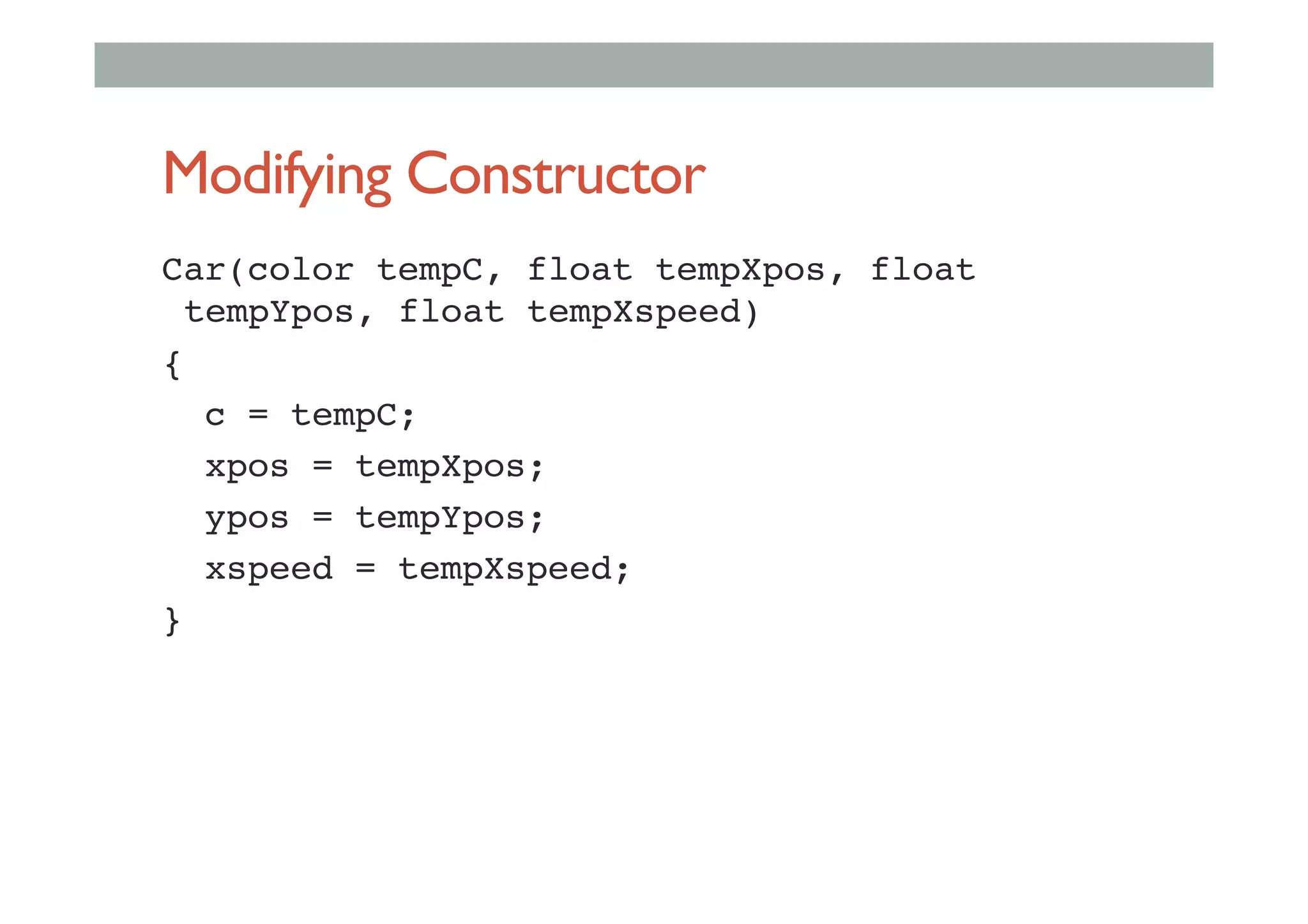
Modifying Constructor
Car(color tempC, float tempXpos, float
tempYpos, float tempXspeed) !
{ !
c = tempC; !
xpos = tempXpos; !
ypos = tempYpos; !
xspeed = tempXspeed; !
}!
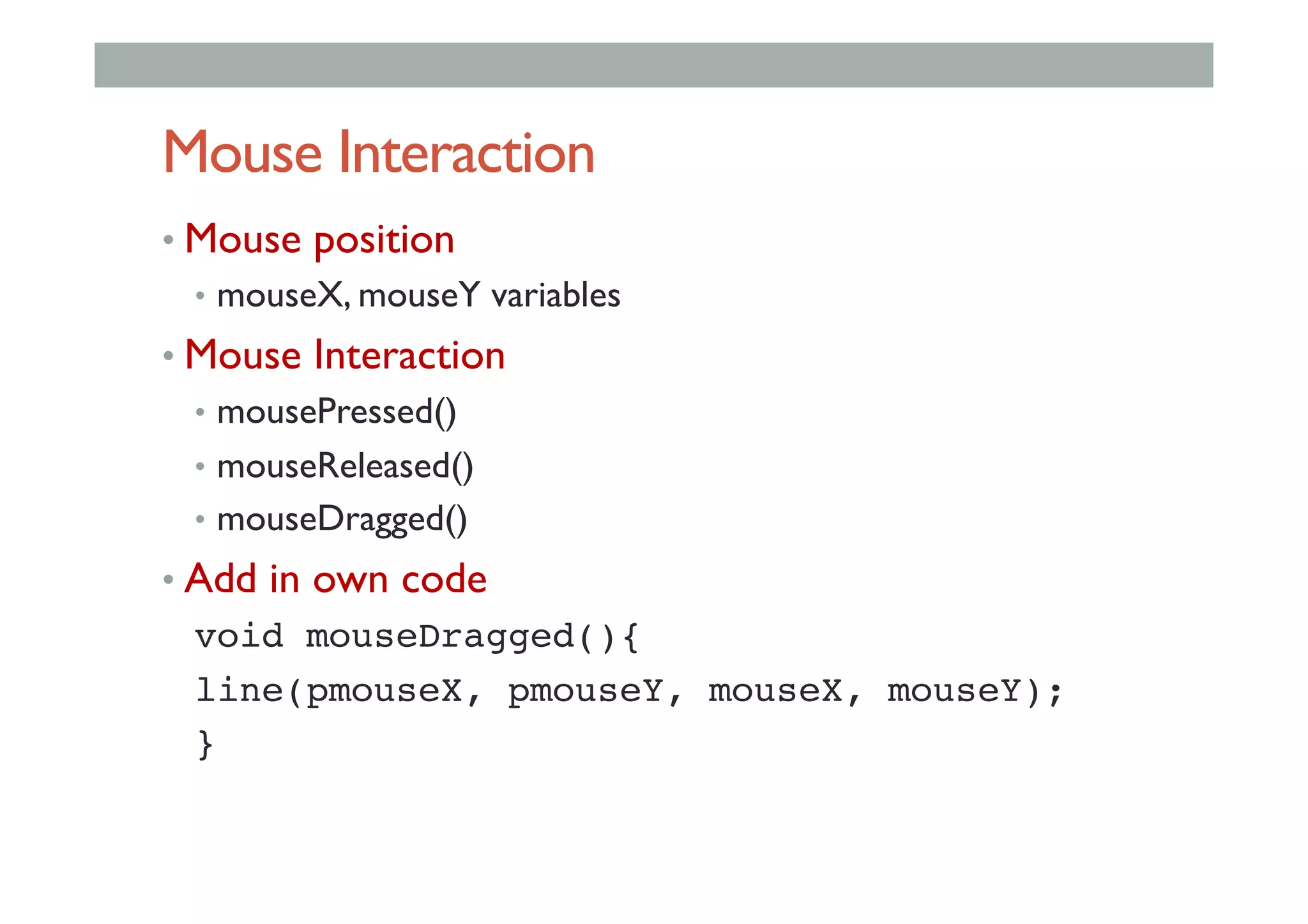
Mouse Interaction
• Mouse position
•  mouseX, mouseY variables
• Mouse Interaction
•  mousePressed()
•  mouseReleased()
•  mouseDragged()
• Add in own code
void mouseDragged(){!
line(pmouseX, pmouseY, mouseX, mouseY);!
}!
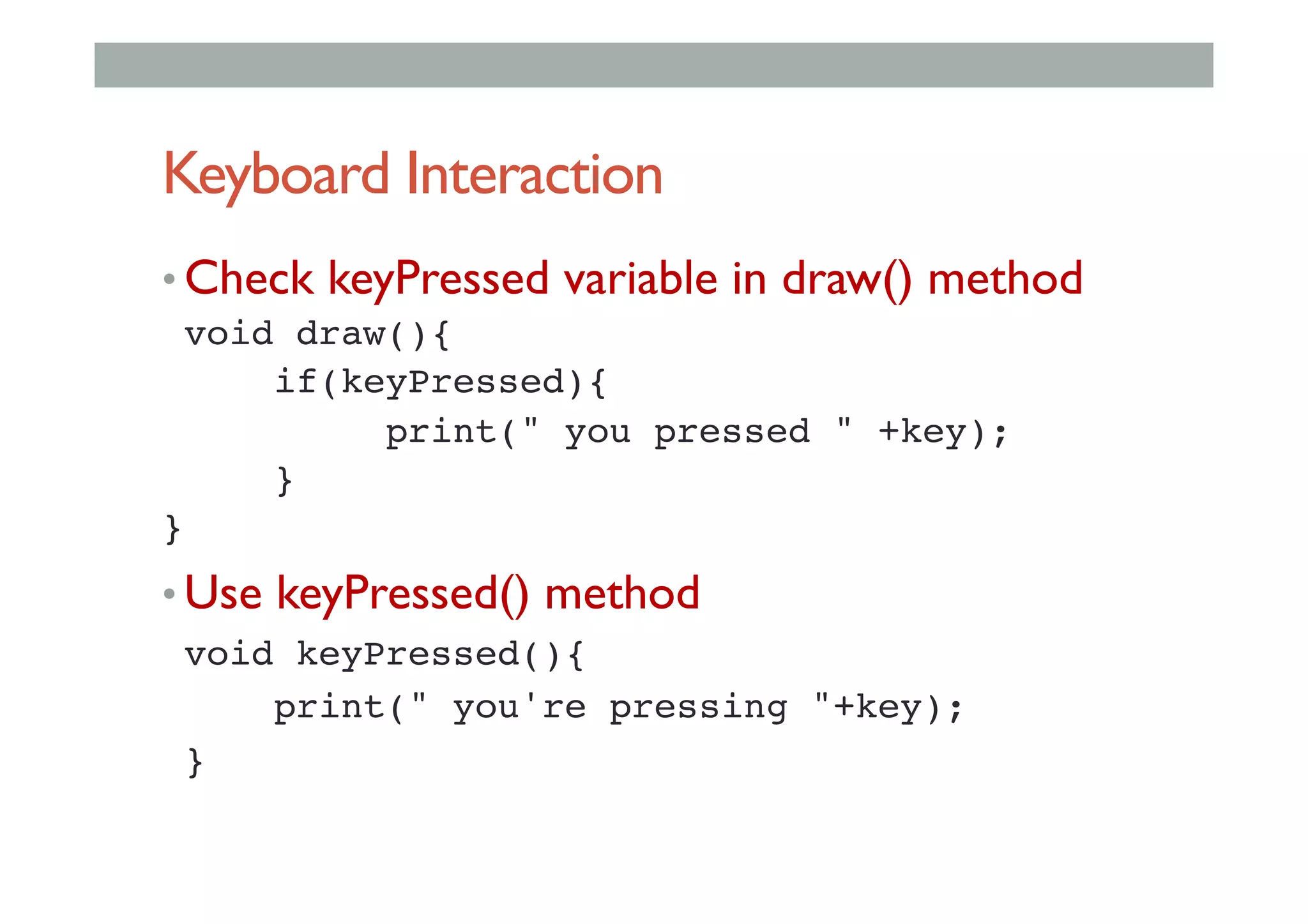
Keyboard Interaction
• Check keyPressed variable in draw() method
!void draw(){!
! !if(keyPressed){!
! ! !print(" you pressed " +key);!
! !}!
}!
• Use keyPressed() method
!void keyPressed(){!
! !print(" you're pressing "+key);!
!}!
Importing Libraries
•  Can add functionality by Importing Libraries
•  java archives - .jar files
•  Include import code
import processing.opengl.*;!
•  Popular Libraries
•  Minim - audio library
•  OCD - 3D camera views
•  Physics - physics engine
•  bluetoothDesktop - bluetooth networking
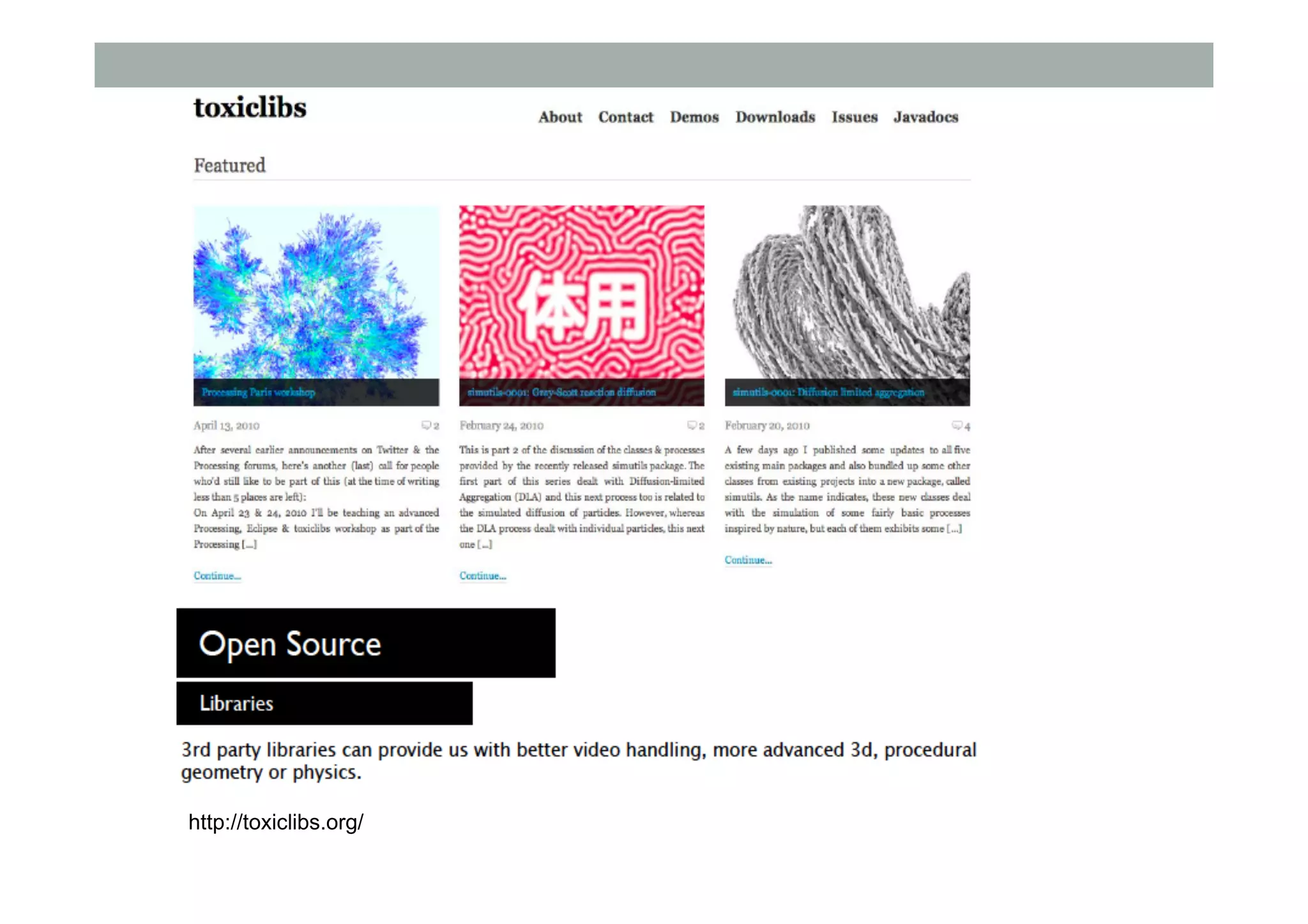
http://toxiclibs.org/
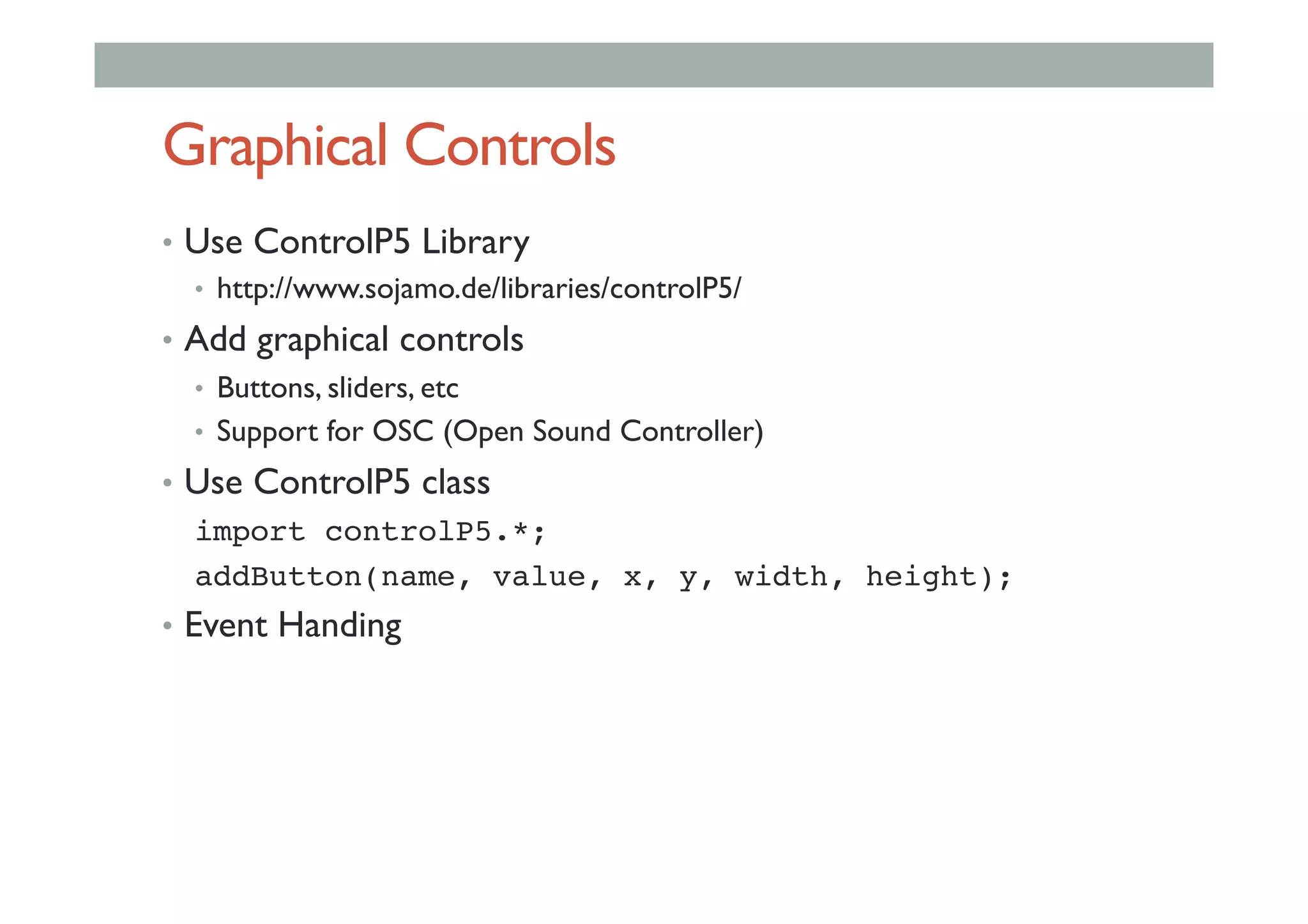
Graphical Controls
• Use ControlP5 Library
•  http://www.sojamo.de/libraries/controlP5/
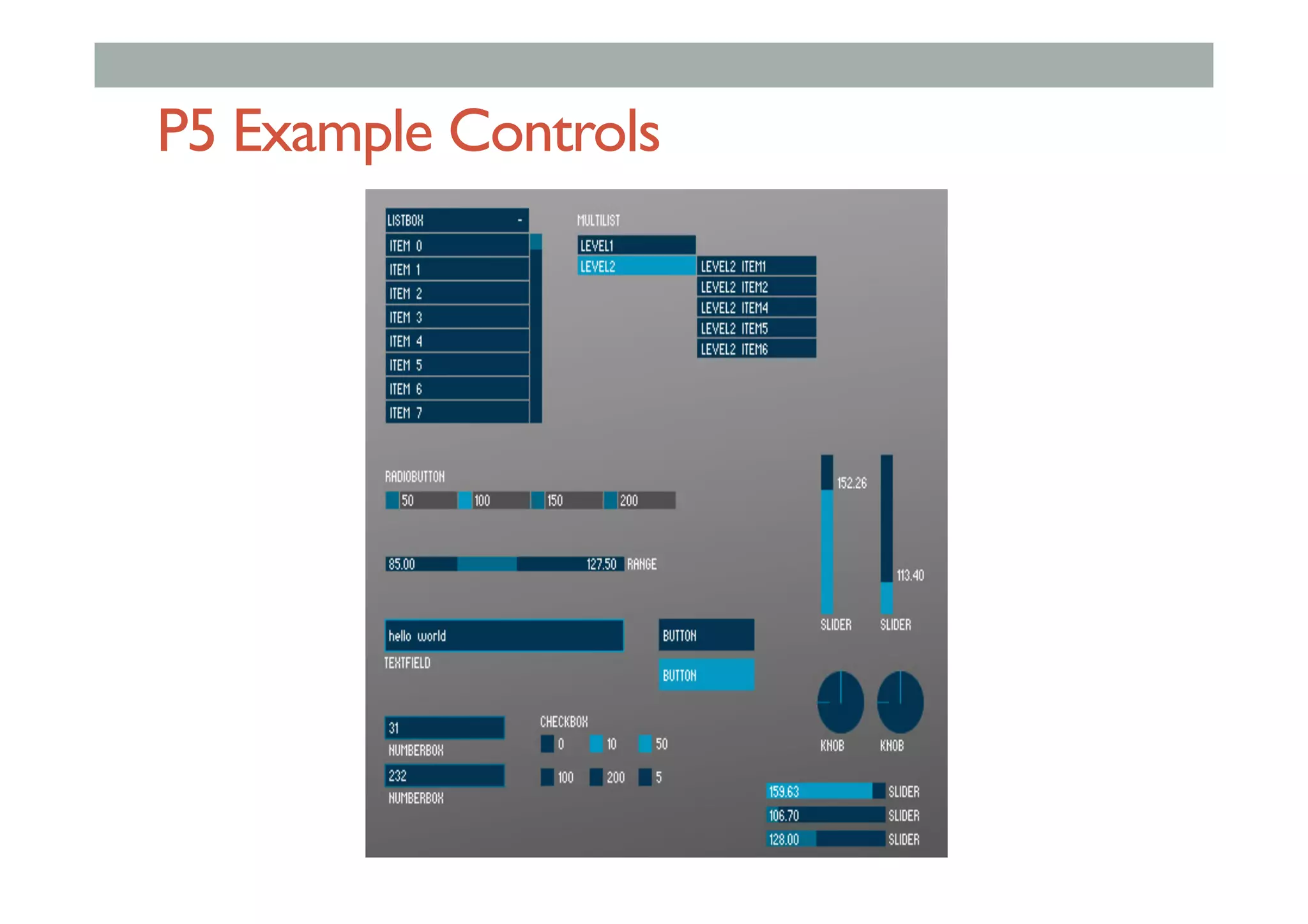
• Add graphical controls
•  Buttons, sliders, etc
•  Support for OSC (Open Sound Controller)
• Use ControlP5 class
import controlP5.*;!
addButton(name, value, x, y, width, height);!
• Event Handing
Interface Elements
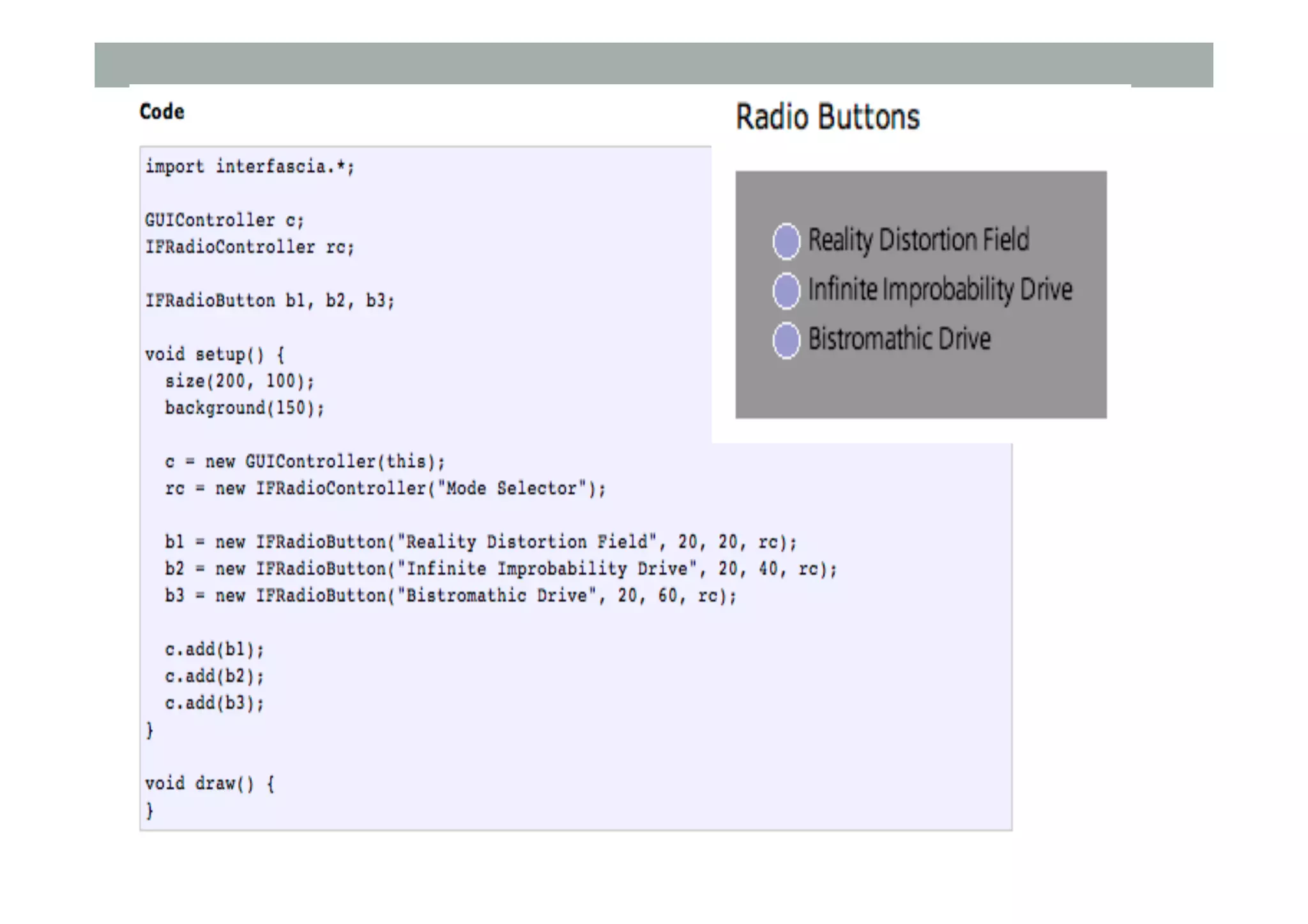
• Interfascia
• http://www.superstable.net/interfascia/
• GUI Library for Processing
• Buttons
• Check boxes
• Textfields
• Progress bar
Graphical Controls
•  Use ControlP5 Library
•  http://www.sojamo.de/libraries/controlP5/
•  Add graphical controls
•  Buttons, sliders, etc
•  Support for OSC (Open Sound Controller)
•  Use ControlP5 class
import controlP5.*;!
addButton(name, value, x, y, width, height);!
•  Event Handing
P5 Example Controls
Programming Graphics
• Transformations
• Creating motion and animation
• Bitmaps and pixels
• Textures
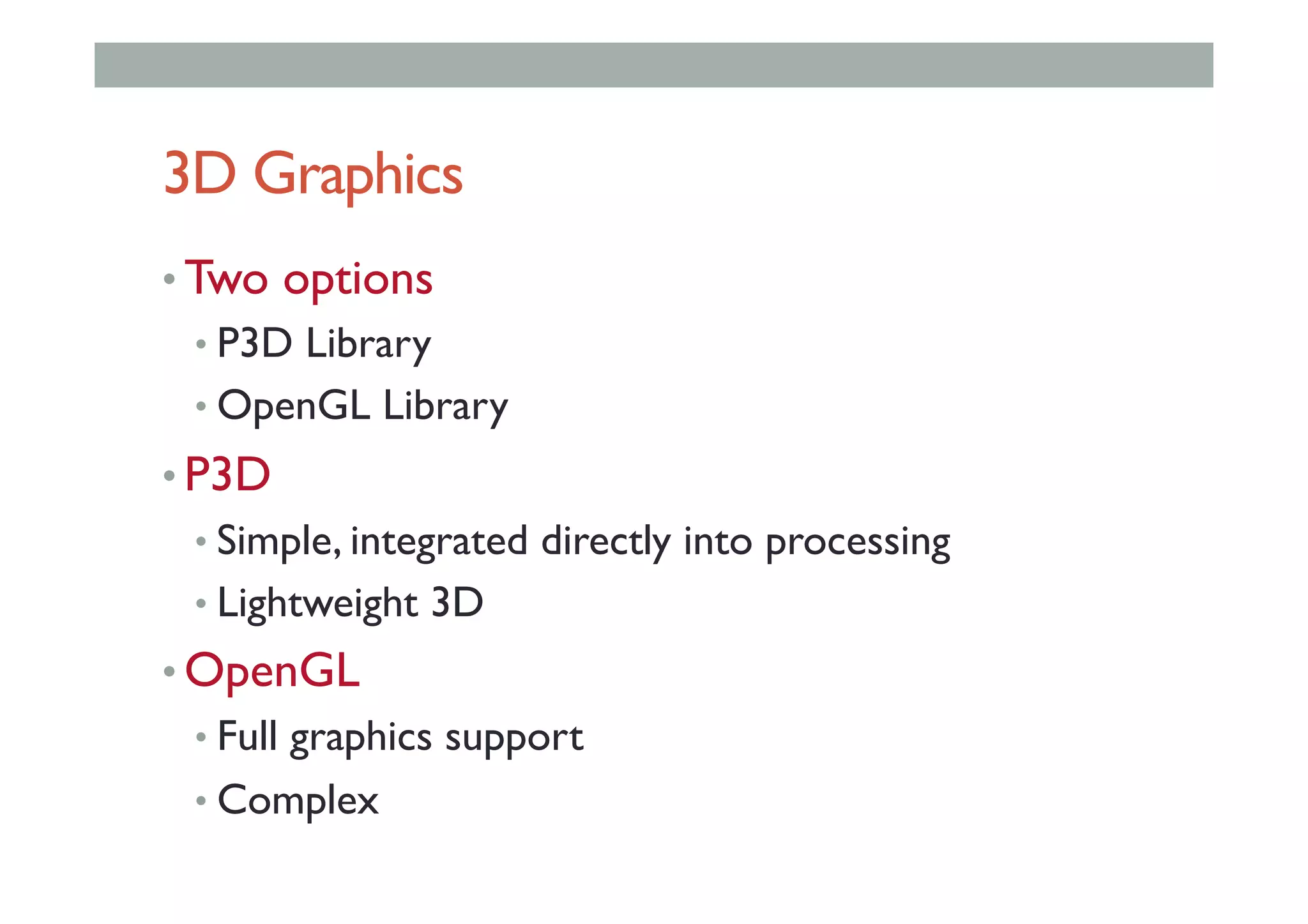
3D Graphics
• Two options
• P3D Library
• OpenGL Library
• P3D
• Simple, integrated directly into processing
• Lightweight 3D
• OpenGL
• Full graphics support
• Complex
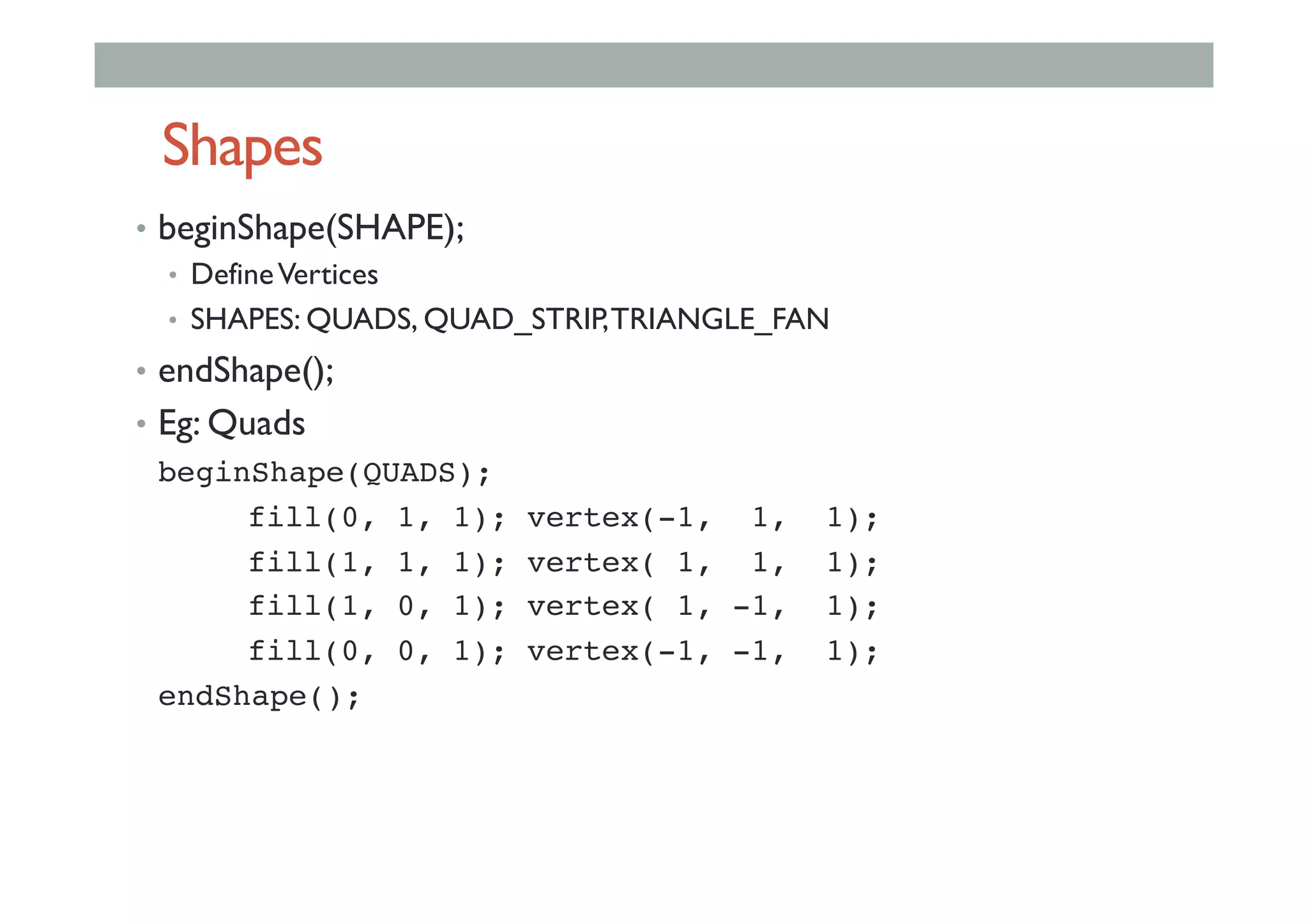
Shapes
•  beginShape(SHAPE);
•  DefineVertices
•  SHAPES: QUADS, QUAD_STRIP,TRIANGLE_FAN
•  endShape();
•  Eg: Quads
!beginShape(QUADS);!
!fill(0, 1, 1); vertex(-1, 1, 1);!
!fill(1, 1, 1); vertex( 1, 1, 1);!
!fill(1, 0, 1); vertex( 1, -1, 1);!
!fill(0, 0, 1); vertex(-1, -1, 1);!
!endShape();!
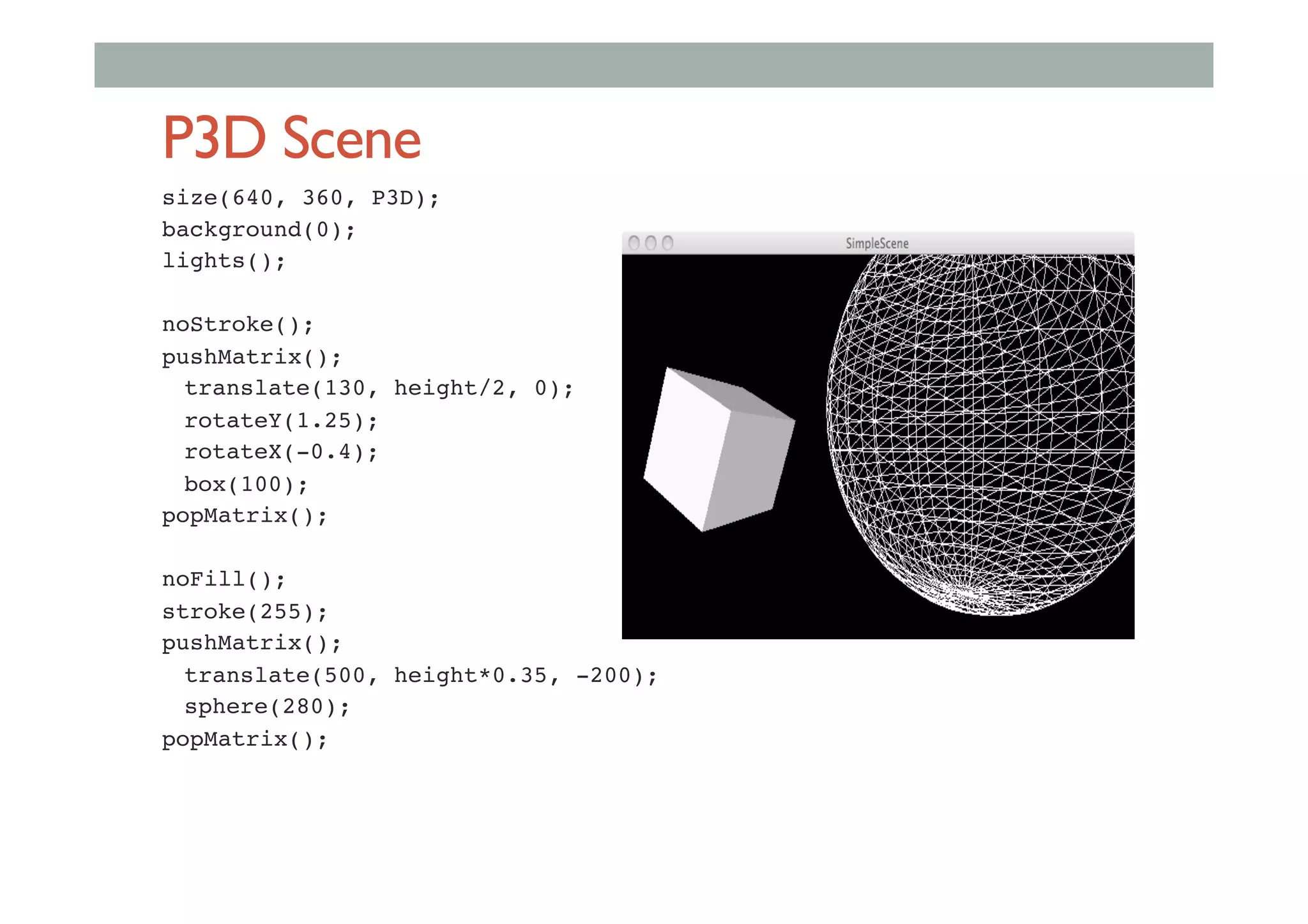
P3D Scene
size(640, 360, P3D); !
background(0);!
lights();!
!
noStroke();!
pushMatrix();!
!translate(130, height/2, 0);!
!rotateY(1.25);!
!rotateX(-0.4);!
!box(100);!
popMatrix();!
!
noFill();!
stroke(255);!
pushMatrix();!
!translate(500, height*0.35, -200);!
!sphere(280);!
popMatrix();!
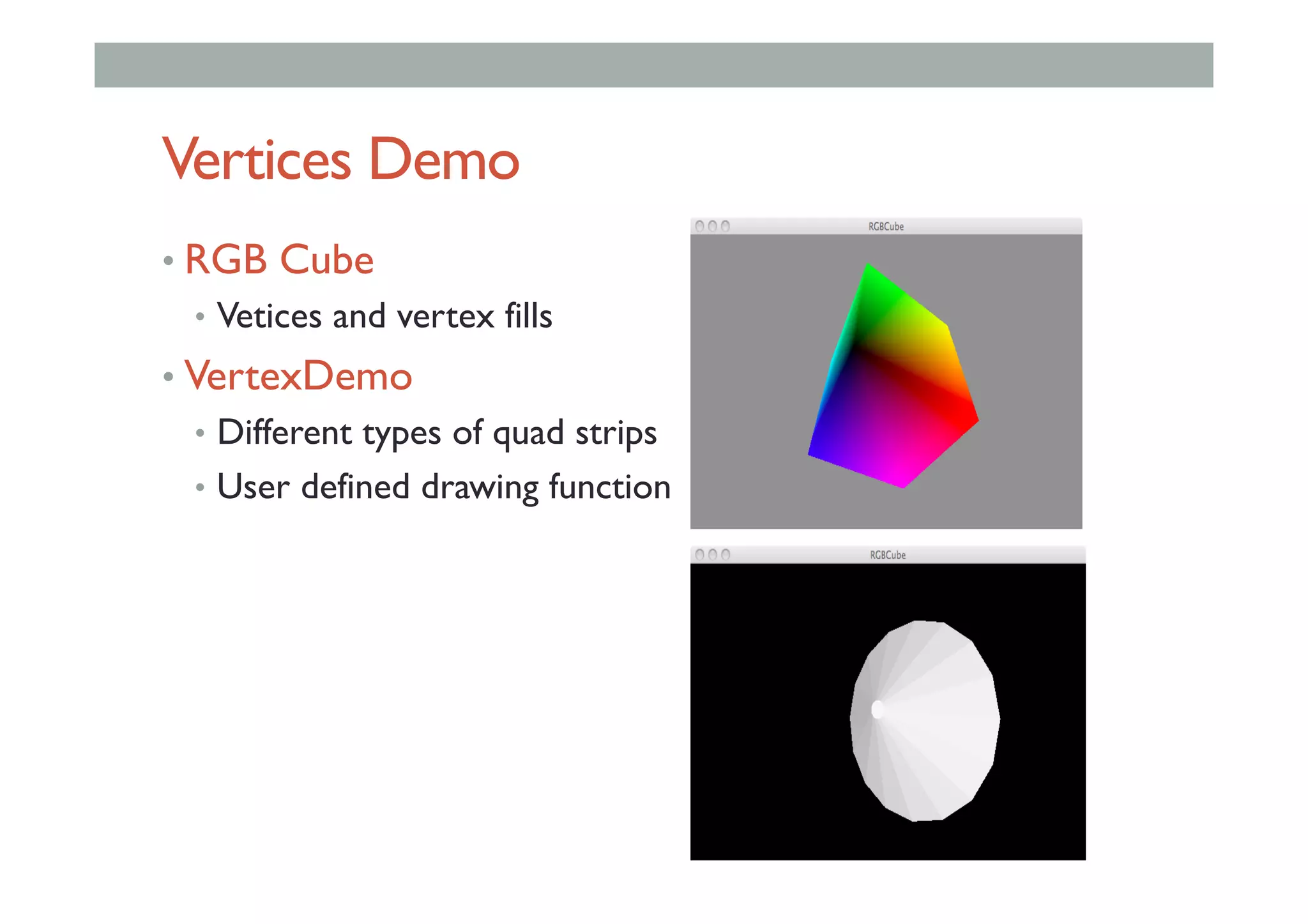
Vertices Demo
• RGB Cube
•  Vetices and vertex fills
• VertexDemo
•  Different types of quad strips
•  User defined drawing function
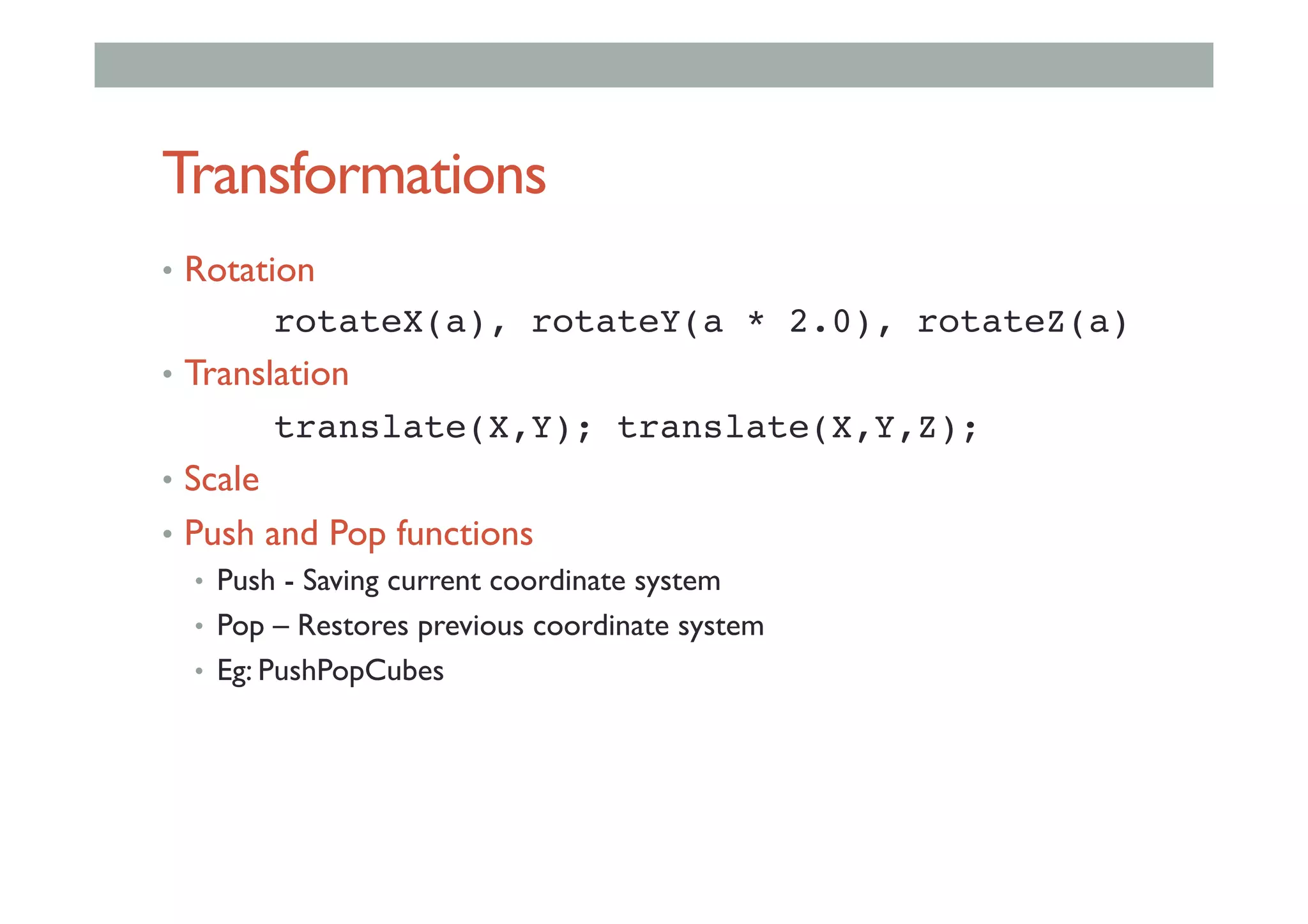
Transformations
•  Rotation
! !rotateX(a), rotateY(a * 2.0), rotateZ(a)!
•  Translation
! !translate(X,Y); translate(X,Y,Z);!
•  Scale
•  Push and Pop functions
•  Push - Saving current coordinate system
•  Pop – Restores previous coordinate system
•  Eg: PushPopCubes
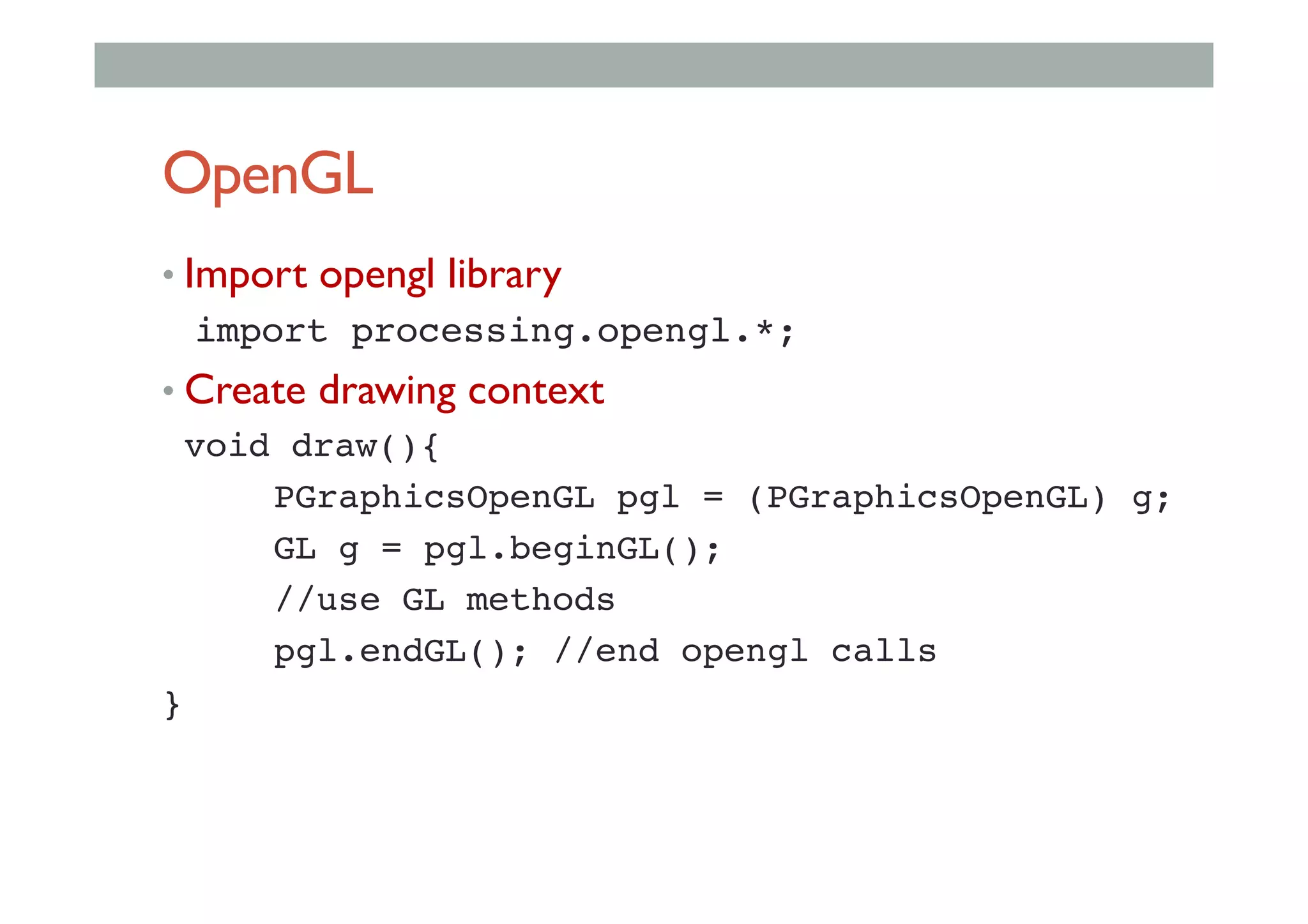
OpenGL
• Import opengl library
import processing.opengl.*;!
• Create drawing context
!void draw(){!
! !PGraphicsOpenGL pgl = (PGraphicsOpenGL) g;!
! !GL g = pgl.beginGL();!
! !//use GL methods!
! !pgl.endGL(); //end opengl calls!
}!
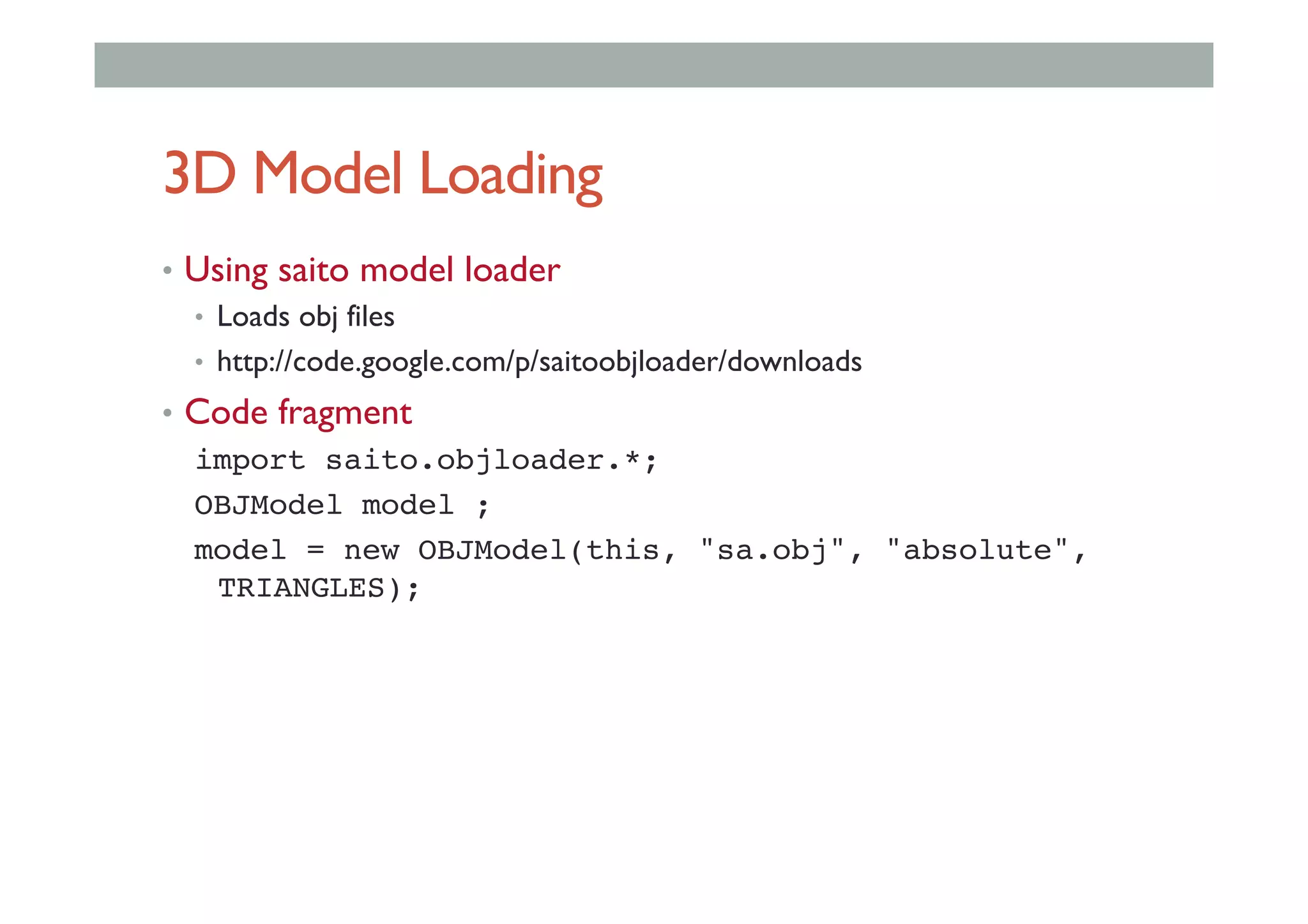
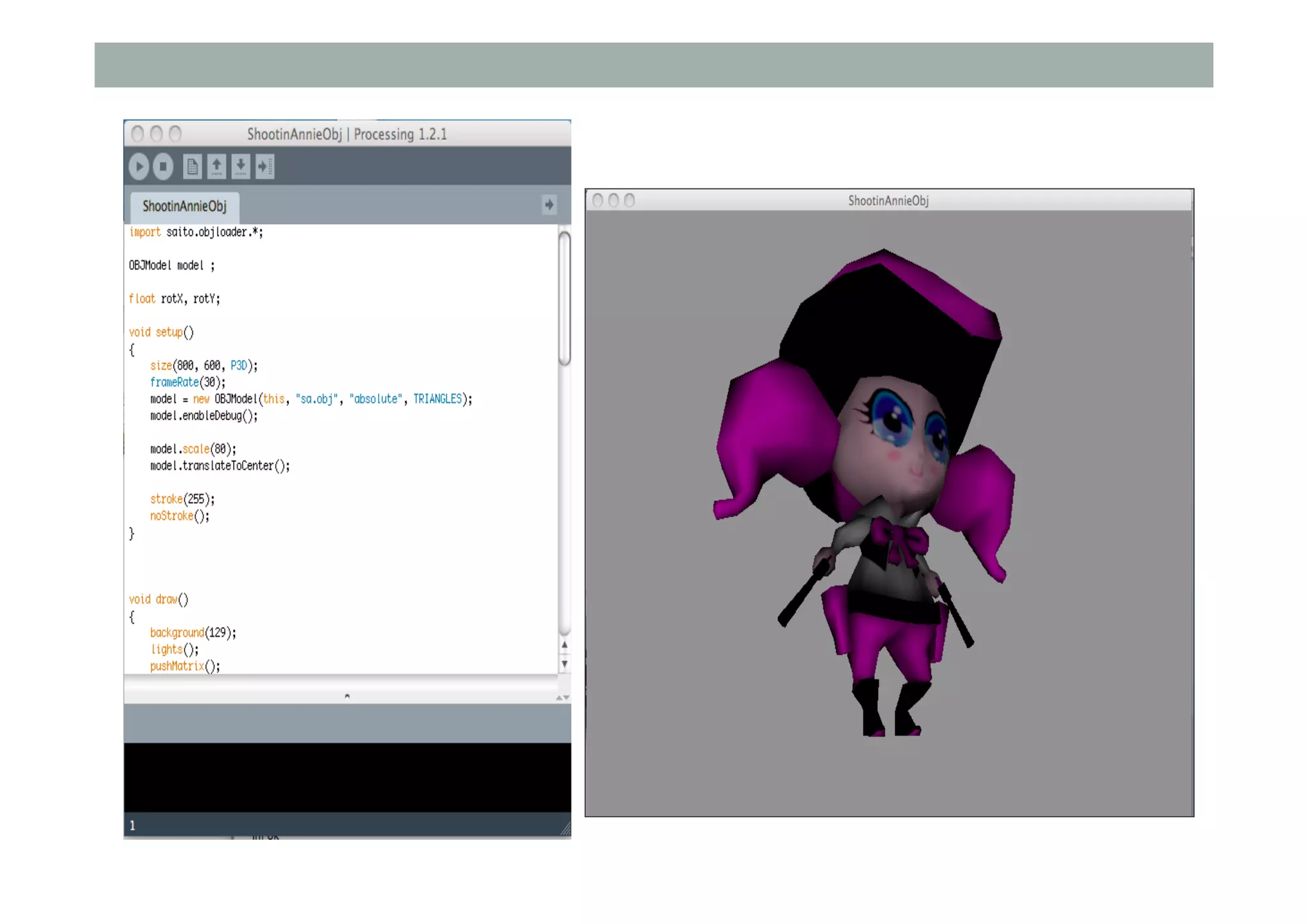
3D Model Loading
•  Using saito model loader
•  Loads obj files
•  http://code.google.com/p/saitoobjloader/downloads
•  Code fragment
import saito.objloader.*;!
OBJModel model ;!
model = new OBJModel(this, "sa.obj", "absolute",
TRIANGLES);!
OtherTools
• GLGraphics
•  http://glgraphics.sourceforge.net/
• Library that extends the Processing OpenlGL
renderer
•  opengl textures,
•  image post-processing filters,
•  3D Models, and shaders in GLSL,
•  Cg and CgFX
ADVANCED INTERFACE
TECHNOLOGY
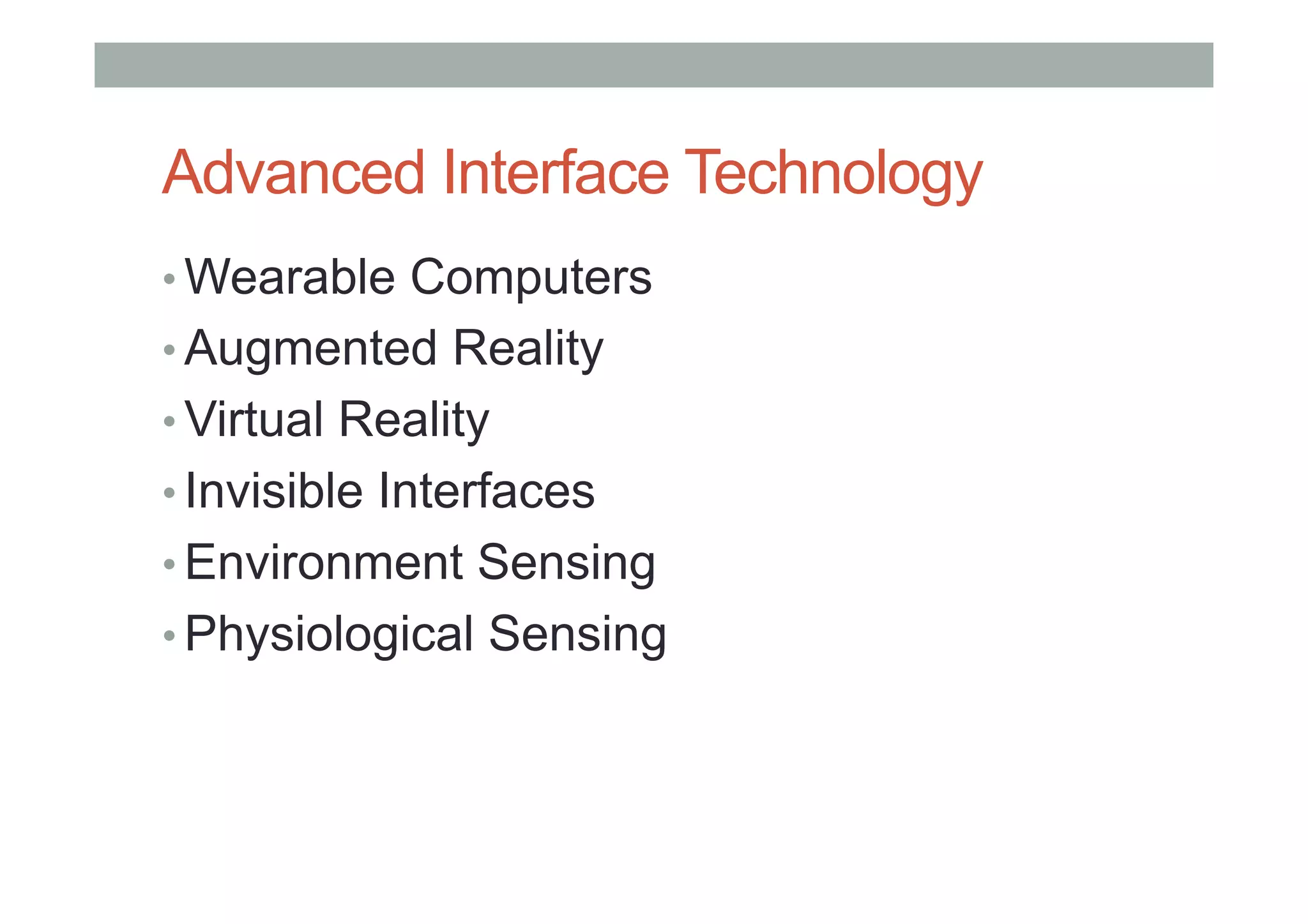
Advanced Interface Technology
• Wearable Computers
• Augmented Reality
• Virtual Reality
• Invisible Interfaces
• Environment Sensing
• Physiological Sensing
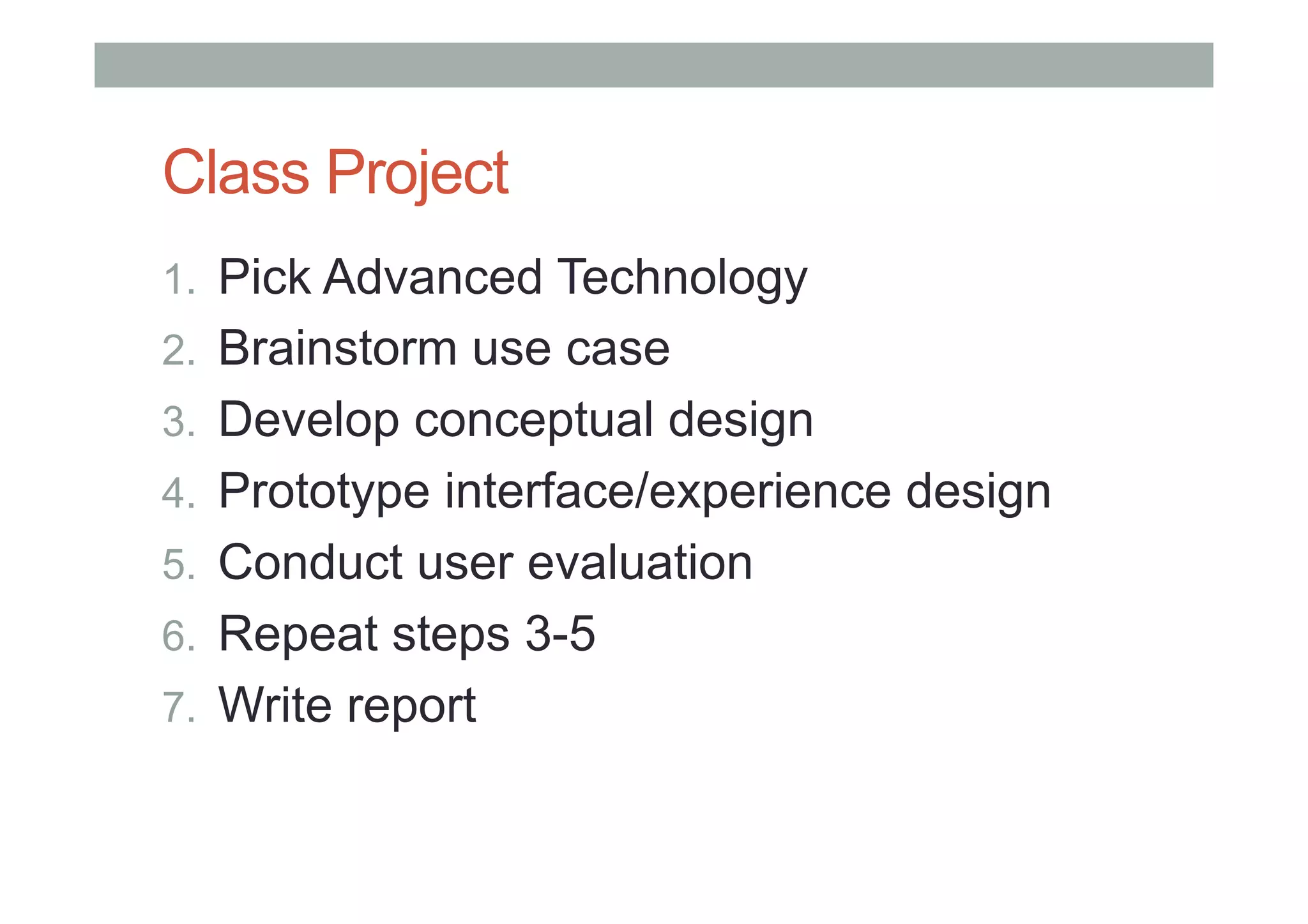
Class Project
1.  Pick Advanced Technology
2.  Brainstorm use case
3.  Develop conceptual design
4.  Prototype interface/experience design
5.  Conduct user evaluation
6.  Repeat steps 3-5
7.  Write report
WEARABLE COMPUTERS
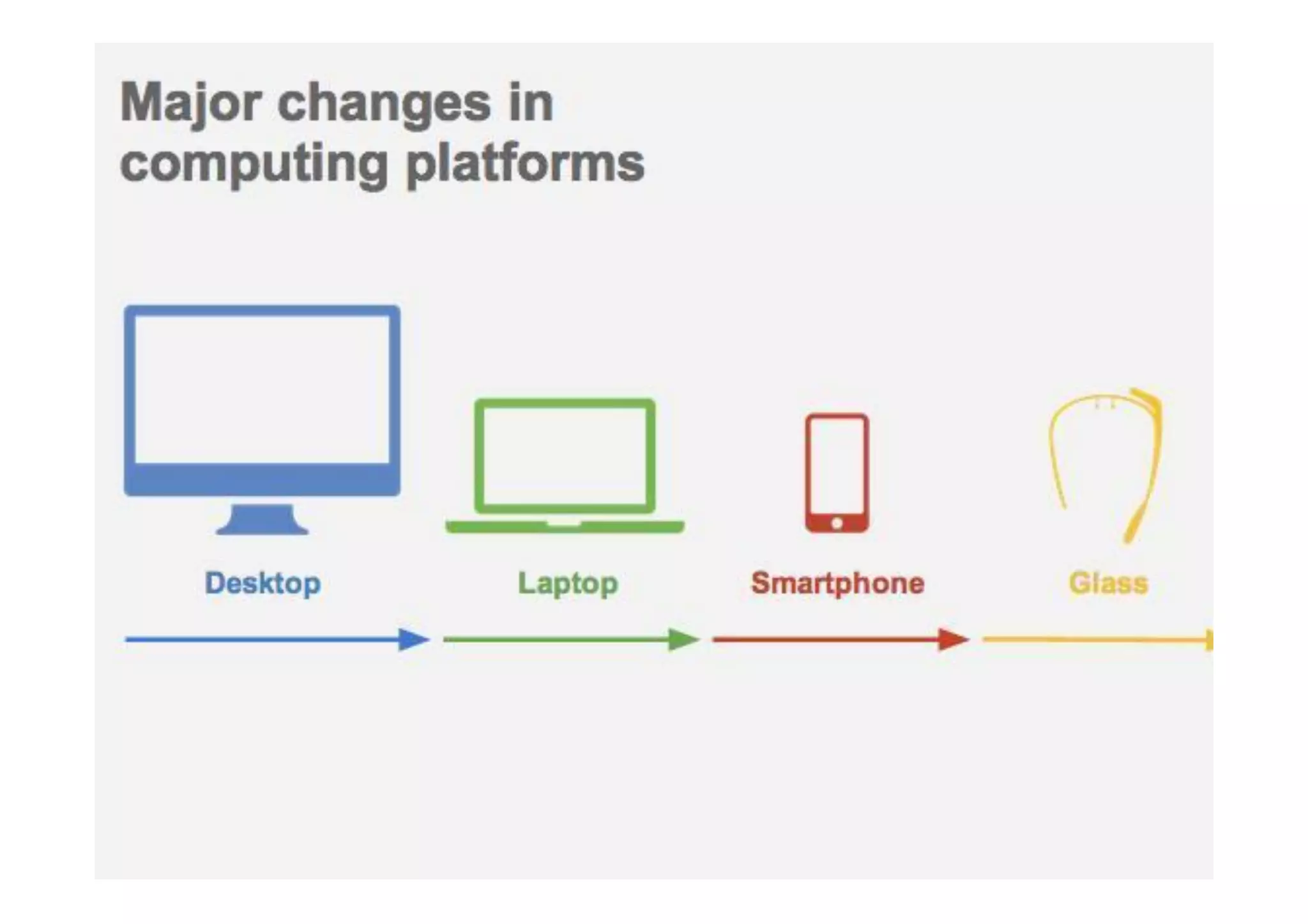
Major changes in computing
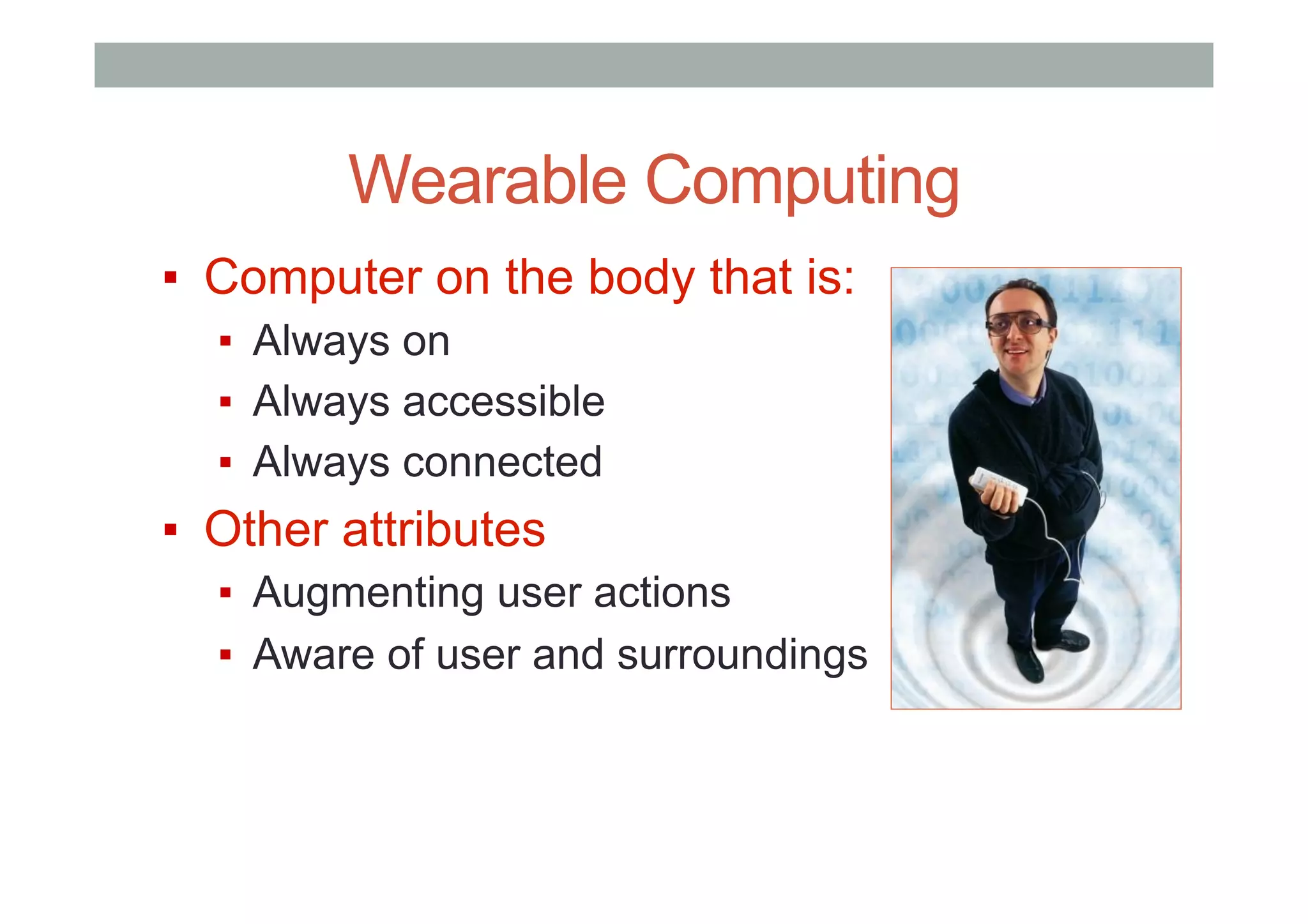
Wearable Computing
▪  Computer on the body that is:
▪  Always on
▪  Always accessible
▪  Always connected
▪  Other attributes
▪  Augmenting user actions
▪  Aware of user and surroundings
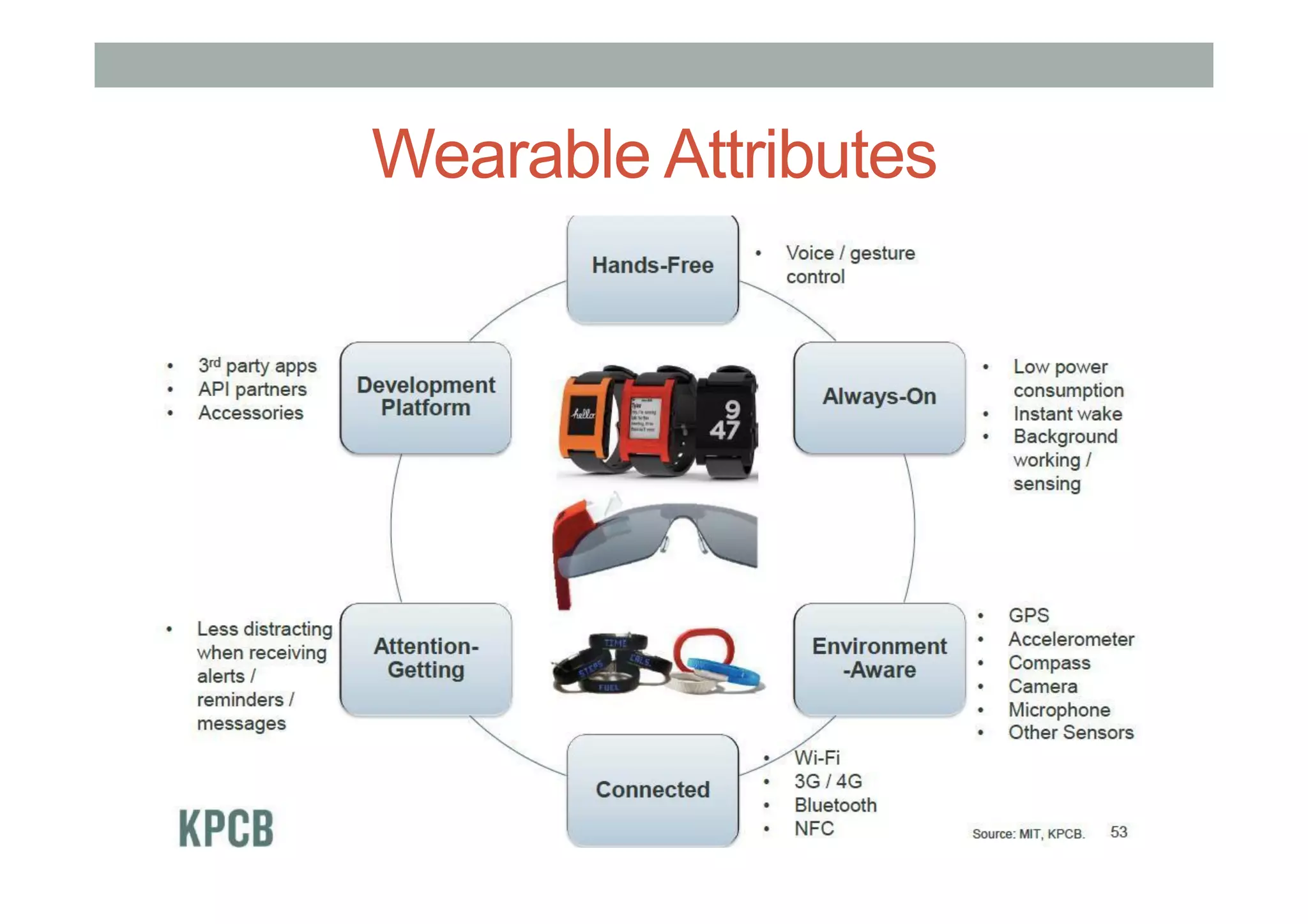
Wearable Attributes
▪  fafds
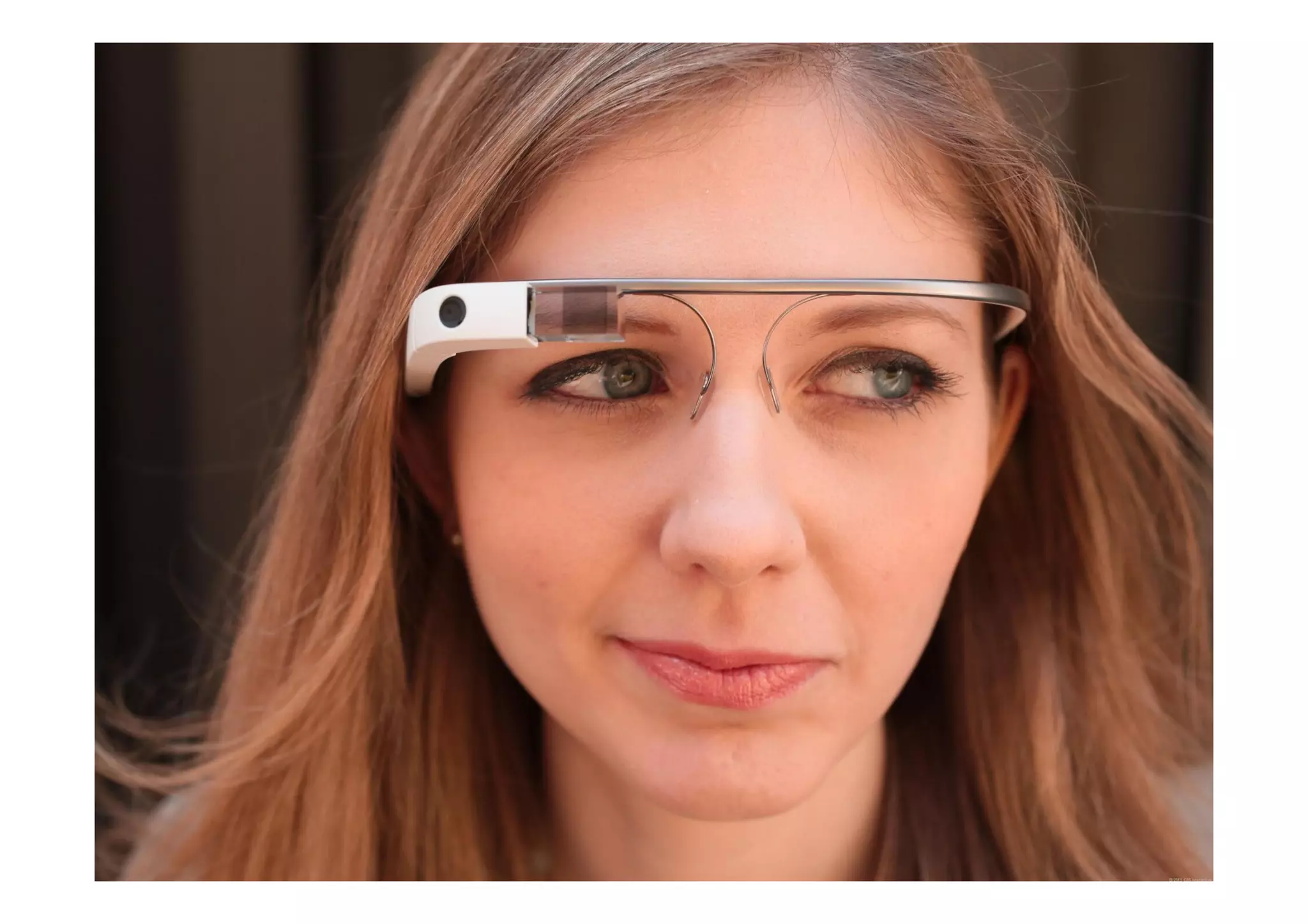
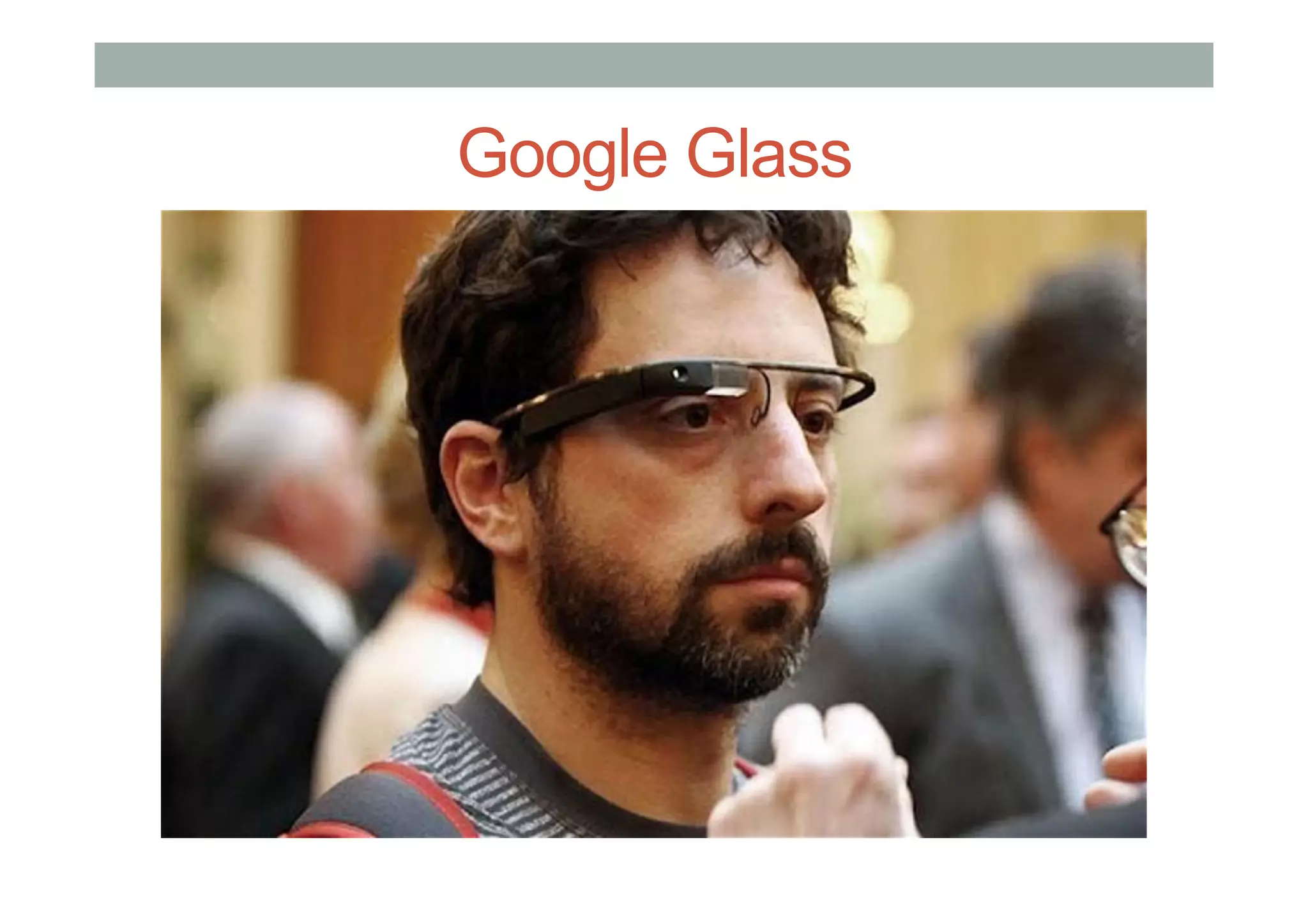
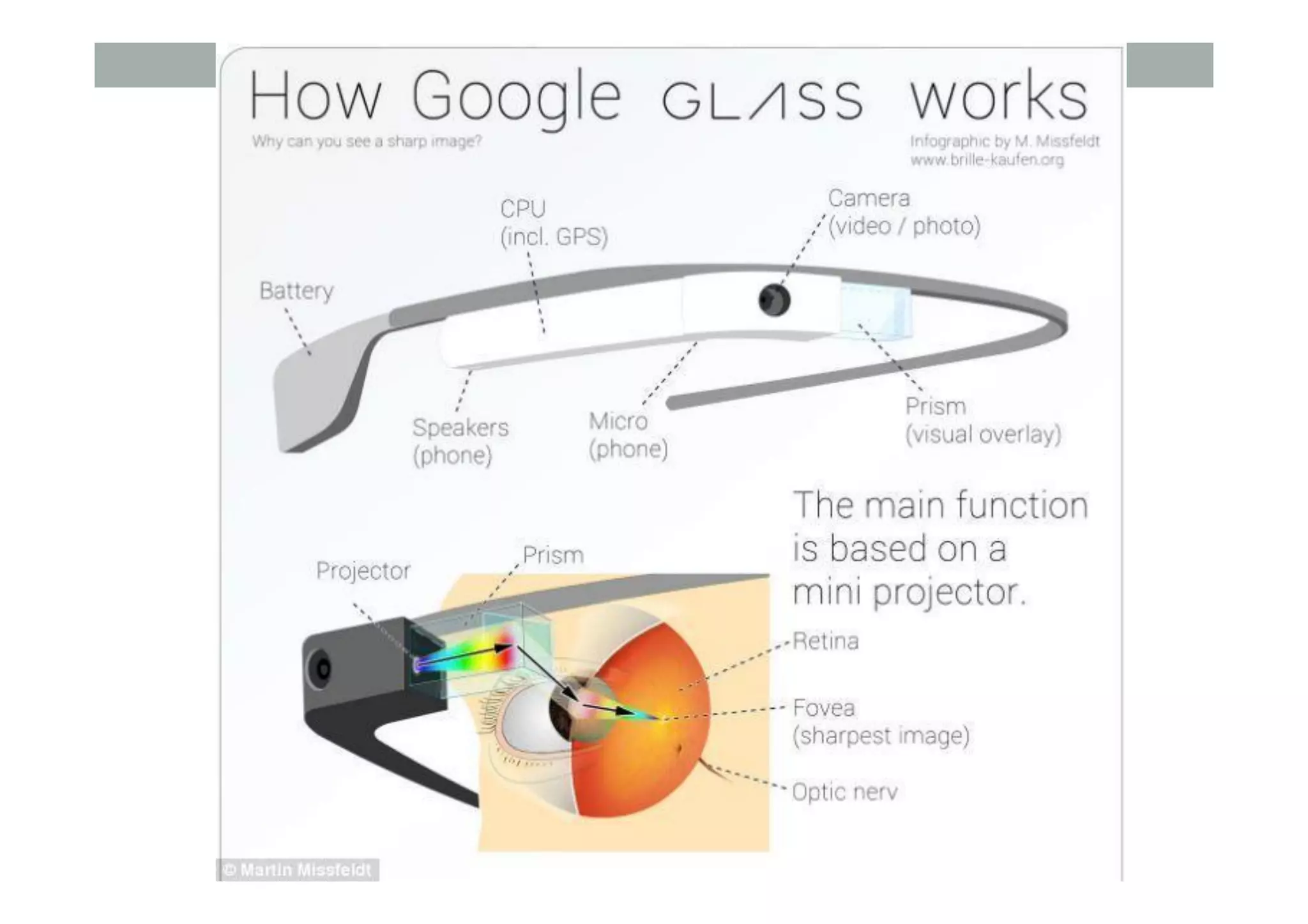
Google Glass
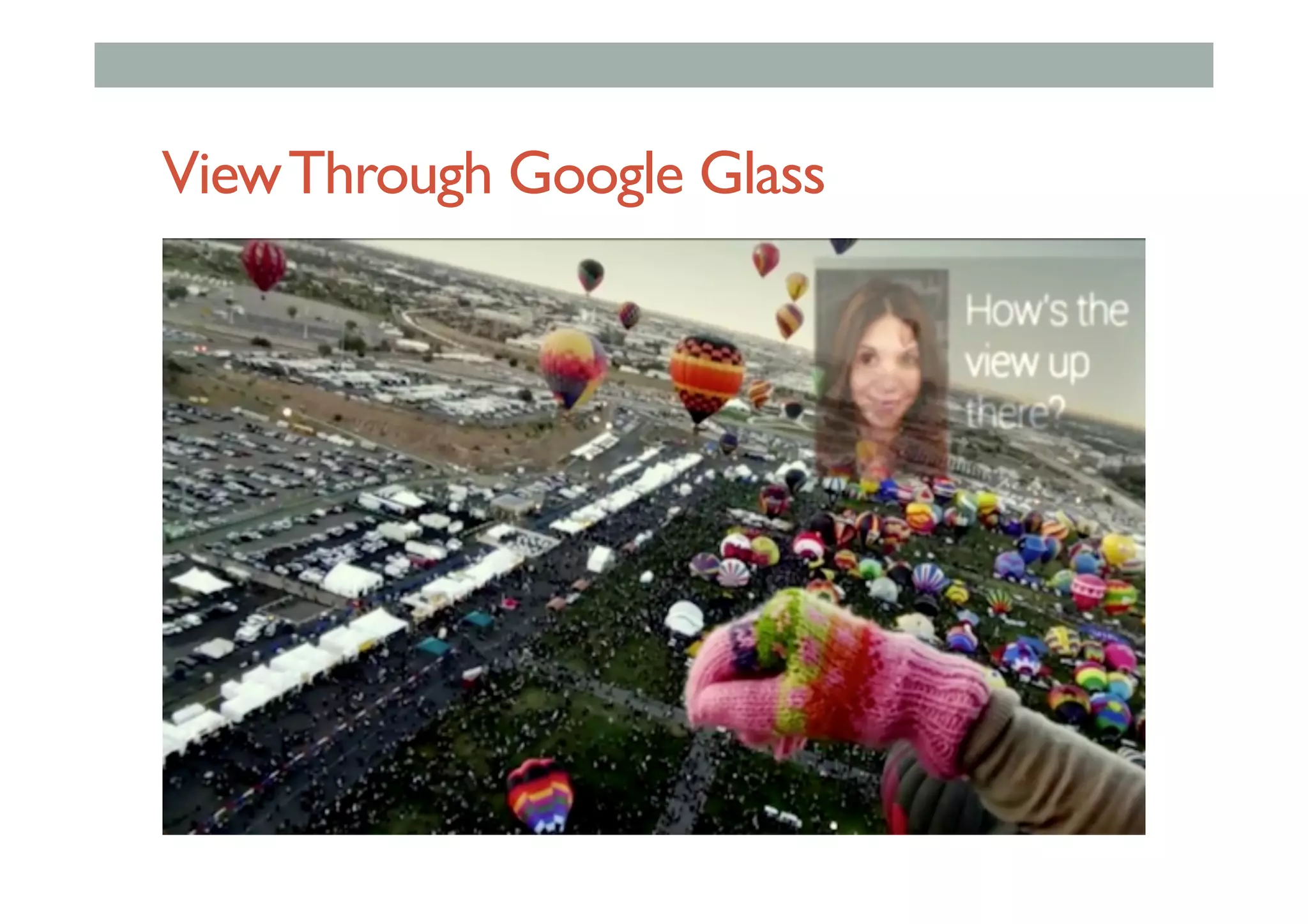
ViewThrough Google Glass
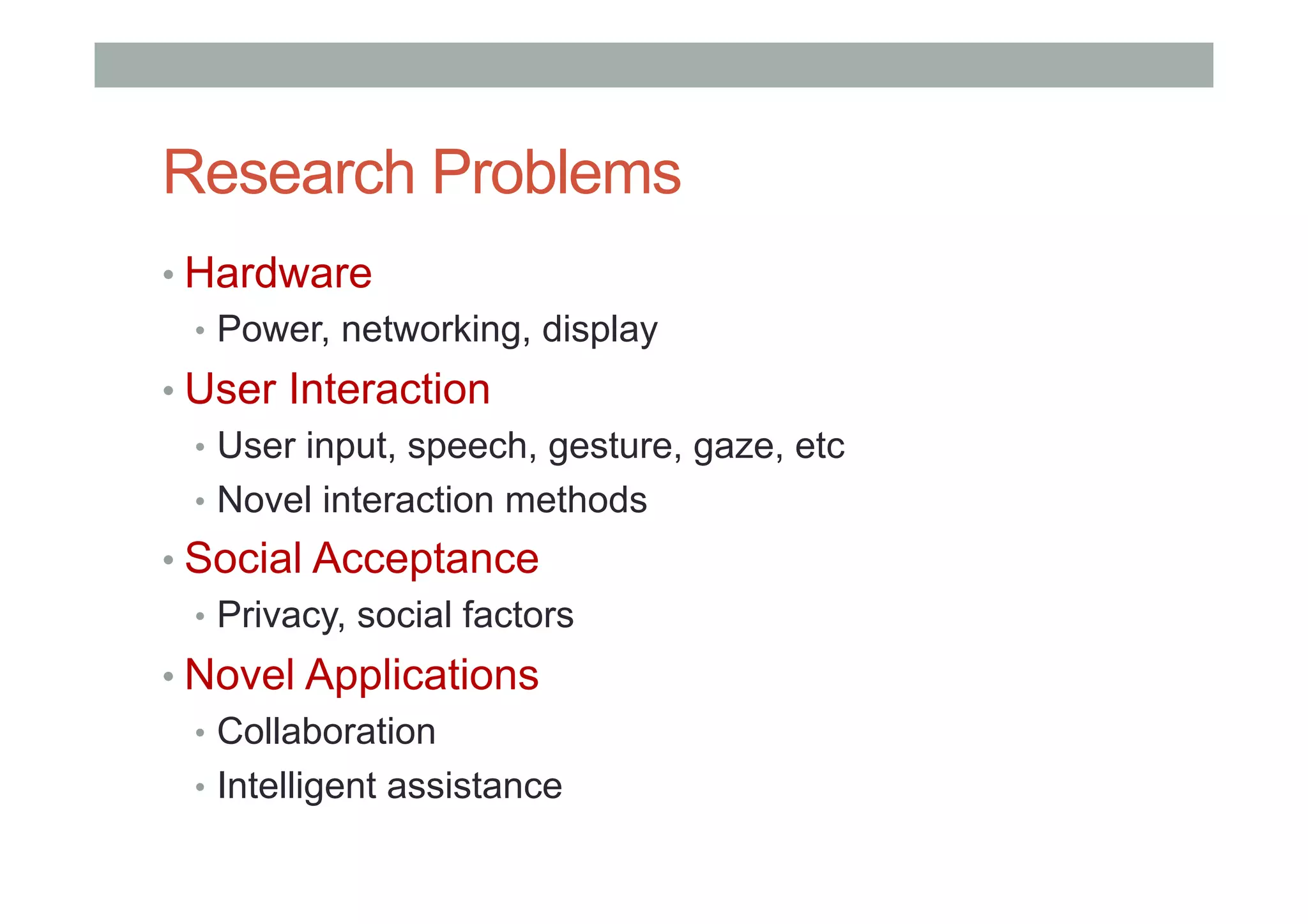
Research Problems
• Hardware
•  Power, networking, display
• User Interaction
•  User input, speech, gesture, gaze, etc
•  Novel interaction methods
• Social Acceptance
•  Privacy, social factors
• Novel Applications
•  Collaboration
•  Intelligent assistance
AUGMENTED REALITY
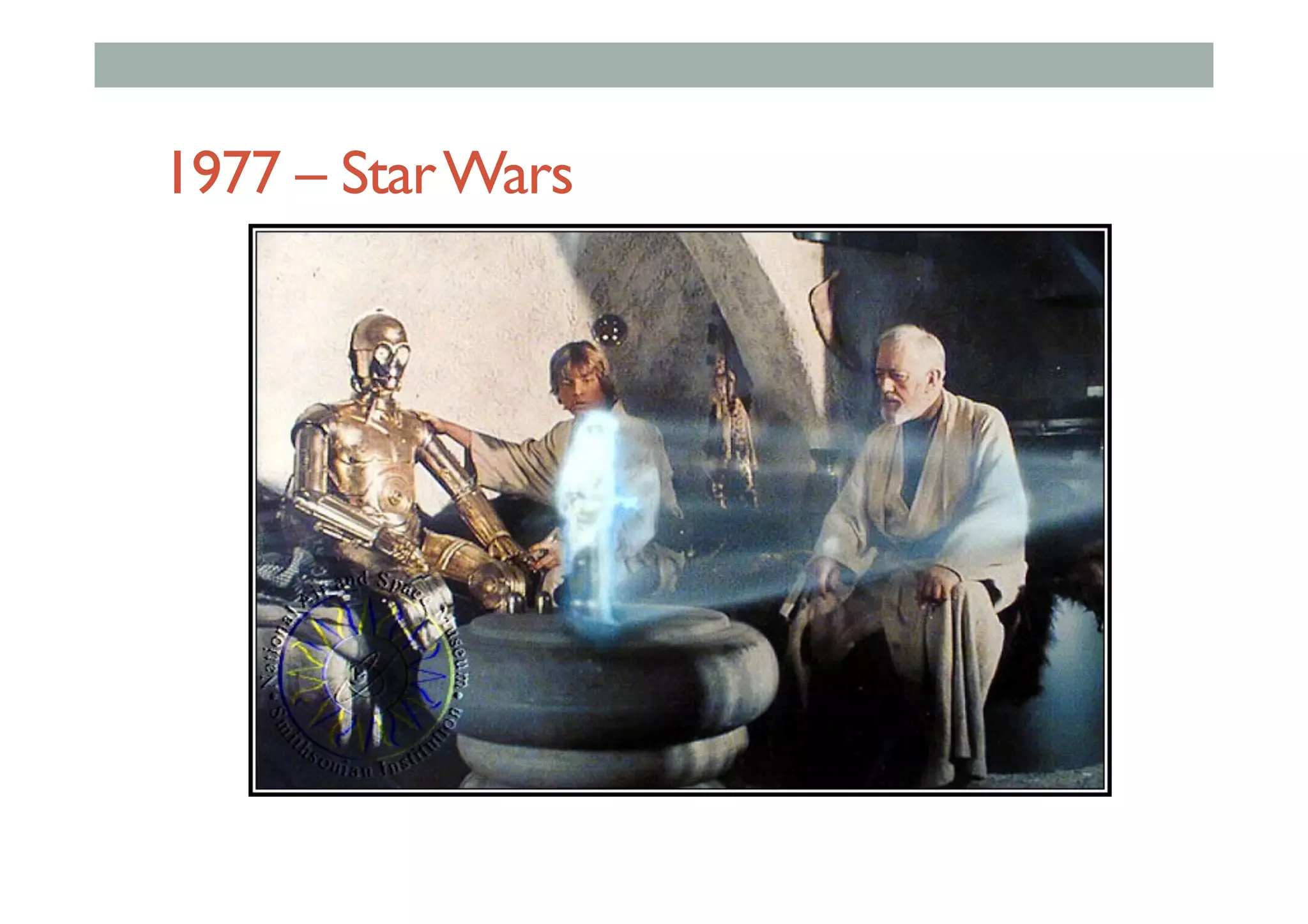
1977 – StarWars
Augmented Reality Definition
• Defining Characteristics [Azuma 97]
• Combines Real andVirtual Images
• Both can be seen at the same time
• Interactive in real-time
• The virtual content can be interacted with
• Registered in 3D
• Virtual objects appear fixed in space
Azuma, R. T. (1997). A survey of augmented reality. Presence, 6(4), 355-385.
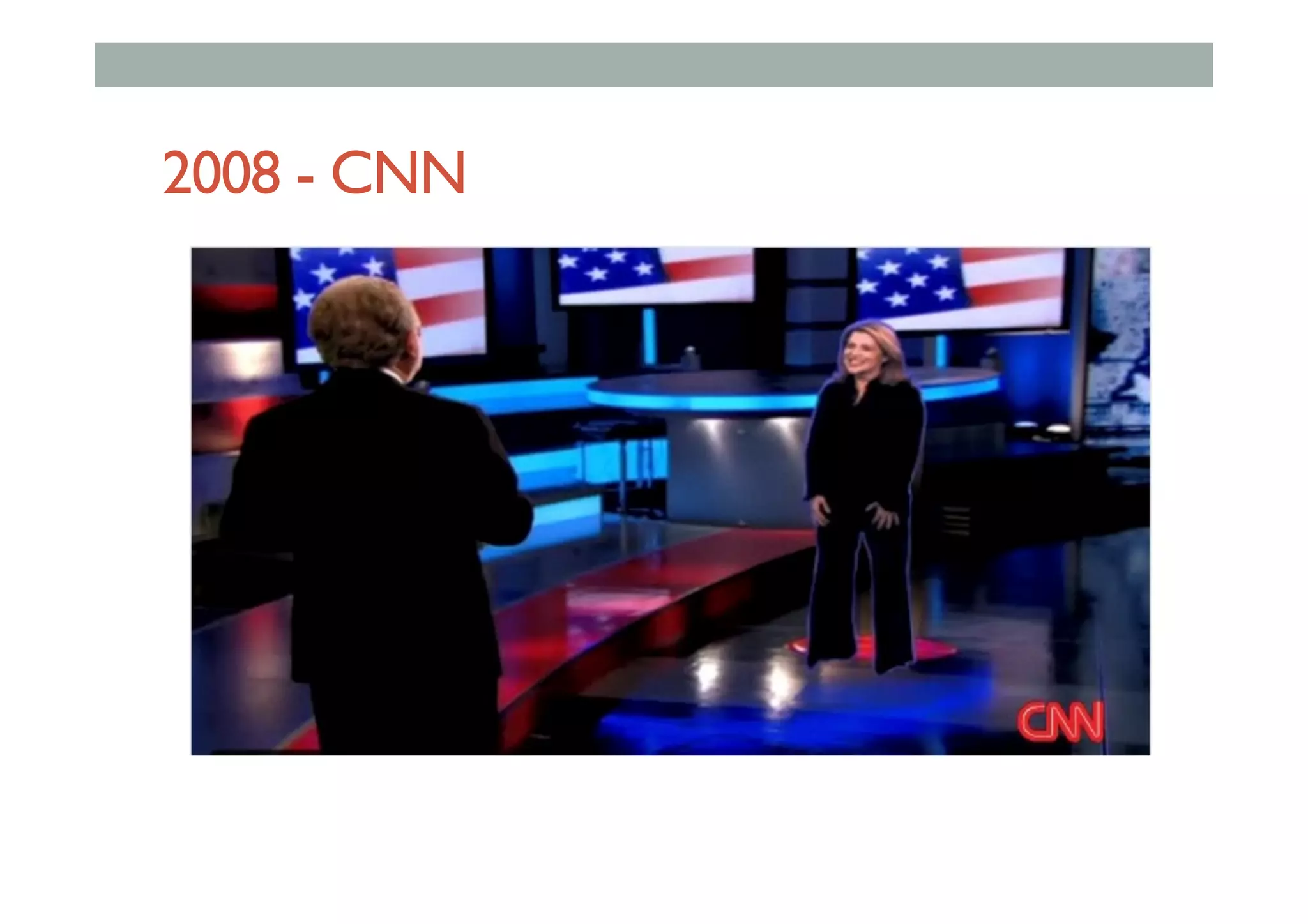
2008 - CNN
•  Put AR pictures here
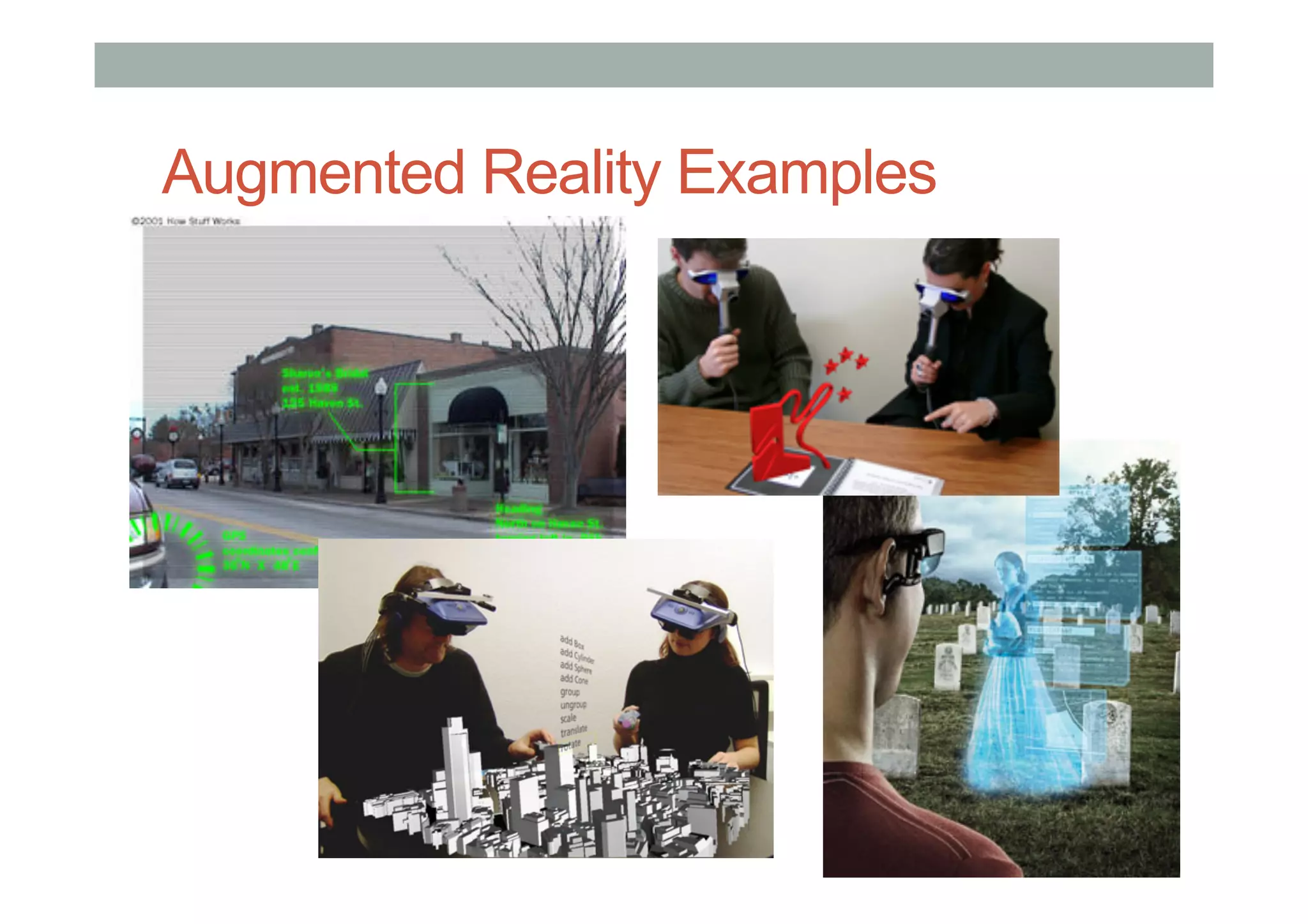
Augmented Reality Examples
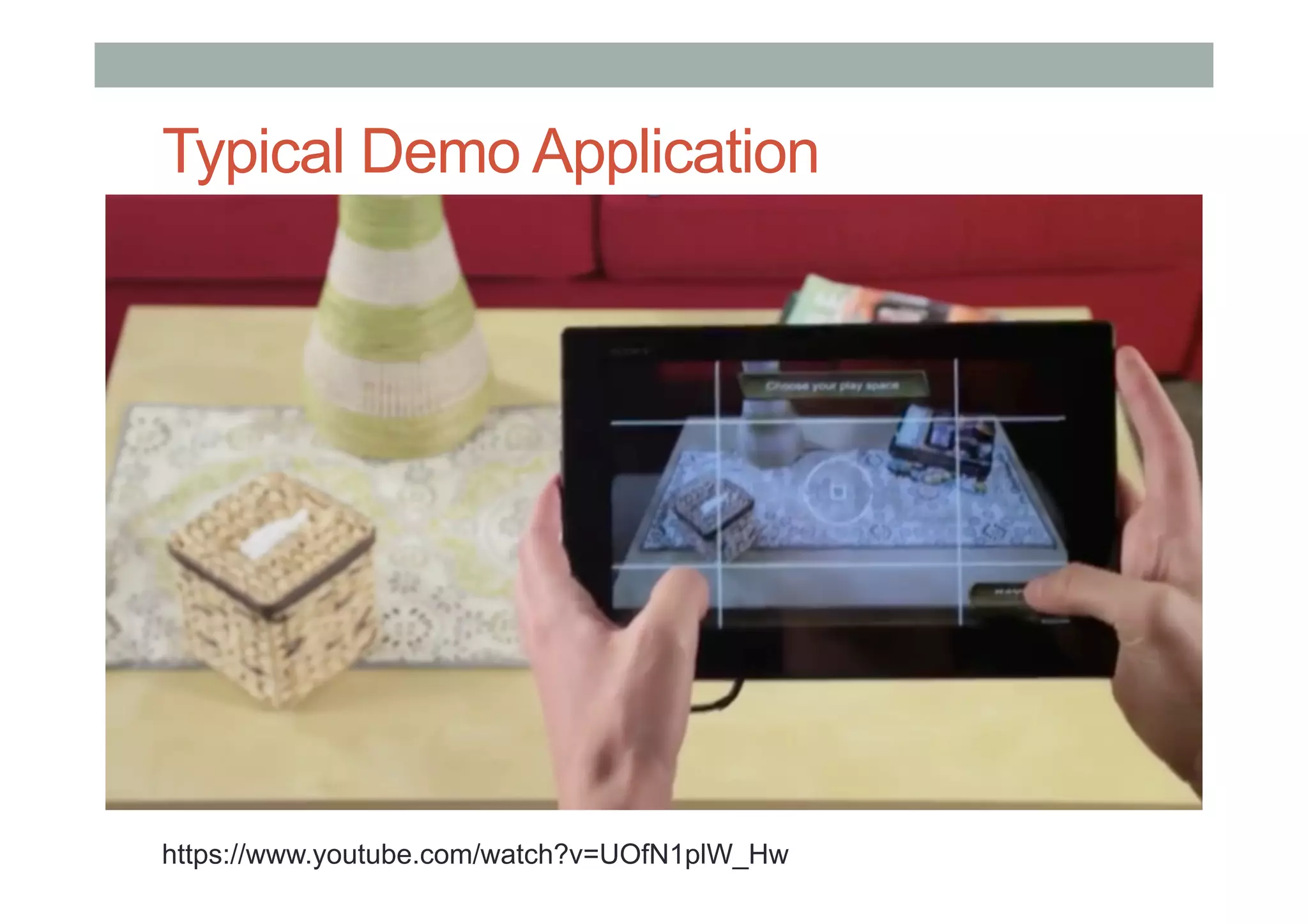
Typical Demo Application
https://www.youtube.com/watch?v=UOfN1plW_Hw
Research Problems
• Low level hardware/software
•  Head mounted displays
•  Tracking systems
• User Interaction
•  Gesture based interaction
•  Multimodal input (speech, gesture)
• Novel Applications
•  Face to face collaboration
•  Authoring tools
VIRTUAL REALITY
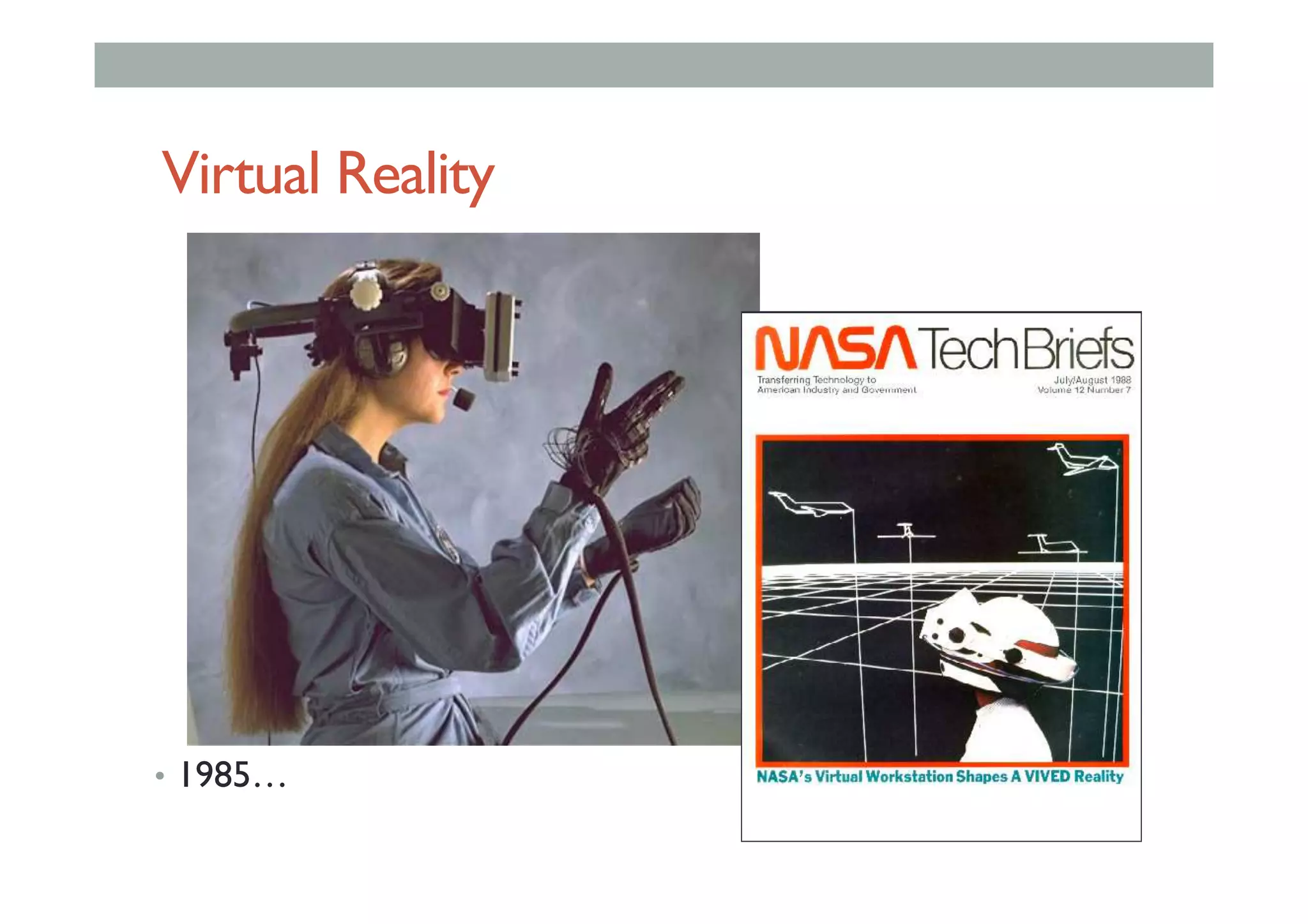
Virtual Reality
•  1985…
Virtual Reality
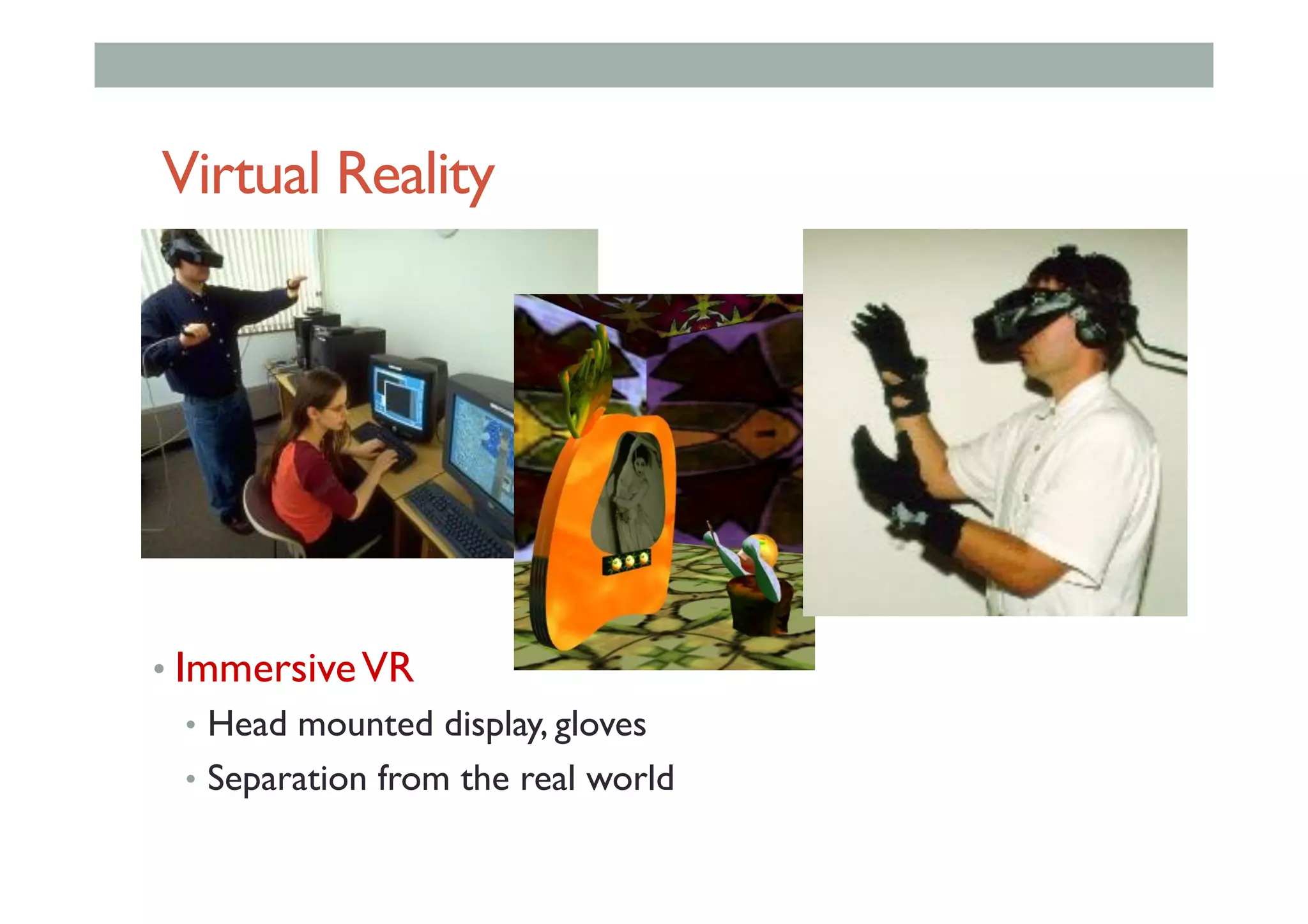
• ImmersiveVR
•  Head mounted display, gloves
•  Separation from the real world
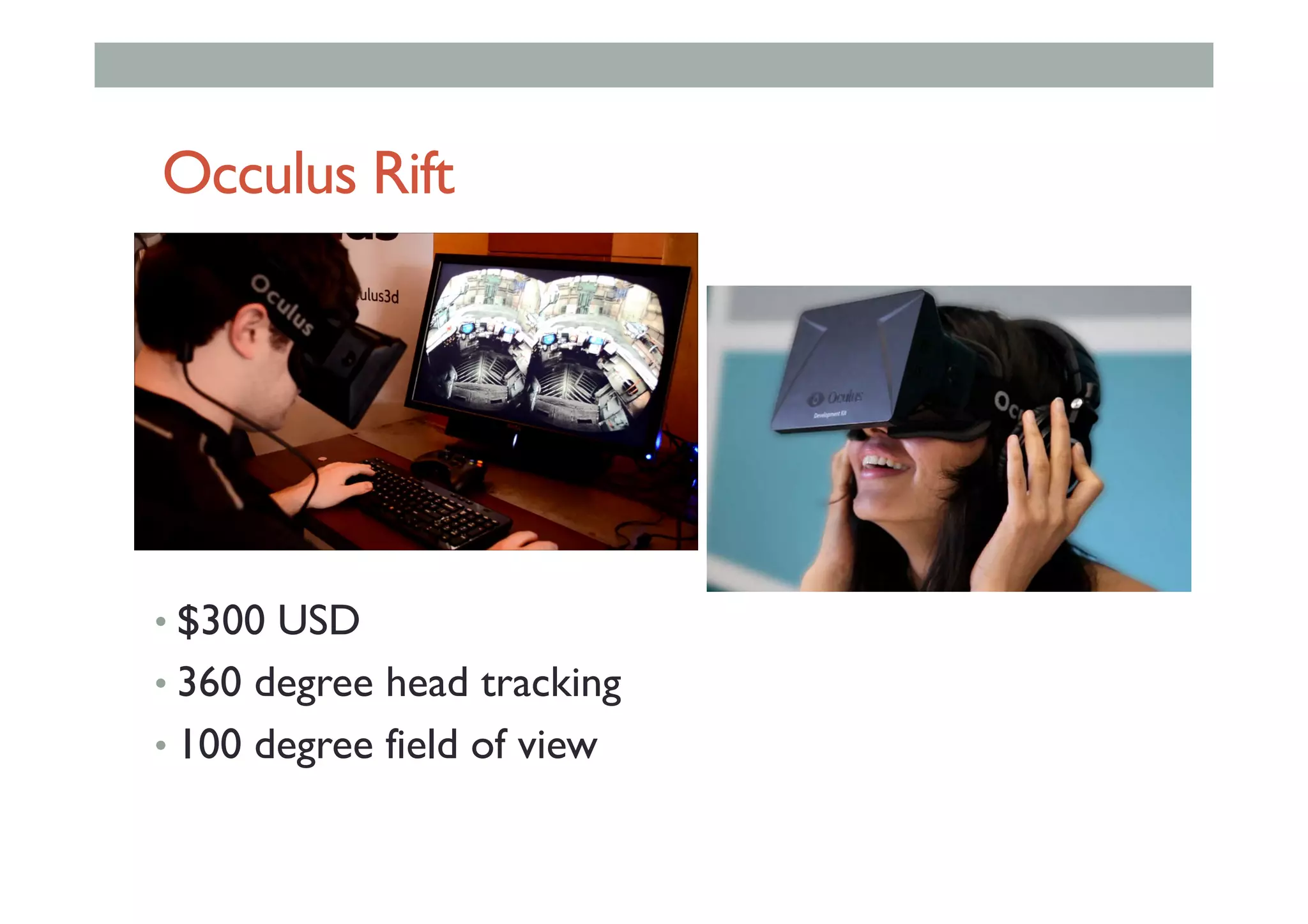
Occulus Rift
• $300 USD
• 360 degree head tracking
• 100 degree field of view
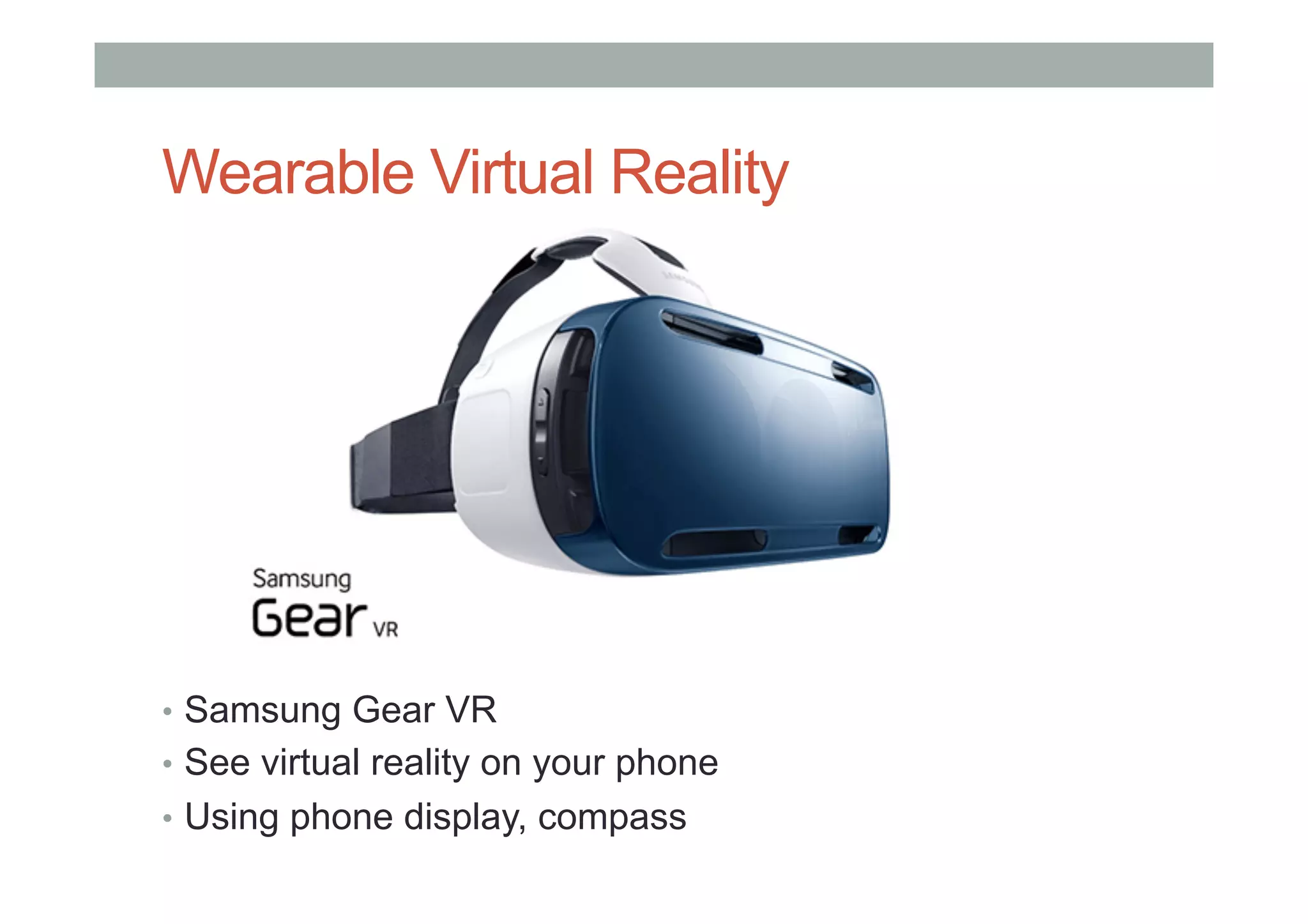
Wearable Virtual Reality
•  Samsung Gear VR
•  See virtual reality on your phone
•  Using phone display, compass
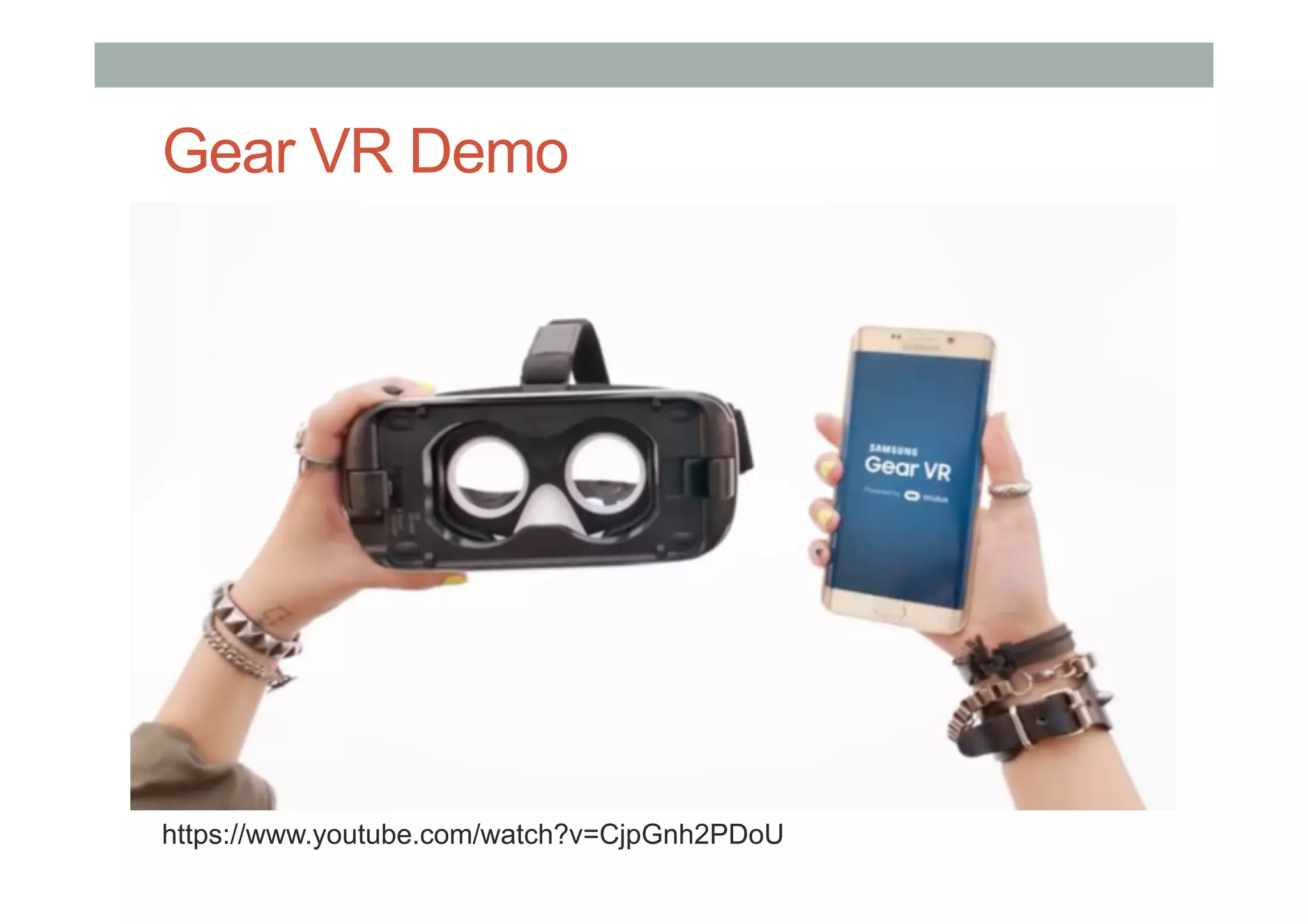
Gear VR Demo
https://www.youtube.com/watch?v=CjpGnh2PDoU
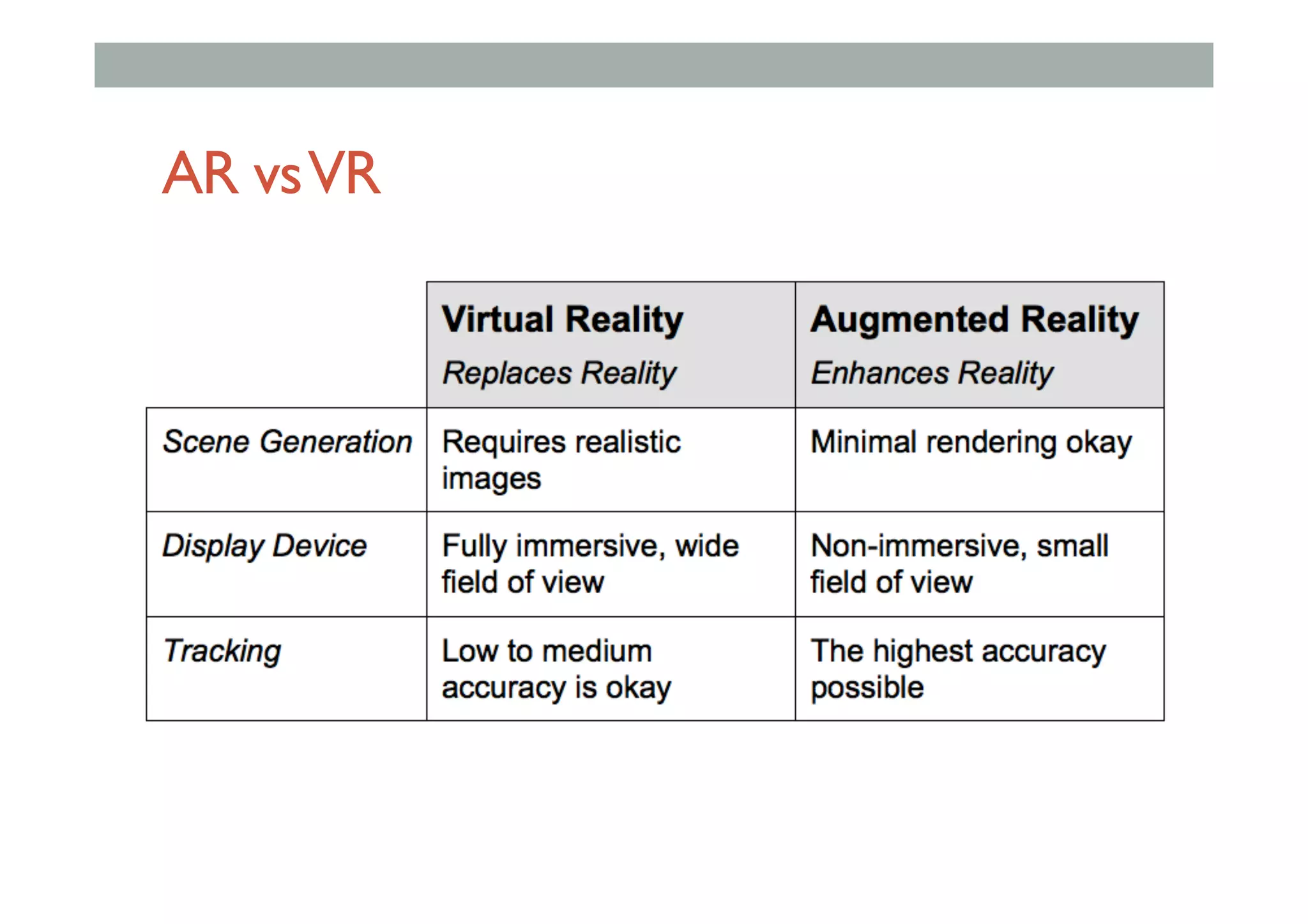
AR vsVR
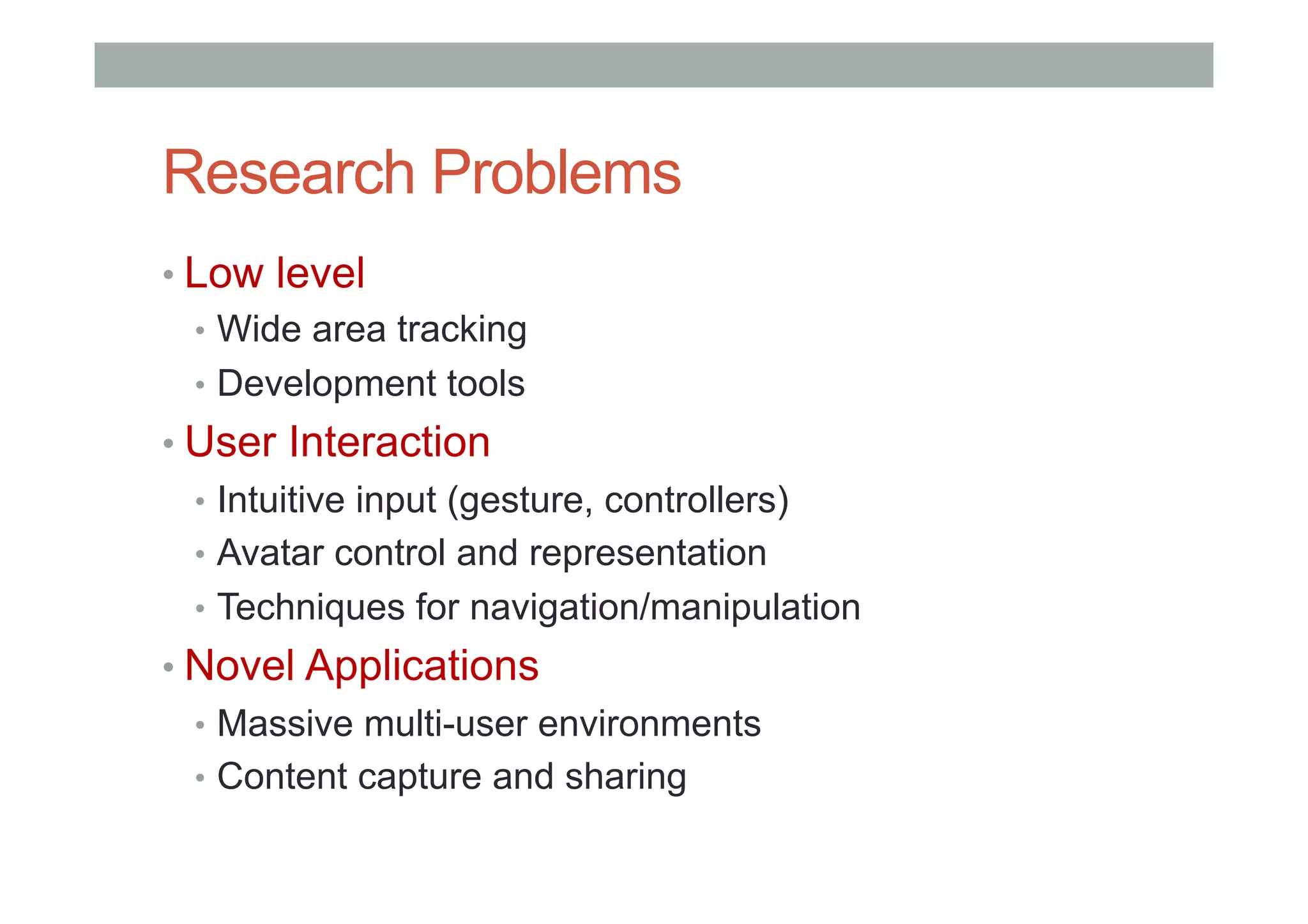
Research Problems
• Low level
•  Wide area tracking
•  Development tools
• User Interaction
•  Intuitive input (gesture, controllers)
•  Avatar control and representation
•  Techniques for navigation/manipulation
• Novel Applications
•  Massive multi-user environments
•  Content capture and sharing
INVISIBLE INTERFACES
Early Examples
•  Interaction without devices:
•  BodySpace [Strachan 2007]: Functions to body position
•  Abracadabra [Harrison 2007]: Magnets on finger tips
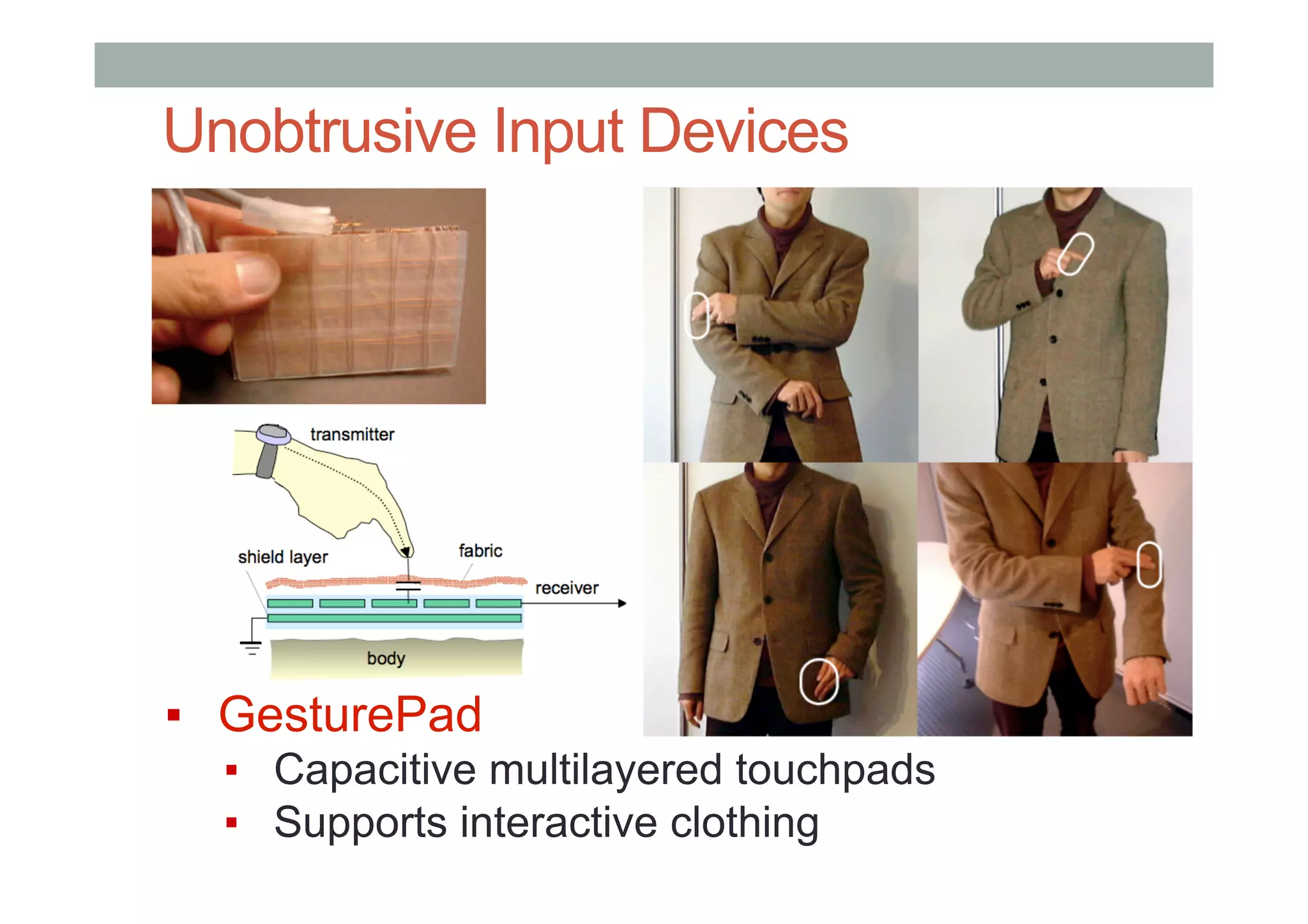
•  GesturePad [Rekimoto 2001]: Capacitive sensing in clothing
•  Palm-based Interaction
•  Haptic Hand [Kohli 2005]: Using non-dominant hand in VR
•  Sixth Sense [Mistry 2009]: Projection on hand
•  Brainy Hand [Tamaki 2009]: Head worn projector/camera
Unobtrusive Input Devices
▪  GesturePad
▪  Capacitive multilayered touchpads
▪  Supports interactive clothing
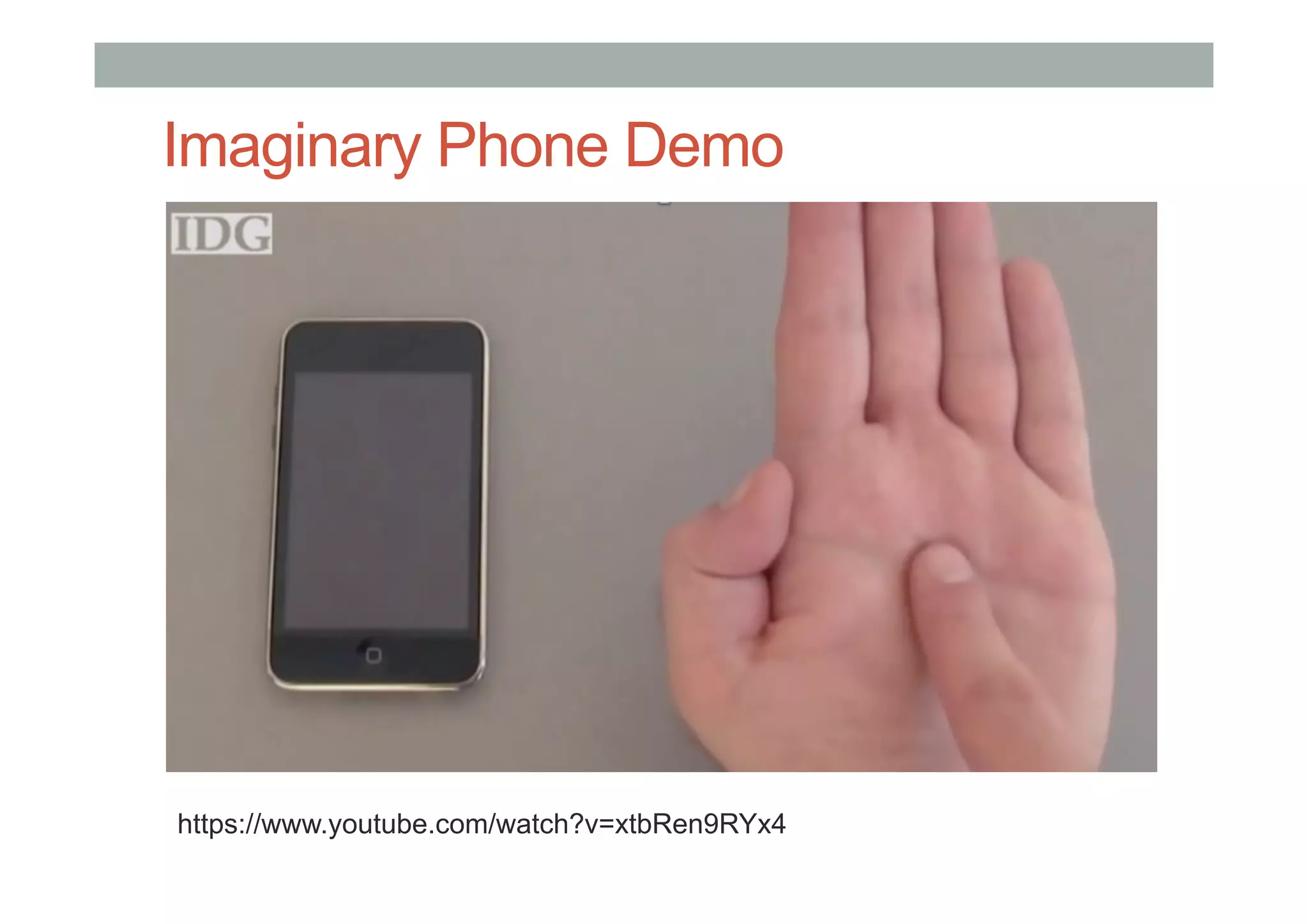
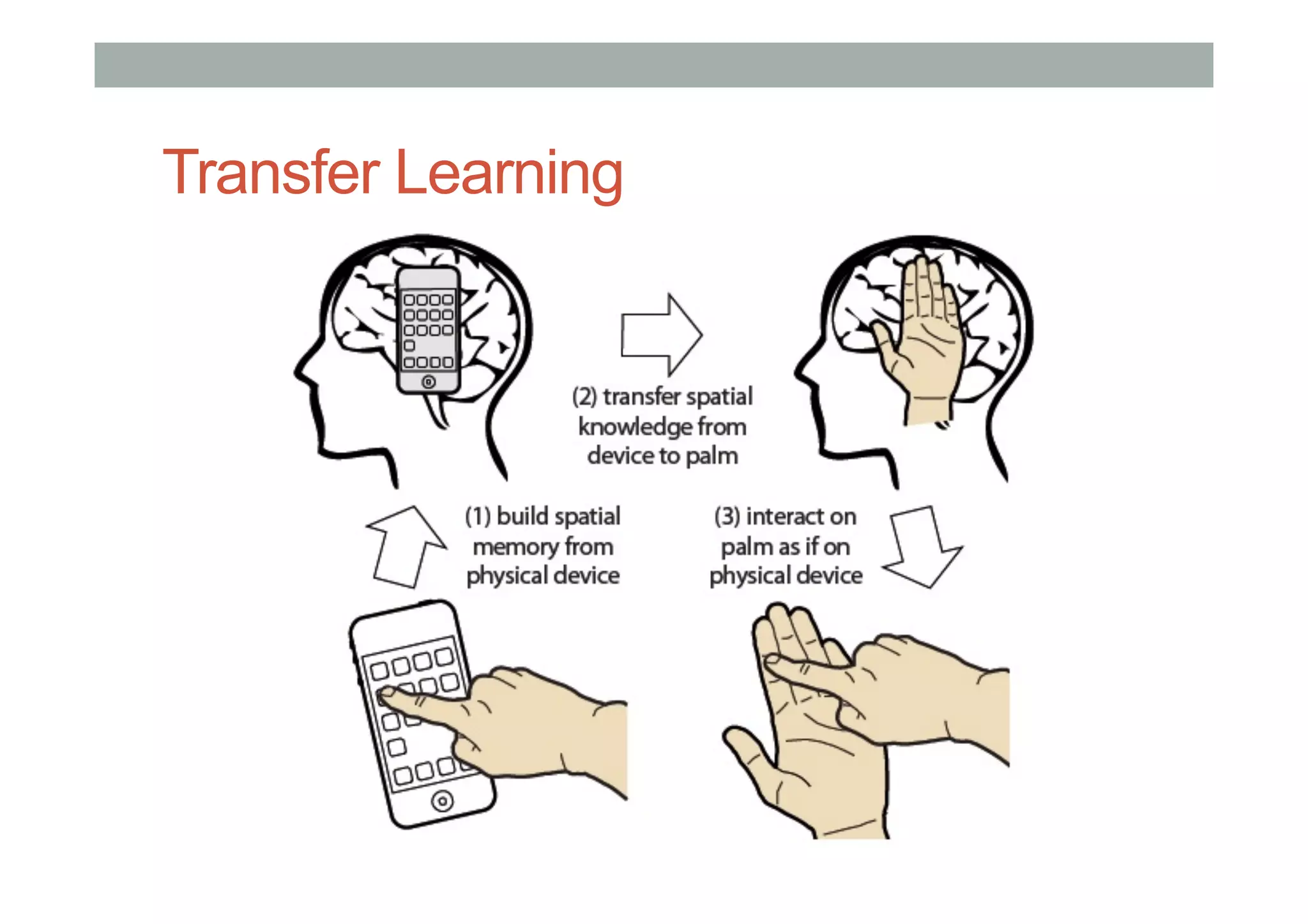
ImaginaryPhone
•  Gustafson, S., Holz, C., & Baudisch, P. [2011]
Imaginary Phone Demo
https://www.youtube.com/watch?v=xtbRen9RYx4
Transfer Learning
Invisible Interfaces – Gestures in Space
•  Gustafson, S., Bierwirth, D., & Baudisch, P. [2010]
•  Using a non-dominant hand stabilized interface.
Imaginary Interfaces
https://www.youtube.com/watch?v=718RDJeISNA
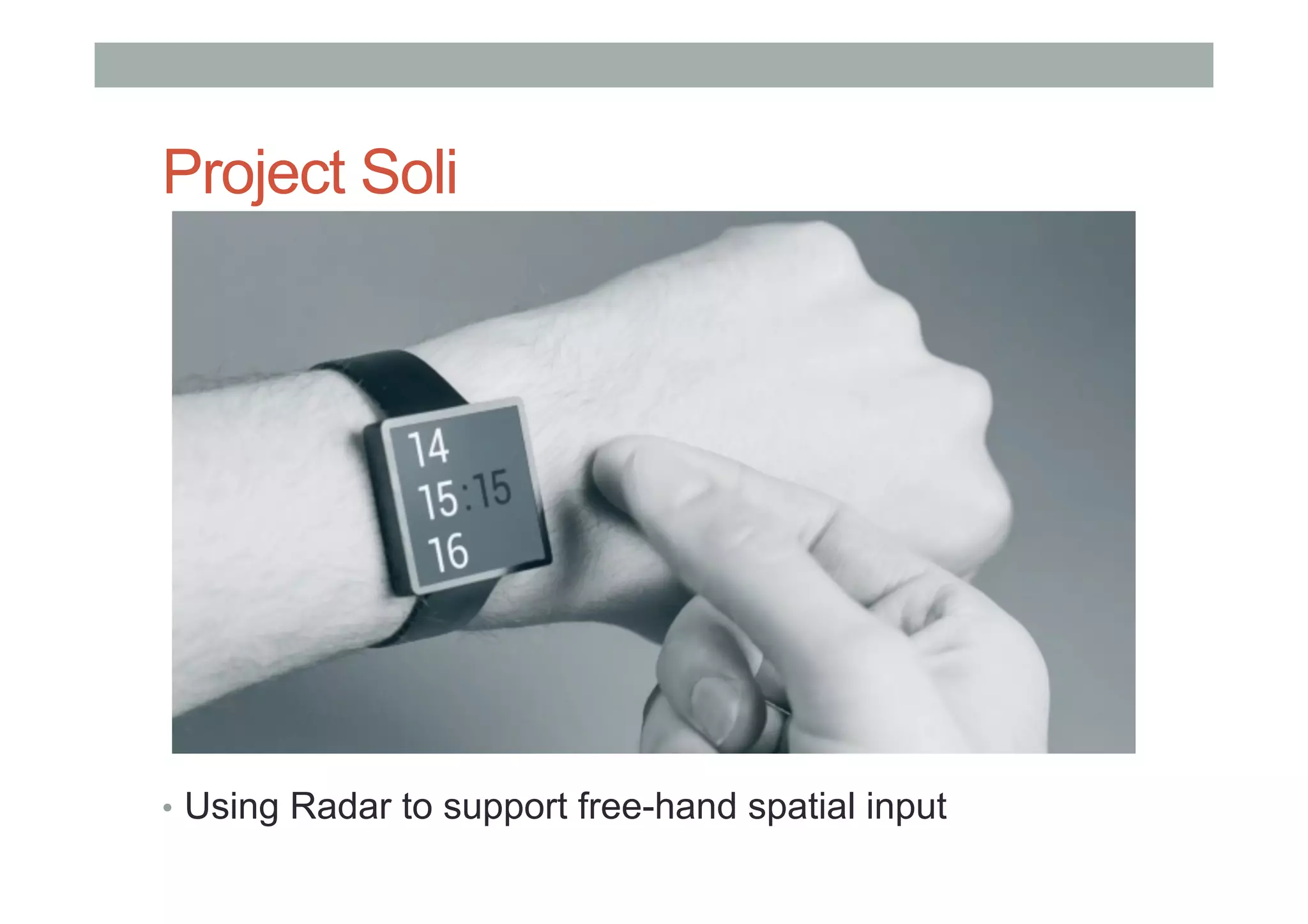
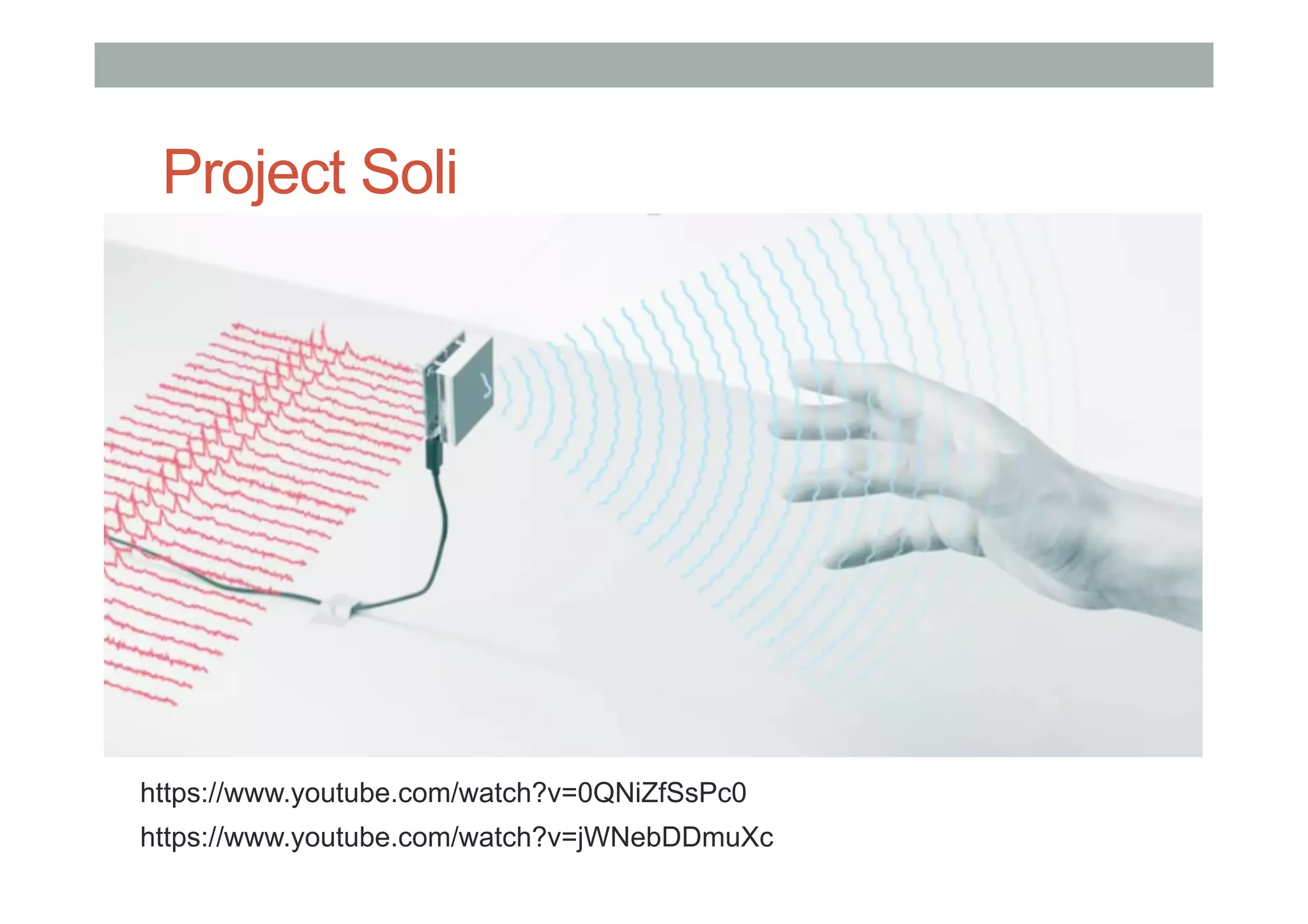
Project Soli
•  Using Radar to support free-hand spatial input
Project Soli
https://www.youtube.com/watch?v=0QNiZfSsPc0
https://www.youtube.com/watch?v=jWNebDDmuXc
Research Gaps
• Free-hand interfaces using relative input
• Combining invisible interface + mobile device
• Multimodal interaction
•  speech + gesture input
• Affordances and discoverability
• Interaction frameworks
Research Problems
• Hardware
•  Power, networking, display
• User Interaction
•  User input, speech, gesture, gaze, etc
•  Novel interaction methods
• Social Acceptance
•  Privacy, social factors
• Novel Applications
•  Collaboration
•  Intelligent assistance
ENVIRONMENT SENSING
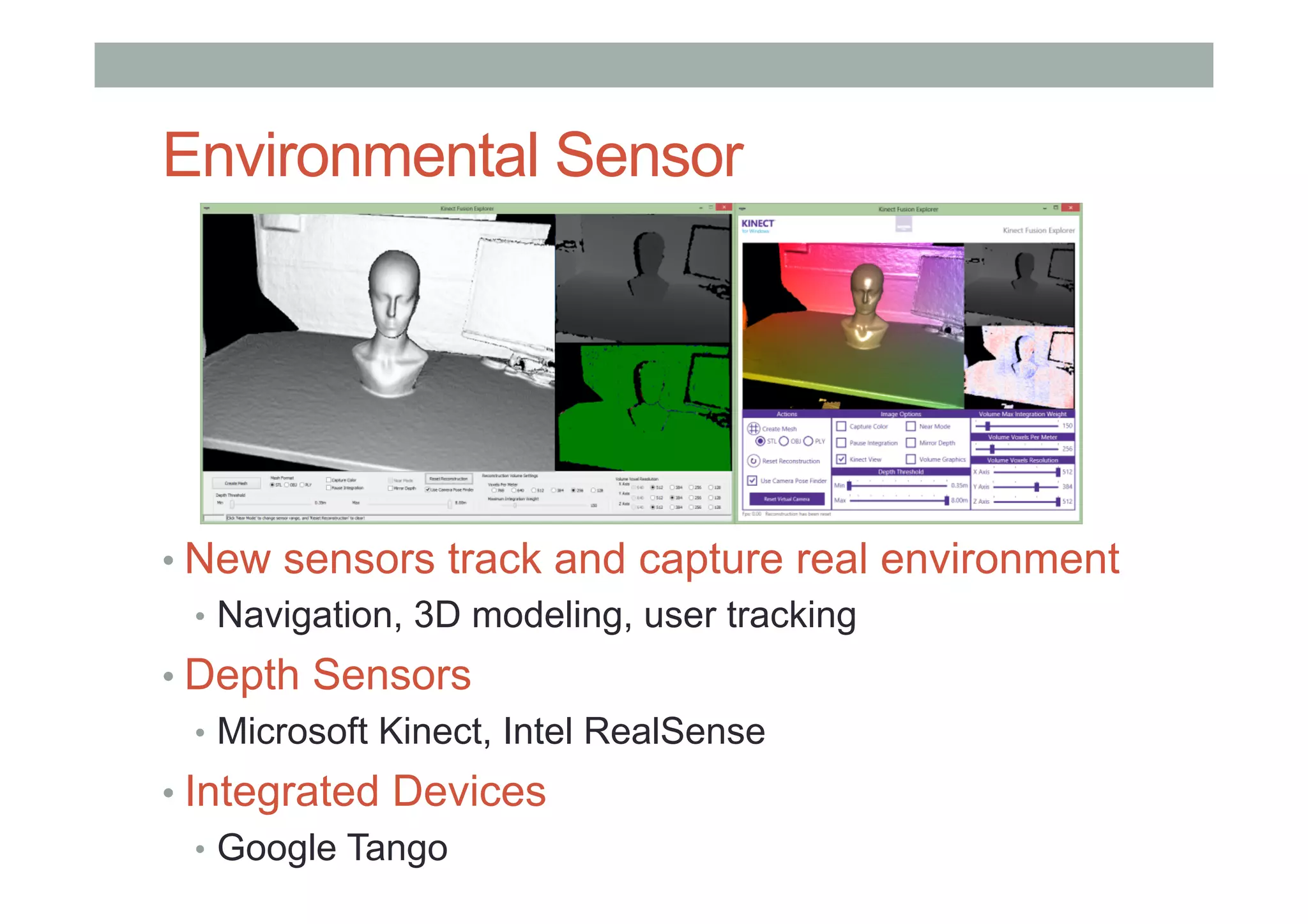
Environmental Sensor
• New sensors track and capture real environment
•  Navigation, 3D modeling, user tracking
• Depth Sensors
•  Microsoft Kinect, Intel RealSense
• Integrated Devices
•  Google Tango
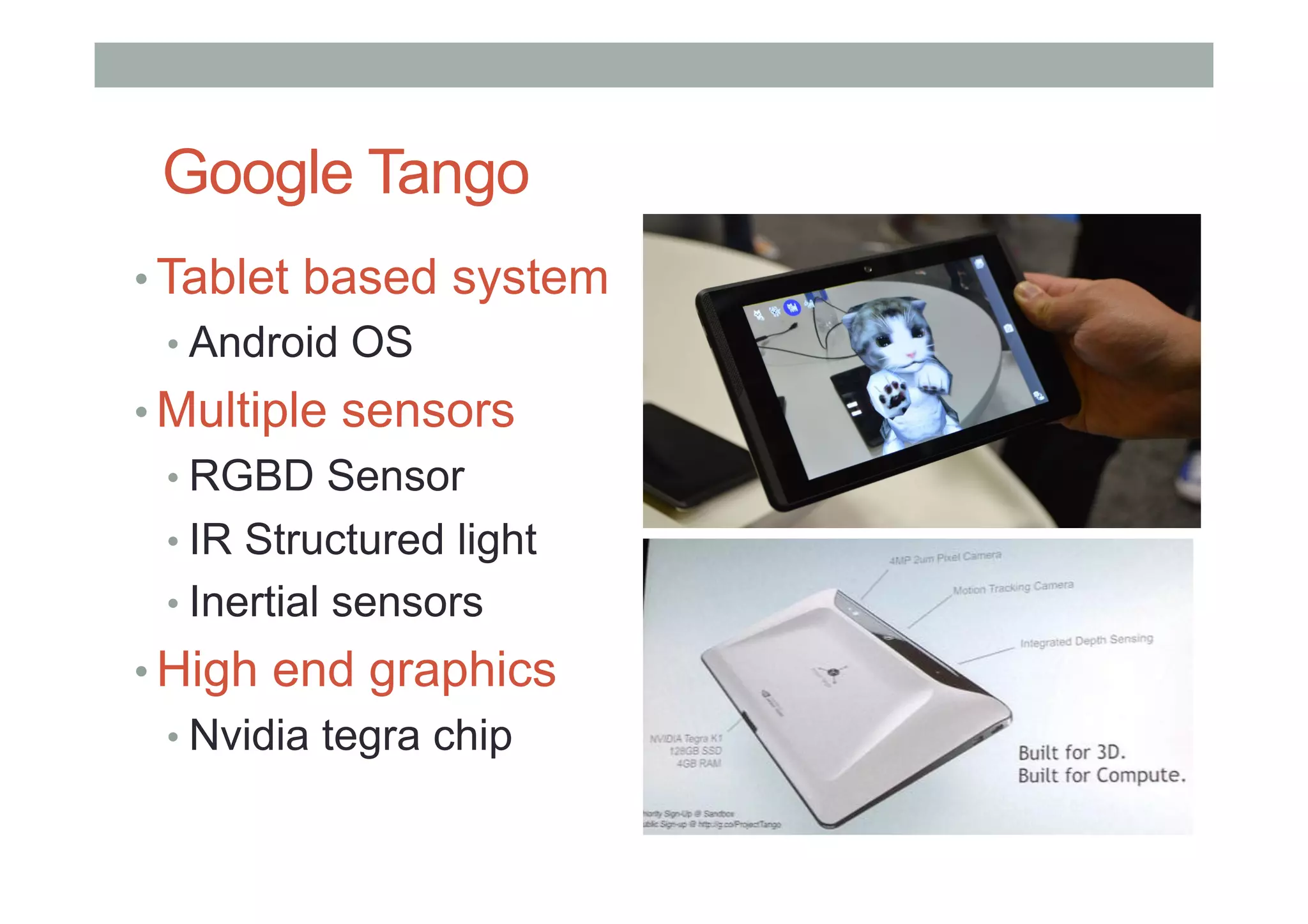
Google Tango
• Tablet based system
• Android OS
• Multiple sensors
• RGBD Sensor
• IR Structured light
• Inertial sensors
• High end graphics
• Nvidia tegra chip
Google Tango
Research Problems
• Content creation
•  Creating better 3D models
•  Segmenting objects
• User Interaction
•  Interaction with real world
•  Interacting with multiple devices
• Novel Applications
•  AR notes/real world tagging
•  Social networking
PHYSIOLOGICAL SENSING
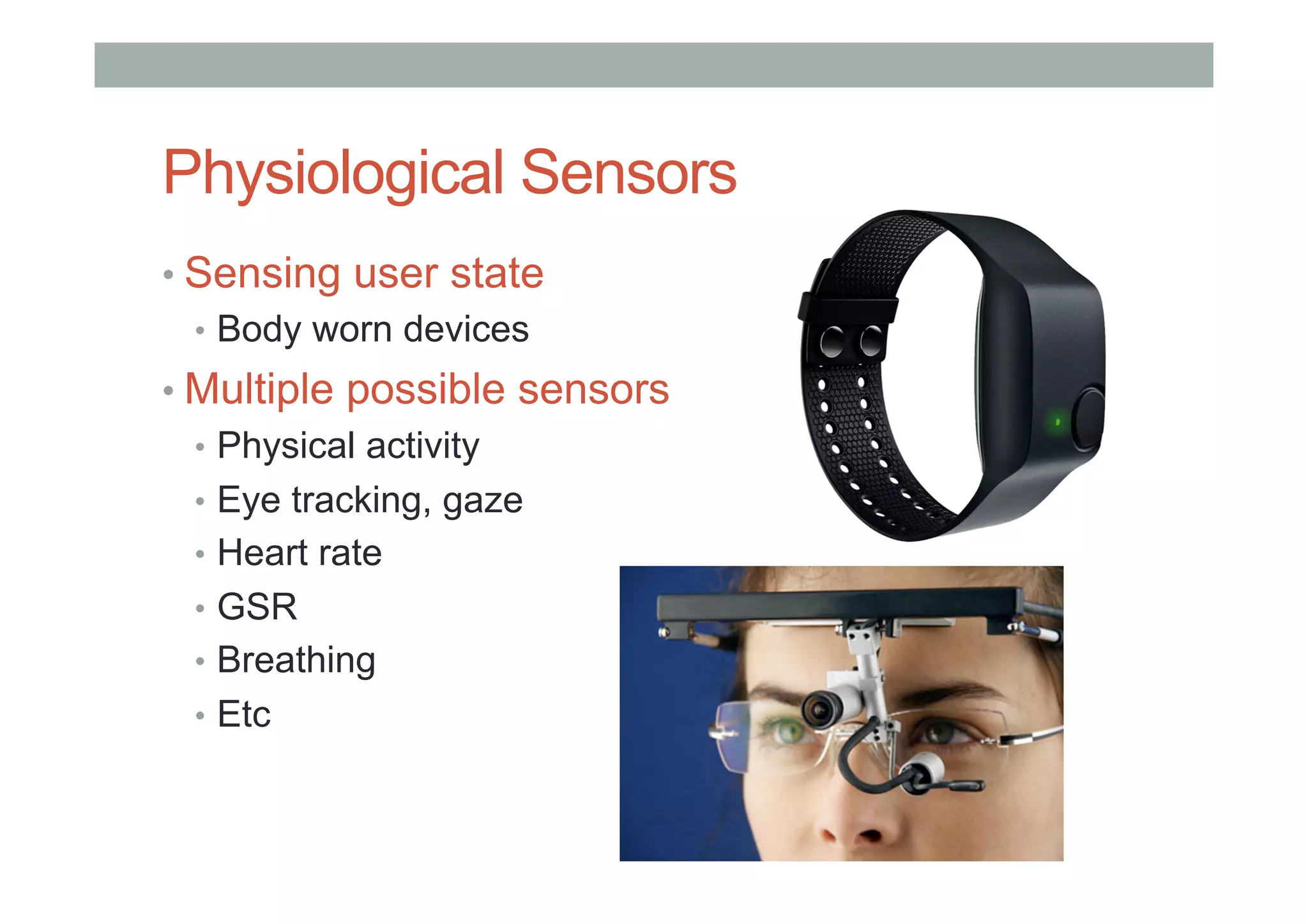
Physiological Sensors
• Sensing user state
•  Body worn devices
• Multiple possible sensors
•  Physical activity
•  Eye tracking, gaze
•  Heart rate
•  GSR
•  Breathing
•  Etc
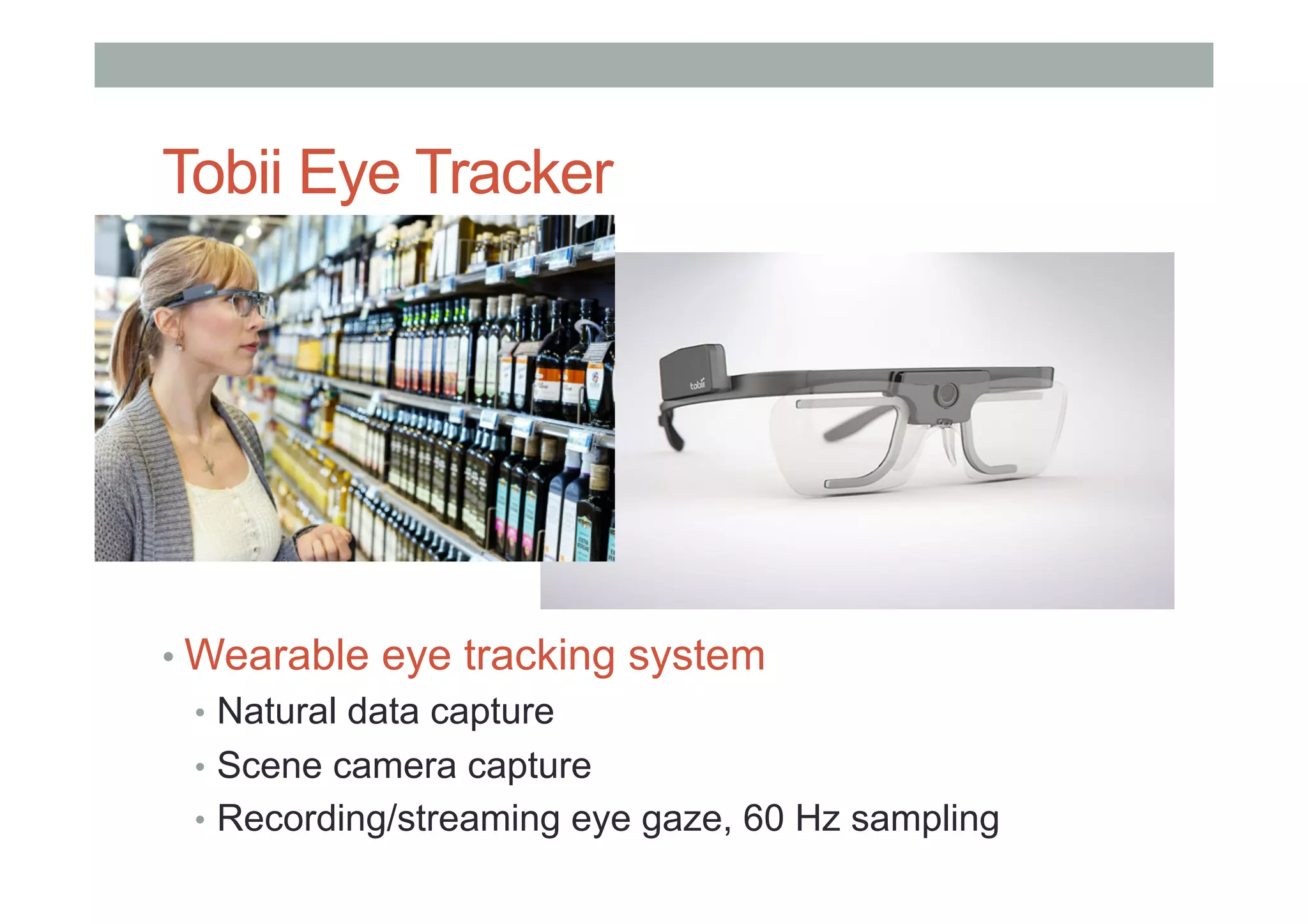
Tobii Eye Tracker
• Wearable eye tracking system
•  Natural data capture
•  Scene camera capture
•  Recording/streaming eye gaze, 60 Hz sampling
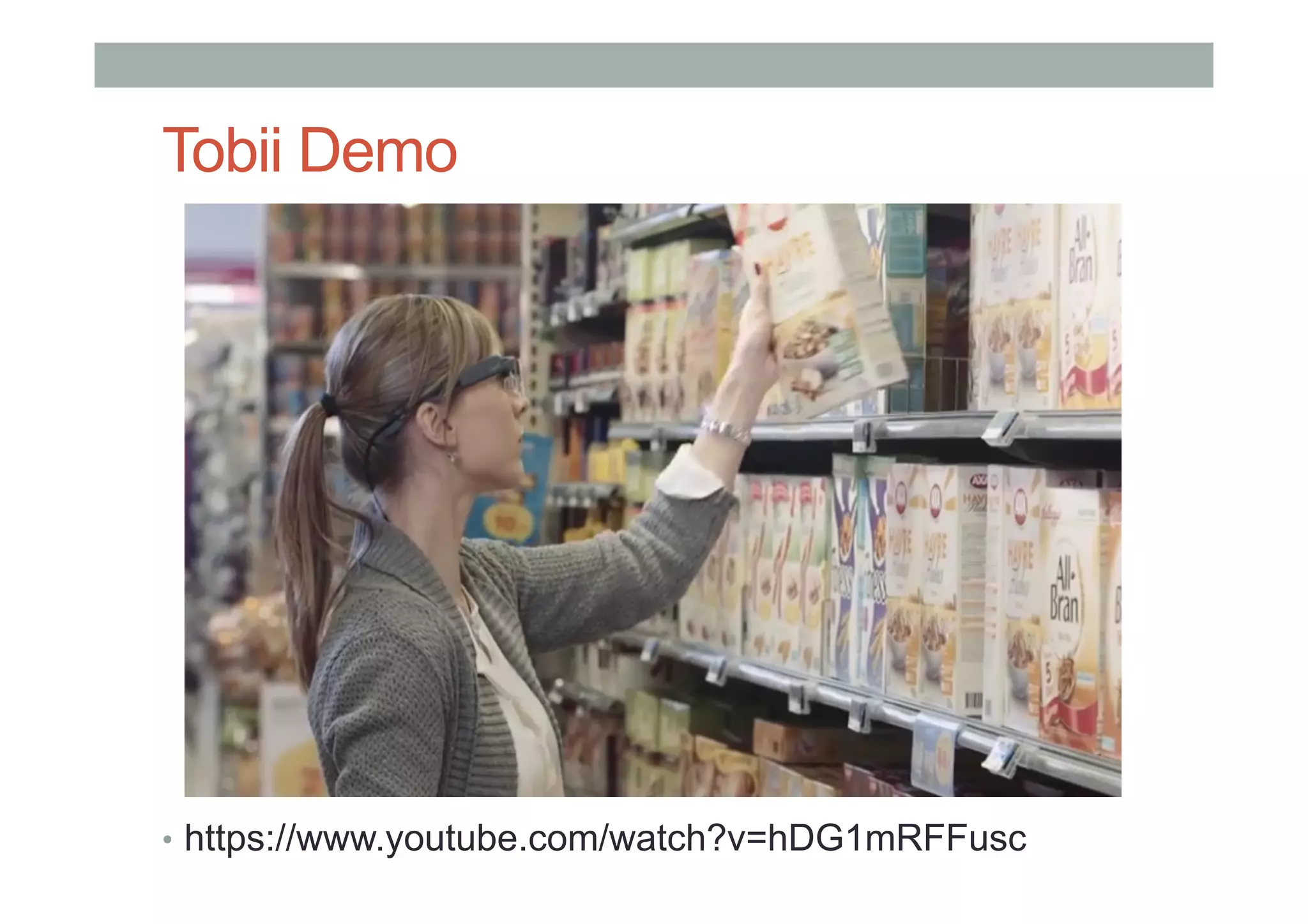
Tobii Demo
•  https://www.youtube.com/watch?v=hDG1mRFFusc
Research Problems
• User Interaction
•  Implicit vs. Explicit interaction
•  Measuring cognitive
• Social Acceptance
•  Privacy, social factors
• Novel Applications
•  Collaboration
•  Intelligent assistance
www.empathiccomputing.org
@marknb00
mark.billinghurst@unisa.edu.au

COMP 4026 Lecture4: Processing and Advanced Interface Technology